Free Positive Student Note Template & AI Progress Note Maker

A Positive Student Note, built with Template.net's AI-powered progress note builder, is a dated record authored after each educational session, listing student name, the date of the entry, and progress in task completion. It is commonly used for documenting achievements, behavior, participation, and follow-up by teachers, school counselors, educational teams, and academic support staff.

A Positive Student Note, built with Template.net's AI-powered progress note builder, is a dated record authored after each educational session, listing student name, the date of the entry, and progress in task completion. It is commonly used for documenting achievements, behavior, participation, and follow-up by teachers, school counselors, educational teams, and academic support staff.

How to Create a Positive Student Note for Free?

Creating a professional Positive Student Note is quick and straightforward.
  1. Customize a Free Template
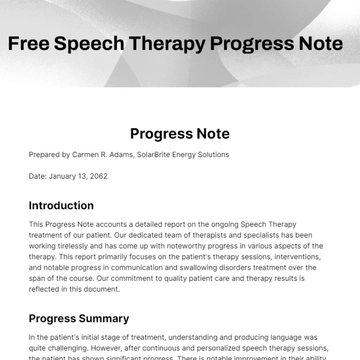
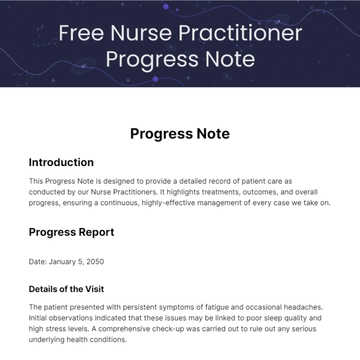
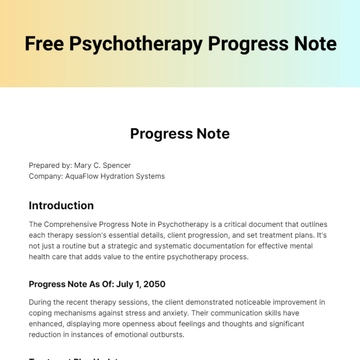
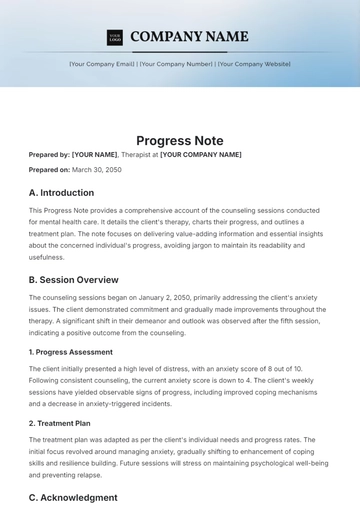
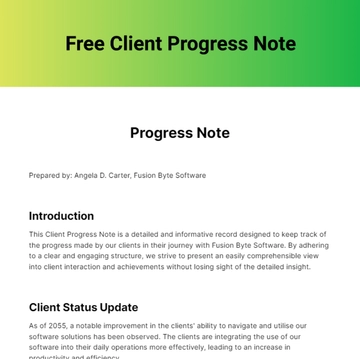
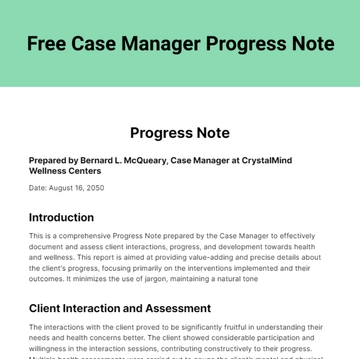
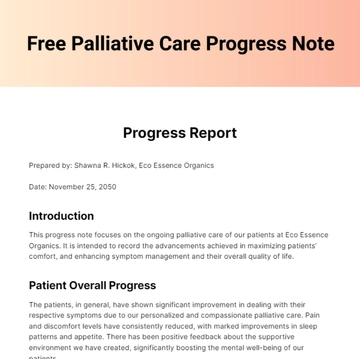
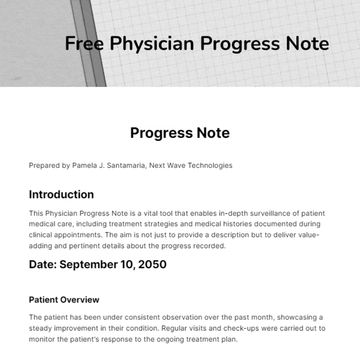
    Start with this free editable and printable Positive Student Note template and personalize it online for recording achievements, behavior observations, or participation tracking. (or )
  2. Generate an On-Brand Positive Student Note with AI
    Describe the session you completed or upload an existing student progress report or observation log, and AI will build the actual editable note with the student name and date of the entry drafted from your input, ready for review, correction, and signature.
  3. Edit in the HTML5 Editor
    Adjust identification fields like student name and date, update entries in the table columns for date, achievements & behavior, and signature, and edit the header banner with the school logo and title.
  4. Download a Printable PDF
    Download the completed note as a printable PDF to file in the student record, hand over at the end of the session, or keep a copy on file.

Positive Student Note Observations and How Each One Is Recorded

This template already lays out the student name and date fields, and a table with columns for date, achievements & behavior, and signature, and the list below sets out how each entry is actually recorded.
Document these observations the way each one is normally recorded — date of entry (noted in the date column), student task completion (described in prose in the achievements & behavior column), positive behavior observed (written as narrative in the achievements & behavior column), areas for improvement (noted with recommendations in prose), teacher's signature or initials (handwritten in the signature column), participation level (described narratively in the achievements & behavior column), interaction with peers (narrative description of social behavior), response to feedback (noted as a narrative on student reception to guidance), special accomplishments (brief remark of awards or recognition), homework or assignment status (marked in prose as completed or pending), attendance records (summarized within date or prose notes), emotional state (described as narrative observations), skills development (documenting milestones or progress in narrative), teacher comments (general remarks in prose), and follow-up actions (noted as planned next steps in the achievements & behavior column).

Free Positive Student Note Template & AI Progress Note Builder

By Template.net

Document Generator