Free New Product Requirements Document

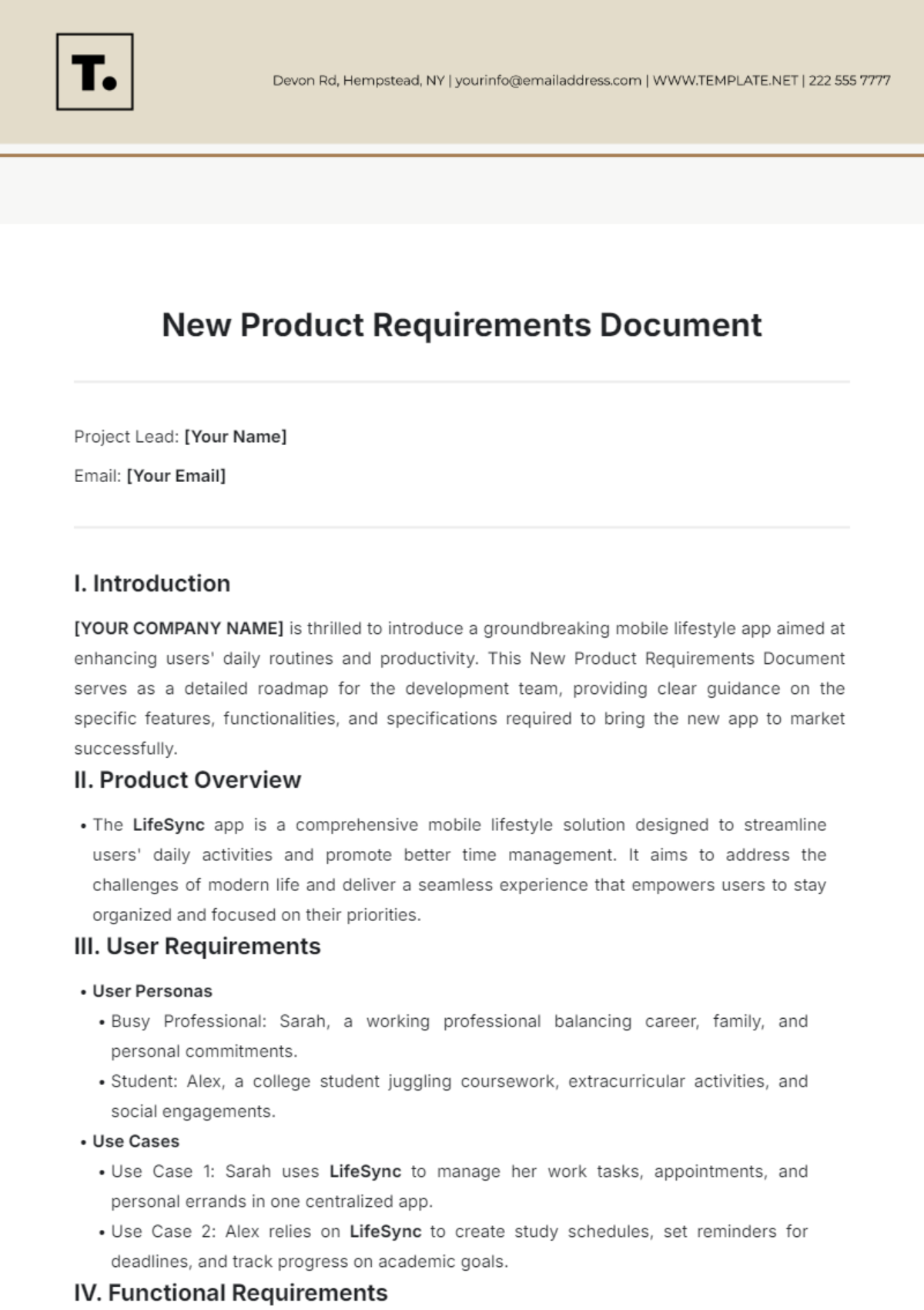
Project Lead: [Your Name]
Email: [Your Email]
I. Product Overview
The LifeSync app is a comprehensive mobile lifestyle solution designed to streamline users' daily activities and promote better time management. It aims to address the challenges of modern life and deliver a seamless experience that empowers users to stay organized and focused on their priorities.
II. User Requirements
User Personas
Busy Professional: Sarah, a working professional balancing career, family, and personal commitments.
Student: Alex, a college student juggling coursework, extracurricular activities, and social engagements.
Use Cases
Use Case 1: Sarah uses LifeSync to manage her work tasks, appointments, and personal errands in one centralized app.
Use Case 2: Alex relies on LifeSync to create study schedules, set reminders for deadlines, and track progress on academic goals.
III. Functional Requirements
Core Features
Task Management: Users can create, organize, and prioritize tasks with customizable categories and due dates.
Calendar Integration: Seamless integration with users' existing calendars to sync events and appointments.
Additional Features
Habit Tracking: Users can set goals, track habits, and receive motivational insights to improve productivity and well-being.
Collaboration Tools: Ability to share tasks and schedules with family members, colleagues, or study groups.
IV. Non-functional Requirements
Performance
The app must load quickly and respond smoothly, even when handling large volumes of data.
Reliability
The app should have robust error handling mechanisms and data backup functionality to ensure users' information is protected.
Security
End-to-end encryption of user data to safeguard privacy and comply with data protection regulations.
V. Technical Requirements
Platform Compatibility
Support for iOS and Android devices, with optimized performance across various screen sizes and resolutions.
Backend Infrastructure
Scalable cloud infrastructure to handle user growth and maintain service reliability.
API Integration
Integration with external services such as calendar APIs and task management platforms for enhanced functionality.
VI. User Interface / User Experience Design
UI/UX Guidelines
Clean and intuitive interface design with minimalistic visuals and intuitive navigation.
Personalization options to allow users to customize the app's appearance and layout according to their preferences.
VII. Dependencies
External Dependencies
Integration with third-party APIs for calendar synchronization and location-based services.
Collaboration with marketing partners for app promotion and user acquisition.
Internal Dependencies
Coordination with Design Team for UI/UX implementation and usability testing.
Support from Development Team for backend infrastructure setup and maintenance.
VIII. Assumptions and Constraints
Assumptions
Users have access to stable internet connectivity for real-time synchronization of data.
The app will be primarily used on smartphones and tablets running recent versions of iOS and Android.
Constraints
Budgetary Limitations: Development costs should align with the allocated budget for the project.
Time Constraints: The app must be ready for launch within the specified timeline to capitalize on market opportunities.
IX. Risks and Mitigation Strategies
Identified Risks
Risk 1: Technical issues during app development could lead to delays in the launch schedule.
Risk 2: Privacy concerns among users may affect adoption rates and app retention.
Mitigation Strategies
Strategy 1: Implement an agile development approach with frequent testing and feedback loops to address technical challenges promptly.
Strategy 2: Prioritize user privacy and data security by adhering to industry best practices and obtaining necessary certifications or compliance standards.
X. Glossary
Terms
Habit Tracking: The process of monitoring and recording behaviors or activities to promote positive habits and behavior change.
API: Application Programming Interface, a set of protocols and tools for building software applications and integrating different systems.
- 100% Customizable, free editor
- Access 1 Million+ Templates, photo’s & graphics
- Download or share as a template
- Click and replace photos, graphics, text, backgrounds
- Resize, crop, AI write & more
- Access advanced editor
Introducing the New Product Requirements Document Template, created by Template.net. Designed to meet the dynamic needs of modern businesses, this template is fully customizable to suit your unique project requirements. Download and print with ease, ensuring seamless project execution from start to finish. With our AI Editor Tool, editing is a breeze, empowering you to drive innovation effortlessly.