Free Software Development User Story

User Persona
The target users for this feature are tech-savvy professionals who rely heavily on software dashboards for daily work activities. They value efficiency, personalization, and seamless user interfaces.
User Requirements
Functional Requirements
Users must be able to add and remove widgets from the dashboard.
Users should have the ability to rearrange widgets using drag-and-drop functionality.
Users need the option to resize widgets to fit their screen space optimally.
There should be a selection of pre-designed widget themes to choose from.
Non-Functional Requirements
The dashboard should load customized settings within two seconds.
Widget customization should be intuitive and user-friendly.
All personalization settings must be saved and applied automatically during login.
Acceptance Criteria
Criteria | Detail |
|---|---|
Widget Addition/Removal | Users can add/remove widgets, and changes reflect instantly on the dashboard. |
Drag-and-Drop | Widgets can be rearranged effortlessly via drag-and-drop, maintaining widget state and data. |
Widget Resizing | Users can resize widgets by dragging corners, with automatic content adjustment for the new size. |
Theme Selection | A minimum of five themes is available, and theme changes apply instantly to all widgets. |
Benefits
Enhanced productivity through a tailored dashboard experience.
Increased user satisfaction due to the ability to customize appearance and layout.
Reduced time navigating and interacting with unnecessary features and information.
Technical Considerations
Implementation will require updates to the dashboard UI/UX design to incorporate customization features. Additionally, backend support for saving and retrieving user-specific widget configurations will be necessary. Cross-browser compatibility and responsive design must be maintained throughout development.
Conclusion
Introducing customizable widgets to the user's dashboard will significantly enhance the application’s effectiveness and user satisfaction by allowing individuals to tailor their work interface to better suit their needs.
- 100% Customizable, free editor
- Access 1 Million+ Templates, photo’s & graphics
- Download or share as a template
- Click and replace photos, graphics, text, backgrounds
- Resize, crop, AI write & more
- Access advanced editor
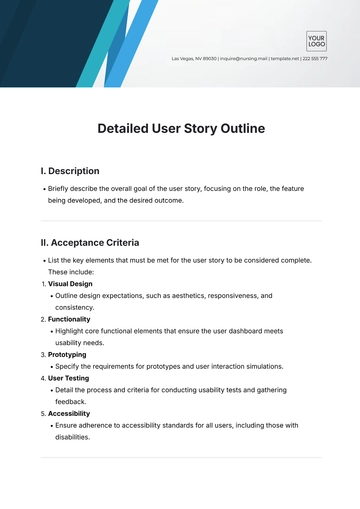
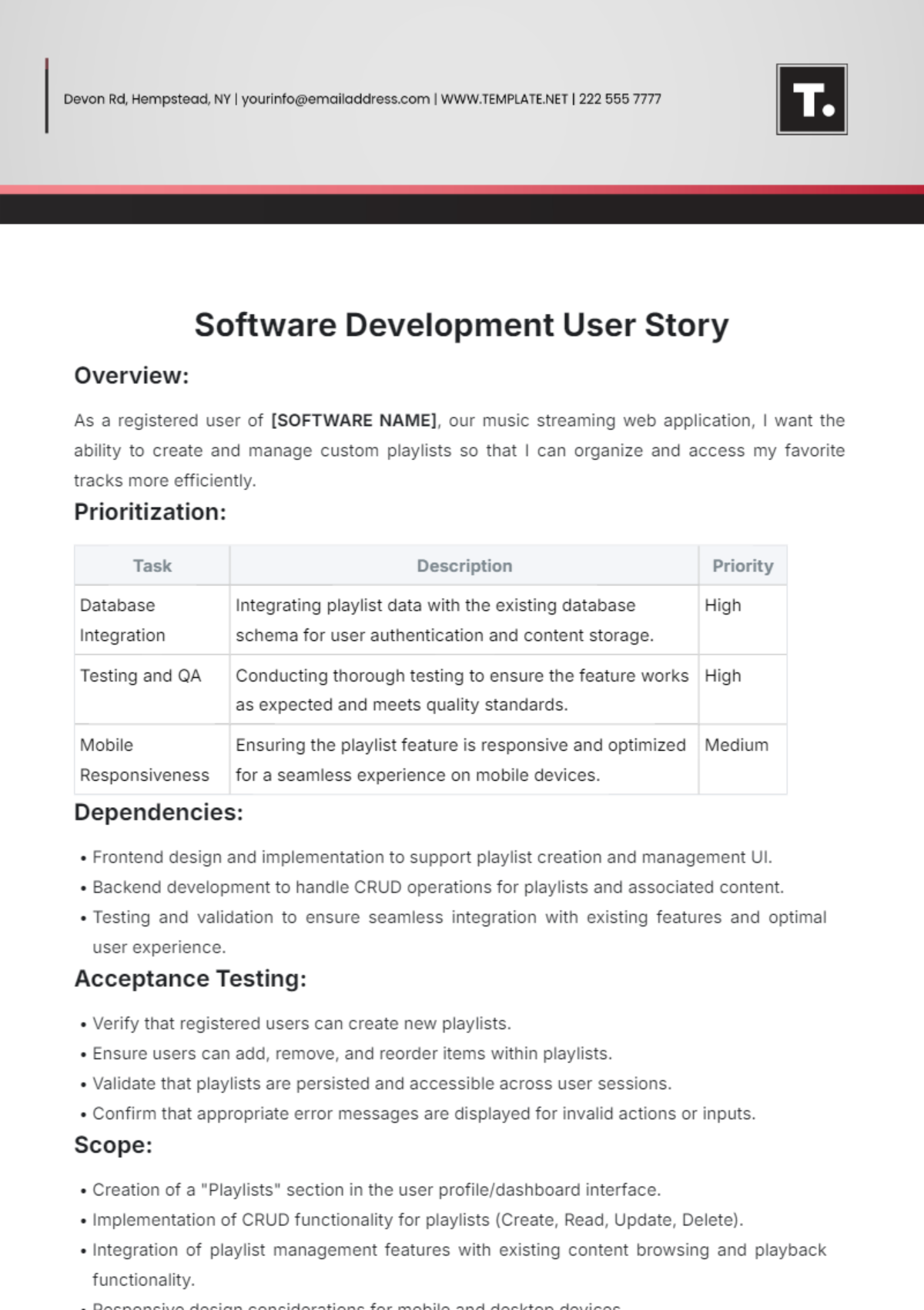
Maximize your software development efficiency with our Software Development User Story Template from Template.net. Crafted to meet industry standards, this customizable and editable template streamlines your workflow. With our intuitive AI Editor Tool, create user stories effortlessly. Optimize your development process and deliver exceptional results. Experience seamless project management with our user-friendly template.