Free AI Blueprint Generator

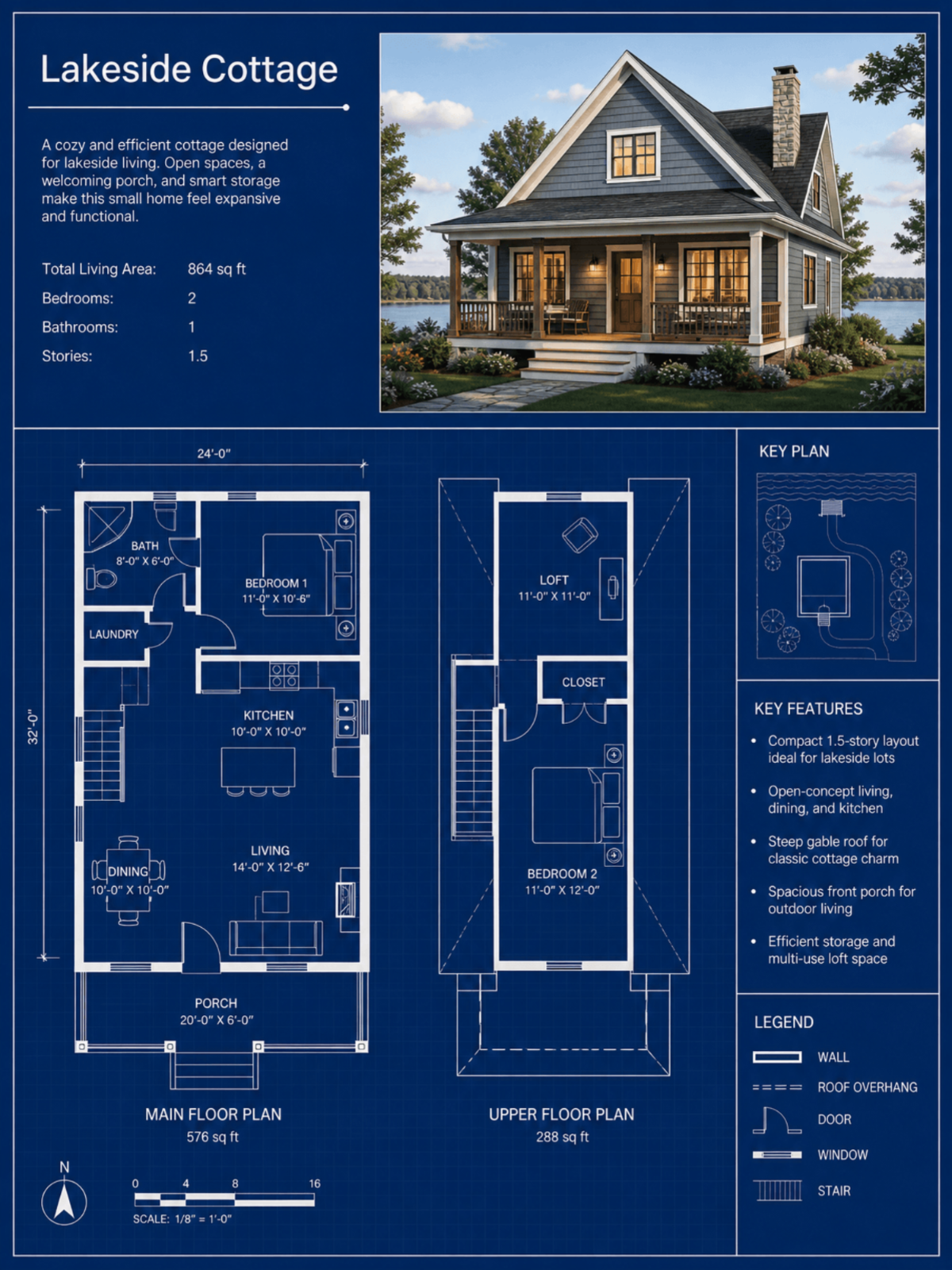
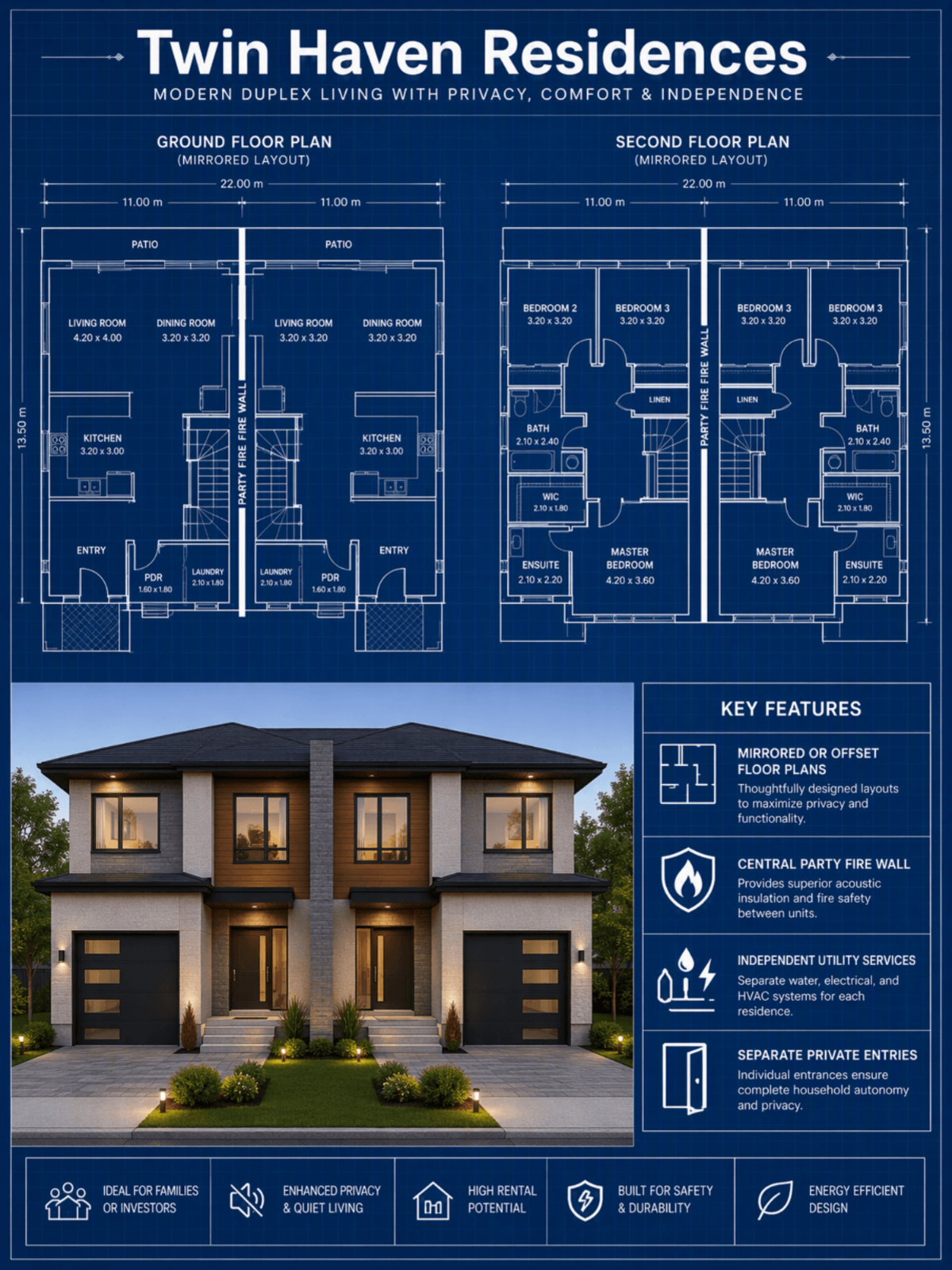
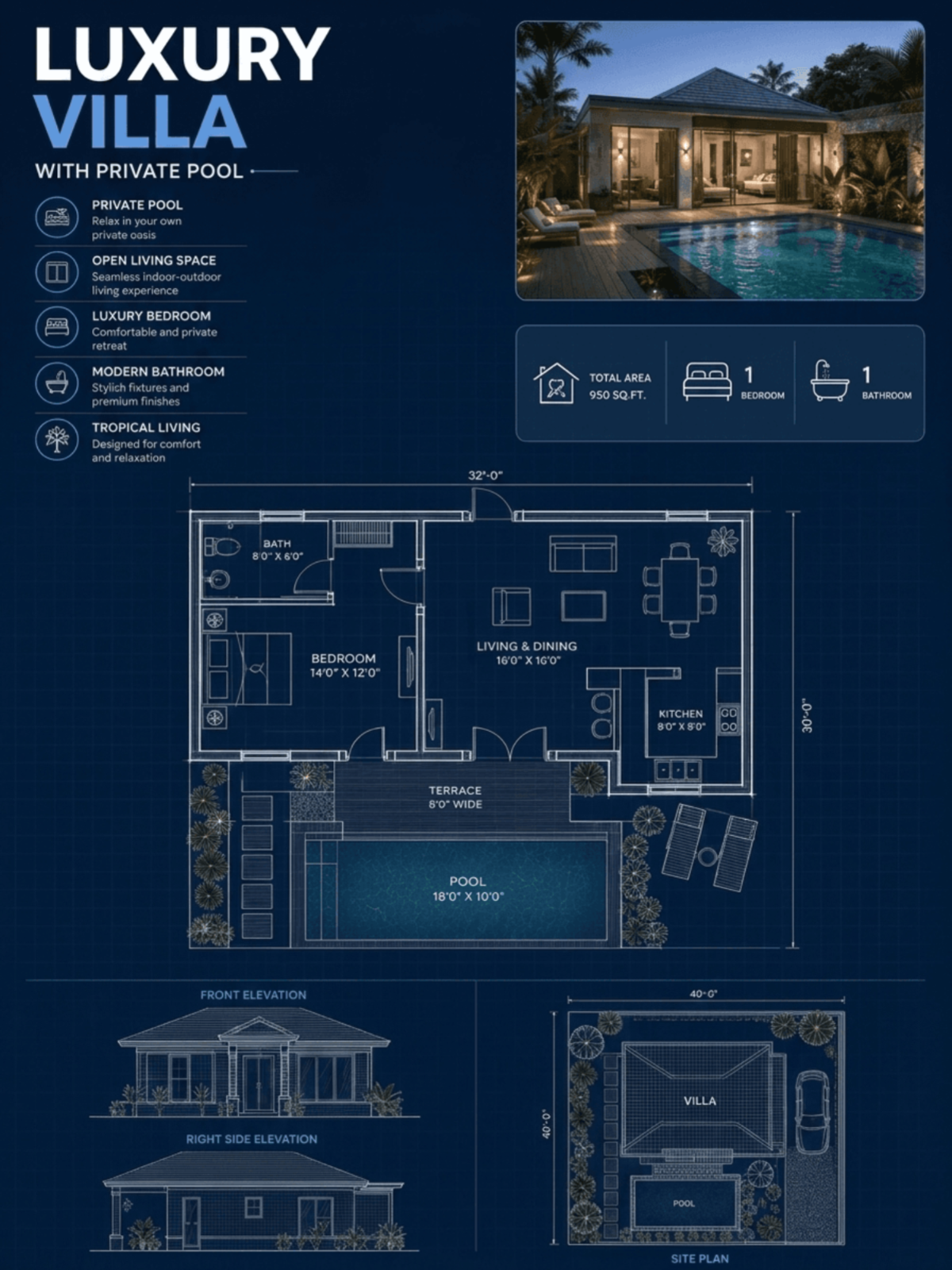
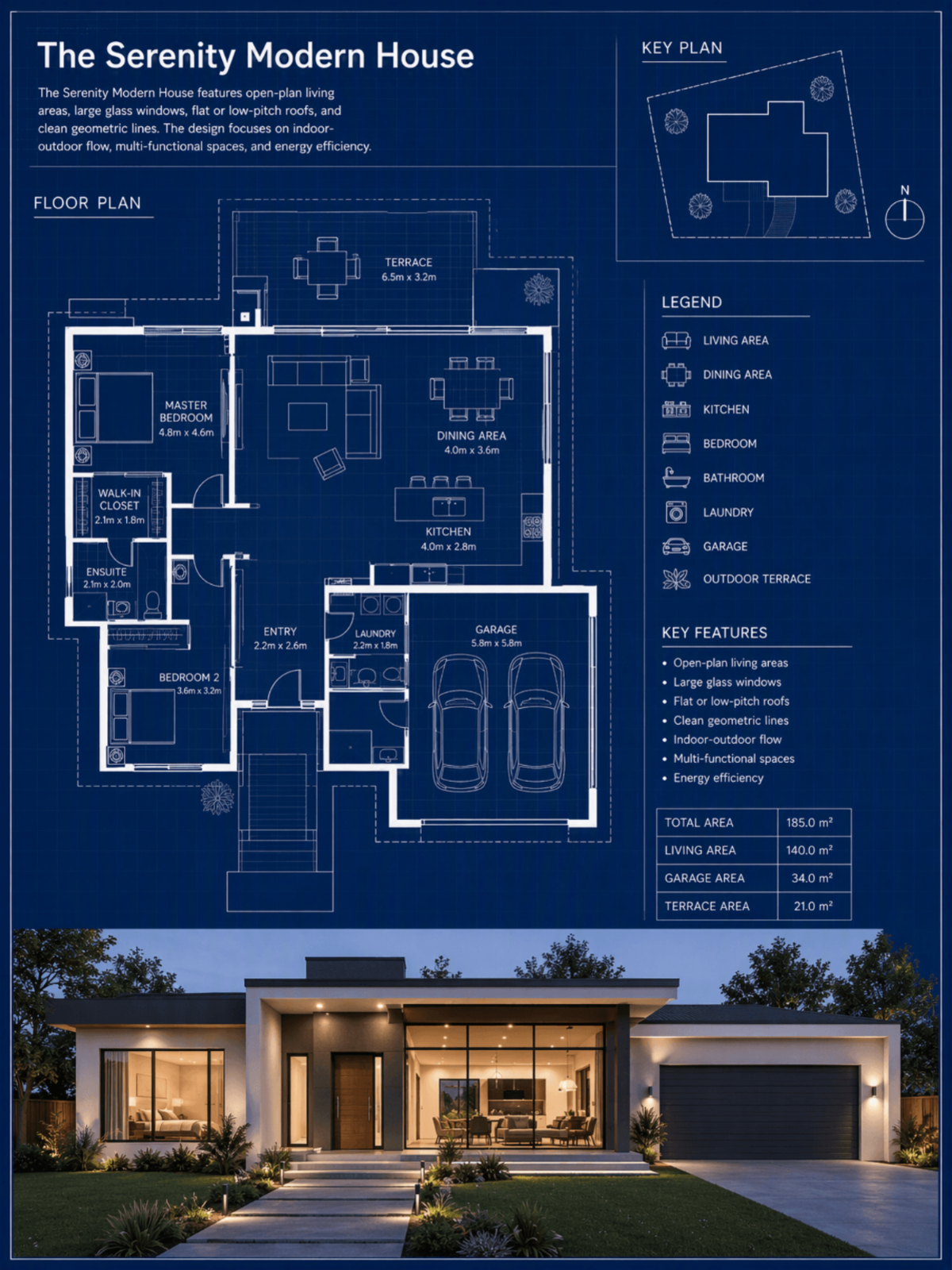
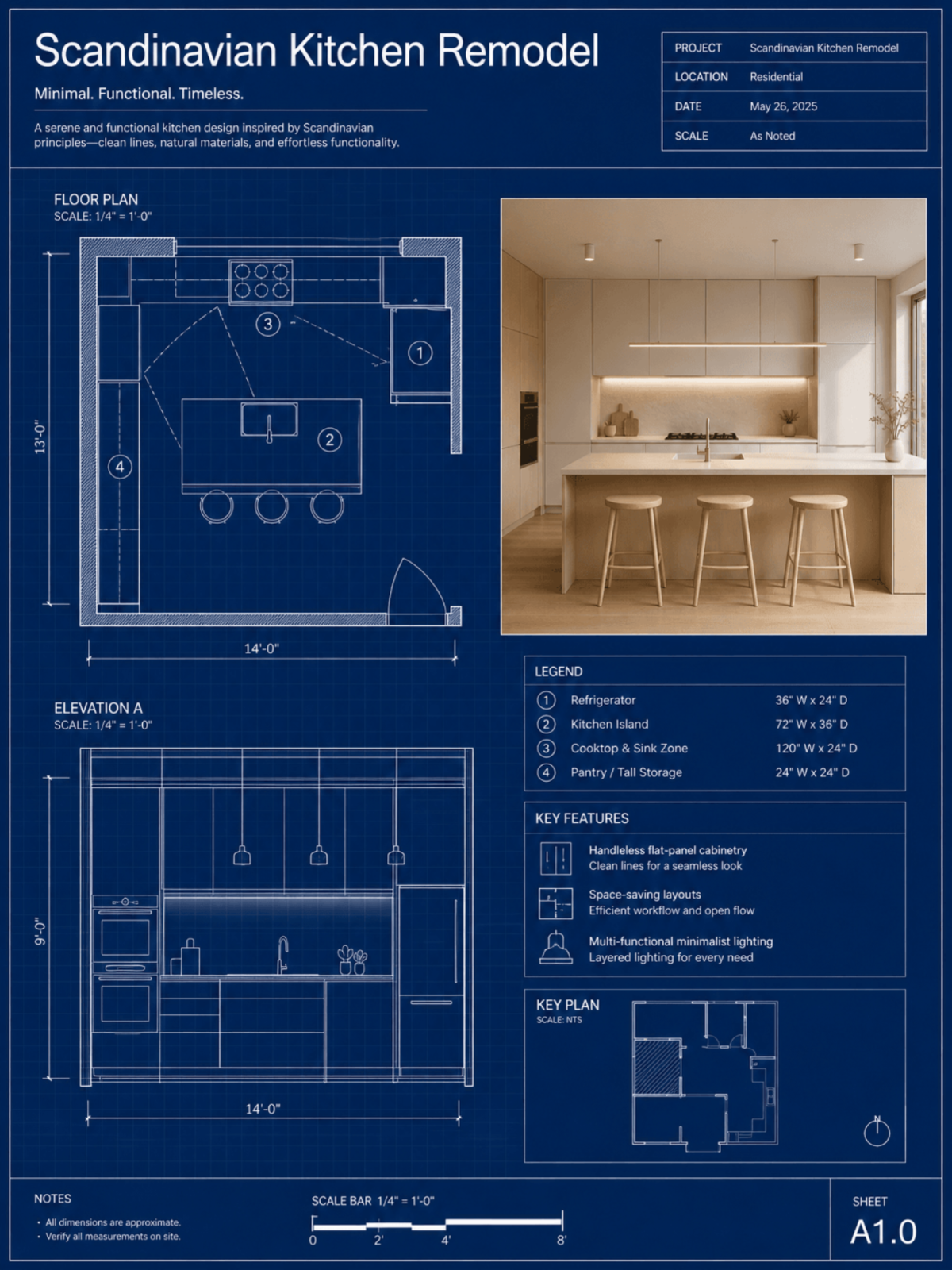
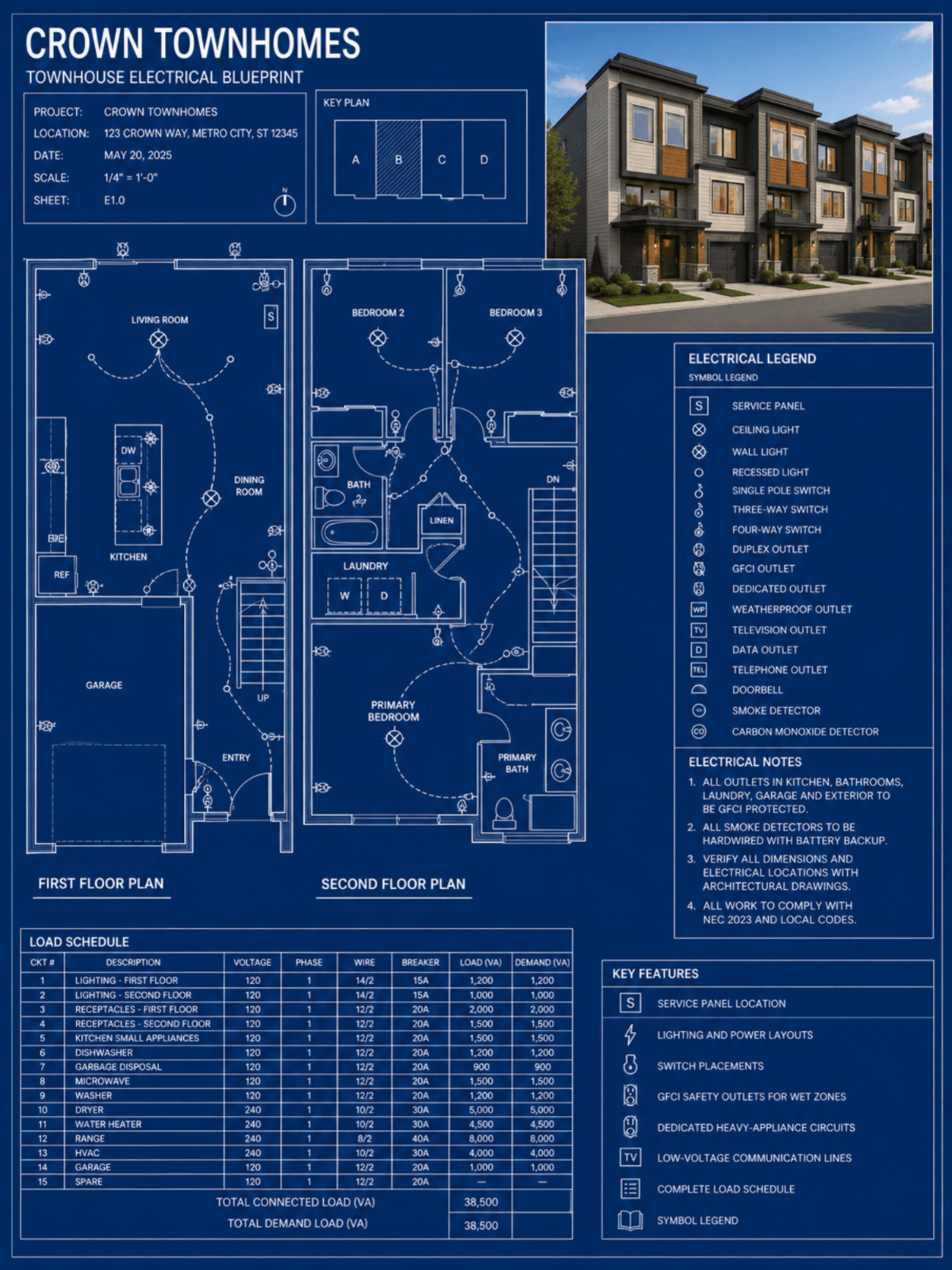
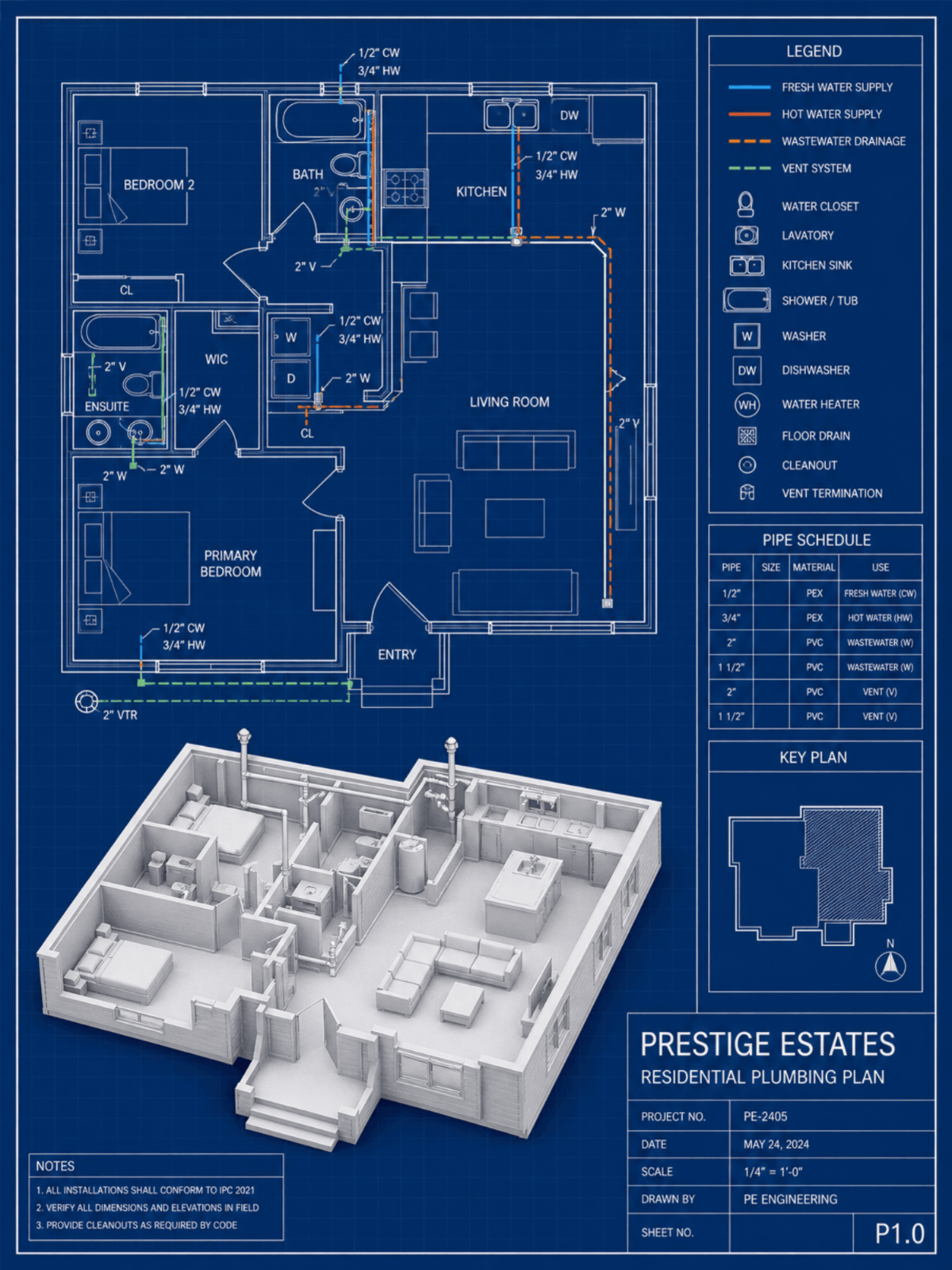
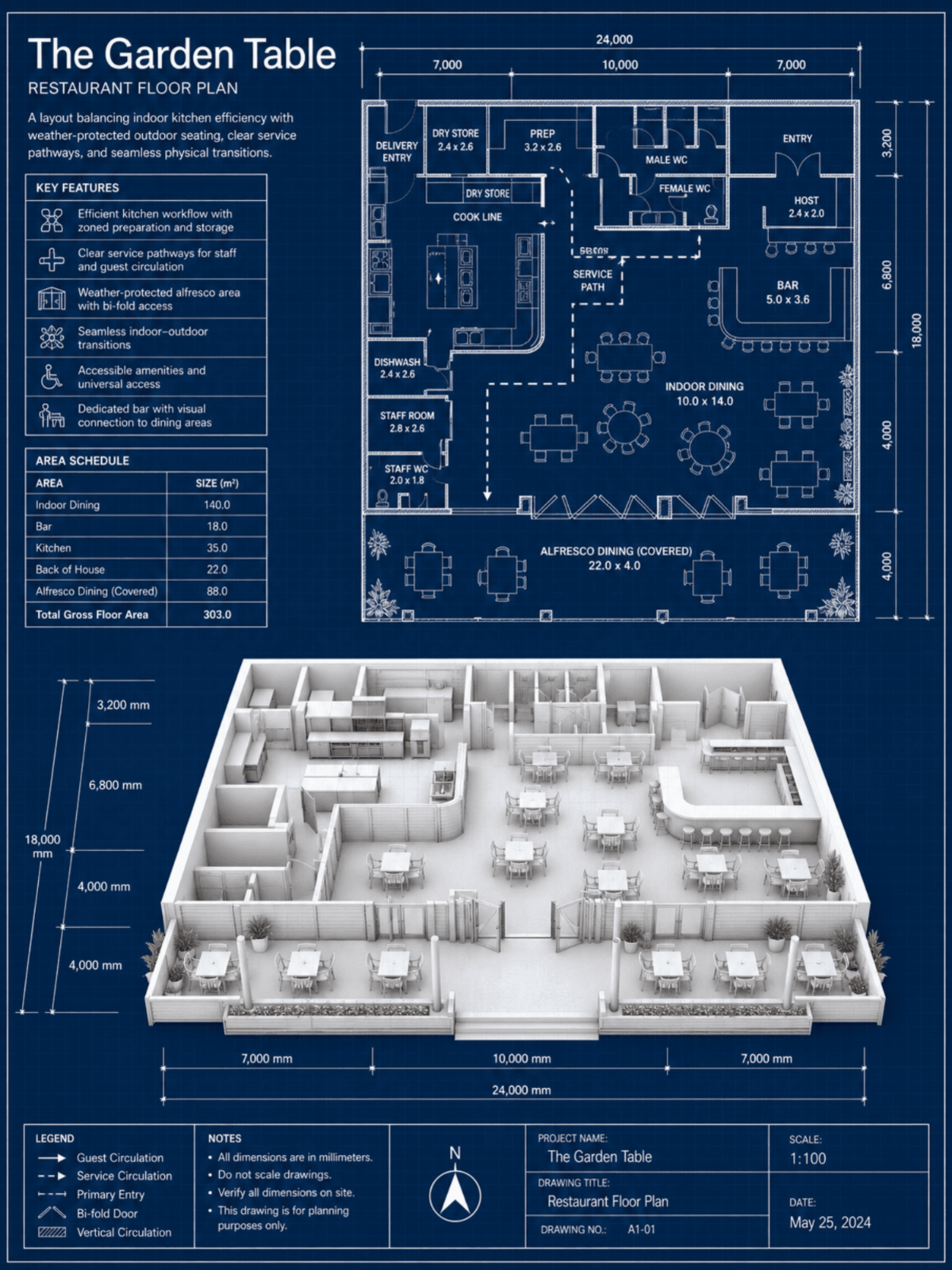
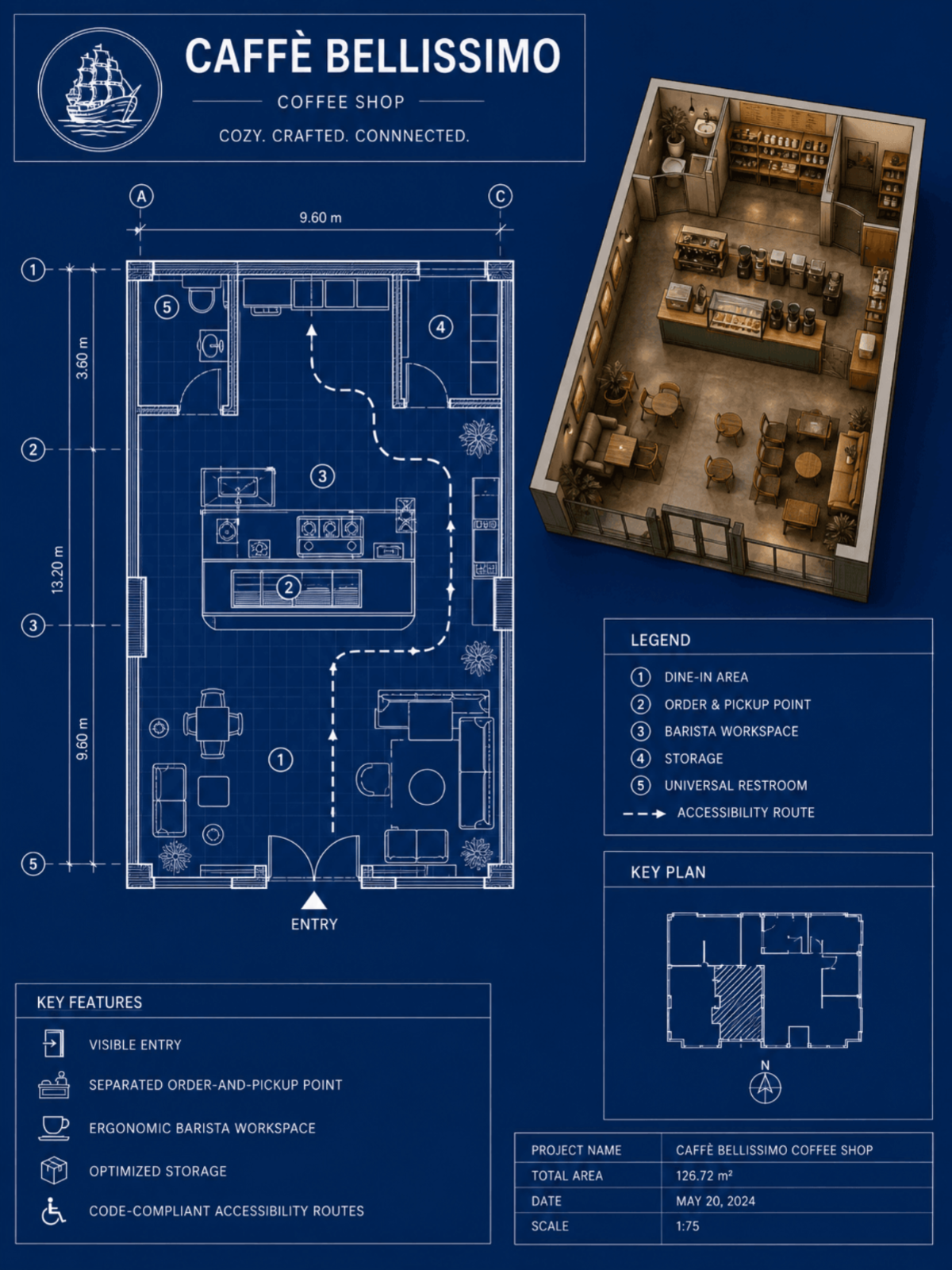
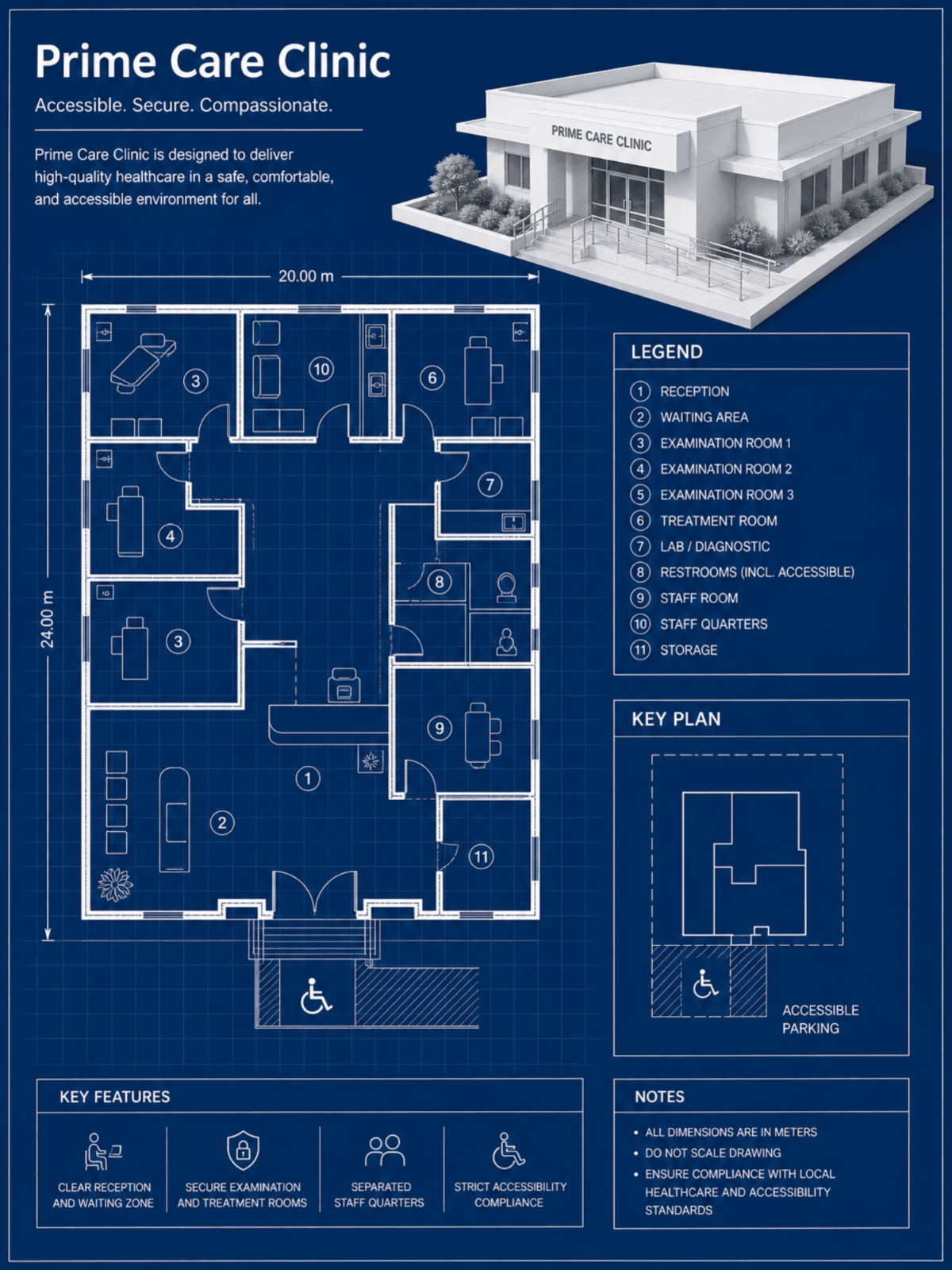
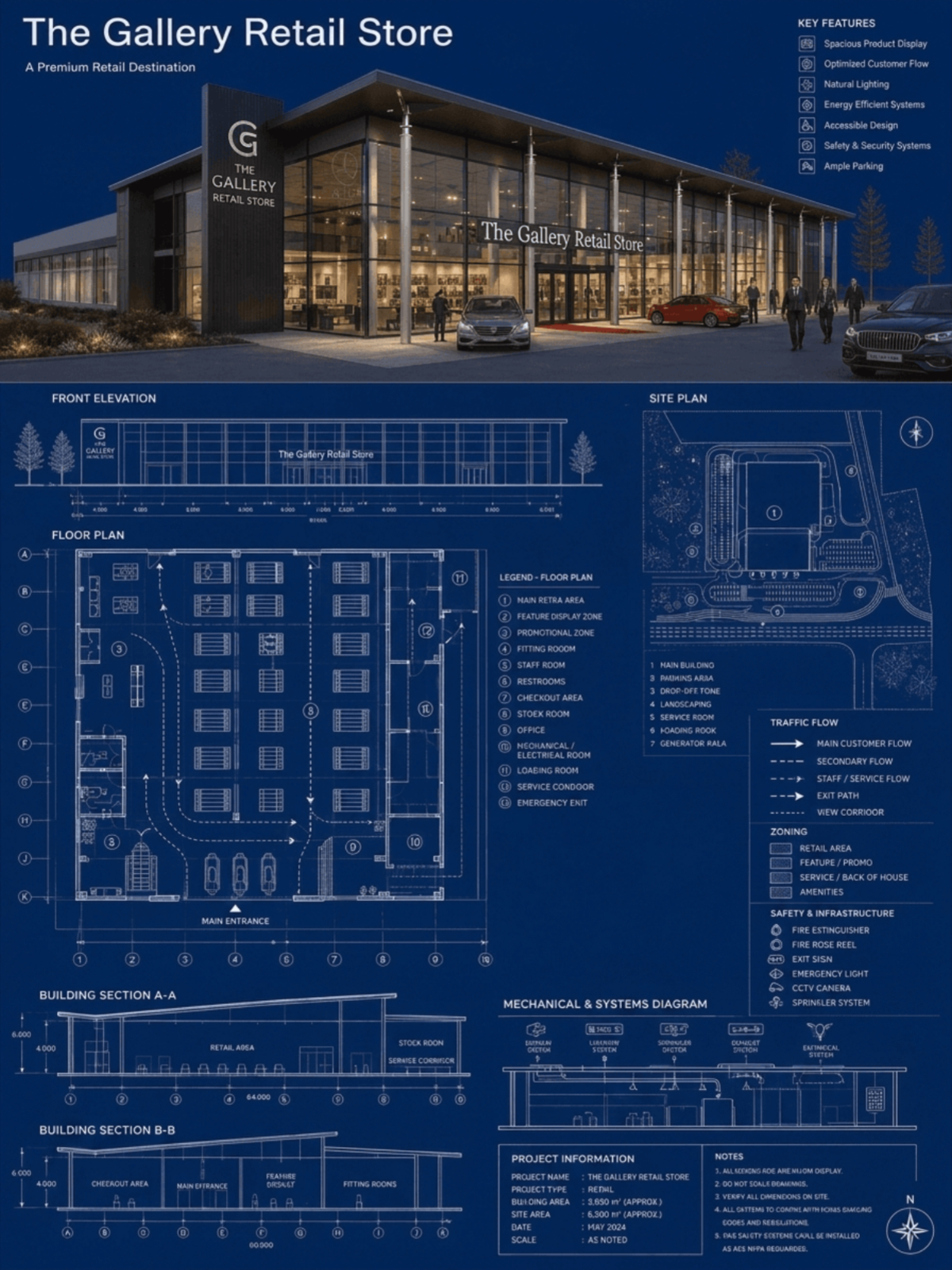
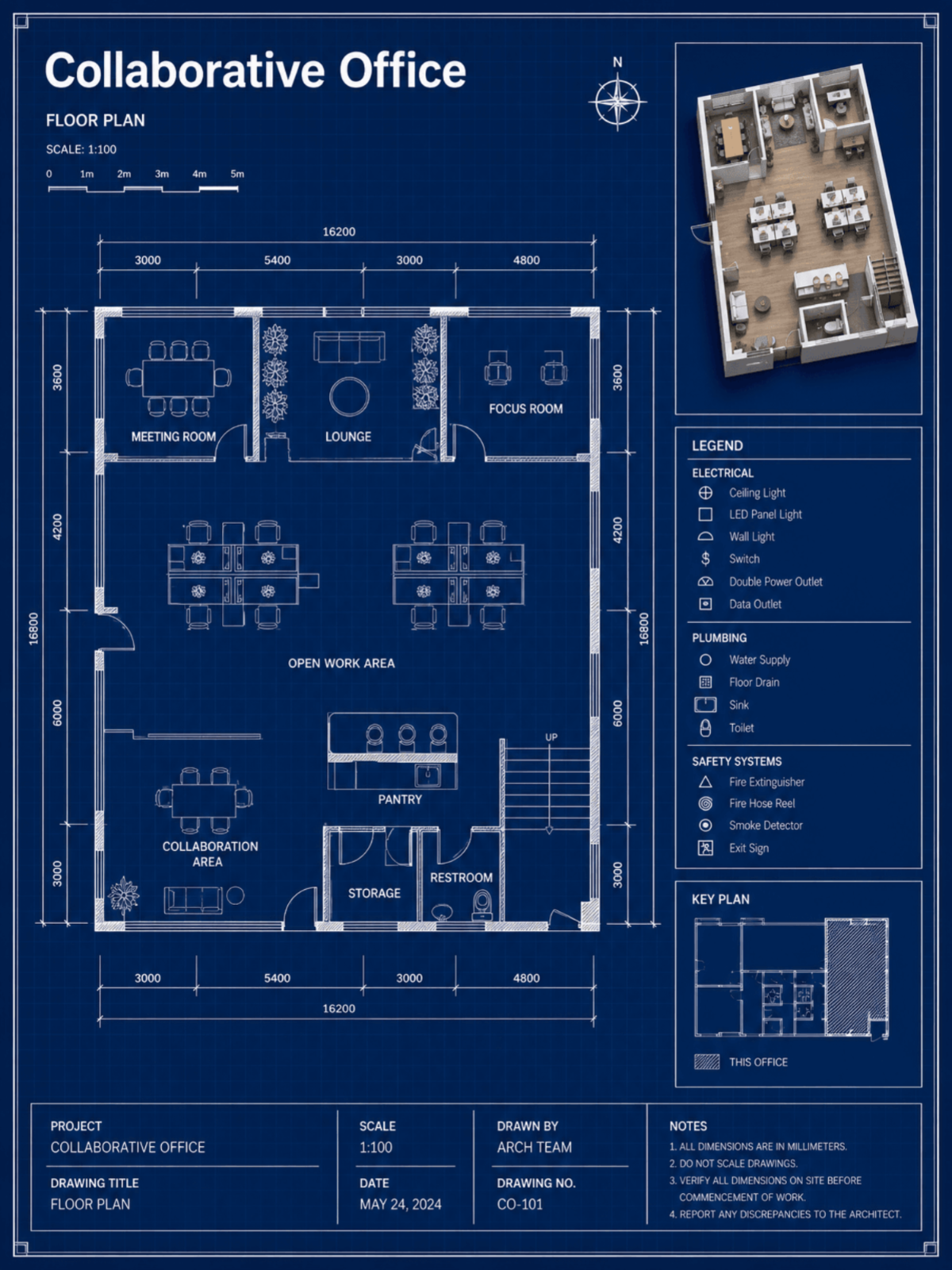
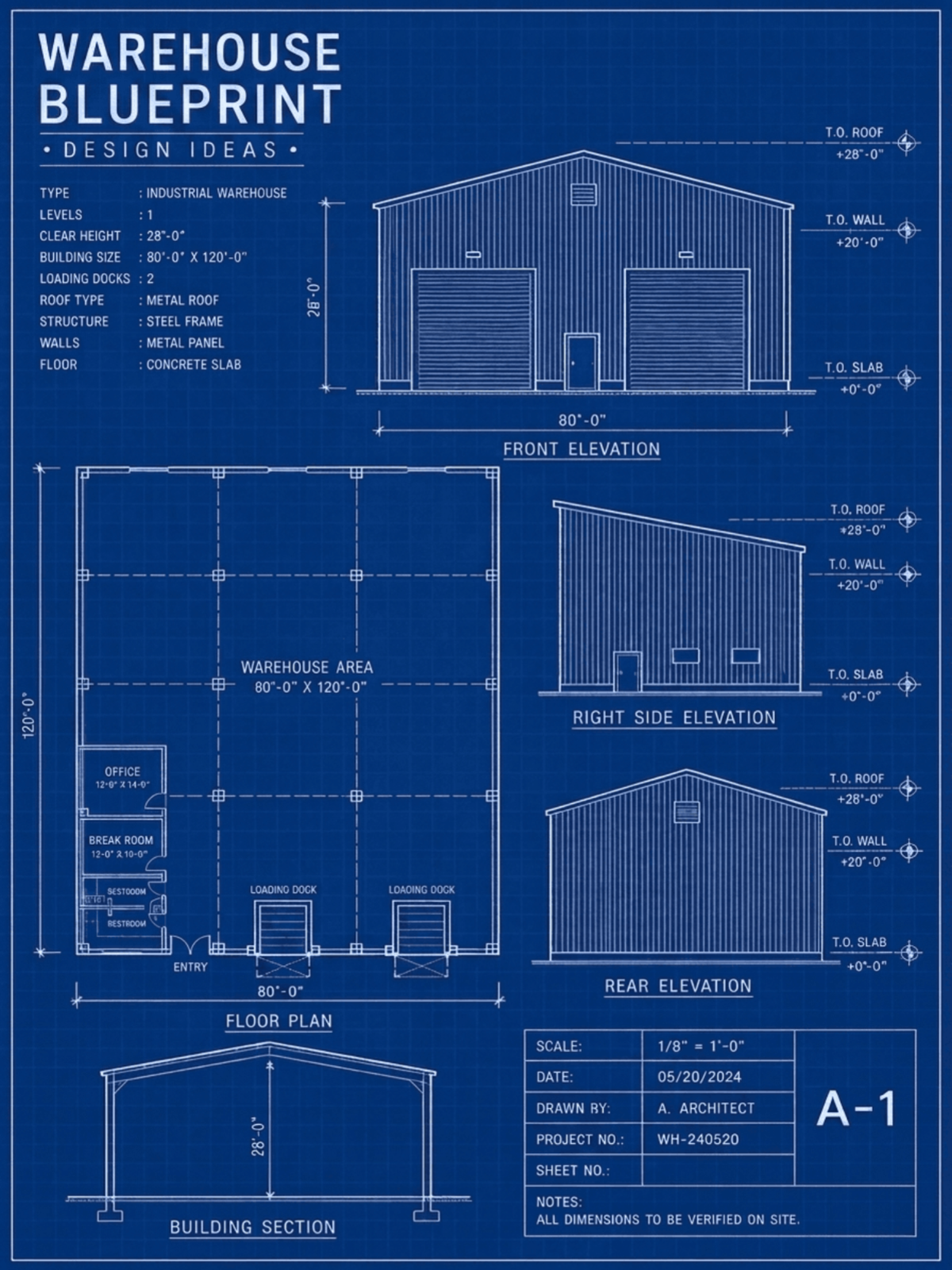
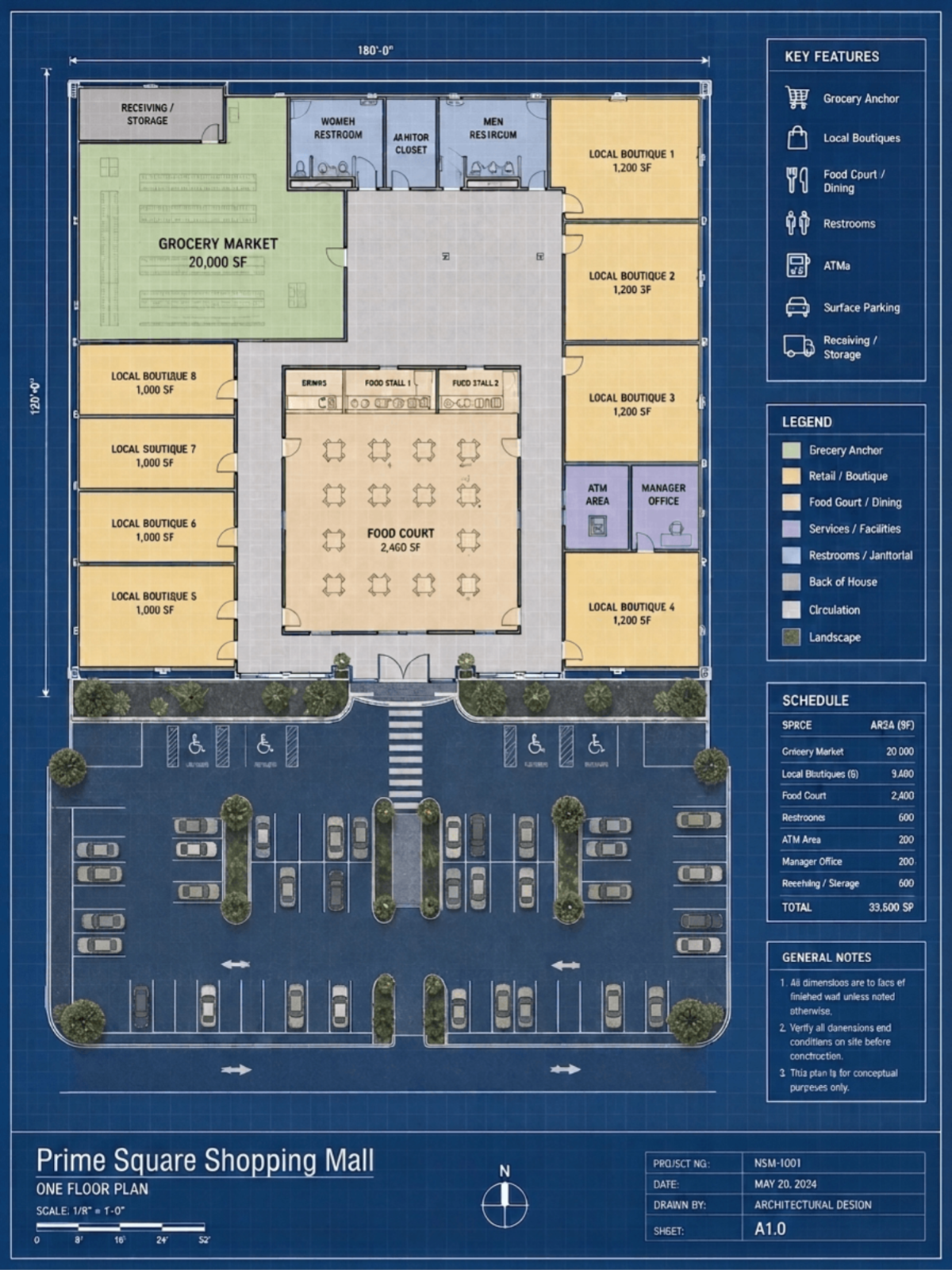
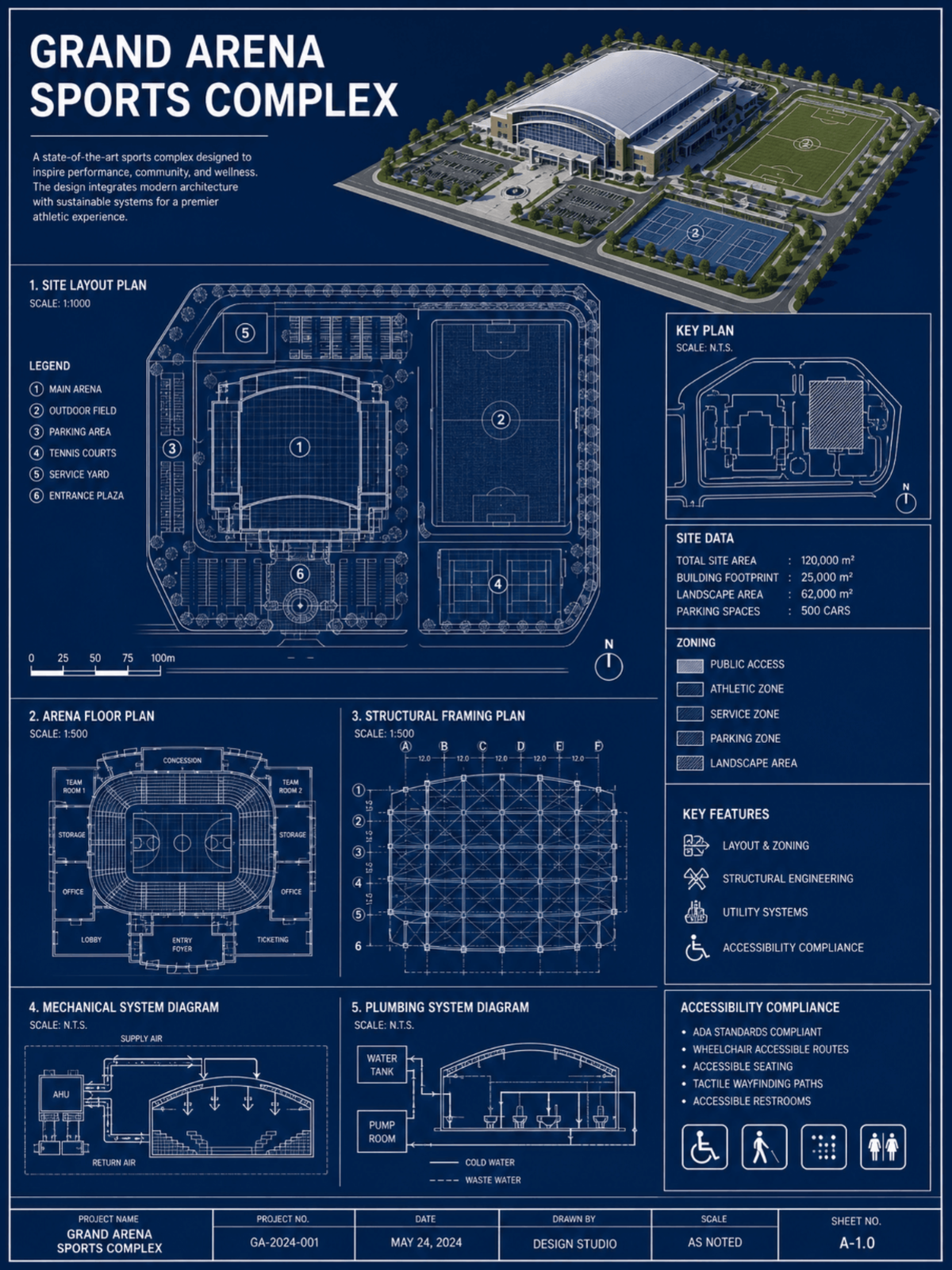
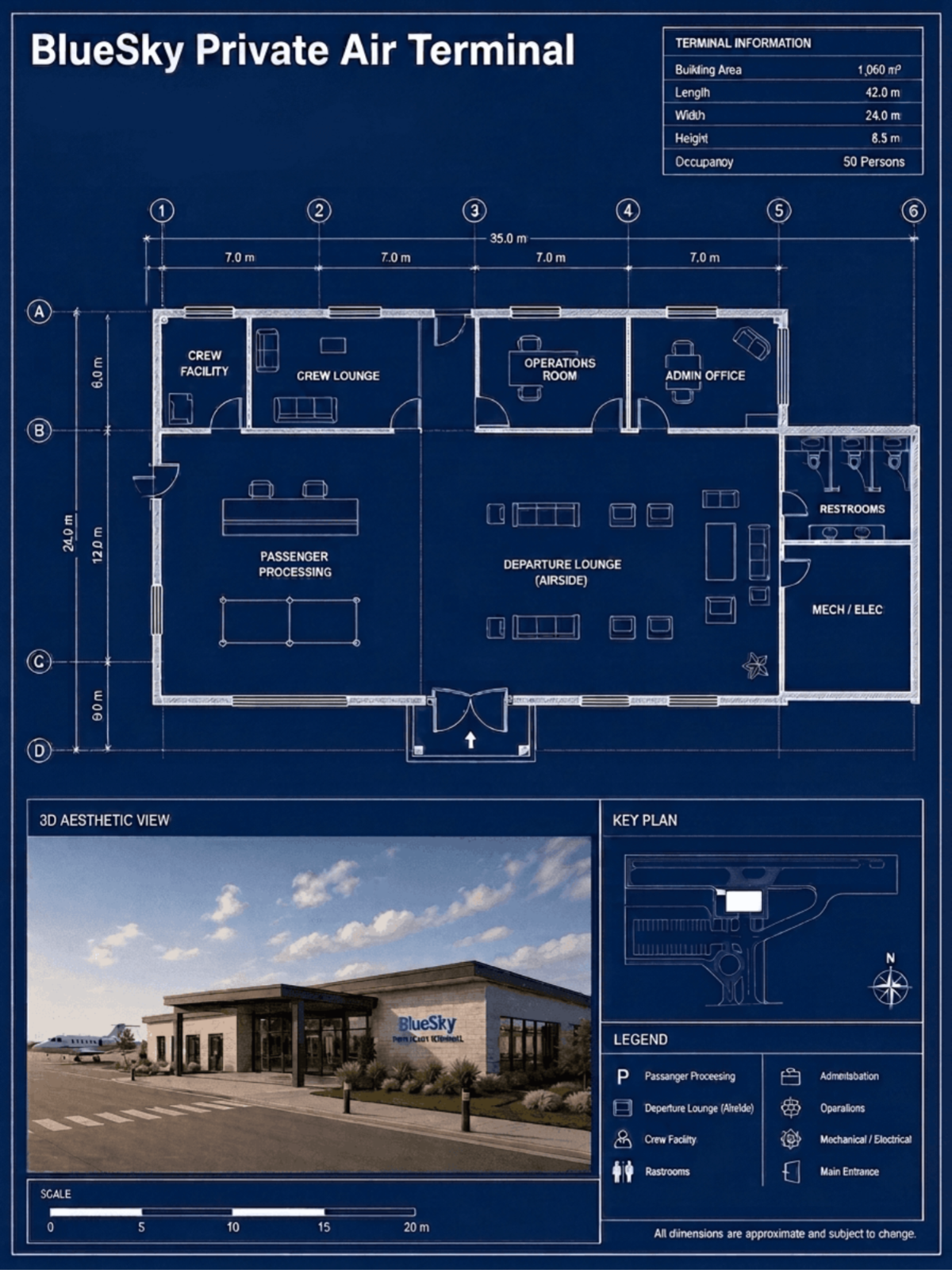
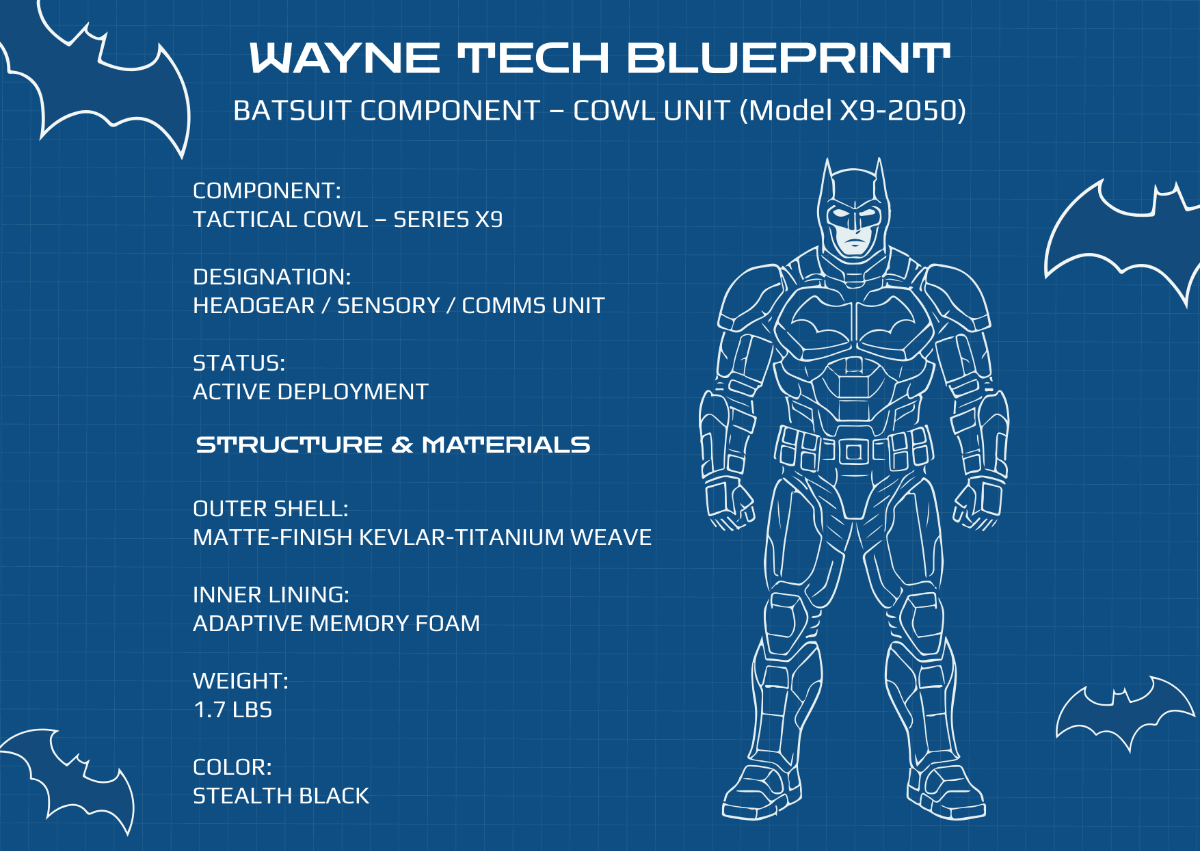



Create Blueprint Designs Online with Smart AI Powered Generator
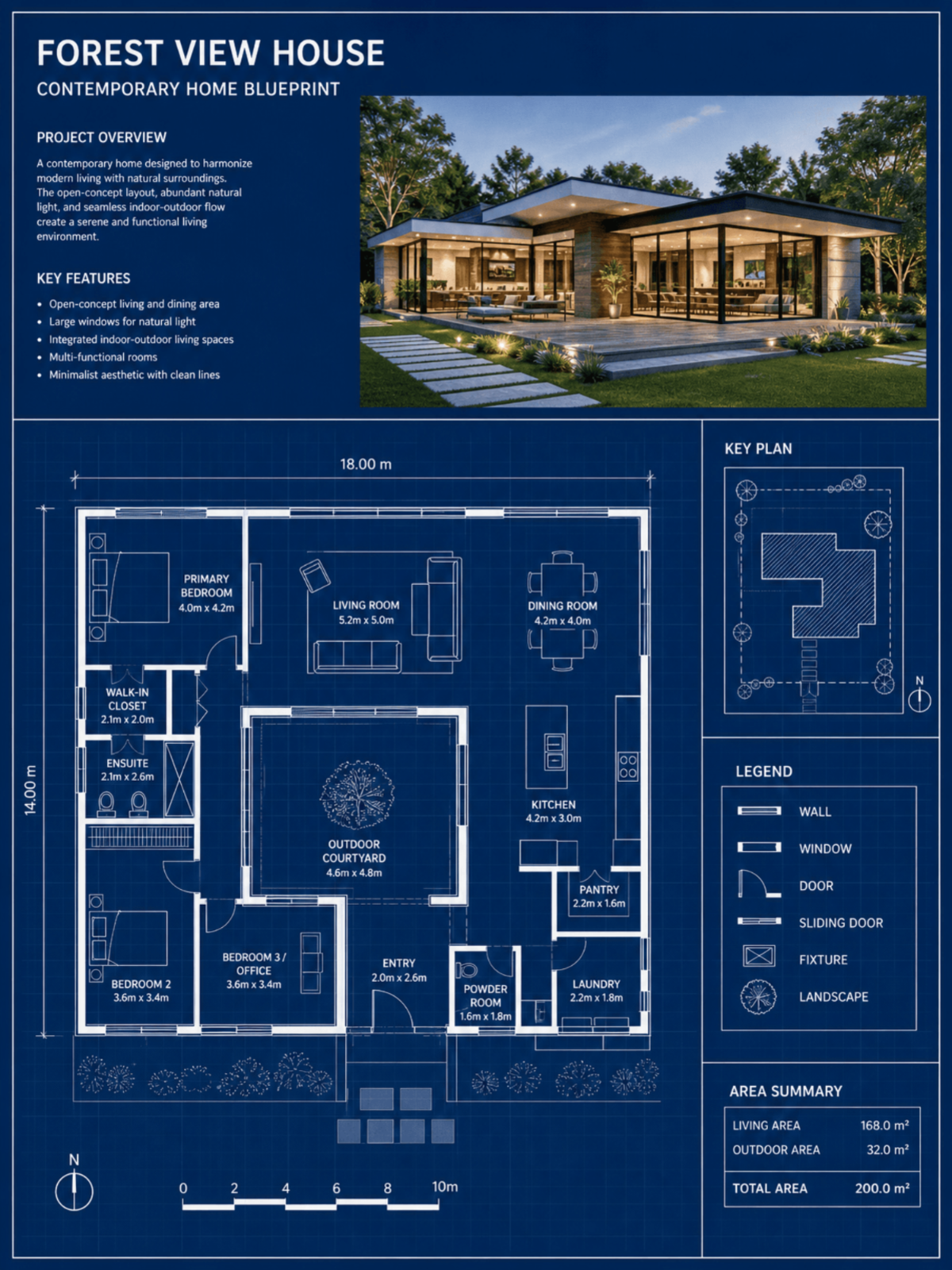
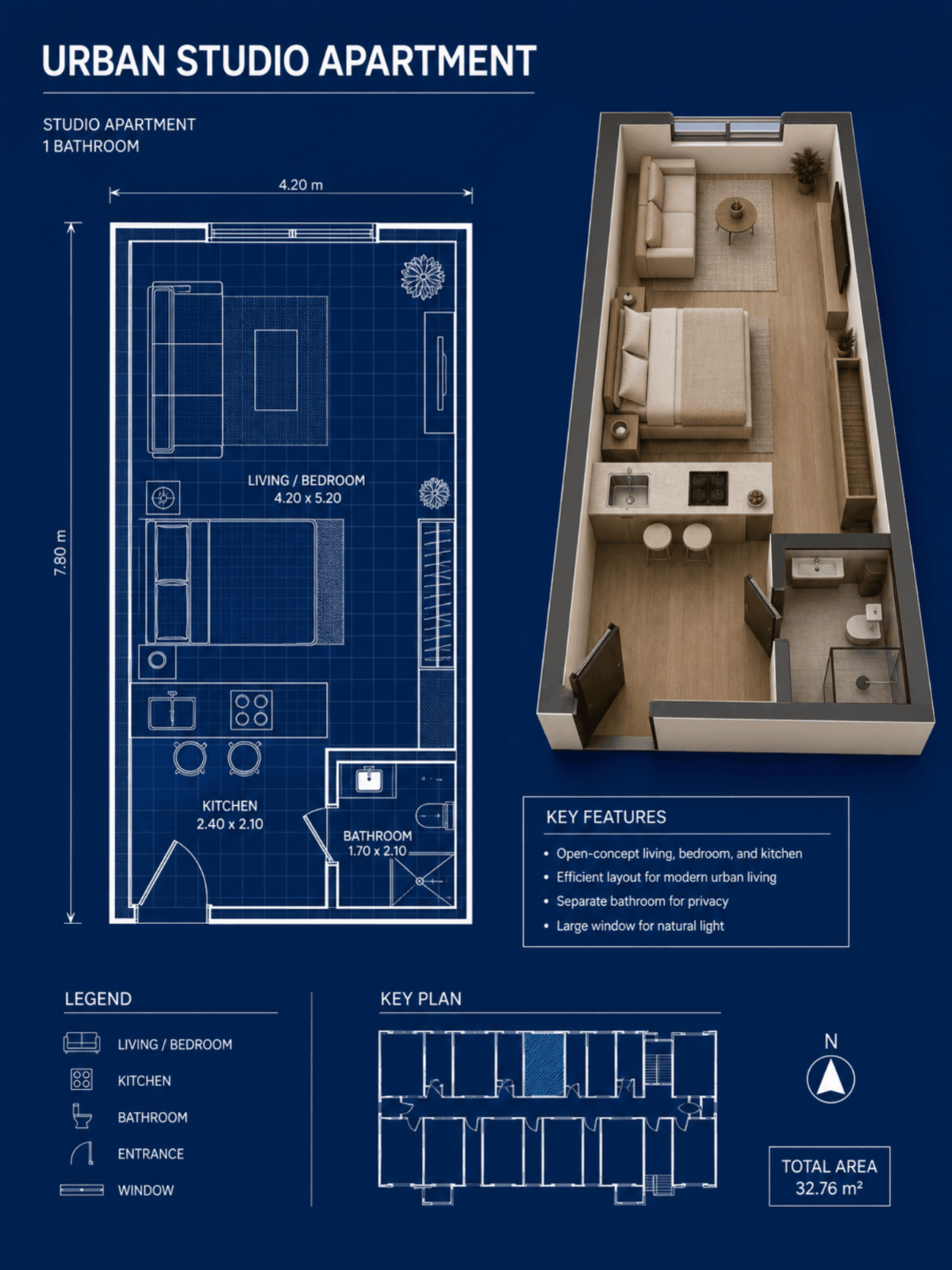
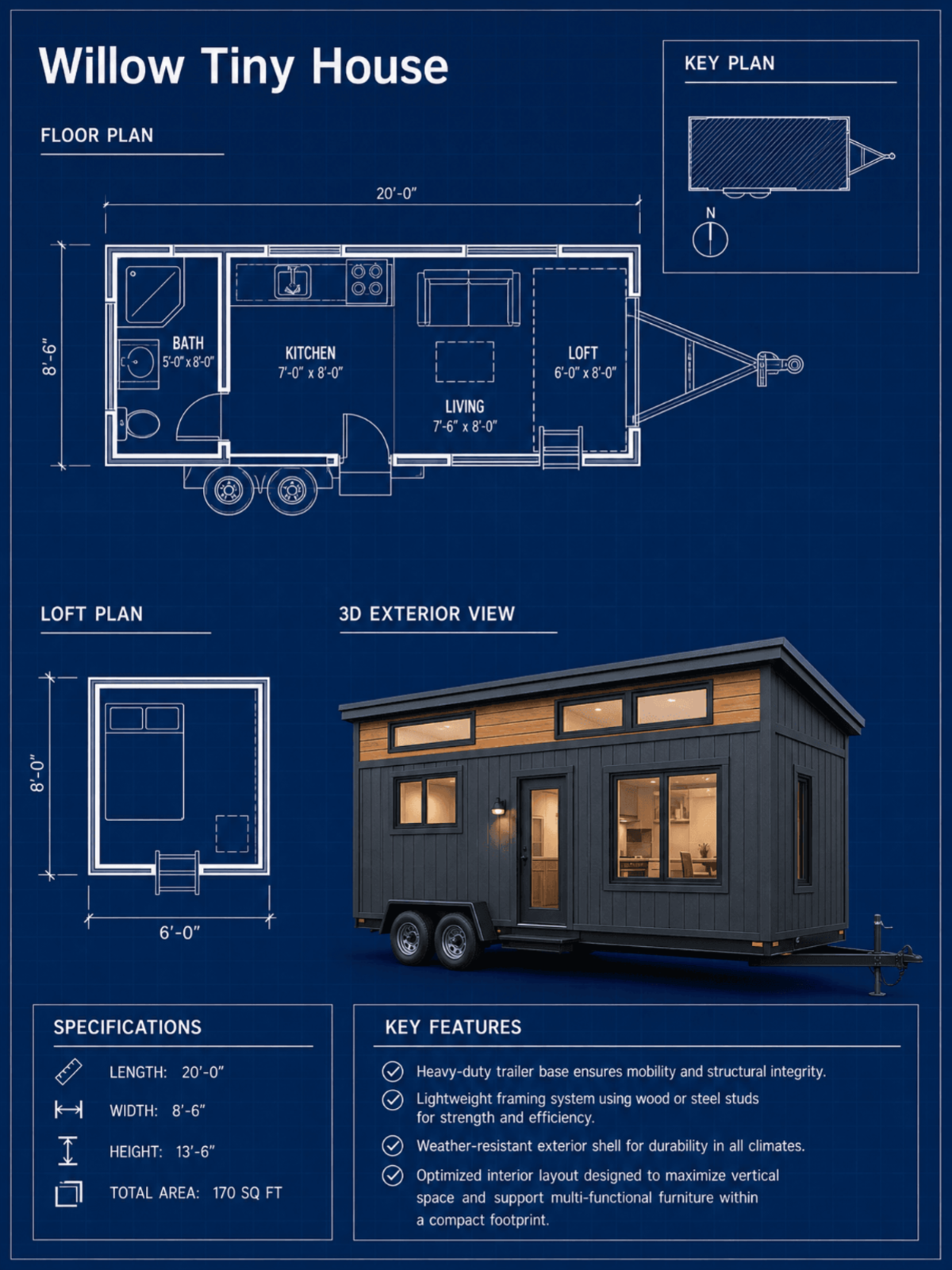
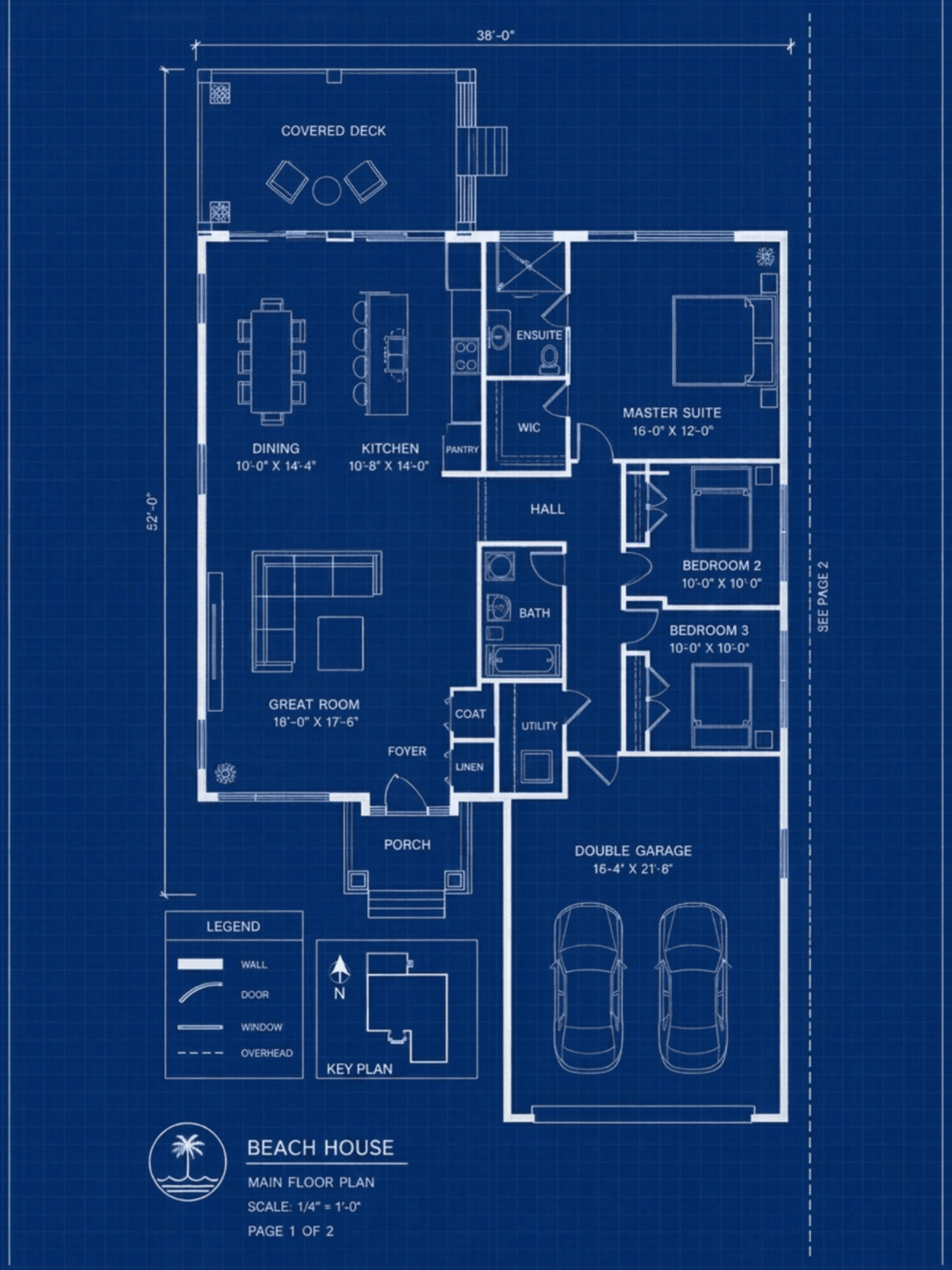
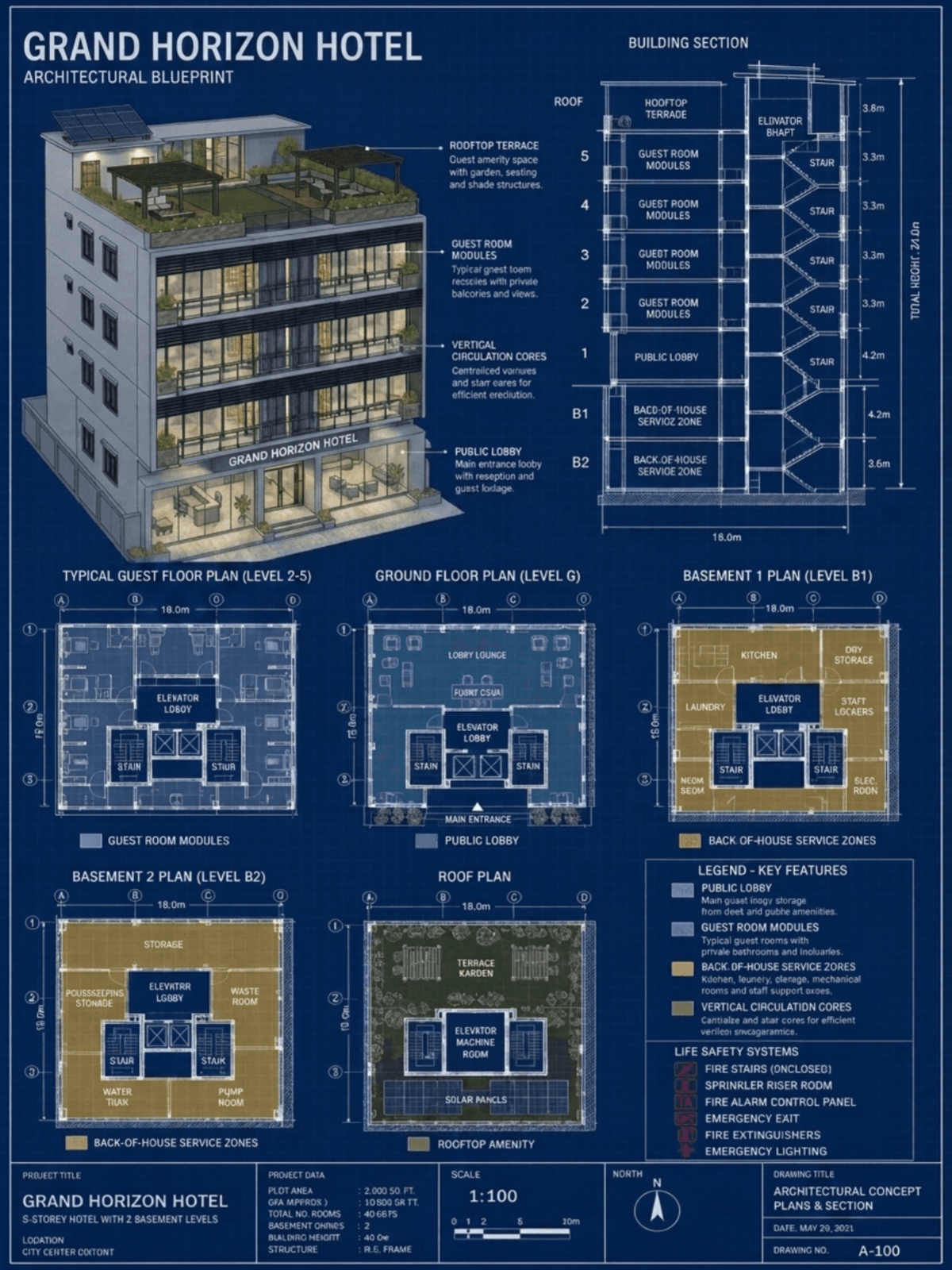
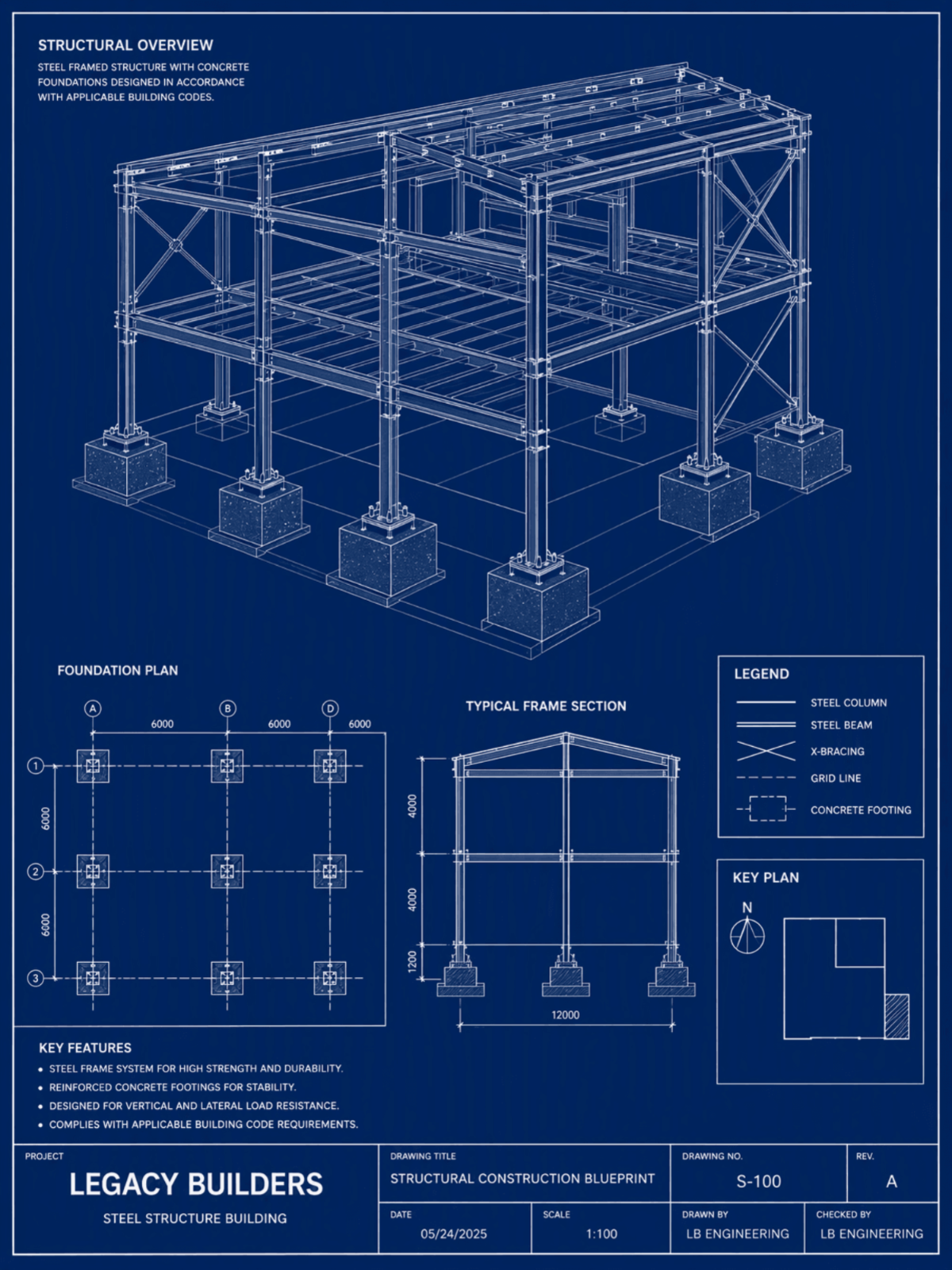
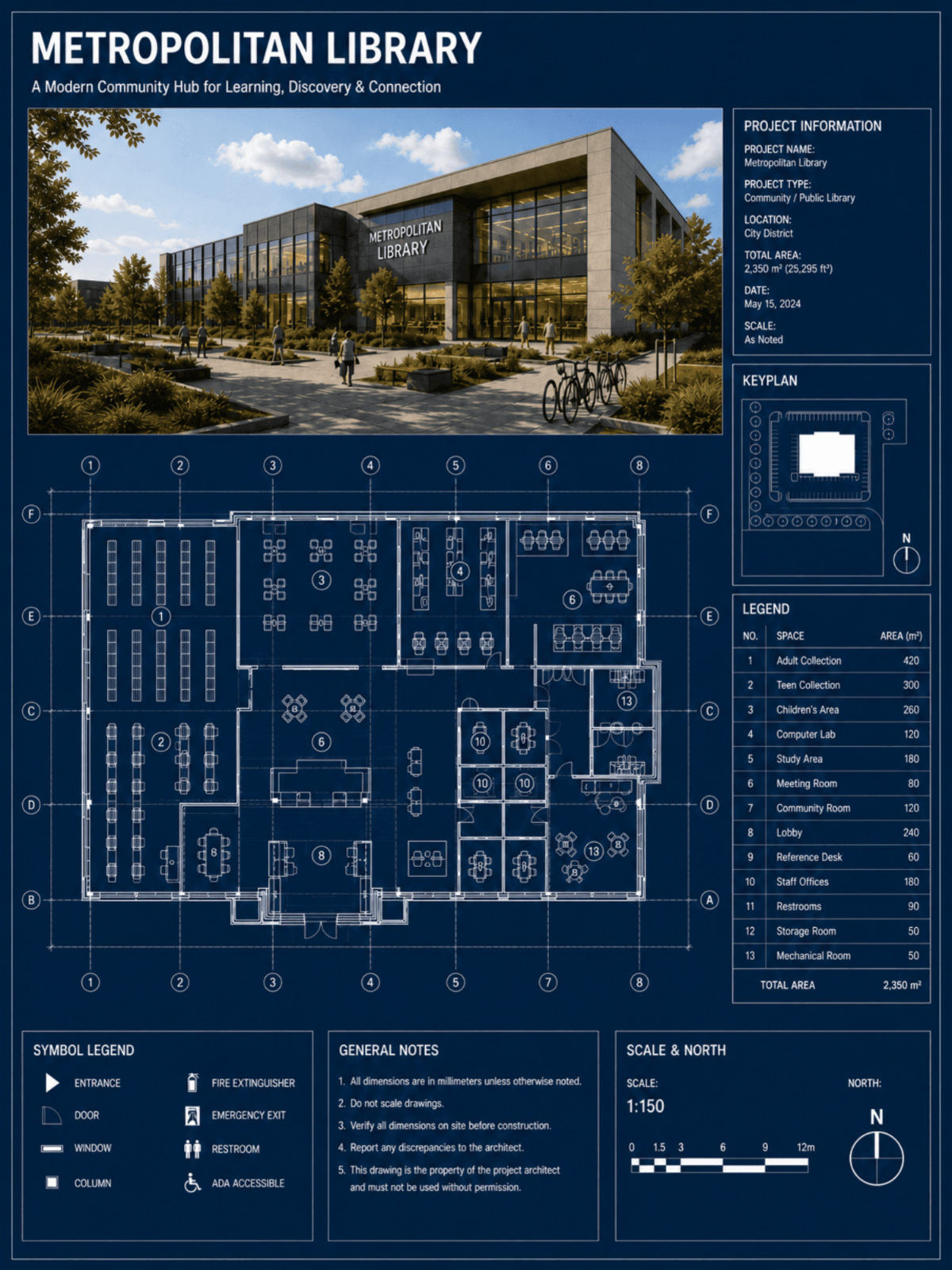
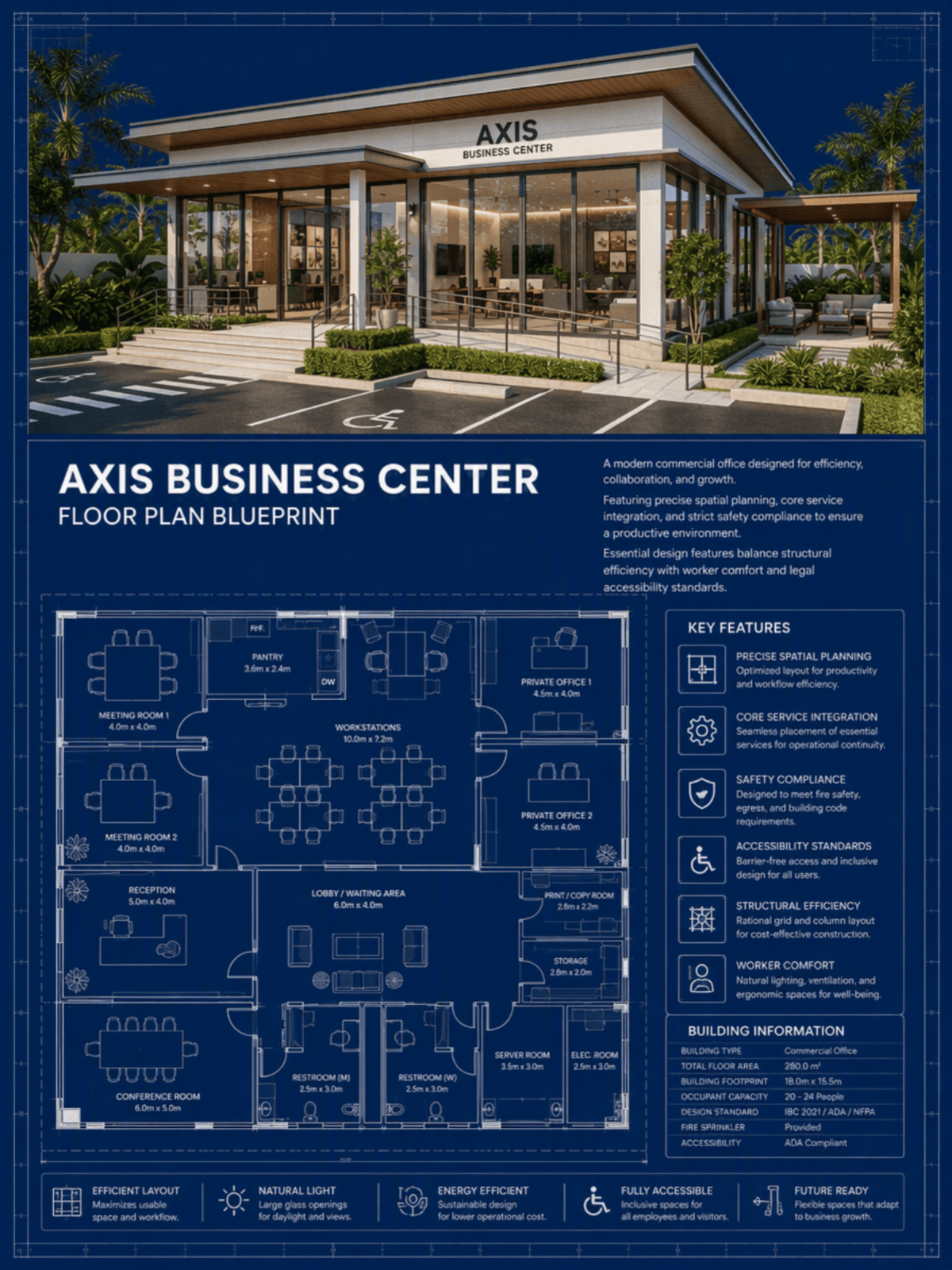
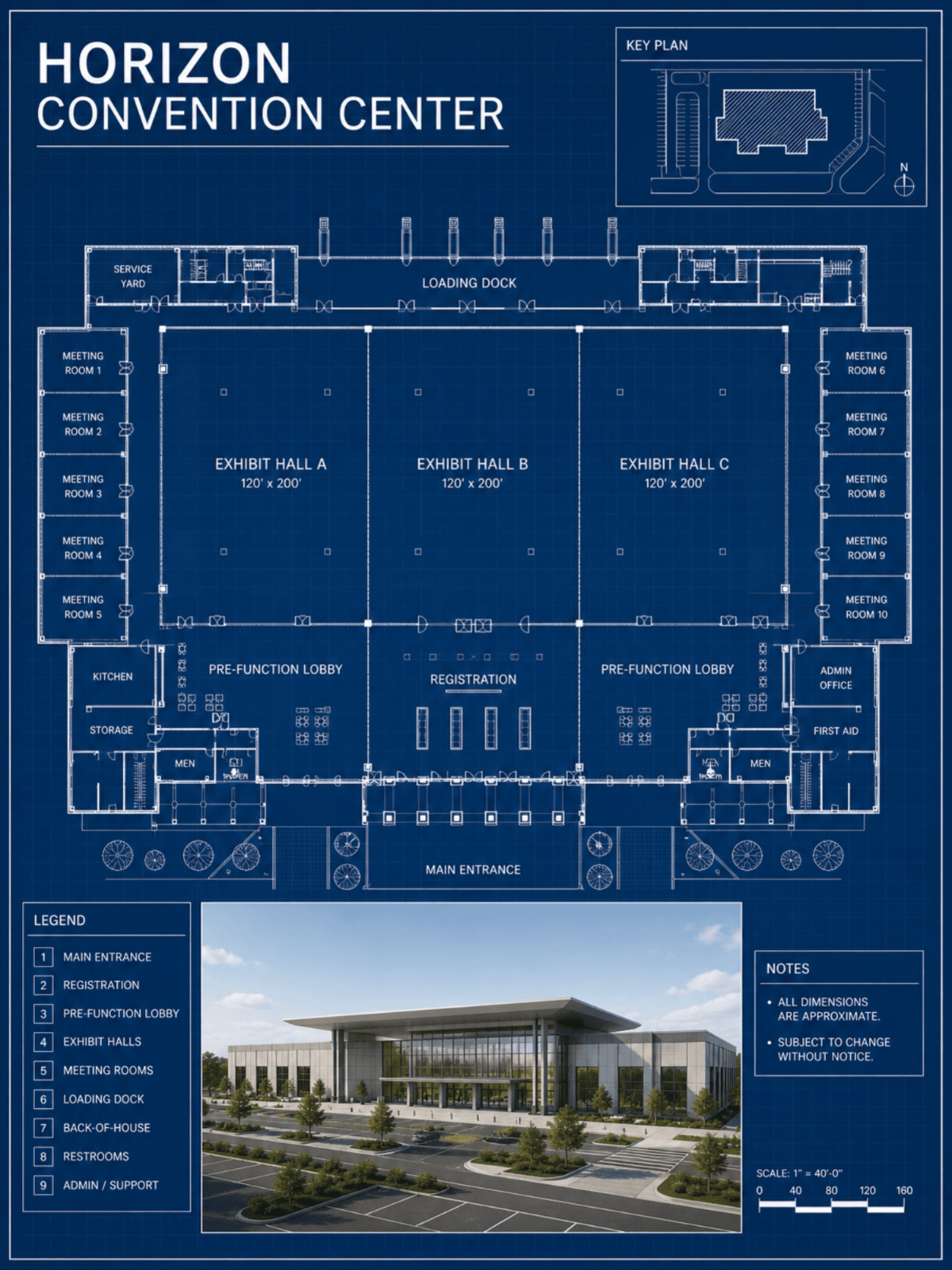
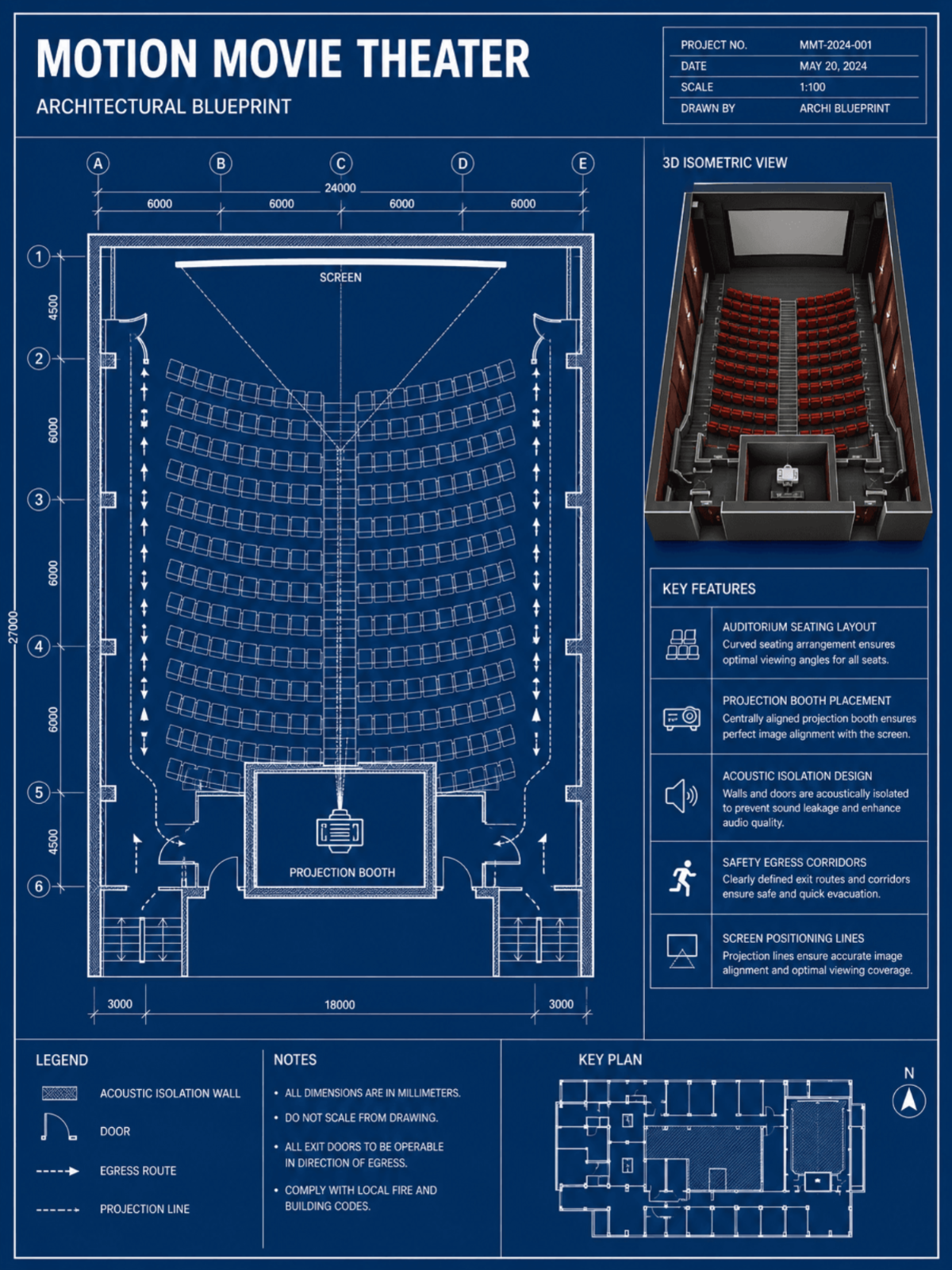
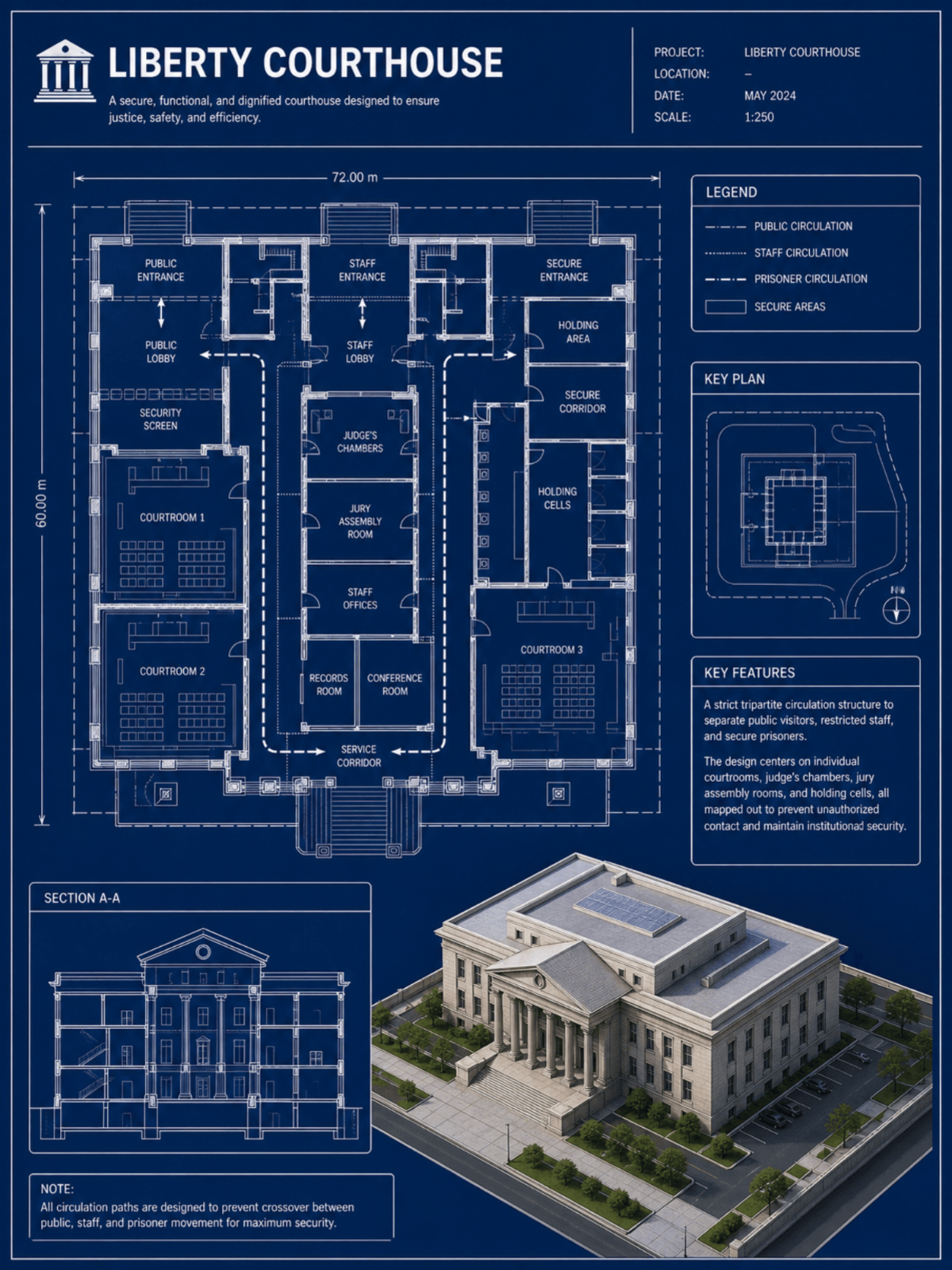
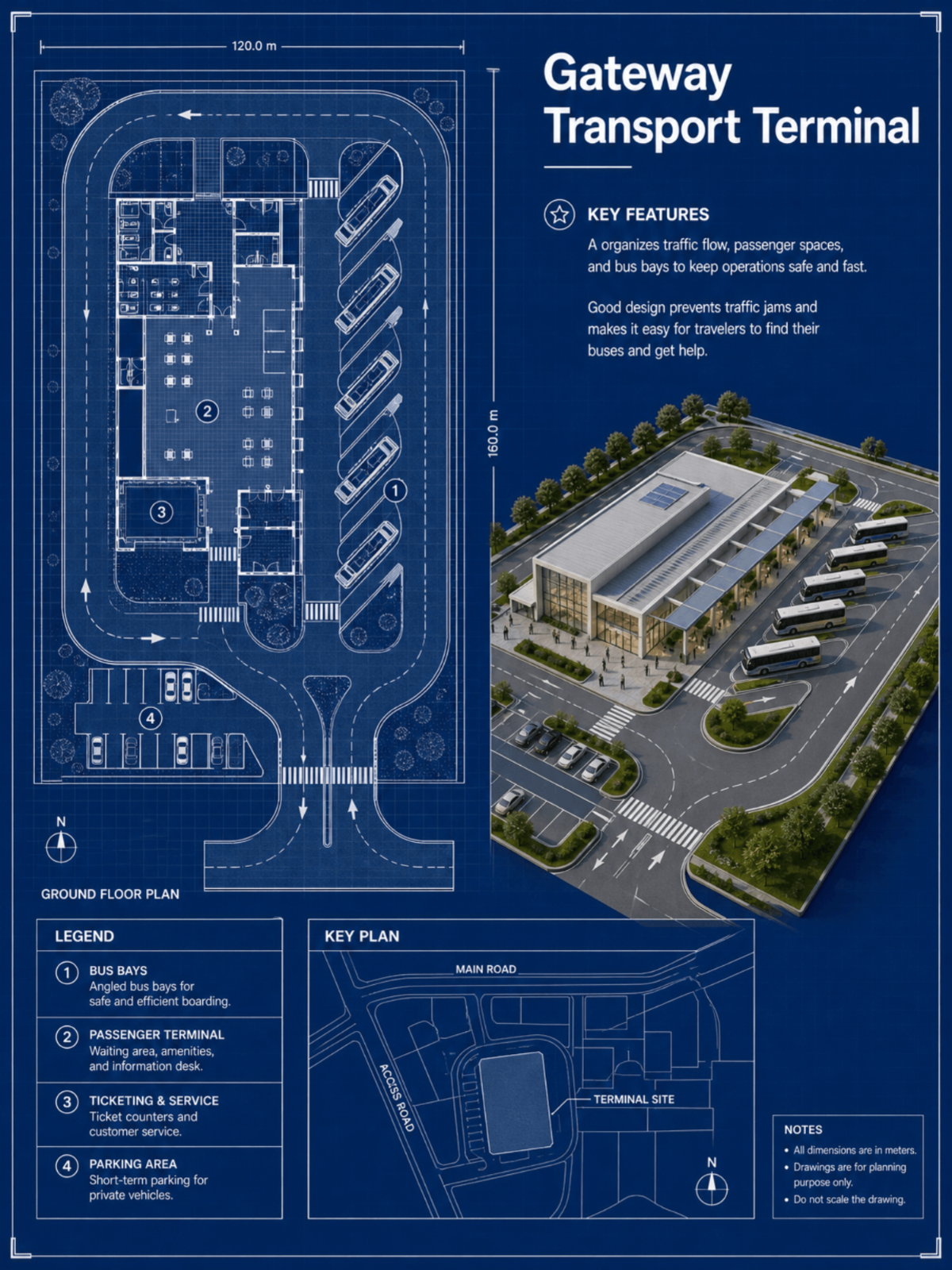
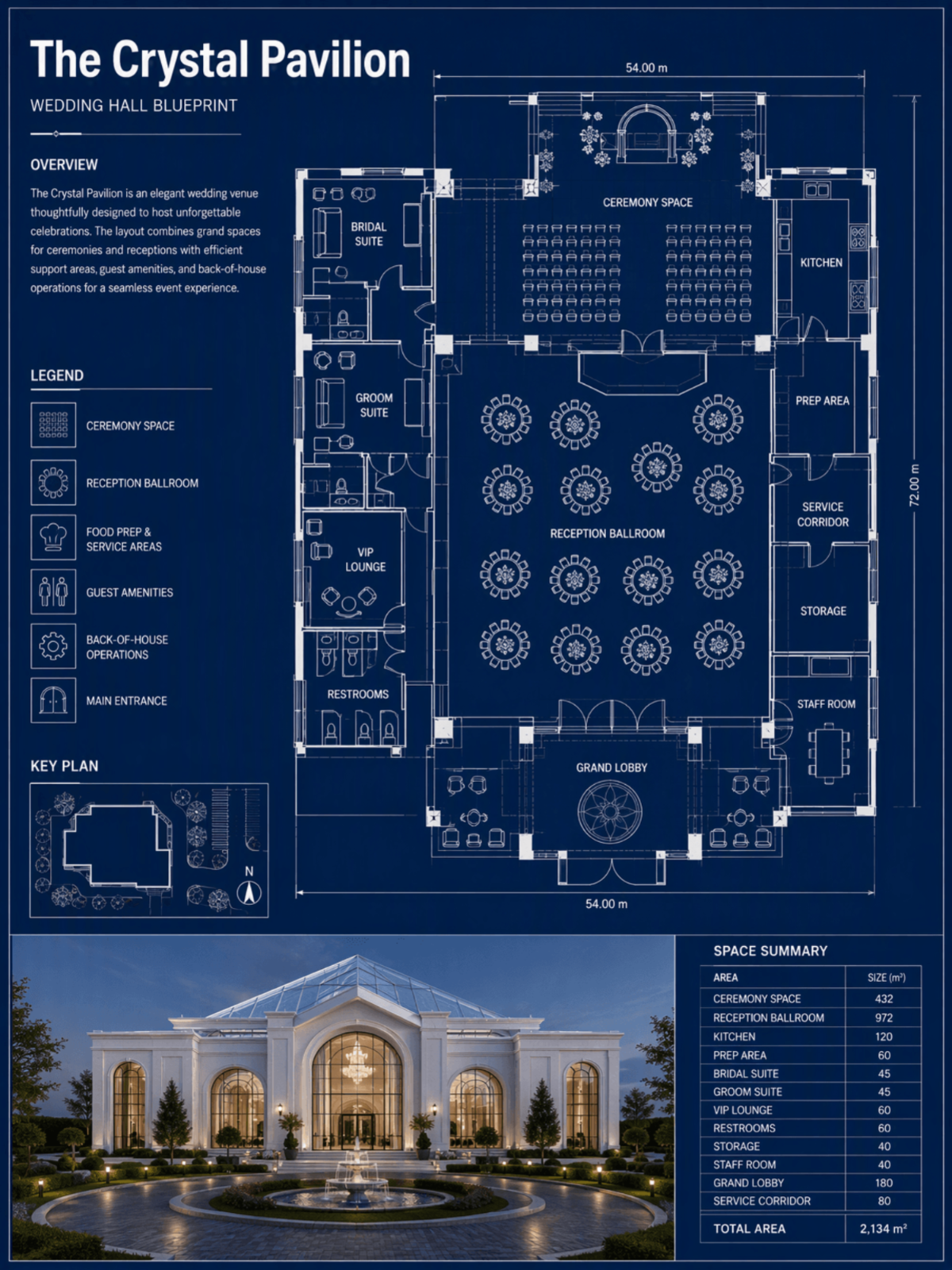
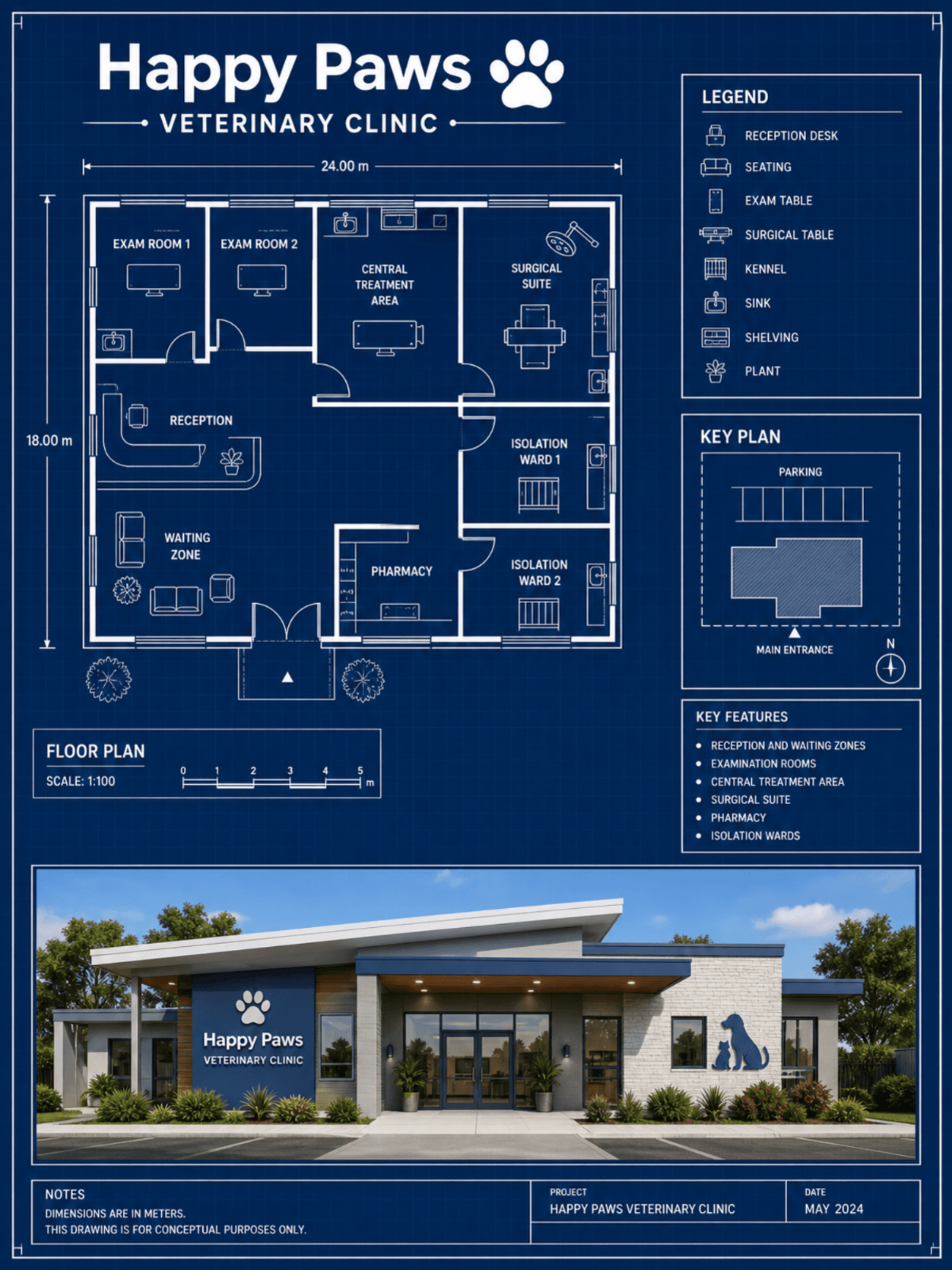
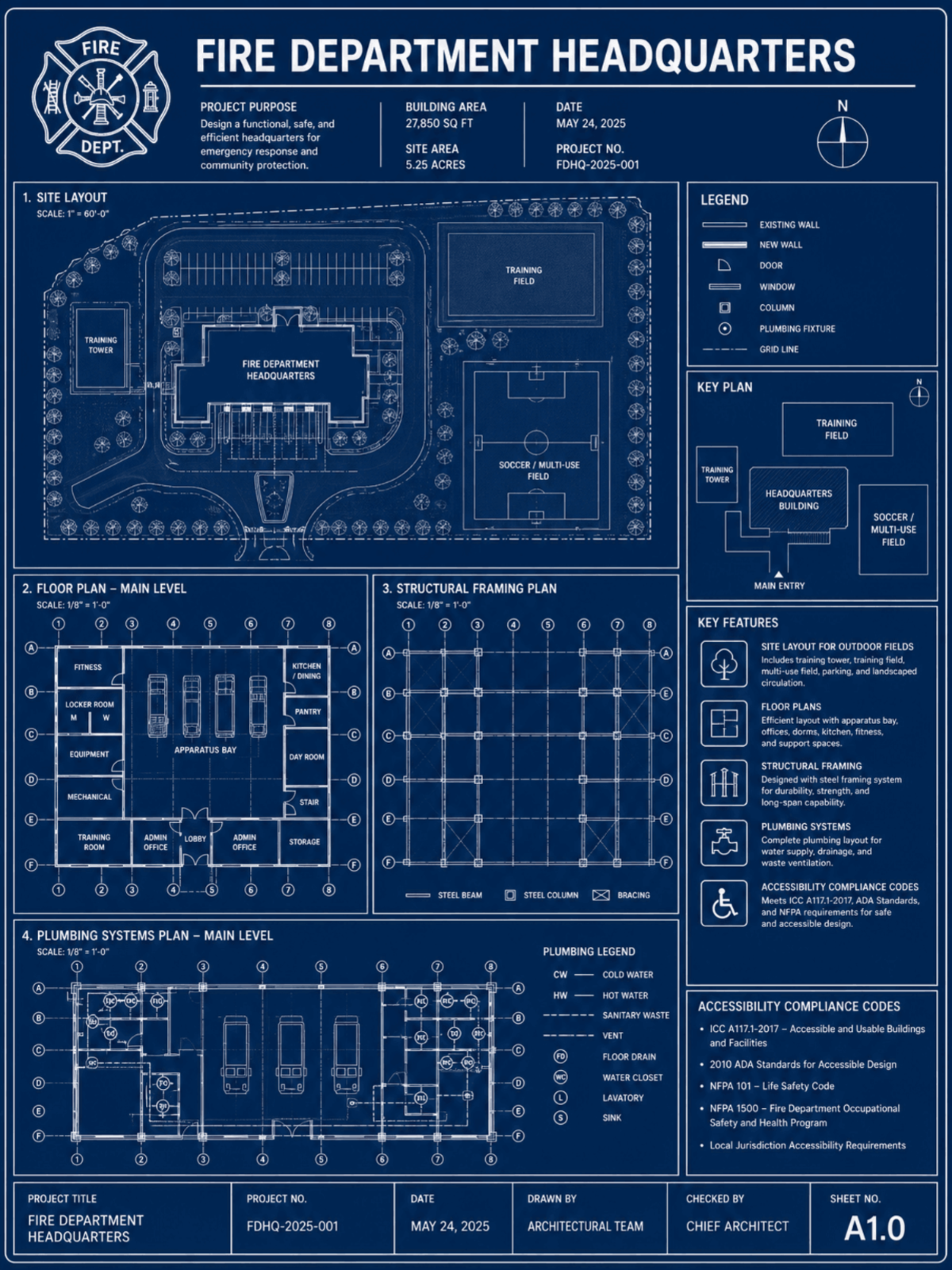
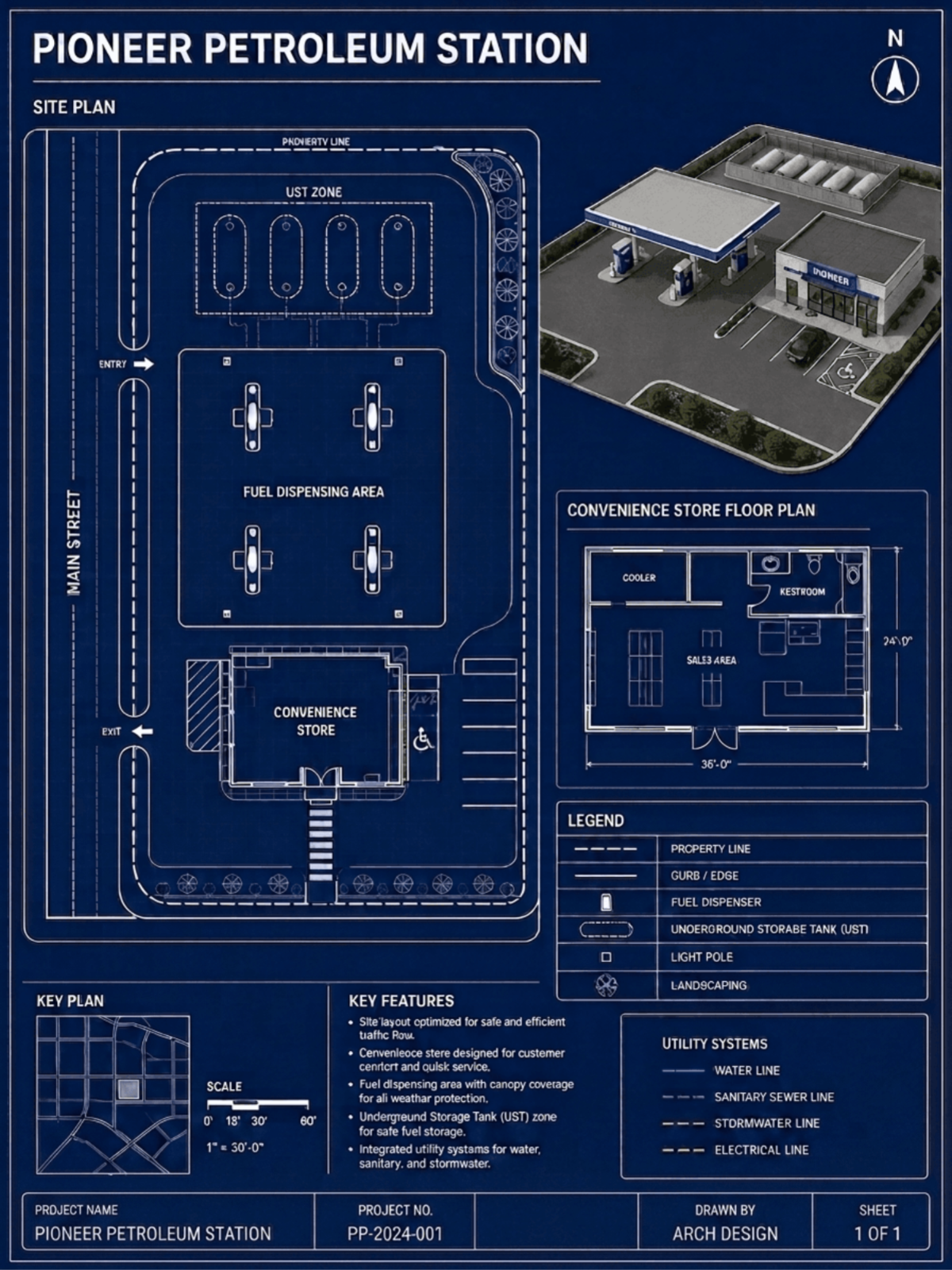
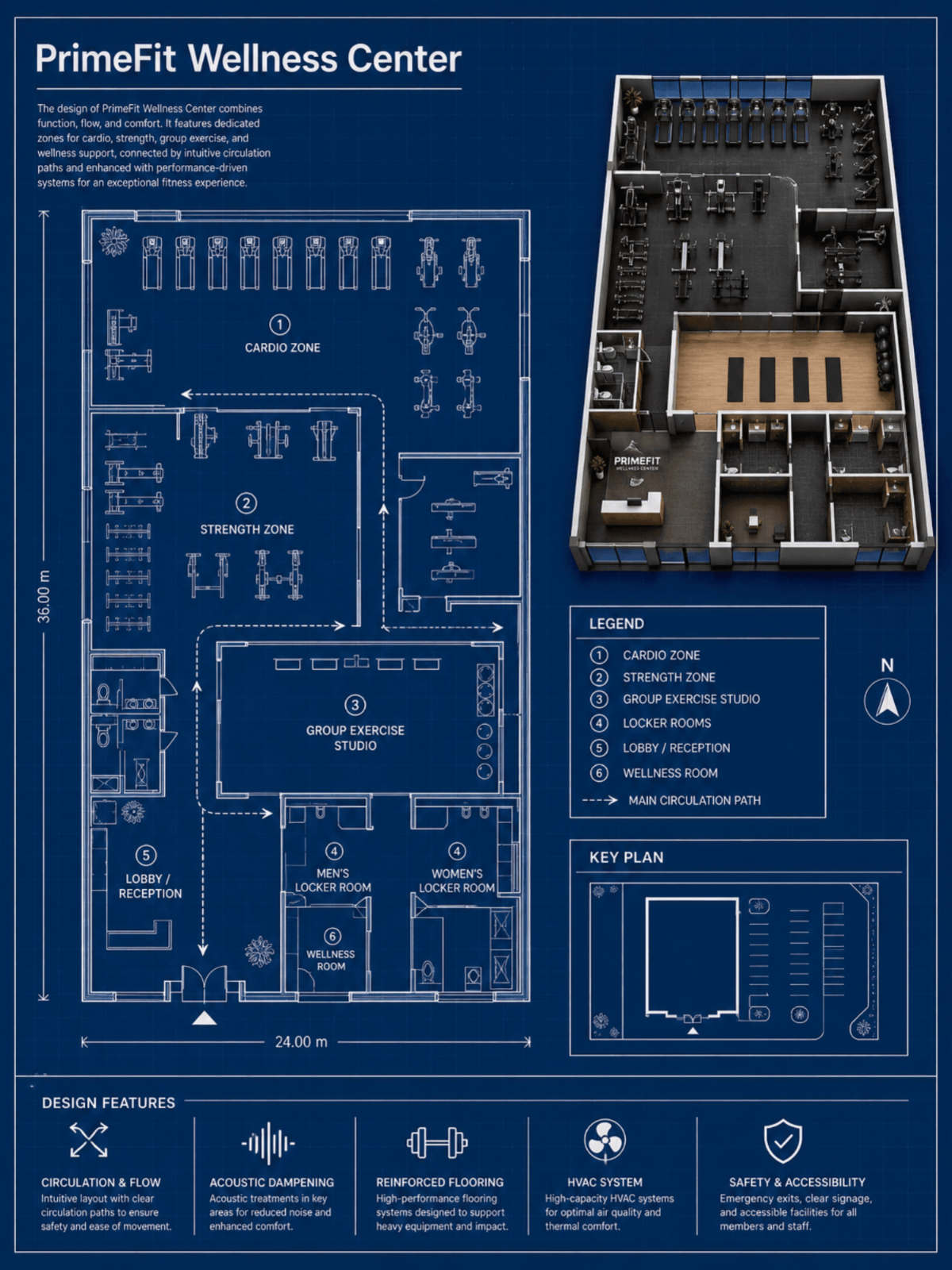
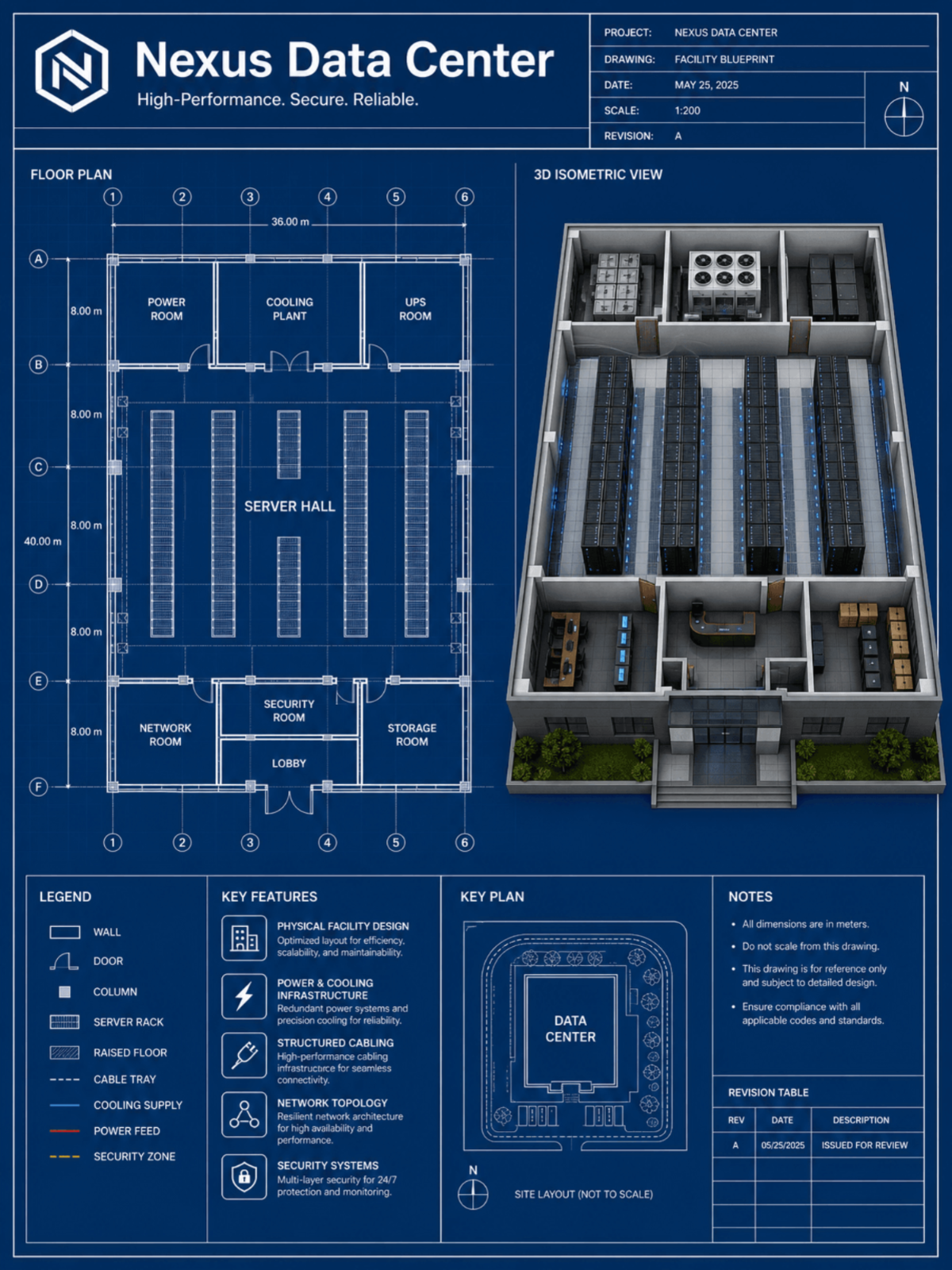
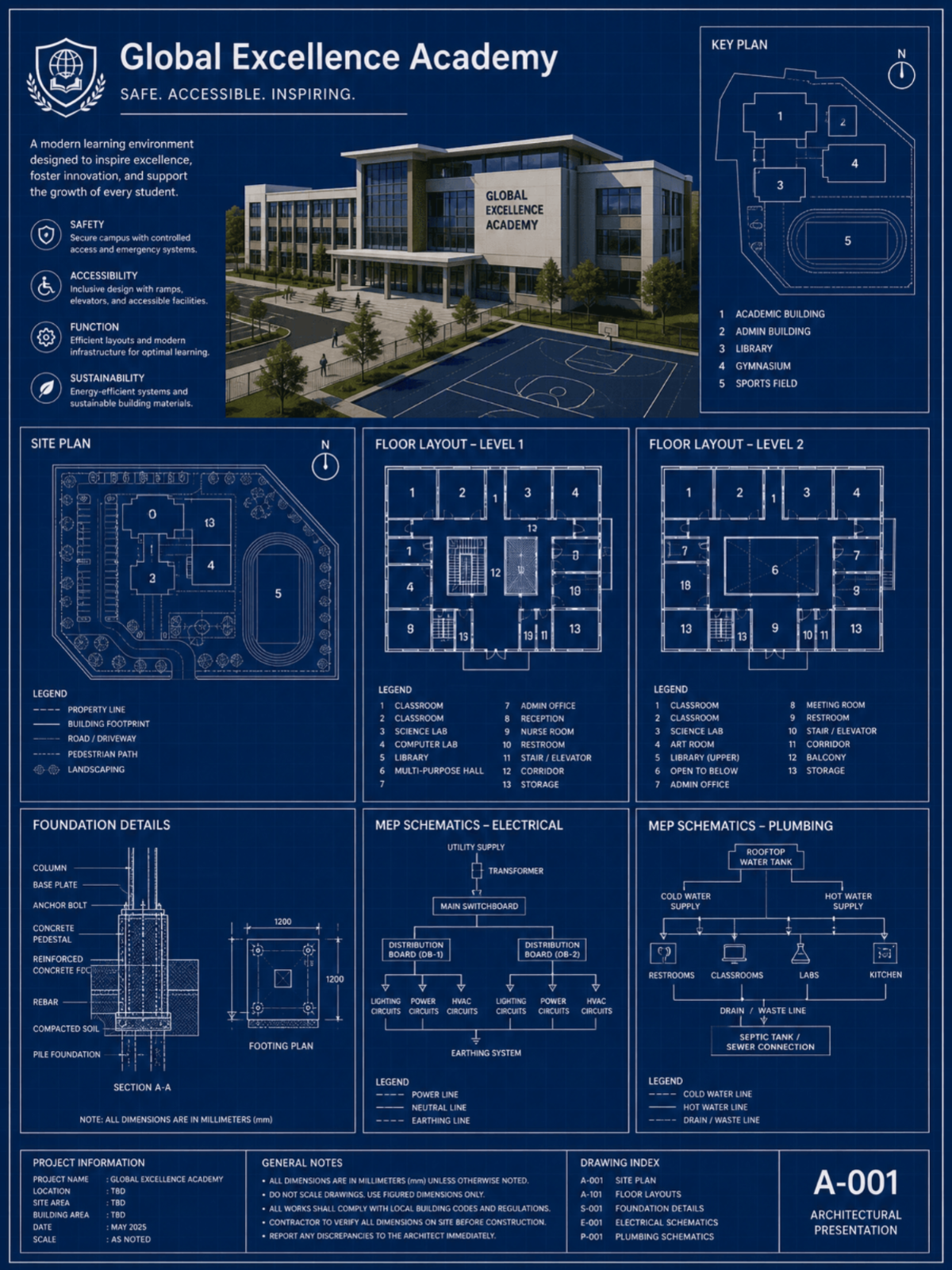
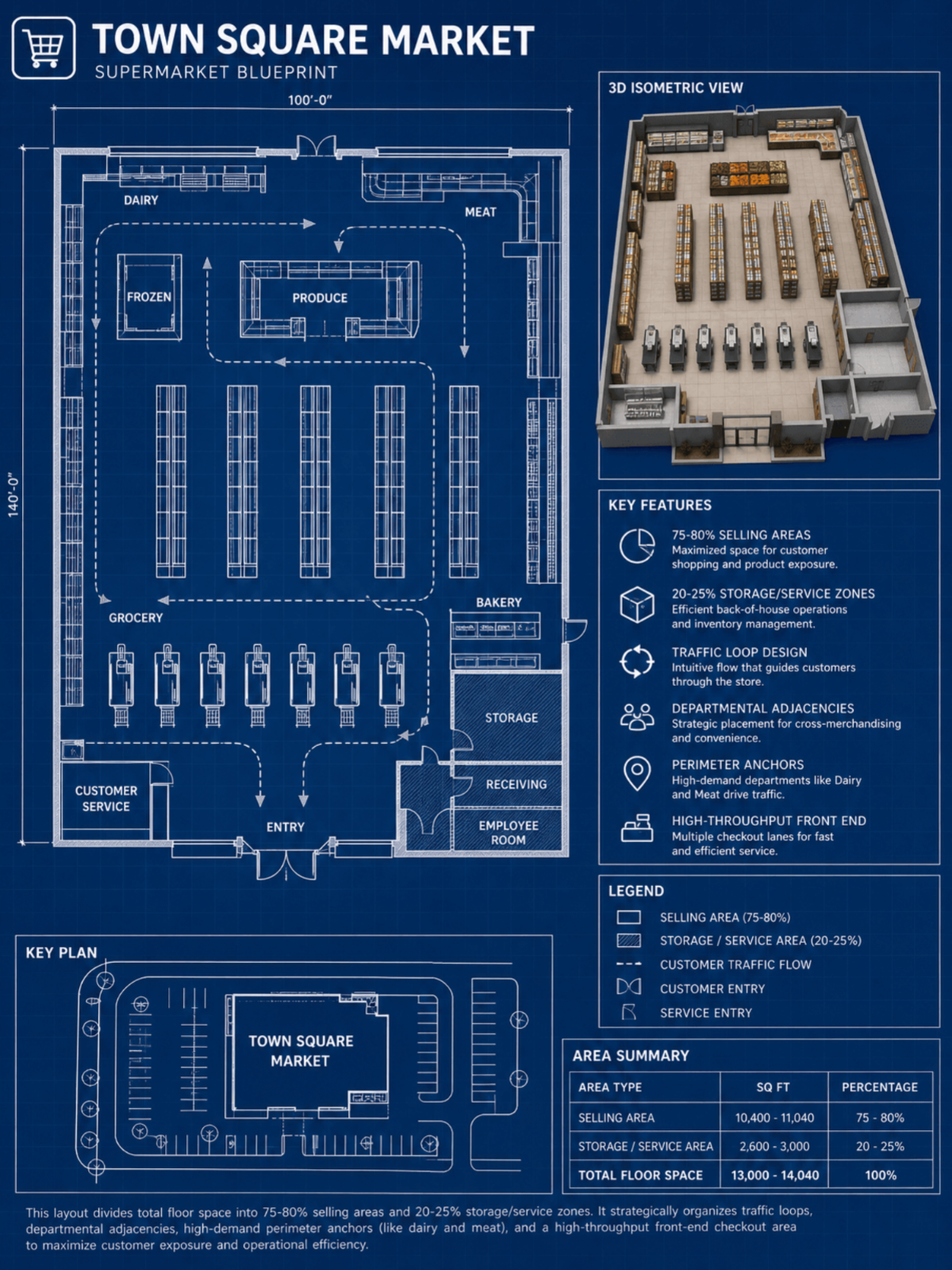
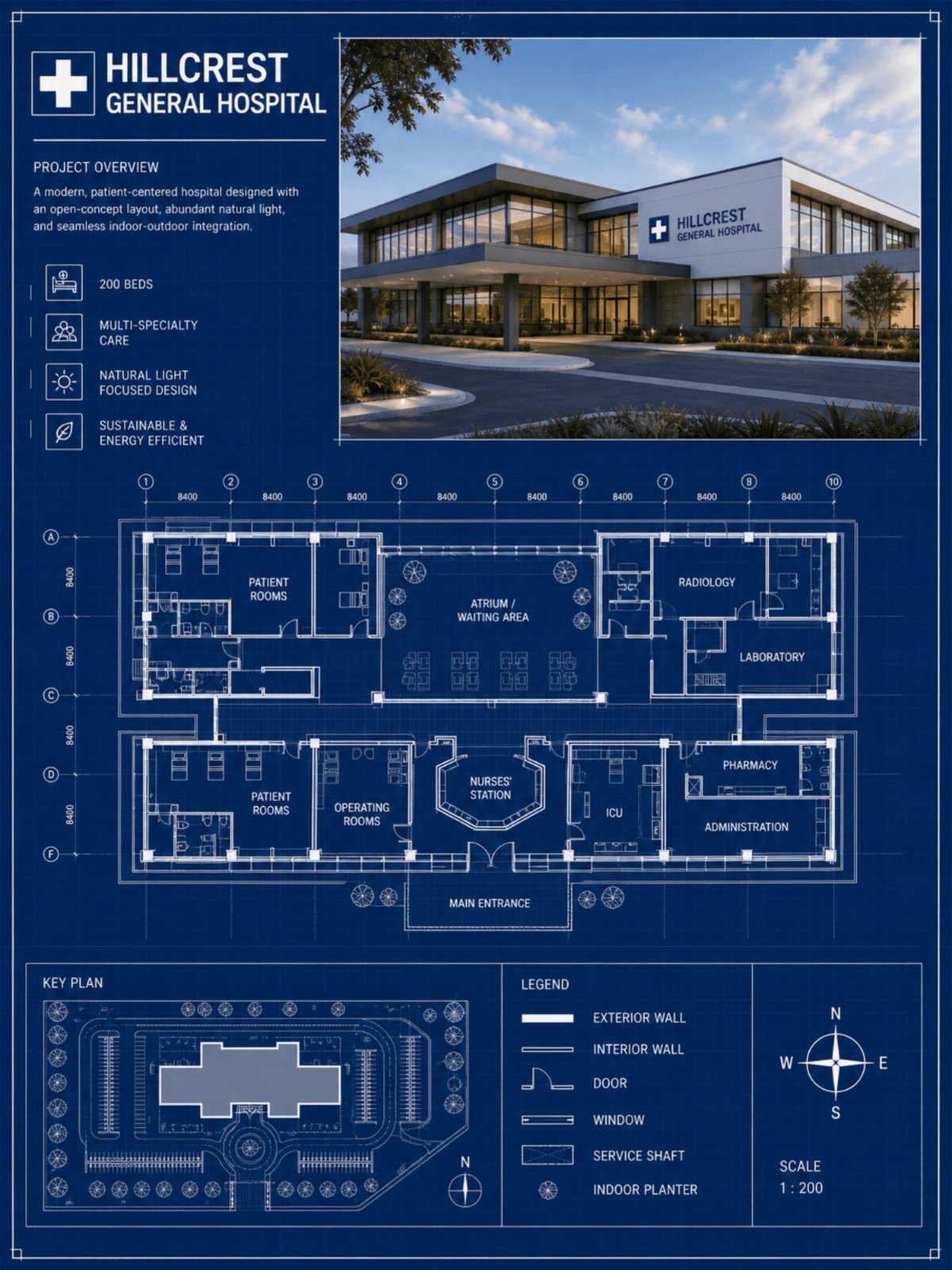
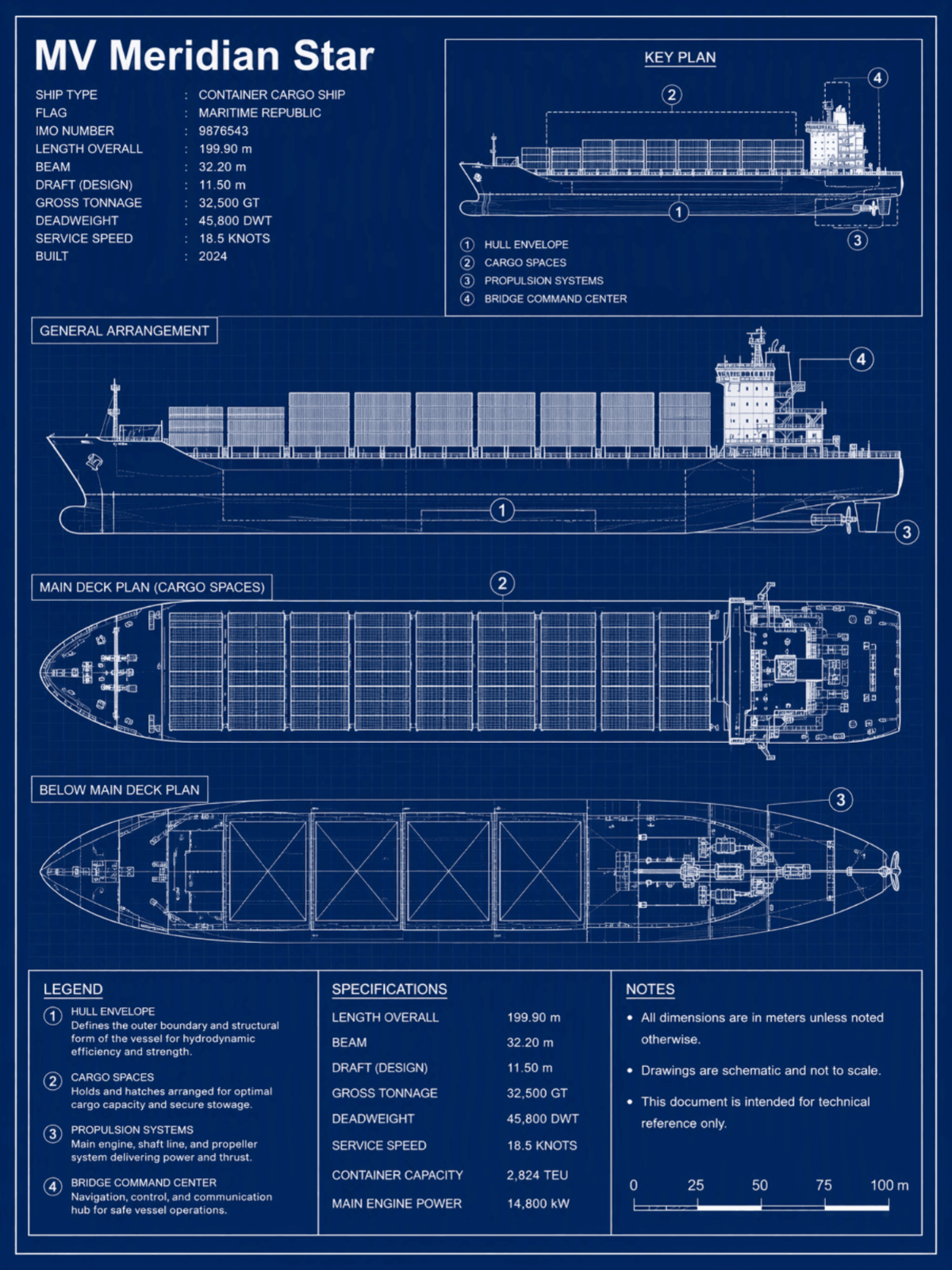
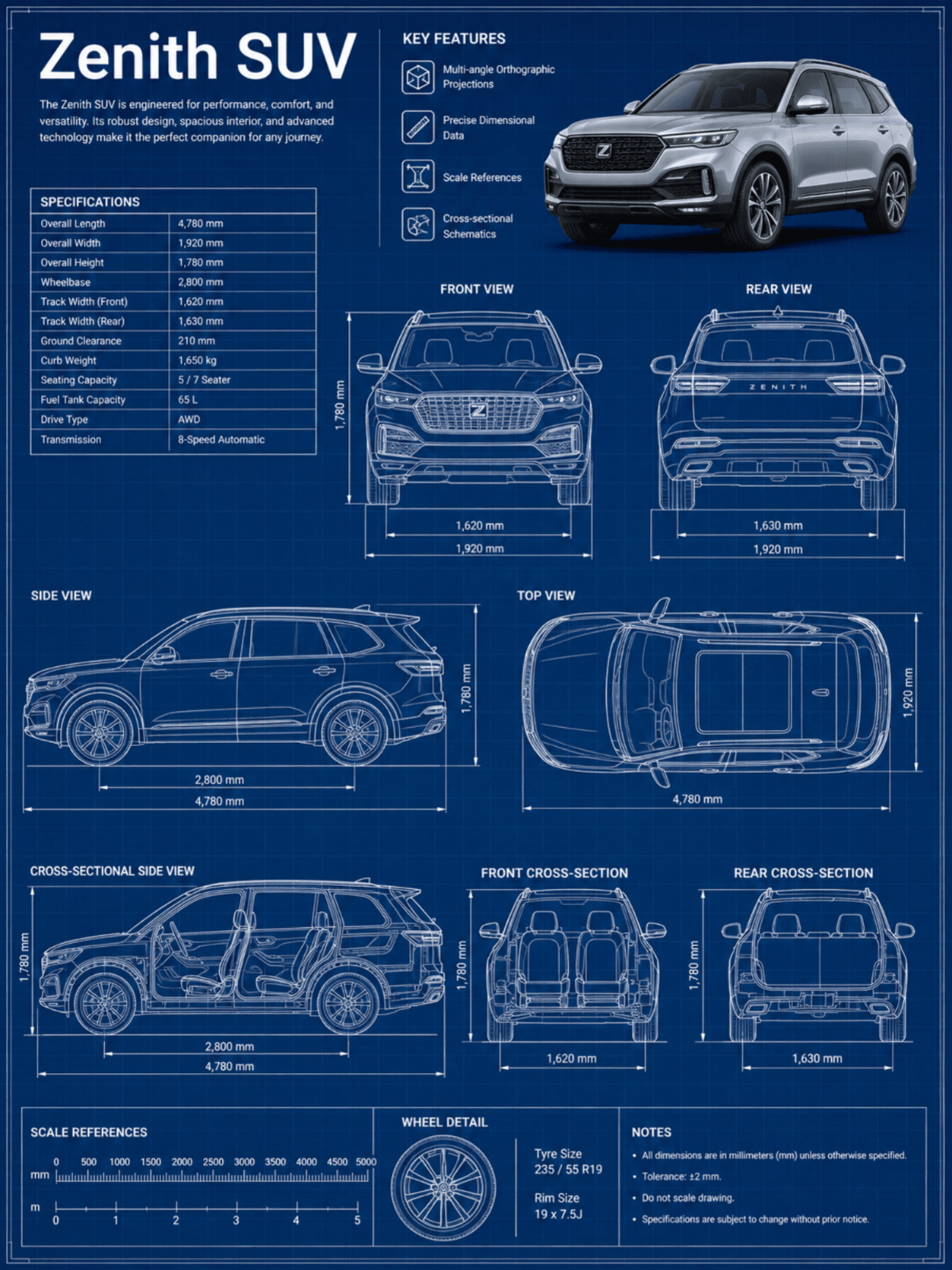
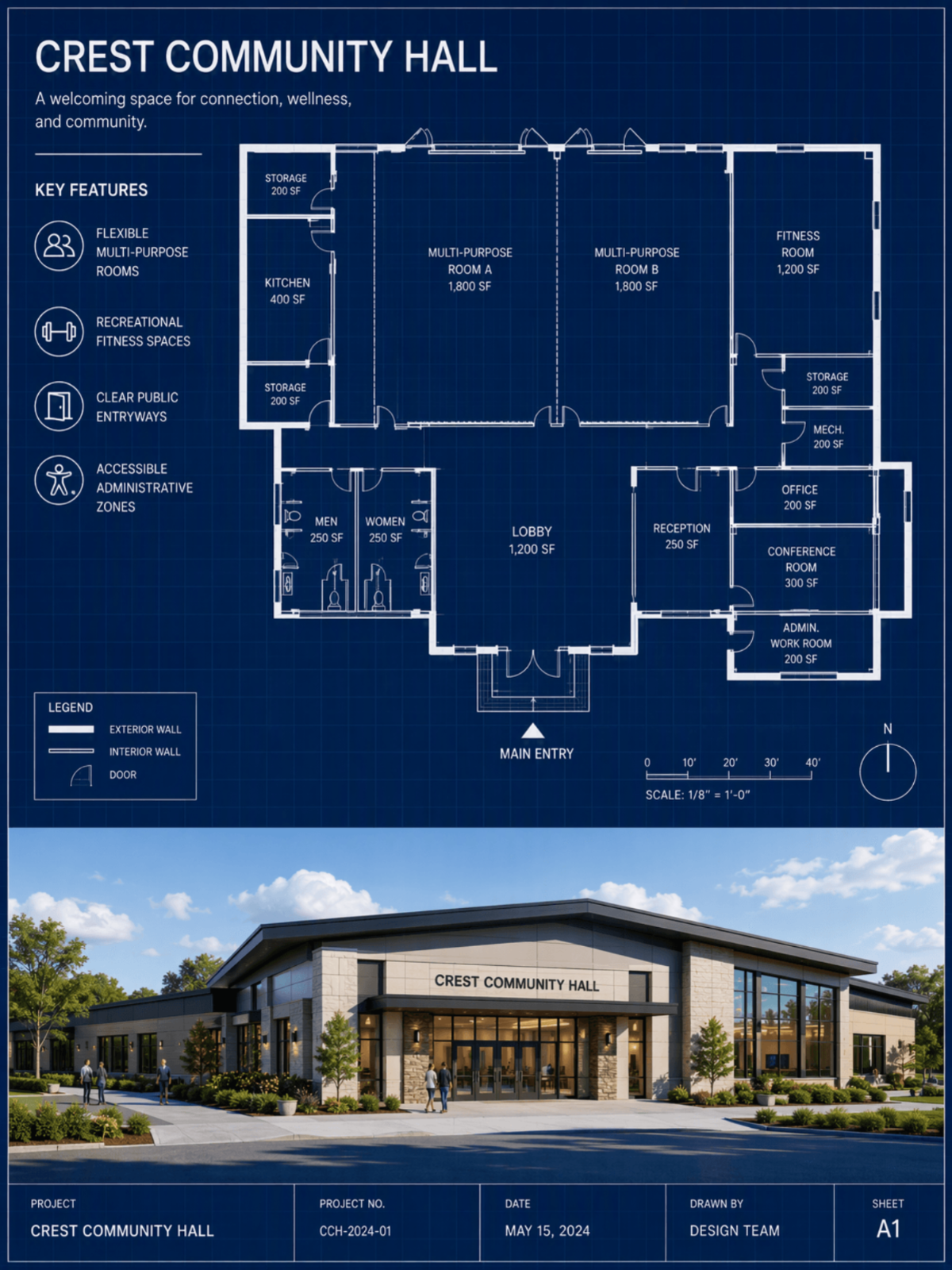
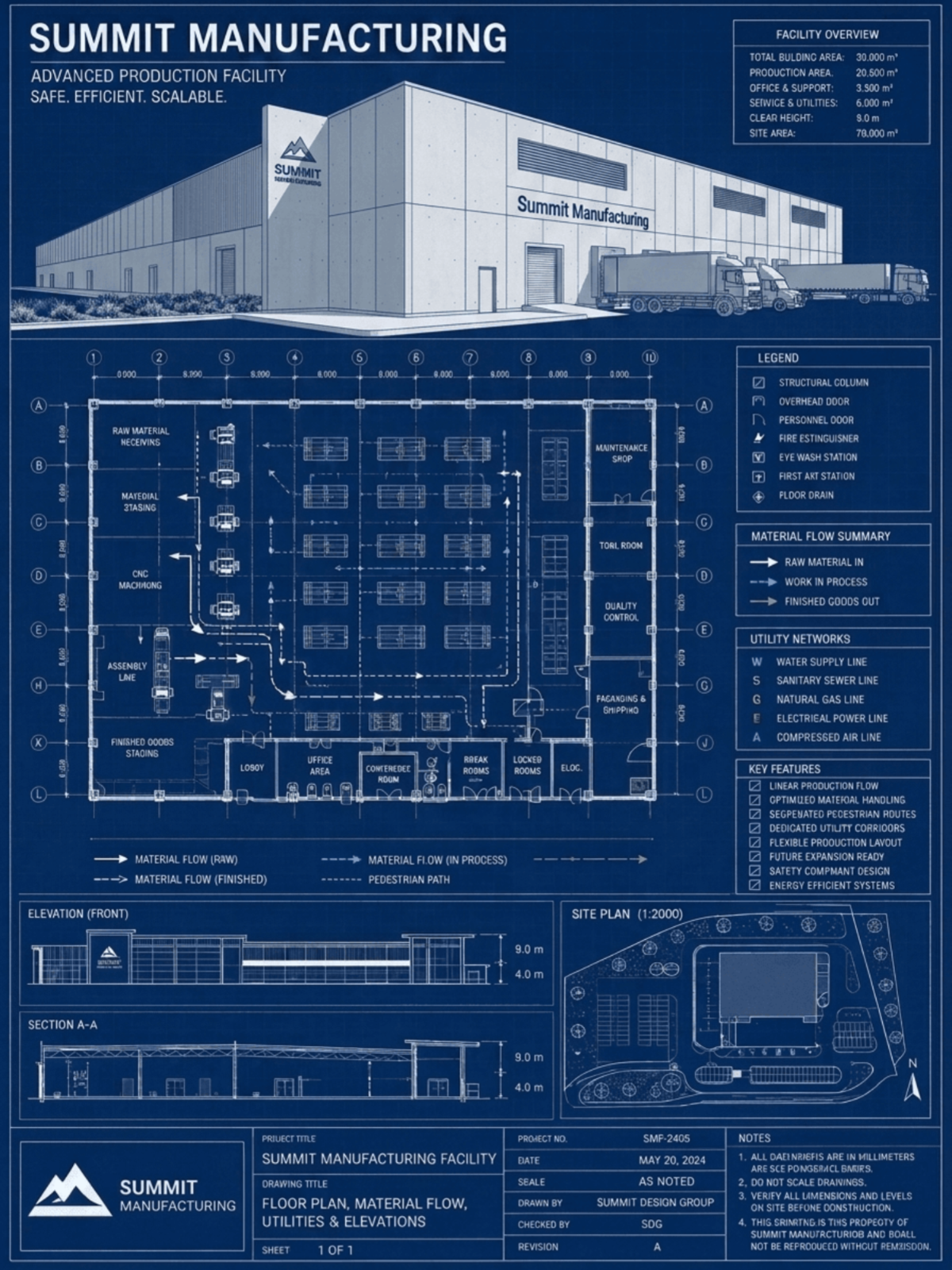
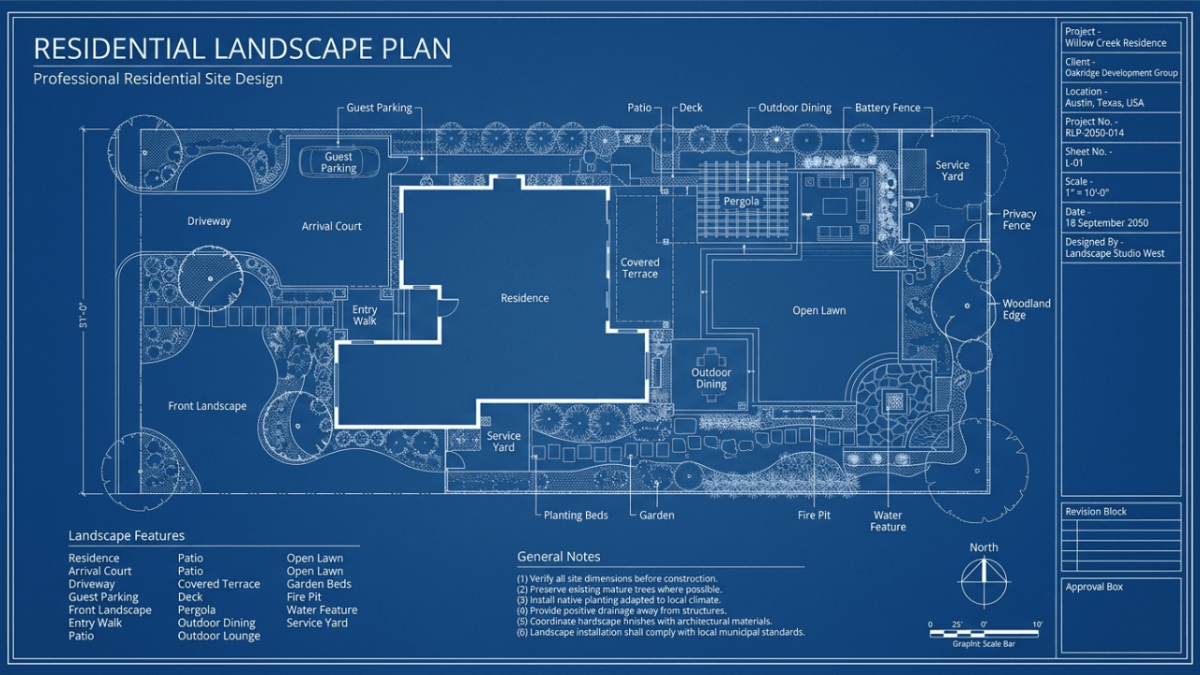
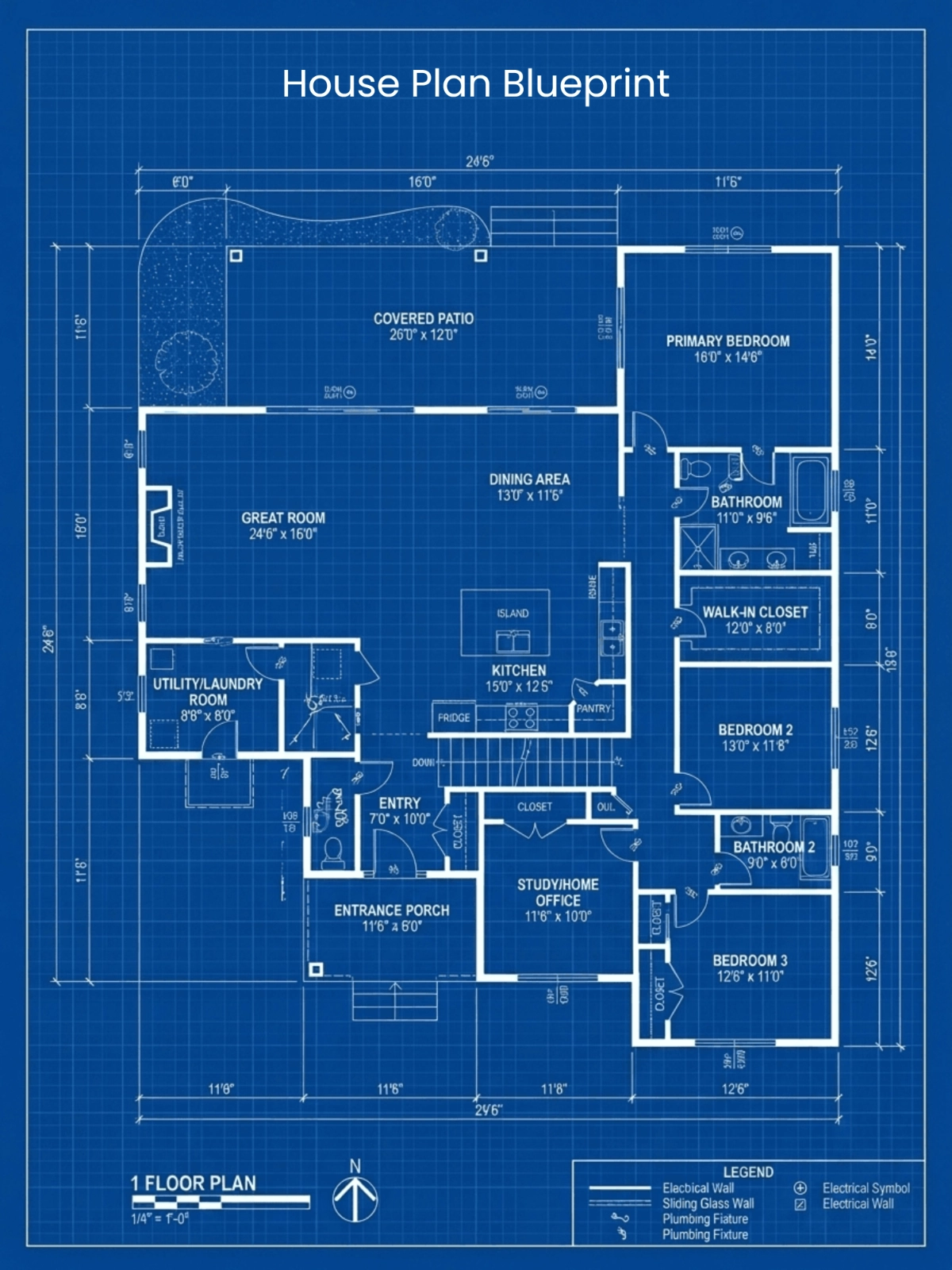
Template.net’s Free AI Blueprint Generator helps transform design ideas, reference images, sketches, and templates into organized blueprint-style visuals. Enter a detailed prompt describing the structure, layout, dimensions, style, or design direction, upload a suitable reference, or start with a template. The AI can generate technical-looking linework, structured compositions, and architectural blueprint concepts that are useful for visualization, presentations, planning, and creative exploration. The workflow is designed to help you move from an initial idea to a polished blueprint concept without starting every design from scratch.
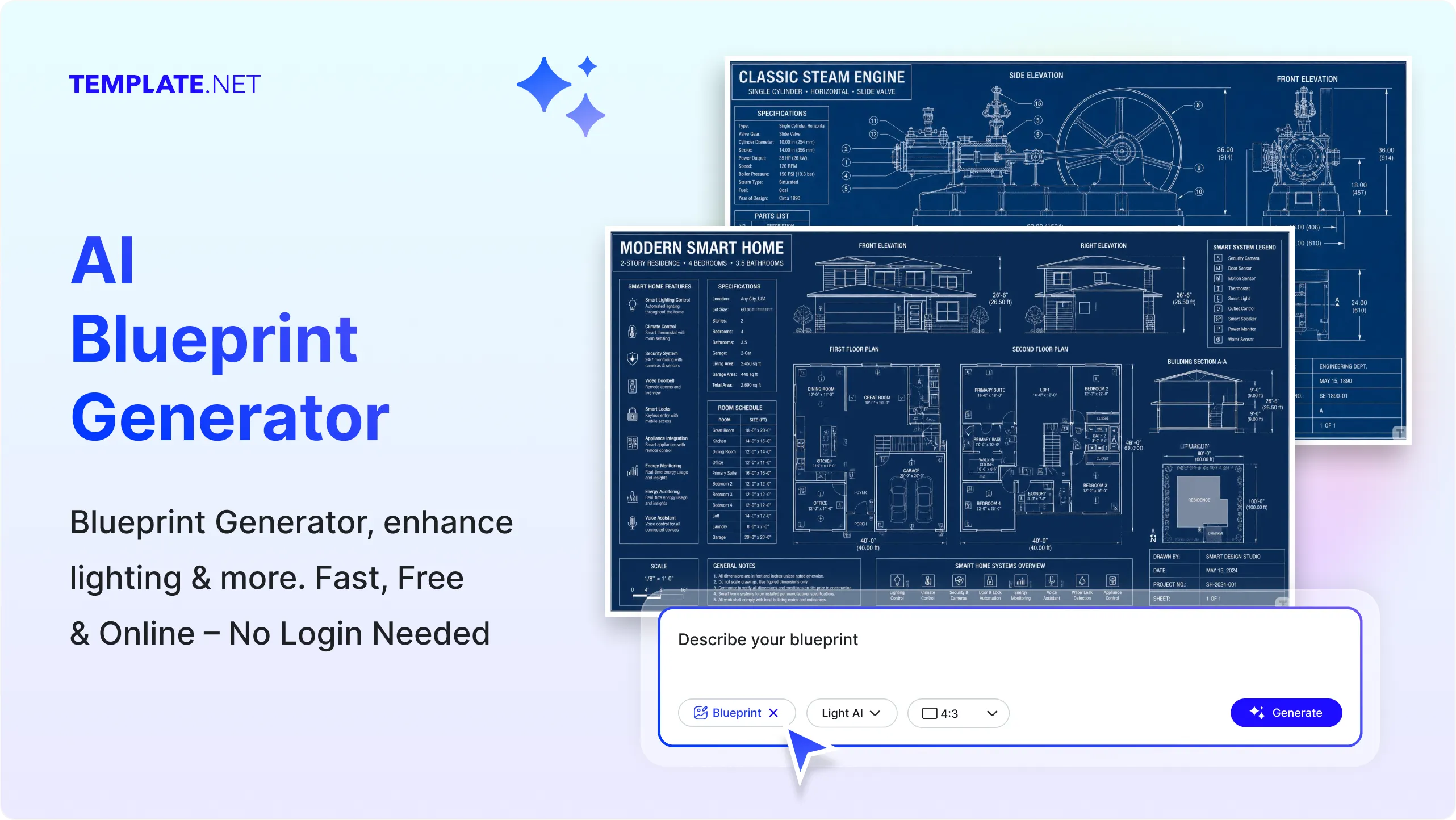
Build Detailed Blueprint Concepts with AI
Everything you need to transform ideas, reference images, and templates into organized blueprint designs with flexible inputs, structured layouts, and creative control.
AI-Powered Blueprint Concept Creation
Turn a text or voice description into a blueprint-style design by explaining the building, space, object, layout, structure, or visual direction you want to explore.
Image-to-Blueprint Transformation
Upload a suitable building image, sketch, layout, or design reference and transform its visible structure into a blueprint-inspired visual for faster design exploration.
Template Based Design Starting Points
Choose from ready-made blueprint templates to begin with an organized structure instead of creating every element from a blank canvas.
Technical Linework Generation
Create clean blueprint-style linework with structured outlines and visual details that give your designs a technical drawing appearance.
Architectural View Visualization
Explore blueprint concepts using plan style, elevation style, section style, or other architectural viewpoints suited to your design idea.
Structured Space and Layout Planning
Generate organized arrangements for rooms, buildings, spaces, objects, and other design concepts with clear visual relationships between major elements.
Blueprint Element Arrangement
Create designs that incorporate architectural and structural elements such as walls, openings, grids, sections, facades, and other relevant visual components.
Prompt Based Design Refinement
Update your prompt to change the layout, structure, style, level of detail, or visual direction and generate a revised blueprint concept.
Voice Input for Design Ideas
Describe your blueprint requirements naturally through voice input and turn spoken design instructions into an AI-generated concept.
Multiple Blueprint Style Directions
Explore different visual approaches including clean technical, minimalist, architectural, detailed, modern, schematic, and presentation-focused blueprint styles.
Reference Aware Design Generation
Use an uploaded reference as a visual starting point while adding instructions about the structure, composition, perspective, or design details you want to emphasize.
Layered Structural Visualization
Create blueprint concepts that visually separate major structural or design components, making complex ideas easier to review and understand.
Multilingual Support
Generate blueprint image content using 20+ multiple languages including English, Spanish, Hindi, Arabic, Chinese, Vietnamese, Japanese, and more for global collaboration.
Precision Focused Visual Composition
Generate balanced compositions with organized spacing, aligned elements, consistent linework, and clear visual hierarchy for easier interpretation.
Design Variation Exploration
Create multiple blueprint concepts from different prompts or design directions to compare layouts, structures, styles, and visual possibilities.
Download and Share Blueprint Designs
Save your completed blueprint design and share it instantly via Email, LinkedIn, WhatsApp, Facebook, X (Twitter), Pinterest, or generate a live link or QR code.
Presentation Ready Blueprint Output
Generate polished blueprint visuals that can be used for design presentations, concept reviews, portfolios, client discussions, and creative planning.
Cross-Project Design Consistency
Maintain a consistent blueprint-inspired visual language across related concepts, architectural ideas, layouts, and presentation materials.
How to Create Blueprint Designs Using AI
Generate, refine, and share blueprint concepts through a simple Design-category workflow.
Step 1 Enter a Prompt, Upload a Reference, or Choose a Template
Open the AI Blueprint Generator and describe your design using text or voice. You can also upload a building image, sketch, layout, or other suitable reference, or select a template to get started. For example, enter “Create a modern two-story house blueprint with a simple rectangular layout” or “Generate a technical blueprint concept for a contemporary office.”
Step 2 Generate and Customize Your Blueprint
The AI analyzes your instructions, uploaded reference, or selected template and creates a blueprint-style design. Review the generated result and refine it with additional prompts to adjust the structure, layout, style, details, or overall visual direction.
Step 3 Save, Download, or Share
Preview your finished blueprint design, save it for future refinement, download the result, or share instantly via Email, LinkedIn, WhatsApp, Facebook, X (Twitter), Pinterest, or generate a live link or QR code.
Turn Design Concepts into Clear Blueprint Visuals with AI
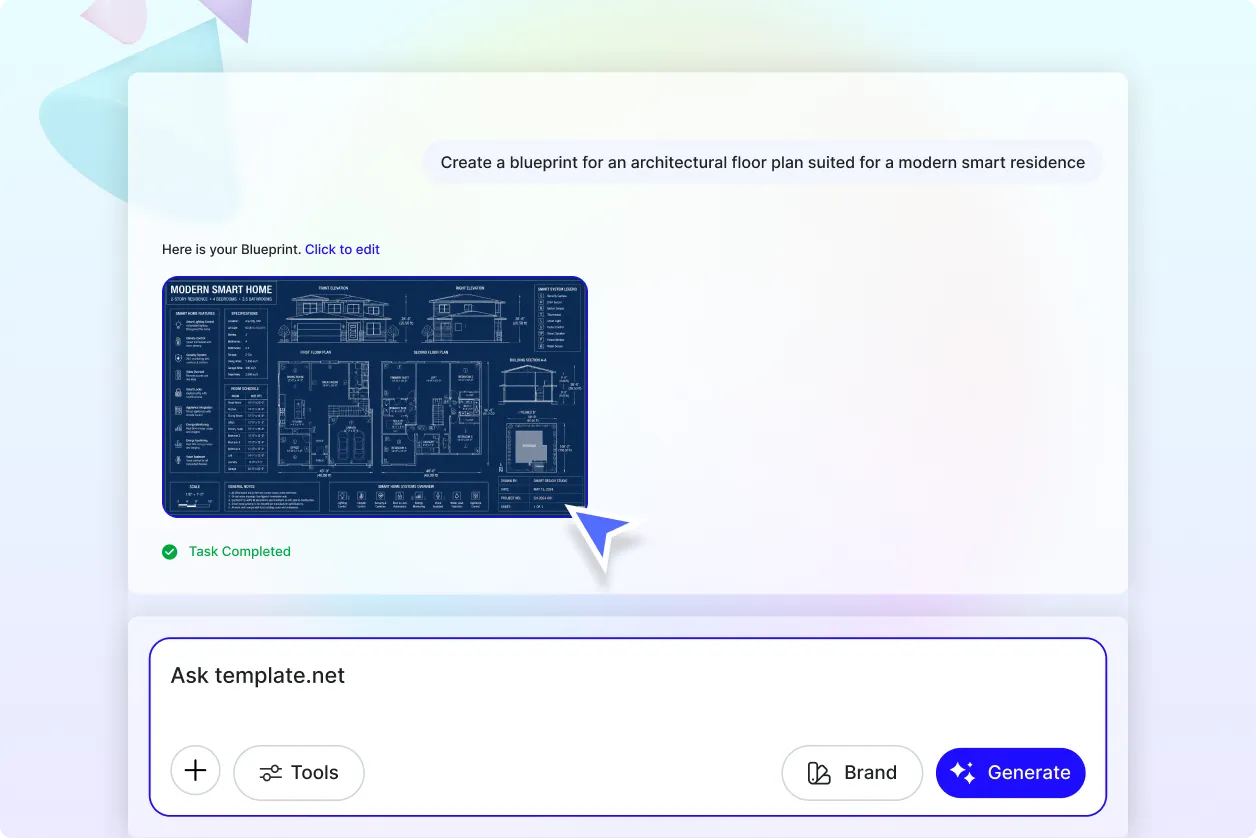
From Rough Ideas to Structured Blueprint Concepts
Describe a building, space, object, layout, or design idea and transform it into a structured blueprint-style visual. This makes it easier to explore an early concept before developing a more detailed design.
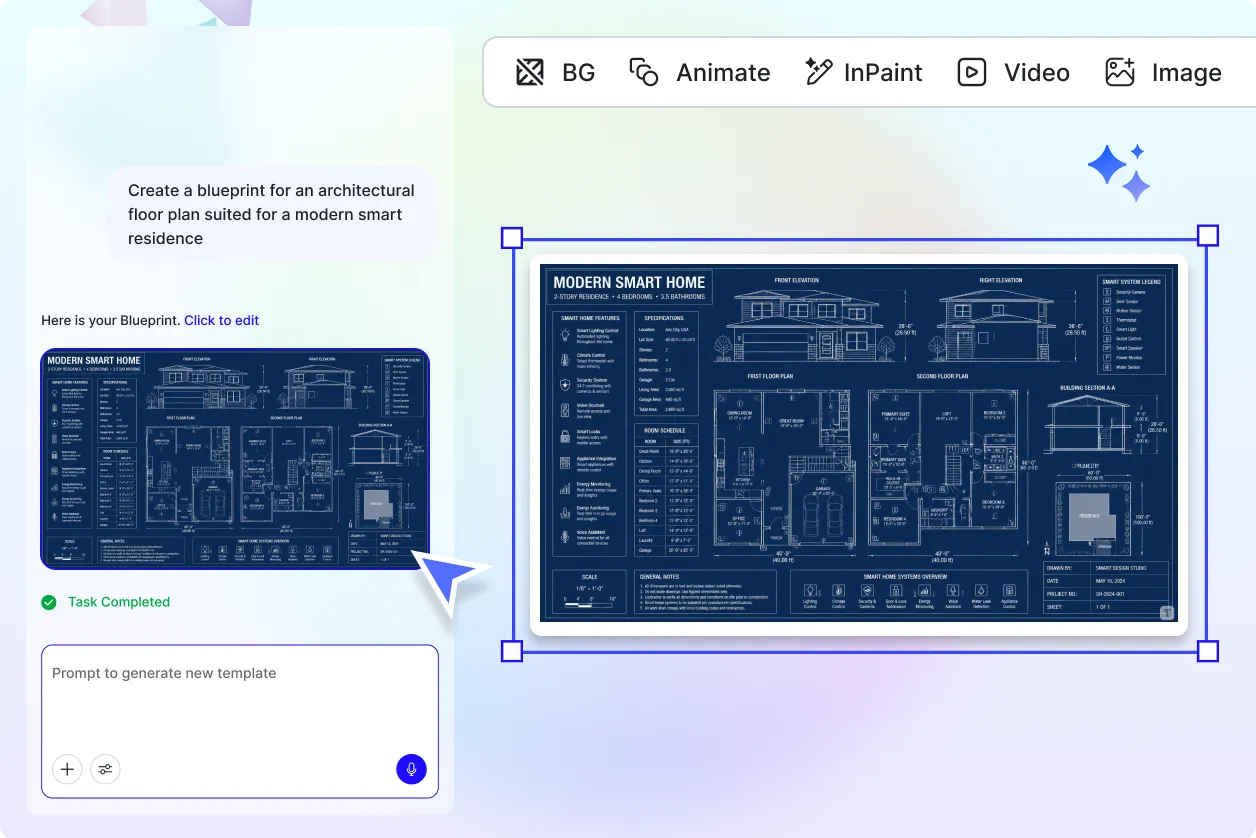
Visualize Architectural Structures from References
Upload a suitable image or sketch and use it as a starting point for generating blueprint-inspired visuals. Reference-based generation can help communicate visible structural forms, layouts, and design details more clearly.
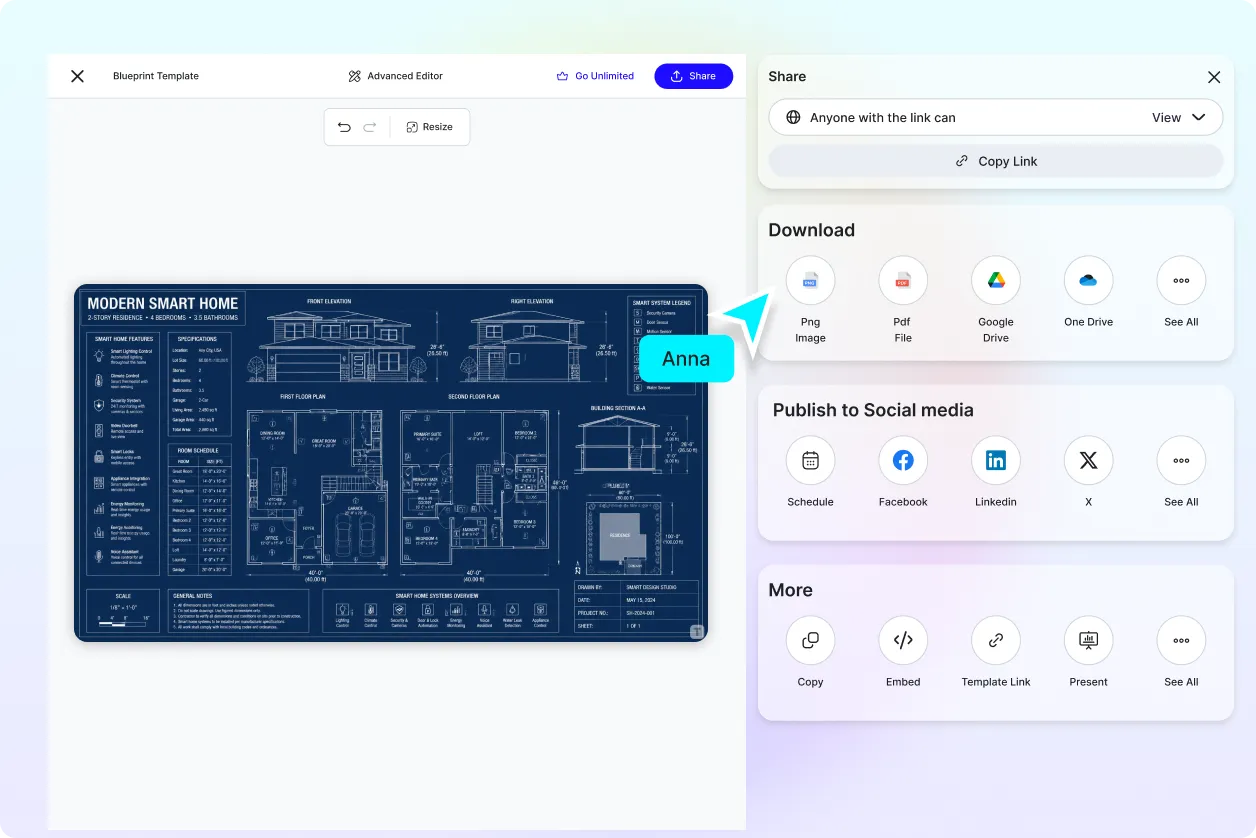
Explore Design Directions Without Starting Over
Use prompts and templates to test different architectural styles, arrangements, technical drawing appearances, and presentation directions. Generate variations to compare different creative approaches to the same concept.
Present Complex Design Ideas More Clearly
Use organized blueprint visuals for presentations, portfolios, design reviews, client discussions, and planning conversations. Clear linework and structured compositions can make early-stage design concepts easier to communicate.
