
Free AI Headshot Generator
Upload your photo and our AI generates customizable, editable headshots for professional profiles, resumes, portfolios. Create polished visuals, editing, and save time with AI-powered headshots. Free, fast and online.

Create Headshots, Customize Online with Smart AI Generator
Template.net’s Free AI Headshot Generator helps you create professional, high-quality profile pictures in just seconds.
- Simply upload your photo or describe your style, and the AI transforms it into a polished, studio-like headshot you can fully edit.
- Add your own branding, adjust backgrounds, enhance lighting, and export your headshot instantly for use on LinkedIn, resumes, business profiles, or social media.
![Free AI Headshot Generator, Professional Headshot Maker [ No Signup ]](https://images.template.net/generator-images/Headshot-0.webp)
How to Make a Free AI-Generated Headshot
Just upload your photo, let the AI create professional headshots, customize details, and export in any format in seconds.
Upload Your Photo & Generate Headshot
Upload your photo into the AI Headshot Generator. The tool analyzes and instantly creates a professional-quality headshot that matches your style or industry needs.
Review & Edit Your Headshot
Open the generated headshot in the editor. Adjust lighting, refine backgrounds, add text, or enhance retouching for the perfect final portrait.
Save, Share, or Export
Export your finished headshot in high-quality formats. Share directly on LinkedIn, print for business use, or upload for personal branding.
Create Professional Headshots in Seconds and Elevate Your Online Presence
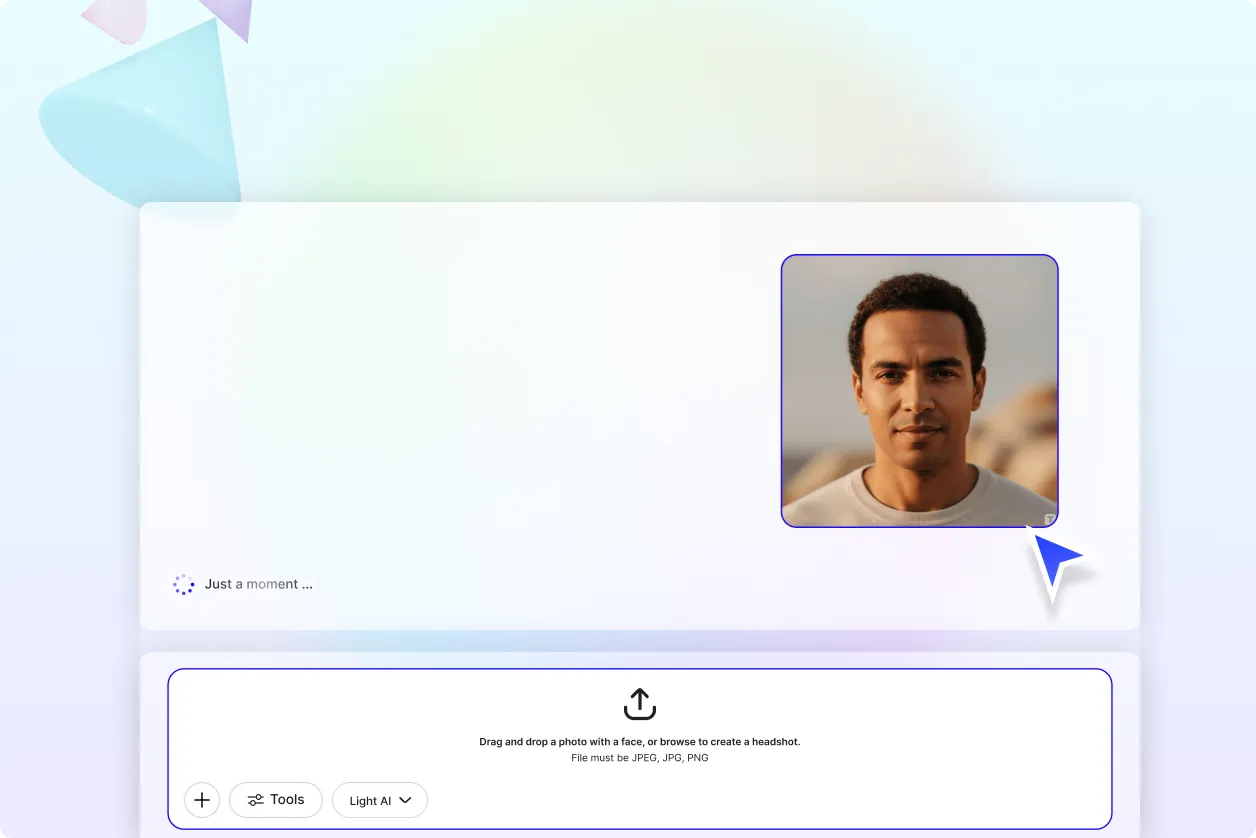
Generate Headshots That Match Your Style
From corporate portraits to creative casual shots, every headshot is customized to your needs. The AI instantly enhances your photo or creates a new one, delivering a polished, studio-quality result tailored to your purpose.
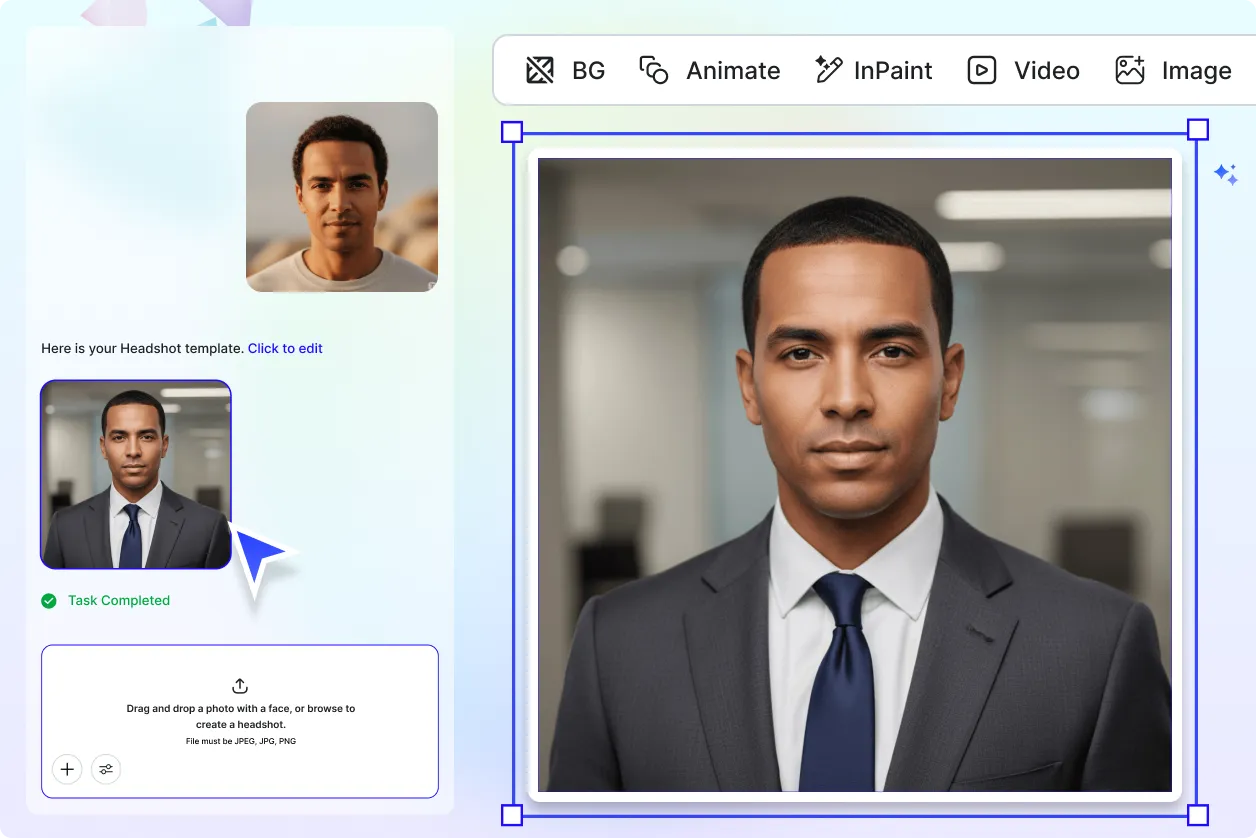
Customize and Repurpose with Ease
Update outfits, swap backgrounds, or adjust lighting to suit different platforms and uses. Repurpose a single headshot into multiple versions for LinkedIn, resumes, business websites, or creative portfolios saving both time and effort.
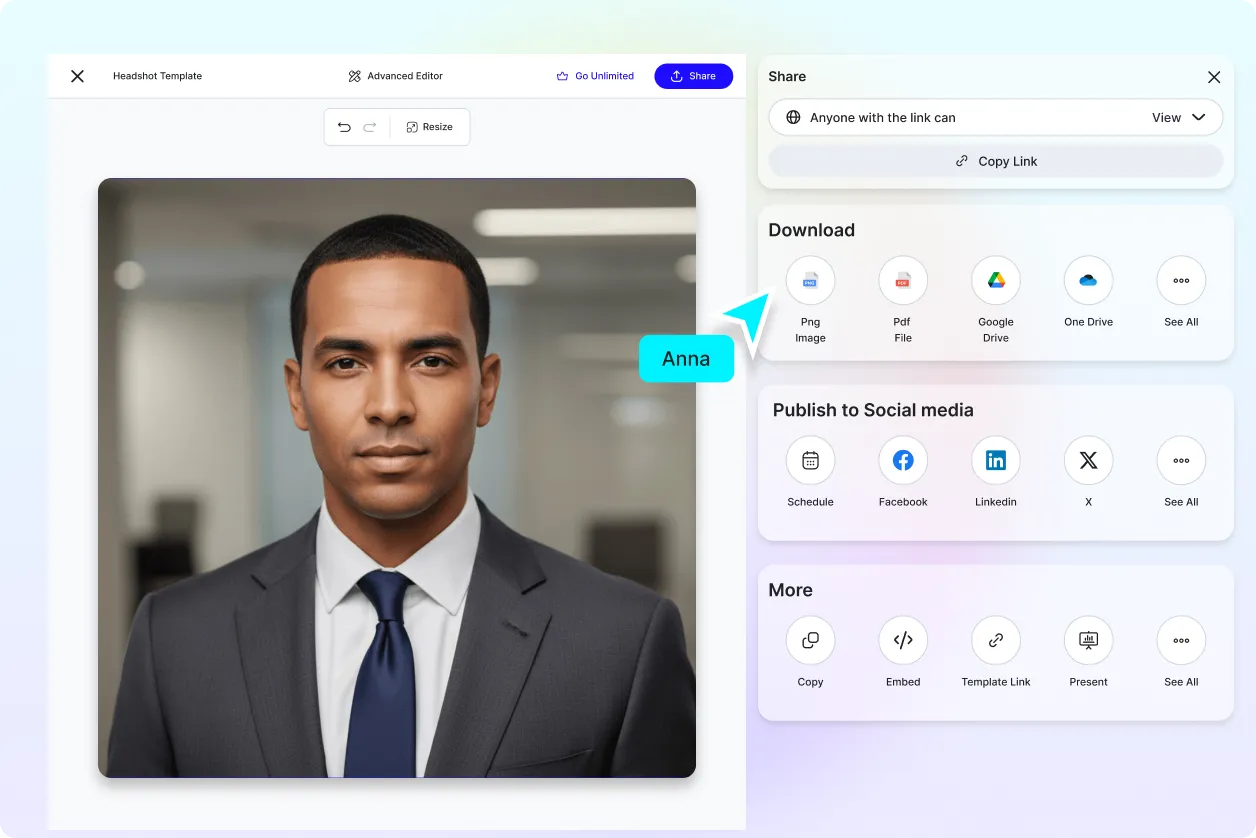
Export and Share Anywhere
Download your AI-generated headshots in multiple formats and resolutions. Share instantly on LinkedIn, resumes, portfolios, or social media profiles. With cloud integration and smart export tools, move seamlessly from creation to professional presentation.
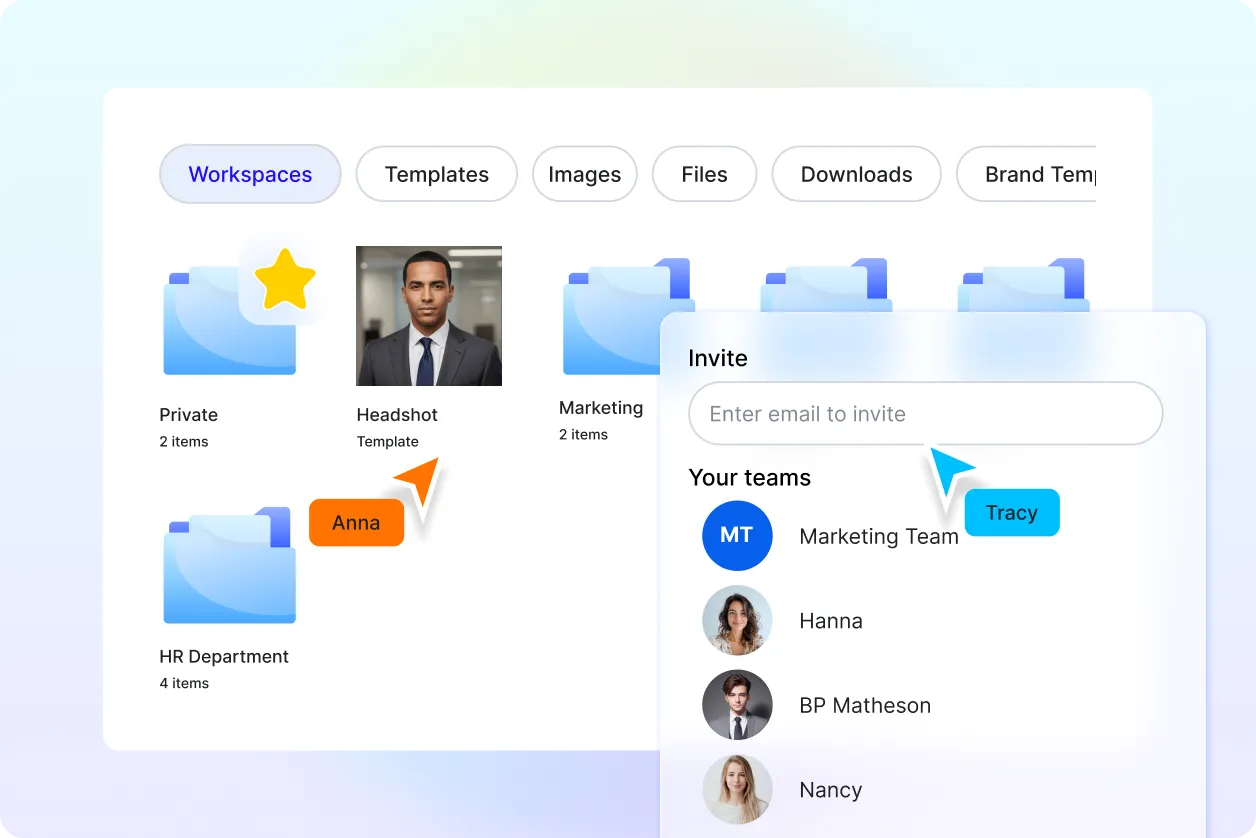
Collaborate and Organize Headshots
Easily manage your headshots with smart folders and team workspaces. Organize by project, client, or style, assign access rights, leave feedback, and keep everything synced for smooth collaboration with colleagues or clients.
Design Custom, Professional Headshots for Free
Everything you need to create polished, studio-quality, and customizable headshots.

AI-Powered Headshot Generator
Generate professional headshots instantly by uploading a photo. The AI transforms casual, low-quality, or unedited images into multiple headshot styles tailored to your purpose, from corporate branding to creative portfolios.

Editable Headshot Templates for Every Purpose
Choose from pre-designed headshot templates optimized for LinkedIn, resumes, portfolios, acting auditions, or creative projects. Fully editable templates ensure you can adapt the look while maintaining high-quality, professional results.

Drag-and-Drop Headshot Editor
Easily reposition, crop, and refine headshots with an intuitive drag-and-drop editor. Adjust lighting, framing, or alignment quickly without design experience, ensuring your photo looks balanced and professional.

Support for Popular Headshot Sizes
Generate headshots optimized for LinkedIn (400 × 400 px), resumes, company directories, or print-ready formats like 8" × 10". Resize effortlessly to fit any platform, from social media to corporate websites.

Multilingual Prompt Support
Create headshots in 20+ supported languages including English, Spanish, Chinese, Hindi, Arabic, Portuguese, Russian, Japanese, French, Korean, Italian, and more making it easy to generate professional portraits worldwide.

Built-In Visual Library and Assets
Enhance your headshot by adding professional backgrounds, business attire overlays, or studio-style lighting effects from Template.net’s rich asset library. Layer elements to create polished and versatile professional portraits.

Apply Brand Elements for Professional Use
Add your company logo, brand colors, or uniforms into headshots ideal for resumes, corporate websites, business cards, and team directories. Maintain a consistent and polished brand identity across all professional profiles.

Export and Save with Flexibility
Download your headshots in JPG, PNG, or high-resolution print formats. Save directly to Google Drive, OneDrive, or Dropbox for easy access, organized storage, and backup across devices.

Reuse Headshots Across Platforms
Repurpose your AI-generated headshots for LinkedIn, resumes, company IDs, social profiles, or marketing materials. Resize, recolor, or duplicate versions to match different professional needs without starting from scratch.

Share Headshots Instantly Across Platforms
Distribute your headshots on LinkedIn, WhatsApp, Instagram, Facebook, X (Twitter), or email. You can also generate embed codes for quick use on personal websites, online portfolios, or digital resumes.

Collaborate in Real-Time with Teams
Invite HR managers, recruiters, or team members to co-edit and finalize headshots in shared workspaces. Apply feedback, adjust details, and approve versions instantly without long back-and-forth emails.

Personal, Academic, or Commercial Use
All headshots generated are safe for resumes, academic profiles, company directories, or marketing campaigns. Use your headshots freely without worrying about licensing, rights, or restrictions.
Advanced Face Retouching
Automatically smooth skin, adjust lighting, and remove blemishes with AI-powered retouching tools. Get a flawless, natural-looking headshot without manual photo editing.

Outfit and Style Customization
Easily switch between formal business suits, casual wear, or creative attire. The AI lets you test different looks instantly to match your professional or personal needs.

Background Replacement & Blur Effects
Replace dull or cluttered backgrounds with sleek office setups, neutral studio tones, or custom brand backdrops. Add subtle blur for a professional portrait look.

Age and Expression Adjustment
Refine your headshot by adjusting facial expressions add a confident smile, soften features, or modify age appearance for a more suitable professional presentation.

Diversity of Headshot Angles
Generate multiple angles of the same portrait, from straight-on corporate views to slightly angled creative shots, ensuring you have options for different platforms.

AI-Enhanced Lighting & Color Grading
Optimize lighting conditions with studio-quality effects such as soft, natural daylight or dramatic professional tones. Fine-tune color balance for a consistent, polished finish.
Headshot FAQ
Still have questions?
The quickest answer is to try it - upload a photo and see the result.
What is the AI Headshot Generator?
Template.net’s AI Headshot Generator is a digital tool that creates polished, studio‑style headshots from a short text prompt or reference photo. It’s built for professionals, recruiters, creators, and teams who need fast, consistent, and customizable headshots without a traditional photoshoot.
How to use the AI Headshot Generator?
Simply upload your photo, and the AI generates a professional headshot instantly. You can refine and customize it in the editor.
Is the headshot generator free?
Yes. The AI Headshot Generator is free to use. Generate, customize, and download headshots without creating an account or paying for a subscription.
What styles of headshots can I generate?
Choose from corporate, casual, creative, LinkedIn‑ready, studio lighting, natural light, black‑and‑white, and portrait or square crops. Adjust expressions, backgrounds, attire, and camera angles to match brand or platform guidelines.
Can I use the headshots for commercial projects?
Yes. All generated images can be used for personal, academic, or commercial purposes including resumes, company directories, websites, marketing materials, social profiles, and press kits.
Where can I save or store my headshots?
Export in JPG, PNG, or WebP, with optional transparent backgrounds. Save directly to Google Drive, OneDrive, or Dropbox for easy organization and future access.
What are AI-generated headshots used for?
AI-generated headshots are used for professional profiles, resumes, company directories, social media accounts, and personal branding without needing a physical photoshoot.
Explore more AI image tools


Try AI Headshot Generator now
Drag and drop an image or browse to edit it
or drop an image here
