
Free Adobe PSD Templates






Adobe Photoshop Templates: Features, Usage, and Customization
What is a Adobe Photoshop?
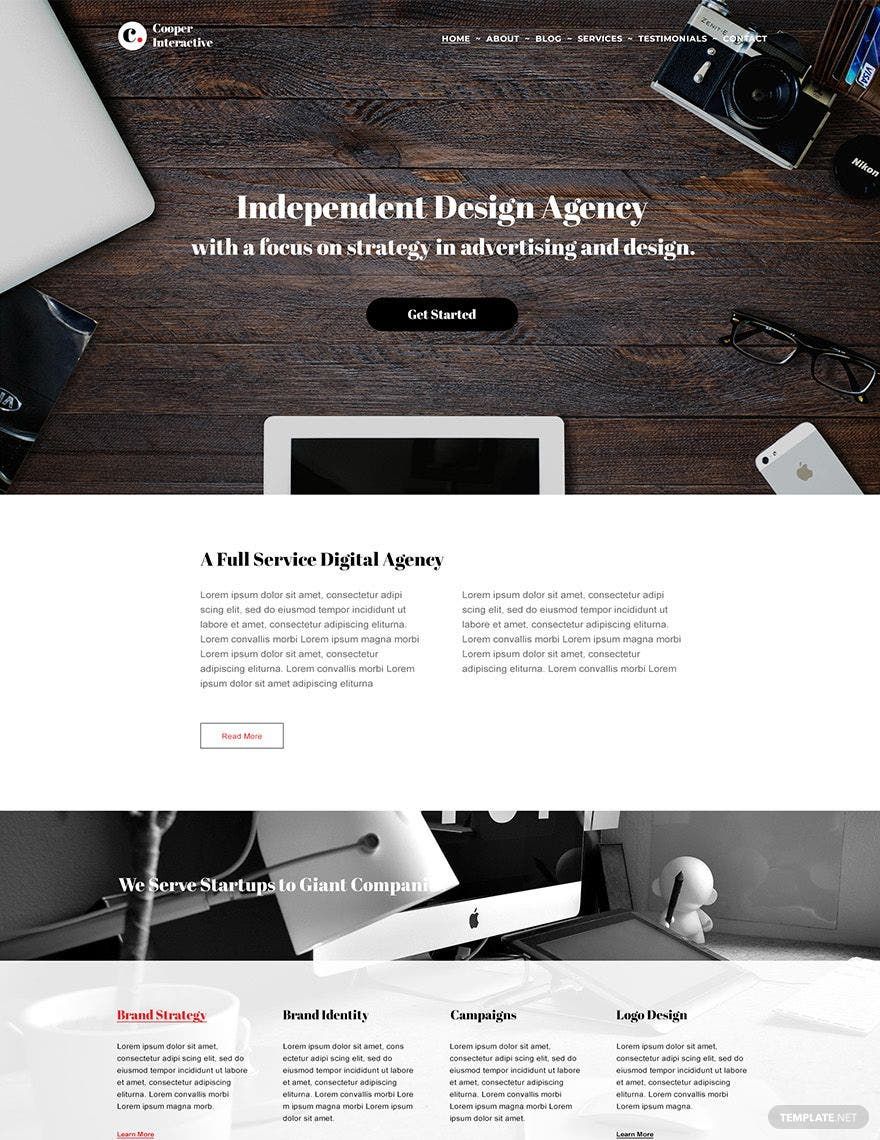
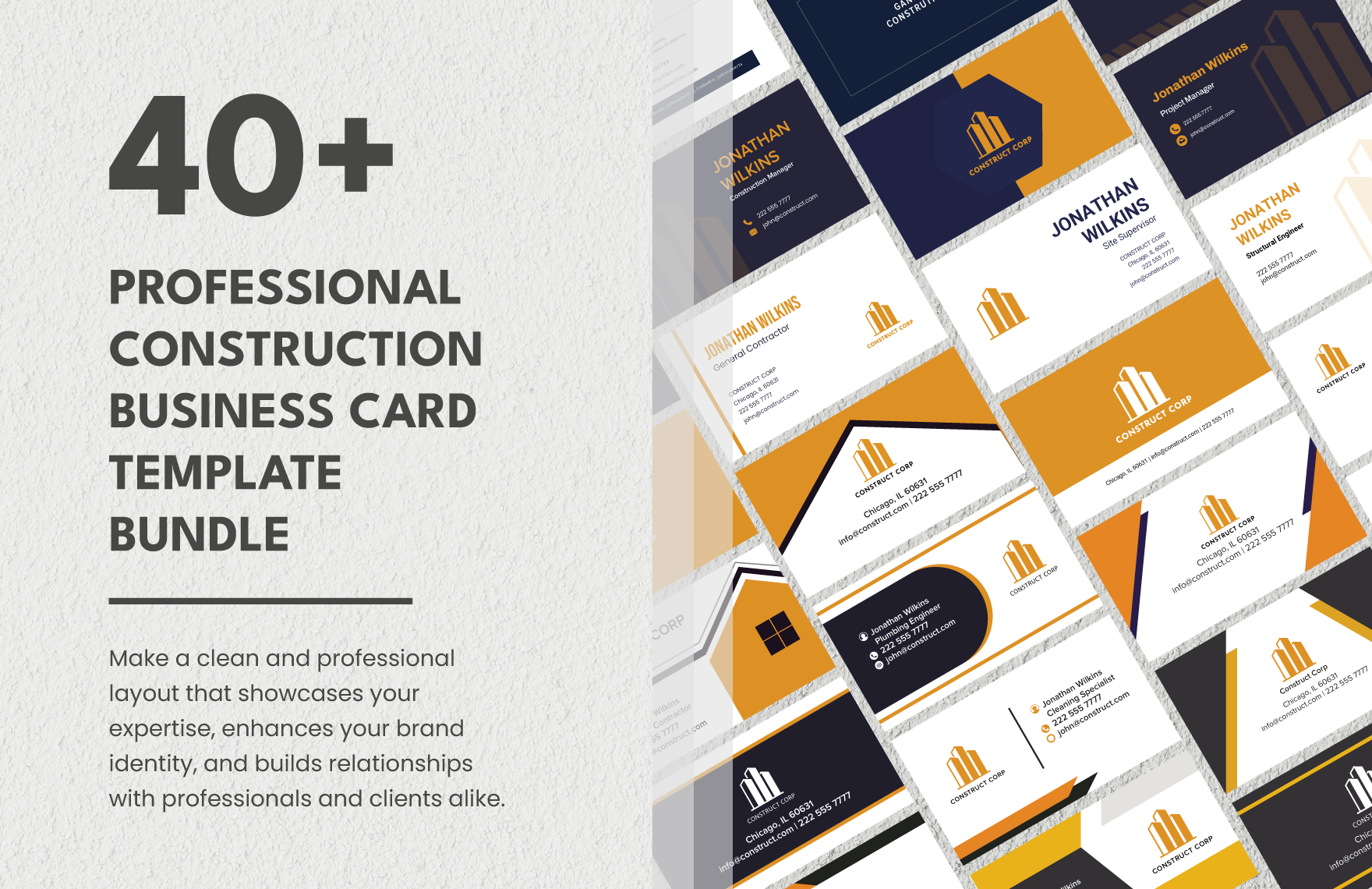
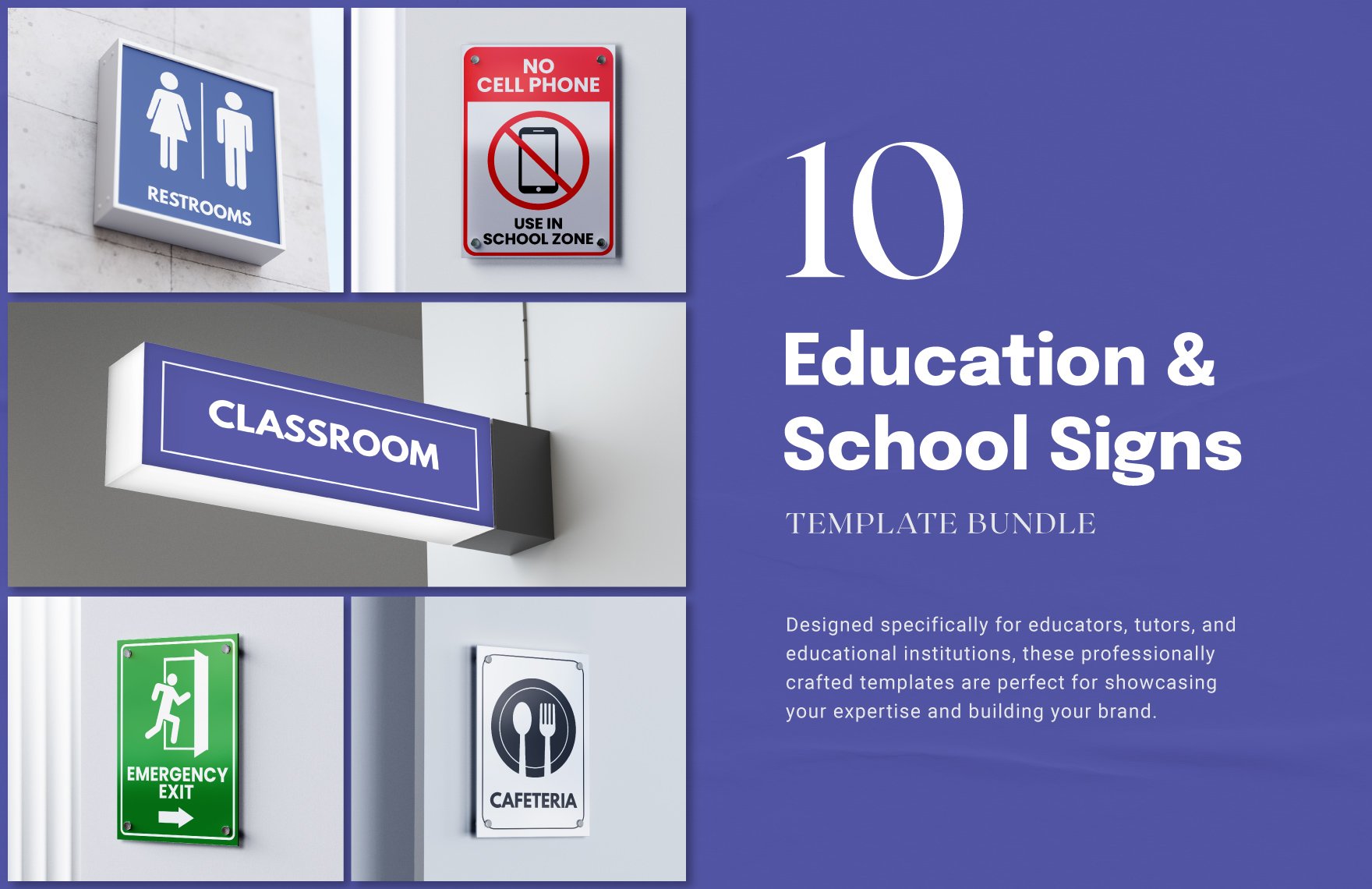
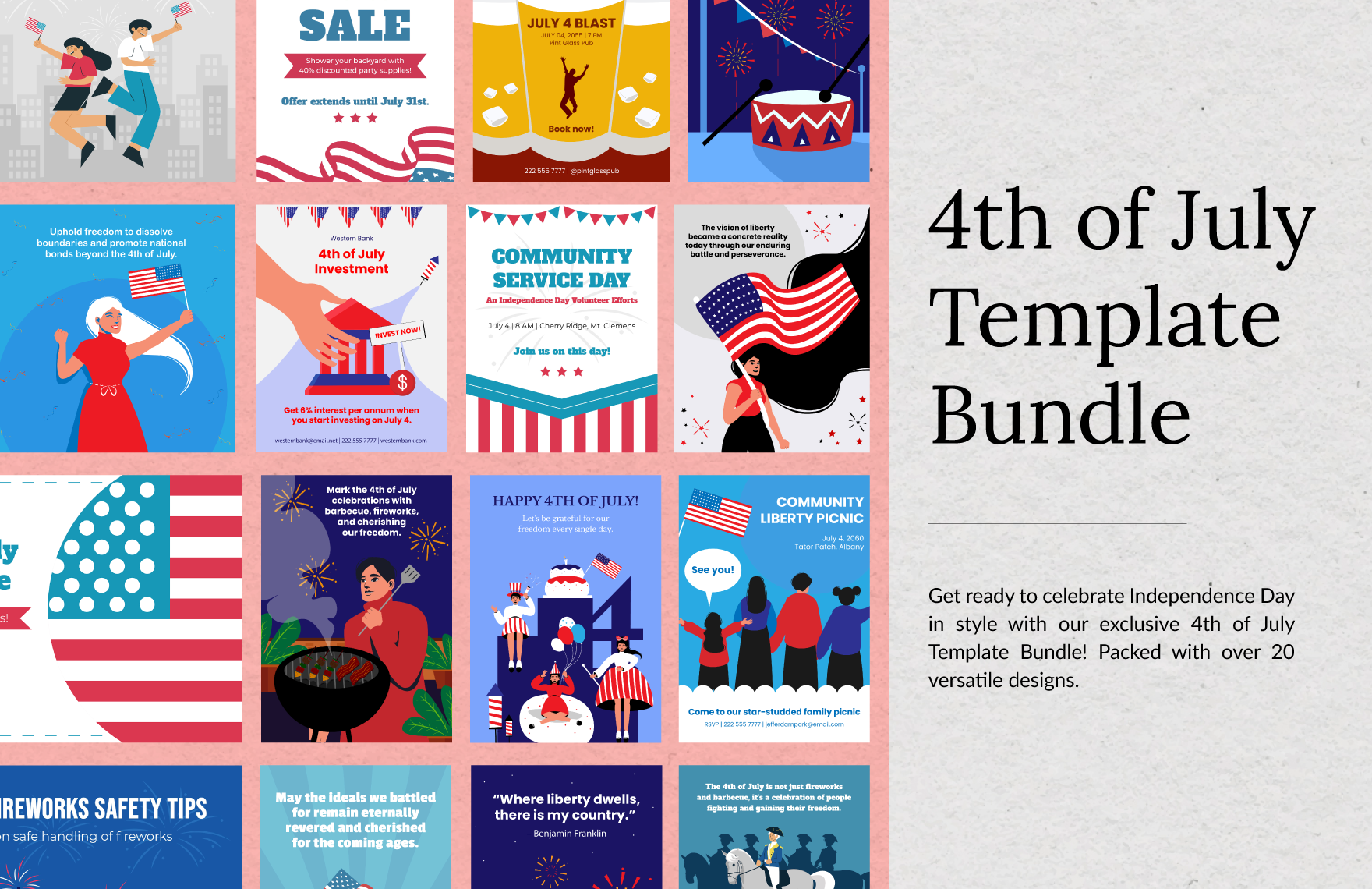
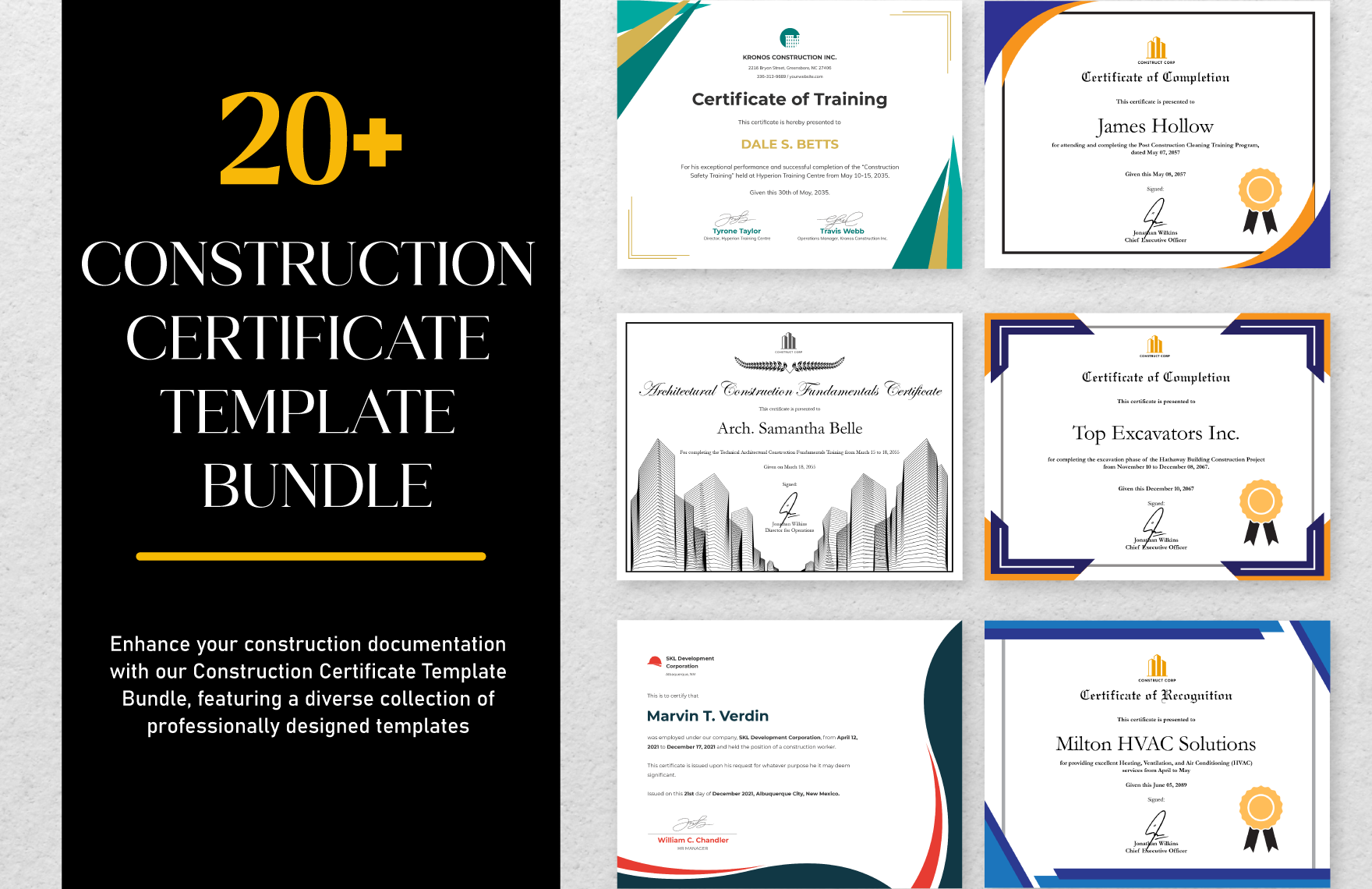
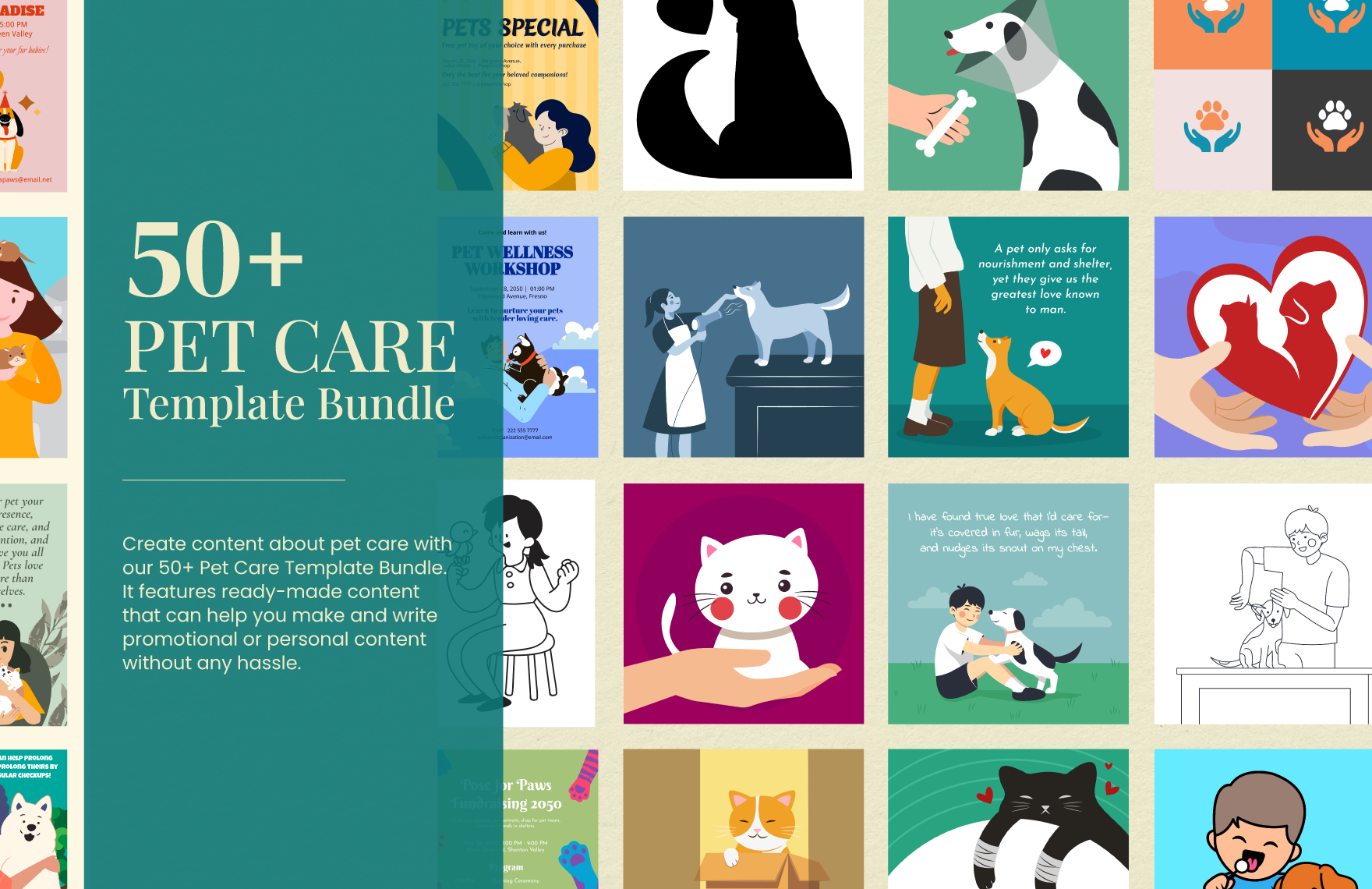
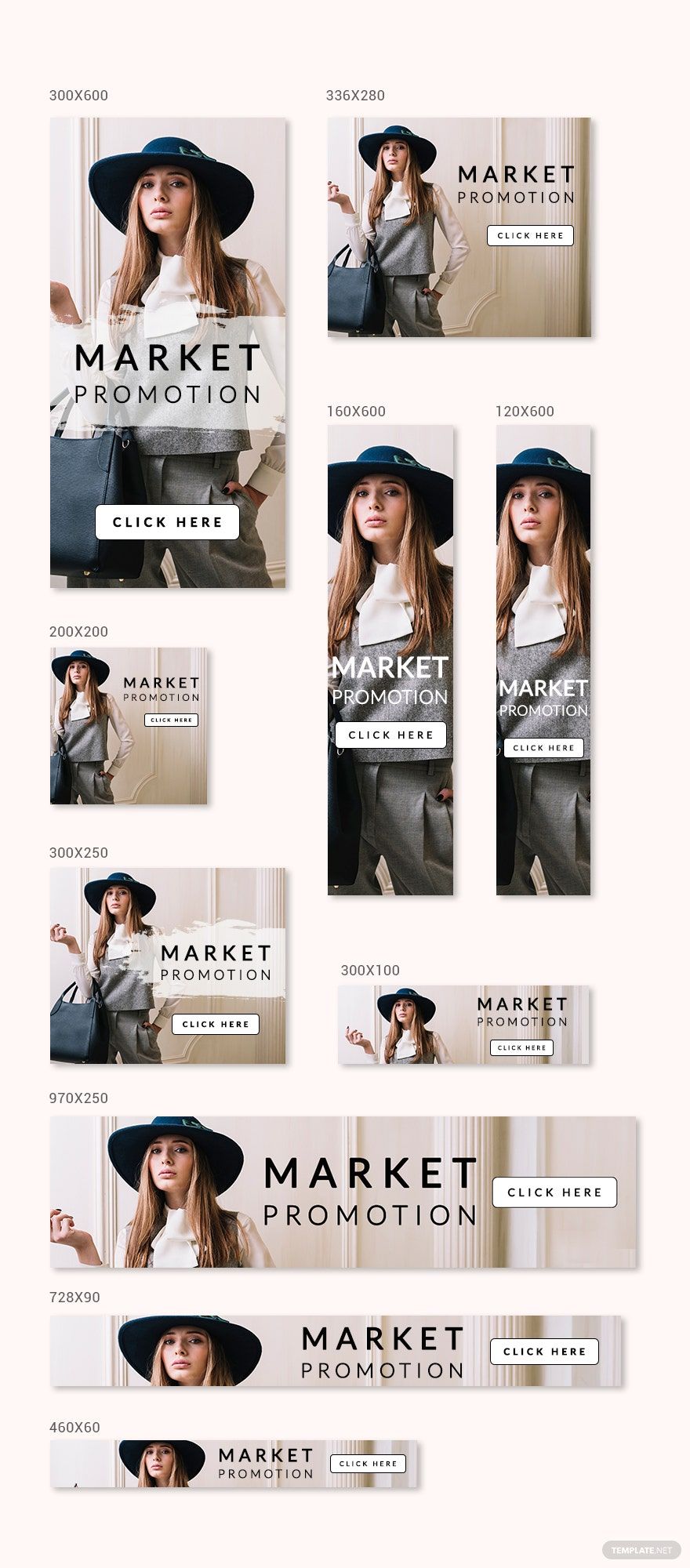
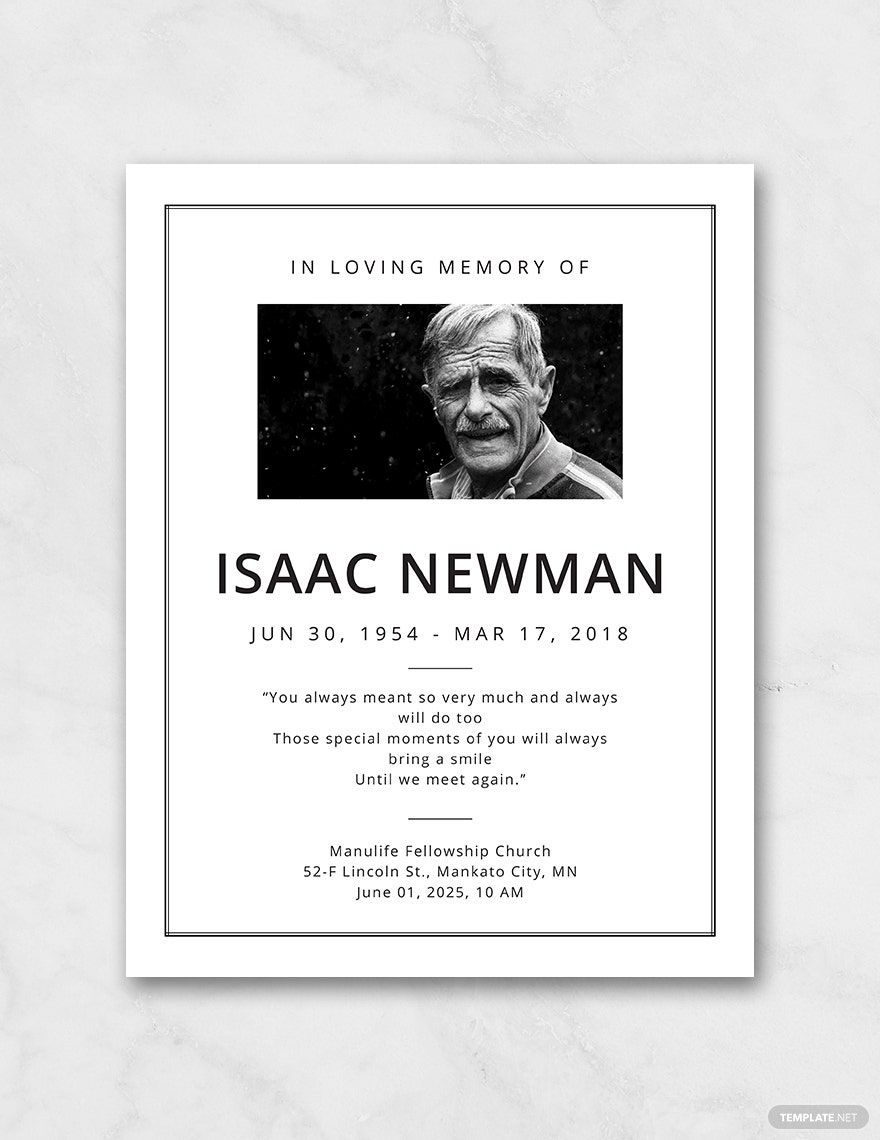
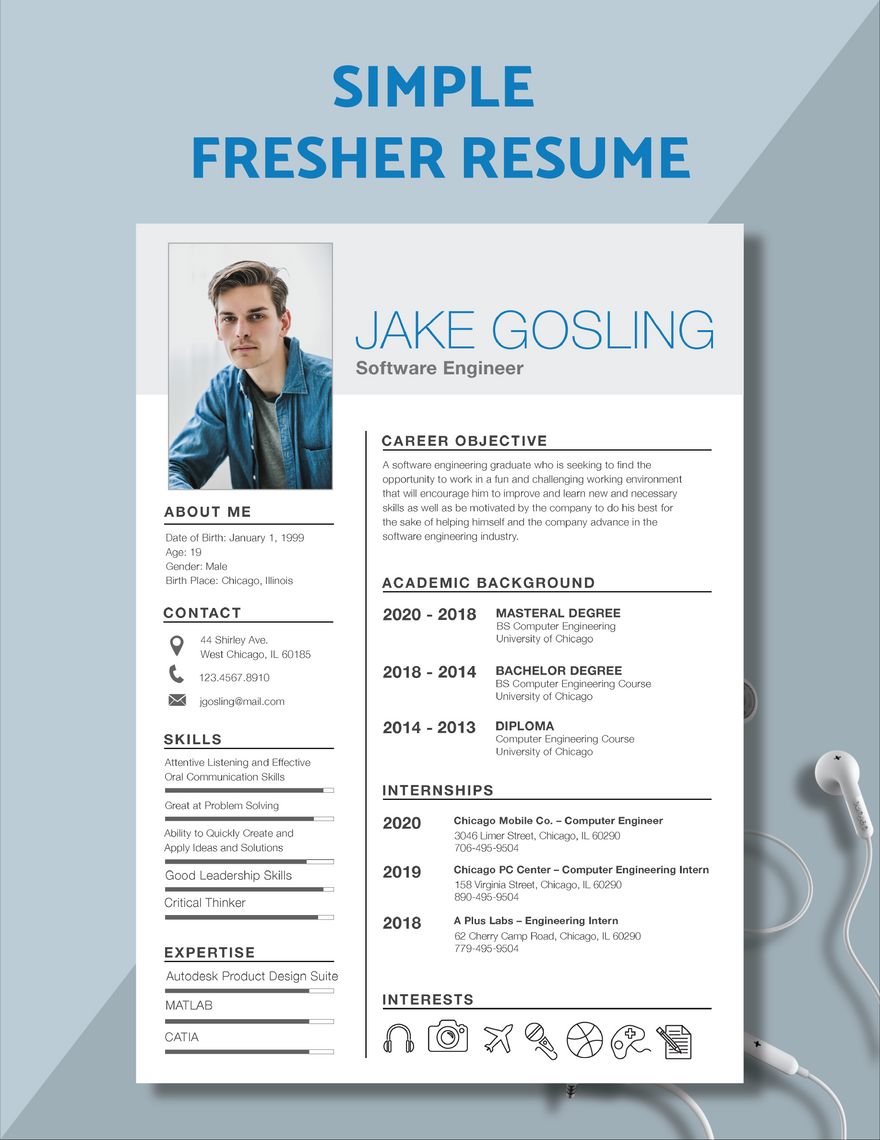
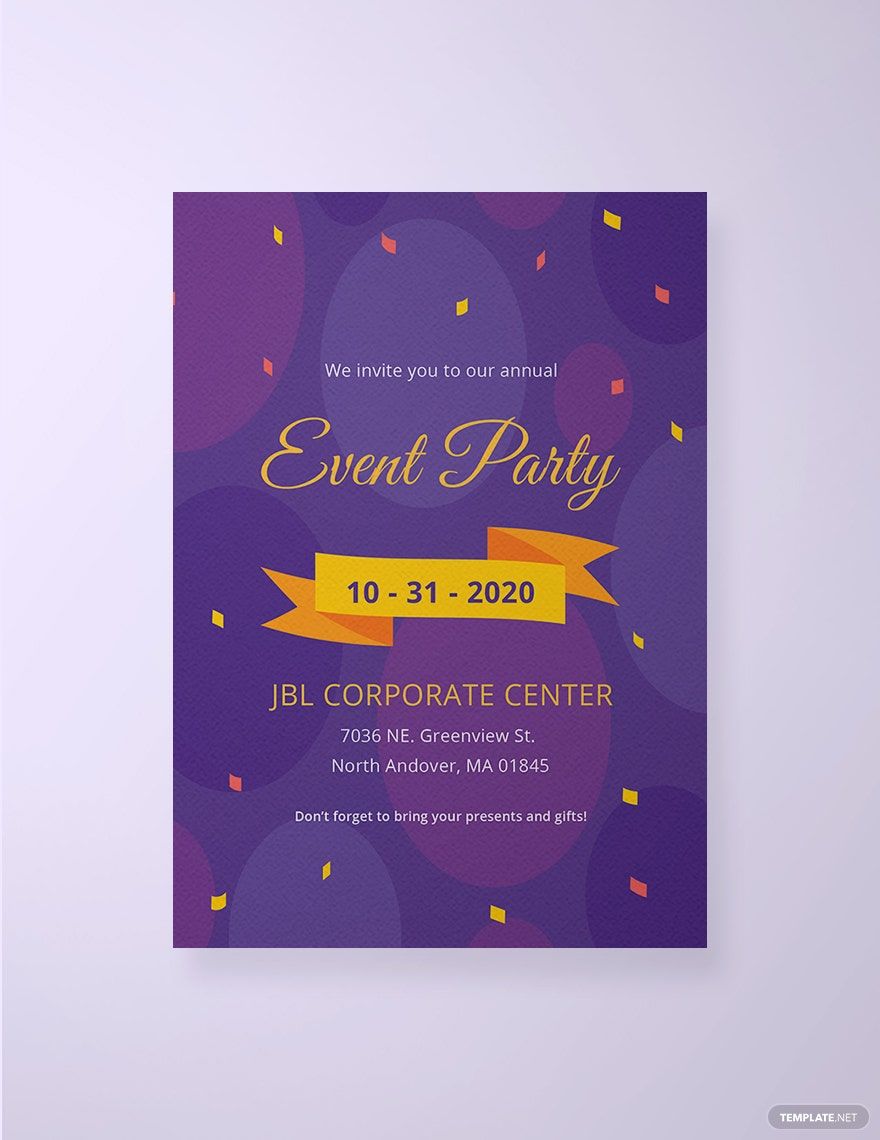
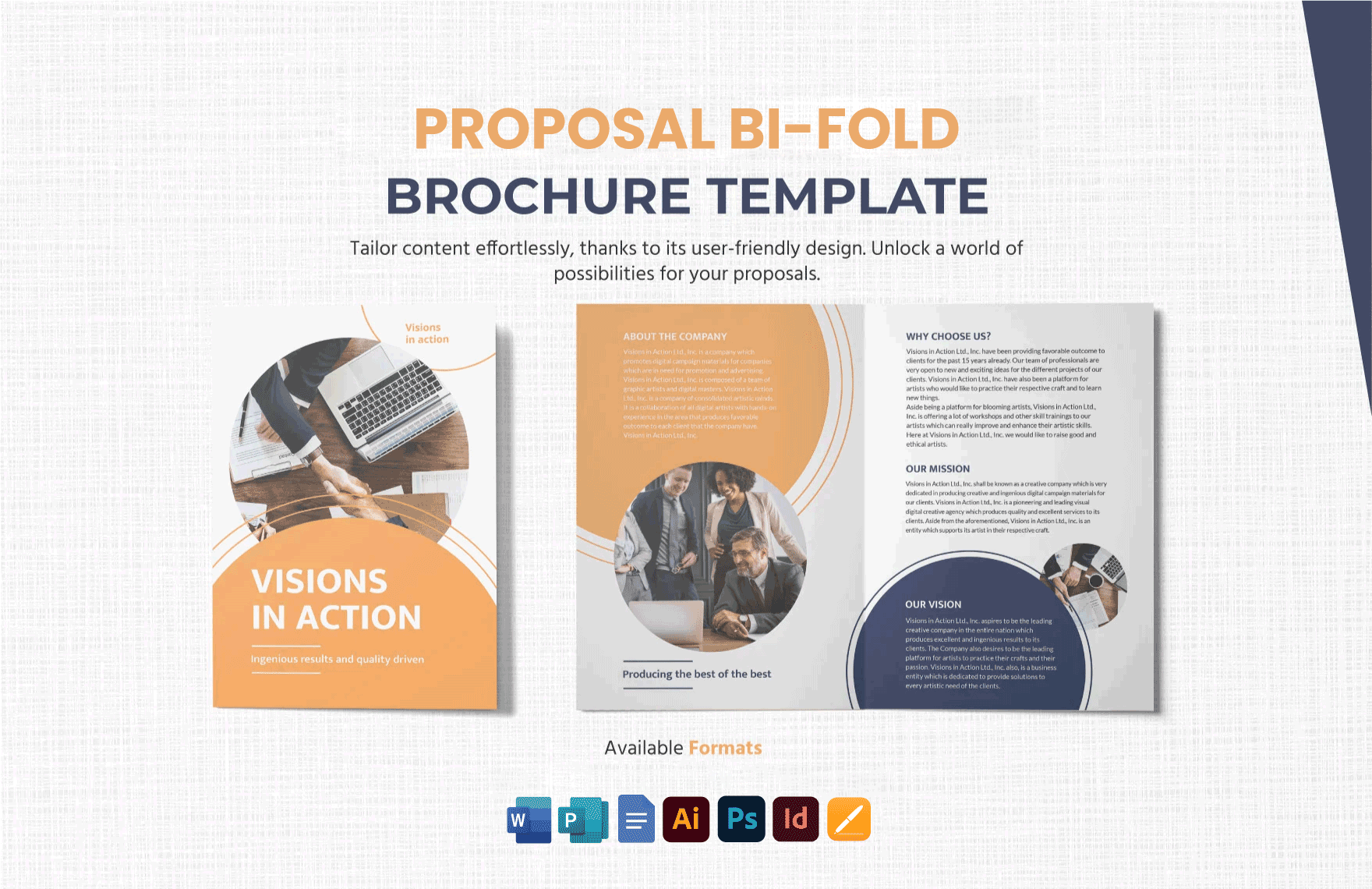
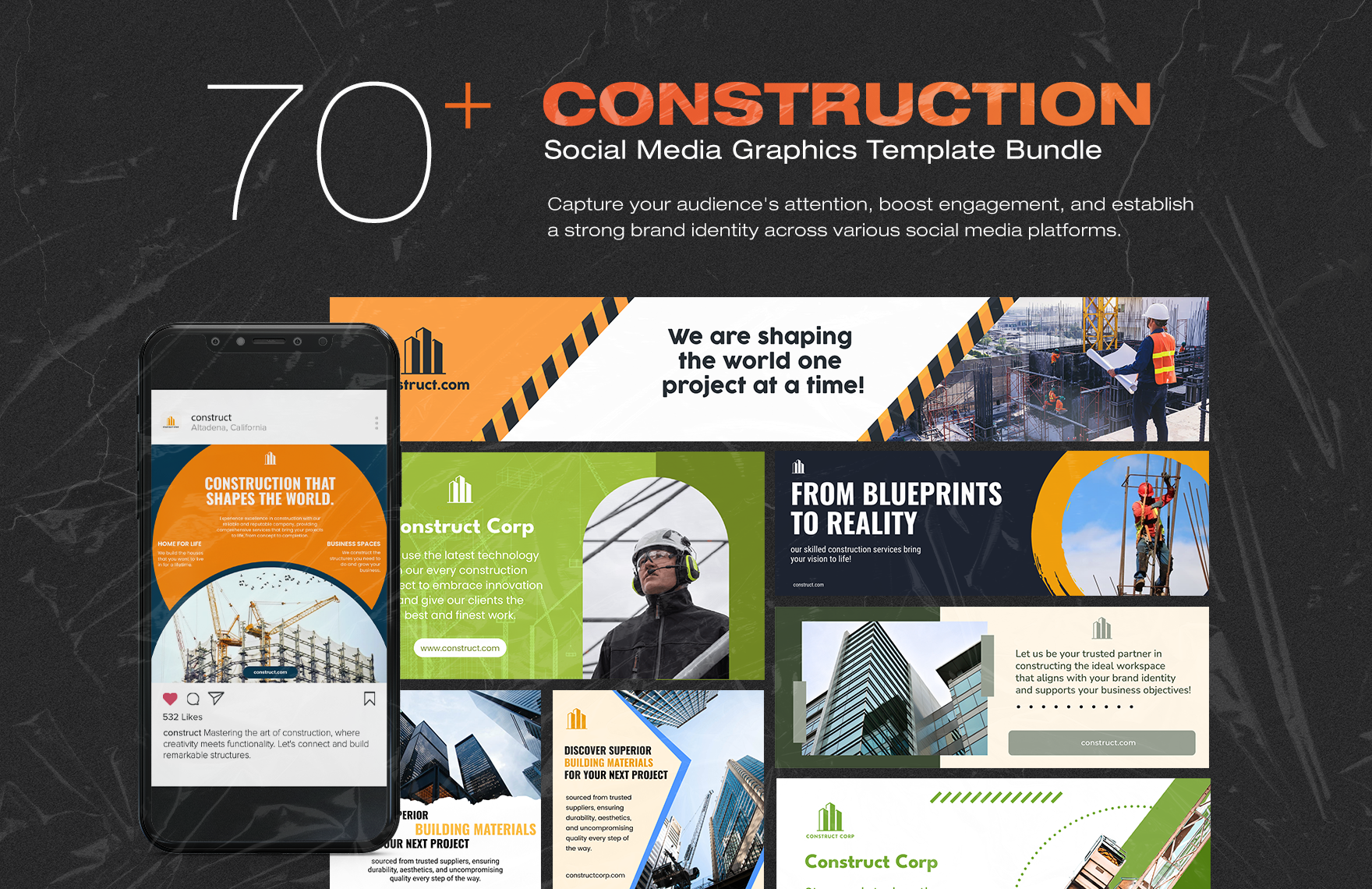
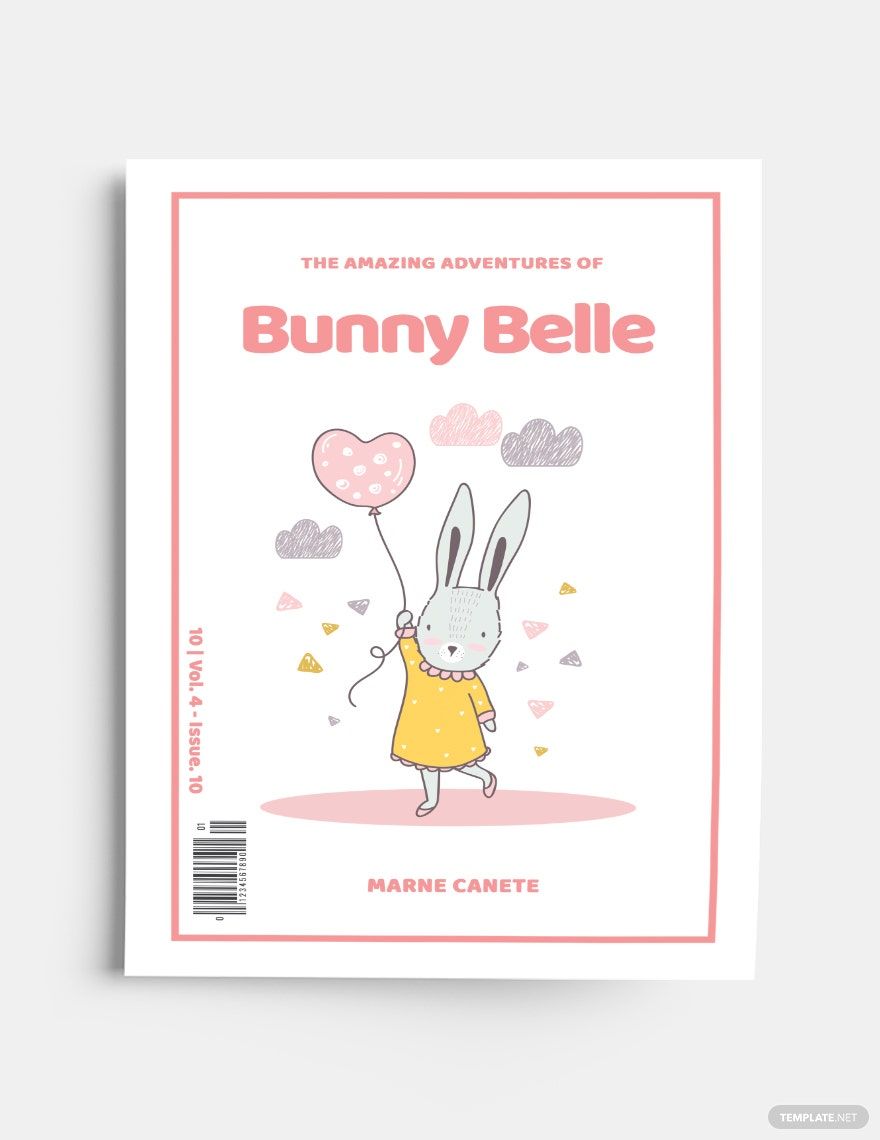
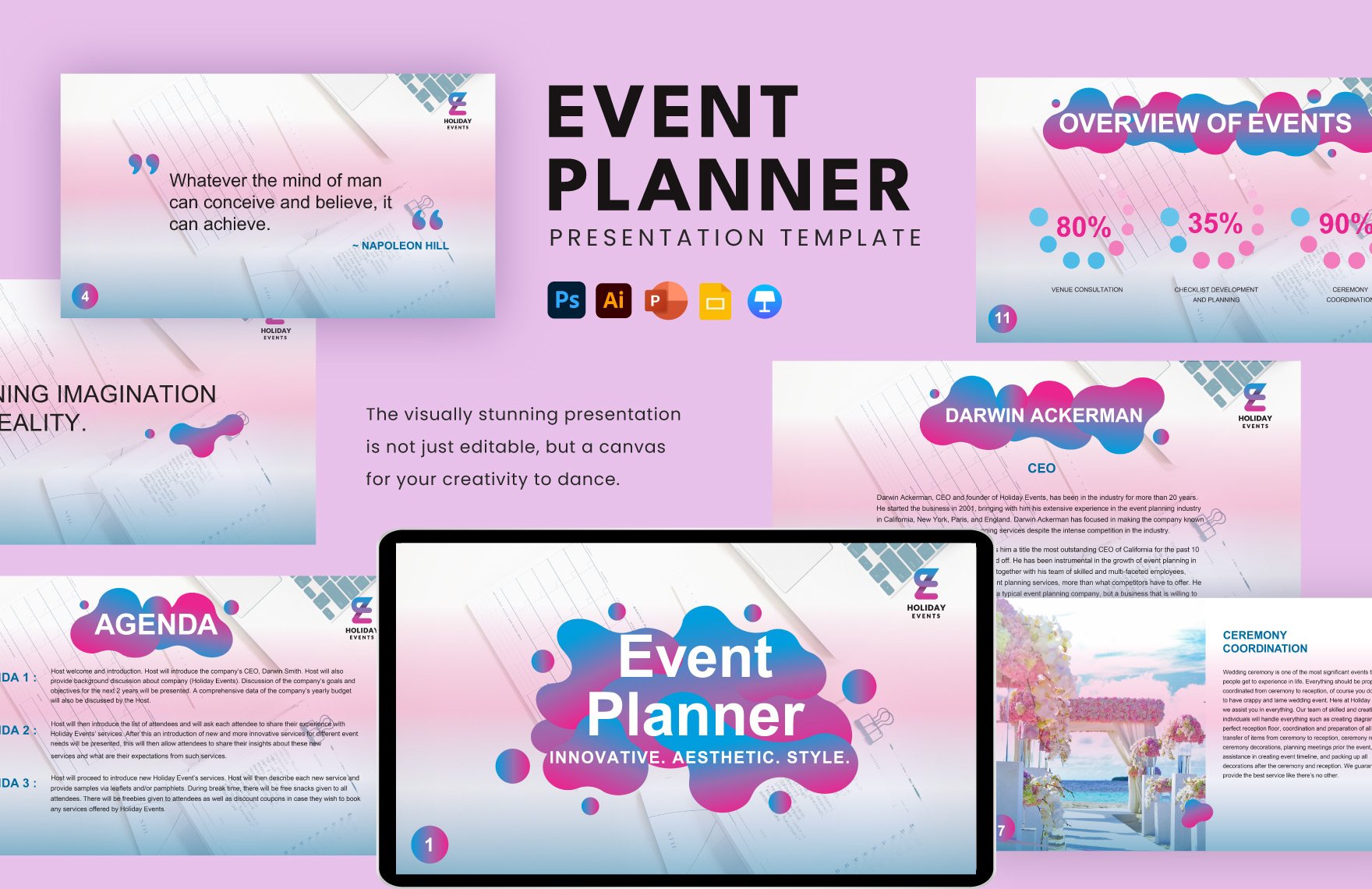
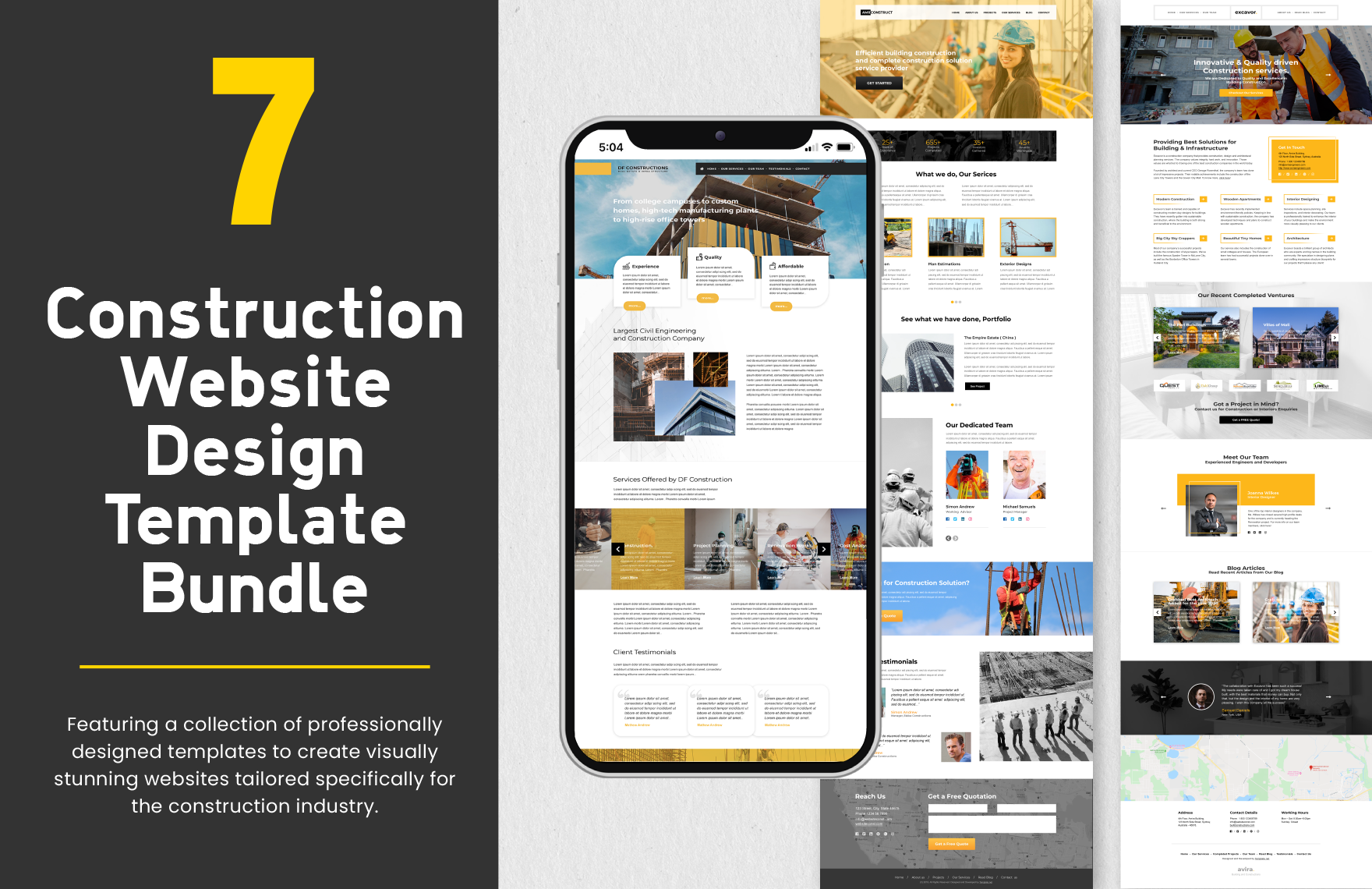
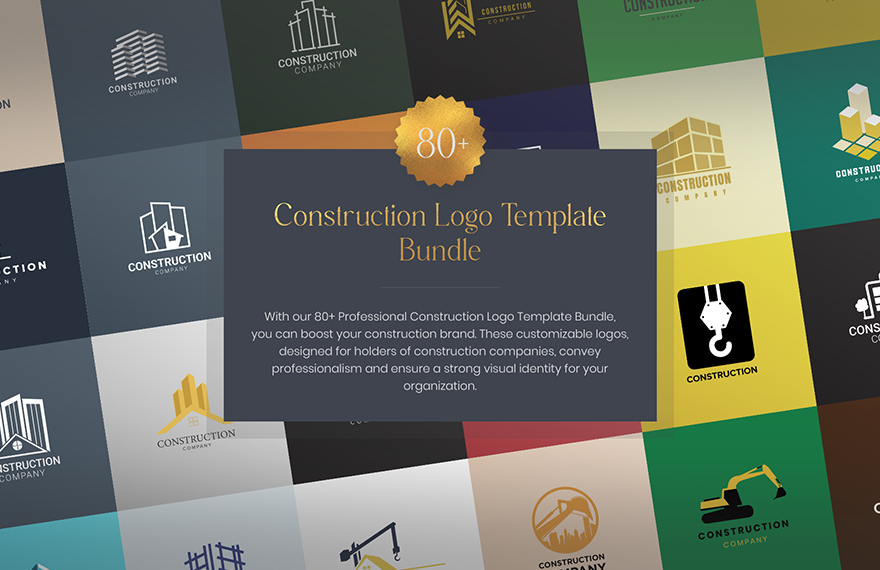
An Adobe Photoshop template is a fully layered PSD file containing editable graphics, text layers, and smart objects for customization in Adobe Photoshop. These templates enable professional design creation with non-destructive editing and precise control over every design element.
Why use a Adobe Photoshop?
Adobe Photoshop templates provide professional design layouts with non-destructive editing and customizable smart objects, enabling users to quickly create high-quality visuals. These templates save time while ensuring consistent, editable results for various creative projects.
Who typically uses Adobe Photoshops?
Adobe Photoshop templates are commonly used by graphic designers, marketers, photographers, and business professionals who need customizable layered PSD files for branding, advertising, and creative projects requiring editable text layers and image placeholders.
What size and resolution should a Adobe Photoshop use?
Adobe Photoshop templates typically use sizes like 8.5 × 11 inches or 5 × 7 inches with a resolution of 300 DPI for print quality. Screen designs often use 72 DPI to optimize file size and display clarity.
What are the best tips for editing a Adobe Photoshop in Adobe Photoshop?
When editing an Adobe Photoshop template, use non-destructive editing with adjustment layers, replace images via smart objects, and customize text layers carefully. Organize layers and use clipping masks for precise control and easy updates.
How do you export or print a Adobe Photoshop from Photoshop?
Export Adobe Photoshop templates using Save As PSD for layered files or Export as PDF or TIFF for print-ready formats. Ensure the document is set to 300 DPI resolution and use CMYK color mode for professional print quality.
What layers and elements should a Adobe Photoshop include?
An Adobe Photoshop template should include background layers, editable text layers, smart object placeholders for images, and color swatch layers for brand customization. Properly named layers enhance non-destructive editing and workflow efficiency.
How can you customize a Adobe Photoshop for different brands?
Customizing Adobe Photoshop templates for brands involves editing color swatches, replacing images through smart objects, modifying text layers with brand messaging, and adjusting layer styles to match brand identity. This ensures consistent, professional designs across platforms.
Can I create a new Adobe Photoshop using AI?
Template.net provides an AI-powered tool capable of generating Adobe Photoshop designs compatible with Adobe Photoshop. This tool helps create layered PSD templates quickly, ready for further customization and professional use.
