
Free Microsoft Publisher Templates












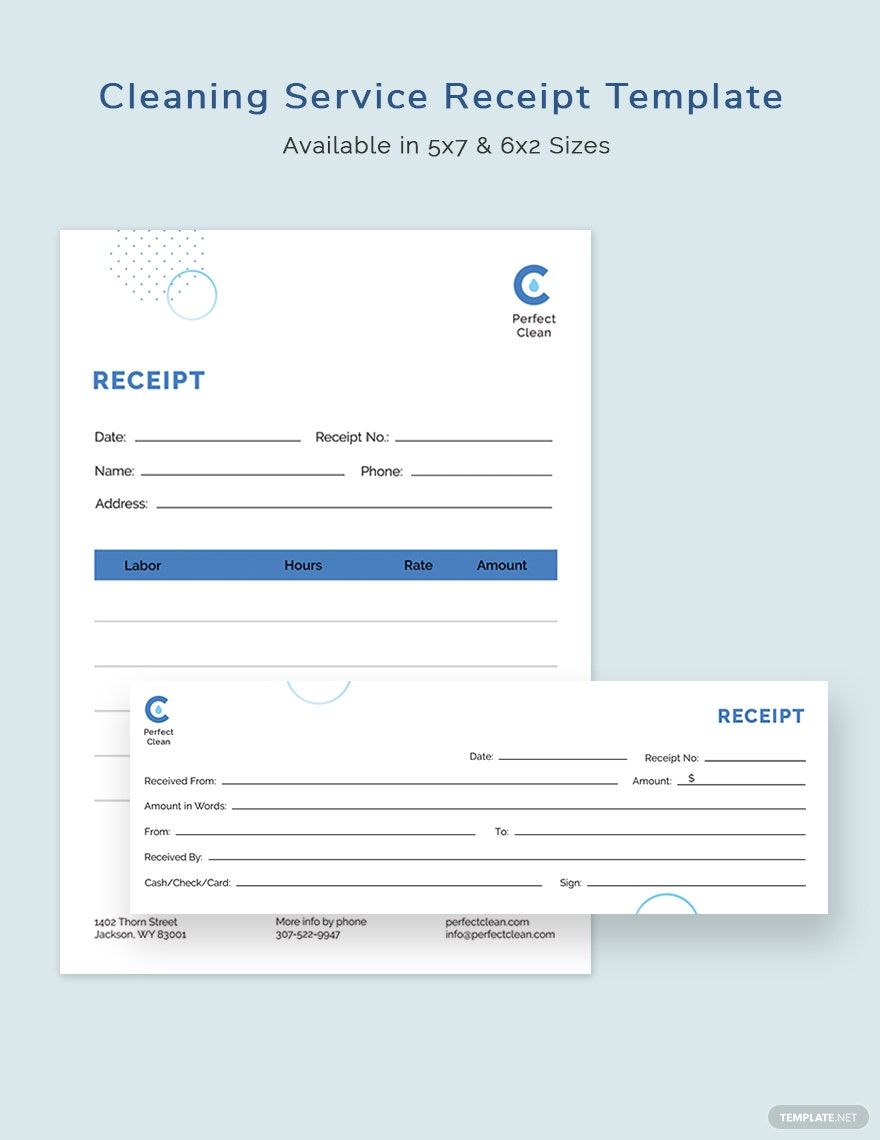
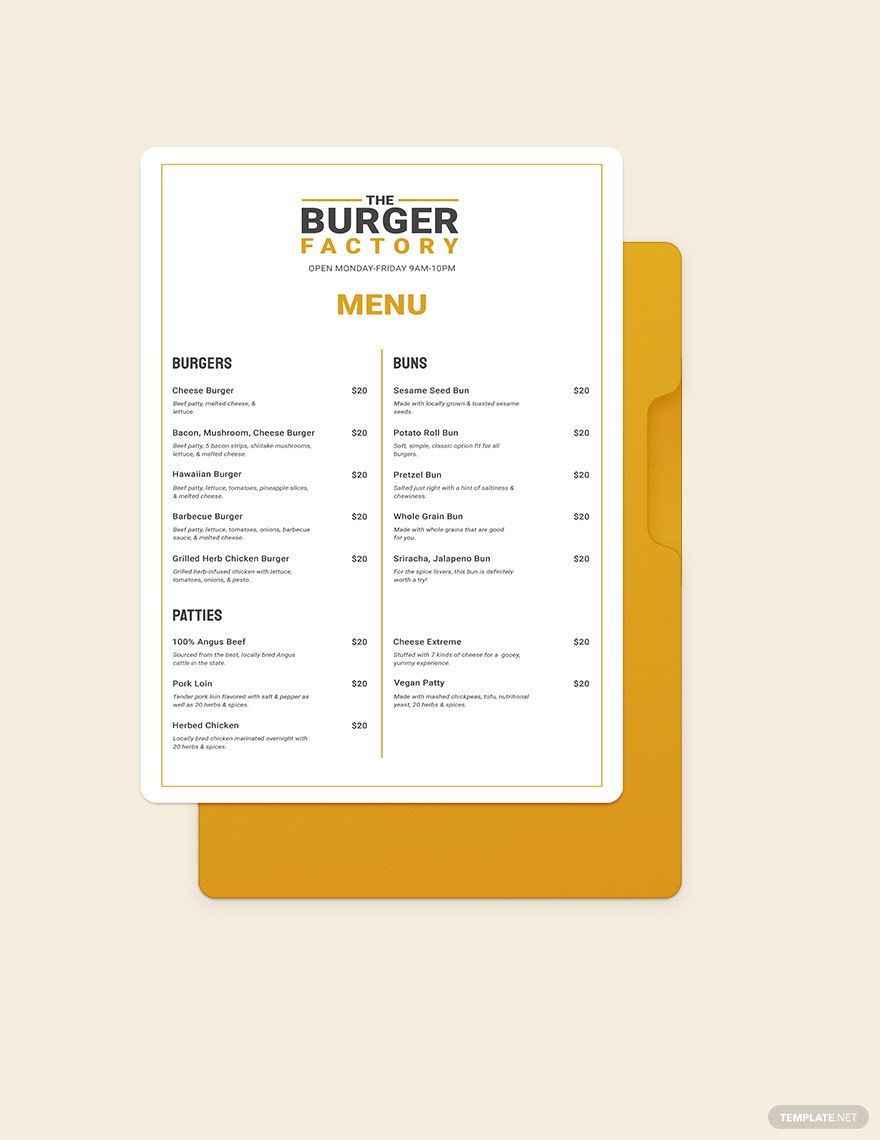
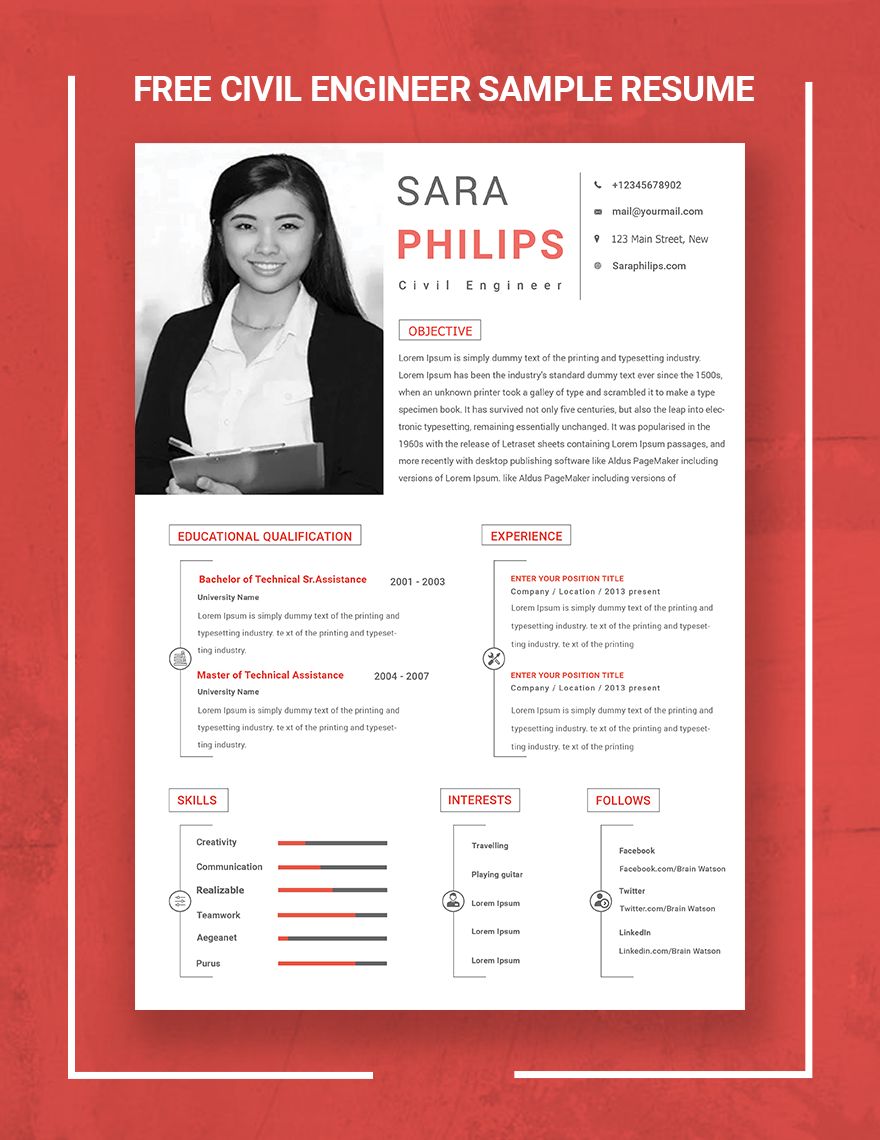
Microsoft Publisher Templates: Definition, Usage, and Design Essentials
What is a Microsoft Publisher?
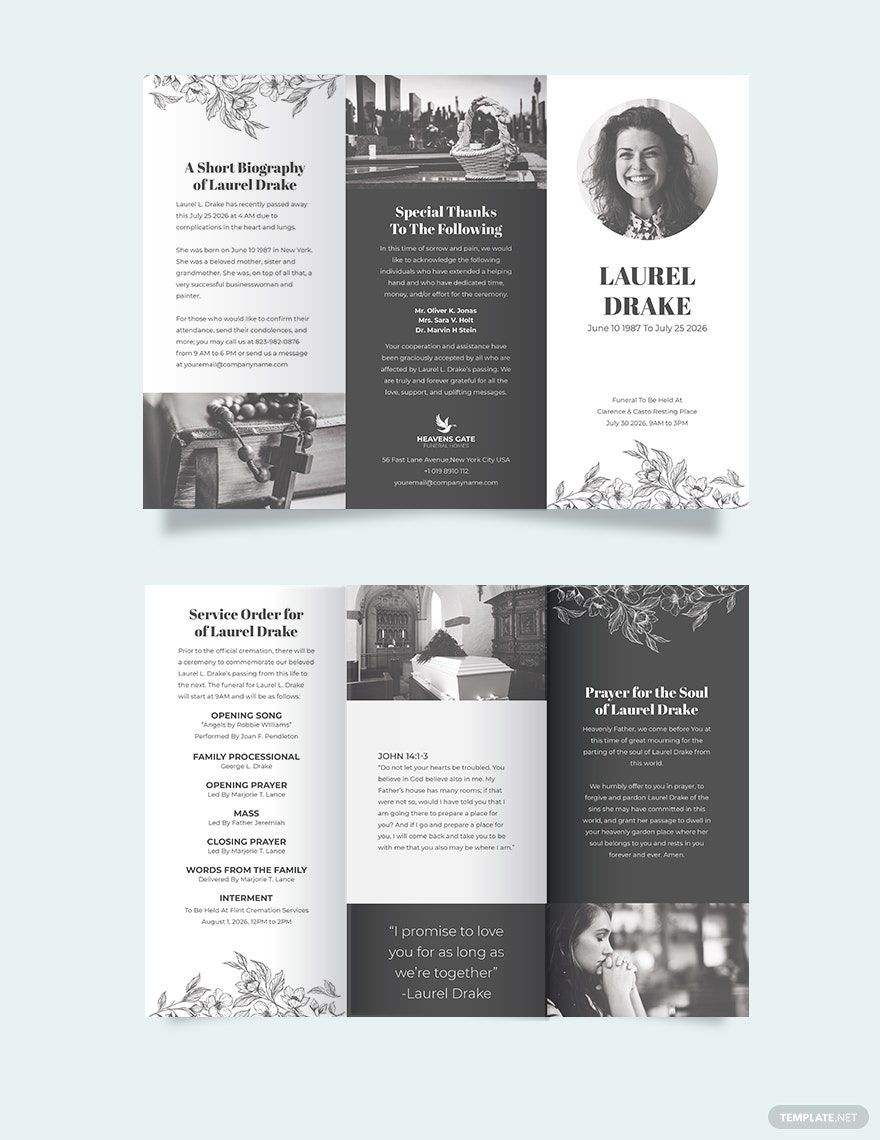
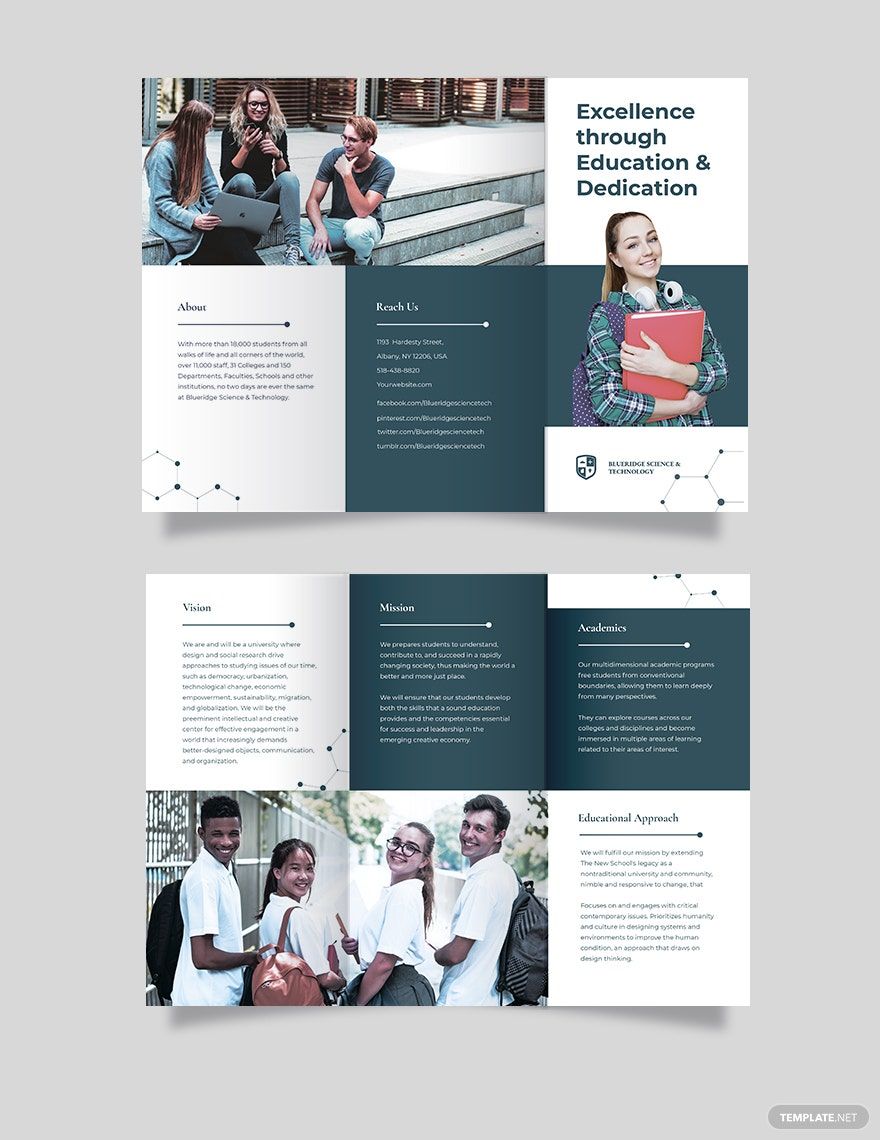
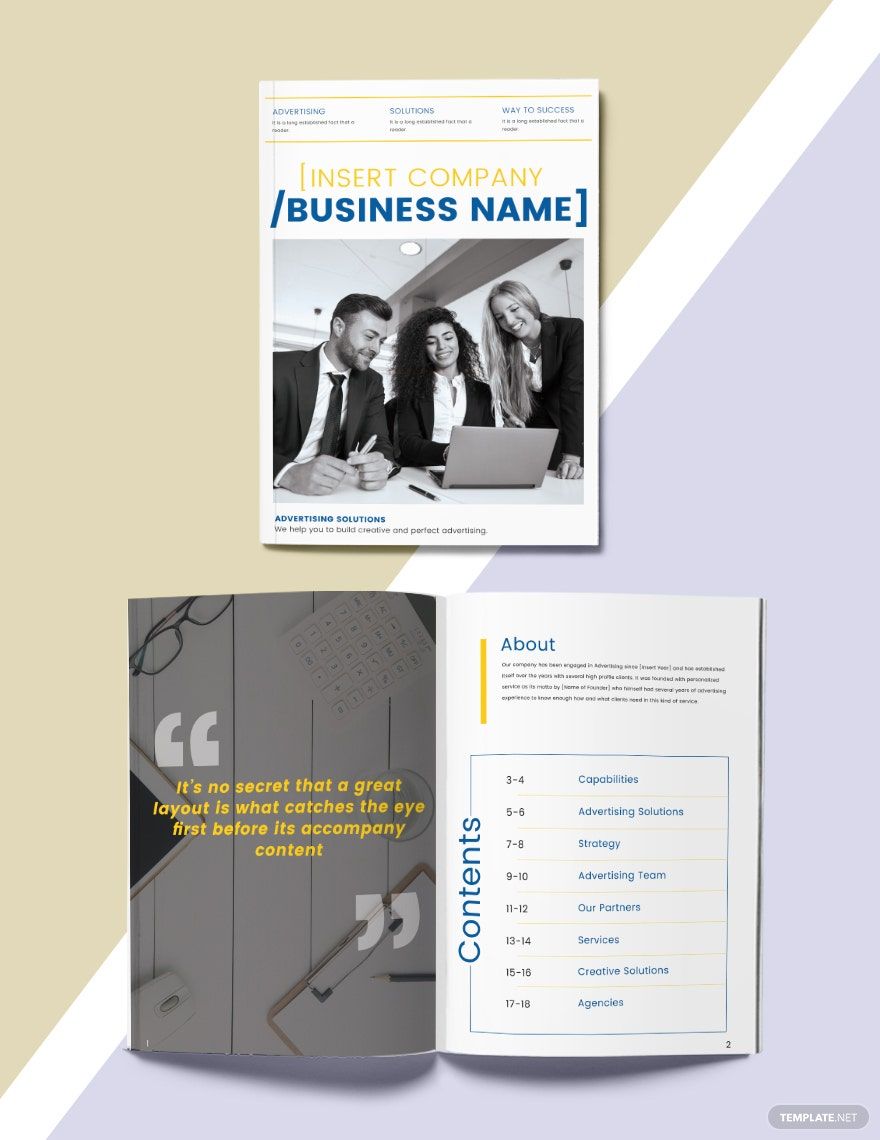
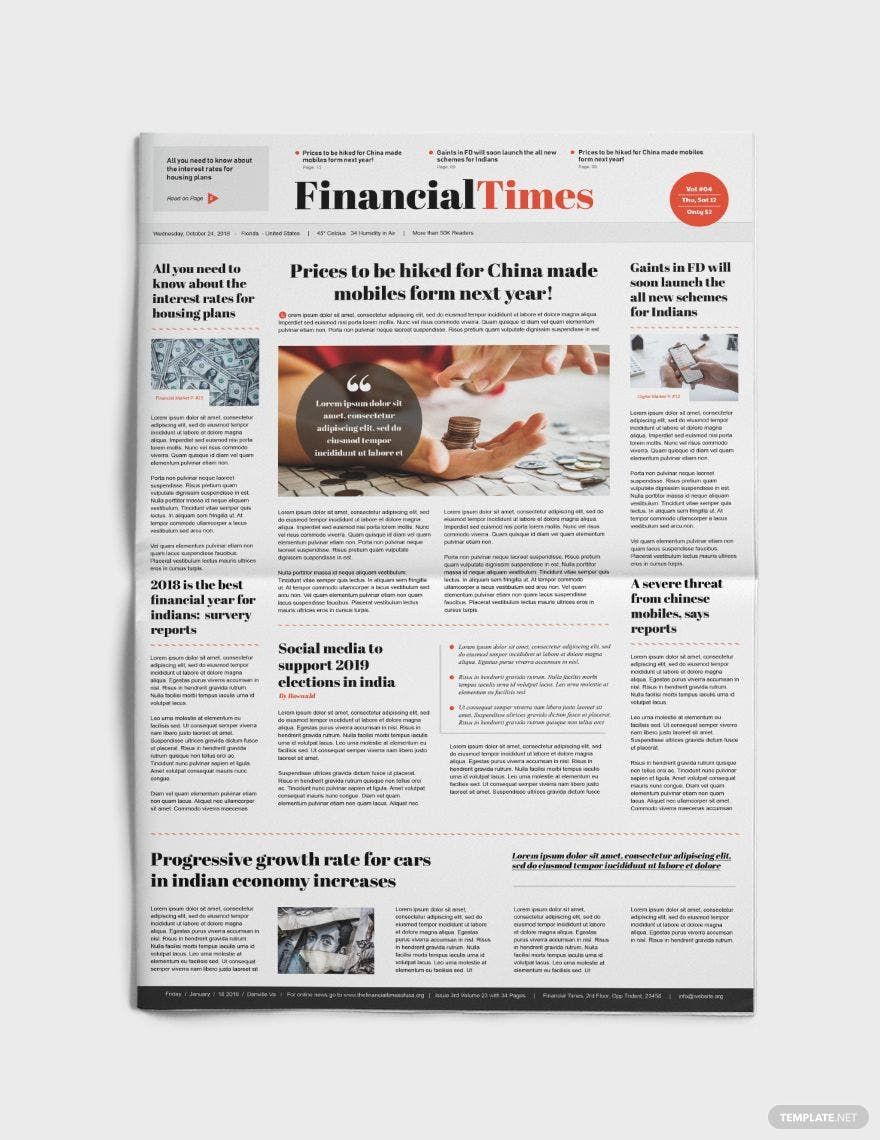
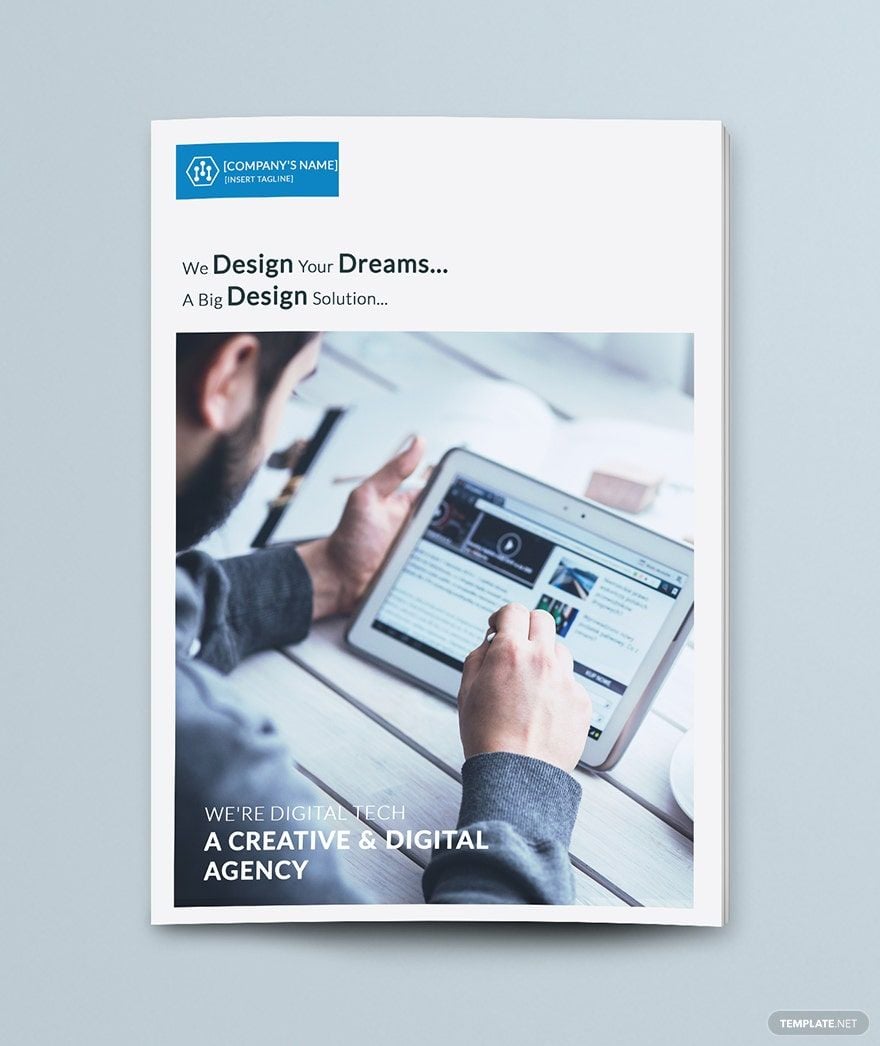
A Microsoft Publisher is a desktop publishing application used to create professional layouts like brochures, flyers, and newsletters with customizable text boxes, images, and layout guides. Its templates simplify design and ensure print-ready results.
Why use a Microsoft Publisher?
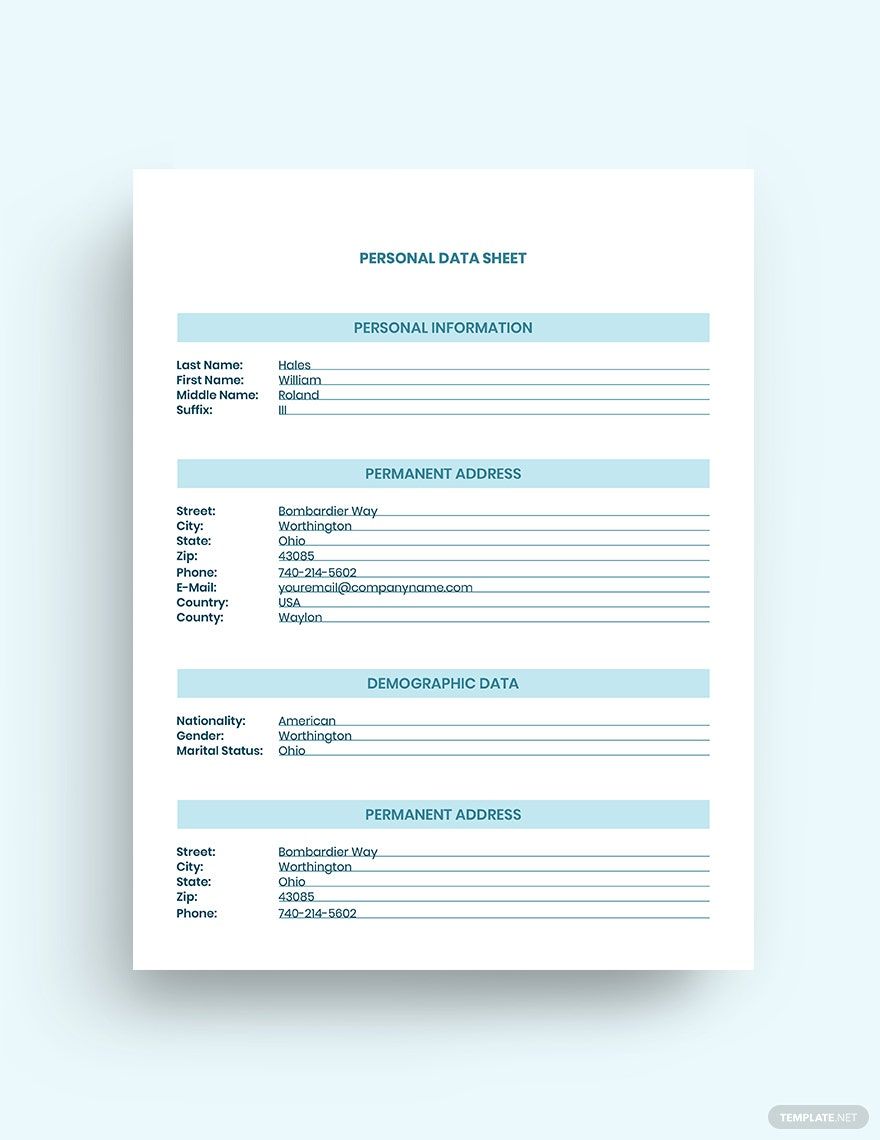
Using a Microsoft Publisher enables fast creation of print-ready documents with customizable templates, professional color schemes, and easy editing of text and images. This streamlines desktop publishing for both beginners and professionals.
Who typically uses Microsoft Publishers?
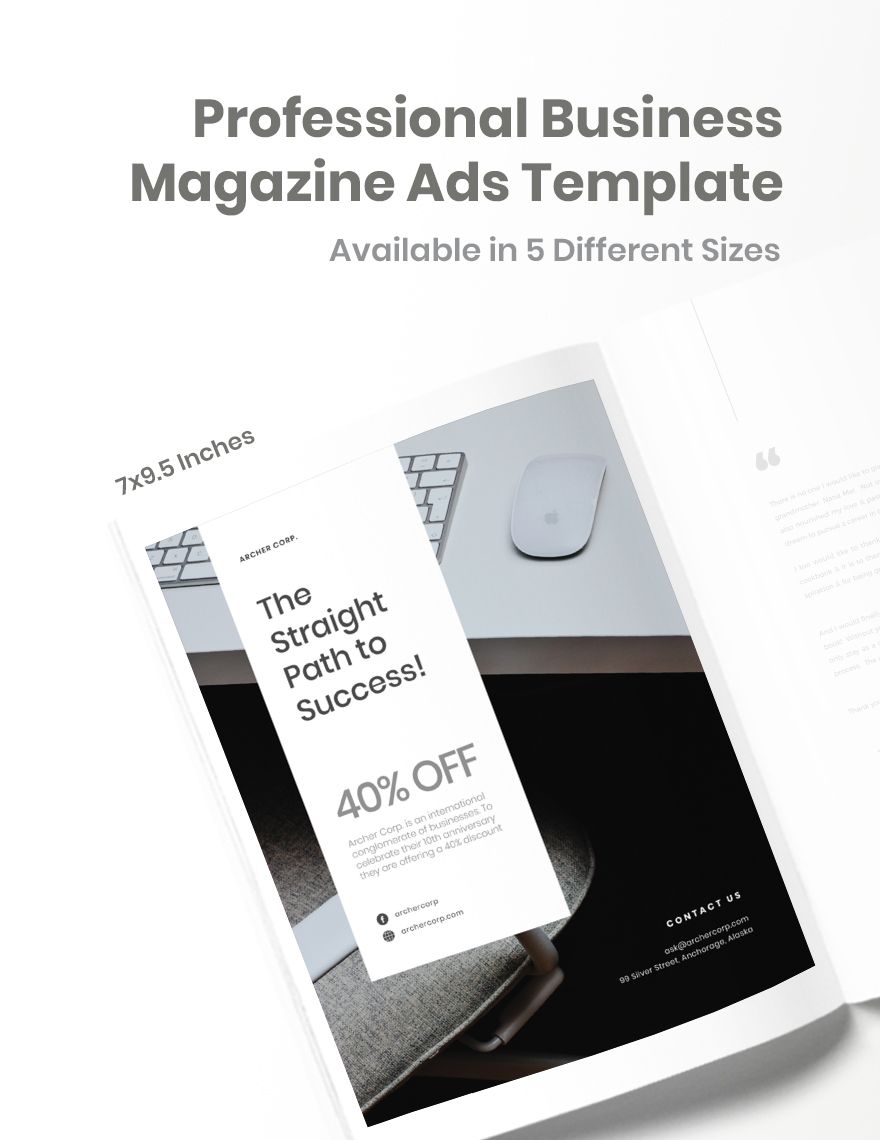
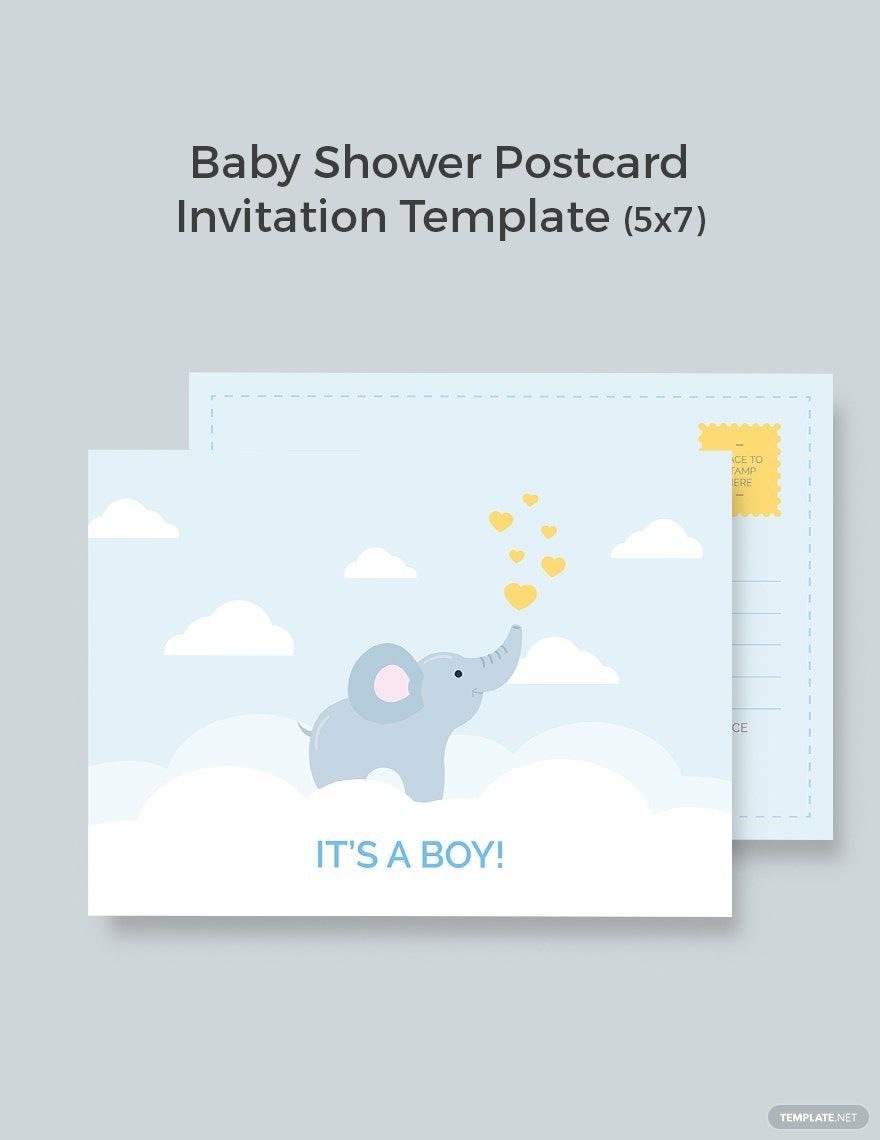
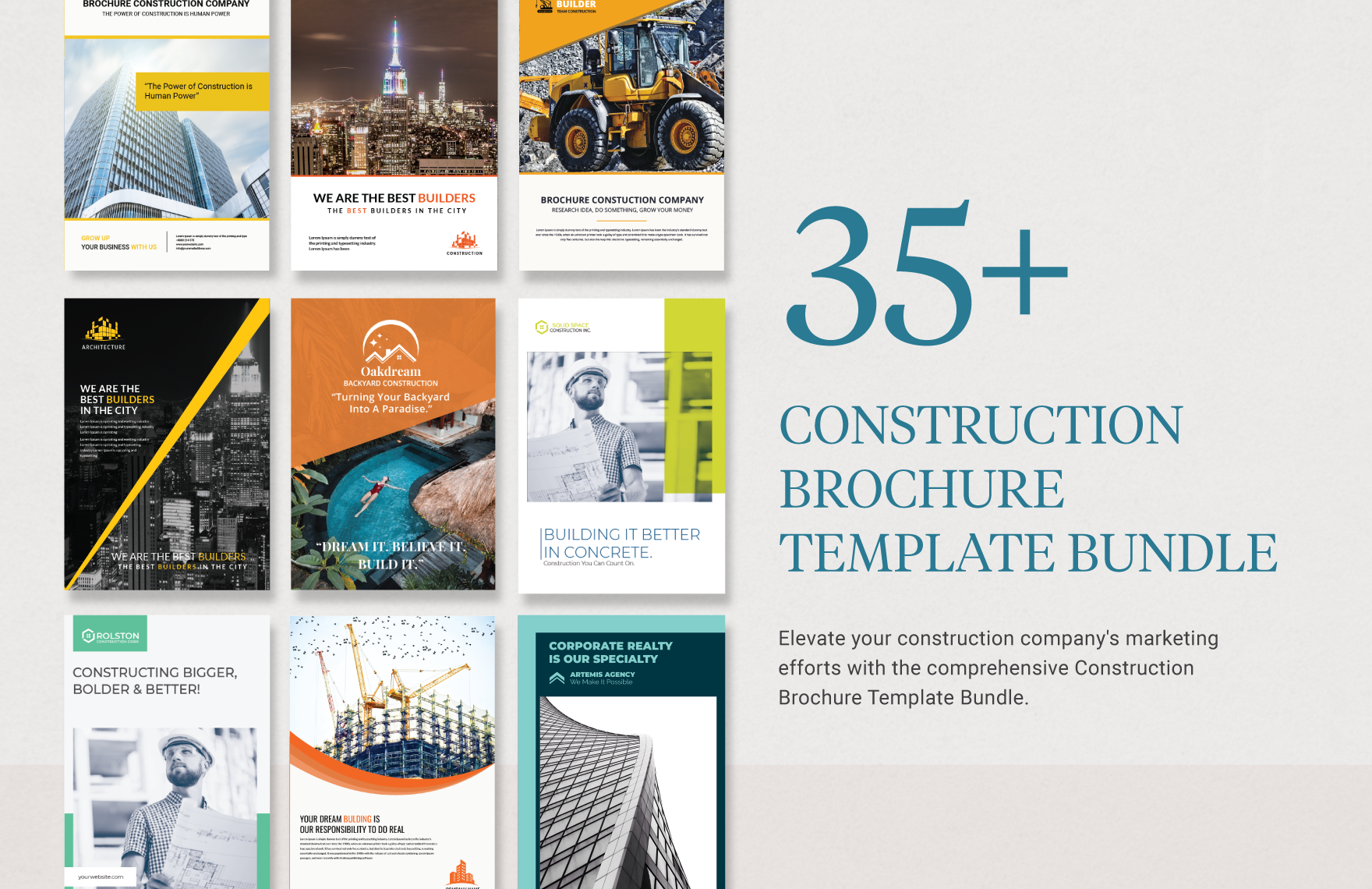
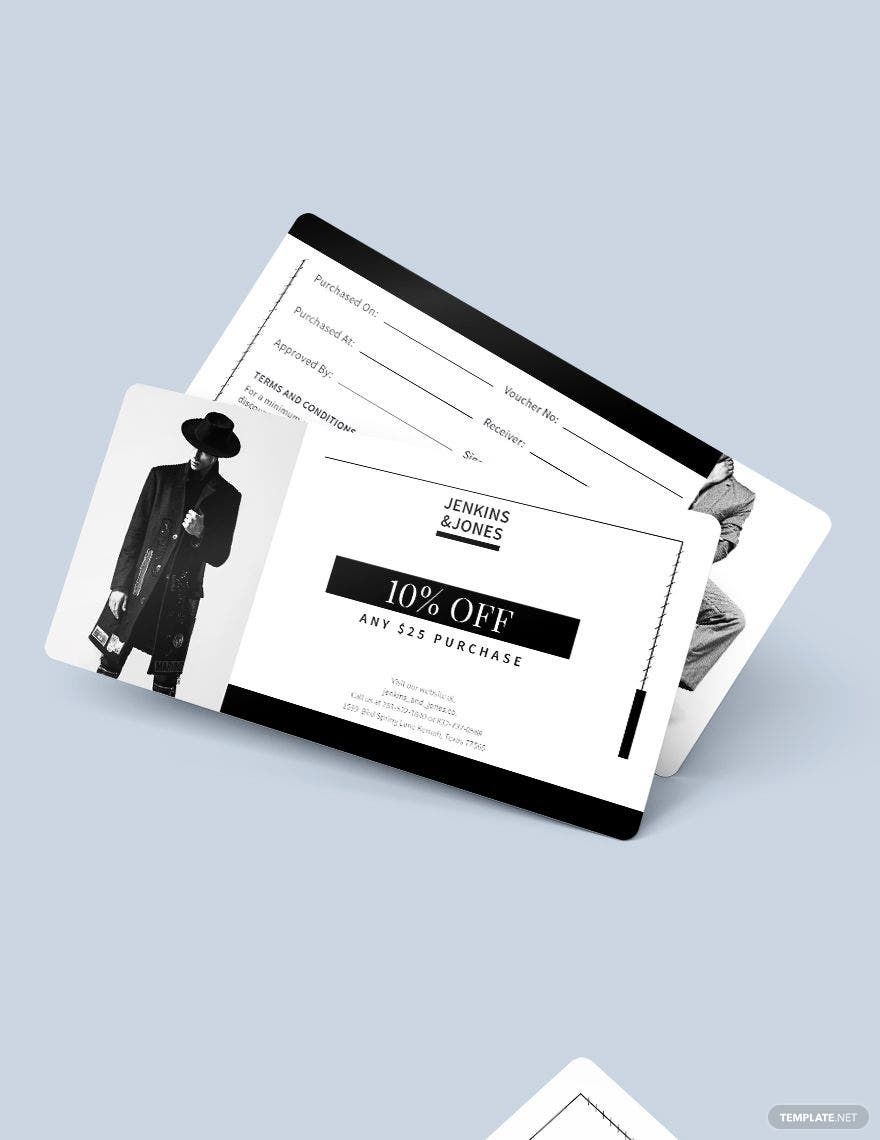
Microsoft Publishers are commonly used by small businesses, marketers, educators, and designers who need professional layouts with editable text boxes and images for brochures, flyers, newsletters, and business cards.
What size should a Microsoft Publisher be?
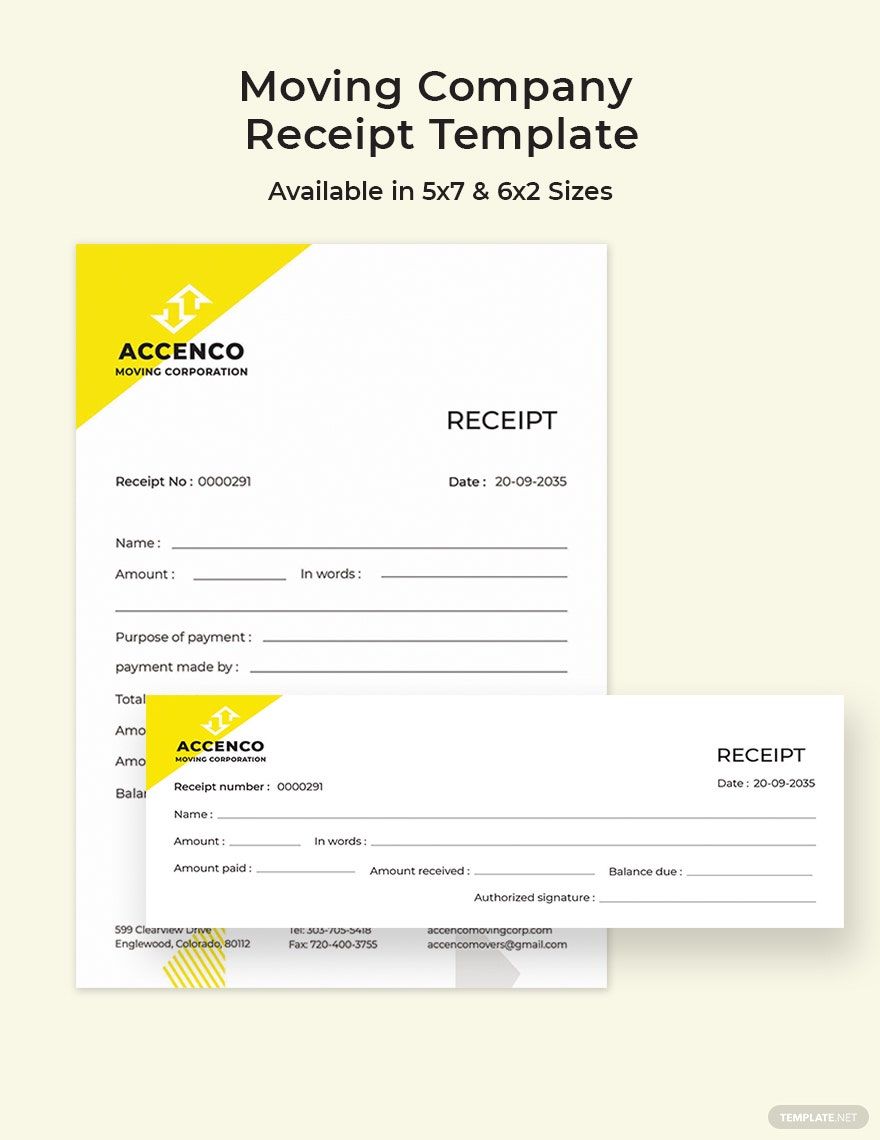
Microsoft Publisher documents vary by type; common sizes include 8.5 × 11 inches for flyers and newsletters, 5.5 × 8.5 inches for smaller brochures, and 3.5 × 2 inches for business cards. Proper publication size ensures professional print quality.
What are the best tips for designing a Microsoft Publisher in Microsoft Publisher?
When designing a Microsoft Publisher, use consistent color schemes, clear headlines, well-organized text boxes, and high-resolution images. Utilize layout guides for alignment and leave proper bleed and margins for printing.
How do you print or share a Microsoft Publisher?
Microsoft Publisher files can be printed directly or shared digitally by exporting to PDF or sending the .pub files. Proper bleed and margins and selecting the correct publication size ensure high-quality printed output.
What elements should a Microsoft Publisher include?
A Microsoft Publisher should include a compelling headline, organized text boxes, relevant images, a consistent color scheme, and a clear call to action or contact information for effective communication.
When should you use a Microsoft Publisher?
Microsoft Publisher is ideal for creating professional printed materials quickly when you need customizable templates with editable text boxes and images. Use it for marketing collateral, event flyers, newsletters, and business stationery.
Can I create a new Microsoft Publisher using AI?
Template.net provides an AI-powered tool capable of generating Microsoft Publisher layouts compatible with Microsoft Publisher, enabling users to create new designs quickly with customizable text boxes and color schemes.
Template.net