
Free Google Slides Templates
































Google Slides Templates: Definition, Usage, and Best Practices
What is a Google Slides?
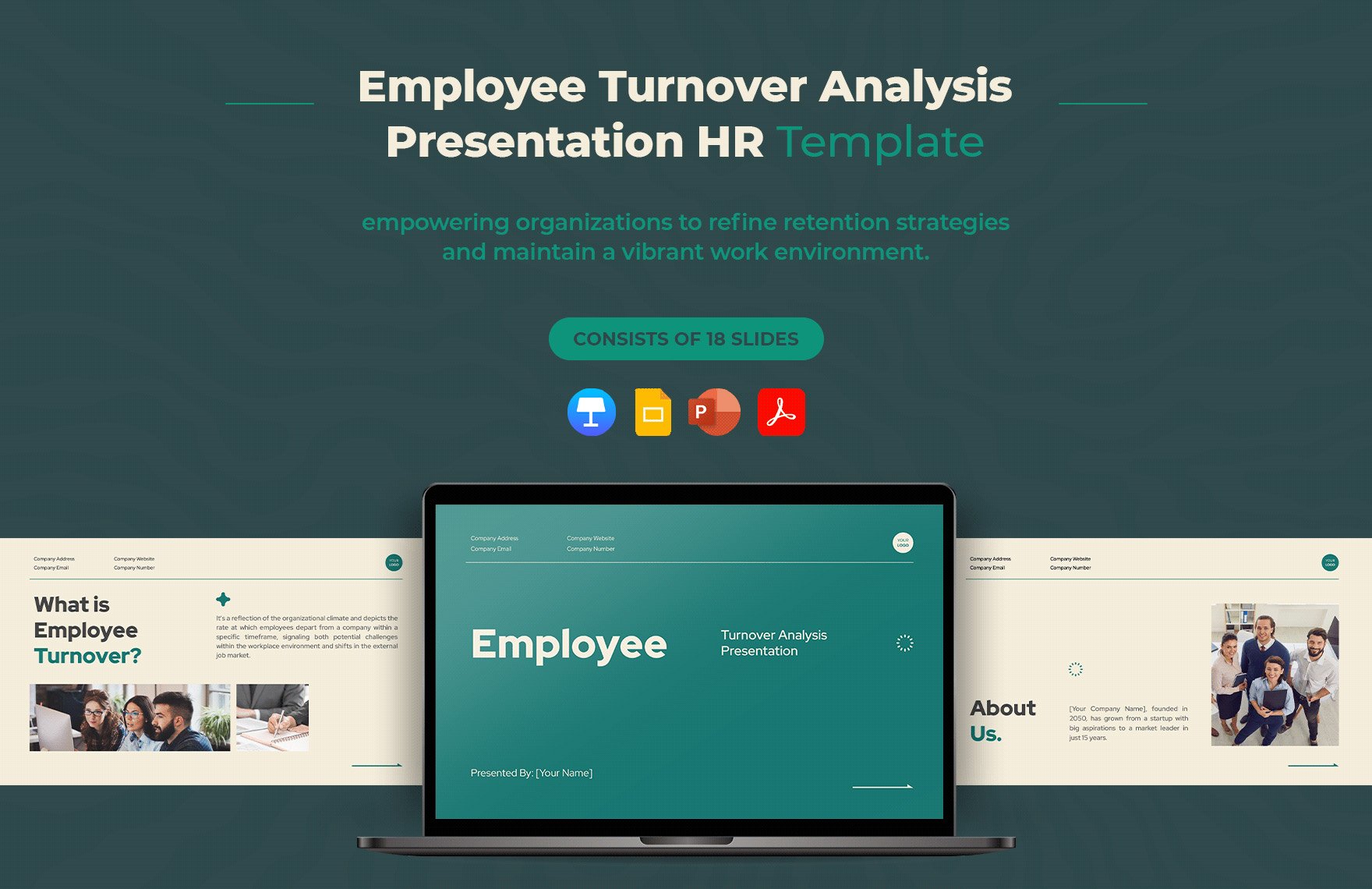
A Google Slides is an online presentation platform that allows users to create, edit, and present slide decks through a web browser with real-time collaboration features. Google Slides templates provide pre-designed slide layouts and visual themes that simplify professional storytelling and enhance productivity.
Why use a Google Slides?
Using Google Slides offers seamless browser-based editing and real-time collaboration, allowing teams to work simultaneously on presentations. Google Slides templates speed up creation with customizable themes and professional designs, enabling quick export to formats like .pptx and PDF for versatile sharing.
Who typically uses Google Slides?
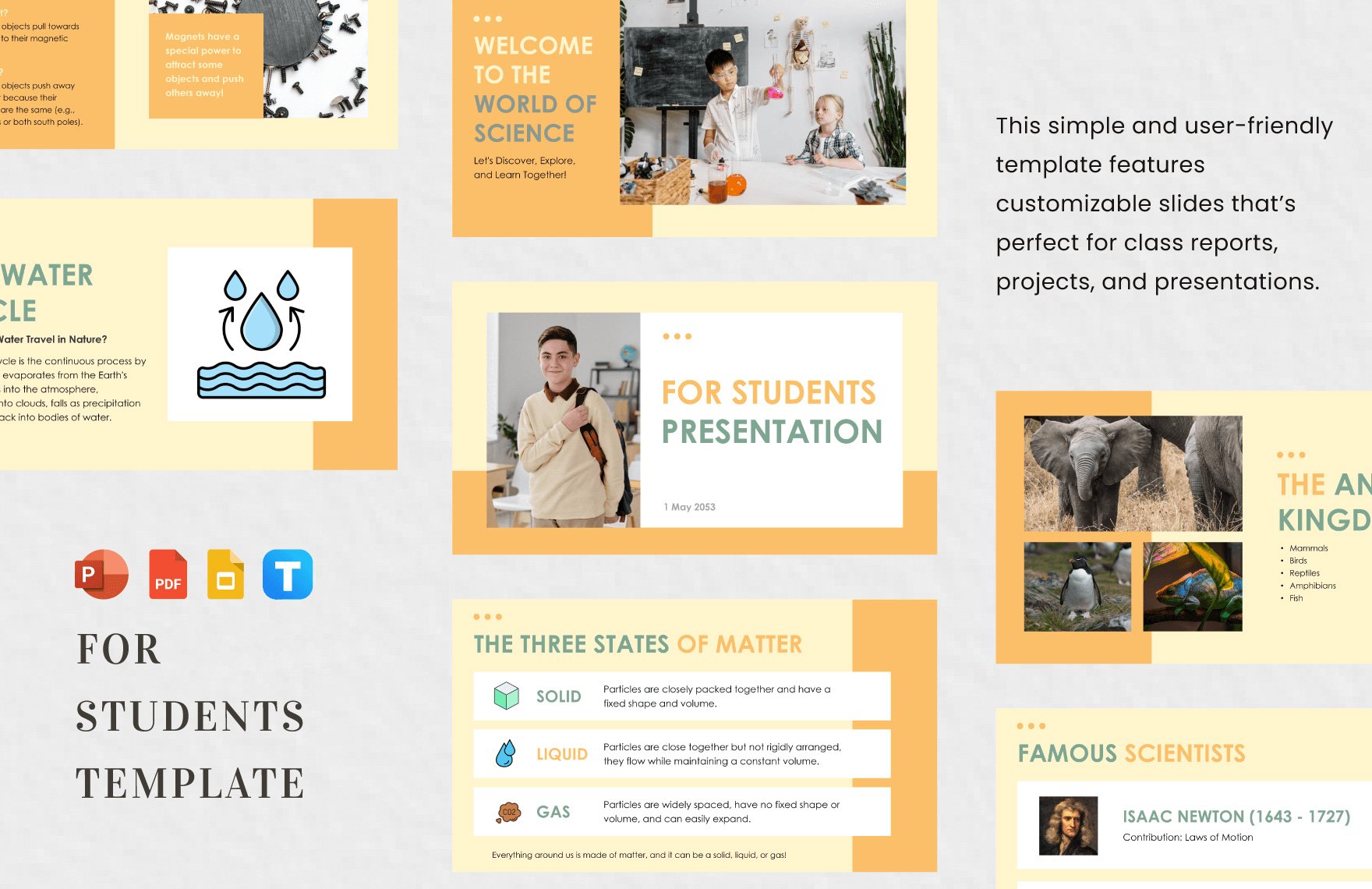
Google Slides templates are widely used by business professionals, educators, students, and entrepreneurs who need accessible and collaborative presentation tools. These templates support various presentation needs, from sales pitches and reports to educational lessons and training sessions.
What slides should a Google Slides include?
A Google Slides presentation should include a title slide, an agenda slide, multiple content slides with clear visual hierarchy, and a call to action slide. Adding speaker notes and using consistent slide layouts enhances clarity and audience engagement.
What are the best design tips for a Google Slides?
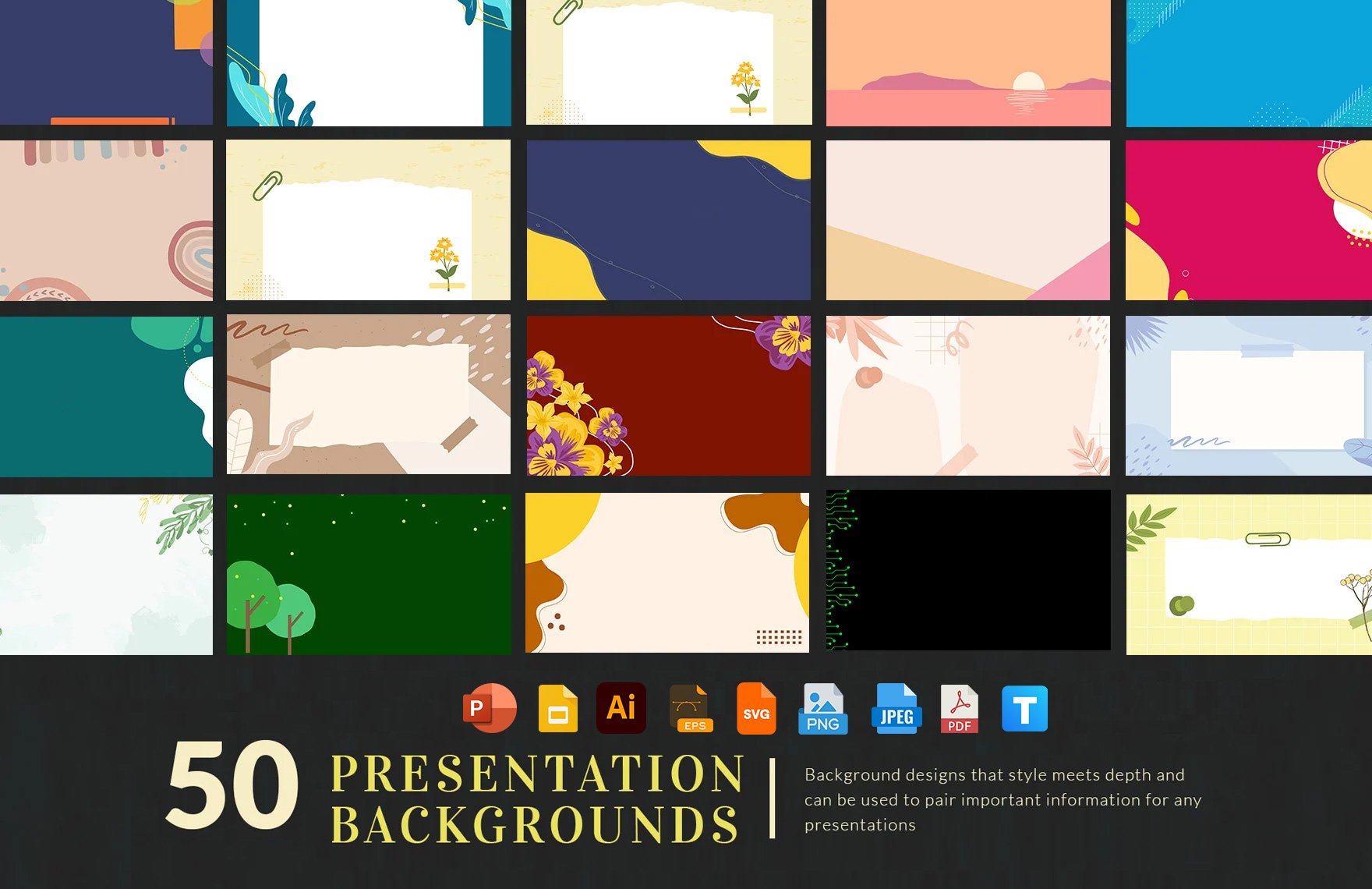
Effective Google Slides templates emphasize a clean color theme, consistent font styles, and balanced visual elements. Using white space and high-contrast colors improves readability, while incorporating icons and charts enhances storytelling and audience focus.
How do you present or export a Google Slides?
Google Slides presentations can be presented directly in a browser using presenter view and speaker notes. Users can also export slides as .pptx or PDF files for offline use or sharing, preserving the slide layouts and professional design integrity.
How many slides should a Google Slides have?
A typical Google Slides presentation template contains between 10 and 20 slides, balancing comprehensive coverage and audience engagement. The slide count depends on the presentation purpose but should maintain a clear visual hierarchy and include essential slides like title, agenda, and call to action.
How can you customize a Google Slides for different audiences?
Customizing Google Slides templates for different audiences involves adjusting the color theme, font choices, and content structure to match audience preferences and context. Incorporating relevant images and data visualizations enhances engagement while maintaining consistent slide layouts for clarity.
Can I create a new Google Slides presentation using AI?
Template.net provides AI-powered tools capable of generating structured Google Slides slide decks compatible with Google Slides. These tools enable fast creation of professional presentations that can be refined online and exported as .pptx or PDF files.
