
Free Adobe InDesign Templates




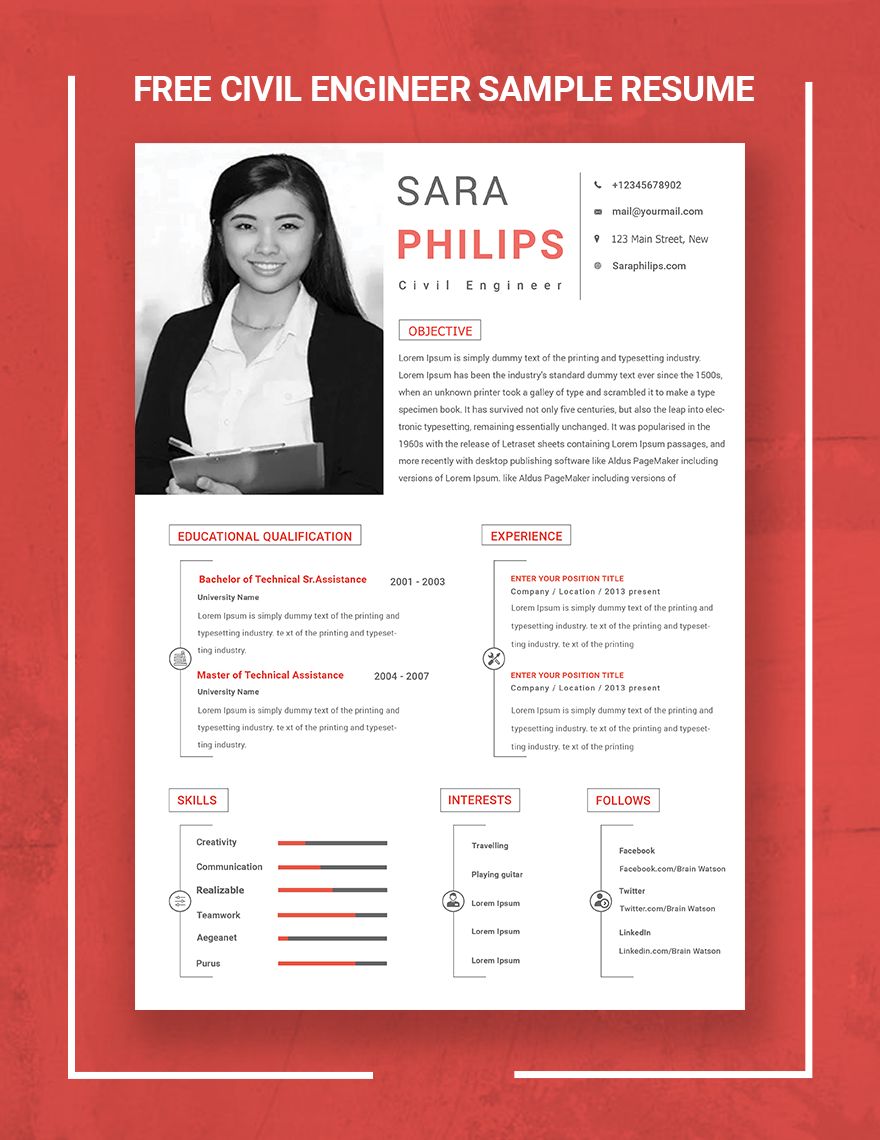
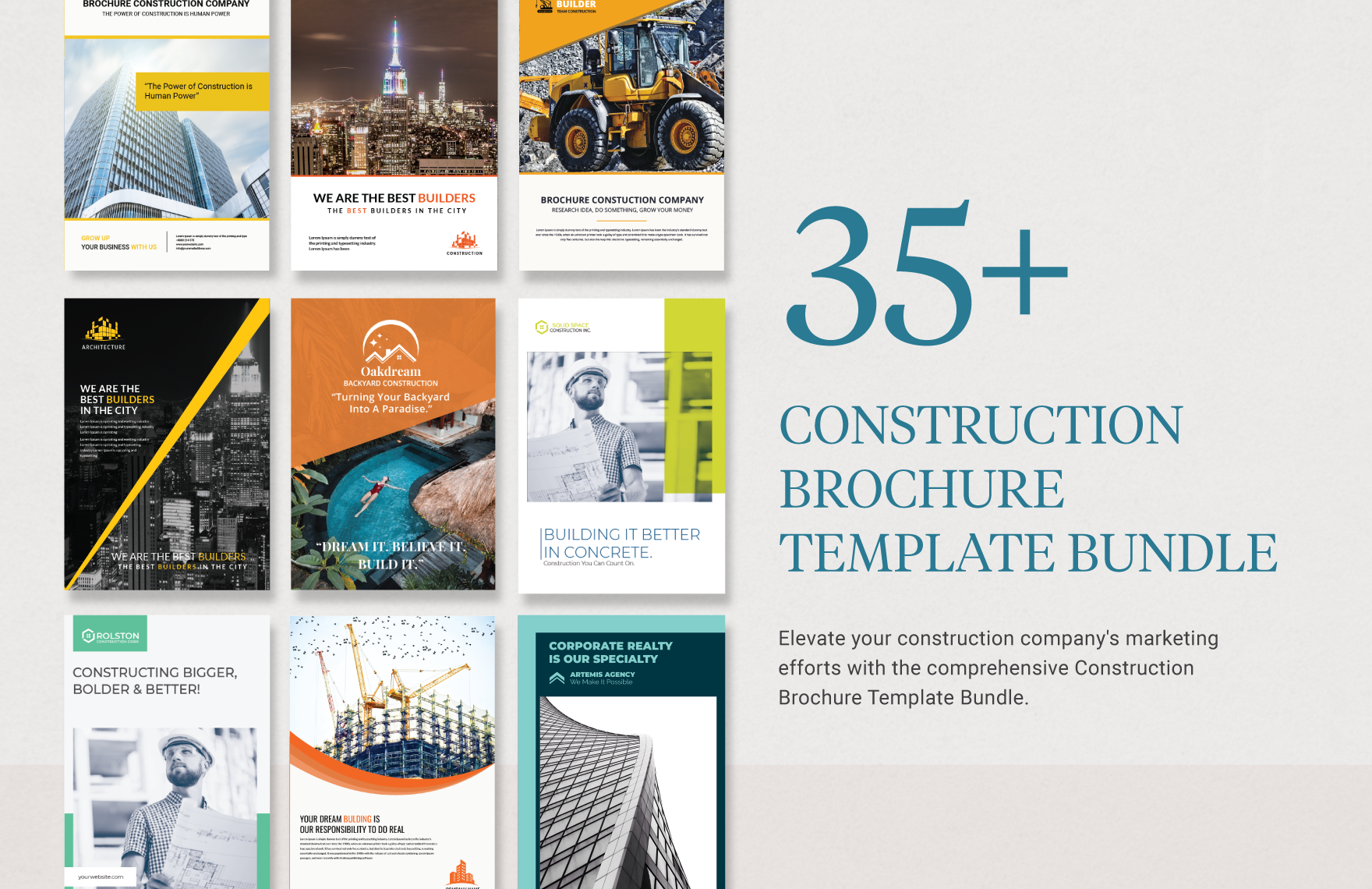



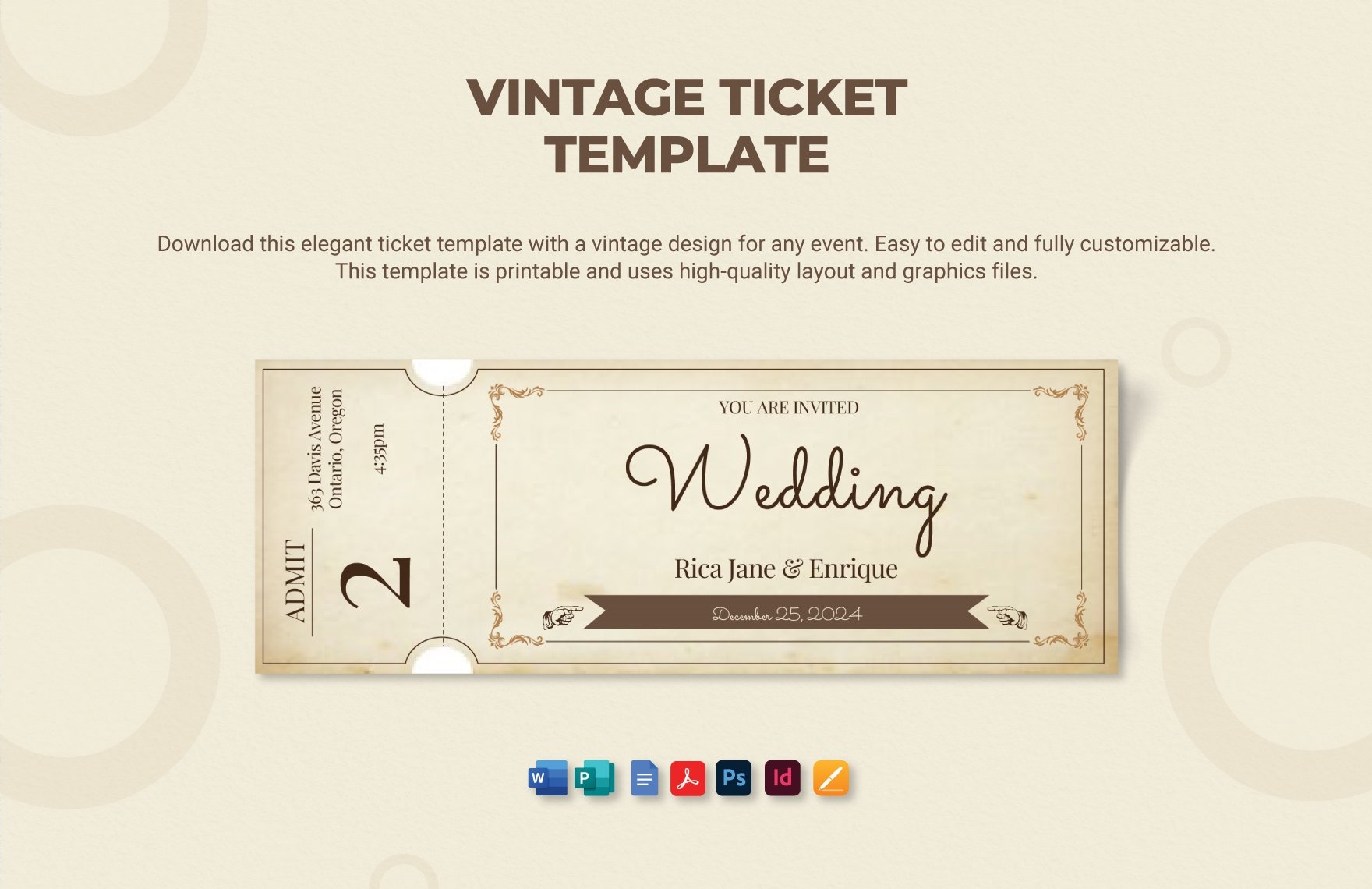
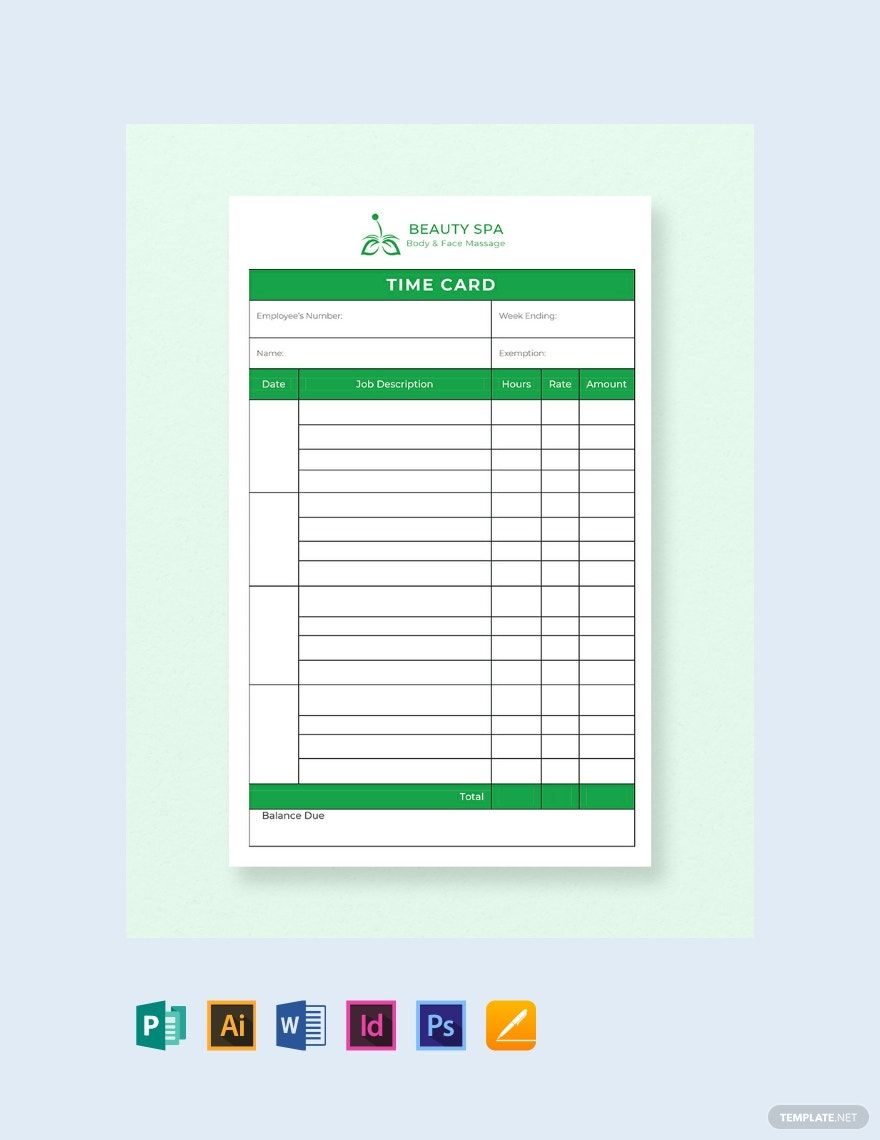

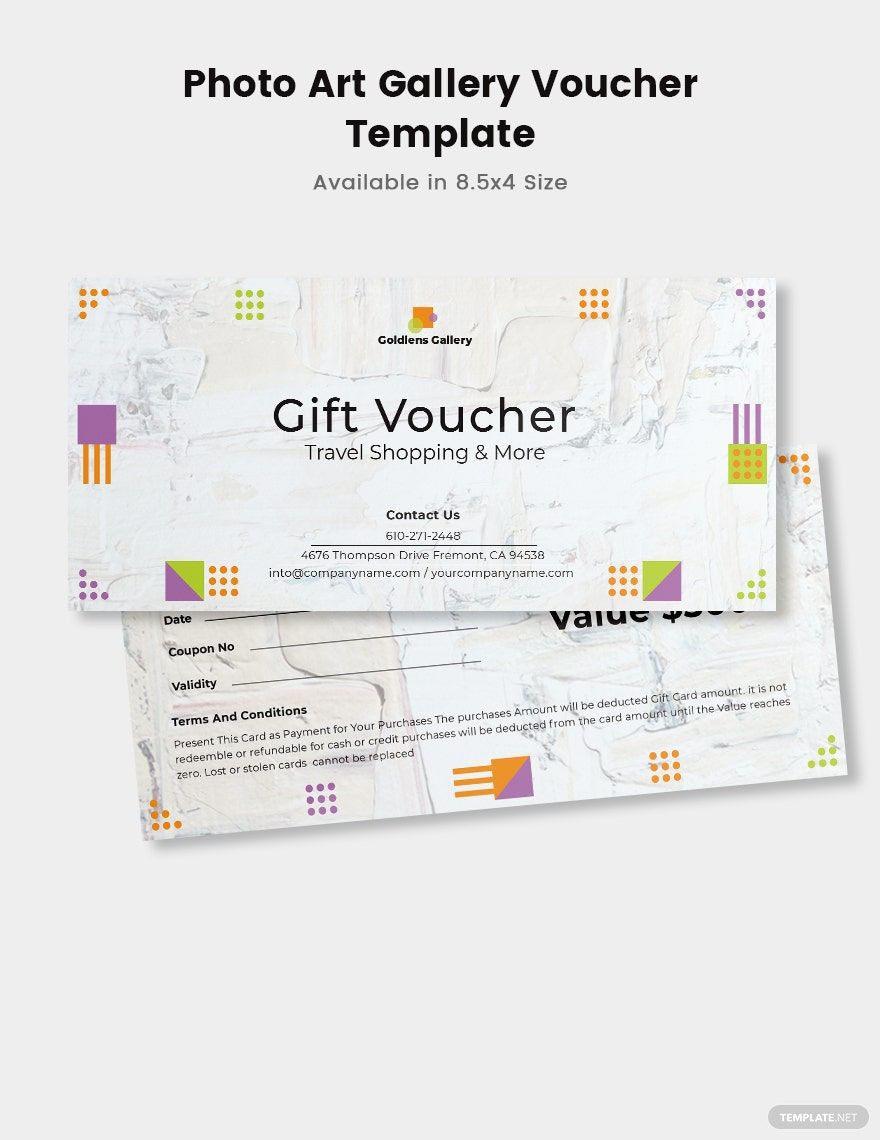
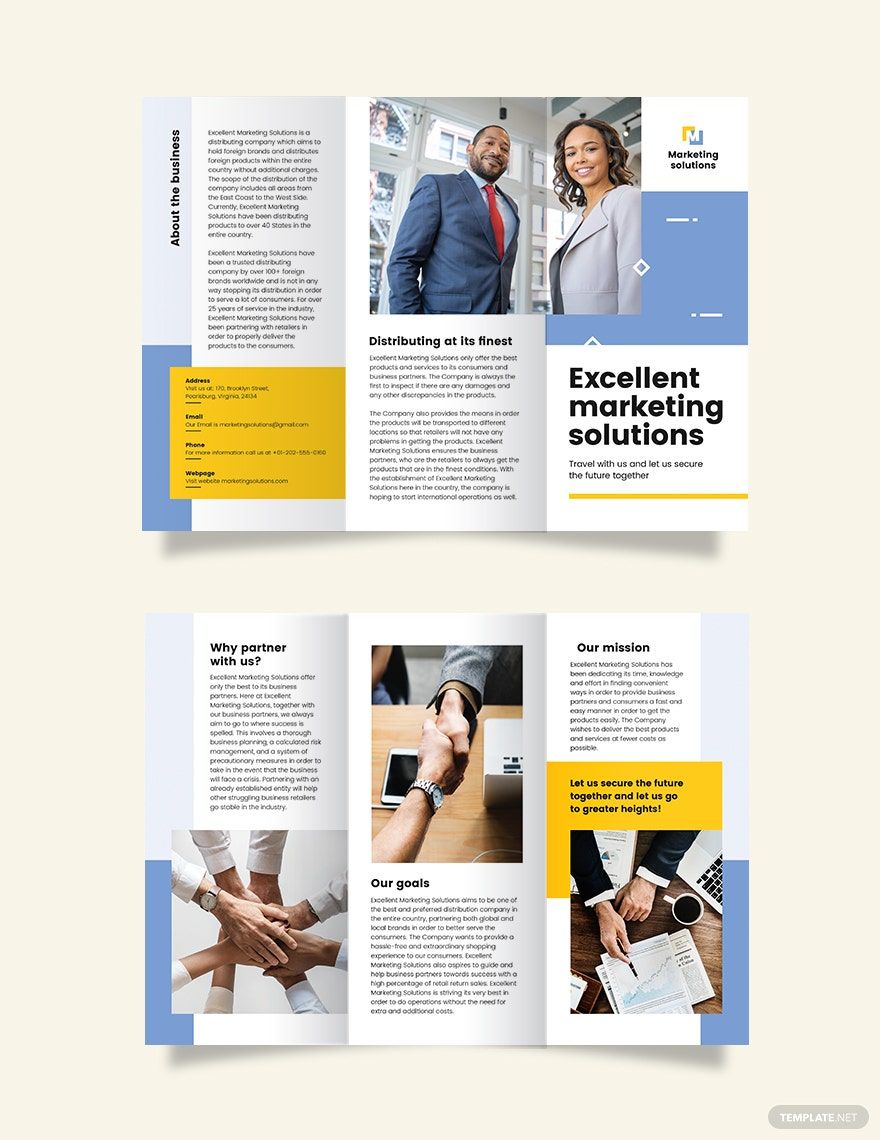


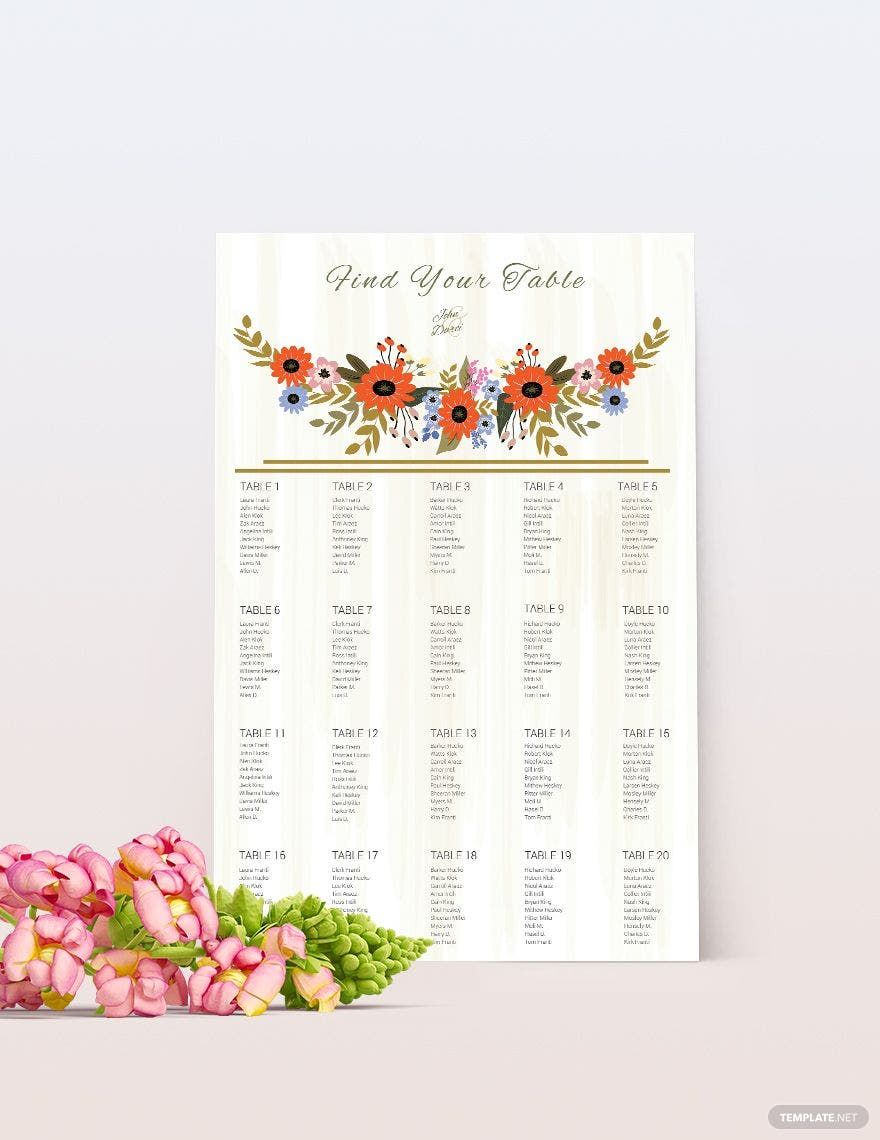
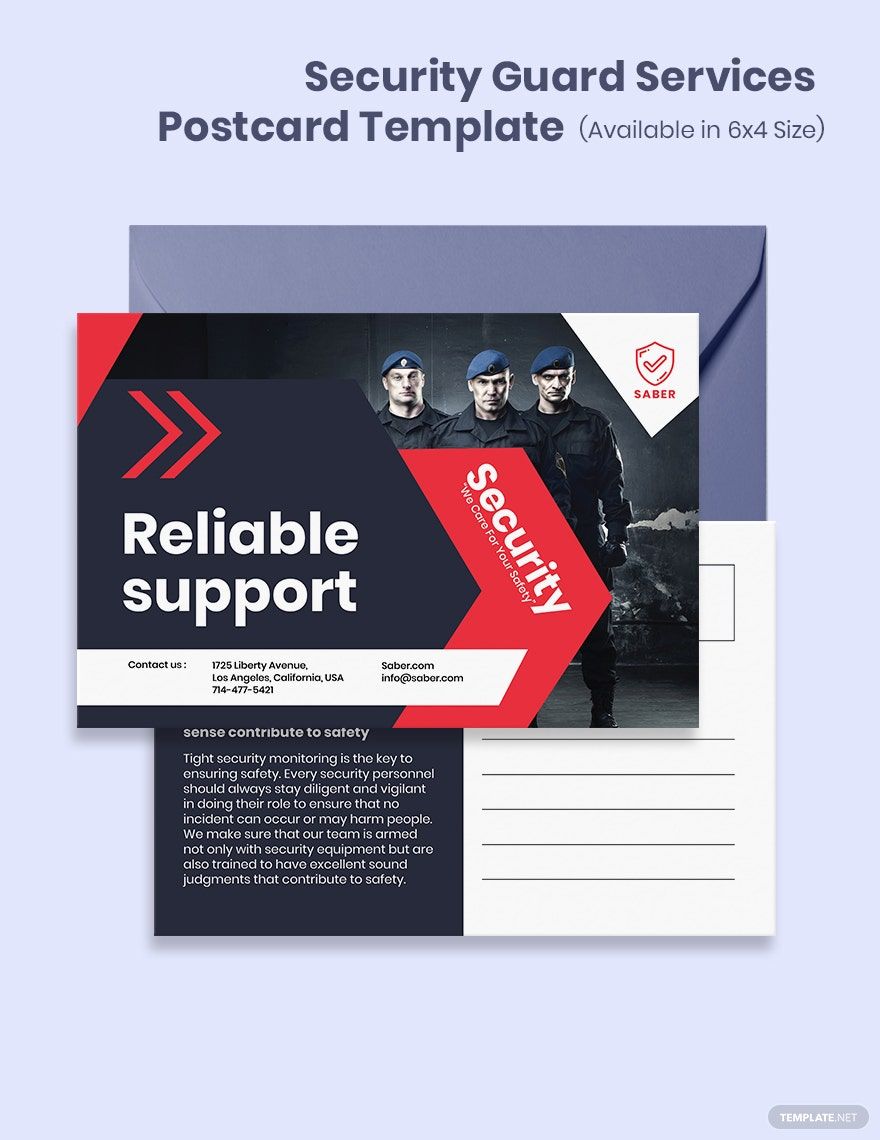
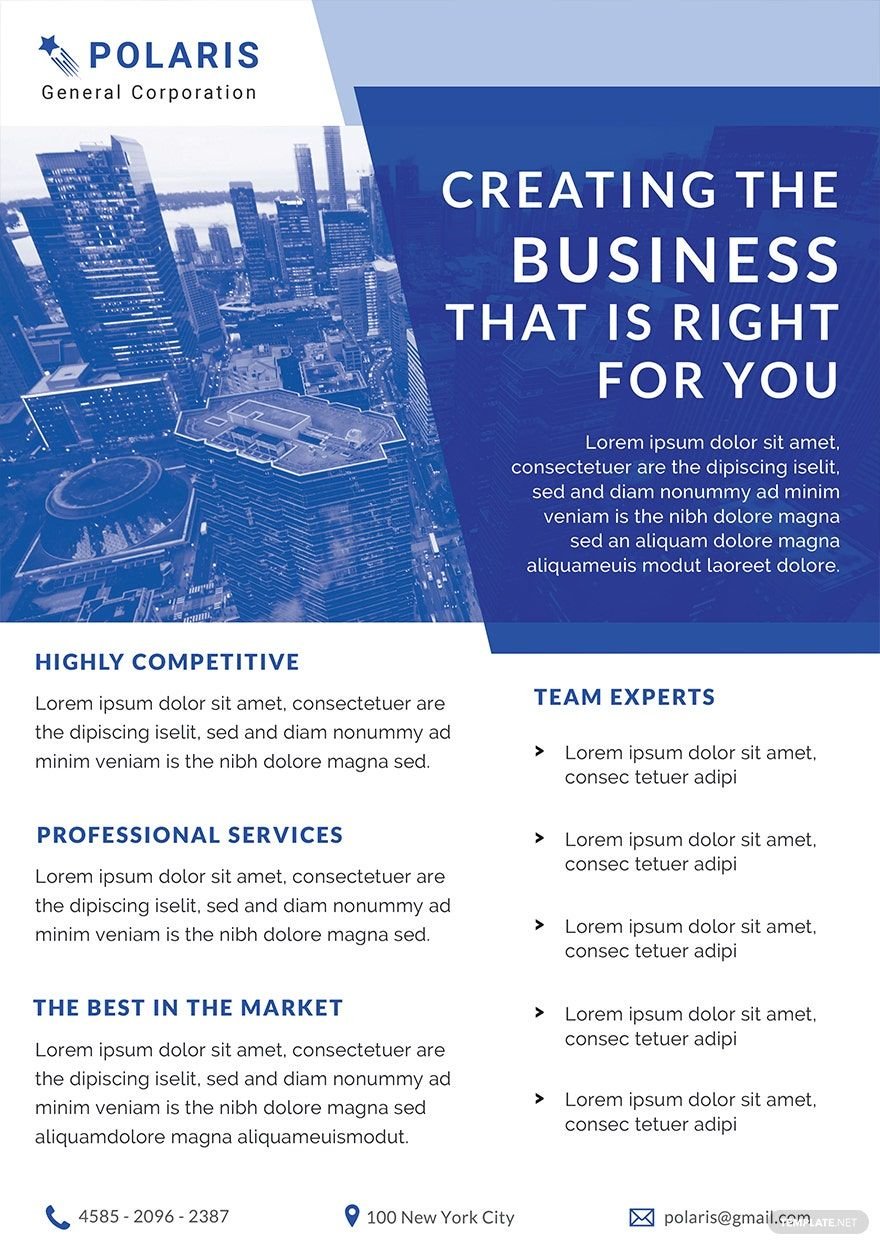

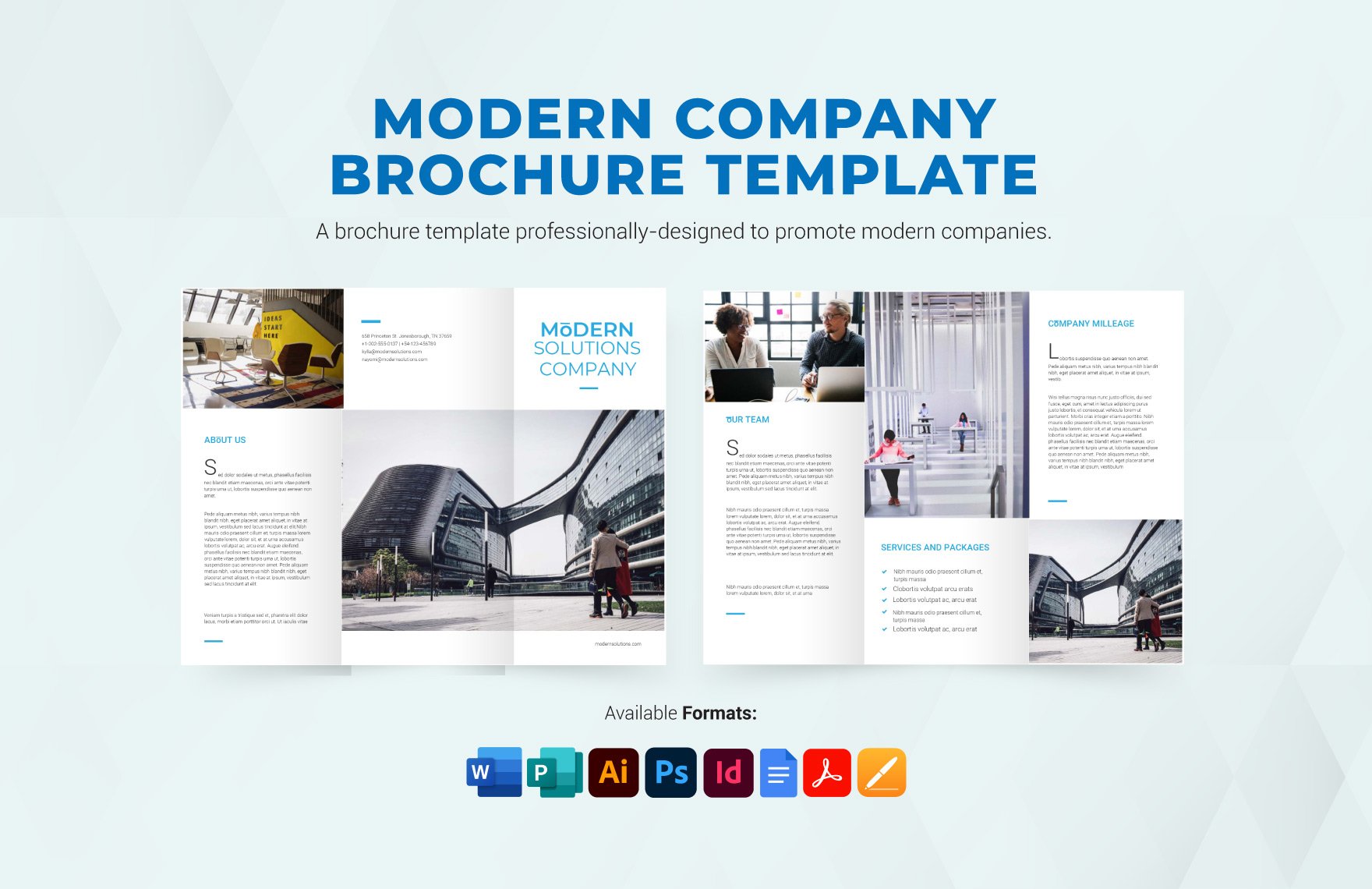
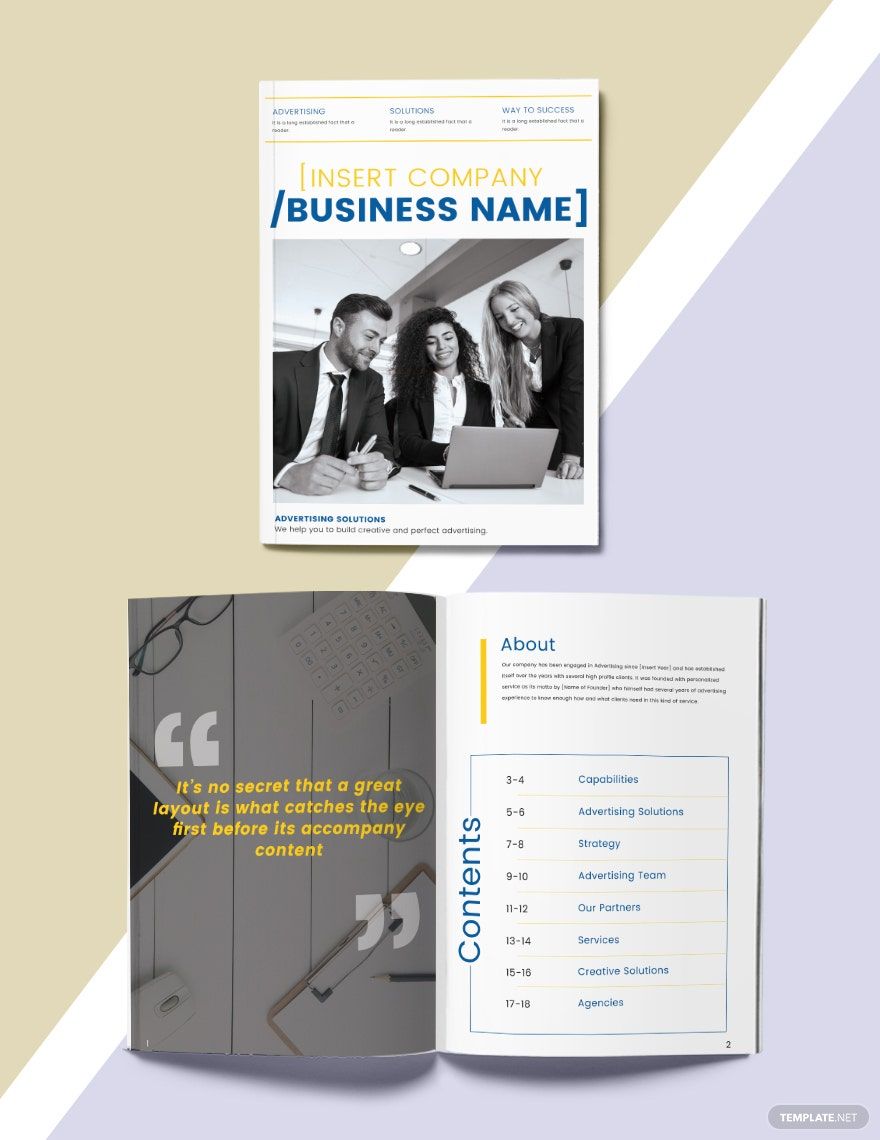




Adobe InDesign Templates: Usage, Setup, and Editing Tips
What is a Adobe InDesign?
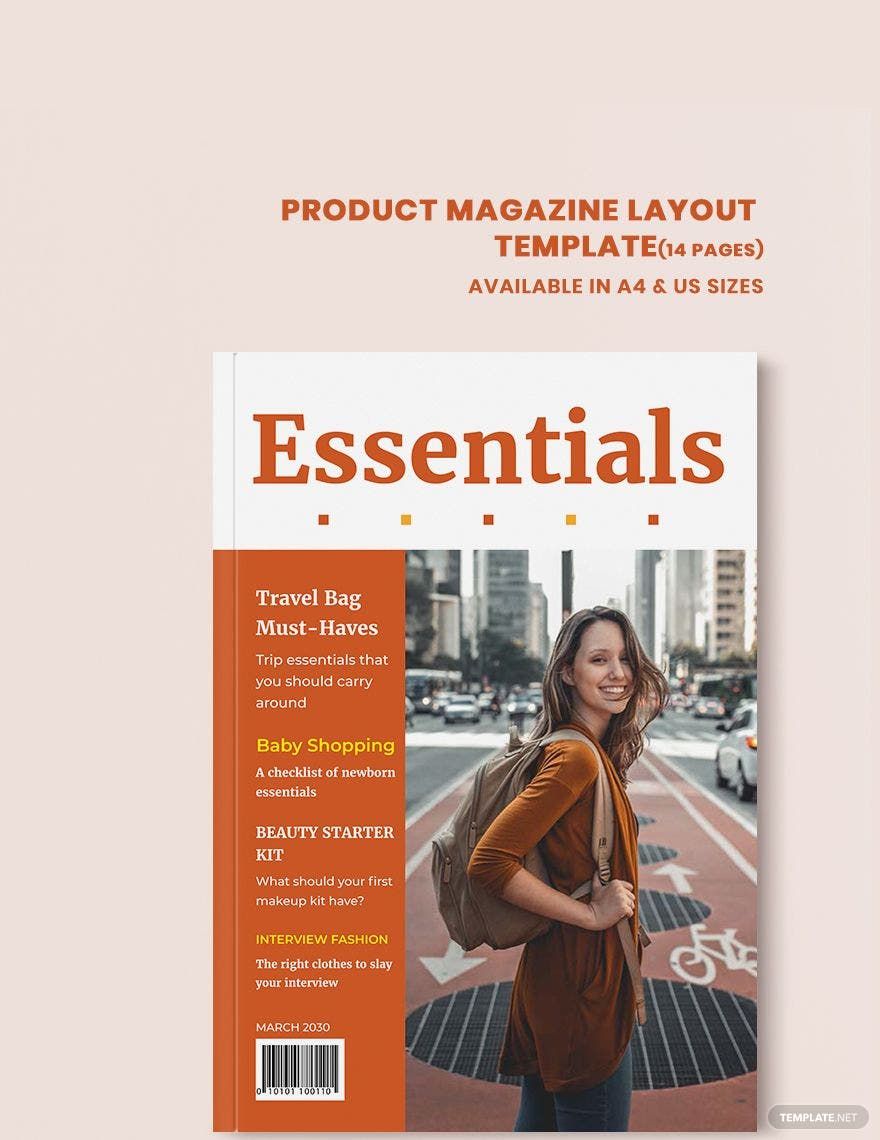
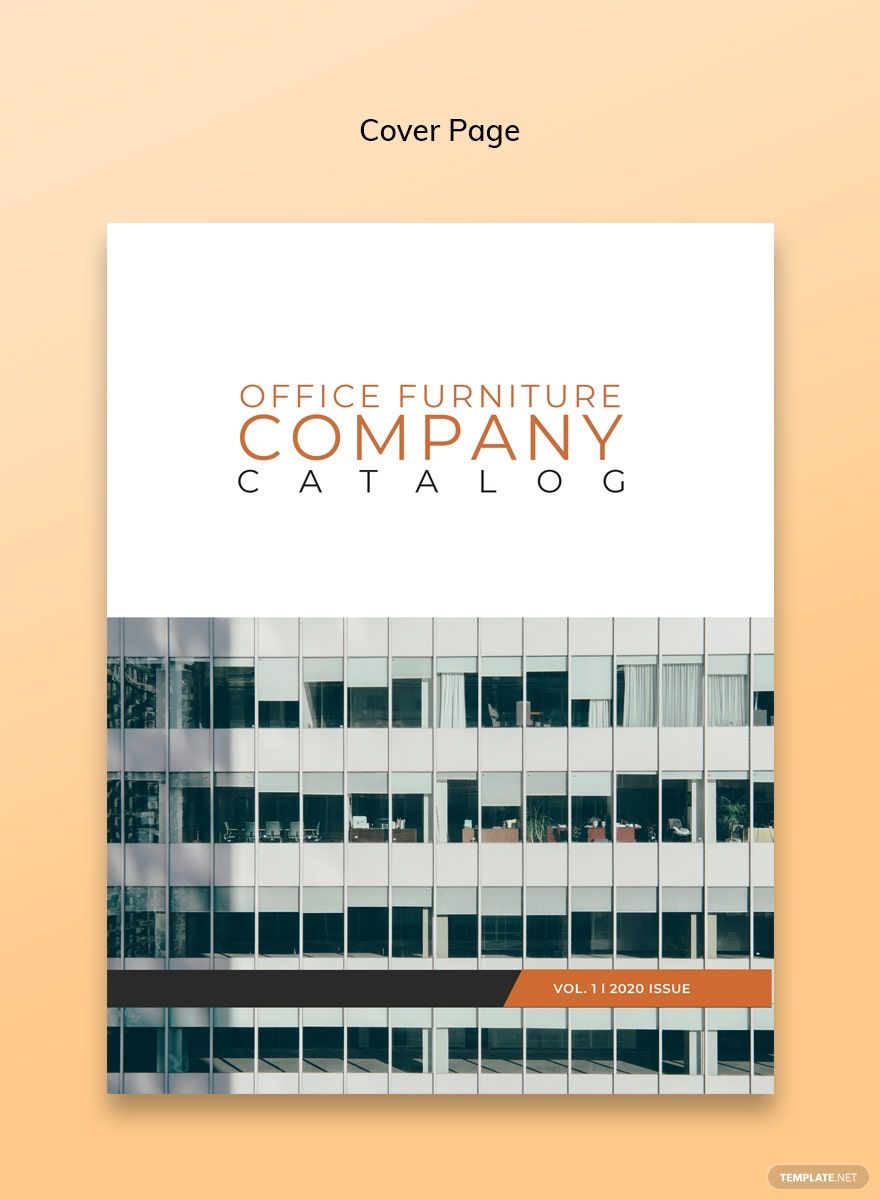
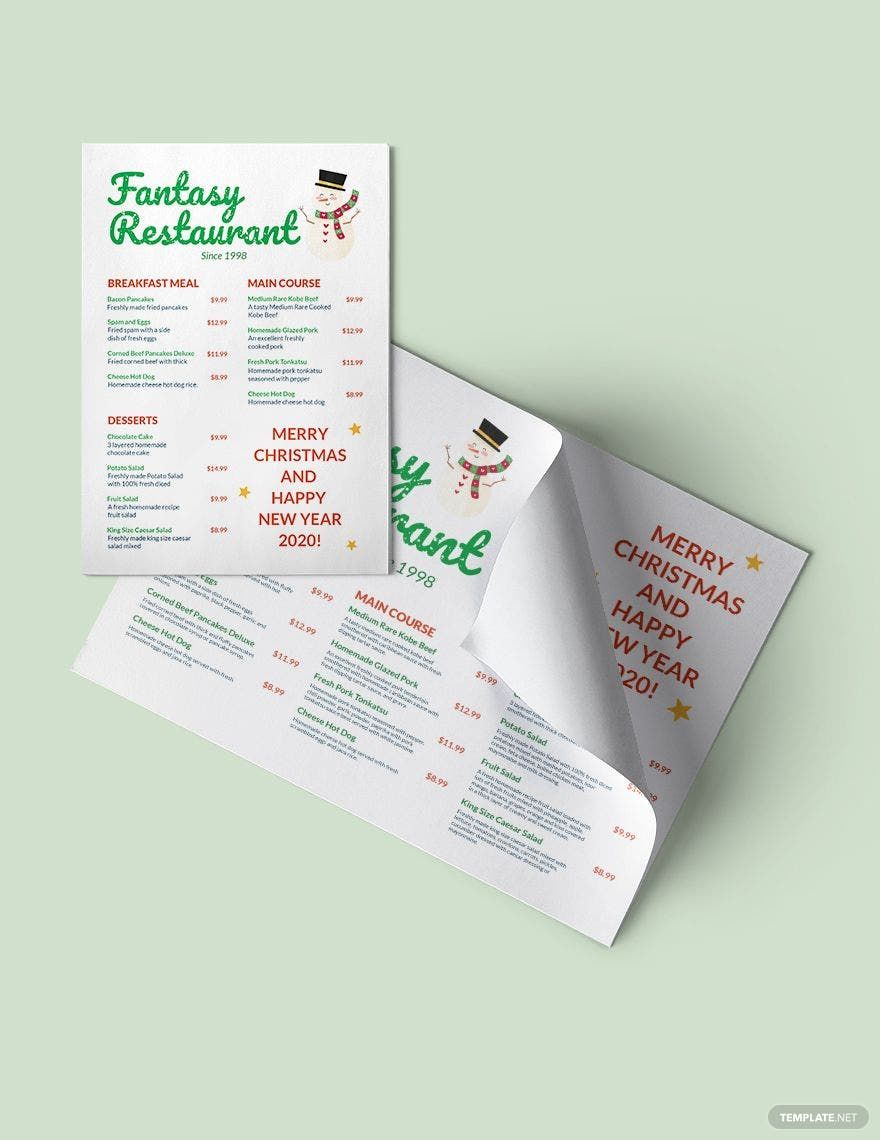
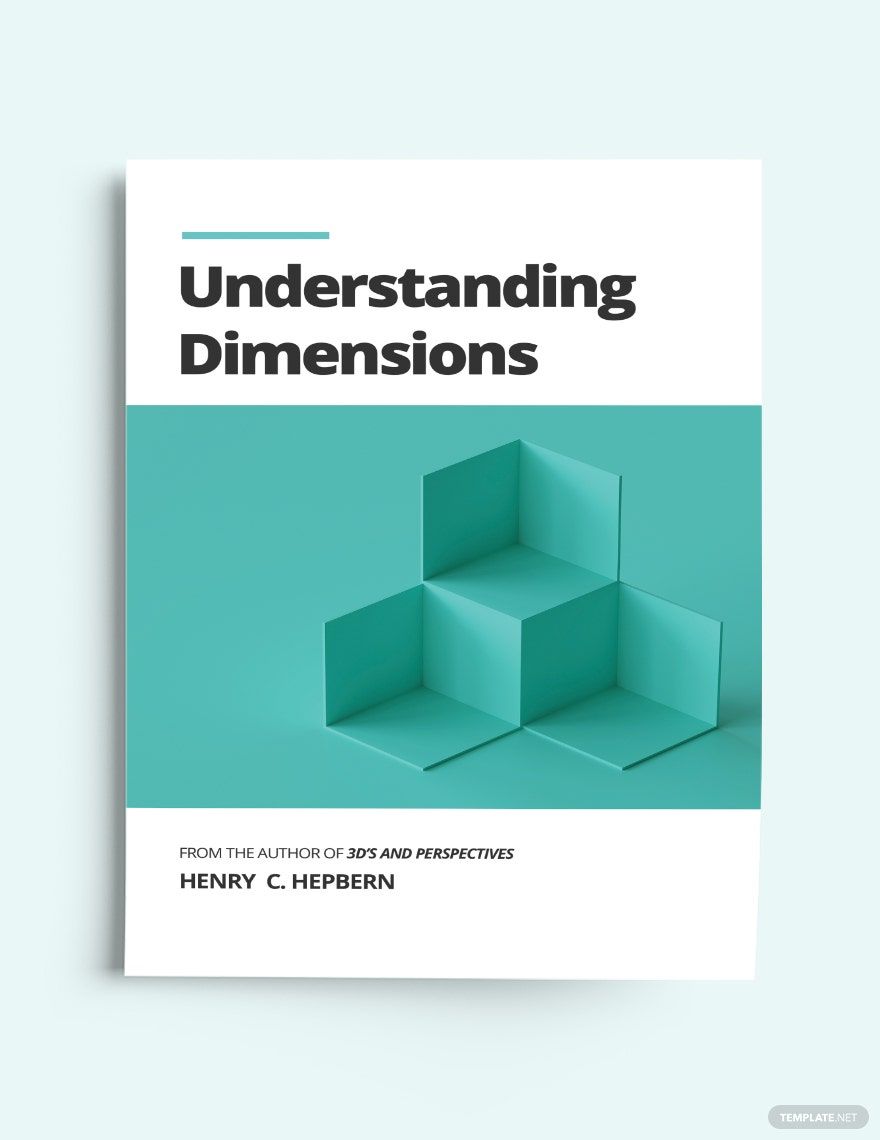
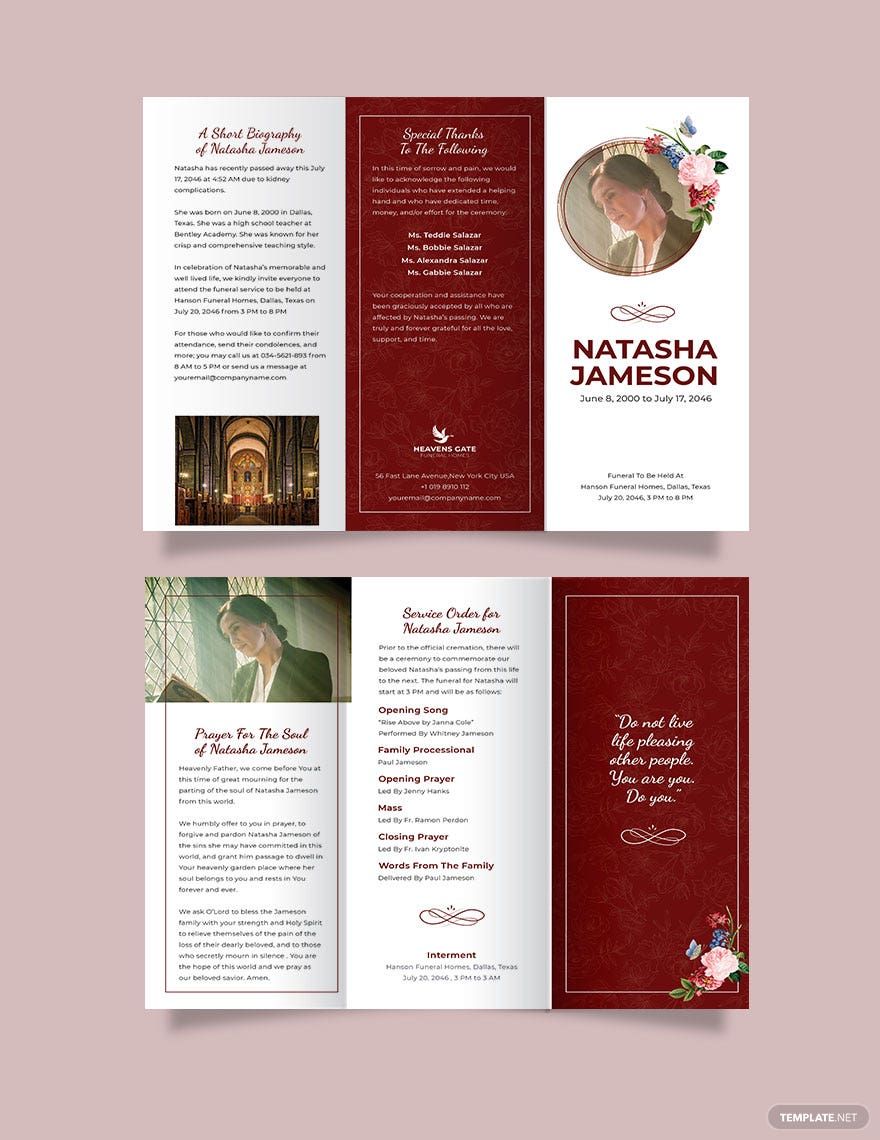
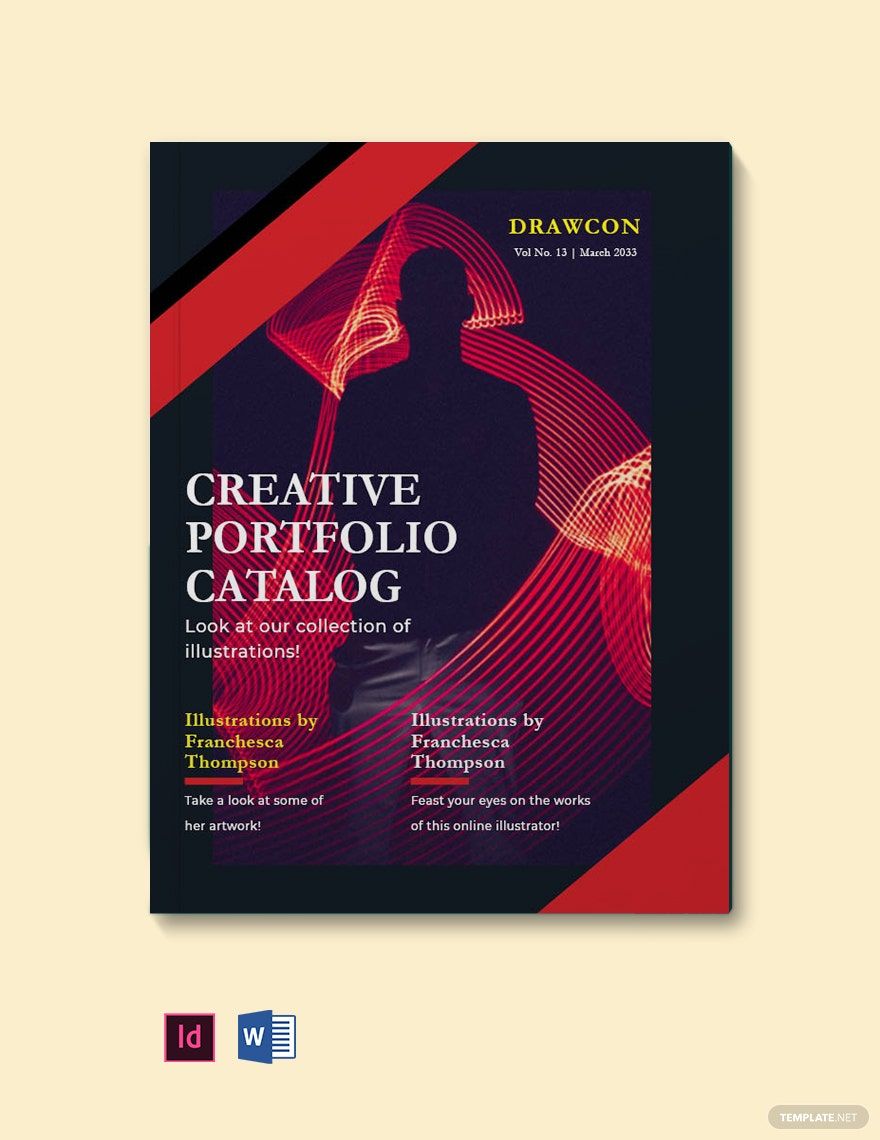
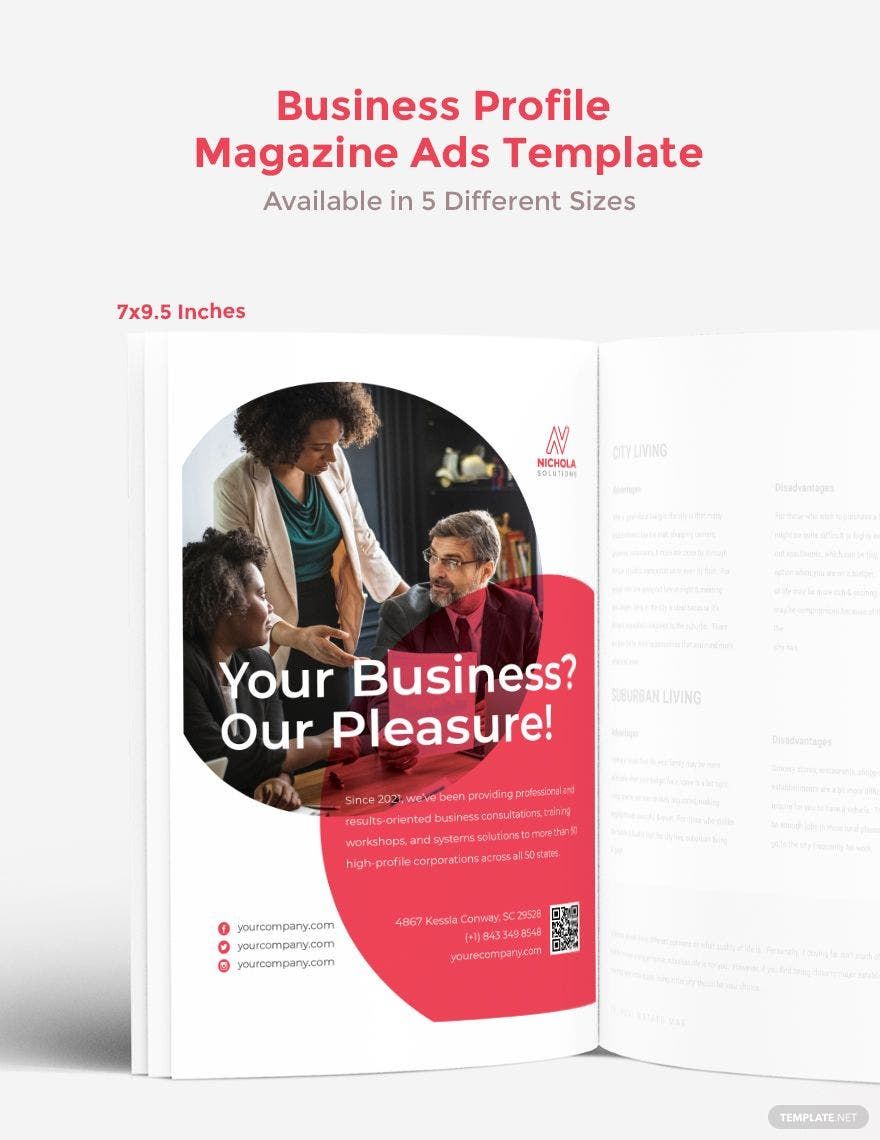
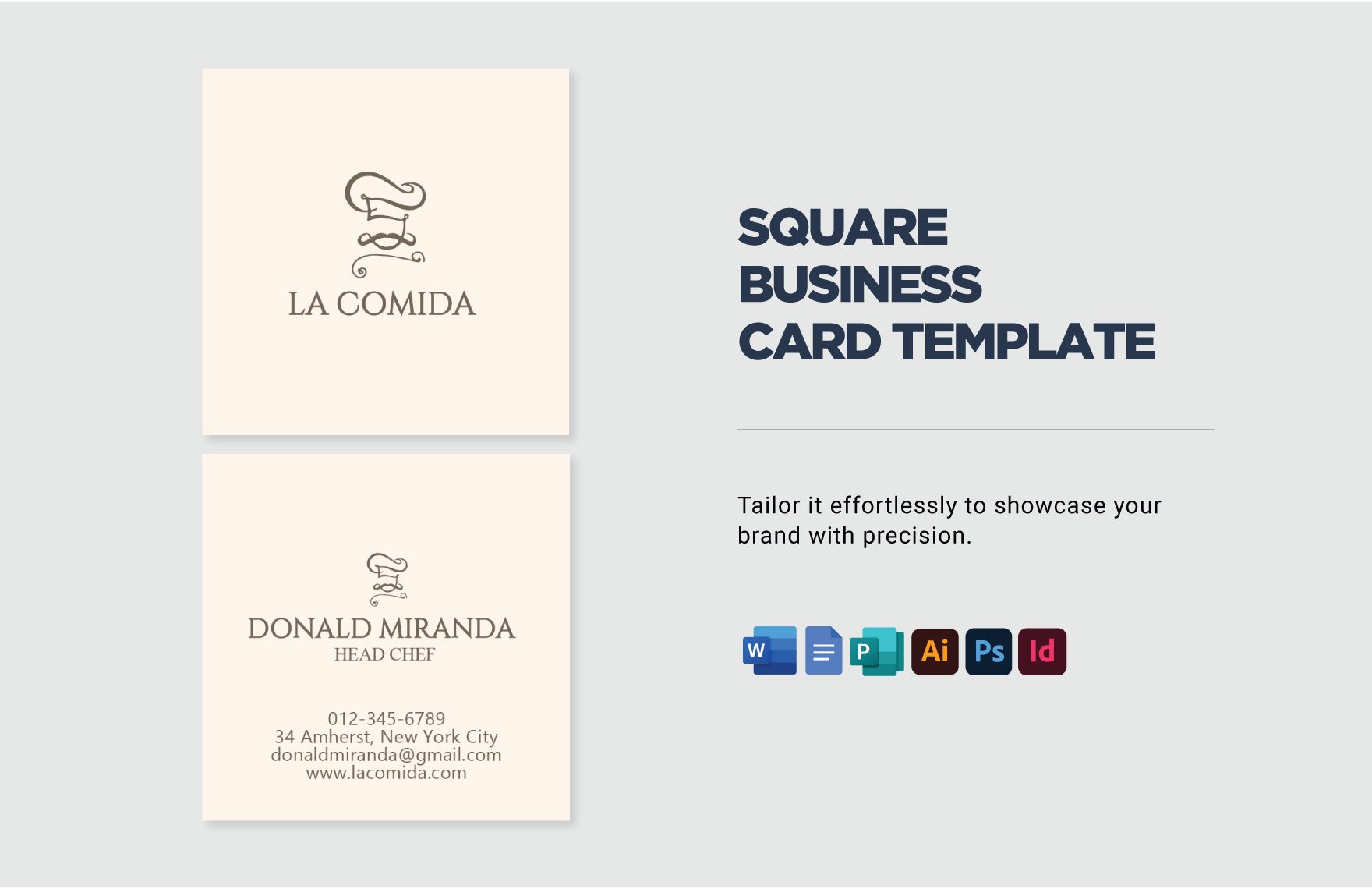
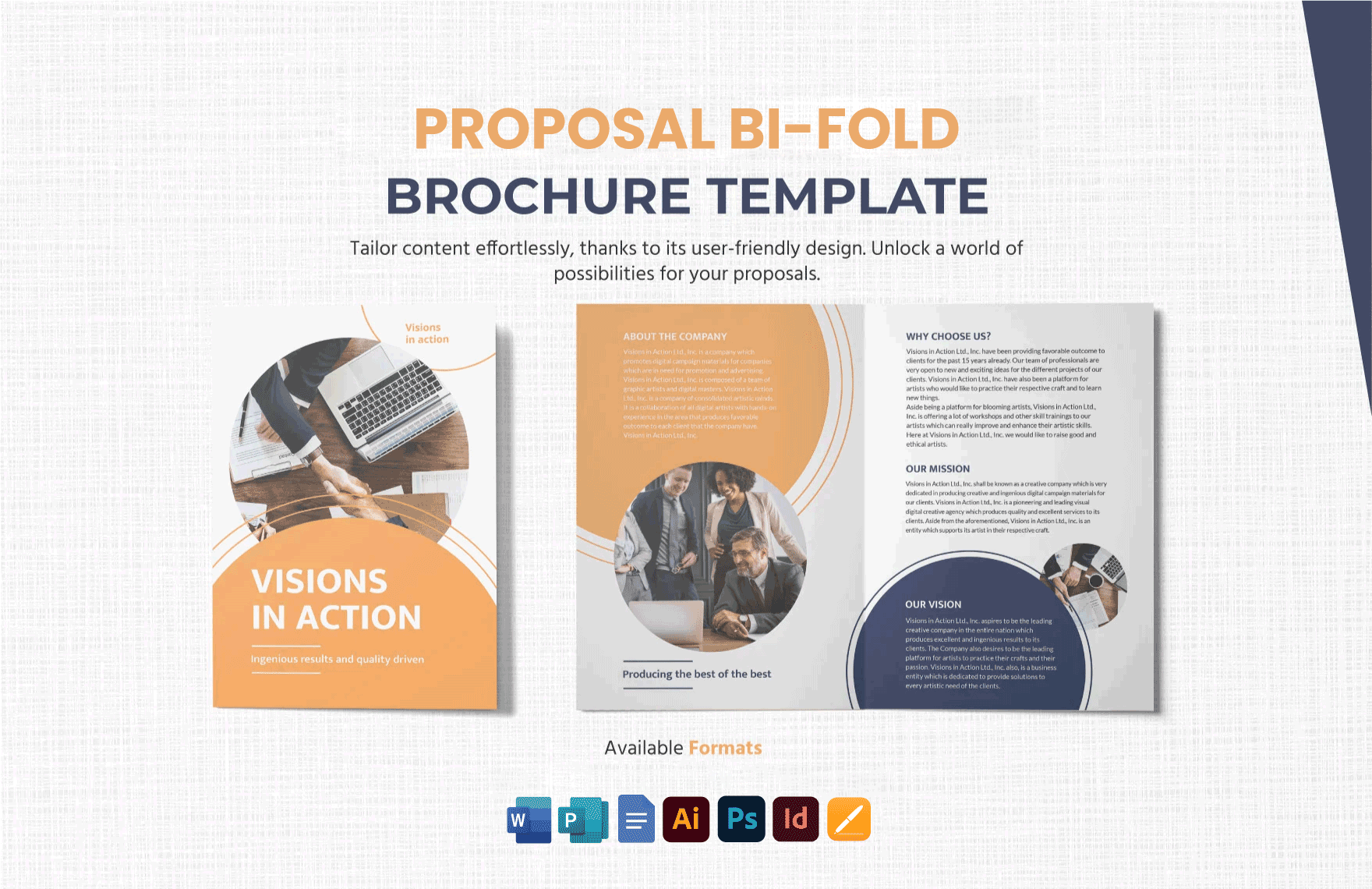
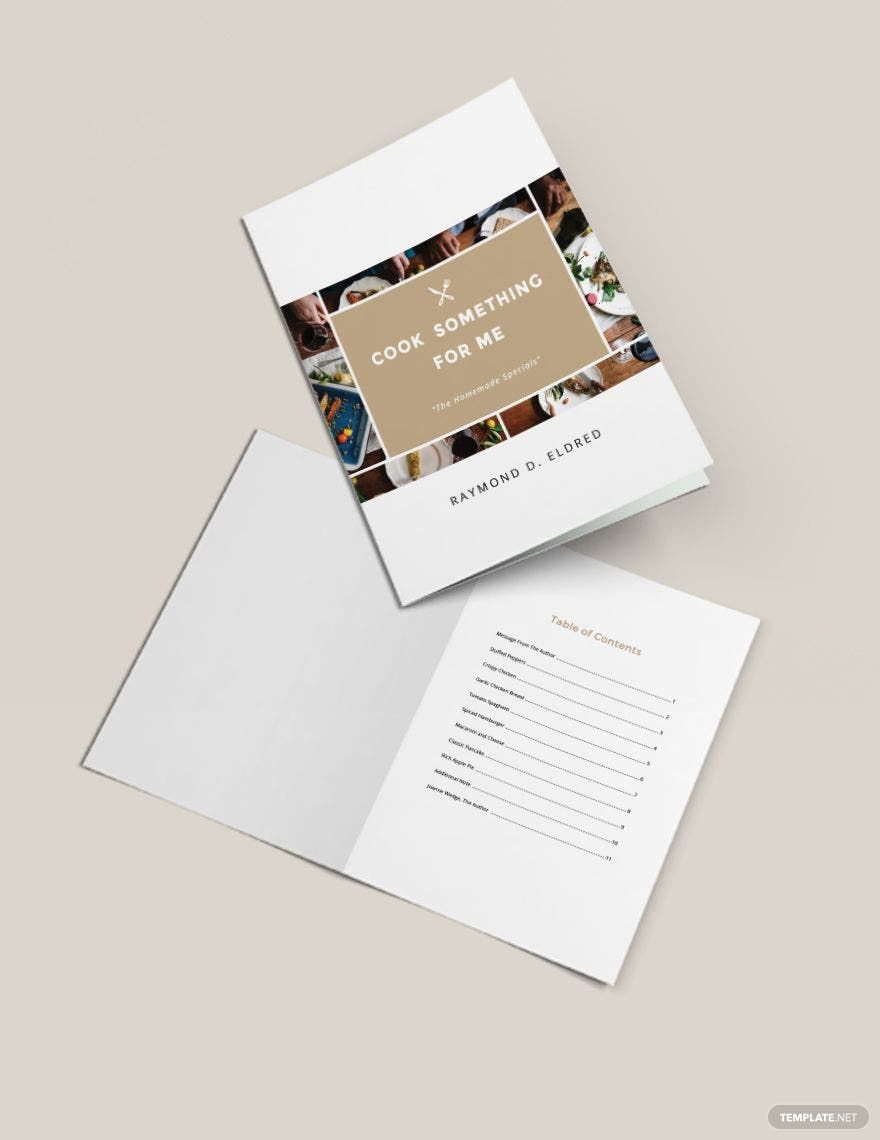
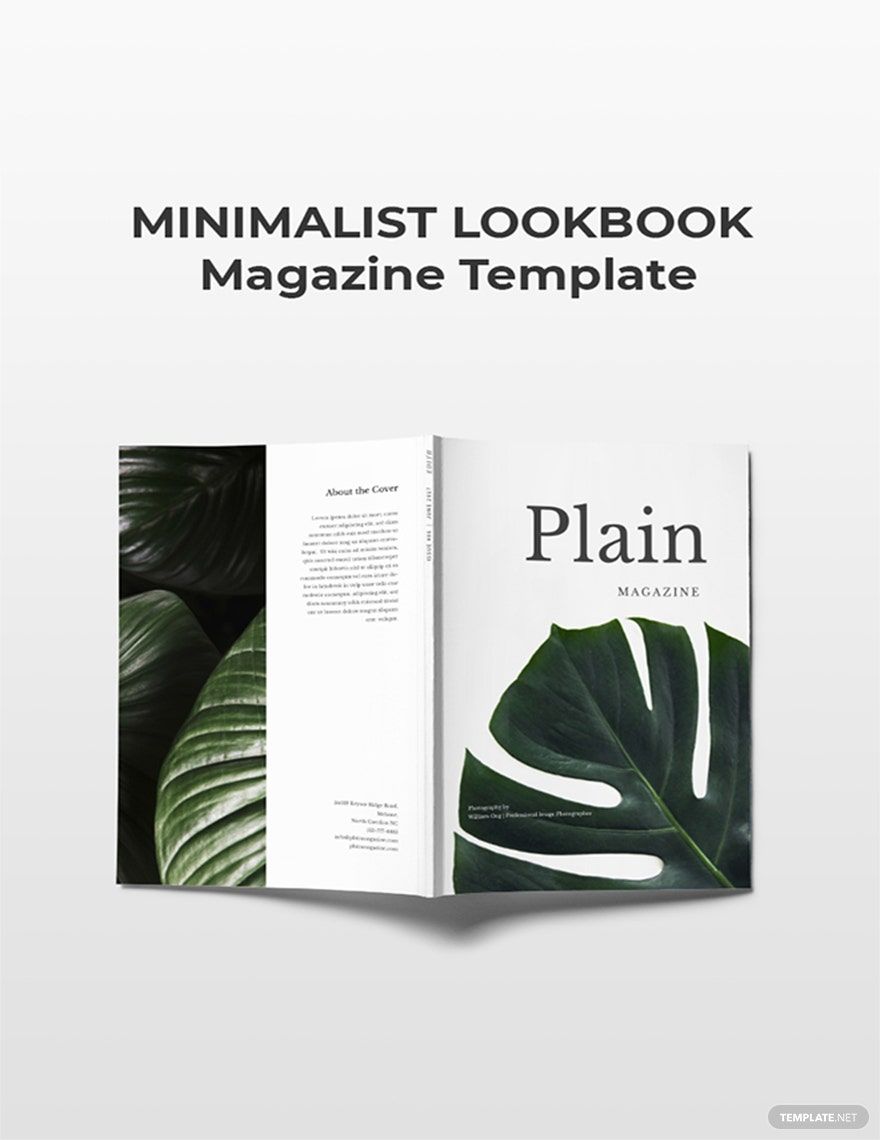
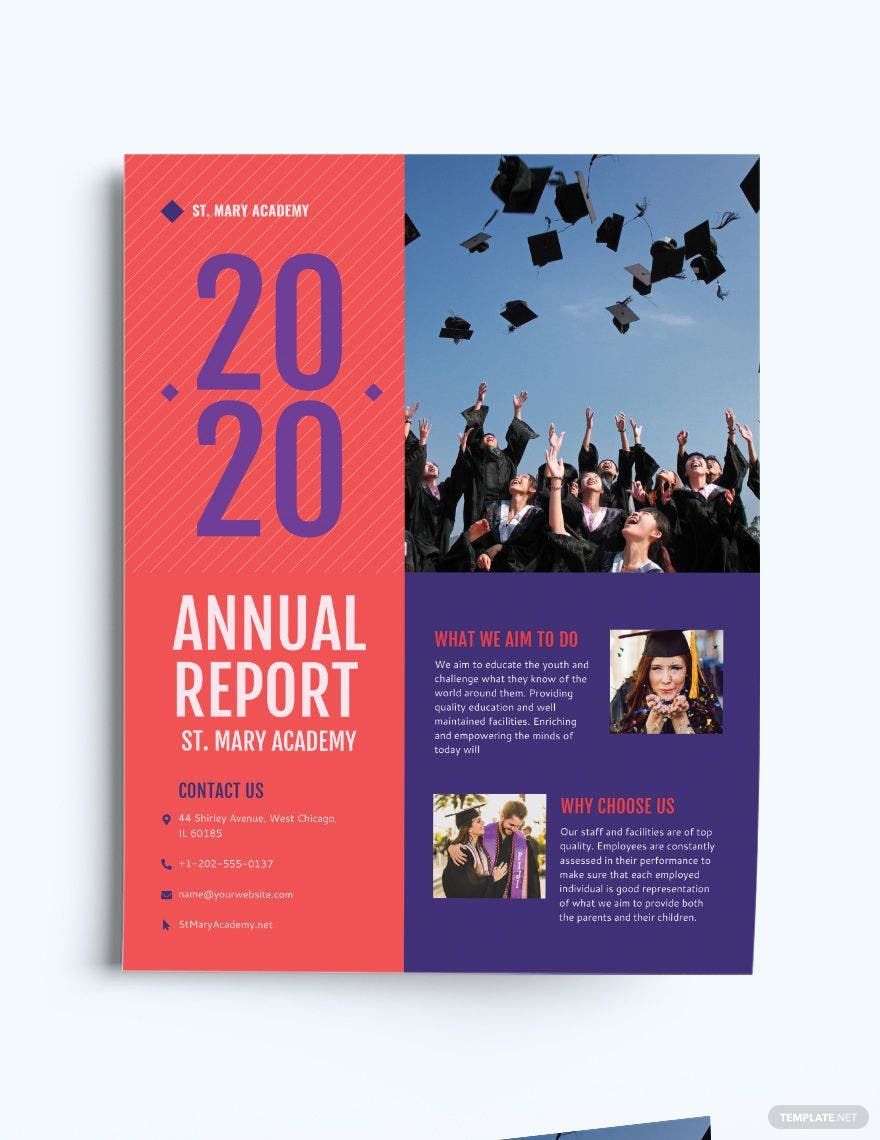
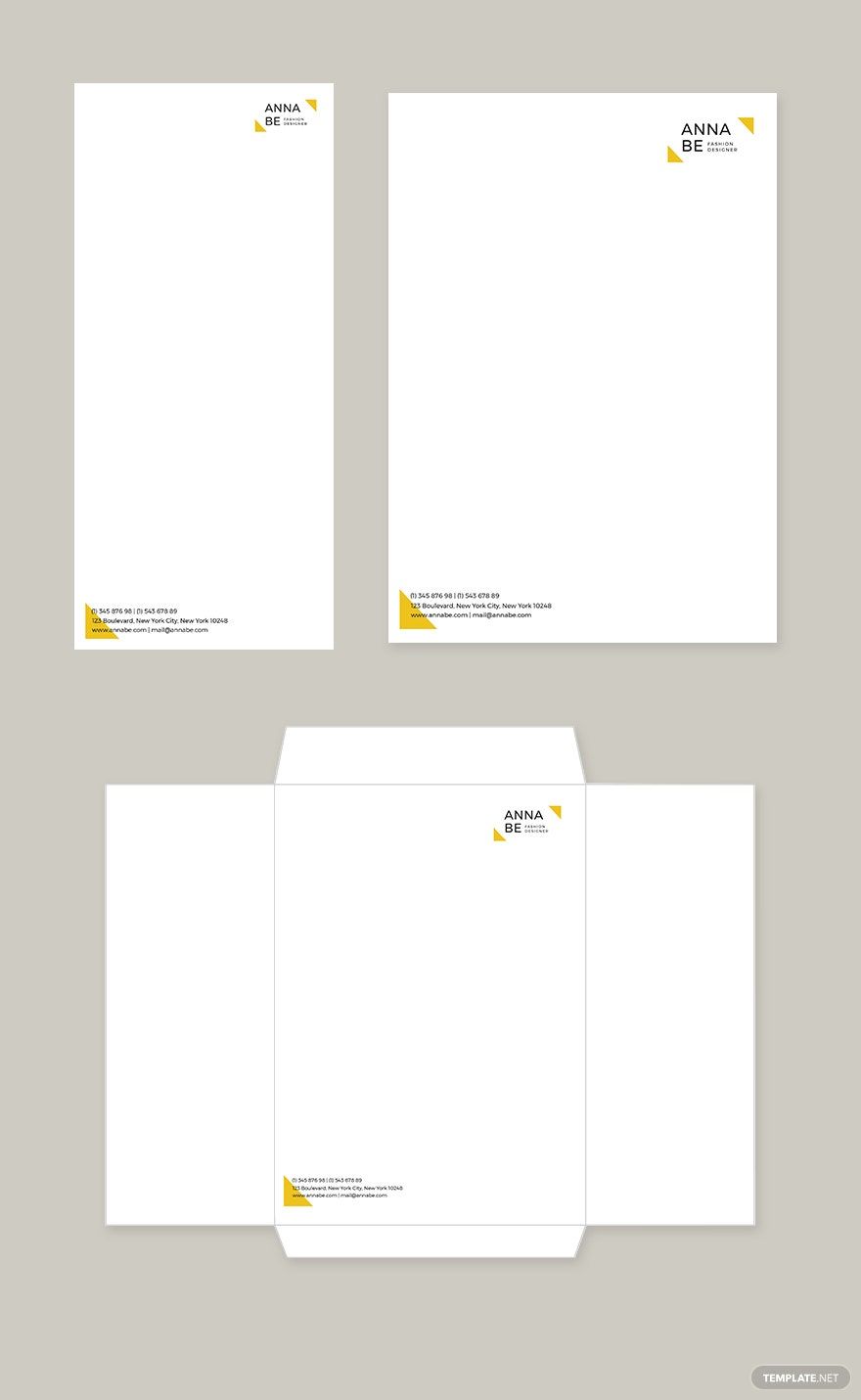
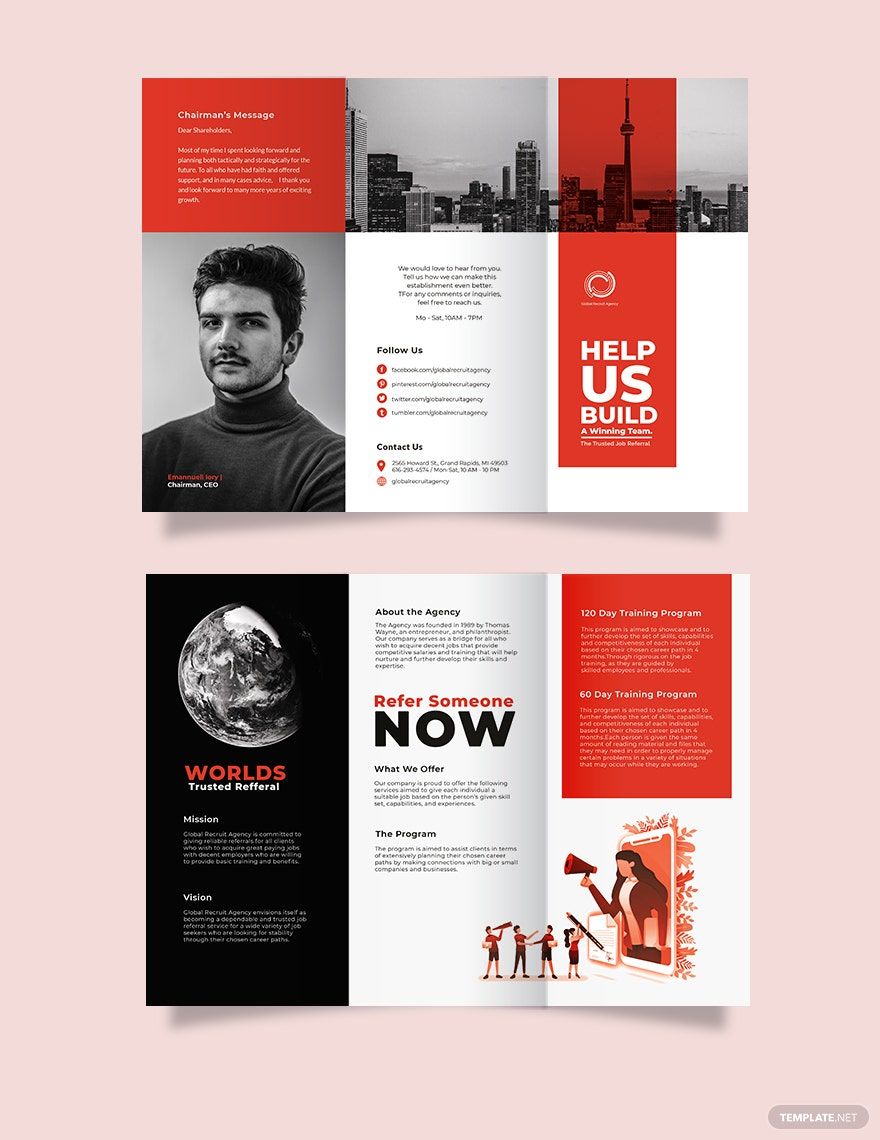
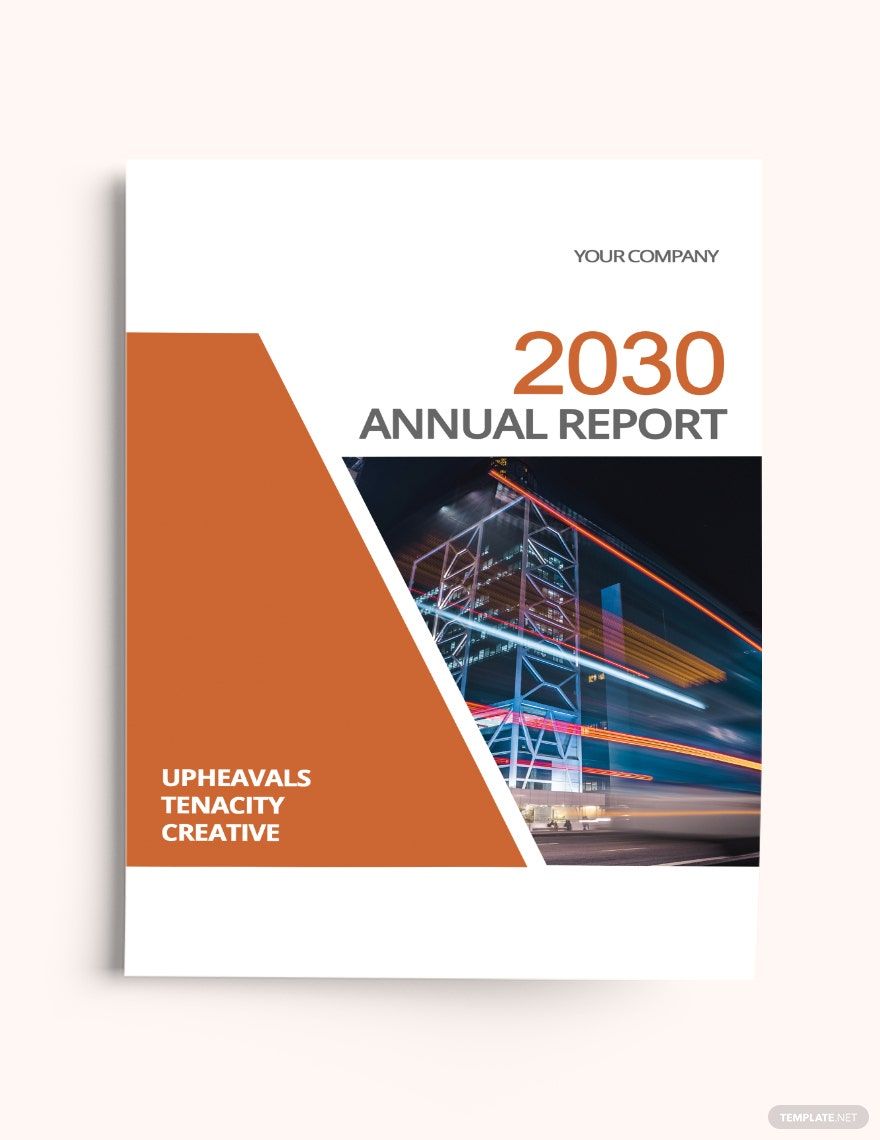
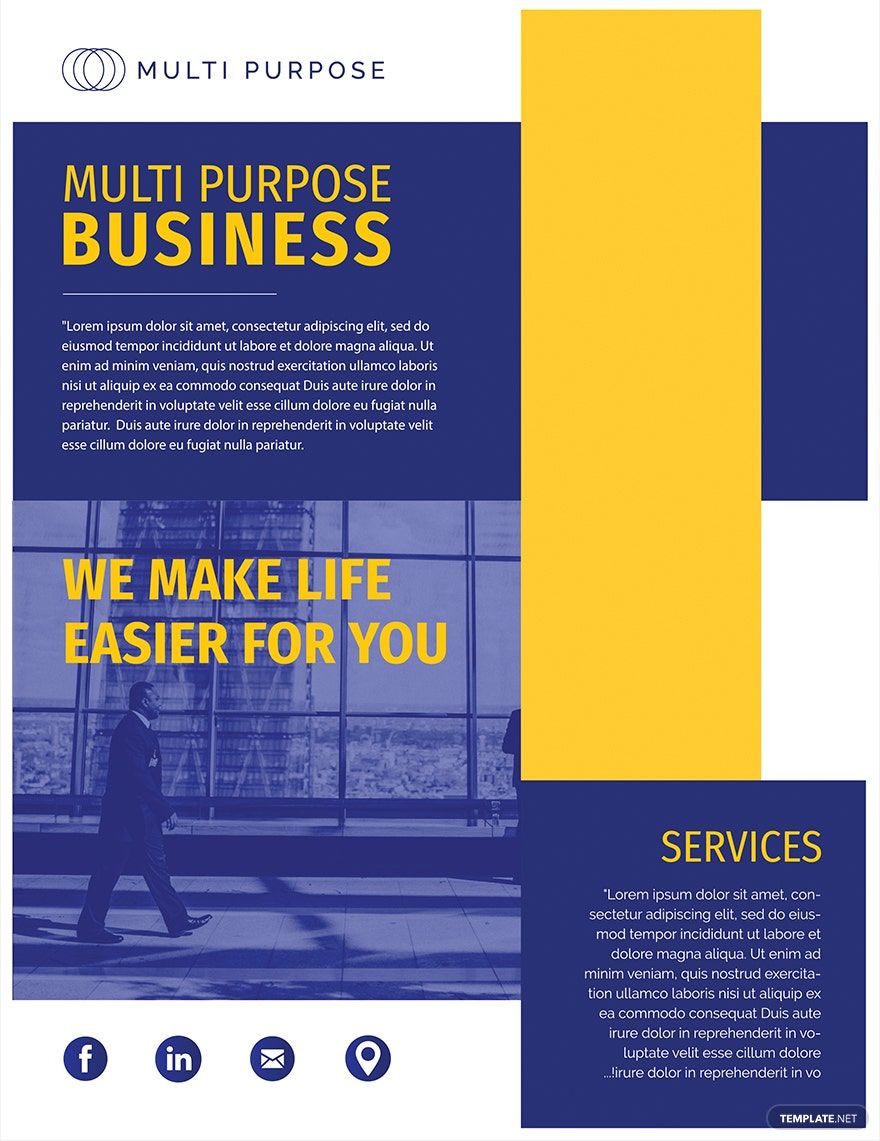
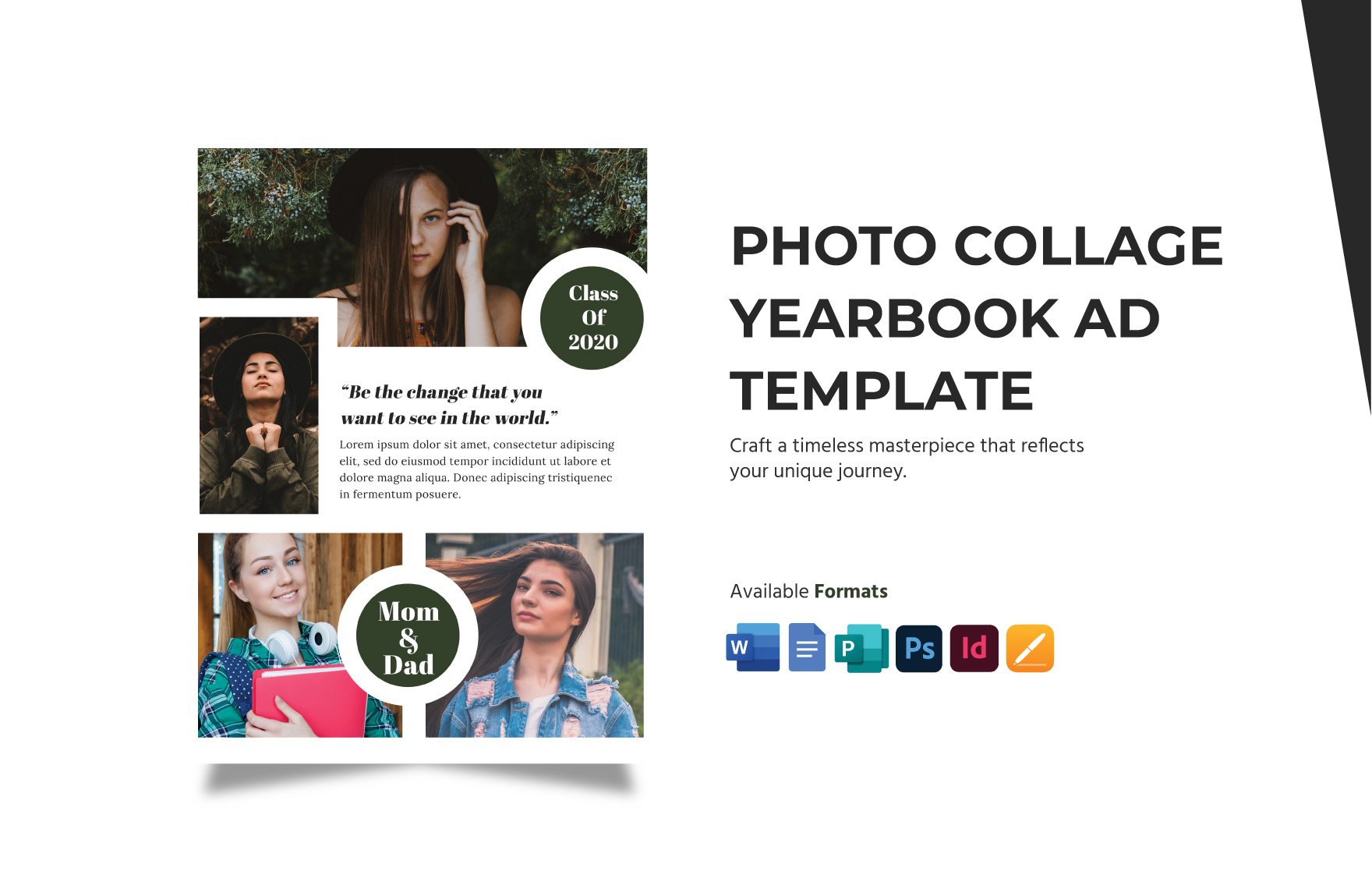
Adobe InDesign is a professional desktop publishing software used to create print-ready layouts such as brochures, magazines, and flyers with precise control over typography and layout. Adobe InDesign templates provide customizable, pre-designed layouts that simplify document creation while ensuring print quality and layout consistency.
Why use a Adobe InDesign?
Using Adobe InDesign enables the creation of complex, professional layouts with features like master pages and paragraph styles for consistency and efficiency. Adobe InDesign templates speed up design workflows and ensure print-ready results suitable for commercial printing.
Who typically uses Adobe InDesigns?
Adobe InDesign templates are commonly used by graphic designers, marketers, publishers, and businesses who require professional layouts for print or digital media. These users benefit from templates that streamline design while maintaining high-quality output compatible with Adobe InDesign software.
What page dimensions and bleed should a Adobe InDesign use?
Adobe InDesign templates typically use standard page sizes like 8.5 × 11 inches or 5.5 × 8.5 inches with a bleed of 0.125 inches on all sides. Correct bleed and trim marks setup ensures designs print without unwanted borders or cutoffs.
What are the best tips for editing a Adobe InDesign in Adobe InDesign?
When editing Adobe InDesign templates, utilize master pages for consistent layout elements, apply paragraph styles for uniform text formatting, and keep linked images updated. These practices enhance workflow efficiency and maintain professional design standards.
How do you export a print-ready Adobe InDesign from InDesign?
Export Adobe InDesign templates as PDF using PDF export settings optimized for commercial printing, including embedding fonts, maintaining CMYK color mode, and including bleed and trim marks. Perform a preflight check before exporting to ensure print readiness.
What layout elements should a Adobe InDesign include?
Adobe InDesign templates should include master pages for repeated elements, well-defined paragraph styles, properly linked images, and a clear safe zone to prevent important content from being trimmed during printing.
How can you link images correctly in a Adobe InDesign?
Adobe InDesign templates require images to be linked rather than embedded to maintain file size and update flexibility. Use the Links panel to manage and update images, ensuring all links are intact before finalizing the document for print export.
Can I create a new Adobe InDesign using AI?
Template.net provides an AI-powered tool capable of generating Adobe InDesign layouts compatible with Adobe InDesign, allowing users to create new designs quickly and download print-ready files.
