Free AI Data Analysis Generator

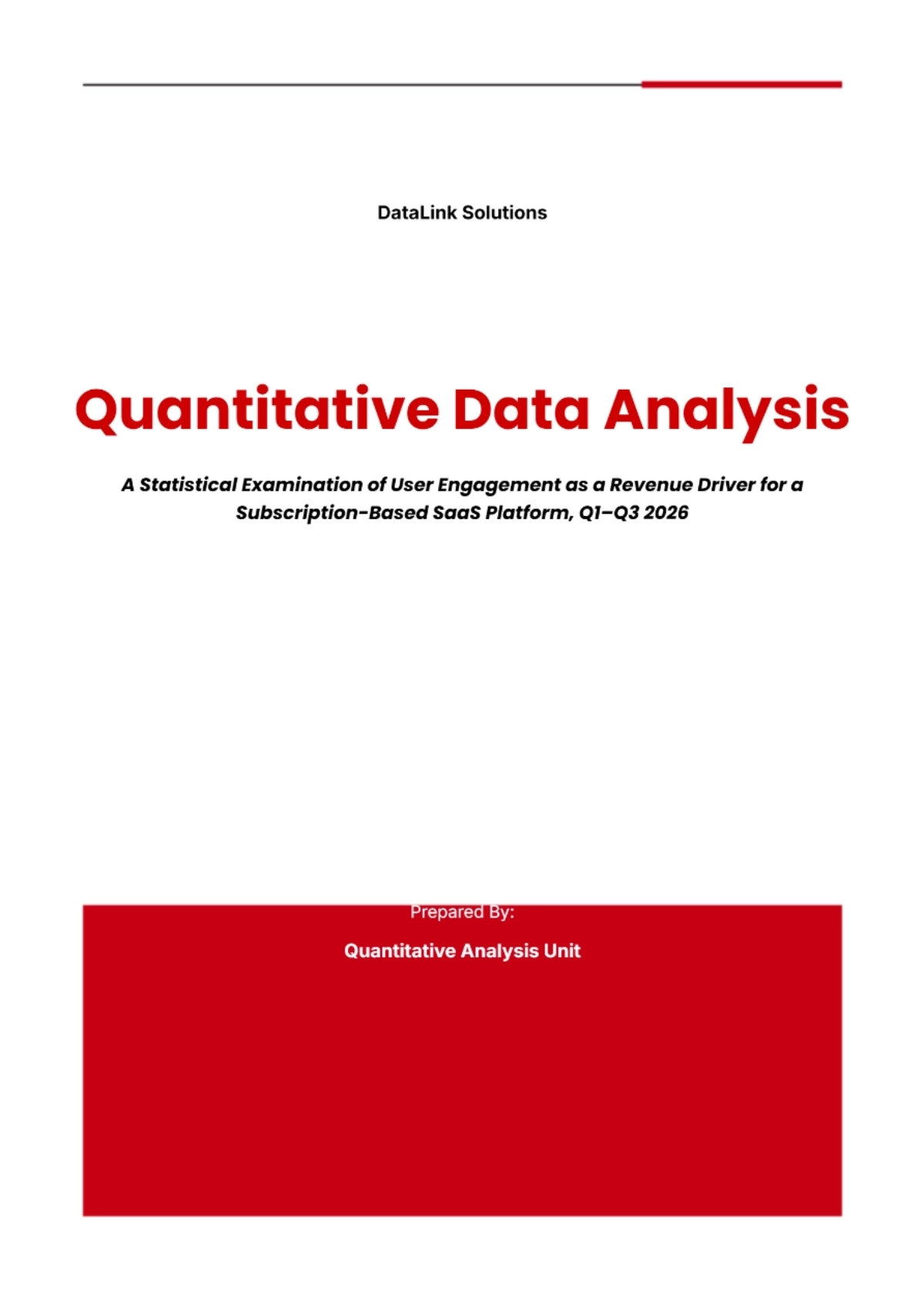
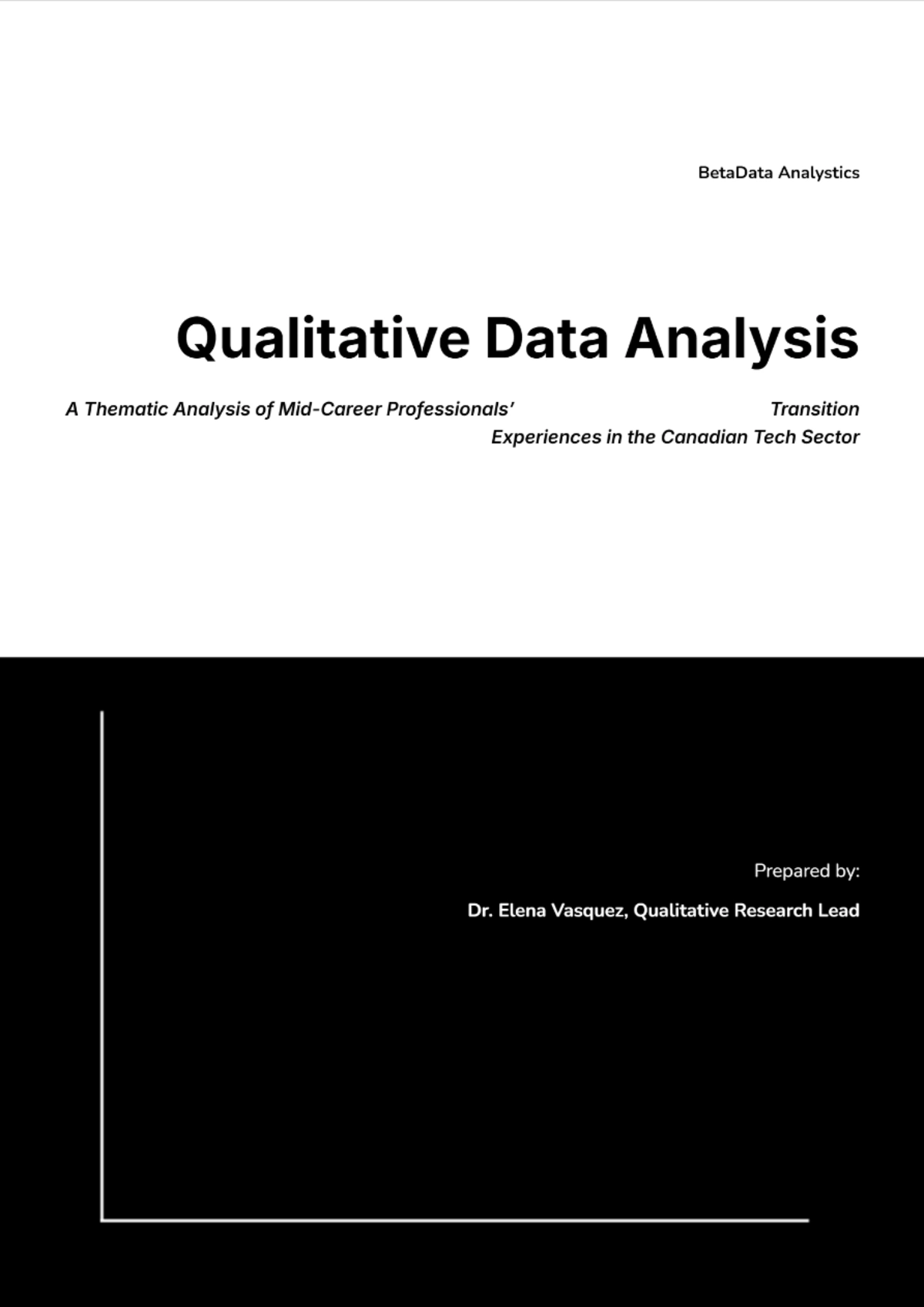
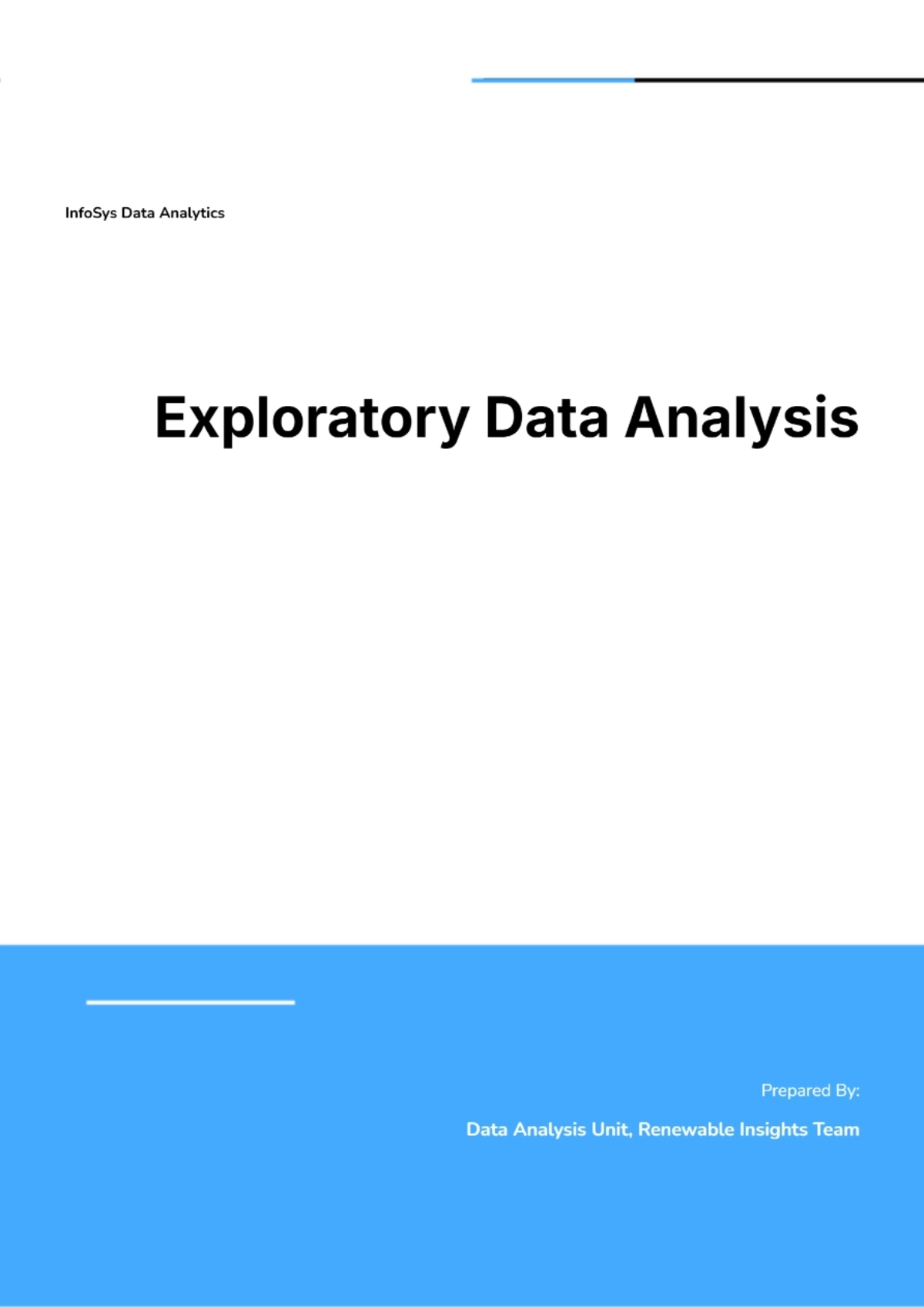
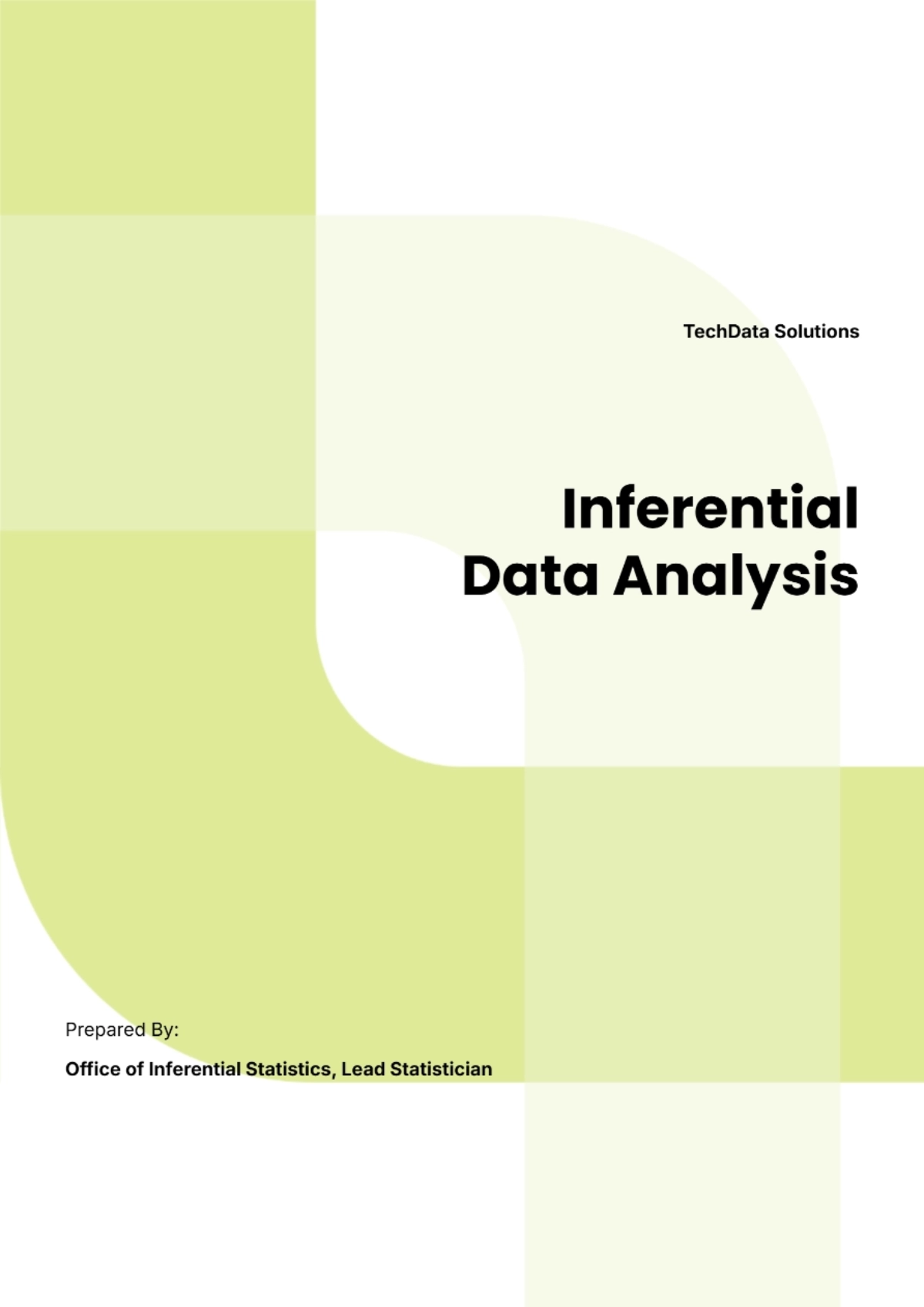
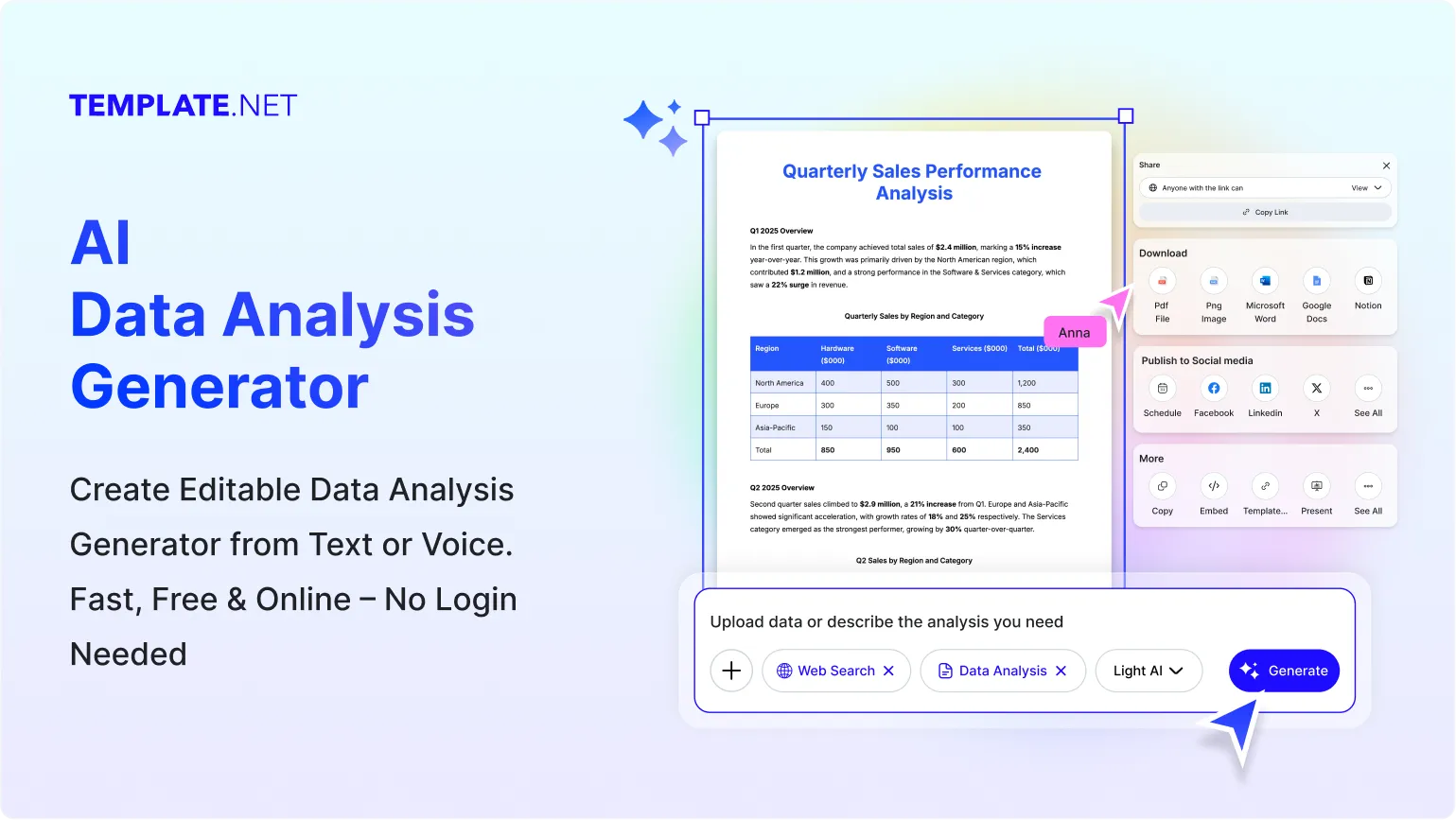
Create Professional Data Analysis Reports & Edit Online with AI Powered Generator
Template.net’s Free AI Data Analysis Generator helps you transform raw numbers, spreadsheets, reports, and business metrics into structured analytical documents in seconds. Enter a prompt describing your dataset, reporting goals, or analysis requirements and the AI generates professionally organized insights, summaries, charts, and trend-based reports that are easy to customize, refine, manage, and share across teams and departments.
Generate Structured Data Analysis with AI
Everything you need to generate professional, insight-driven, and structured data analysis documents with speed, flexibility, and accuracy.
AI-Powered Data Analysis Generation
Turn raw data, spreadsheets, and reports into structured analysis documents with organized summaries and insights.
Upload or Describe Data Instantly
Enter business metrics, research findings, spreadsheet details, or reporting goals and generate analysis reports instantly.
Voice-Based Data Analysis Creation
Speak your analysis requirements and instantly generate structured data interpretation documents without manual typing.
Intelligent Trend and Pattern Detection
Automatically identify trends, patterns, comparisons, and key observations from datasets and reports.
Professional Analytics and Reporting Output
Generate data analysis documents suitable for business reporting, research summaries, operational reviews, and presentations.
Generate Multiple Analysis Variations
Create multiple analytical report versions with different insight styles, structures, and reporting approaches.
Flexible Analysis Formatting and Layouts
Customize report structure, visual sections, summaries, and formatting to match your reporting needs.
Structured Reporting Framework
Ensure analysis reports remain organized with clear sections, charts, findings, summaries, and recommendations.
Refine Reports with Smart AI Suggestions
Improve report clarity, insight quality, readability, and interpretation with AI-powered refinements.
Edit and Update Analysis Documents Easily
Modify datasets, conclusions, insights, visual summaries, and formatting without rebuilding reports from scratch.
Automated Chart and Summary Assistance
Generate visual-ready data summaries, analytical highlights, comparisons, and chart-focused reporting sections automatically.
Multilingual Support
Generate data analysis reports in 20+ languages including English, Spanish, French, German, Italian, Hindi, Chinese, Japanese, Russian, Turkish, Vietnamese, Thai, Malay, Polish, Swedish, and more for global reporting and collaboration.
Adapt Reports for Different Industries and Teams
Customize analytical documents for finance, marketing, operations, education, research, HR, healthcare, and business intelligence use.
Maintain Consistent Reporting Standards
Ensure every analysis document follows a consistent reporting format, structure, and professional presentation style.
Save and Reuse Data Analysis
Store generated analytical reports and reuse templates for recurring reporting workflows and future projects.
Collaborate on Analysis Reports
Share reports with teams, managers, researchers, stakeholders, or clients for review and collaborative editing.
Download or Share Reports Instantly
Download analysis reports in PDF, Word, Google Docs, Excel, and more. Share instantly via Email, LinkedIn, X (Twitter), Pinterest, WhatsApp, and Messenger for fast collaboration and reporting access.
Secure Data Analysis Workspace
Keep analytical reports, business metrics, and datasets protected with secure storage and controlled access.

How to Perform Data Analysis Using AI
Generate, organize, and interpret data with a simple AI-powered workflow.
Step 1: Enter Prompt, Upload Spreadsheet, or Add Dataset
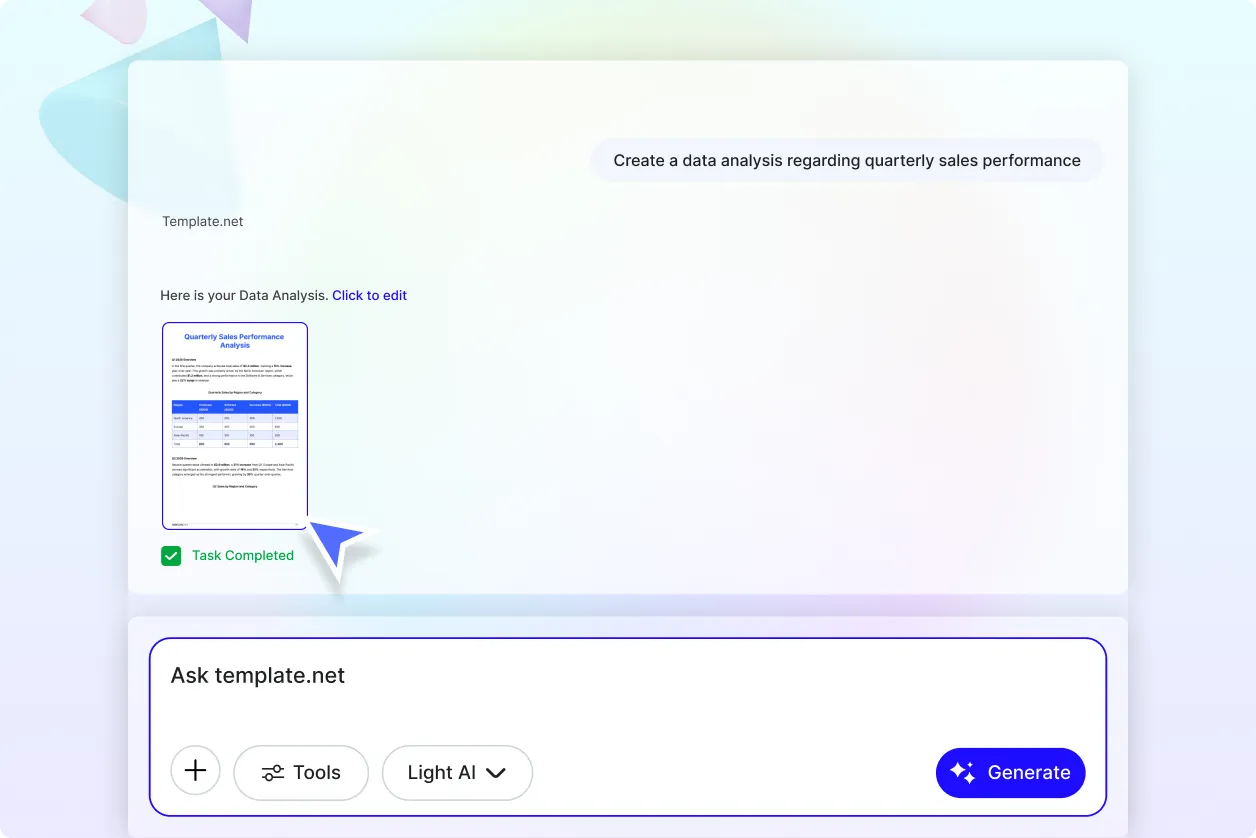
Describe your requirement or upload spreadsheet files such as “Analyze sales performance data” or “Identify trends from customer survey results” and instantly generate structured data analysis with summaries, comparisons, trends, and insights.
Step 2: Customize and Refine Data Insights
Edit data summaries, trends, observations, visual sections, comparisons, and analysis formatting to match your business, research, or reporting needs.
Step 3: Download and Share Data Analysis
Preview your generated data analysis, then save, download, or share it instantly via Email, LinkedIn, X (Twitter), Pinterest, WhatsApp, and Messenger for reporting, collaboration, and presentations.
Perform Smarter Data Analysis Faster for Business, Research, and Reporting
Turn Raw Data into Structured Insights Instantly
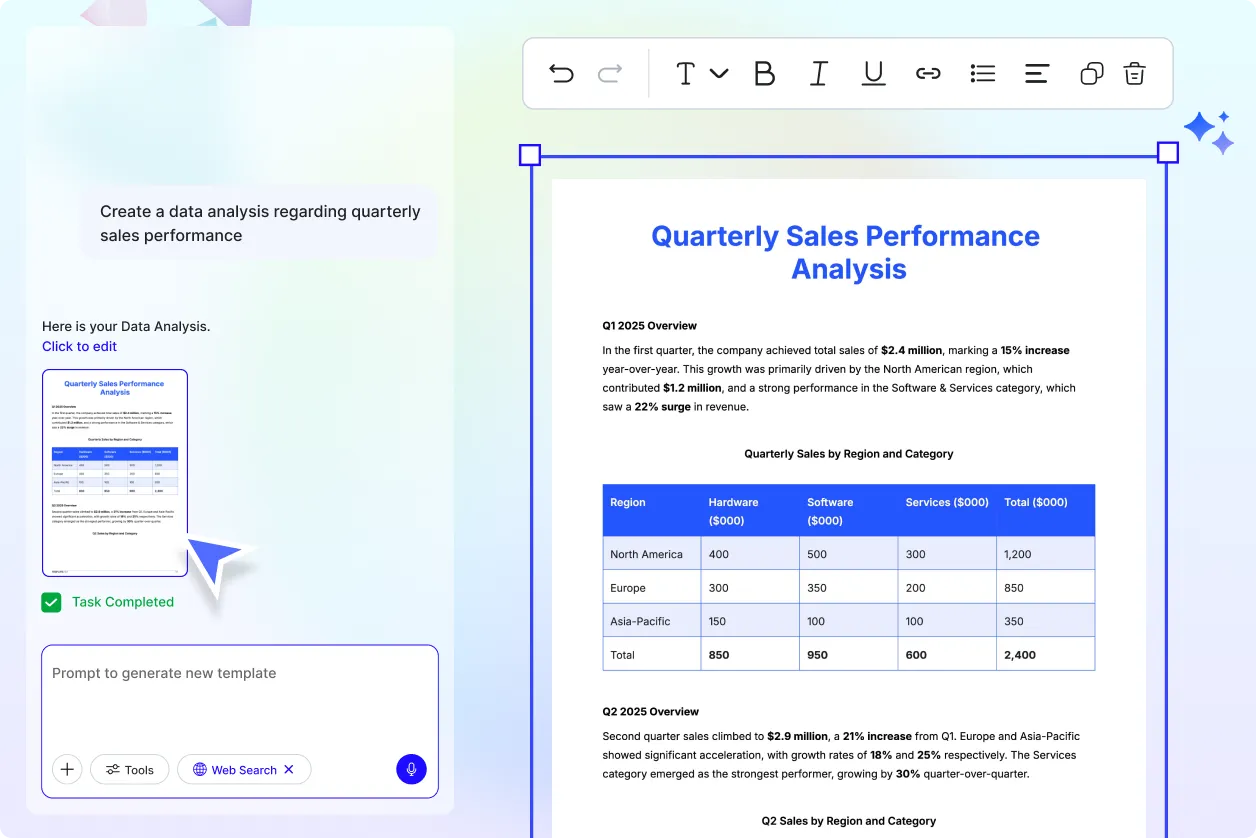
Transform spreadsheets, datasets, and business metrics into organized data analysis with clear summaries, trends, comparisons, and insight-driven formatting.
Generate Data Analysis for Multiple Business and Research Needs
Create sales analysis, marketing insights, operational reviews, survey interpretation, financial data analysis, customer analytics, and business intelligence workflows for different industries and teams.
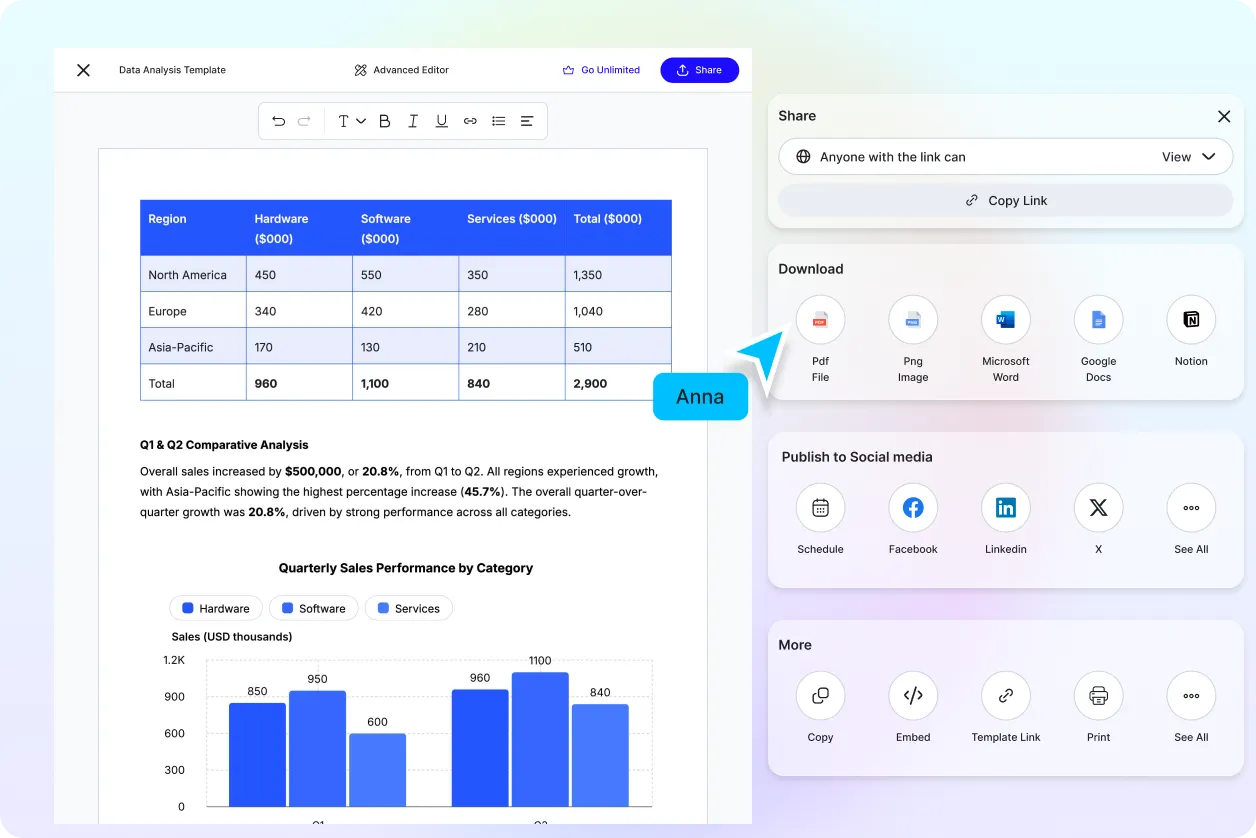
Explore Multiple Data Analysis Styles and Structures
Generate different analysis variations with organized summaries, trend-focused insights, comparison layouts, and structured analytical formats tailored to your workflow.
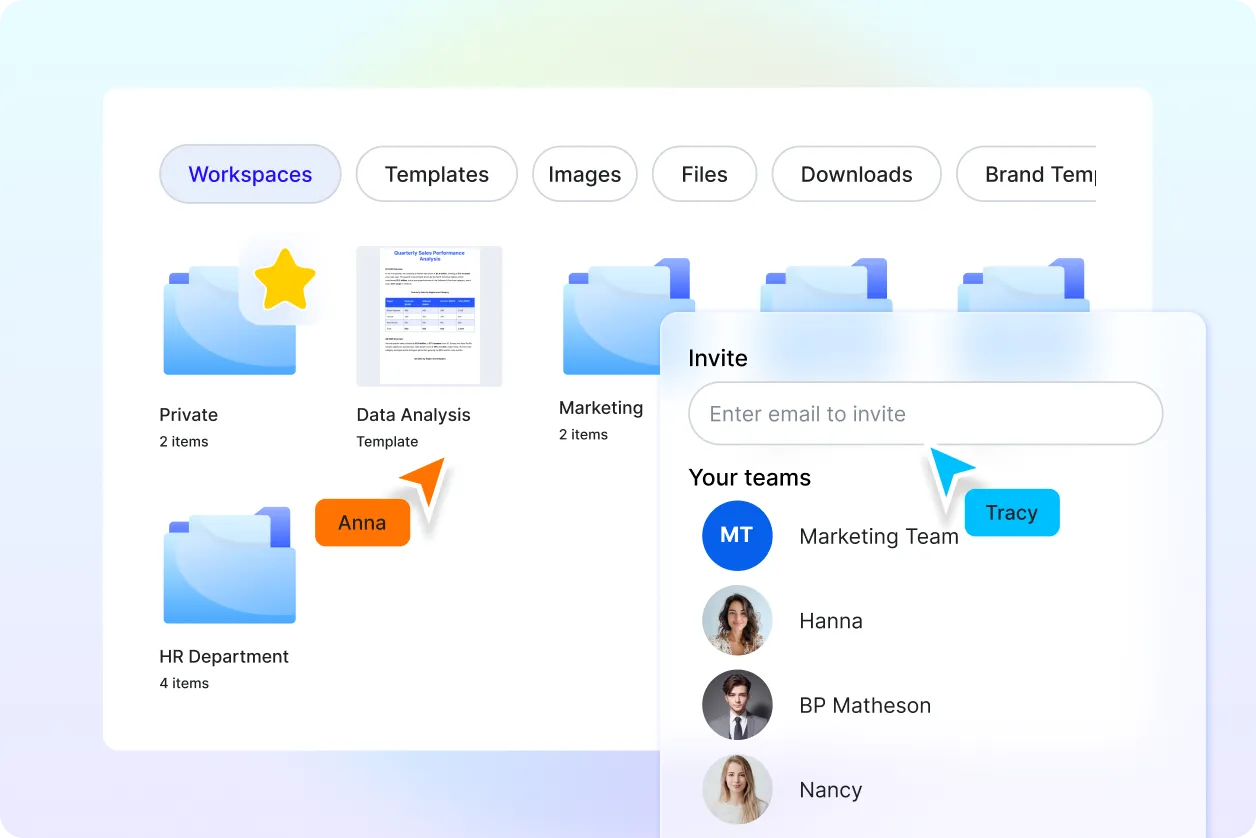
Maintain Consistent Data Analysis Standards Across Teams
Ensure every generated data analysis follows a clear structure, organized formatting, and professional insight presentation style for collaboration and decision-making.
