Free AI Cycle Diagram Generator



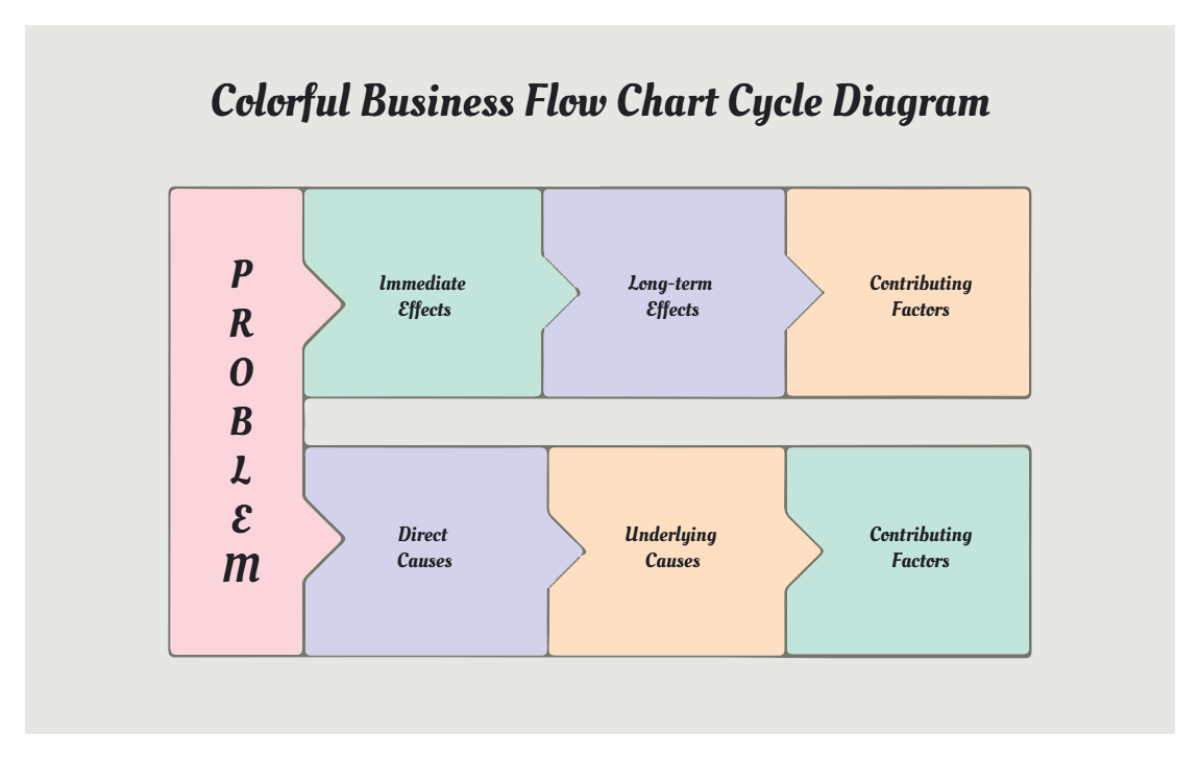
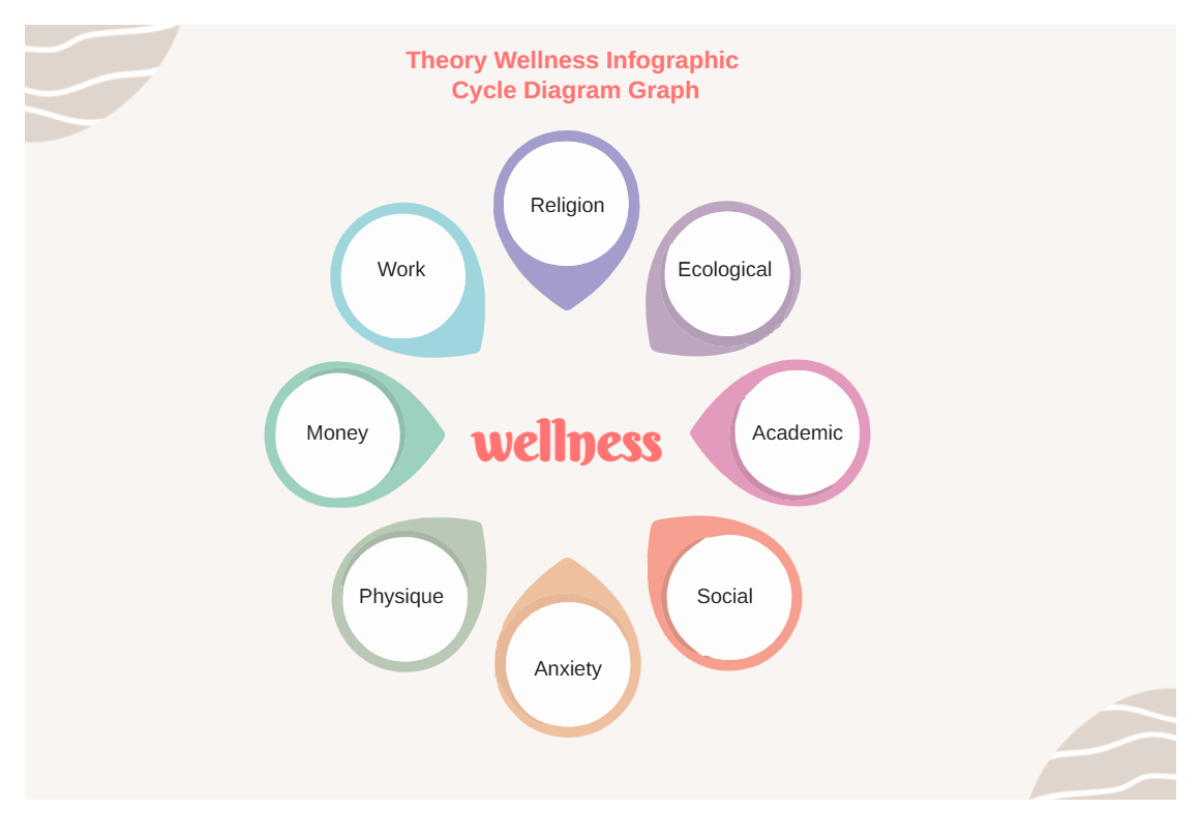
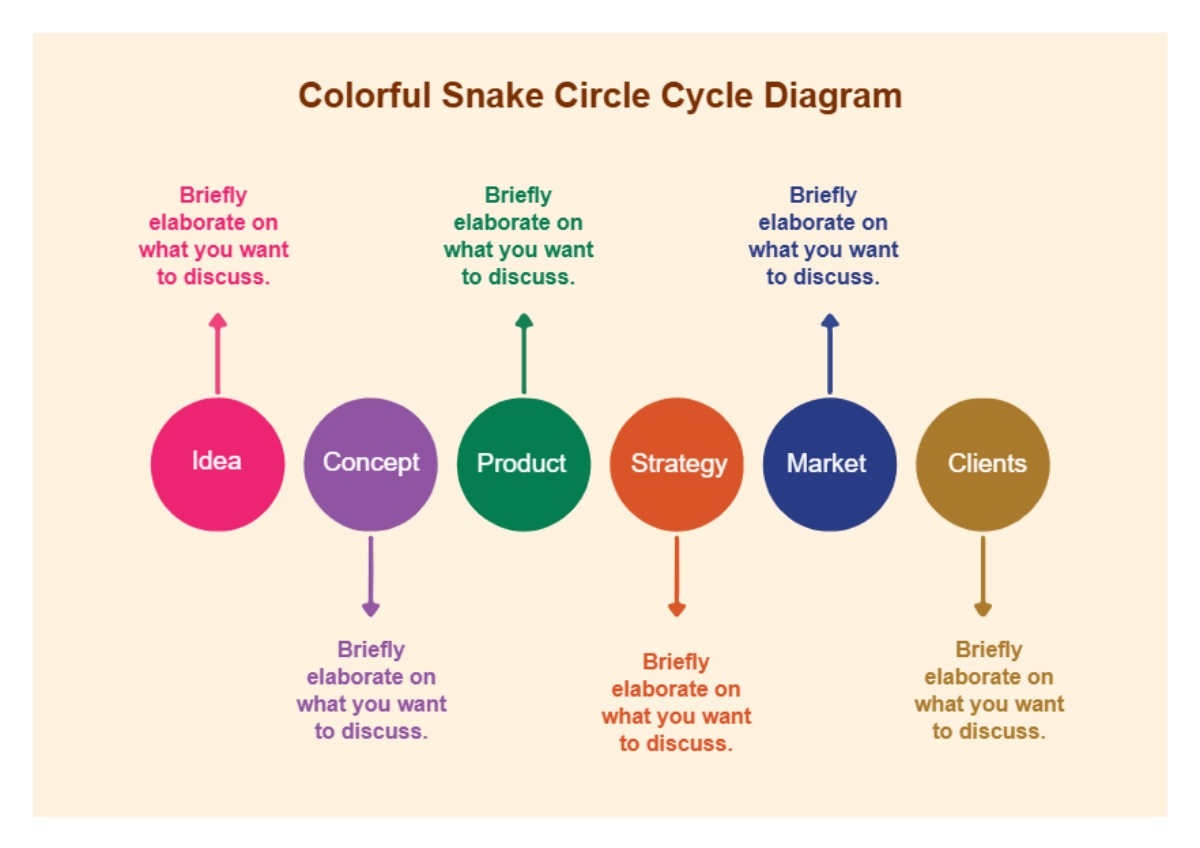
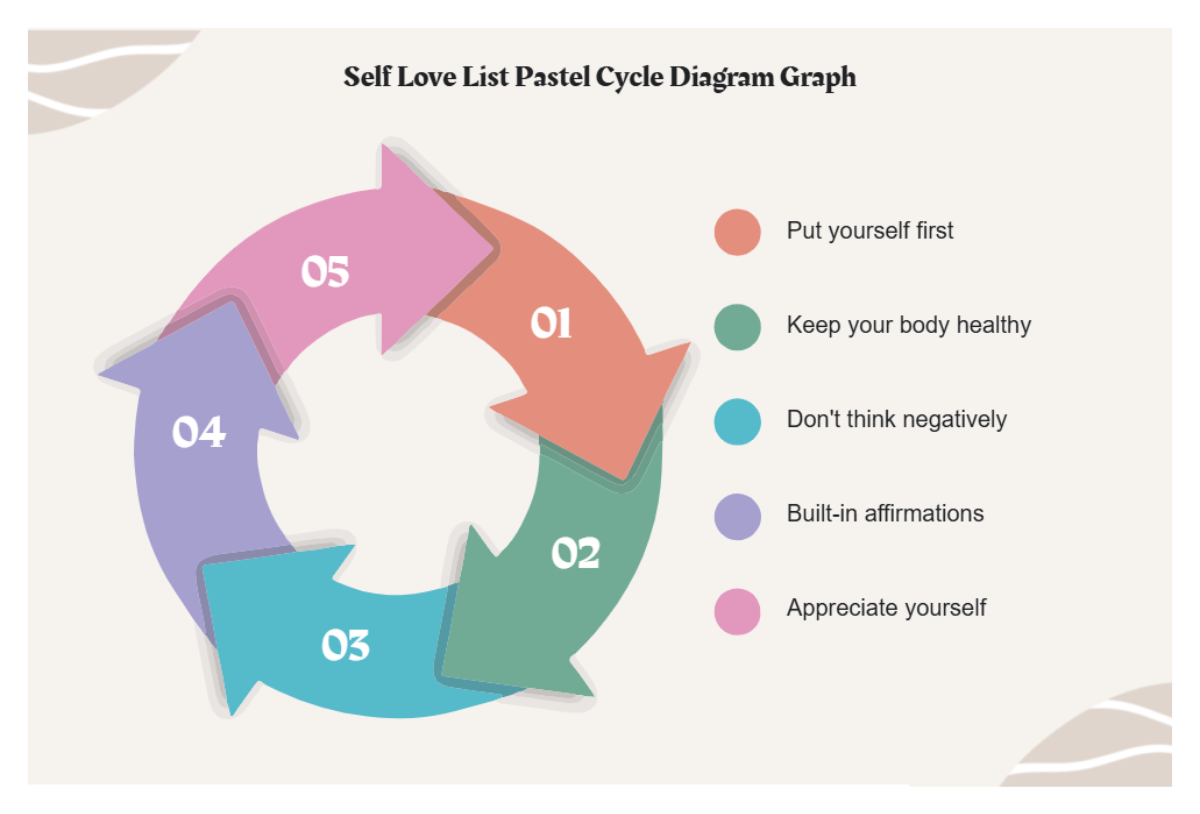
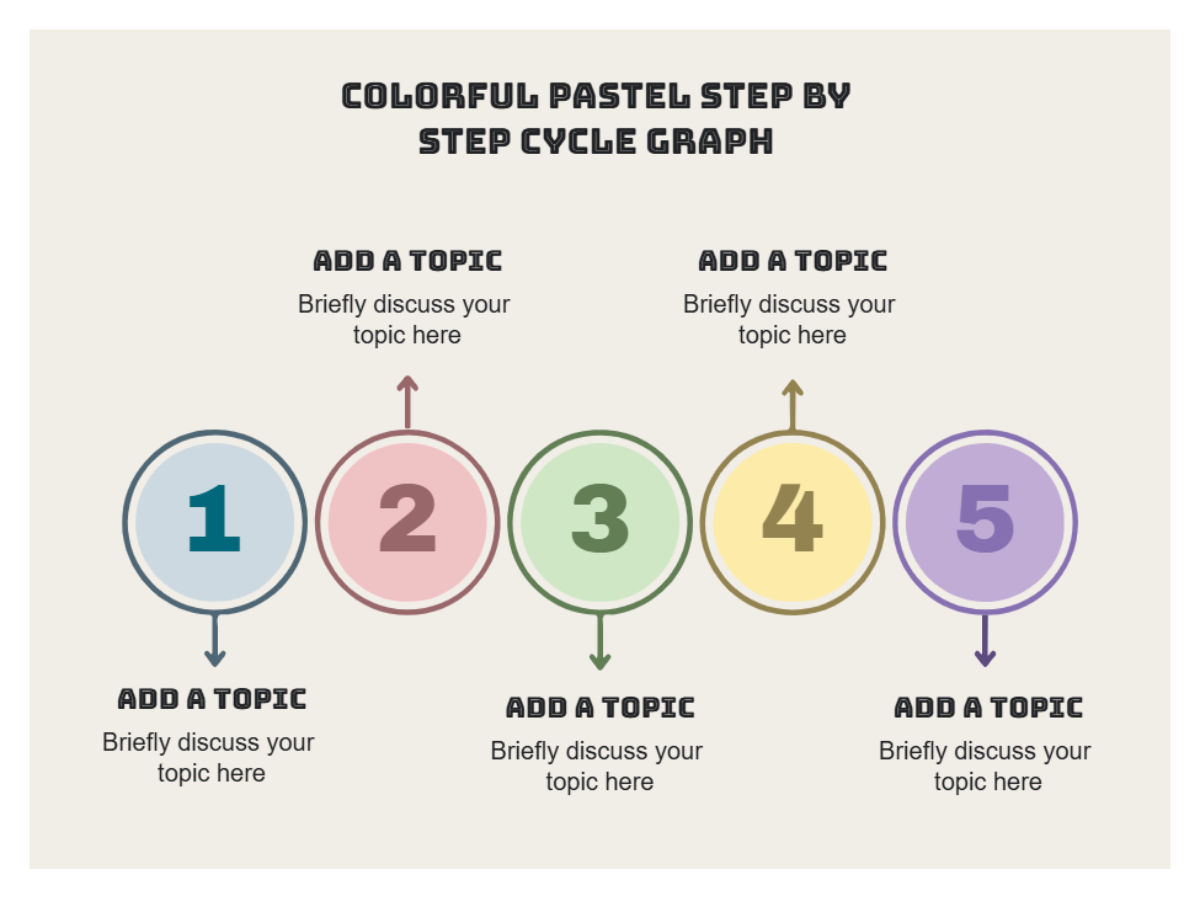
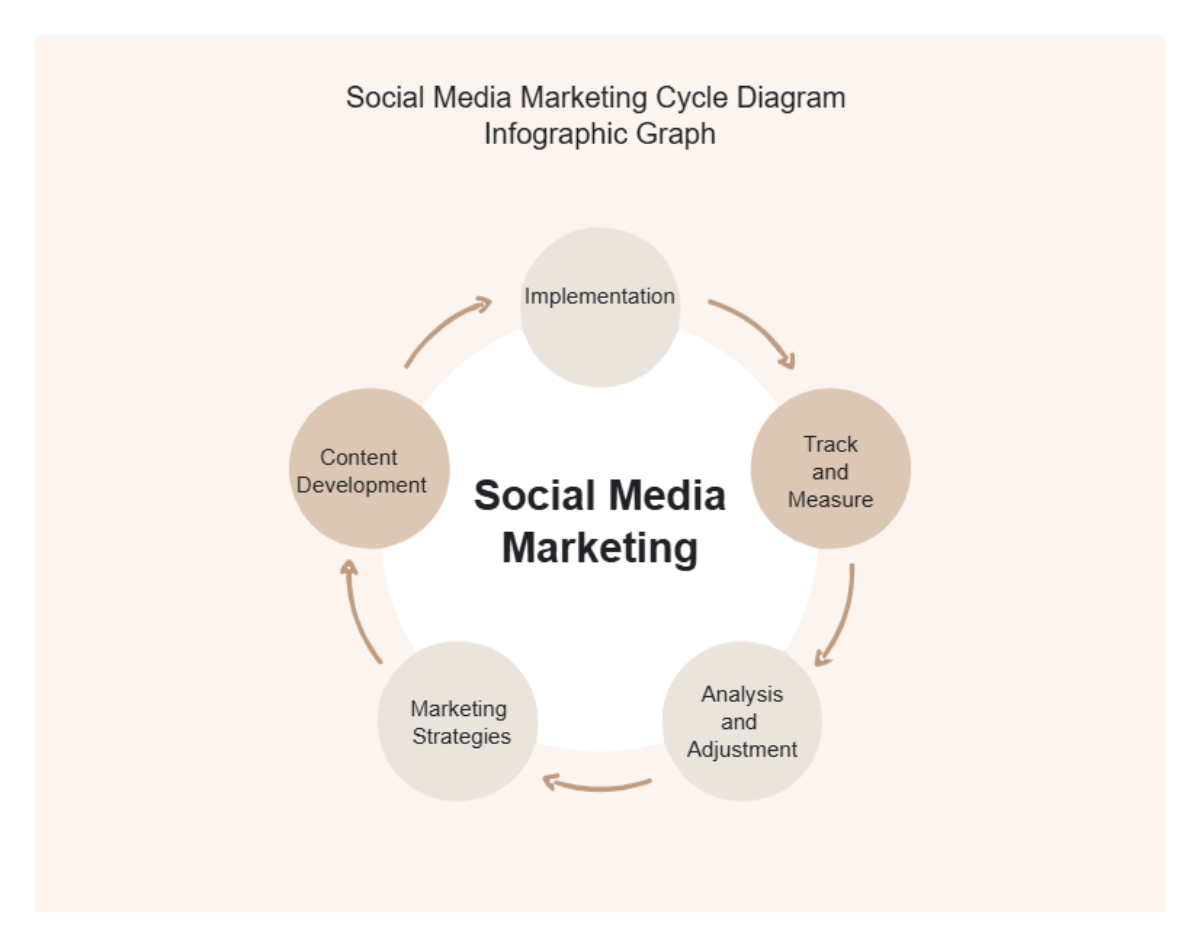
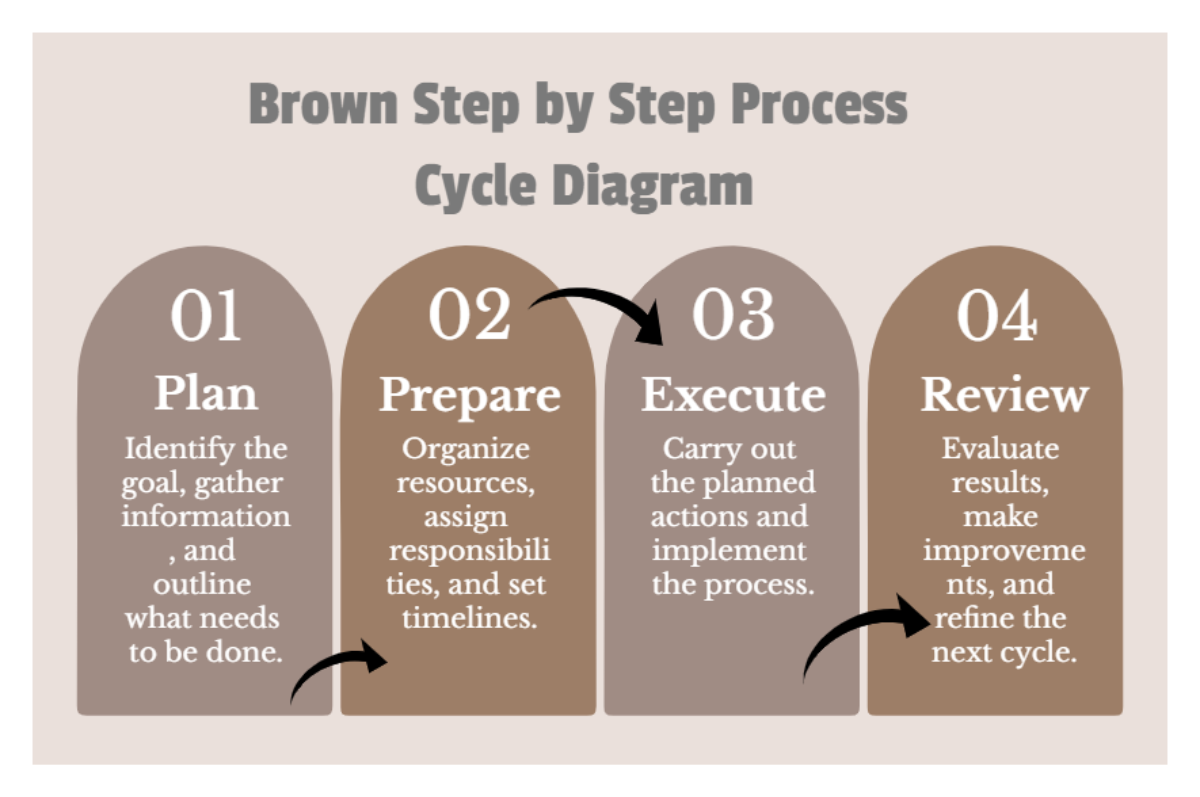
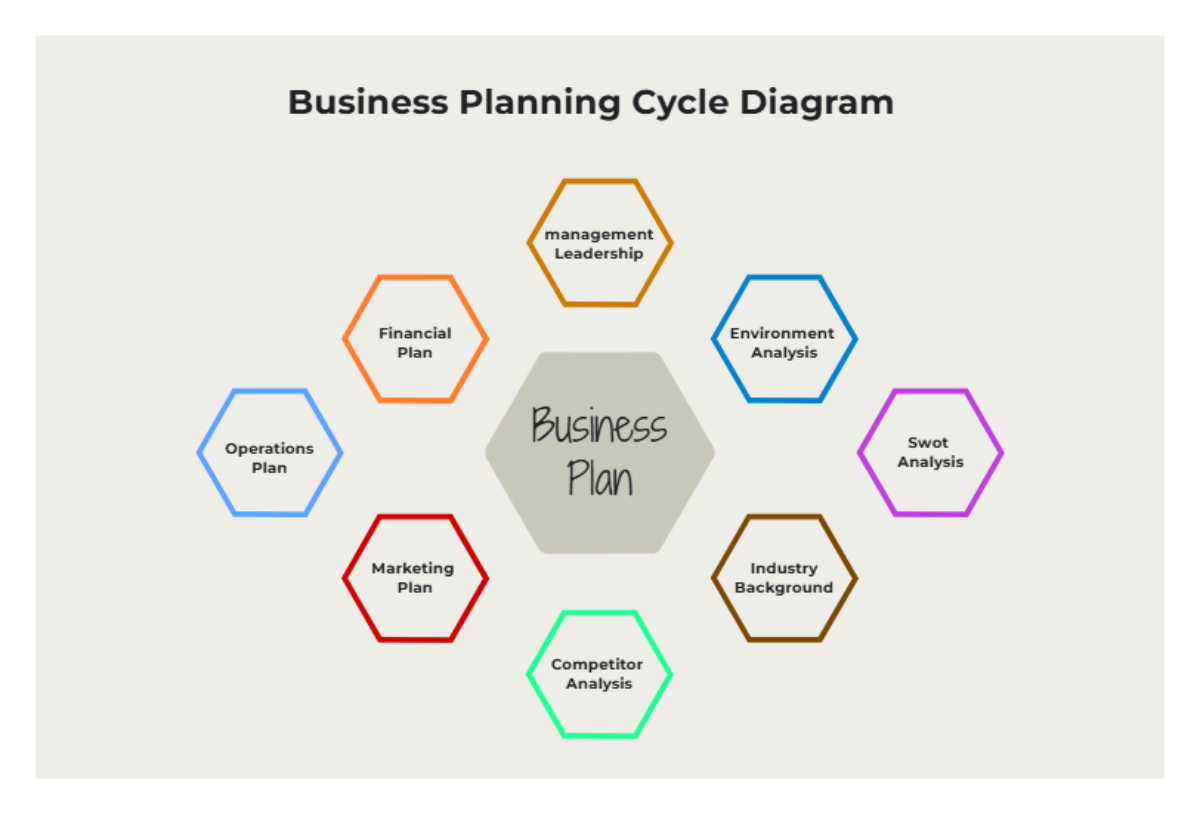
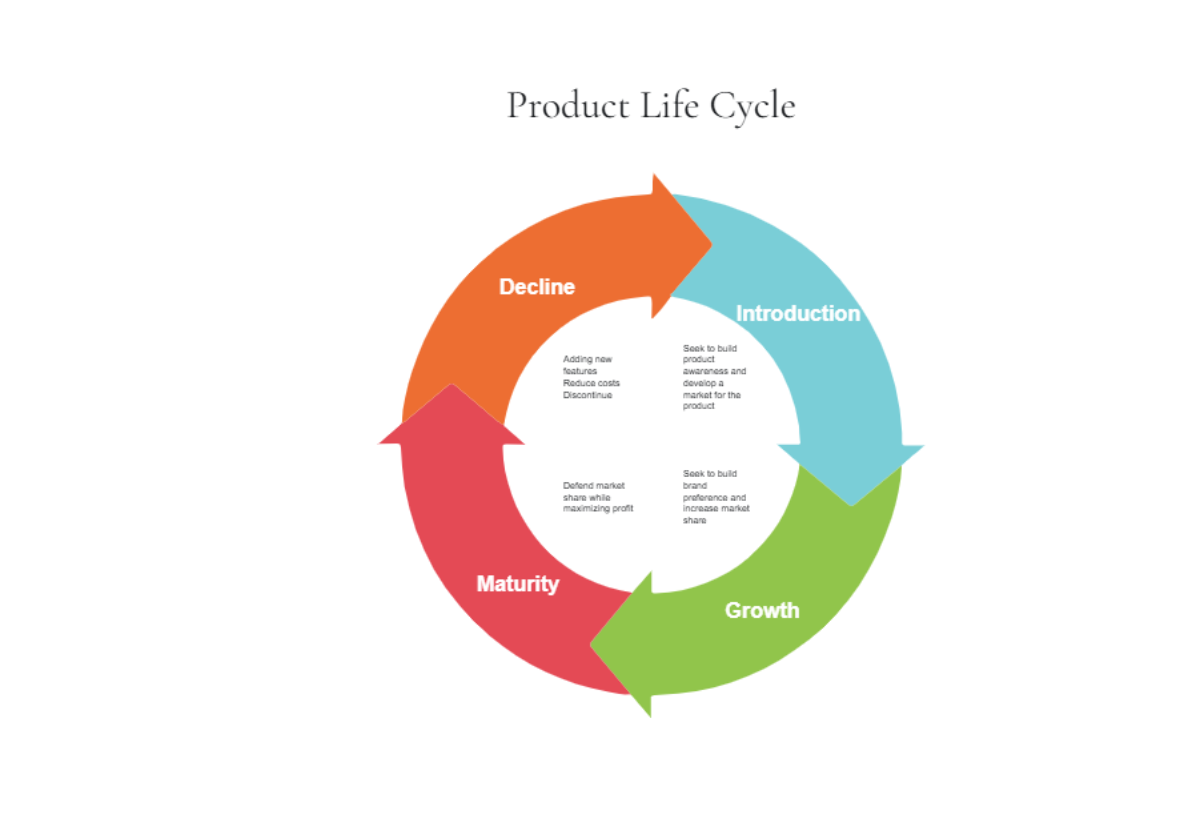
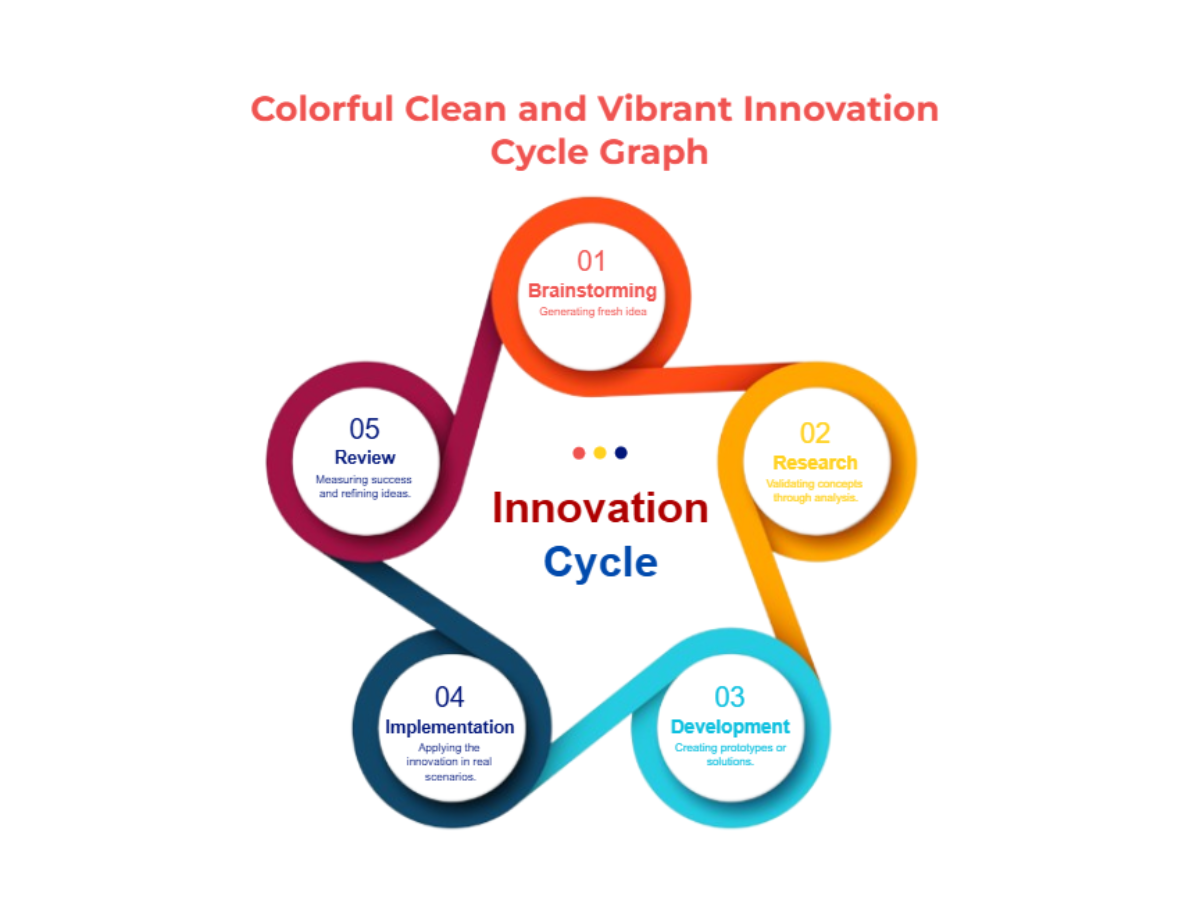
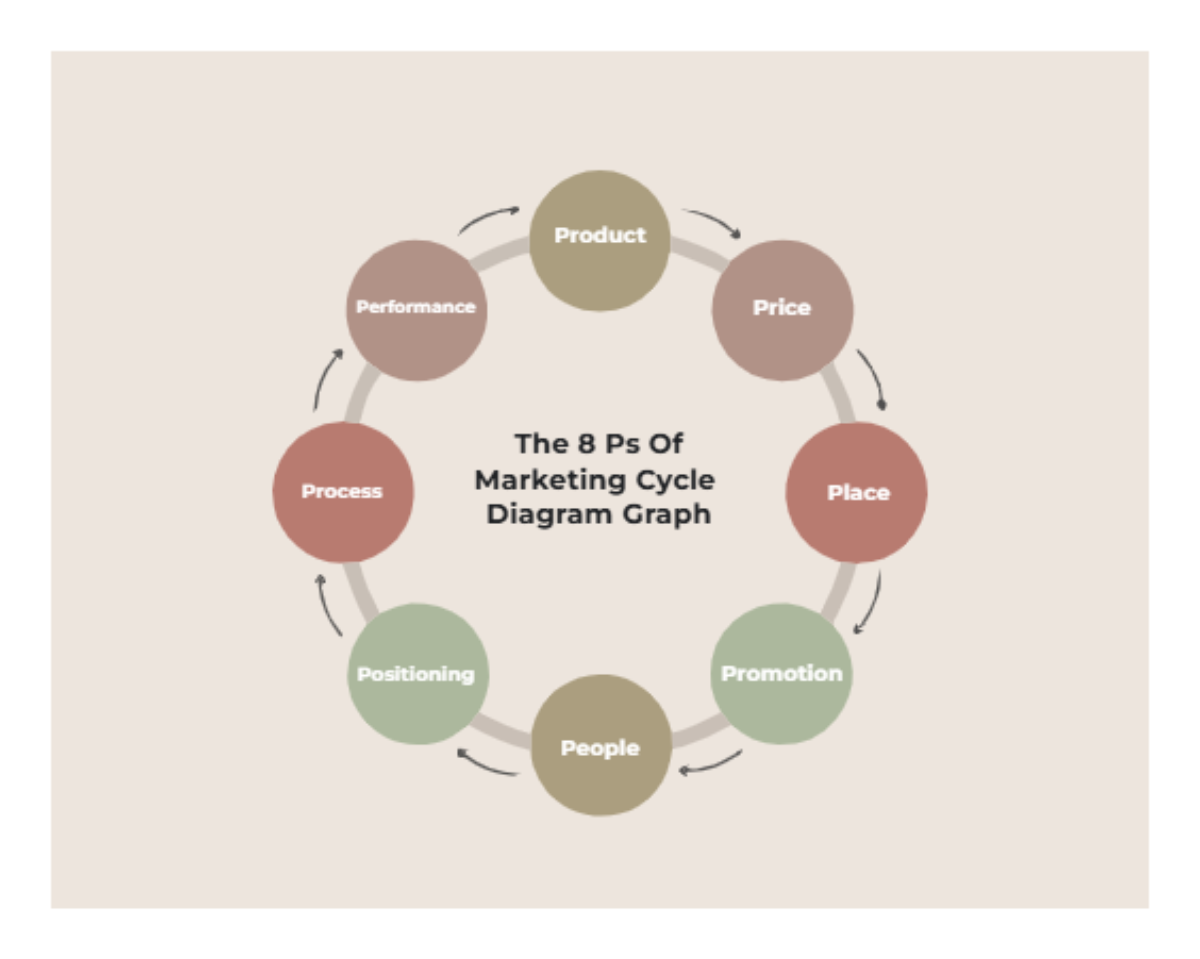
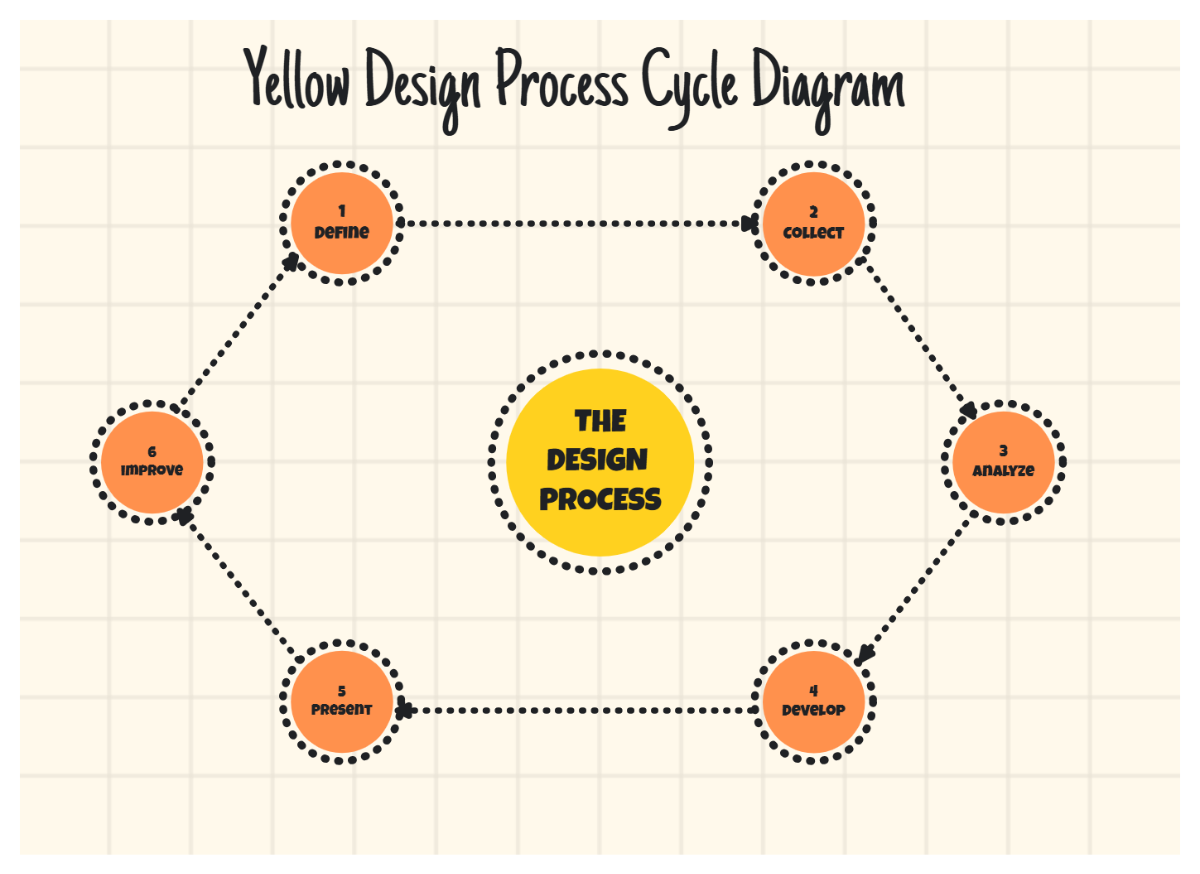
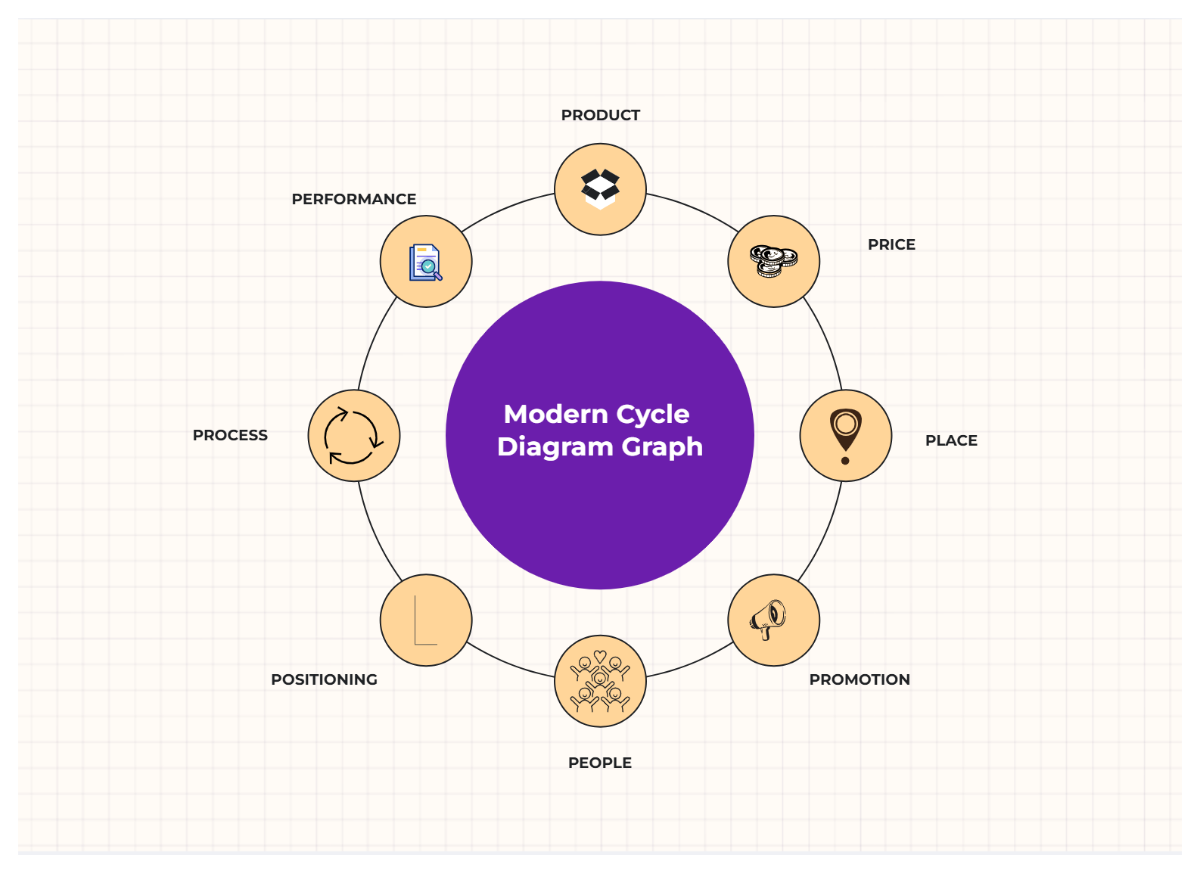
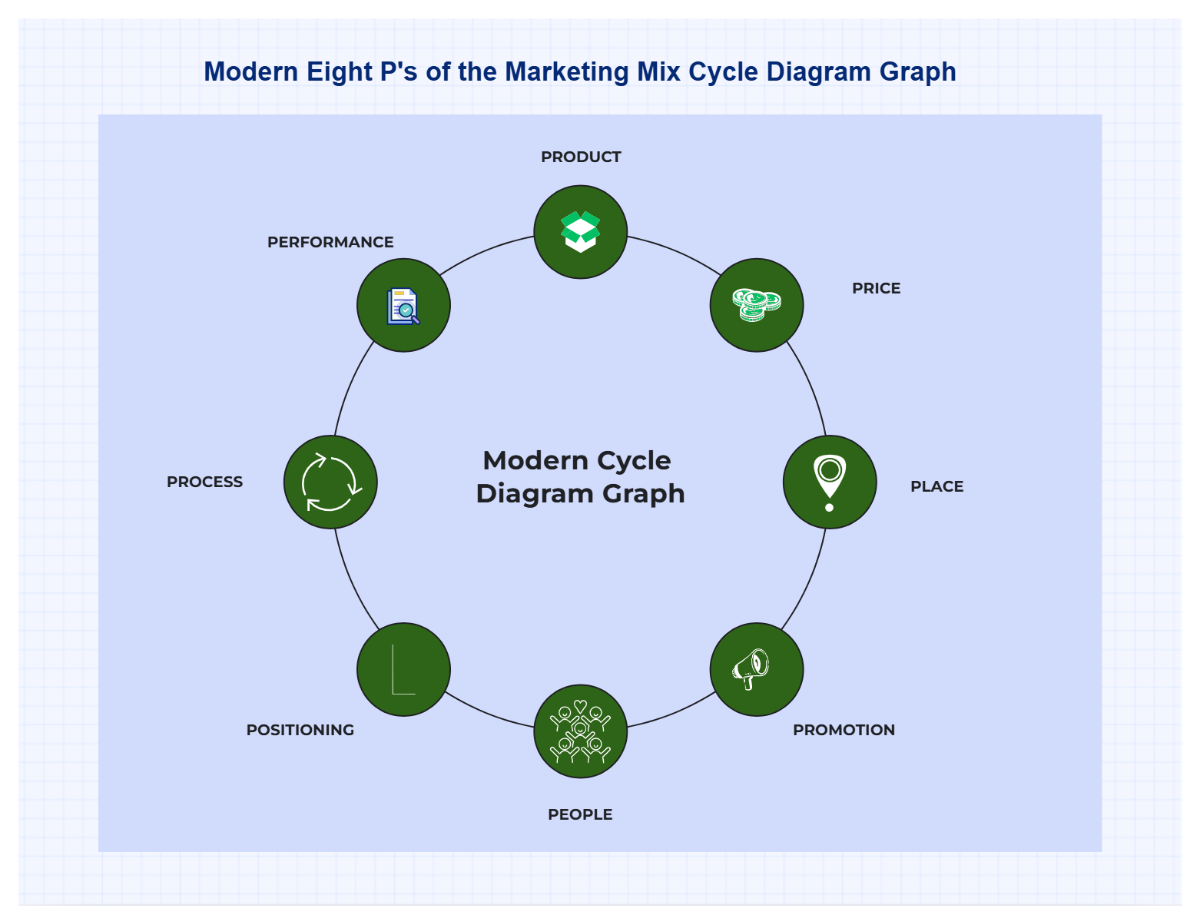
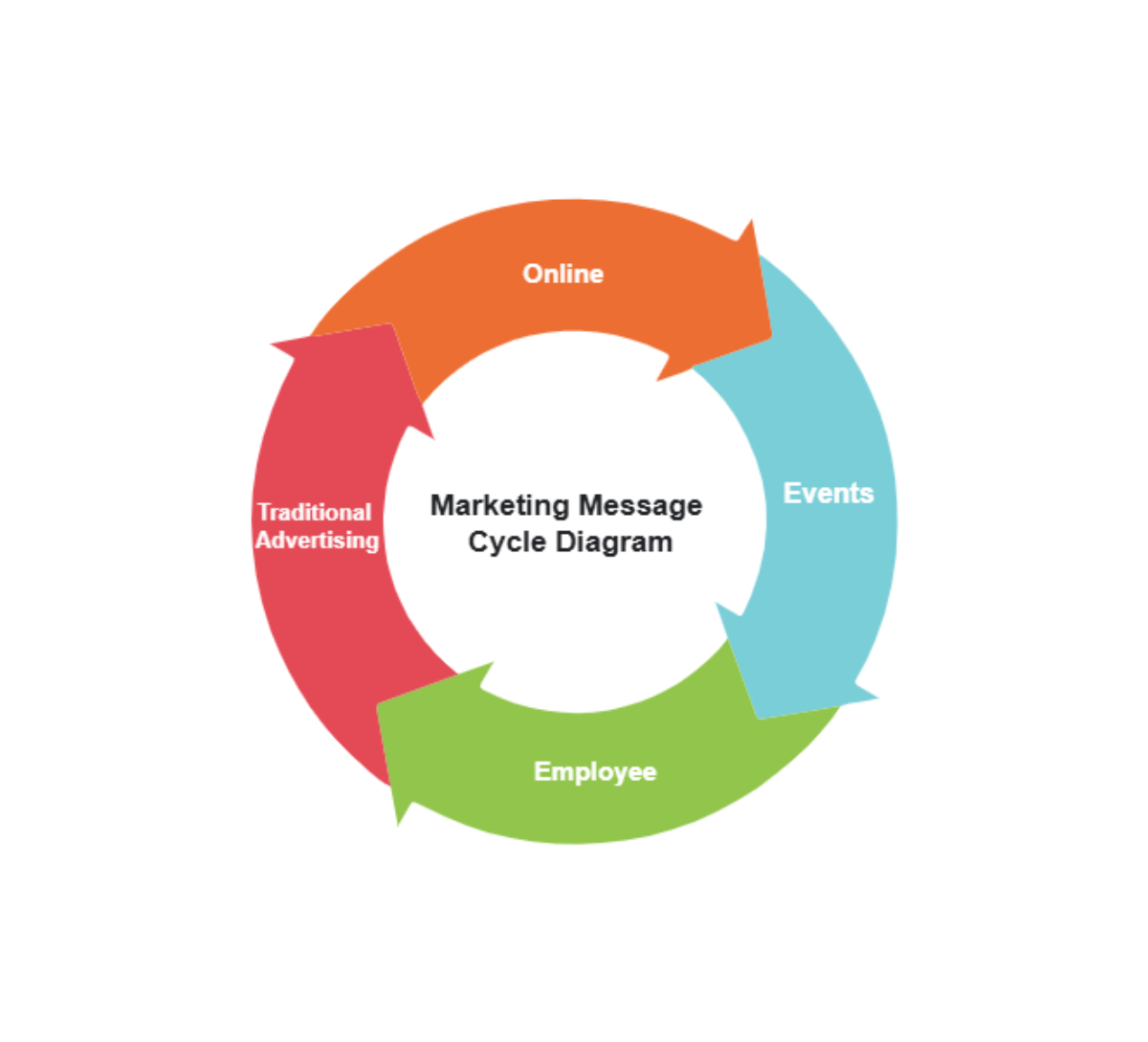
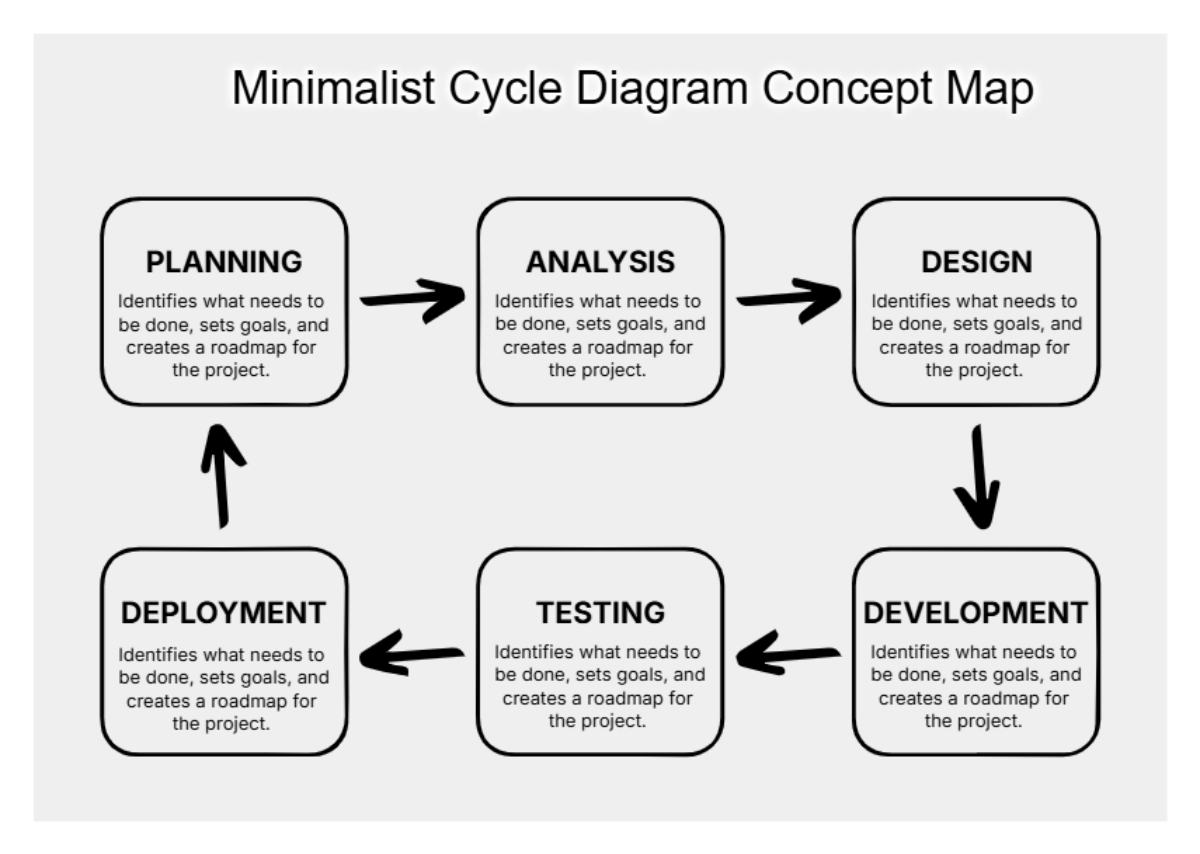


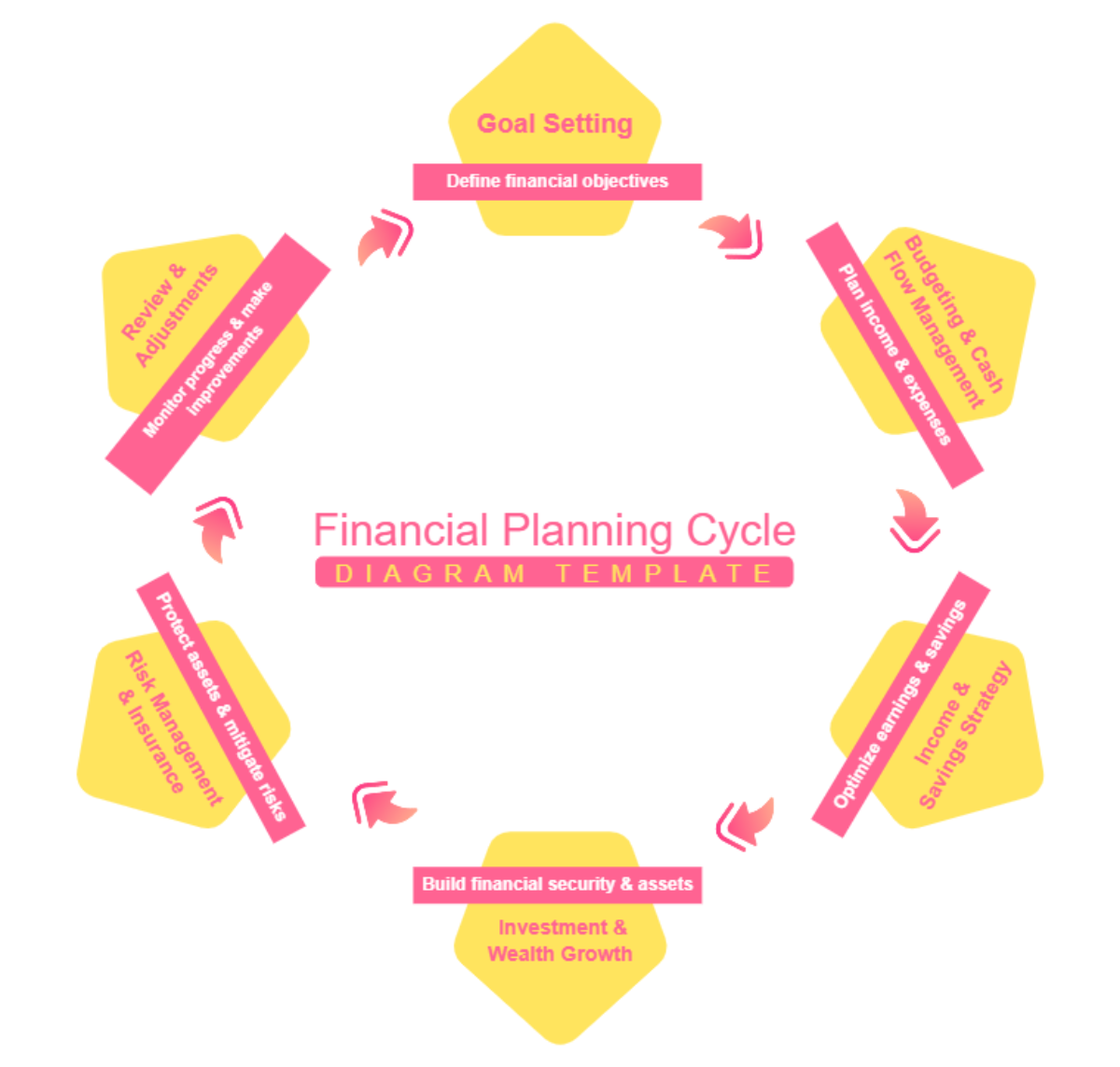
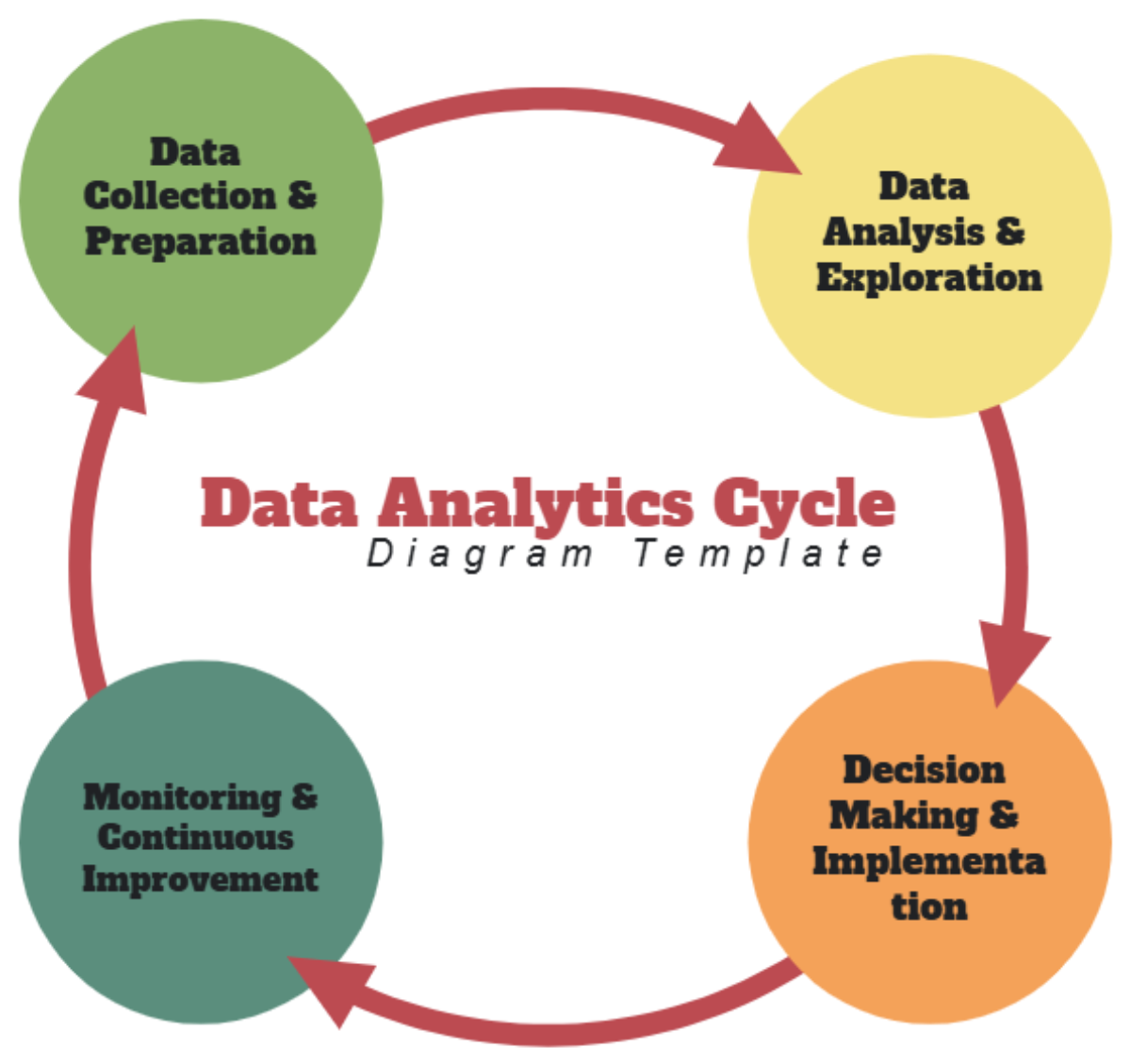
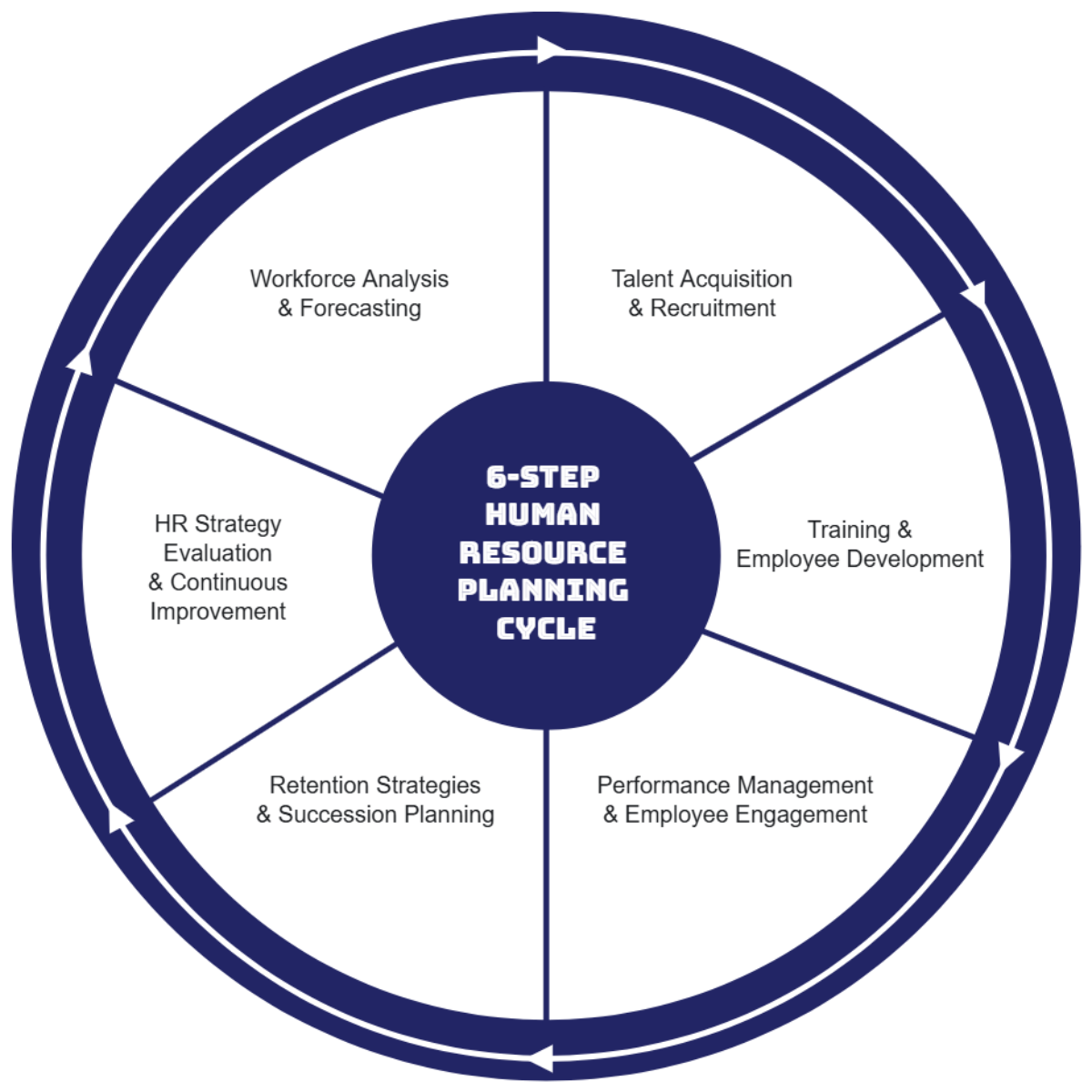
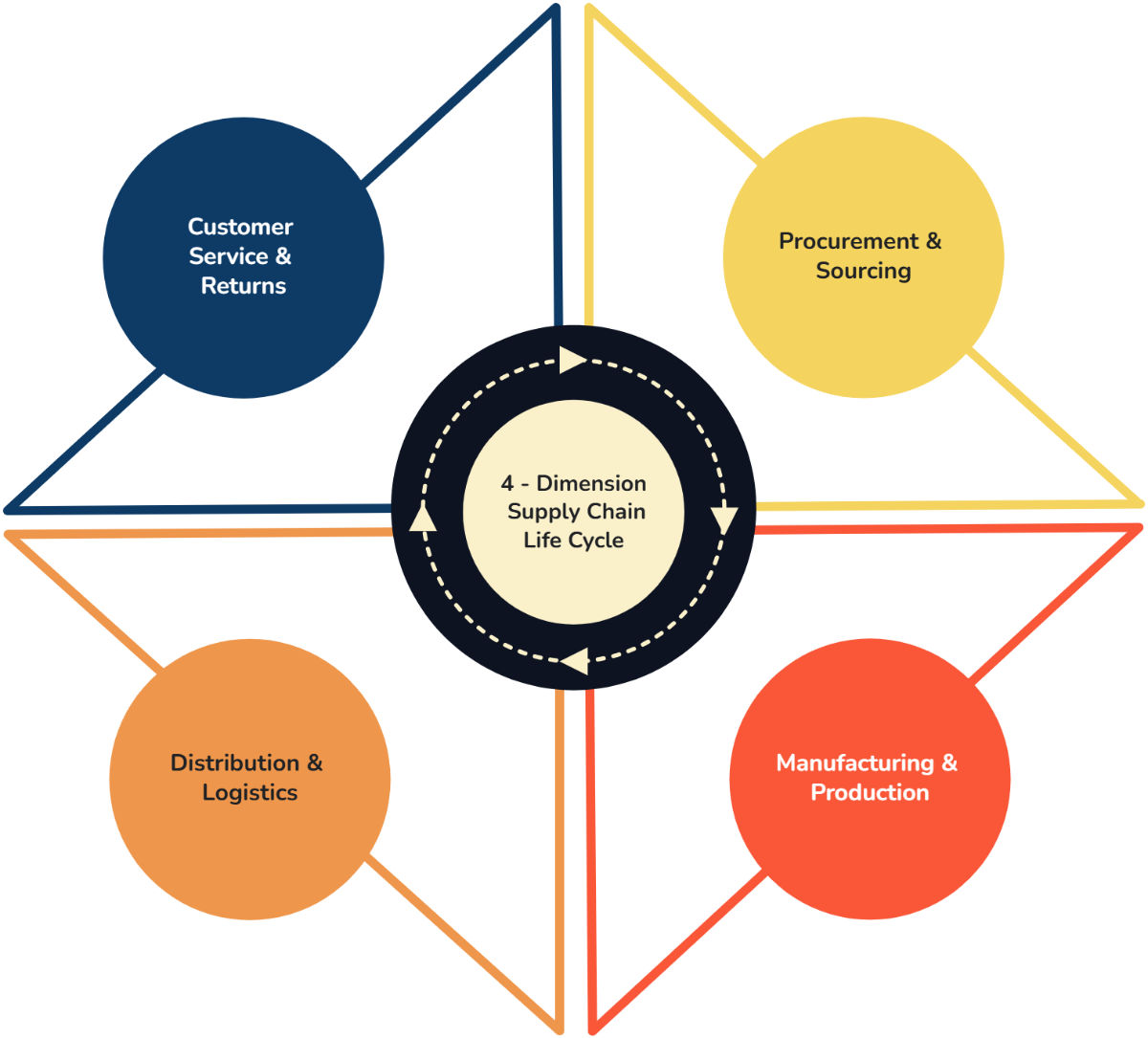
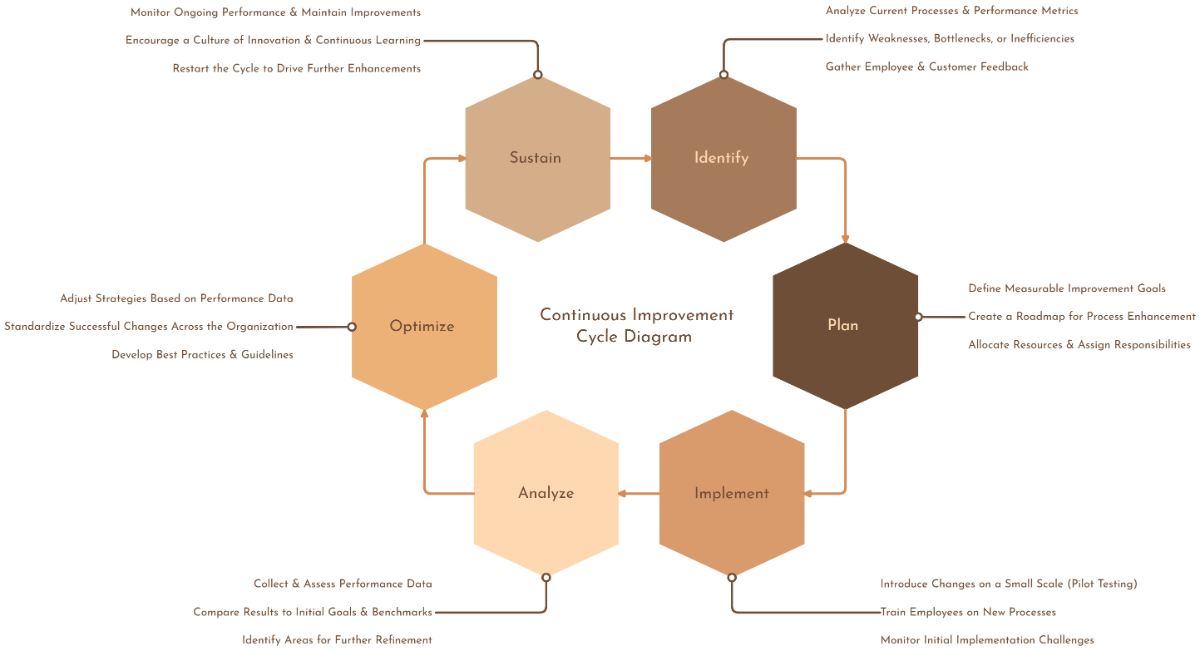
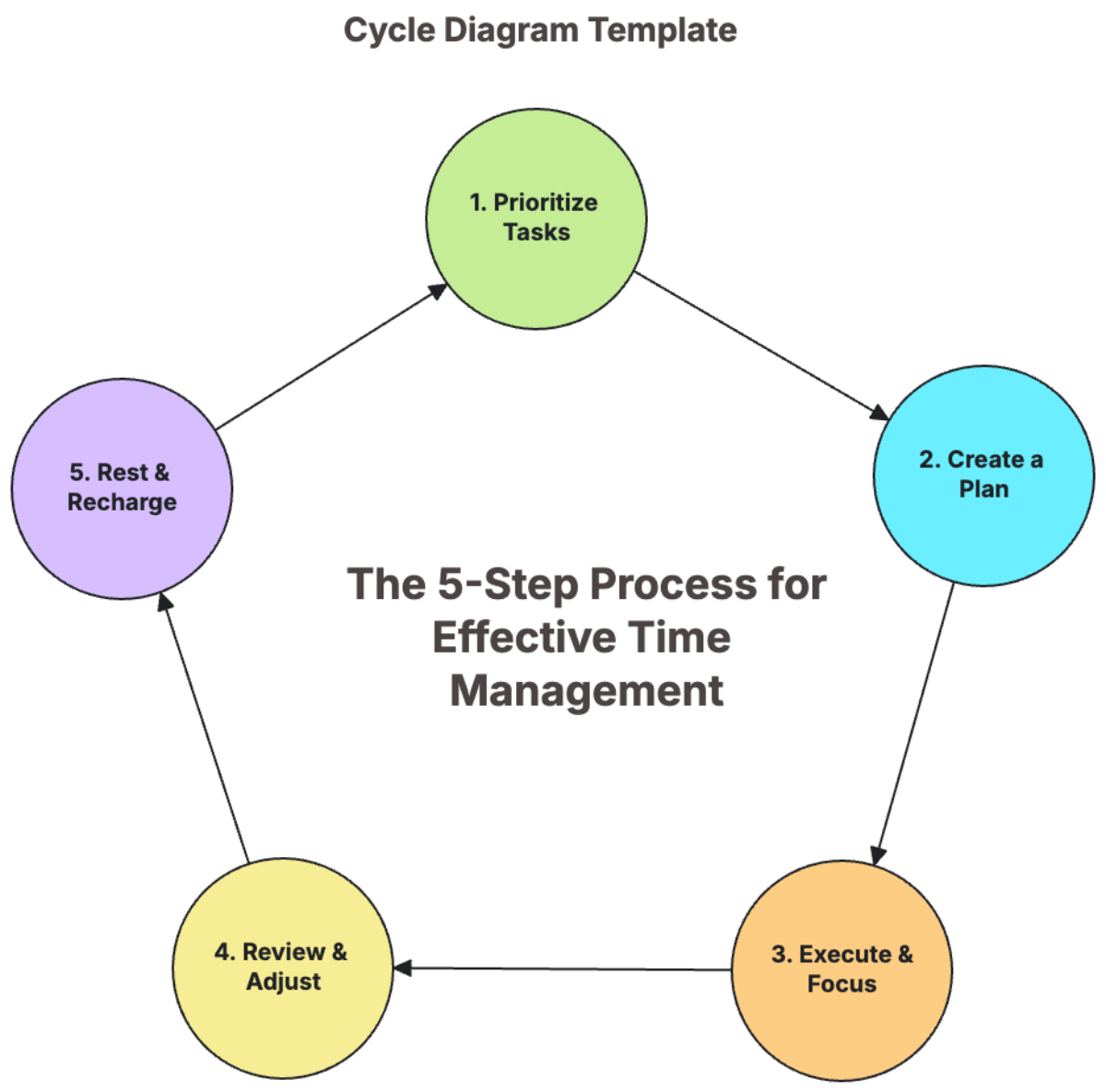


Create Intelligent Circular Process Visuals with Design Editor
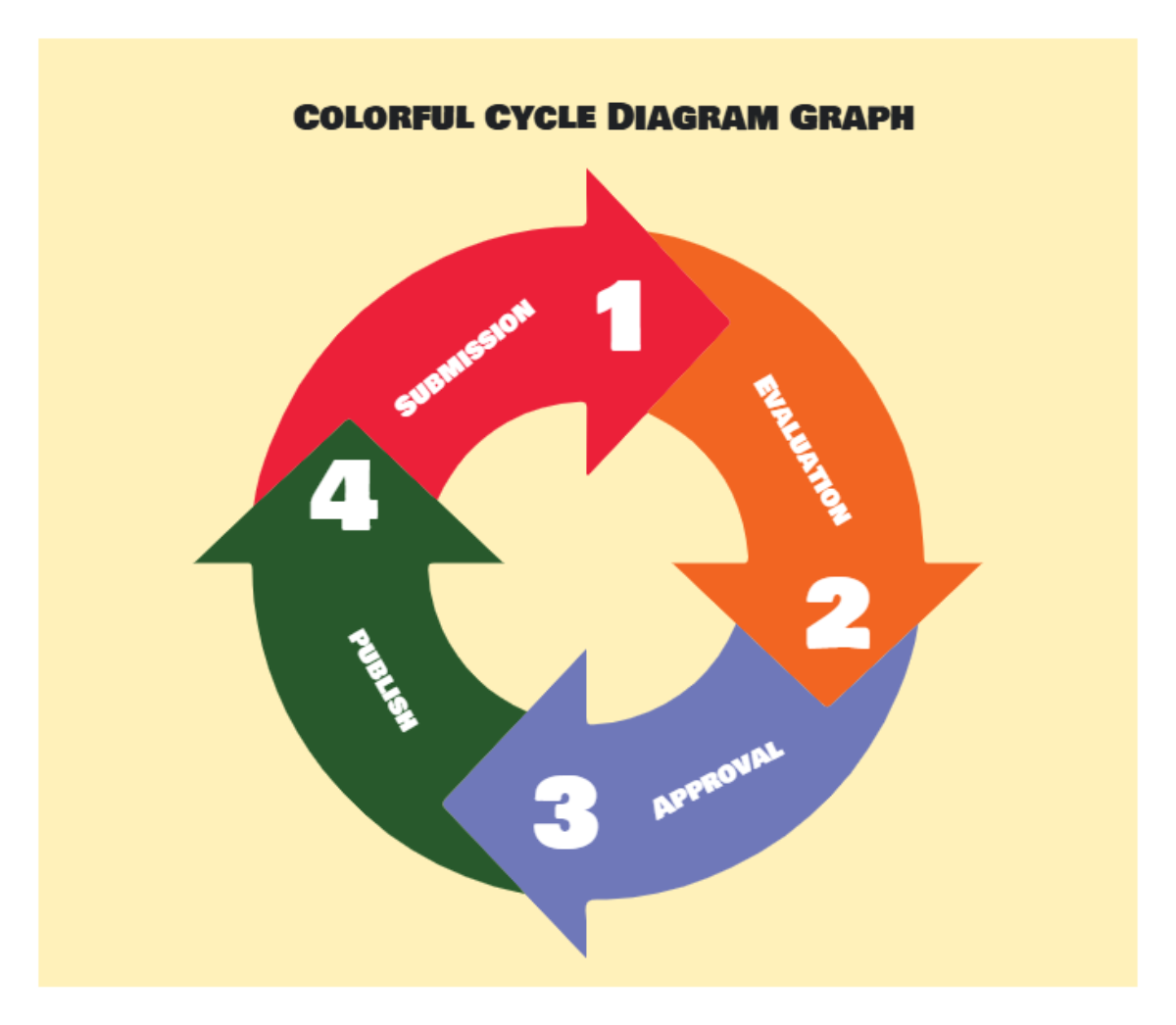
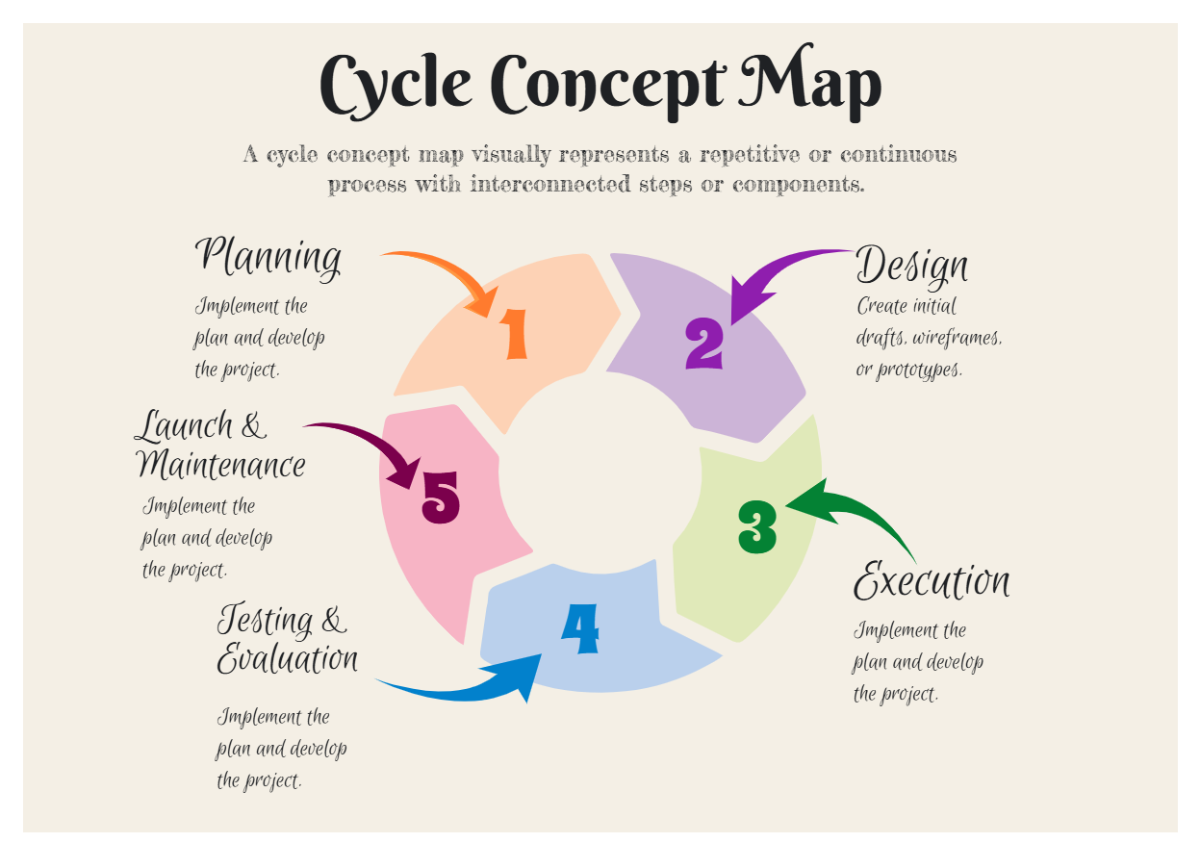
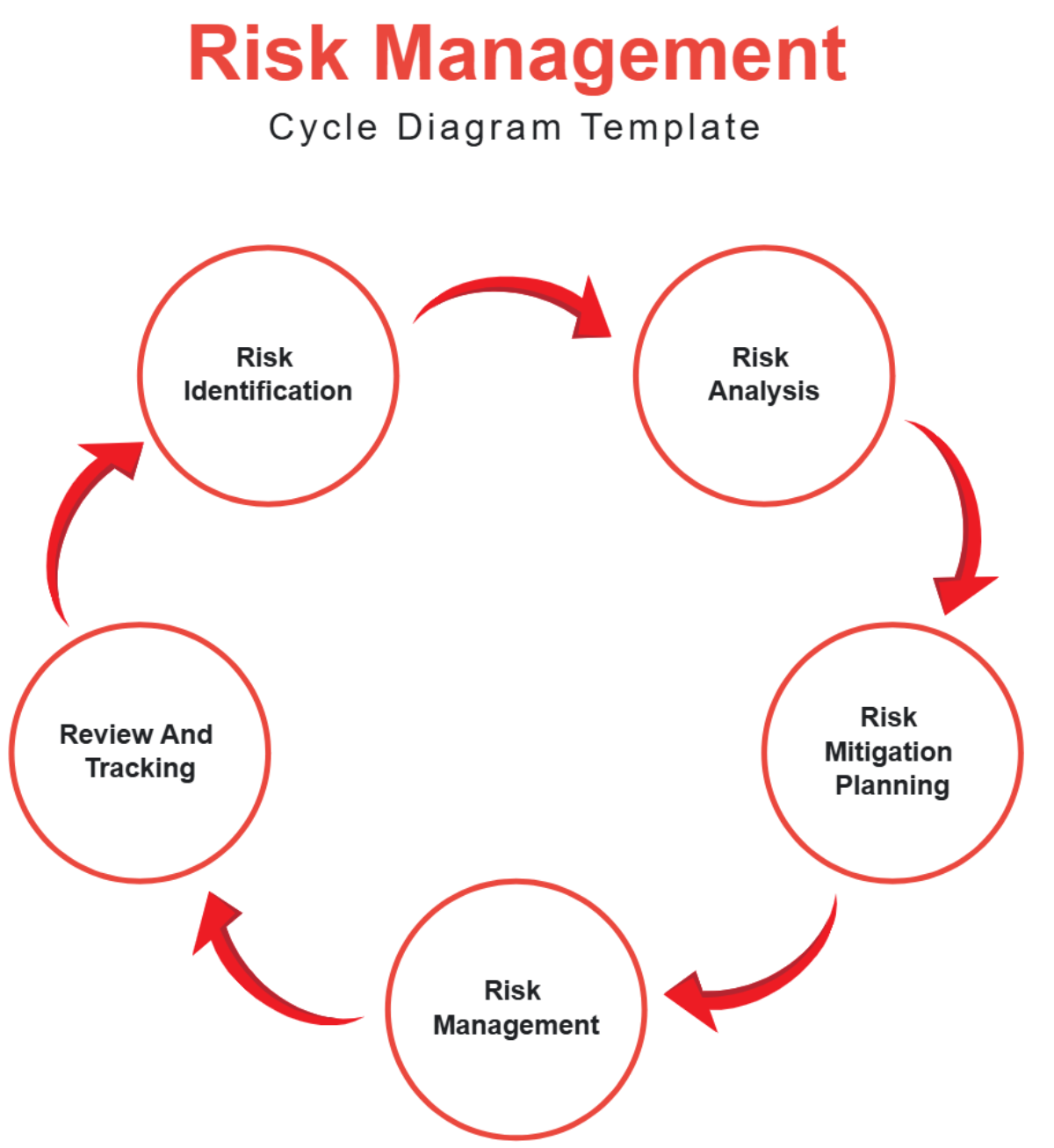
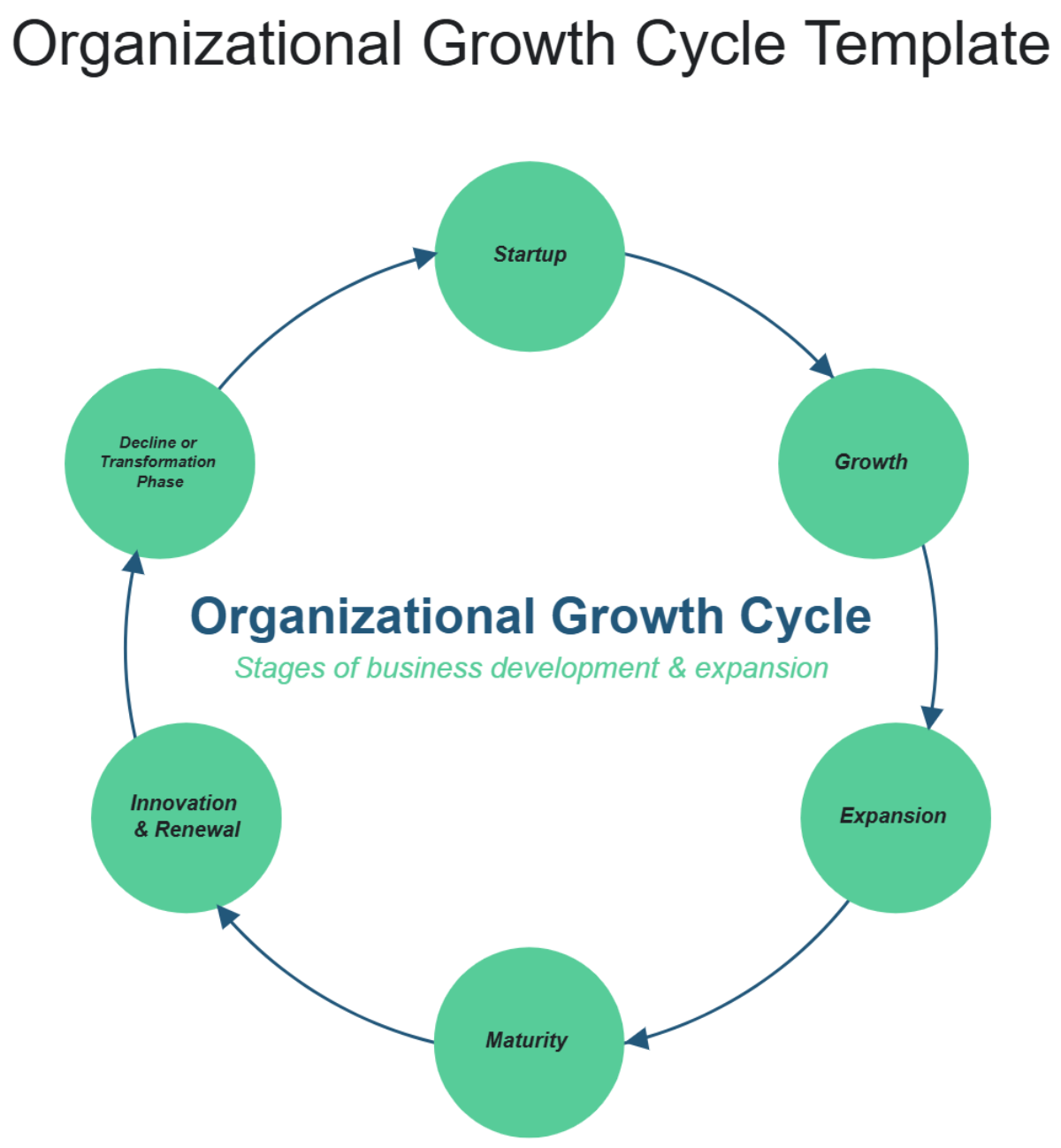
Template.net’s AI Cycle Diagram Generator converts your ideas into structured circular workflows automatically. Instantly map recurring stages, connect sequential steps, and present continuous systems in a clean loop so teams, educators, and professionals can explain processes, identify improvements, and communicate flow logic faster.
![Free AI Cycle Diagram Generator, AI Circular Process Maker Online [ No Signup ]](https://images.template.net/generator-images/0-ai-diagram-generator/0-ai-cycle-diagram-generator-2.webp)
Create, Customize, and Present Cycle Diagrams for Free
Everything you need to visualize continuous workflows in one powerful workspace.
AI Cycle Diagram Builder
Generate a complete circular process from a single prompt.
Automatic Step Sequencing
Arrange stages in logical looping order instantly.
Smart Flow Direction Control
Show clockwise or counterclockwise process movement.
Editable Stage Content Blocks
Add descriptions, icons, data points, and labels.
Custom Circular Layout Styles
Apply colors, fonts, and connector variations.
Process Optimization Views
Highlight bottlenecks and improvement points visually.
Real Time Collaboration
Work together on process design and updates.
Multilingual Support
Create cycle diagrams in 20+ languages including English, Spanish, French, German, Italian, Portuguese, Dutch, Russian, Chinese, Japanese, Korean, Arabic, Hindi, Bengali, Tamil, Telugu, Marathi, Gujarati, Turkish, Vietnamese, Thai and more.
Presentation Ready Loop Designs
Explain continuous systems clearly in meetings and reports.
Duplicate Process Variations
Compare multiple workflow models easily.
Cloud Based Project Workspace
Access and edit anytime from anywhere.
Export and Share Instantly
Download whiteboards in PNG, JPG, PDF or share via WhatsApp, Facebook, LinkedIn, X and more.
Infinite Expandable Canvas
Add unlimited stages as your process grows.
Auto Alignment for Perfect Circles
Maintain equal spacing between every step.
Voice to Diagram Generation
Speak your process to build faster.
Pre Designed Cycle Templates
Start with PDCA, lifecycle, customer journey, and more.
Stage Highlight for Key Insights
Emphasize critical phases in the loop.
Continuous Improvement Mapping
Track iteration and performance visually.
![Free AI Cycle Diagram Generator, AI Circular Process Maker Online [ No Signup ]](https://images.template.net/generator-images/5-ai-diagram-generator/5-ai-cycle-diagram-generator-1.webp "Free AI Cycle Diagram Generator, AI Circular Process Maker Online [ No Signup ]")
How to Make a Free AI Generated Cycle Diagram
Create your circular workflow visualization in seconds with a simple guided flow.
Step 1: Enter Your Prompt
Open the AI Cycle Diagram Generator and describe your process such as “Create a continuous improvement cycle with planning, execution, monitoring, analysis, and optimization in a circular flow.” Click Generate to instantly receive a structured loop layout.
Step 2: Review and Refine Your Cycle
Edit stage names, adjust sequence, add new steps, and highlight important phases to match your exact workflow.
Step 3: Customize and Share Anywhere
Apply brand styles, change colors, and export your cycle diagram in PNG, JPG, PDF or share a live link for collaboration via WhatsApp, Facebook, LinkedIn, X and more.
Design Continuous Process Systems in One Smart Workspace
![Free AI Cycle Diagram Generator, AI Circular Process Maker Online [ No Signup ]](https://images.template.net/generator-images/1-ai-diagram-generator/1-ai-cycle-diagram-generator-1.webp "Free AI Cycle Diagram Generator, AI Circular Process Maker Online [ No Signup ]")
Visualize Every Repeating Workflow Clearly
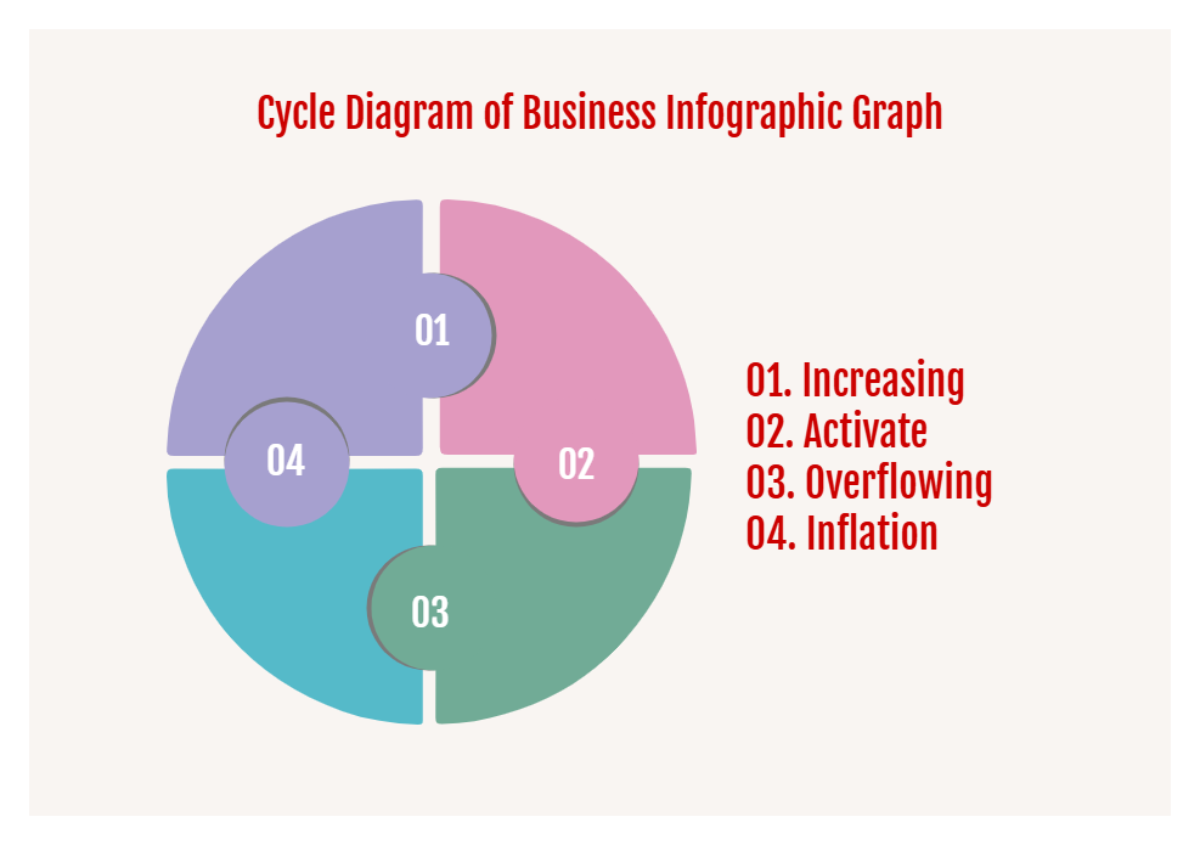
Turn complex recurring activities into a structured circular flow that is easy to understand and present. Show how each stage connects and how the process evolves over time.
![Free AI Cycle Diagram Generator, AI Circular Process Maker Online [ No Signup ]](https://images.template.net/generator-images/2-ai-diagram-generator/2-ai-cycle-diagram-generator-2.webp "Free AI Cycle Diagram Generator, AI Circular Process Maker Online [ No Signup ]")
Create Multiple Iteration Models
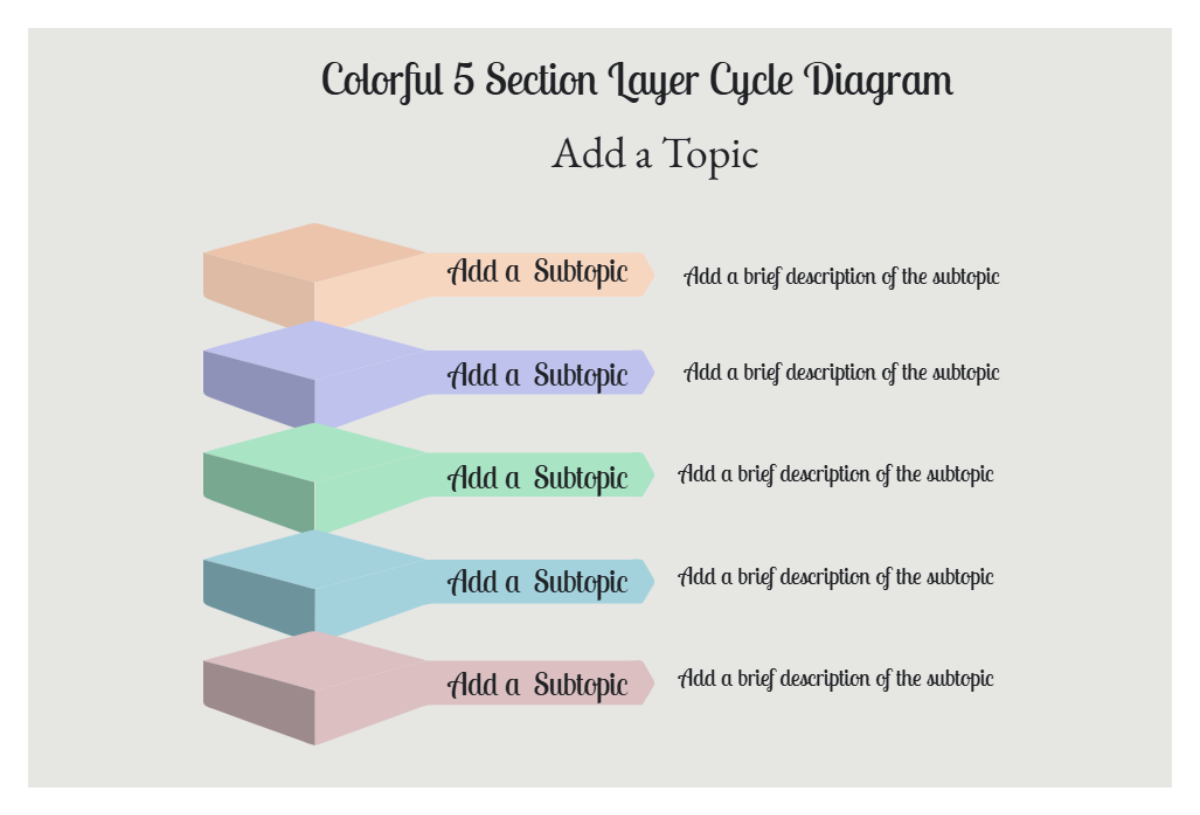
Duplicate your diagram to compare alternative cycles, improvement strategies, or operational frameworks without changing the original design.
![Free AI Cycle Diagram Generator, AI Circular Process Maker Online [ No Signup ]](https://images.template.net/generator-images/3-ai-diagram-generator/3-ai-cycle-diagram-generator-2.webp "Free AI Cycle Diagram Generator, AI Circular Process Maker Online [ No Signup ]")
Collaborate Across Teams and Departments
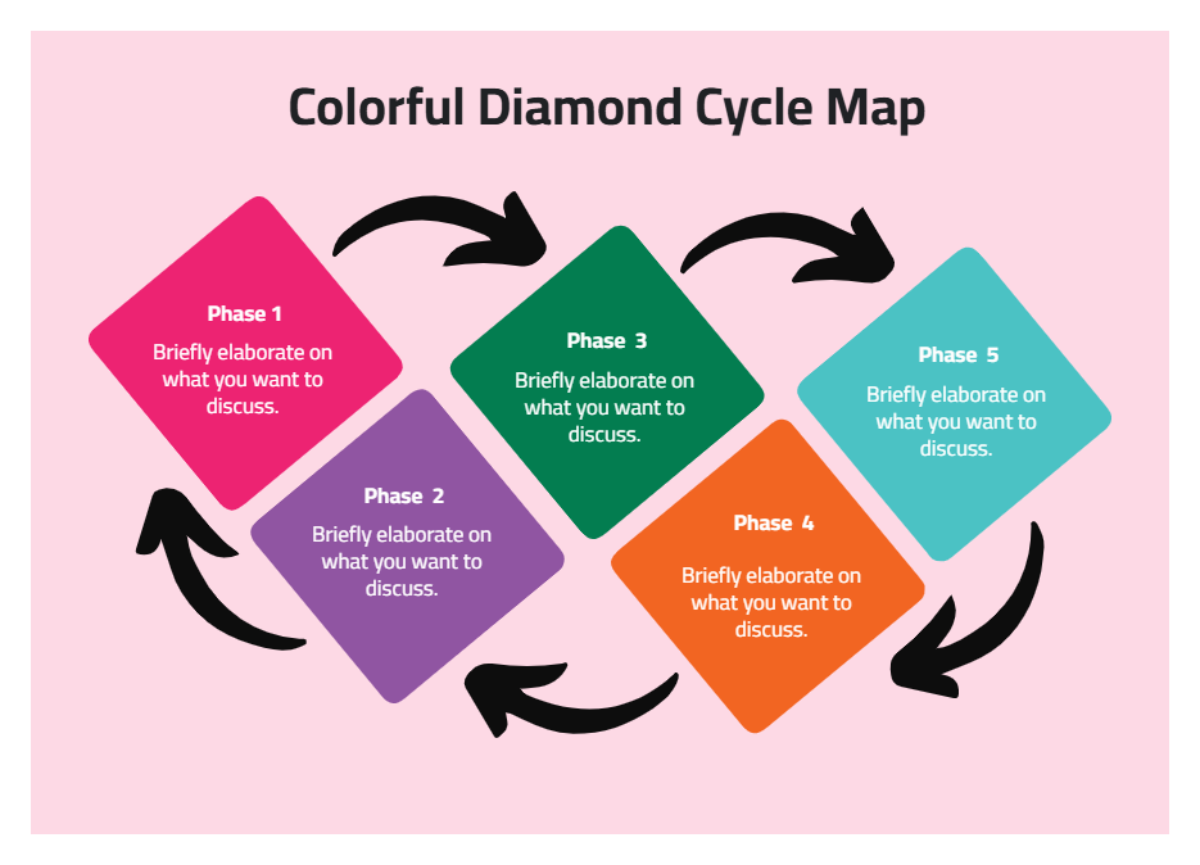
Align stakeholders, managers, educators, and analysts in a shared environment to refine process stages and finalize workflow communication faster.
![Free AI Cycle Diagram Generator, AI Circular Process Maker Online [ No Signup ]](https://images.template.net/generator-images/4-ai-diagram-generator/4-ai-cycle-diagram-generator-1.webp "Free AI Cycle Diagram Generator, AI Circular Process Maker Online [ No Signup ]")
Keep Every Cycle Diagram Organized in One Place
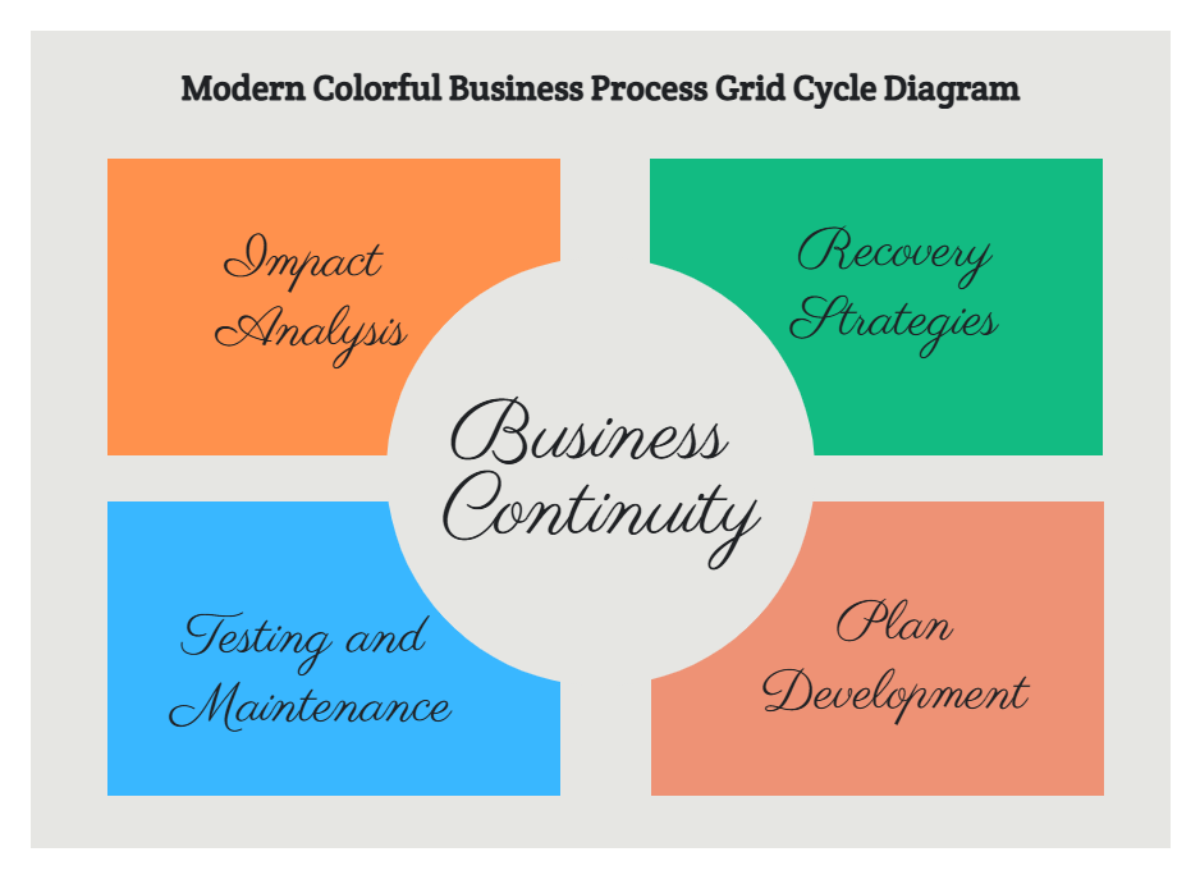
Store lifecycle models, improvement loops, and operational flows in a single workspace and update them whenever your process changes.
