Free AI Spider Diagram Generator



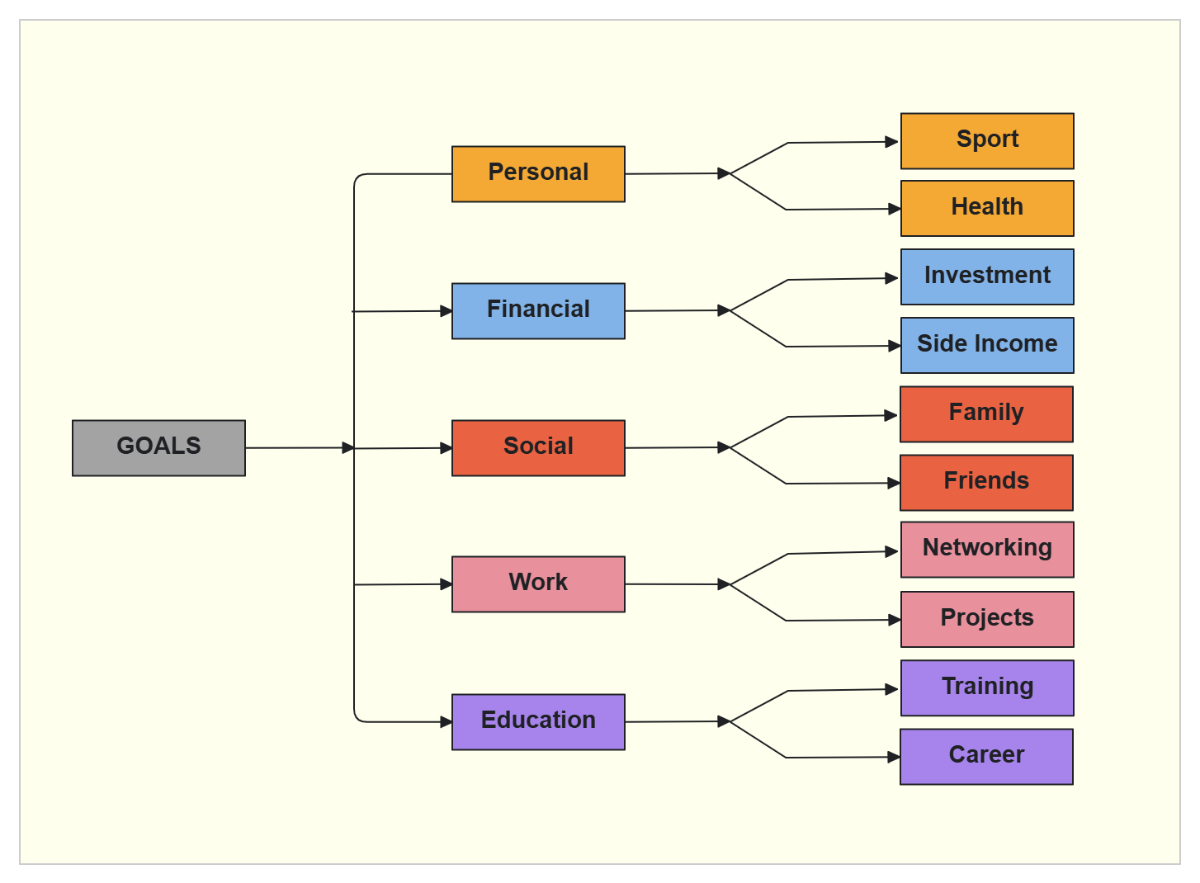
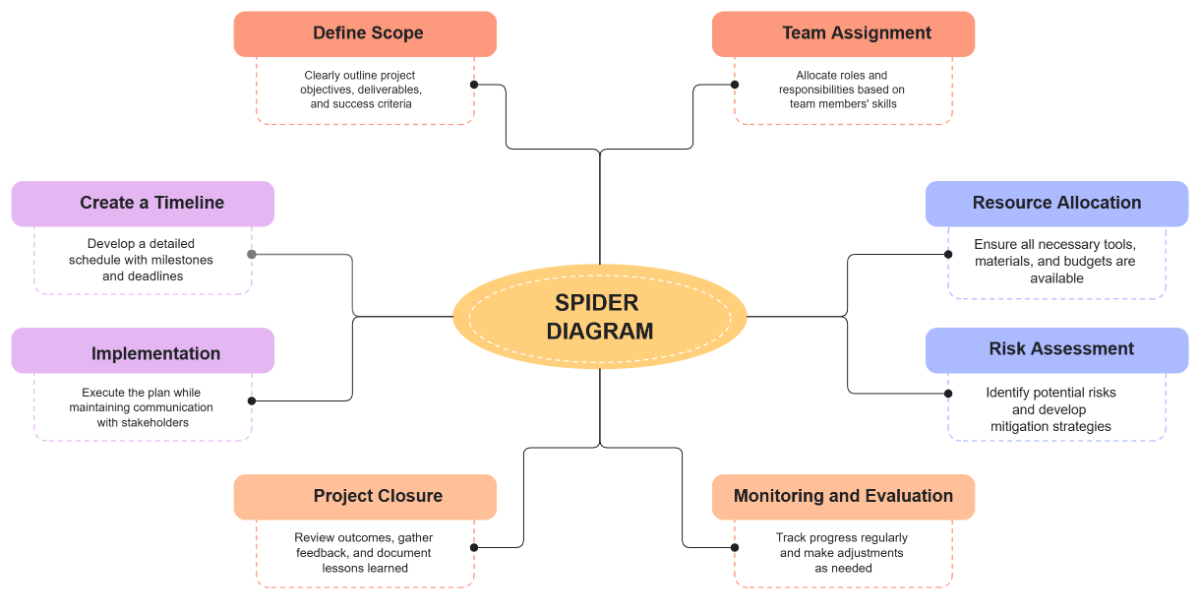
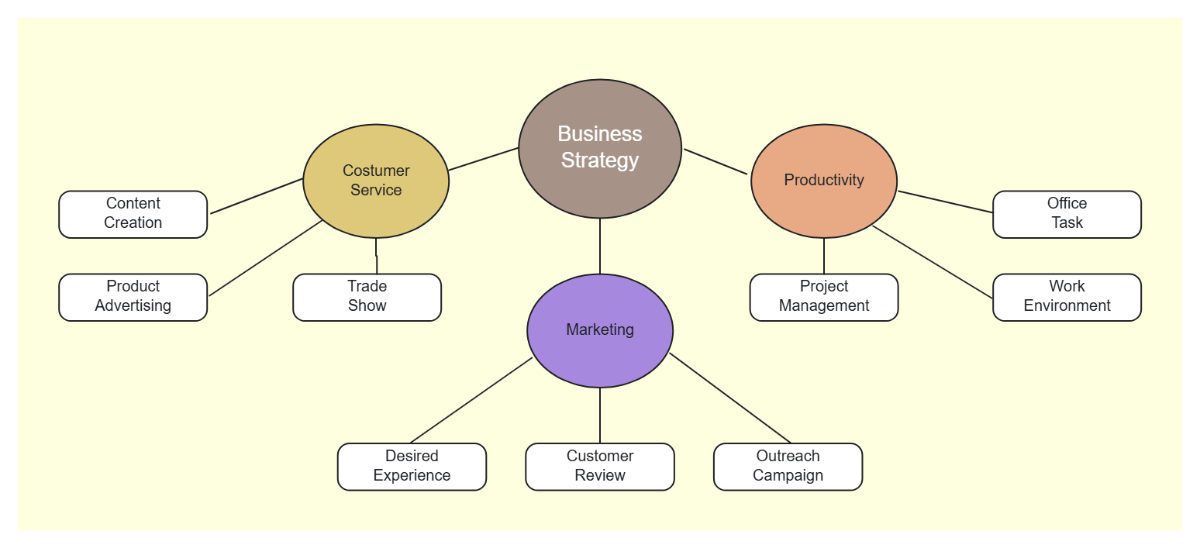
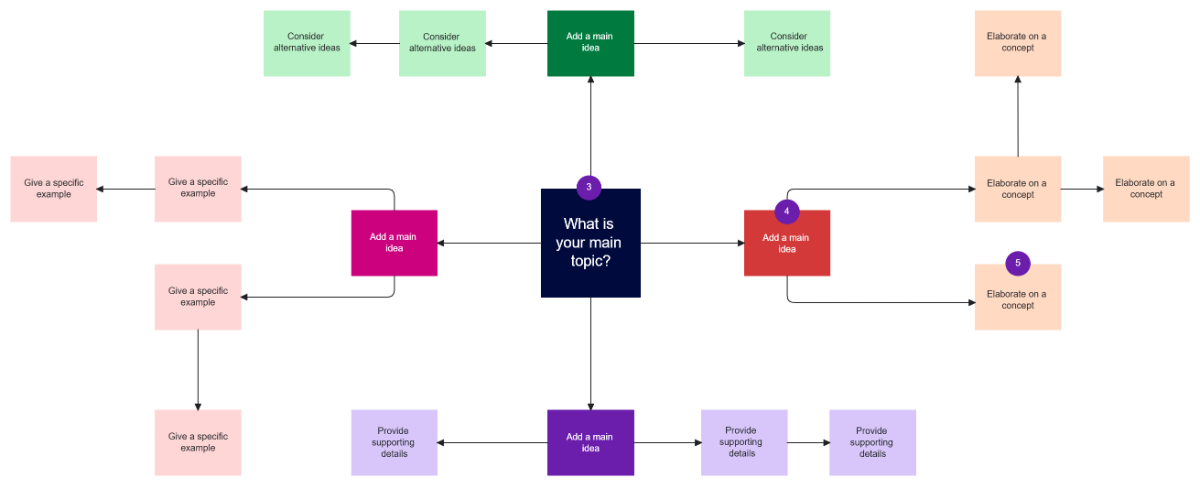






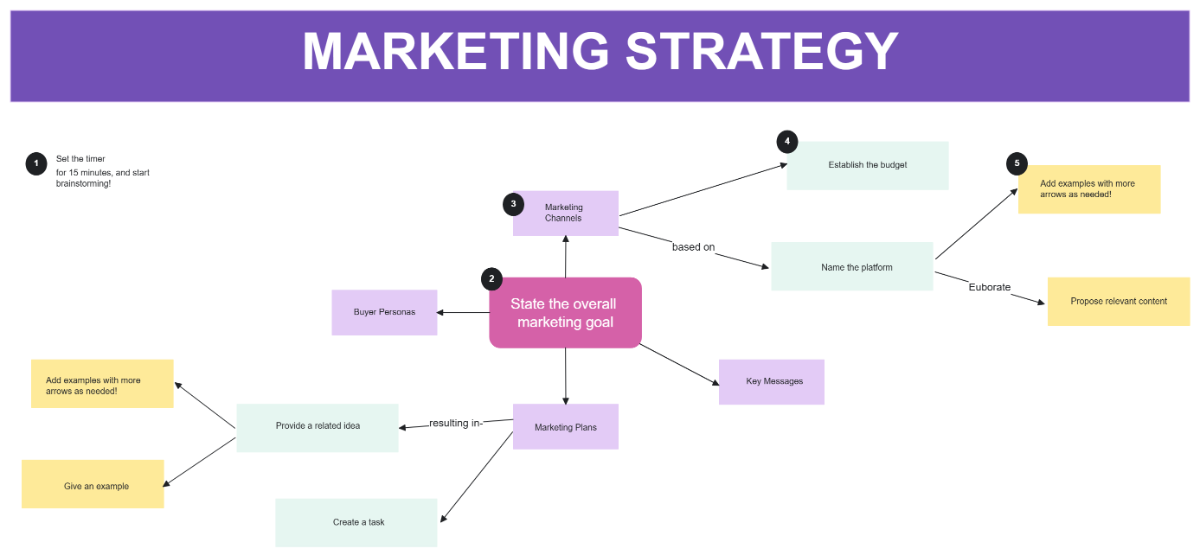
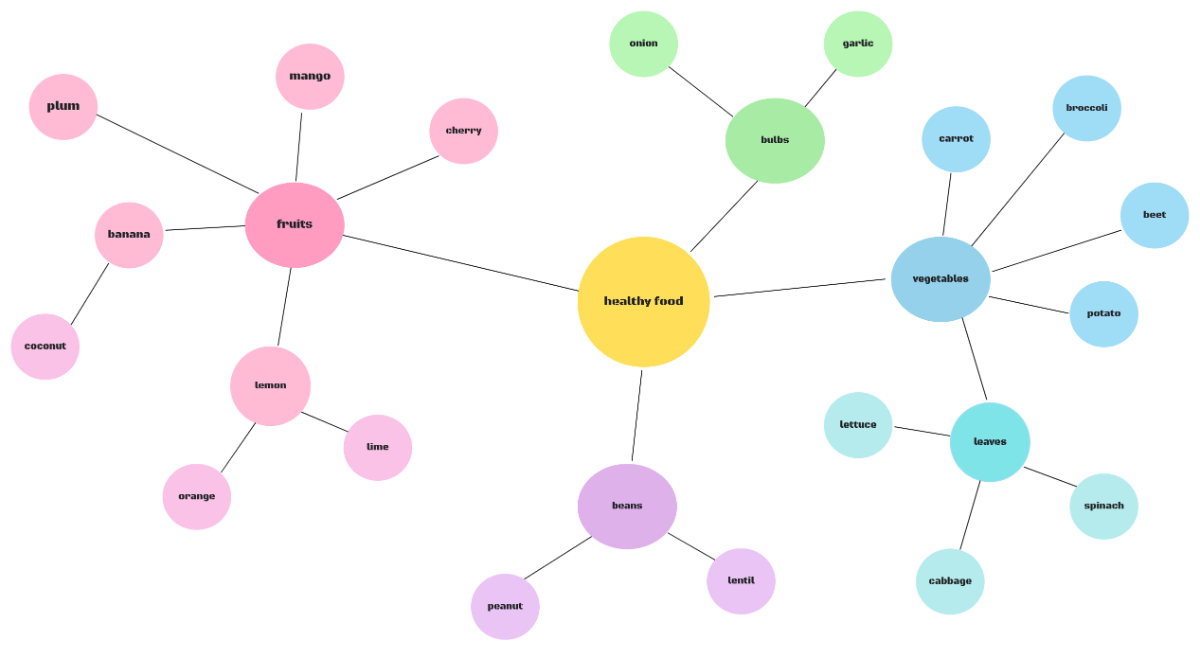
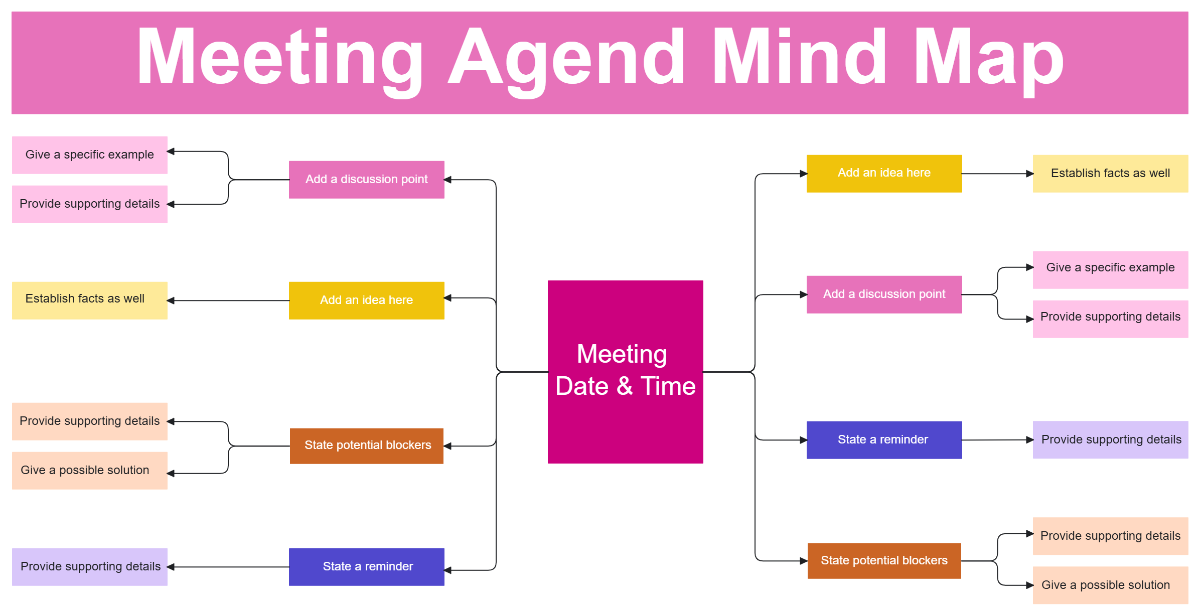


Create Intelligent Concept Maps with Design Editor
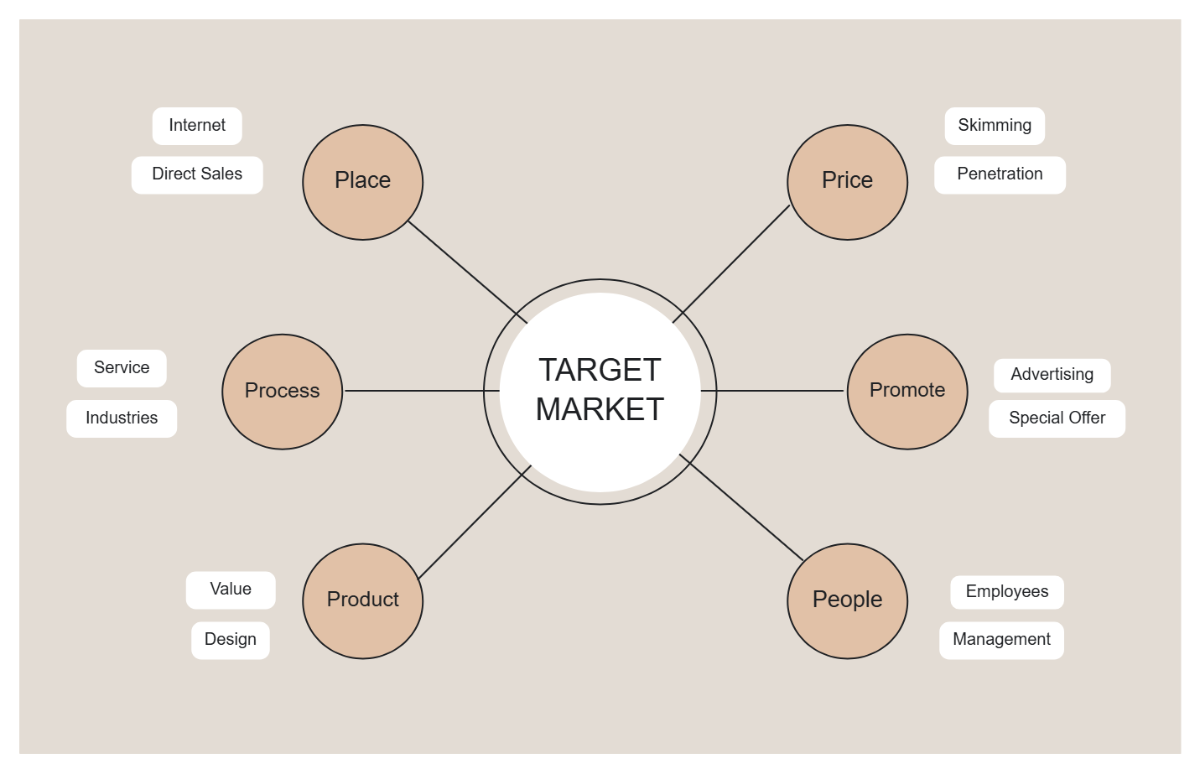
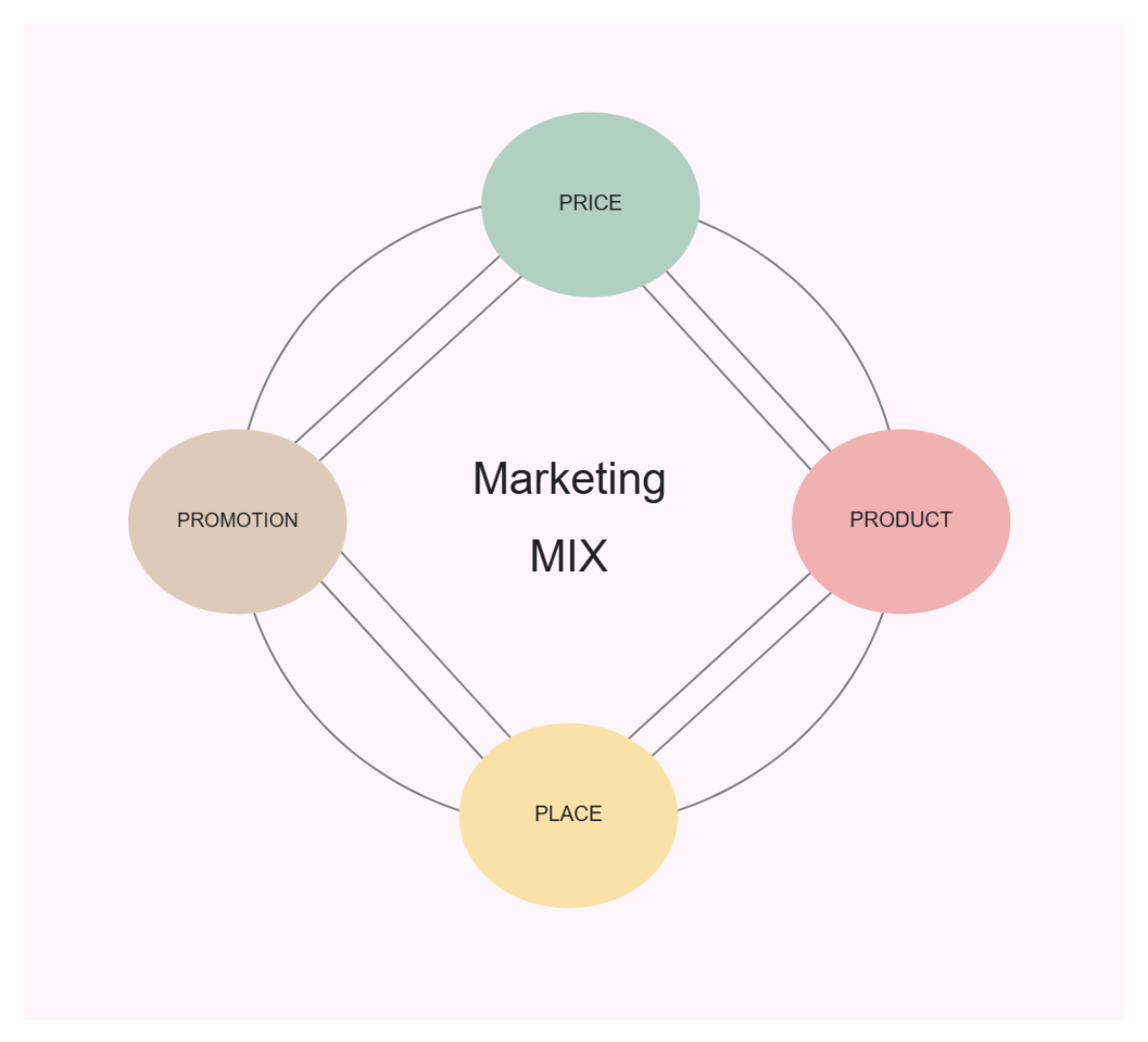
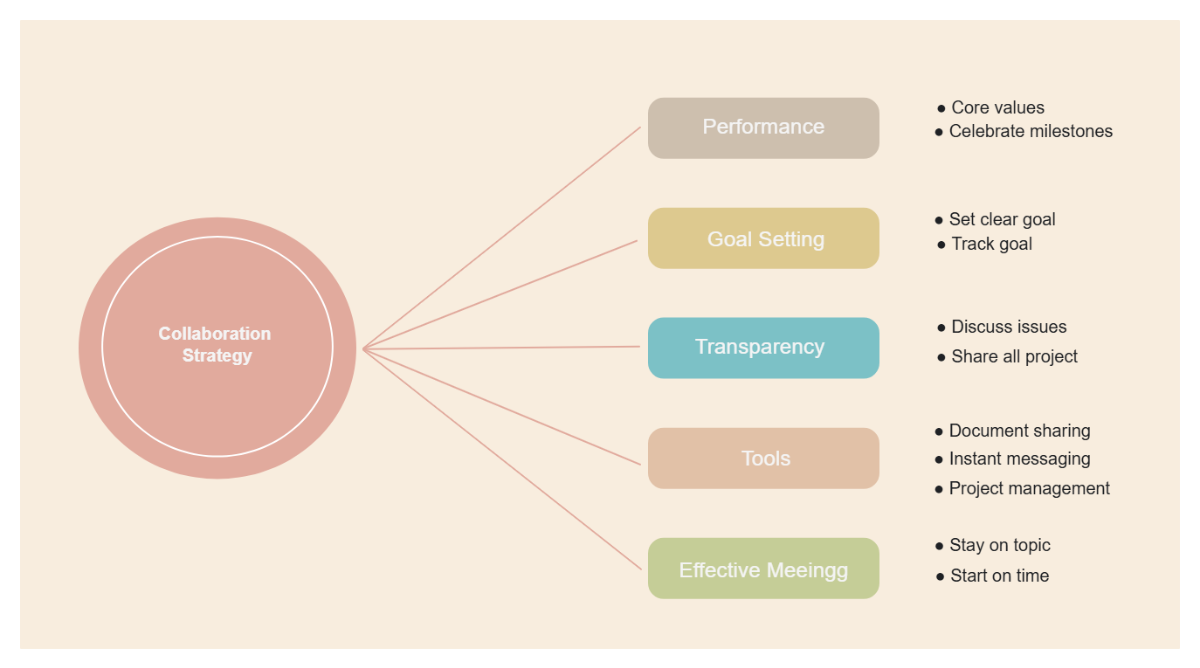
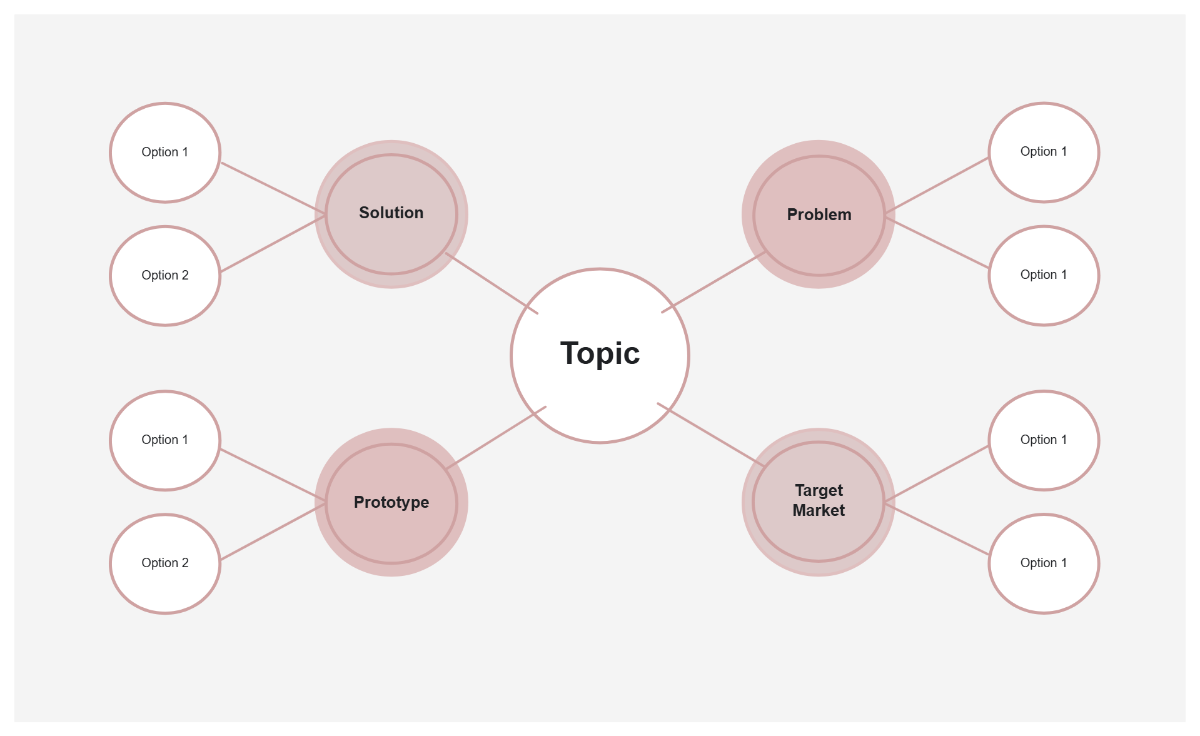
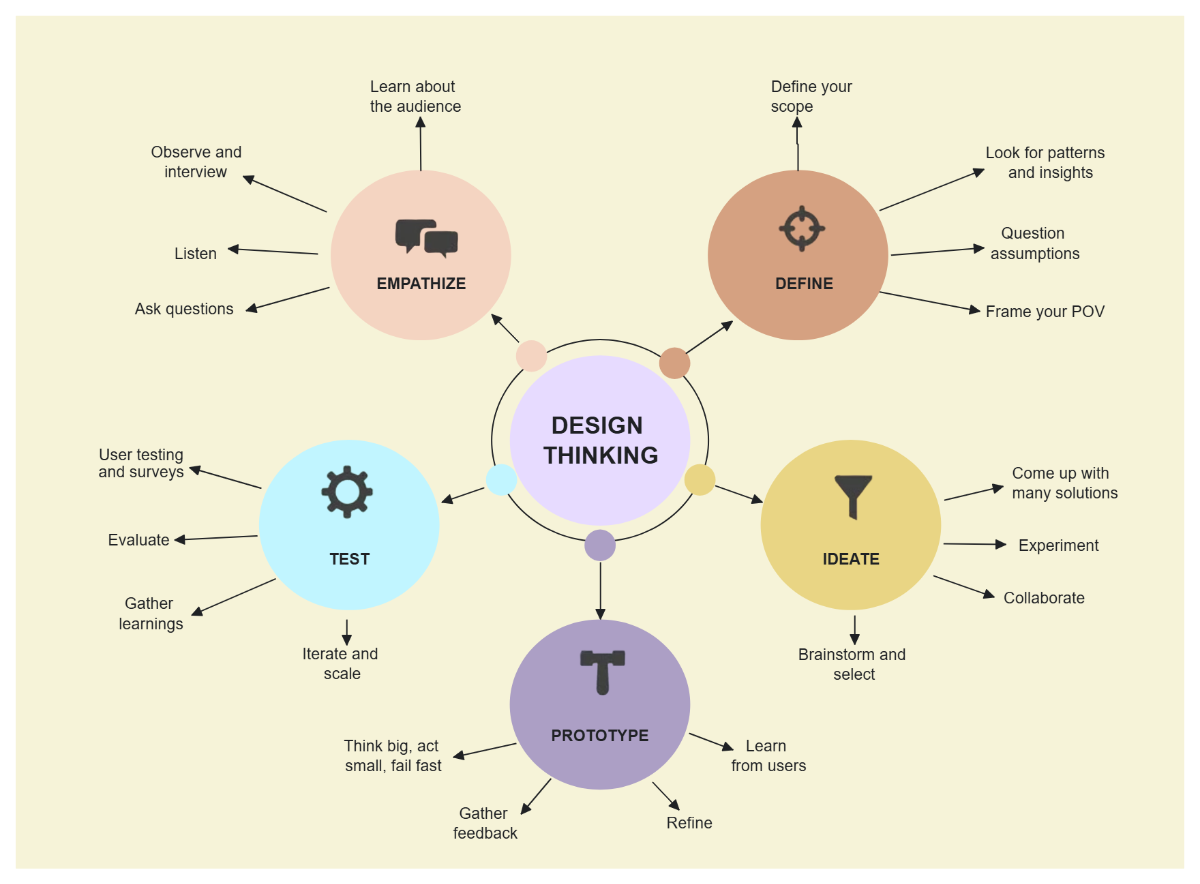
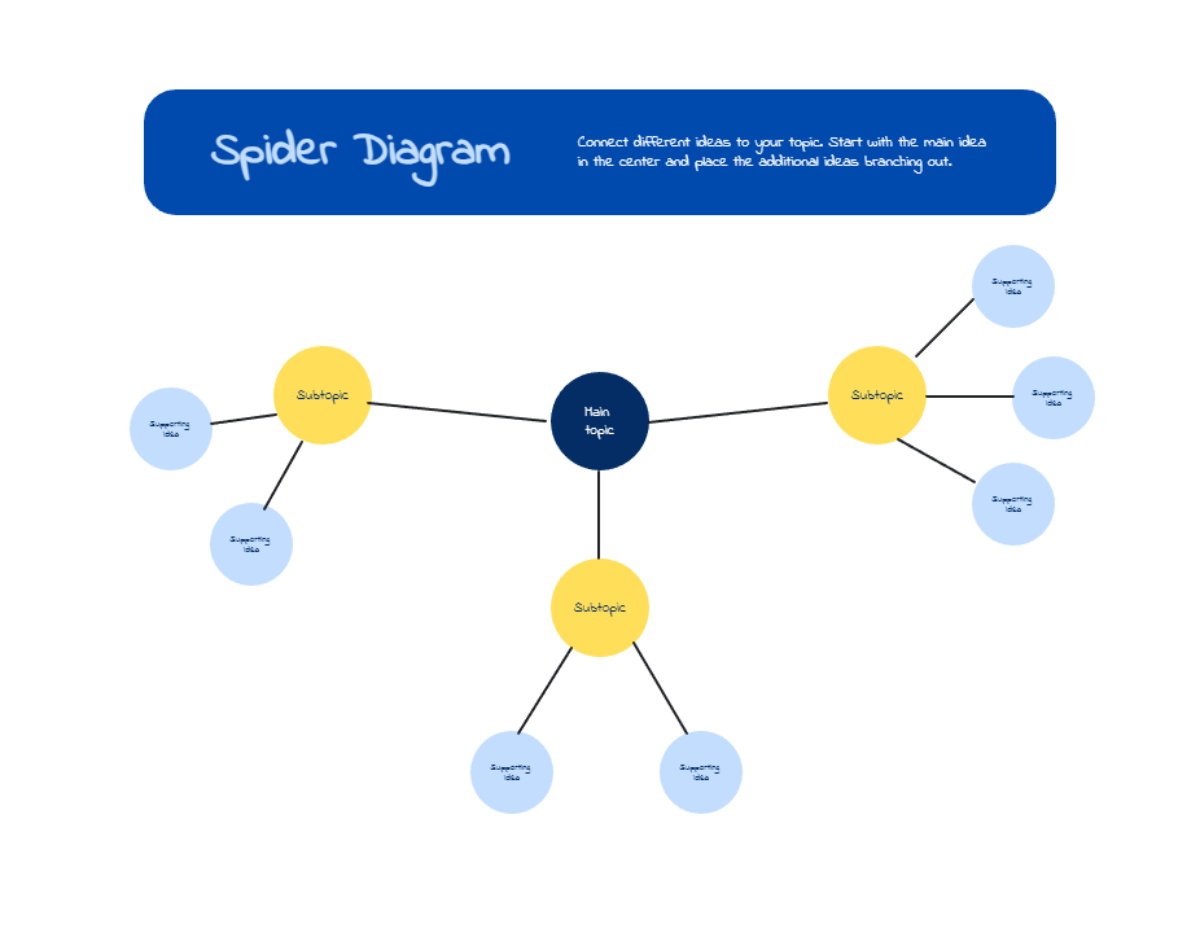
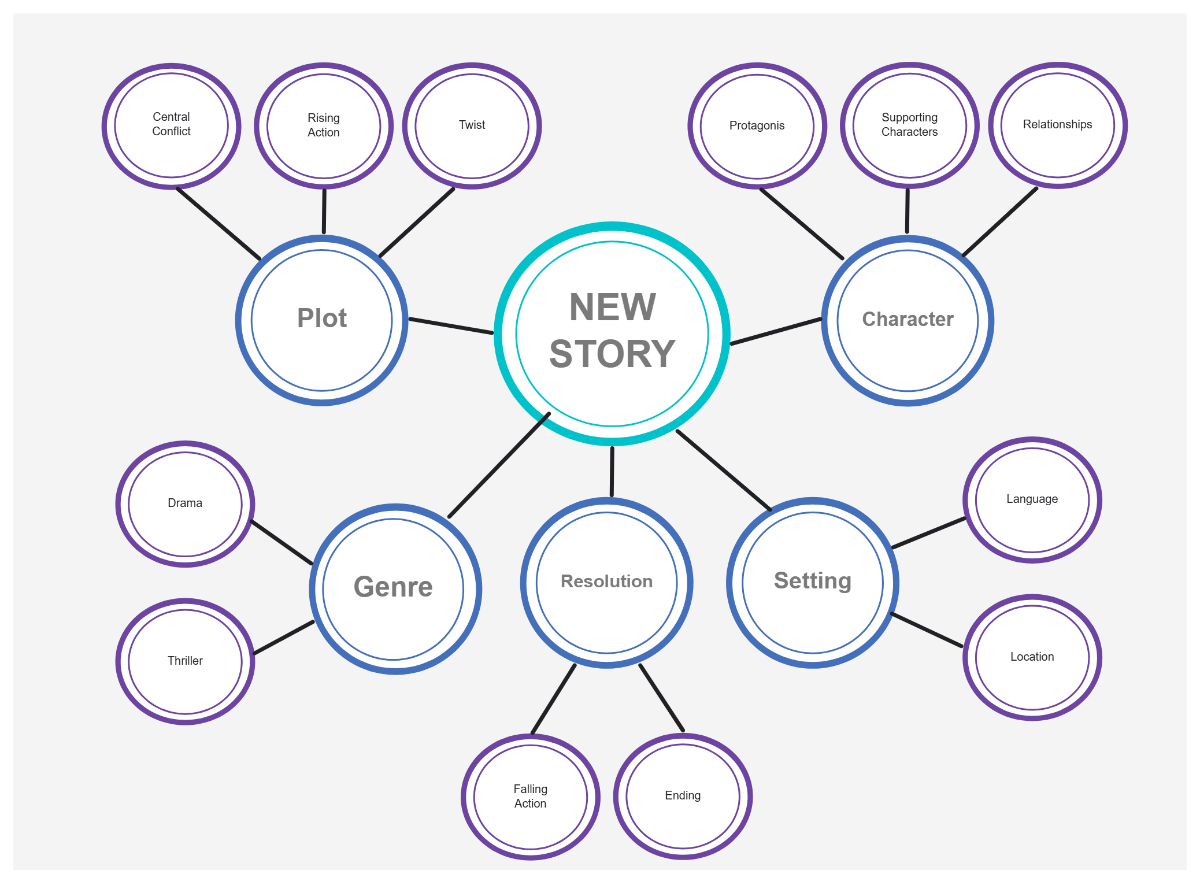
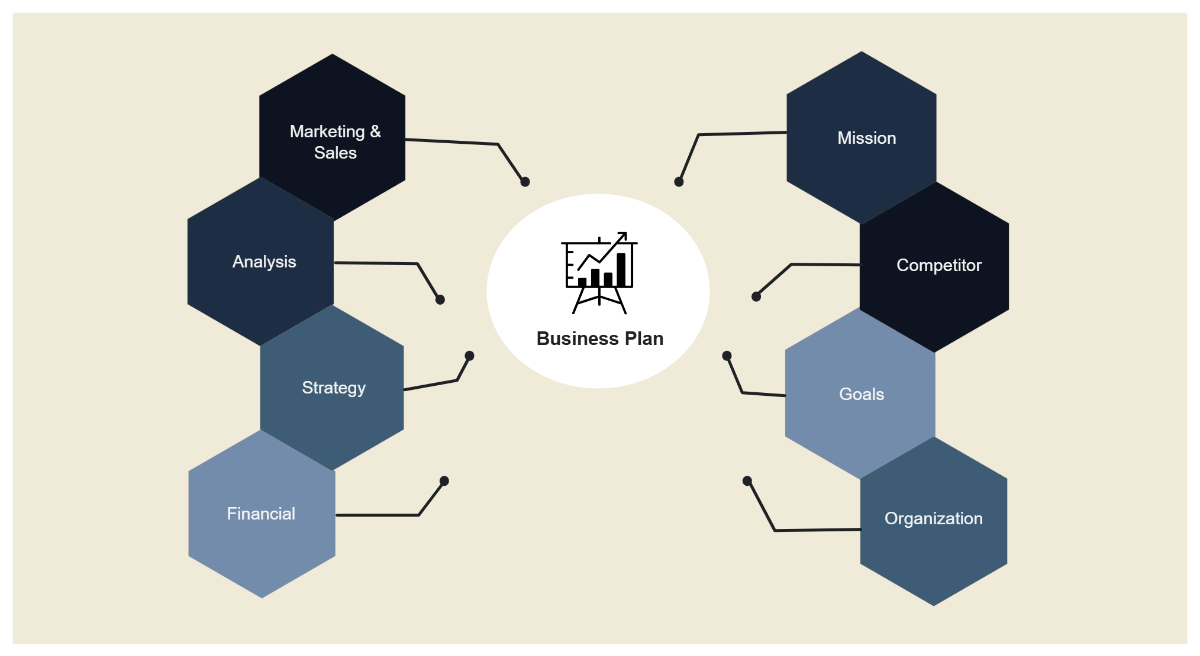
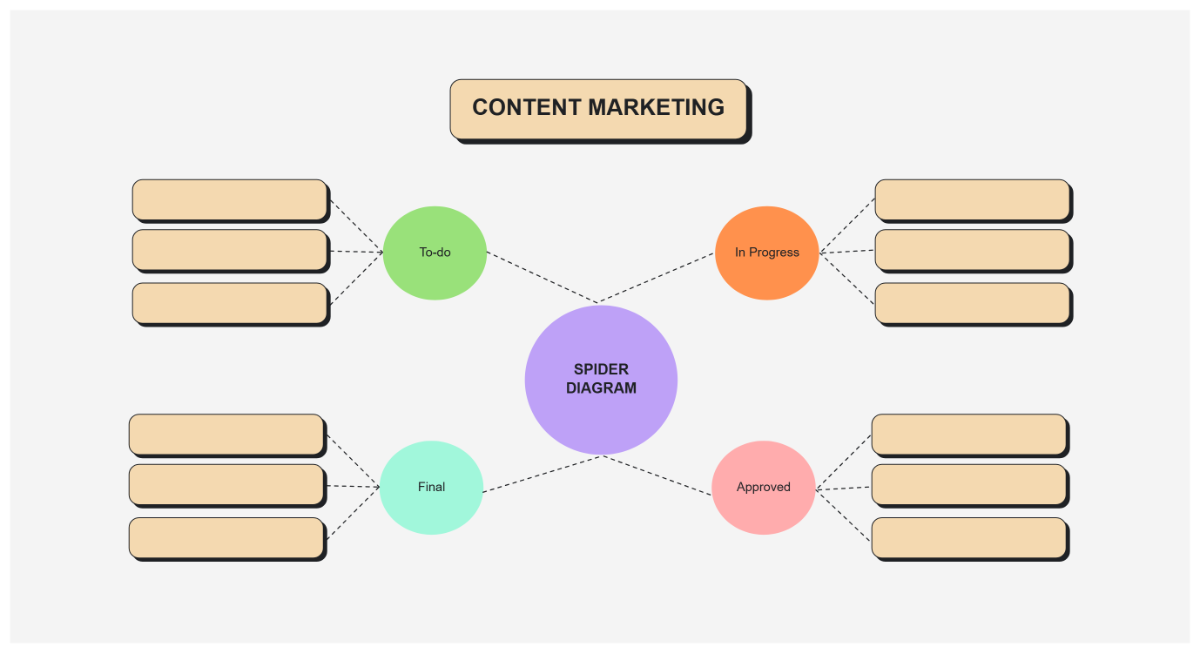
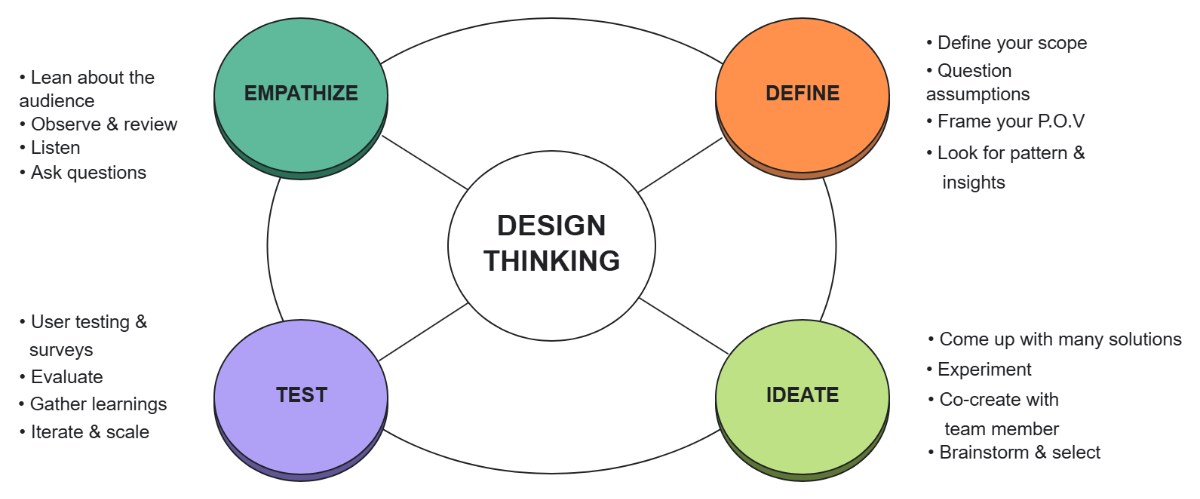
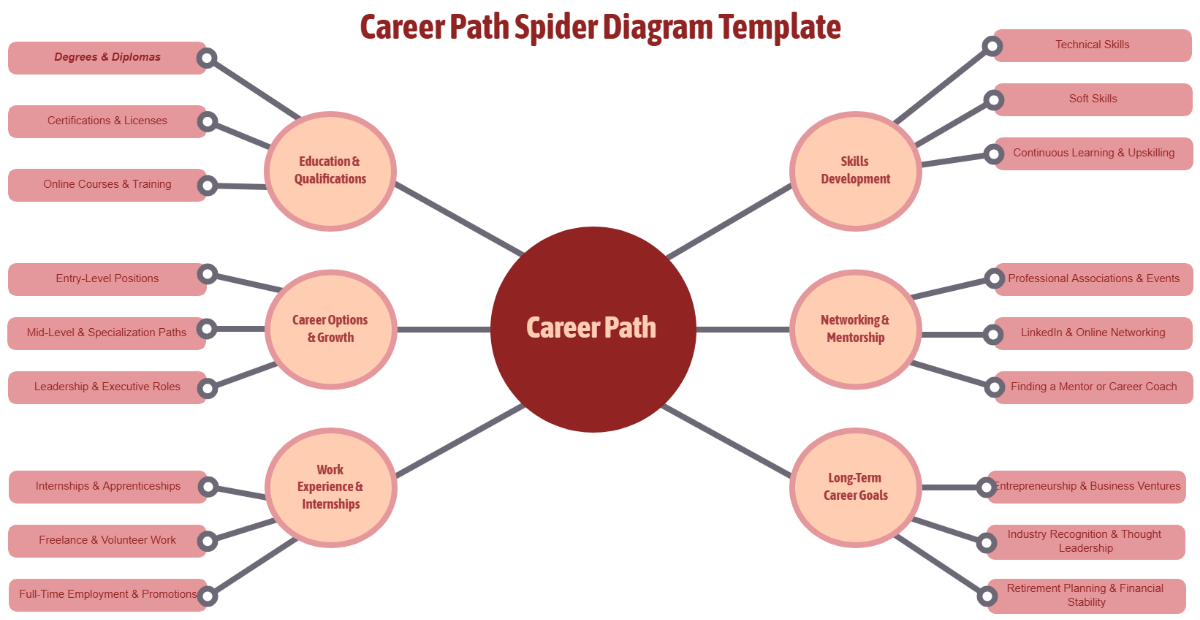
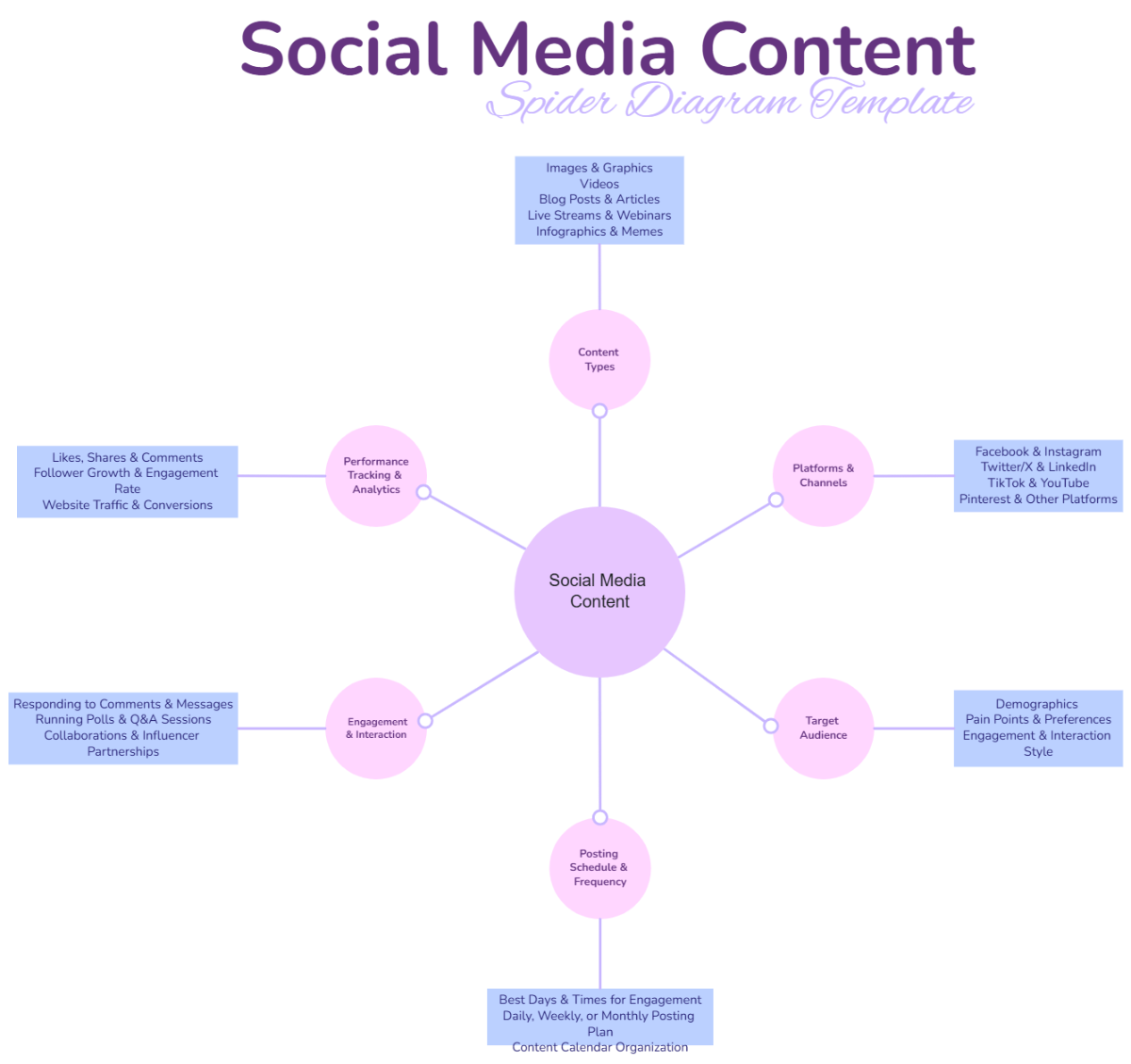
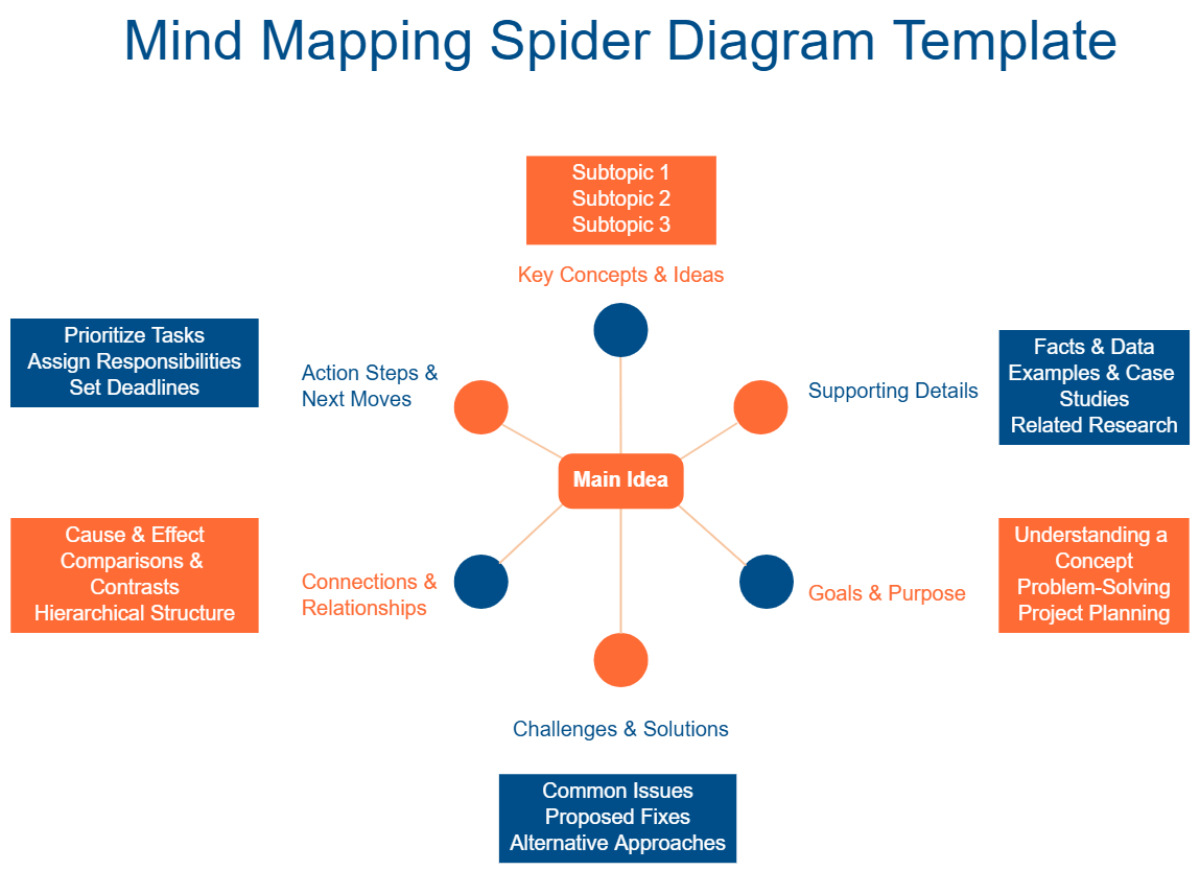
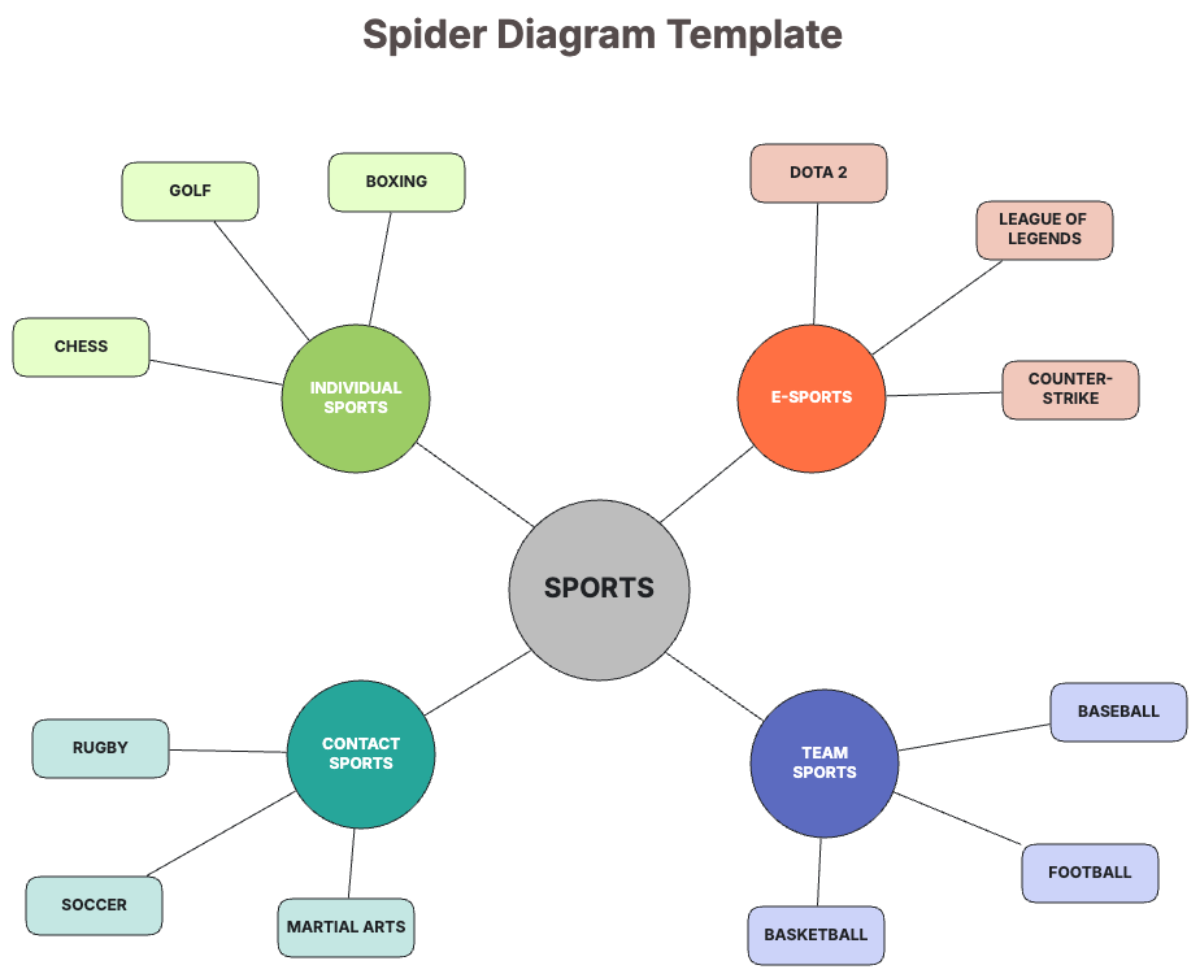
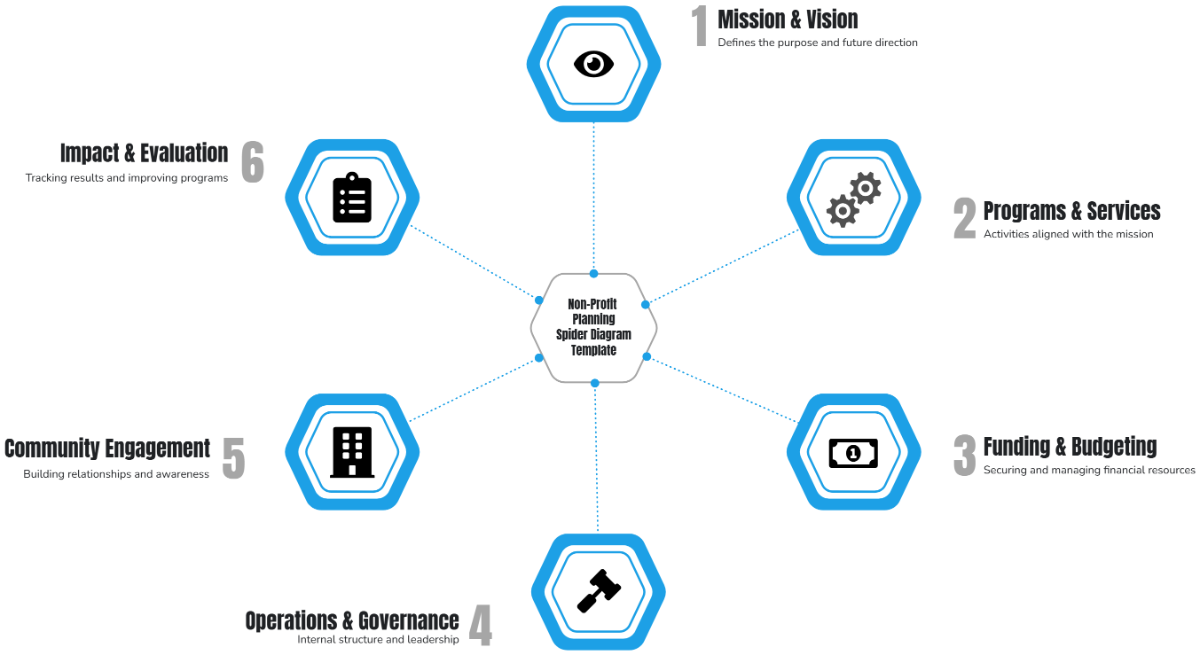
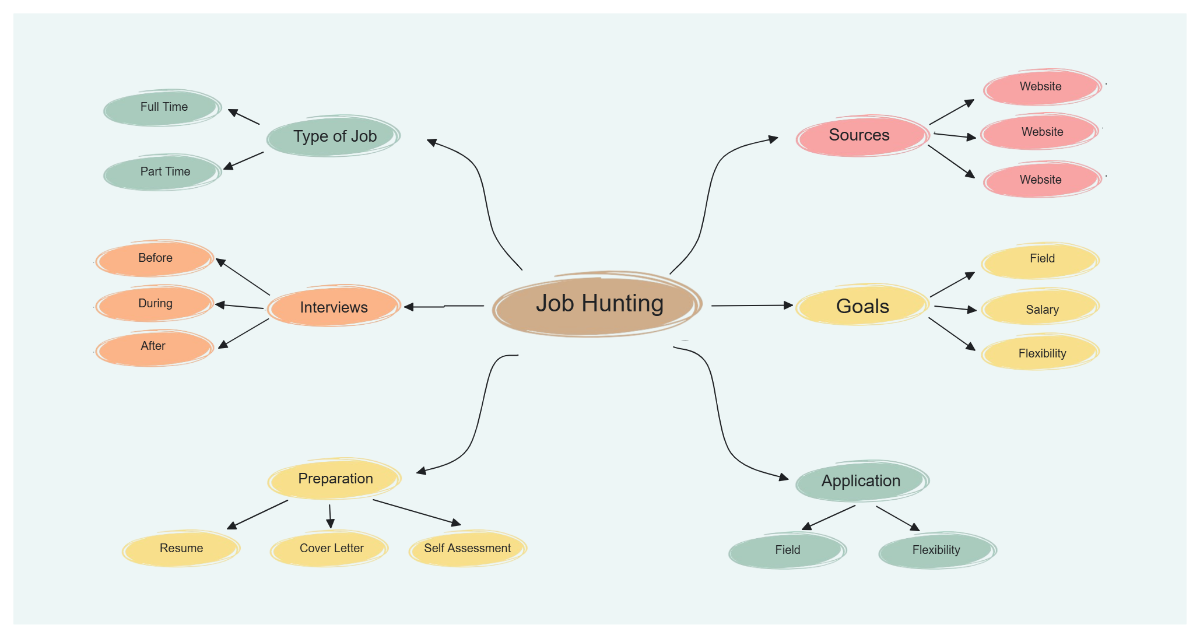
Template.net’s AI Spider Diagram Generator transforms your ideas into a structured radial visualization. Instantly organize the main concept, supporting branches, subpoints, and relationships so students, educators, researchers, content creators, and teams can understand topics faster, improve memory retention, and plan projects more effectively.
![Free AI Spider Diagram Generator, AI Spider Diagram Maker Online [ No Signup ]](https://images.template.net/generator-images/0-ai-diagram-generator/0-ai-diagram-generator--spider.webp)
Create, Customize, and Present Spider Diagrams for Free
Everything you need to visualize idea relationships in one powerful workspace.
AI Spider Diagram Builder
Generate a complete radial diagram from a single prompt.
Central Topic Auto Detection
Automatically identify and position the core concept.
Smart Subtopic Branch Expansion
Create structured idea branches with logical grouping.
Relationship Based Idea Connections
Show how supporting points relate to the main theme.
Topic Detail and Notes Fields
Add explanations, examples, keywords, and references.
Drag and Arrange Branches Freely
Refine layout for better readability and flow.
Brainstorming Focused Layouts
Capture and organize ideas during planning sessions.
Fully Customizable Visual Styles
Apply colors, fonts, node shapes, and connectors.
Real Time Collaboration for Teams and Classrooms
Work together on shared idea structures.
Multilingual Support
Create spider diagrams in 20+ languages including English, Spanish, French, German, Italian, Portuguese, Dutch, Russian, Chinese, Japanese, Korean, Arabic, Hindi, Bengali, Tamil, Telugu, Marathi, Gujarati, Turkish, Vietnamese, Thai and more.
Presentation Ready Radial Layouts
Explain concepts clearly in reports, lessons, and meetings.
Duplicate Diagram Variations
Compare different topic structures and idea flows.
Cloud Based Project Workspace
Access and update diagrams anytime.
Export and Share Instantly
Download as PNG, JPG, PDF or share via WhatsApp, Facebook, LinkedIn, X and more.
Infinite Expandable Canvas
Add unlimited branches as your ideas grow.
Auto Alignment for Balanced Structure
Maintain evenly spaced radial layouts automatically.
Voice to Spider Diagram Generation
Speak your topic to generate the structure faster.
Pre Designed Spider Diagram Templates
Start quickly with templates for education, research, business planning, brainstorming, and content creation.
![Free AI Spider Diagram Generator, AI Spider Diagram Maker Online [ No Signup ]](https://images.template.net/generator-images/5-ai-diagram-generator/5-ai-diagram-generator--spider.webp "Free AI Spider Diagram Generator, AI Spider Diagram Maker Online [ No Signup ]")
How to Make a Free AI Generated Spider Diagram
Create your idea visualization in seconds with a simple guided flow.
Step 1: Enter Your Prompt
Open the AI Spider Diagram Generator and describe your topic such as “Spider diagram for a mobile app launch plan with central idea as product launch and branches for marketing strategy, target audience, features, budget, timeline, and distribution channels.” Click Generate to instantly receive a structured radial layout.
Step 2: Review and Refine Your Spider Diagram
Edit topic names, add new branches, reorganize subtopics, and adjust connections to match your thinking process.
Step 3: Customize and Share Anywhere
Apply your preferred visual style, highlight key ideas, and export your spider diagram in PNG, JPG, PDF or share a live link for collaboration instantly to various platforms like WhatsApp, LinkedIn, Facebook, Messenger, Pinterest, X (Twitter), or Reddit.
Develop Powerful Ideas with a Radial Concept Workspace
![Free AI Spider Diagram Generator, AI Spider Diagram Maker Online [ No Signup ]](https://images.template.net/generator-images/1-ai-diagram-generator/1-ai-diagram-generator--spider.webp "Free AI Spider Diagram Generator, AI Spider Diagram Maker Online [ No Signup ]")
Visualize Your Core Topic Clearly
Turn scattered thoughts into a focused central concept with structured supporting branches that make learning, planning, and presenting more effective.
![Free AI Spider Diagram Generator, AI Spider Diagram Maker Online [ No Signup ]](https://images.template.net/generator-images/2-ai-diagram-generator/2-ai-diagram-generator--spider.webp "Free AI Spider Diagram Generator, AI Spider Diagram Maker Online [ No Signup ]")
Create Multiple Idea Structures
Duplicate your diagram to explore different approaches, compare topic coverage, or restructure your content without losing the original flow.
![Free AI Spider Diagram Generator, AI Spider Diagram Maker Online [ No Signup ]](https://images.template.net/generator-images/3-ai-diagram-generator/3-ai-diagram-generator--spider.webp "Free AI Spider Diagram Generator, AI Spider Diagram Maker Online [ No Signup ]")
Collaborate Across Teams and Learning Environments
Work with students, educators, researchers, and professionals in a shared space to refine concepts, expand discussions, and finalize structured idea maps faster.
![Free AI Spider Diagram Generator, AI Spider Diagram Maker Online [ No Signup ]](https://images.template.net/generator-images/4-ai-diagram-generator/4-ai-diagram-generator--spider.webp "Free AI Spider Diagram Generator, AI Spider Diagram Maker Online [ No Signup ]")
Keep Every Concept Organized in One Place
Store diagrams for multiple subjects, projects, or brainstorming sessions and maintain a single source of truth for knowledge planning and content development.
