Free AI Family Tree Generator Online

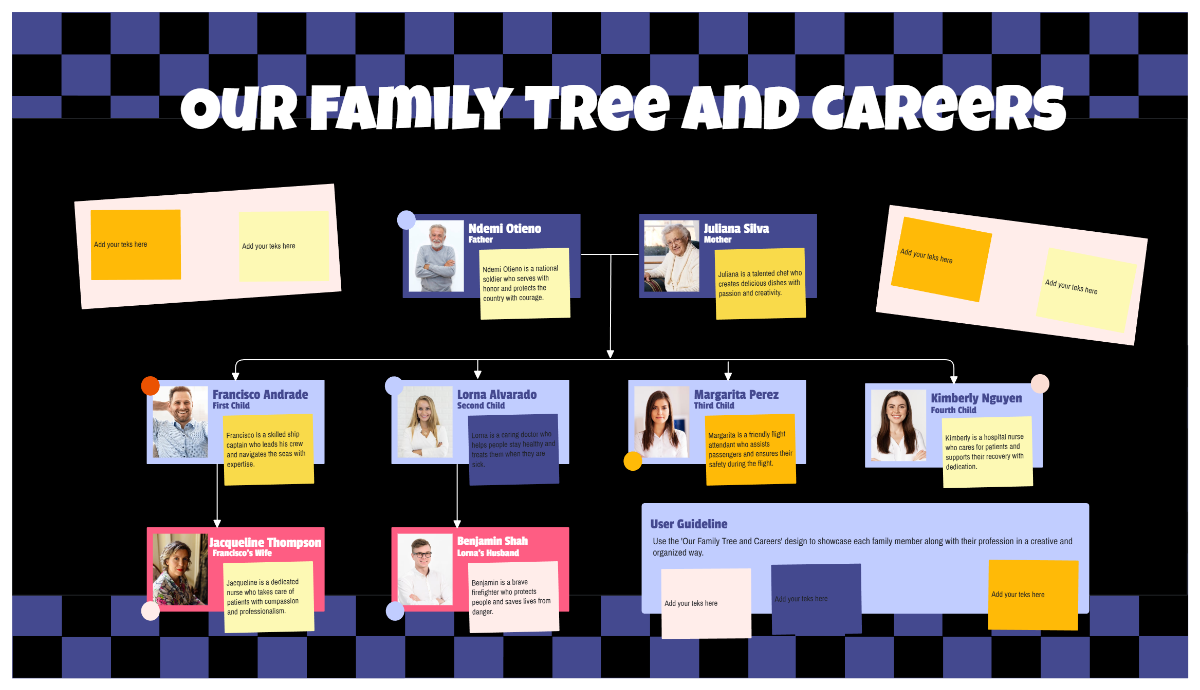
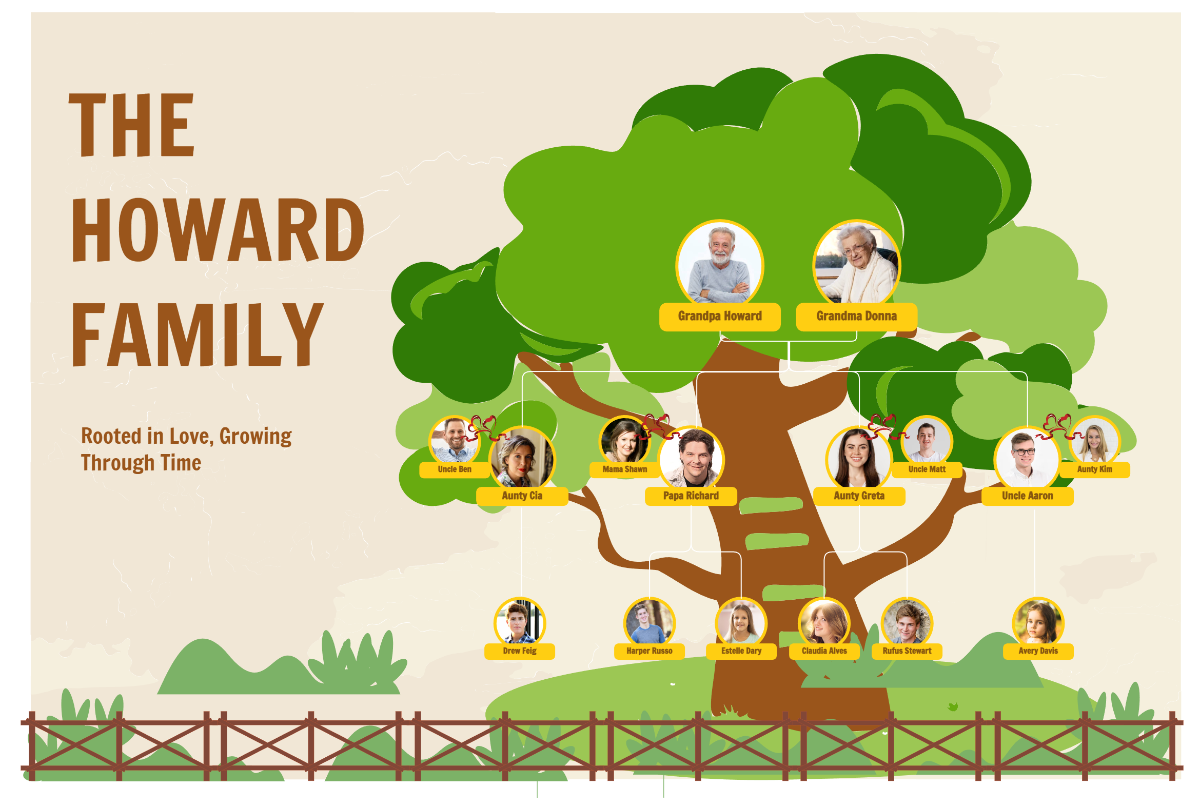
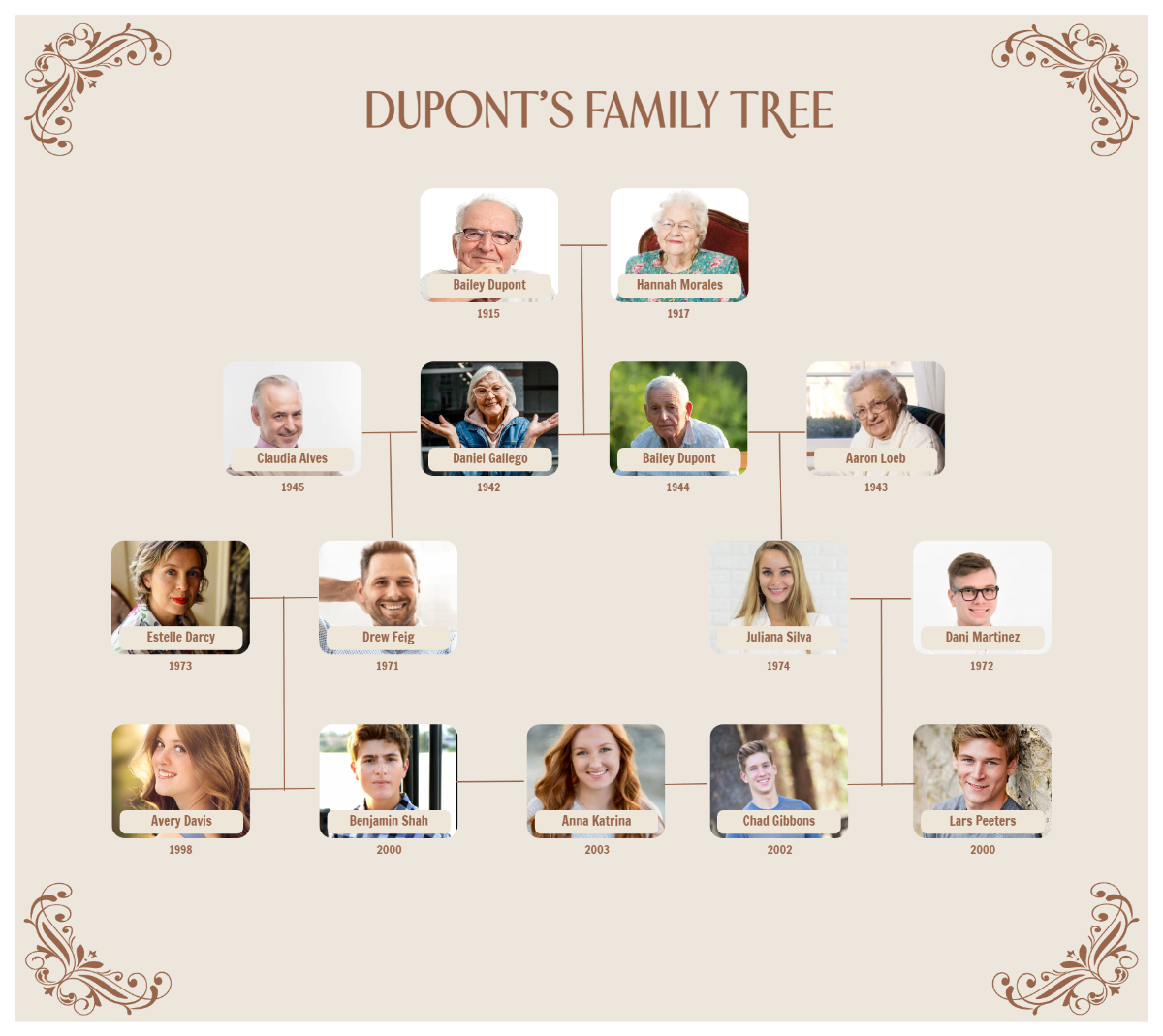
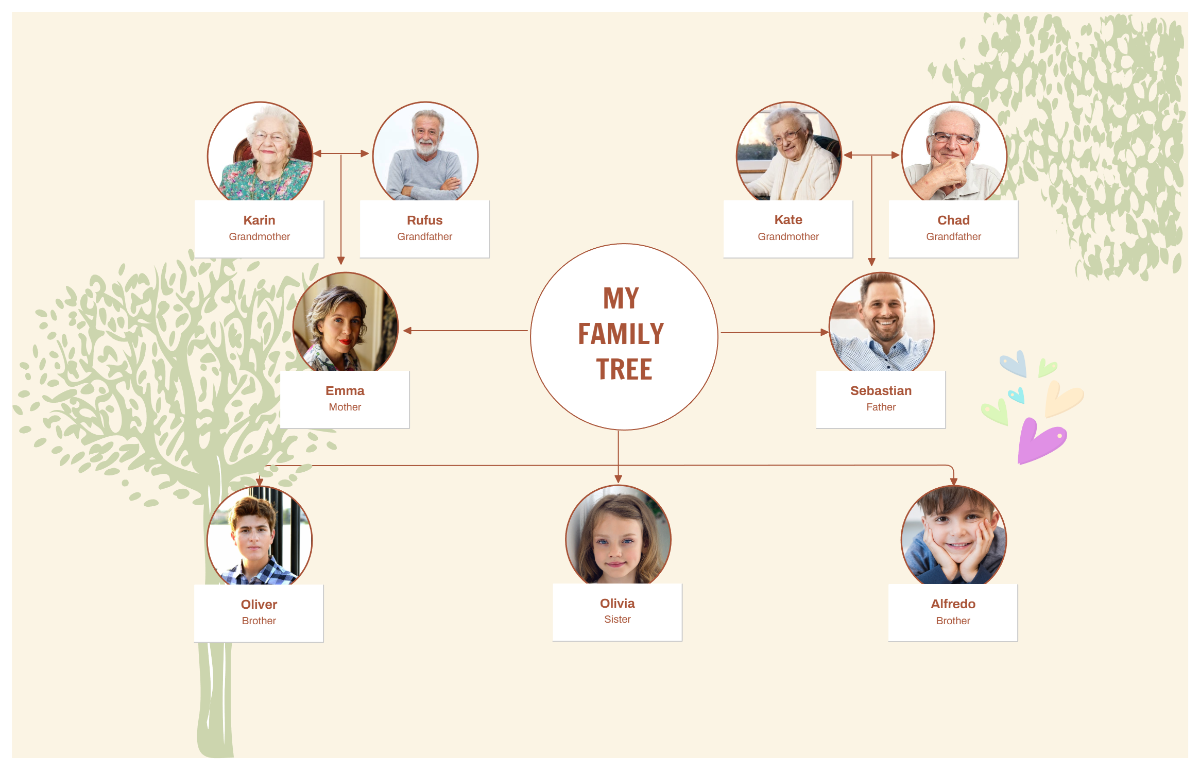
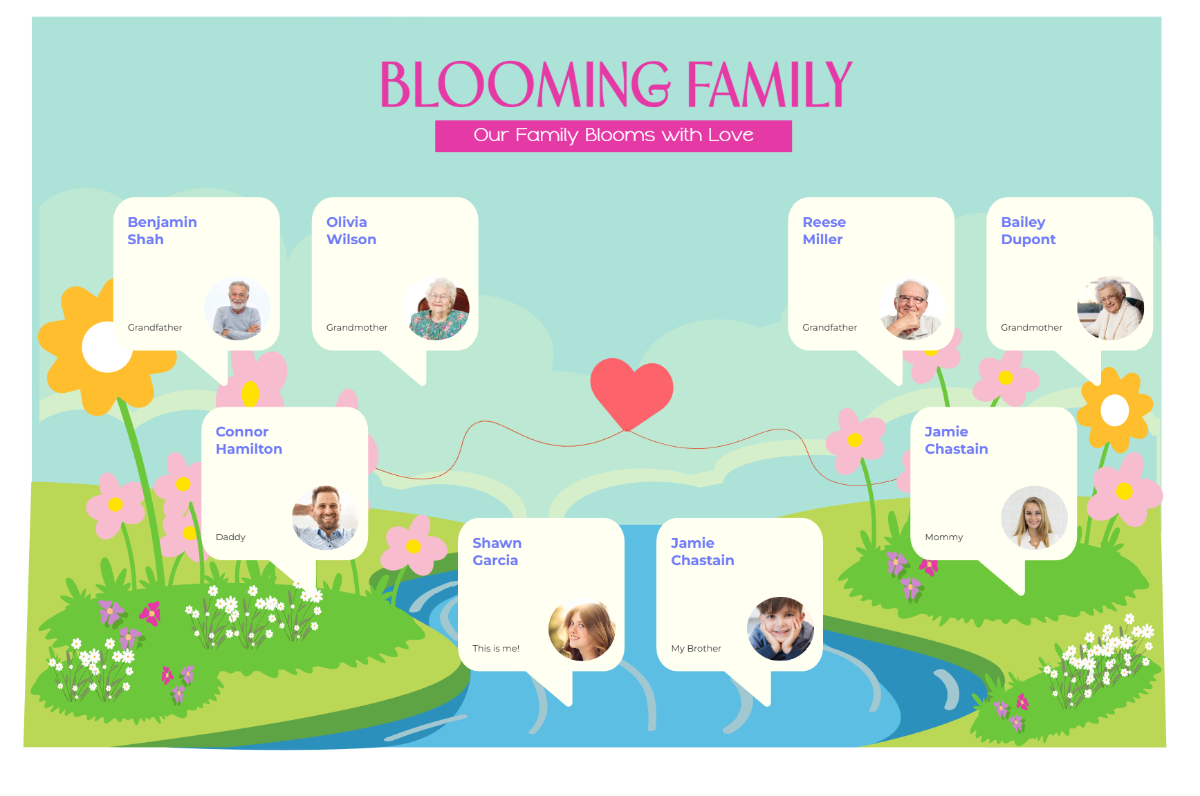
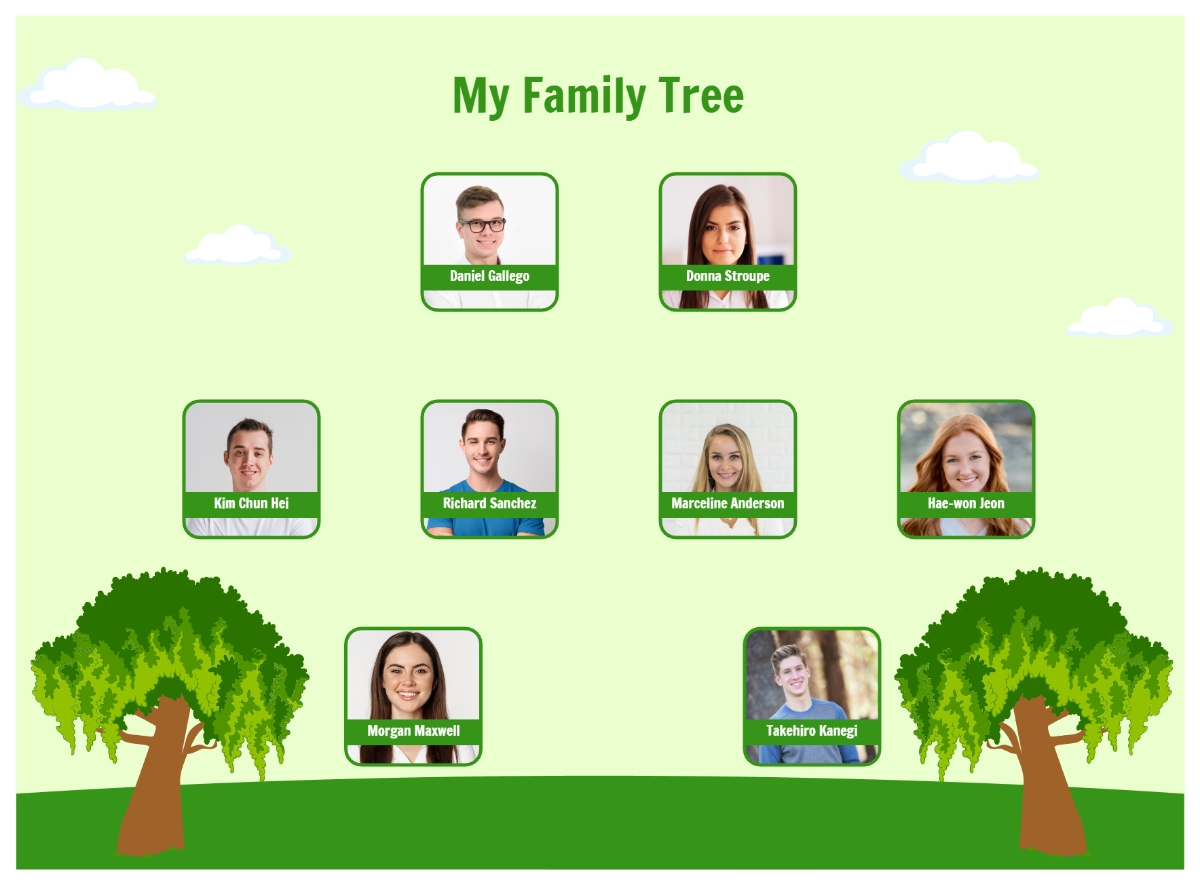
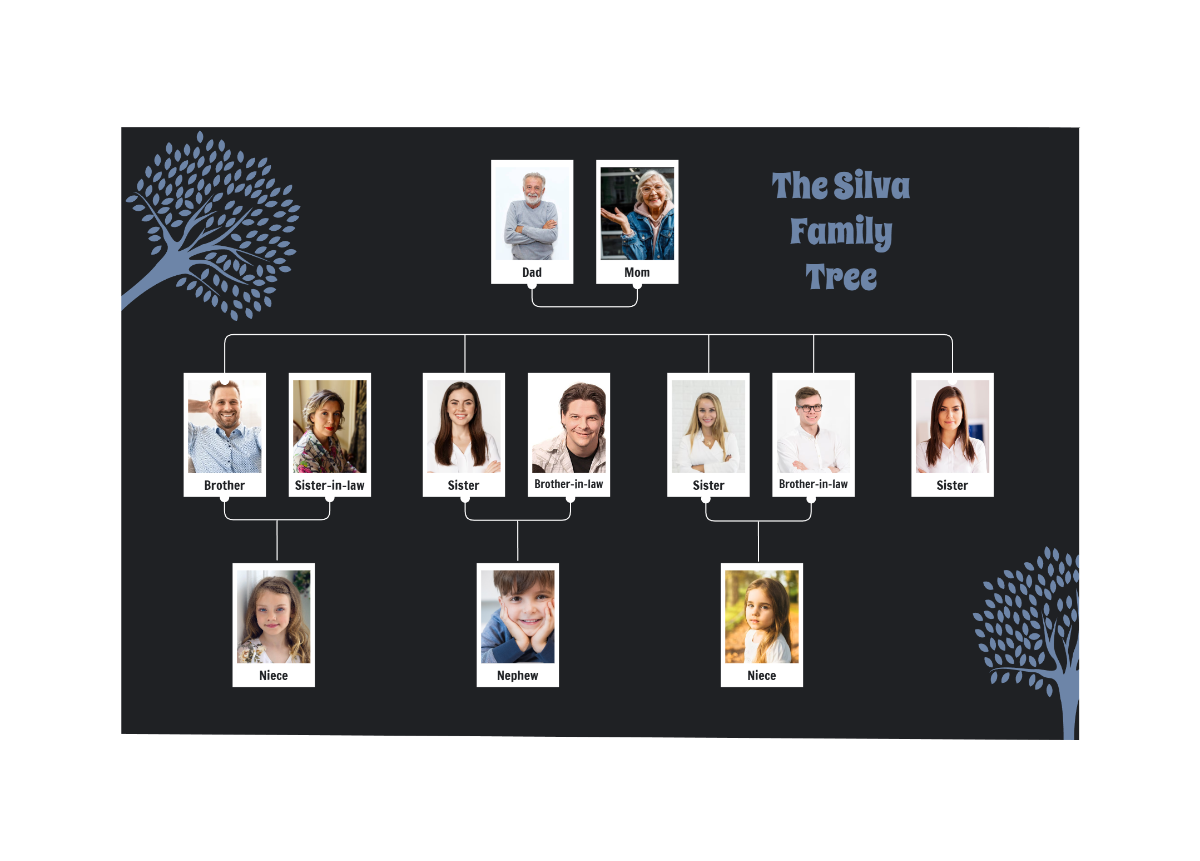
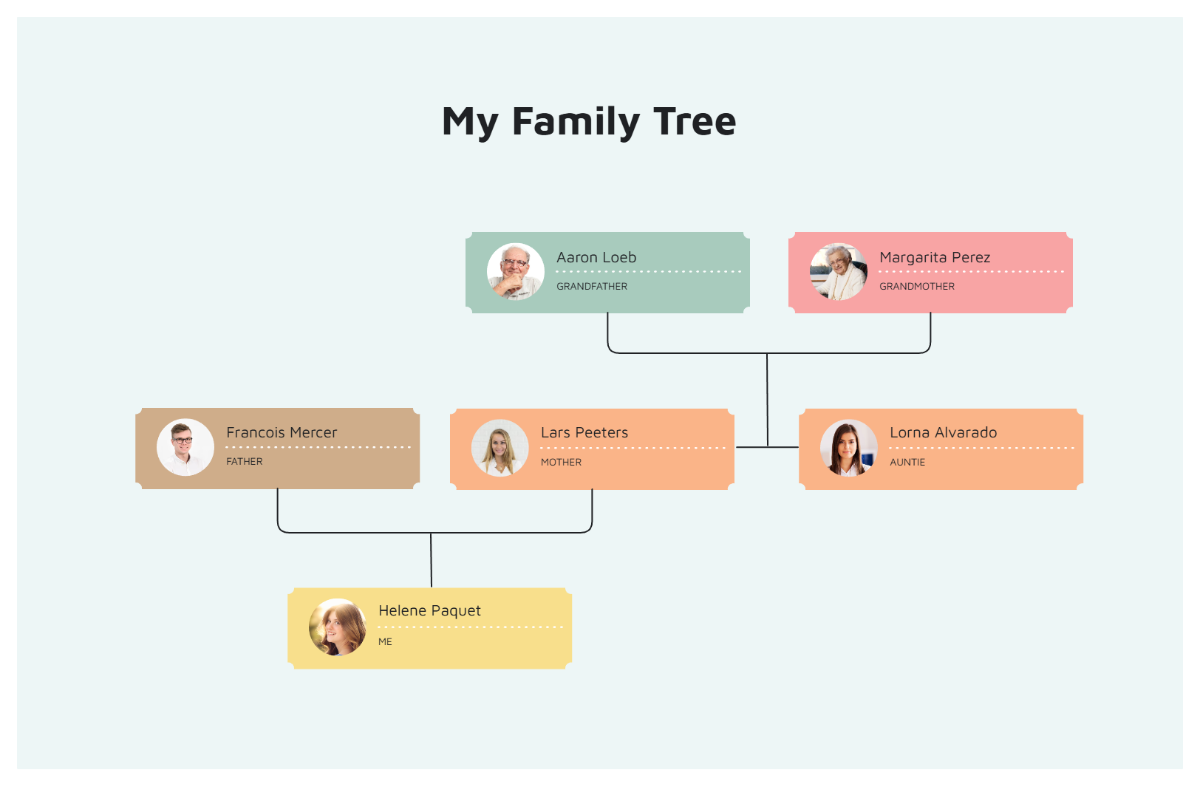

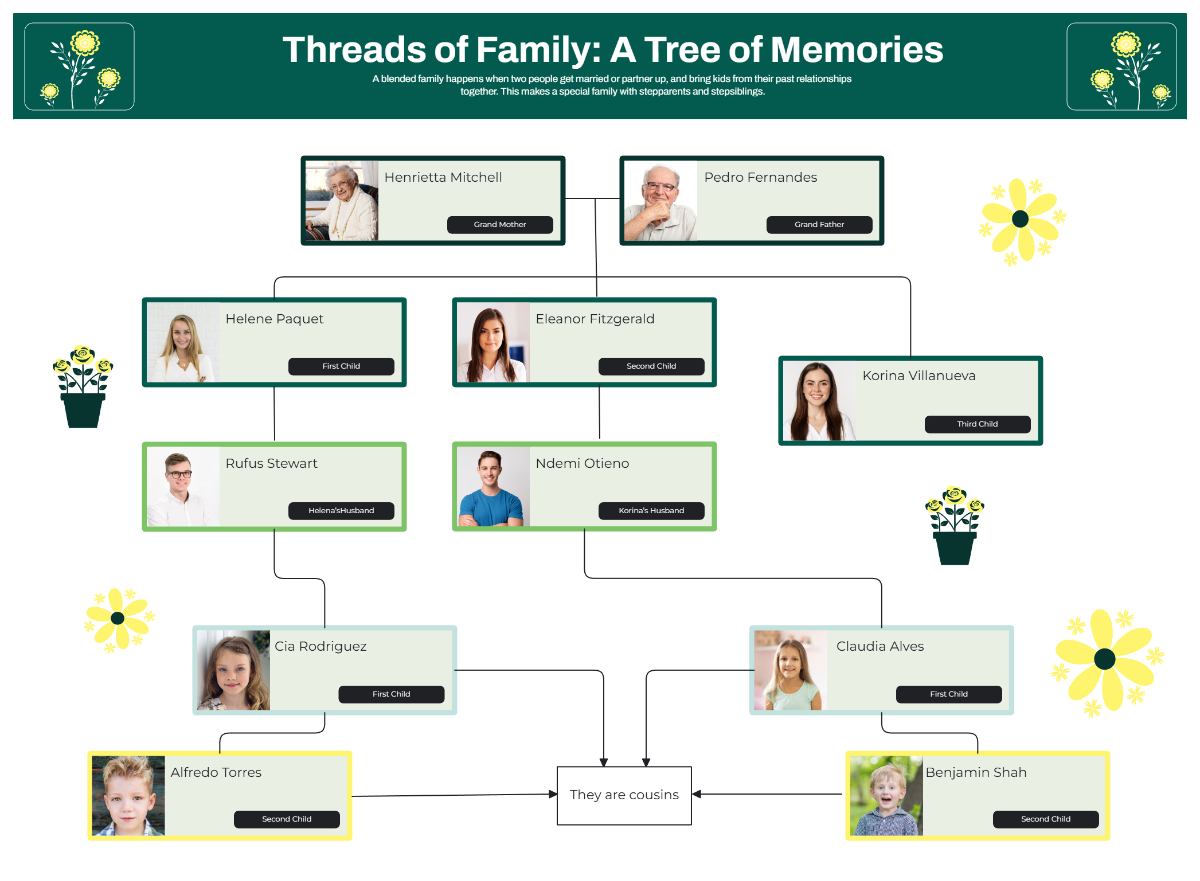
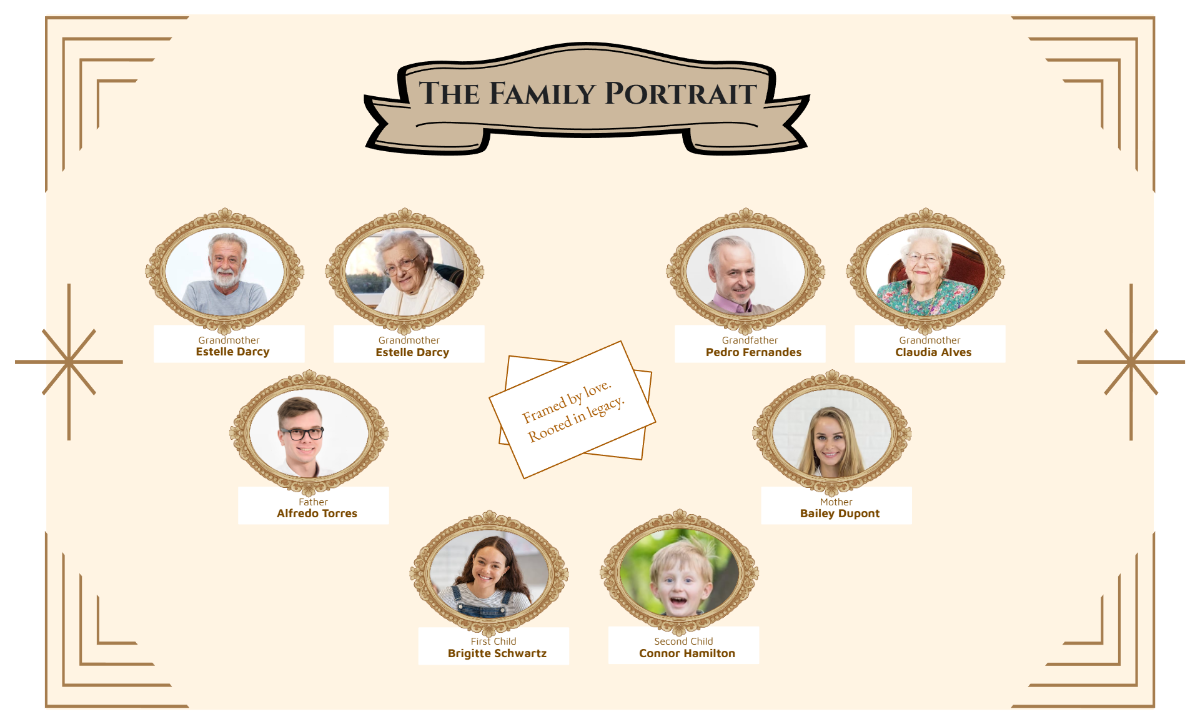

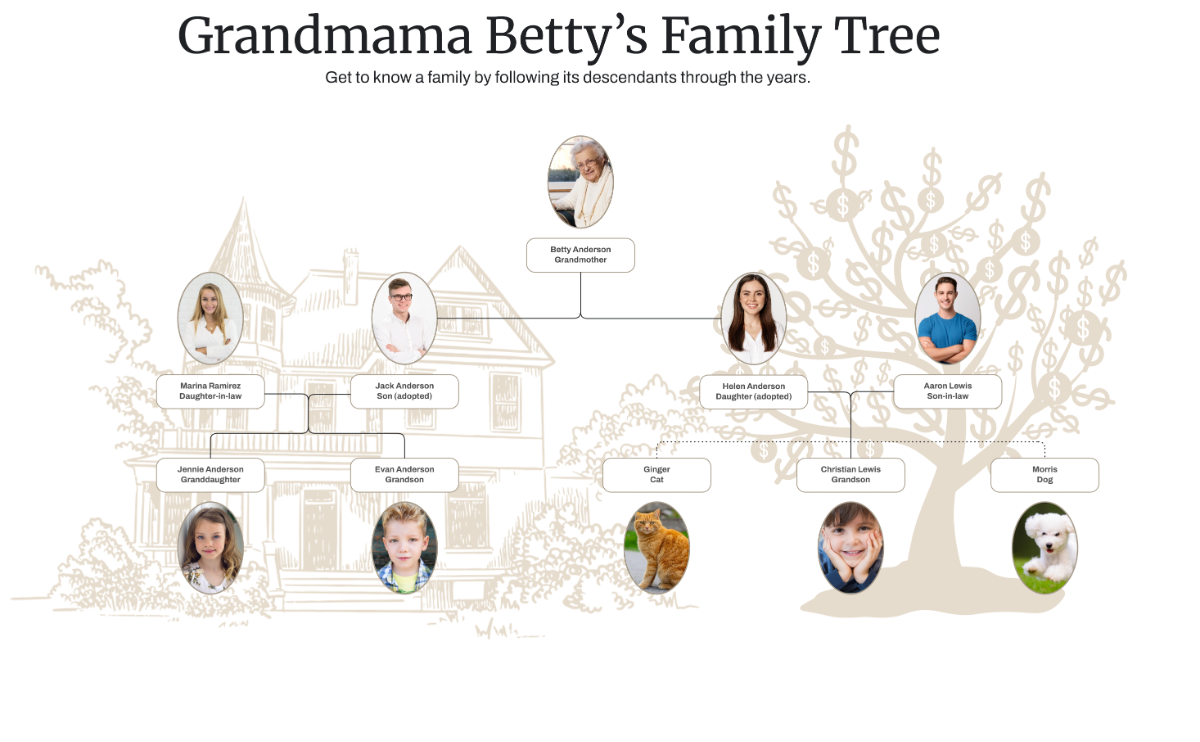
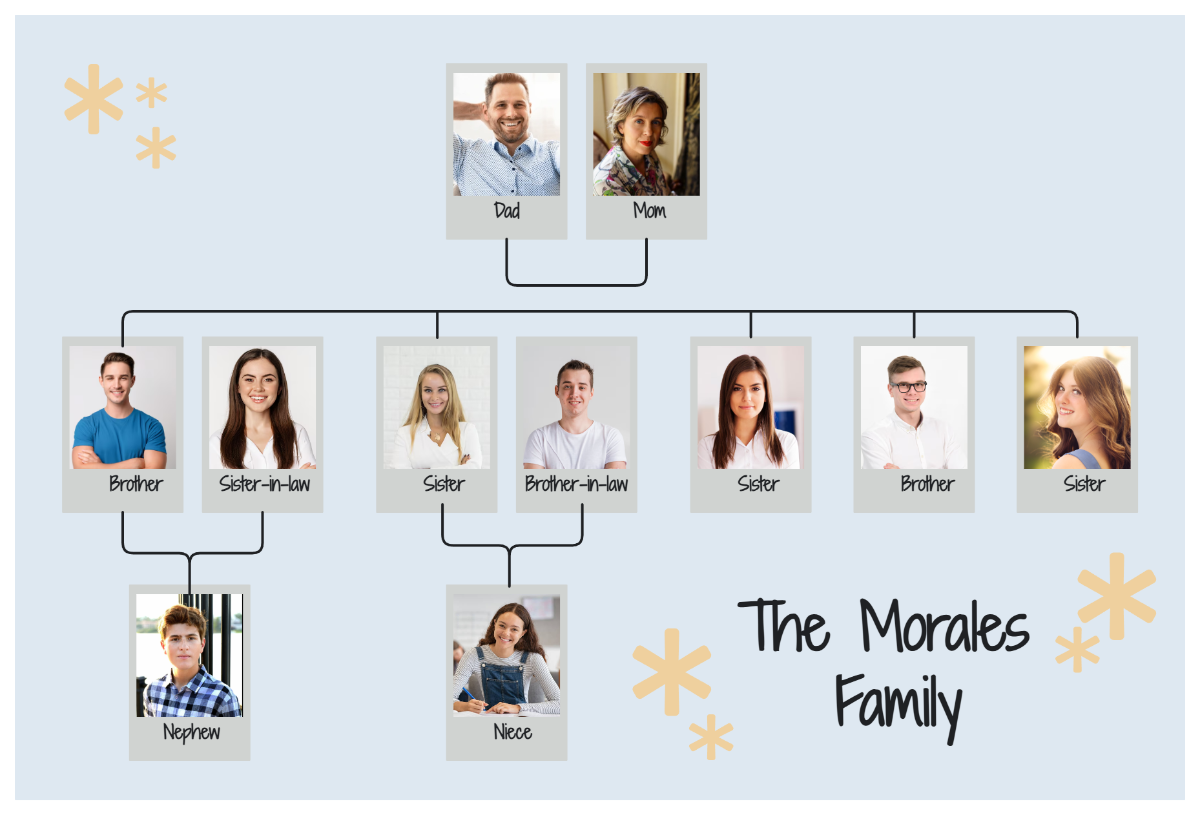
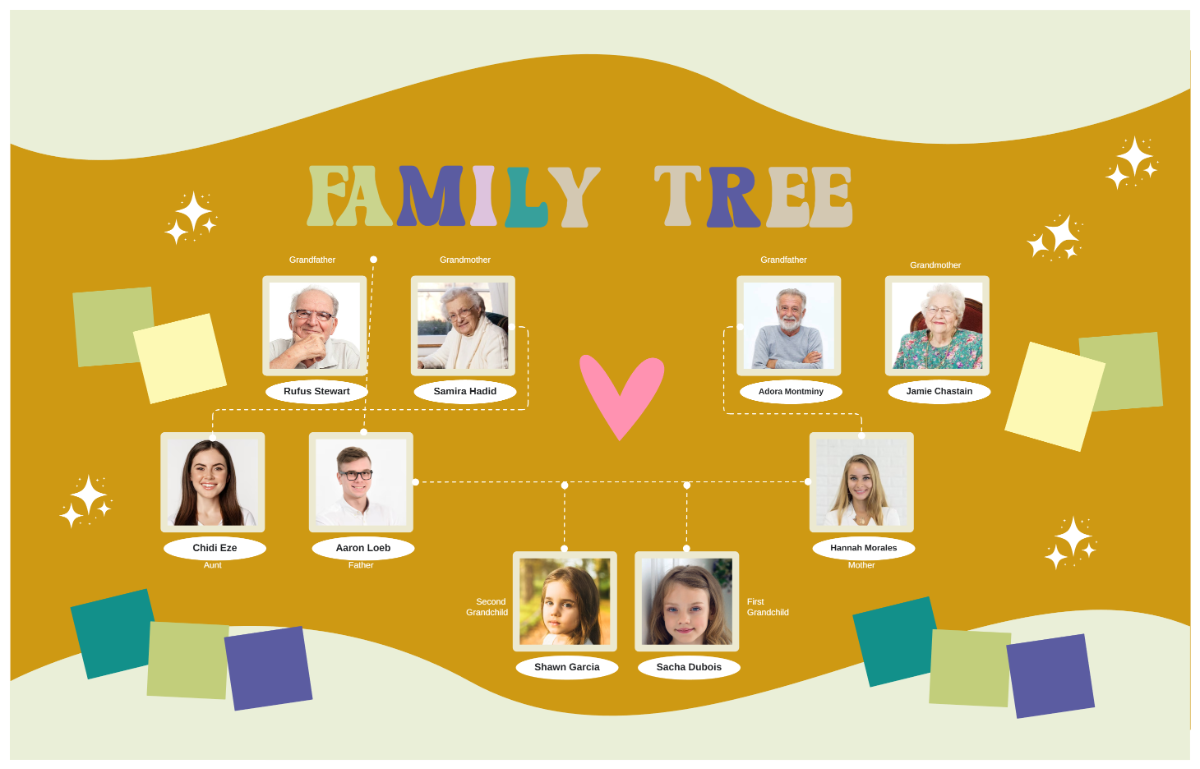
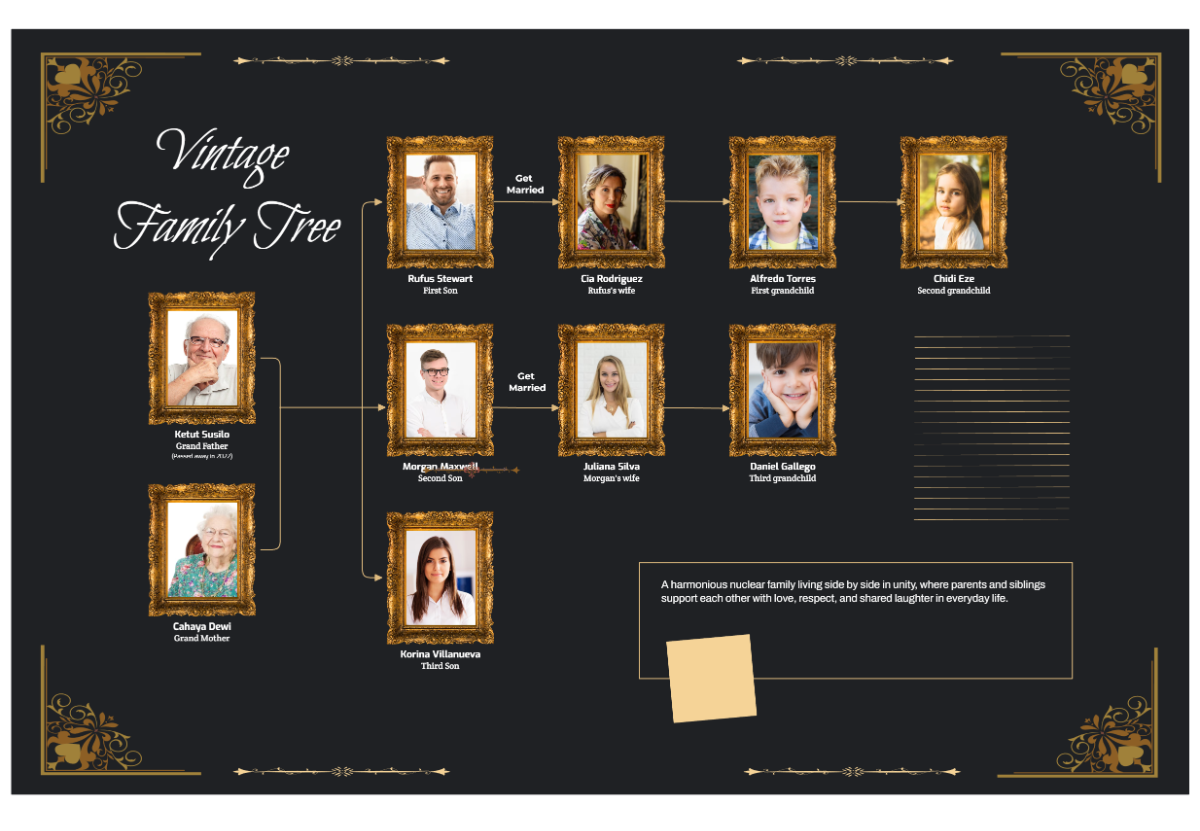
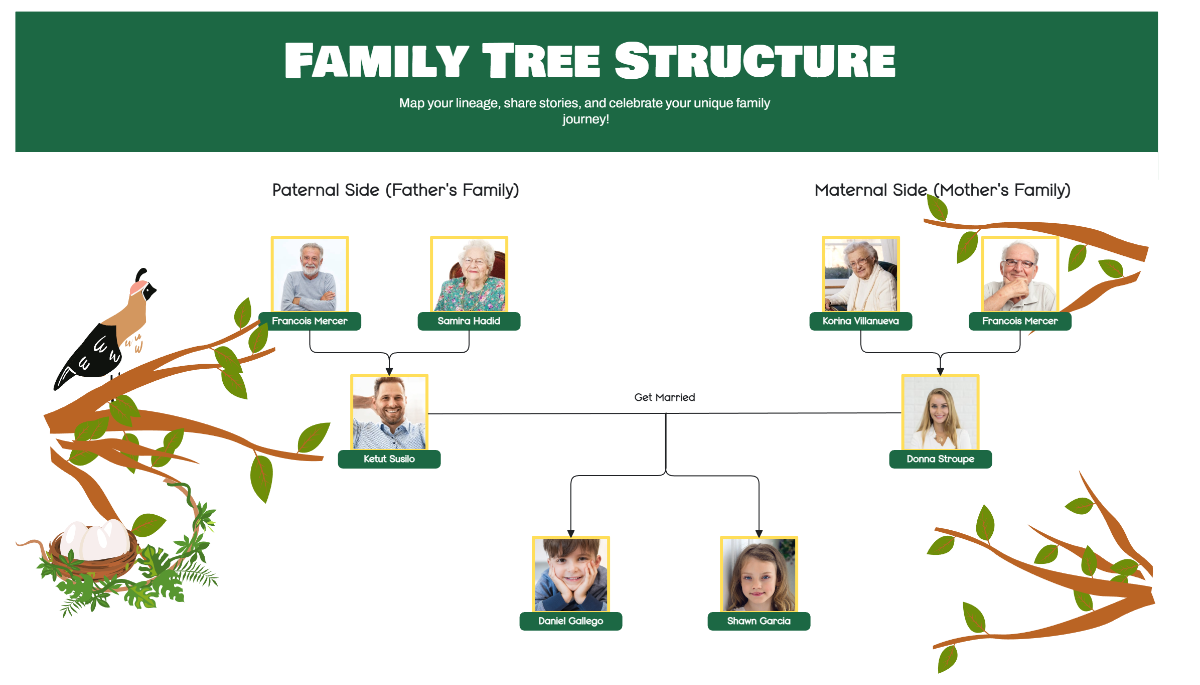
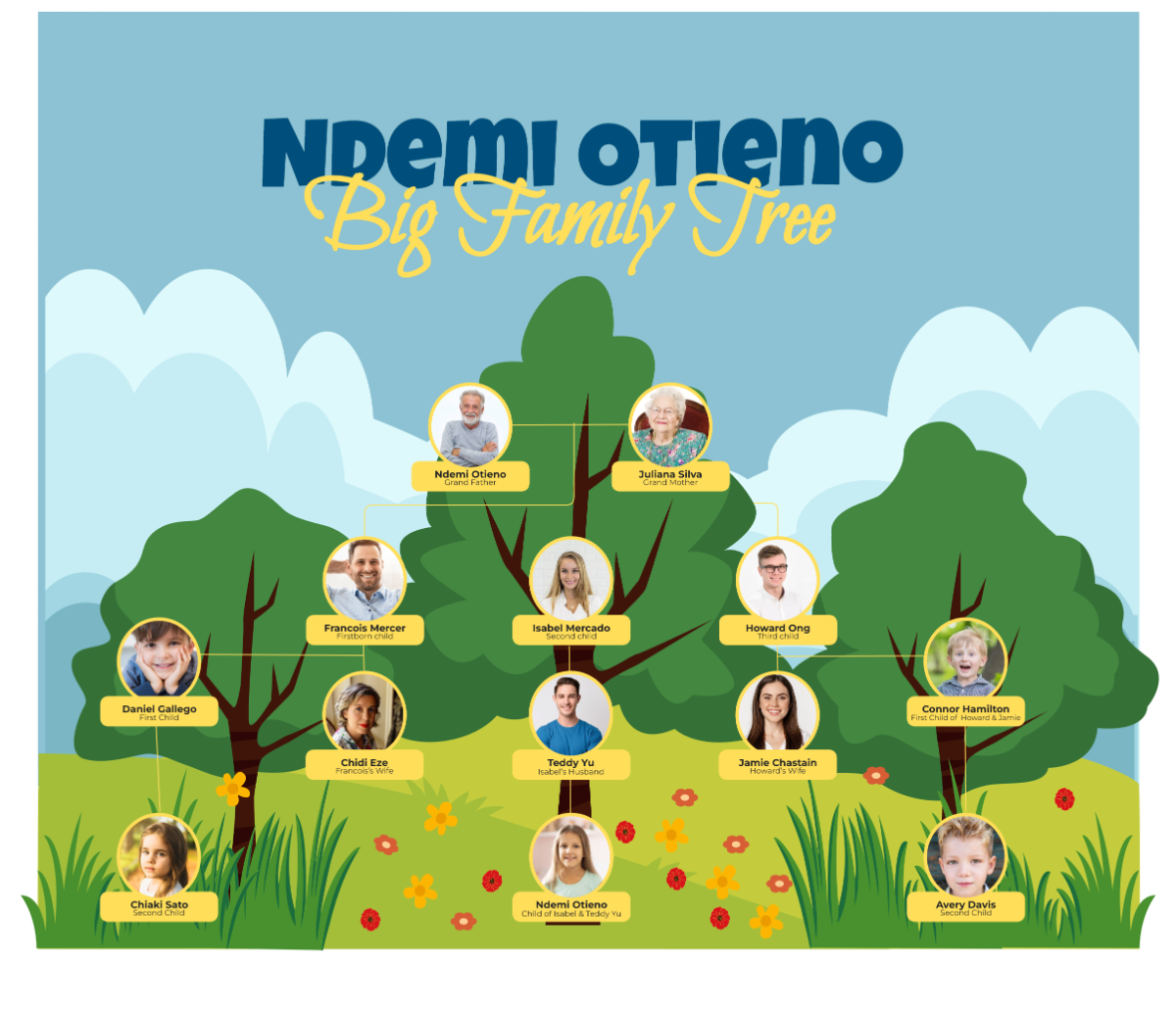
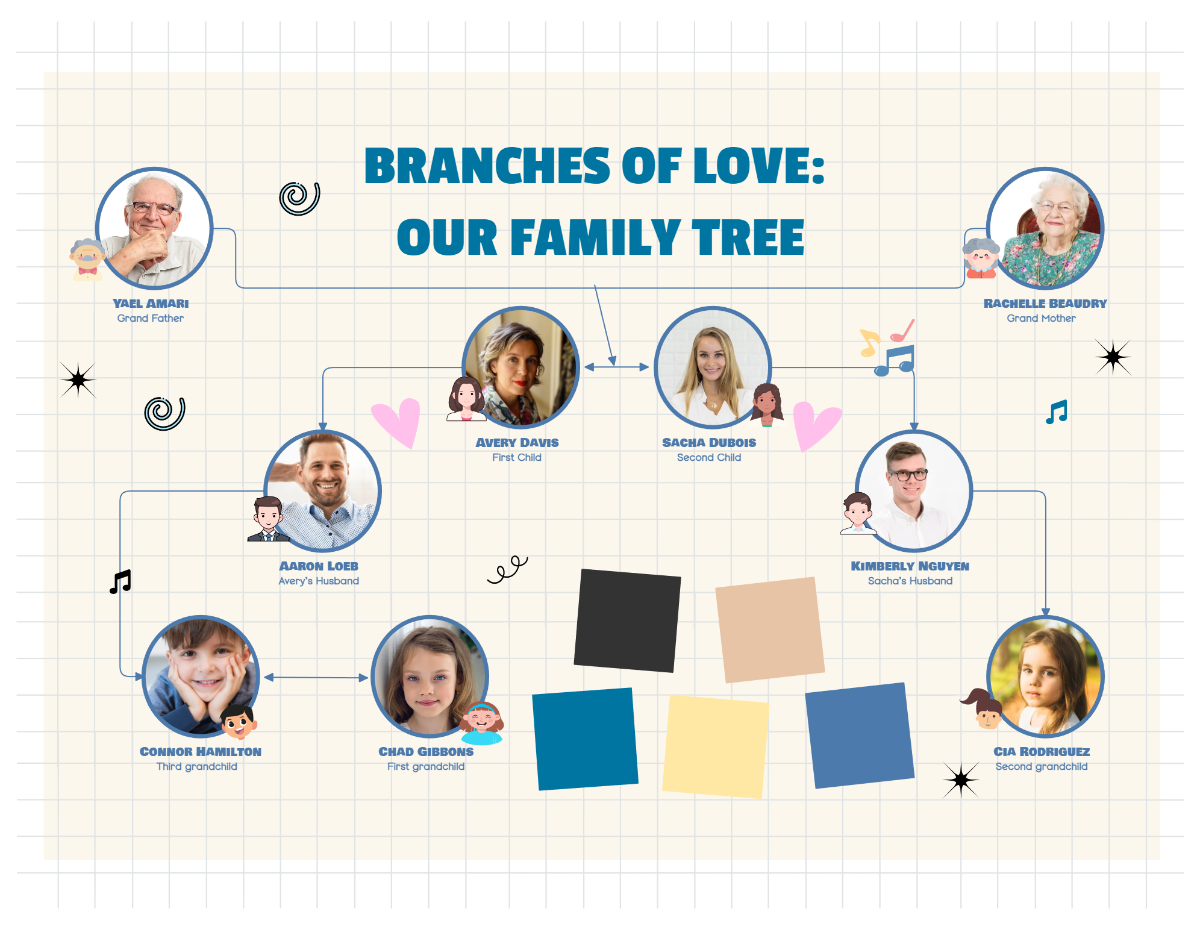
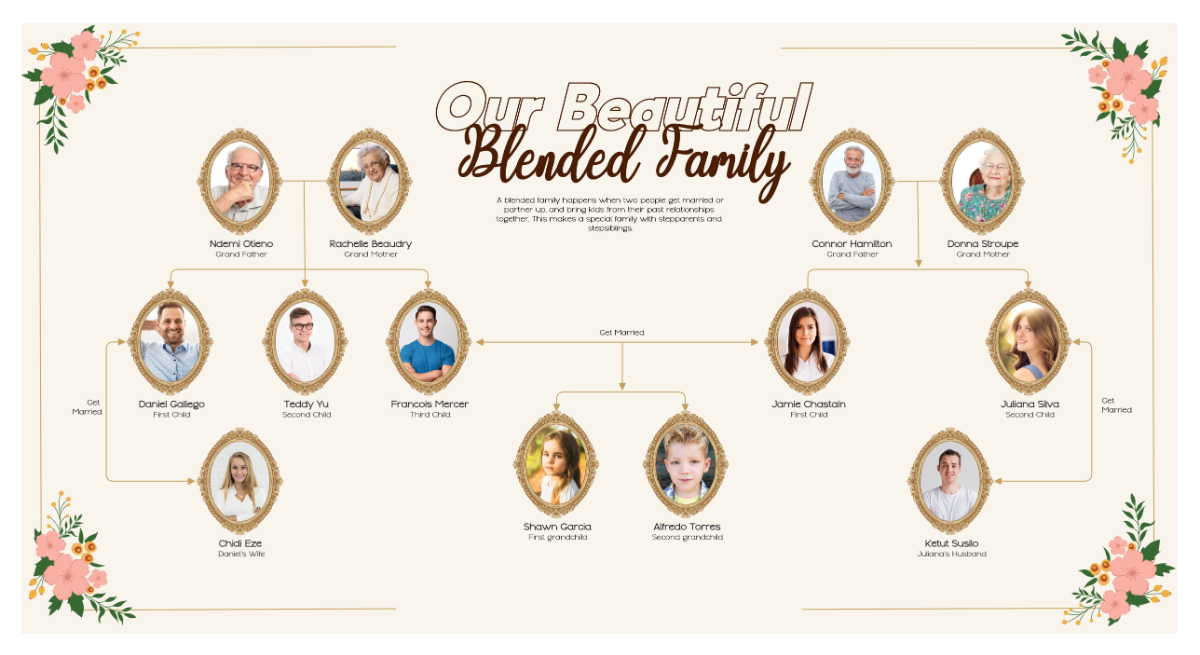
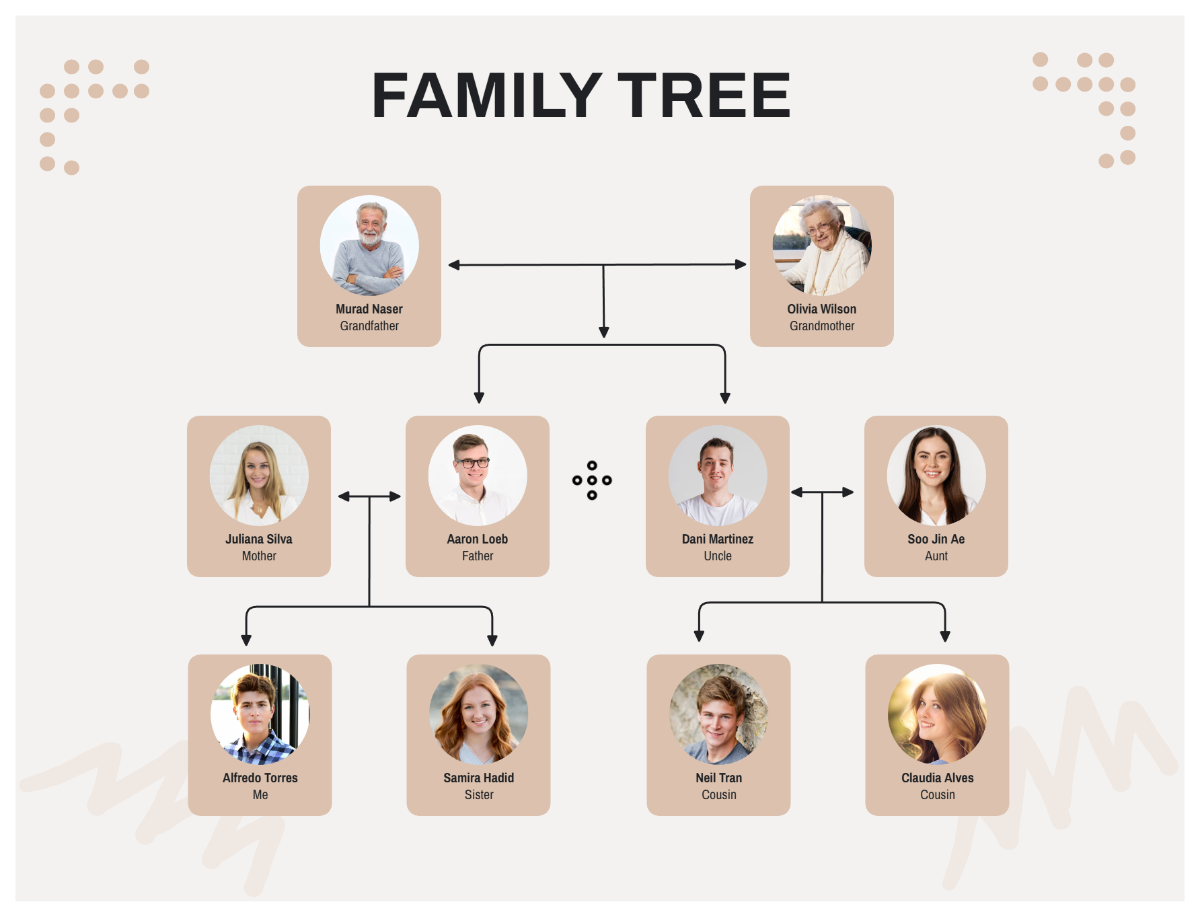
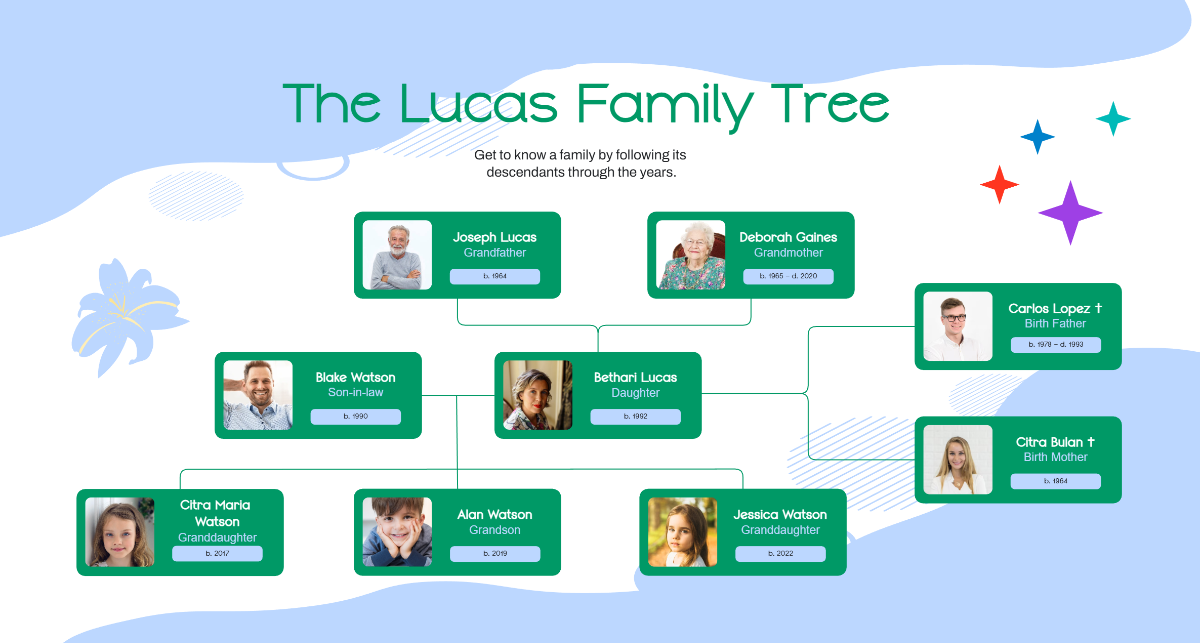
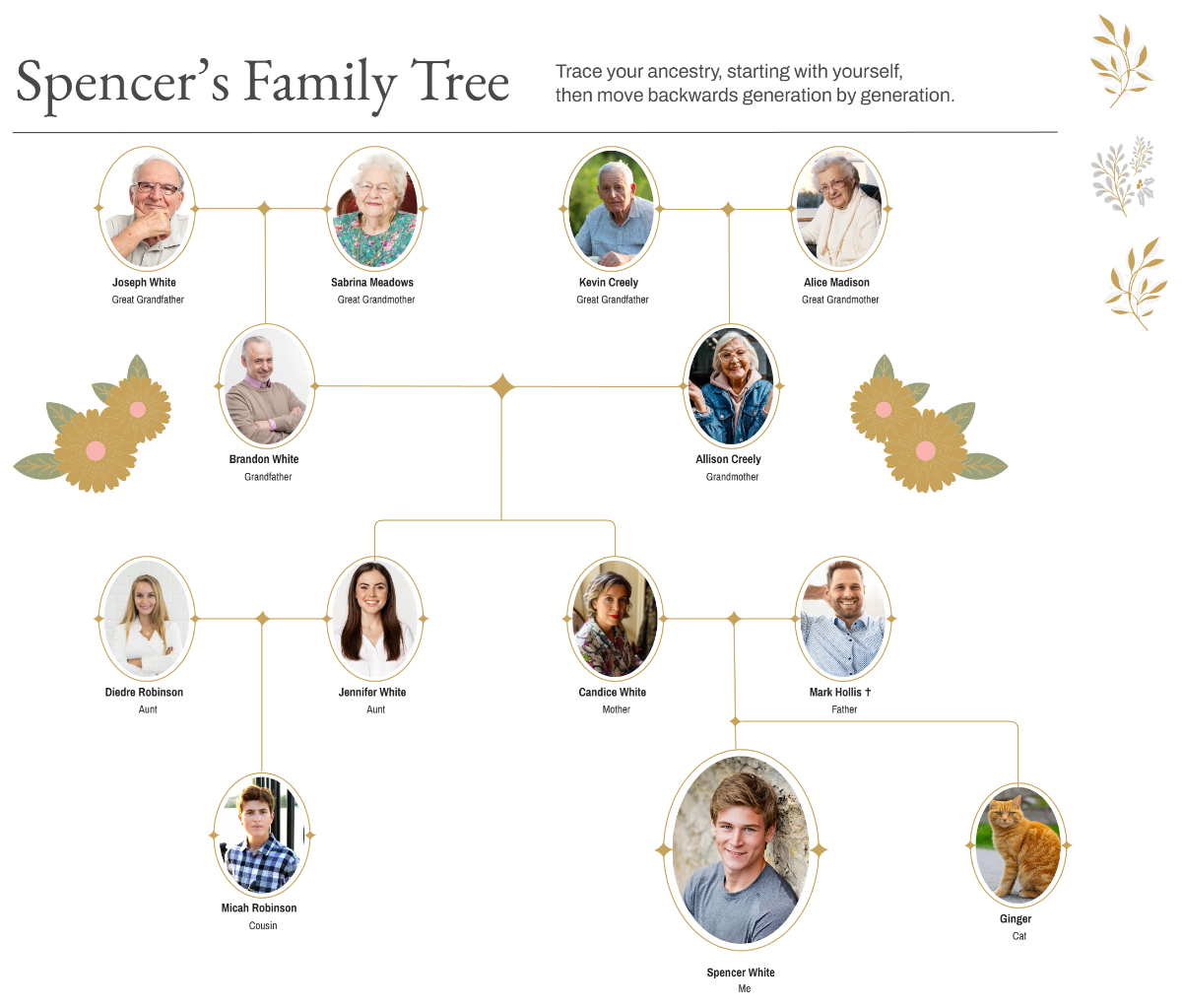
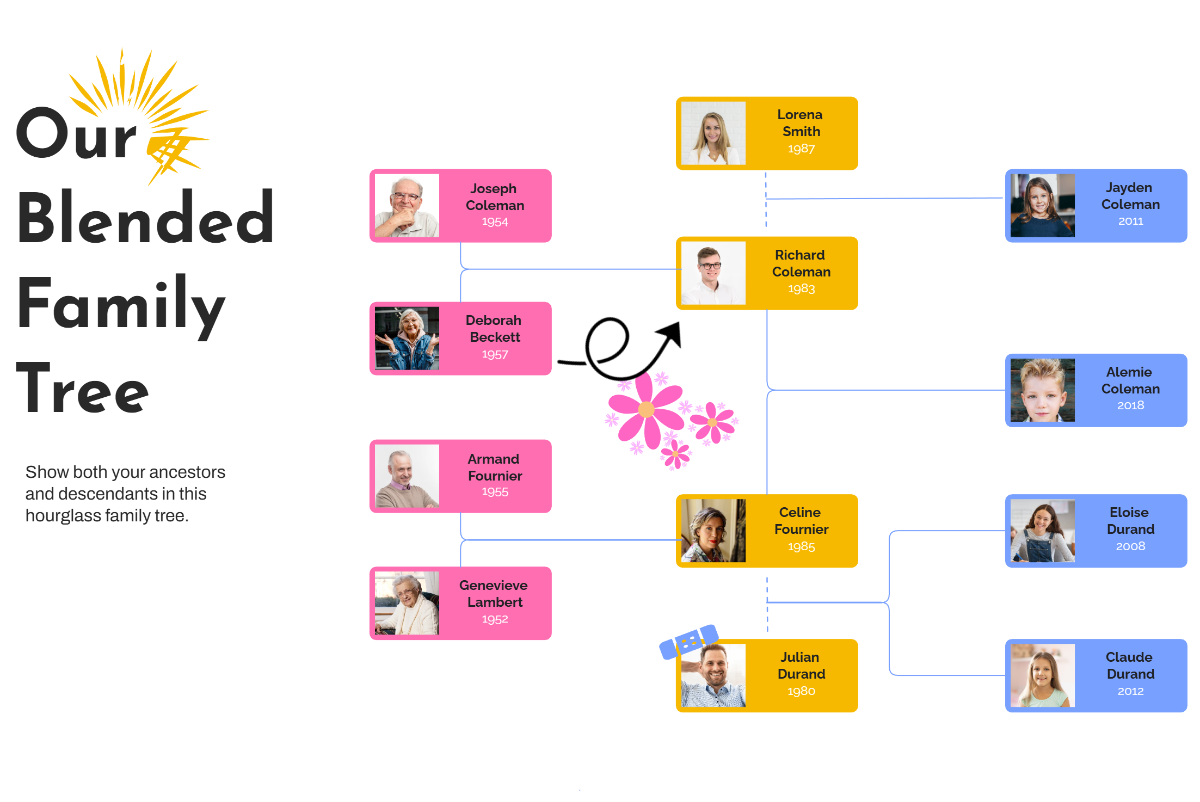
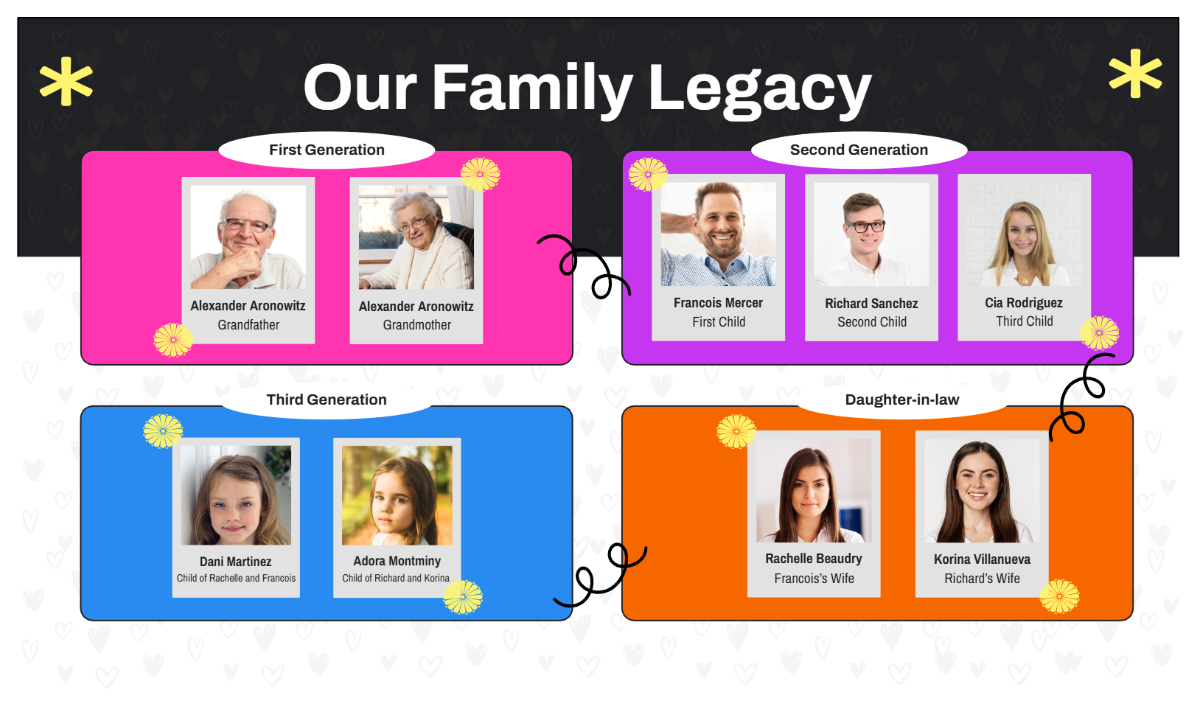
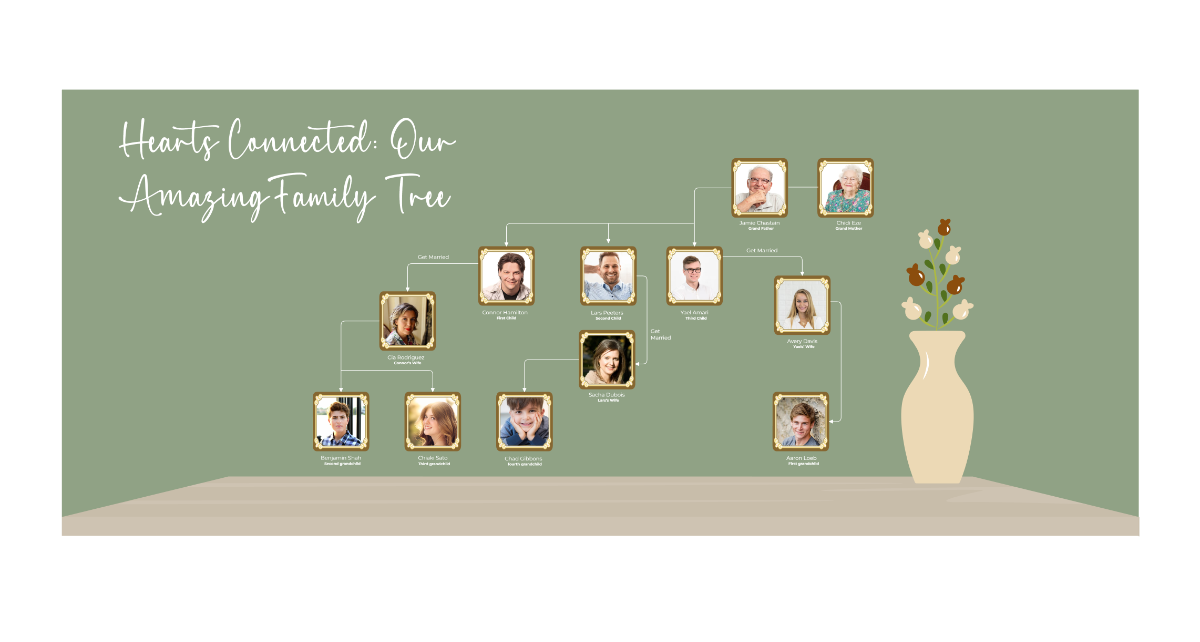
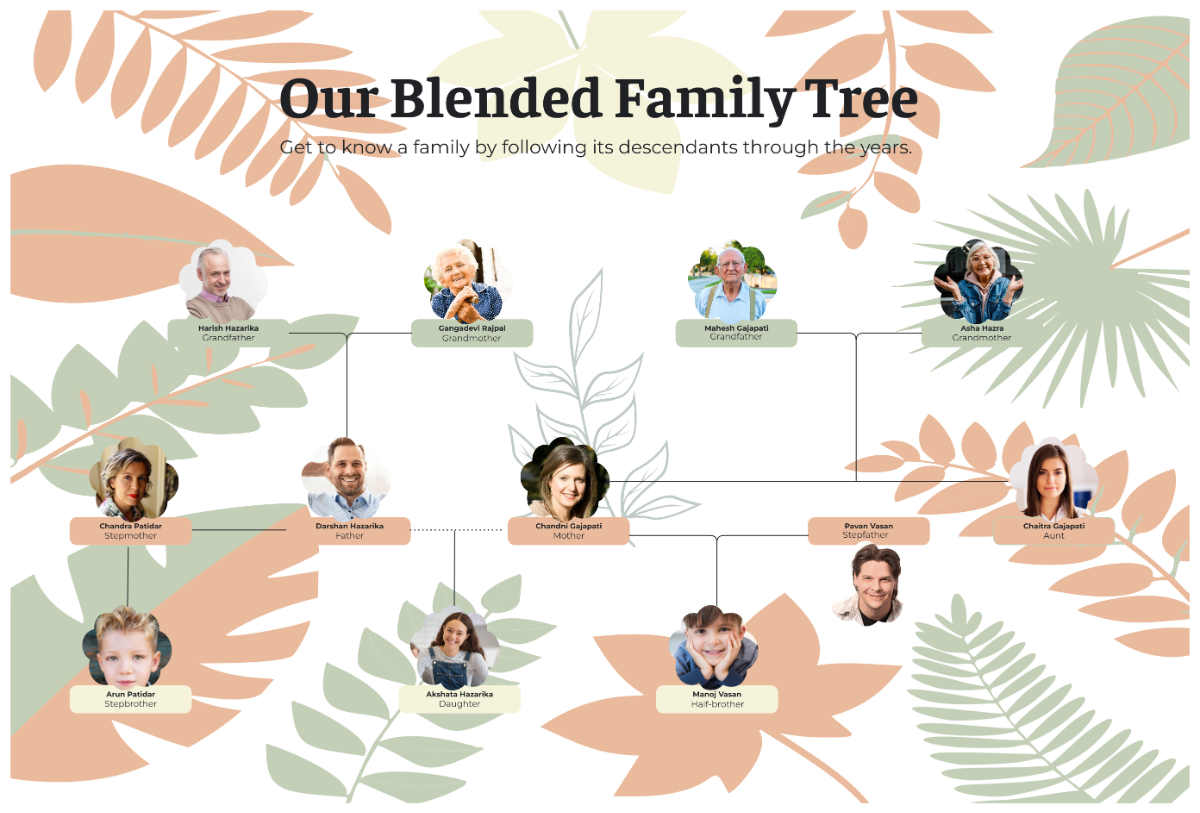
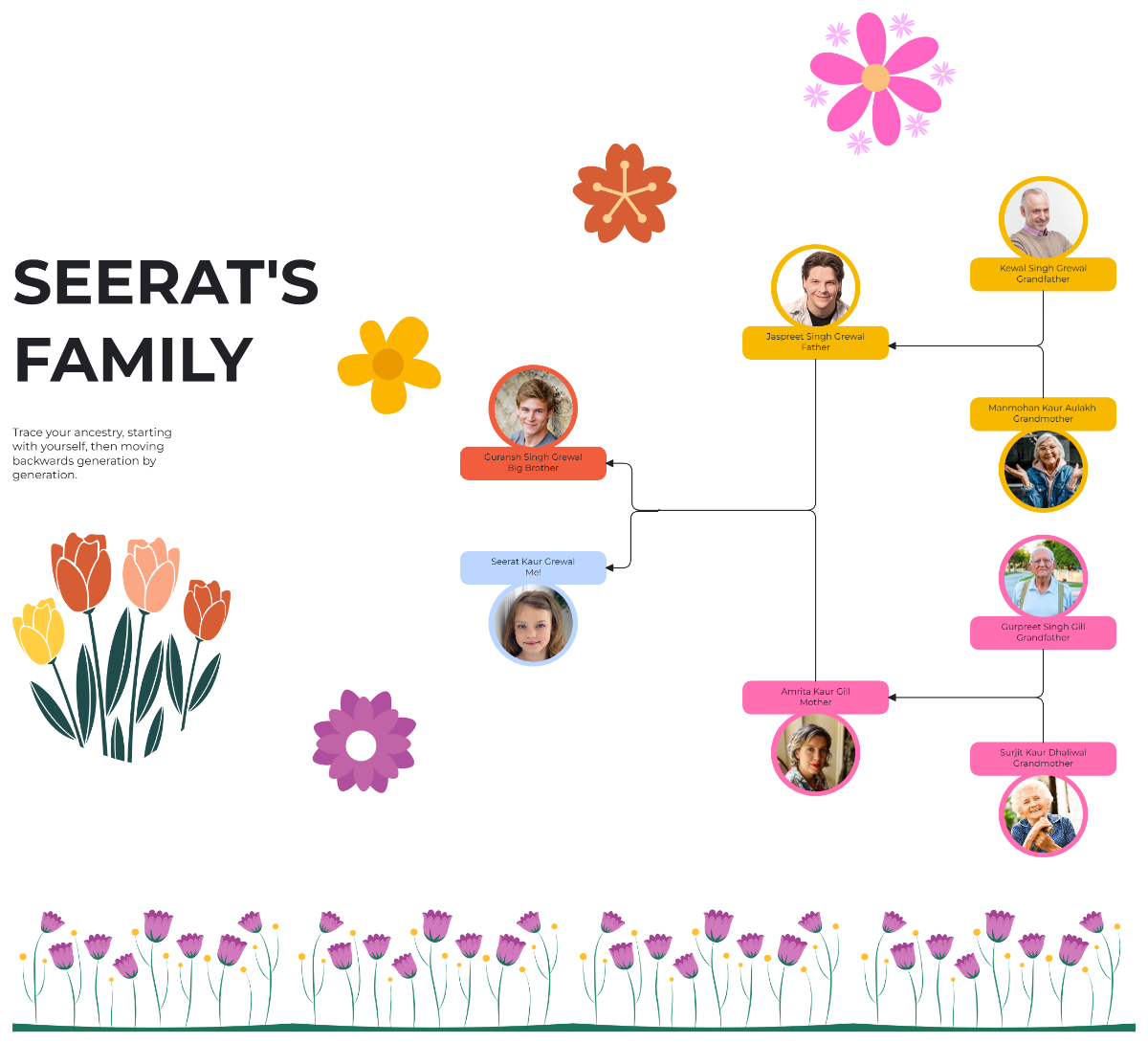
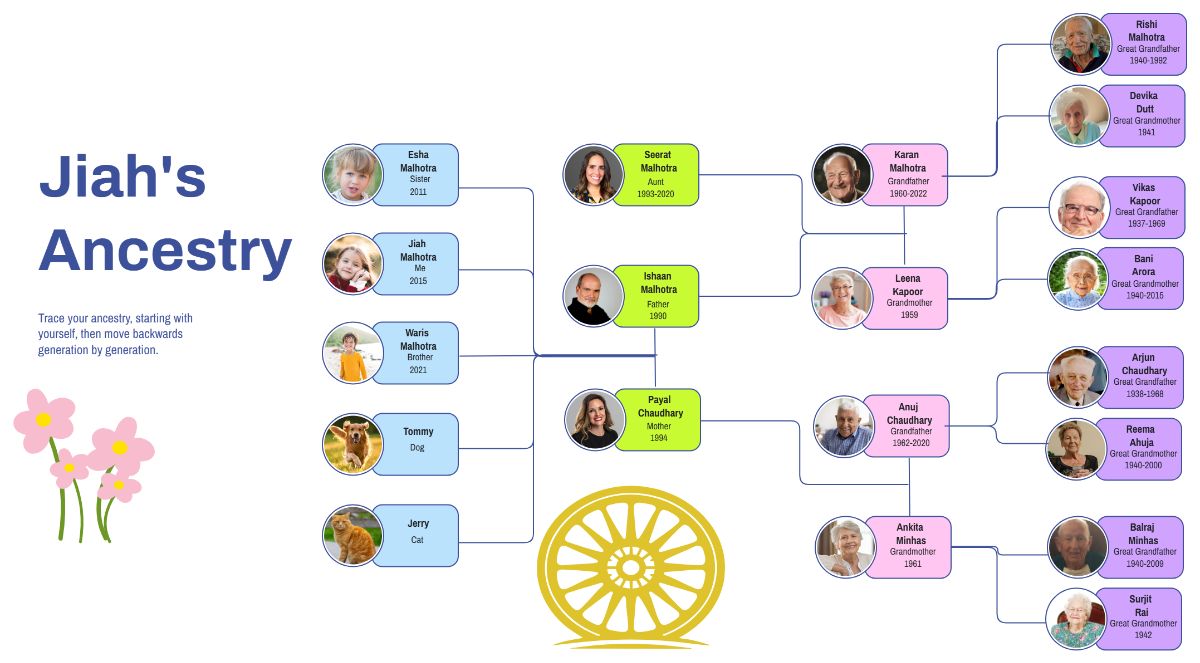
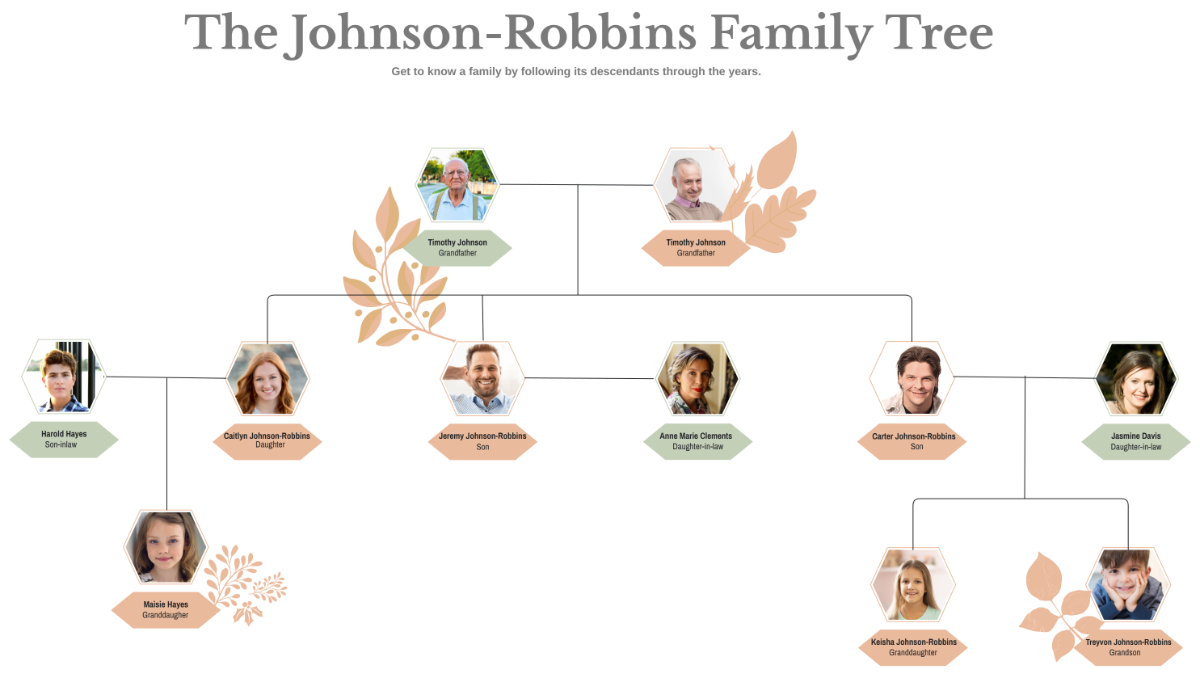

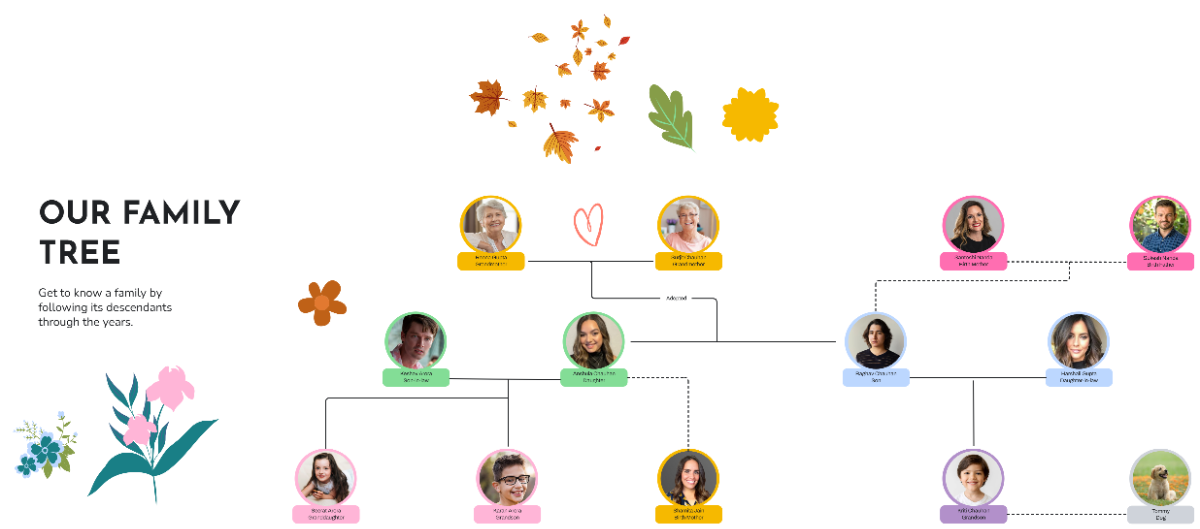
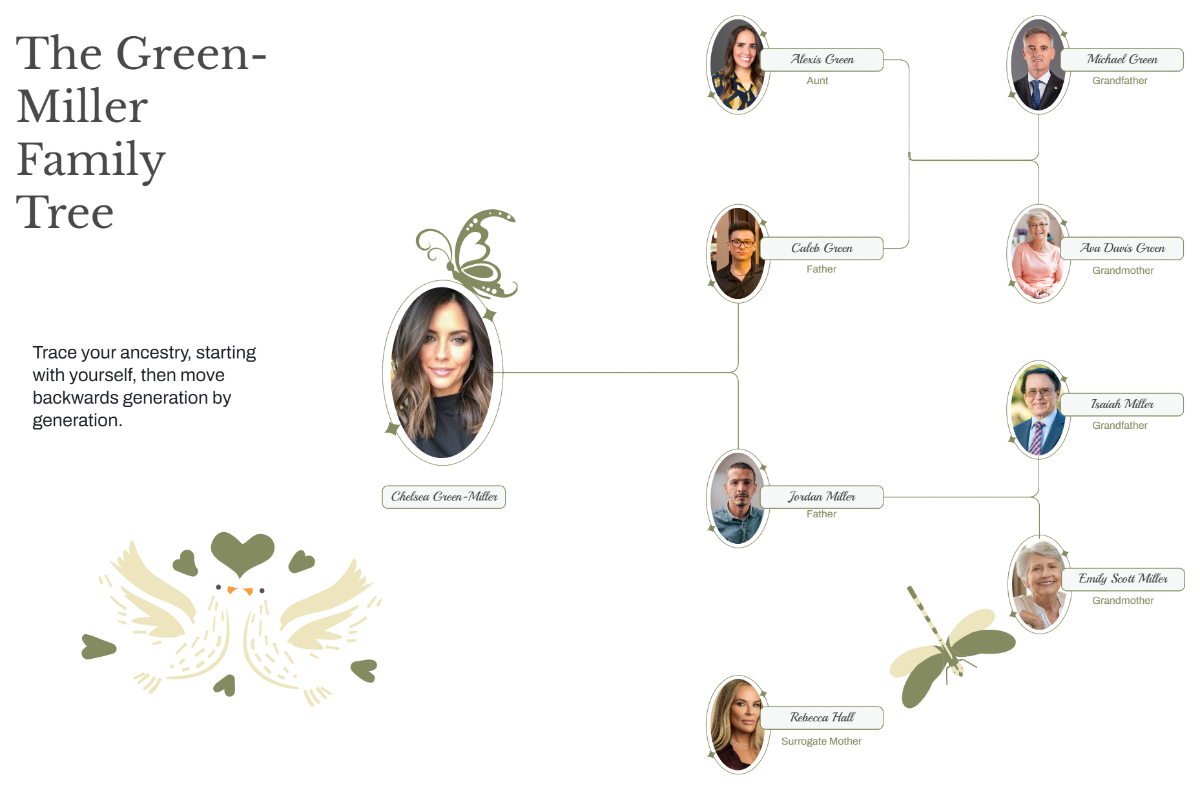
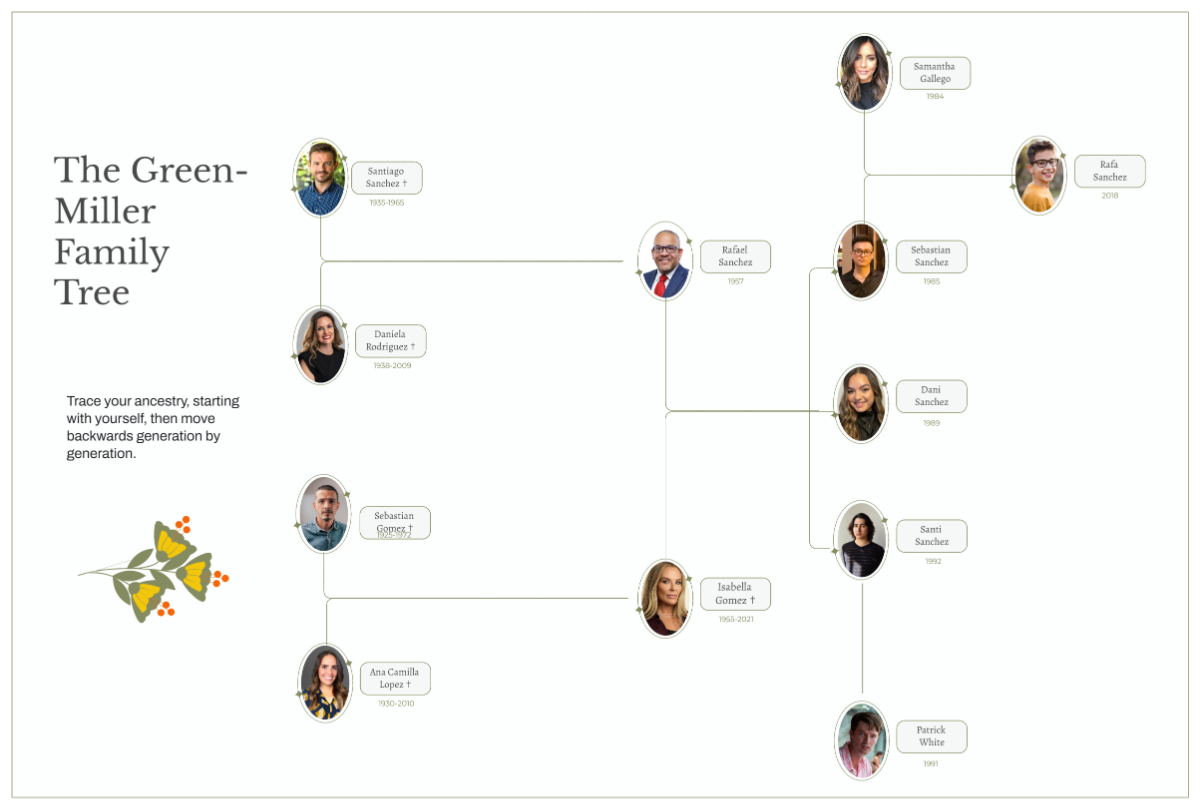
Create Intelligent Family Tree with AI-Powered Design Editor
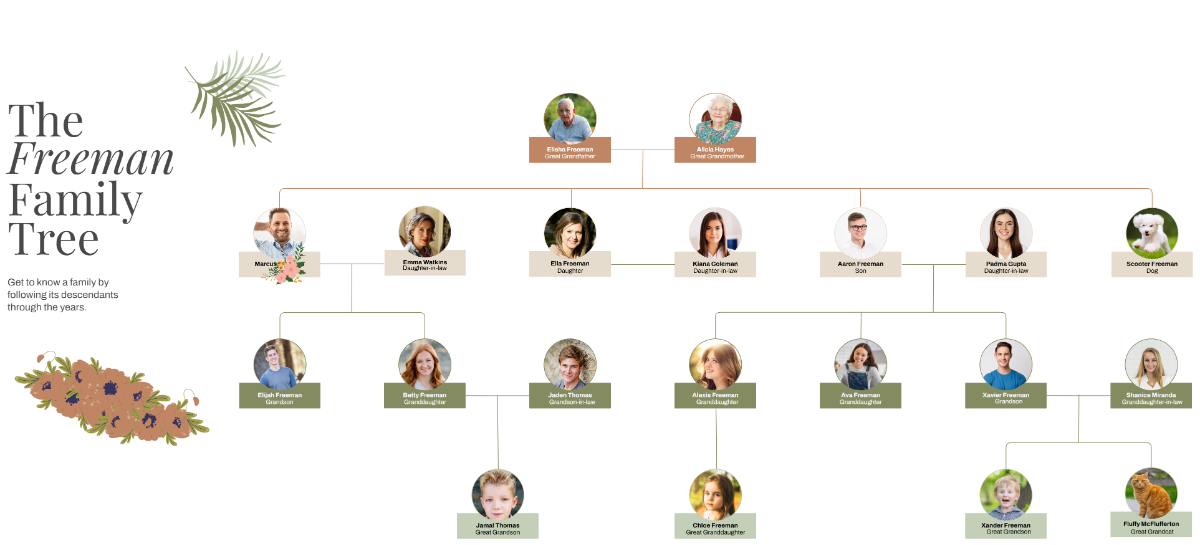
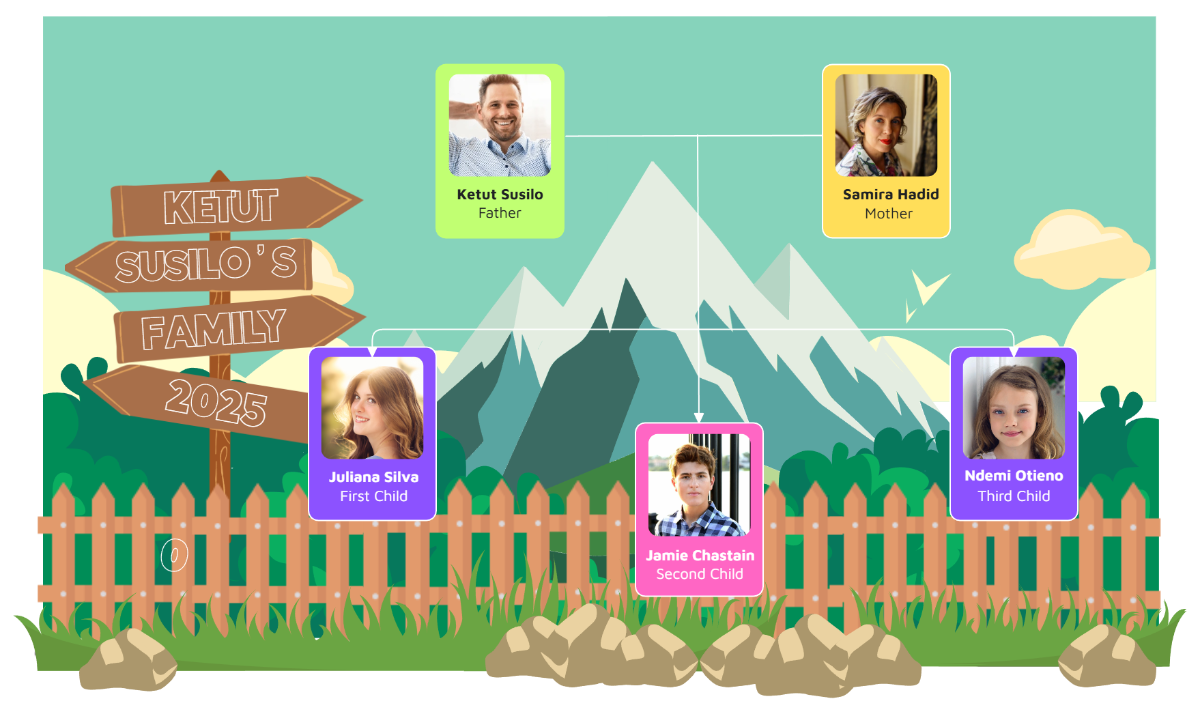
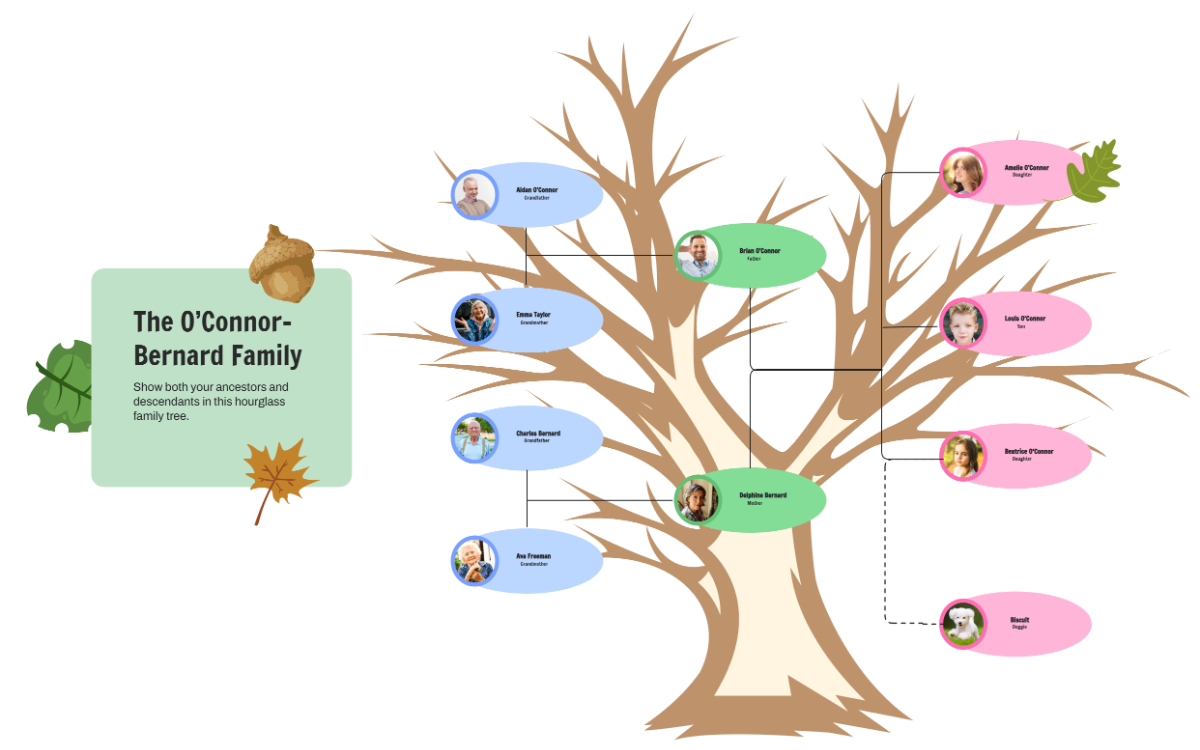
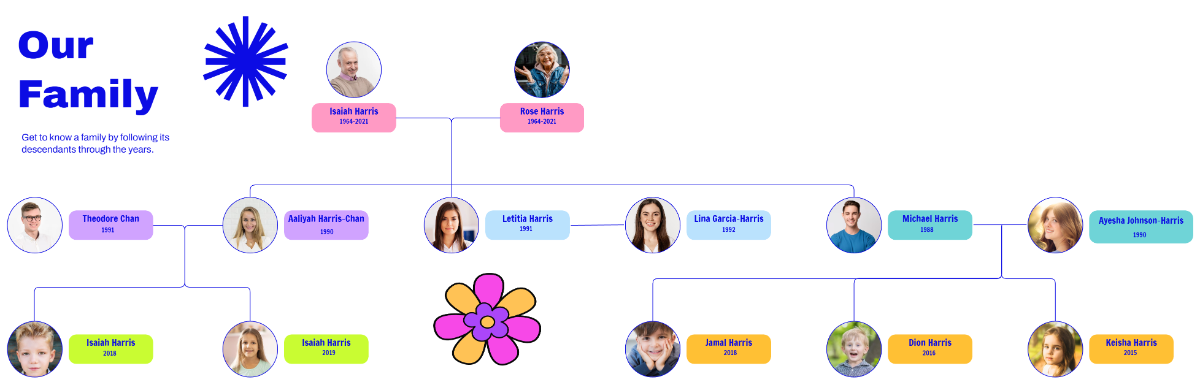
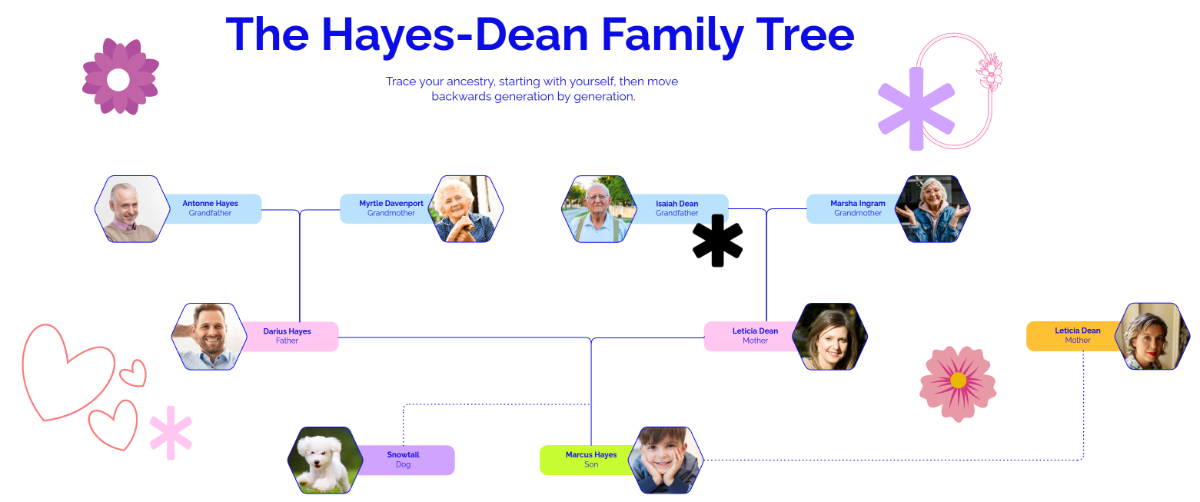
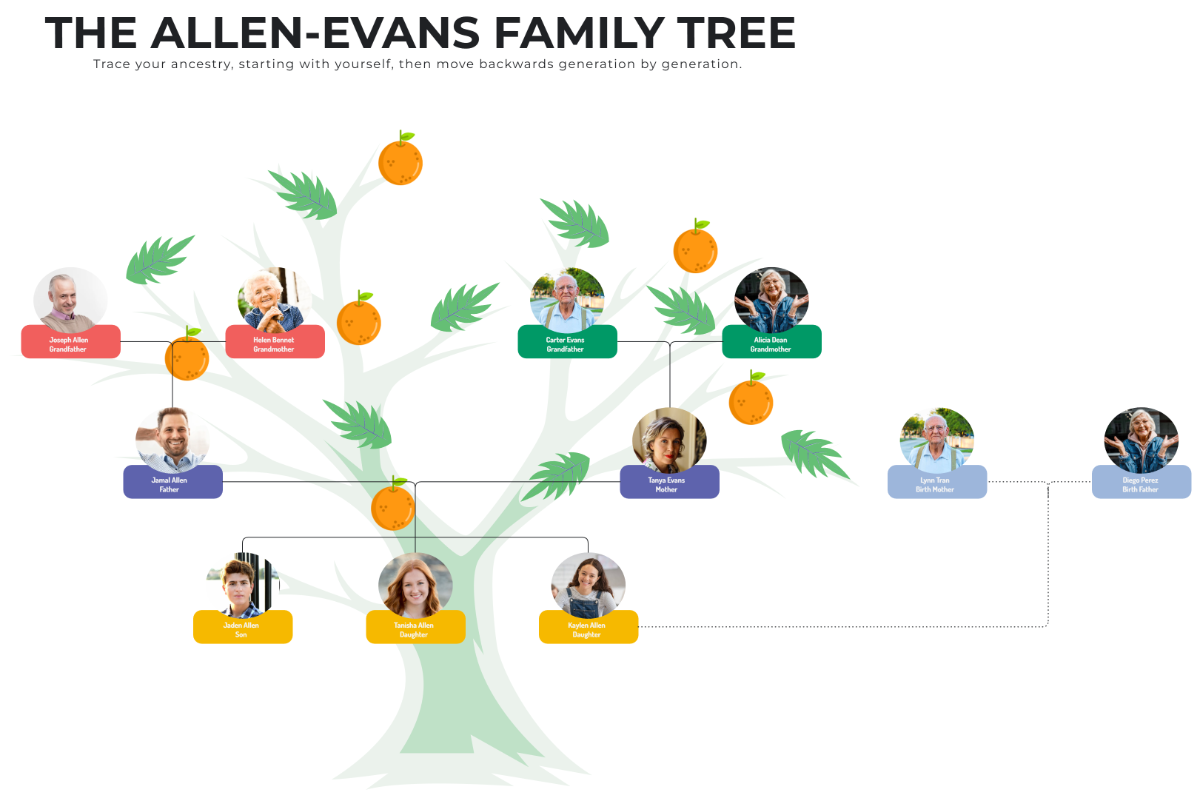
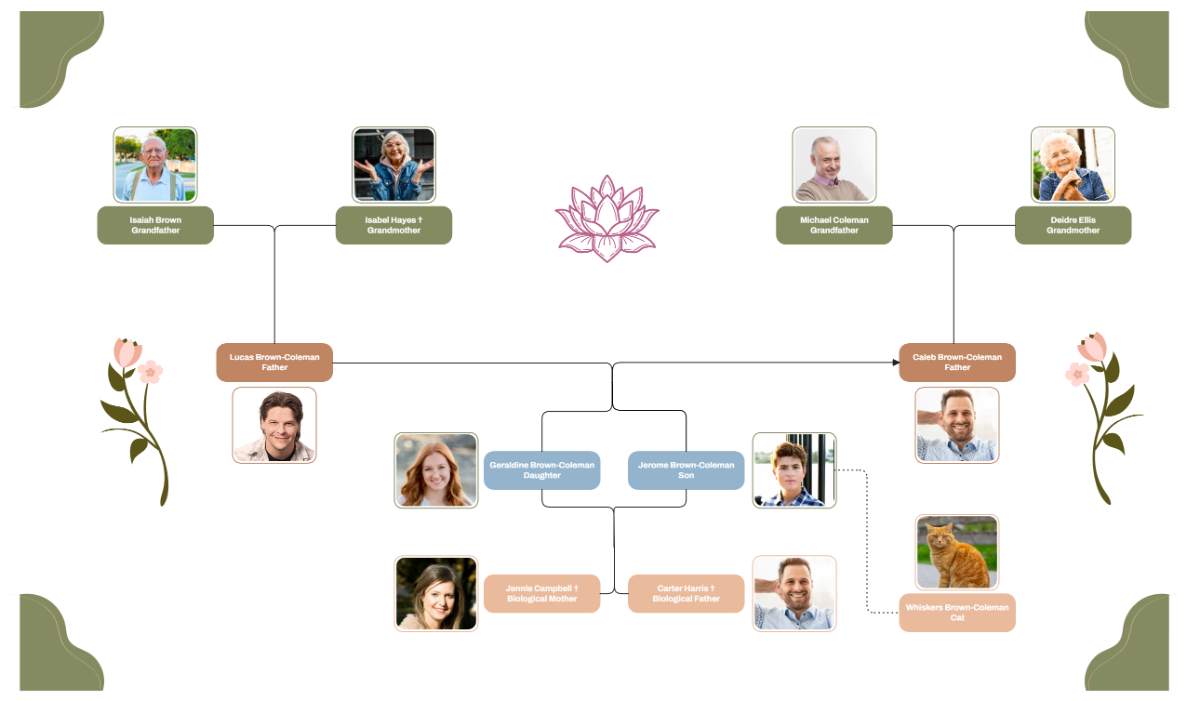
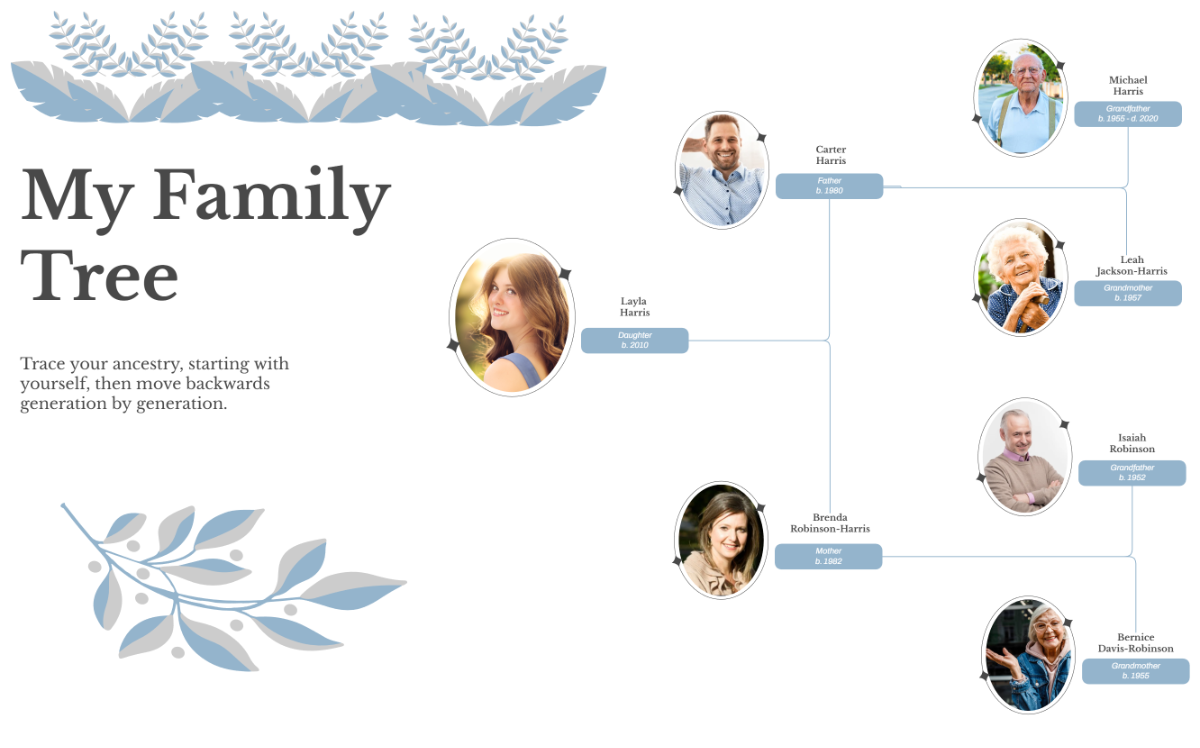
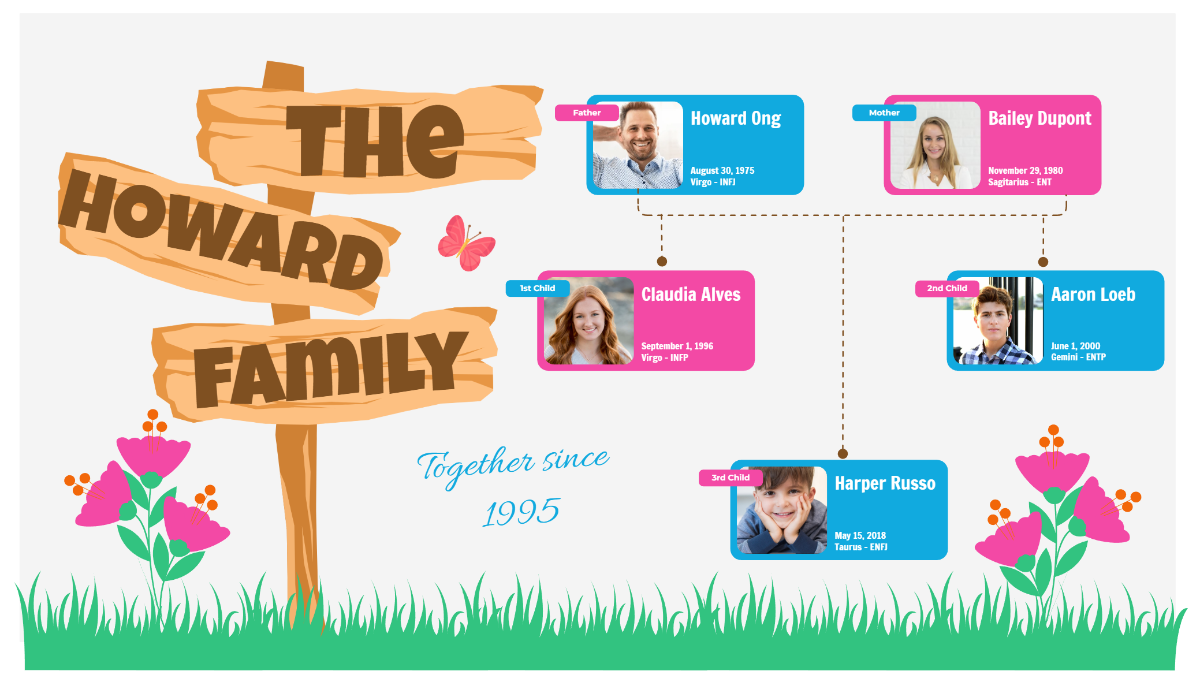
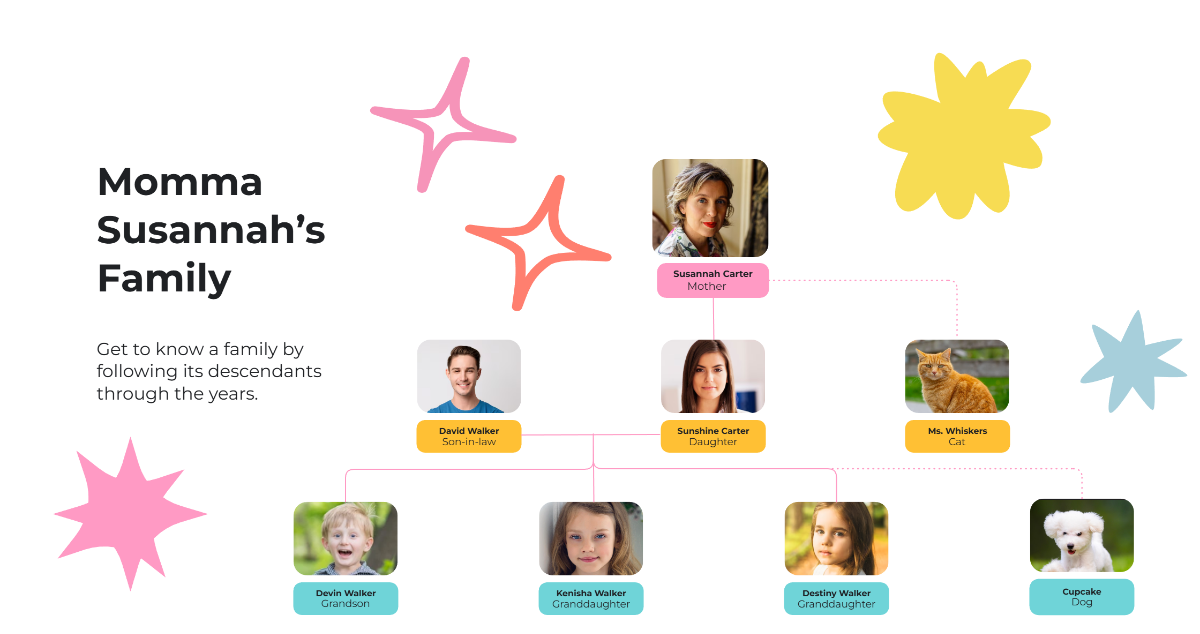
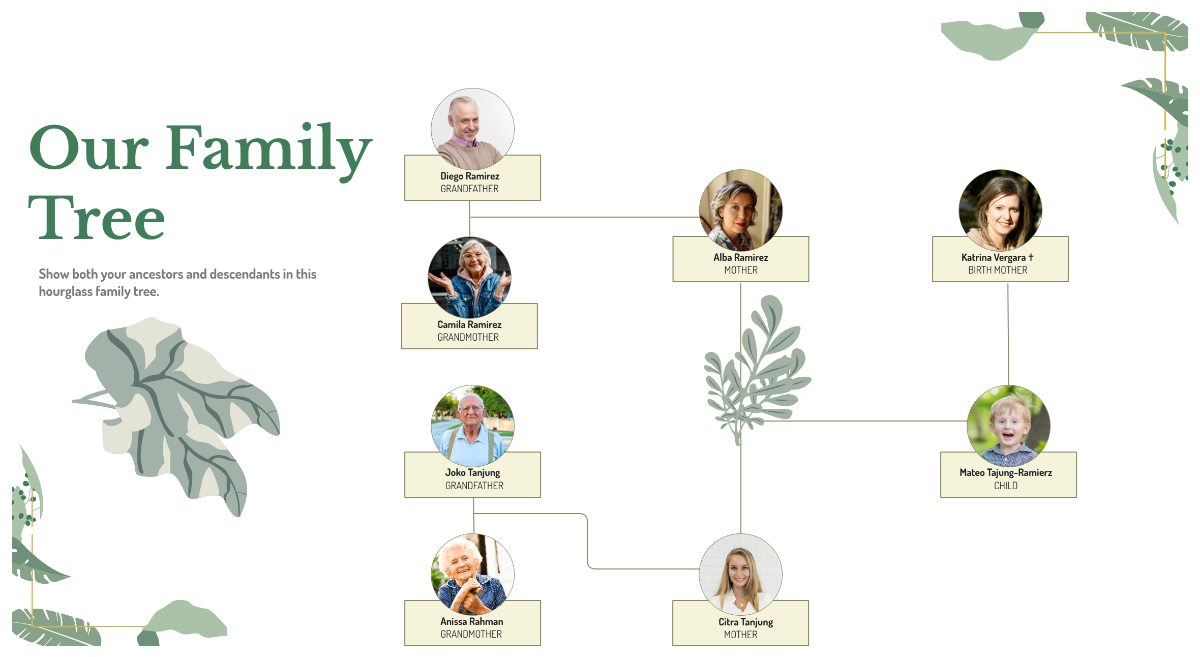
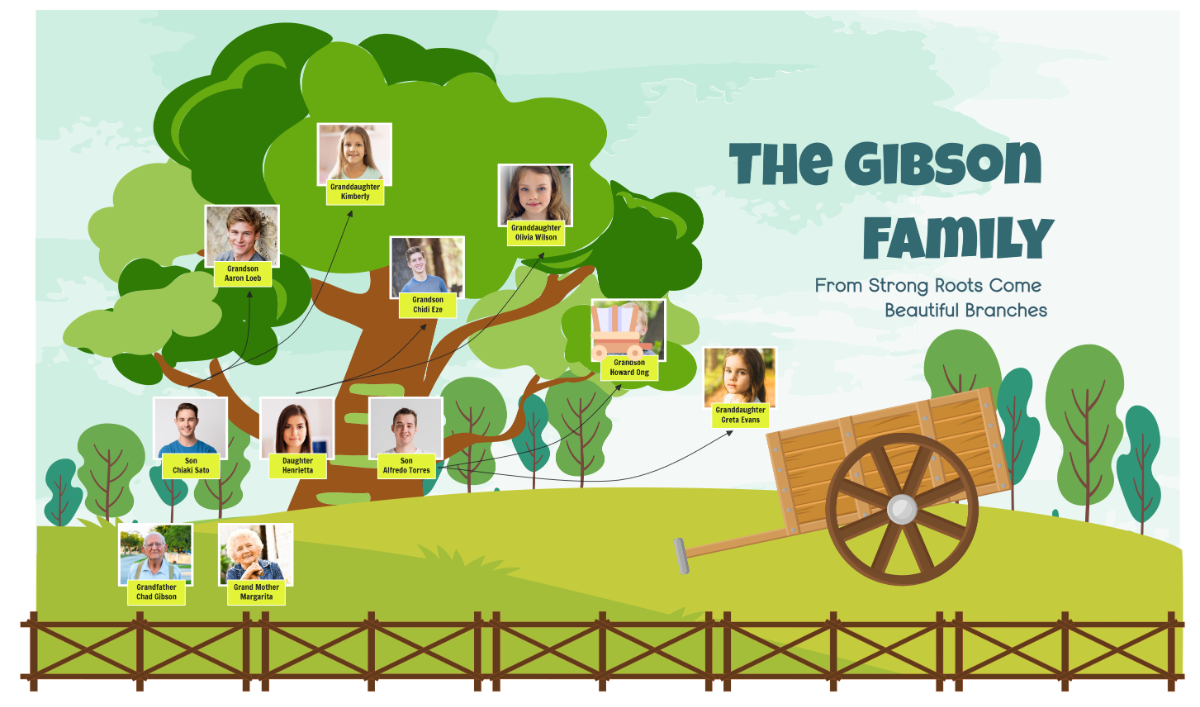
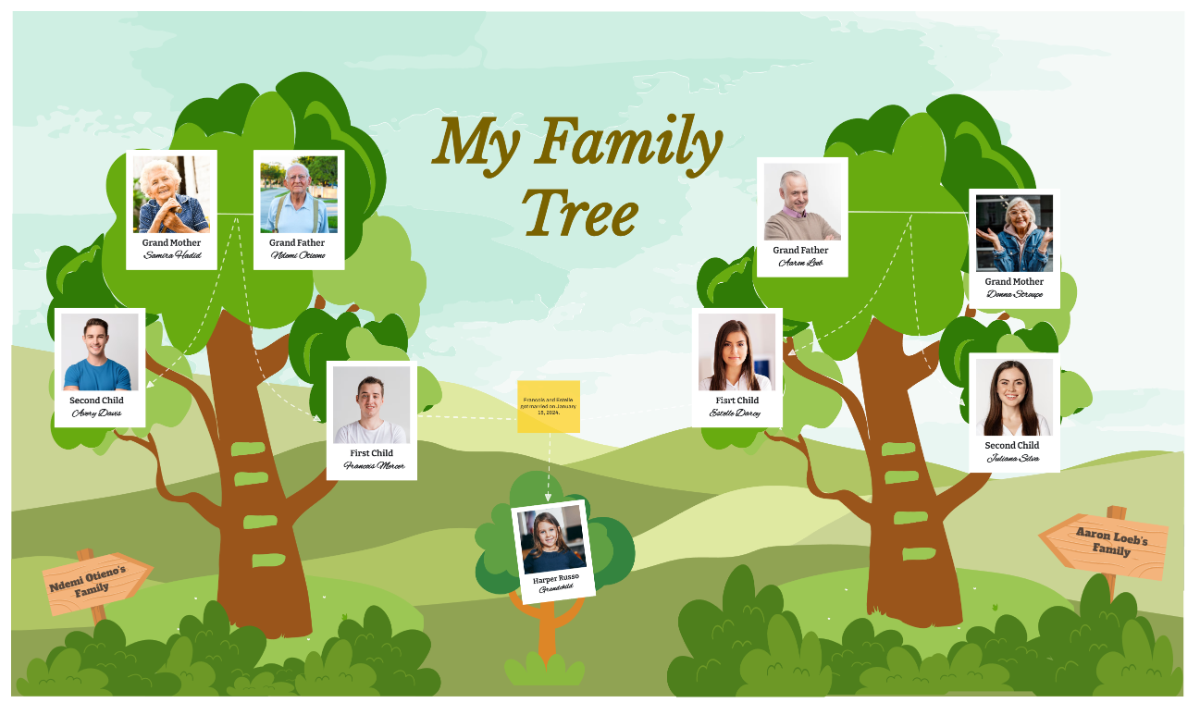
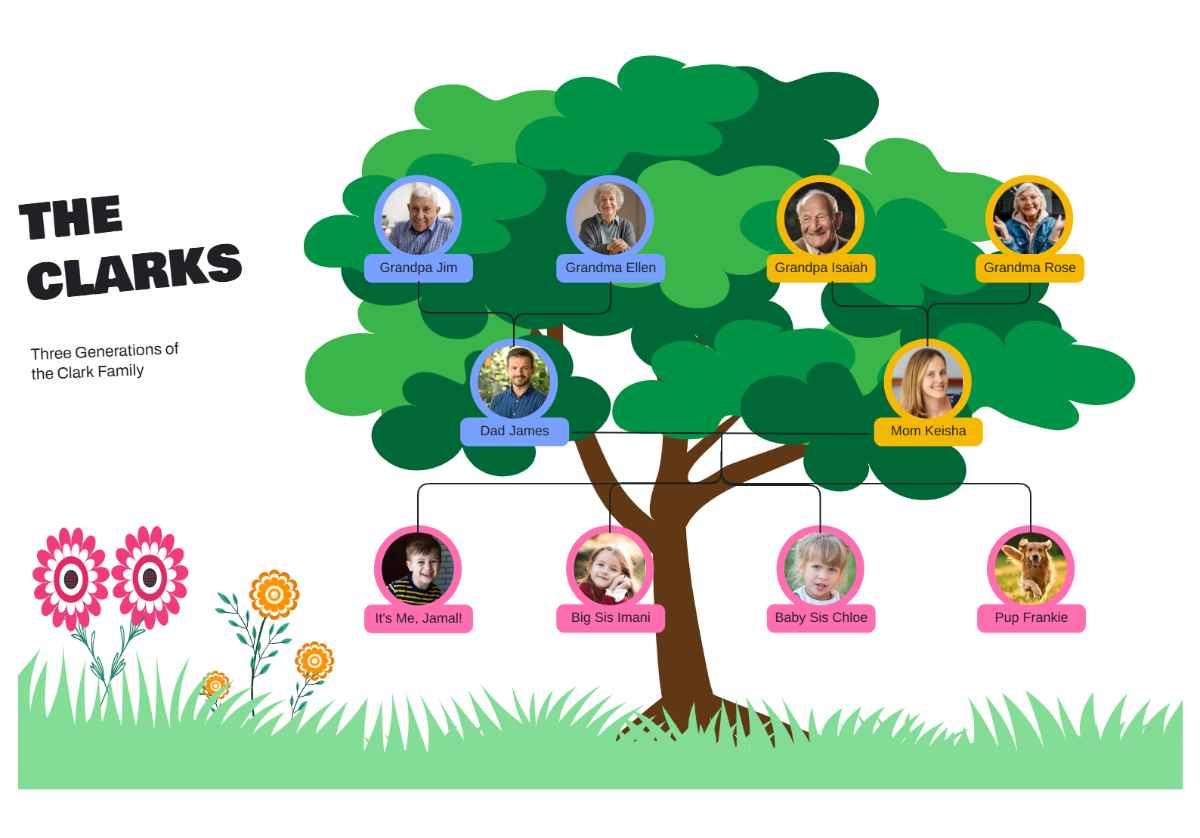
The AI Family Tree Generator transforms names and relationships into a structured visual hierarchy. Instantly map parents, children, siblings, and extended relatives with clear connectors that make your lineage easy to explore, present, and preserve.
![Free AI Family Tree Generator, AI Family Tree Maker Online [ No Signup ]](https://images.template.net/generator-images/Family Tree-0.webp)
Create, Customize, and Present Family Trees for Free
Everything you need to visualize generations and relationships in one powerful workspace.
AI Family Tree Builder
Generate a complete multi generation tree from a single prompt with automatically arranged members.
Automatic Relationship Mapping
Connect parents, children, spouses, and siblings with clear visual links.
Photo Based Member Profiles
Add images to each person for a more meaningful visual history.
Detailed Member Information Fields
Include birth dates, locations, achievements, and notes.
Multi Generation Hierarchy Layout
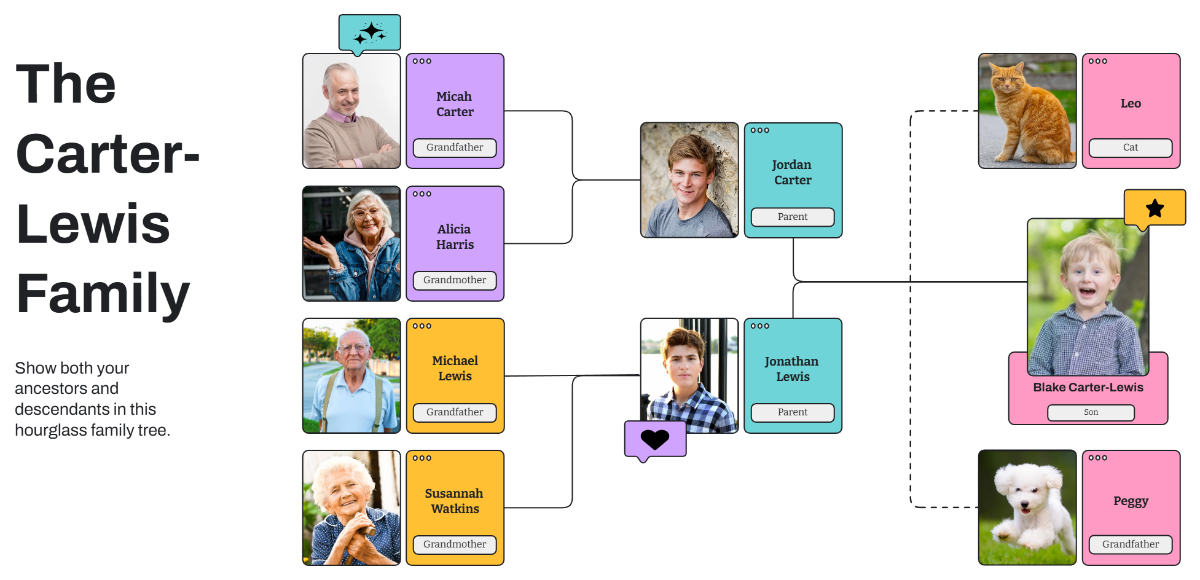
Expand upward and downward to show lineage depth.
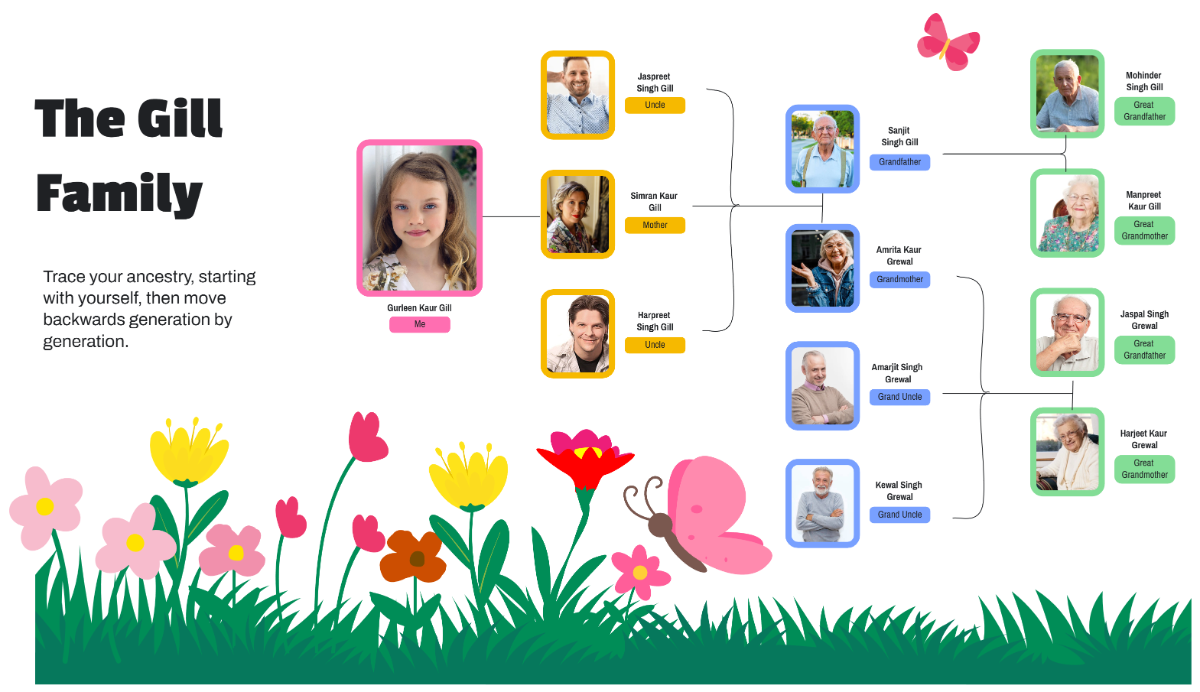
Ancestry Exploration View
Visualize heritage and family origins in one structured layout.
Drag and Arrange Family Nodes Freely
Reposition members to match your preferred structure.
Fully Customizable Visual Styles
Change colors, fonts, connectors, and backgrounds for events or keepsake designs.
Real Time Family Collaboration
Invite relatives to contribute details and build the tree together.
Multilingual Support
Create family tree in multiple languages like English, Spanish, French, German, Chinese, Japanese, Arabic, Portuguese, Hindi, Bengali, Tamil, Telugu, and more.
Presentation Ready Family Trees
Display your lineage for reunions, events, and school projects.
Duplicate Tree Variations
Create separate trees for maternal, paternal, or combined branches.
Cloud Based Workspace
Access and update your family tree anytime from one secure location.
Export and Share Instantly
Download family tree in PNG, JPG, or PDF or share across WhatsApp, Instagram, Facebook, LinkedIn, X, and more.
Infinite Expandable Canvas
Keep adding new generations as your research grows.
Smart Connector Alignment
Maintain clean and readable relationship structures automatically.
Voice to Family Tree Generation
Speak names and relationships to build your tree faster.
Pre Designed Family Tree Layouts
Start quickly with formats for ancestry, genealogy, and modern families.
![Free AI Family Tree Generator, AI Family Tree Maker Online [ No Signup ]](https://images.template.net/generator-images/Family Tree-5.webp "Free AI Family Tree Generator, AI Family Tree Maker Online [ No Signup ]")
How to Make a Free AI Generated Family Tree
Create your lineage visualization in seconds with a simple guided flow.
Step 1: Enter Your Prompt
Open the AI Family Tree Generator and describe your family structure such as “Family tree for four generations including grandparents, parents, children, and cousins with photos and birth years.” Click Generate to instantly receive a structured visual hierarchy.
Step 2: Review and Refine Your Family Tree
Edit names, add new members, adjust relationships, upload photos, and reorganize the hierarchy to ensure accuracy and clarity.
Step 3: Customize and Share Anywhere
Add icons, images, and personalized colors to style your family tree. Arrange members visually, highlight key ancestors, and download in PNG, JPG, or PDF or share a live link with your relatives.
Preserve Generations with a Living Family Tree Workspace
![Free AI Family Tree Generator, AI Family Tree Maker Online [ No Signup ]](https://images.template.net/generator-images/Family Tree-1.webp "Free AI Family Tree Generator, AI Family Tree Maker Online [ No Signup ]")
Visualize Your Heritage Clearly
Turn names and relationships into a connected visual story that is easy to explore and present.
![Free AI Family Tree Generator, AI Family Tree Maker Online [ No Signup ]](https://images.template.net/generator-images/Family Tree-2.webp "Free AI Family Tree Generator, AI Family Tree Maker Online [ No Signup ]")
Create Separate Lineage Views
Duplicate your project to show maternal, paternal, or regional ancestry paths.
![Free AI Family Tree Generator, AI Family Tree Maker Online [ No Signup ]](https://images.template.net/generator-images/Family Tree-3.webp "Free AI Family Tree Generator, AI Family Tree Maker Online [ No Signup ]")
Collaborate with Your Entire Family
Allow relatives to add details, upload photos, and expand the tree together in real time.
![Free AI Family Tree Generator, AI Family Tree Maker Online [ No Signup ]](https://images.template.net/generator-images/Family Tree-4.webp "Free AI Family Tree Generator, AI Family Tree Maker Online [ No Signup ]")
Keep Your Ancestry Organized in One Place
Store every generation, update information anytime, and maintain a growing visual record of your family history.
