Free AI Google Sheets to PPT Generator

Transform Google Sheets into Professional PowerPoint Presentations with AI
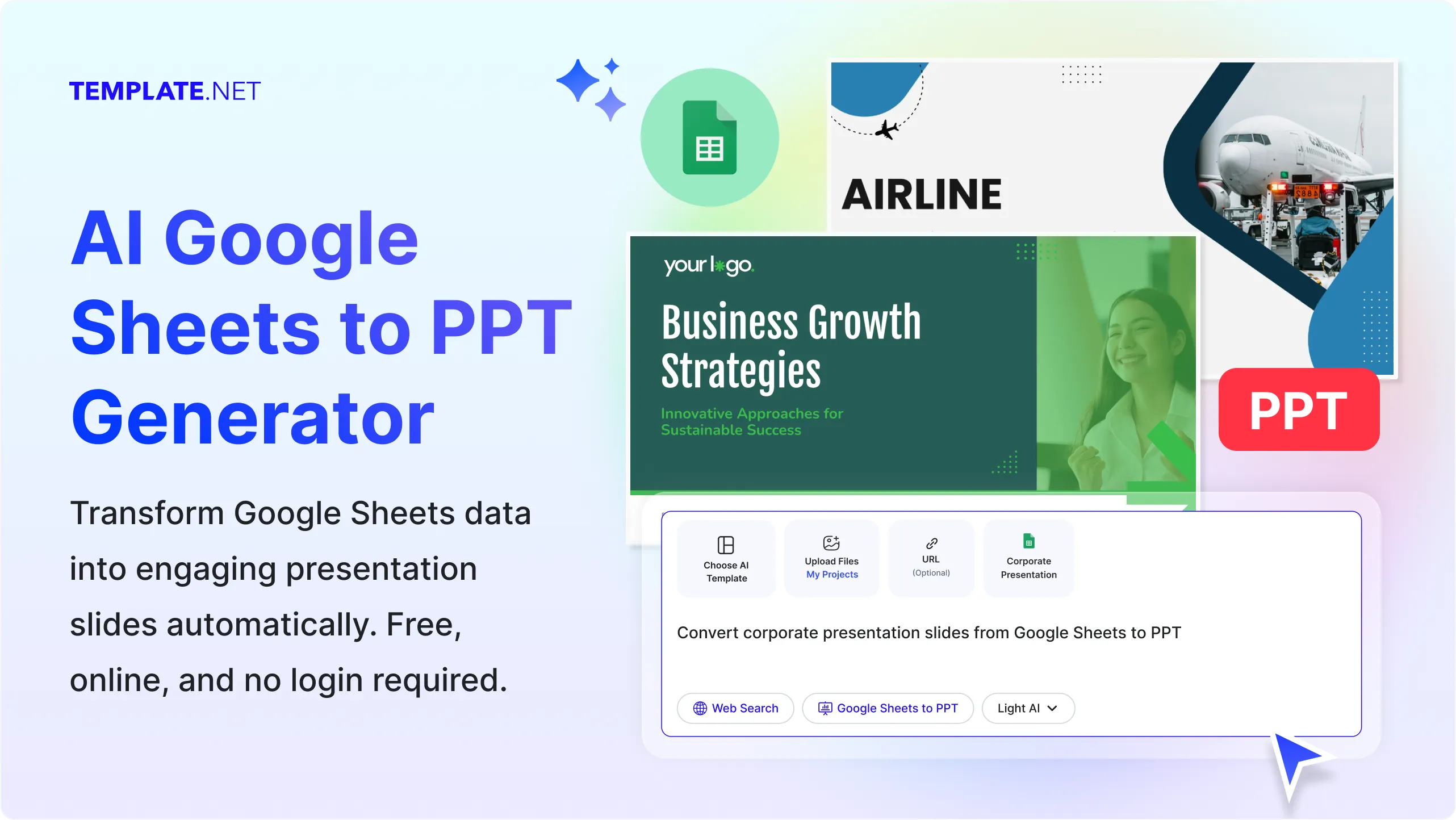
Template.net's Free AI Google Sheets to PPT Generator helps you instantly convert prompts, Google Sheets, Excel spreadsheets, KPI dashboards, financial reports, sales data, project trackers, analytics reports, and business metrics into professionally designed PowerPoint presentations. Simply describe your presentation or upload a Google Sheets file, and AI intelligently analyzes your spreadsheet, extracts meaningful insights, organizes data into presentation-ready slides, and automatically creates charts, tables, summaries, comparisons, and conclusion slides. Personalize every slide using the built-in editor, collaborate with your team in real time, present online, or download your presentation in multiple formats.
Create Data-Driven Google Sheets to PowerPoint Presentations Effortlessly
Everything you need to transform prompts and Google Sheets into professional, insight-rich presentations with visually organized slides.
AI-Powered Google Sheets to PPT Conversion
Upload a Google Sheets file or describe your presentation using a prompt. AI automatically analyzes spreadsheet data, identifies important metrics, organizes information into structured slides, and generates a professional PowerPoint presentation in minutes.
Prompt or Spreadsheet Upload Generation
Create presentations by entering a prompt, using voice input, or uploading Google Sheets, Excel files, CSV files, reports, financial spreadsheets, KPI dashboards, or business data for instant slide generation.
Automatic Data Analysis
AI intelligently reads rows, columns, tables, formulas, and numerical data to identify trends, comparisons, summaries, and key insights that improve presentation quality and storytelling.
AI-Generated Presentation Structure
Instantly generate organized presentation outlines with title slides, executive summaries, agenda slides, performance highlights, data analysis sections, recommendations, and conclusion slides.
Smart Charts and Data Visualization
Automatically transform spreadsheet data into professional charts, graphs, KPI dashboards, comparison tables, timelines, and visual reports that make complex information easier to understand.
Presentation-Optimized Slide Layouts
Generate visually balanced slide layouts designed for financial reports, sales presentations, business reviews, project updates, analytics reports, executive meetings, educational presentations, and conferences.
Editable PowerPoint Slides
Customize every generated slide by editing titles, text, charts, tables, colors, fonts, visuals, icons, layouts, and themes to match your presentation goals and brand identity.
Upload Supporting Files and Visual Assets
Improve presentations by uploading company logos, screenshots, product images, icons, diagrams, documents, and additional files to create more engaging and informative slide decks.
AI-Generated Business Insights
AI summarizes spreadsheet data into meaningful business insights, highlights trends, identifies performance indicators, and generates concise content that supports better decision-making during presentations.
Multilingual Support
Create PowerPoint presentations in 20+ multiple languages including English, Spanish, French, German, Italian, Portuguese, Dutch, Hindi, Arabic, Chinese, Japanese, Korean, Russian, Turkish, Vietnamese, Thai, Indonesian, Malay, Polish, Swedish, and more, making it easy to present data to global audiences.
Real-Time Collaborative Editing
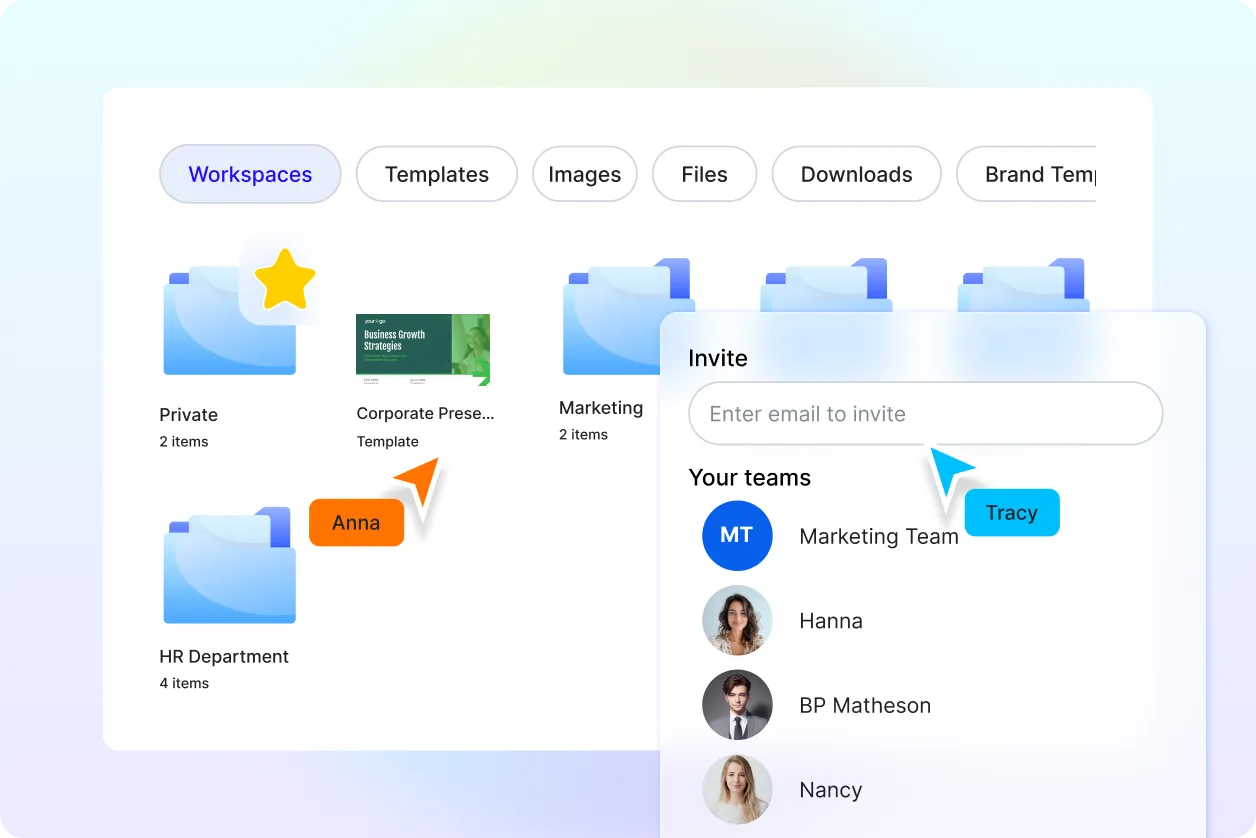
Invite colleagues, clients, or classmates to edit presentations together with live collaboration. Share feedback through comments, review updates instantly, and keep every presentation aligned with your team's goals.
Brand-Ready Presentation Design
Apply your organization's colors, fonts, logos, and visual style across every slide. Maintain a consistent brand identity while creating presentations for reports, meetings, proposals, and executive reviews.
Dynamic Animations and Smooth Transitions
Make presentations more engaging with professionally designed animations, slide transitions, and visual effects that help communicate data and insights more effectively.
Smart Presentation Organization
Manage presentation files with ease by renaming projects, organizing folders, saving favorites, and keeping frequently used presentations readily accessible for future updates.
Access and Present Across Devices
Create, edit, review, and present your PowerPoint presentations seamlessly from desktops, laptops, tablets, or mobile devices, ensuring productivity wherever you work.
Save as Reuse
Convert completed presentations into reusable templates for recurring business reports, financial reviews, project updates, sales presentations, training sessions, and operational dashboards.
Publish and Embed Presentations Anywhere
Embed presentations into websites, landing pages, blogs, knowledge bases, or internal business portals for convenient online viewing and team access.
Download, Share, and Export Anywhere
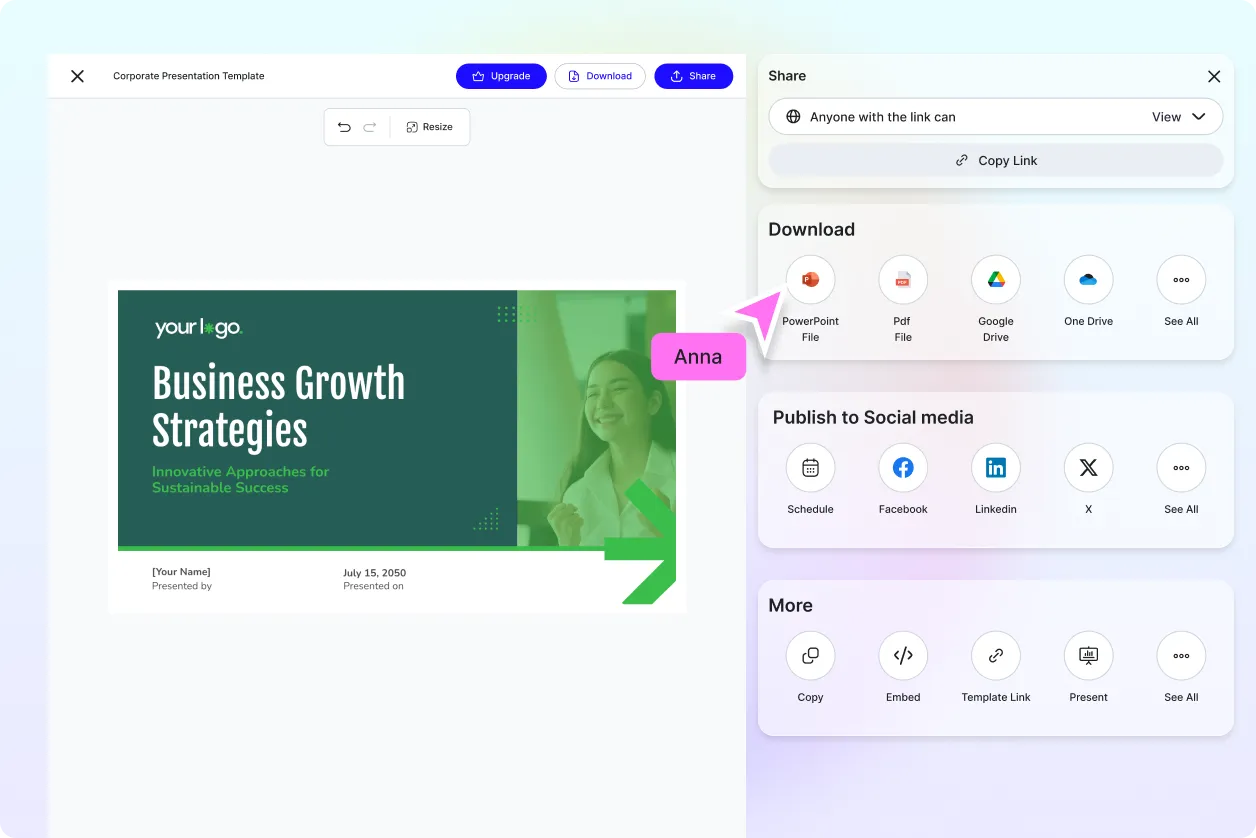
Download presentations in JPG, PNG, PDF, WEBP, BMP, TIFF, Microsoft PowerPoint, Google Slides, and other supported formats. Save directly to Google Drive, generate QR codes or shareable links, and instantly share presentations through Email, LinkedIn, Facebook, X (Twitter), Pinterest.
How to Create an AI Google Sheets to PPT Presentation
Transform prompts or uploaded Google Sheets into professional PowerPoint presentations in three simple steps.
Step 1: Enter a Prompt or Upload Google Sheets
Open the AI Google Sheets to PPT Generator and either describe your presentation with a prompt such as "Create a quarterly business review presentation from my sales data" or upload a Google Sheets file, Excel spreadsheet, CSV file, KPI dashboard, financial report, or analytics spreadsheet. Click Generate to create your presentation instantly.
Step 2: Customize Your Presentation
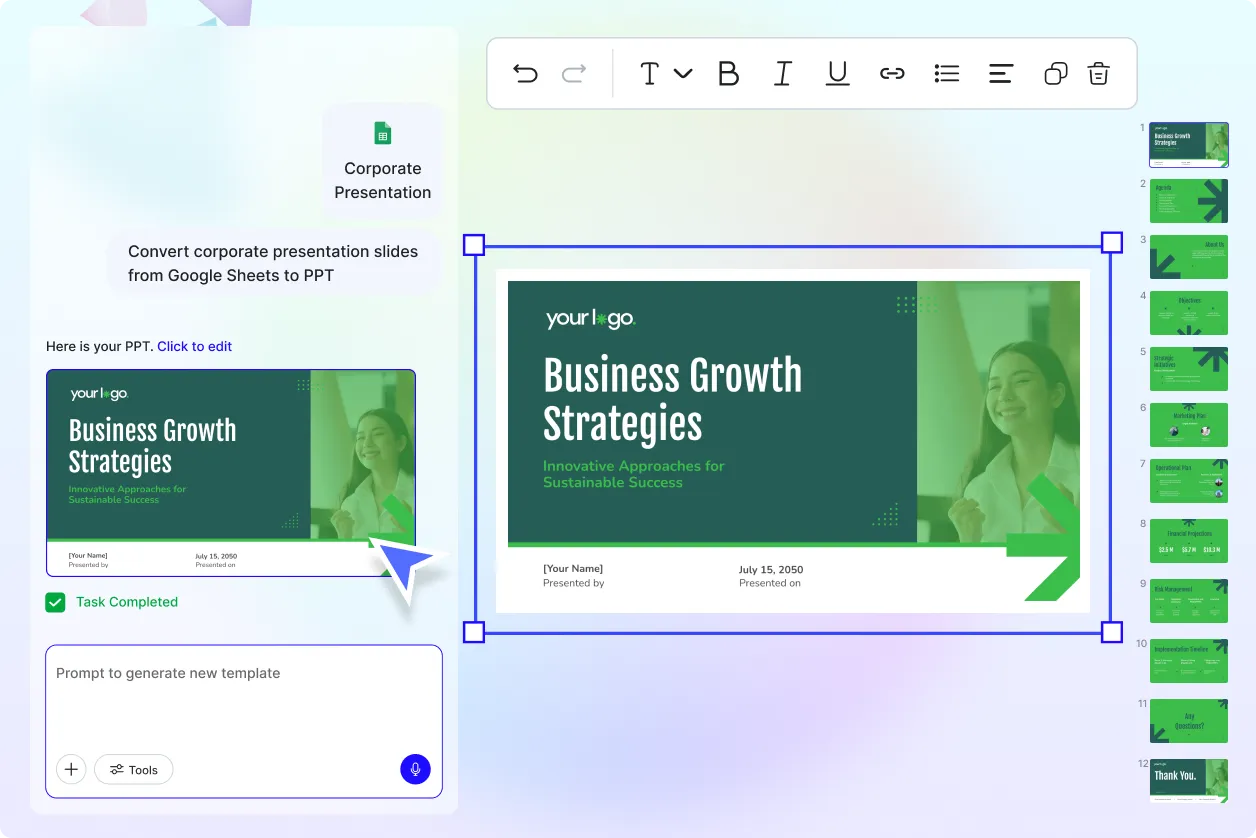
Review the generated slides and edit titles, charts, tables, summaries, visuals, layouts, colors, speaker notes, branding, and animations. Upload additional images or supporting files and refine every slide to match your audience and presentation objectives.
Step 3: Present, Share, or Download
Present directly from the editor during meetings, webinars, or conferences. Download your presentation in multiple formats, save it to Google Drive, generate a QR code, embed it on your website, or share it instantly through Email, LinkedIn, Facebook, X (Twitter), Pinterest, WhatsApp, or Messenger.
Transform Spreadsheet Data into Powerful Presentations
Turn Google Sheets into Executive-Ready Slides
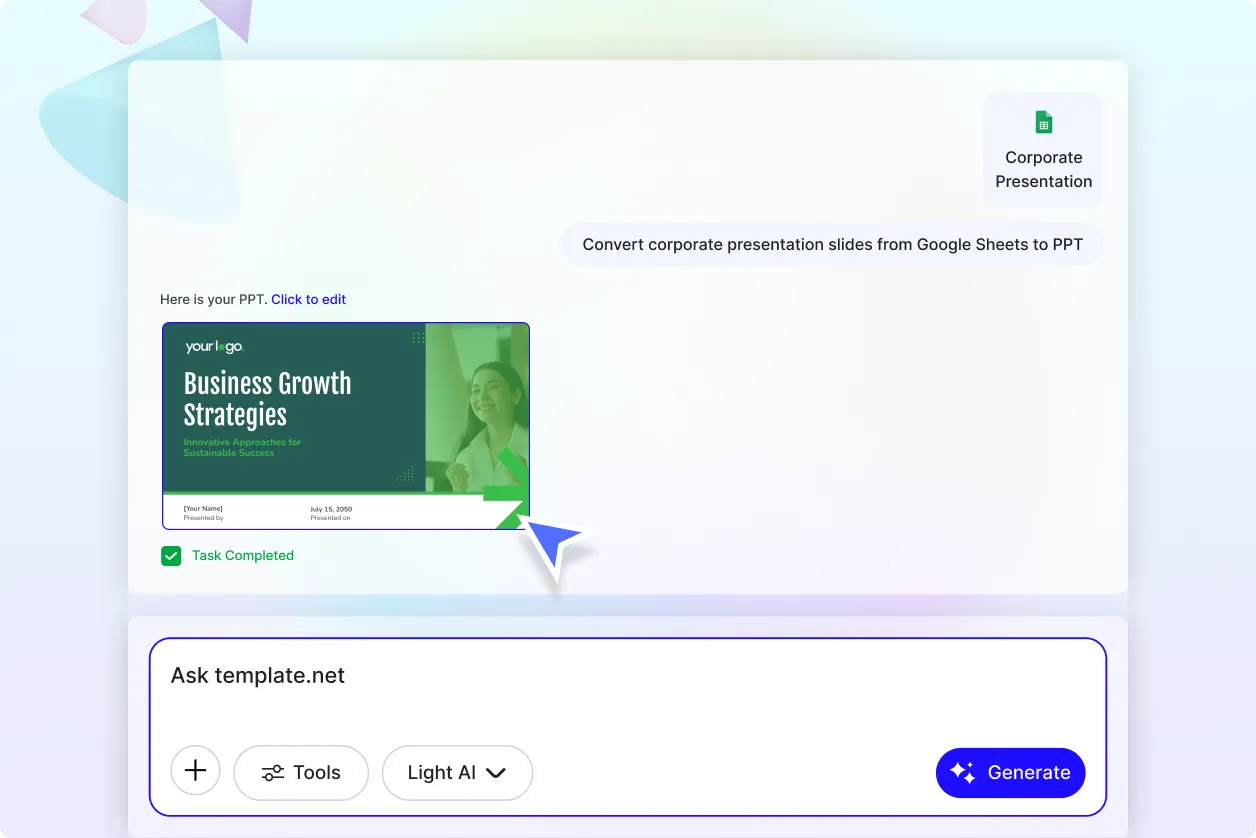
Convert Google Sheets, business reports, KPI dashboards, sales trackers, financial records, and analytics data into professionally organized PowerPoint presentations. AI extracts meaningful information, highlights important metrics, and builds presentation-ready slides that communicate insights clearly.
Generate Data-Driven Presentations from Prompts or Uploads
Whether you provide a simple prompt or upload Google Sheets, Excel files, CSV files, or business spreadsheets, AI instantly creates polished presentations with structured content, charts, comparisons, and summaries for meetings, reports, and decision-making.
Visualize Business Data with Clarity
Present complex spreadsheet data using professionally designed charts, graphs, tables, timelines, and KPI dashboards. Customize every visual element to make your presentations easier to understand, more engaging, and suitable for executives, stakeholders, clients, or classroom audiences.
Collaborate, Present, and Share Without Limits
Work together in shared workspaces, collect feedback through comments, organize presentation projects, and publish completed slide decks with confidence. Present online, embed presentations into websites, or export them in multiple formats for seamless collaboration across teams and devices.
