Generate Videos with Minimax Hailuo 02
more
Create Smarter Videos with the Latest Minimax Hailuo 02
AI HailuoAI Minimax Video on Template.net gives you access to Minimax Hailuo 02 and MiniMax Live Illustrations for stylized video generation, animated storytelling, marketing videos, educational visuals, and creative productions from text prompts and images. Create videos across desktop, tablet, and mobile devices with plans starting at just $12 monthly.
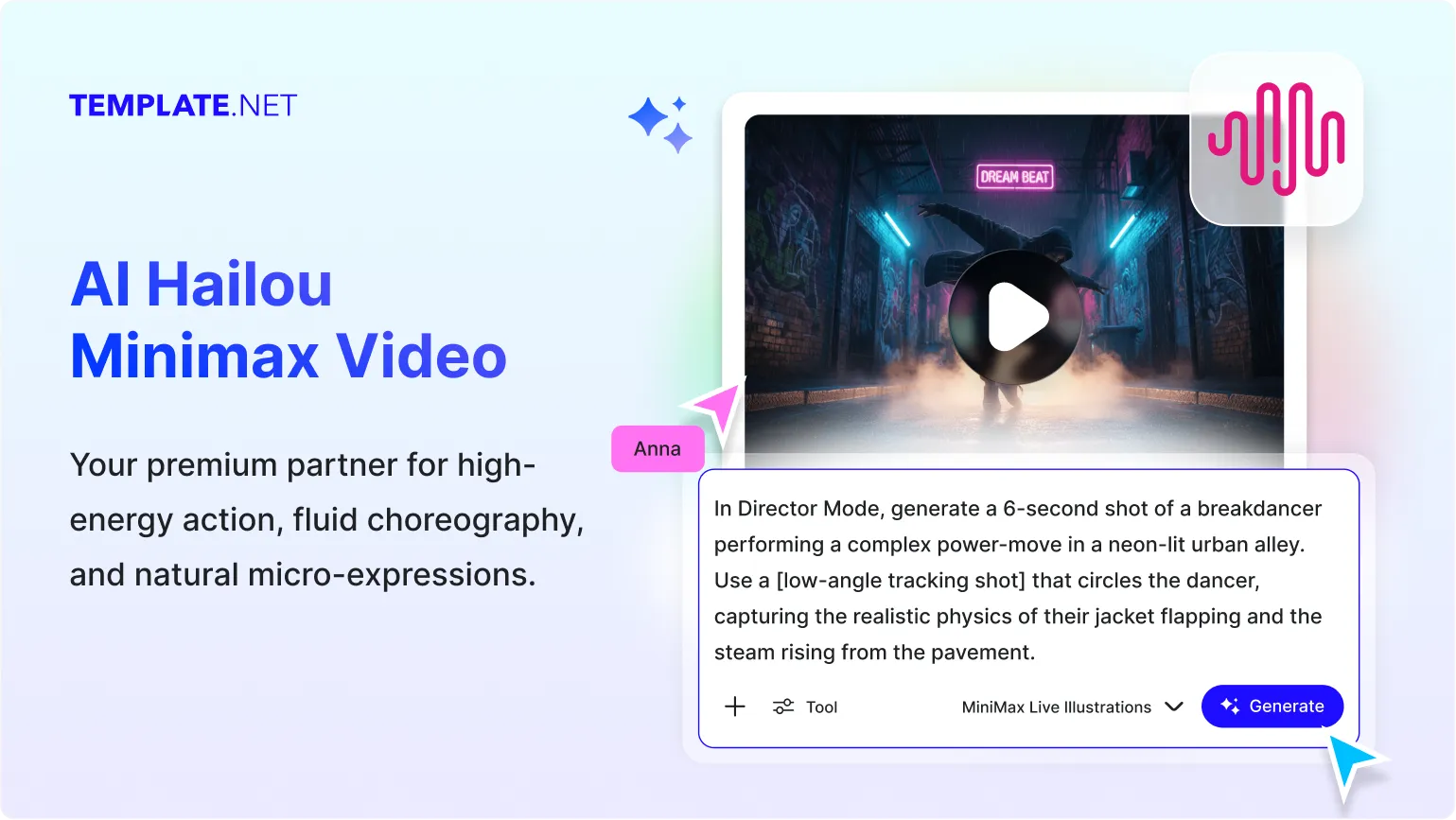
Powerful AI Video Generator Built for Creative Video Production
Everything you need to generate cinematic videos, animated storytelling sequences, creative visual scenes, and professional AI-powered video productions.
AI-Powered by Minimax Hailuo 02
Generate creative, stylized, and visually engaging videos using the latest Minimax Hailuo 02 model designed for advanced AI video generation.
Cinematic Video Generation
Create visually rich video scenes with dynamic composition, creative camera perspectives, and professional cinematic aesthetics.
Stylized Visual Creation
Produce artistic videos with distinctive visual styles, creative effects, and unique scene compositions for storytelling and entertainment.
Animated Storytelling Videos
Transform ideas into animated visual narratives with scene continuity, character-focused sequences, and story-driven video generation.
Fast AI Video Production
Generate video clips quickly from prompts and images, helping creators move from concept to finished visuals faster.
Text-to-Video Generation
Describe a scene in natural language and convert your ideas into engaging AI-generated videos automatically.
Image-to-Video Animation
Upload images and transform static visuals into animated video sequences with motion and cinematic effects.
Dynamic Motion Effects
Generate smooth movement, animated transitions, visual actions, and scene progression to create engaging video experiences.
Creative Concept Visualization
Turn creative concepts, campaign ideas, storyboards, and visual plans into professional video outputs.
Marketing Video Creation
Create promotional videos, product showcases, campaign visuals, brand stories, and advertising videos for business use.
Educational Video Generation
Produce instructional videos, visual explanations, learning materials, educational demonstrations, and training visuals.
Social Media Video Production
Generate videos optimized for social media campaigns, audience engagement, brand awareness, and digital promotions.
Scene-Aware AI Generation
AI interprets prompts intelligently to generate scenes, actions, environments, and visual storytelling elements that align with your instructions.
Multilingual Support
Generate videos using 20+ multiple languages including English, Spanish, Hindi, Arabic, Chinese, Japanese, and more to reach global audiences.
Team & Creator Friendly Workflows
Create videos suitable for marketing teams, educators, agencies, designers, creators, businesses, and production teams.
Flexible Video Refinement
Modify prompts, adjust visual direction, regenerate scenes, and refine outputs without restarting your creative workflow.
Create Videos Across Devices
Generate and manage AI videos seamlessly from desktop, tablet, and mobile devices whenever inspiration strikes.
Download, Save & Share Instantly
Download generated videos or share them instantly via Email, LinkedIn, WhatsApp, X (Twitter), and Pinterest for collaboration and distribution.
How to Use AI HailuoAI Minimax Video
Create professional AI videos in just a few simple steps.
Step 1: Enter a Prompt or Upload an Image
Describe the video you want to create or upload an image as a starting point. For example: "Create an animated fantasy forest scene with cinematic camera movement and glowing magical effects."
Step 2: Select a HailuoAI Video Model
Choose between Minimax Hailuo 02 for creative stylized video generation or MiniMax Live Illustrations for animated storytelling visuals. Adjust your prompt and regenerate until the video matches your vision.
Step 3: Download, Share, or Continue Creating
Preview your AI-generated video, download it for projects, or share instantly via Email, LinkedIn, WhatsApp, X (Twitter), and Pinterest. Continue creating additional videos anytime.
Create Stunning Videos Faster with AI
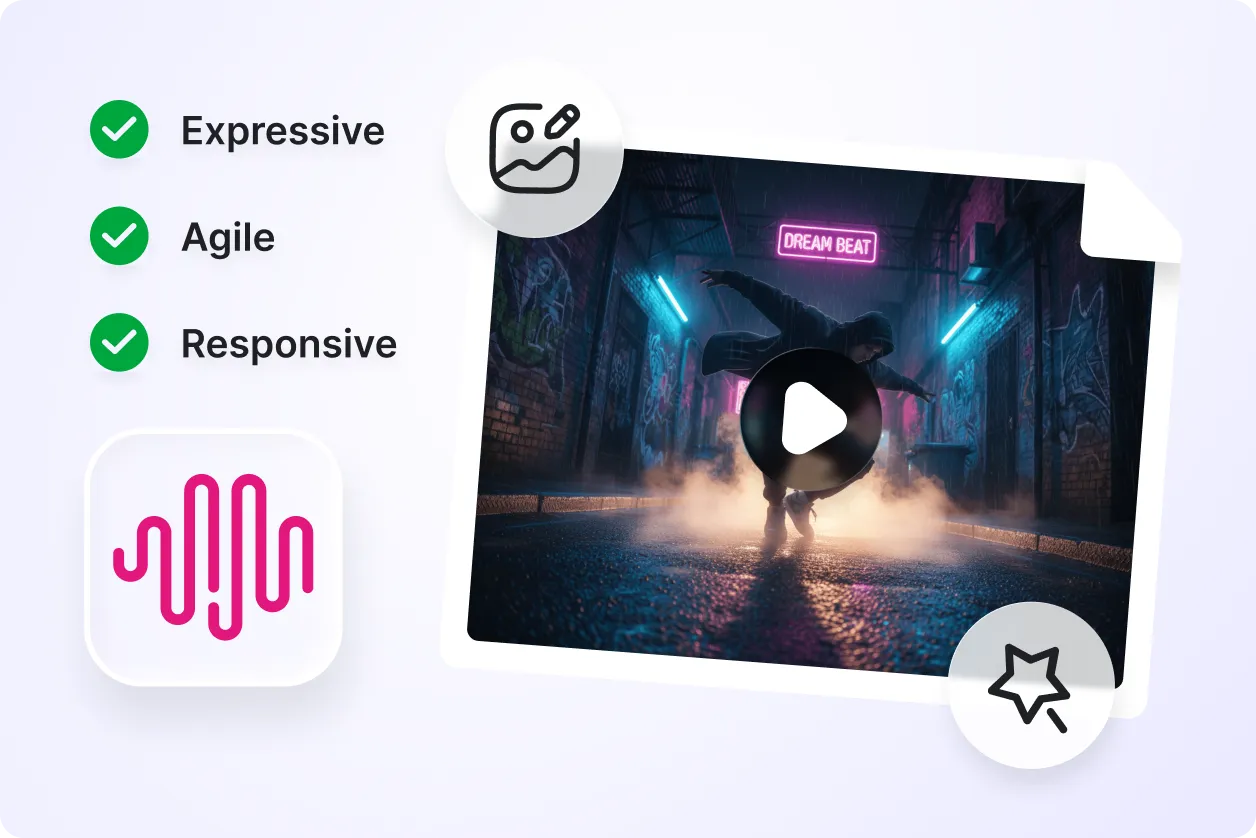
Generate Creative Visual Stories
Transform ideas into engaging video sequences with cinematic scenes, animated storytelling, creative motion, and visually rich productions powered by HailuoAI Minimax Video.
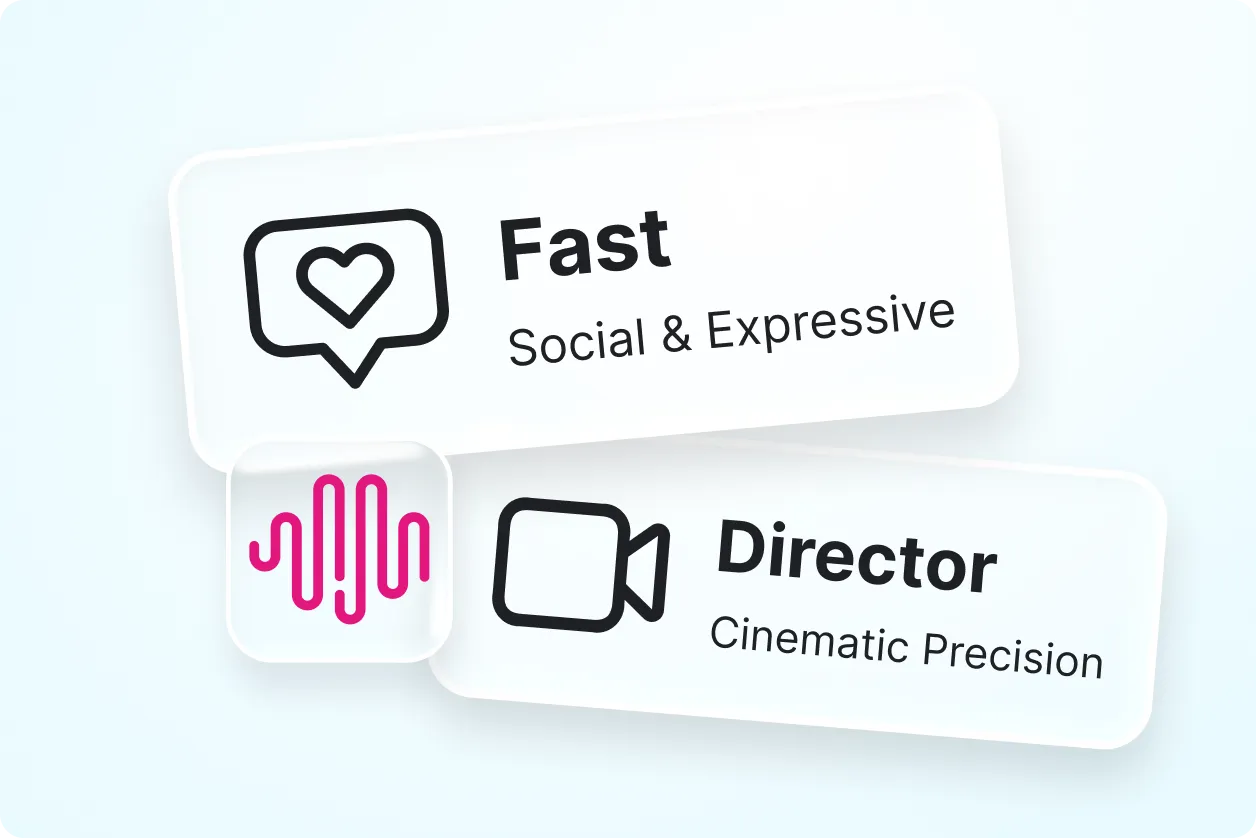
Customize Videos for Different Projects
Create promotional videos, educational visuals, social media clips, product showcases, animated stories, creative campaigns, and branded video experiences tailored to your goals.
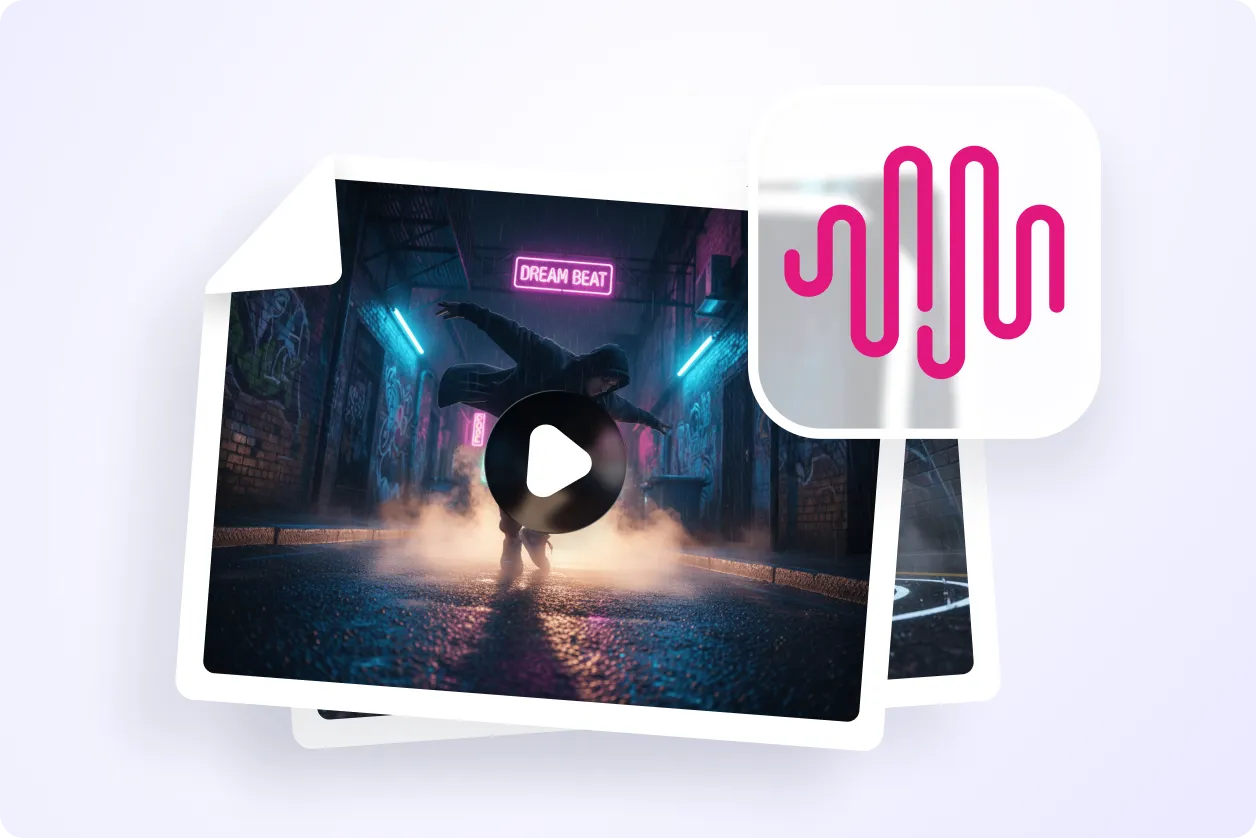
Improve Video Production Efficiency
Reduce production time by generating scenes, animations, and visual sequences from prompts and images without traditional video creation workflows.
Collaborate and Share with Ease
Create videos for teams, businesses, educators, marketers, designers, and agencies. Download, review, and share projects quickly across platforms.
