Free AI Hierarchy Generator

Build Clear Organizational and Structural Hierarchies with AI
Template.net's AI Hierarchy Generator transforms simple prompts or uploaded documents into structured hierarchy charts within seconds. Organize reporting relationships, business structures, product classifications, operational systems, organizational frameworks, and multi level relationships into professional diagrams that improve communication, planning, documentation, and decision making for teams of every size.
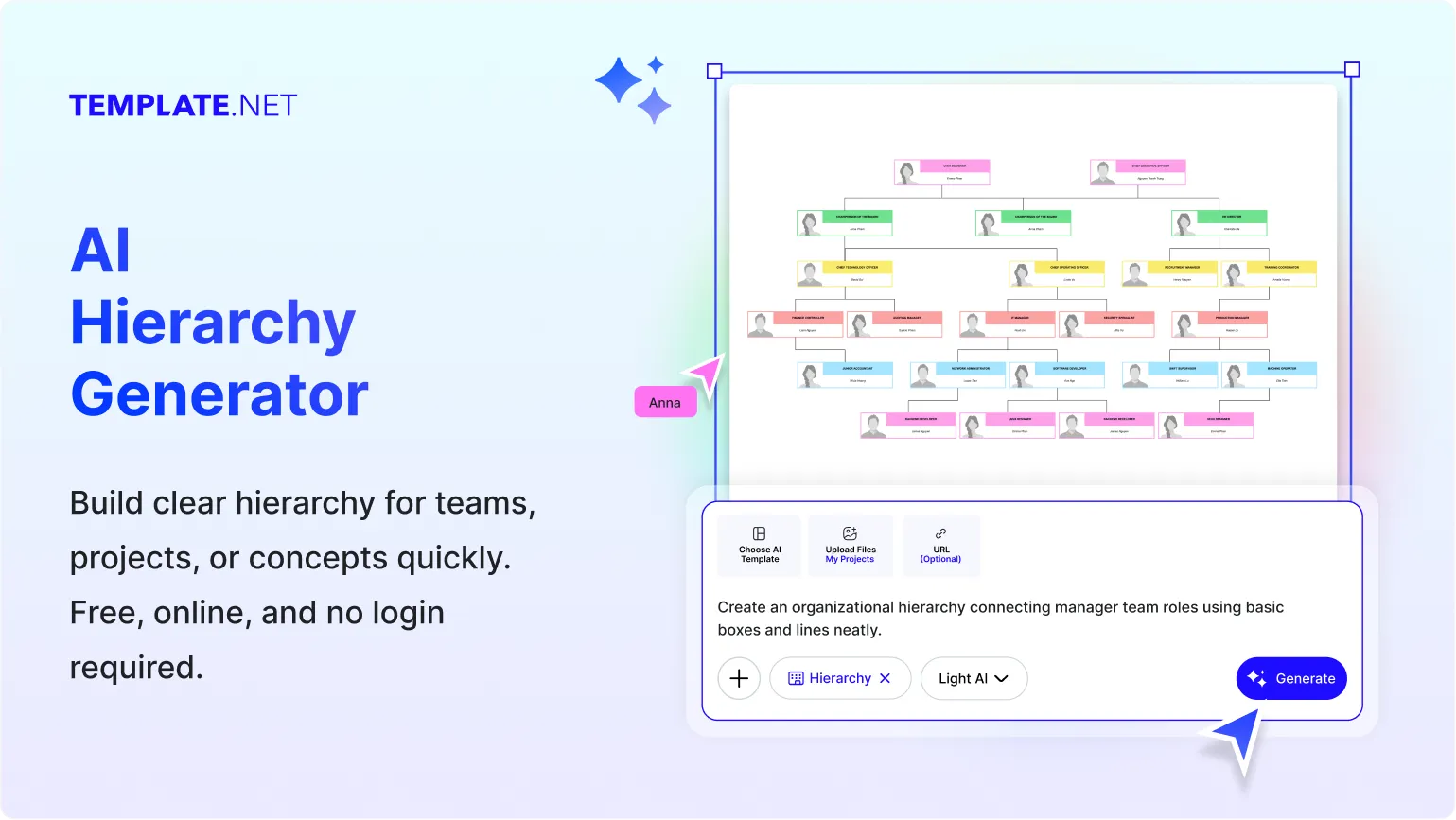
Create, Customize, and Share Hierarchy Charts Faster
AI-Powered Hierarchy Builder
Generate complete hierarchy charts from a simple prompt, voice command, or uploaded content. Instantly organize complex relationships into structured, editable visual hierarchies with minimal effort.
Multi Level Structure Creation
Build unlimited parent child relationships across multiple levels, making it easy to represent organizations, systems, departments, products, or operational structures with clarity.
Upload Existing Data
Upload documents, spreadsheets, outlines, or structured files and automatically convert your existing information into a well organized hierarchy chart ready for editing.
Automatic Relationship Detection
AI intelligently recognizes connections between people, departments, categories, or systems and arranges them into an accurate hierarchical structure automatically.
Flexible Hierarchy Layouts
Create organizational hierarchies, reporting structures, classification trees, business frameworks, educational models, and many other hierarchy diagrams from a single workspace.
Fully Customizable Design
Personalize fonts, colors, connectors, icons, spacing, branch styles, and layouts to create hierarchy charts that match your branding or presentation needs.
Easy Drag and Rearrange
Quickly reposition branches, move hierarchy levels, adjust reporting relationships, and reorganize structures without rebuilding the entire hierarchy from the beginning.
Collaborative Editing
Invite teammates and stakeholders to review, edit, comment, and refine hierarchy charts together, making planning sessions more productive and collaborative.
Multilingual Support
Generate hierarchy charts in 20+ multiple languages including English, Spanish, French, German, Italian, Portuguese, Dutch, Russian, Chinese, Japanese, Korean, Arabic, Hindi, Bengali, Tamil, Telugu, Marathi, Gujarati, Turkish, Vietnamese, Thai, and more.
Automatic Branch Organization
Maintain evenly spaced branches and aligned hierarchy levels automatically, creating professional looking diagrams that remain clear even as structures become larger.
Presentation Ready Visuals
Create polished hierarchy charts suitable for business meetings, executive presentations, project planning, educational materials, and organizational documentation with minimal editing.
Duplicate and Compare Versions
Create multiple versions of your hierarchy chart to evaluate restructuring ideas, compare organizational models, and test alternative planning scenarios side by side.
Unlimited Expandable Workspace
Expand your hierarchy freely as organizations, systems, or projects grow while maintaining an organized layout that remains easy to navigate and update.
Cloud Project Management
Save, access, and update hierarchy charts from anywhere, ensuring your latest project versions are always available whenever your team needs them.
Voice to Hierarchy Generation
Describe your hierarchy naturally using voice input and let AI instantly convert your spoken instructions into a structured, editable hierarchy chart.
Professional Hierarchy Templates
Start faster with professionally designed templates for business organizations, educational institutions, government structures, operational systems, and enterprise planning.
Export and Share Anywhere
Download your hierarchy chart as PNG, WEBP, BMP, TIFF, Microsoft PowerPoint, Google Slides or instantly share using email, live links, WhatsApp, Facebook, LinkedIn, and Twitter.
Works with Related AI Diagram Tools
Continue planning by connecting your project with AI Org Chart Generator, AI Mind Map Generator, AI Flowchart Generator, AI Tree Diagram Generator, AI Concept Map Generator, and AI Process Map Generator.
How to Make a Free AI Generated Hierarchy Chart
Create professional hierarchy charts in only a few simple steps.
Step 1: Enter Your Prompt
Open the AI Hierarchy Generator and describe the hierarchy you want to create, or upload an existing document containing your organizational structure, categories, or relationships. For example, enter a prompt like "Create a hierarchy chart for a multinational retail company with a CEO, regional directors, country managers, store managers, department supervisors, and sales associates." Then click Generate to instantly create an editable hierarchy chart.
Step 2: Review and Refine Your Hierarchy
Edit titles, move branches, add new hierarchy levels, adjust relationships, customize colors, and refine the layout until it matches your structure.
Step 3: Export or Share
Download your hierarchy chart as PNG, WEBP, BMP, TIFF, Microsoft PowerPoint, Google Slides generate a live share link, or collaborate with your team online.
Transform Complex Structures into Clear Visual Hierarchies
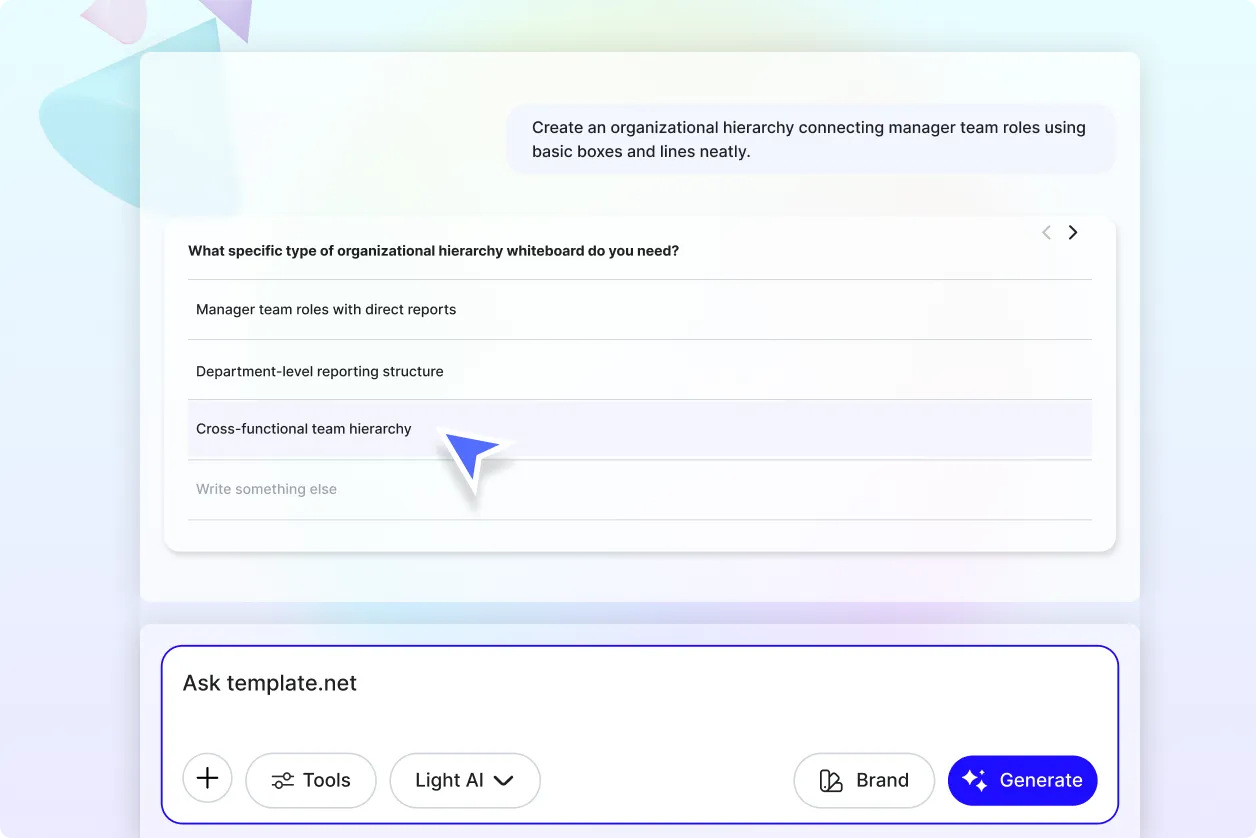
Simplify Complex Relationships
Turn complicated structures into organized visual hierarchies that are easy to understand, analyze, and present. Display reporting lines, categories, dependencies, and classifications with greater clarity.
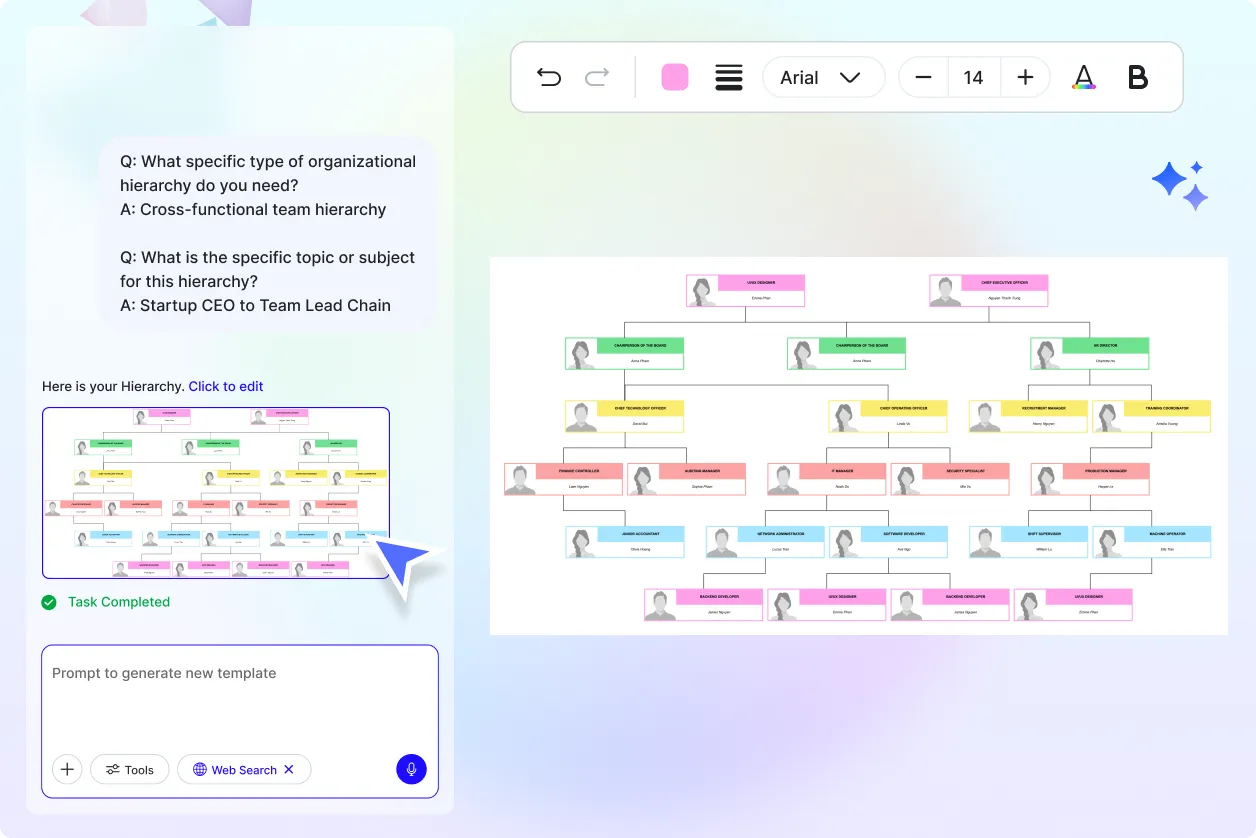
Adapt Hierarchies as Projects Grow
Expand existing structures with additional departments, business units, products, or organizational layers without rebuilding your entire hierarchy from scratch. Keep every version flexible and easy to update.
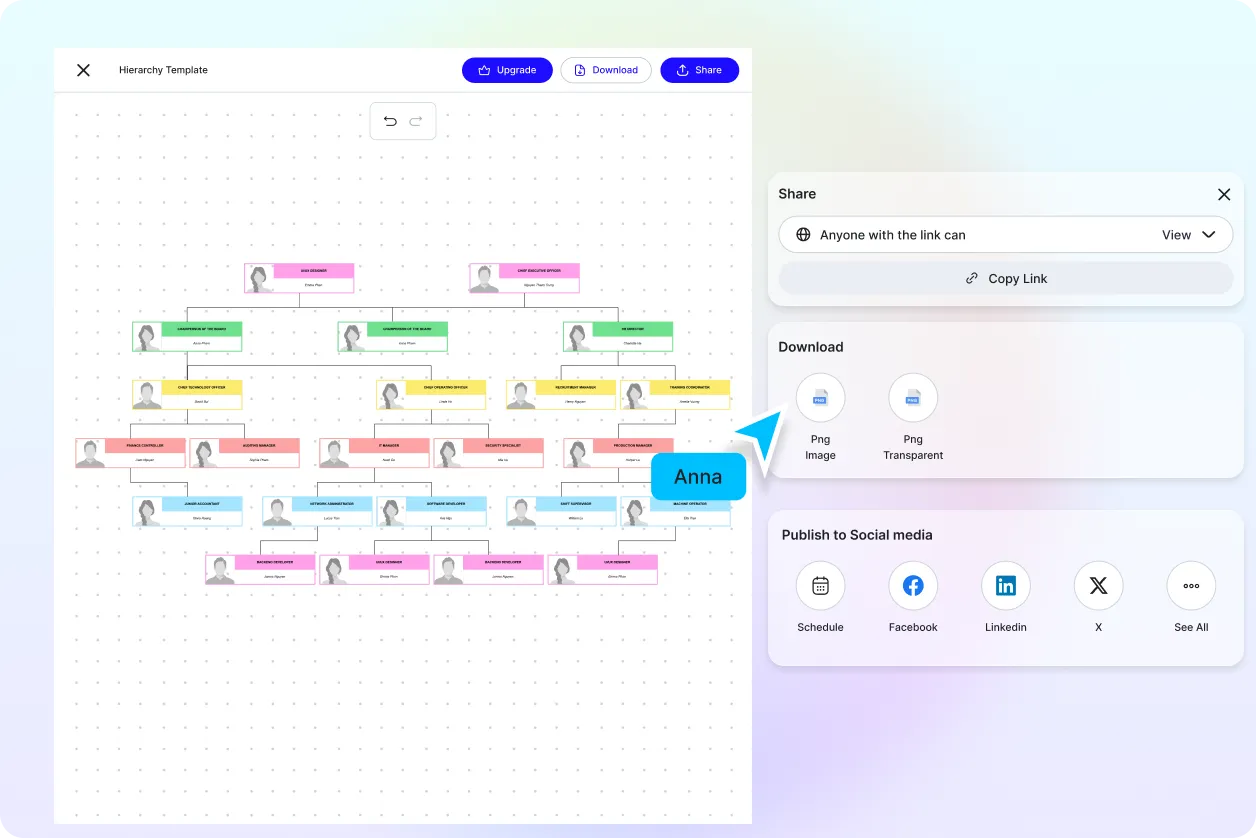
Collaborate with Complete Visibility
Allow managers, analysts, educators, consultants, and project teams to review, improve, and finalize hierarchy diagrams together. Everyone stays aligned using one organized visual structure.
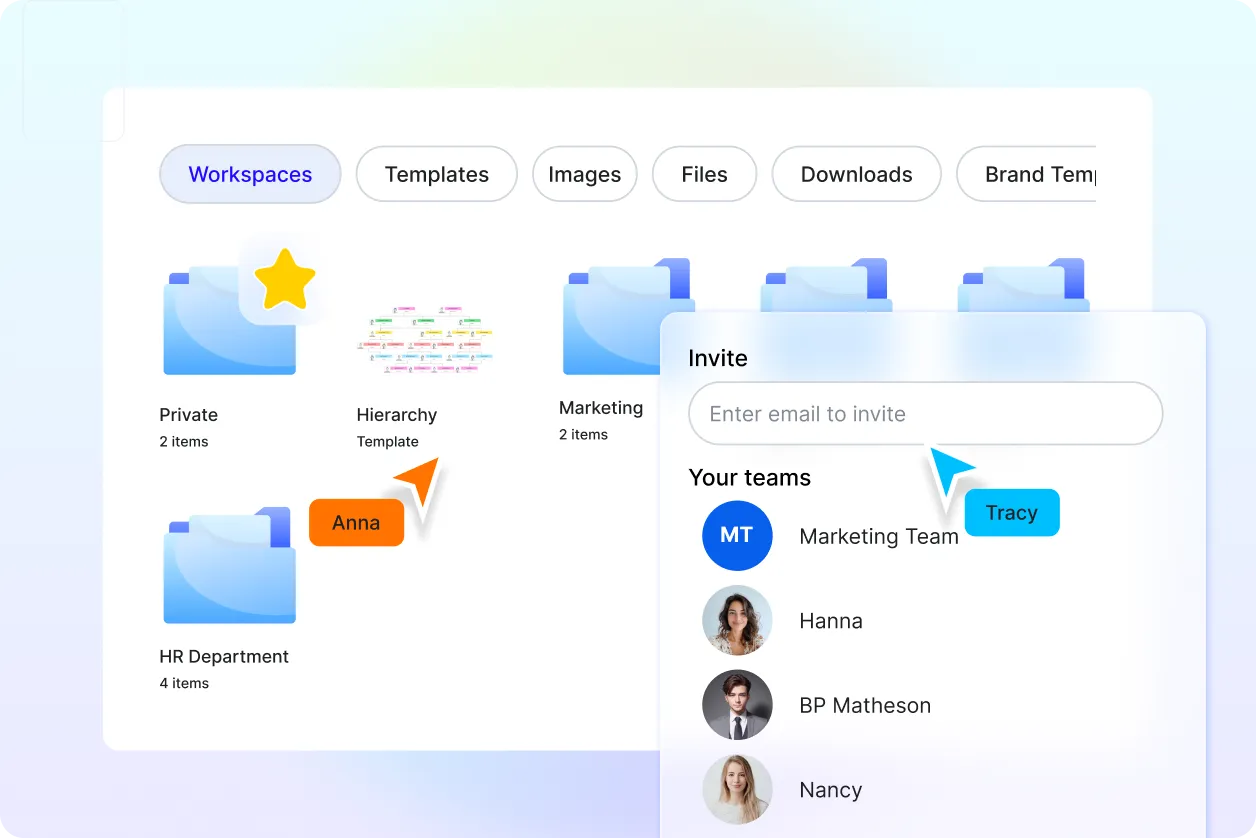
Centralize Every Hierarchy Project
Store multiple hierarchy charts for organizations, business systems, educational institutions, operational frameworks, product catalogs, and enterprise planning in one organized workspace for future editing and collaboration.
