AI Image Animator
more
Create Animated Images Online with Smart AI Powered Generator
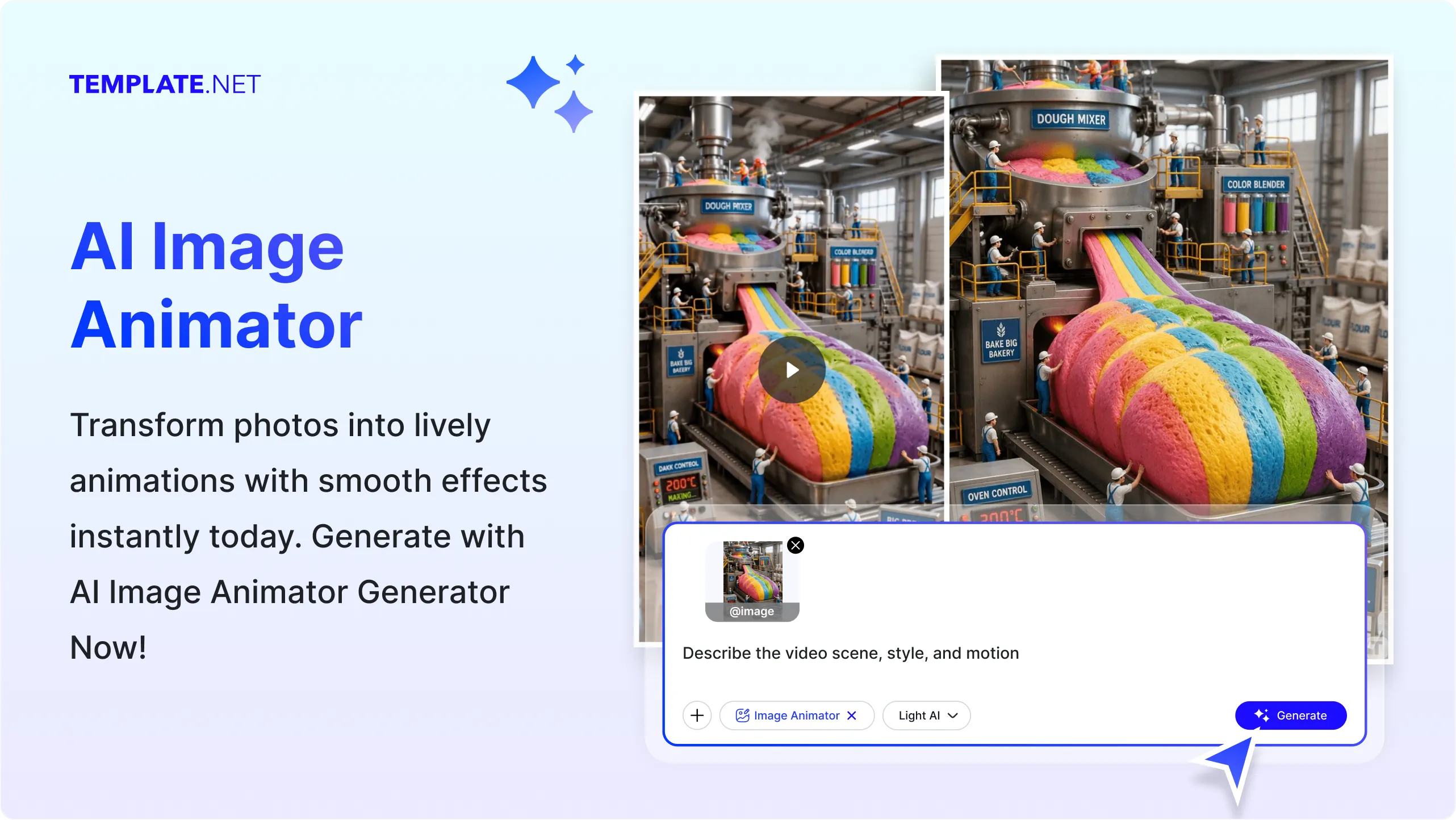
Template.net's AI Image Animator transforms static images into smooth animated visuals in seconds. Simply upload a photo, illustration, artwork, product image, or graphic, and AI automatically analyzes the subject to generate natural-looking motion while preserving image quality. Explore different animation styles, adjust motion intensity, refine visual effects, and create engaging animated content for social media, marketing campaigns, educational materials, product promotions, business presentations, portfolios, and creative storytelling without requiring advanced animation skills or timeline editing. Access advanced AI Image Animator features, greater creative flexibility, and premium editing tools with plans starting at just $12 monthly.
Animate Images Effortlessly with AI
Everything you need to convert static images into smooth, engaging, and professional animated visuals with intelligent automation and creative flexibility.
AI-Powered Image Animation Engine
Generate smooth and natural animations from uploaded images while maintaining visual quality, sharpness, and realistic motion.
Upload-to-Animation Processing
Upload photos, illustrations, graphics, or artwork and instantly convert them into animated visuals without manual animation work.
Natural Motion Generation
AI intelligently applies realistic movement to subjects, objects, and backgrounds for more engaging animated results.
Portrait Animation Creator
Bring portraits to life with subtle facial movements and natural visual effects while maintaining the original appearance.
Artwork and Illustration Animation
Transform digital artwork, illustrations, sketches, and creative designs into animated content suitable for portfolios and storytelling.
Product Image Animation
Create animated product visuals that help showcase products more effectively for ecommerce, advertising, and promotions.
Smart Subject Detection
Automatically identifies the primary subject and applies animation while preserving important visual details.
Multiple Animation Styles
Choose from smooth, subtle, cinematic, dynamic, creative, and artistic animation styles based on your project needs.
Motion Intensity Control
Adjust animation strength to create gentle movement or more dynamic visual effects depending on your preferred style.
High-Quality Animation Output
Generate clear animated visuals while maintaining image resolution and overall visual consistency.
Multiple Animation Variations
Generate multiple animation versions from a single uploaded image to compare different movement styles.
Multilingual Support
Create animated image projects in 20+ multiple languages, including English, Spanish, Hindi, Arabic, Chinese, Japanese, and more.
Full Mode Presentation
Present animated visuals in Full Mode for distraction viewing during client reviews, business meetings, classrooms, creative showcases, training sessions, and marketing demonstrations with an immersive viewing experience.
Save and Reuse
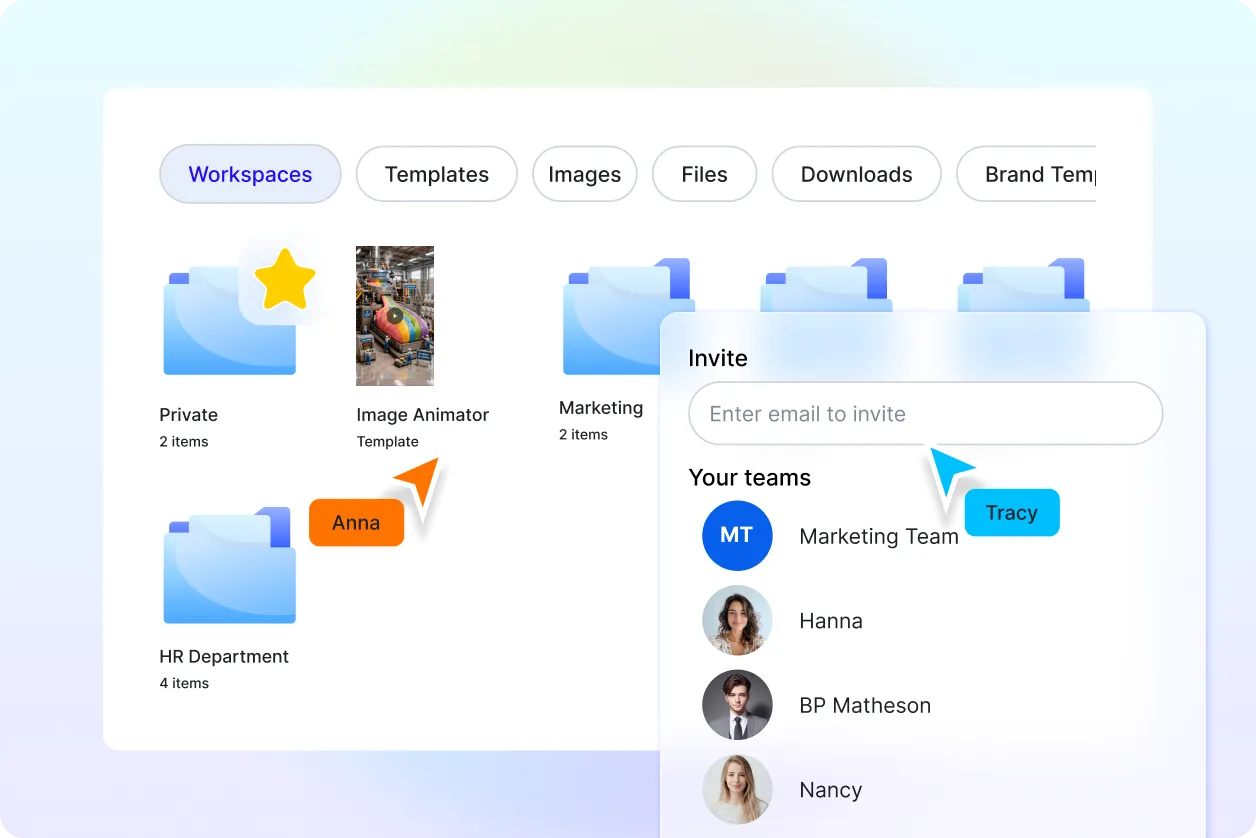
Save animation projects for future editing, updates, and creative reuse without starting from scratch.
Manage Multiple Animation Versions
Organize, compare, and manage different animated versions of the same image for creative review and selection.
Collaborative Review and Sharing
Share animated visuals with clients, team members, educators, or collaborators to gather feedback and streamline approvals.
Download or Share Instantly
Download completed animations or share them instantly via Email, LinkedIn, WhatsApp, Facebook, X (Twitter), Pinterest, or generate a live link or QR code.
Consistent Visual Quality Optimization
AI automatically maintains balanced colors, image clarity, smooth transitions, and overall visual consistency throughout the animation process.
How to Animate Images Using AI
Turn static images into engaging animated visuals with a simple upload-based workflow.
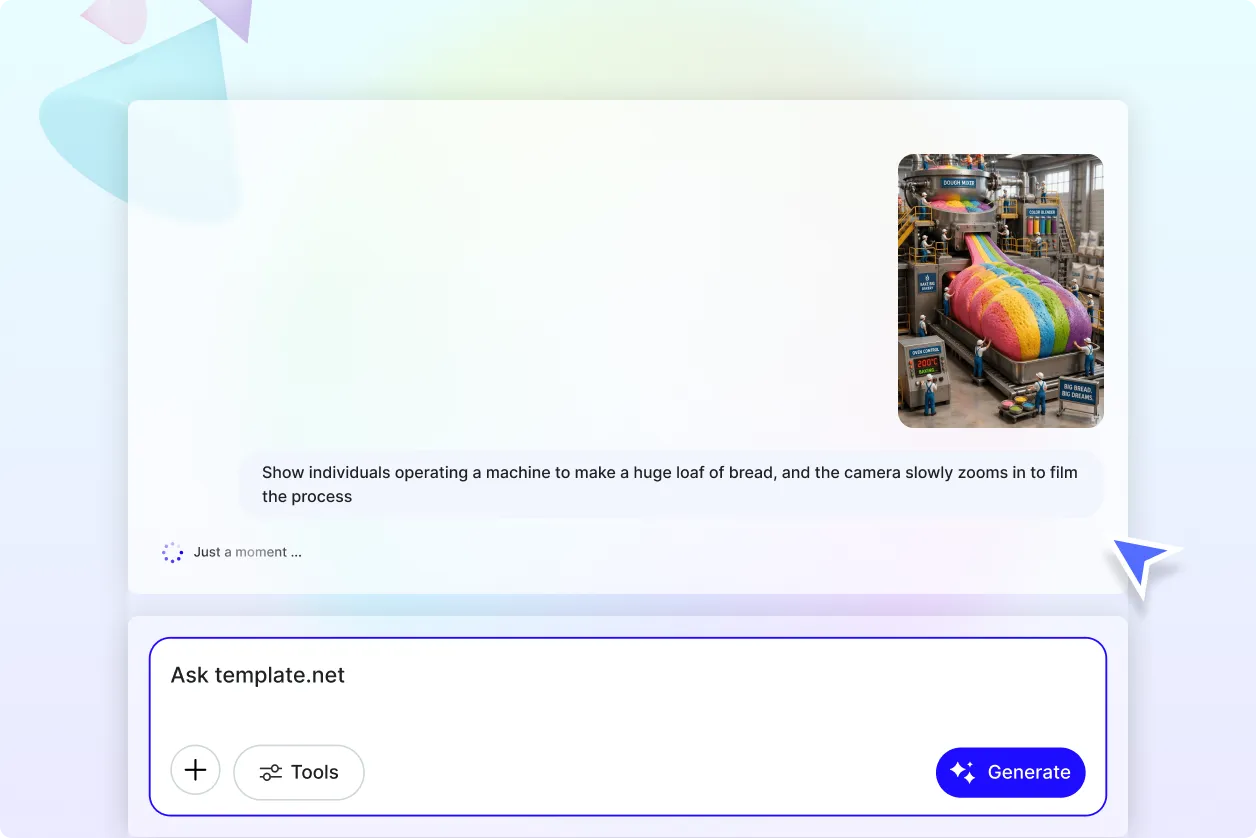
Step 1 Upload Your Image
Open the AI Image Animator and upload your photo, portrait, illustration, artwork, product image, or graphic. AI automatically analyzes the uploaded image and prepares it for animation.
Step 2 Generate and Customize
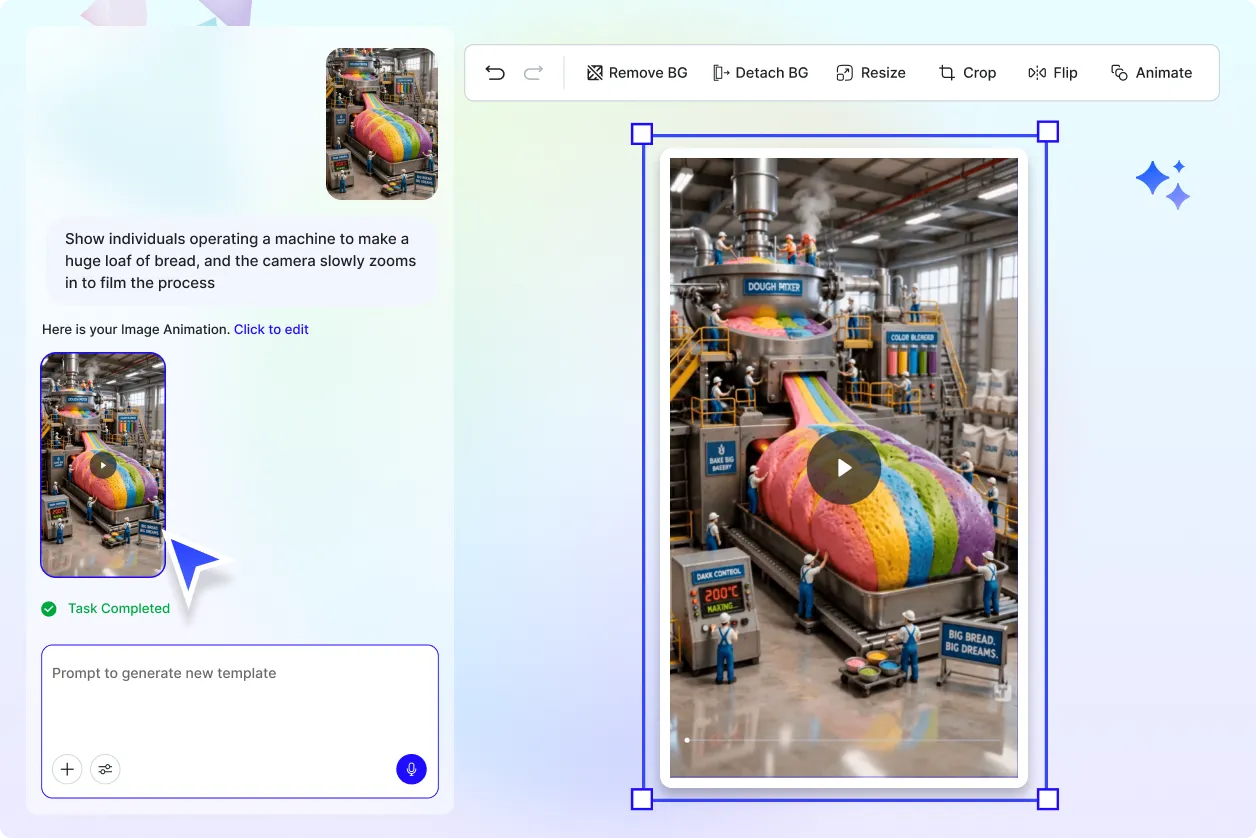
The AI creates animated versions with smooth motion effects and multiple animation styles. Select your preferred animation, adjust motion intensity, refine visual effects, and preview the animated result before finalizing.
Step 3 Save, Download, or Share
Save your animation project, download the completed animated visual, present it in Full Mode, or share it instantly via Email, LinkedIn, WhatsApp, Facebook, X (Twitter), Pinterest, or generate a live link or QR code.
Create Professional Animated Images Faster for Every Creative Project
Bring Static Images to Life Instantly
Transform uploaded photos, portraits, illustrations, artwork, and graphics into animated visuals with smooth AI-generated motion, helping create more engaging digital content in less time.
Create Animated Visuals for Different Needs
Generate animated images for social media posts, marketing campaigns, educational materials, product showcases, business presentations, creative portfolios, storytelling projects, and personal content.
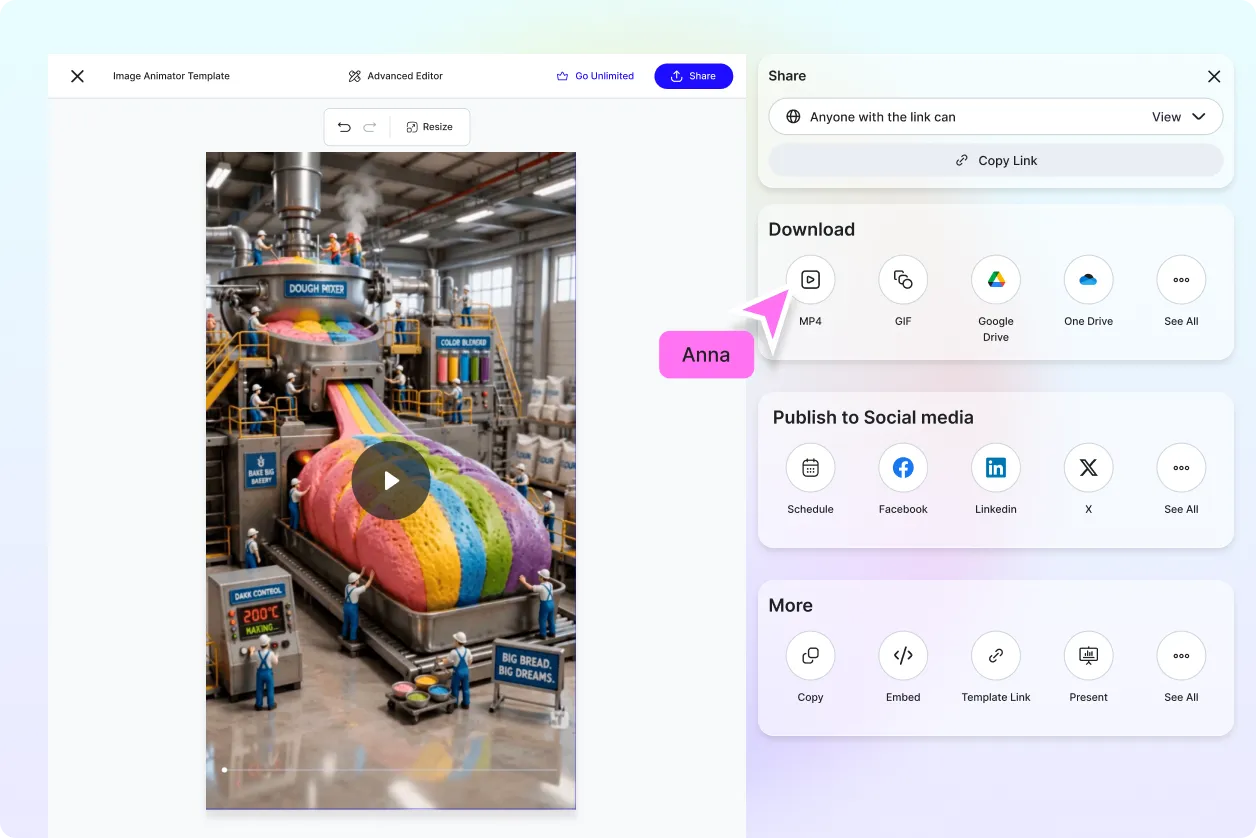
Explore Multiple Animation Styles Easily
Create and compare different animation styles, motion effects, and movement variations to choose the visual style that best matches your creative goals.
Maintain Consistent Quality Across Every Animation
Produce animated visuals with consistent image clarity, smooth motion, balanced colors, and professional-quality output across multiple animation projects.
