AI Instagram Video Generator
more
Create Professional Instagram Videos Online with AI Instagram Video Generator
Template.net AI Instagram Video Generator uses Seedance 2 as the default model and supports multiple AI video models to transform uploaded images, video clips, product assets, and creative media into polished Instagram content. Upload your media, enter a prompt or use voice input, then customize scenes, captions, voiceovers, music, visual effects, video duration, resolution, and aspect ratios to create engaging Reels, Stories, and feed videos. Create professional Instagram content for brands, creators, marketers, influencers, businesses, product promotions, and social media campaigns across desktop, tablet, and mobile devices with plans starting at just $12 monthly.
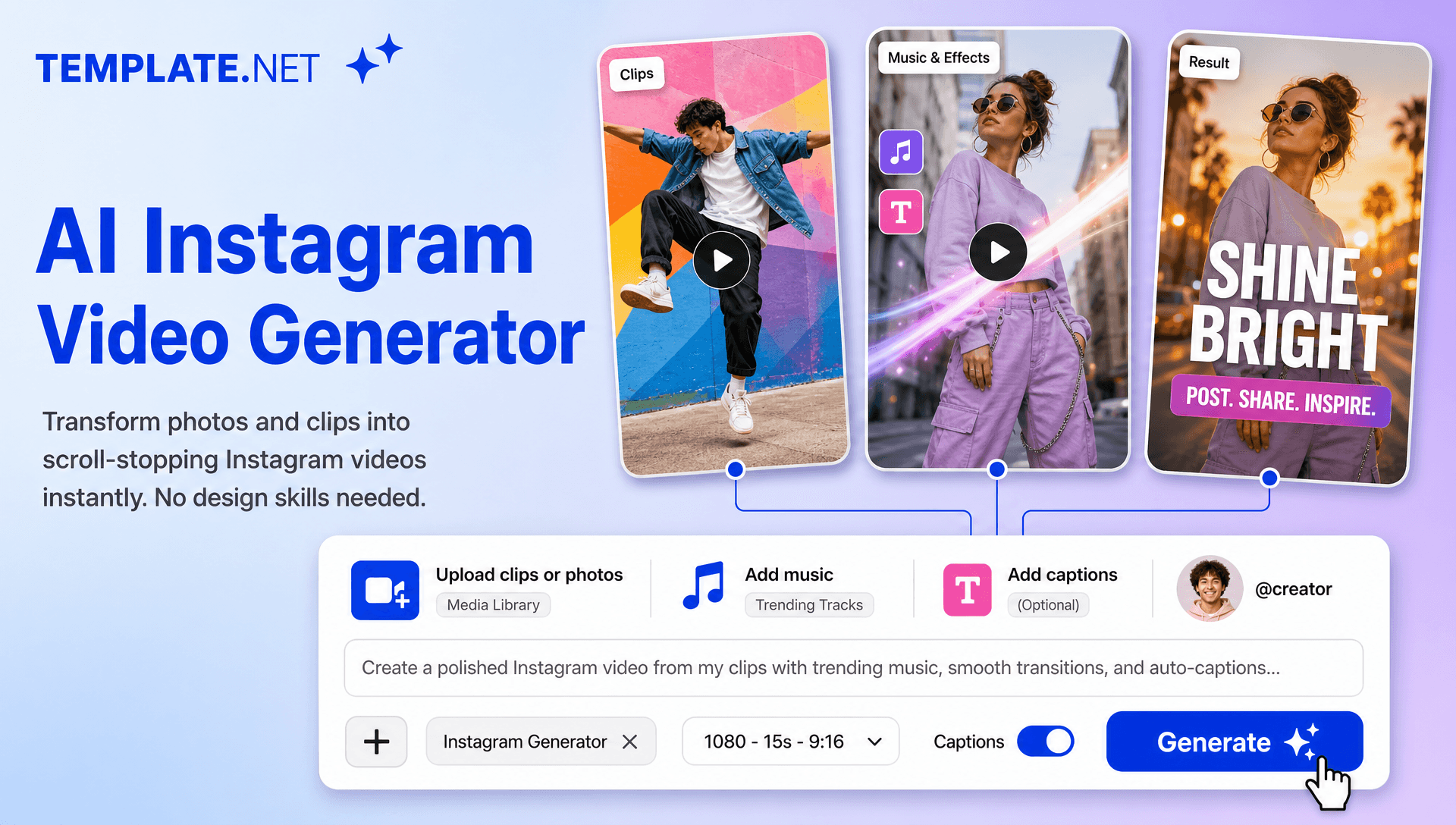
Create High-Impact Instagram Videos for Reels, Stories, and Social Media
Everything you need to create professional Instagram videos faster with intelligent AI assistance.
AI-Powered Instagram Video Generation
Upload images or video clips, enter a text prompt or use voice input, and AI automatically creates Instagram-ready videos with structured scenes, engaging storytelling, transitions, captions, and polished visuals.
Upload Images and Video Clips
Upload product photos, lifestyle images, existing videos, screenshots, or other creative media and transform your assets into engaging Instagram content without starting every video from scratch.
Instagram Reels Creation
Create vertical short-form Reels with dynamic scenes, attention-grabbing openings, captions, music, and visual effects designed for mobile-first Instagram viewing.
Smart Instagram Storytelling
Turn an idea, script, or uploaded media into a structured visual story with AI-assisted scene planning, pacing, transitions, and messaging that keeps the content easy to follow.
AI-Generated Hooks and Openings
Create compelling opening scenes and visual hooks that introduce your topic quickly and establish the purpose of your Reel, Story, or promotional video.
Text and Voice Video Creation
Describe your Instagram video using a written prompt or voice input. AI interprets your instructions and builds the video around your desired topic, tone, audience, and visual direction.
Intelligent Scene Composition
AI arranges uploaded media, generated visuals, text elements, transitions, and supporting scenes into a cohesive sequence for a smooth and engaging viewing experience.
AI Voiceovers and Narration
Add AI-generated voiceovers to product promotions, educational content, explainers, announcements, tutorials, and storytelling videos without requiring manual voice recording.
Automatic Instagram Captions
Generate synchronized captions and animated subtitles that make spoken content easier to follow and help communicate your message clearly when viewers watch without sound.
Music and Sound Effects
Enhance Instagram videos with background music, sound effects, motion-synced audio, and other audio elements that complement the video's subject and mood.
AI Avatar Video Presenters
Add AI-generated presenters or virtual characters to explain products, deliver announcements, introduce educational topics, or present branded messages. Use AI Avatar Video workflows to create presenter-led social content.
Character Animation and Creative Motion
Create animated characters and moving visual subjects for engaging social content. Character Animation, AI Character Transfer, and related AI animation workflows can support creative storytelling when applicable.
Image-to-Video and Media Animation
Transform uploaded still images into dynamic video scenes with movement, camera effects, transitions, and visual animation, making static creative assets more engaging for Instagram.
Instagram Style and Brand Customization
Customize colors, fonts, captions, visual styles, transitions, messaging, and other creative elements to maintain a recognizable brand identity across Instagram content.
Multilingual Support
Create Instagram video content in 20+ multiple languages, including English, Spanish, French, German, Italian, Portuguese, Hindi, Chinese, Japanese, Korean, Arabic, Turkish, Vietnamese, Thai, Malay, Polish, Dutch, Swedish, and more for international audiences.
Download or Share Instantly
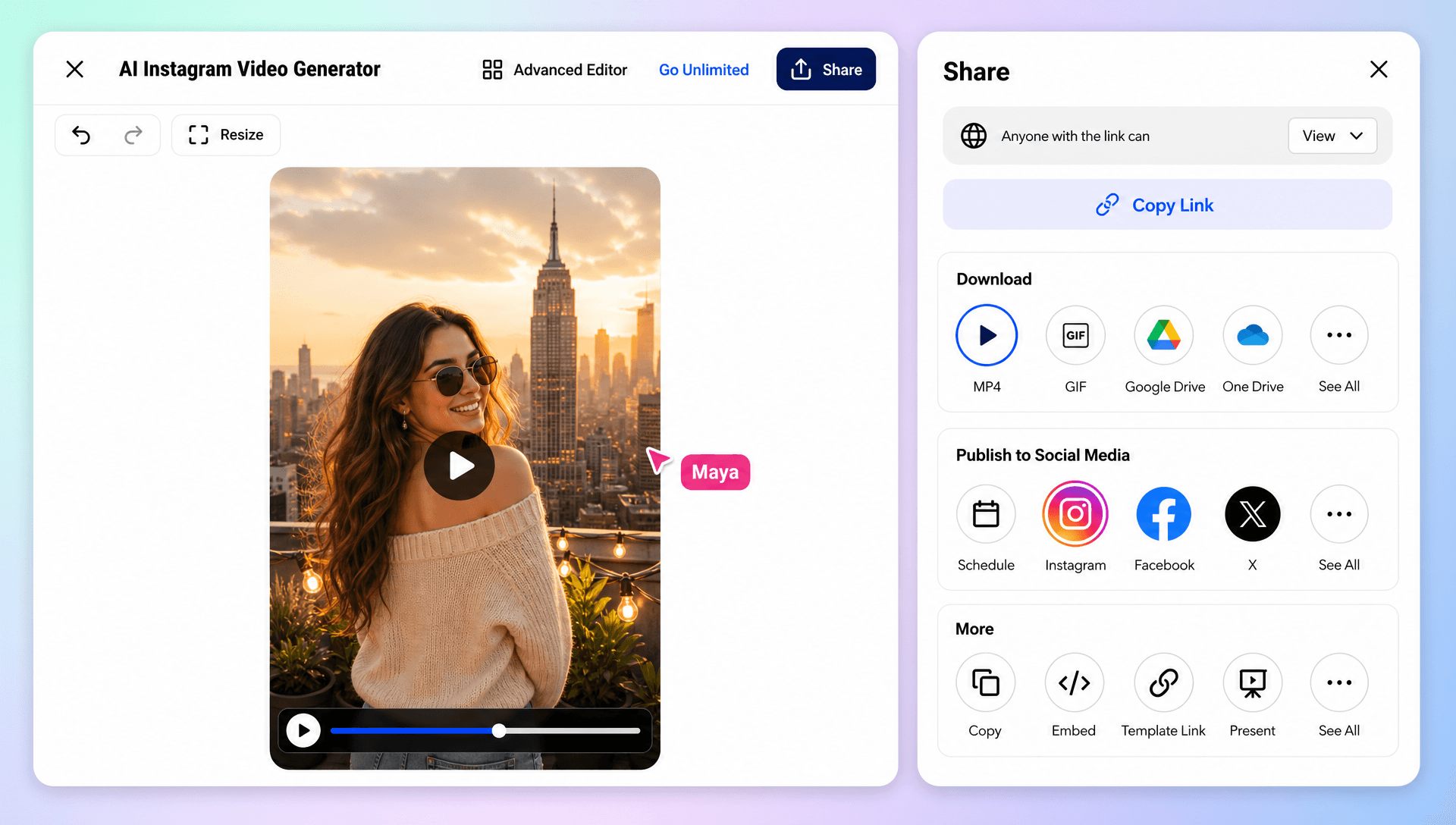
Export completed Instagram videos in high quality or share them through Email, LinkedIn, WhatsApp, Facebook, X (Twitter), and Pinterest. You can also generate a live link or QR code for collaboration, review, and distribution.
Browser-Based Instagram Video Workspace
Create, edit, organize, and manage Instagram videos online from one browser-based creative workspace without relying on complicated video production workflows.
Scale Your Instagram Content Creation
Generate multiple video variations for Reels, Stories, product campaigns, educational series, announcements, promotions, and recurring social media content while maintaining a consistent creative direction.
How to Create Professional Instagram Videos with AI
Create engaging Instagram videos in a few simple steps.
Step 1 Upload Your Media and Enter Your Prompt
Upload product photos, lifestyle images, existing video clips, screenshots, or other creative assets. Enter a text prompt or use voice input to describe your Instagram video, including the topic, audience, tone, visual style, and desired storytelling. Select your preferred AI model, with Seedance 2 available as the default.
Step 2 Customize Your Instagram Video
Review your generated video and personalize the scenes, captions, voiceovers, music, transitions, visual effects, branding, duration, resolution, and aspect ratio. Replace uploaded media, regenerate sections, or refine individual elements to match your creative requirements.
Step 3 Save, Download, or Share
Preview your completed Instagram video, then save or download it in your preferred quality. Share it through Email, LinkedIn, WhatsApp, Facebook, X (Twitter), or Pinterest. You can also generate a live link or QR code for quick collaboration, feedback, and distribution.
Turn Every Idea into Engaging Instagram Content
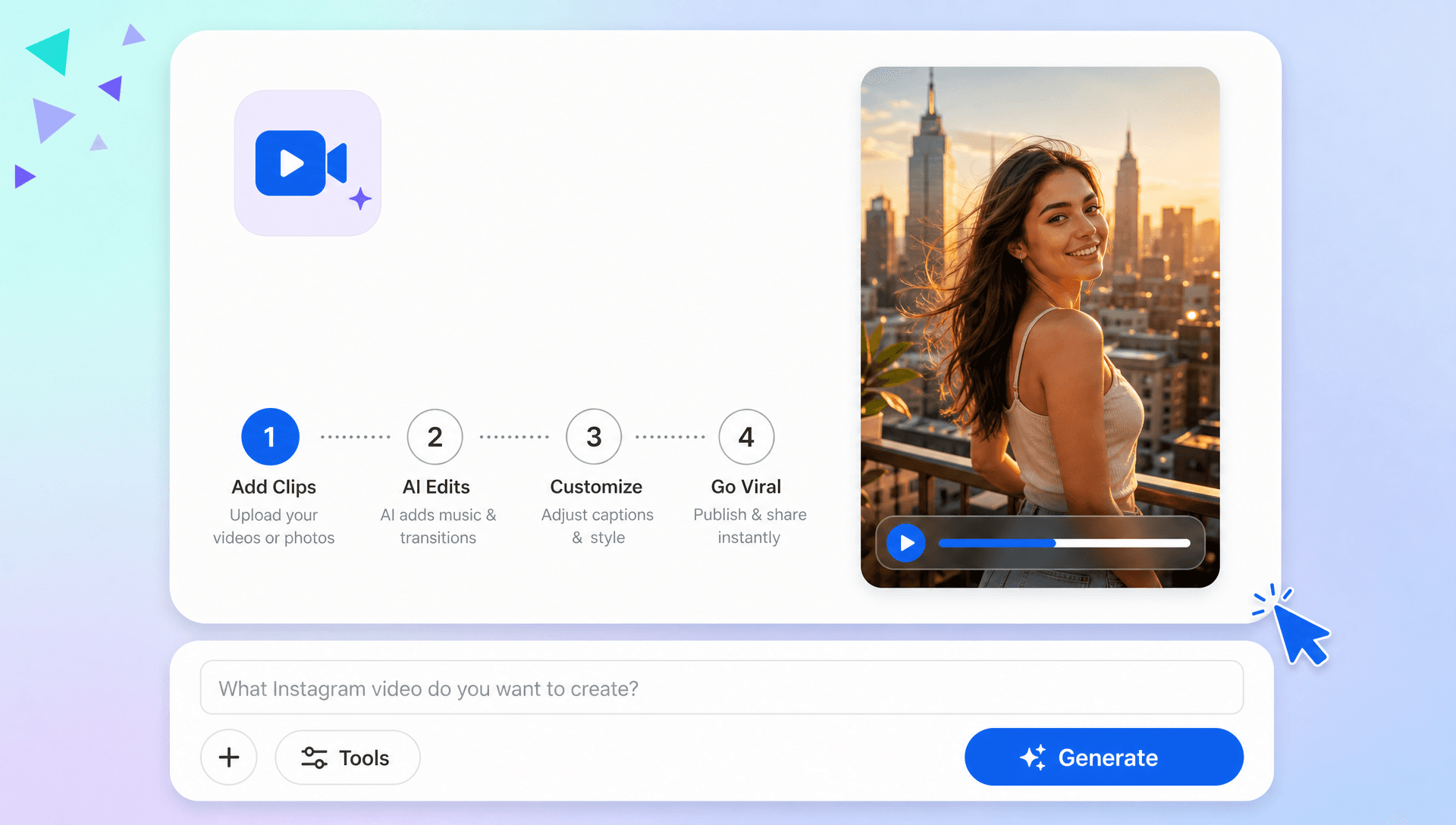
Make Every Scroll Stop with Strong Visual Hooks
Create attention-grabbing openings, dynamic scenes, captions, transitions, and visual effects that introduce your message quickly and keep viewers engaged throughout your Instagram video.
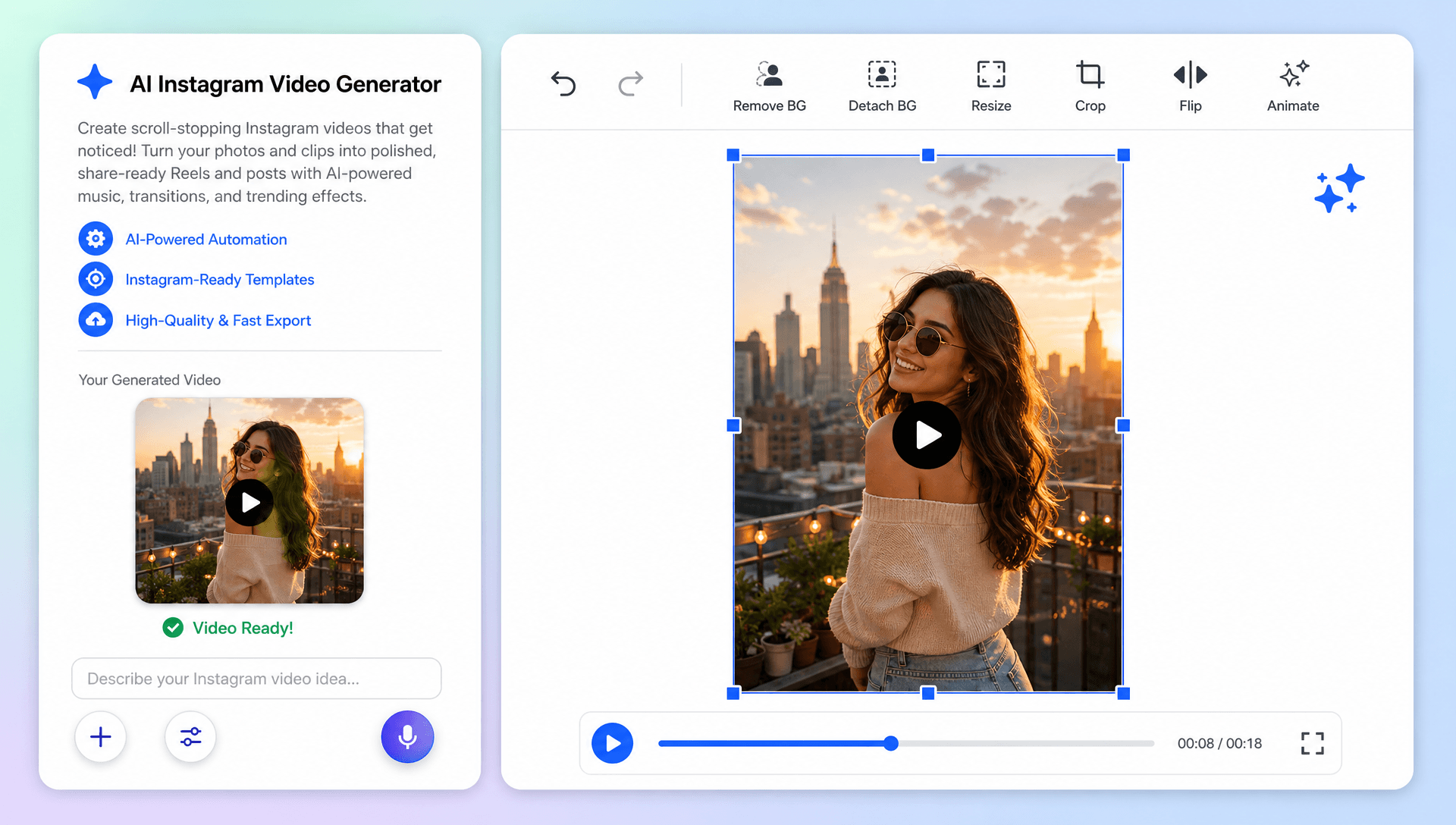
Transform Uploaded Media into Social-Ready Stories
Turn product images, lifestyle photos, existing clips, screenshots, and other uploaded assets into polished Reels, Stories, and feed videos with AI-assisted storytelling and scene composition.
Build a Consistent Instagram Presence
Create multiple variations of Reels, Stories, promotions, educational videos, and branded content while maintaining consistent visual styles, messaging, captions, and brand elements across your social media strategy.
Simplify Your Complete Instagram Video Workflow
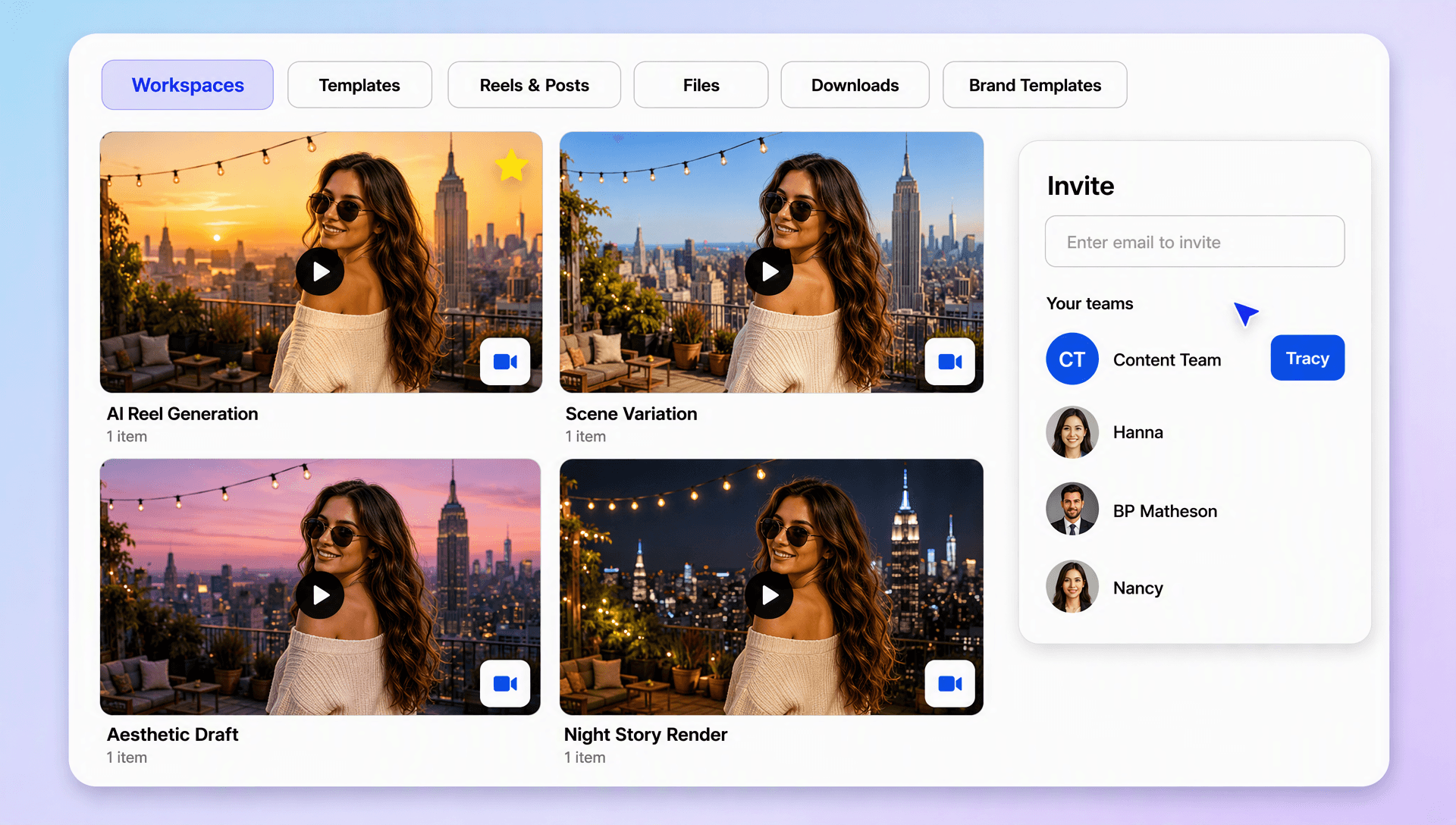
Manage uploading, prompting, AI generation, editing, regeneration, branding, and exporting from one browser-based workspace. Use AI Video Editing capabilities to refine content efficiently and prepare videos for Instagram and other social platforms.
