Free AI JPG Images to PPT Presentation Generator Online

Convert JPG Images into Editable PowerPoint Presentations Quickly
Template.net’s Free AI JPG to PPT Presentation Generator allows you to instantly convert JPG images into polished, editable PowerPoint slides. Each slide comes with smart layouts, optimized designs, and professional formatting, ideal for business meetings, marketing decks, educational projects, and visual storytelling.
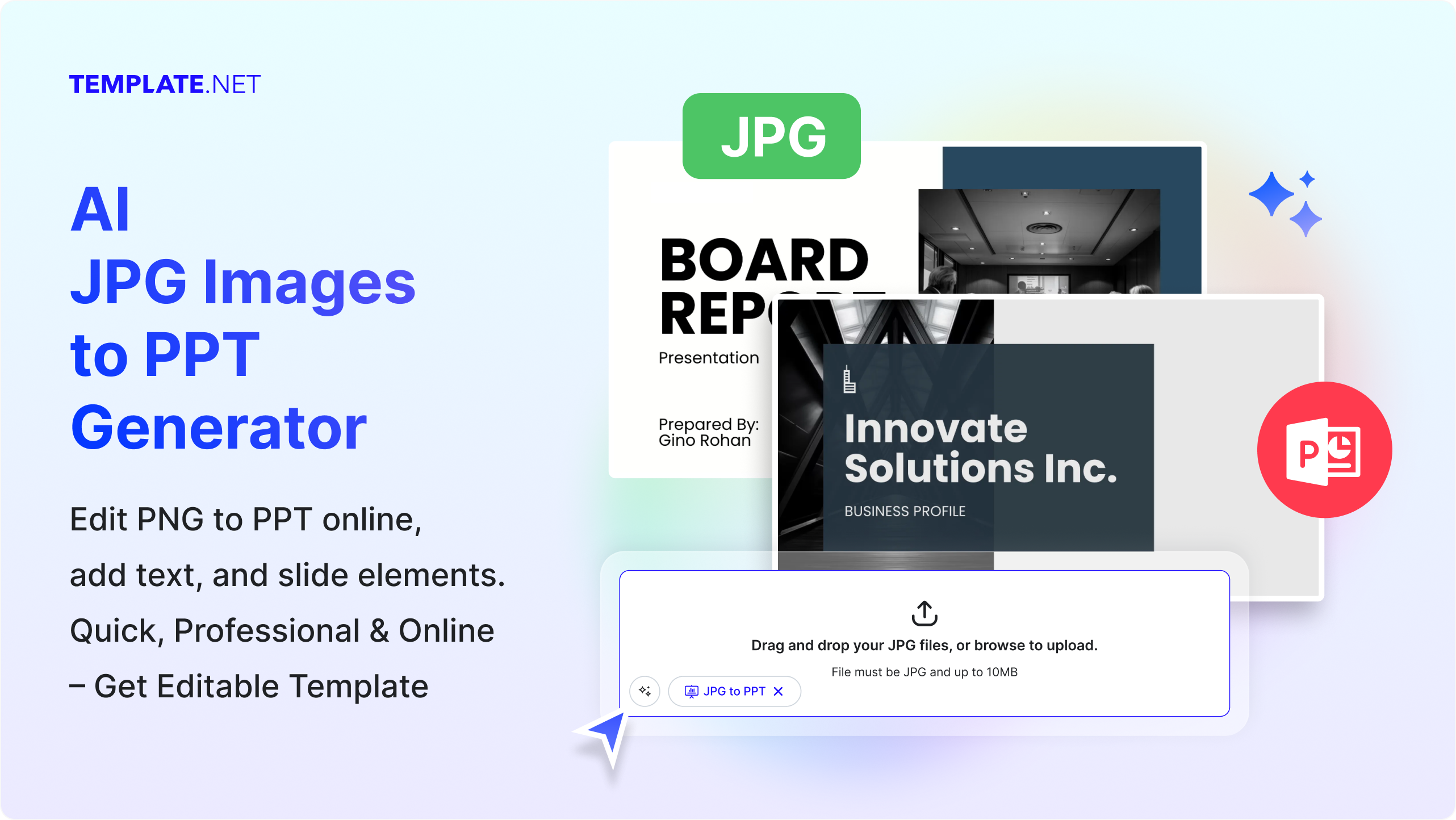
Generate Editable PowerPoint Slides from JPG Images
Turn JPG images into polished, editable PowerPoint slides automatically, preserving quality, layouts, and visuals for professional and presentation-ready results.
AI-Powered Conversion
Instantly turn PNG images into editable PowerPoint slides using advanced AI technology.
Fully Editable Slides
Adjust text, images, layouts, and designs seamlessly in PowerPoint or Google Slides.
Multiple Layout Options
AI intelligently distributes content across multiple professional slide layouts.
Polished Presentation Design
Generate visually appealing slides ready for business, education, or marketing use.
Multi-Language Text Recognition
Convert images containing text in multiple languages accurately like English, Spanish, Hindi, French, Chinese, German, Japanese, Korean, Vietnamese, and more.
Custom Slide Formatting
Apply consistent fonts, headers, and text styles automatically to maintain professional formatting.
Content Auto-Sizing
AI adjusts image and text sizes to fit perfectly on each slide for clean, polished layouts.
Automatic Image Placement
Images are perfectly aligned, scaled, and spaced for professional aesthetics.
Customizable Themes & Styles
Apply built-in PowerPoint themes, color schemes, and slide styles.
Business & Academic Ready
Ideal for corporate meetings, client pitches, classroom projects, and workshops.
Export & Download Options
Download your presentation as PPTX or share it directly with colleagues and clients.
Cloud-Based & Accessible Online
Create presentations anytime, anywhere, with no software installation required.
Supports Transparent PNGs
Preserve image transparency for clean, professional slide designs.
Slide Consistency
Maintain uniform fonts, colors, and layouts across all slides.
Instant Slide Preview
See how your presentation looks before exporting, ensuring slides meet your expectations.
No Design Skills Needed
AI handles slide creation and layout automatically.
Instant Preview & Editing
Preview generated slides and make real-time edits before downloading.
Secure & Private
Your files remain confidential; no storage or sharing occurs without your consent.
How to Convert and Generate JPG Images to PPT Presentations Using AI
Generate stunning PowerPoint presentations from any JPG image using Template.net’s AI JPG to PPT Presentation Generator. Edit, style, and download fully editable slides instantly.
Step 1: Upload JPG Images and Convert
Upload the JPG files you want to convert into a PowerPoint presentation. Our AI instantly creates slides with smart layouts, extracted text, and optimized design elements.
Step 2: Customize Your Presentation
Edit text, apply themes, rearrange slides, or tweak designs to match your brand, classroom, or project requirements.
Step 3: Preview Slides and Download
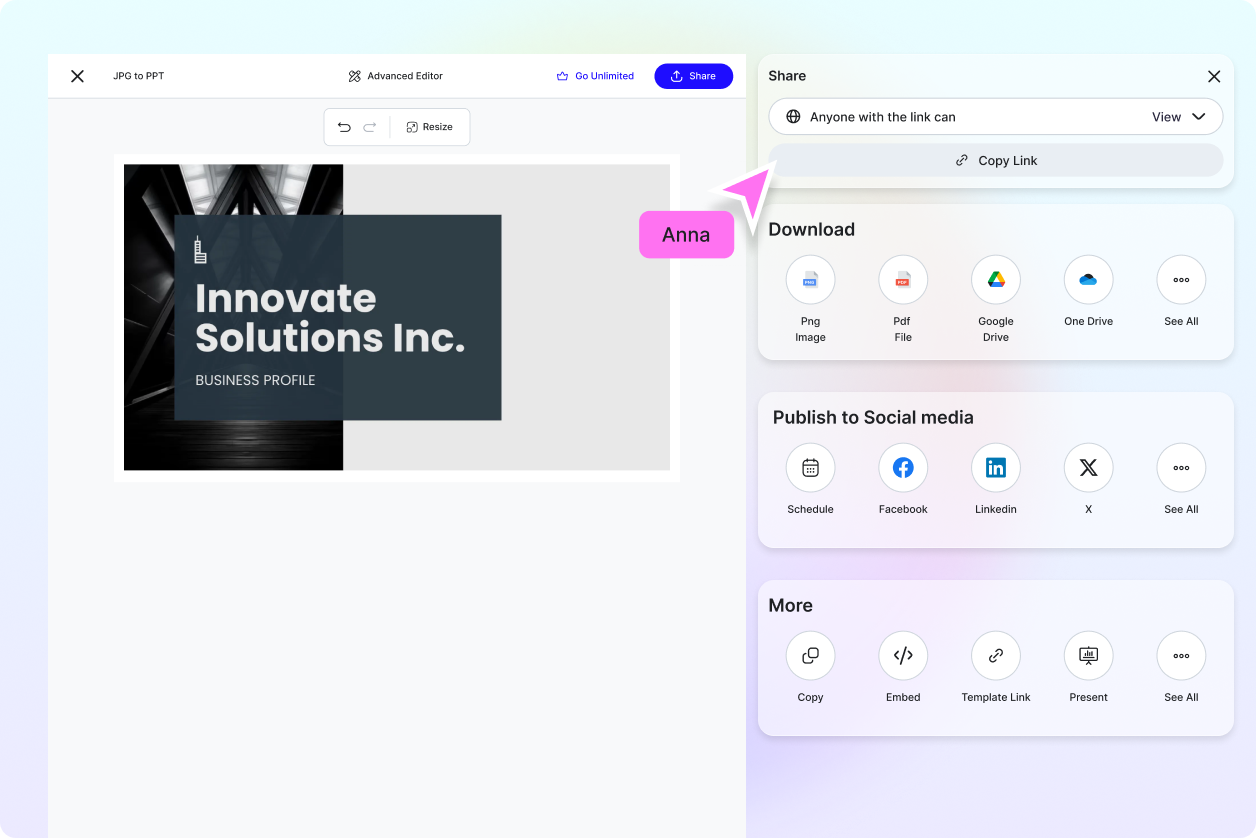
Instantly preview all generated slides and make real-time adjustments for a polished final product. Export your presentation as PPTX or share it directly with your team, clients, or students online.
Work Smarter and Deliver Presentations That Impress
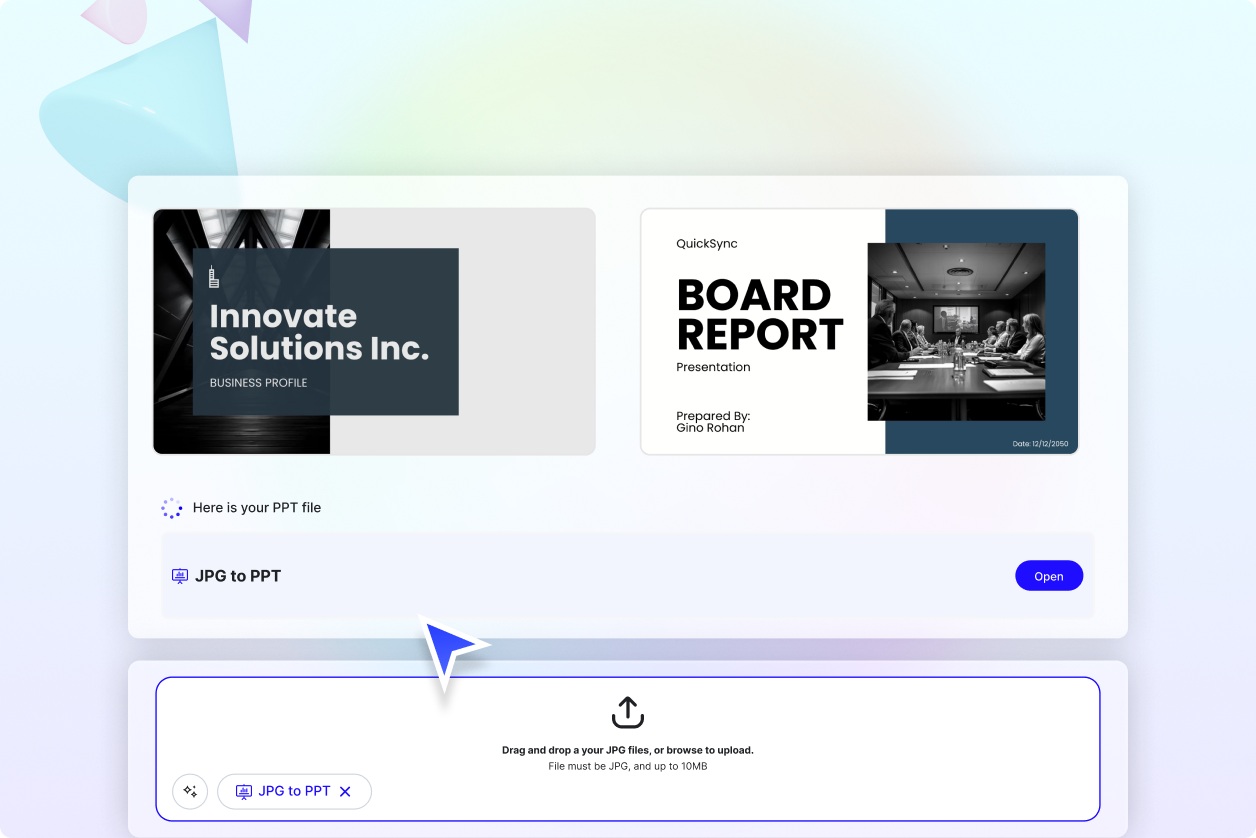
Save Hours of Manual Work
Eliminate the tedious process of creating slides from scratch.
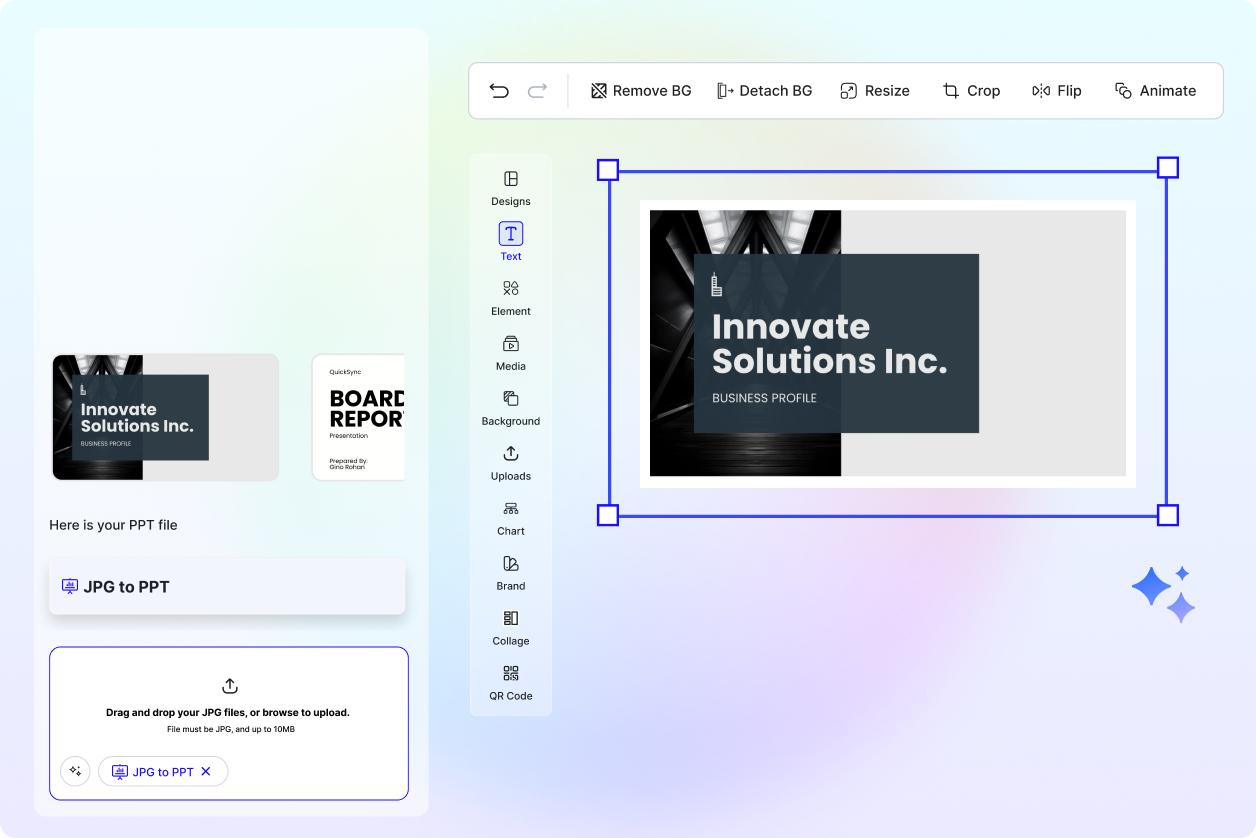
Maintain Consistent, Polished Presentations
Ensure uniform formatting, layouts, and styles across all slides.
Fast, Reliable, and Intuitive
AI handles the design and layout, letting you focus on content creation.
.webp "Free AI JPG Images to PPT Presentation Generator | Free Convert Images into PPT Slides Online")
Perfect for Marketing, Training, and Education
Create presentations that engage and communicate effectively.
