Generate Videos with Kling 3
Create Motion Rich Videos with Kling 3
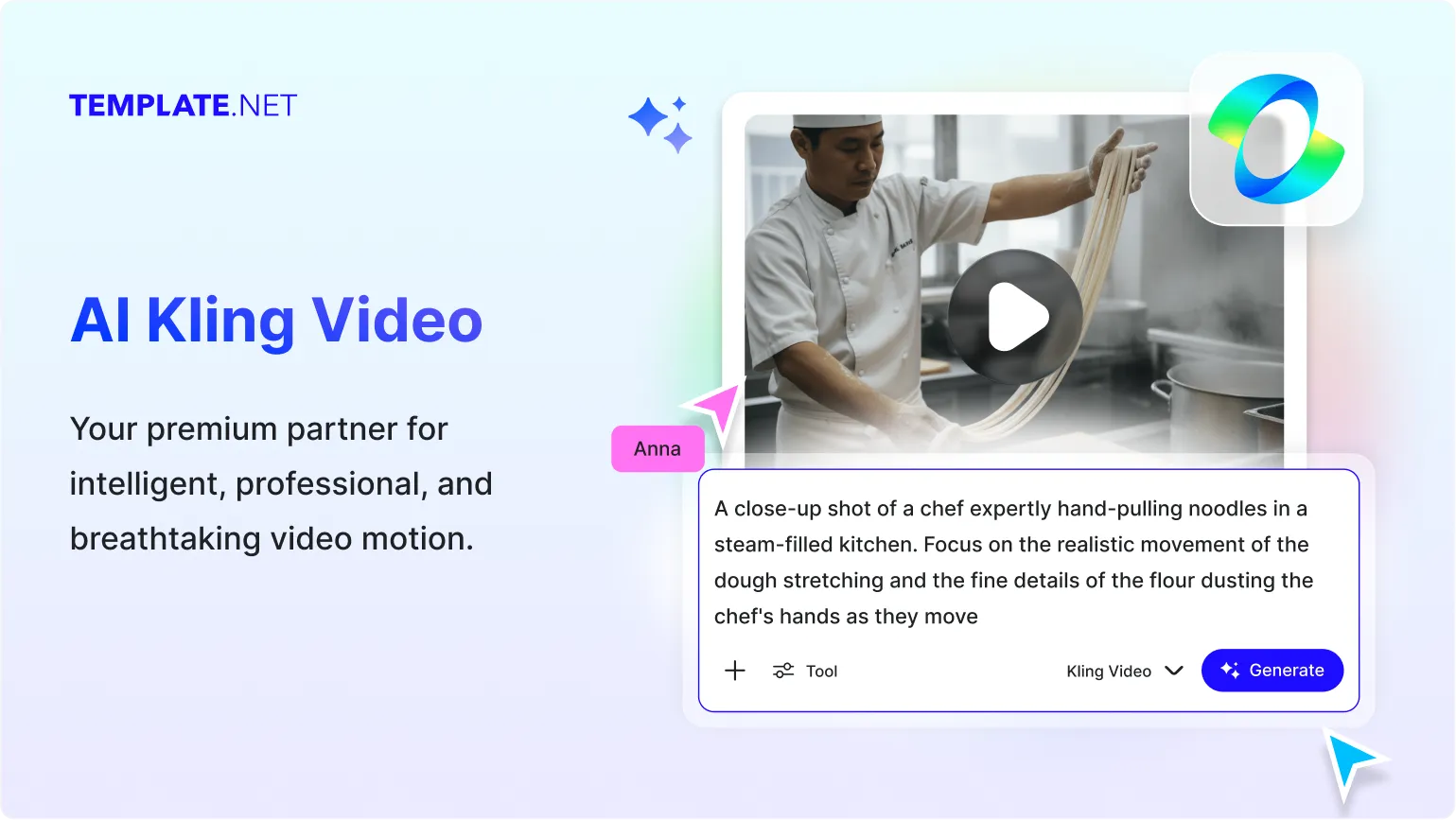
AI Kling Video on Template.net gives you access to Kling 3, Kling 2.6, Kling 2.5 1080, and Kling 1.6 720 to create cinematic videos, realistic motion scenes, storytelling, marketing videos, product demonstrations, and professional video productions from text prompts and images across desktop, tablet, and mobile devices. Unlock advanced AI video generation capabilities with plans starting at just $12 monthly.
Powerful AI Video Generator Built for Professional Video Creation
Everything you need to generate cinematic videos, realistic motion sequences, promotional, and creative visual storytelling with advanced AI video generation.
AI-Powered by Kling 3
Create premium-quality AI videos with advanced motion generation, cinematic visuals, realistic scene transitions, and enhanced video quality powered by the latest Kling 3 model.
Cinematic Video Generation
Generate professional cinematic video sequences with realistic camera movement, scene composition, visual depth, and storytelling effects.
Text-to-Video Creation
Convert simple text prompts into engaging AI-generated videos with realistic environments, actions, characters, and motion effects.
Image-to-Video Transformation
Animate static images into dynamic video with natural movement, visual continuity, and smooth transitions.
High-Quality Motion Rendering
Generate realistic movement, character actions, environmental effects, and scene dynamics with improved motion consistency.
Multiple Kling Models
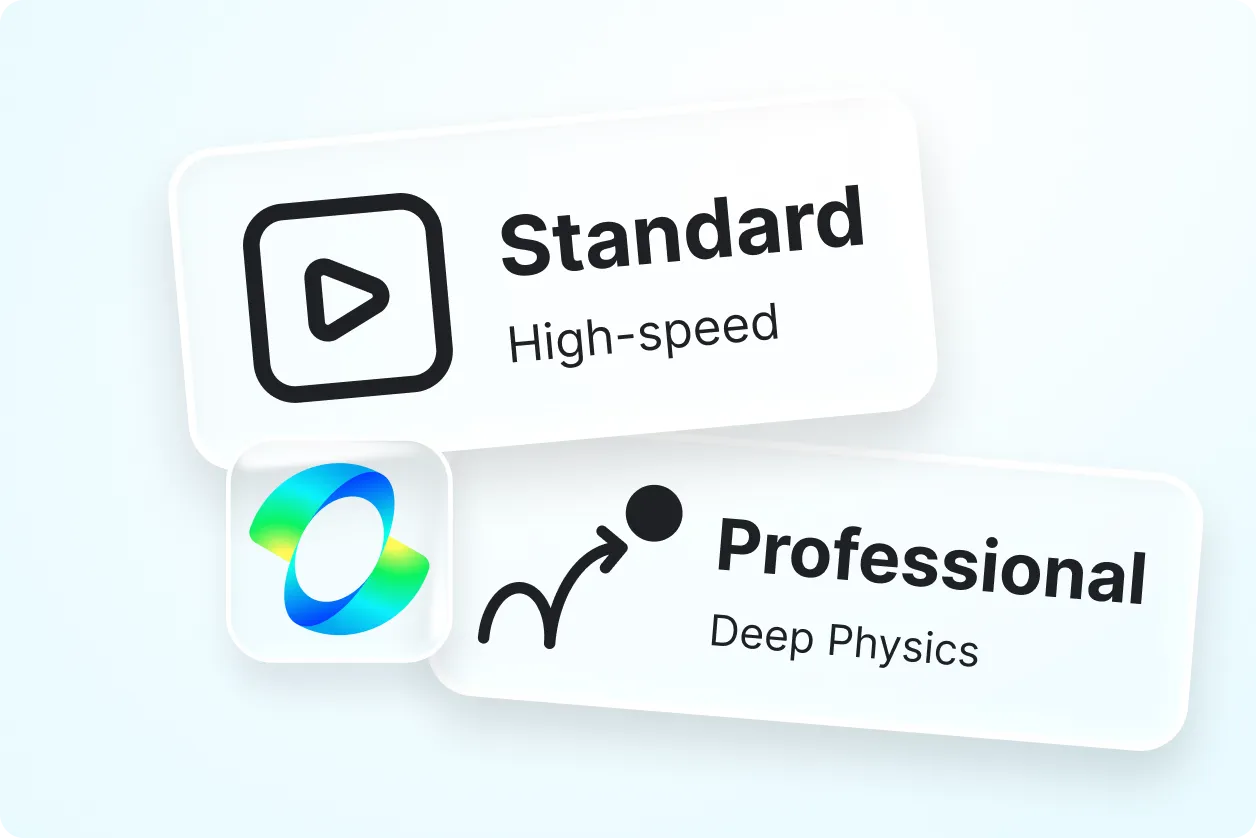
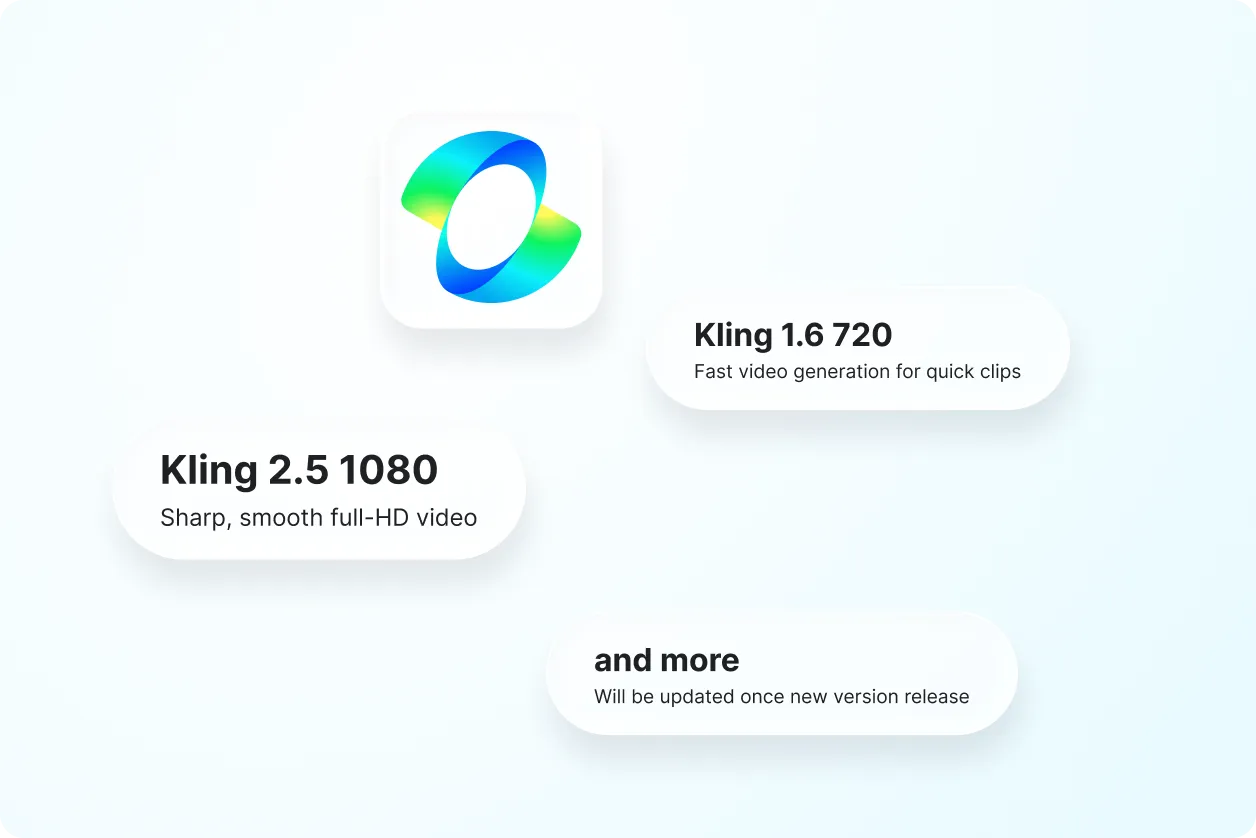
Choose between Kling 3, Kling 2.6, Kling 2.5 1080, and Kling 1.6 720 based on your video quality, speed, and creative requirements.
Marketing Video Creation
Produce promotional videos, advertising campaigns, product showcases, and branded for business and marketing use.
Visual Storytelling Support
Create narrative-driven videos with cinematic scenes, emotional storytelling, character actions, and immersive visual experiences.
Creative Video Production
Generate artistic videos, concept visuals, creative campaigns, entertainment, and experimental video projects.
Business & Brand Videos
Create professional videos for presentations, corporate communication, product launches, training, and customer engagement.
Social Media Video Generation
Produce short-form video optimized for social platforms, digital campaigns, reels, and audience engagement.
Consistent Scene Composition
Maintain visual consistency across frames with improved subject continuity, scene stability, and motion coherence.
Educational Video Creation
Generate visual learning, training materials, demonstrations, explainers, and educational storytelling videos.
Multilingual Support
Create videos using prompts in 20+ multiple languages including English, Spanish, Hindi, Arabic, Chinese, Japanese, and more to reach global audiences.
Team Collaboration Ready
Generate video concepts, campaign visuals, product demonstrations, and creative assets suitable for teams and organizations.
Download, Save & Share
Save generated videos for presentations, marketing campaigns, creative projects, social media publishing, and business communication.
Create Anywhere, Anytime
Access AI Kling Video from desktop, tablet, and mobile devices for flexible video production workflows.
Fast & User-Friendly Experience
Enjoy a responsive video generation interface designed for efficient creation, editing, previewing, and production.
How to Use AI Kling Video
Create professional AI videos in just a few simple steps.
Step 1: Enter a Prompt or Upload an Image
Describe the video you want to create or upload an image for animation. For example, "Create a cinematic aerial shot of a modern city with realistic traffic and sunset lighting."
Step 2: Select Your Kling Video Model
Choose Kling 3 for premium-quality cinematic video generation, Kling 2.6 for advanced creative production, Kling 2.5 1080 for sharp Full-HD videos, or Kling 1.6 720 for faster video creation.
Step 3: Generate, Download & Share
Review your AI-generated video, regenerate if needed, and download or share instantly via Email, LinkedIn, WhatsApp, X (Twitter), and Pinterest for business, marketing, education, and creative projects.
Create Cinematic Videos Faster with AI Kling Video
Generate Professional Videos
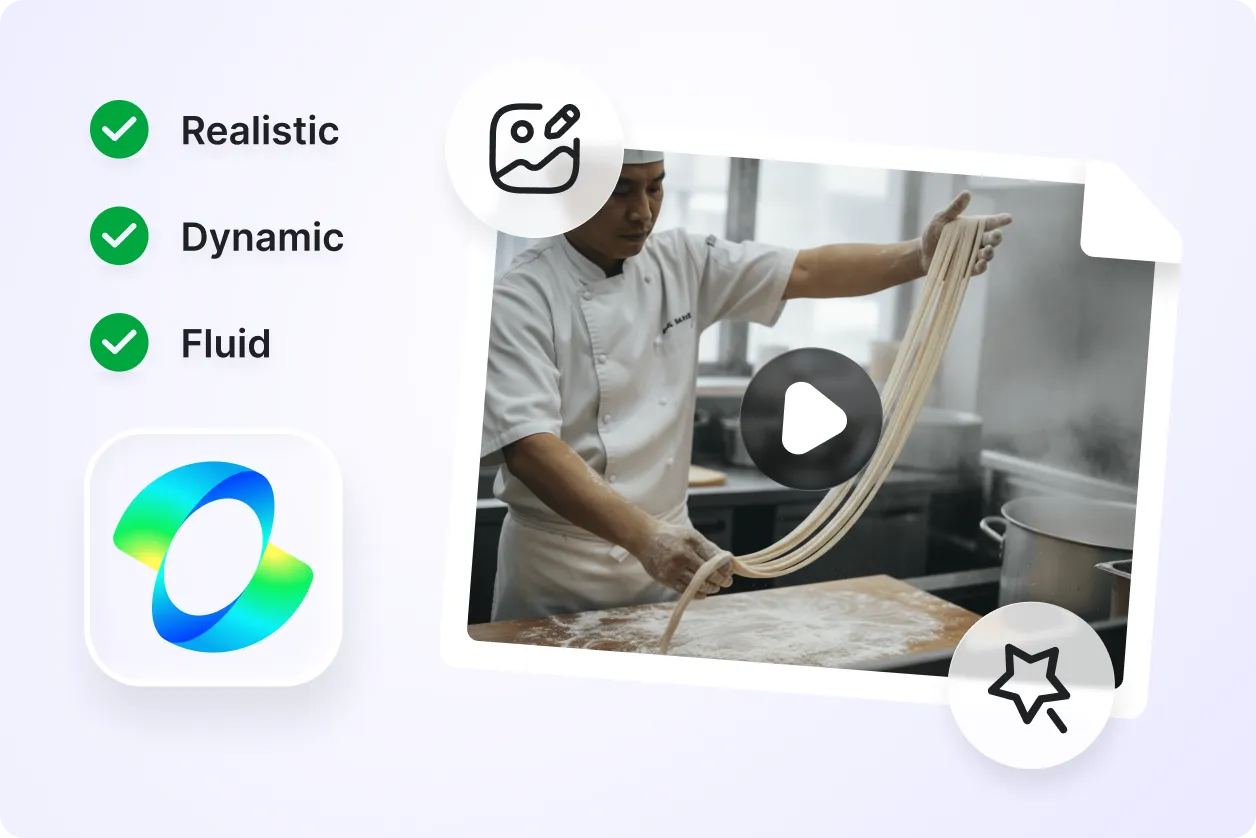
AI Kling Video transforms text prompts and images into cinematic videos with realistic motion, smooth scene transitions, and professional visual quality suitable for marketing, storytelling, and creative production.
Create Videos for Multiple Industries
Generate promotional videos, product demonstrations, educational, advertising campaigns, social media videos, brand storytelling, entertainment clips, and business presentations from a single platform.
Accelerate Creative Video Production
Reduce production time by generating visual concepts, animations, creative scenes, and video assets without traditional filming, editing, or complex production workflows.
Collaborate & Share with Ease
Create videos ready for teams, businesses, agencies, educators, marketers, and creative professionals. Save, download, and share projects instantly across platforms and workflows.
