Free AI Pages to PPT Generator
more
Transform Apple Pages Documents into Professional PowerPoint Presentations with AI
Template.net's Free AI Pages to PPT Generator instantly converts prompts or uploaded Apple Pages documents into professionally designed PowerPoint presentations. Upload reports, meeting notes, research papers, business proposals, lesson plans, training manuals, or project documentation, and AI intelligently extracts important information, organizes your content into presentation-ready slides, and builds a polished slide deck with title slides, agendas, content sections, charts, visuals, timelines, and conclusion slides. Customize every slide using the built-in presentation editor, collaborate with your team in real time, present online, or download your presentation in multiple formats.
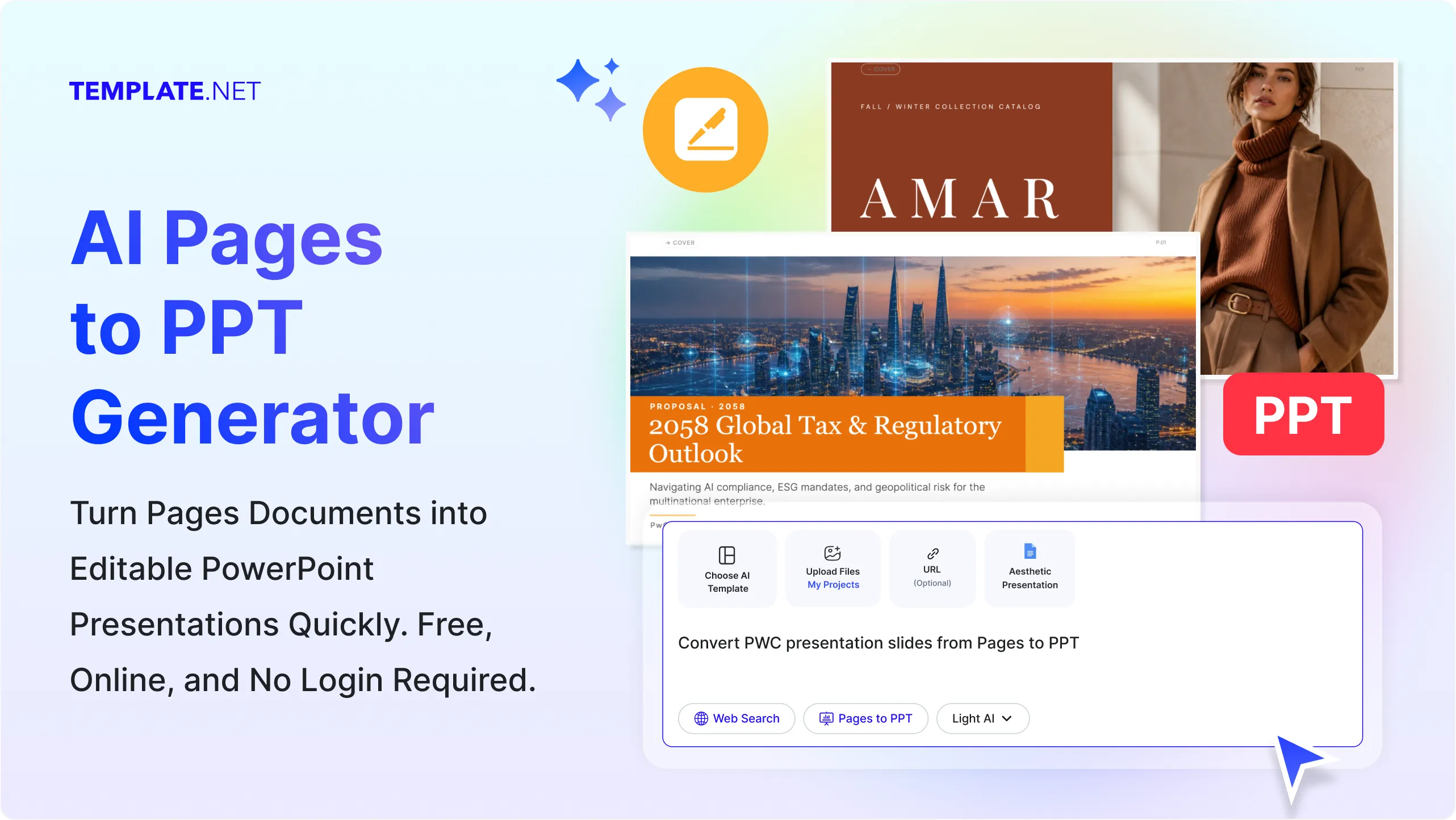
Create Professional Apple Pages to PowerPoint Presentations Faster
Everything you need to transform prompts and Apple Pages documents into polished, presentation-ready PowerPoint slides without starting from scratch.
AI-Powered Pages to PPT Conversion
Upload an Apple Pages (.pages) document or describe your presentation with a prompt. AI analyzes your content, extracts important information, organizes ideas into logical sections, and automatically generates a professional PowerPoint presentation with structured, editable slides.
Prompt or Apple Pages Upload
Generate presentations your way. Type a prompt, use voice input, or upload Apple Pages files, Word documents, PDFs, meeting notes, reports, research papers, or business documents to instantly create presentation-ready PowerPoint slides.
Smart Content Analysis
AI identifies headings, summaries, key takeaways, statistics, action items, and supporting details from your uploaded Pages document to create a logical and engaging presentation flow.
Automatic Presentation Outlines
Generate complete presentation structures with title slides, agendas, introductions, key discussion points, supporting slides, conclusions, and next-step recommendations without manually organizing your content.
Professionally Designed Slide Layouts
Create visually appealing PowerPoint presentations using presentation-ready layouts designed for business meetings, educational lectures, sales presentations, project reviews, webinars, conferences, and training sessions.
Fully Editable PowerPoint Slides
Customize every slide by editing text, headings, charts, tables, colors, fonts, images, icons, layouts, themes, and slide order using the integrated presentation editor.
AI-Generated Charts and Data Visuals
Transform numbers, comparisons, timelines, business metrics, and important data from your Pages documents into professional charts, graphs, tables, and visual elements that improve presentation clarity.
Upload Images and Supporting Files
Enhance presentations by adding company logos, screenshots, diagrams, illustrations, product images, brand assets, and supporting documents directly into your slide deck.
Smart Speaker Notes Generation
Automatically create presenter-friendly speaker notes that help explain each slide clearly during meetings, classroom lectures, webinars, business presentations, and client discussions.
Multilingual Support
Generate PowerPoint presentations in 20+ multiple languages, including English, Spanish, French, German, Italian, Portuguese, Dutch, Hindi, Arabic, Chinese, Japanese, Korean, Russian, Turkish, Vietnamese, Thai, Indonesian, Malay, Polish, Swedish, and more, making it easy to present to global audiences.
Real-Time Presentation Collaboration
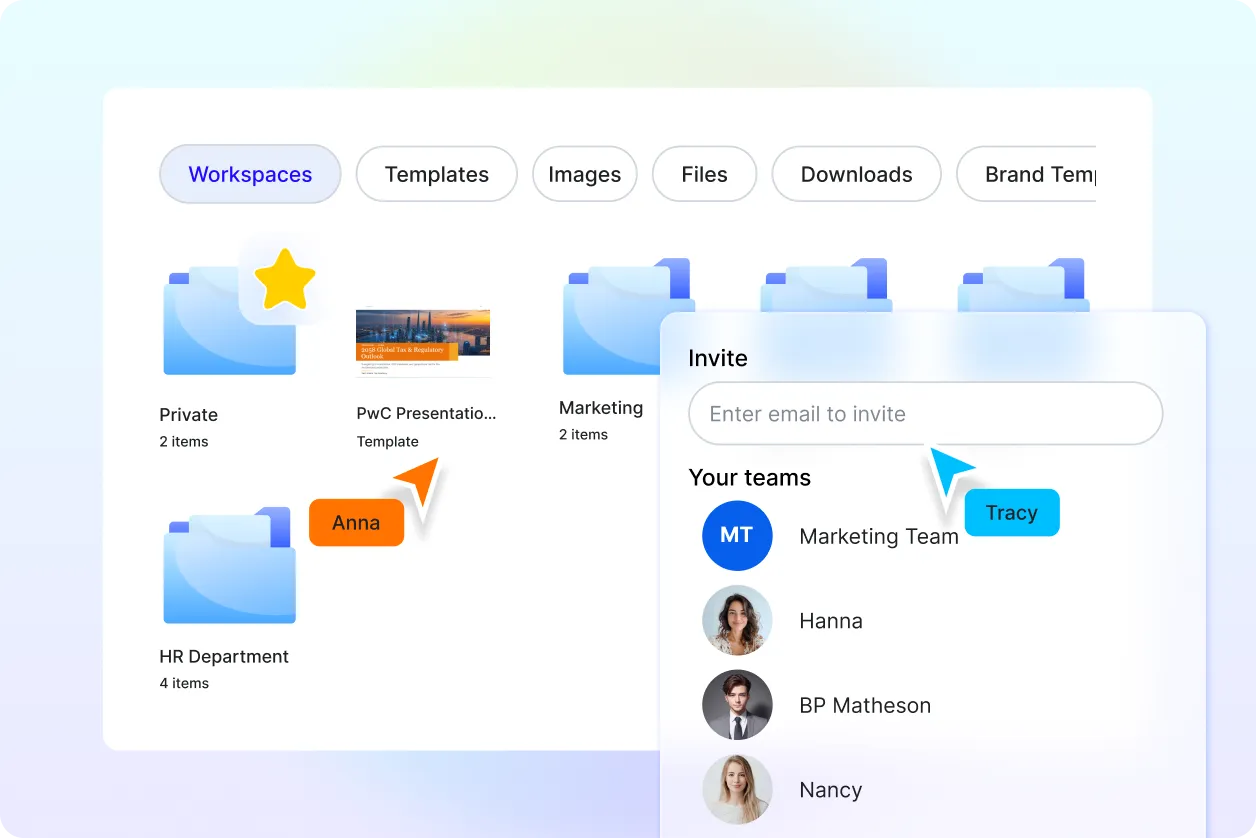
Invite teammates, clients, or classmates to review, edit, and improve presentations together. Collaborate with live updates, comments, and shared editing for faster presentation creation.
Brand-Consistent Slide Styling
Apply your organization's colors, fonts, logos, and visual identity across every slide to maintain a professional and consistent presentation for meetings, reports, proposals, and training materials.
Interactive Animations and Transitions
Capture your audience's attention by adding smooth slide transitions, entrance effects, emphasis animations, and engaging visual elements that enhance presentation delivery.
Organized Presentation Workspace
Keep presentations organized by renaming files, creating folders, saving favorites, and quickly accessing recently edited slide decks to simplify presentation management.
Present Anywhere on Any Device
Create, edit, review, and present your PowerPoint slides seamlessly from desktop, laptop, tablet, or mobile devices, so your presentations are always available wherever you work.
Reusable Presentation Templates
Save completed presentations as reusable templates for future business proposals, project updates, employee training, classroom lessons, sales presentations, and company reports.
Publish and Embed Presentations
Embed presentations into websites, blogs, landing pages, company portals, or knowledge bases for convenient online viewing without requiring downloads.
Download, Share, and Export Anywhere
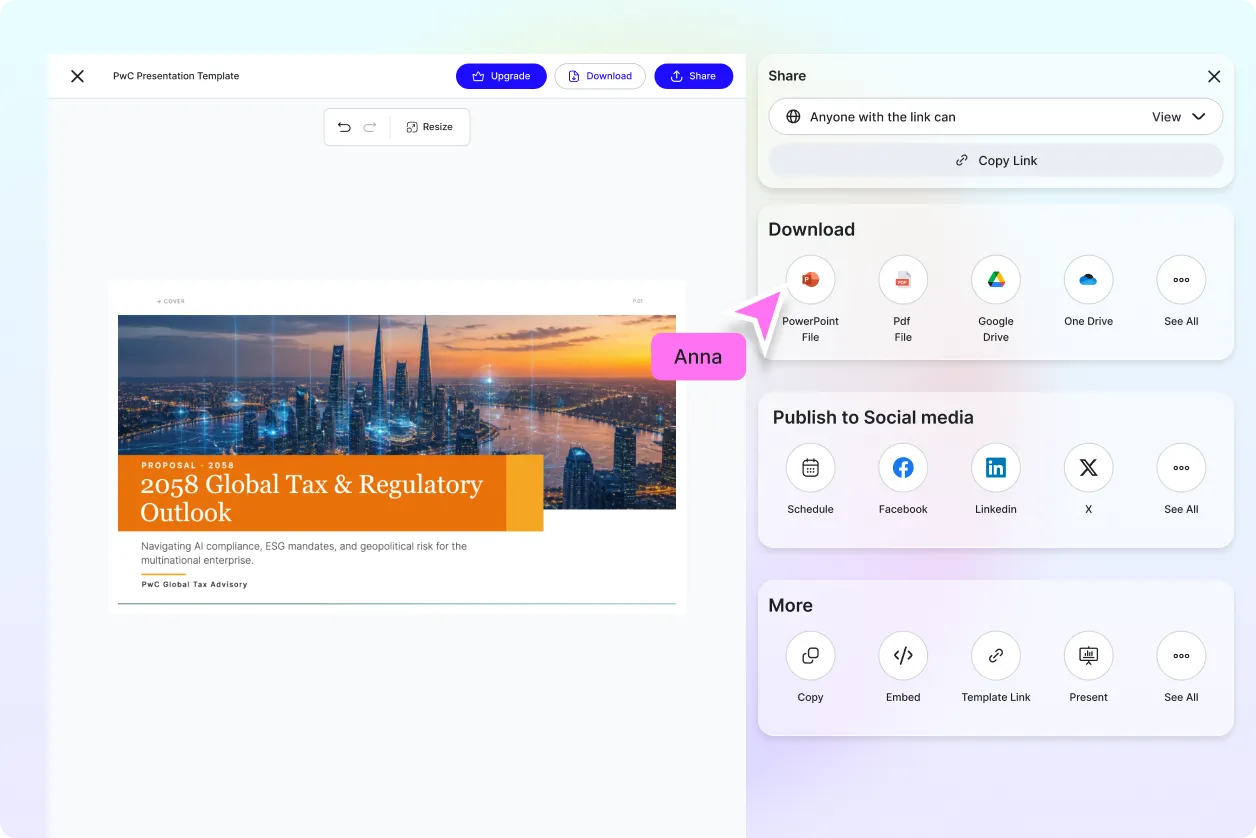
Download presentations in JPG, PNG, PDF, WEBP, BMP, TIFF, Microsoft PowerPoint, Google Slides, and other supported formats. Save directly to Google Drive generate QR codes or shareable links, and instantly share presentations through Email, LinkedIn, Facebook, X (Twitter), Pinterest, WhatsApp, and Messenger.
How to Create an AI Pages to PPT Presentation
Convert prompts or uploaded Apple Pages documents into professional PowerPoint presentations in just three simple steps.
Step 1: Enter a Prompt or Upload an Apple Pages Document
Open the AI Pages to PPT Generator and either describe your presentation using a prompt such as "Convert my Apple Pages marketing proposal into a PowerPoint presentation" or upload a Pages (.pages) document, Word file, PDF, report, proposal, lesson plan, or research paper. Click Generate to instantly create your presentation.
Step 2: Review and Personalize Your Presentation
Edit titles, text, charts, visuals, tables, icons, images, speaker notes, animations, layouts, themes, and branding. Rearrange slides, upload additional assets, and customize every detail to match your audience and presentation goals.
Step 3: Present, Share, or Download
Launch Presentation Mode for meetings, classrooms, webinars, or conferences. Download your presentation in multiple formats, save it to Google Drive generate a QR code, embed it on your website, or instantly share it through Email, LinkedIn, Facebook, X (Twitter), Pinterest, WhatsApp, or Messenger.
Transform Apple Pages Documents into Powerful PowerPoint Presentations
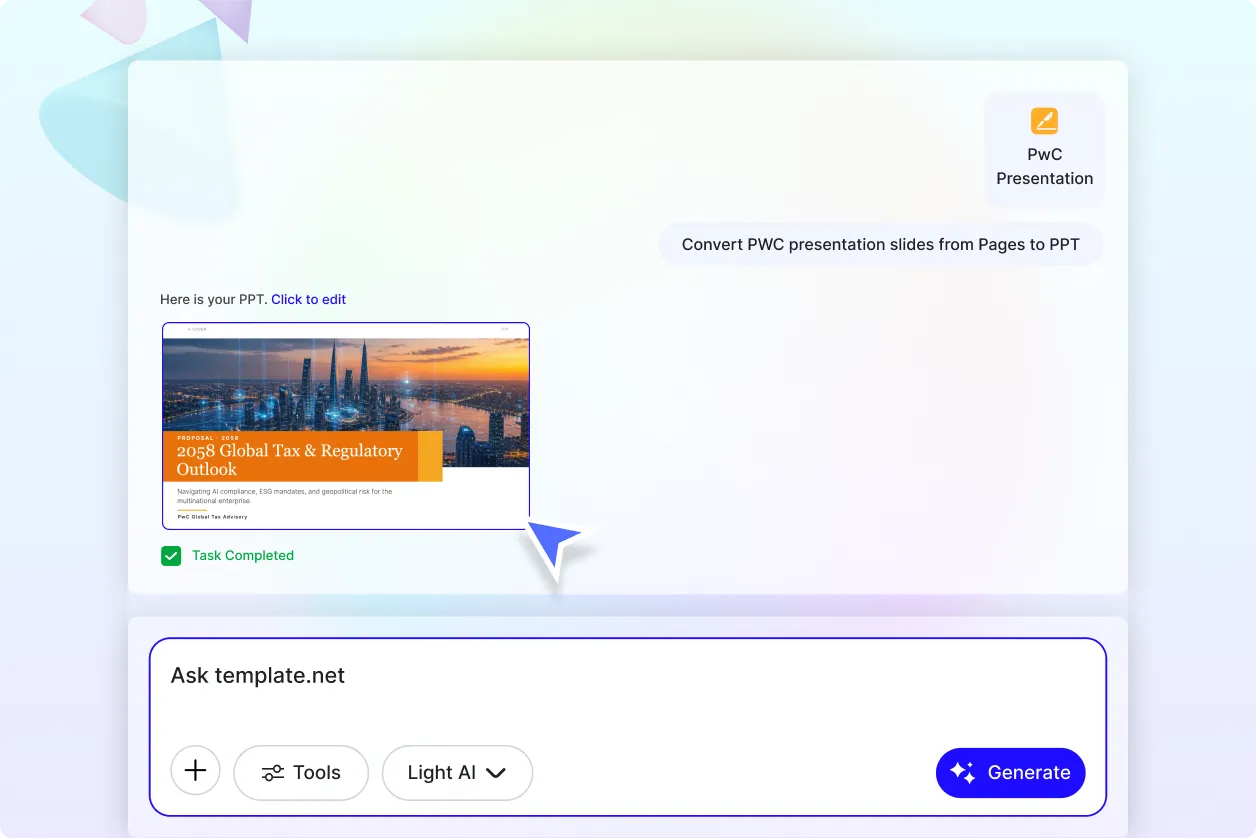
Convert Apple Pages Files into Presentation-Ready Slides
Turn reports, proposals, lesson plans, meeting notes, business documents, research papers, and project files into professionally structured PowerPoint presentations. AI extracts key information, organizes content into logical sections, and builds presentation-ready slides without manual formatting.
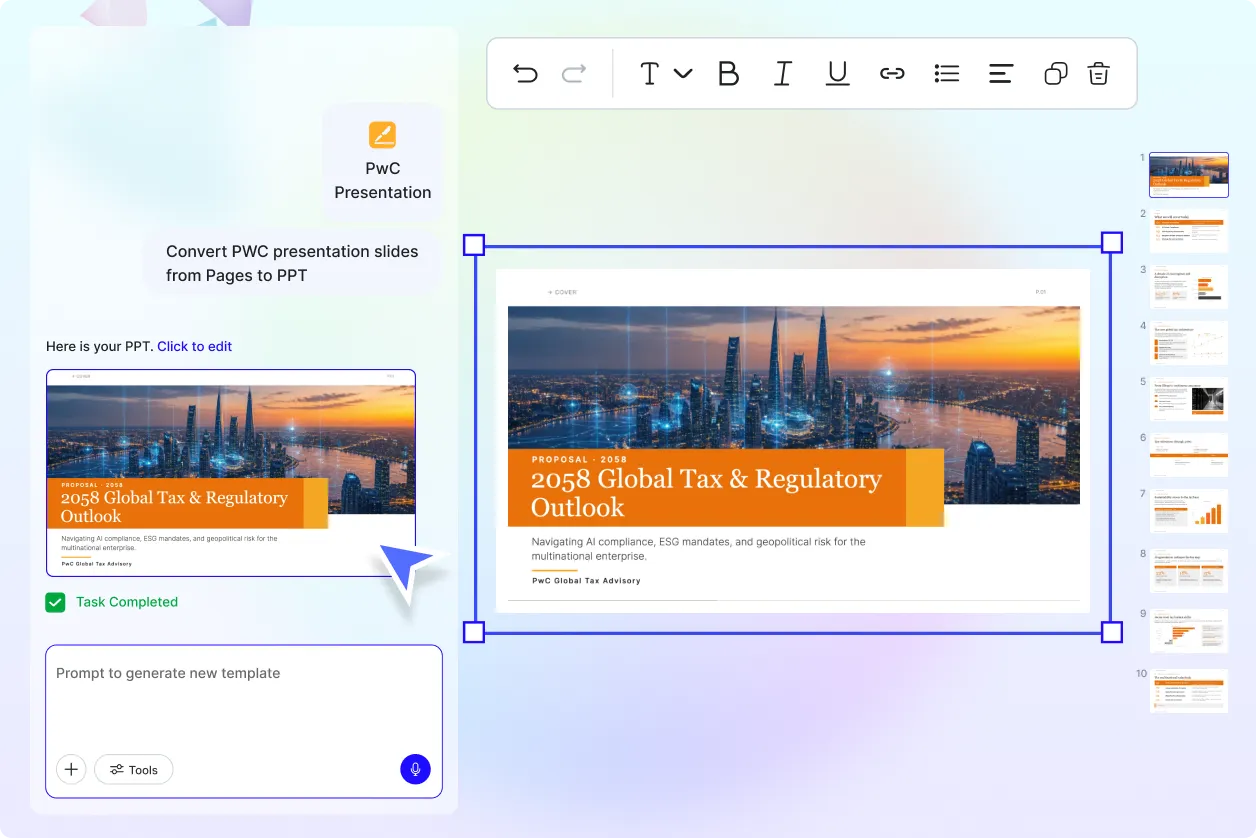
Generate Professional Presentations from Prompts or Uploads
Whether you start with a simple prompt or upload an Apple Pages document, AI quickly creates polished PowerPoint presentations for business meetings, sales pitches, education, employee training, project reviews, webinars, and conferences.
Personalize Every Slide with Intelligent Editing
Refine titles, headings, charts, visuals, icons, speaker notes, themes, colors, and layouts using the integrated presentation editor. Keep every slide fully editable while adapting your presentation to your brand, audience, and communication style.
Collaborate, Publish, and Deliver with Ease
Work together in shared workspaces, collect feedback through comments, organize presentation versions, and publish completed slide decks confidently. Present online, embed presentations on websites, or export them in multiple formats for seamless sharing across teams and devices.
