Free AI PDF Watermark Remover

Remove PDF Watermarks Online with Smart AI Powered Generator
Template.net's Free AI PDF Watermark Remover helps you clean PDF documents by detecting and removing unwanted text, image, logo, and stamp watermarks in just a few clicks. Simply upload your PDF, and the AI analyzes each page to remove visible watermarks while maintaining document quality, formatting, and readability. Process business documents, contracts, reports, presentations, manuals, educational files, scanned PDFs, and digital archives without complex editing. Review the cleaned document, make adjustments if needed, and export a professional-looking PDF ready for sharing, printing, or storage.
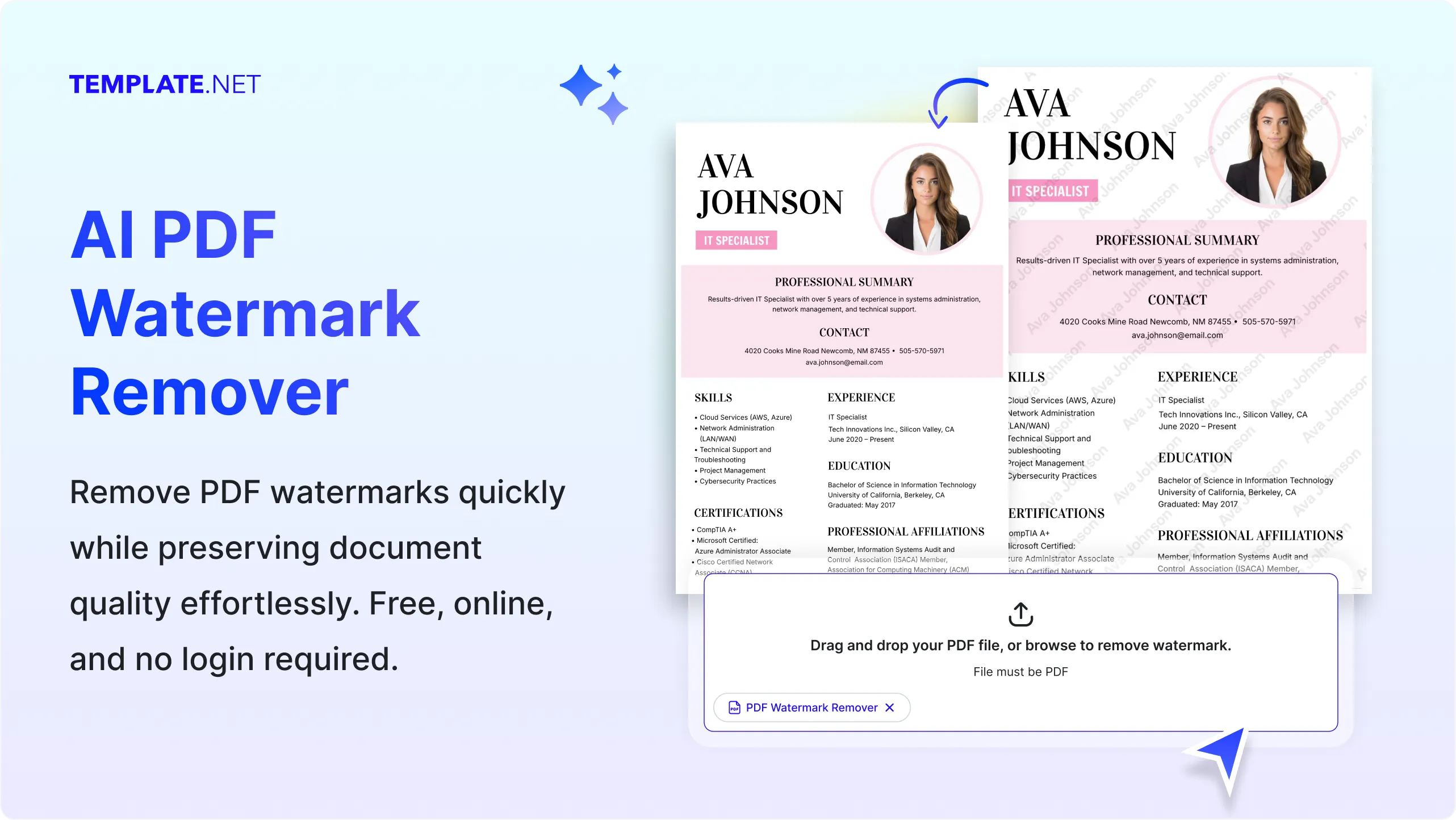
Remove PDF Watermarks Accurately with AI
Everything you need to remove unwanted PDF watermarks while preserving document quality, formatting, and readability.
AI-Powered PDF Watermark Detection
Automatically identify text, image, logo, and stamp watermarks across PDF pages for accurate removal.
Upload-to-Watermark Removal
Upload your PDF and let AI analyze each page to remove unwanted watermarks without manual editing.
Smart Multi-Page Watermark Processing
Detect and remove repeated watermarks across single-page or multi-page PDF documents efficiently.
Logo Watermark Removal
Remove company logos, branding marks, and graphic overlays while preserving surrounding document content.
Text Watermark Removal
Erase unwanted text watermarks without affecting nearby paragraphs, headings, or document structure.
Intelligent Content Preservation
Maintain original text alignment, images, tables, and page formatting during watermark removal.
Scanned PDF Watermark Cleanup
Clean scanned PDF files by removing visible watermark layers while improving document readability.
Selective Watermark Removal
Remove only unwanted watermark elements while keeping the remaining page content unchanged.
Batch PDF Processing
Upload multiple PDF files and process watermark removal efficiently for larger document collections.
Original Layout Preservation
Keep page spacing, margins, fonts, tables, and document structure consistent after watermark removal.
Full Mode Presentation
Review your cleaned PDF in Full Mode to inspect every page, verify watermark removal accuracy, and make final adjustments before downloading or sharing.
High-Quality PDF Output
Generate clean PDF files suitable for business documents, reports, contracts, educational materials, and digital archives.
Multilingual Support
Process PDF documents containing content in 20+ multiple languages including English, Spanish, Hindi, Arabic, Chinese, Japanese, and more.
Save and Reuse
Save cleaned PDF versions for future editing, review, or document management tasks.
Refine Watermark Removal
Upload a revised PDF and generate an improved watermark-free version without starting the process again.
Easy Collaboration and Sharing
Share cleaned PDF documents with colleagues, clients, educators, or team members for review and approval.
Download or Share PDF Instantly
Download your cleaned PDF or share it via Email, LinkedIn, WhatsApp, X (Twitter), Pinterest, or generate a live link or QR code.
Intelligent Multi-Page Watermark Detection
AI automatically scans every page of your uploaded PDF to identify repeated text, logos, stamps, and background watermarks, helping ensure consistent watermark removal across single-page and multi-page documents without manual page-by-page editing.
How to Remove PDF Watermarks Using AI
Remove unwanted PDF watermarks with a simple upload-based workflow while preserving your document's text, formatting, and overall quality.
Step 1 Upload Your PDF File
Open the AI PDF Watermark Remover and upload the PDF containing the watermark you want to remove. The AI automatically scans each page to detect text, logo, stamp, or background watermarks while preserving the document layout.
Step 2 Remove and Review
The AI removes detected watermarks and generates a clean version of your PDF. Review the results, make any necessary adjustments, and preview the document to ensure the text, images, and formatting remain intact.
Step 3 Save, Download, or Share
Once you're satisfied with the cleaned PDF, save your project, download the watermark-free document, present it in Full Mode, or share it instantly via Email, LinkedIn, WhatsApp, Facebook, X (Twitter), or Pinterest.
Remove PDF Watermarks Easily While Keeping Your Document Professional
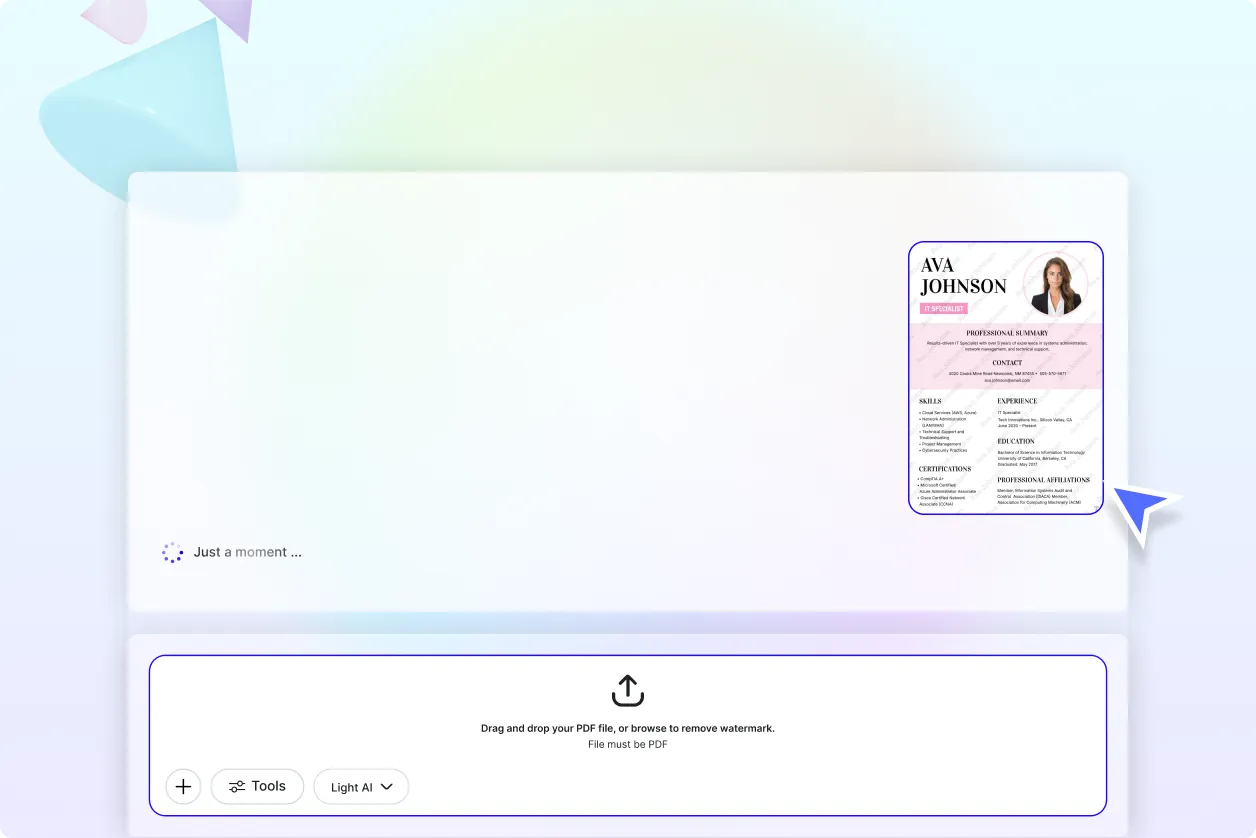
Remove Unwanted PDF Watermarks in Seconds
Upload your PDF and let AI detect and remove unwanted watermarks while preserving the original text, images, formatting, and page structure for a cleaner document.
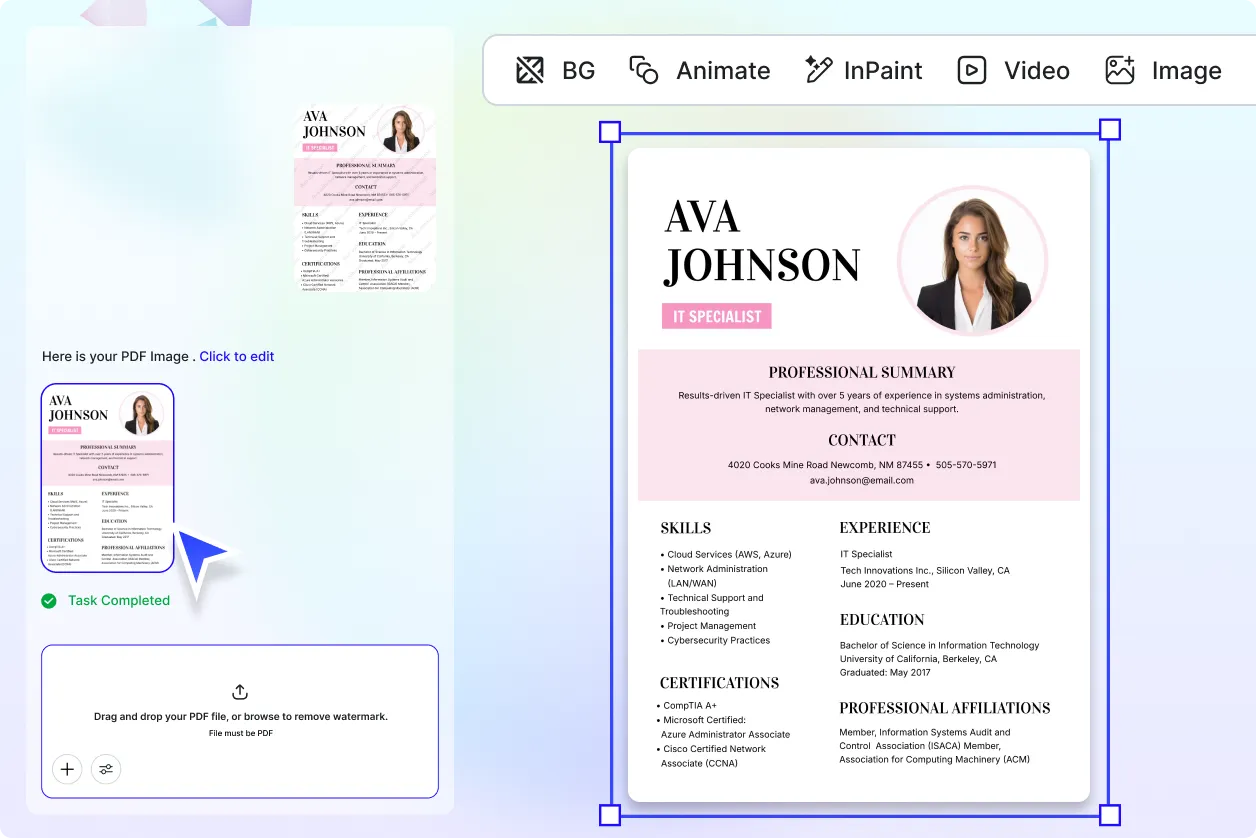
Clean PDF Files for Business, Education, and Personal Use
Prepare watermark-free PDFs for reports, contracts, presentations, study materials, manuals, portfolios, and archived documents without complex editing.
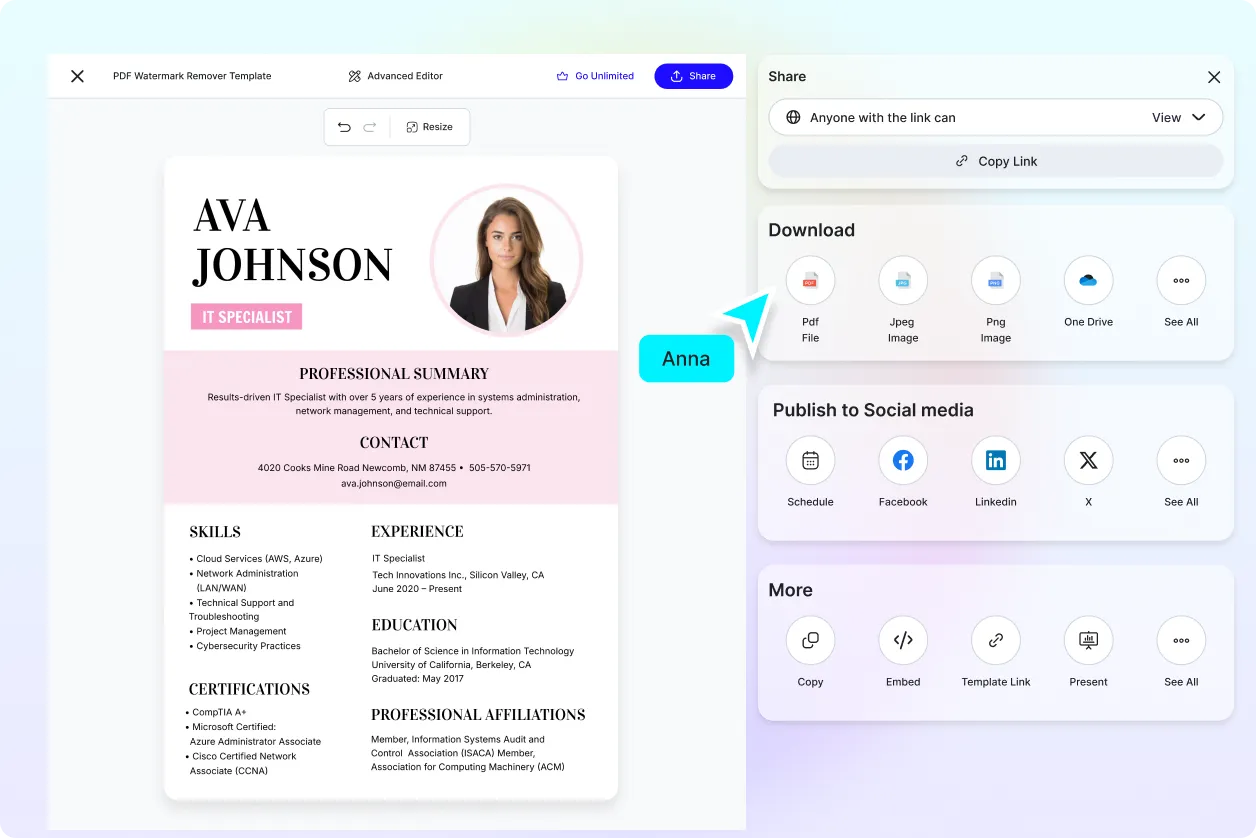
Preserve Document Quality During Watermark Removal
Maintain readable text, sharp graphics, consistent layouts, and original page formatting while removing visible watermarks from uploaded PDF files.
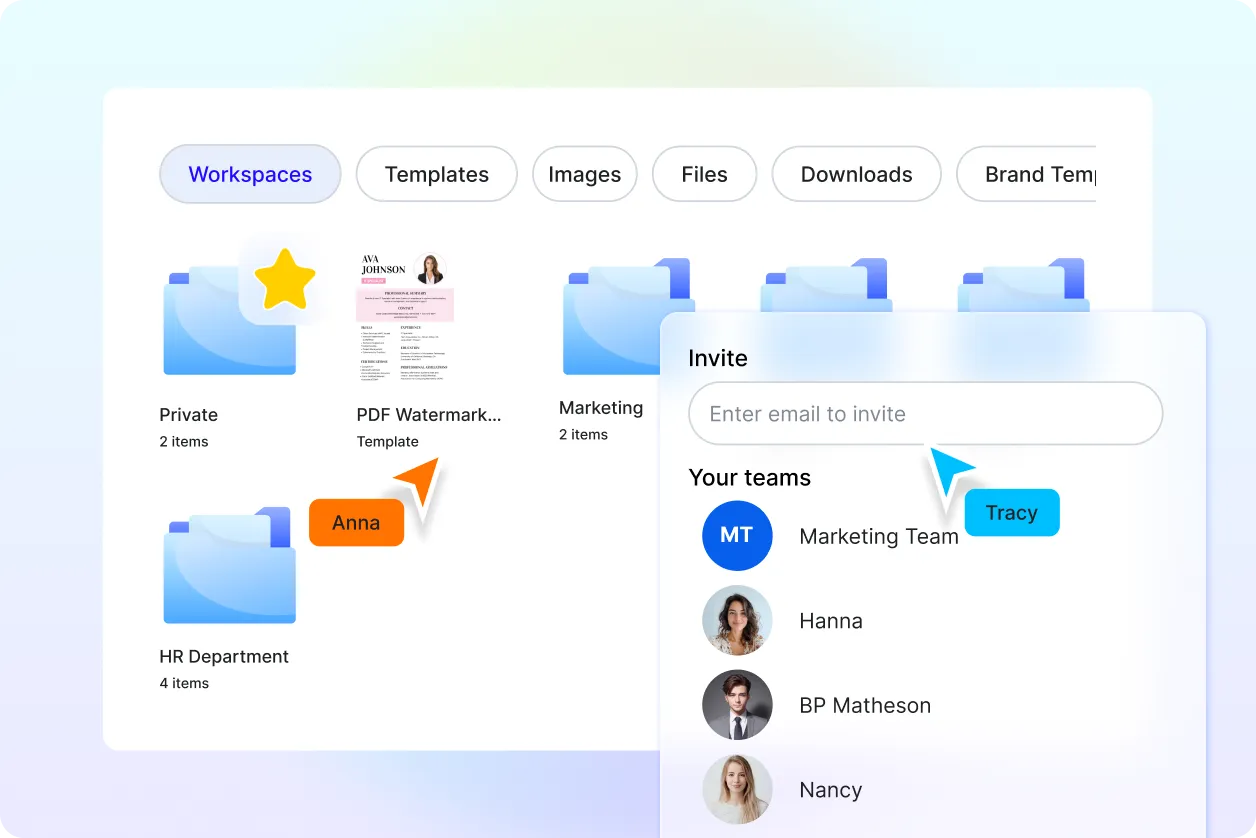
Review, Edit, and Export with Confidence
Preview the cleaned PDF, make additional edits if needed, present it in Full Mode, then download or share your document in just a few clicks.
