Free AI PNG Images to PPT Presentation Generator Online

Convert PNG Images to Professional PowerPoint Slides Instantly
Template.net’s AI PNG Images to PPT Presentation Generator automatically converts your PNG images into high-quality, presentation-ready PowerPoint slides. Using intelligent layout detection, text recognition, and design optimization, the tool produces visually consistent and professional slides suitable for marketing decks, business presentations, photo slideshows, academic lectures, and classroom projects.
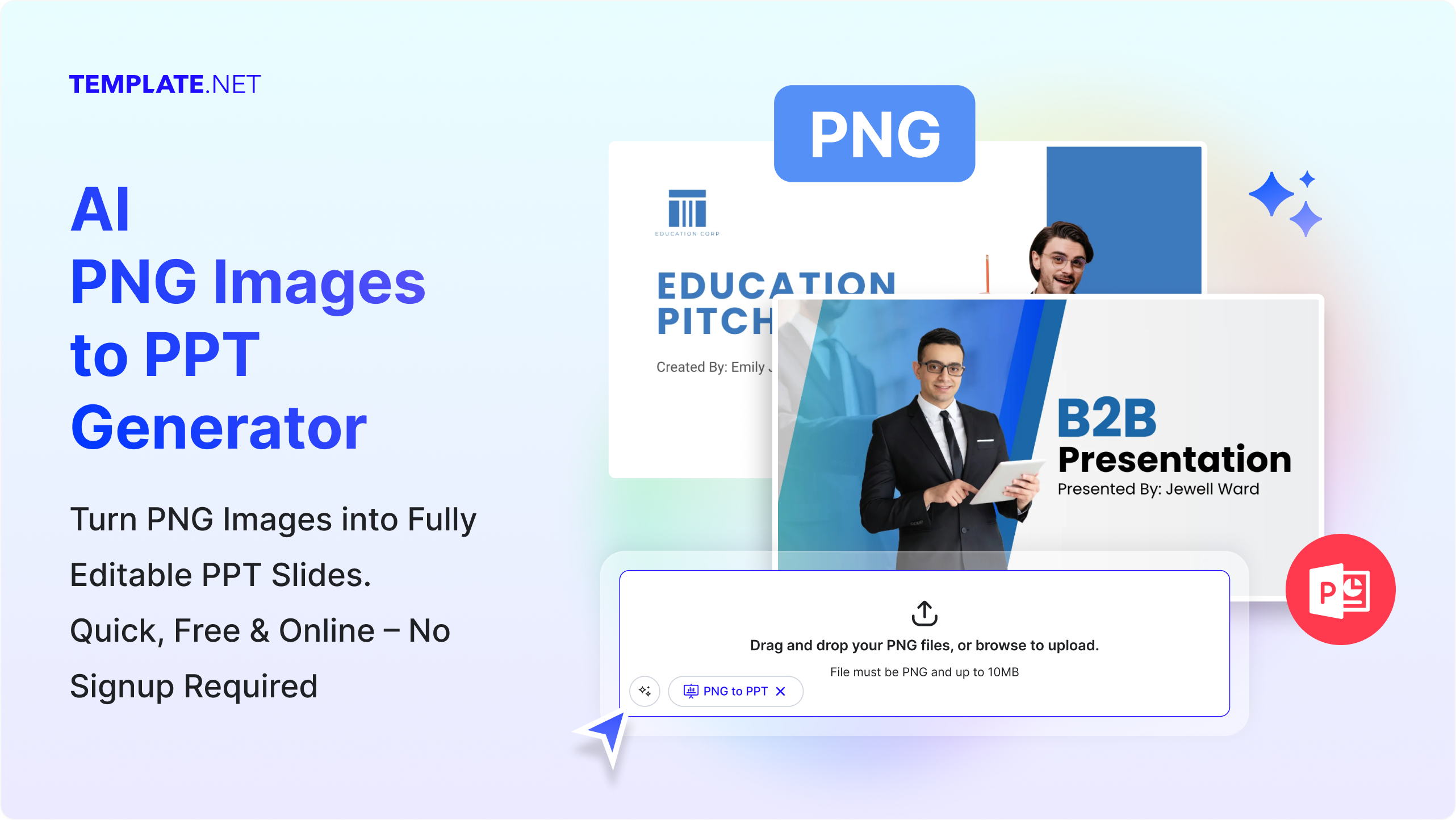
Create Professional PowerPoint Slides from PNG Images
Instantly convert PNG images into fully editable PowerPoint slides with professional layouts, visual enhancements, and ready-to-present designs for seamless presentations.
AI-Powered Conversion
Instantly transform PNG images into fully formatted PowerPoint slides using advanced AI.
Editable Slides Output
All generated slides are fully editable for text, layout, and design customization.
Multiple Slide Layouts
AI intelligently distributes content across multiple professional slide layouts.
Professional Presentation Design
Generate visually appealing slides that are ready for business, education, or marketing use.
Supports Batch Uploads
Upload multiple PNG images at once and generate a complete presentation seamlessly.
Smart Text Recognition
AI detects and converts text from images into editable slide content automatically.
Automatic Image Placement
Images are arranged on slides with proper alignment, spacing, and scaling for professional aesthetics.
Business & Academic Ready
Ideal for corporate meetings, client pitches, classroom presentations, and workshops.
Export & Download Options
Download your presentation as PPTX or share it directly with colleagues and clients.
Cloud-Based & Online
Access the tool anytime, anywhere, without installing software.
Supports Transparent PNGs
Preserve transparency when converting images to slides, keeping your designs clean and professional.
Slide Consistency
Ensures uniform formatting, fonts, and styles across all slides.
Prompt-Driven Customization
Control slide layout, color schemes, and design elements using simple prompts.
No Design Skills Needed
AI automatically creates professional layouts, so you can focus on content without manual formatting.
Instant Preview & Editing
Preview generated slides before download and make real-time edits for perfection.
Secure & Private
Your files and content remain confidential, with no storage or sharing unless explicitly chosen.
Multiple Language Support
Convert images containing text in various languages accurately, making slides suitable in multiple languages including English, Spanish, Hindi, Arabic, Chinese, Japanese, and more for global teams.
Customizable Themes & Styles
Apply built-in PowerPoint themes and color schemes to create polished, branded presentations.
How to Convert and Generate PNG Images to a PPT Presentation Using AI
Generate presentation-ready PowerPoint slides from PNG images instantly using Template.net’s AI PNG to PPT Presentation Generator. Upload, edit, and export with ease upgrade to PRO for enhanced speed and advanced tools!
Step 1: Upload PNG Images and Convert
Upload the PNG files you want to convert into a presentation. The AI automatically creates slides with smart layouts, text extraction, and design enhancements.
Step 2: Customize Your Presentation
Edit text, rearrange slides, or apply themes to match your brand or class requirements.
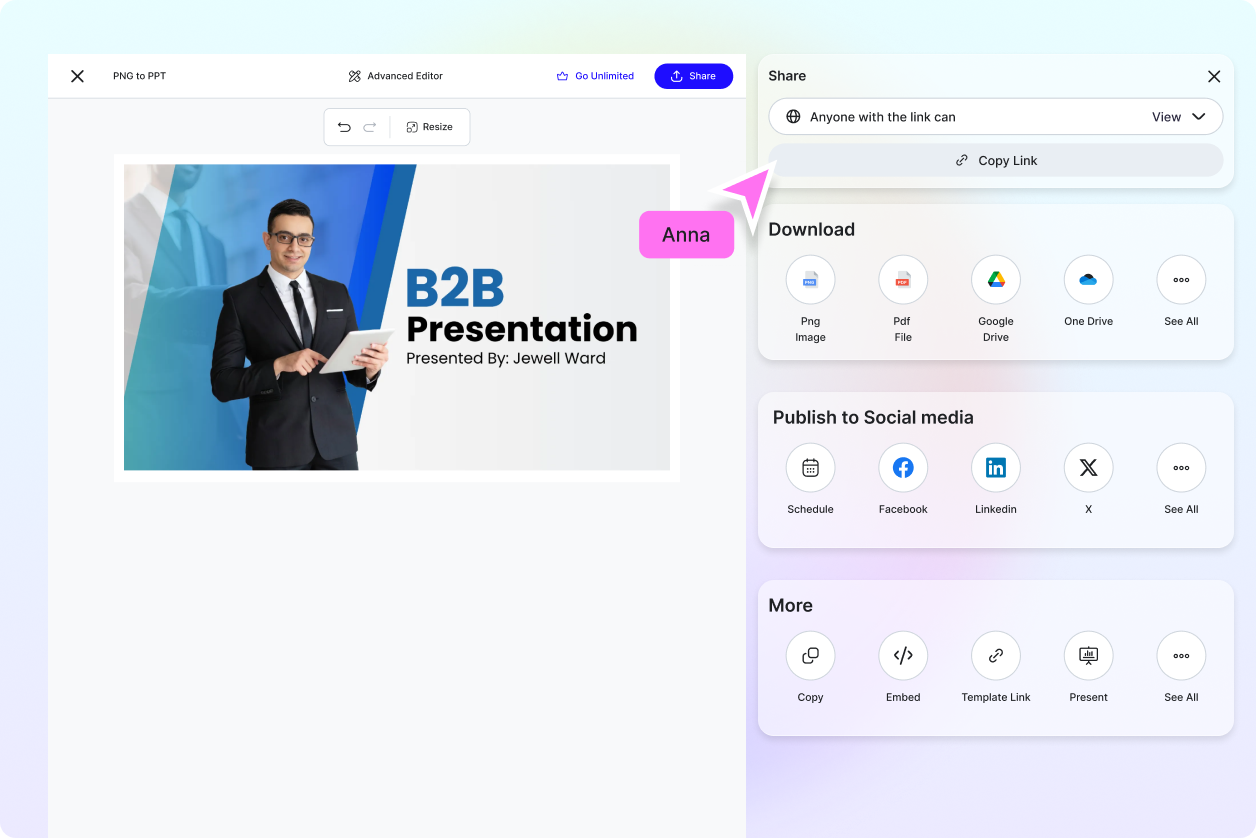
Step 3: Download or Share
Export your presentation as PPTX or share directly with your team.
Work Smarter and Deliver Presentations That Stand Out
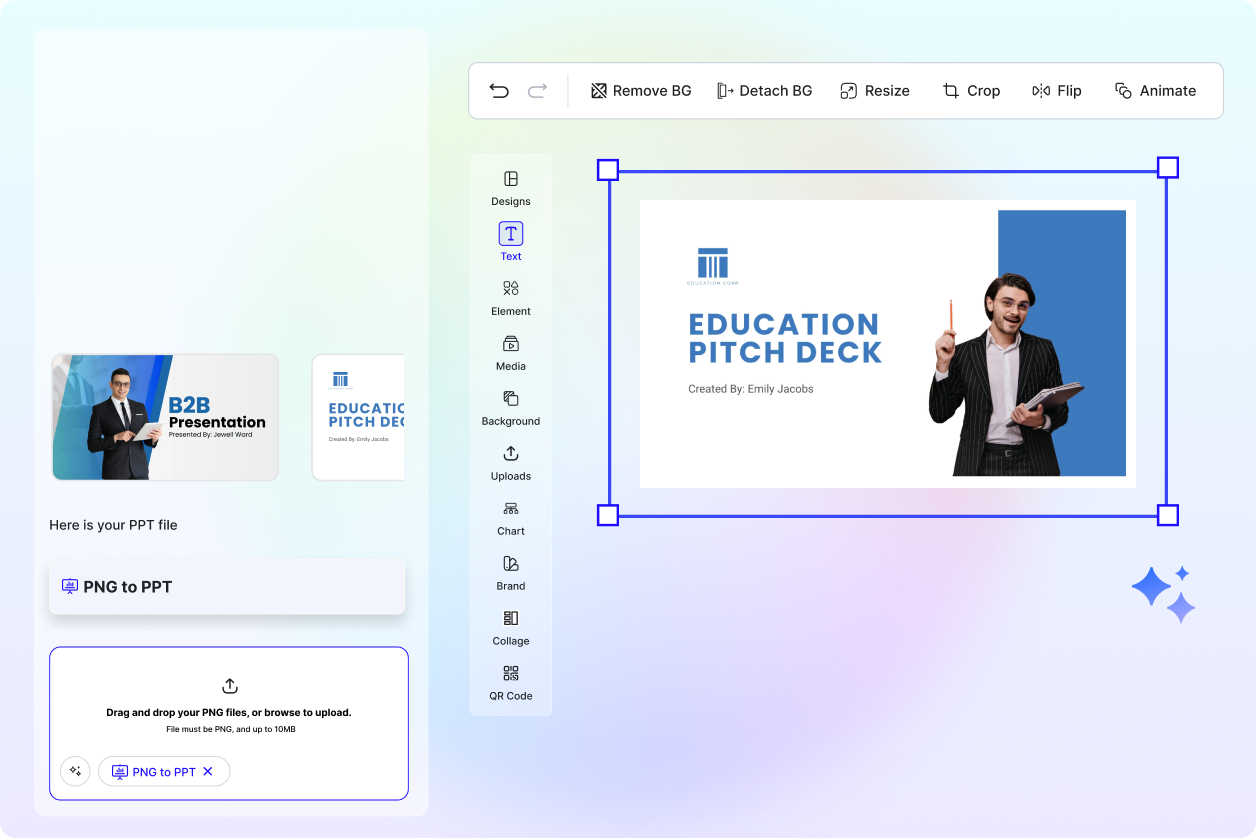
Convert Visual Content into Editable Slides
Transform PNG images into fully editable, professional PowerPoint slides instantly.
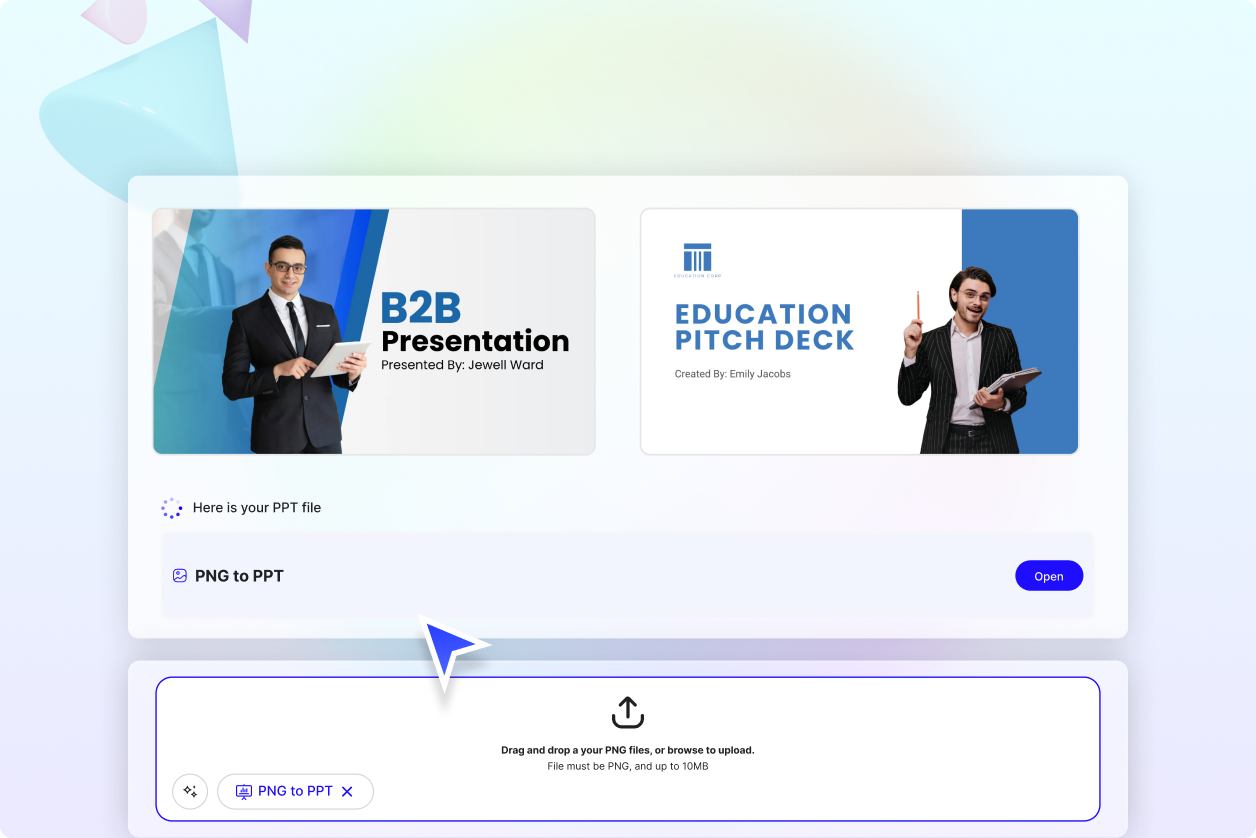
Produce Consistent, Polished Presentations
Maintain uniform formatting, layouts, and style across all slides.
Perfect for Professionals, Educators, and Students
Ideal for business meetings, client pitches, classroom presentations, and workshops.
.webp "Free AI PNG Images to PPT Presentation Generator | Free Convert PNG to PowerPoint Online")
Fast, Reliable, and Easy to Use
AI handles the design and layout, allowing you to focus on your content.
