Free AI Portfolio Presentation Generator


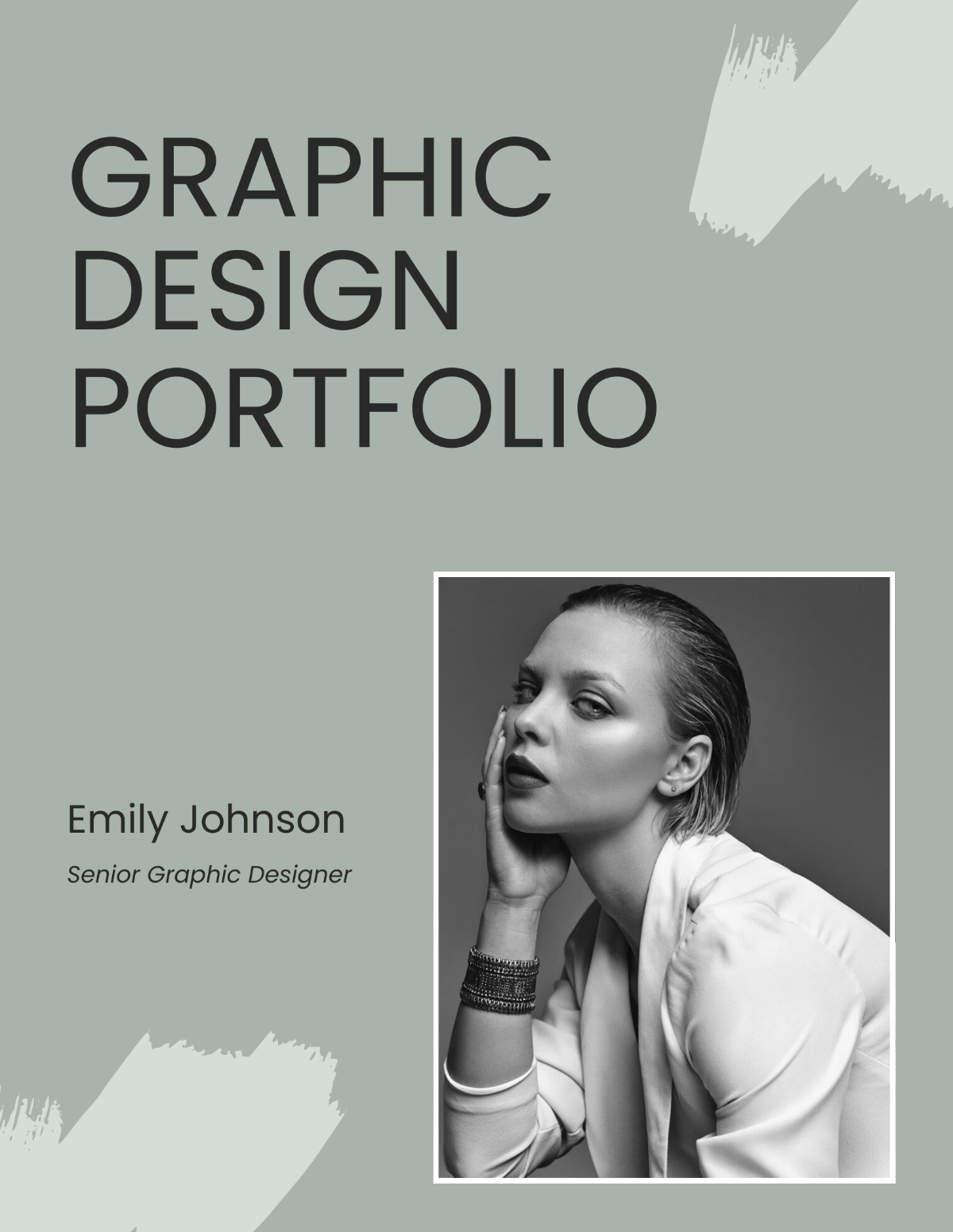




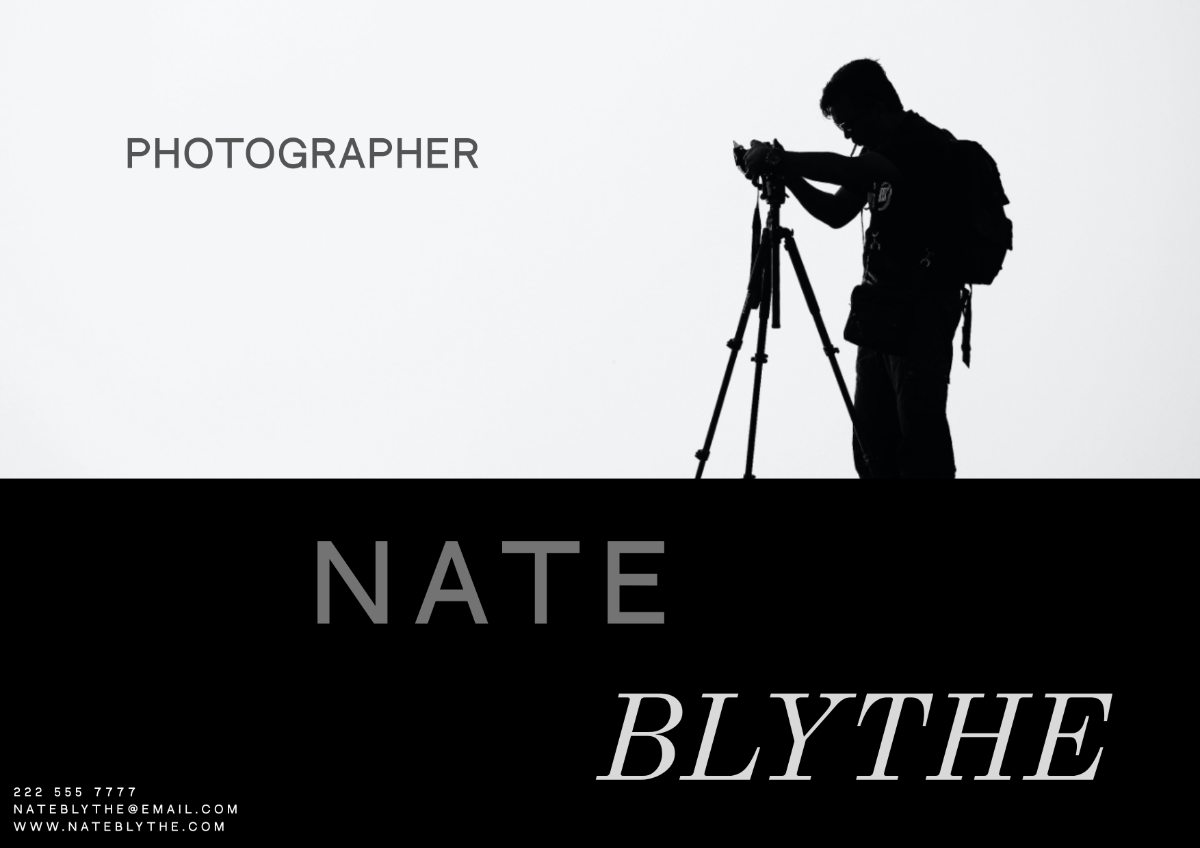

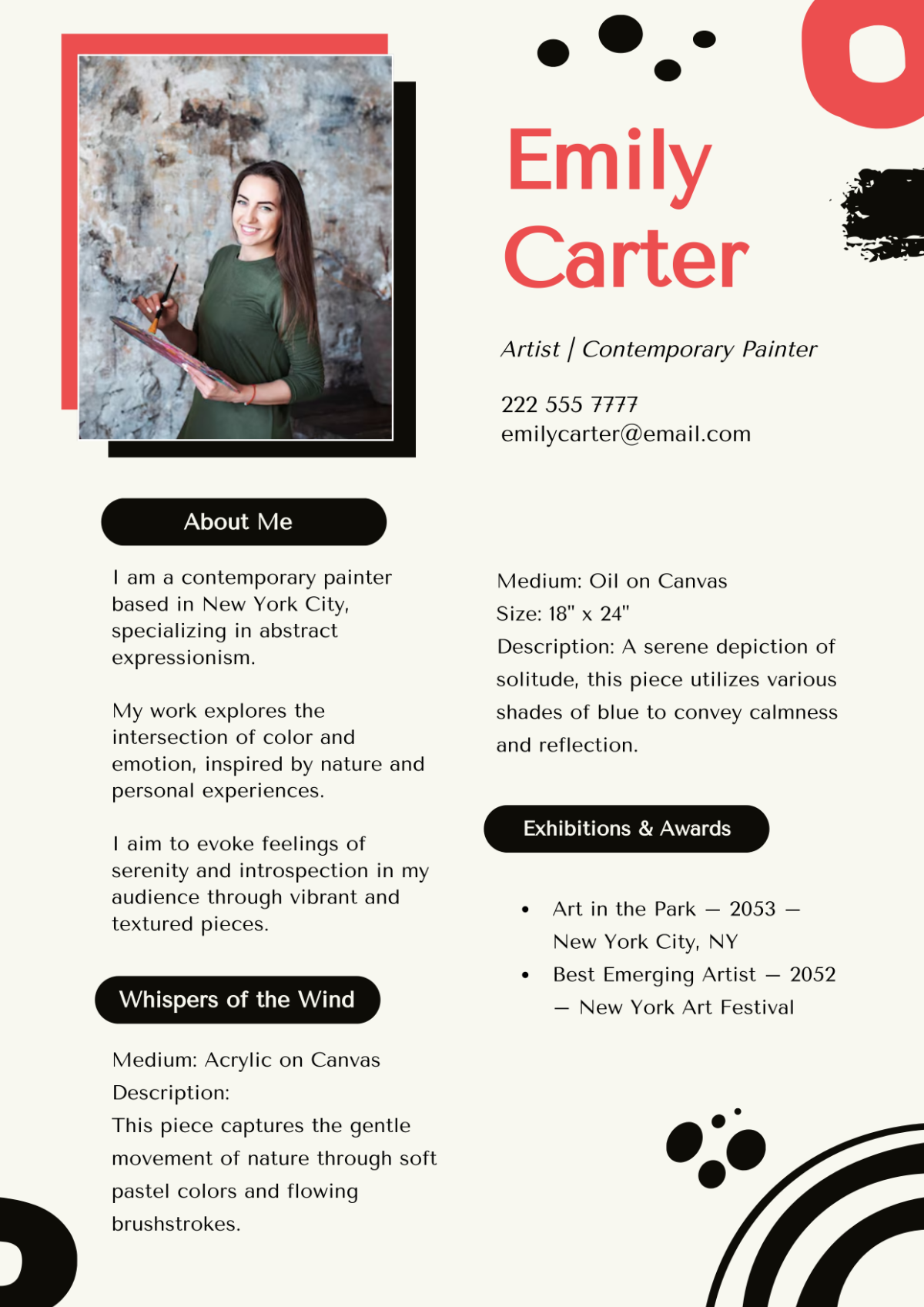
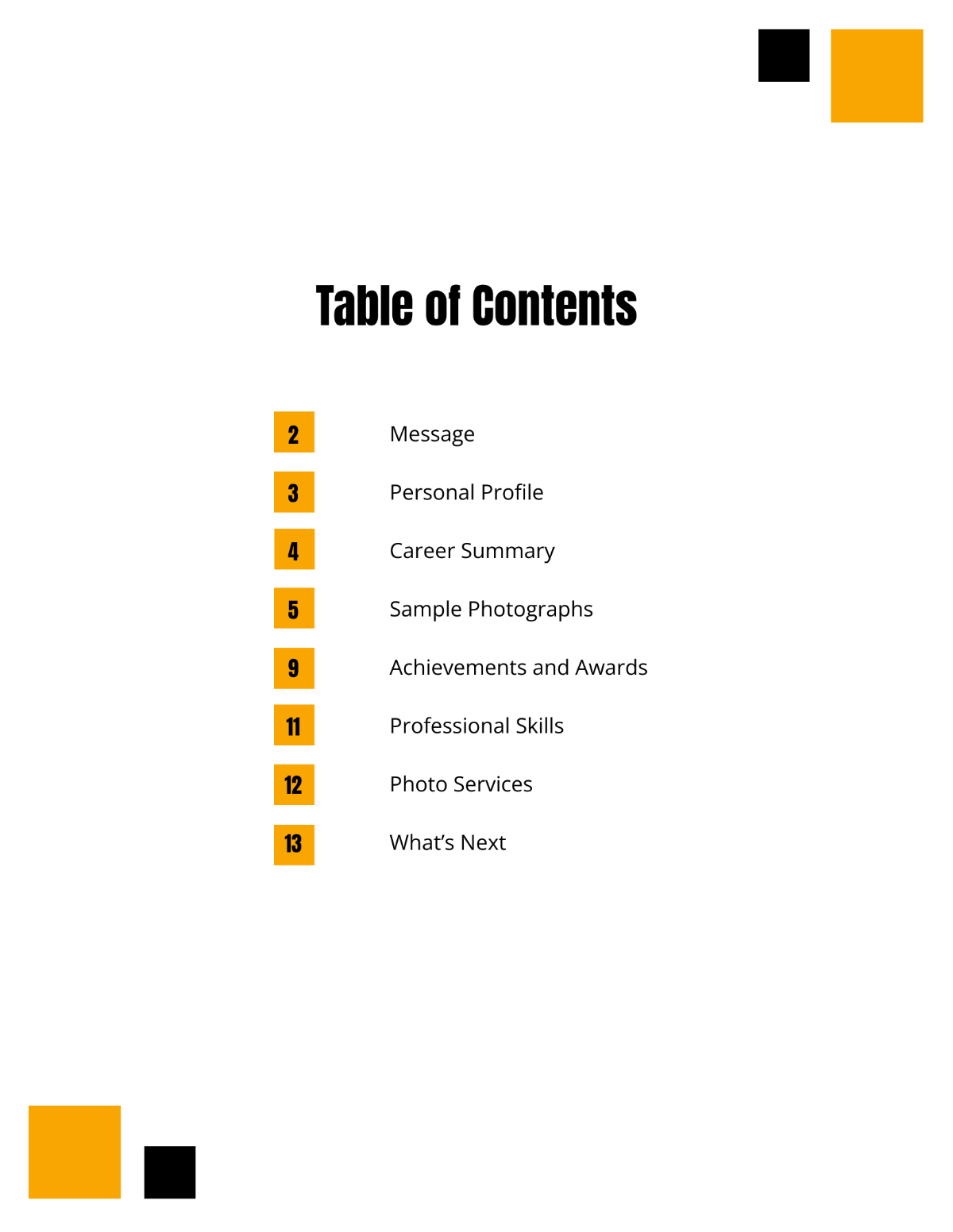





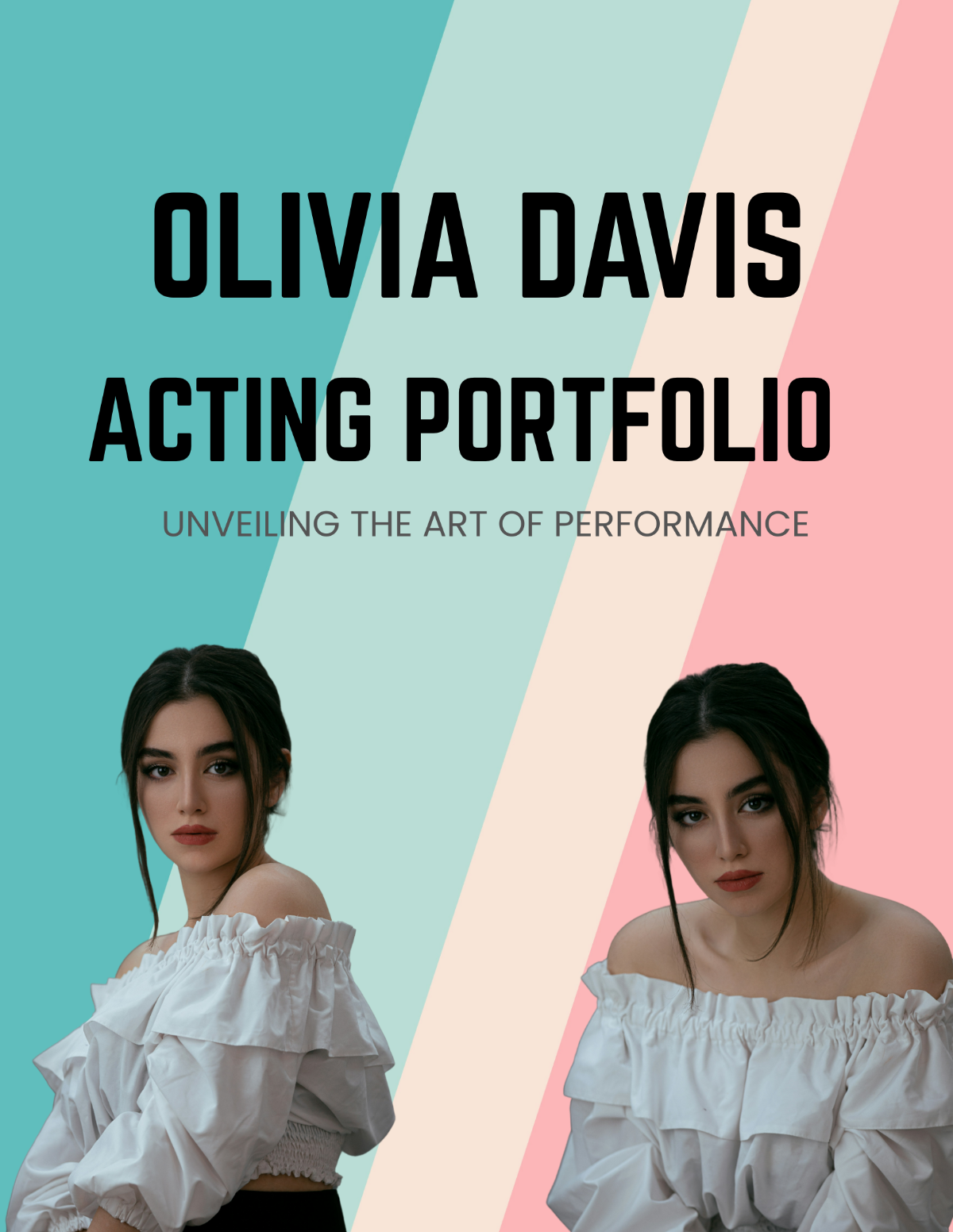

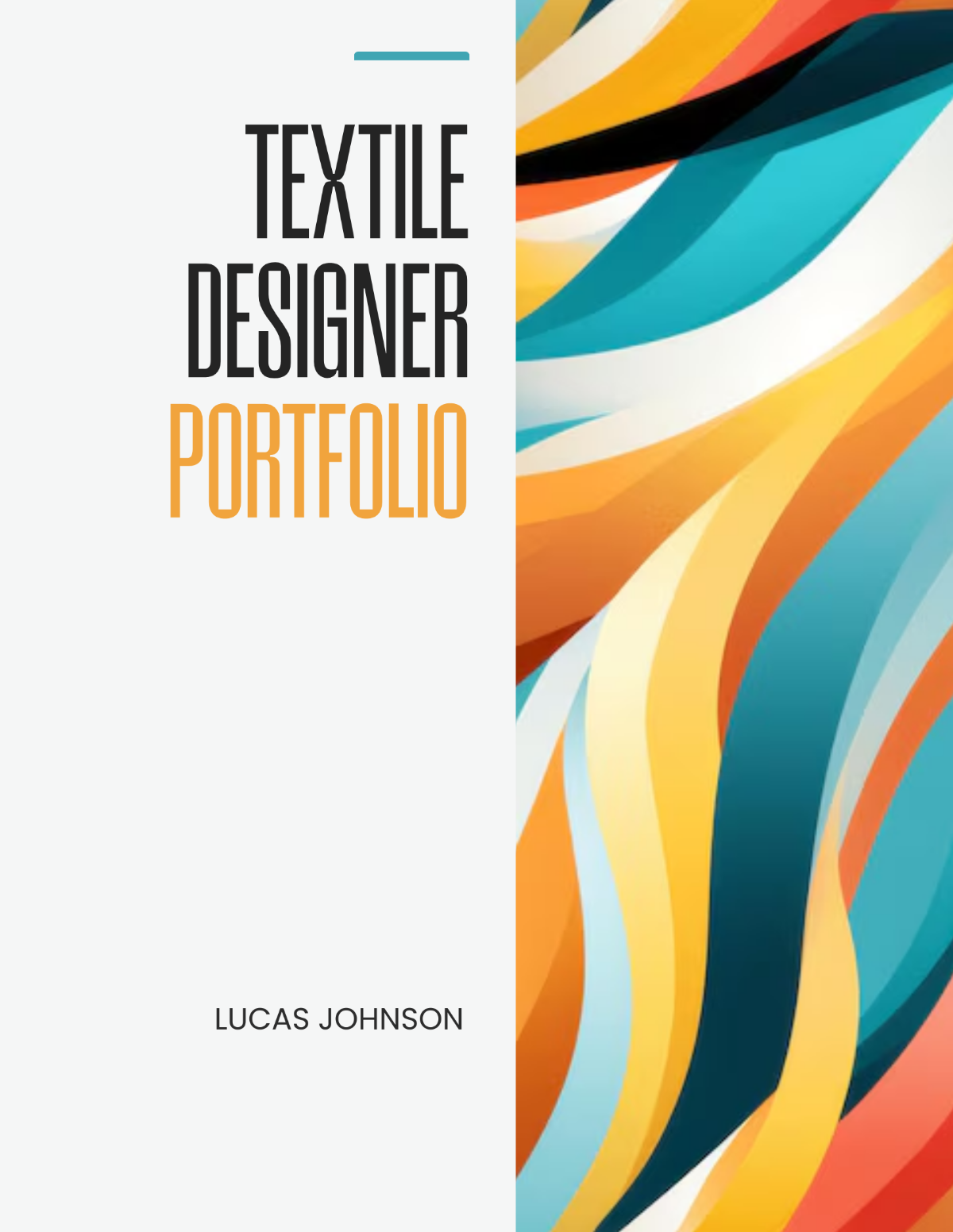







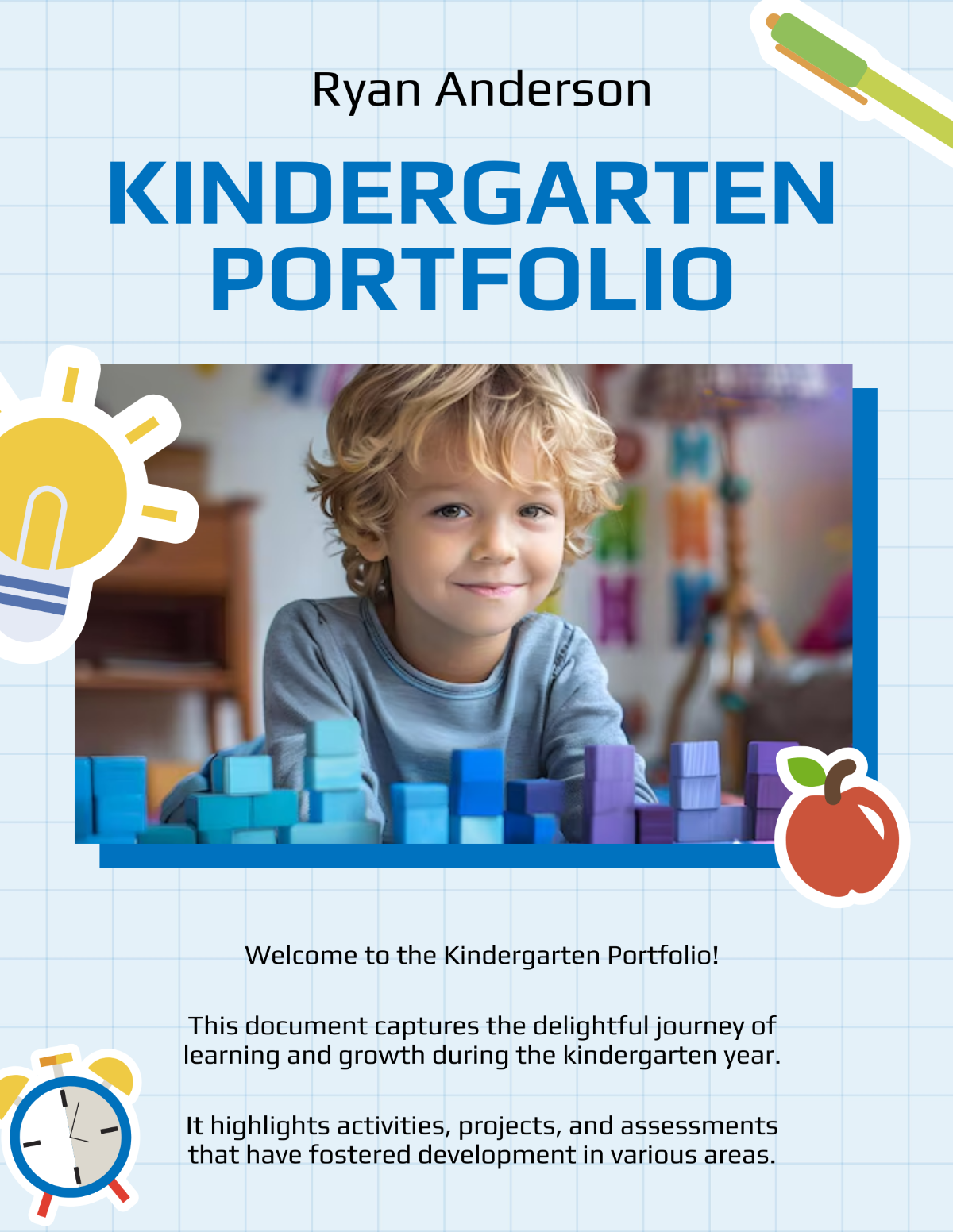
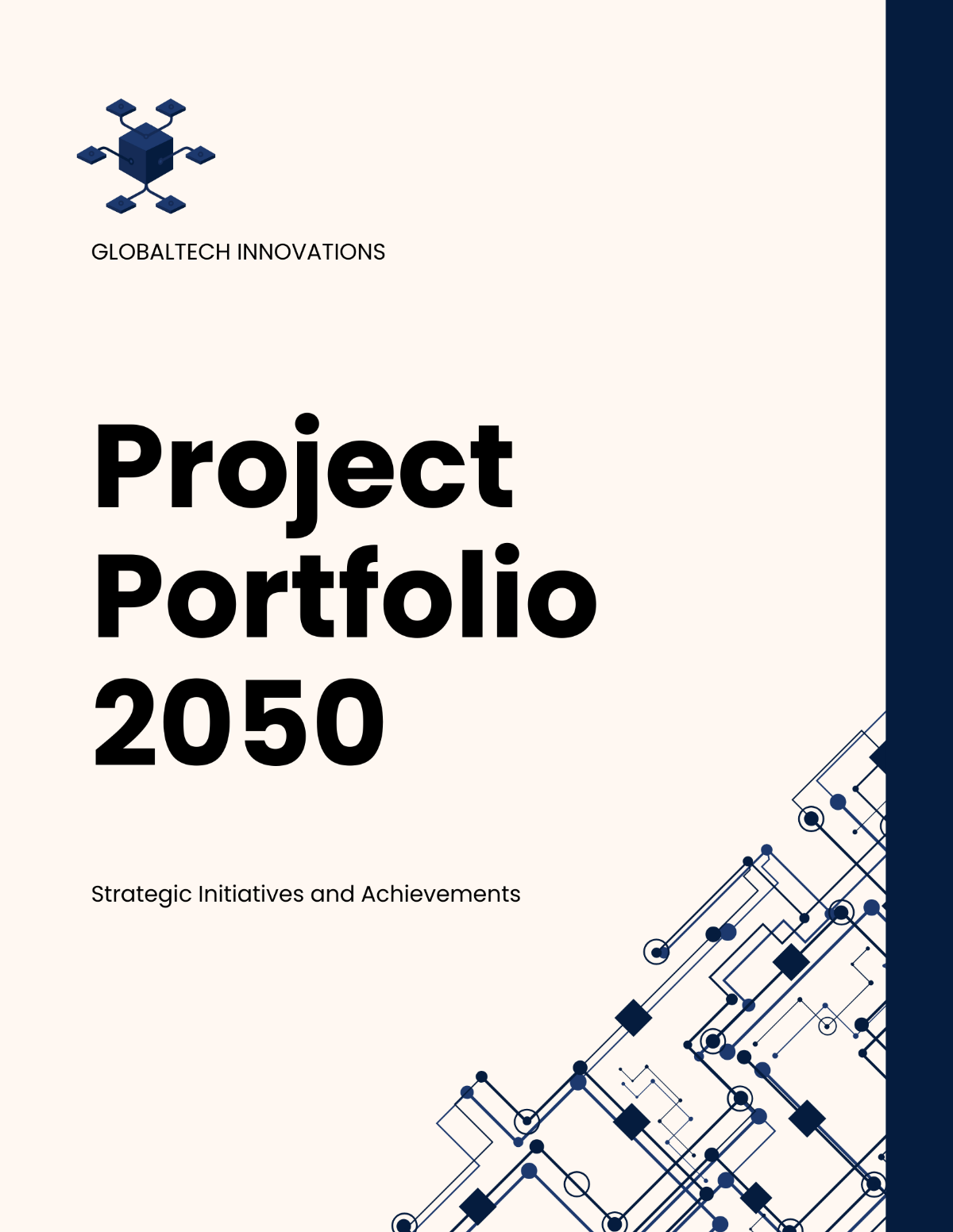

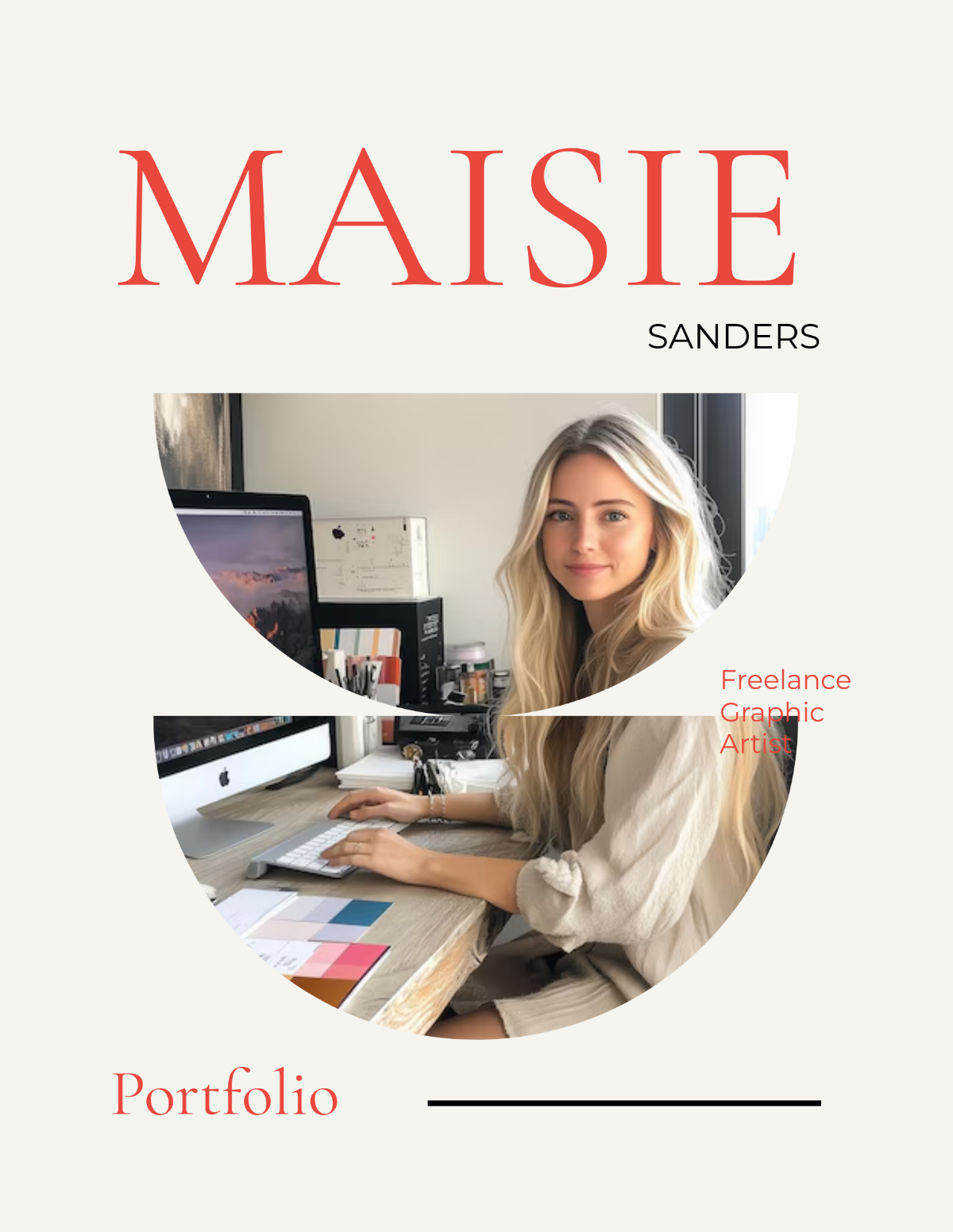



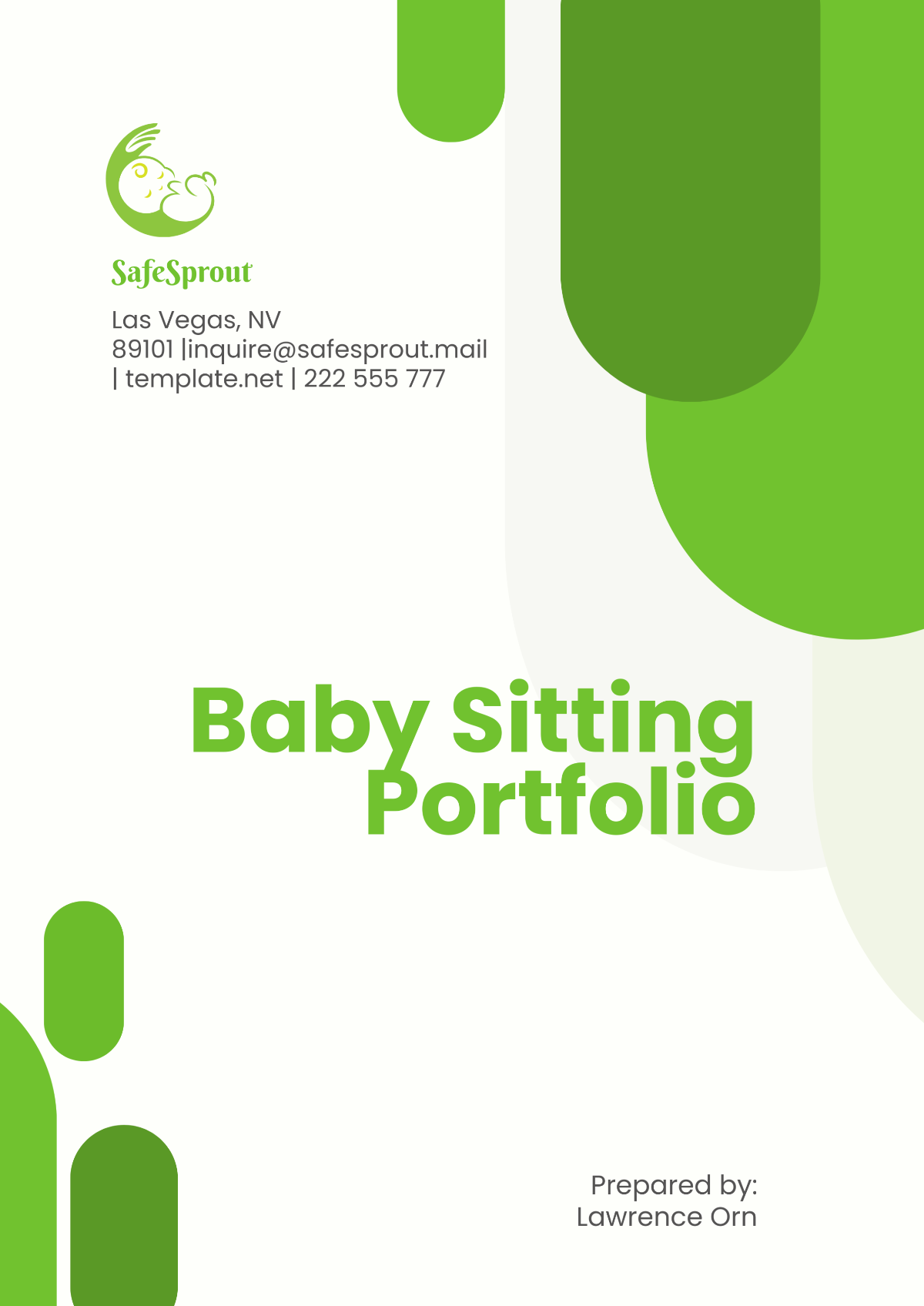









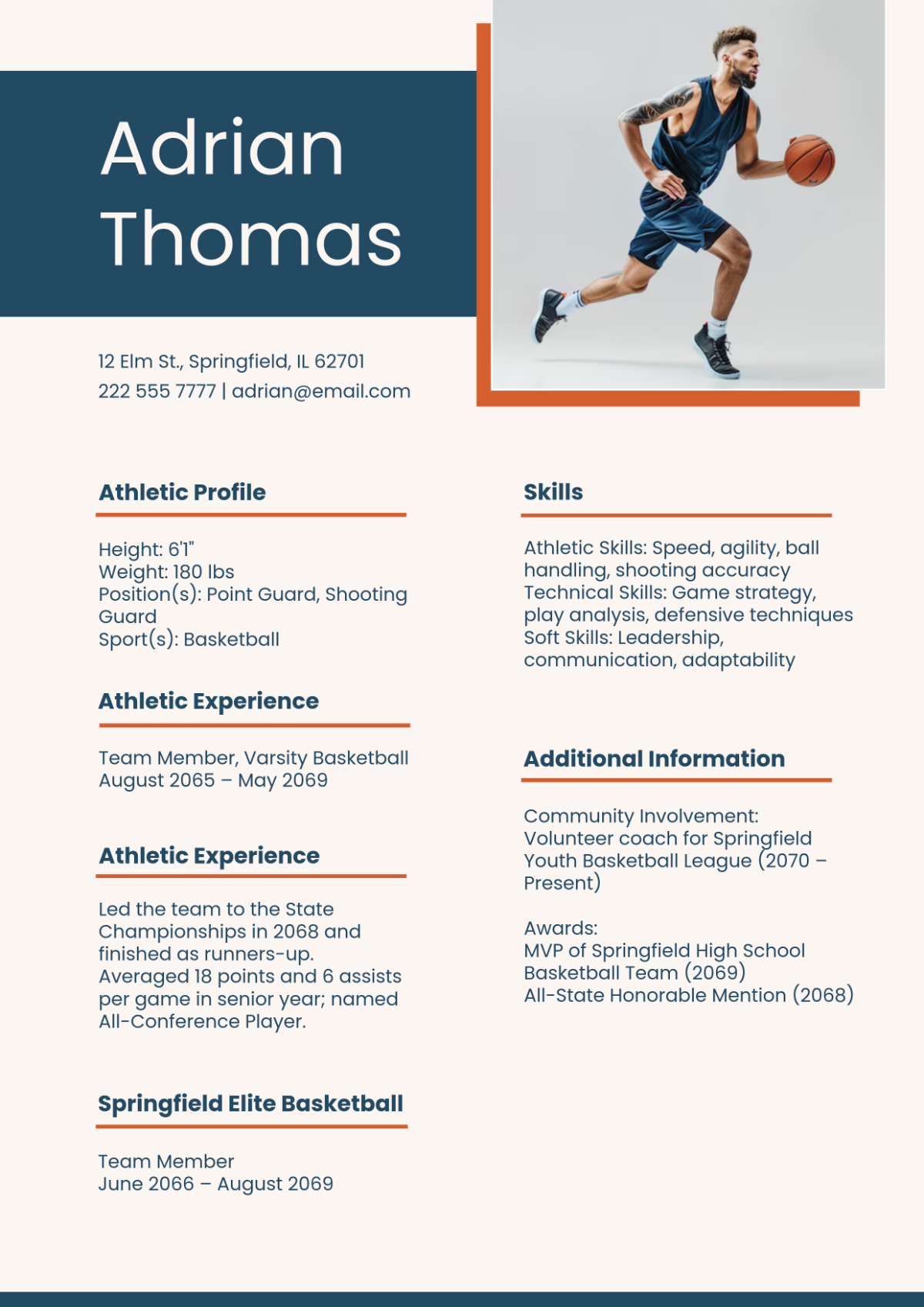

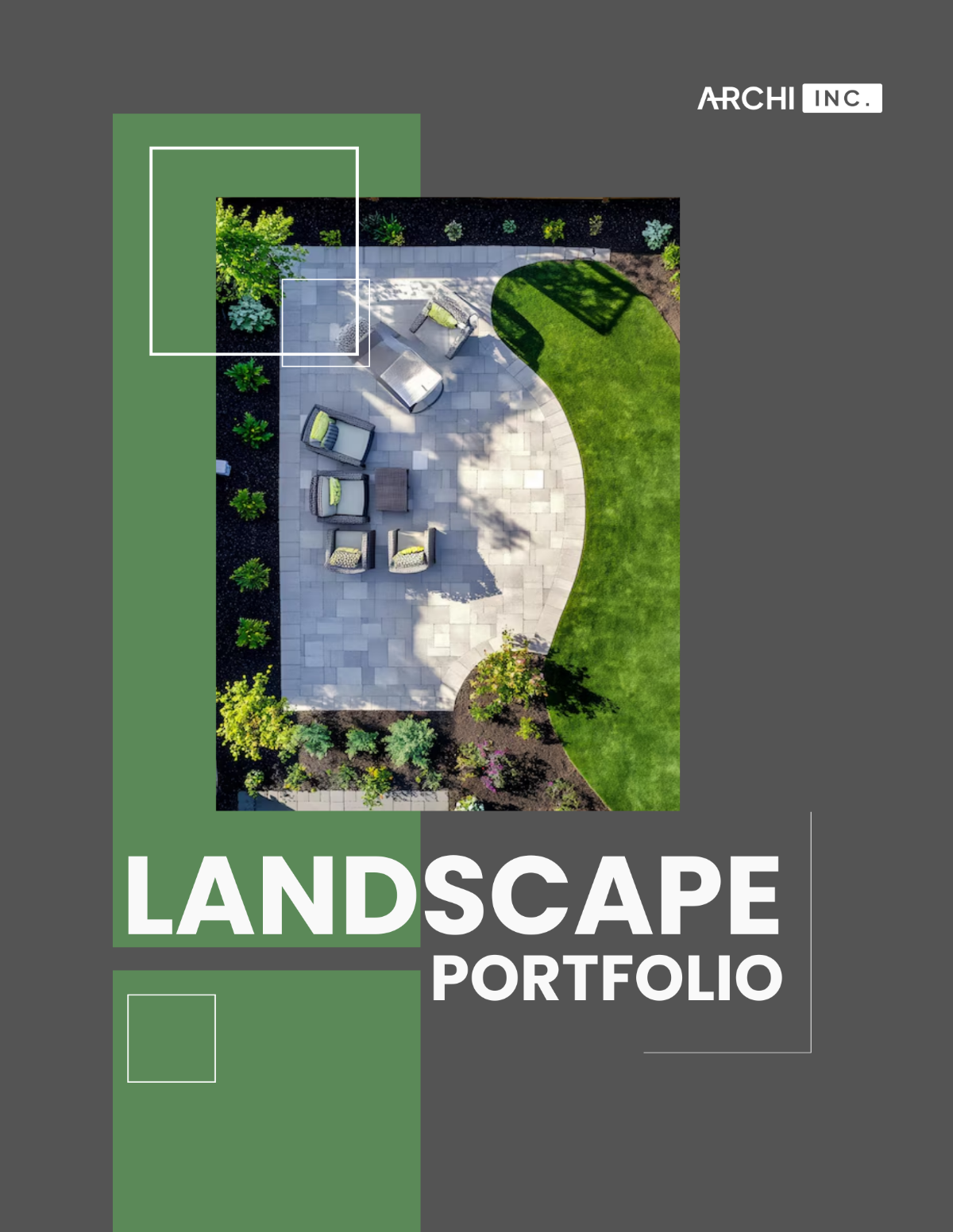

Create Portfolio Presentations, Customize Online with Design Editor
Template.net’s Free AI Portfolio Presentation Generator helps you create visually engaging and professionally structured portfolio presentations instantly. Generate portfolio slides for creative projects, client showcases, personal branding, resumes, case studies, and professional presentations, then customize, collaborate, present, and export using an easy online presentation editor.
![Free AI Portfolio Presentation Generator, AI Portfolio Presentation Maker Online [ No Signup ]](https://images.template.net/generator-images/Portfolio-0.webp)
Design Professional Portfolio Presentations for Free
Everything you need to create visually compelling and professionally organized portfolio presentations without complicated presentation software.
AI-Powered Portfolio Presentation Creation
Enter a prompt describing your profession, creative work, portfolio style, personal brand, or project showcase and the AI instantly generates a professionally structured portfolio presentation with introduction slides, project sections, case studies, visuals, timelines, and closing slides.
Smart Portfolio Showcase Layout System
Start quickly with professionally designed portfolio presentation templates inspired by modern storytelling, creative portfolios, visual hierarchy, and professional showcase presentations.
Drag and Drop Portfolio Presentation Editor
Move images, mockups, project visuals, charts, icons, text sections, and design elements effortlessly using an intuitive drag and drop editing workspace.
Adaptive Portfolio Storytelling Slide Designs
Customize every slide using editable layouts, intelligent content organization, flexible presentation sections, and visual storytelling tools that help showcase projects clearly and professionally.
Dynamic Visual Flow and Motion Effects
Enhance audience engagement using smooth slide transitions, animations, interactive storytelling effects, and visually guided portfolio presentation sequences inspired by modern AI presentation platforms.
Advanced Creative Design Studio Tools
Enhance presentations using built in tools including Design Library, Text Tools, Elements, Media Library, Mockups, Backgrounds, Uploads, Charts, and smart presentation styling features.
Case Studies and Visual Project Presentation
Present project workflows, client results, timelines, creative processes, statistics, and portfolio achievements using charts, infographics, and organized visual layouts.
Personal Branding and Portfolio Consistency
Apply logos, typography styles, portfolio themes, brand colors, and visual identity systems across all slides to maintain a polished and professional portfolio presentation experience.
Multilingual Support
Generate portfolio presentations in 20+ languages including English, Spanish, French, German, Italian, Portuguese, Dutch, Hindi, Arabic, Chinese, Japanese, Korean, Russian, Turkish, Vietnamese, Thai, Indonesian, Malay, Polish, Swedish, and more for global communication and professional presentations.
Collaborate in Real Time
Invite team members, clients, recruiters, colleagues, or collaborators to edit portfolio presentations together, provide feedback, and review presentation projects simultaneously.
Layer Management and Commenting
Organize presentation elements with advanced layer controls and simplify review workflows using comments, feedback tools, and revision tracking.
Launch Presentation Mode Instantly
Present portfolio slides directly from the editor during interviews, client meetings, creative showcases, conferences, webinars, or project reviews.
Create and Manage Shared Portfolio Workspaces
Organize portfolio presentation projects in collaborative workspaces where teams can manage assets, streamline workflows, and maintain structured presentation files.
Add Designs to Favorites
Bookmark frequently used portfolio layouts, project showcase slides, and visual design elements for faster workflow management and future reuse.
Copy Slides and Portfolio Elements
Reuse project slides, case study layouts, visuals, and portfolio sections instantly across multiple portfolio presentation projects.
Generate QR Codes for Mobile Access
Generate QR codes that allow portfolio presentations to be viewed, edited, or shared easily across smartphones and tablets.
Embed Portfolio Presentations Anywhere
Embed presentations on portfolio websites, landing pages, blogs, resumes, online portfolios, or creative platforms for seamless viewing and sharing.
Download, Share, and Save Anywhere
Download portfolio presentations in JPG, PNG, PDF, SVG, WEBP, BMP, TIFF and more, save directly to Google Drive, share to Facebook, LinkedIn, X (Twitter), and Pinterest, or send presentations instantly through WhatsApp and Messenger.
![Free AI Portfolio Presentation Generator, AI Portfolio Presentation Maker Online [ No Signup ]](https://images.template.net/generator-images/Portfolio-5.webp "Free AI Portfolio Presentation Generator, AI Portfolio Presentation Maker Online [ No Signup ]")
How to Make a Free AI Generated Portfolio Presentation
Describe your profession, projects, or portfolio style, generate structured portfolio slides with AI, customize visuals and layouts, and present or export your portfolio presentation within minutes.
Step 1: Enter Your Prompt and Generate Portfolio Slides
Open the AI Portfolio Presentation Generator and describe your profession, portfolio category, creative work, or showcase style using a prompt such as: “Creative portfolio presentation for a freelance graphic designer.” Click Generate to instantly create a professionally structured portfolio presentation.
Step 2: Customize Your Portfolio Presentation
Edit slide titles, update project descriptions, insert mockups, customize layouts, add visuals, apply branding, organize case studies, and enhance storytelling using the powerful online presentation editor.
Step 3: Present, Share, or Download Anywhere
Launch presentation mode for interviews or client meetings, download portfolio presentations in multiple formats, save to Google Drive, share to Facebook, LinkedIn, X (Twitter), and Pinterest, or send presentations instantly through WhatsApp and Messenger.
Create Portfolio Presentations That Showcase Your Work Clearly
![Free AI Portfolio Presentation Generator, AI Portfolio Presentation Maker Online [ No Signup ]](https://images.template.net/generator-images/Portfolio-1.webp "Free AI Portfolio Presentation Generator, AI Portfolio Presentation Maker Online [ No Signup ]")
Generate Professional Portfolio Slides Instantly
Transform your projects, creative work, case studies, resumes, or personal branding ideas into structured portfolio presentations within seconds using AI powered portfolio presentation generation.
![Free AI Portfolio Presentation Generator, AI Portfolio Presentation Maker Online [ No Signup ]](https://images.template.net/generator-images/Portfolio-2.webp "Free AI Portfolio Presentation Generator, AI Portfolio Presentation Maker Online [ No Signup ]")
Customize Portfolio Presentations for Any Industry
Adapt portfolio slides for graphic design, photography, architecture, UI UX design, freelance services, marketing portfolios, agency showcases, student portfolios, or professional presentations.
![Free AI Portfolio Presentation Generator, AI Portfolio Presentation Maker Online [ No Signup ]](https://images.template.net/generator-images/Portfolio-3.webp "Free AI Portfolio Presentation Generator, AI Portfolio Presentation Maker Online [ No Signup ]")
Share Anywhere and Collaborate Seamlessly
Download presentations, embed them on portfolio websites, share across social platforms, send through messaging apps, or collaborate live with teams, recruiters, and clients from anywhere.
![Free AI Portfolio Presentation Generator, AI Portfolio Presentation Maker Online [ No Signup ]](https://images.template.net/generator-images/Portfolio-4.webp "Free AI Portfolio Presentation Generator, AI Portfolio Presentation Maker Online [ No Signup ]")
Smart Workspaces for Portfolio Presentation Teams
Manage portfolio presentation projects in collaborative workspaces with organized assets, role permissions, version tracking, commenting systems, and centralized presentation management tools.
