AI PowerPoint Presentation Generator

Create PowerPoint Presentations, Customize Online with Design Editor
Subscribe our PRO plan for unlimited use of the AI PowerPoint Presentation Generator to create presentation-ready slide decks from prompts or outlines, customize layouts, branding, charts, and visuals, and export with confidence for meetings, classrooms, or clients.
Design Custom, Professional PowerPoint Presentations
Subscribe our PRO plan for unlimited creation and get everything you need to produce polished presentations efficiently without manual formatting.
AI-Powered PowerPoint Presentation Generator
Enter or speak your topic and the AI generates a complete PowerPoint presentation with structured slides, headings, bullet points, and visual hierarchy.
Multilingual Support
Design PowerPoint presentations in 20+ multiple languages including English, Spanish, Hindi, Arabic, Chinese, Japanese, and more to reach global audiences.
Professional Presentation Templates
Use presentation templates designed for business, education, marketing, training, and reporting to ensure clarity and credibility.
Brand Style and Theme Selection
Apply brand fonts, colors, and logos to ensure all slides align with your organization’s visual identity.
Drag-and-Drop Slide Editor
Easily add images, charts, icons, tables, and multimedia using an intuitive drag-and-drop interface.
Fully Customizable Slide Layouts
Edit slide layouts, spacing, alignment, backgrounds, and typography to fit your presentation objectives.
Automated Slide Formatting
Maintain consistent spacing, alignment, and layout across slides with intelligent formatting tools.
Smart Content Structuring
The AI organizes content logically across slides for better storytelling and audience understanding.
Built-In Charts and Data Visuals
Add charts, graphs, and visual data elements to present insights clearly and effectively.
Slide Animations and Transitions
Enhance presentation flow with professional animations and smooth slide transitions.
Consistent Design Across All Slides
Ensure uniform colors, fonts, and visual styles throughout the entire presentation.
Reusable Slides and Layouts
Duplicate slides and reuse layouts to adapt presentations for multiple use cases.
Productivity-Focused Workflow
Create presentations efficiently without starting from scratch, saving time on repetitive tasks.
Presentation Preview and Refinement
Review slides before export and make final adjustments to content, visuals, and structure.
Collaboration and Team Editing
Invite team members to comment, review, and edit slides together in real time.
Smart Workspaces for Organization
Manage presentation drafts, versions, and access control within shared workspaces.
Multiple Export Formats
Download presentations in PPTX, PDF, or image formats suitable for meetings, classrooms, or sharing.
Presentation-Ready Output
Export fully prepared PowerPoint decks that are ready for delivery without additional formatting.
How to Make AI Generated PowerPoint Presentation
Just type your idea, let the AI generate professional PowerPoint slides, customize the design, and export a ready-to-present deck in minutes with full PRO access.
Step 1: Enter Your Prompt and Generate Slides
Describe your topic using a prompt such as “sales pitch presentation for a software product” or “marketing strategy slides for Q3.” The AI generates a structured slide deck instantly.
Step 2: Review and Refine Your Slides
Edit slides directly in the presentation editor. Adjust slide order, rewrite content, update charts, and modify layouts as needed.
Step 3: Customize and Share Anywhere
Apply brand colors, fonts, logos, icons, and transitions. Download your presentation and share to Facebook, LinkedIn, Twitter, Pinterest, WhatsApp and Messenger.
Create PowerPoint Presentations in Minutes and Impress Your Audience
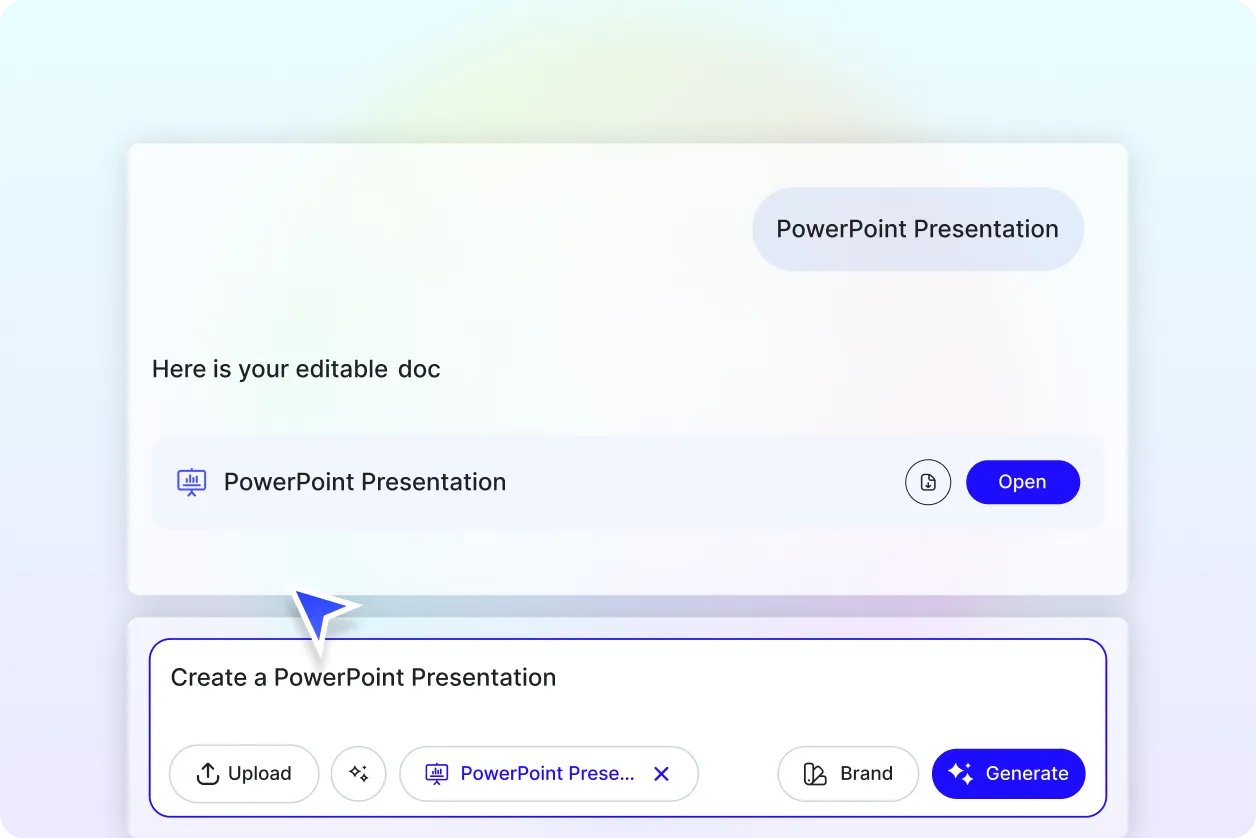
Generate Presentations with Your Brand Identity
Apply your brand voice, logo, fonts, and colors through the Brand tab. The AI ensures every slide stays consistent with your branding across the entire presentation.
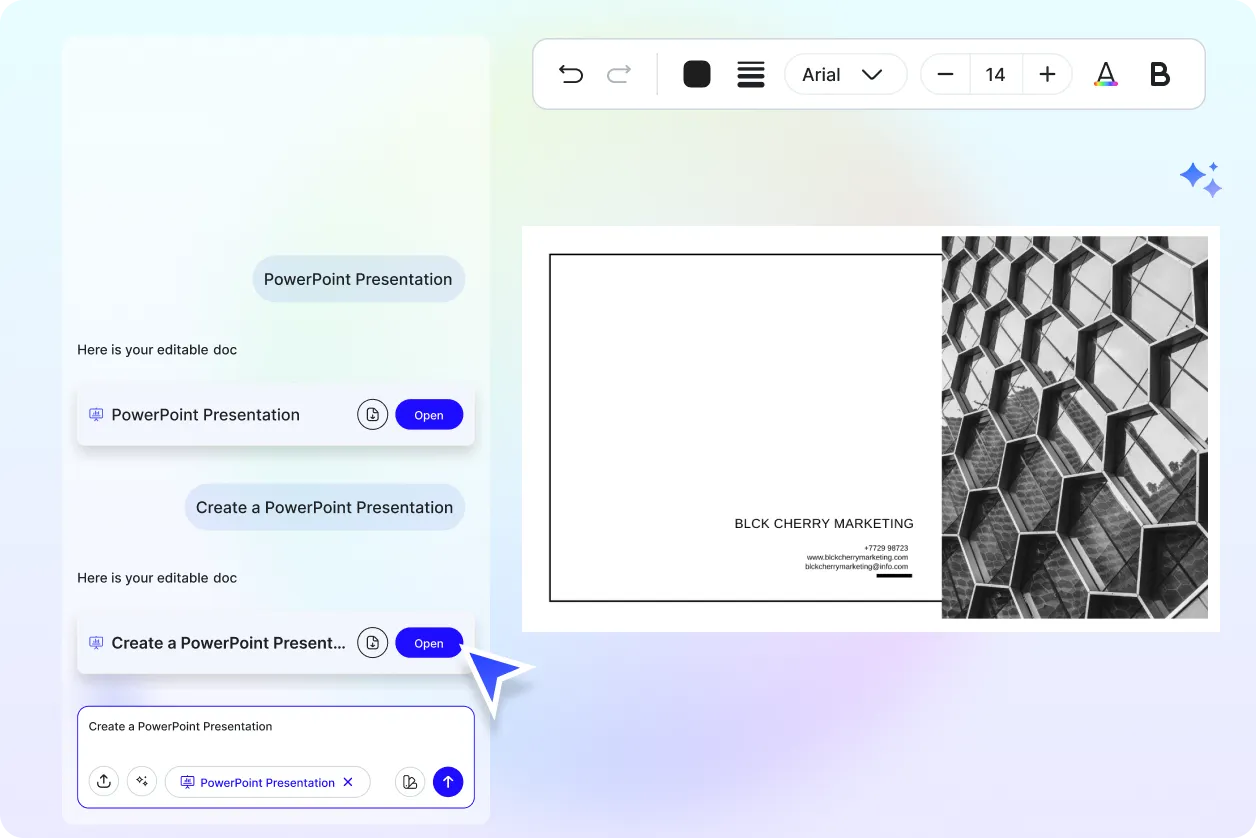
Customize One Presentation for Multiple Use Cases
Reuse and adapt a single presentation for sales meetings, investor pitches, webinars, training sessions, or academic purposes while keeping design and messaging consistent.
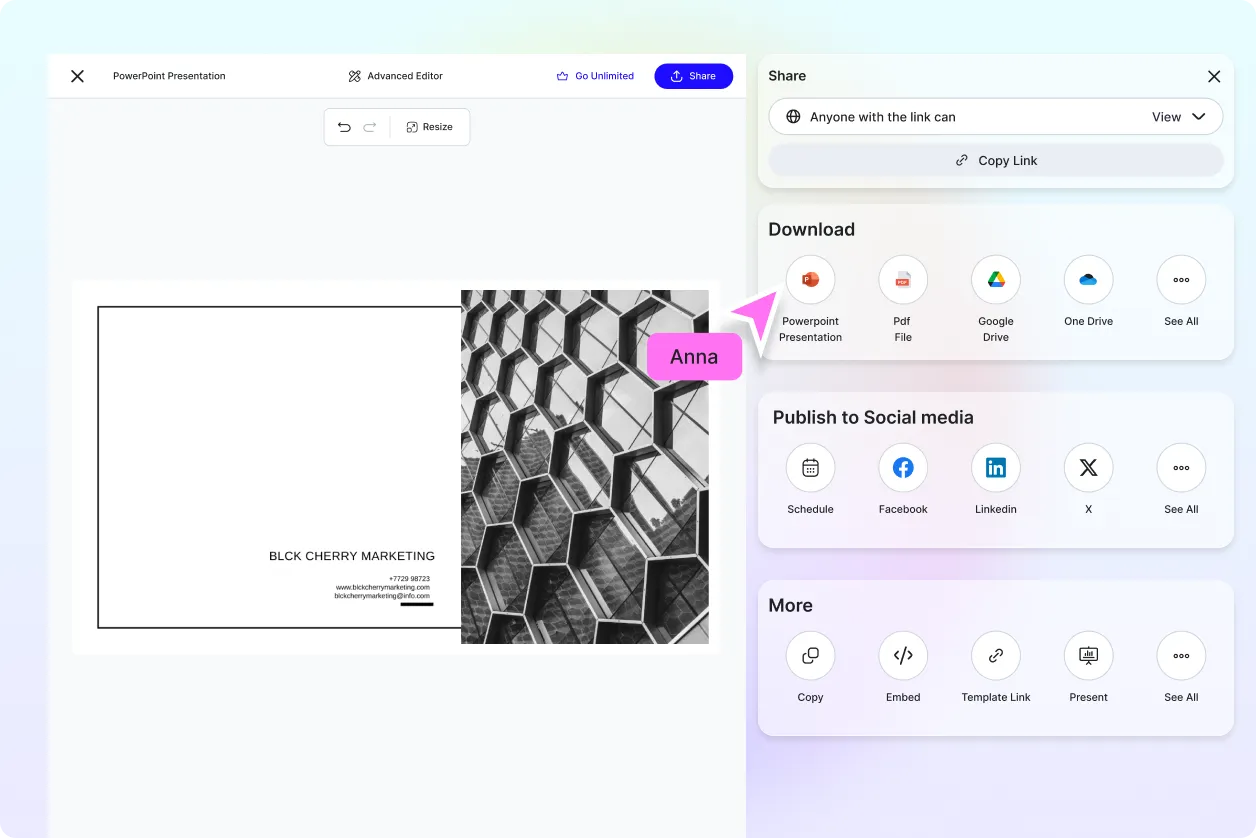
Share Anywhere and Collaborate Instantly
Download your PowerPoint presentation in PPTX or PDF for online and offline use. Share slides with teammates or clients using live links and collaborate on edits in real time.
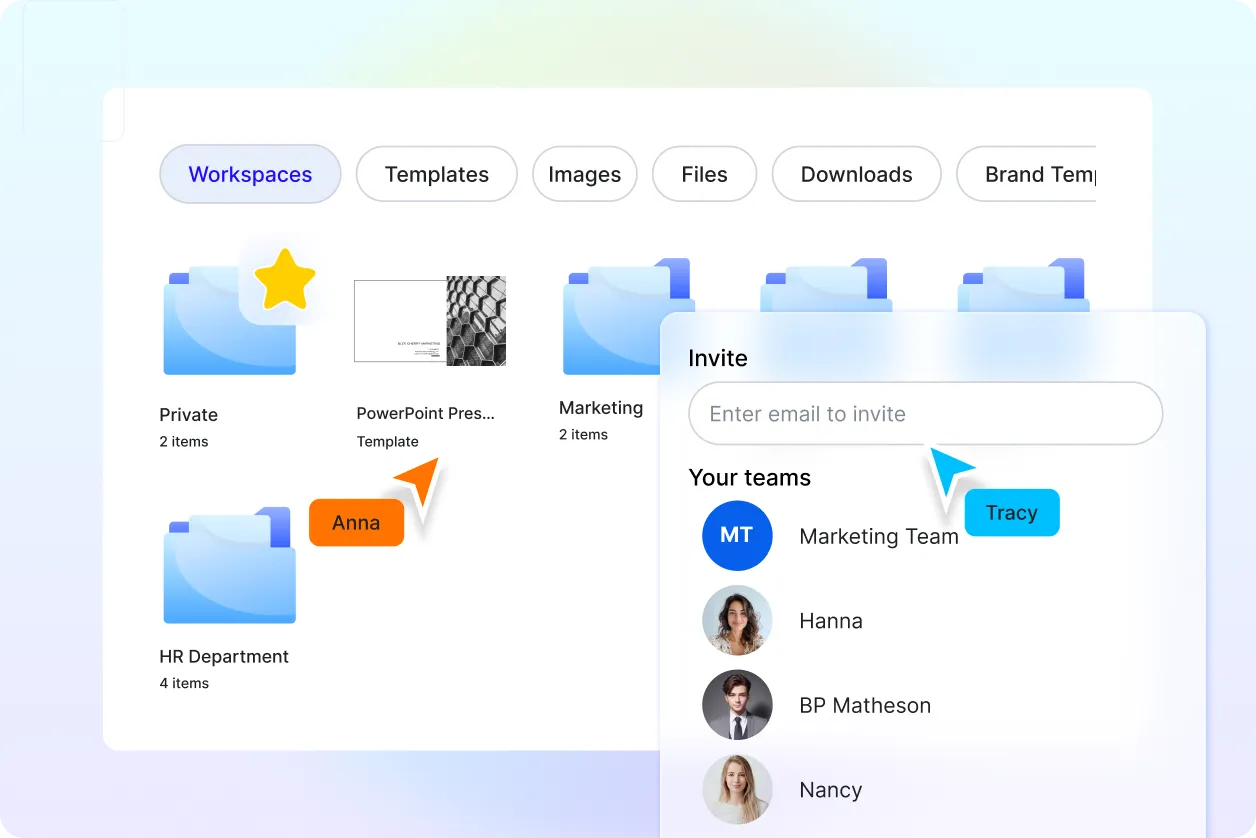
Smart Workspaces to Stay Organized
Collaborate in shared workspaces where you can manage presentation drafts, assign roles, track revisions, and store slide decks securely with centralized access.
