Free AI Process Flow Generator

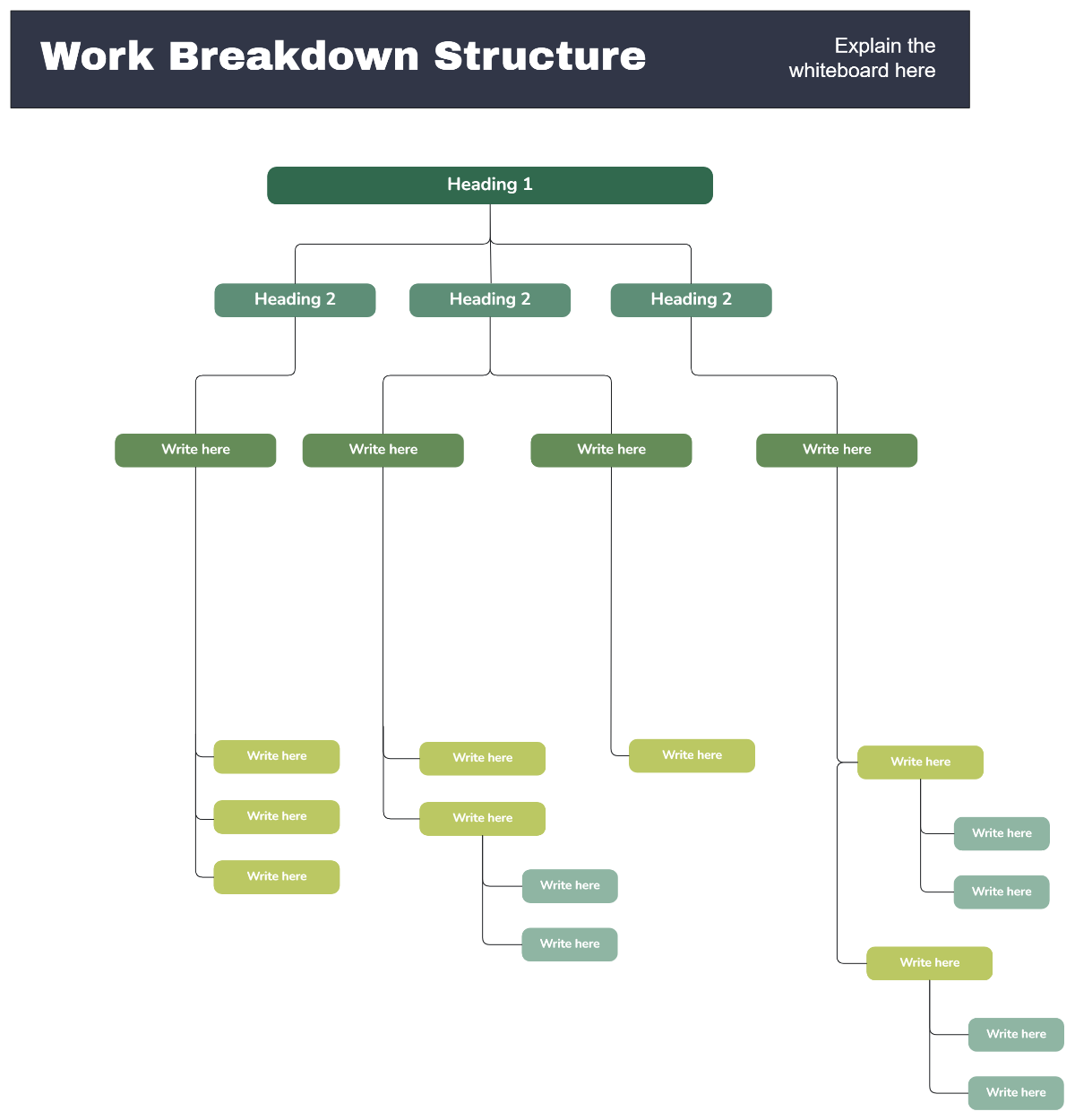
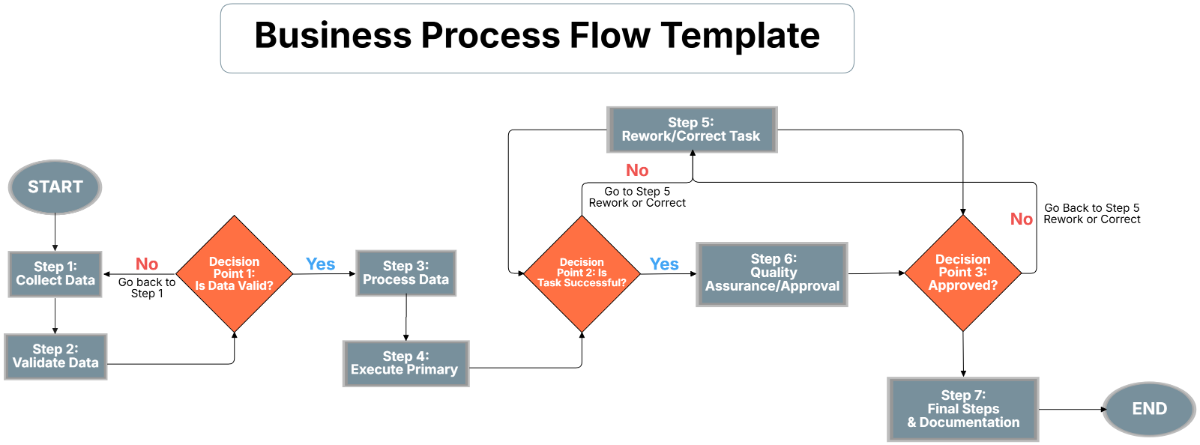
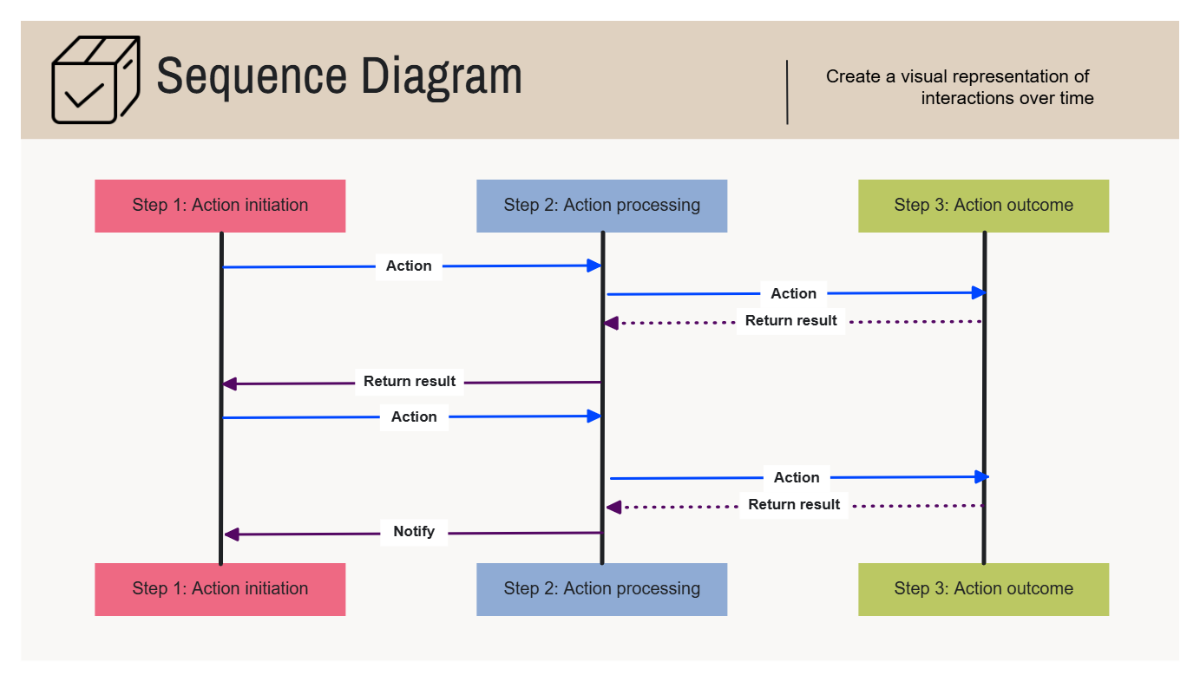
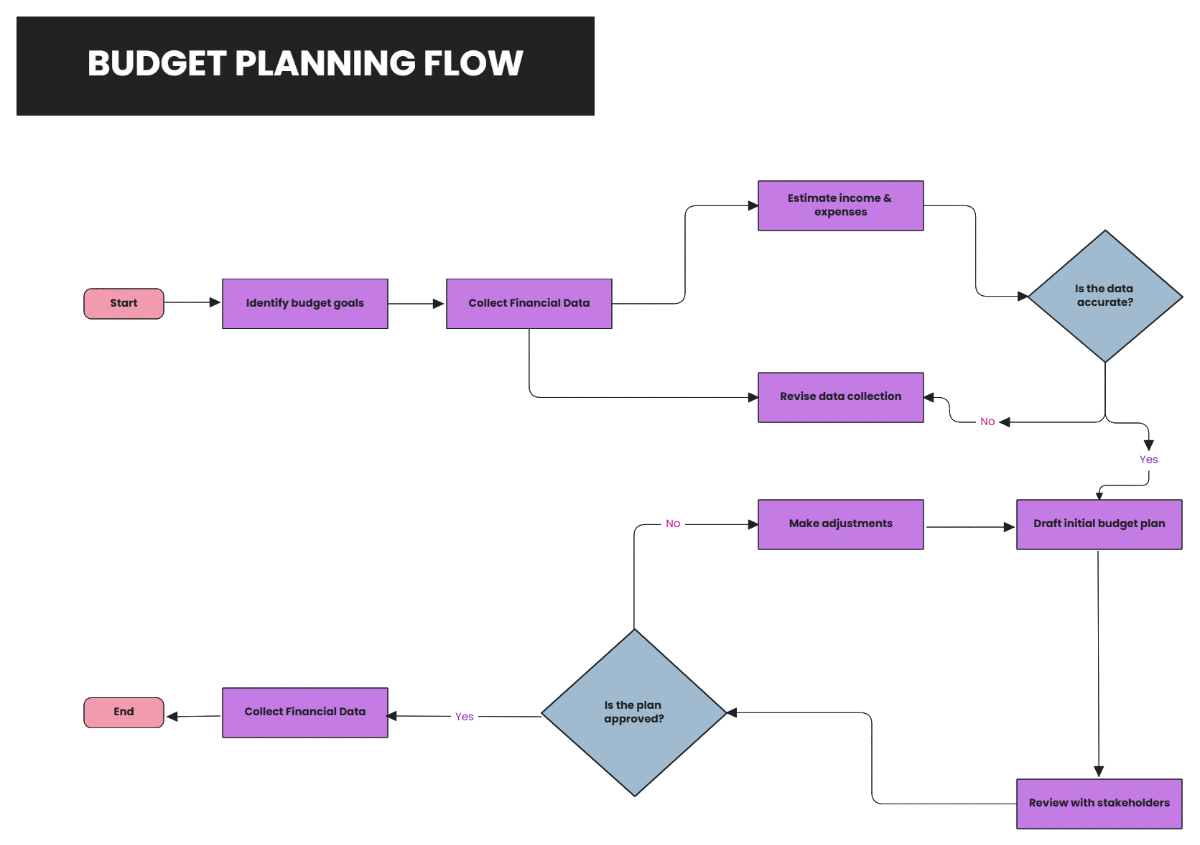
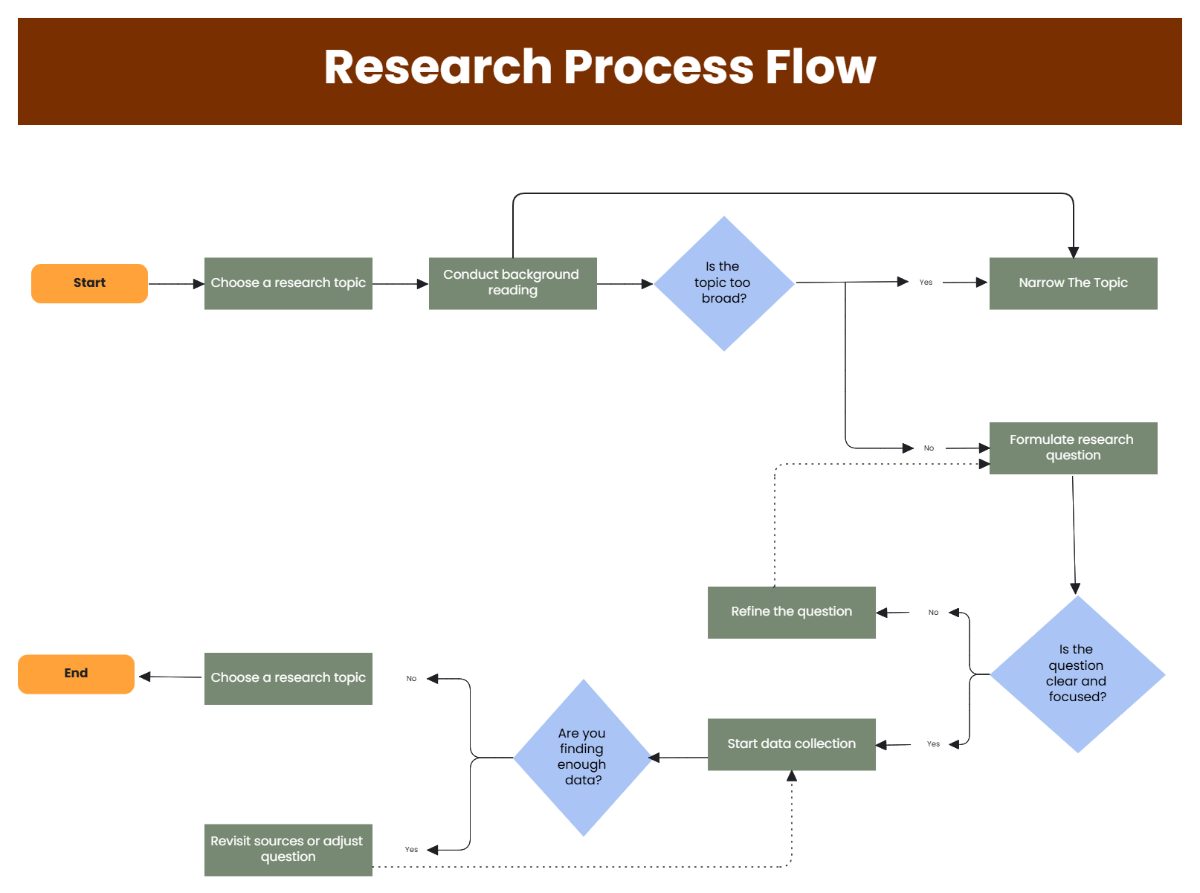
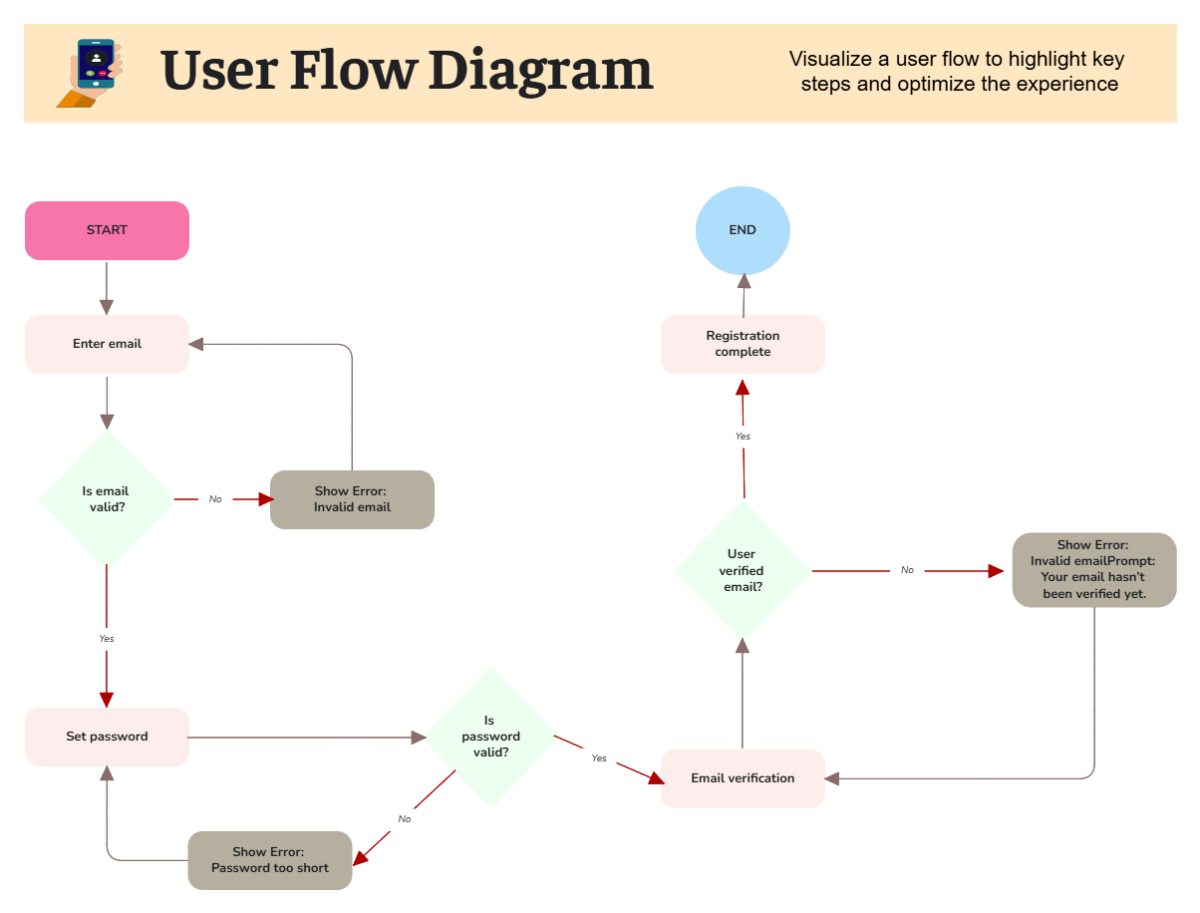
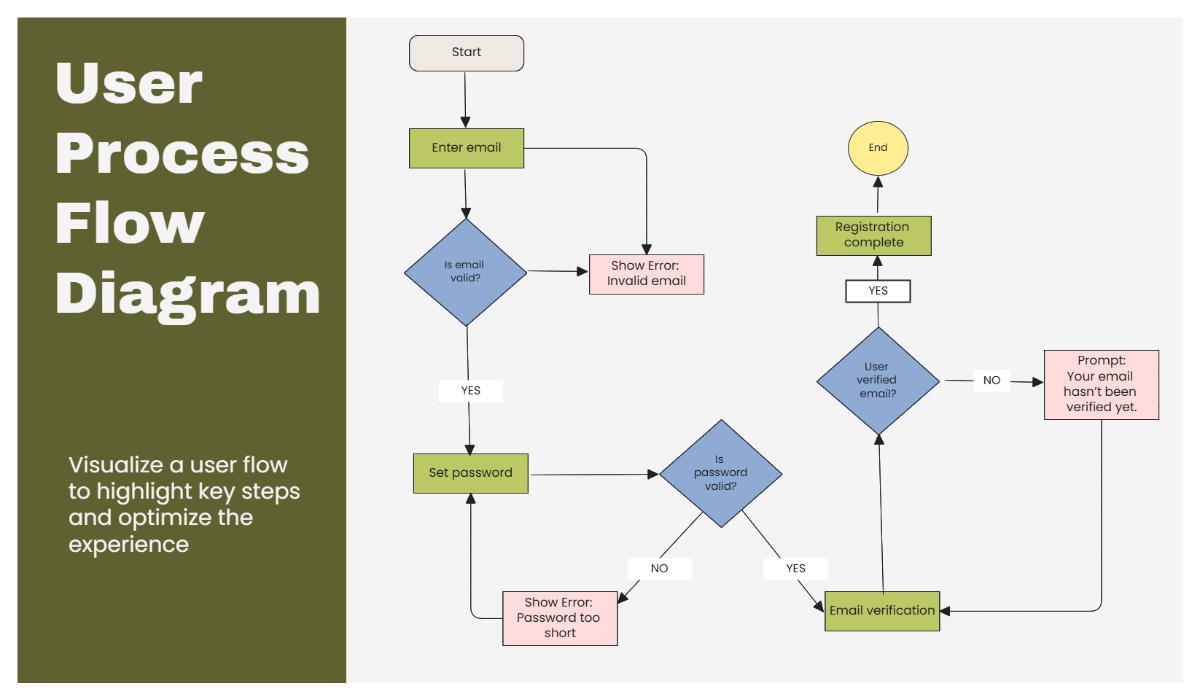
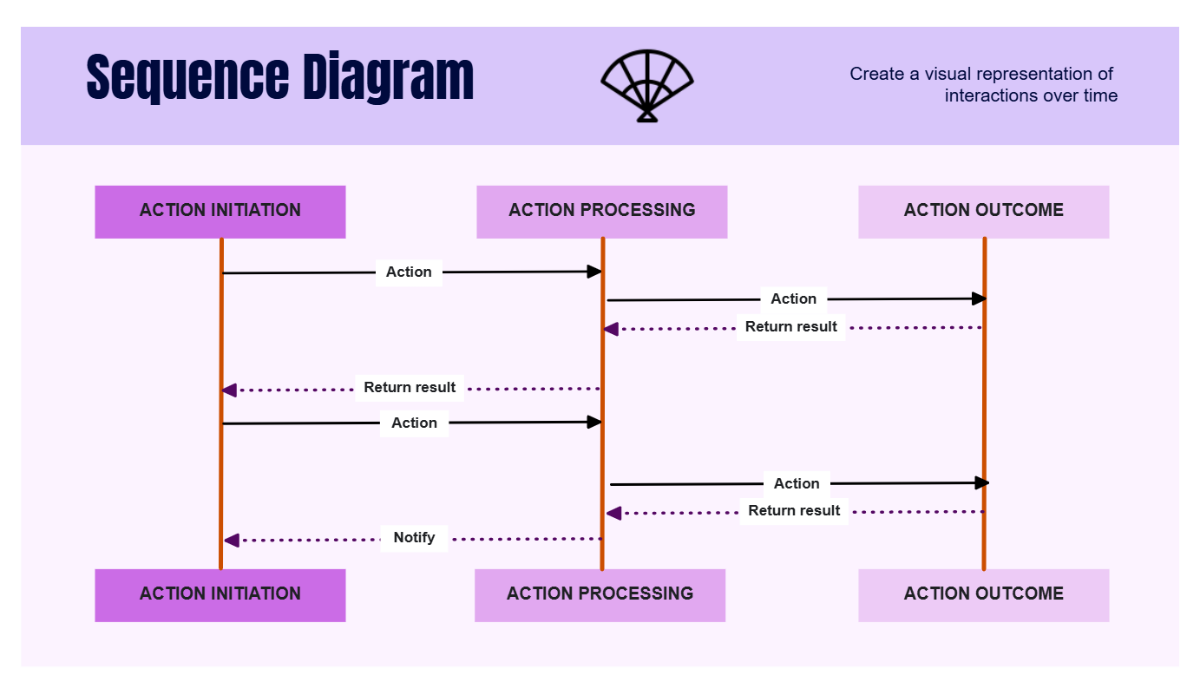
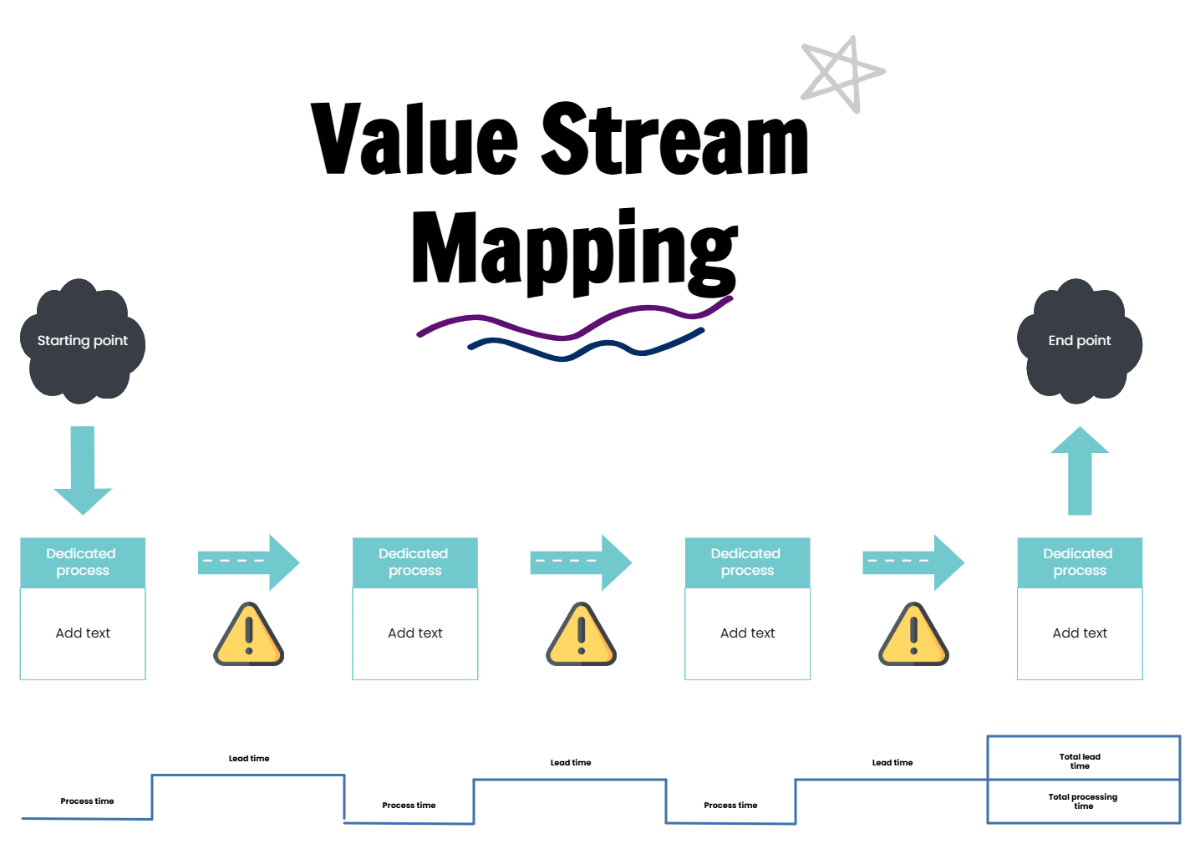
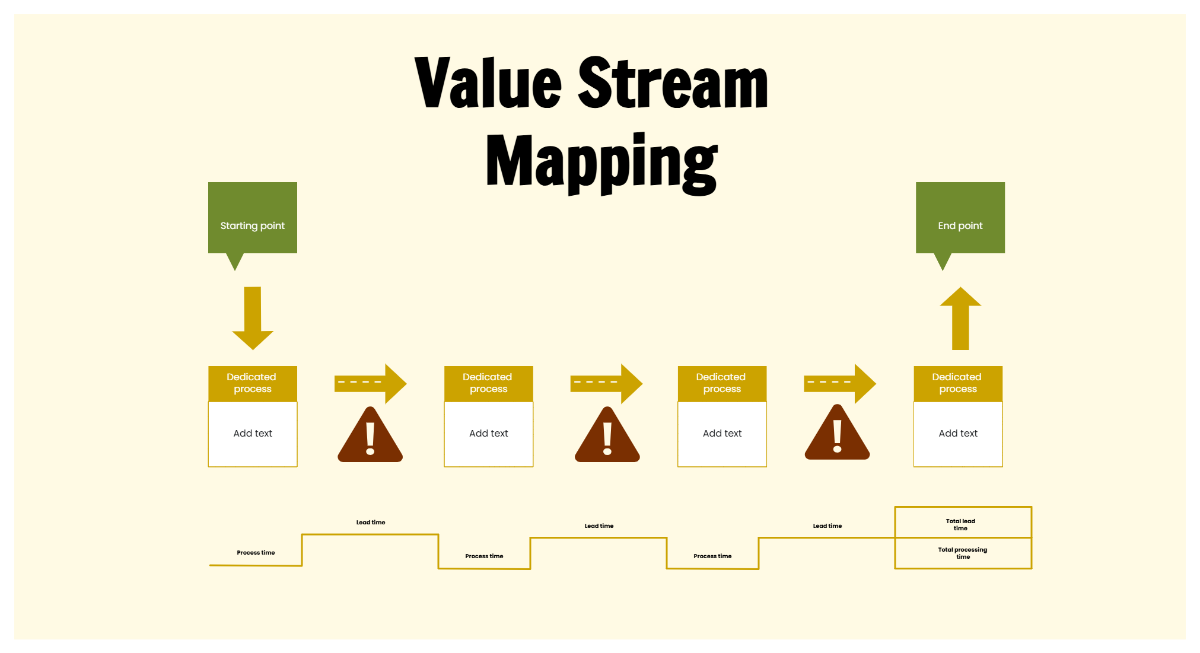
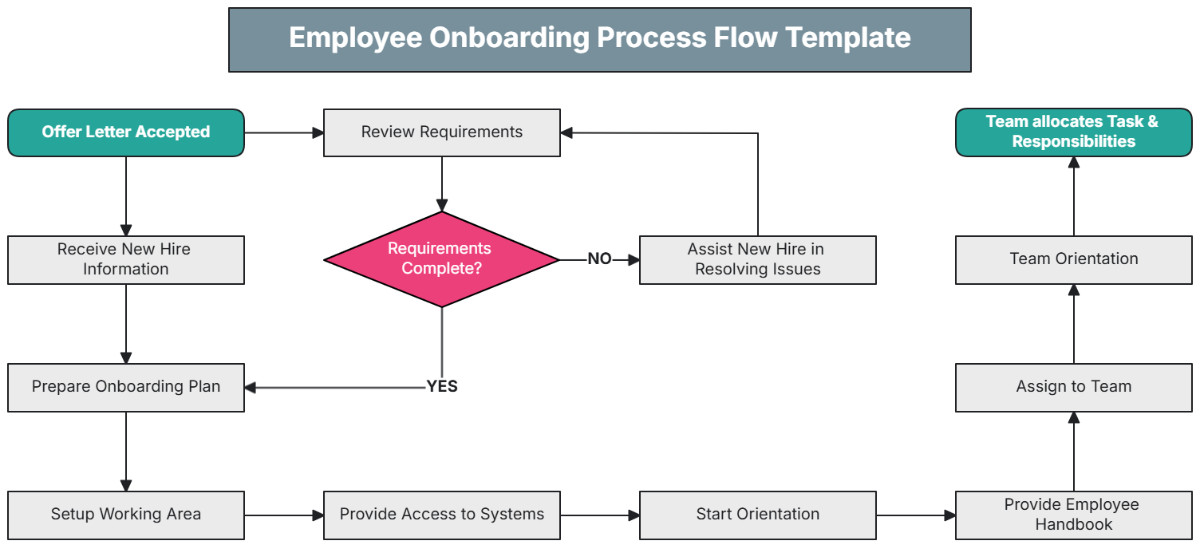
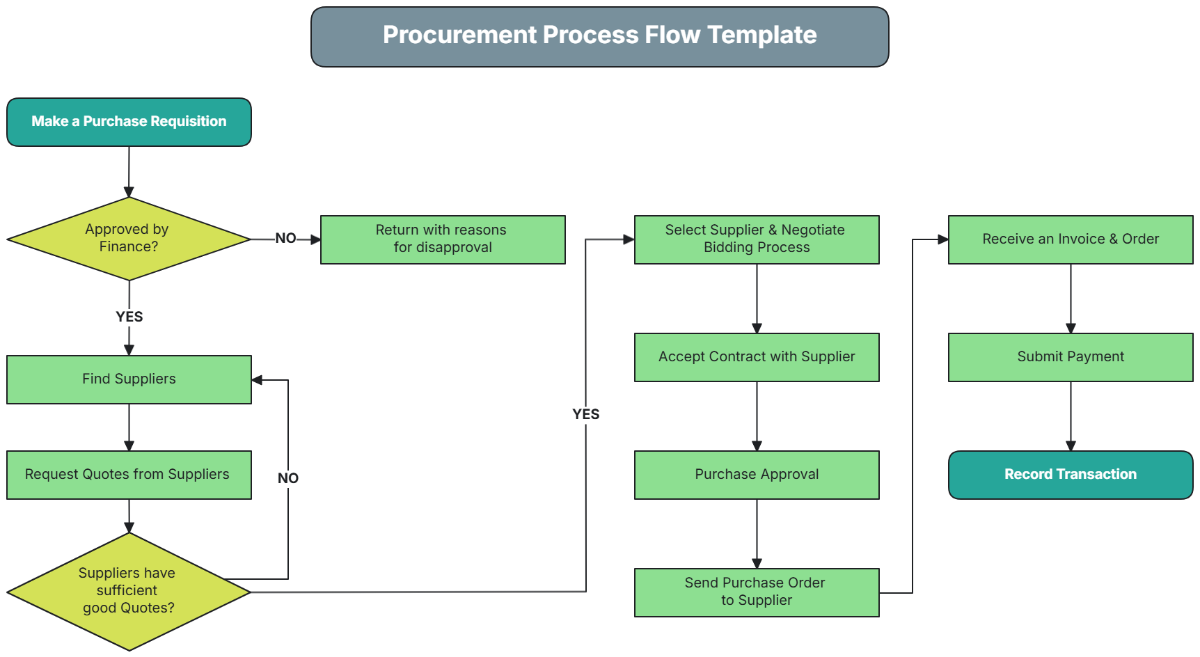
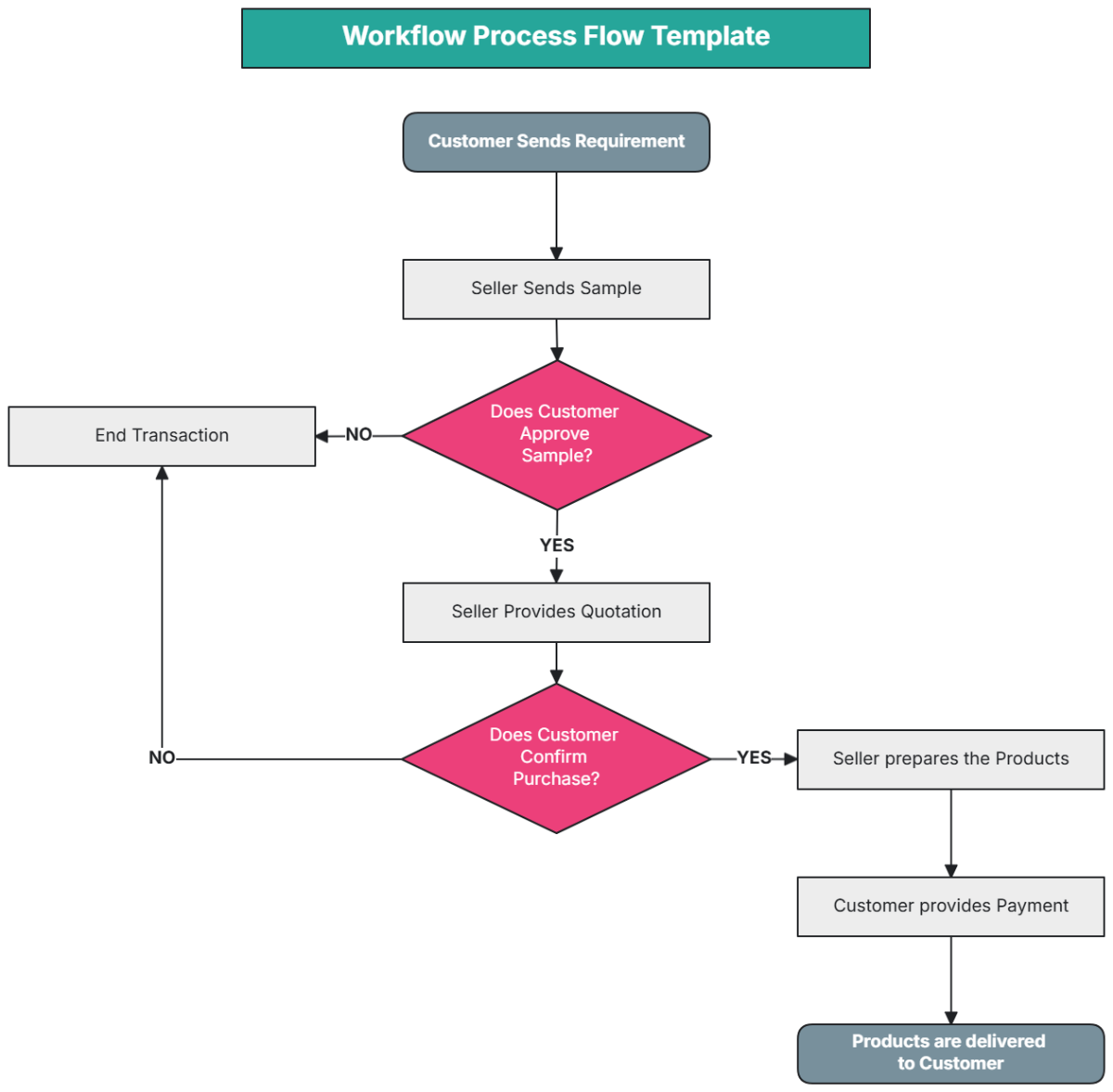
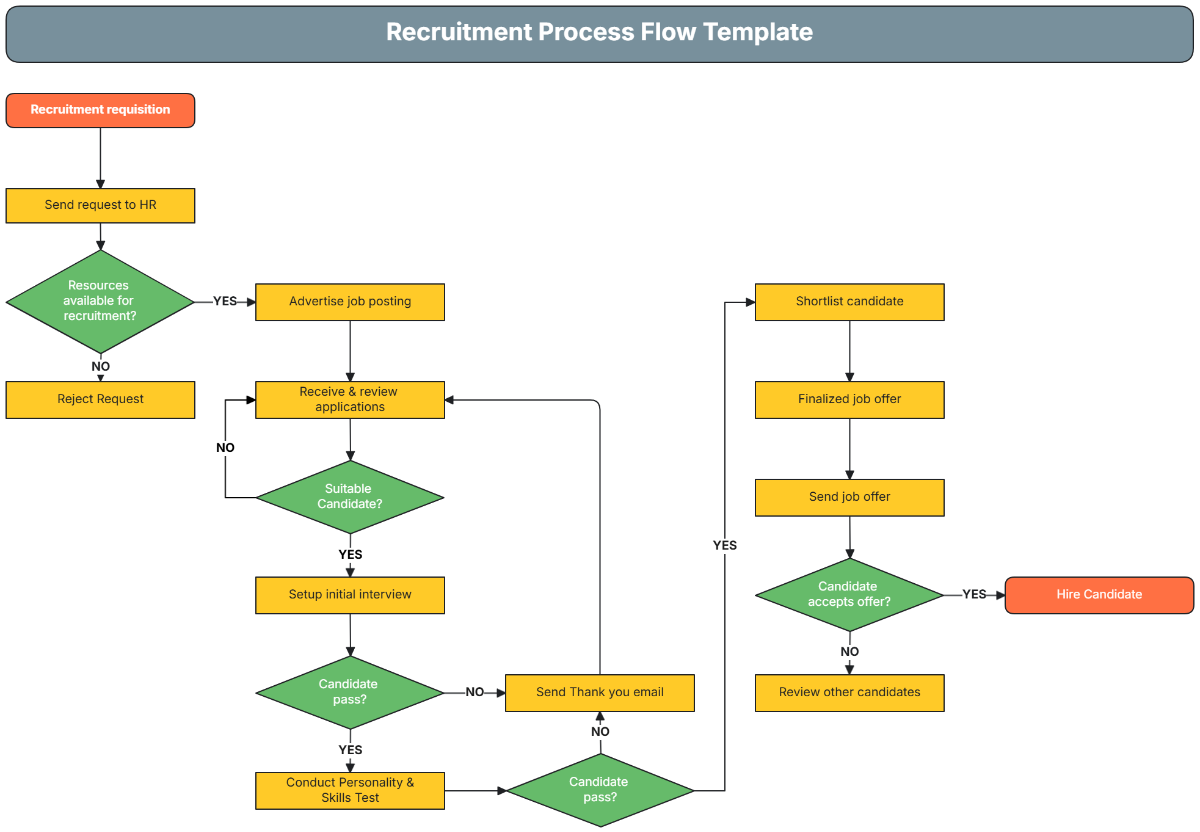
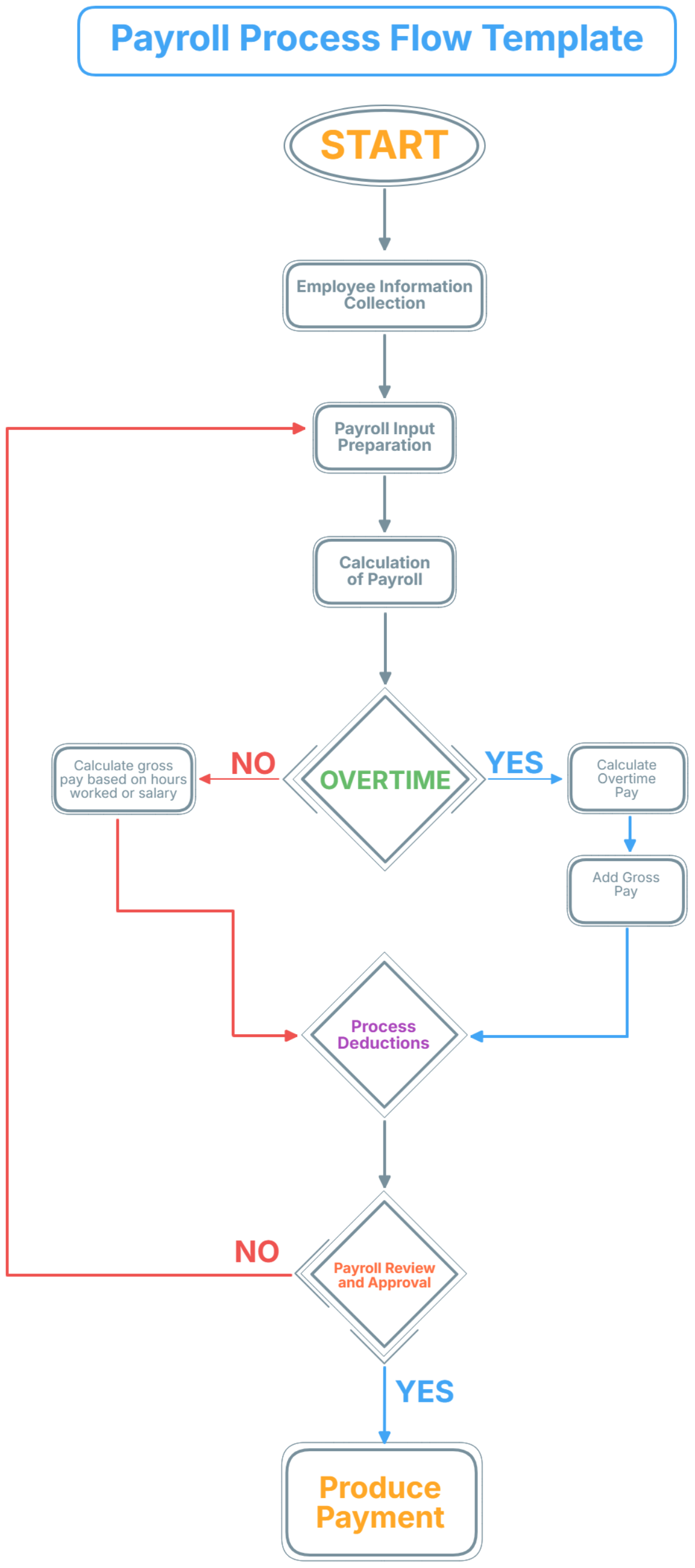
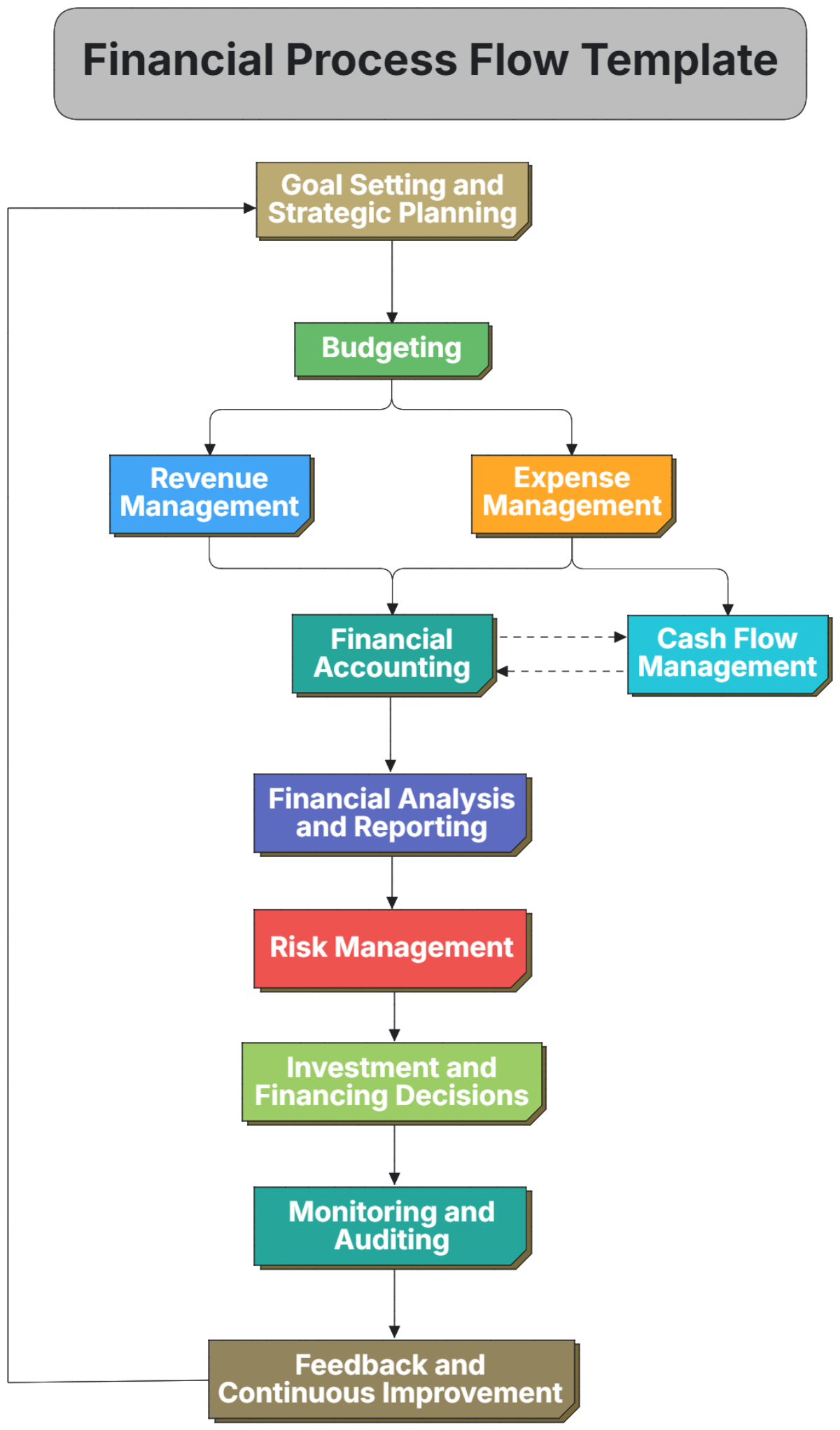
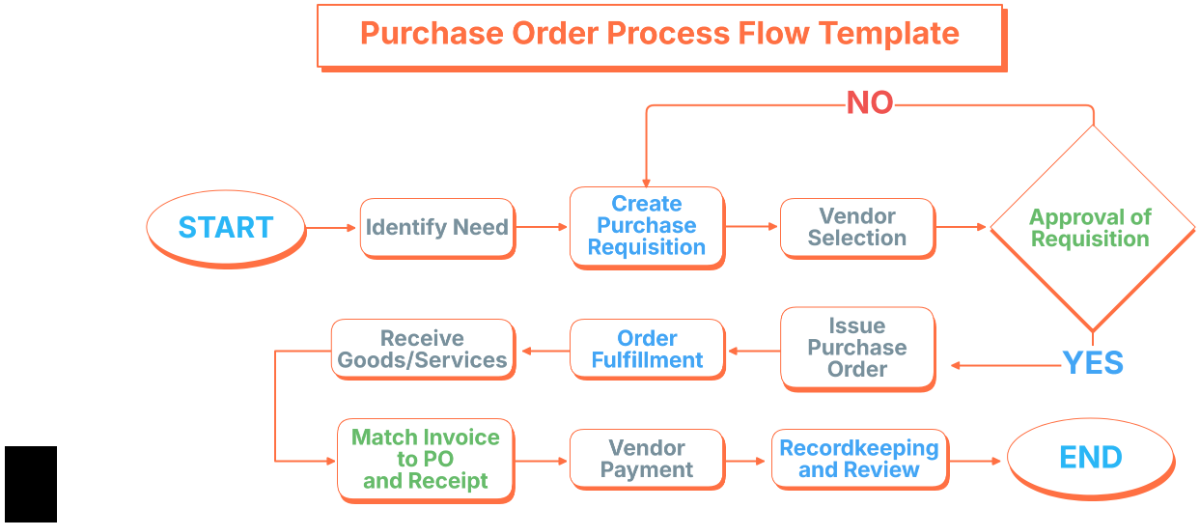
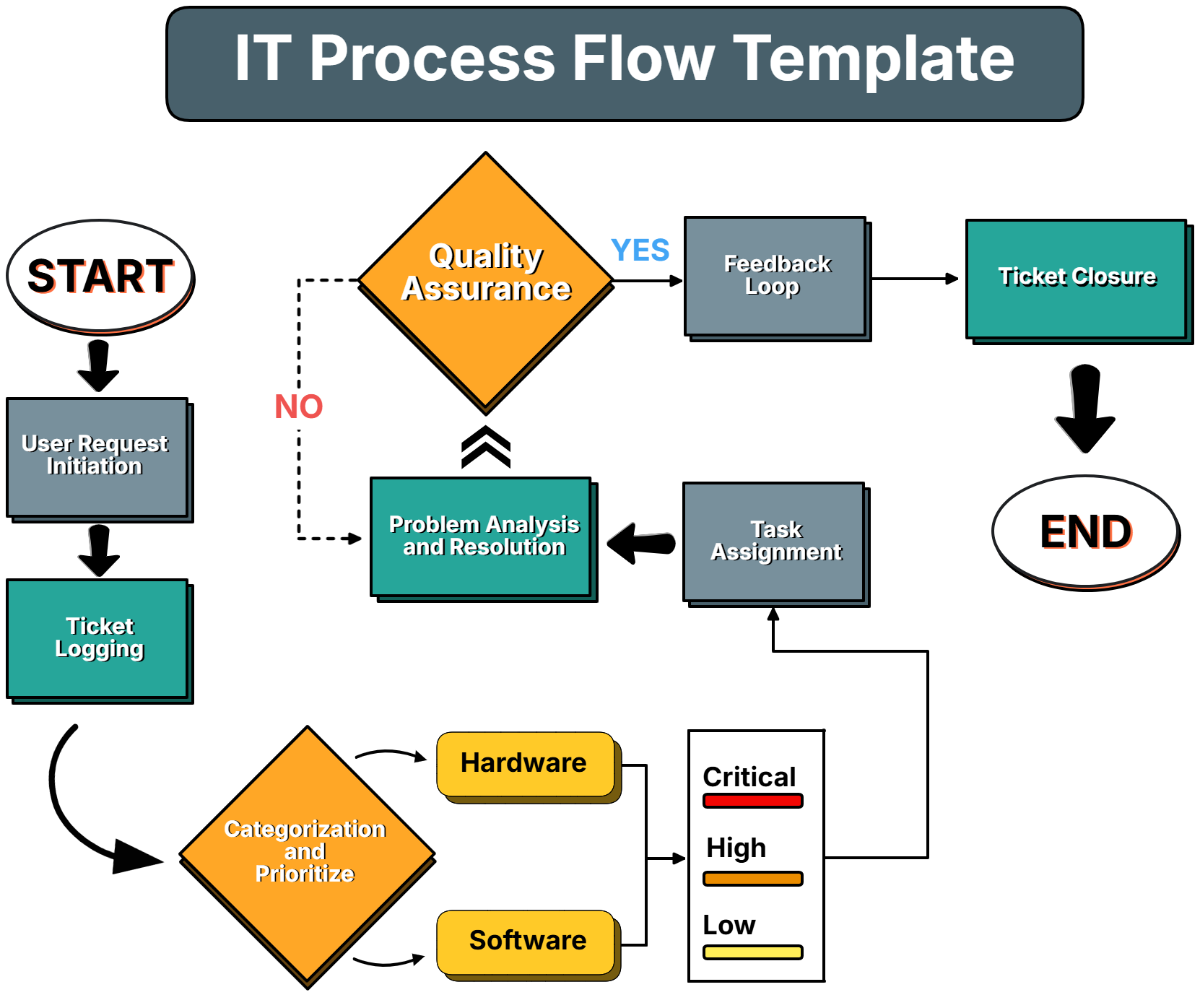
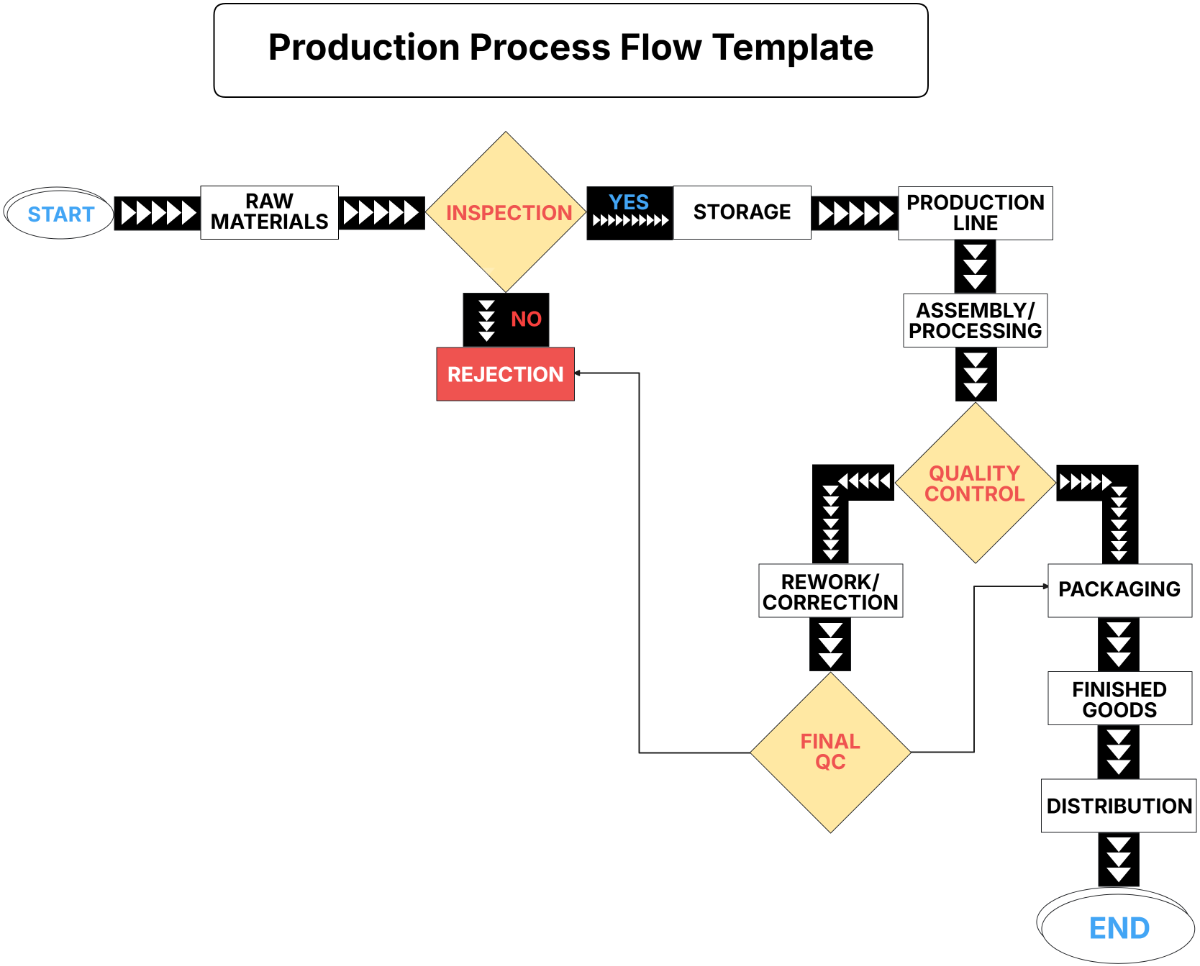

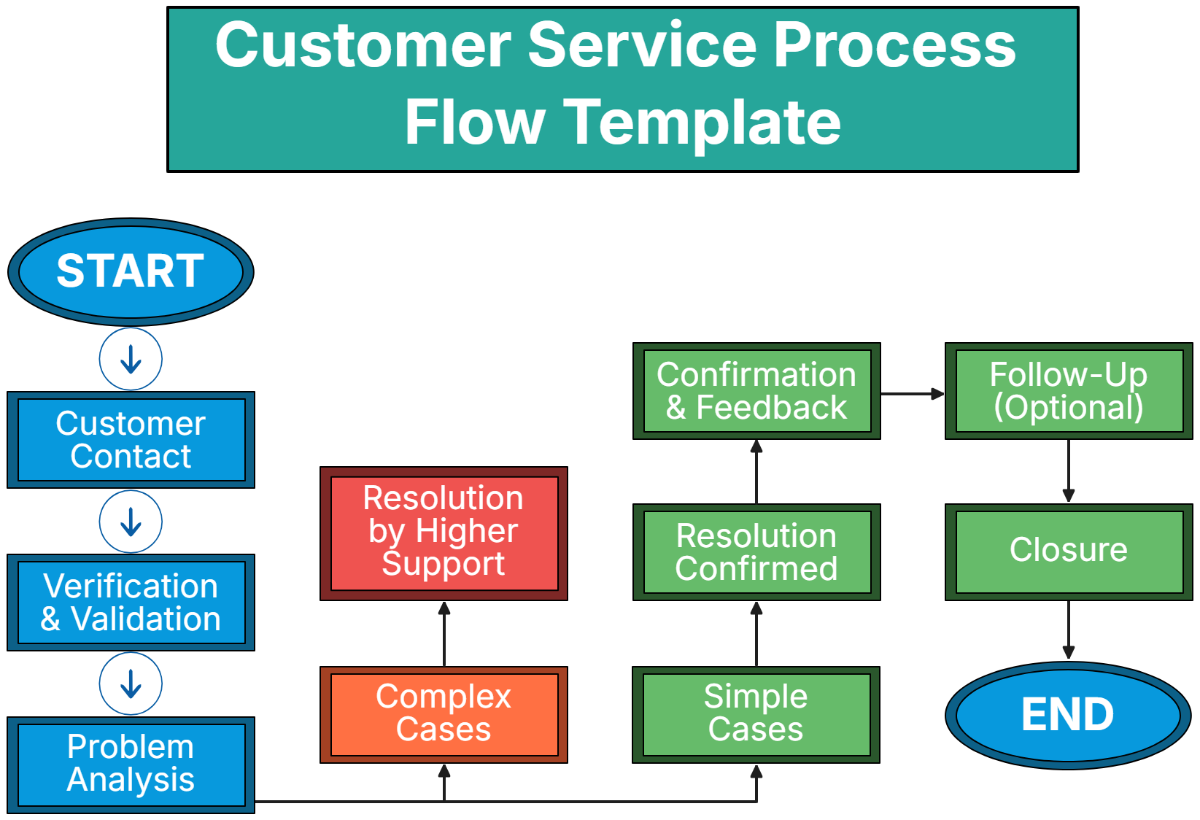
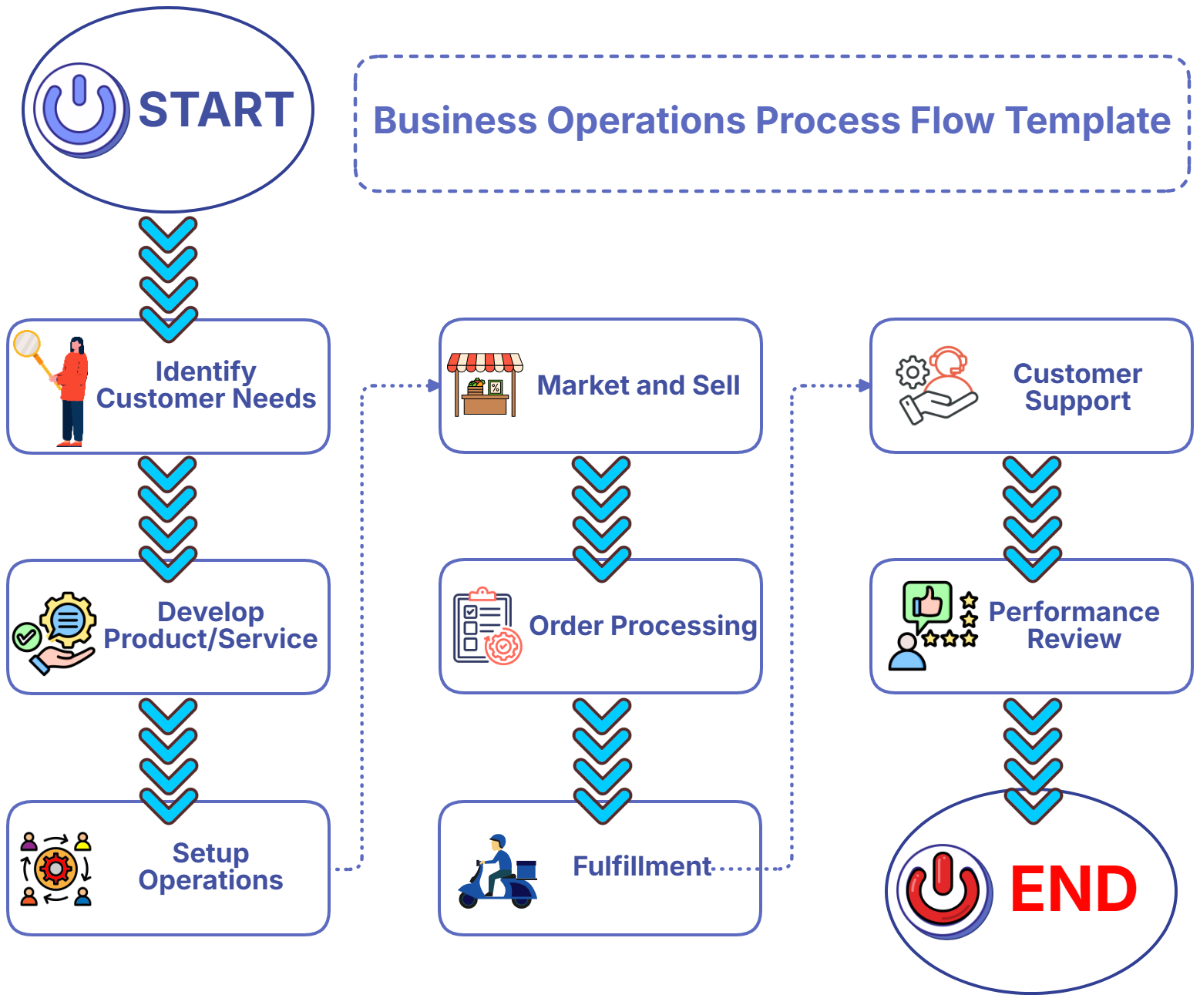


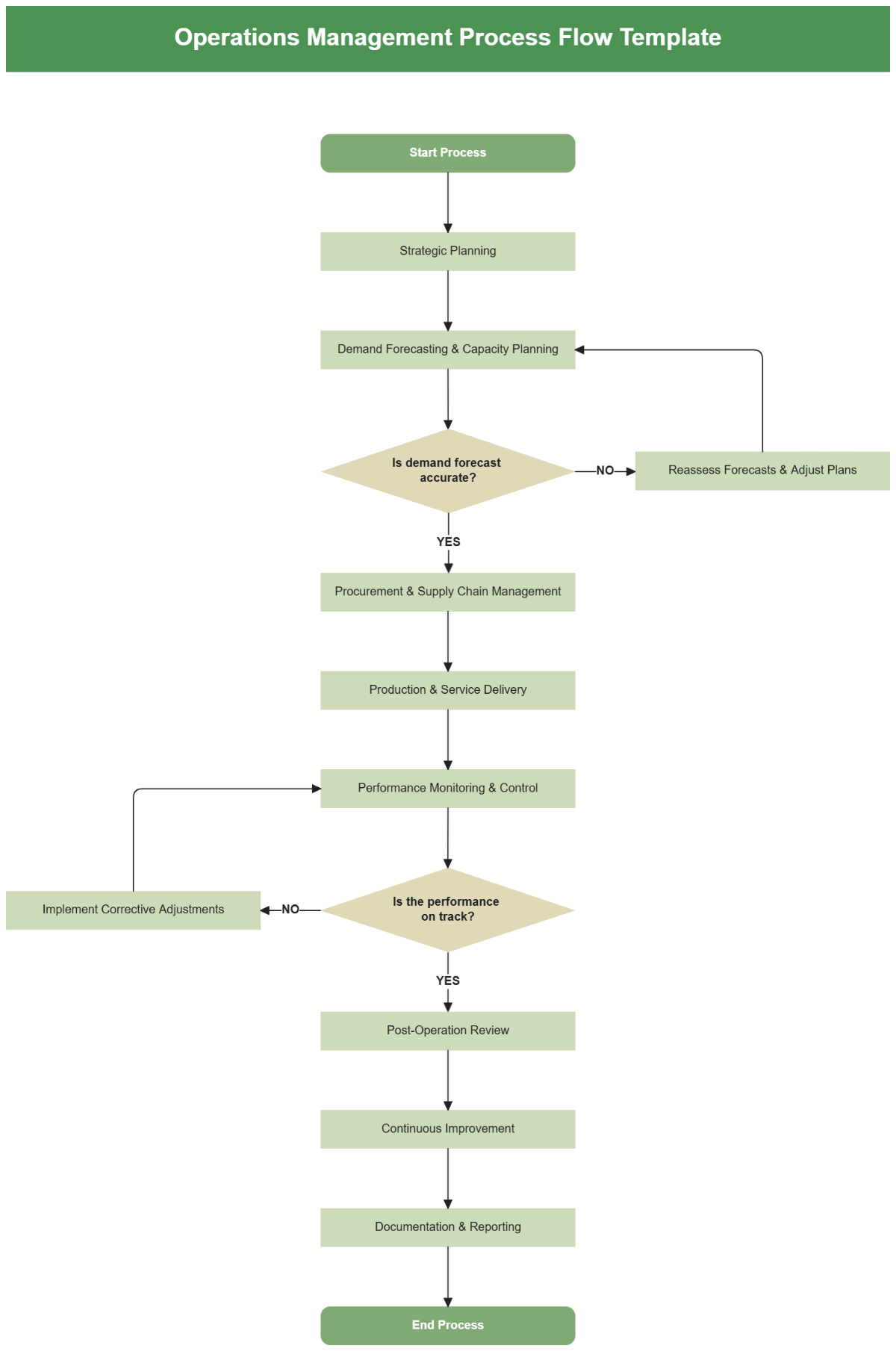


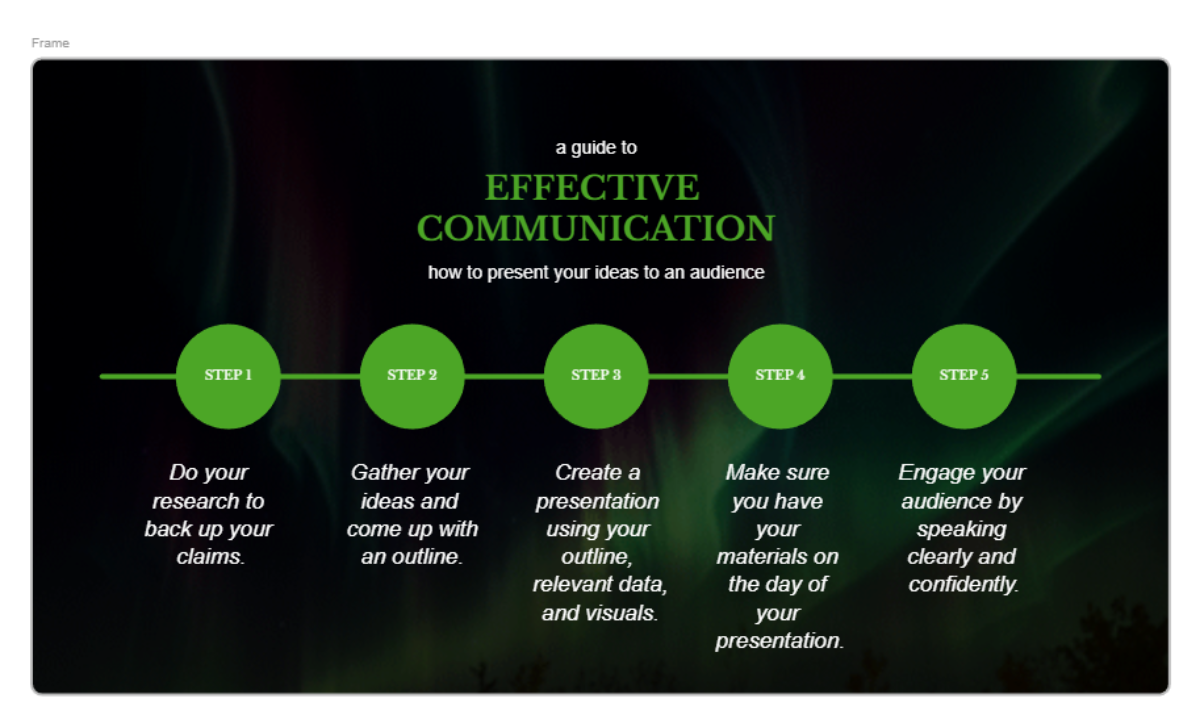
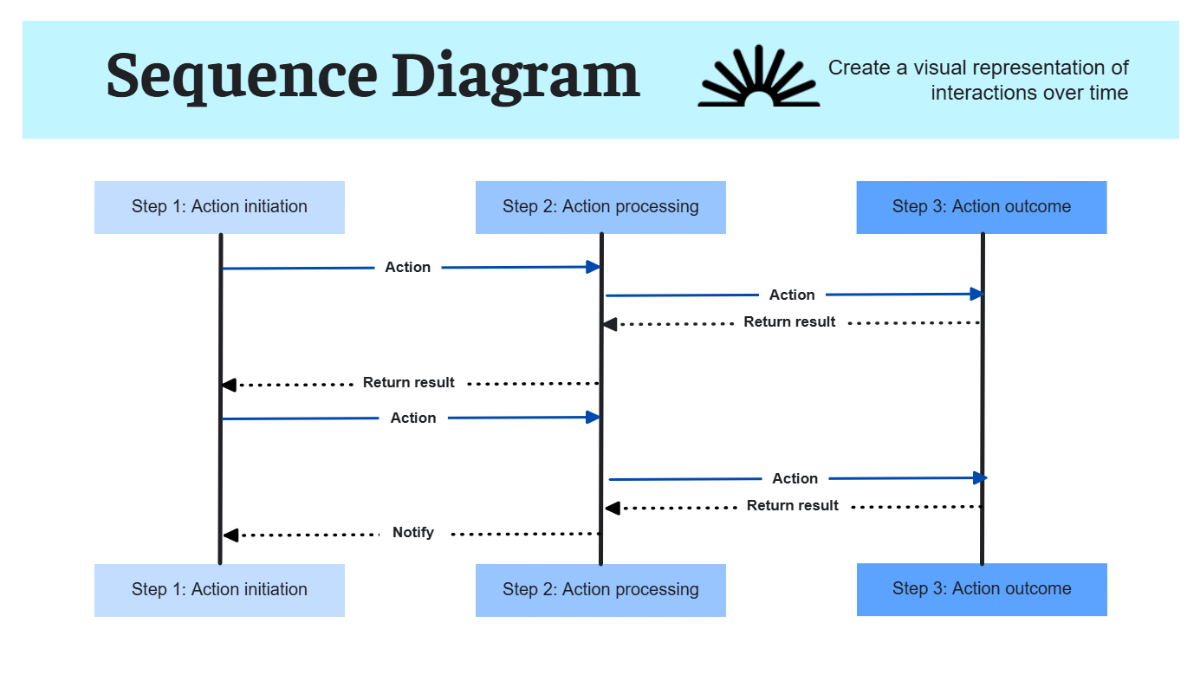
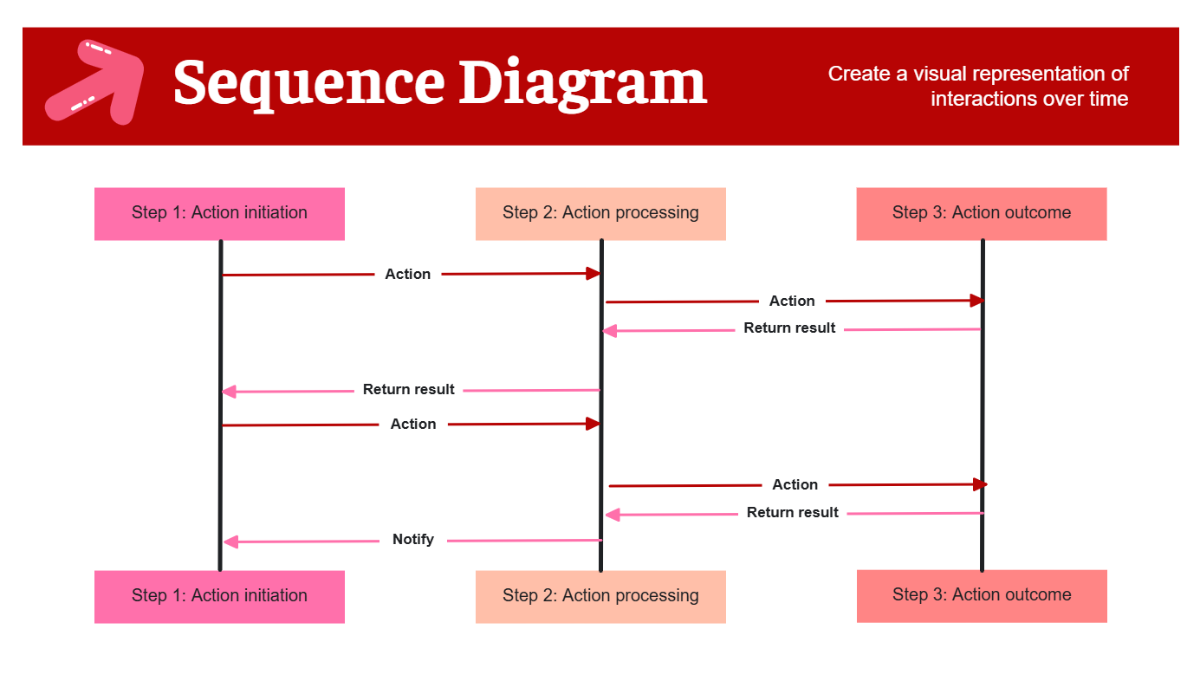
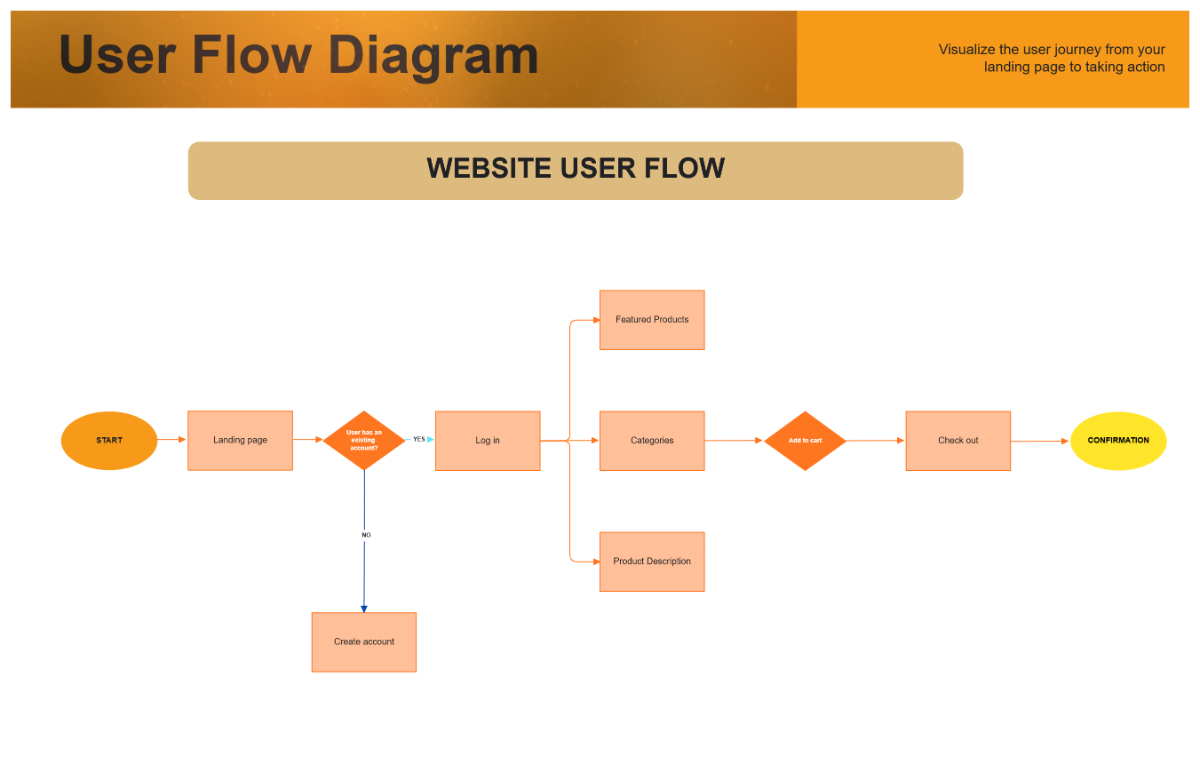
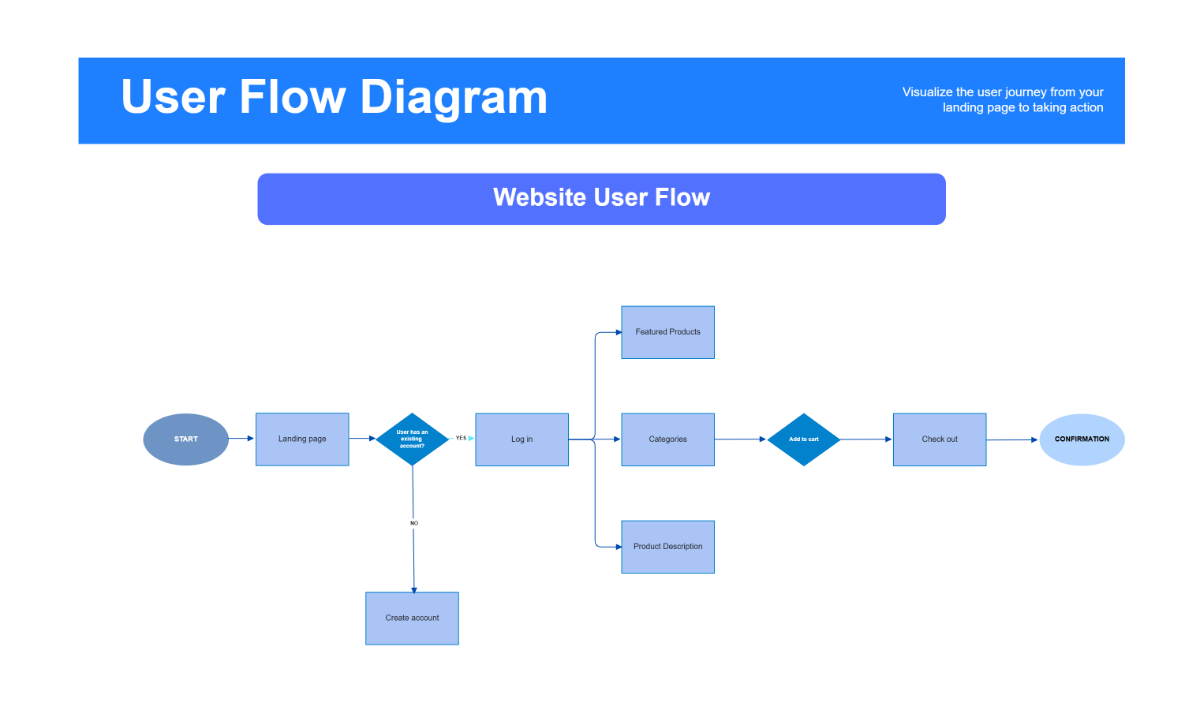
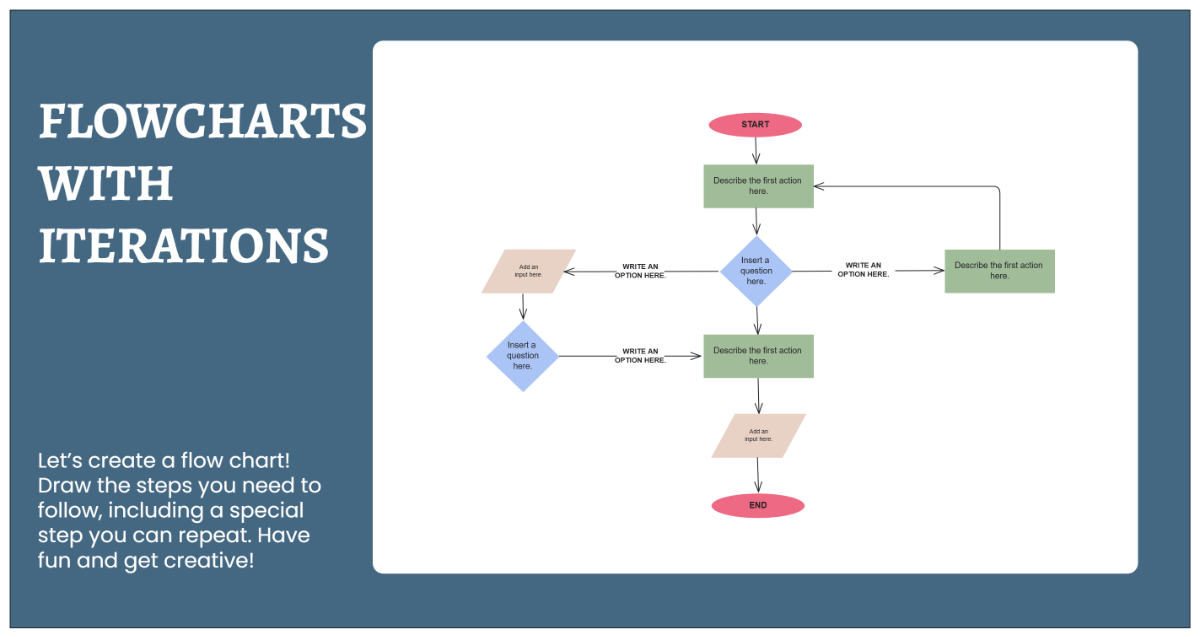
Make Process Flow, Customize Online with Design Editor
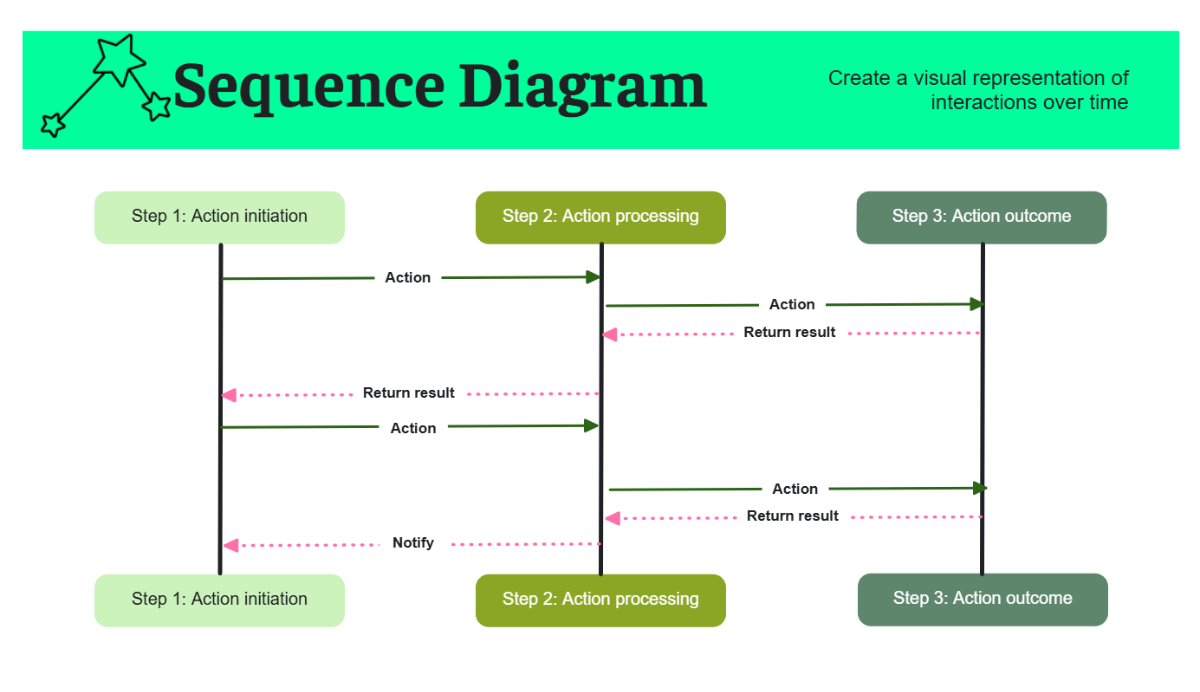
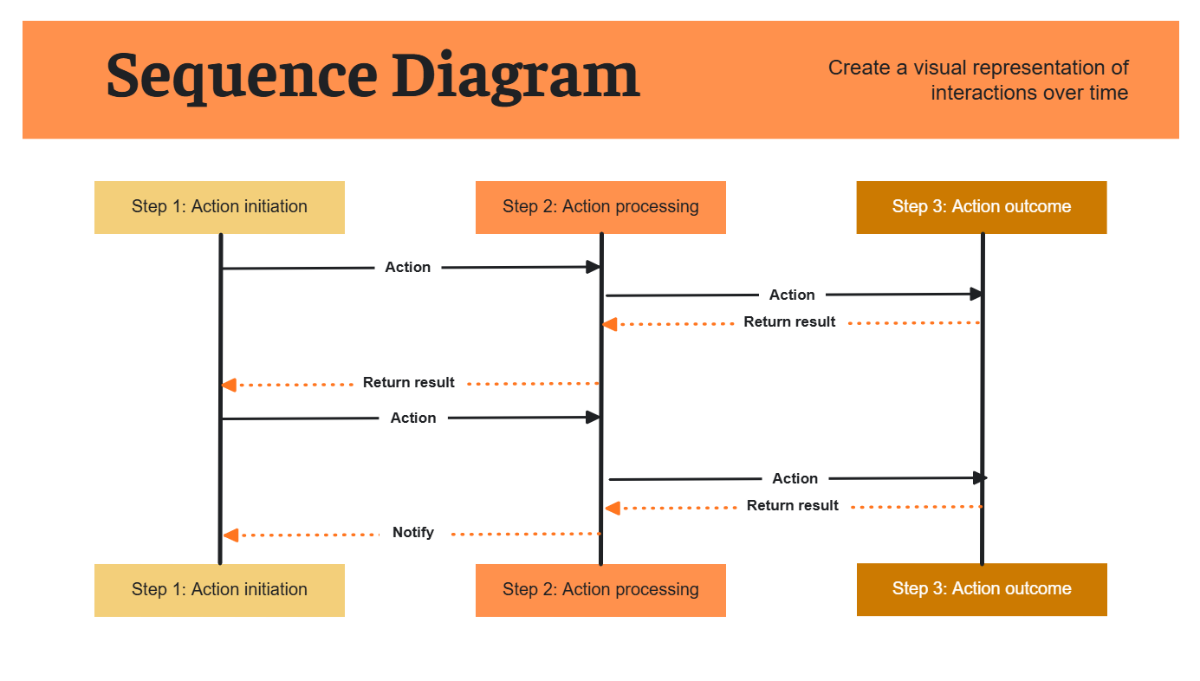
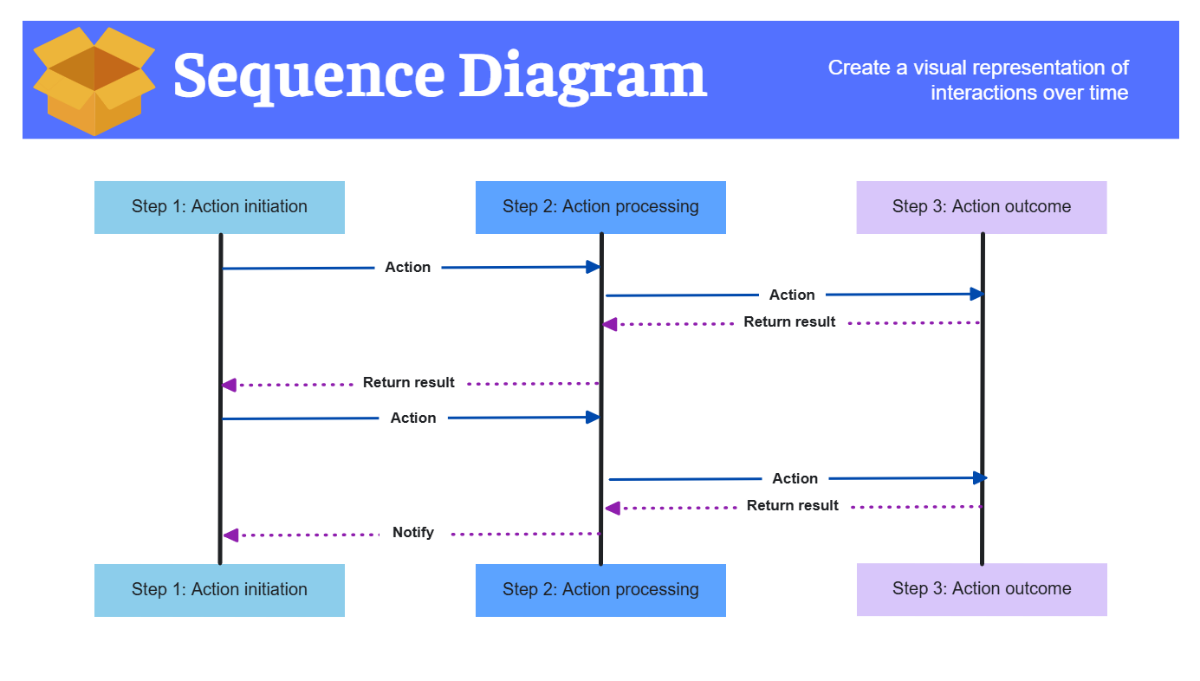
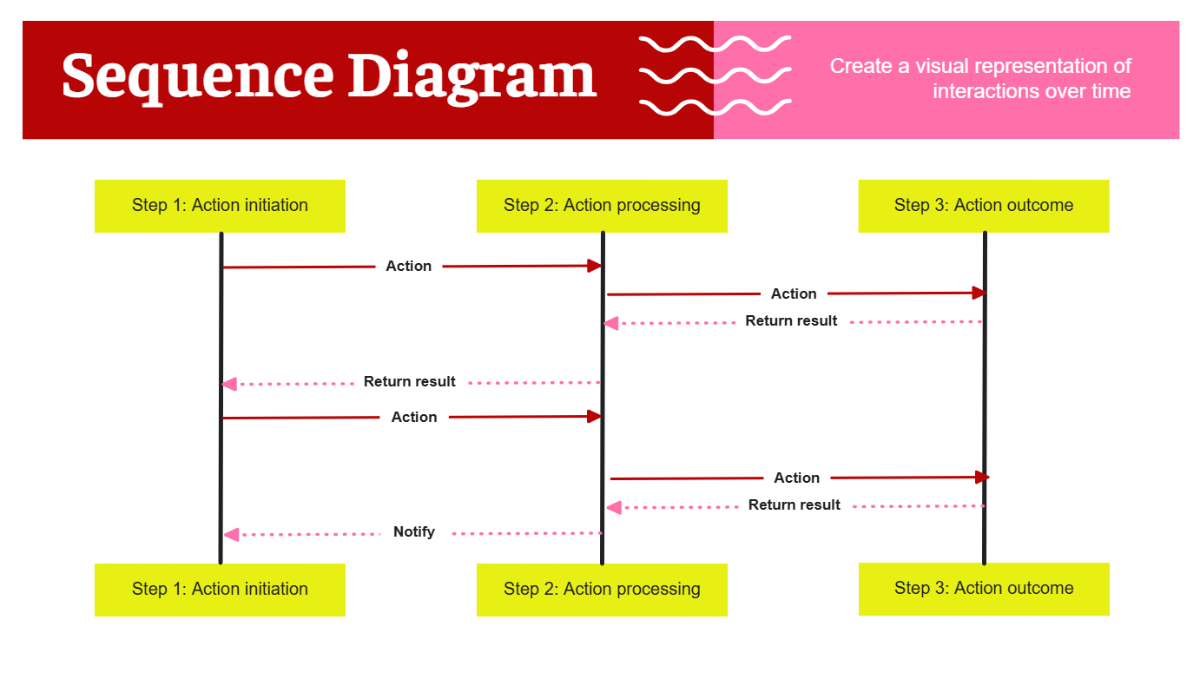
Template.net’s Free AI Process Flow Generator helps you visualize linear and branched processes instantly. Just describe your workflow in text or voice, and AI creates a clean diagram with proper flow symbols. Customize connectors, decisions, and outcomes directly in the editor, then finalize your flow for download.
![Free AI Process Flow Generator, Free AI Process Flow Maker [ No Signup ]](https://images.template.net/generator-images/0-ai-process-flow-generator-2.webp)
Design Custom, Printable Process Flow for Free
Build professional process flows that explain systems, operations, or procedures clearly and visually.
Instant Workflow Drafting
AI generates professional process flows in seconds, giving you ready-made diagrams that reflect your input accurately. Save hours of manual design and focus on refining details.
Editable Flow Elements
Customize shapes, connectors, and text labels with drag-and-drop simplicity. Every element can be resized, recolored, or rearranged for precision.
Zoom to Fit Feature
Easily zoom in or out to view the entire process flow. Large or detailed workflows remain manageable and easy to present.
Auto-Save Protection
Every change you make is saved automatically in the background. Continue working without fear of losing progress.
Color & Style Personalization
Apply custom themes and colors to highlight important steps or decisions. Distinct visuals make workflows easier to interpret at a glance.
Decision Points Made Easy
Add conditional paths with branching connectors to show “Yes/No” or other outcomes. Logical accuracy ensures your flow matches real scenarios.
High-Resolution PNG Exports
Download clear, professional diagrams in PNG format. Maintain sharp visuals for presentations, reports, or posters.
Consistent Formatting
Keep diagrams neat with auto-alignment and spacing tools. The generator ensures visual consistency from start to finish.
Annotation Tools
Insert notes, highlights, or callouts to explain steps further. Annotations make your process diagrams both informative and easy to follow.
Drag-and-Drop Editing
Easily move shapes and connectors into place with intuitive drag-and-drop controls. No complex learning curve required.
Process Flow Templates
Start faster with pre-built templates for common business or academic workflows. Adapt them quickly for your specific needs.
Integration with Presentations
Insert PNG exports directly into slides or documents. Make your reports and lectures more visual and engaging.
Multilingual Support
Generate flows in English, Spanish, Chinese, Hindi, Arabic, Portuguese, Bengali, Russian, Japanese, French, German, Korean, Italian, Turkish, Vietnamese, Urdu, Persian, Polish, Thai, or Punjabi, and many more. This ensures accessibility for global audiences.
Cross-Platform Compatibility
Open and present your PNG diagrams across desktops, tablets, and mobile devices. Consistent clarity is guaranteed on every platform.
Reusable Projects
Duplicate existing flows to build similar diagrams quickly. Reuse designs for recurring processes without starting from scratch.
Smart Symbols Library
Use a built-in collection of arrows, connectors, and decision icons tailored for process flows. Always achieve professional standards.
Collaboration-Friendly Design
Share PNG diagrams through communication tools and platforms. Teams can view, discuss, and refine without additional software.
Secure Access
Your diagrams remain private and stored securely within your workspace. Manage your projects with full control and confidence.
![Free AI Process Flow Generator, Free AI Process Flow Maker [ No Signup ]](https://images.template.net/generator-images/5-ai-process-flow-generator-1.webp "Free AI Process Flow Generator, Free AI Process Flow Maker [ No Signup ]")
How to Make a Free AI-Generated Process Flow
Follow these three steps to create a process flow easily and quickly.
Step 1: Enter Your Prompt & Generate a Process Flow Diagram
Describe your process, system, or workflow using text or voice input. The AI instantly creates a structured diagram complete with arrows, connectors, and logical decisions. Continue refining your description until the flow captures every stage of your system.
Step 2: Review & Edit Your Process Flow Diagram
Open your draft in the drag-and-drop editor to refine every element. Customize shapes, colors, labels, and connectors so the flow reflects your exact requirements. Add annotations or highlights for clarity and professional polish.
Step 3: Save & Export in PNG
Finalize your diagram and download it as a high-quality PNG file. Use it in reports, training slides, or digital manuals while preserving clarity across all platforms. Share seamlessly on WhatsApp, Instagram, Facebook, LinkedIn, X (Twitter), Pinterest, Messenger, or Reddit.
Create Process Flows in Seconds and Start Explaining Workflows
![Free AI Process Flow Generator, Free AI Process Flow Maker [ No Signup ]](https://images.template.net/generator-images/1-ai-process-flow-generator-1.webp "Free AI Process Flow Generator, Free AI Process Flow Maker [ No Signup ]")
Generate Process Flows Tailored to Your Needs
Turn long or complex processes into structured diagrams that are easy to follow. The AI arranges steps in logical order so you can explain workflows clearly. Whether for school projects or corporate procedures, your flow is always professional and well-organized.
![Free AI Process Flow Generator, Free AI Process Flow Maker [ No Signup ]](https://images.template.net/generator-images/2-ai-process-flow-generator-2.webp "Free AI Process Flow Generator, Free AI Process Flow Maker [ No Signup ]")
Customize Your Flow for Any Industry
Adapt diagrams to match your field, whether in healthcare, business, education, or IT. Apply custom colors, labels, and annotations to emphasize key steps. This flexibility ensures your diagram suits both academic and professional uses.
![Free AI Process Flow Generator, Free AI Process Flow Maker [ No Signup ]](https://images.template.net/generator-images/3-ai-process-flow-generator-2.webp "Free AI Process Flow Generator, Free AI Process Flow Maker [ No Signup ]")
Share Anywhere, Collaborate Instantly
Export diagrams as high-quality PNGs for use in digital or printed formats. Share across communication platforms or integrate into presentations without losing resolution. Distribute workflows effortlessly to teams, students, or stakeholders.
![Free AI Process Flow Generator, Free AI Process Flow Maker [ No Signup ]](https://images.template.net/generator-images/4-ai-process-flow-generator-1.webp "Free AI Process Flow Generator, Free AI Process Flow Maker [ No Signup ]")
Smart Workspaces to Keep You Moving
Organize all your process flows within dedicated workspaces. Retrieve, duplicate, or refine diagrams for future use without starting from scratch. Keep everything neatly stored for quick access during projects.
