Free AI Incident Report Generator

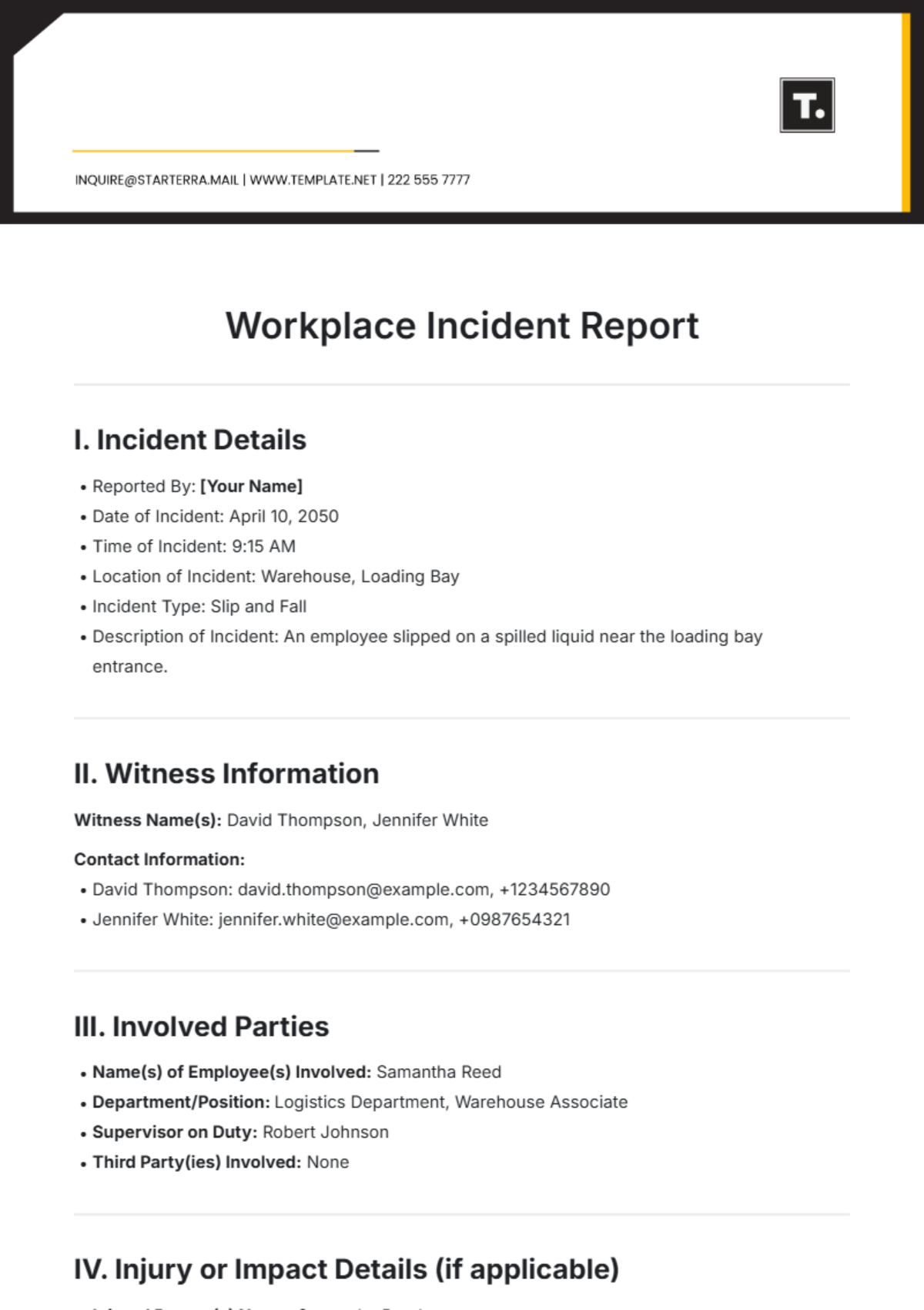
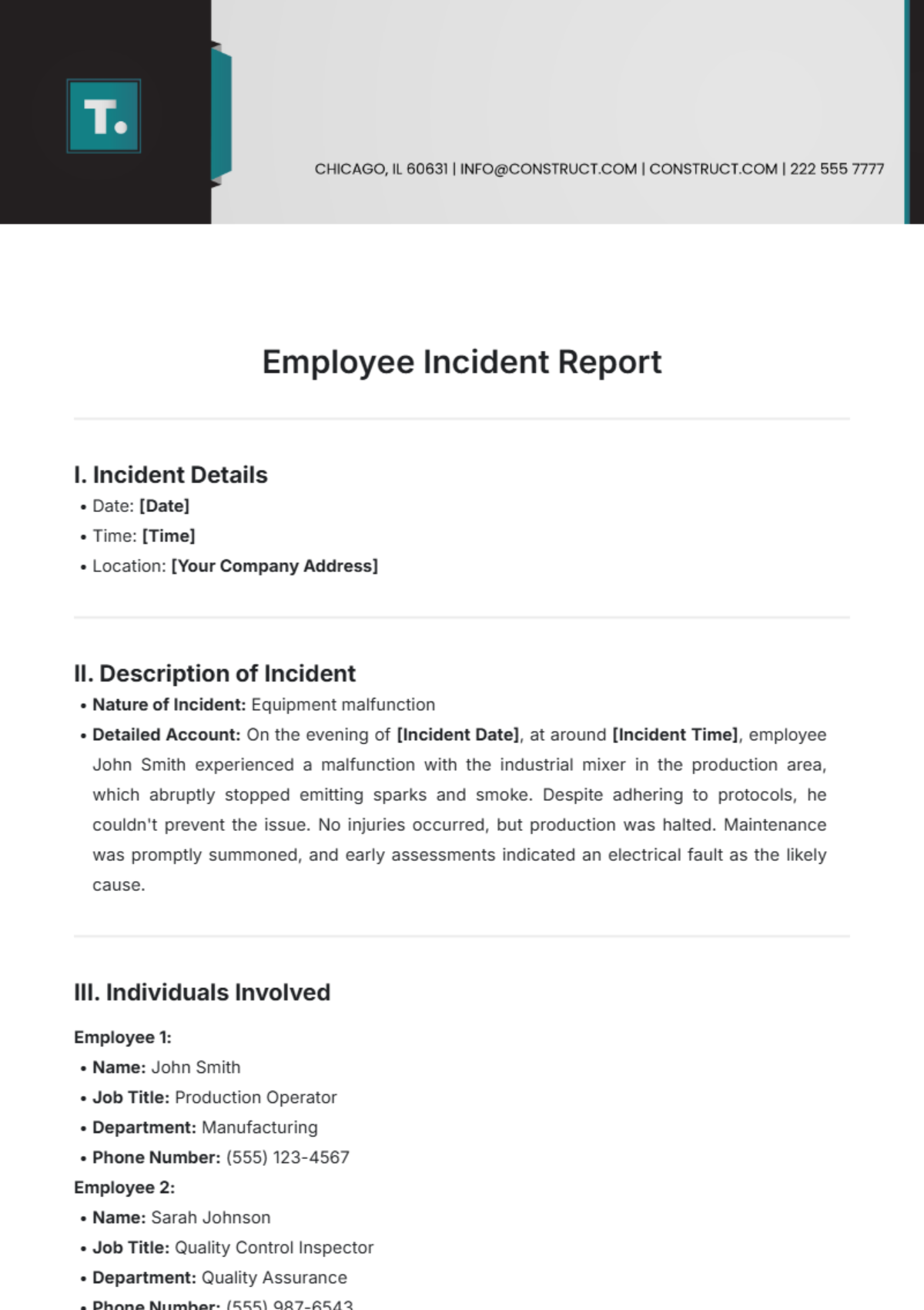

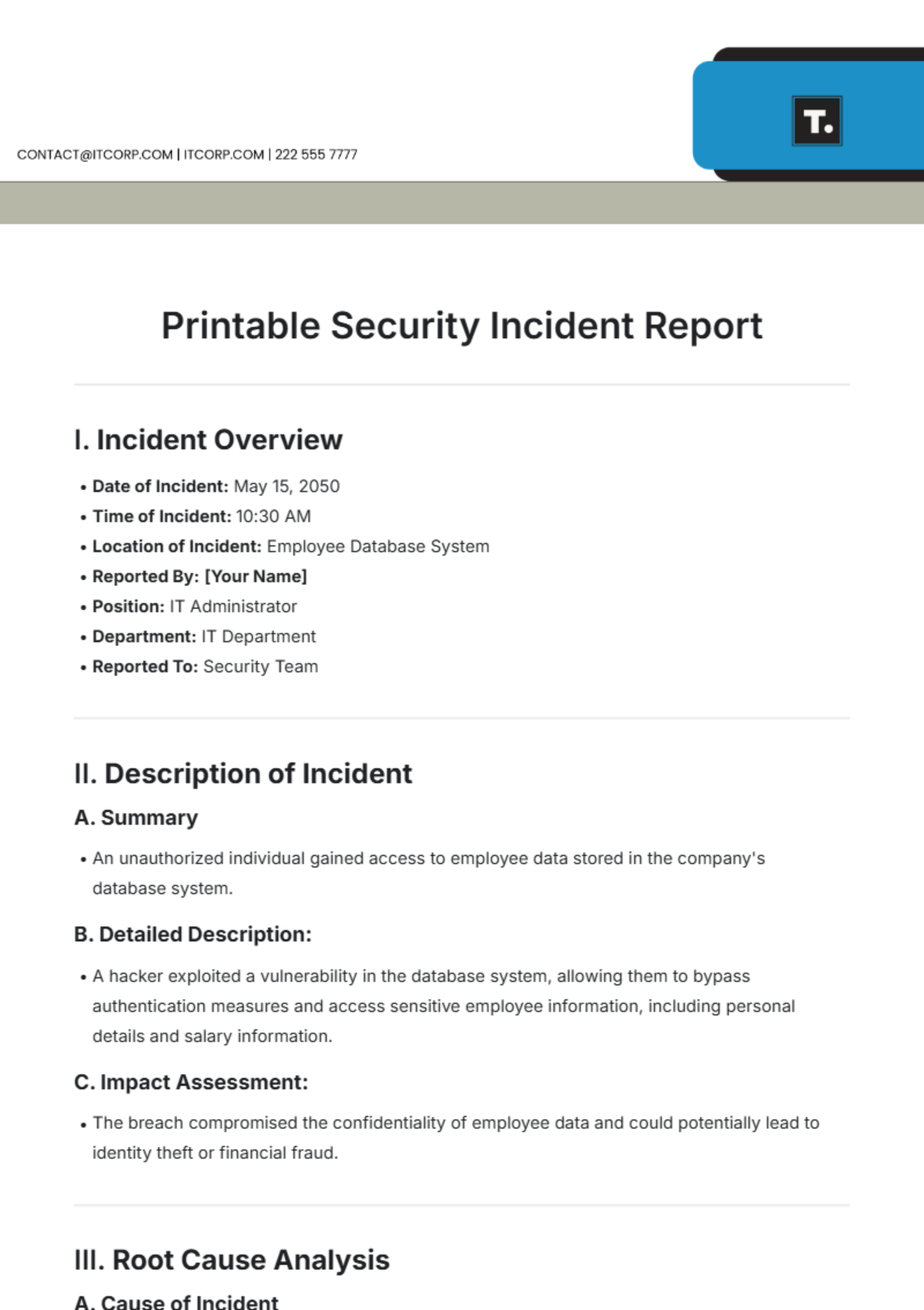
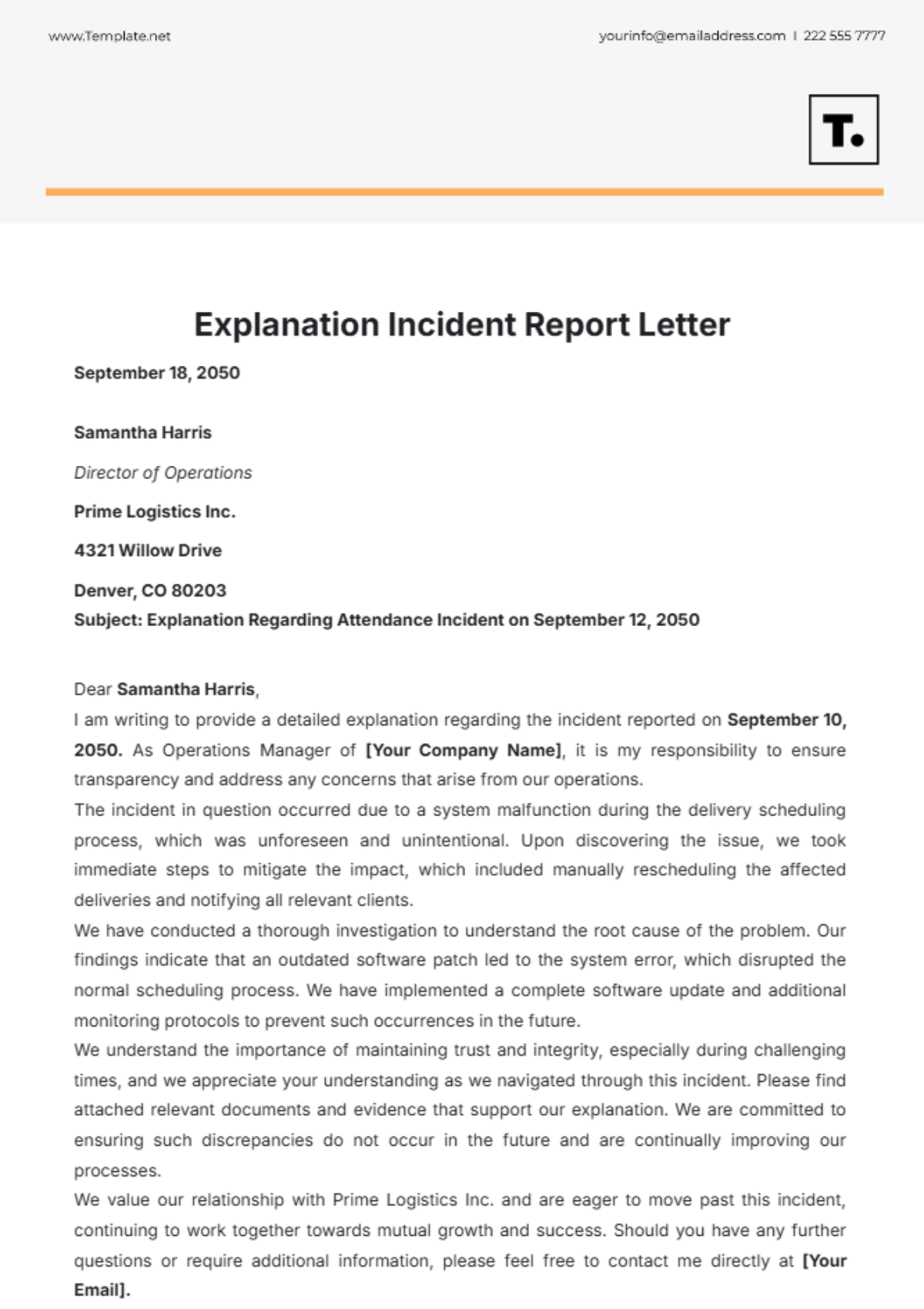


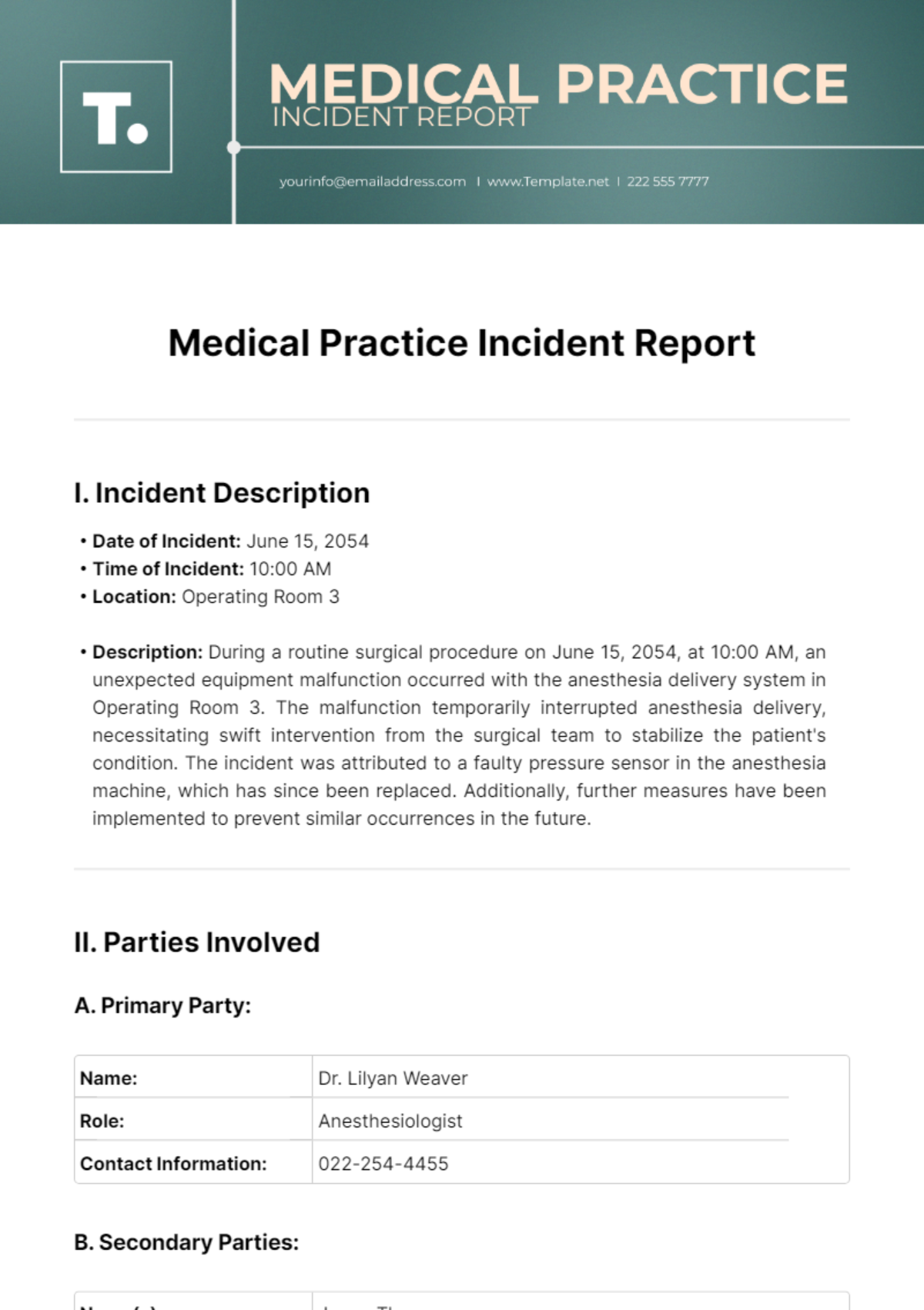
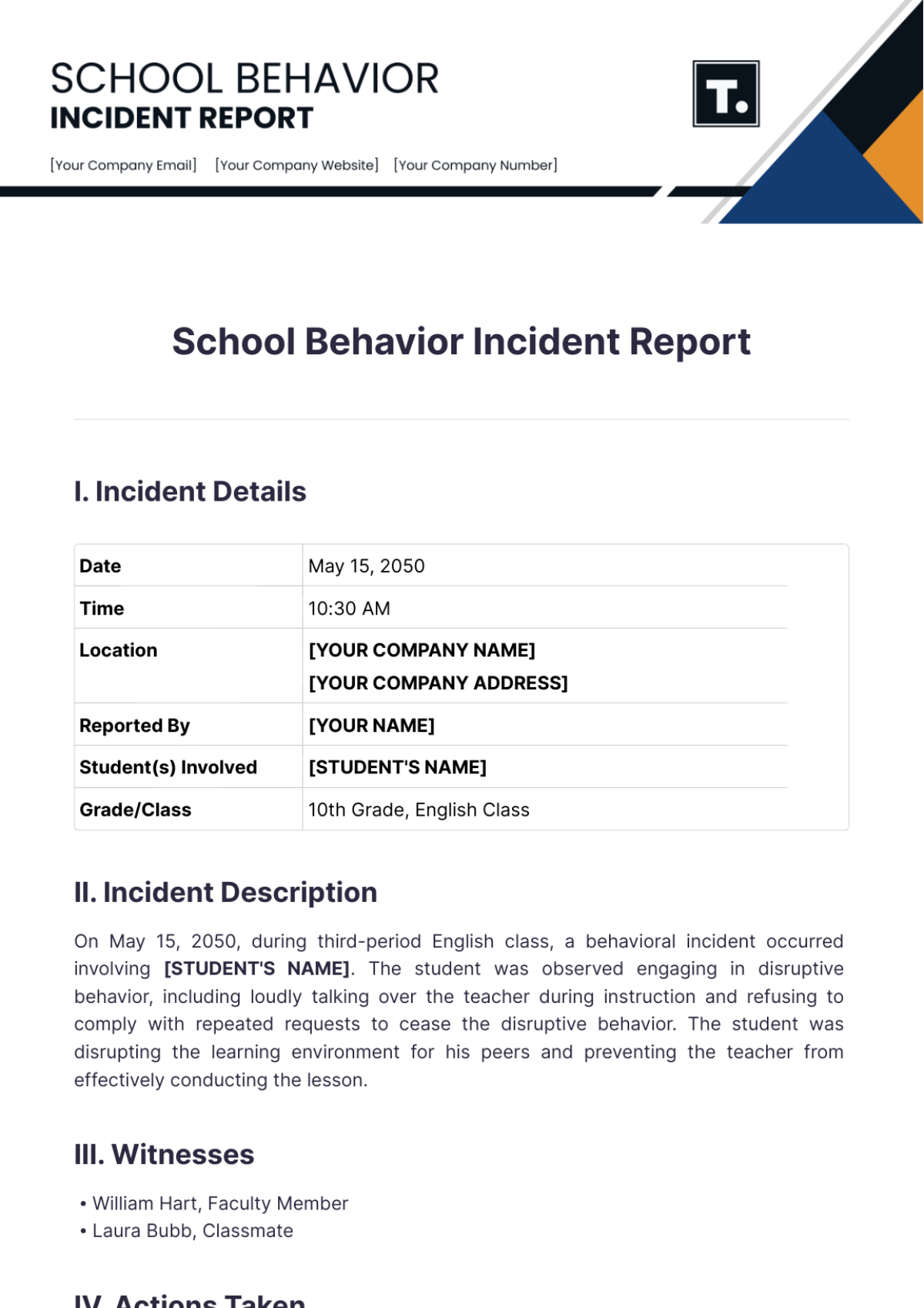
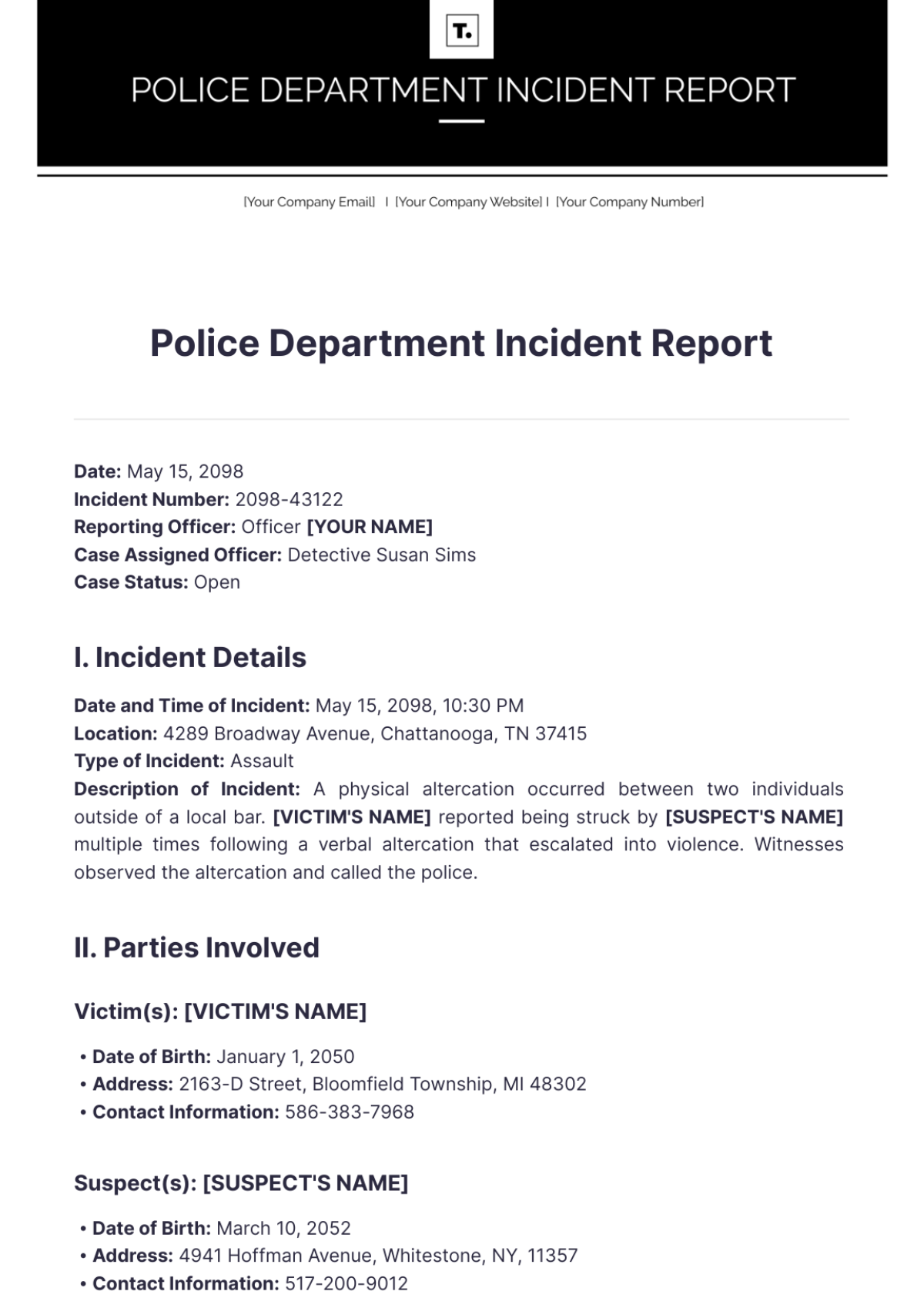

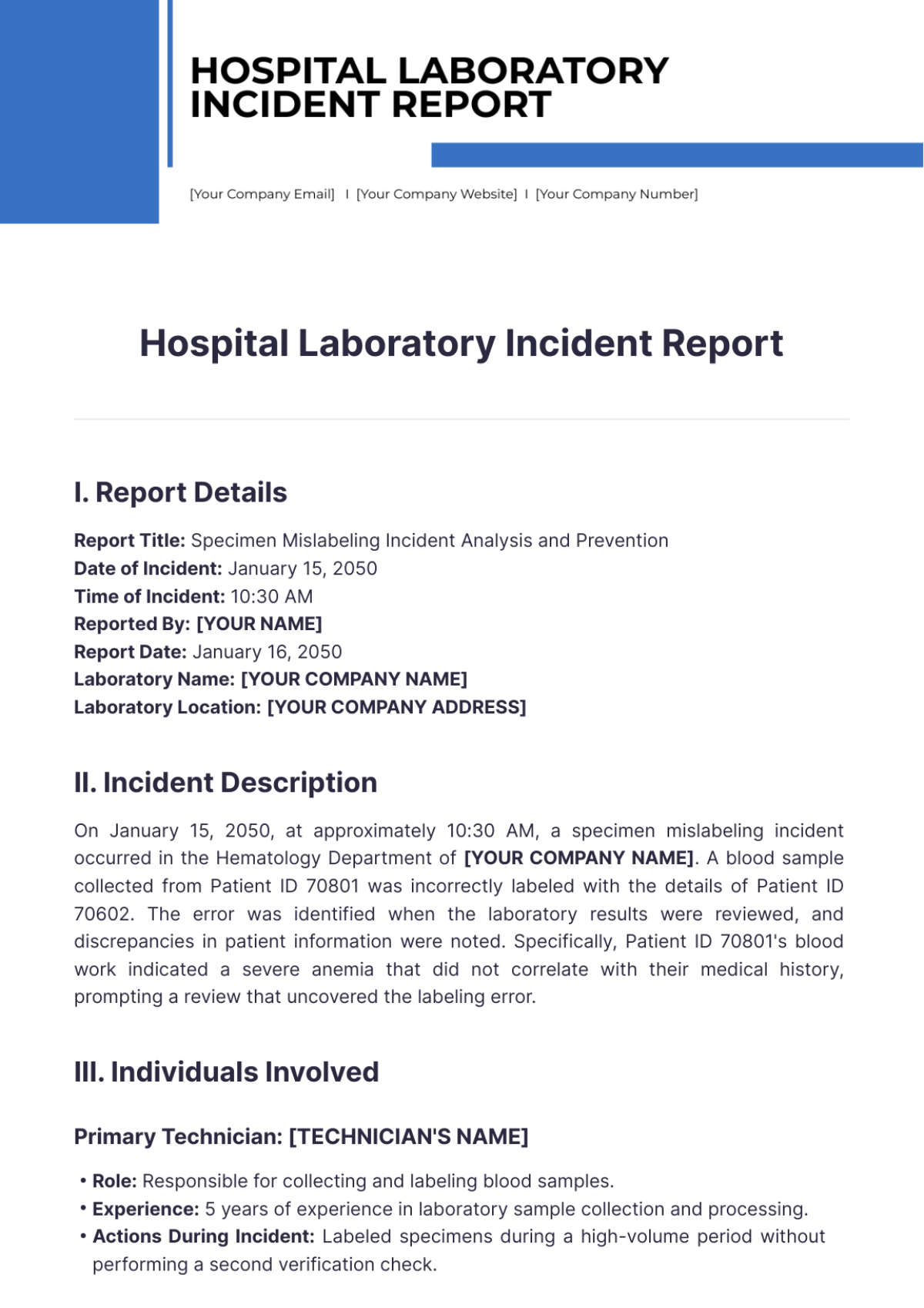
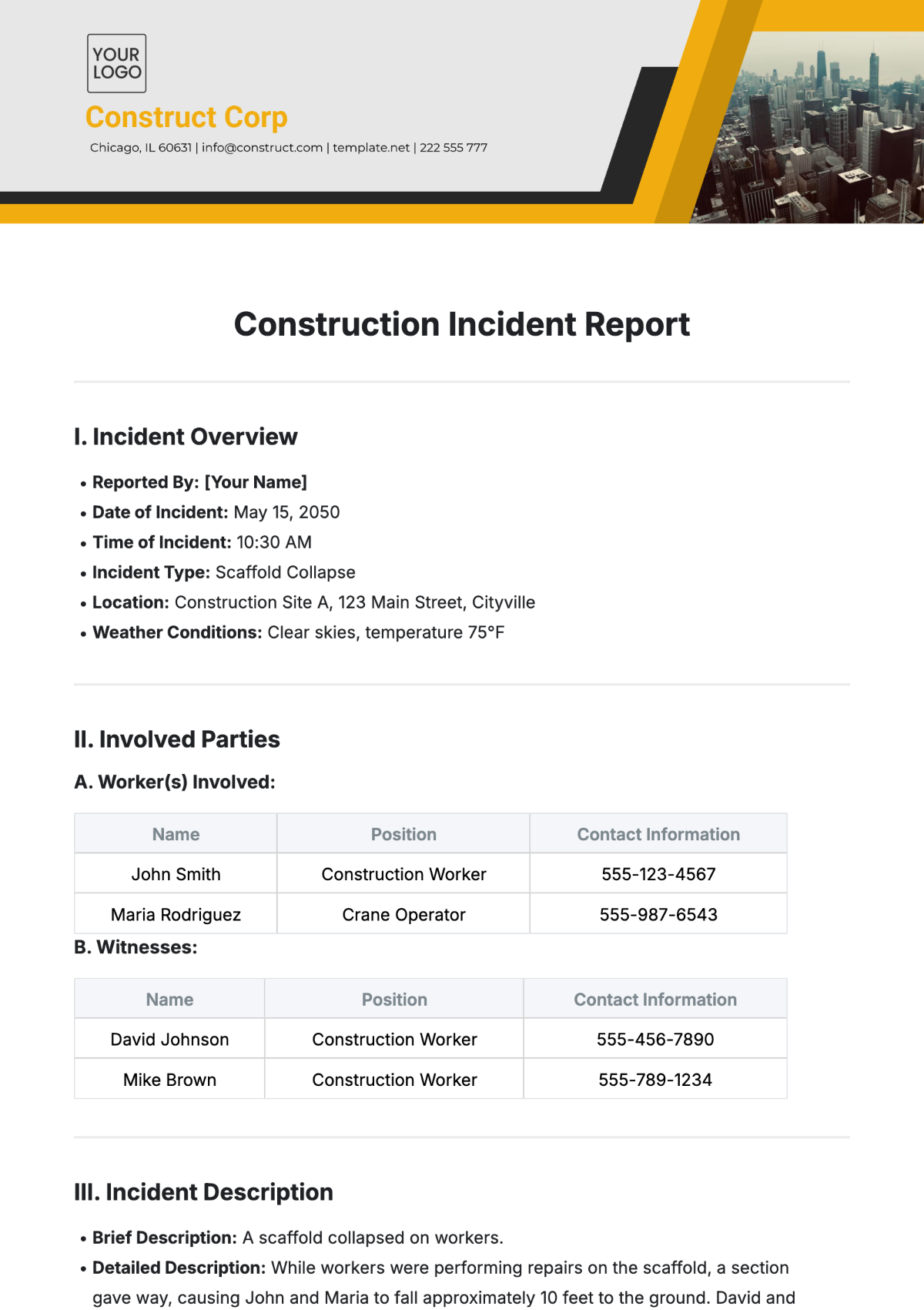
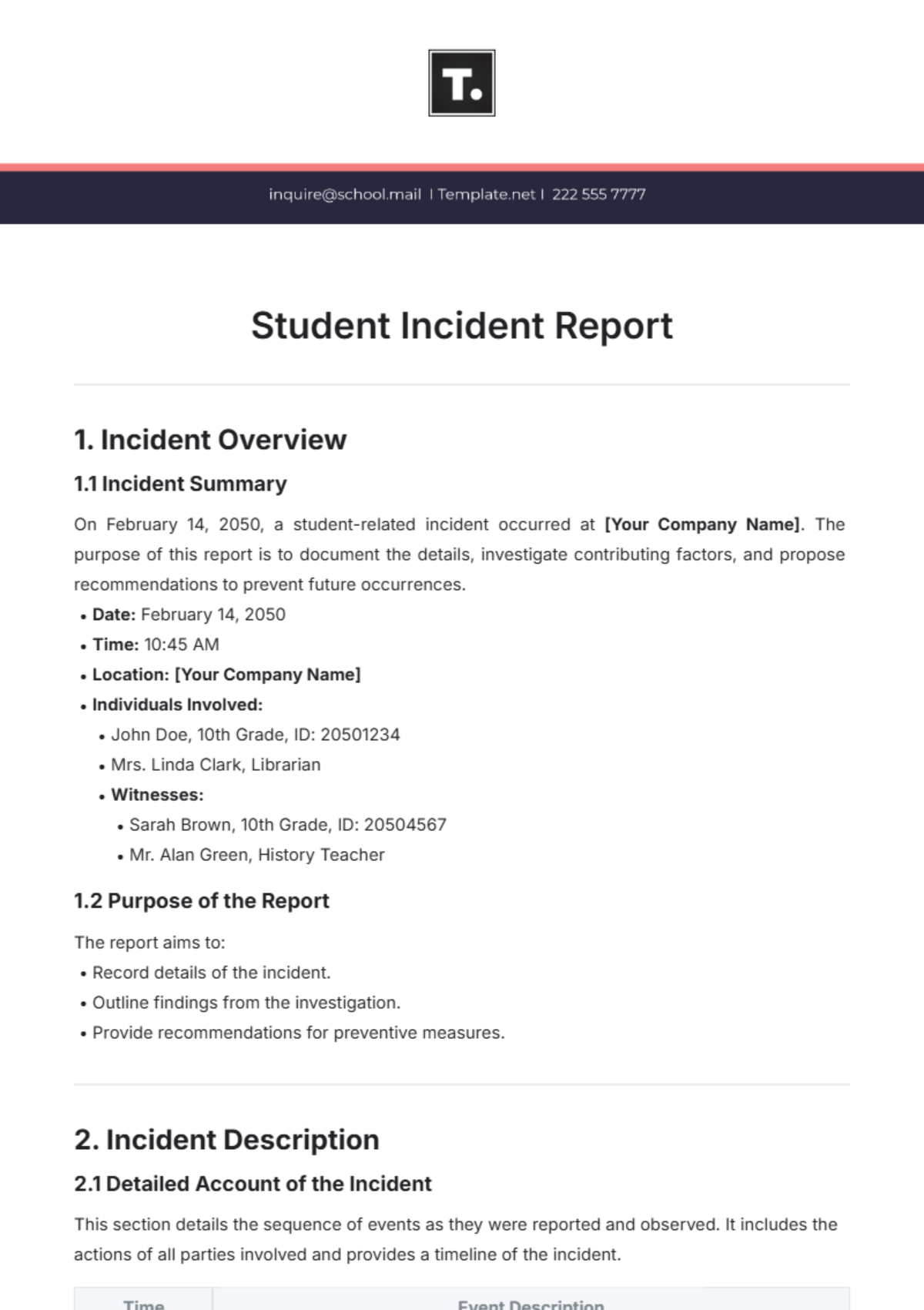
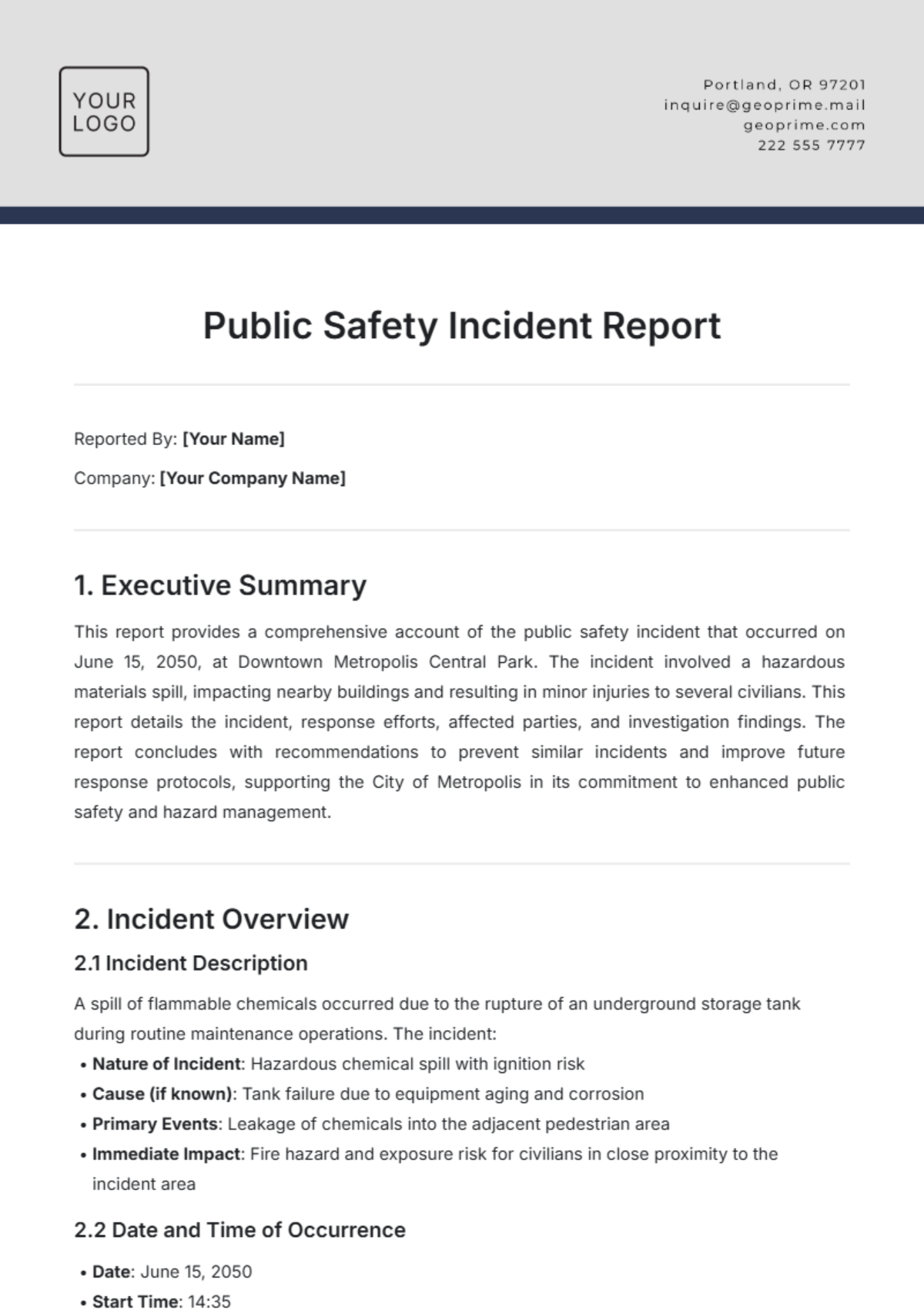
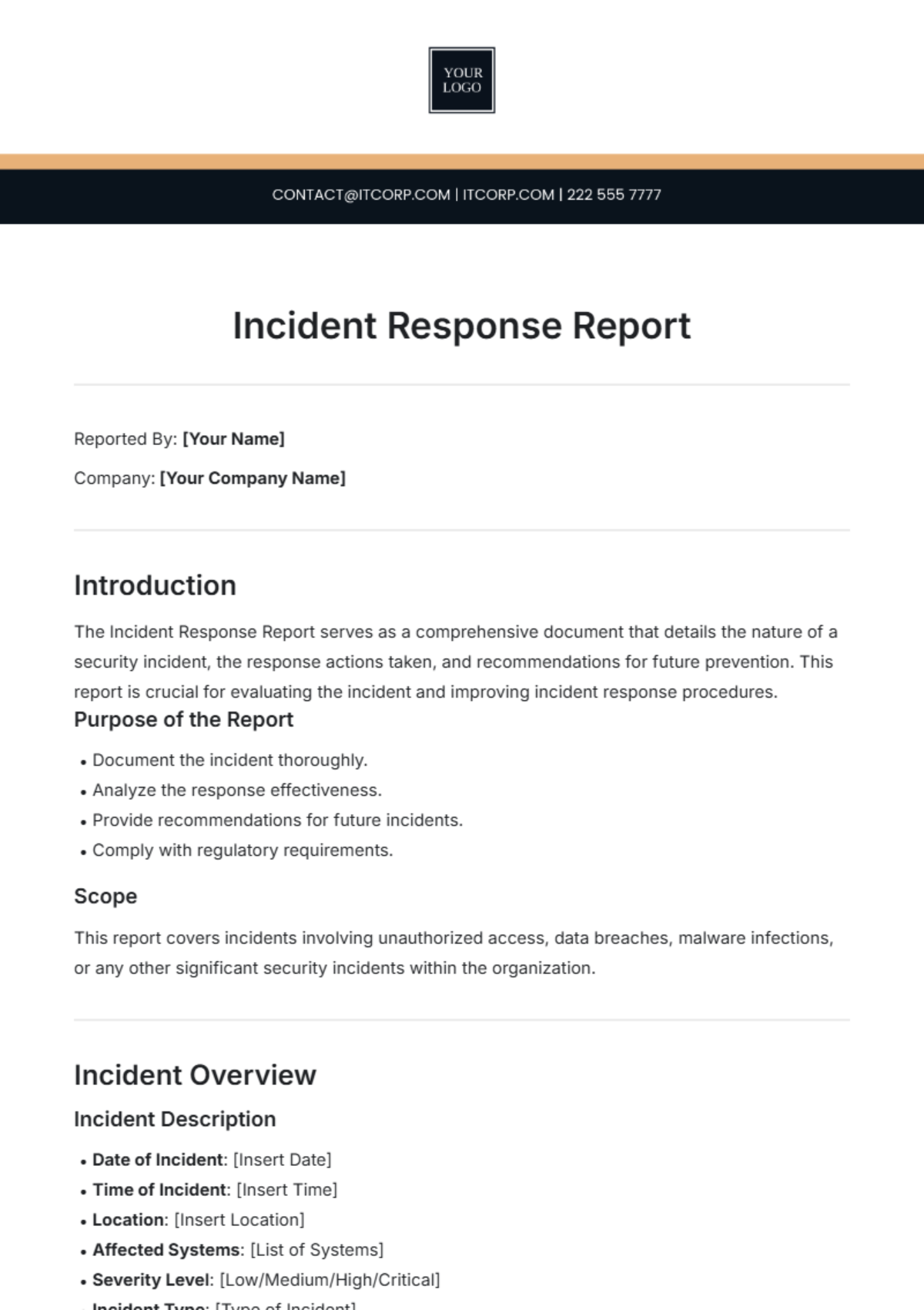
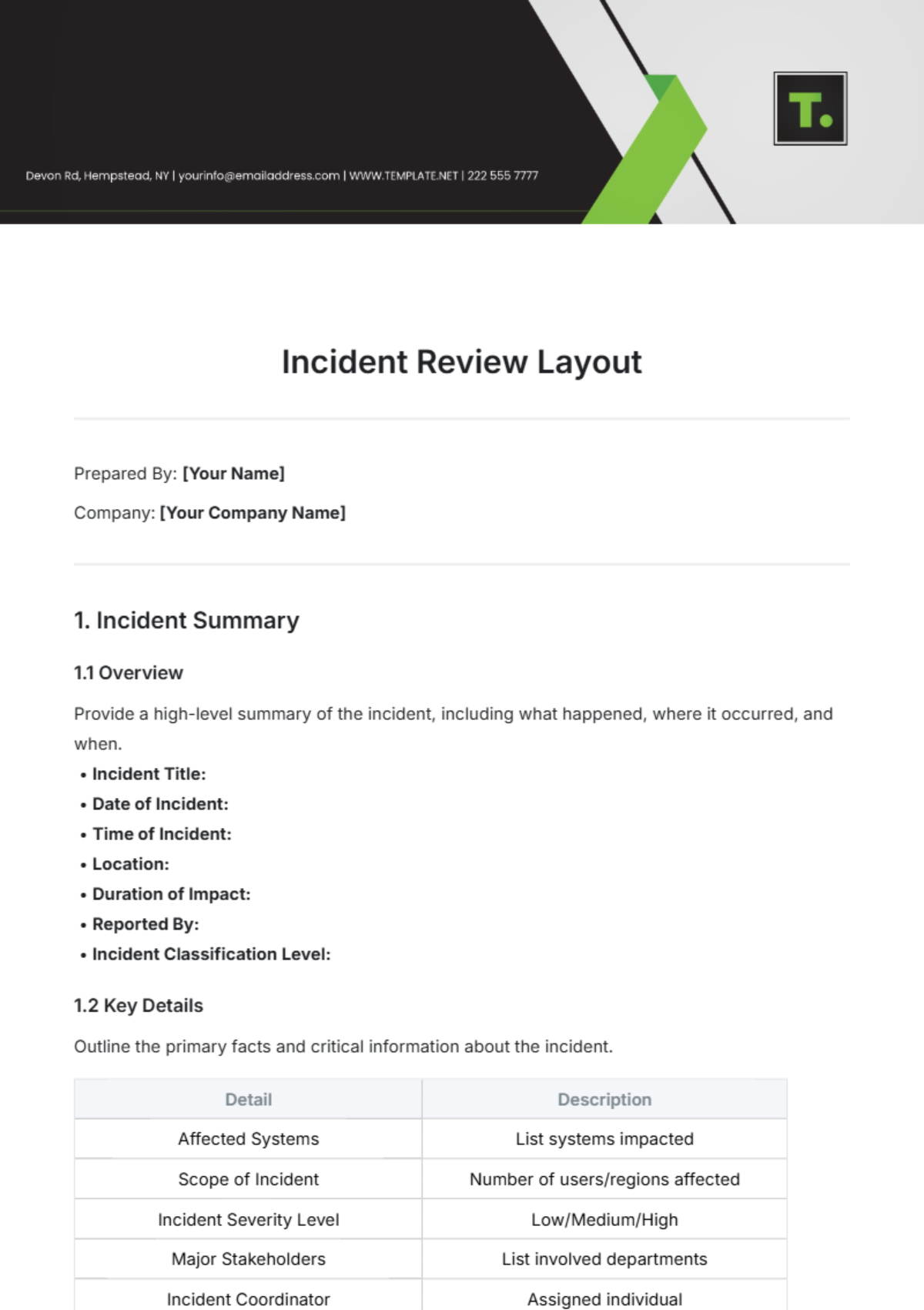
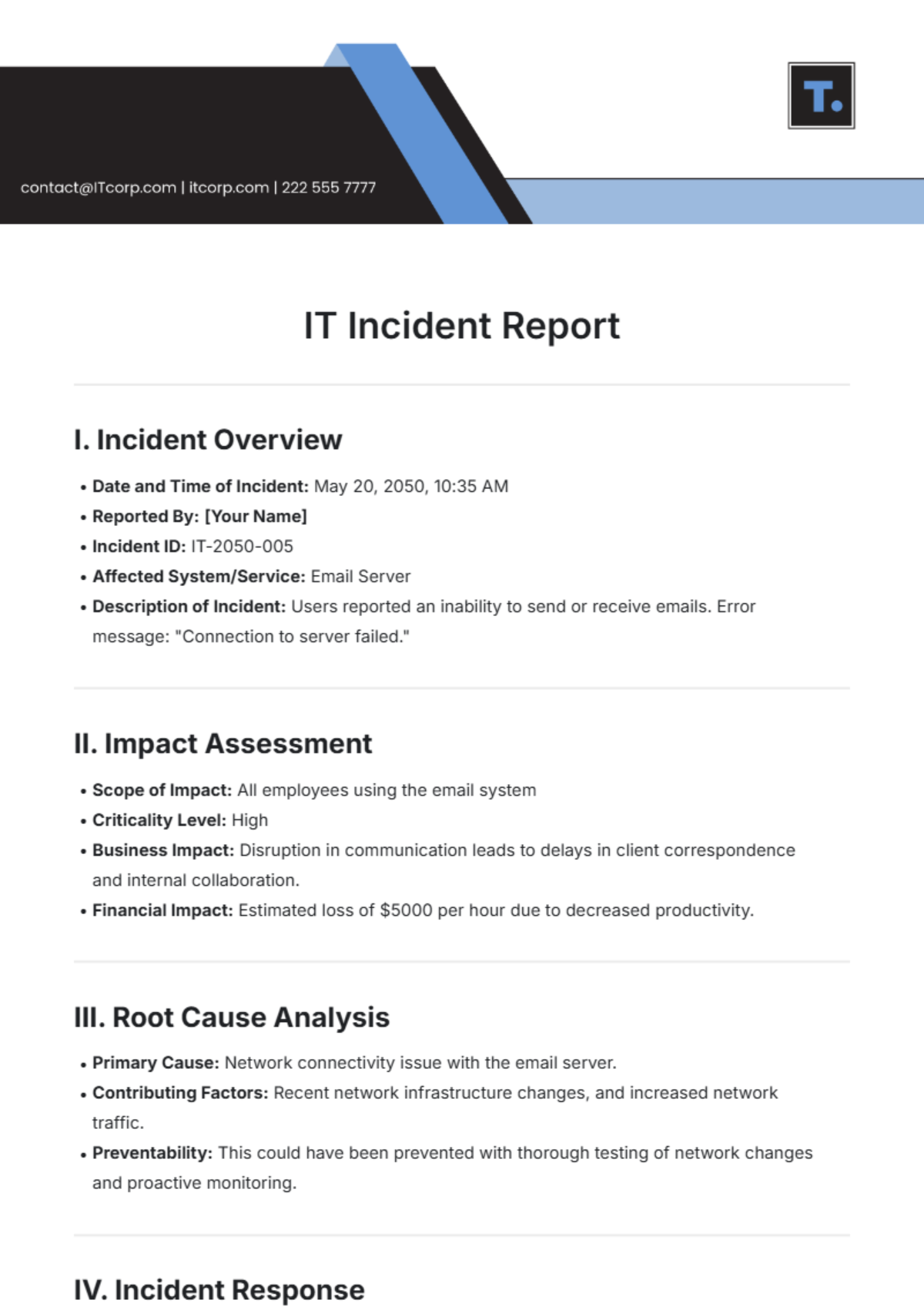
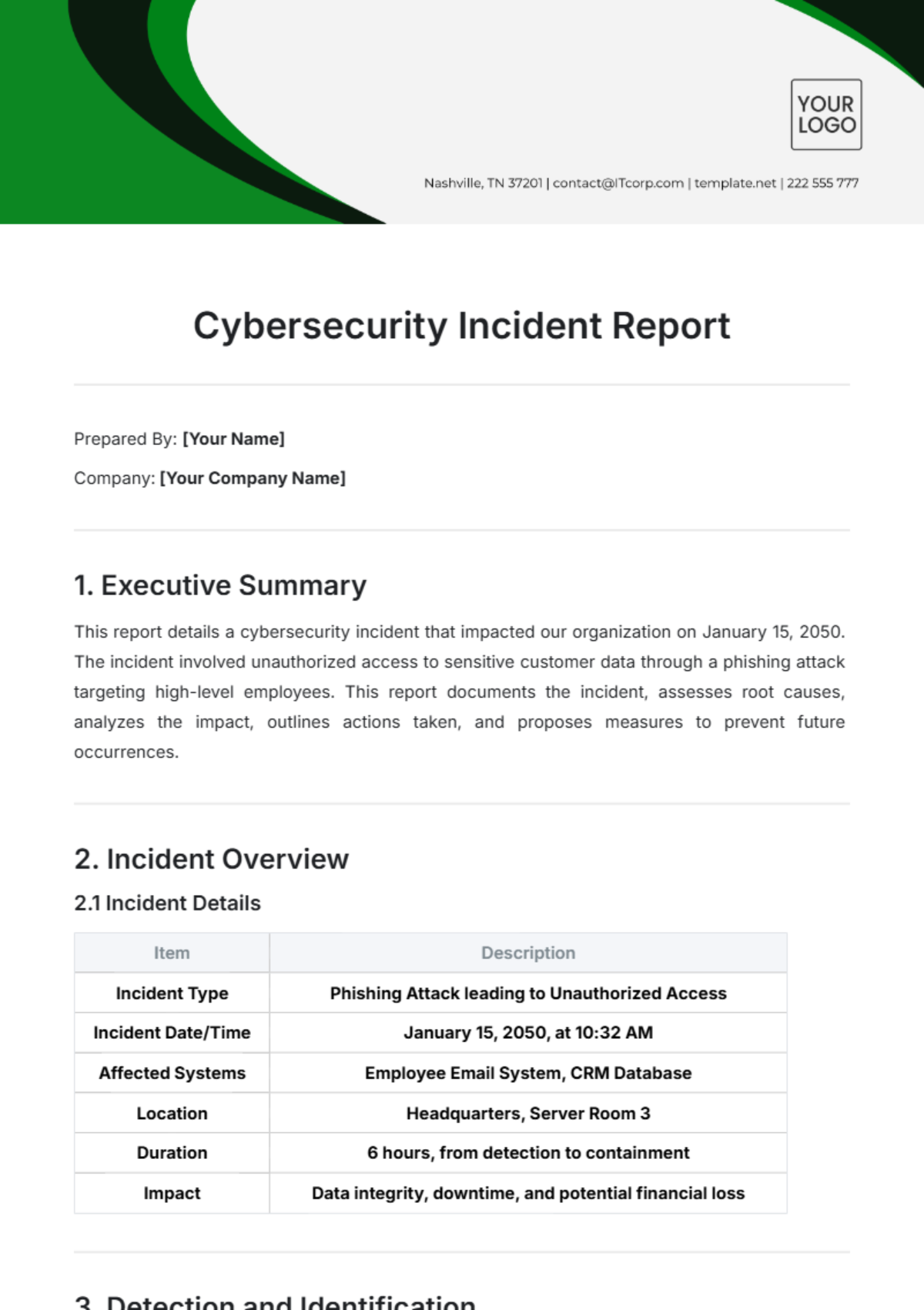
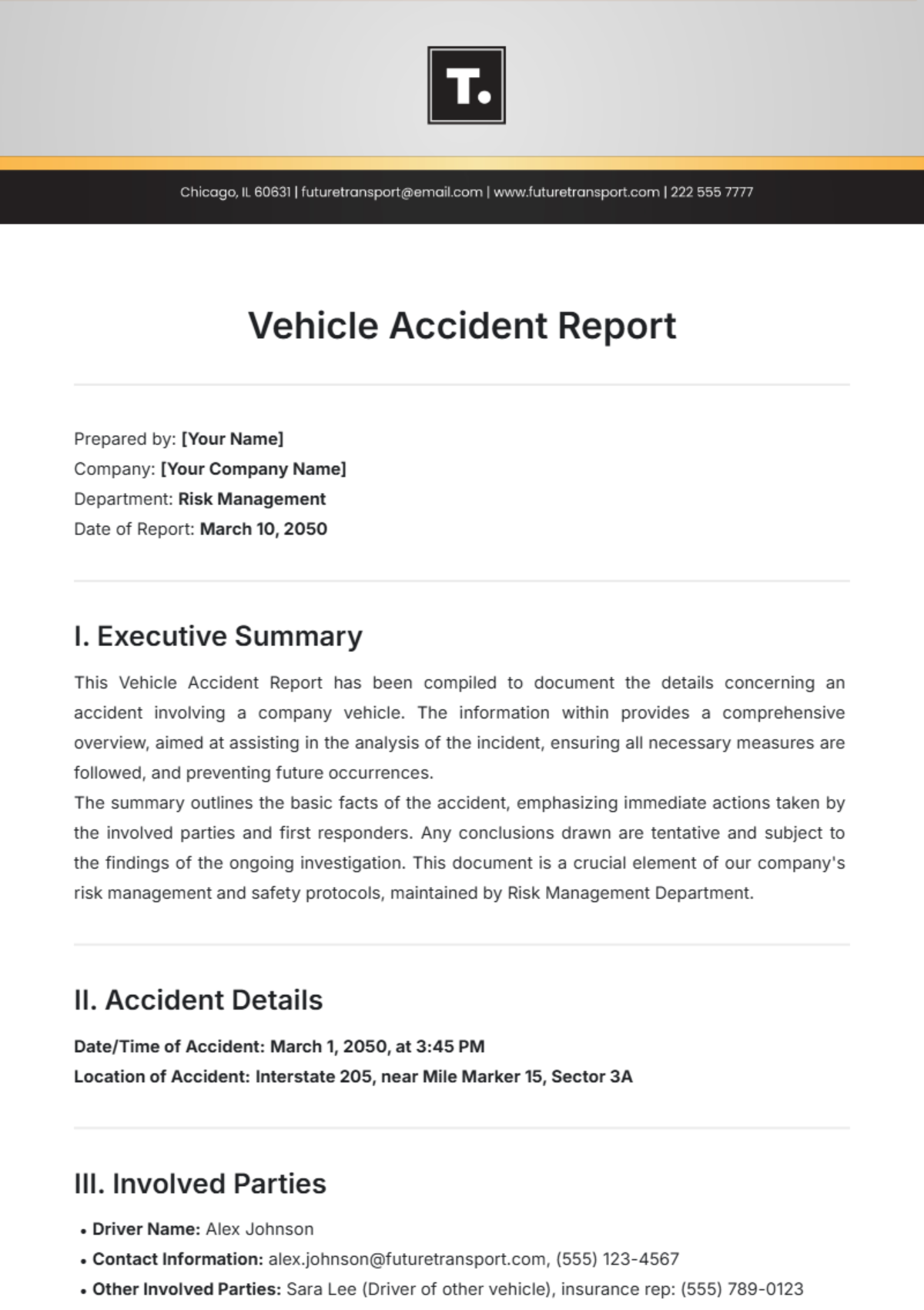
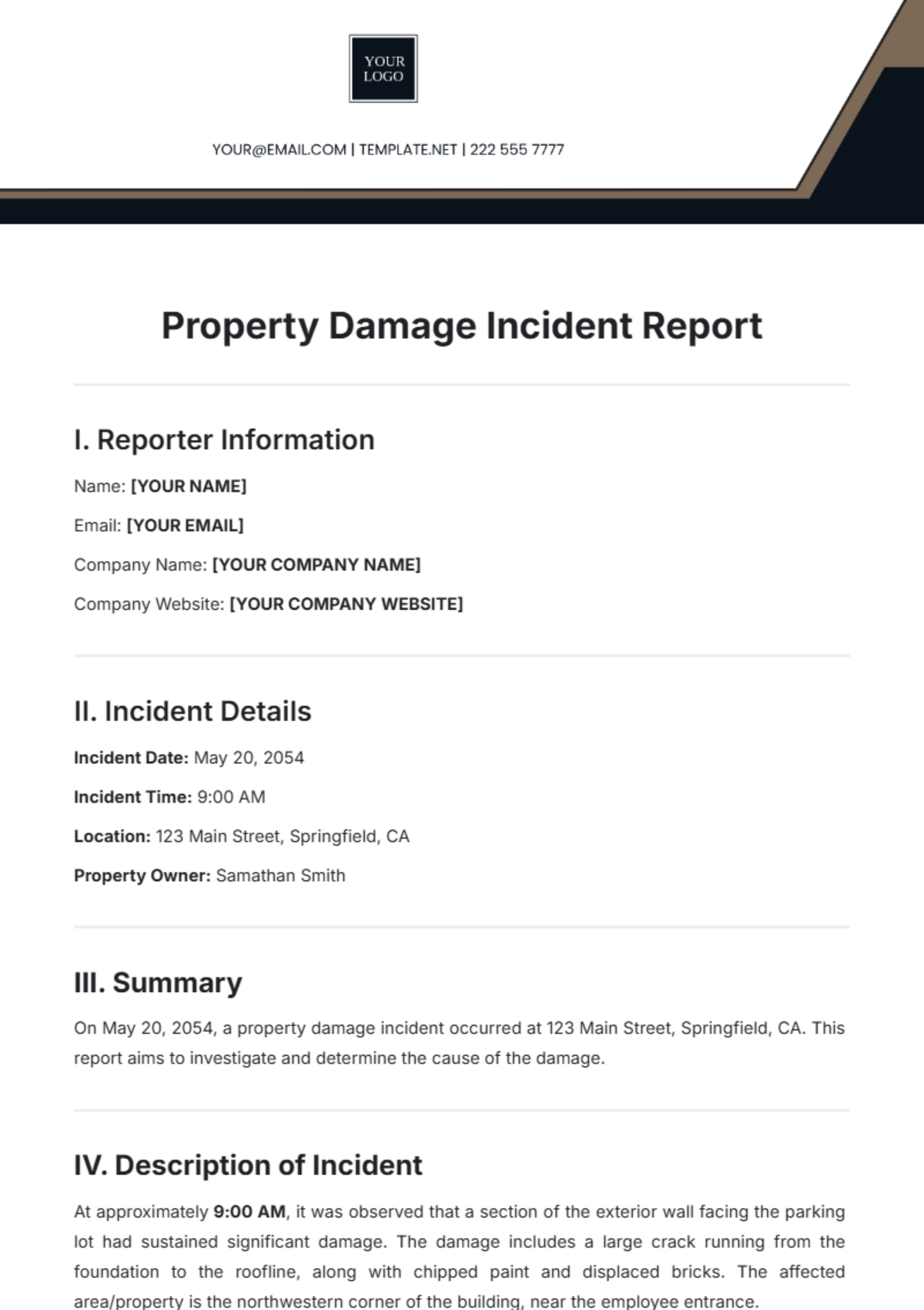
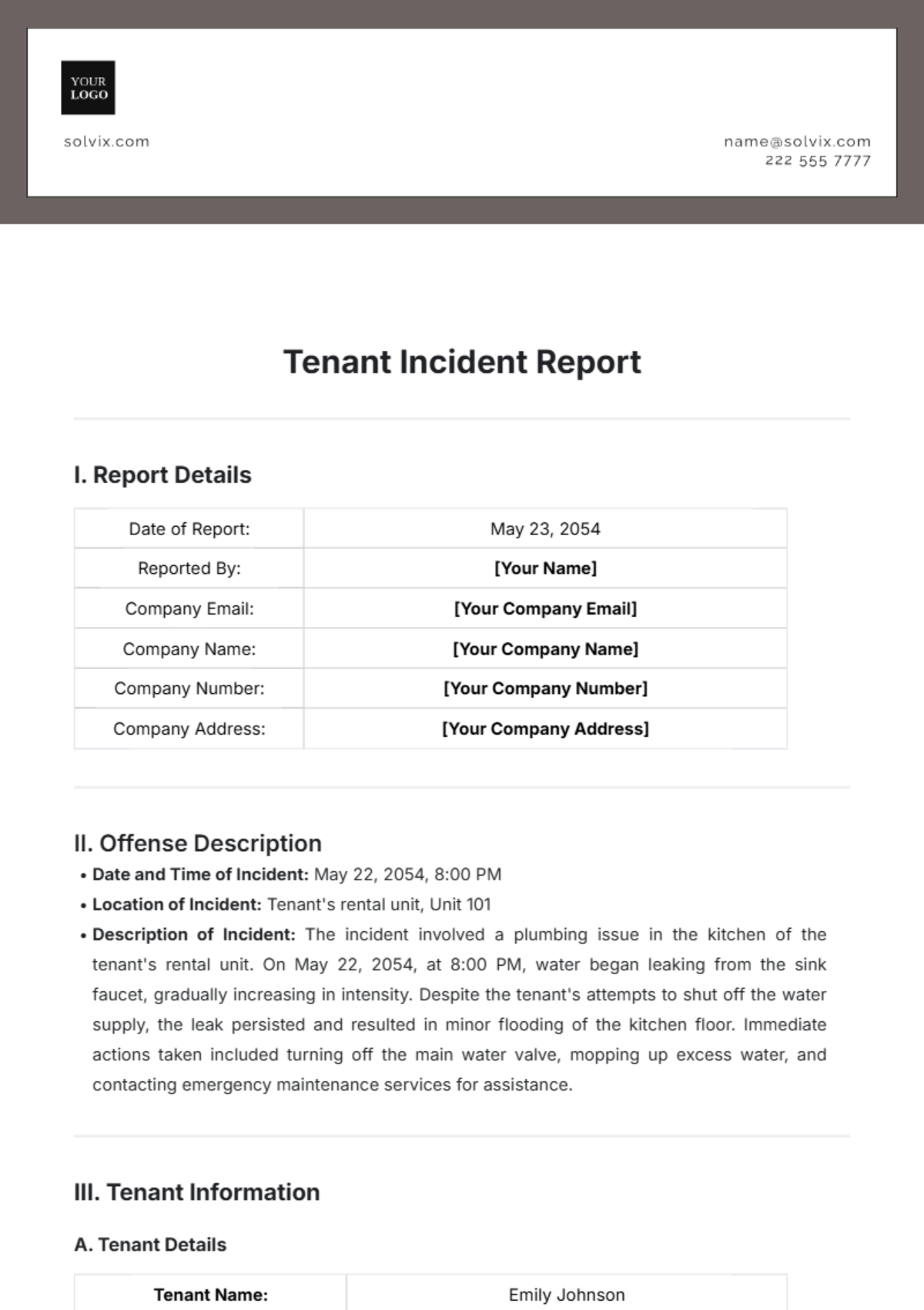
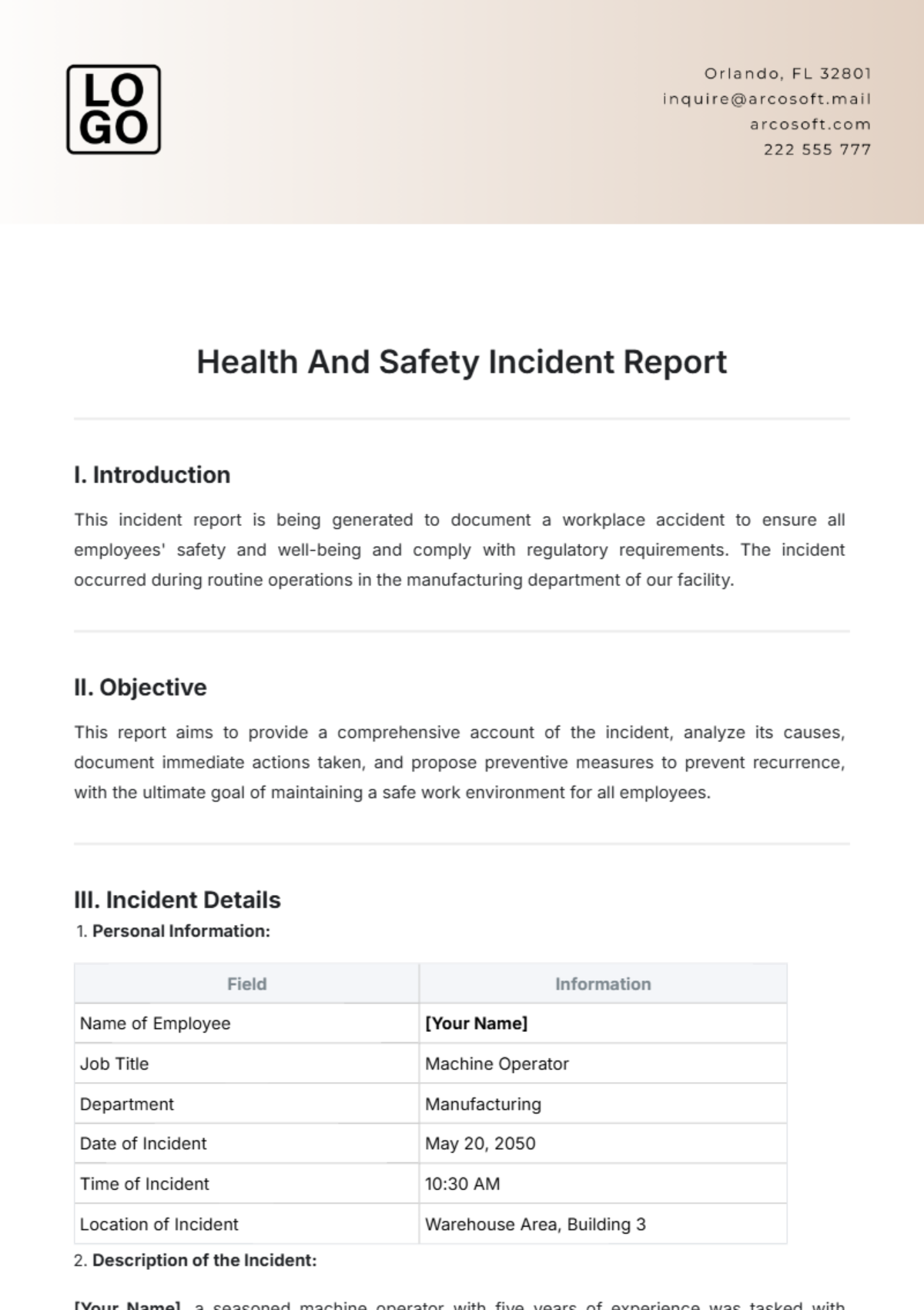

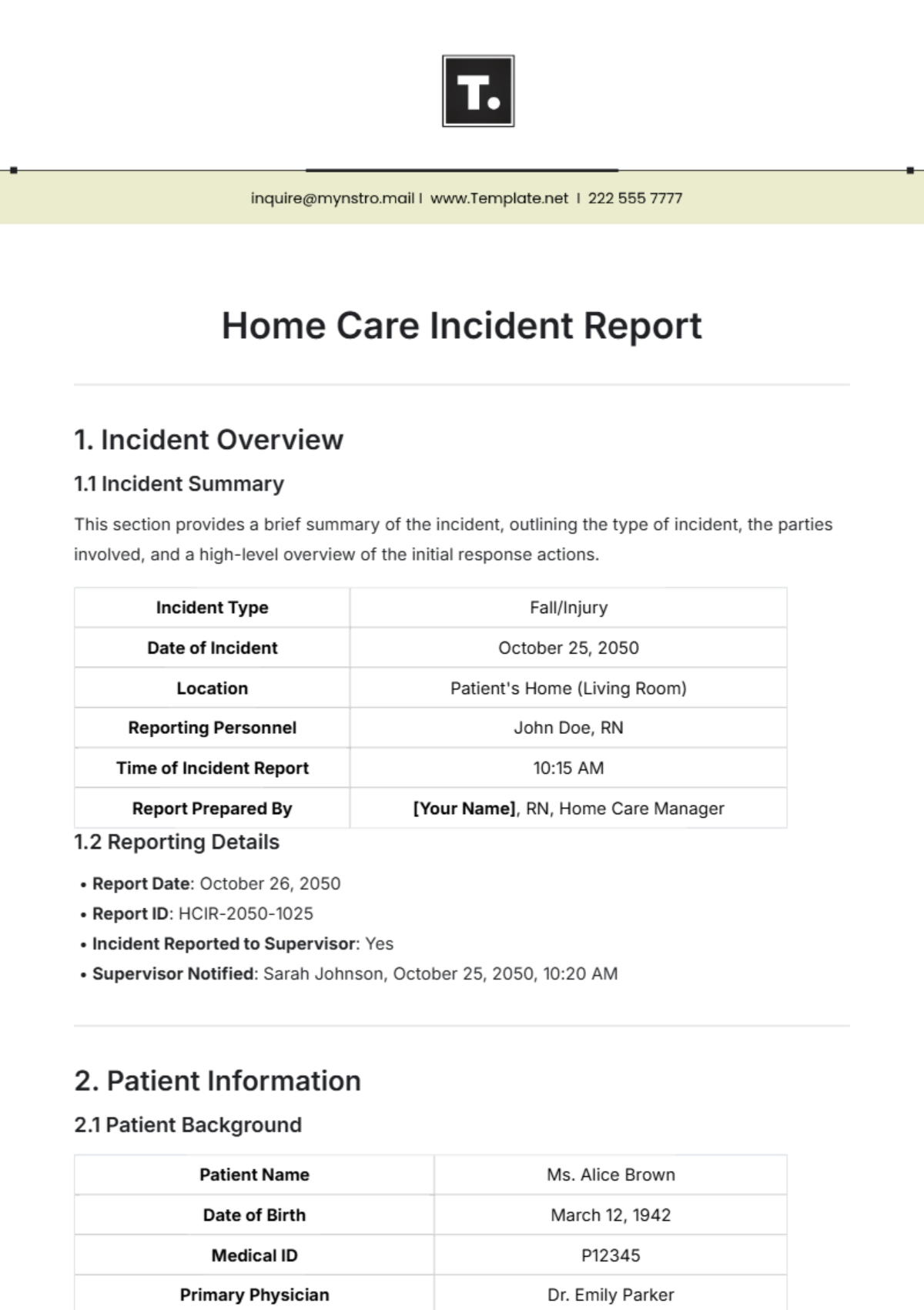
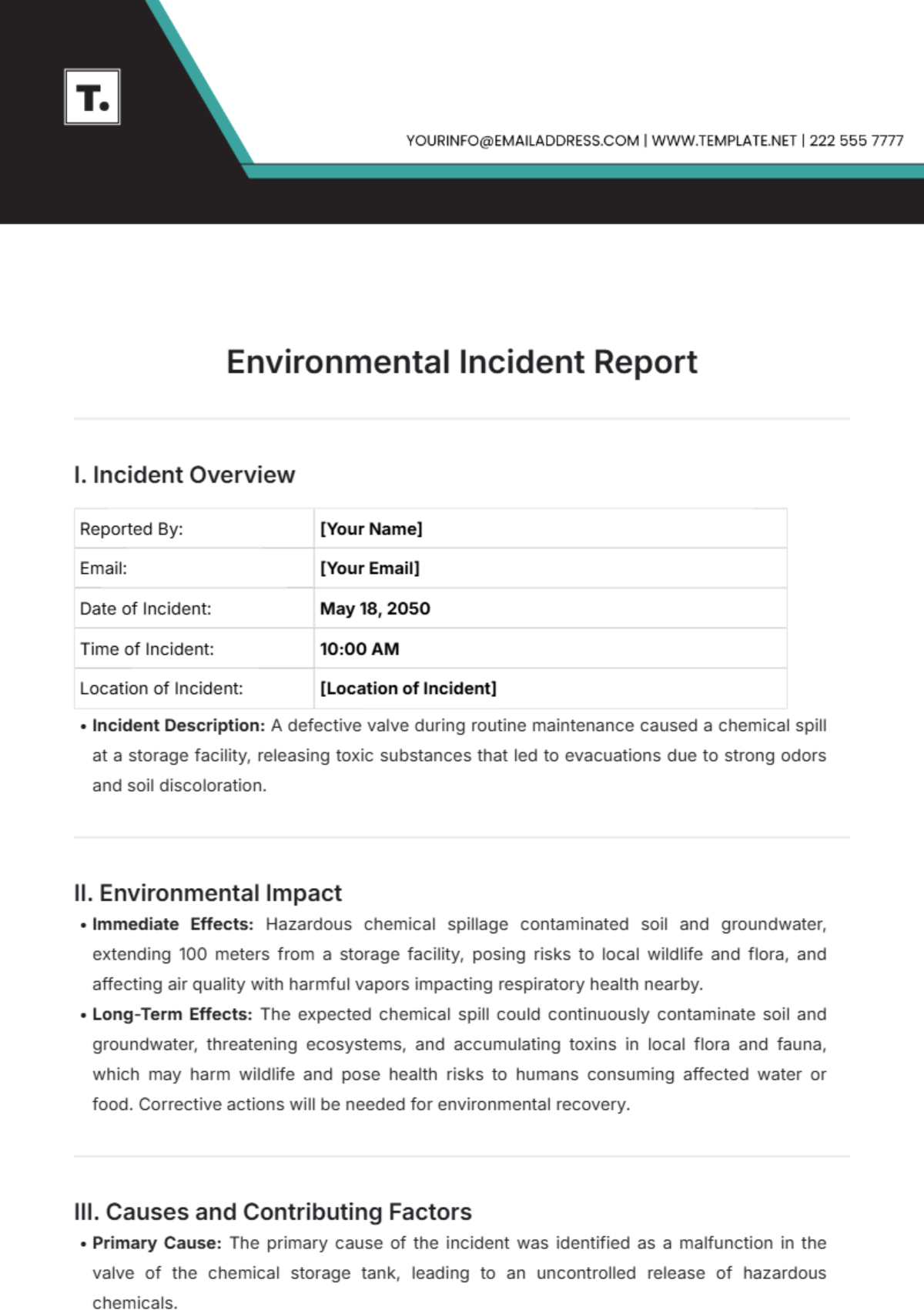
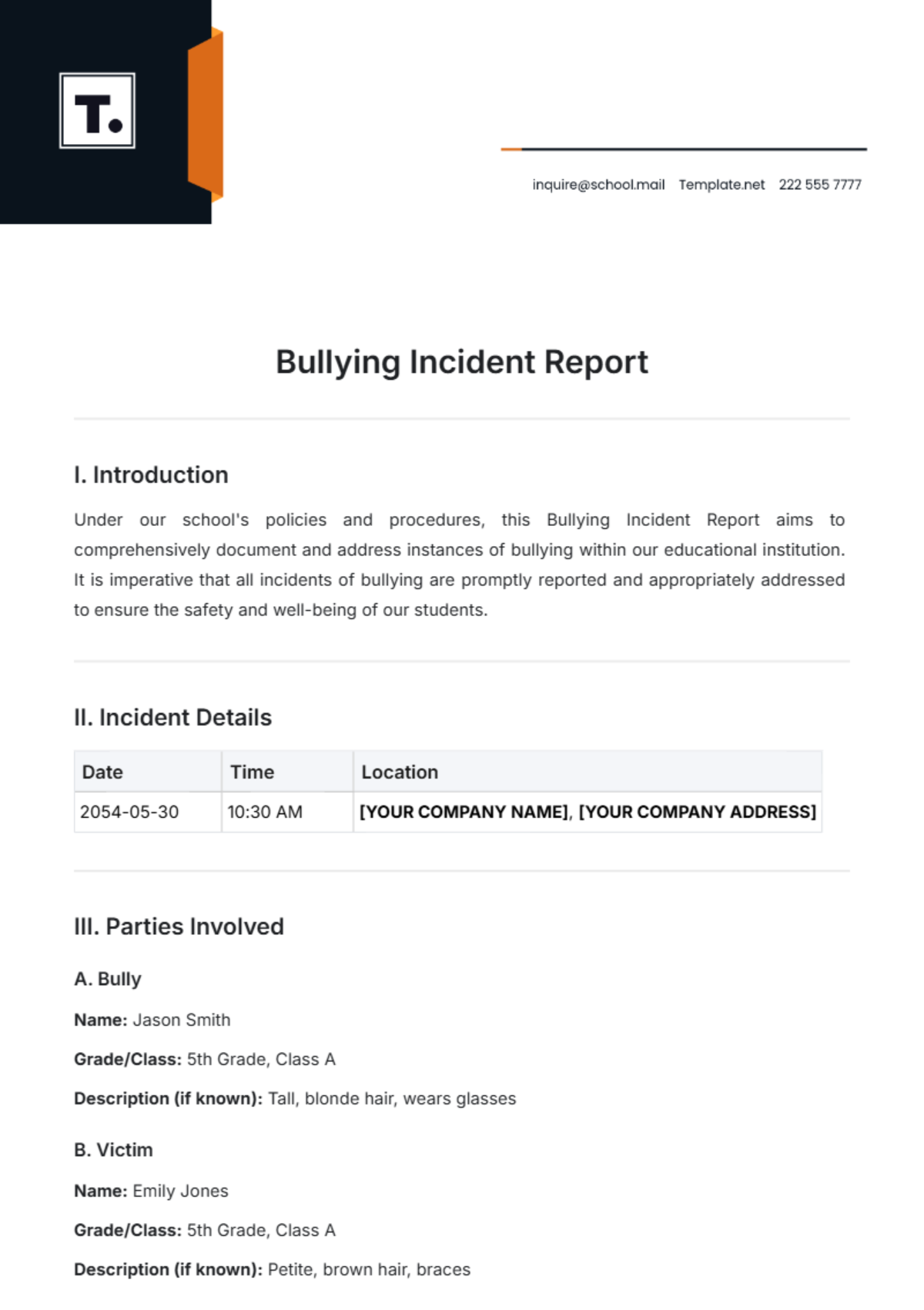
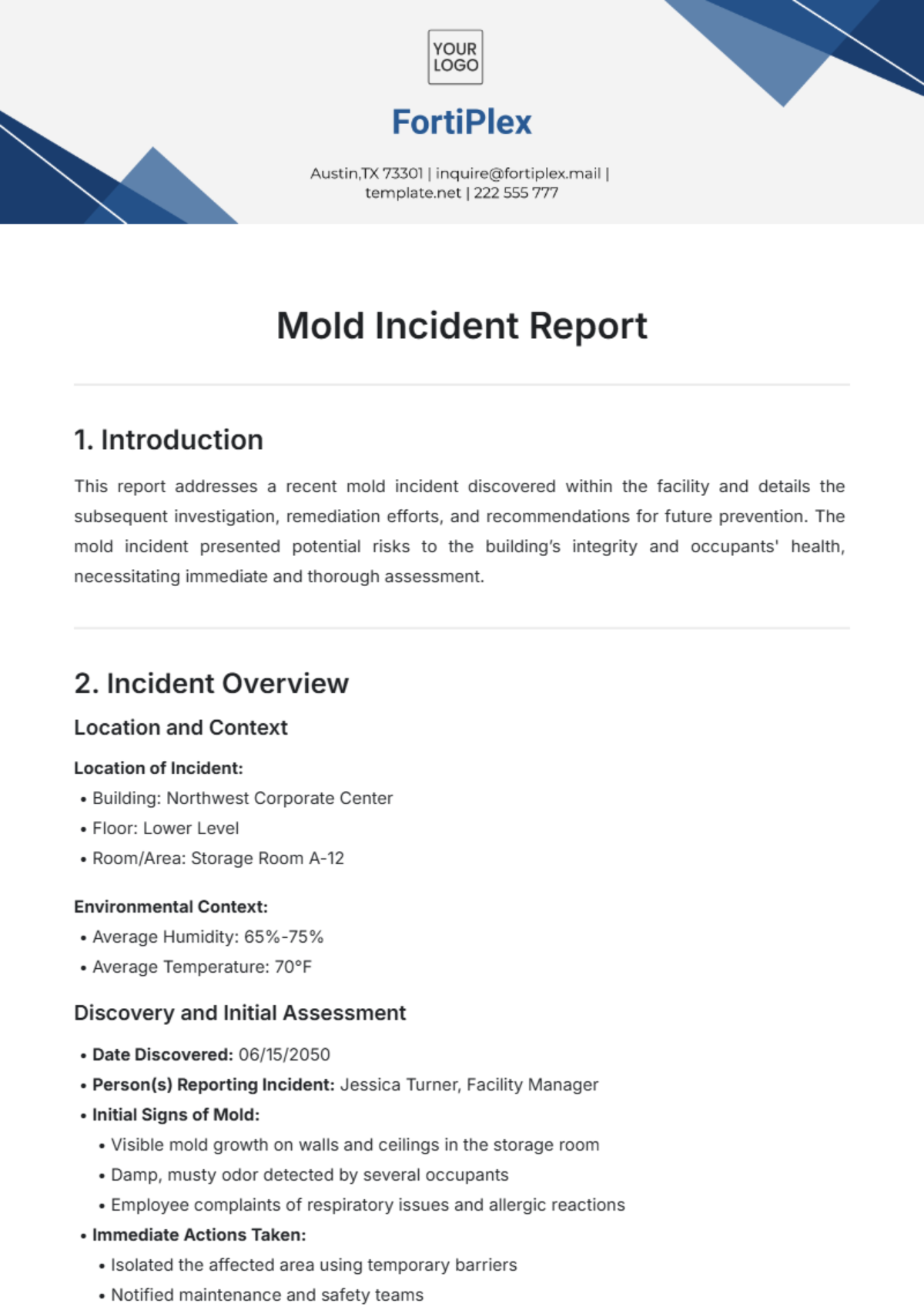
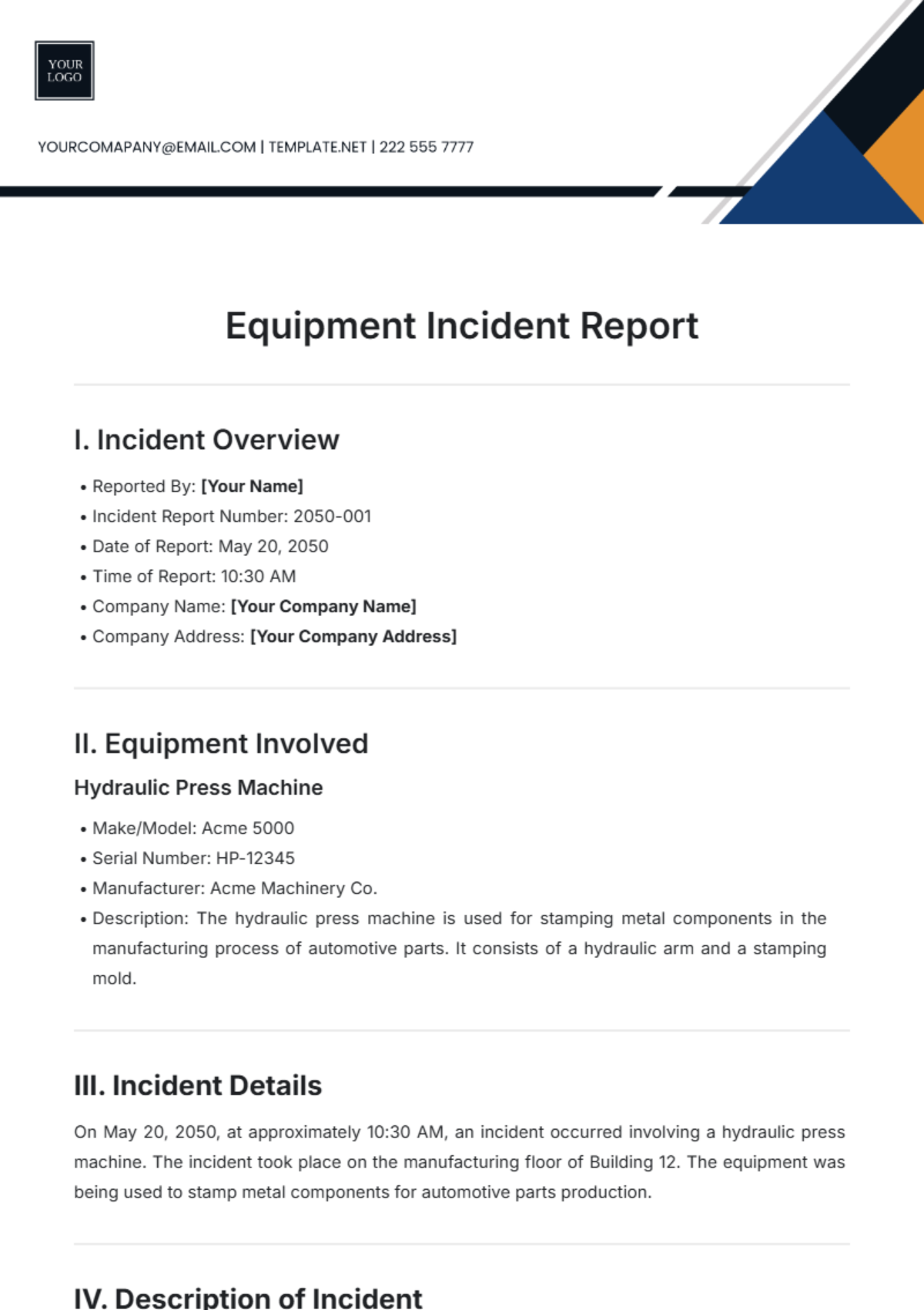
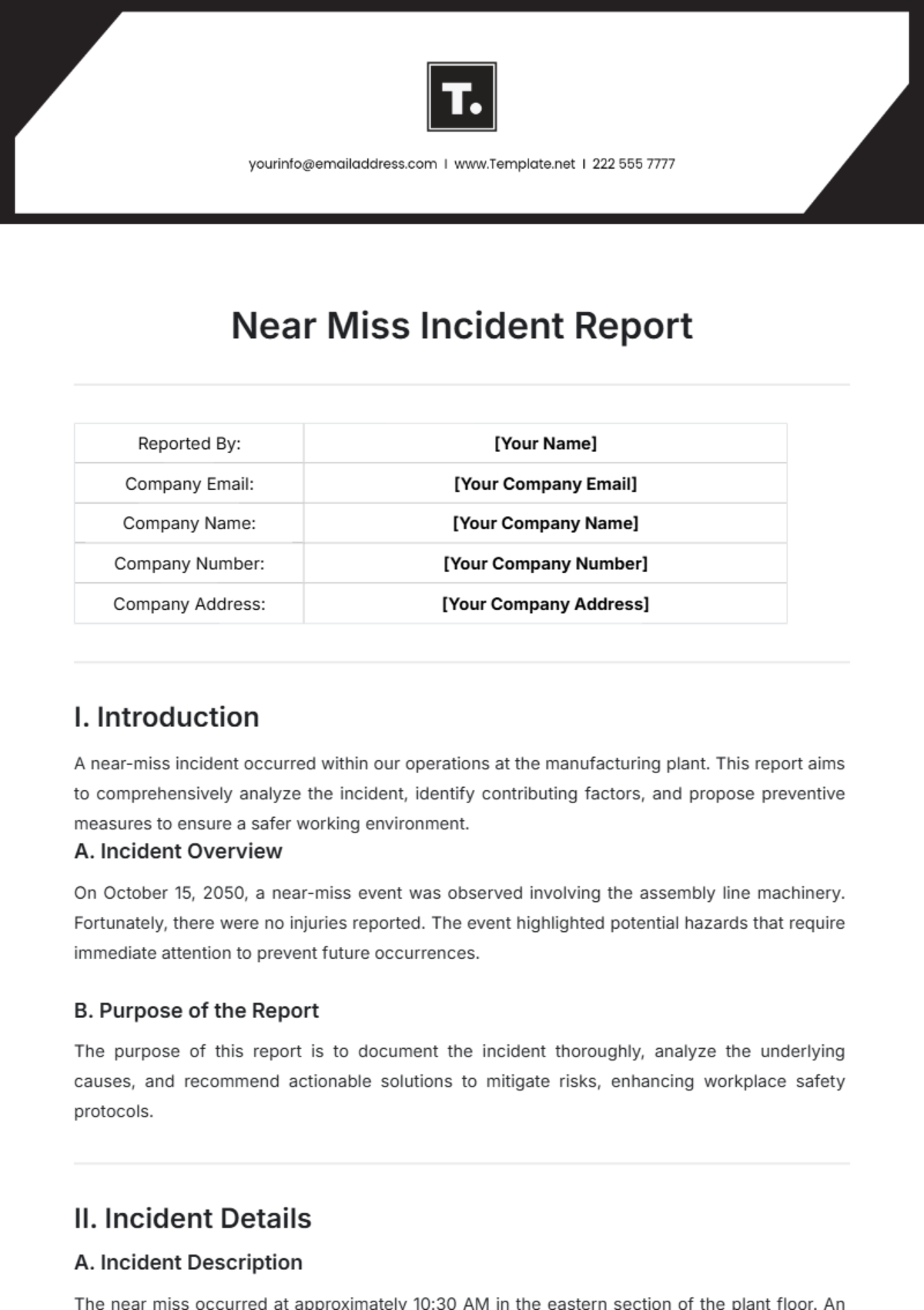
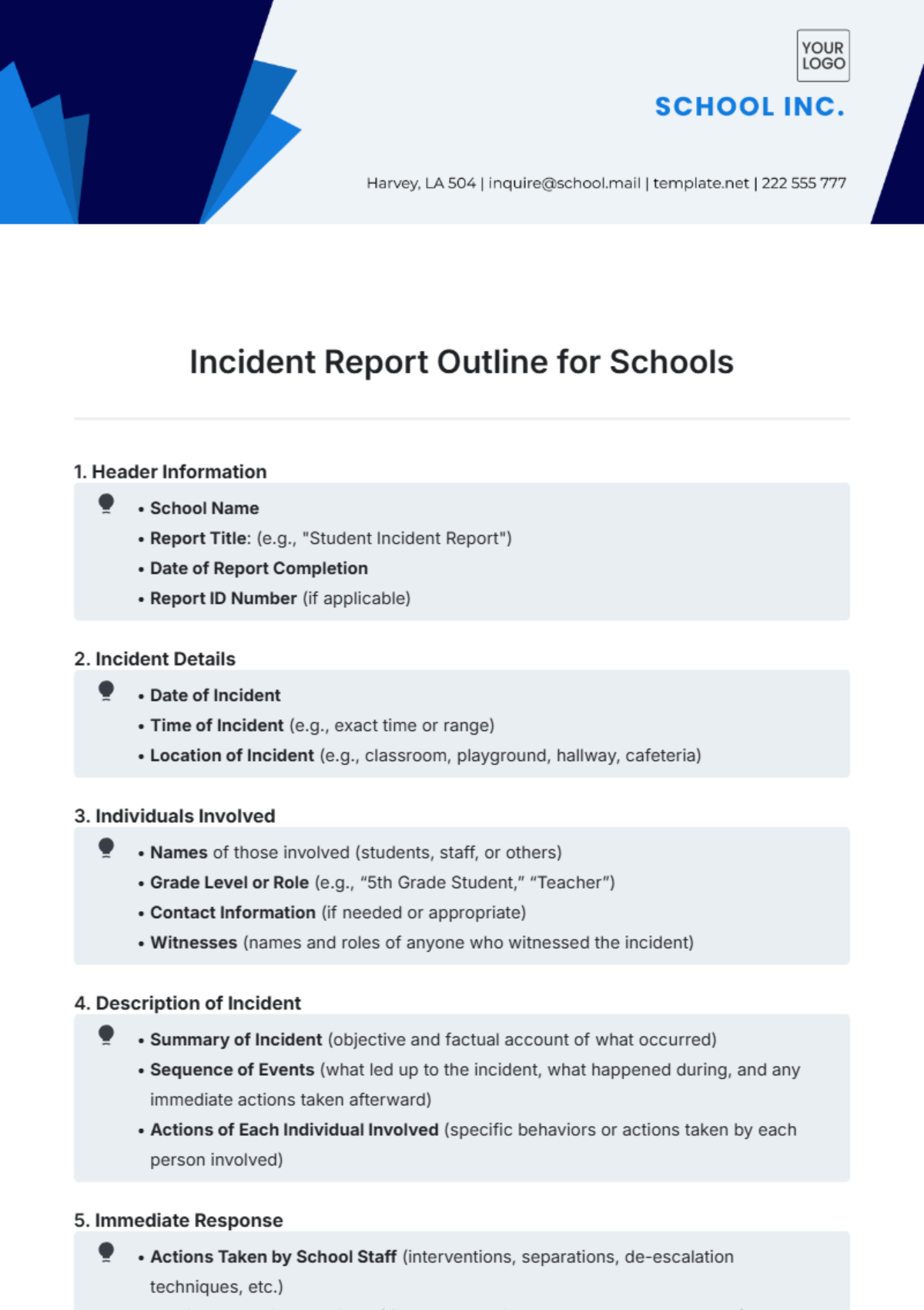

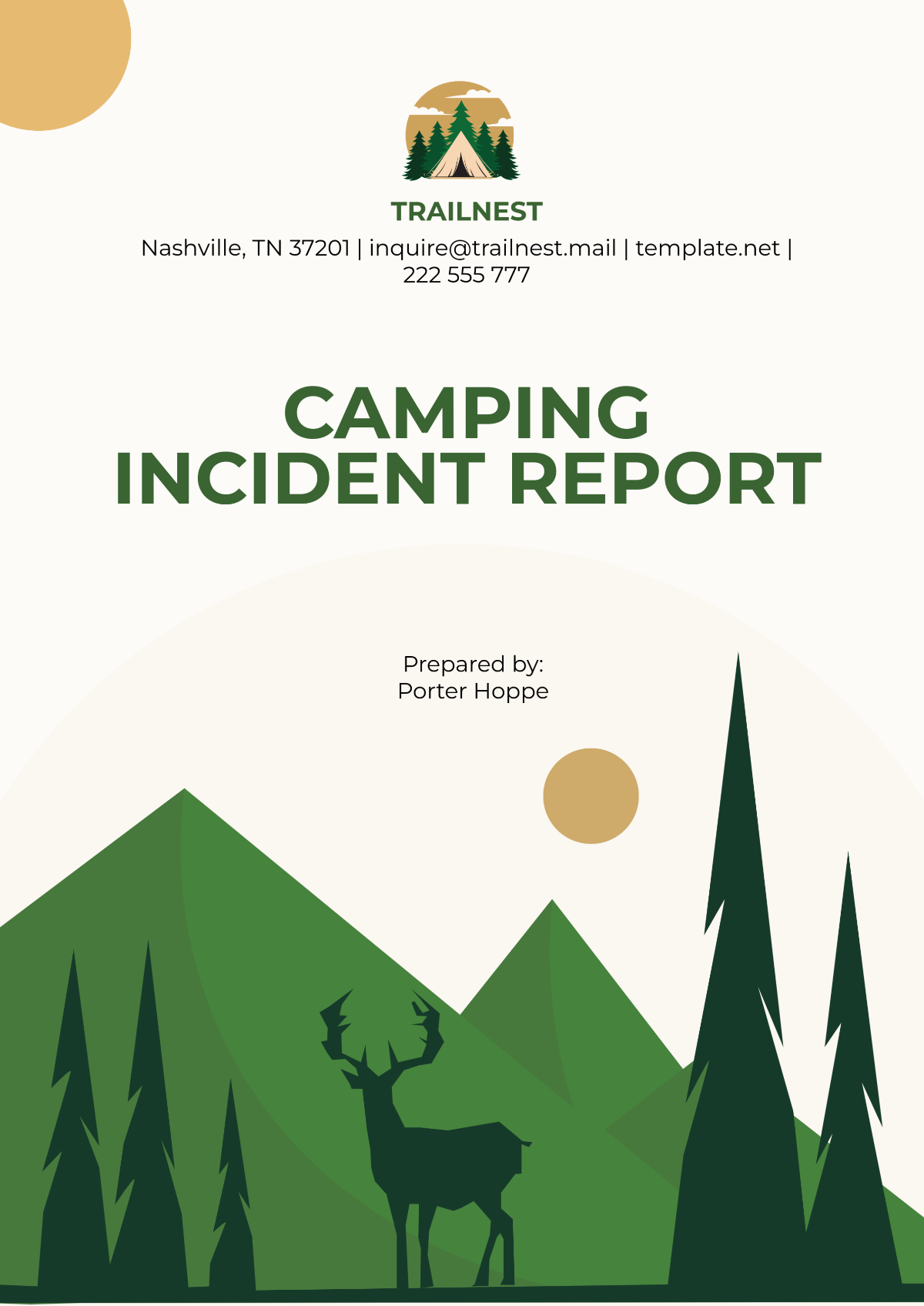





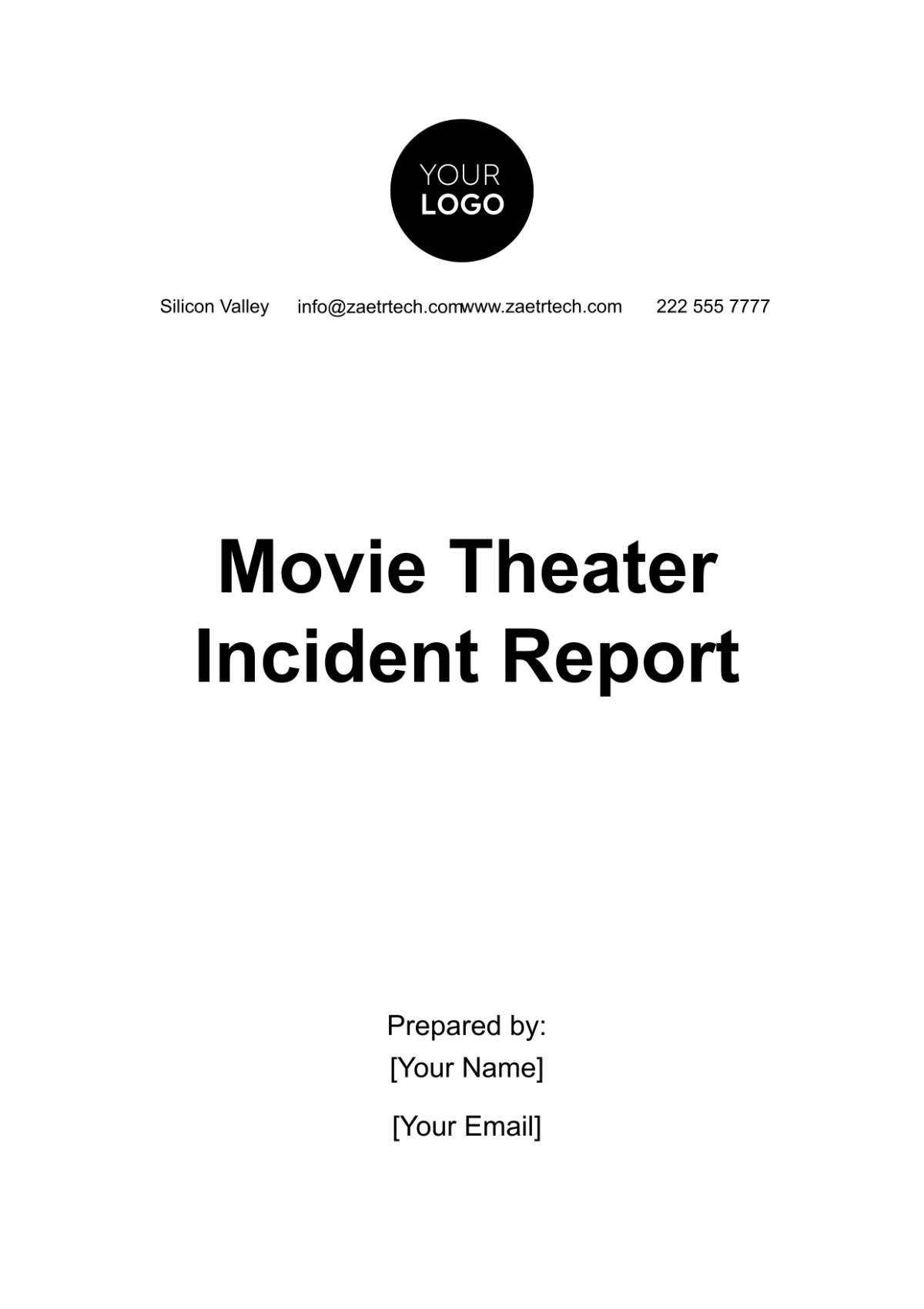








Create Incident Reports, Edit online with AI-Powered Incident Report Editor
Template.net’s Free AI Incident Report Generator helps you draft high-quality incident reports in seconds. Edit online with your brand logo, fonts, tone, and custom elements to ensure every incident report is personalized and professional. Whether you're reporting workplace accidents, safety issues, or formal incident documentation, stay on-brand and on-point. Download in multiple formats, share instantly, and communicate with clarity and confidence.
![Free AI Incident Report Generator, Free Incident Report Maker [ No Signup ]](https://images.template.net/generator-images/0-ai-report-generator/0-ai-incident-report-generator.webp)
Write Custom, Professional Incident Reports in Seconds
From workplace accidents to safety violations, our AI-powered report writer helps you craft polished, on-brand content in any format, tone, or language with no formatting guesswork.
AI Brand Voice
Choose from formal, assertive, neutral, or investigative tones. AI rewrites your incident report to match your department's voice. You can also generate content in your organization’s tone, complete with templates and report headers for consistency.
AI-Smart Formatting Suggestions
Get instant suggestions for improving structure, layout, headings, and flow especially useful for long-form, professional incident documents.
Multiple Incident Types Supported
Generate a wide range of professional formats including incident reports, investigation summaries, workplace accident documentation, policy violations, or facility issues.
Professional Compliance Formatting
Support for OSHA, ISO, and internal corporate styles. Ideal for HR logs, safety reports, compliance tracking, and operational summaries.
Smart Personalization
Auto-fill names, dates, job titles, departments, and other context-aware fields to save time and reduce repetitive work.
Auto-Suggested Visuals & Headers
Let AI recommend headings, subheadings, and layout structure to make your report more readable and well-organized.
Multilingual Document Generation
Generate documents in 20 plus global languages using text or voice prompts.
Supported languages: English, Spanish, French, Hindi, Arabic, Chinese, Portuguese, Bengali, Russian, Japanese, German, Korean, Italian, Turkish, Vietnamese, Urdu, Persian, Polish, Thai, Punjabi.
Voice-Powered Drafting
On the go? Just speak your incident summary and let the AI generate your report hands-free and instantly.
Fully Customizable Text, Styles and Design
Easily update fonts, headings, colors, and layout styles. Apply consistent formatting using built-in controls across all incident reports.
Citations & Source Generation
Generate citations or references from policies, standards, links, or internal codes. Perfect for regulatory compliance or detailed investigations.
Real-Time Proofreading
Check grammar, tone, punctuation, and spelling in real-time with built-in editing assistance.
Rewriting & Content Expansion
Ask AI to rephrase, shorten, or expand any section like cause, impact, action taken, or conclusion based on full report context.
Export in Multiple Formats
Download reports in DOCX, PDF, TXT, or HTML. Easily share to cloud drives or email them directly.
Real-Time Collaboration
Collaborate with your team in real-time. Add comments, make edits, or assign roles in a shared workspace.
Secure Cloud Workspace
Store reports securely, assign user roles, and manage access for team members, managers, or investigators.
Translate Full Documents Instantly
Translate any incident report with one click. Ideal for global offices or international operations.
Share or Embed Anywhere
Publish incident reports via shareable link, embed code, or QR code for intranet, portals, or internal tools.
Add Signature Blocks
Add digital signature fields for submitters, supervisors, or witnesses with timestamp and title.
Attach Files & Media
Upload or embed images, PDFs, scanned forms, audio clips, or video evidence to support the incident record.
Add Images and Videos
Insert photos or videos of the scene, equipment damage, or surroundings for better documentation.
Add Tables and Structured Data
Create responsive tables to list involved individuals, timelines, witness notes, or corrective measures clearly.
Branding and Visual Control
Apply your organization’s logo, fonts, and colors to maintain consistent branding across all reports.
Insert Maps and Locations
Add maps or floor plans to pinpoint where the incident occurred, perfect for large offices or campuses.
Add Charts and Graphs
Visualize incident frequency, time trends, or department-specific data using bar charts, pie graphs, or timelines.
![Free AI Incident Report Generator, Free Incident Report Maker [ No Signup ]](https://images.template.net/generator-images/5-ai-report-generator/5-ai-incident-report-generator.webp "Free AI Incident Report Generator, Free Incident Report Maker [ No Signup ]")
How to Write a Free AI-Generated Incident Report
Just enter a prompt, customize the draft, and export your polished incident report in minutes no formatting, no friction.
Step 1: Start with a Prompt
Type or speak your report’s purpose such as: “Employee injury in warehouse,” “Data breach after server access,” or “Equipment failure during maintenance.” Our AI instantly understands your intent and starts drafting.
Step 2: Generate and Edit
Within seconds, you’ll see a professionally written incident report tailored to your prompt. Refine the tone, structure, or content or regenerate multiple versions to explore different directions.
Step 3: Finalize and Share
Add your name, branding, or any custom formatting. Then export your report in DOCX, PDF, TXT or share it instantly via Email, LinkedIn, WhatsApp, Facebook, X (Twitter), Pinterest, Reddit or generate a live link or QR code for seamless delivery.
Work Smarter and Promote Your Brand
![Free AI Incident Report Generator, Free Incident Report Maker [ No Signup ]](https://images.template.net/generator-images/1-ai-report-generator/1-ai-incident-report-generator.webp "Free AI Incident Report Generator, Free Incident Report Maker [ No Signup ]")
Generate Incident Reports That Represent You
Apply your company’s brand style in seconds. From headers to voice, every element of your incident report reflects your identity.
![Free AI Incident Report Generator, Free Incident Report Maker [ No Signup ]](https://images.template.net/generator-images/2-ai-report-generator/2-ai-incident-report-generator.webp "Free AI Incident Report Generator, Free Incident Report Maker [ No Signup ]")
Reuse, Repeat, and Scale Easily
Save high-performing incident reports as reusable templates. Adjust details and resend across campaigns or departments without rewriting from scratch.
![Free AI Incident Report Generator, Free Incident Report Maker [ No Signup ]](https://images.template.net/generator-images/3-ai-report-generator/3-ai-incident-report-generator.webp "Free AI Incident Report Generator, Free Incident Report Maker [ No Signup ]")
Share Instantly, Collaborate Smoothly
Download or post incident reports in DOCX, PDF, TXT. Share online, collaborate live, and receive feedback without scattered emails or files.
![Free AI Incident Report Generator, Free Incident Report Maker [ No Signup ]](https://images.template.net/generator-images/4-ai-report-generator/4-ai-incident-report-generator.webp "Free AI Incident Report Generator, Free Incident Report Maker [ No Signup ]")
Smart Workspaces for Teams
Create centralized hubs for incident report projects. Assign access levels, store brand elements, and keep every asset aligned across teams.
