AI Text to Video Generator

Create Professional AI Videos from Text with Smart AI Powered Generator
Template.net AI Text to Video Generator transforms written ideas into engaging AI videos using Seedance 2 by default while allowing you to choose multiple supported AI models for different creative styles. Simply enter a text prompt or use voice input, then customize AI templates, generated scenes, characters, camera movement, visual effects, video duration, resolution, and aspect ratios to create professional videos for marketing, business, education, storytelling, presentations, and social media. Create AI videos across desktop, tablet, and mobile devices with plans starting at just $12 monthly.
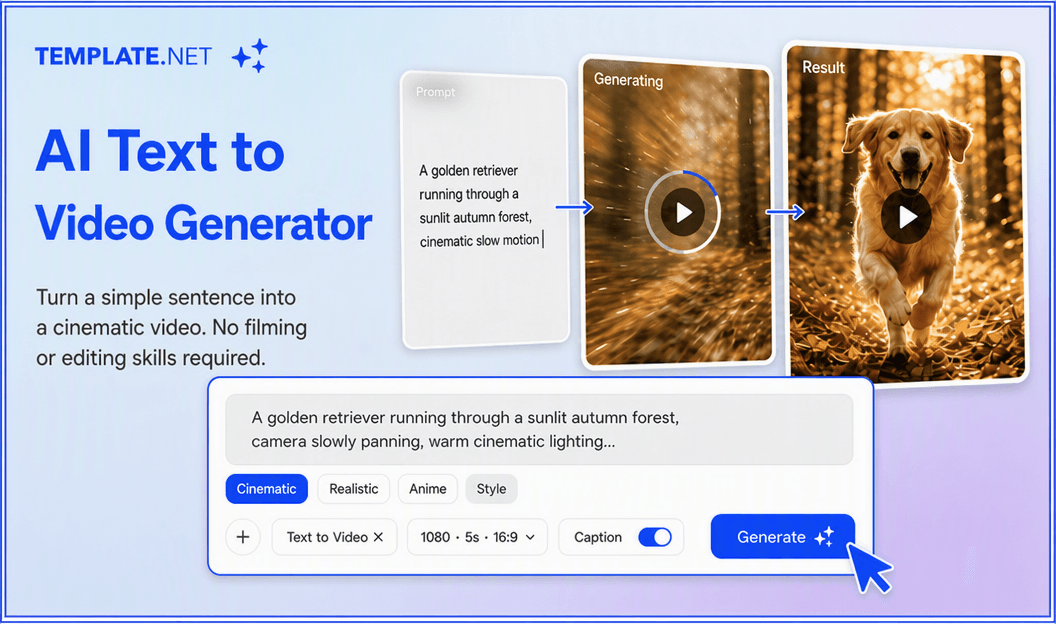
Create Professional AI Videos from Simple Text Prompts
Everything you need to create professional AI videos from simple text prompts.
AI-Powered Text-to-Video Generation
Generate complete AI videos by entering a text prompt or using voice input. AI automatically builds scenes, animations, transitions, and visual storytelling from your description.
Smart Prompt Interpretation
AI understands detailed prompts, expands creative ideas, and converts written instructions into visually engaging video sequences with minimal effort.
Professionally Designed Video Templates
Choose from AI templates designed for marketing, business, education, storytelling, advertising, presentations, tutorials, social media, and promotional campaigns.
AI Scene Generation
Automatically generate scenes that match your prompt with realistic environments, objects, lighting, characters, and cinematic compositions.
Intelligent Camera Movement
Produce dynamic camera pans, zooms, tracking shots, and cinematic angles that make every AI-generated video more immersive and engaging.
AI Visual Style Controls
Customize artistic styles, lighting, color grading, atmosphere, and creative direction to match your brand or storytelling requirements.
Text and Voice Video Creation
Describe your concept using text or voice while AI builds complete videos from your instructions with natural visual flow.
Multiple AI Video Models
Use Seedance 2 by default or switch between supported AI video models to achieve different creative styles, animation quality, and visual outputs.
Intelligent Story Sequencing
Automatically organize scenes into a logical narrative with smooth pacing, natural transitions, and engaging visual storytelling.
Advanced Video Customization
Modify scenes, camera movement, animation style, visual effects, duration, pacing, and transitions before generating your final video.
Multiple Aspect Ratio Support
Generate AI videos in 1:1, 4:3, 16:9, 9:16, 3:4, and 21:9 aspect ratios for YouTube, Instagram, TikTok, Facebook, LinkedIn, websites, presentations, and digital campaigns.
Flexible Resolution and Duration
Export videos in 480p, 720p, 1080p, or 4K resolution while customizing video length starting from 5 seconds.
Brand Style Personalization
Maintain consistent branding by customizing logos, fonts, brand colors, visual identity, and design elements across every AI-generated video.
Edit Videos Without Starting Over
Update prompts, regenerate scenes, replace visuals, switch AI models, refine transitions, and improve outputs while preserving your project.
Multilingual Support
Create AI videos in 20+ multiple languages, including English, Spanish, French, German, Italian, Portuguese, Hindi, Chinese, Japanese, Korean, Arabic, and more for global communication.
Download or Share Instantly
Download completed videos or share them instantly through Email, LinkedIn, WhatsApp, Facebook, X (Twitter), Pinterest, live links, or QR codes for collaboration and publishing.
Browser-Based AI Video Workspace
Create, organize, edit, and manage every AI video project online without installing complex editing software.
Faster AI Video Production
Generate multiple versions of marketing videos, explainers, advertisements, presentations, tutorials, educational content, and promotional campaigns in significantly less time.
How to Create Professional AI Text to Video
Create professional AI videos in just a few simple steps.
Step 1 Enter Your Prompt
Enter a detailed text prompt or use voice input to describe your video idea. Select your preferred AI model, choose an AI template, and define the style, mood, or creative direction for your video.
Step 2 Customize Your AI Video
Review the generated video and personalize every detail. Edit scenes, camera movement, animation style, transitions, visual effects, duration, resolution, aspect ratio, branding, and creative elements to match your vision.
Step 3 Save, Download, or Share
Preview your AI video, then save it, download it, or share it instantly through Email, LinkedIn, WhatsApp, Facebook, X (Twitter), and Pinterest. You can also generate a live link or QR code for easy collaboration, feedback, and publishing.
Transform Every Idea into Professional AI Videos
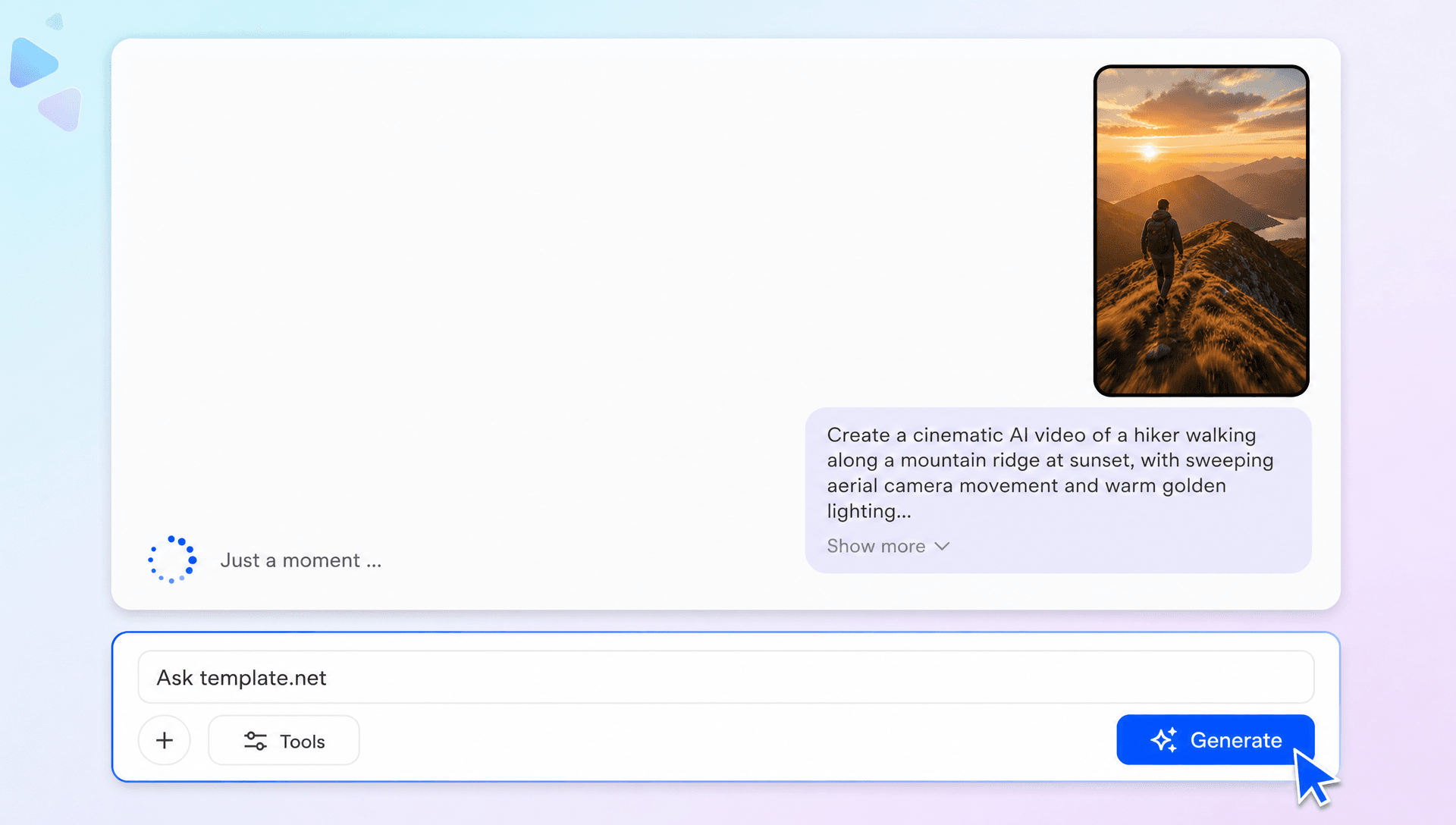
Turn Written Ideas into Cinematic Stories
Convert simple text prompts into visually engaging AI videos with intelligent scene generation, realistic animations, cinematic camera movement, and professional storytelling for every creative project.
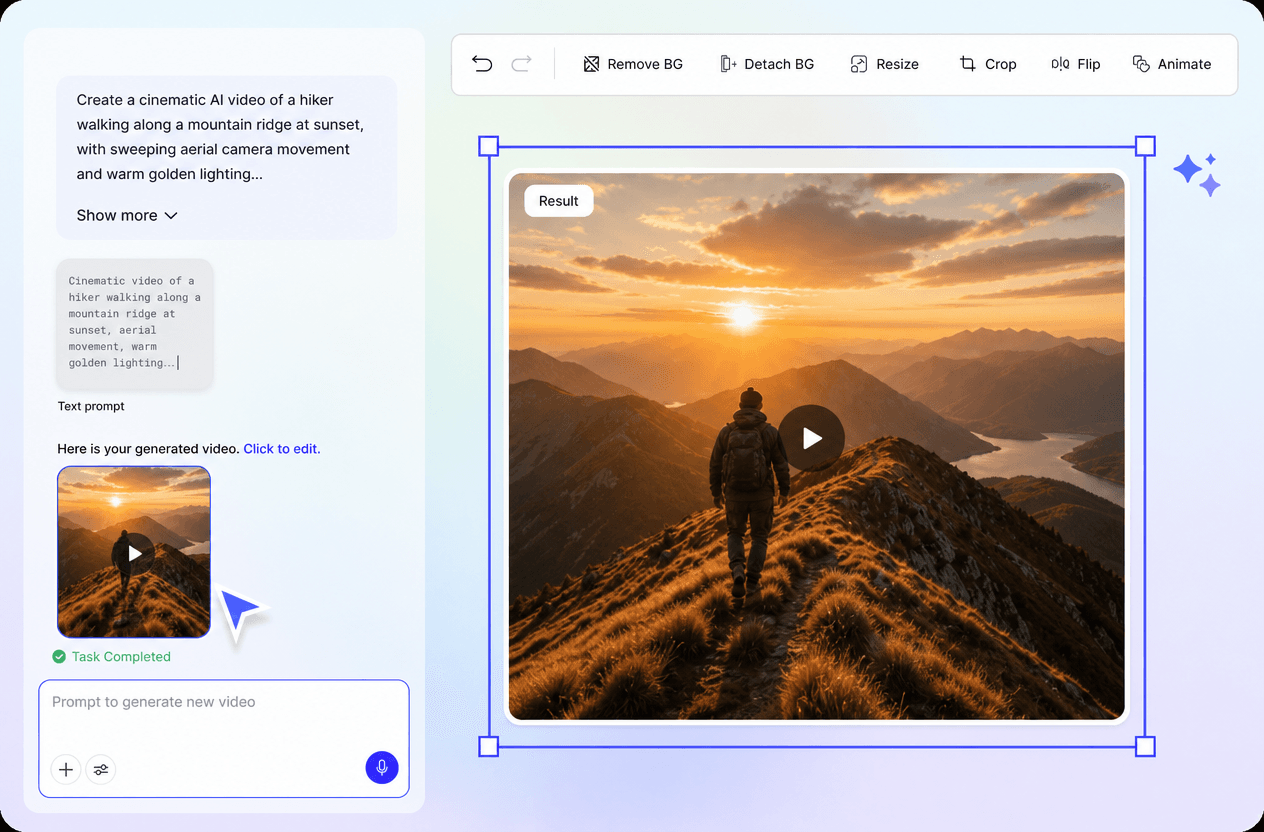
Create Engaging Videos for Every Industry
Produce AI videos for marketing, education, business, product launches, training, presentations, advertising, entertainment, tutorials, and social media using one intelligent creative workspace.
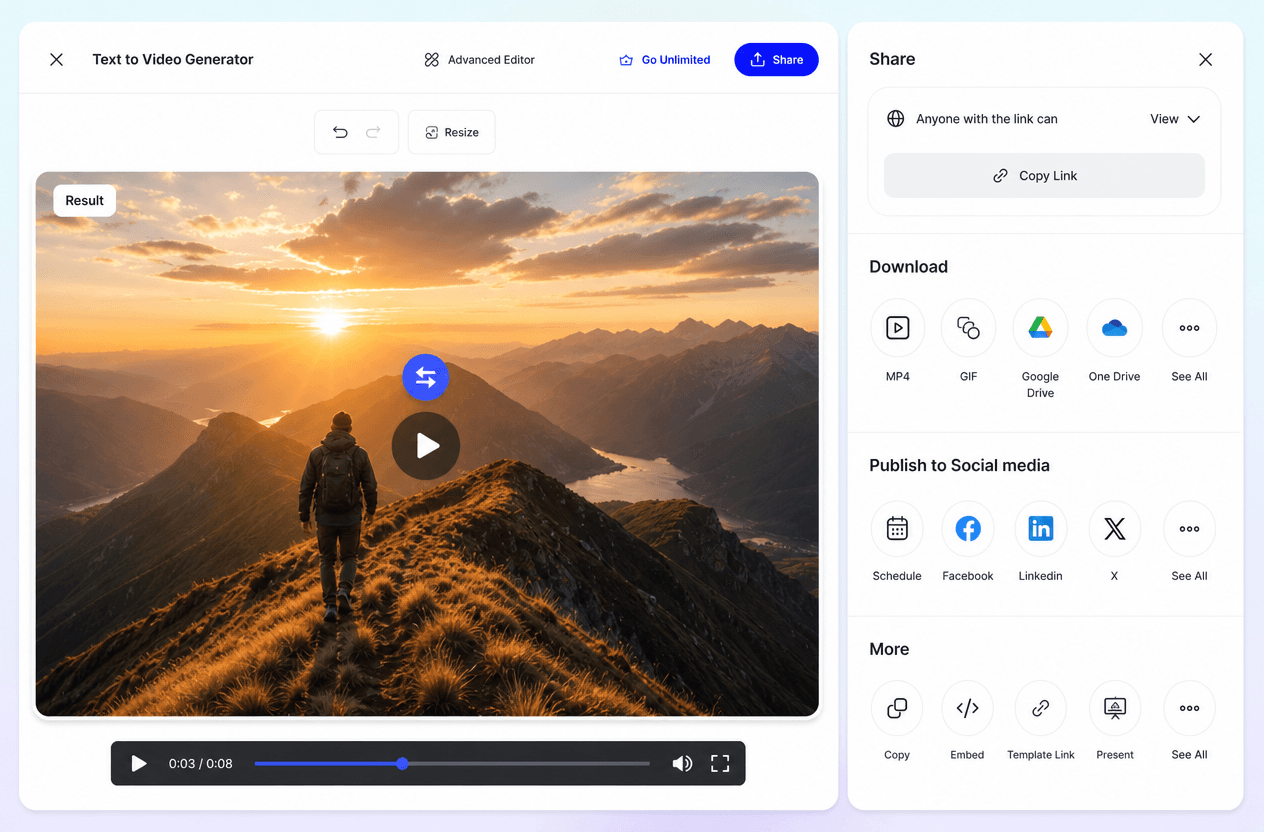
Maintain Creative Consistency Across Every Project
Generate multiple versions while preserving visual style, branding, color themes, pacing, and storytelling consistency across campaigns, presentations, and promotional content.
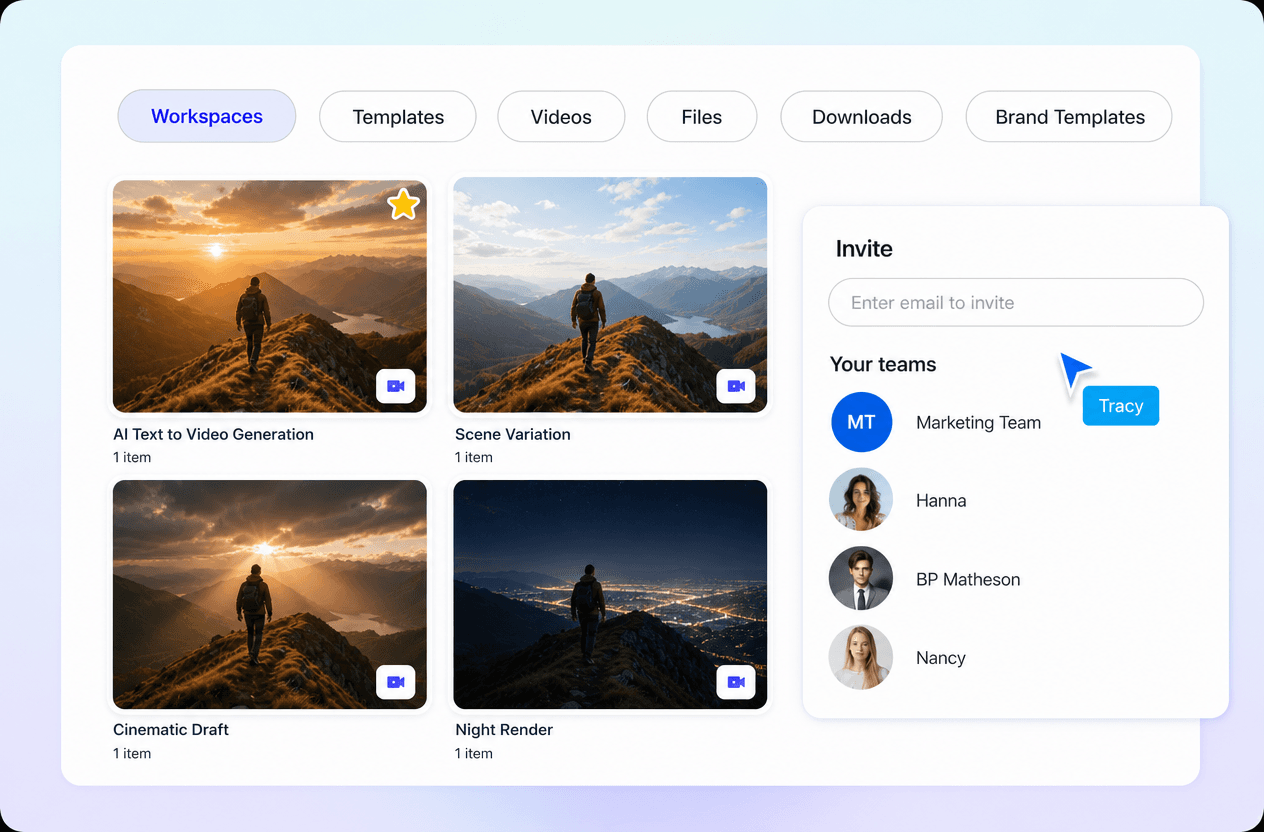
Accelerate Your AI Video Workflow
Manage everything from prompt creation and AI generation to editing, regeneration, model selection, exporting, and publishing within one browser-based video creation platform.
