Free AI WhatsApp Status Generator

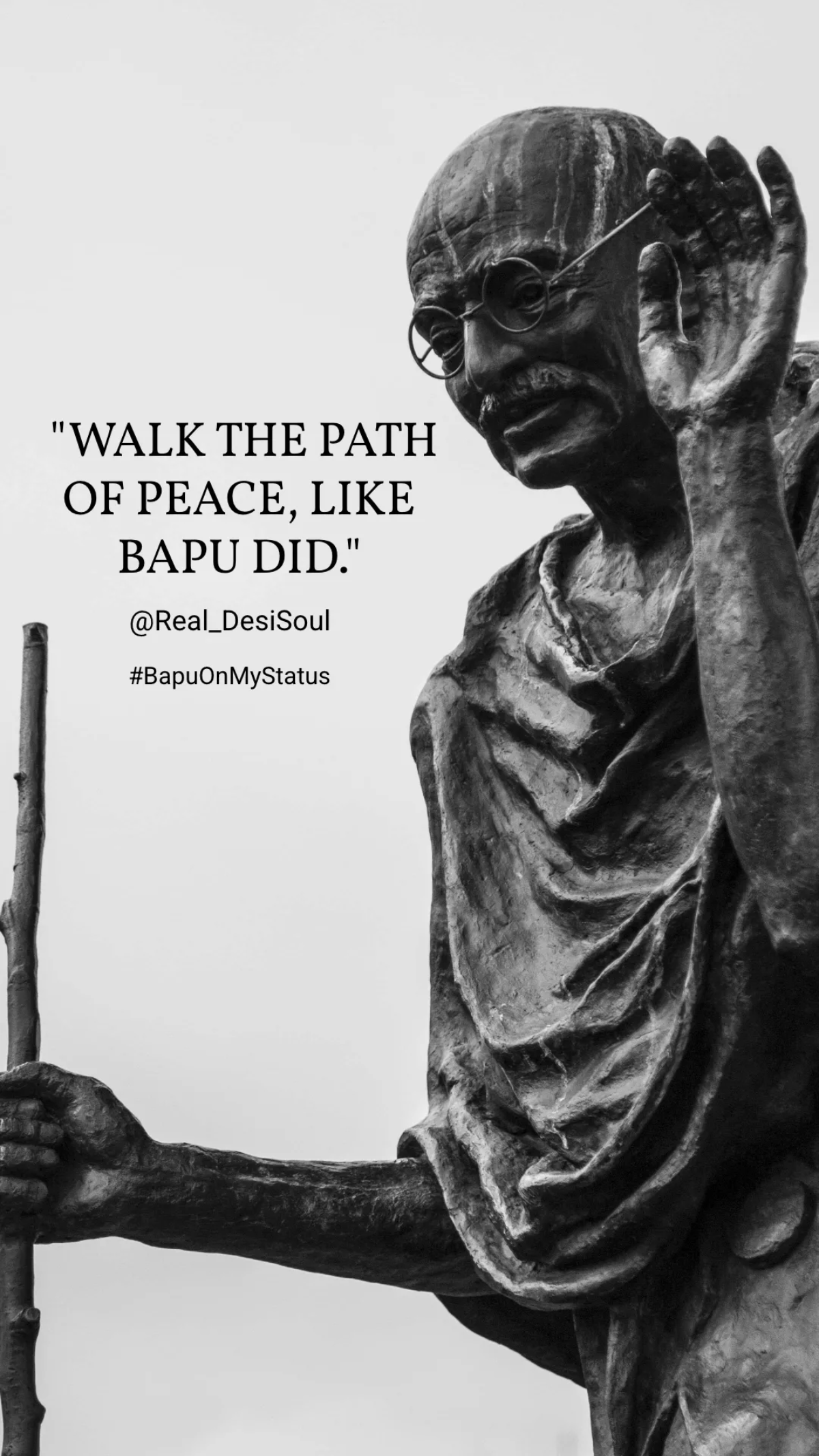
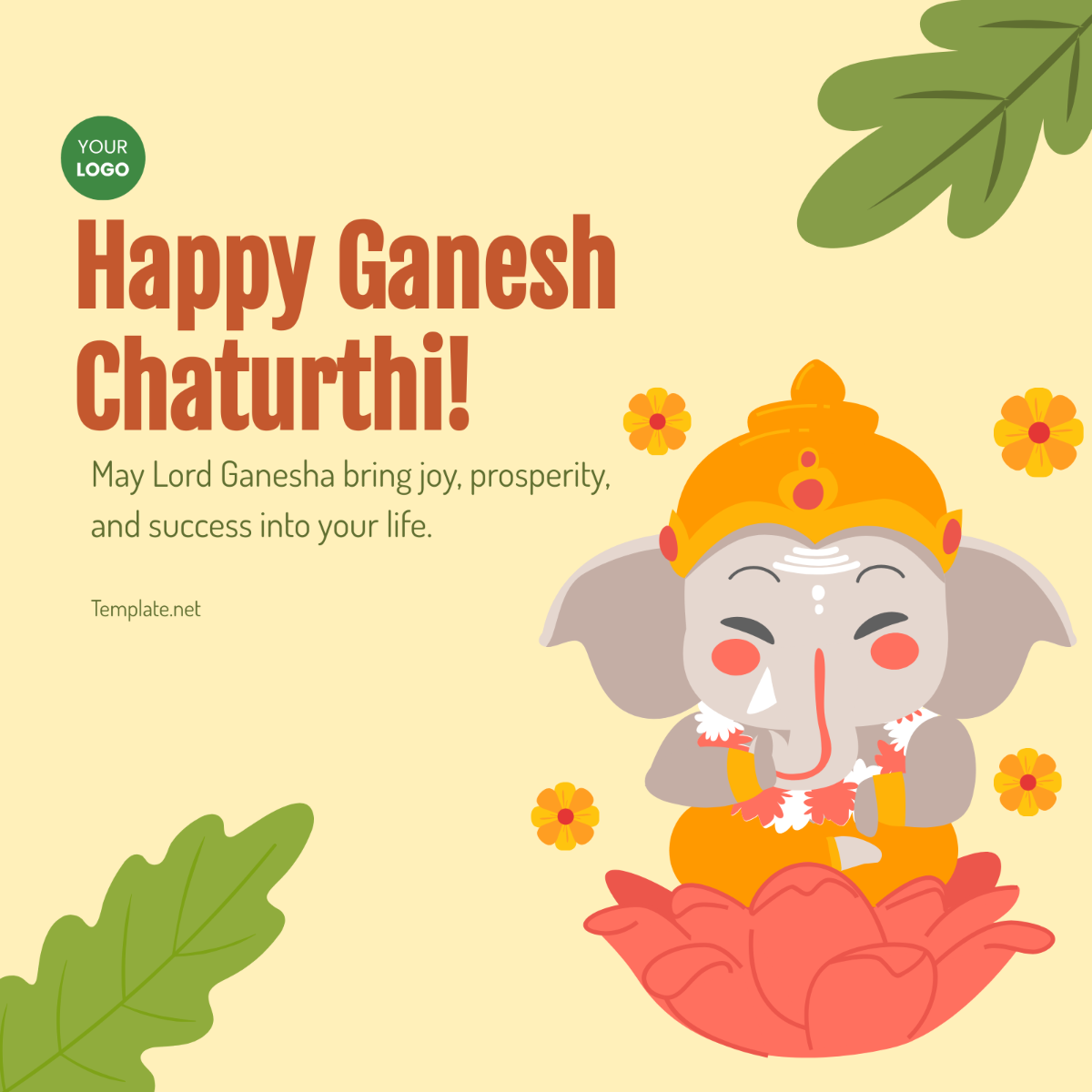


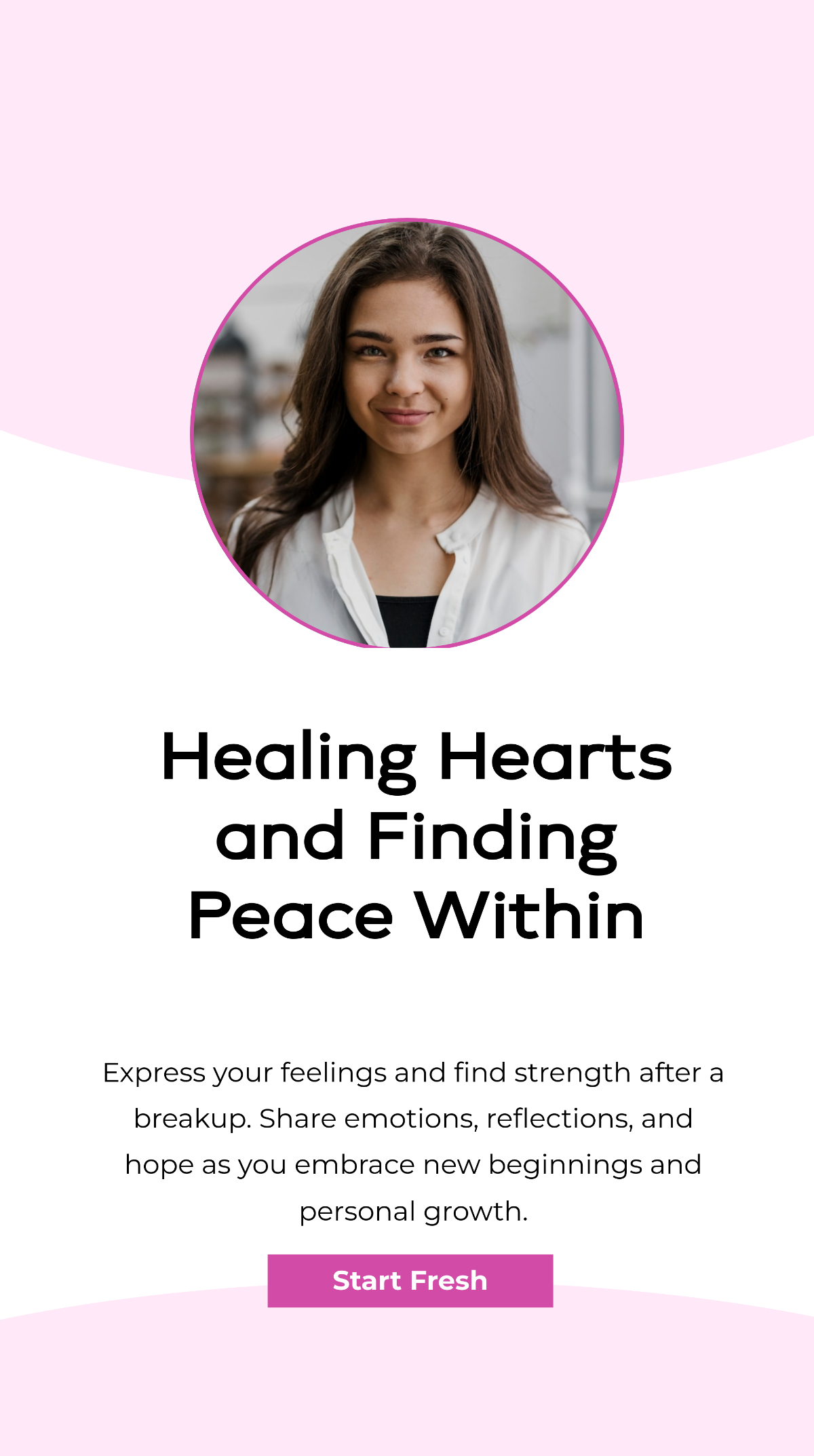
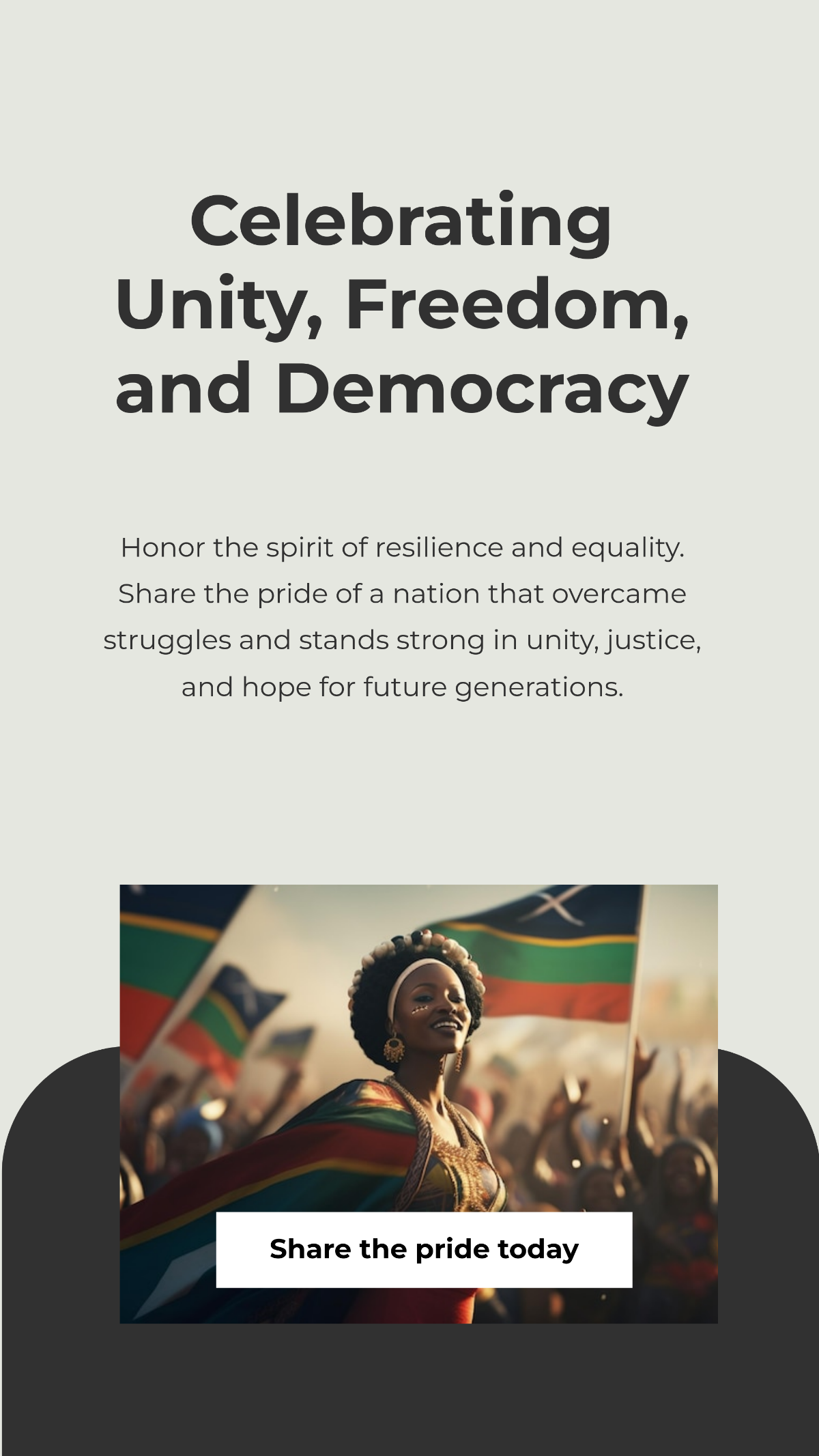
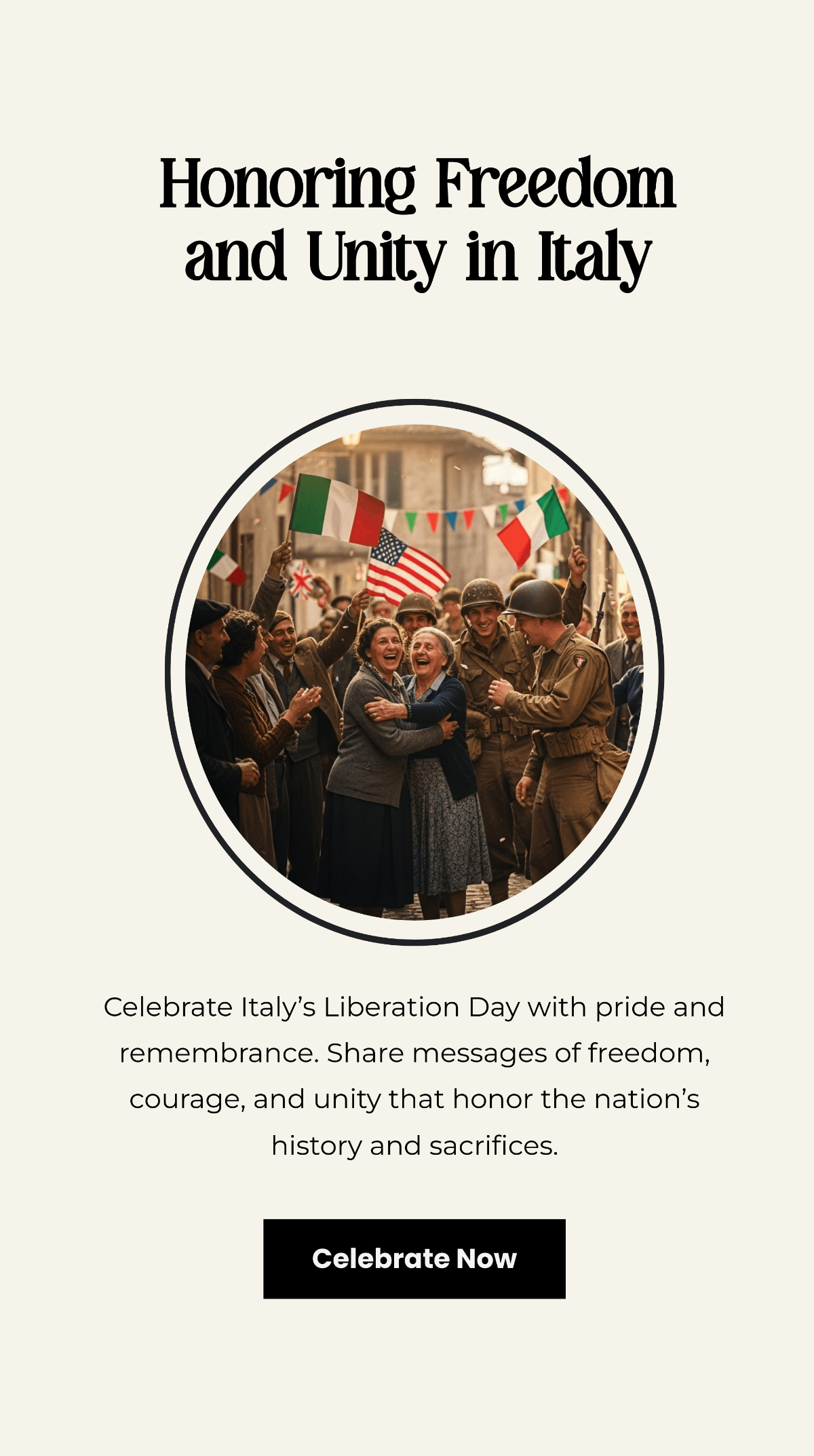
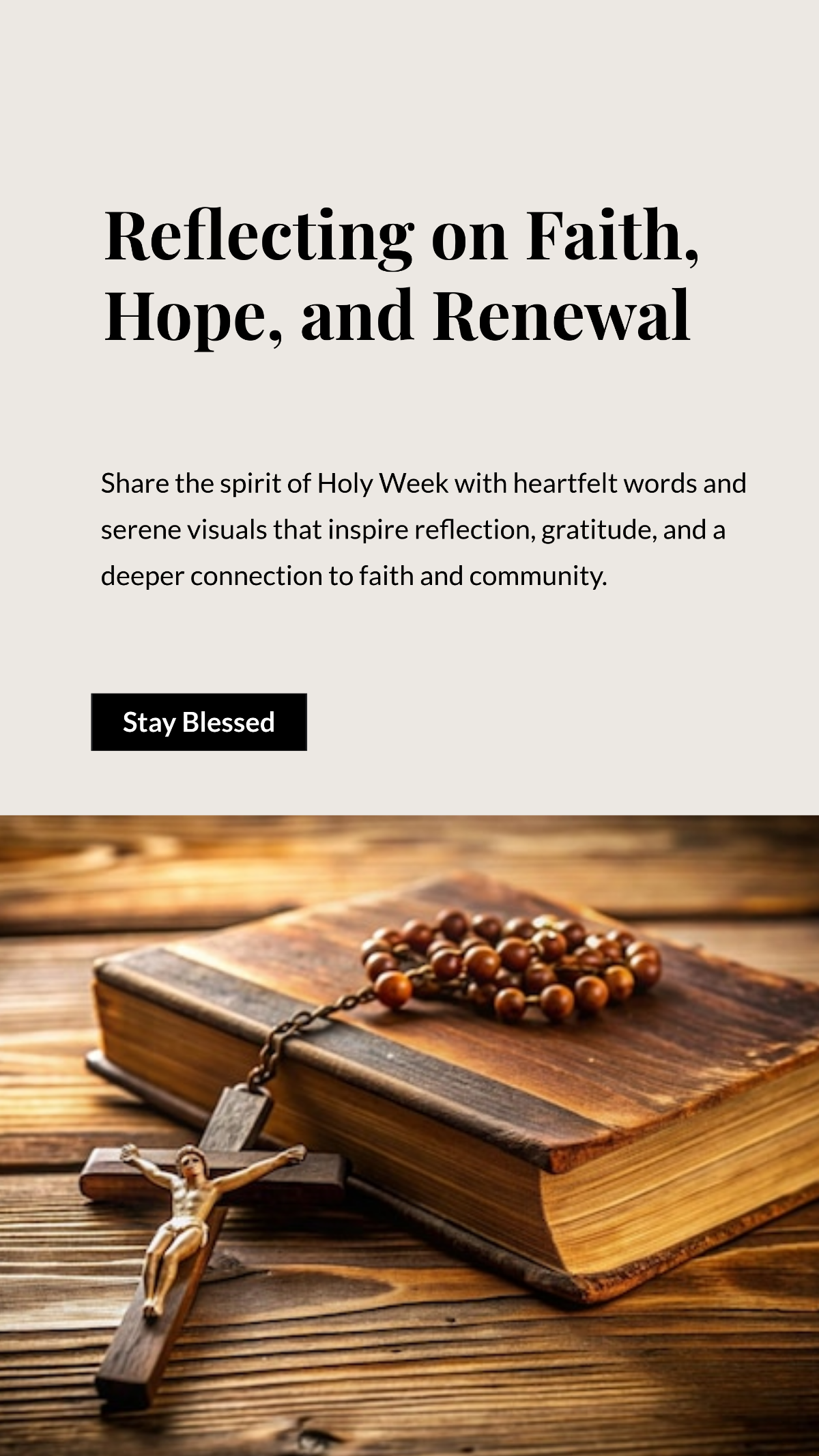

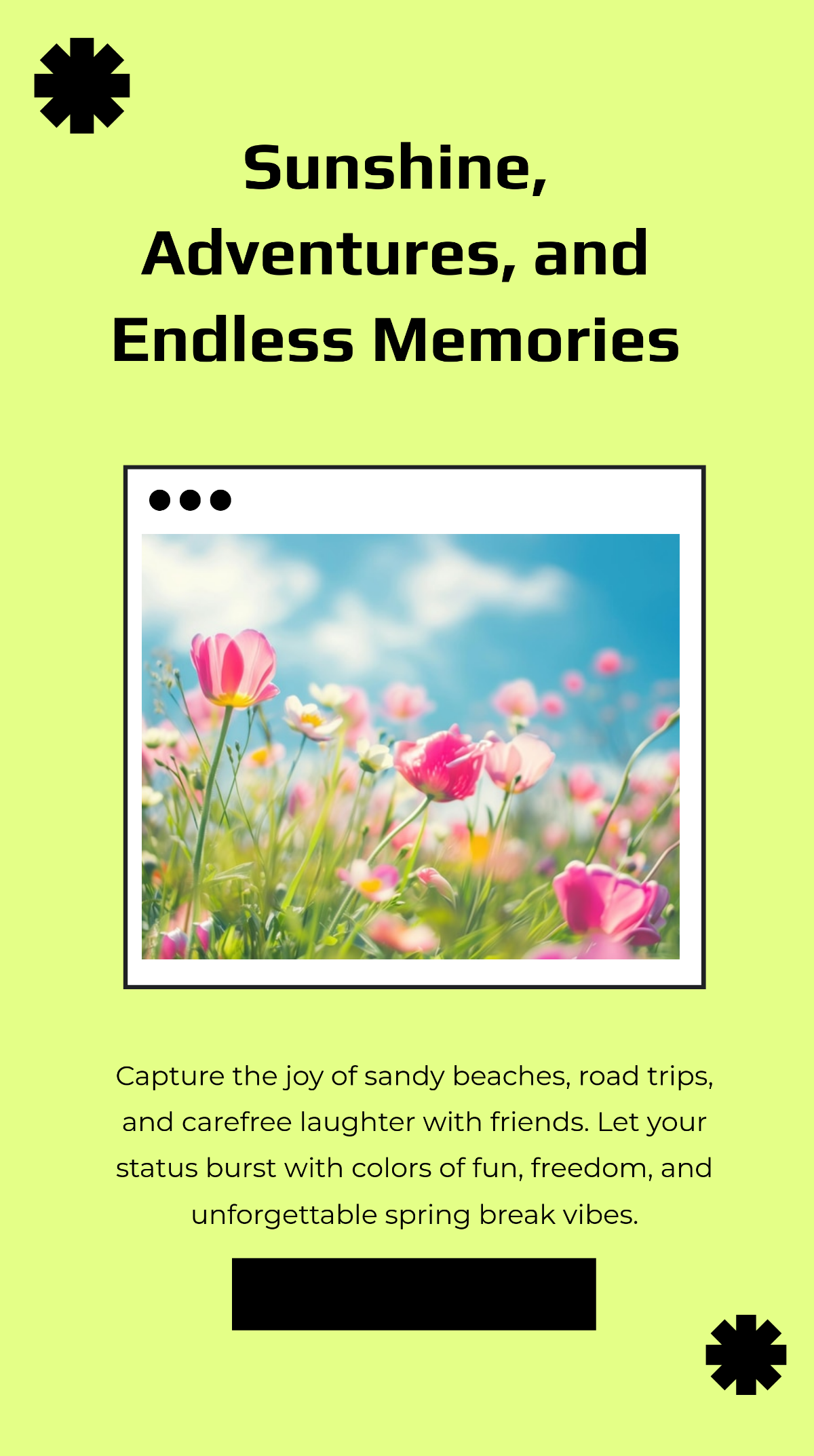
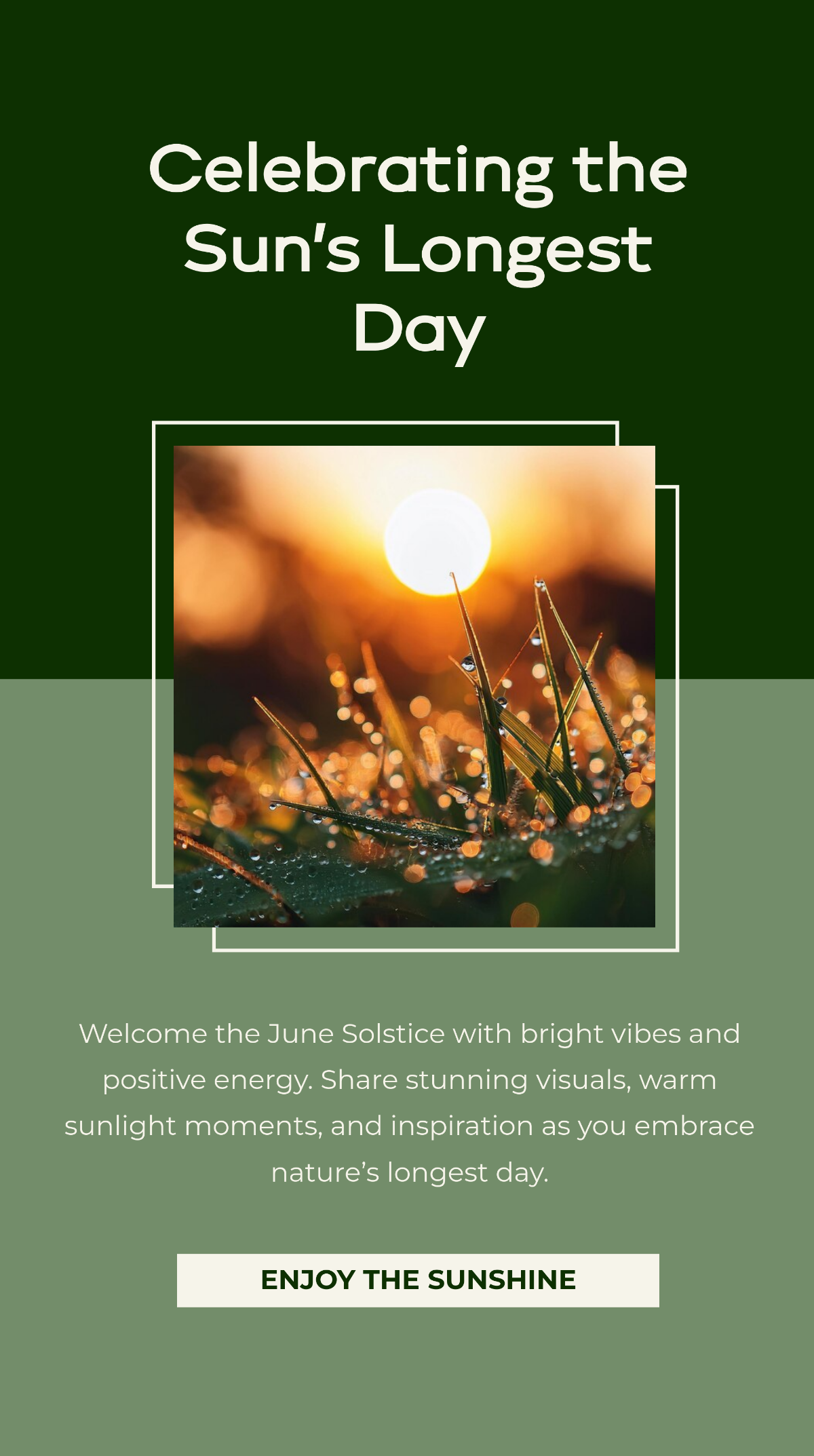
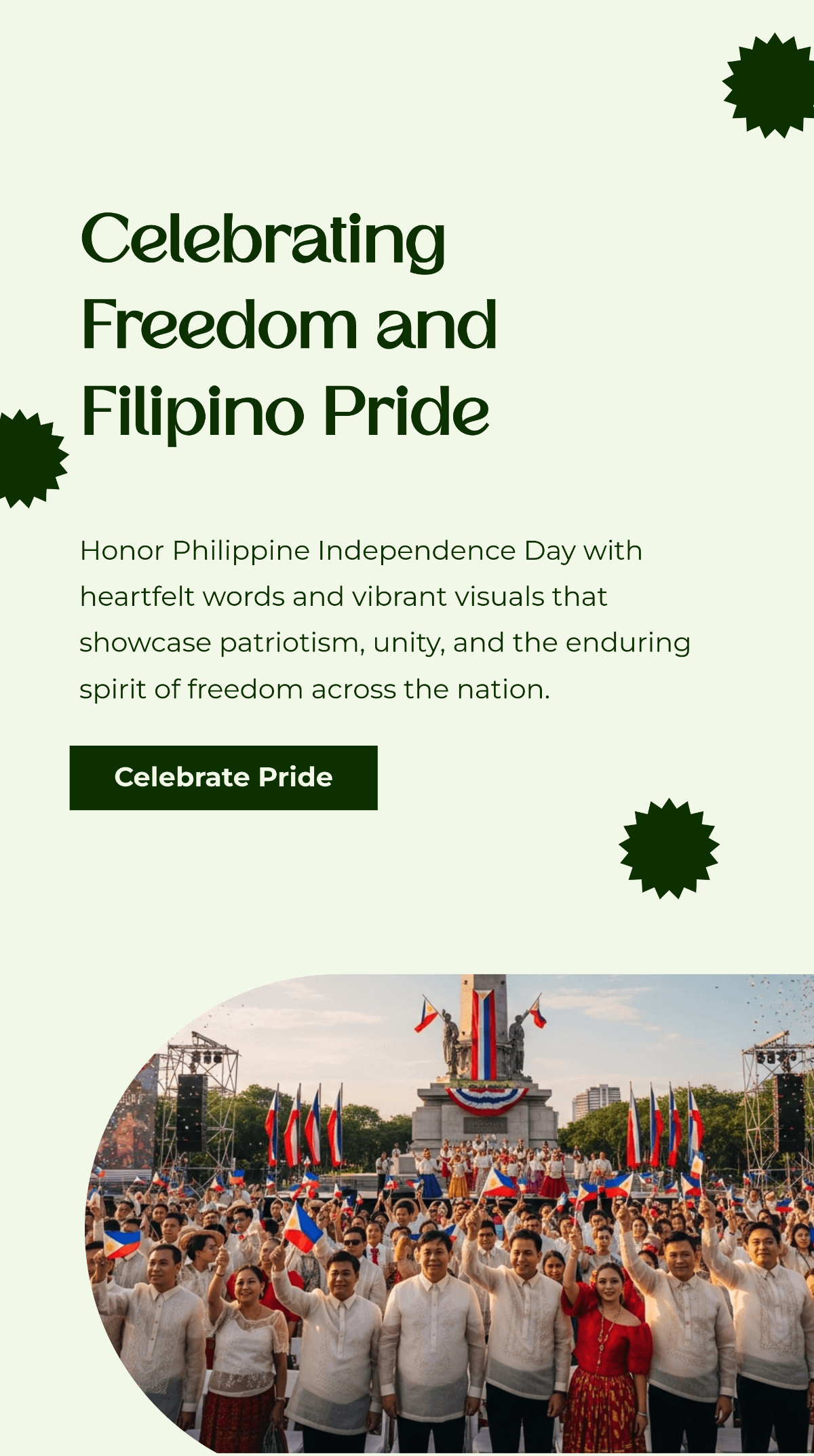
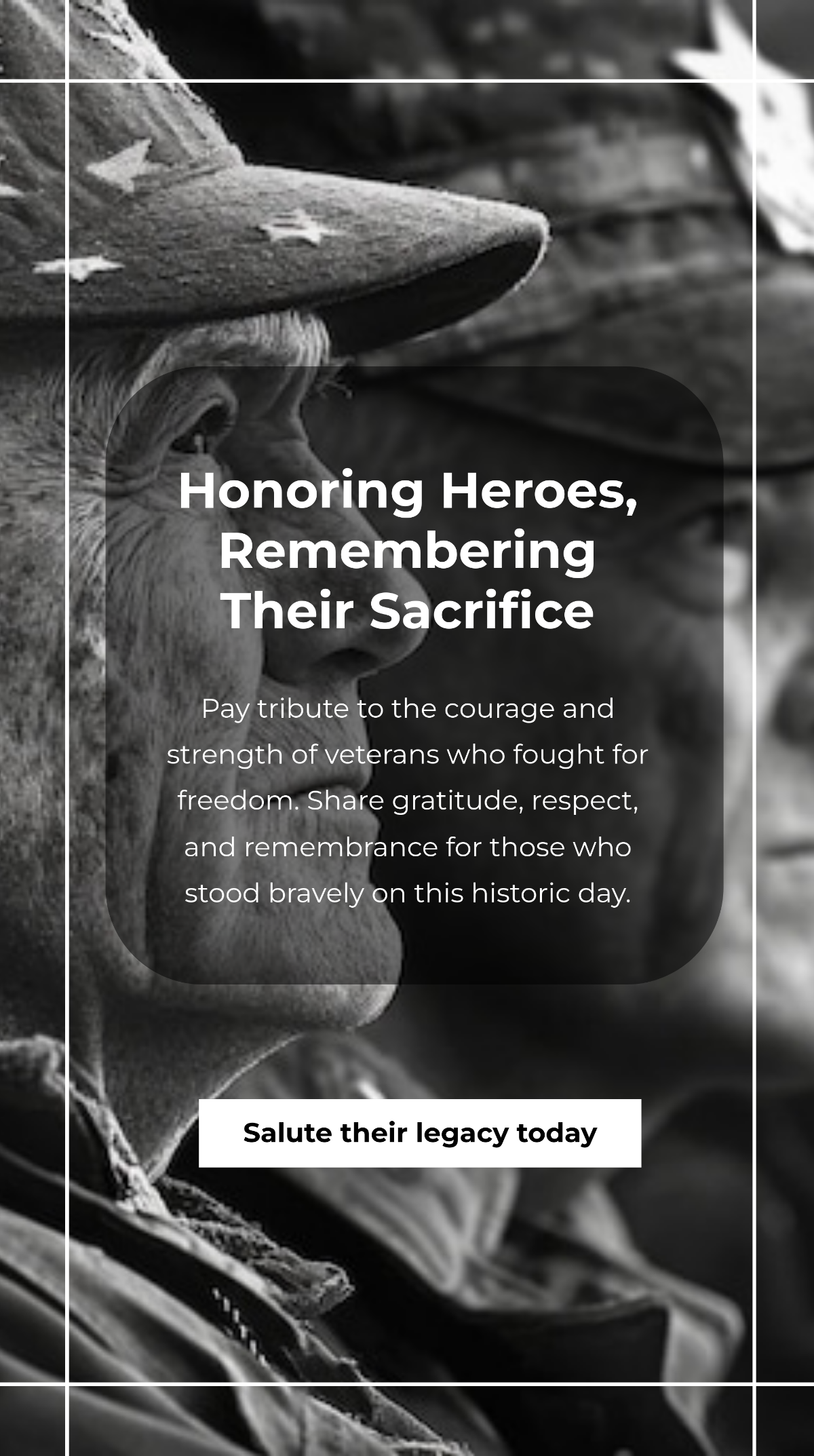
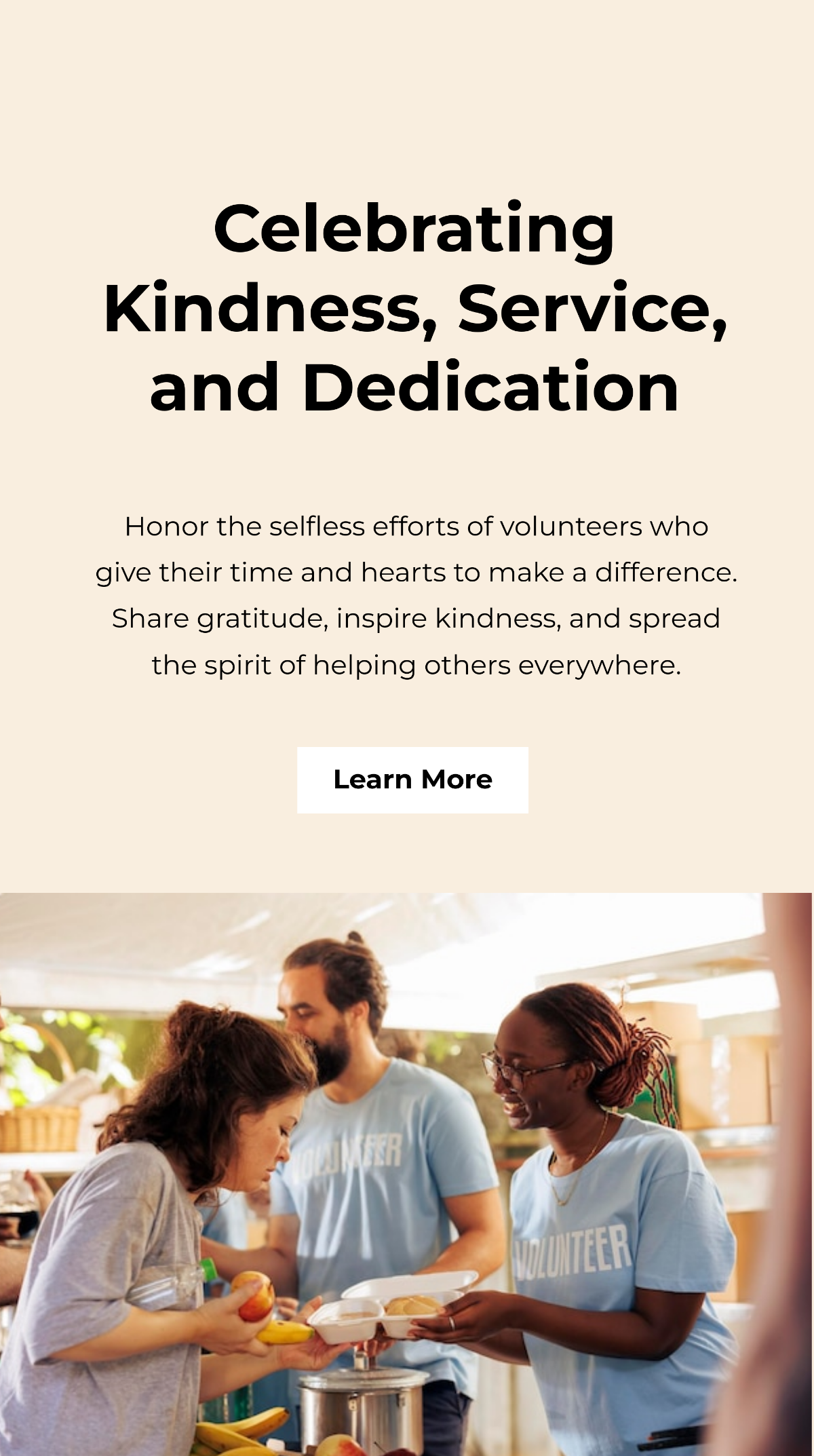
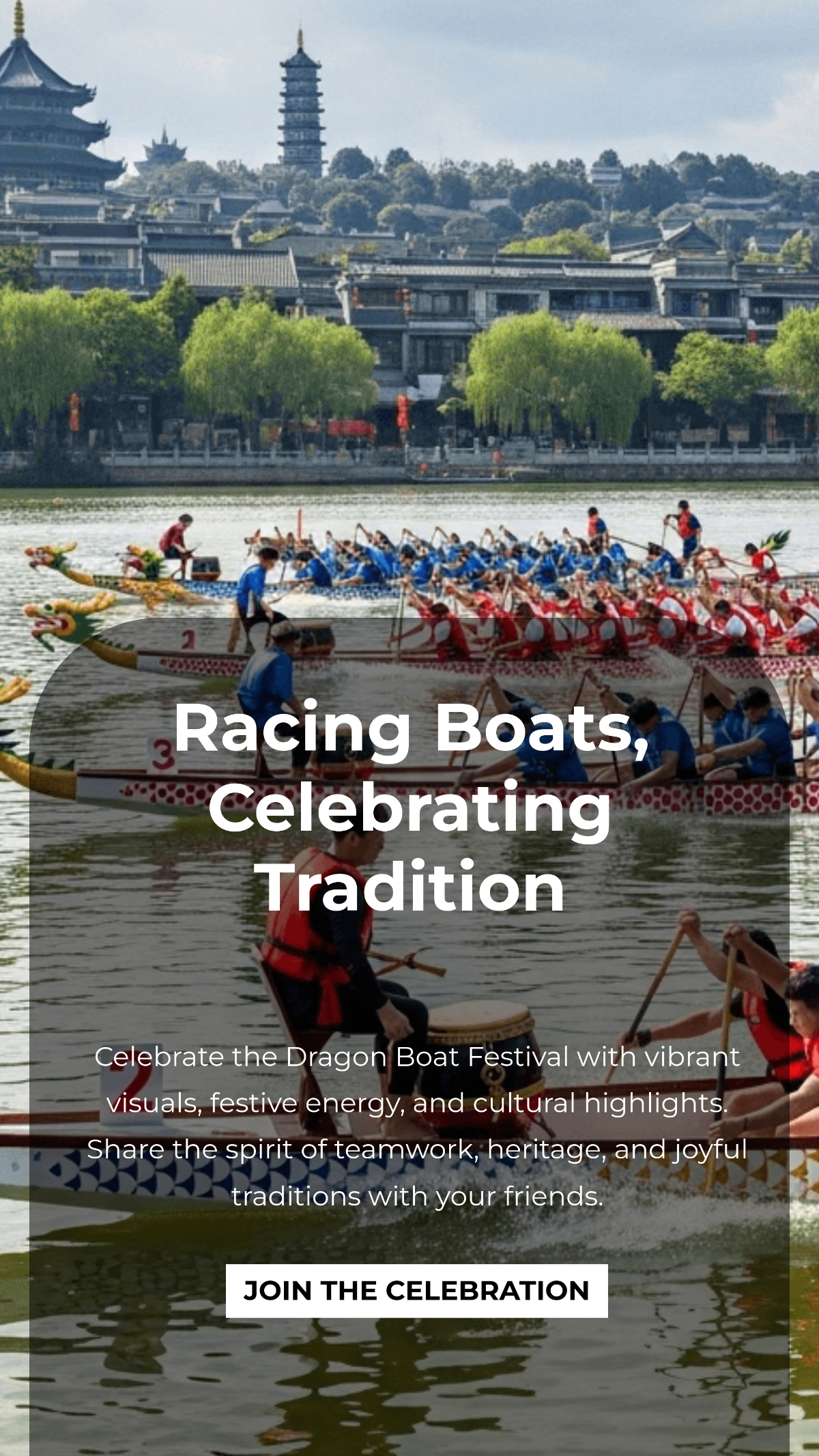
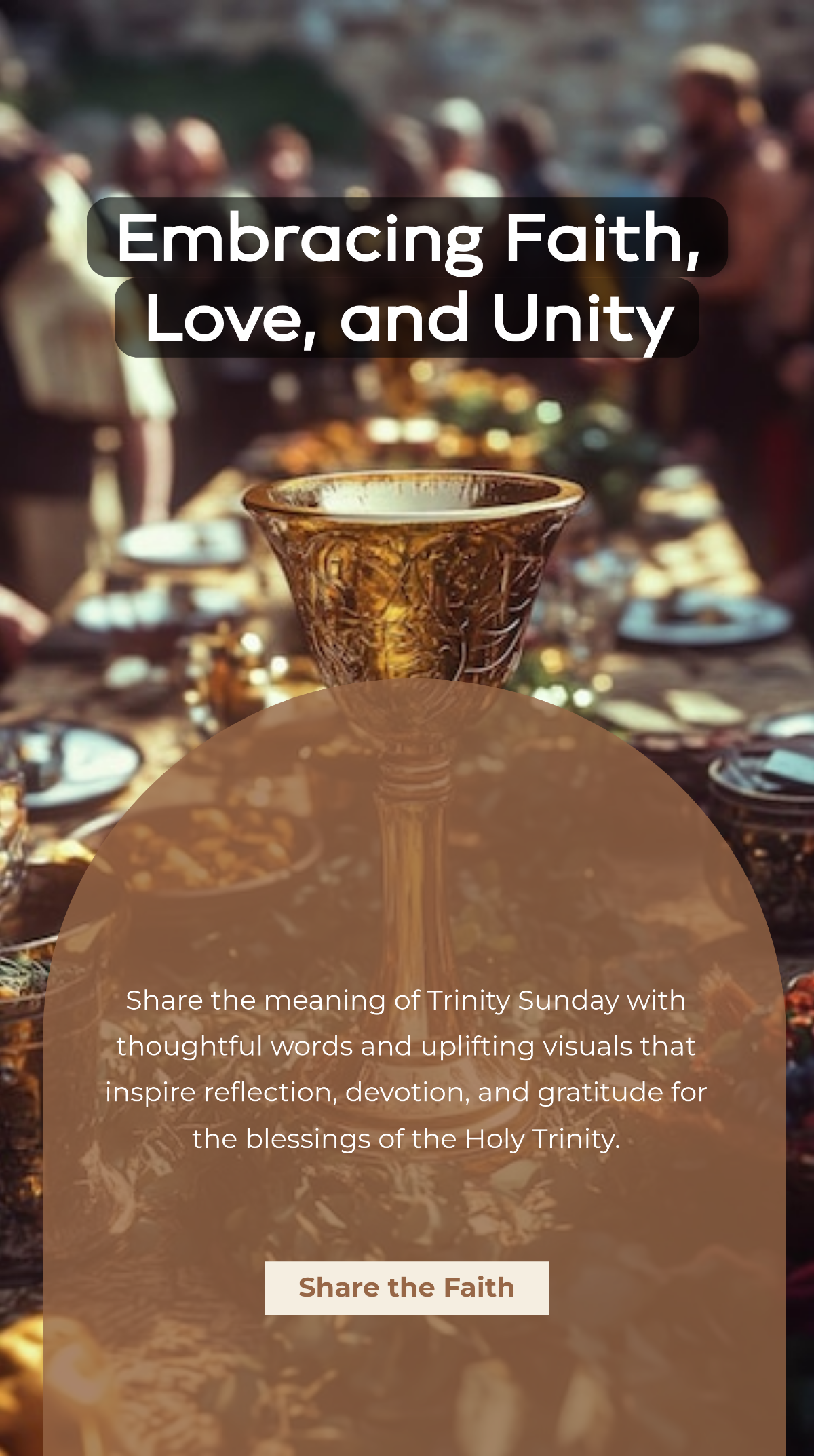
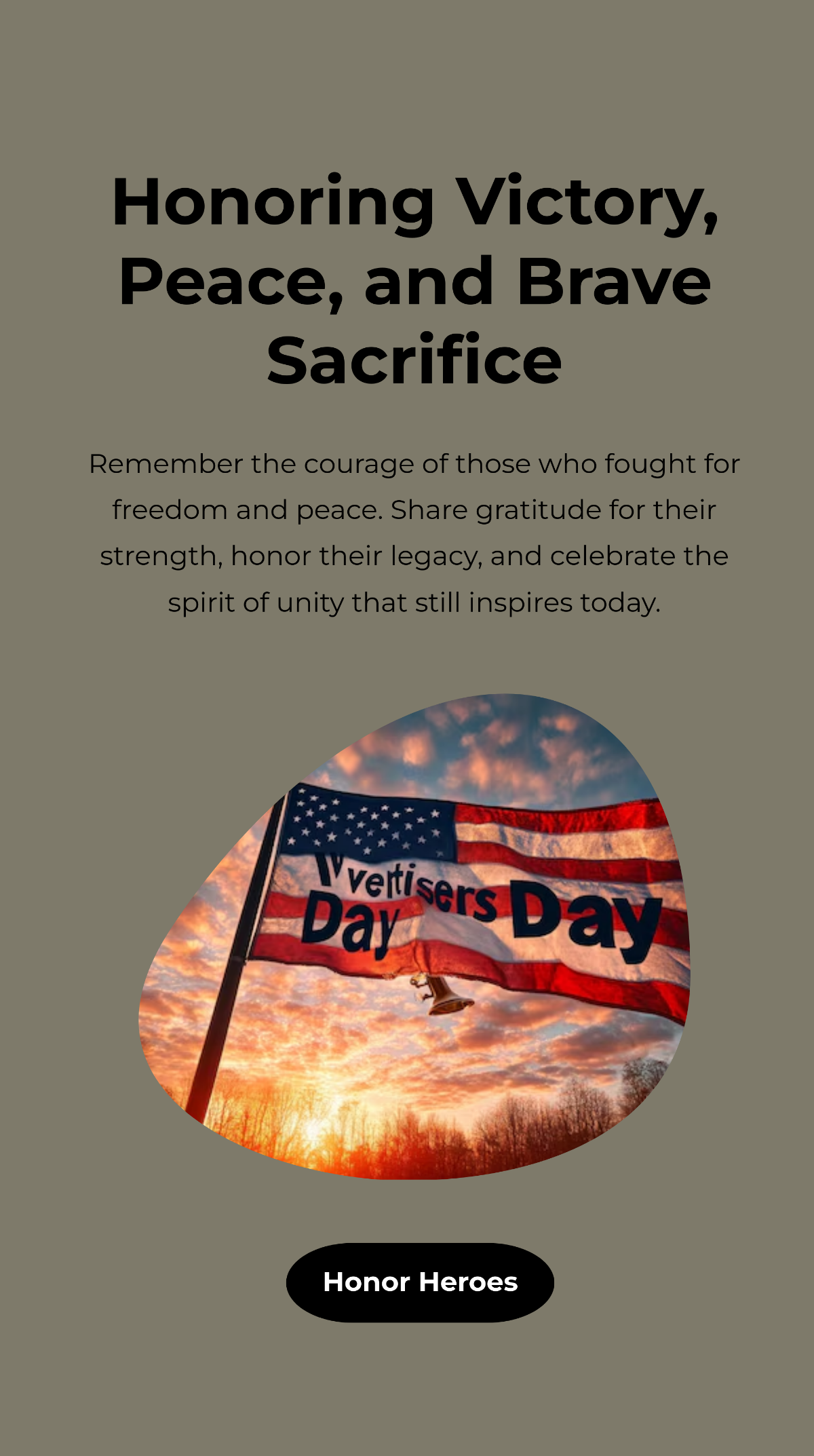
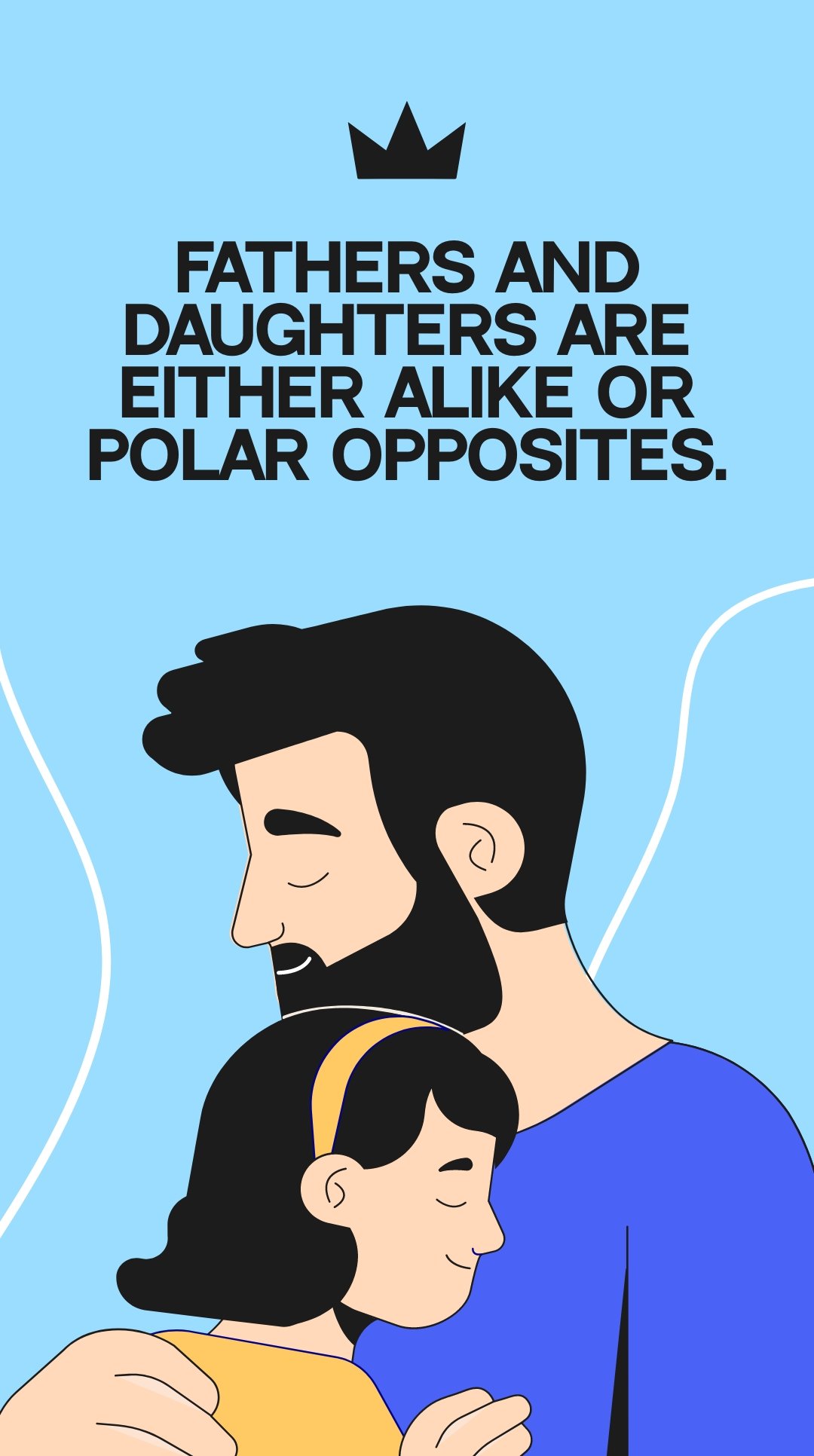

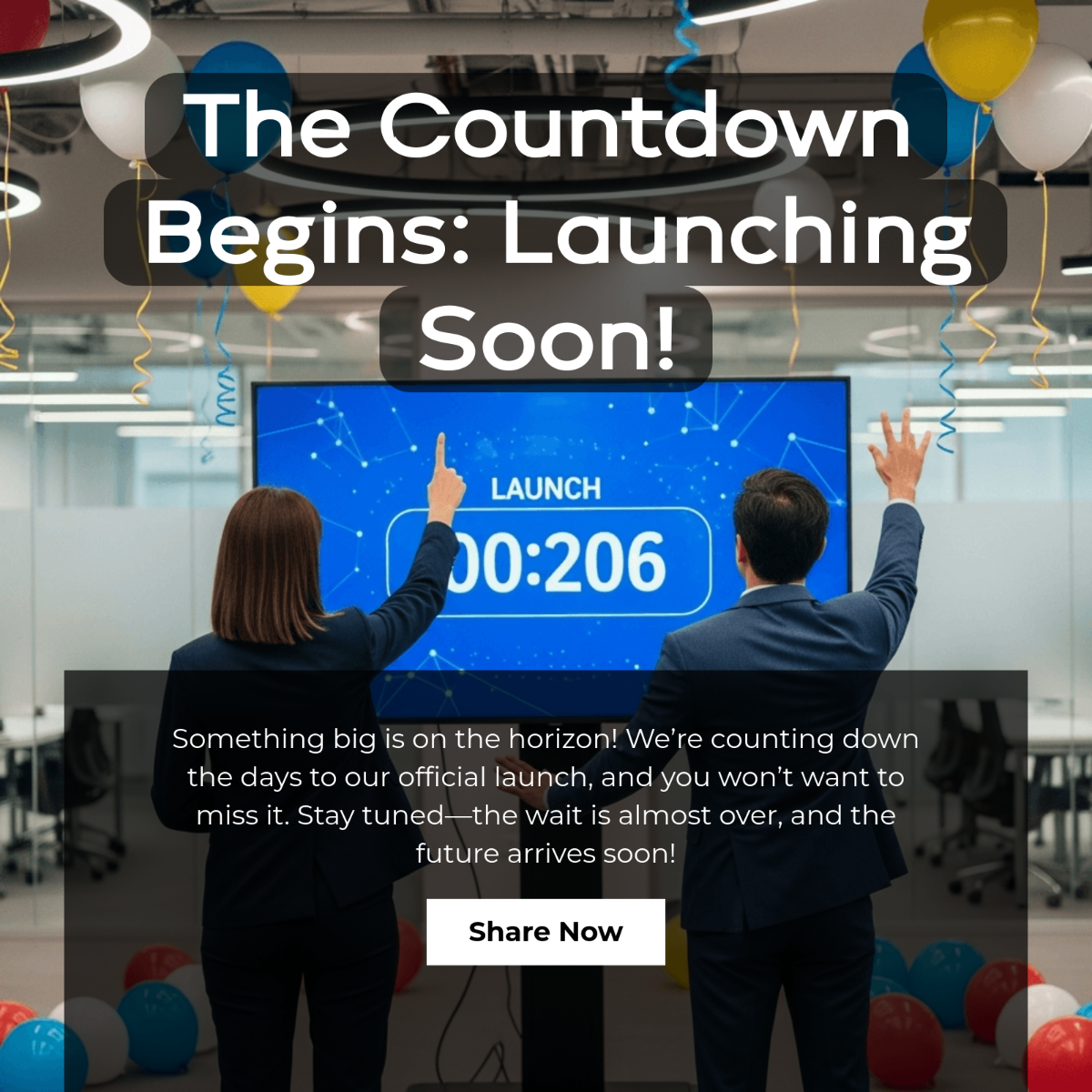
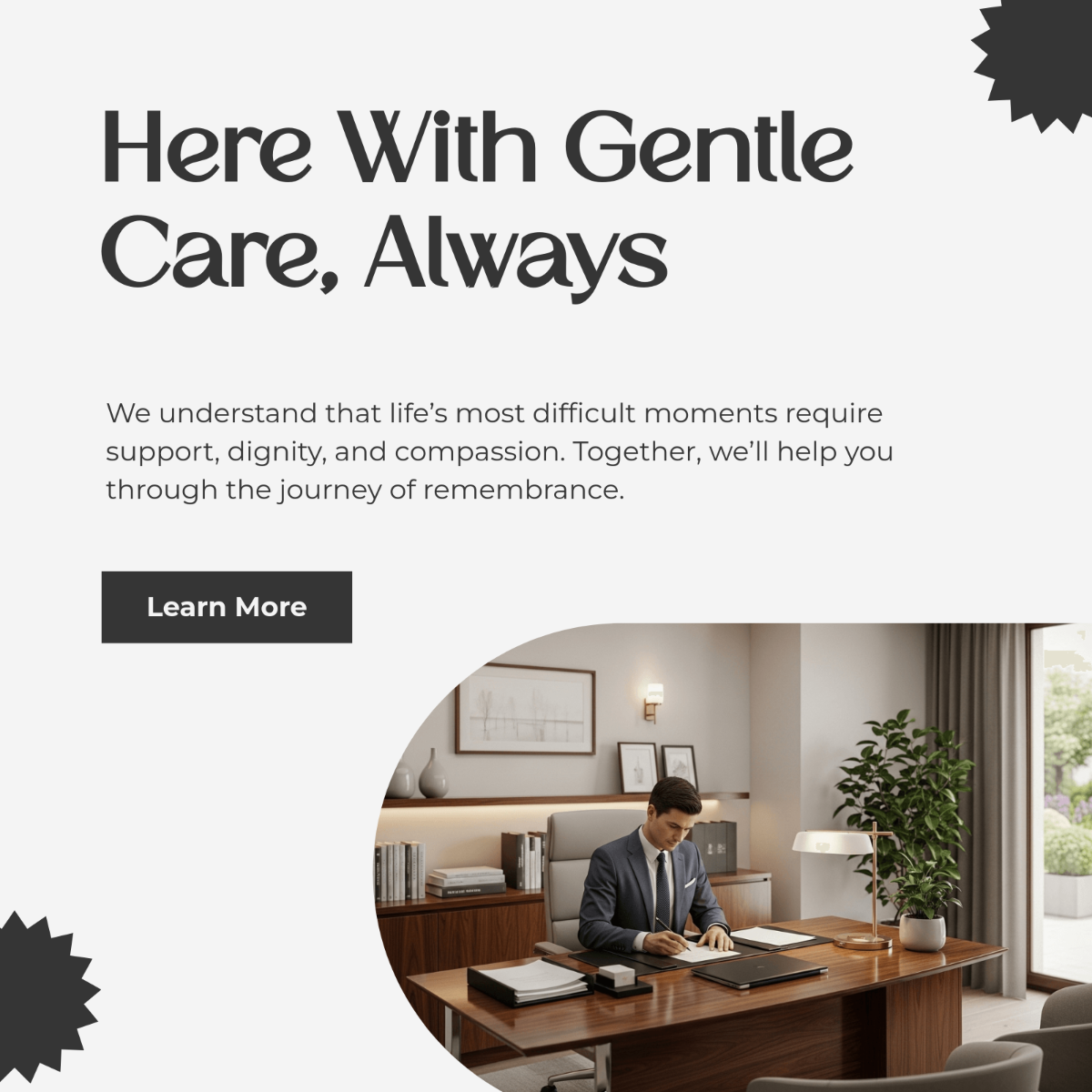

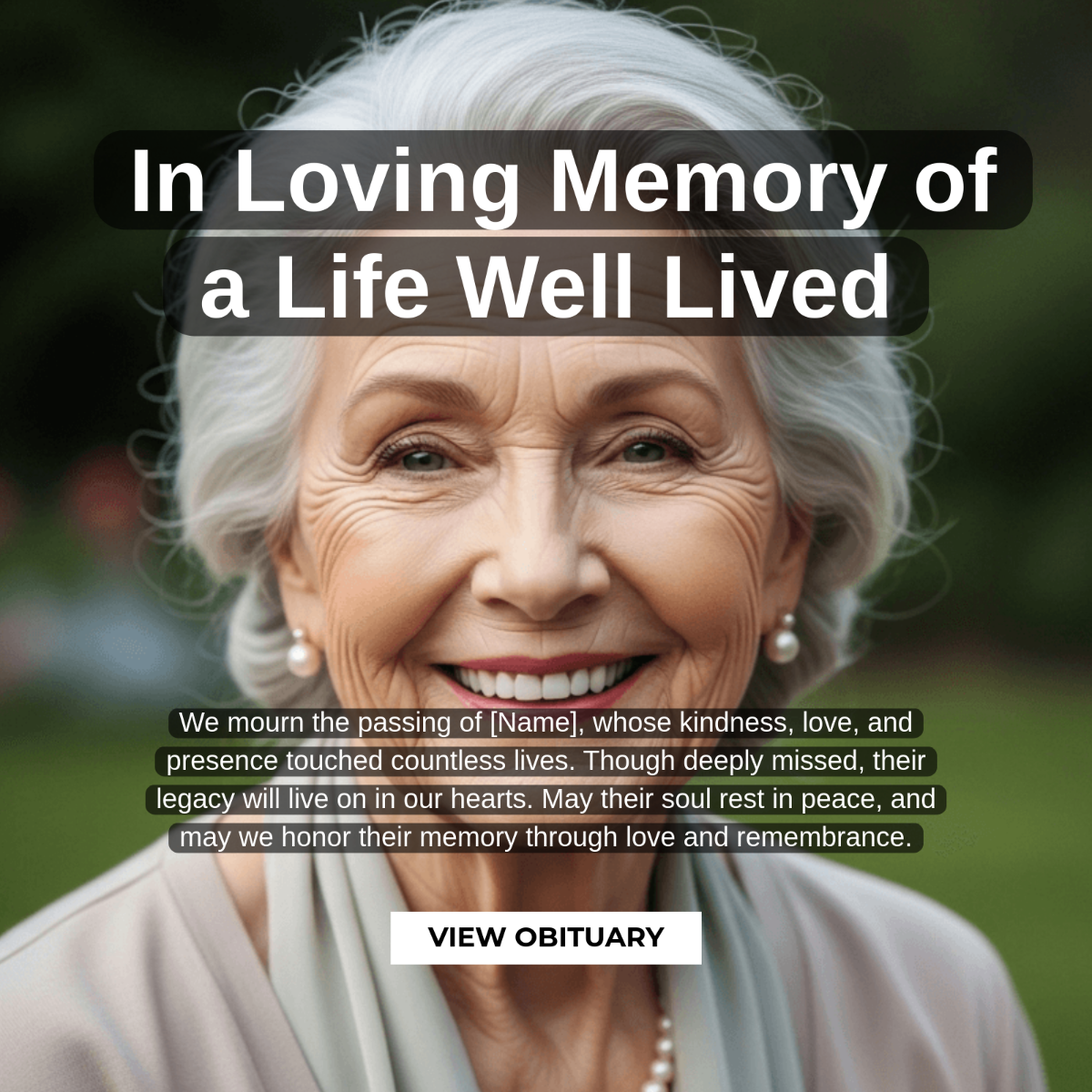



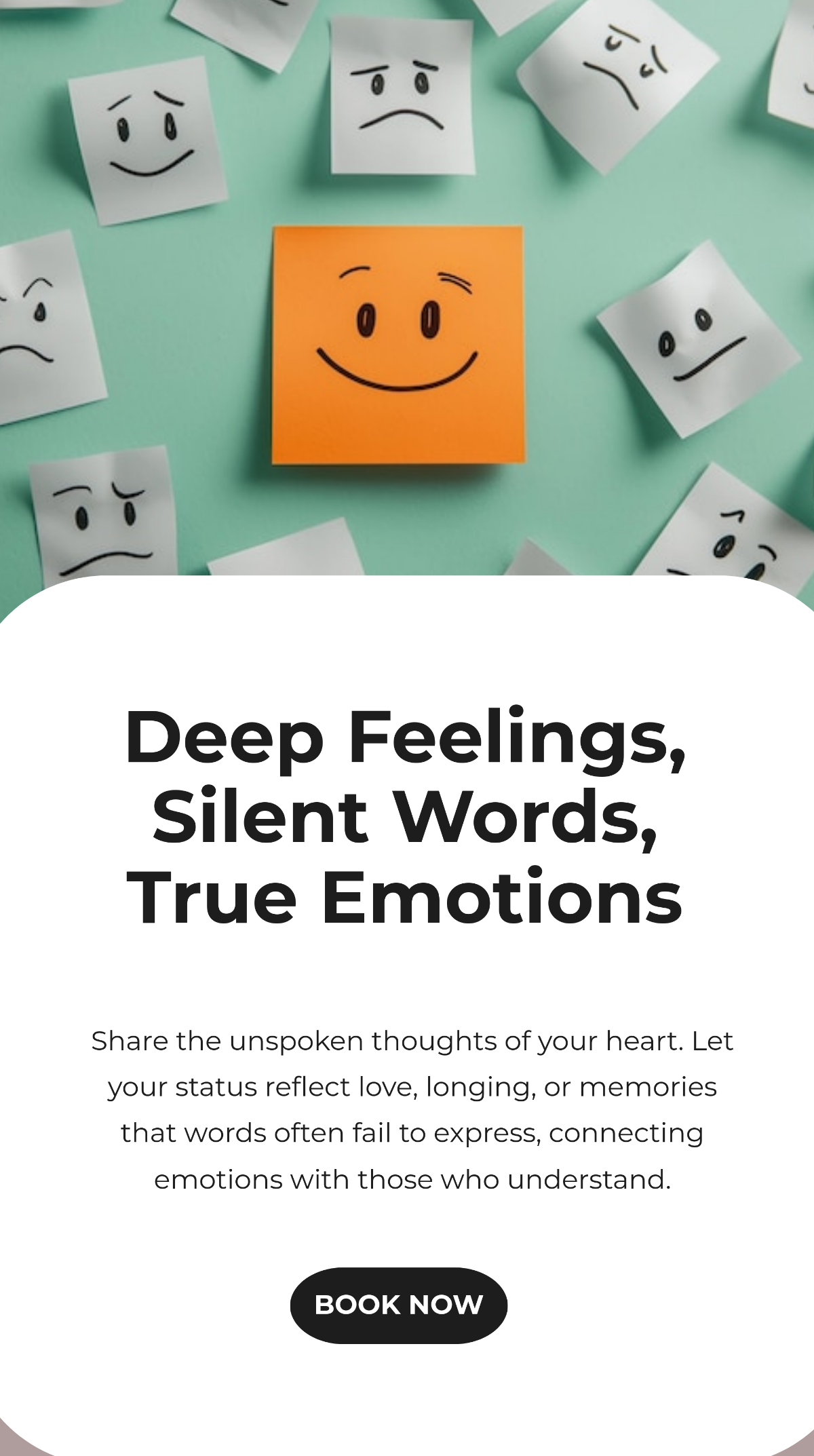
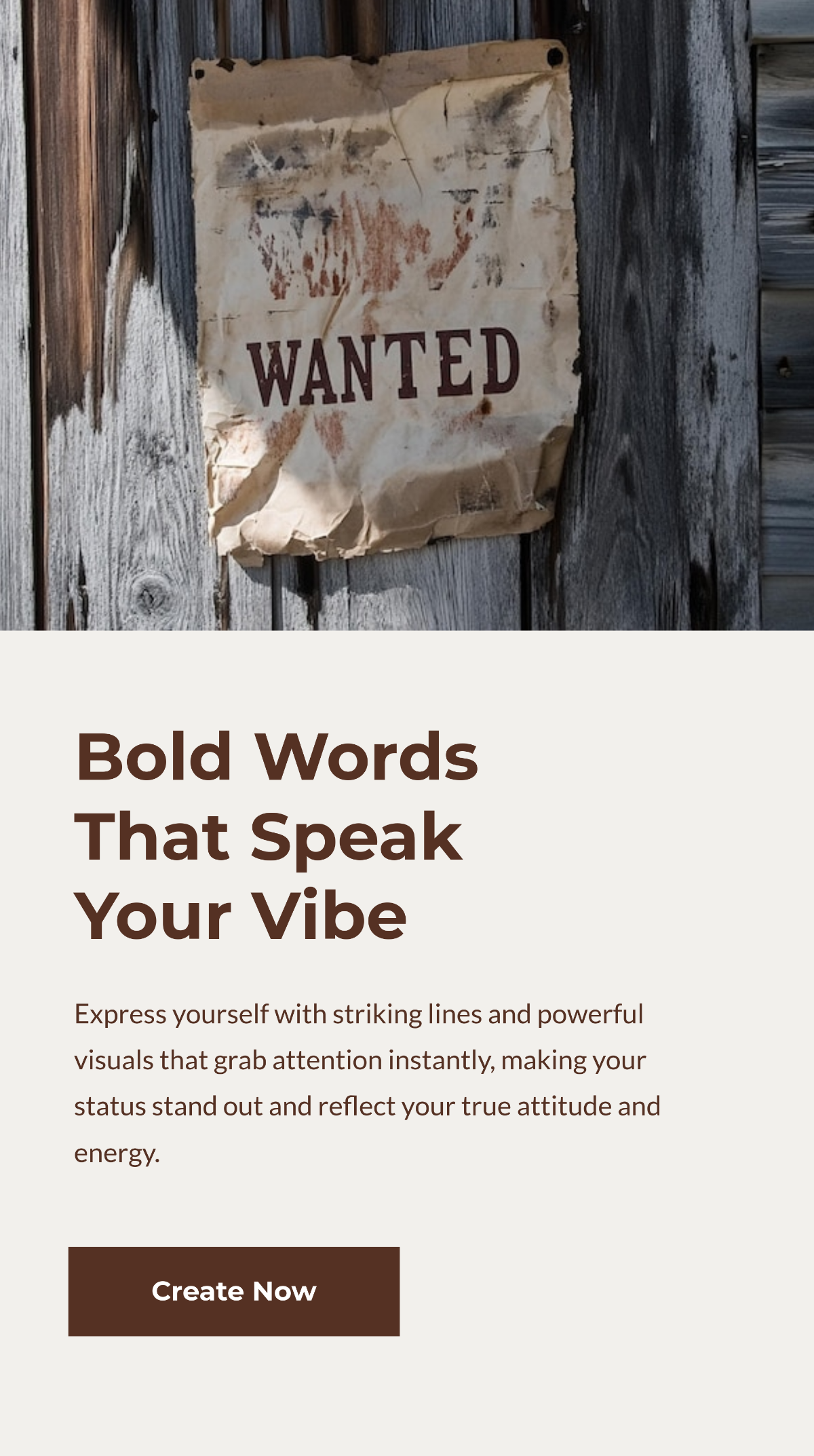
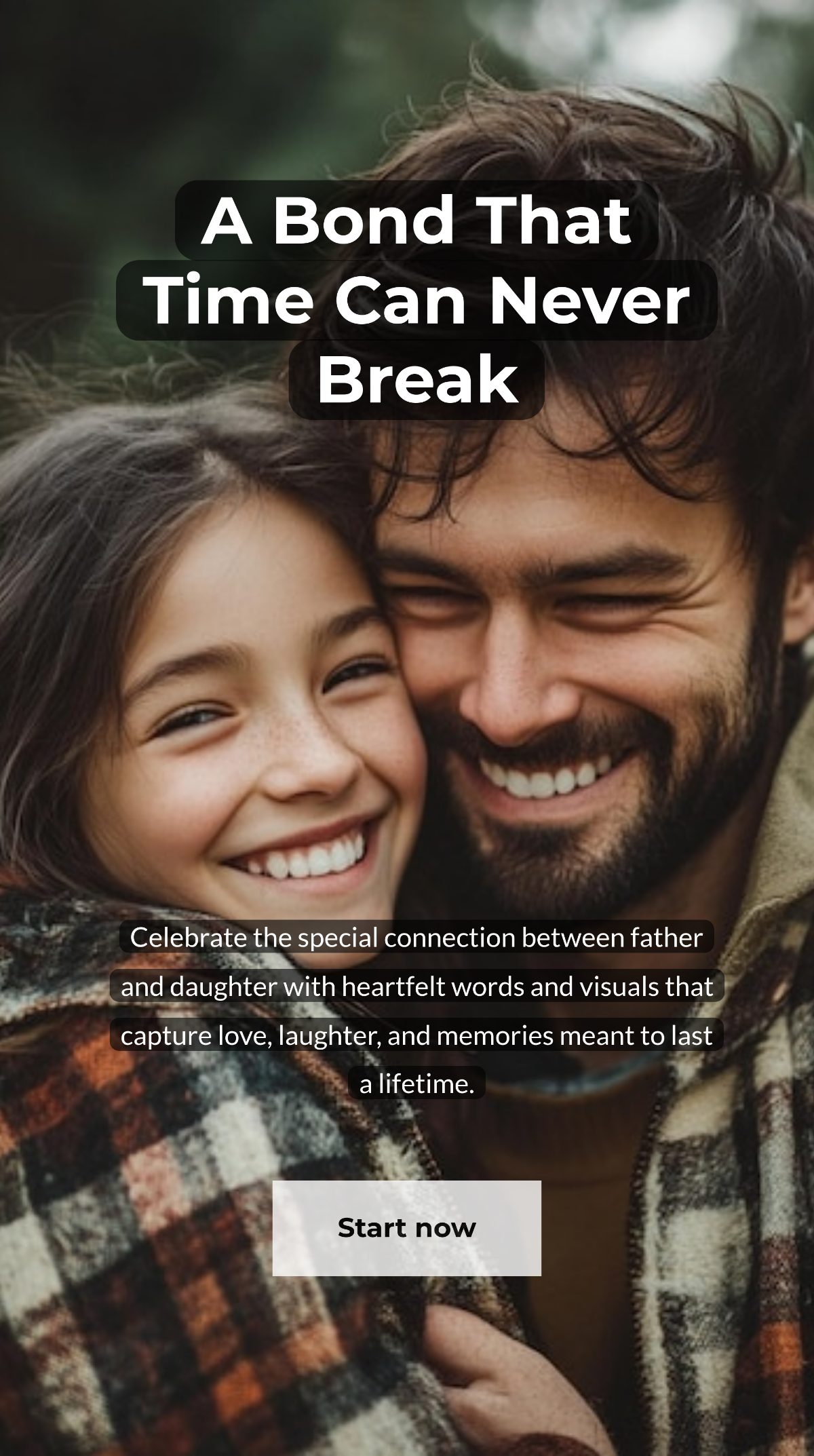
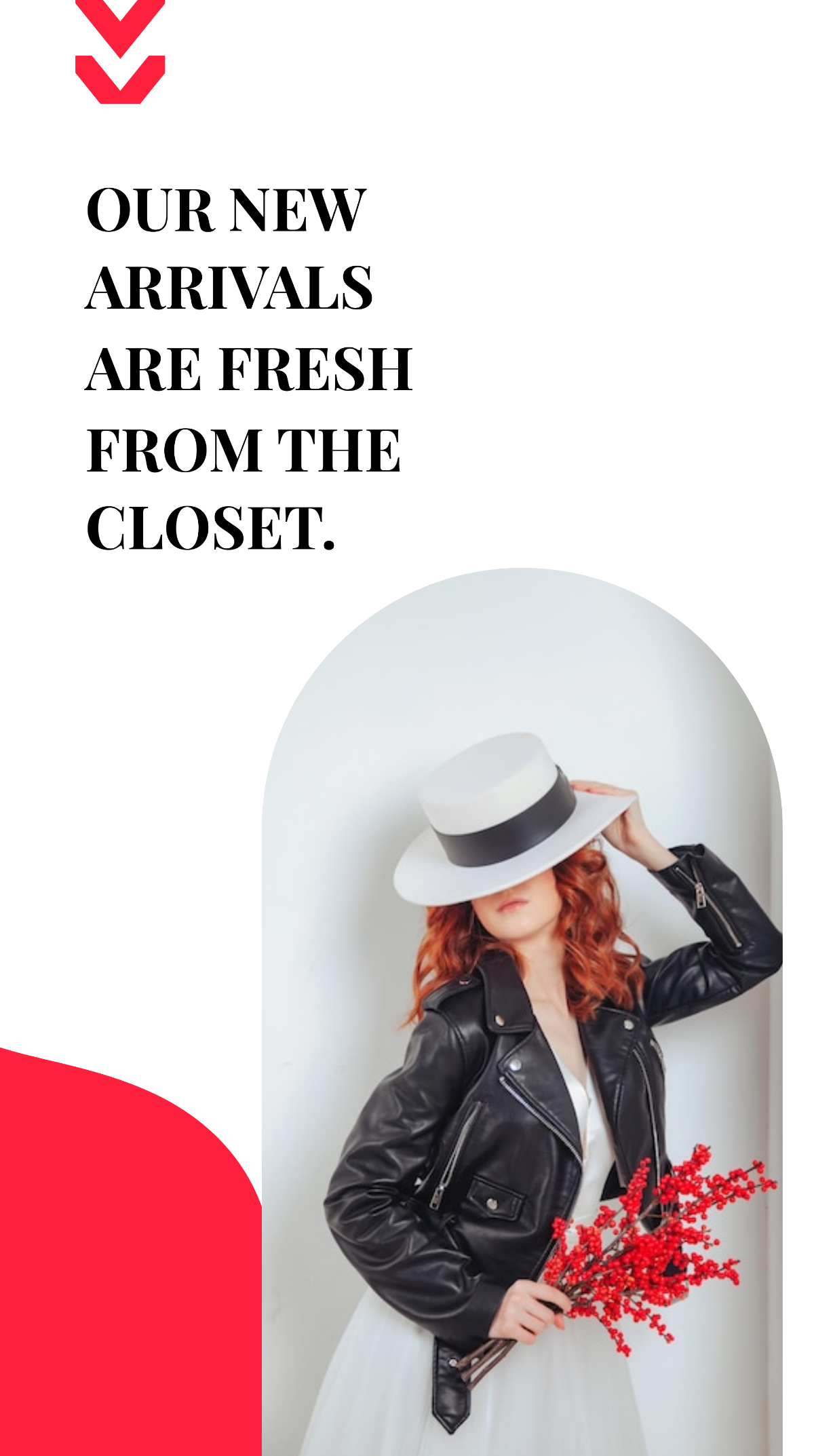
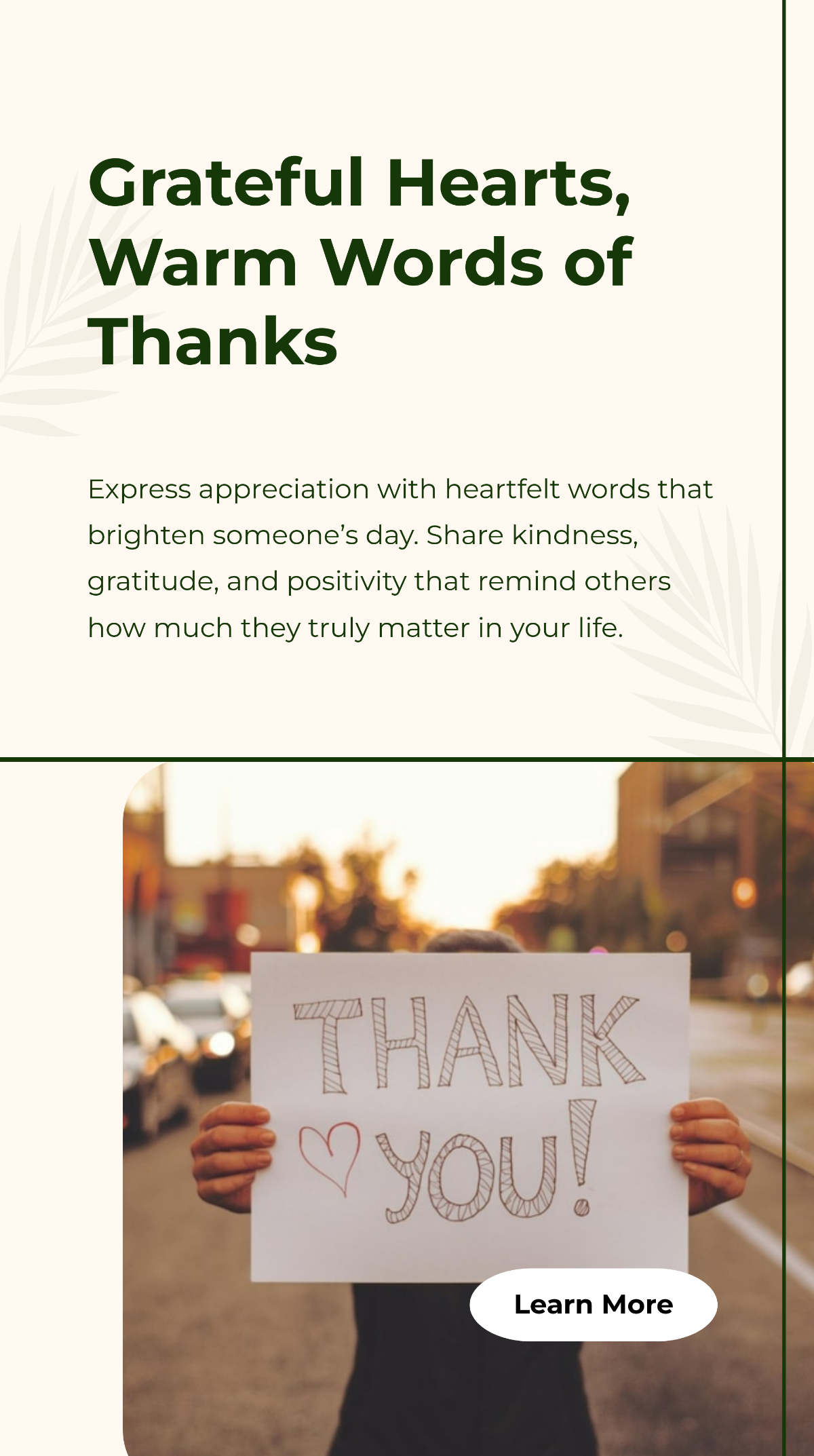
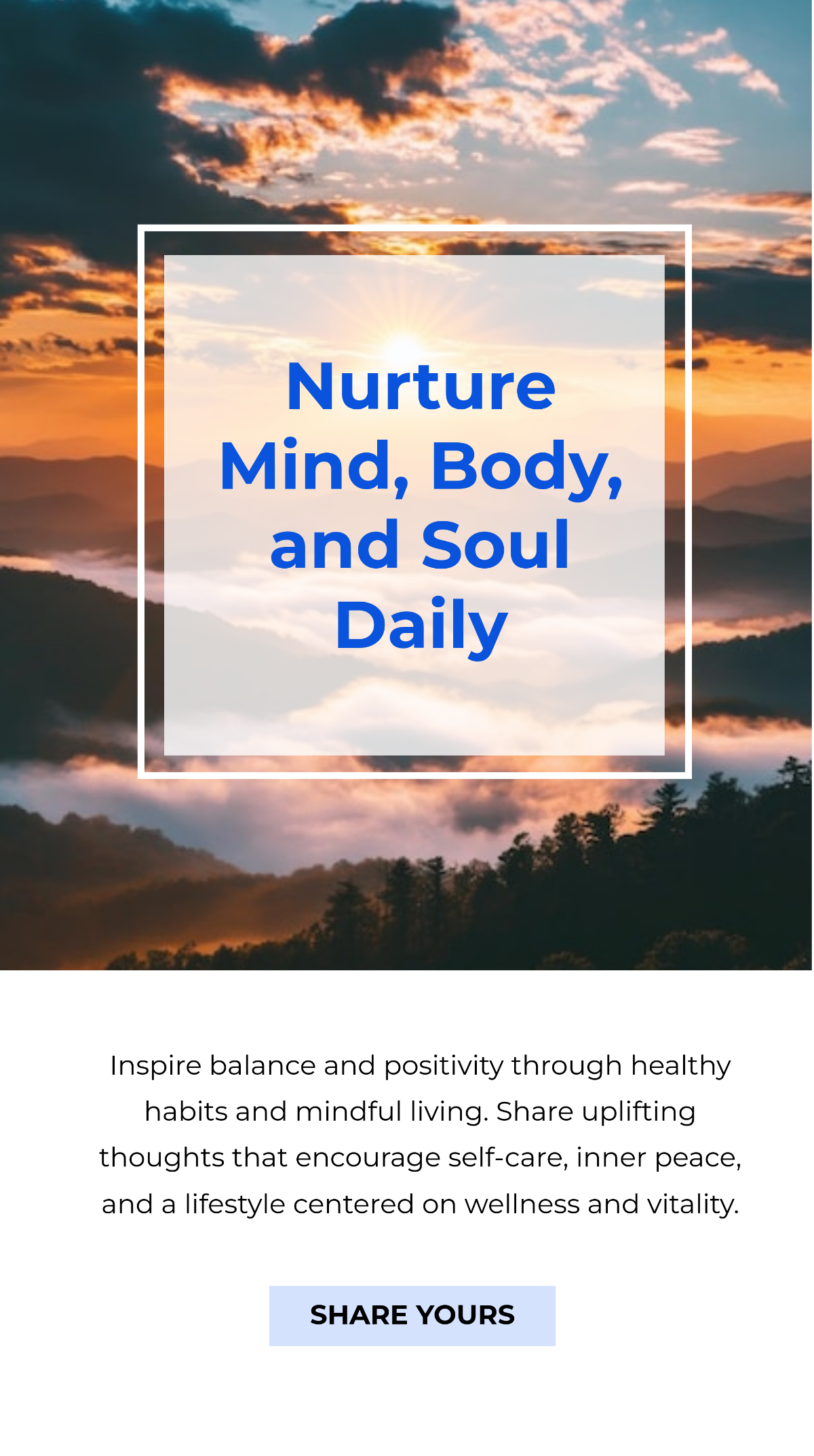
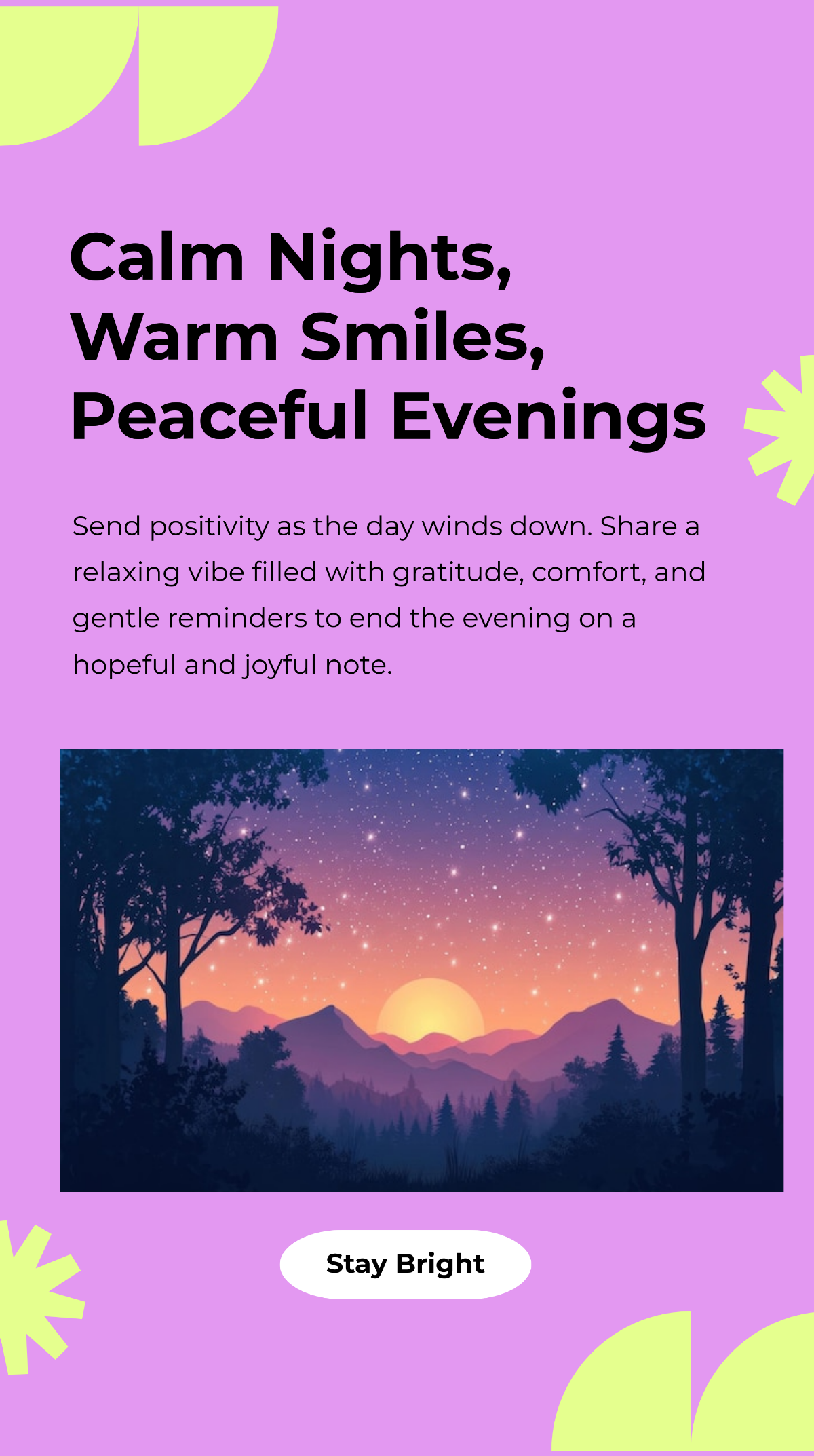

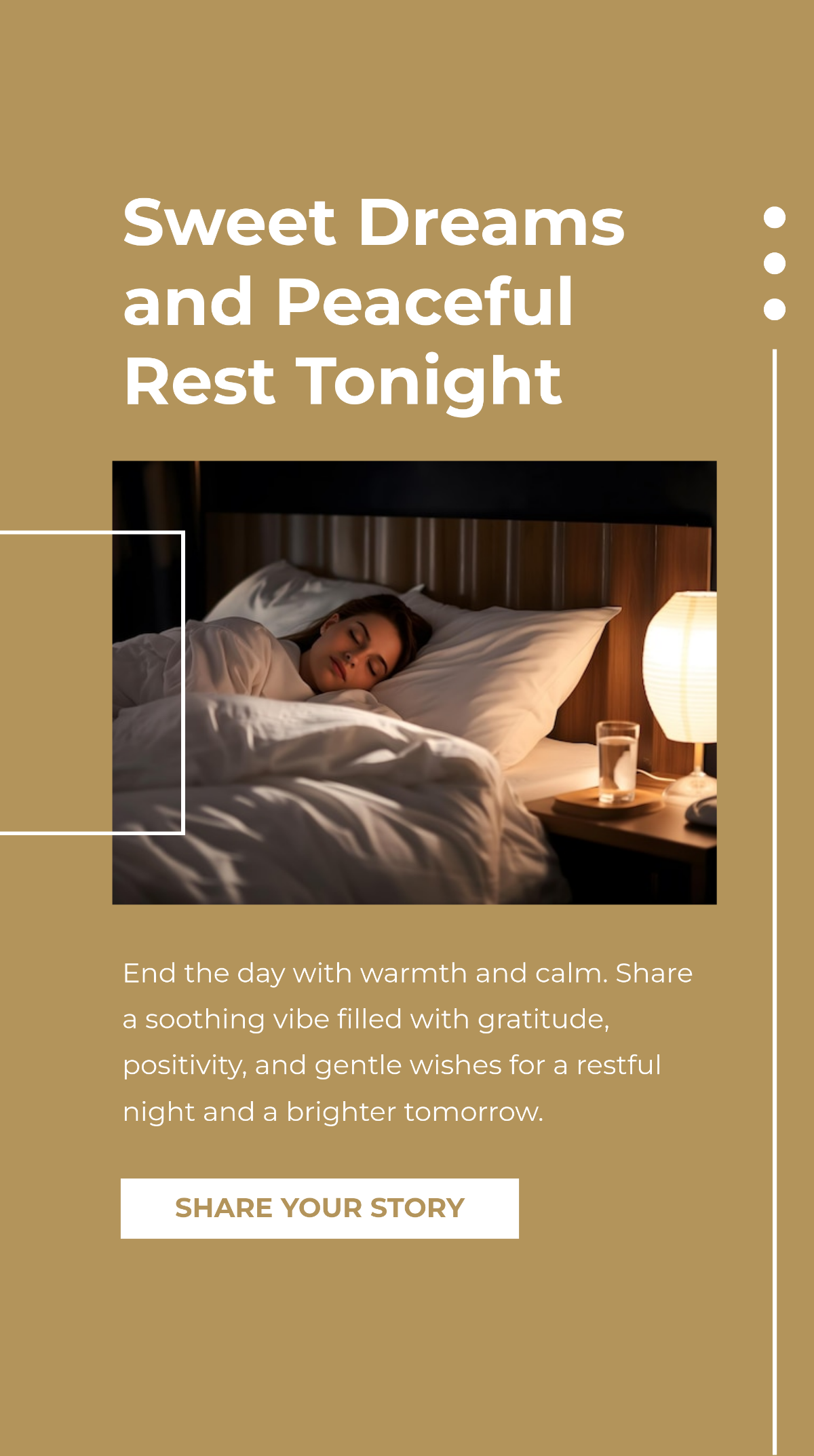


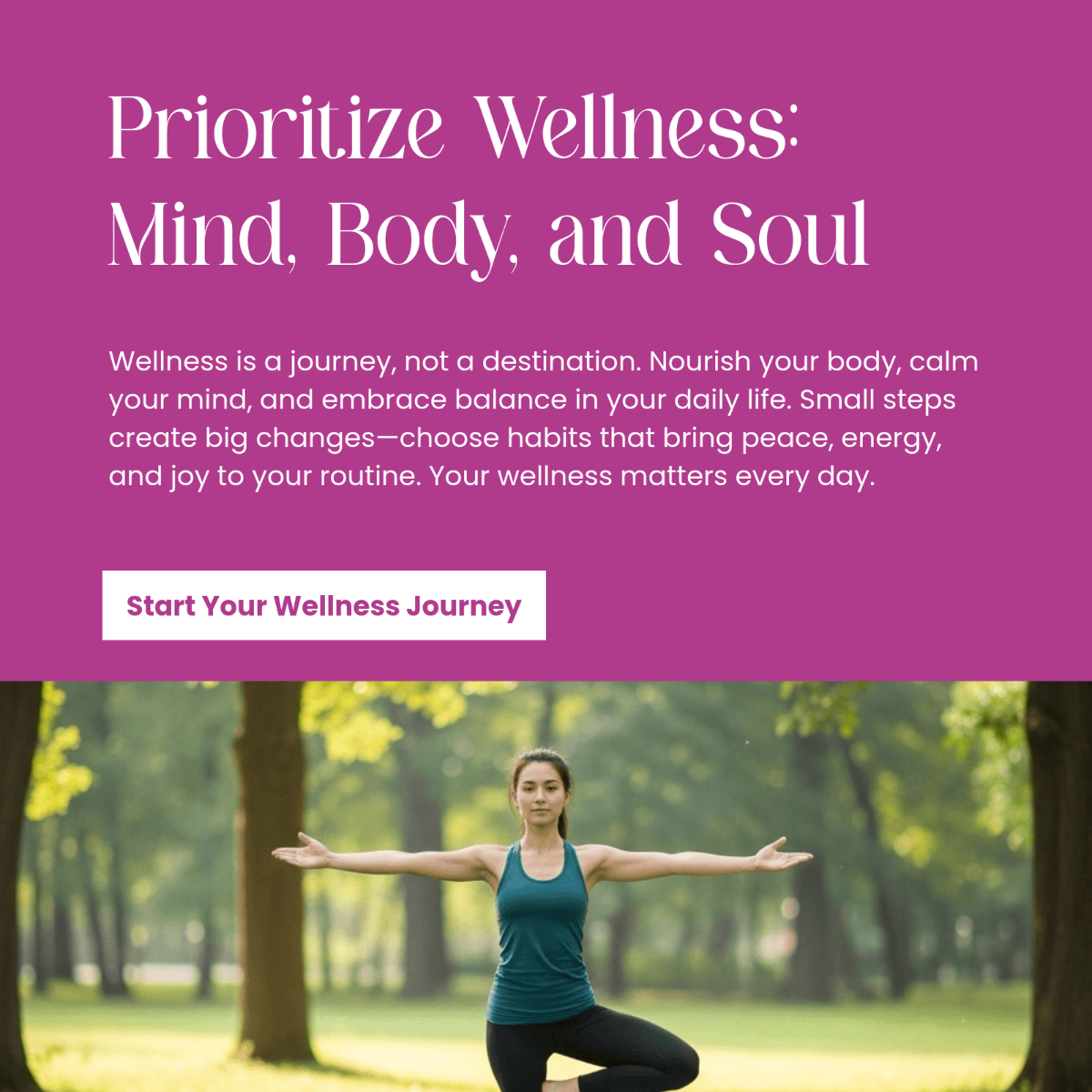



Create WhatsApp Status, Customize Online with Design Editor
Template.net’s Free AI WhatsApp Status Generator helps you say what you feel without overthinking. Just describe the tone or topic, our AI crafts original, engaging status you can post immediately or personalize further. Perfect for casual users, content creators, and professionals managing branded WhatsApp communication.
![Free AI WhatsApp Status Generator, Free WhatsApp Status Maker [ No Signup ]](https://images.template.net/generator-images/WhatsApp Status-0.webp)
Design Custom, Unique WhatsApp Status for Free
Tools that help you write better, faster, and more intentionally, perfect for daily updates or special moments.
AI-Generated WhatsApp Status for Every Mood
Generate personalized status messages for any feeling, happy, sad, grateful, excited, romantic, or inspired. The AI adjusts language and tone to match your emotions and intent.
Status Ideas for Personal or Business Use
Create status that reflect your personality, announce an event, promote a product, or connect with your audience. Ideal for individuals, influencers, and entrepreneurs alike.
Text and Voice Prompt Input
Speak or type your idea and let the AI turn it into a share-ready WhatsApp status. Great for quick creation, even on the go.
Multiple Style Options Available
Choose between short, poetic, witty, professional, or casual formats. The AI provides variations so you can pick what fits best.
WhatsApp Status in 20+ Languages
Generate WhatsApp status in English, Hindi, Arabic, Spanish, French, Portuguese, German, Chinese, Japanese, Turkish, Urdu, Vietnamese, Persian, Russian, Korean, Italian, Polish, Bengali, Thai, Punjabi, and more. Perfect for multilingual audiences.
Real-Time Editing and Personalization
Refine the generated status. Adjust tone, add hashtags, insert names, or tailor the message before sharing.
Custom Length Settings
Set your preference for short one-liners, medium-length captions, or extended thought pieces. The AI adapts the output to your needs.
Trending & Seasonal Status Suggestions
Access updated status suggestions based on current events, holidays, or social media trends. Stay relevant and timely with zero effort.
Professional Status Writing Support
Need to post updates for your business or service? Generate professional status content that maintains tone and clarity for branded communication.
Save & Organize Status Collections
Create folders to store status drafts or themes for future use. Keep personal, business, or client content organized and ready to publish.
Cross-Platform Reusability
Use your generated WhatsApp status across Instagram, Facebook, X (Twitter), or LinkedIn. Repurpose for bios, captions, or announcements.
Copy, Download, & Share
Download or copy your status and paste it into WhatsApp. Post instantly to your profile or broadcast lists without formatting issues. You can also opt to download your work as an SVG, PDF, HTML, or PNG file.
Background Customization Options
Change or add backgrounds to your status for extra impact. Whether you prefer solid colors, gradients, or subtle patterns, you can personalize the visual feel before sharing.
Export Your WhatsApp Status
Seamlessly save and export your WhatsApp status directly to cloud platforms or presentation tools. This makes storing, presenting, or reusing your content effortless across personal and professional needs.
Two-Click Brand Application
Apply your brand kit with just two clicks. Instantly integrate your brand’s colors, fonts, and logos into every status for consistent, professional communication.
Resizing for Multiple Platforms
Adjust the size of your generated status to fit different social formats. Easily switch between WhatsApp, Instagram Stories, Facebook posts, or LinkedIn updates without losing quality.
Add Images and Videos to Status
Enhance your text-based status by embedding images, GIFs, or short video clips. This boosts engagement and helps your content stand out more vividly.
Undo Options
Track every edit made to your status and revert to older versions when needed. This feature ensures you can experiment freely without losing your best work.
![Free AI WhatsApp Status Generator, Free WhatsApp Status Maker [ No Signup ]](https://images.template.net/generator-images/WhatsApp Status-5.webp "Free AI WhatsApp Status Generator, Free WhatsApp Status Maker [ No Signup ]")
How to Generate an AI-Generated WhatsApp Status
No apps, no drafts, no hassle. Just write what’s on your mind, or describe the vibe, and our AI will do the rest.
Step 1: Enter Your Prompt
Start by typing or speaking what you want to express, like “elegant WhatsApp status for restaurant ads.” The AI processes your request and delivers smart, creative variations.
Step 2: Choose and Customize
Pick the status that best fits your message. Make small edits in the text editor if needed to personalize the tone or include names or hashtags. You can also add images, art, and other designs.
Step 3: Copy, Download, & Export with Ease
Copy or download your generated WhatsApp status and paste it directly into WhatsApp for quick posting. Reuse the same content for stories, bio updates, or branded announcements across multiple platforms without hassle. You can also save and export your work in SVG, PDF, HTML, or PNG formats, and send it directly to Google Drive or OneDrive for easy storage, editing, or sharing.
Craft WhatsApp Status Updates in Seconds, No Creativity Block Required
![Free AI WhatsApp Status Generator, Free WhatsApp Status Maker [ No Signup ]](https://images.template.net/generator-images/WhatsApp Status-1.webp "Free AI WhatsApp Status Generator, Free WhatsApp Status Maker [ No Signup ]")
Create WhatsApp Status That Actually Match Your Mood
No more generic quotes or overused lines. Describe your situation or tone, and let AI generate a status that feels like you. Whether you’re in a good mood, feeling nostalgic, or just promoting a product, it fits.
![Free AI WhatsApp Status Generator, Free WhatsApp Status Maker [ No Signup ]](https://images.template.net/generator-images/WhatsApp Status-2.webp "Free AI WhatsApp Status Generator, Free WhatsApp Status Maker [ No Signup ]")
Design and Customize Your WhatsApp Status
Pair your status with a beautiful image using our editor. Choose a background, color combo, and font that amplifies your message. Great for celebrations, life updates, or story ads.
![Free AI WhatsApp Status Generator, Free WhatsApp Status Maker [ No Signup ]](https://images.template.net/generator-images/WhatsApp Status-3.webp "Free AI WhatsApp Status Generator, Free WhatsApp Status Maker [ No Signup ]")
Share Instantly, Engage Continuously
Post your generated status directly to WhatsApp or repurpose it for Instagram, X (Twitter), or Facebook. Keep your audience engaged without the need for constant brainstorming.
![Free AI WhatsApp Status Generator, Free WhatsApp Status Maker [ No Signup ]](https://images.template.net/generator-images/WhatsApp Status-4.webp "Free AI WhatsApp Status Generator, Free WhatsApp Status Maker [ No Signup ]")
Built for Teams, Brands, and Content Creators
Managing multiple accounts? Collaborate with your team in shared folders. Save your best-performing status and templates. Keep your updates consistent, on-brand, and scheduled ahead of time.
