Free AI Word to PPT Presentation Generator

Convert Word Documents into Polished PowerPoint Slides Effortlessly
Template.net’s free AI Word to PPT Presentation Generator lets you turn Word documents into professional, presentation-ready slides in seconds. Upload your files, and our AI intelligently structures text, headings, and tables into editable slides with consistent layouts and polished design and deal for business meetings, school projects, and client presentations.
.webp)
Convert Word Documents into Presentation-Ready PowerPoint Slides
Effortlessly convert Word documents into fully editable PowerPoint slides with structured layouts, consistent formatting, and presentation-ready professional designs instantly.
AI-Powered Conversion
Instantly convert Word documents into fully formatted, editable PowerPoint slides using advanced AI.
Fully Editable Slides
All slides are editable for text, images, layouts, and designs directly in PowerPoint or Google Slides.
Multiple Layout Options
AI intelligently distributes document content across professional slide layouts.
Polished Presentation Design
Generate visually appealing slides ready for corporate, academic, or marketing use.
Multi-Language Text Support
Accurately converts Word documents written in multiple languages, including English, Spanish, French, Chinese, Japanese, Arabic, and more.
Fast & Efficient Conversion
Convert Word documents into fully formatted PowerPoint slides quickly, saving time and eliminating manual slide creation.
Smart Text & Heading Recognition
AI identifies headings, paragraphs, and bullet points for proper slide structuring.
Automatic Content Placement
Text and images are aligned and formatted automatically for professional aesthetics.
Customizable Themes & Styles
Apply built-in PowerPoint themes, color schemes, and slide designs.
Business & Academic Ready
Ideal for corporate meetings, client pitches, classroom projects, and workshops.
Export & Download Options
Download your presentation as PPTX or share it directly with colleagues and clients.
Cloud-Based & Accessible Online
Create presentations anytime, anywhere, with no software installation.
Supports Embedded Images & Charts
Converts Word tables, charts, and images into editable slide elements.
Slide Consistency
Maintains uniform formatting, fonts, and styles across all slides.
Unlock Premium Designs & Templates
Upgrading to Pro automatically makes your presentations visually engaging, polished, and client-ready in seconds.
No Design Skills Needed
AI automatically handles layout and design.
Instant Preview & Editing
Review generated slides and make real-time edits before download.
Secure & Private
Your Word documents remain confidential; no storage or sharing occurs without your consent.
.webp "Free AI Word to PPT Presentation Generator | Convert Word Documents into Stunning PowerPoint Slides Online")
How to Convert Word Documents to PowerPoint Presentations Using AI
Generate polished PowerPoint presentations from Word documents in seconds using Template.net’s AI Word to PPT Presentation Generator. Edit layouts and designs with ease.
Step 1: Upload and Convert
Upload your Word file (.docx or .doc) and upload it to the AI Word to PPT Presentation generator. The AI analyzes headings, text, tables, and key content to create structured slides.
Step 2: Customize Your Presentation
Preview the generated slides and make edits to text, images, charts, or layouts. Apply themes, color schemes, or font styles to match your brand, classroom, or project requirements.
Step 3: Download or Share
Export your fully editable PPTX presentation or share it directly with colleagues, students, or clients online.
Turn Word Documents into Polished PowerPoint Presentations Effortlessly

Structured Slide Generation
AI intelligently interprets headings, bullet points, and tables to create a clear, organized presentation layout.
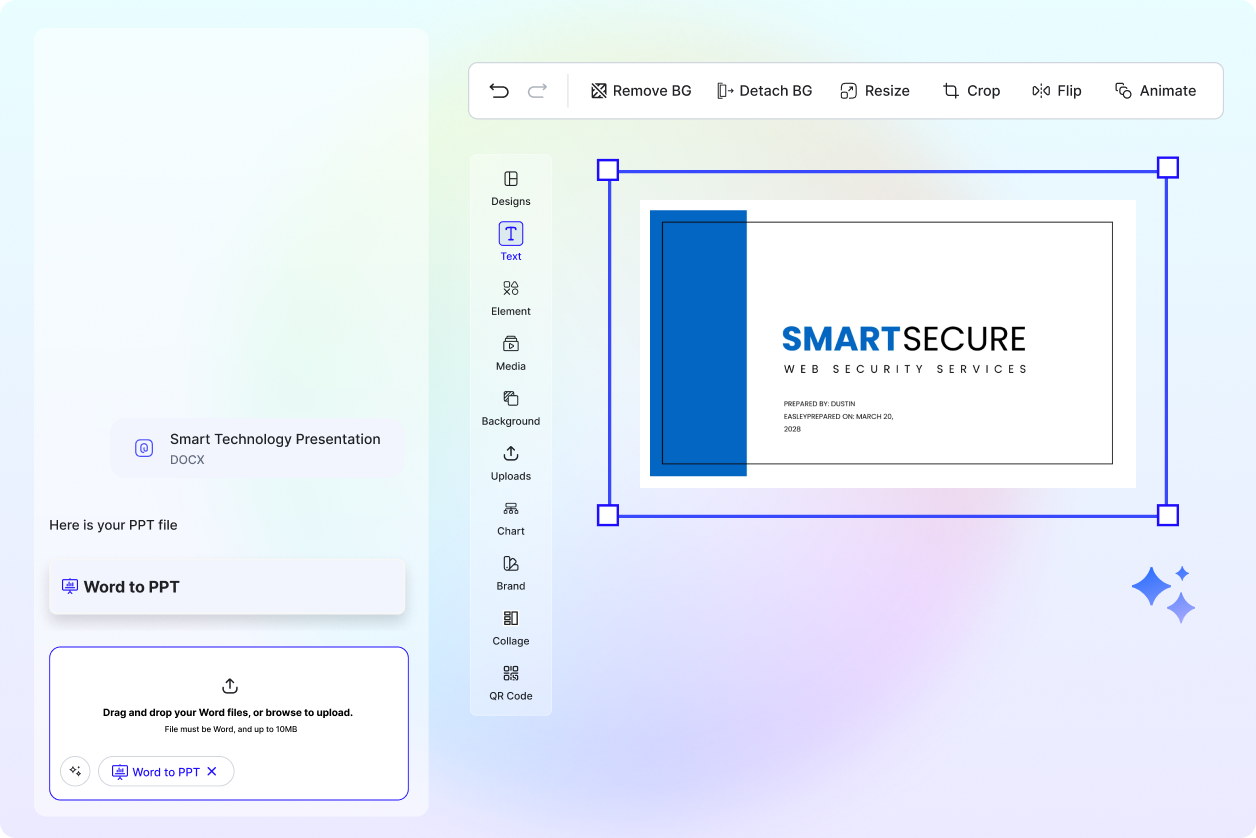
Perfect for Professionals, Educators, and Students
Create client reports, marketing presentations, academic lectures, or classroom projects quickly and efficiently.
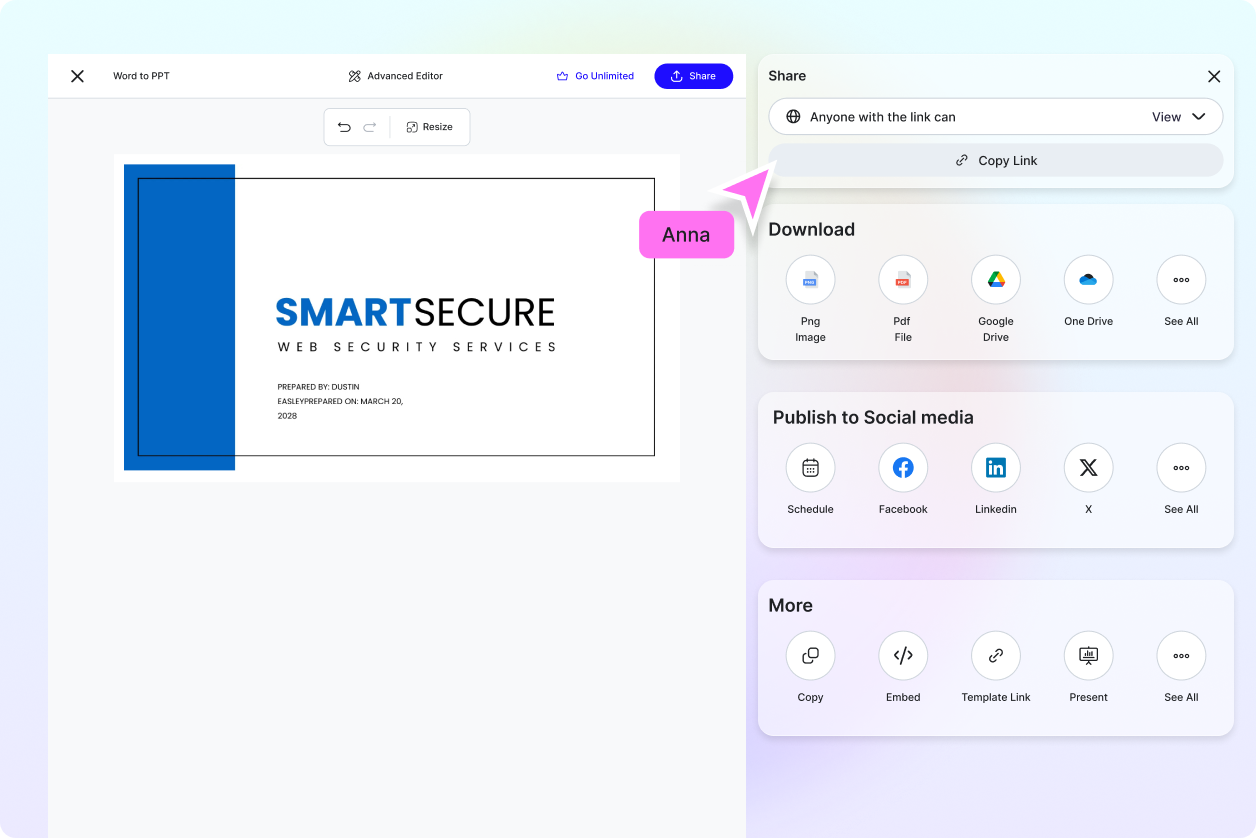
Supports Multiple File Types & Formats
Convert standard Word documents (.docx, .doc) into editable PowerPoint slides without losing formatting.
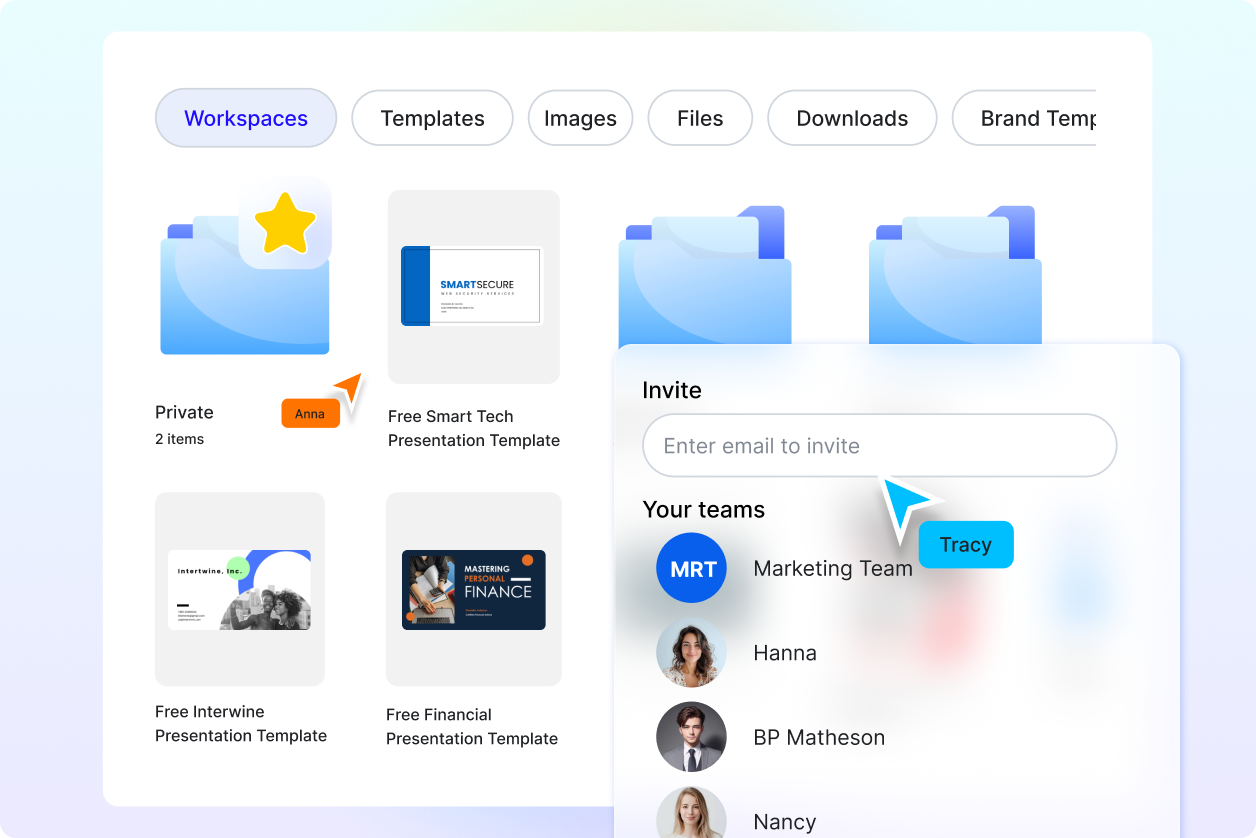
Enhanced Collaboration & Sharing
Download PPTX files or share your presentation directly with teams, clients, or students for fast collaboration.
