
Generate anything in seconds
Start from a template or just describe what you need. 1 million+ AI templates.
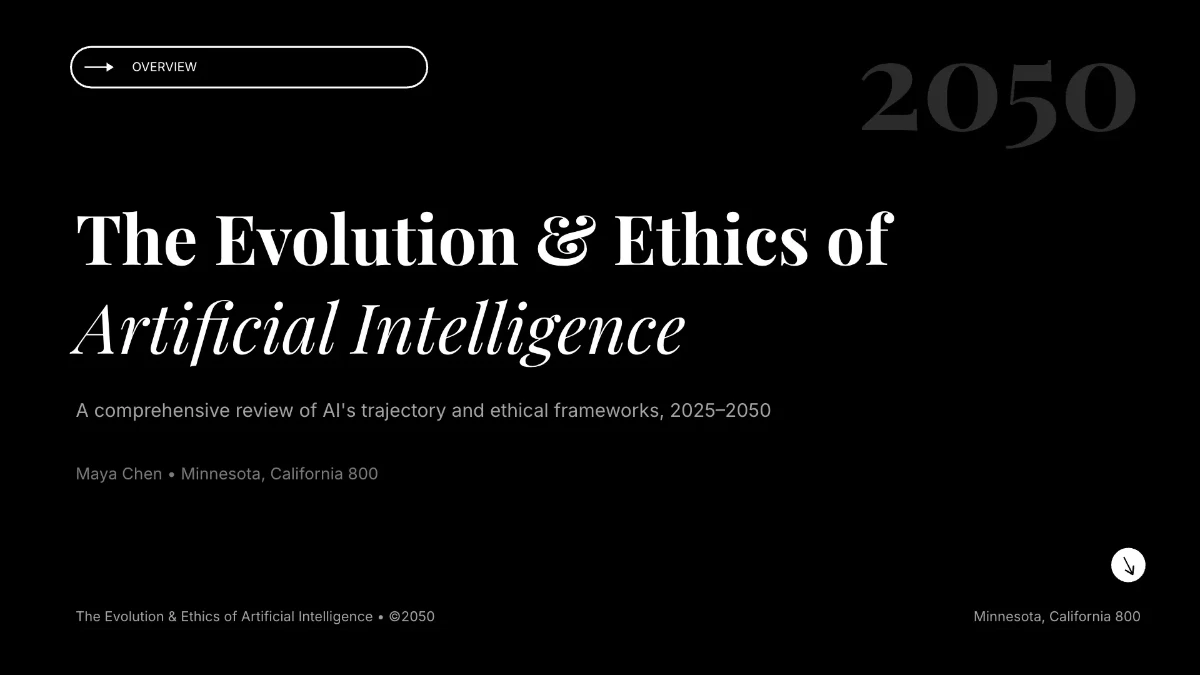



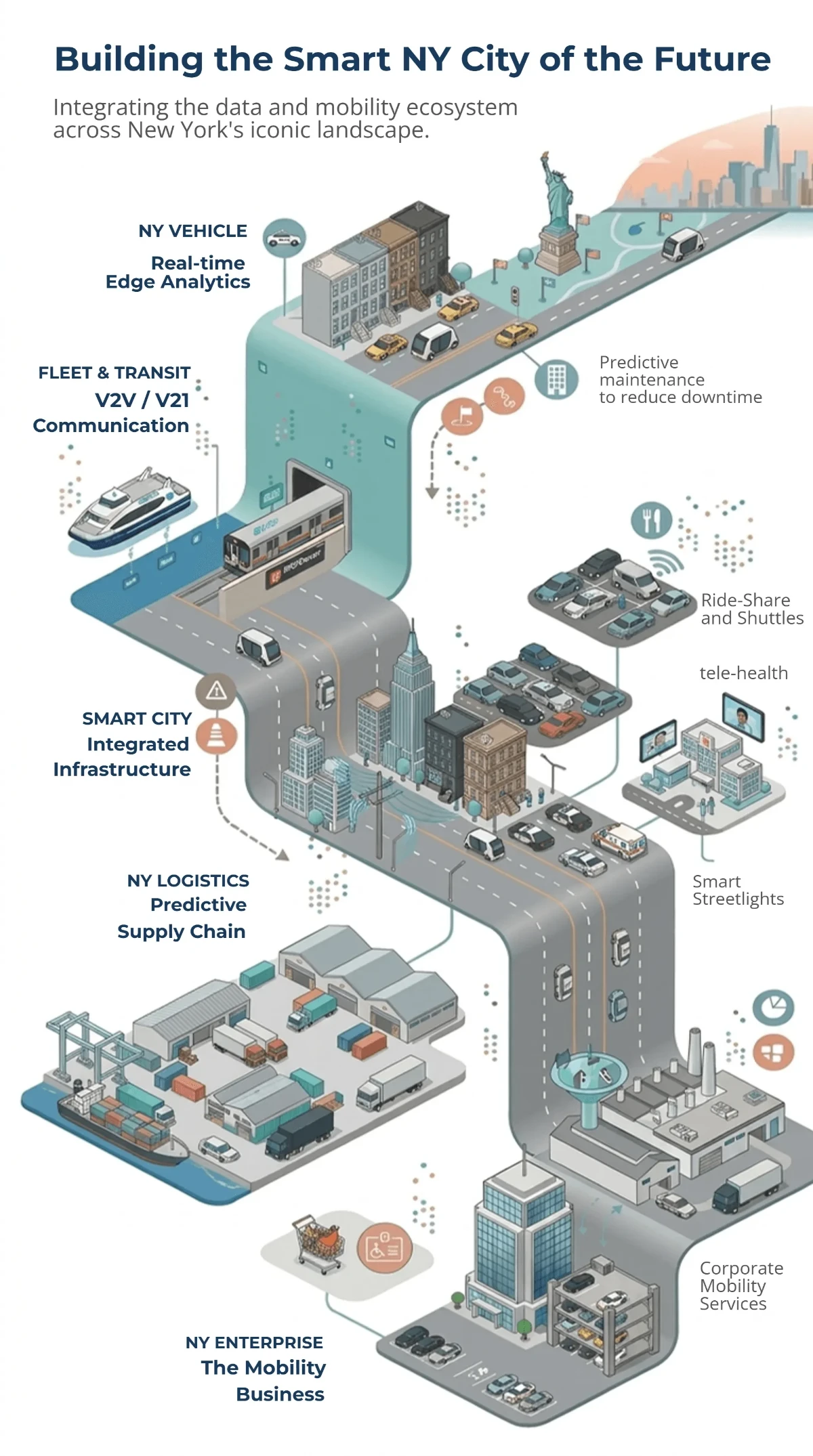


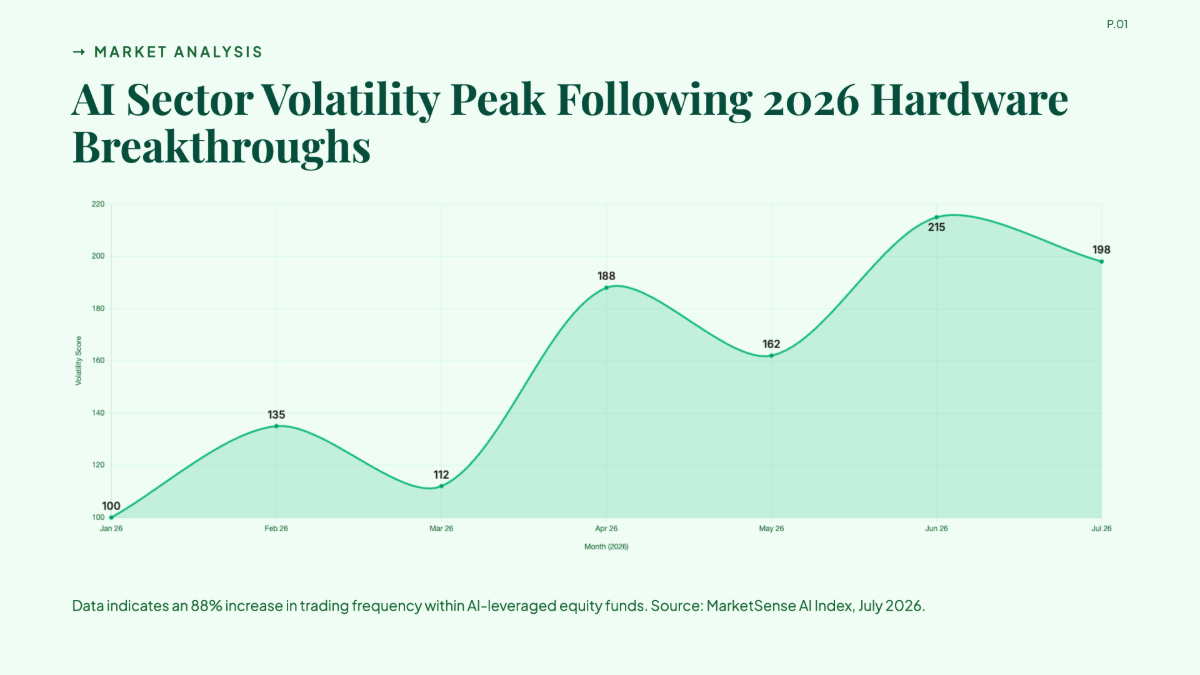


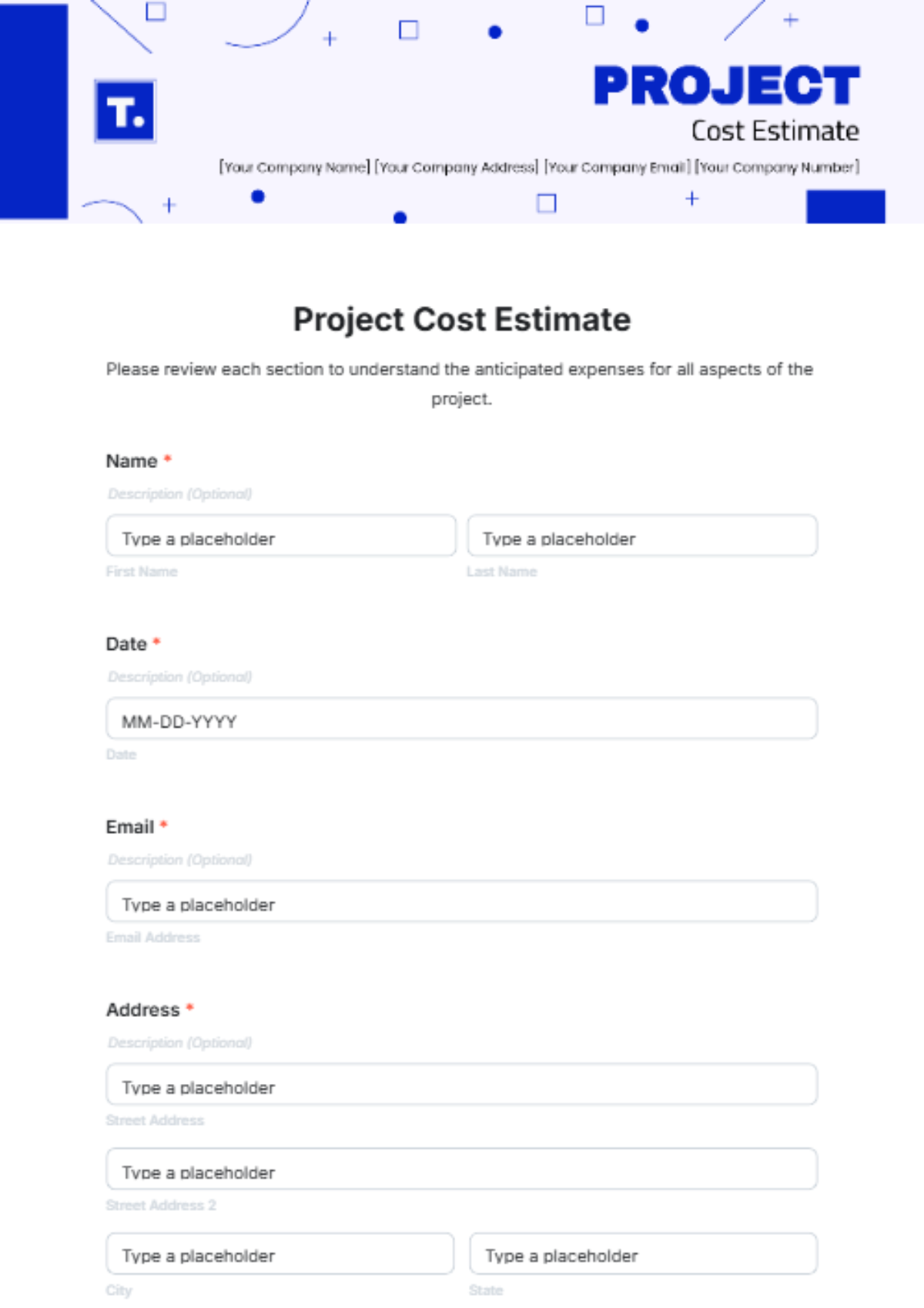


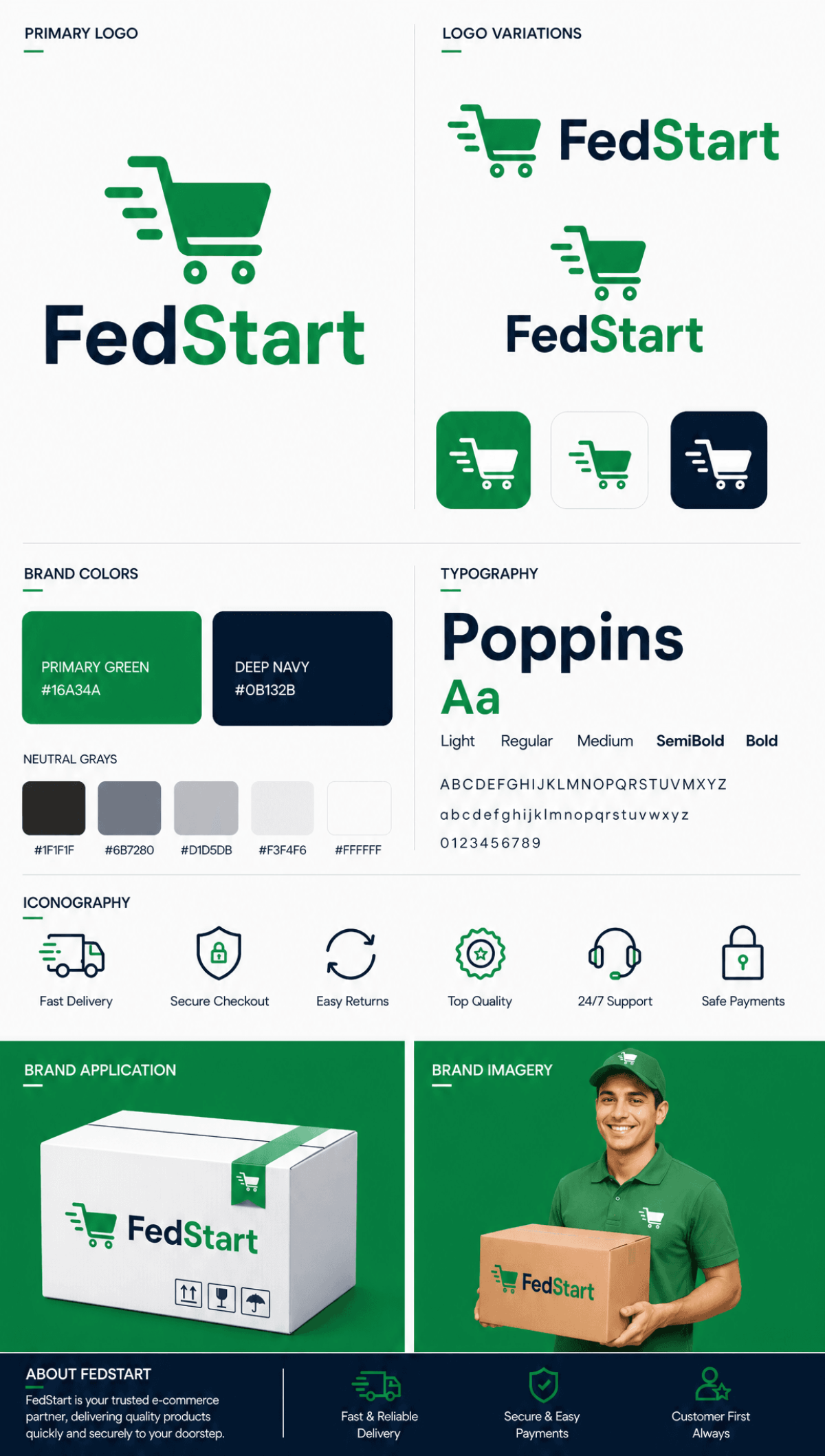

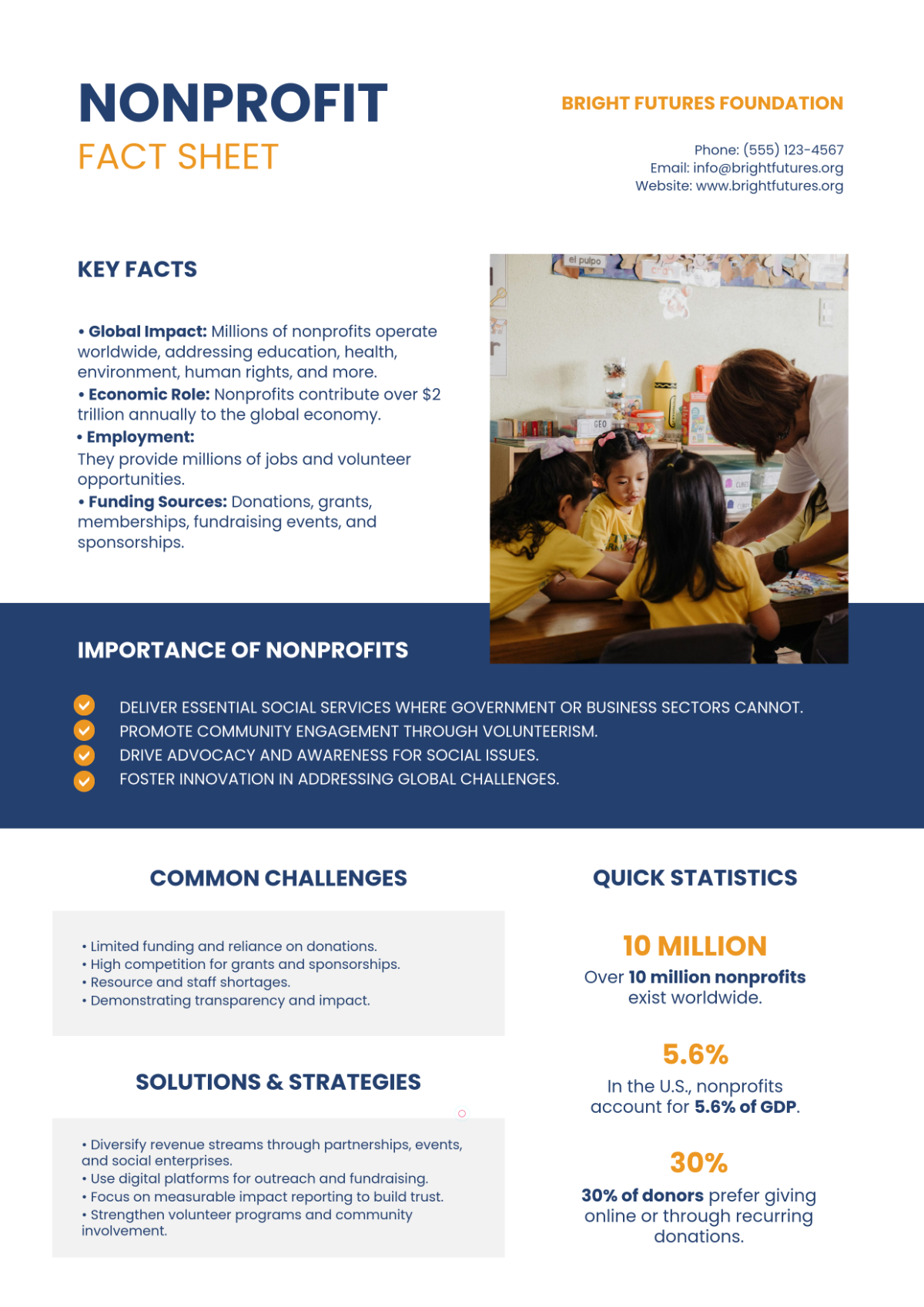

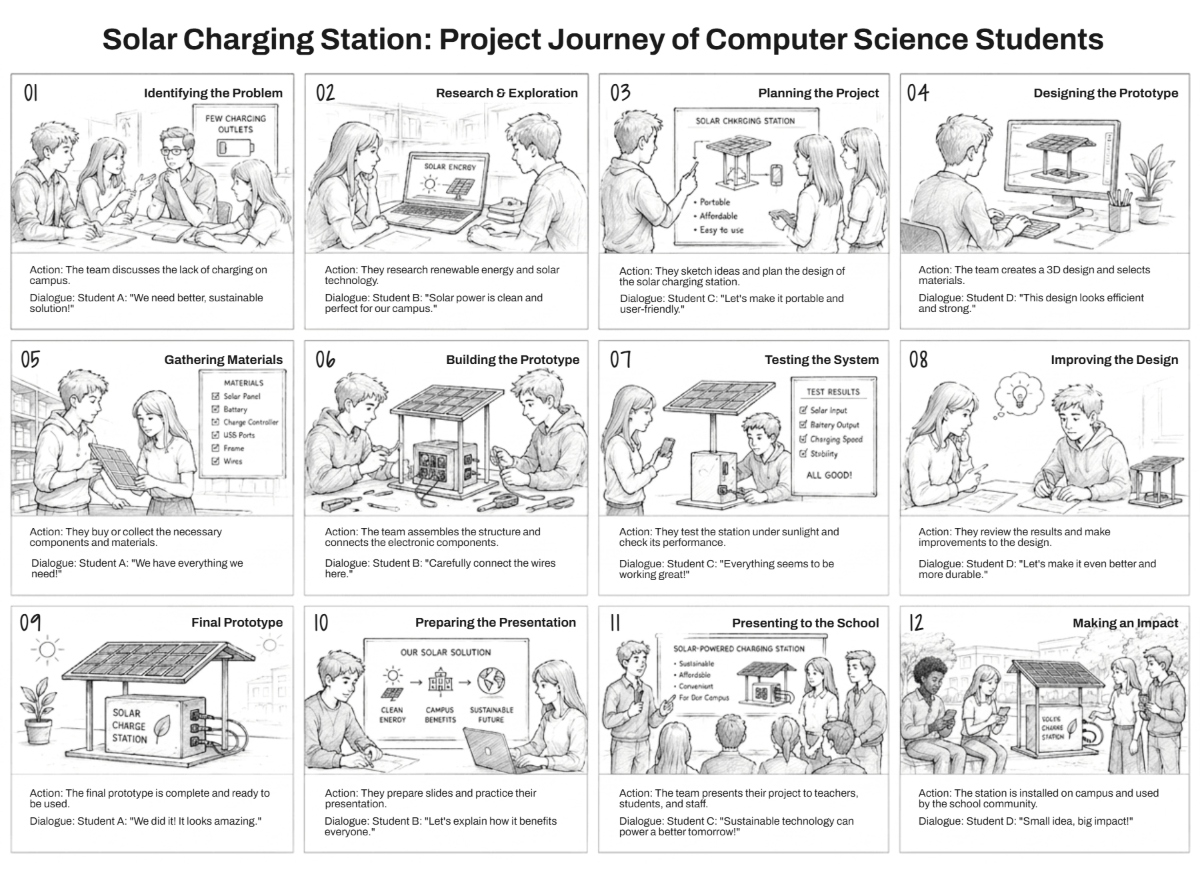











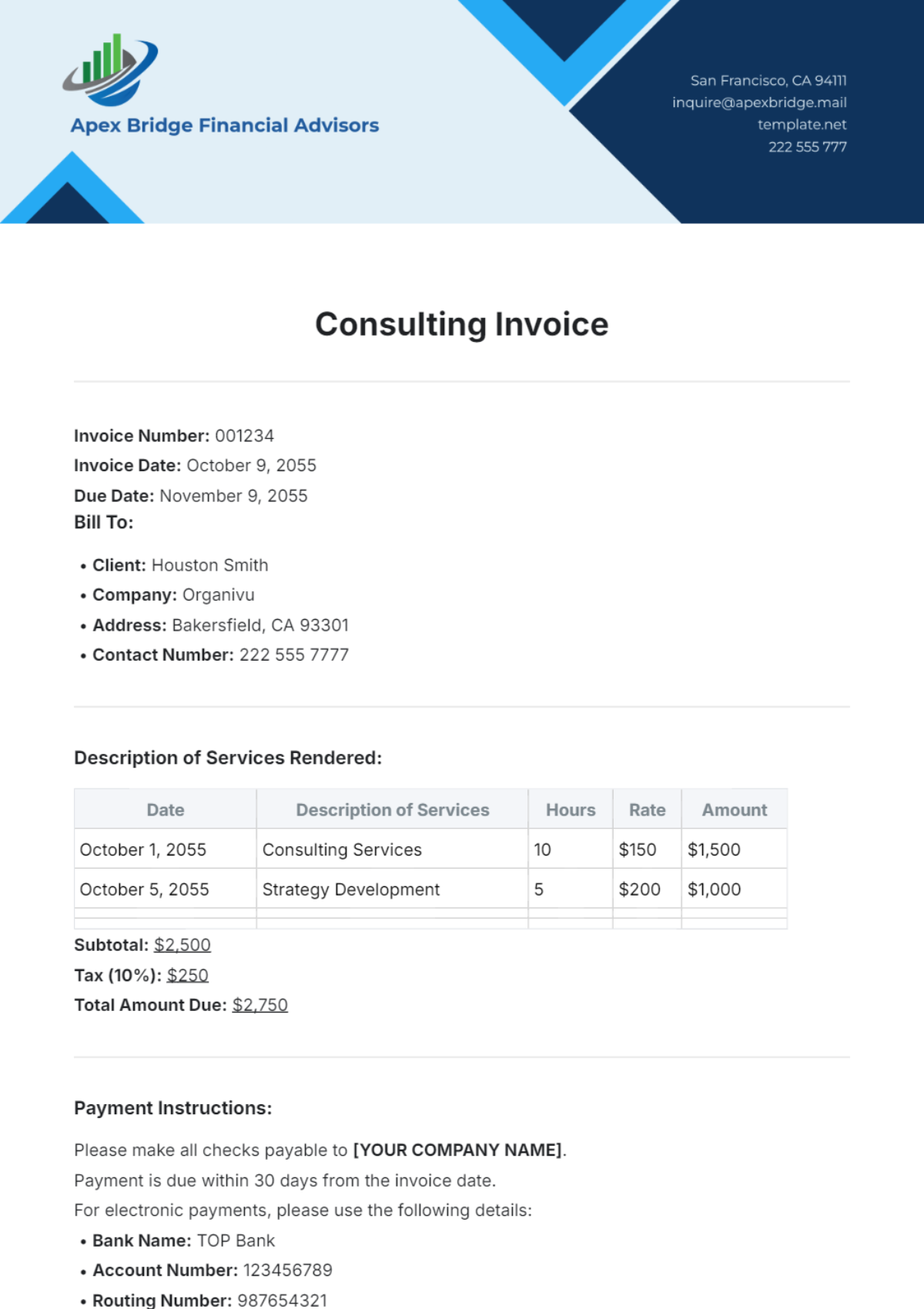
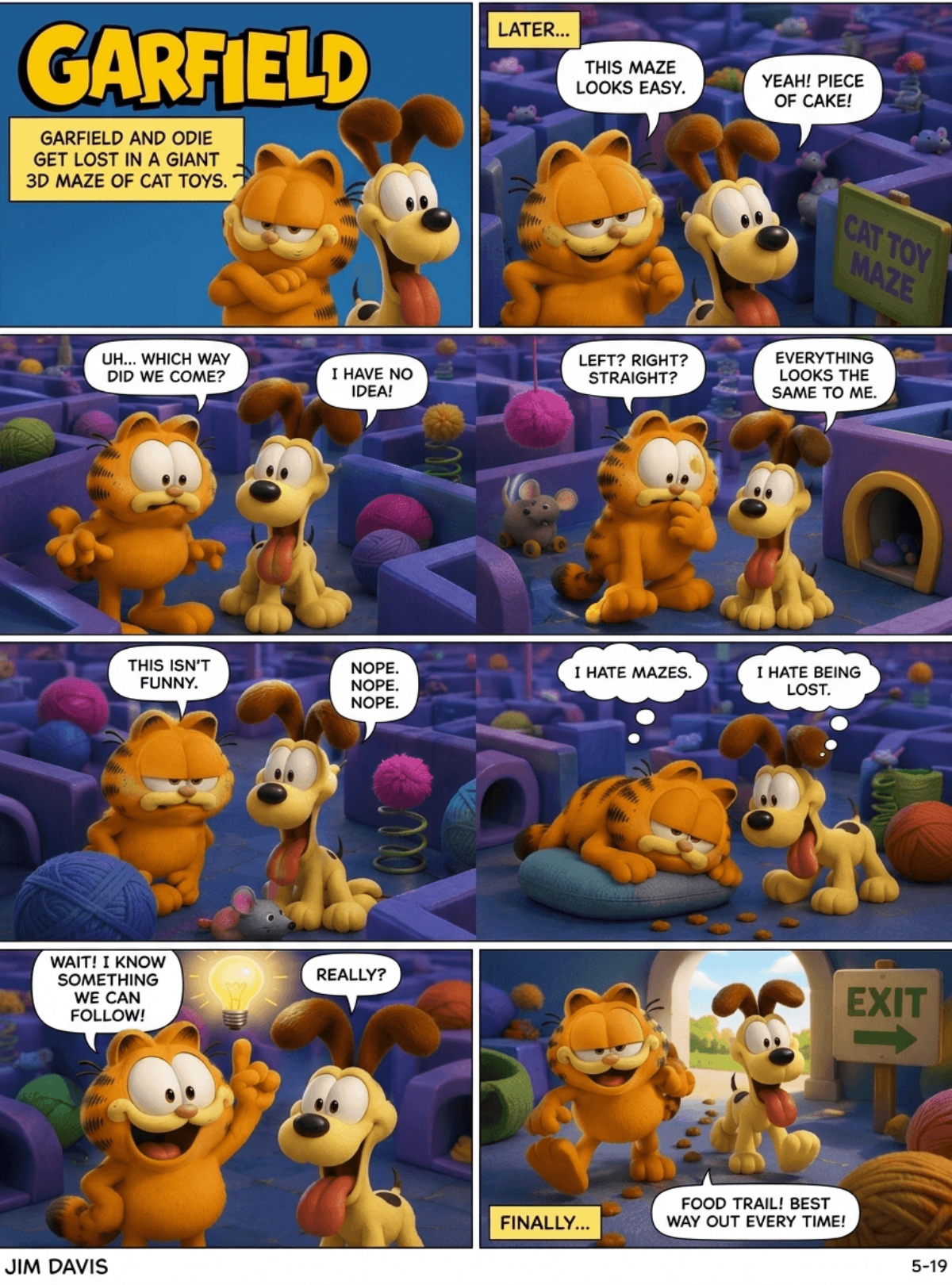
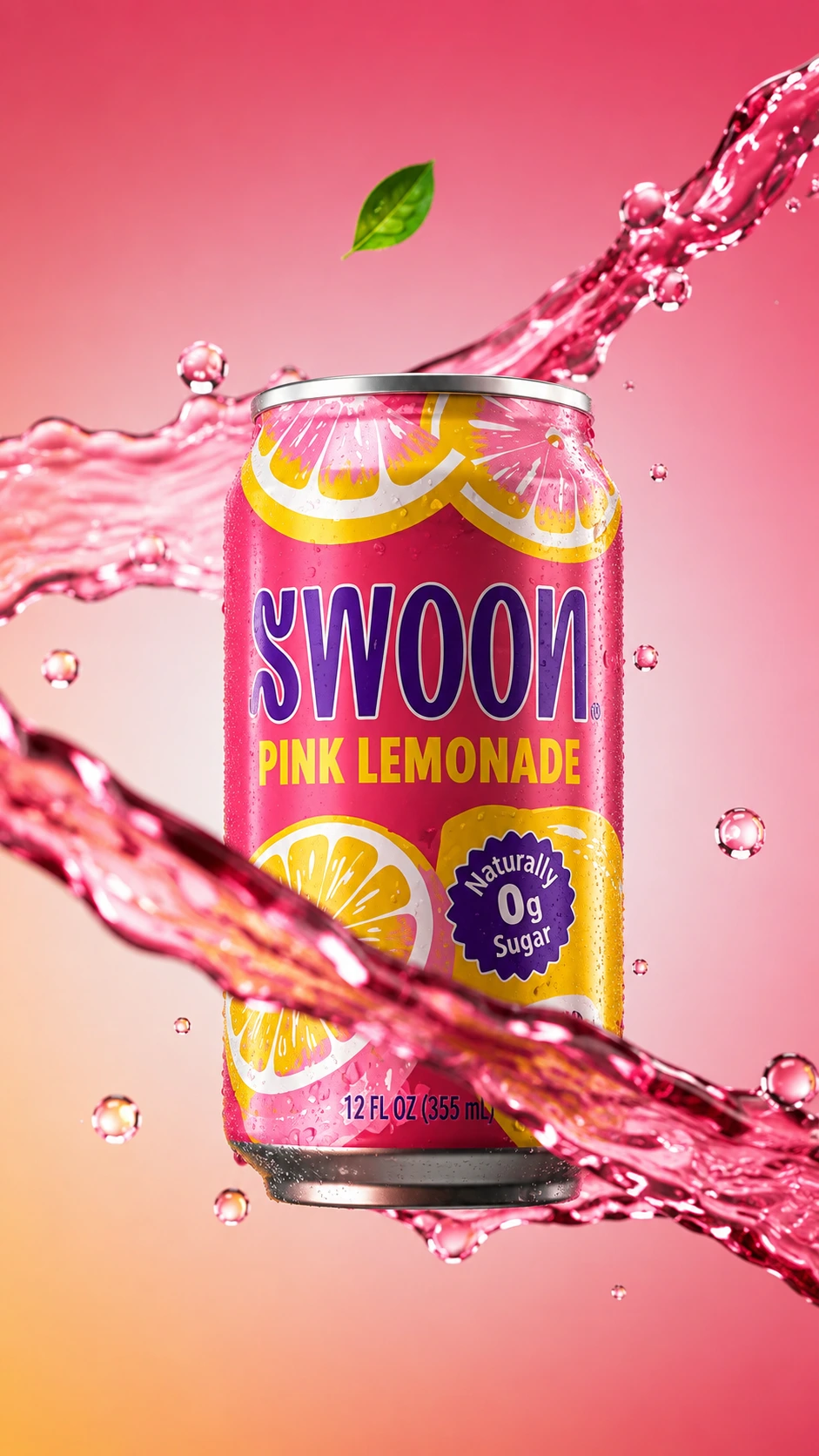



How does Template.net turn prompts into production-ready outputs? - AI Editor
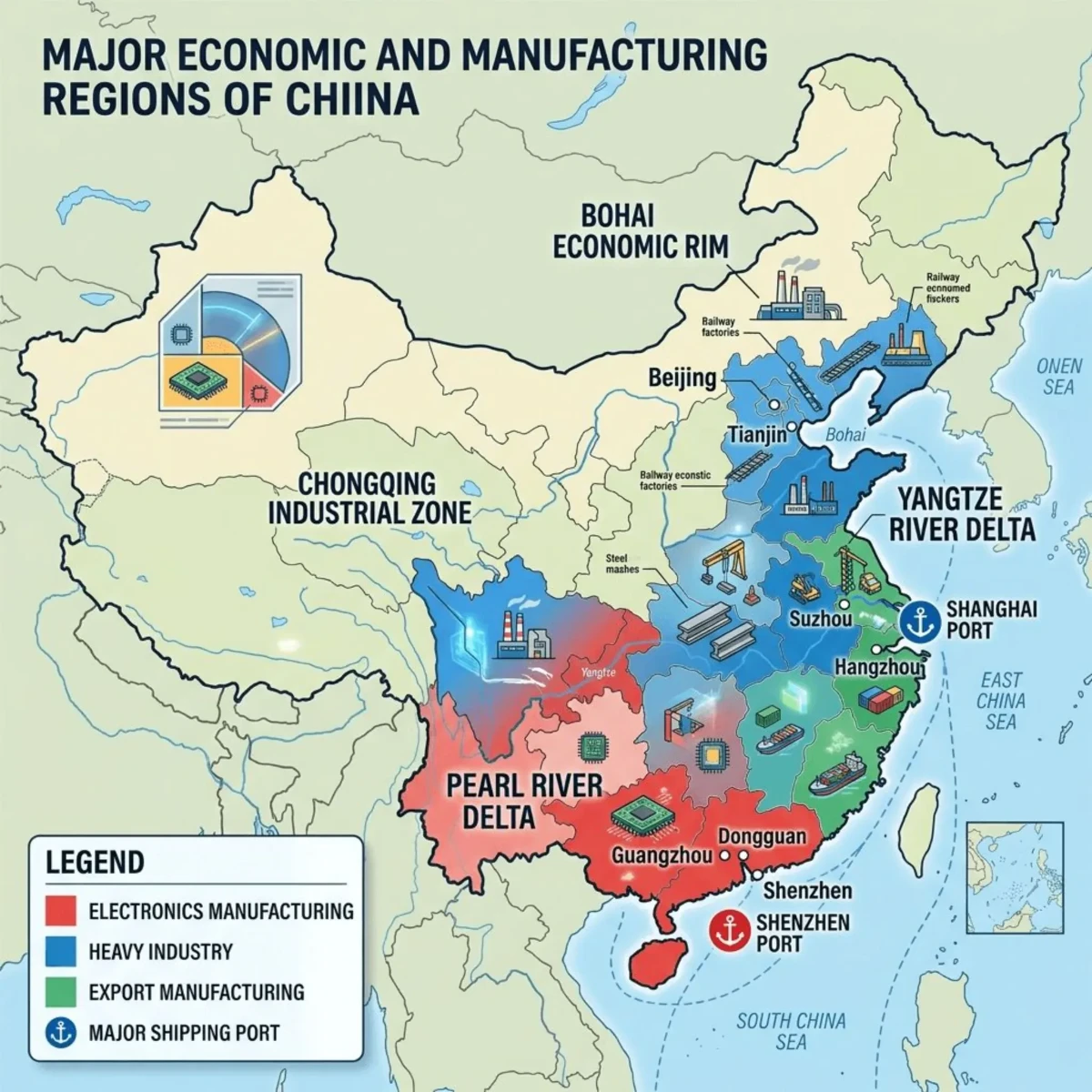
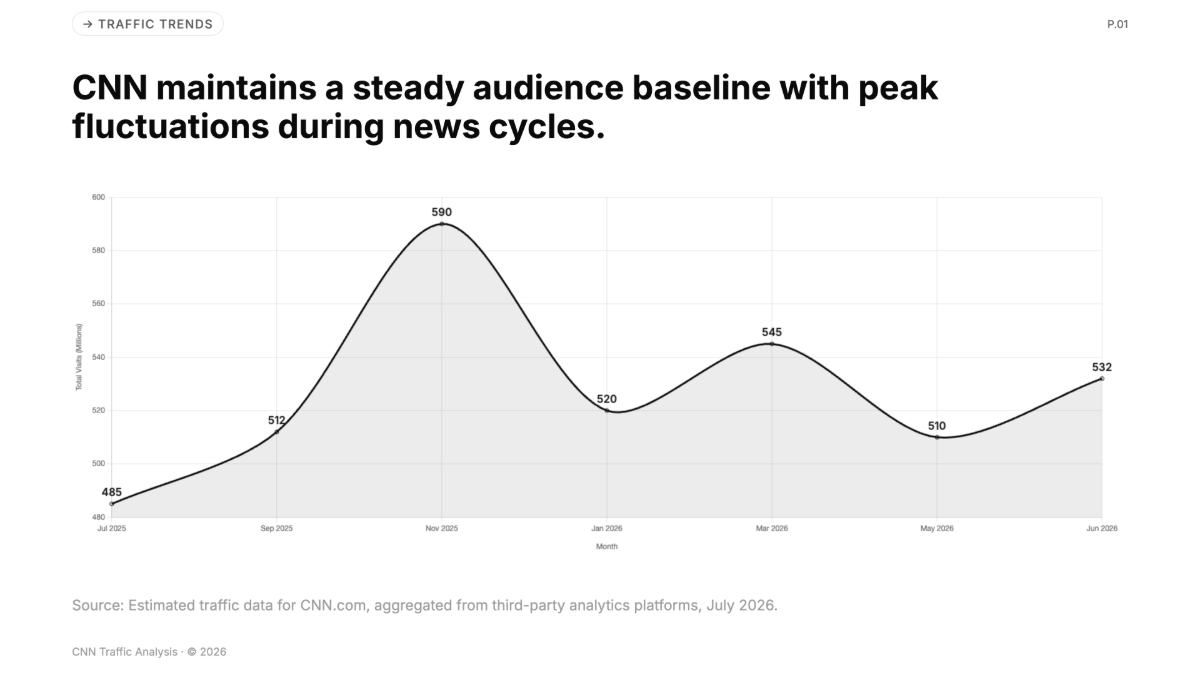
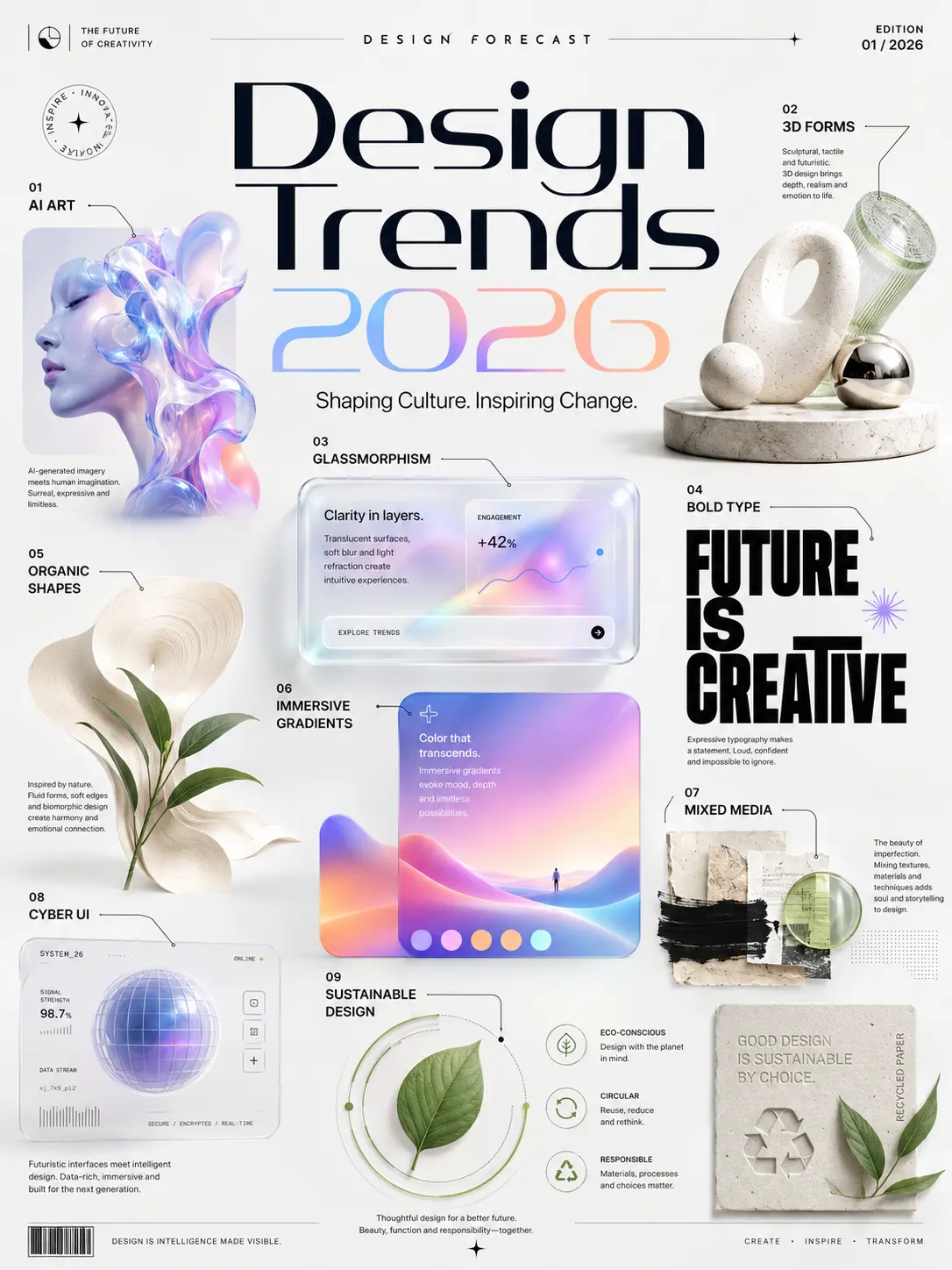
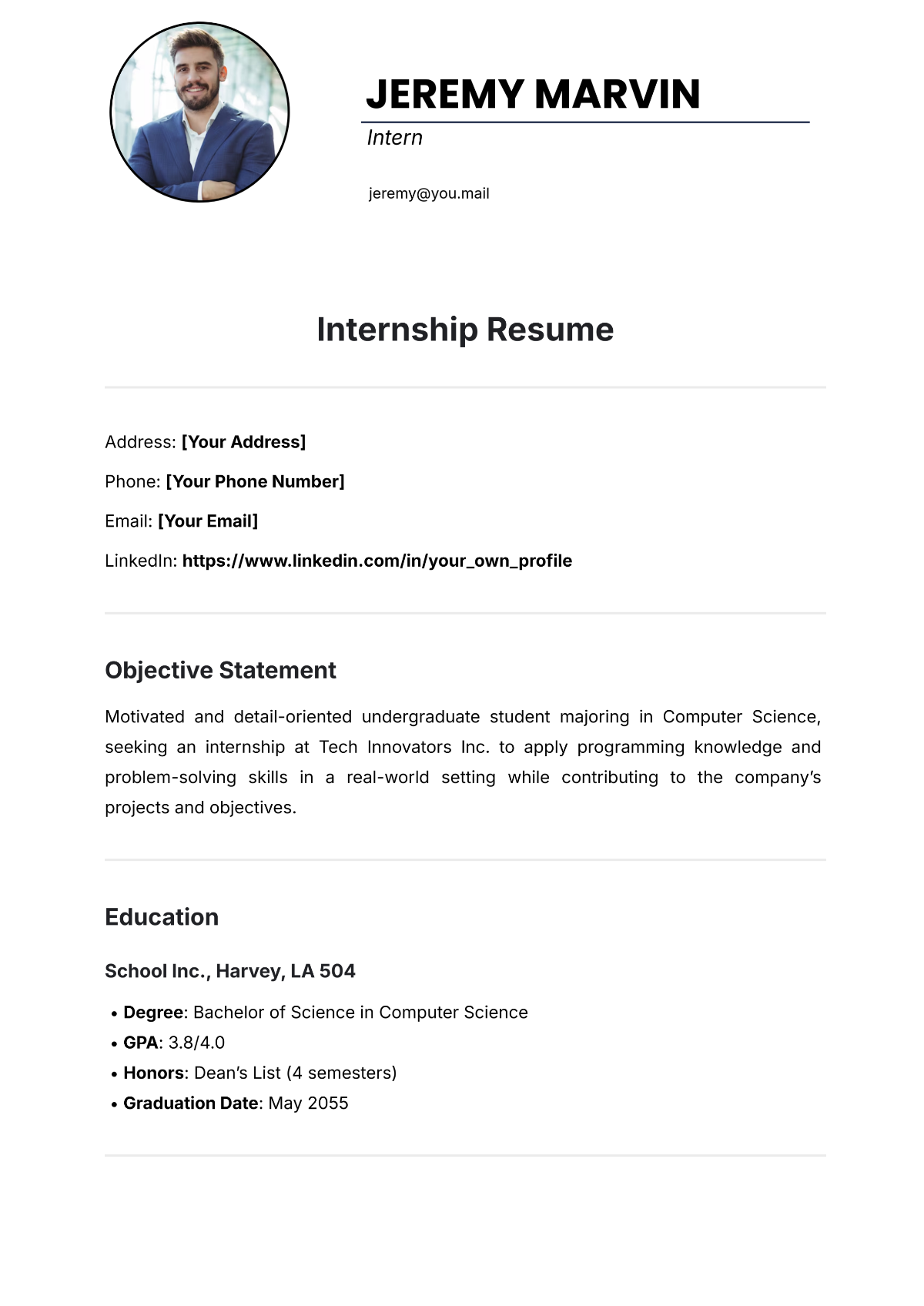
Template.net transforms natural language prompts into structured, layered assets instead of static previews. Each output is generated with editable components—text, layout, visuals, and data—so it can be customized in our all in one editor and exported as a real working file, not a mockup.
What types of outputs can the AI Production Engine generate?
Template.net is designed for universal interoperability. The production engine generates documents, presentations, diagrams, charts, whiteboards, designs, and web assets from a single prompt. Outputs are designed to meet professional standards and are ready for immediate use across business, education, and creative workflows. find below sovereign files from import and export/ download and share.
Trusted by Millions for Over a Decade
"I just type what I need — pitch decks, proposals, invoices — and it’s ready to edit in seconds."
- Ramesh V., Startup Founder
"Everything we generate stays on-brand automatically. It’s like having our design team on standby."
- Hugo C., Marketing Lead, Financial Services Firm
"My templates have reached thousands of users. It’s the best platform for professionals to get visibility and leads."
- Sofia L., HR Policy Specialist & Creator
"I use Template.net to create course materials, checklists, and lesson plans. The AI suggestions are surprisingly accurate and save me hours."
- David M., Corporate Trainer & Educator
"For reports, policy templates, and structured documentation — Template.net is our go-to. It’s fast, editable, and always in the right format."
- Aisha R., Administrative Officer, Public Sector
Production Capabilities for Real-World Content, Last Mile.
Template.net focuses on producing usable outputs — not just helping you design. Every feature exists to move faster from intent to production-ready assets for your workflows.

Generate On Brand
Apply your brand’s logo, fonts, and colors automatically across every template.
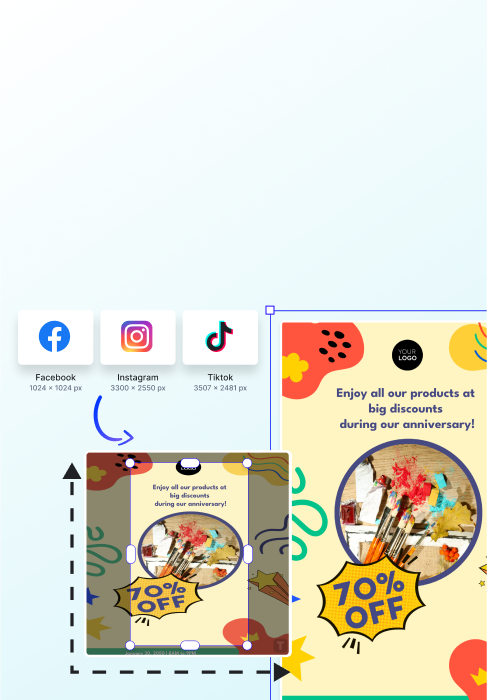
Resize & Repurpose
Instantly adapt content for any platform or format with one click
Template Reuse
Save and reuse your best designs as branded templates for your team.
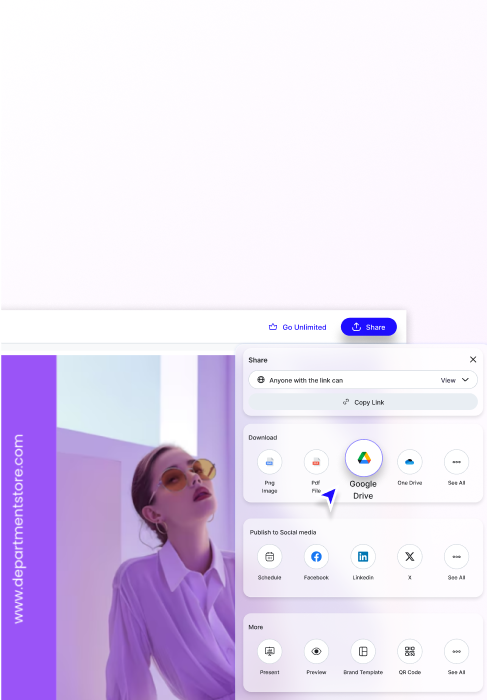
Smart Export
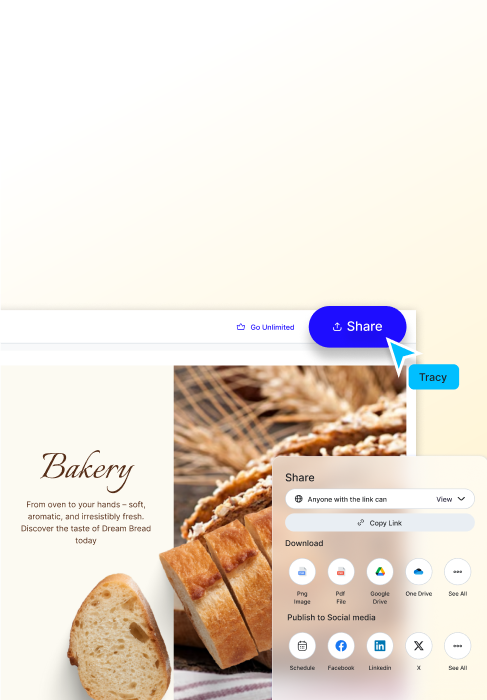
Export directly to Google Drive, Notion, Slack, and social platforms.
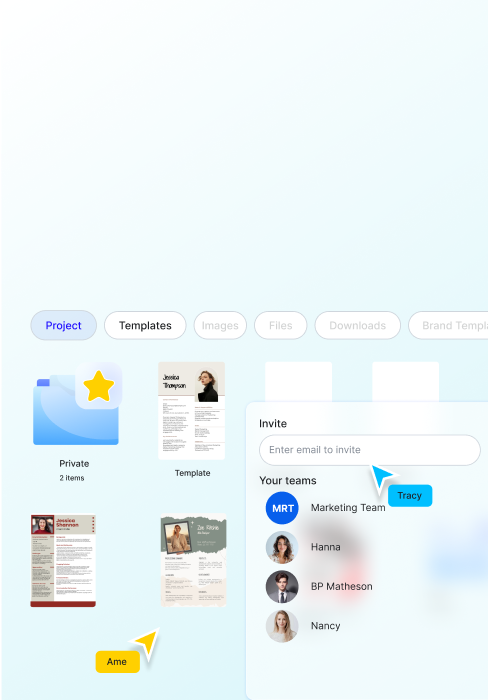
Projects & Collaboration
Invite your team, co-edit designs, and manage approvals in real time.
Template.net: The AI Production Engine FAQ
What is Template.net?
What does “production-ready” mean in the AI era?
How is Template.net different from Canva, Google Docs, or AI "Artifacts"?
What specific assets can I produce?
Does Template.net support File Sovereignty?
Are the AI-generated outputs fully editable?
How does the engine handle Brand Consistency?
Is there a friction-less entry (No-Signup)?
Is Template.net free to use?
How is user data handled for AI training?
Who is the "Production Engine" built for?
AI Production for Business & Personal Moments
Prompt. Edit. Download. Share

