Free AI Data Flow Diagram Generator Online

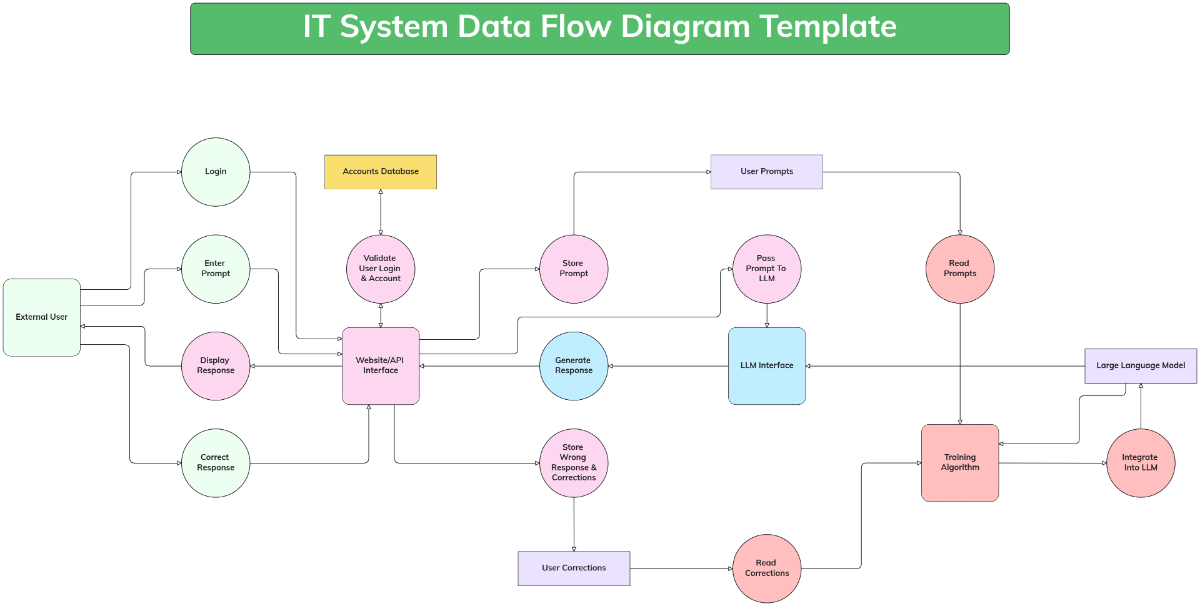
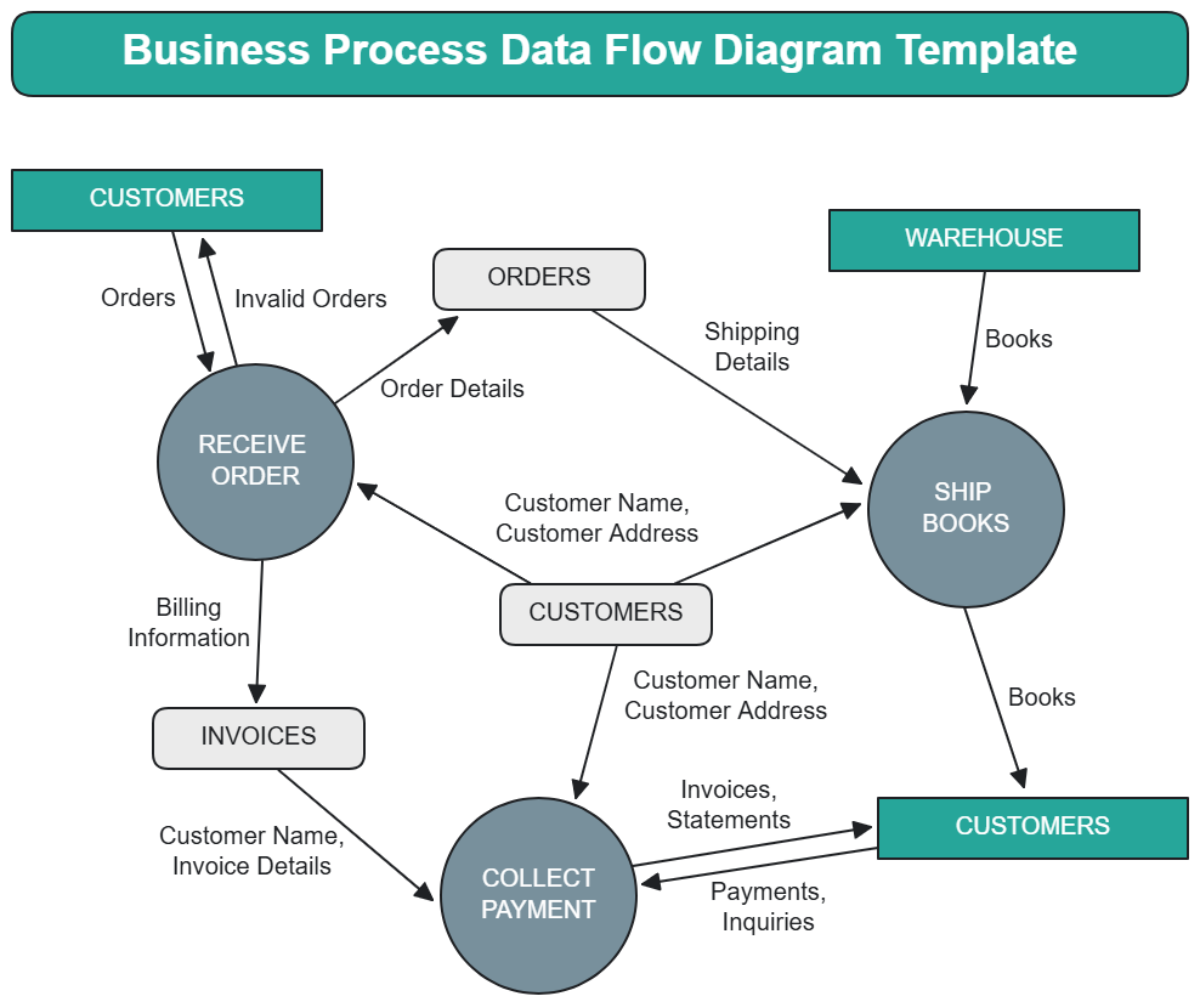
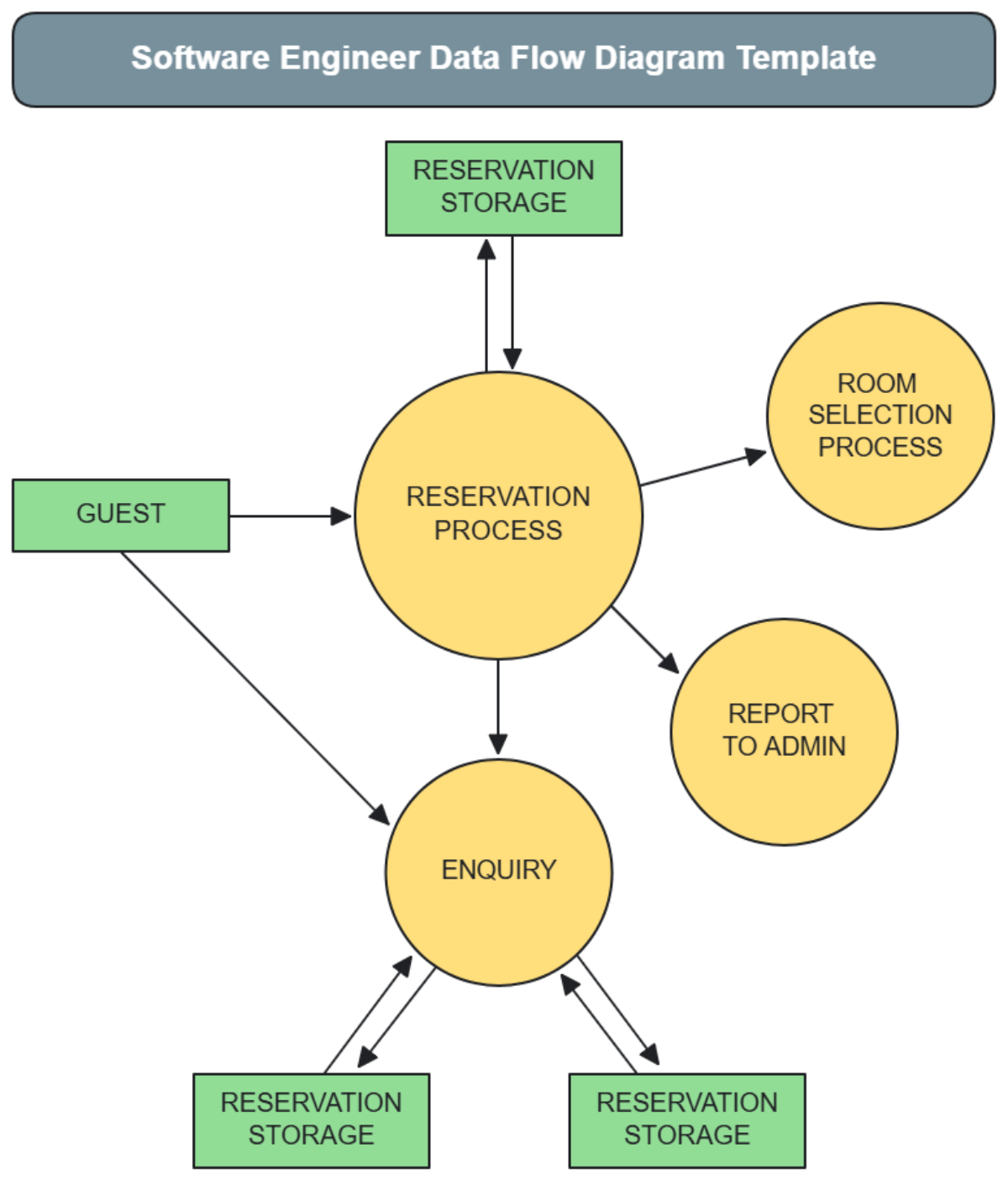
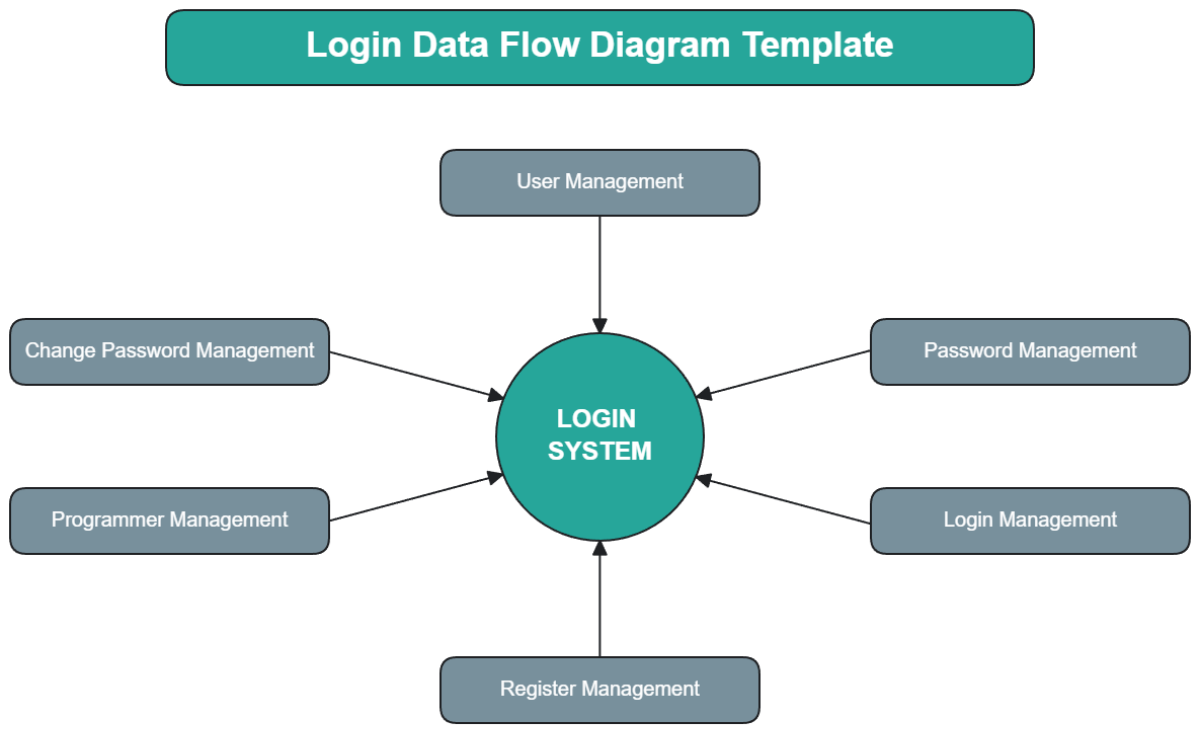
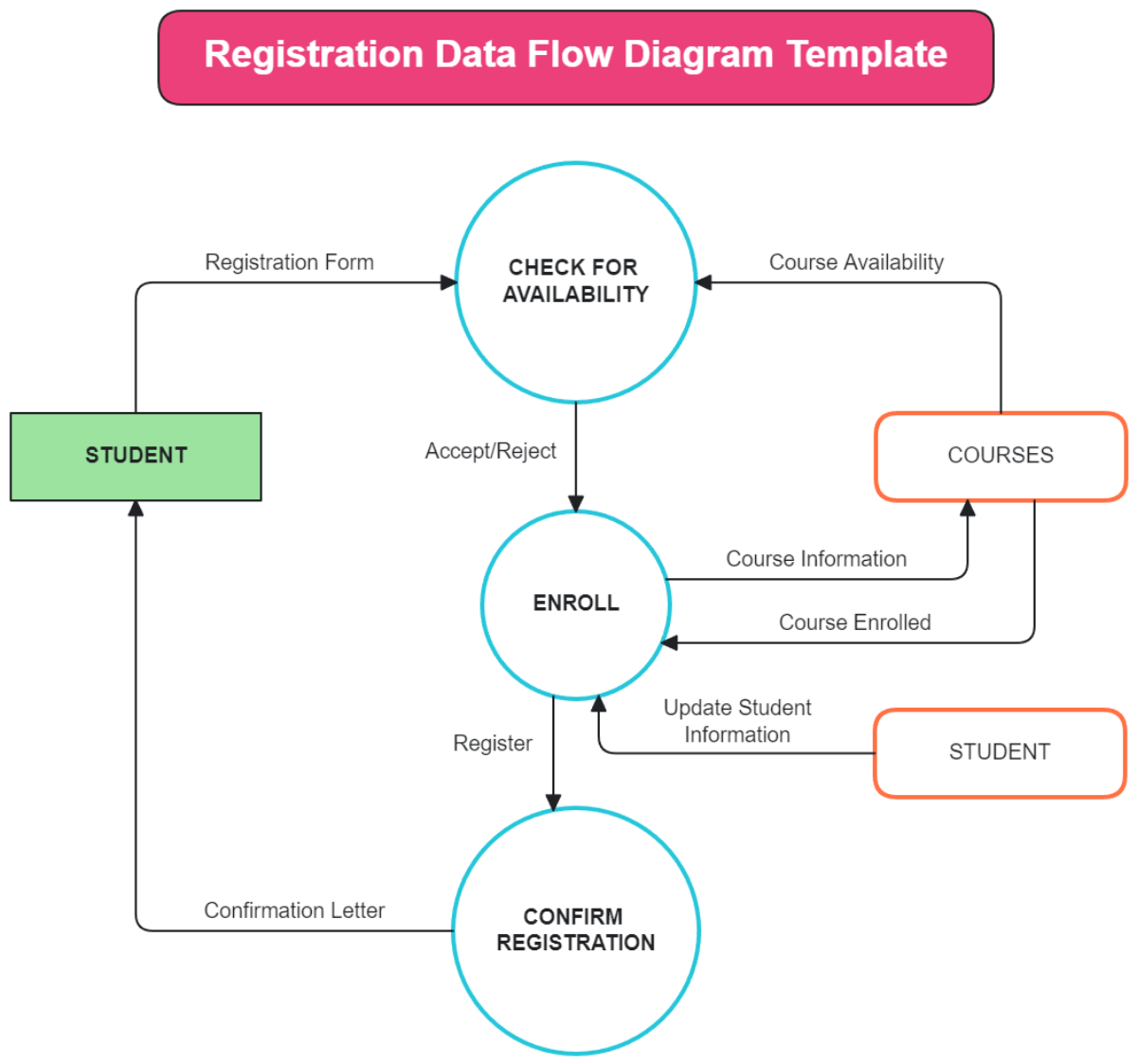
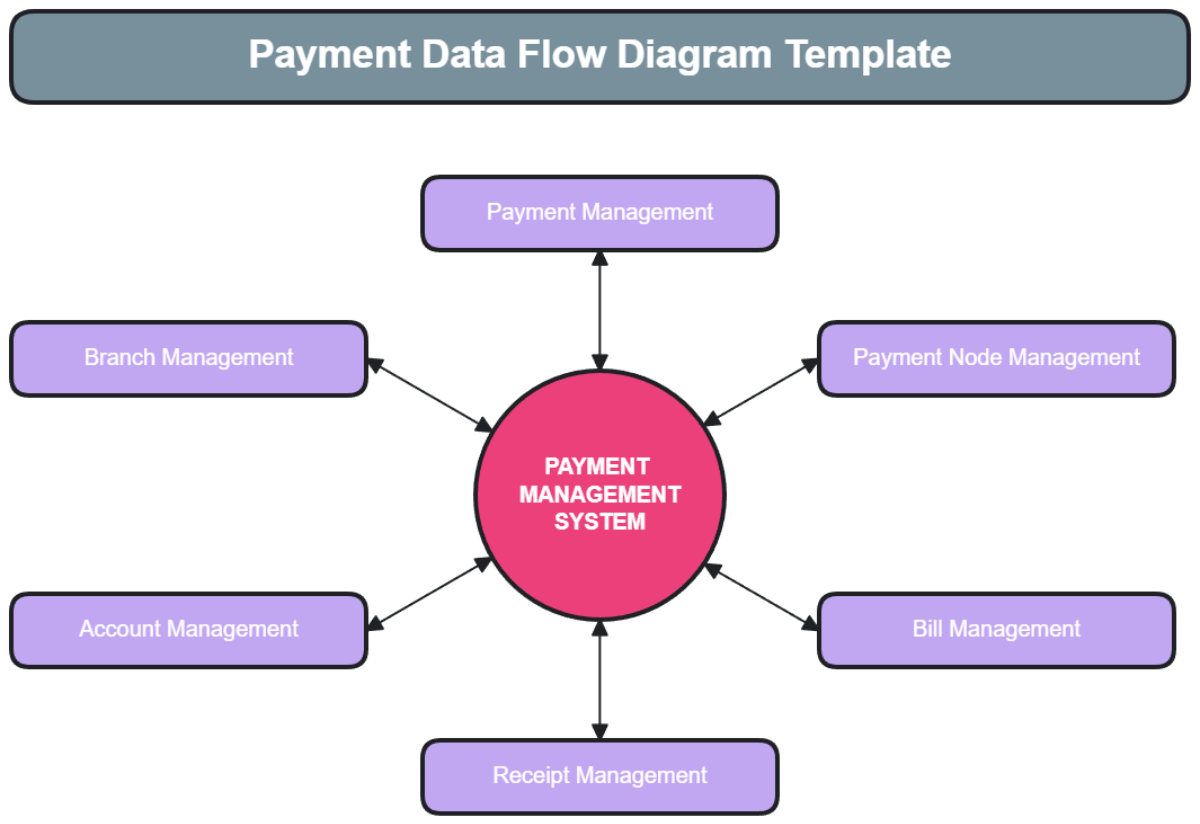
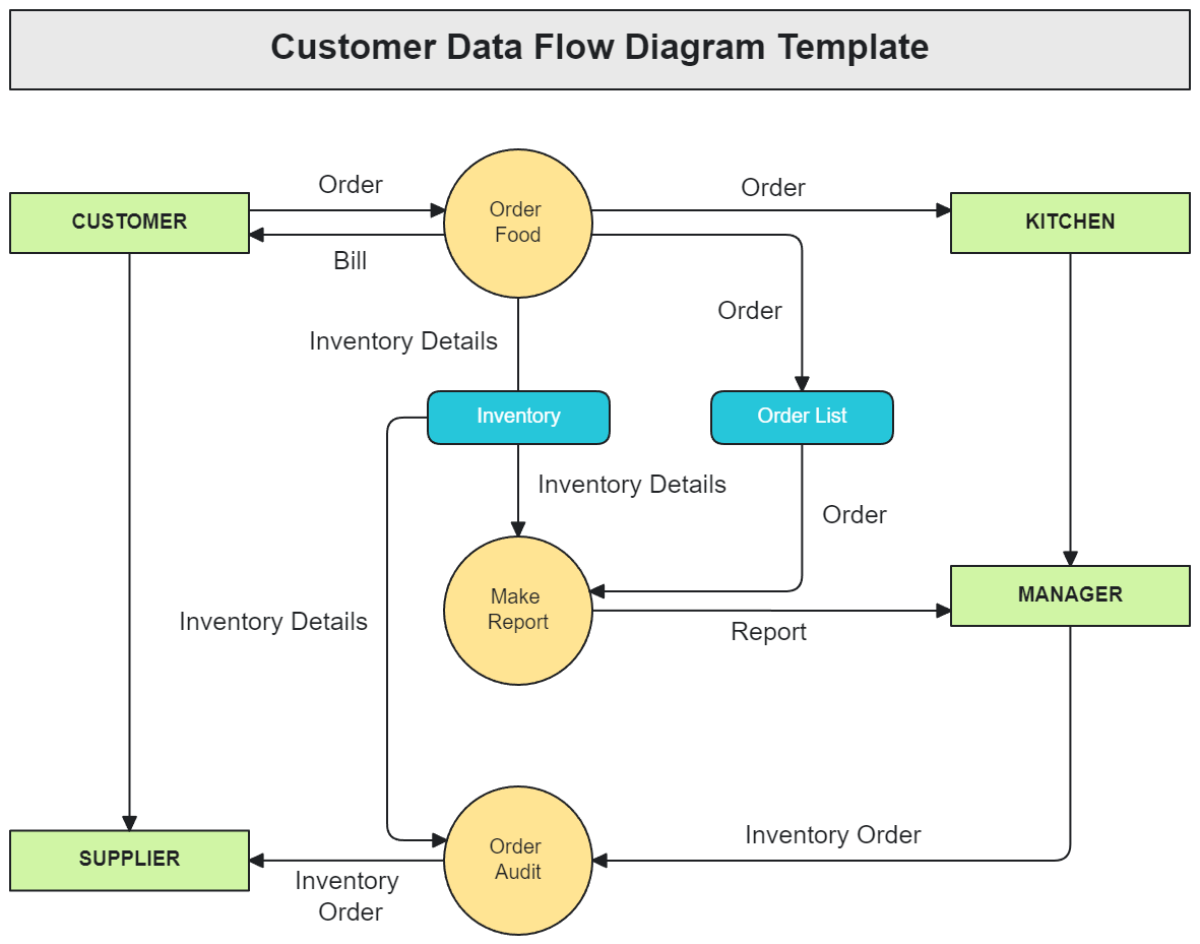
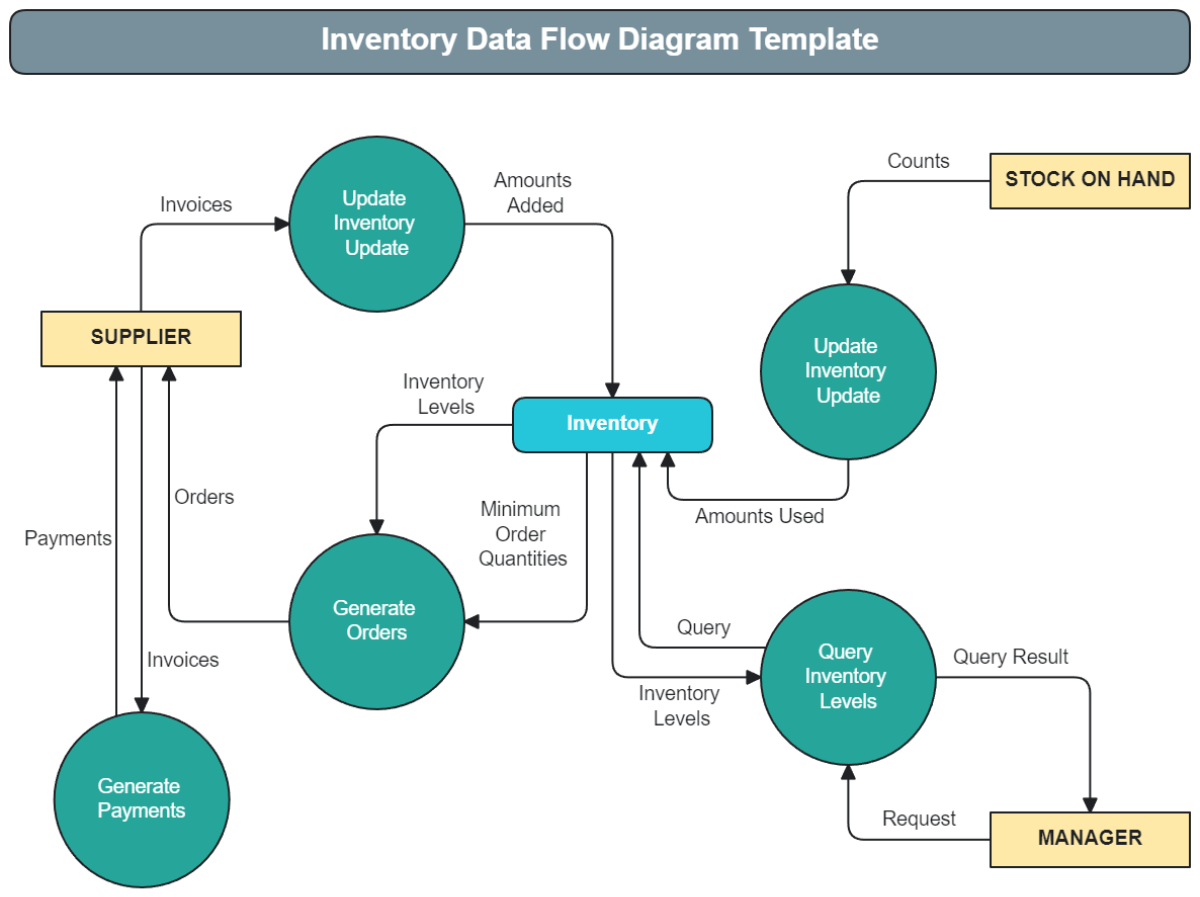
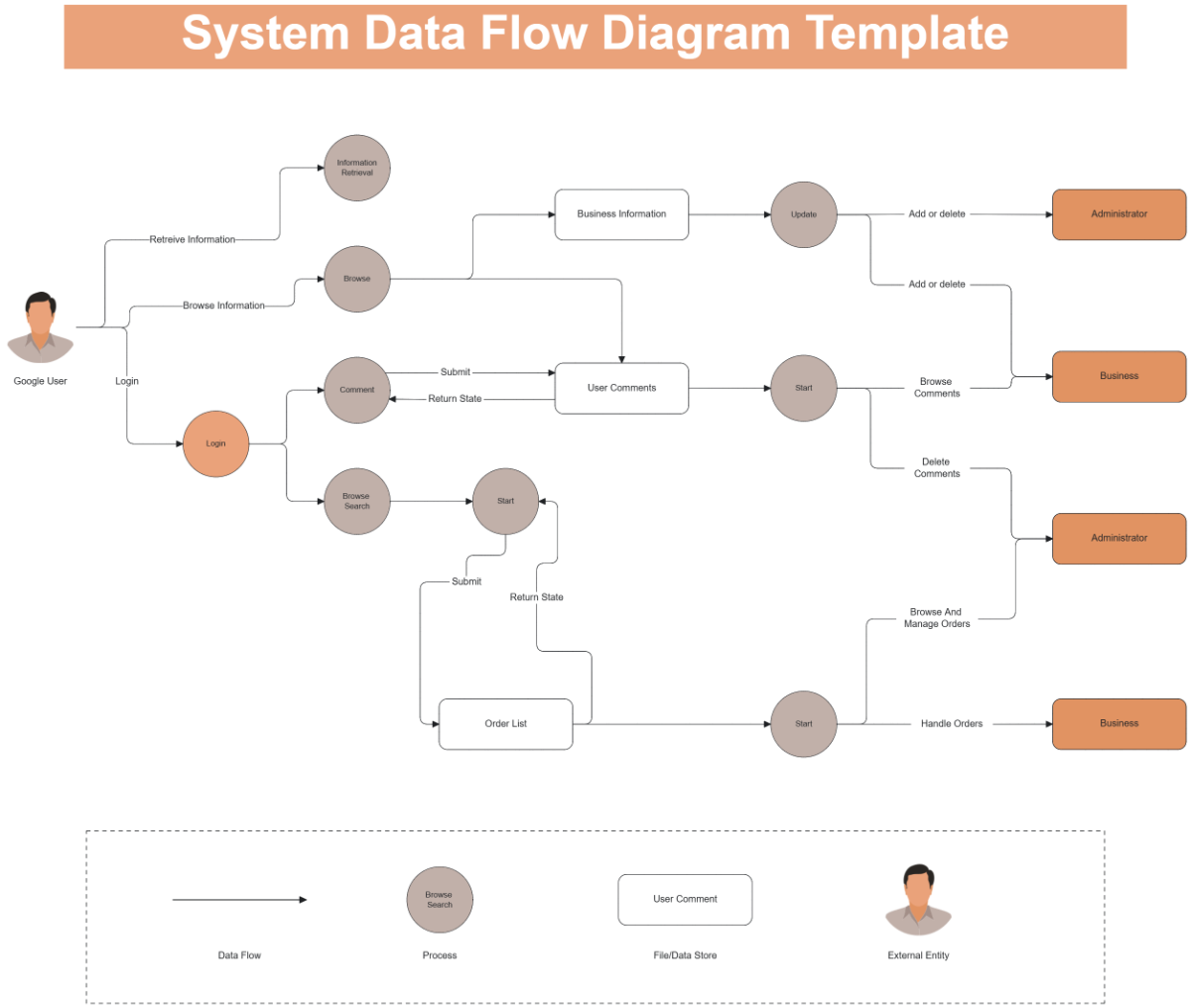
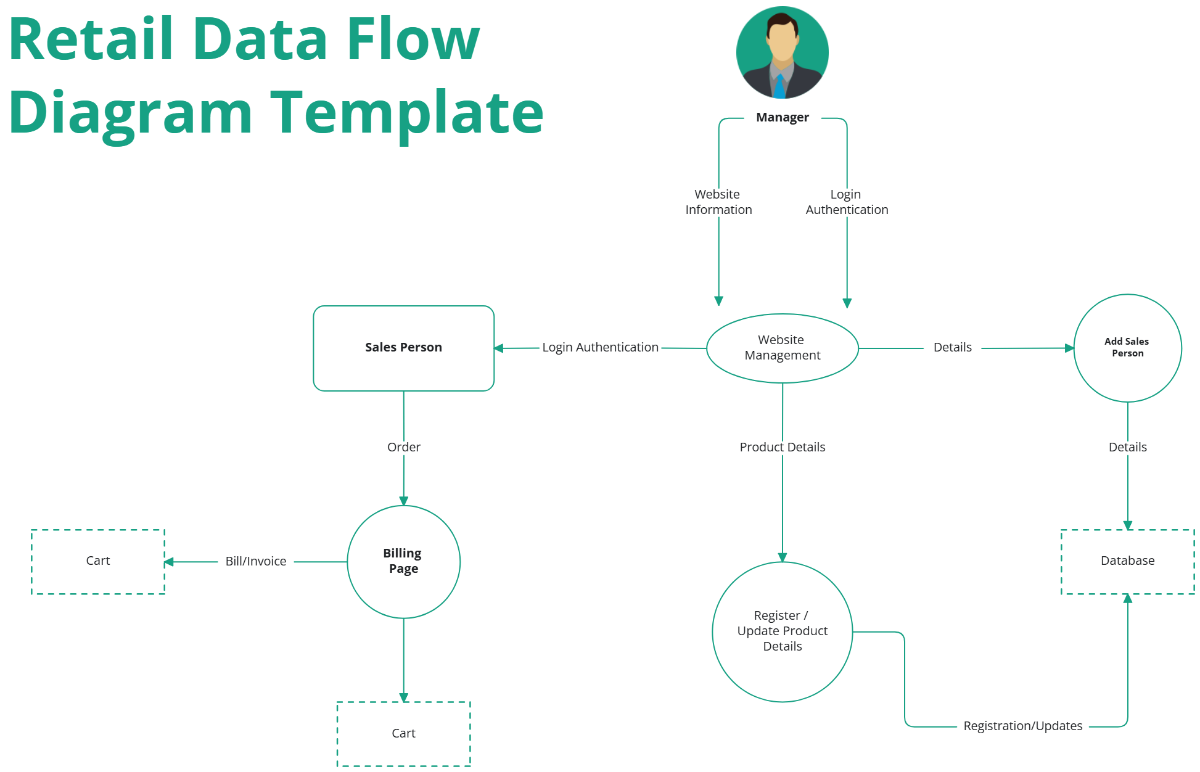
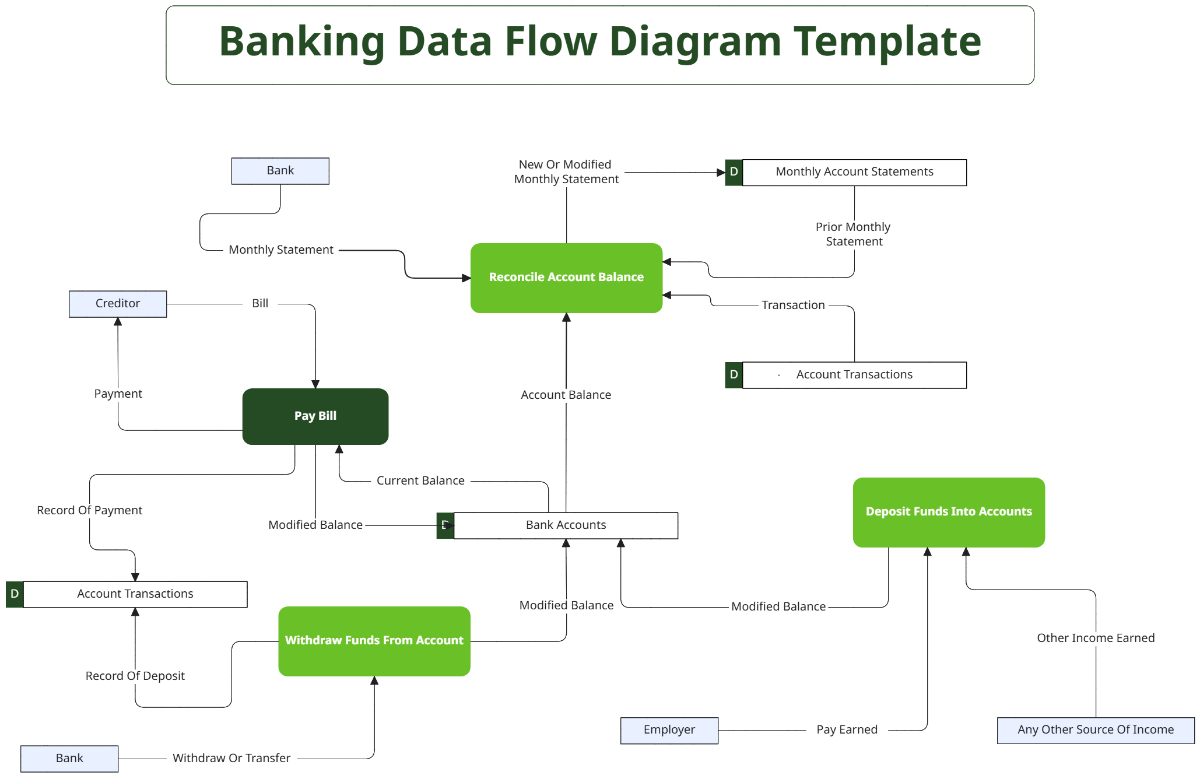
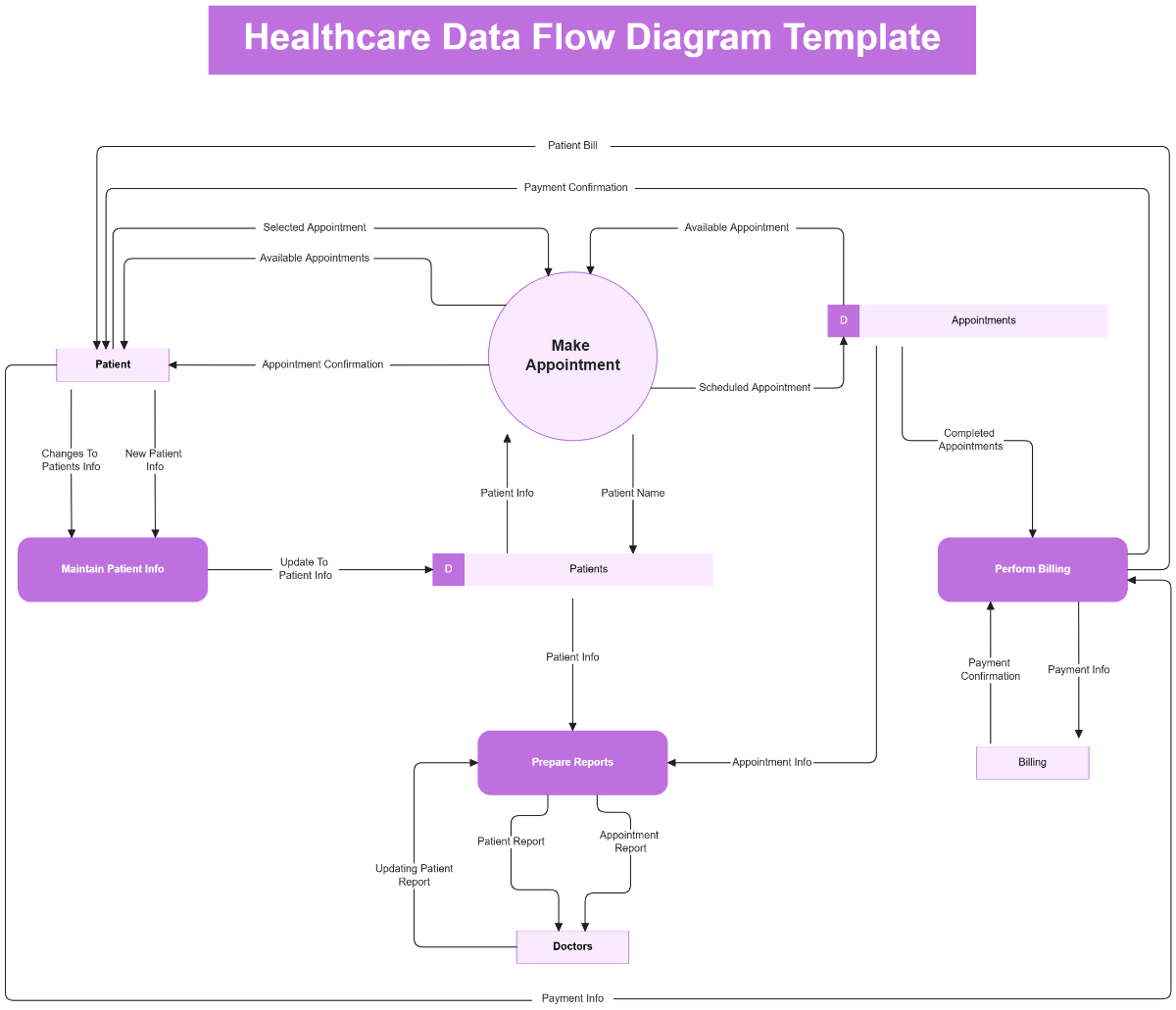
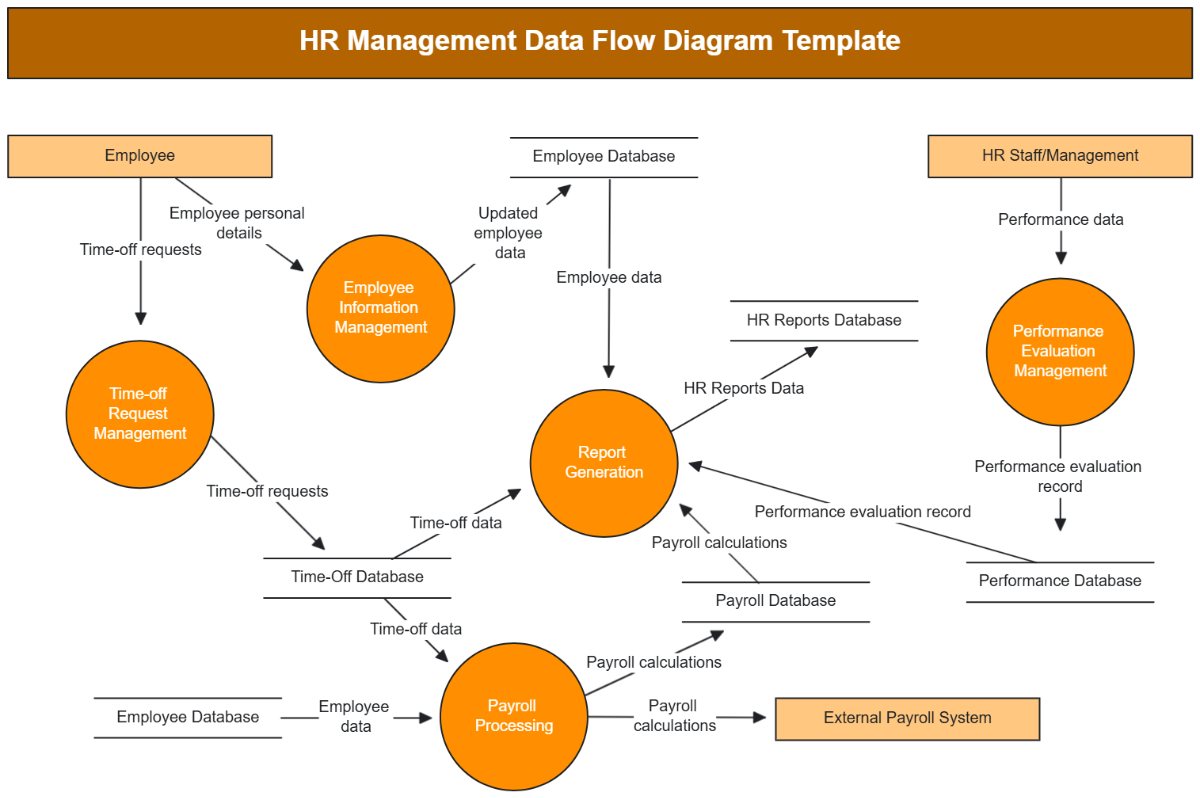
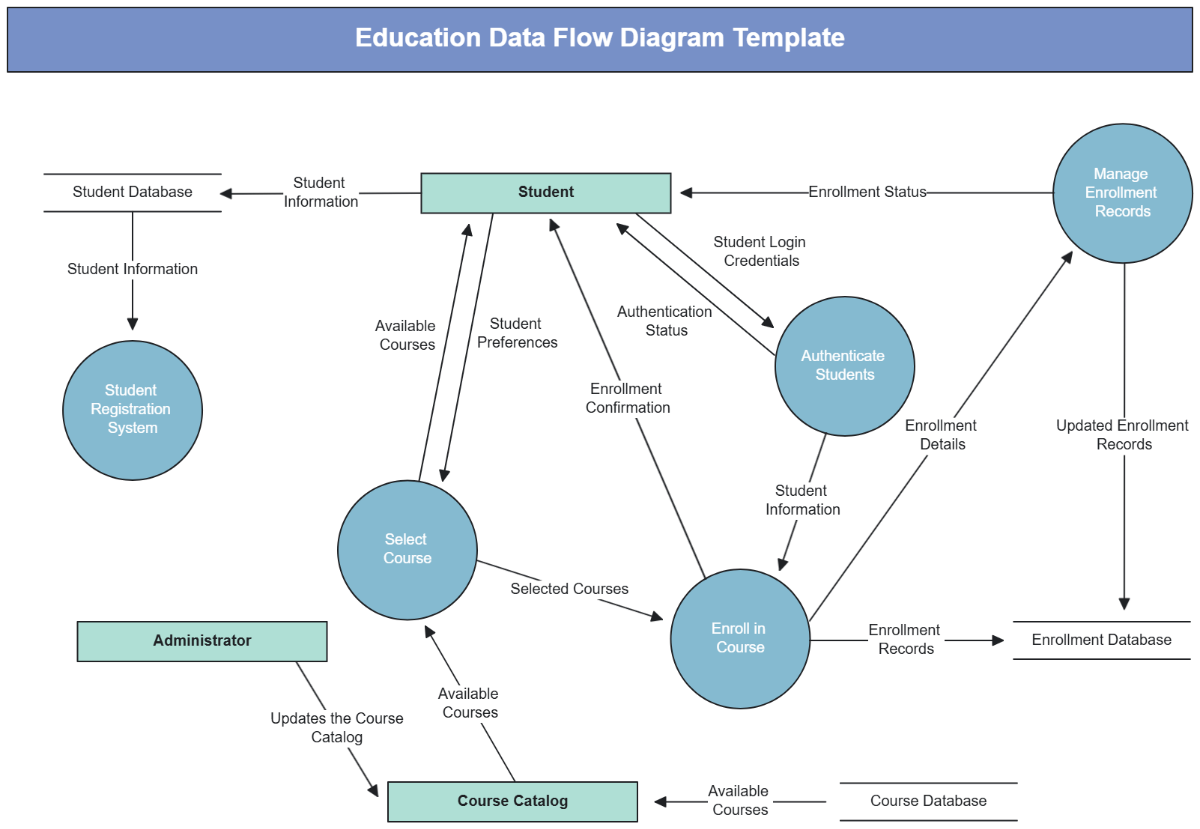
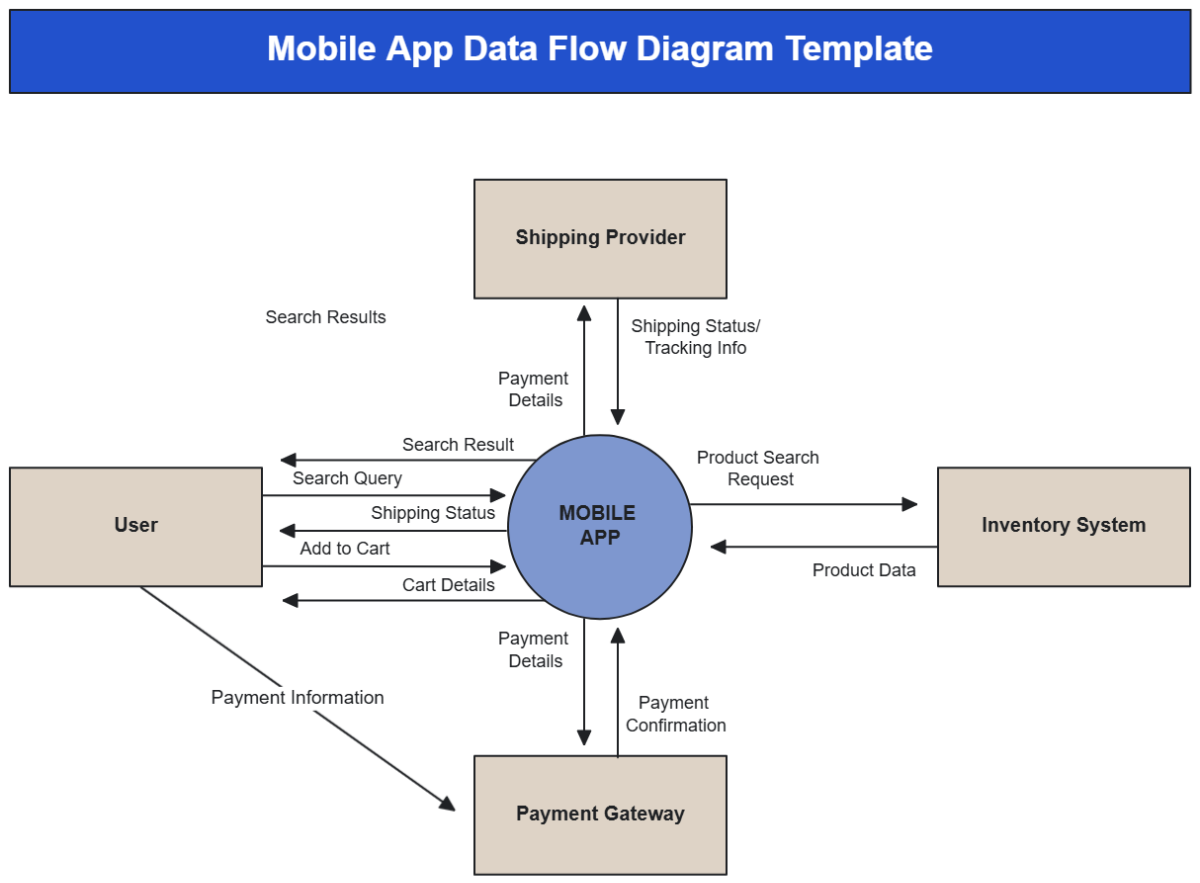
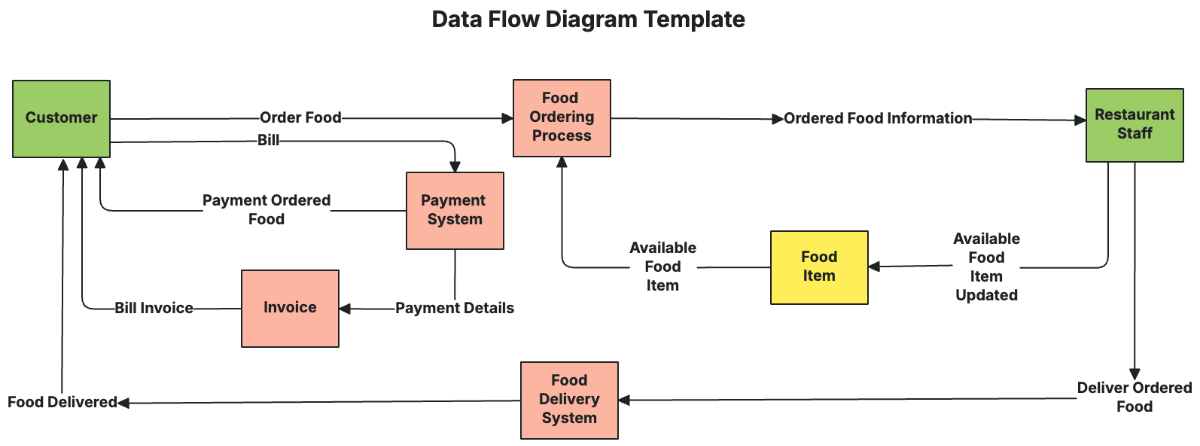
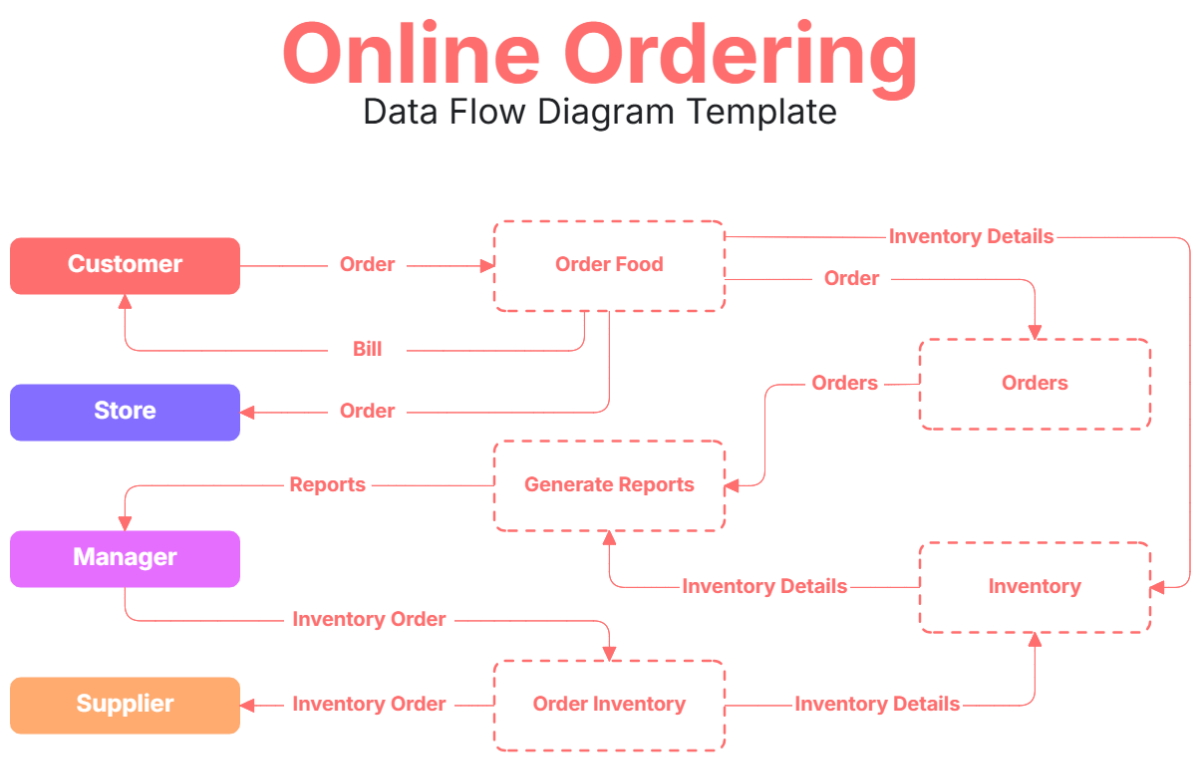
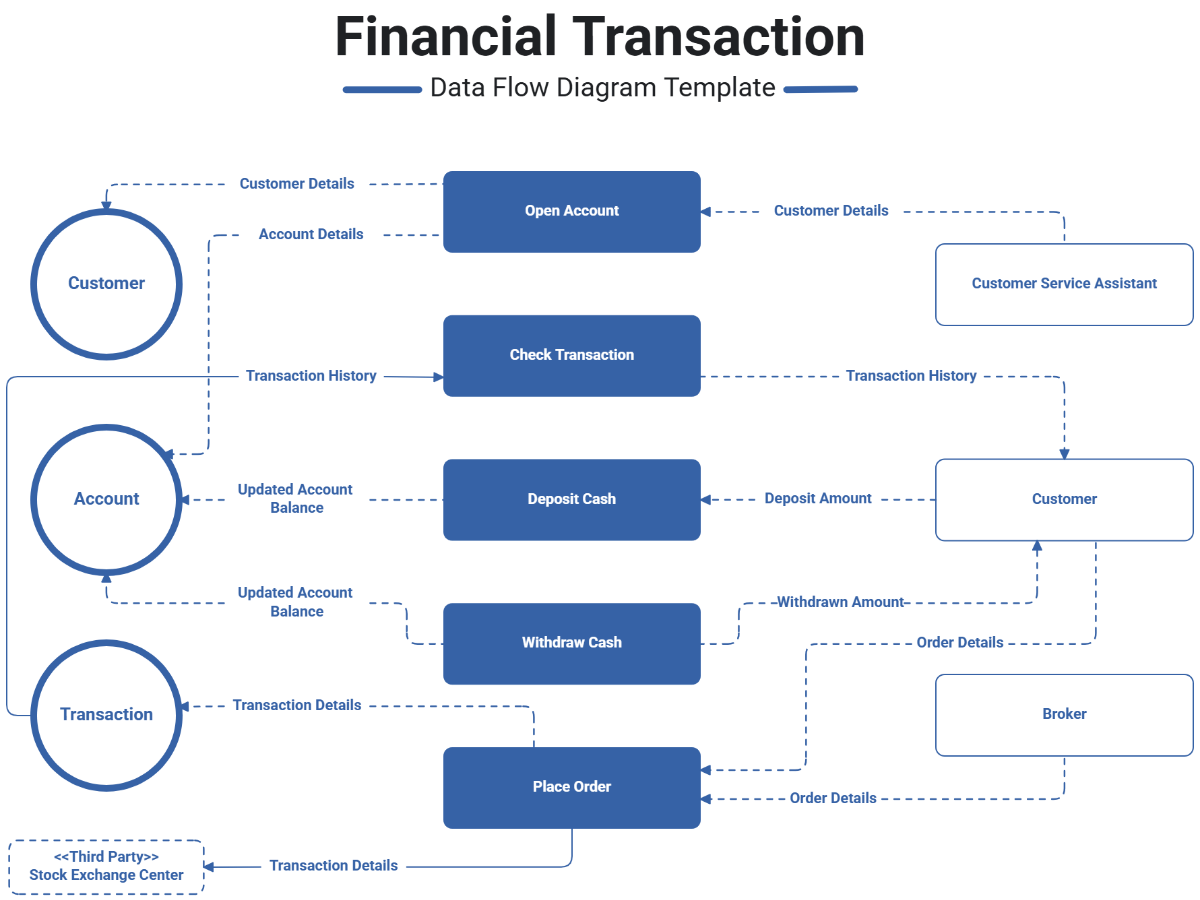
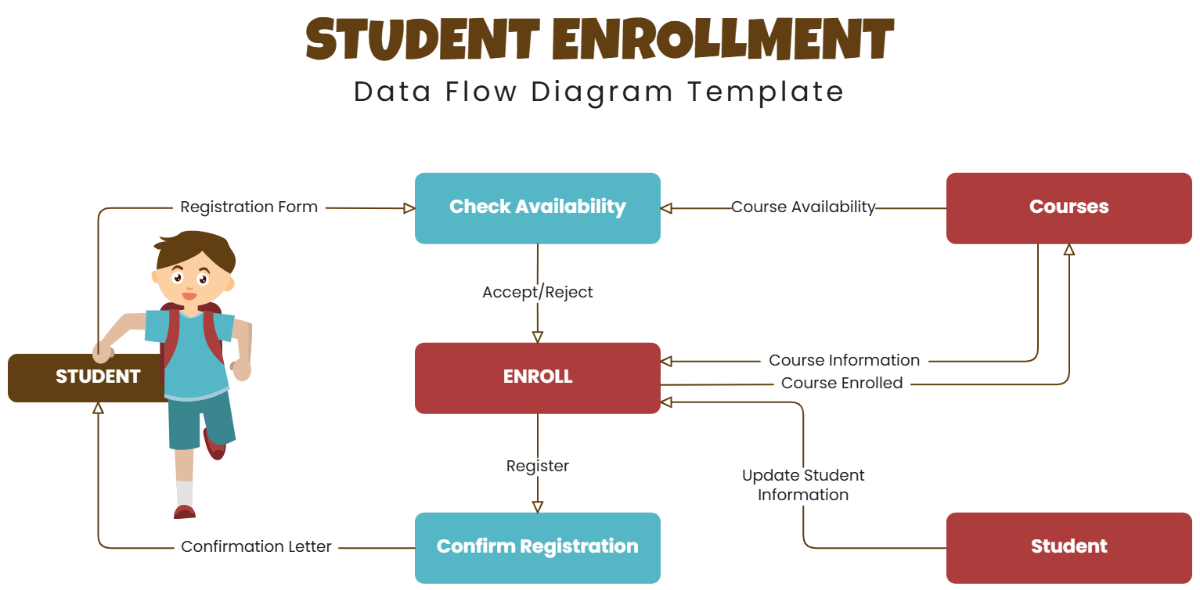
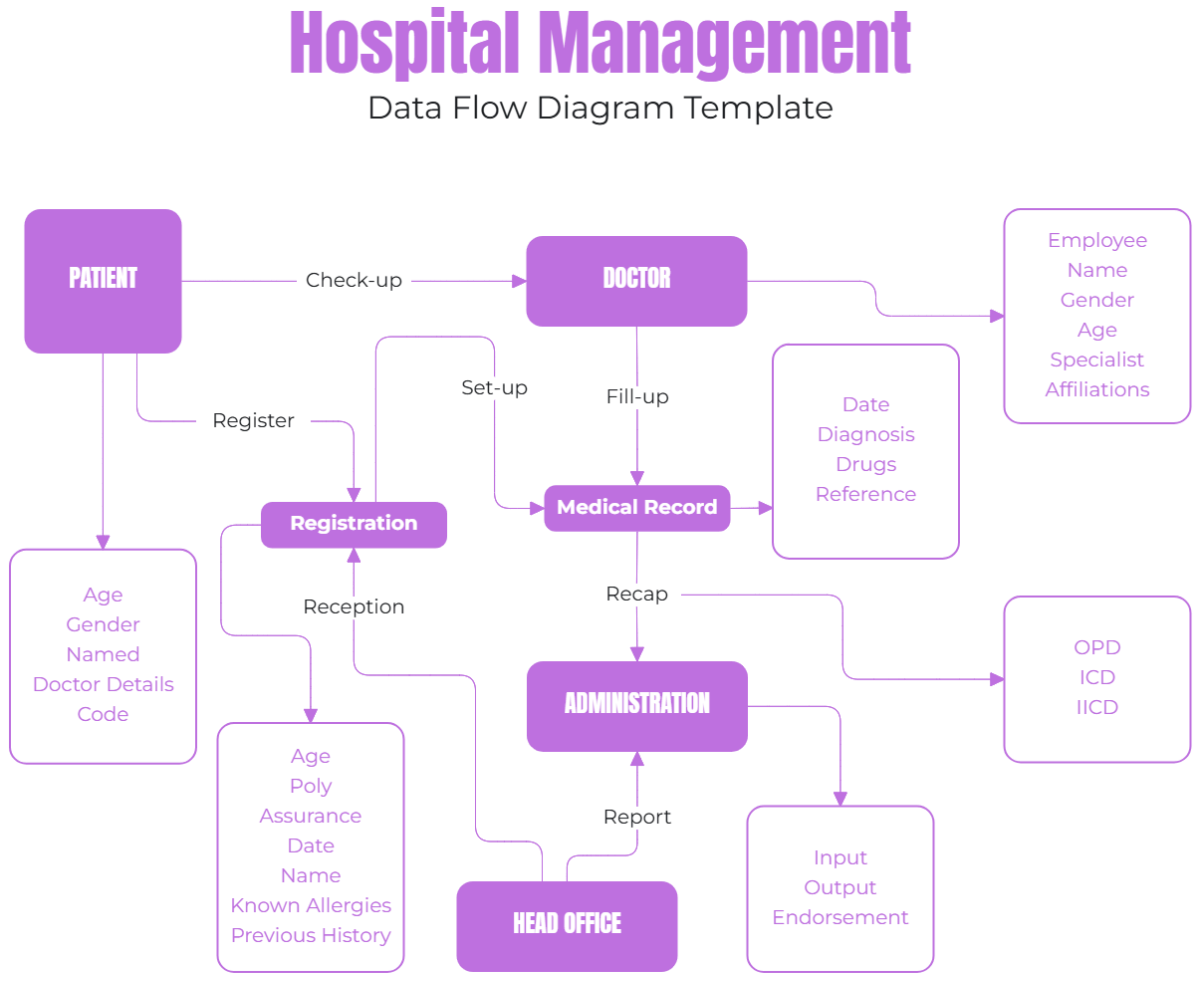
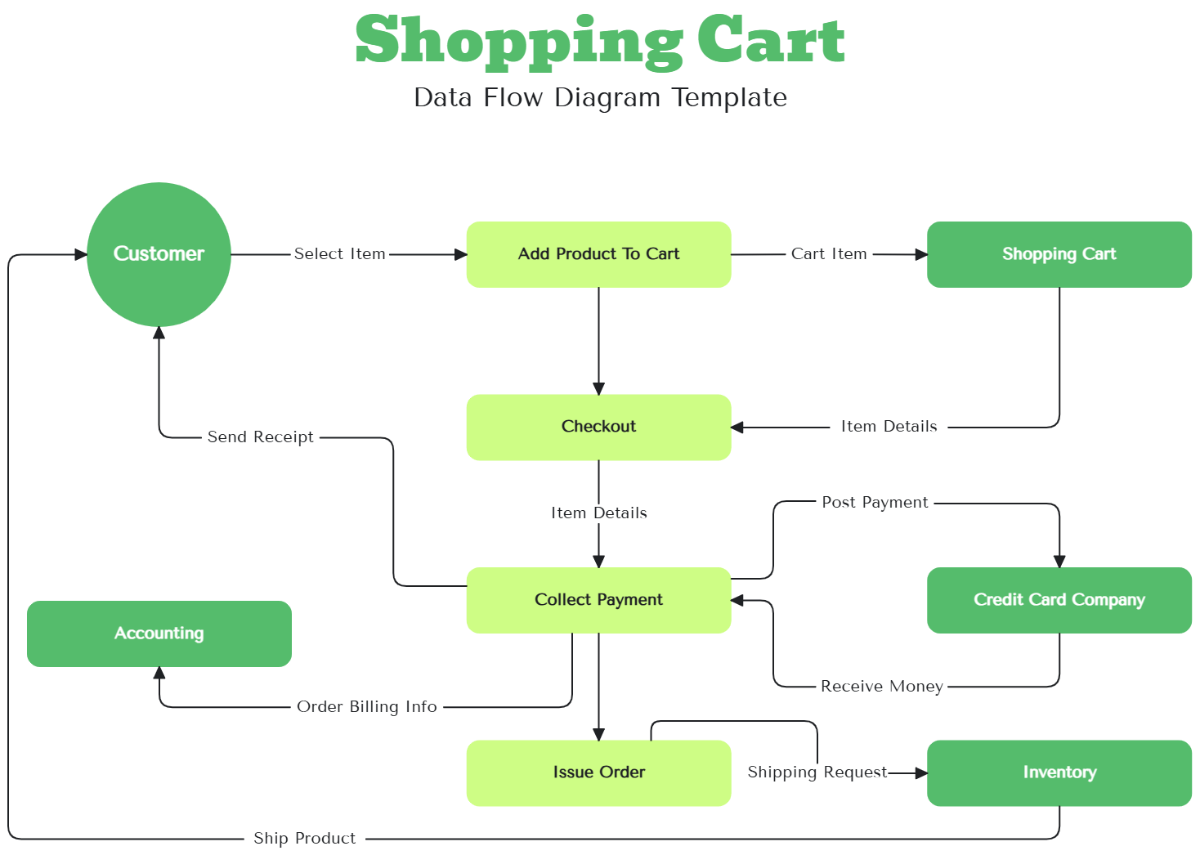
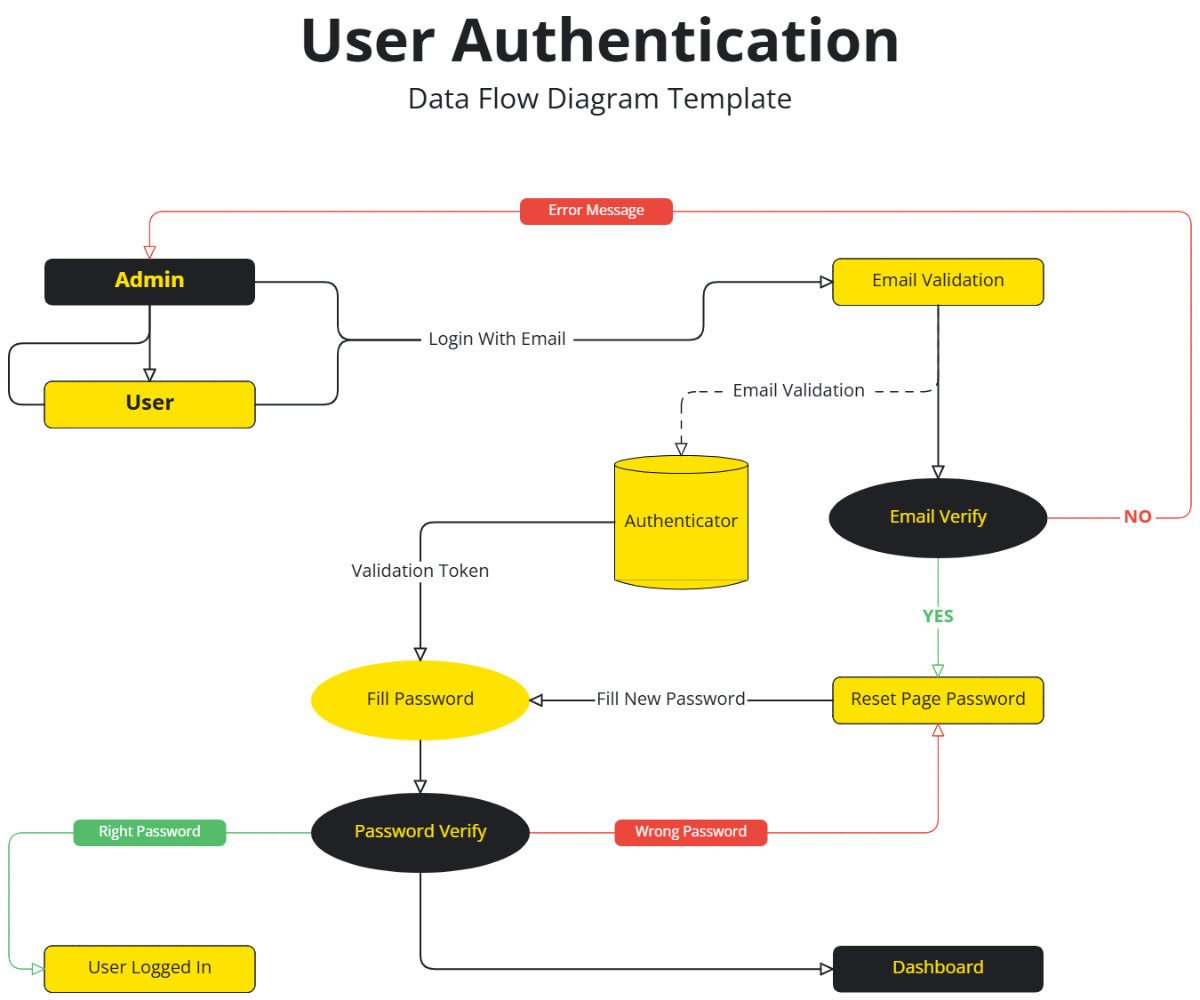
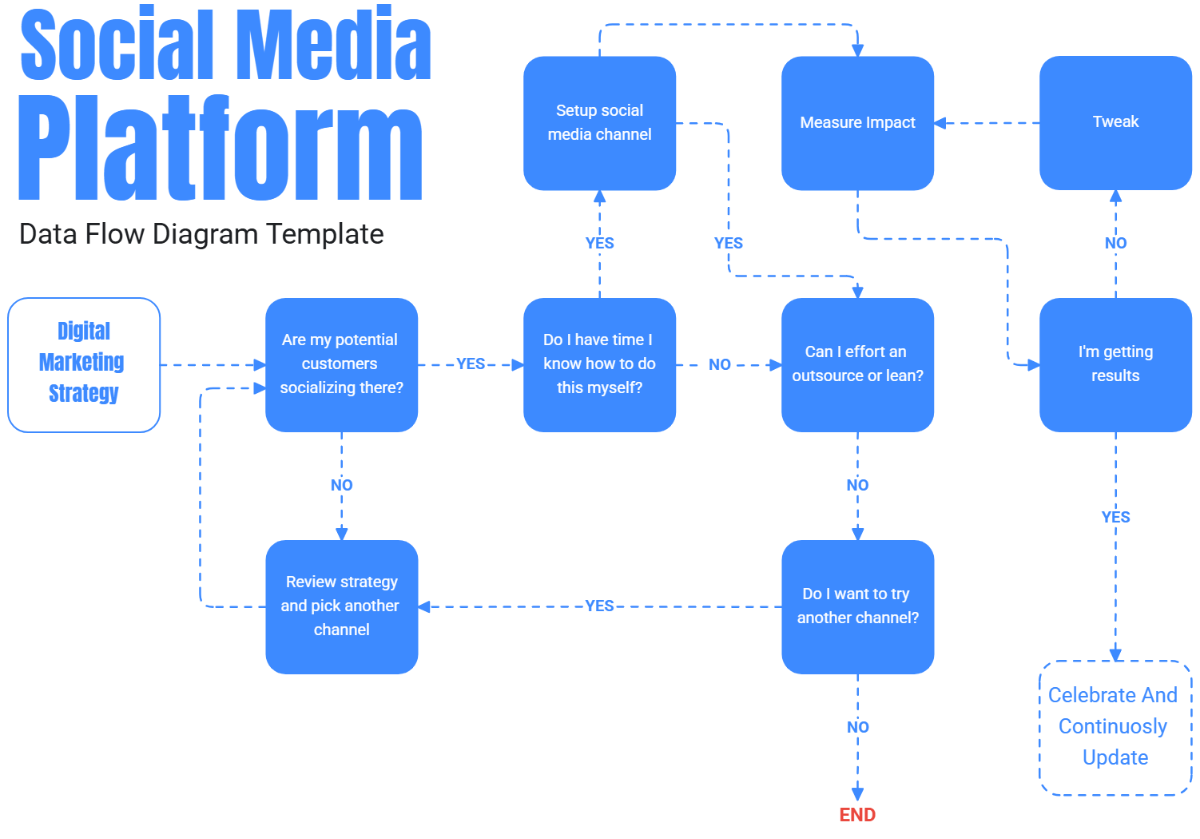
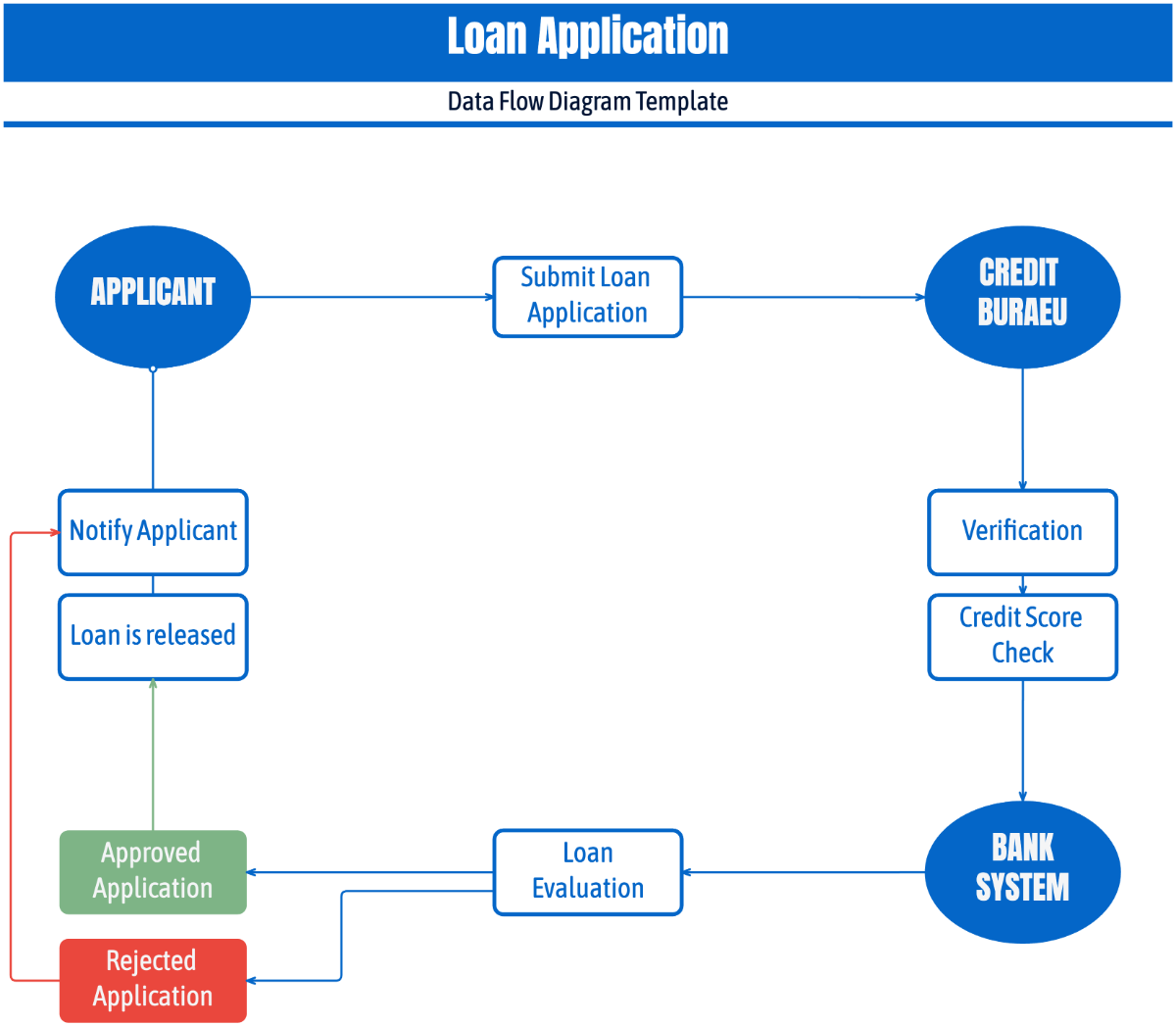
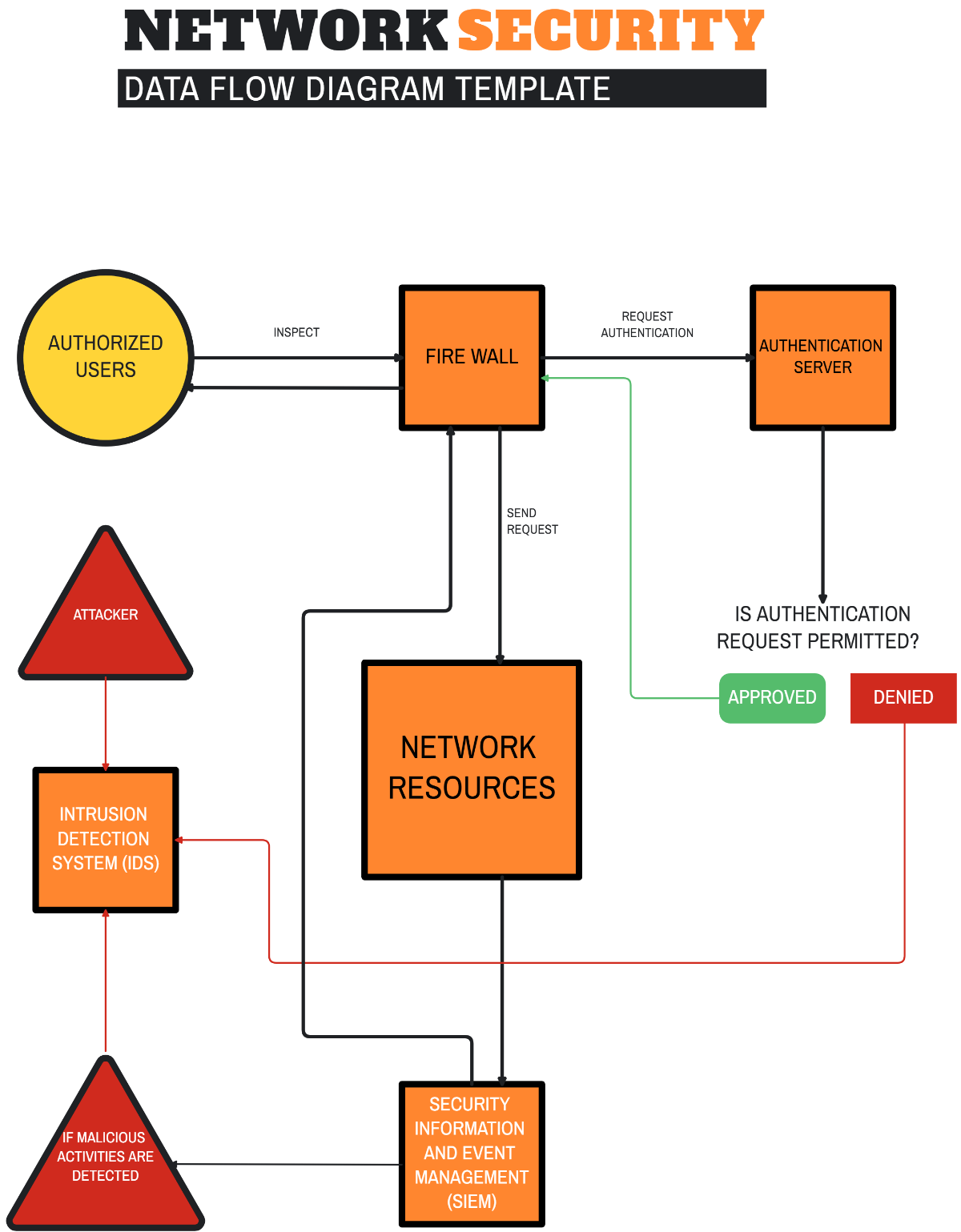
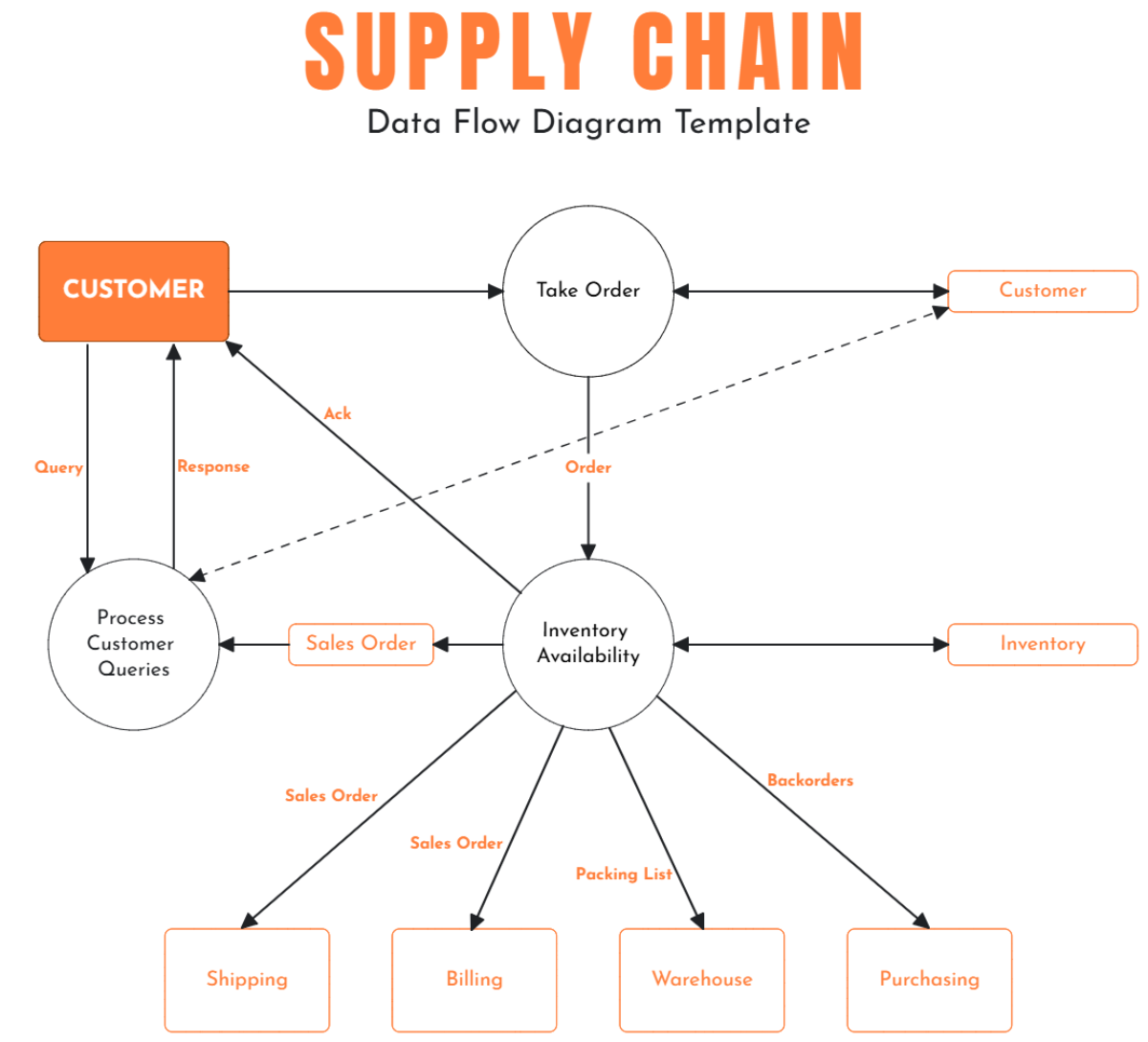


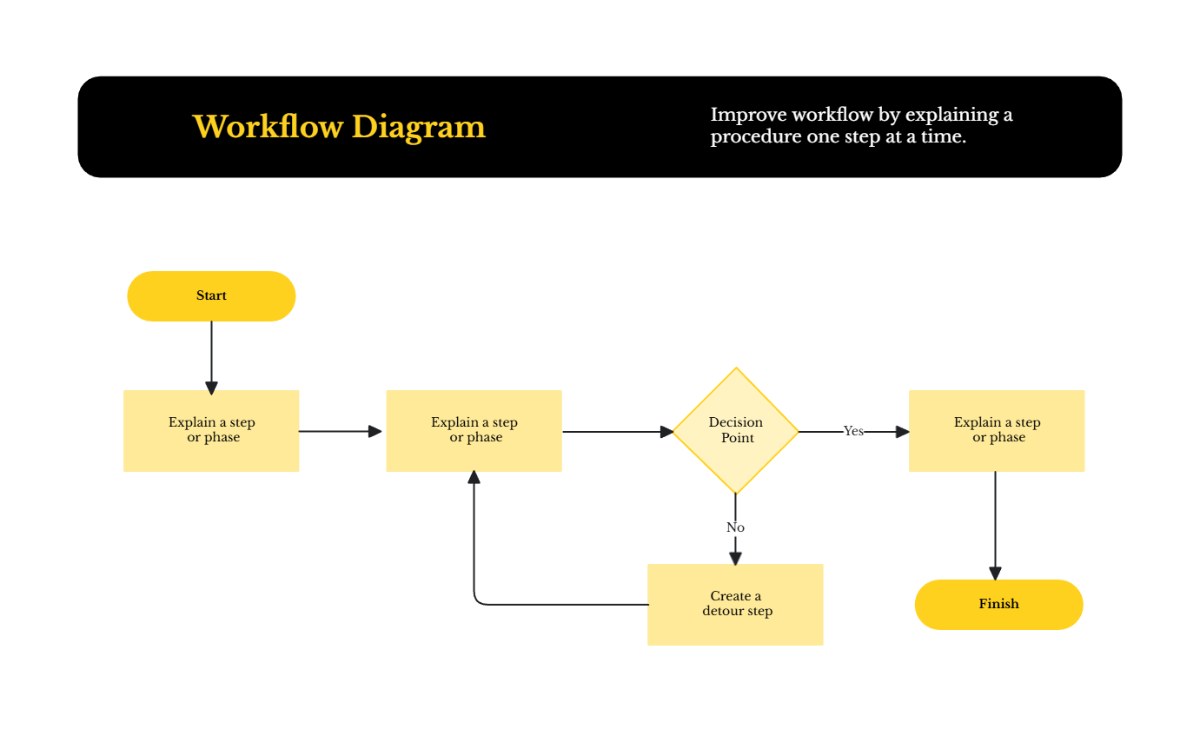
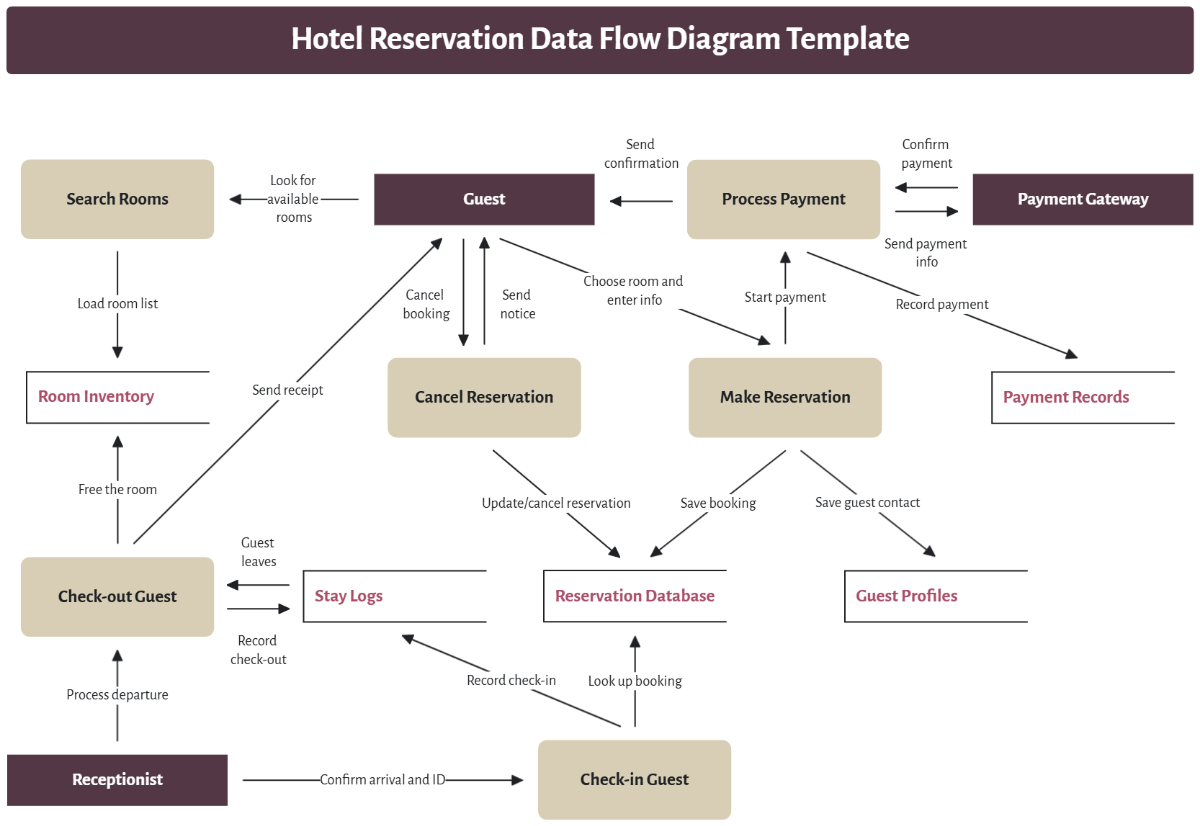
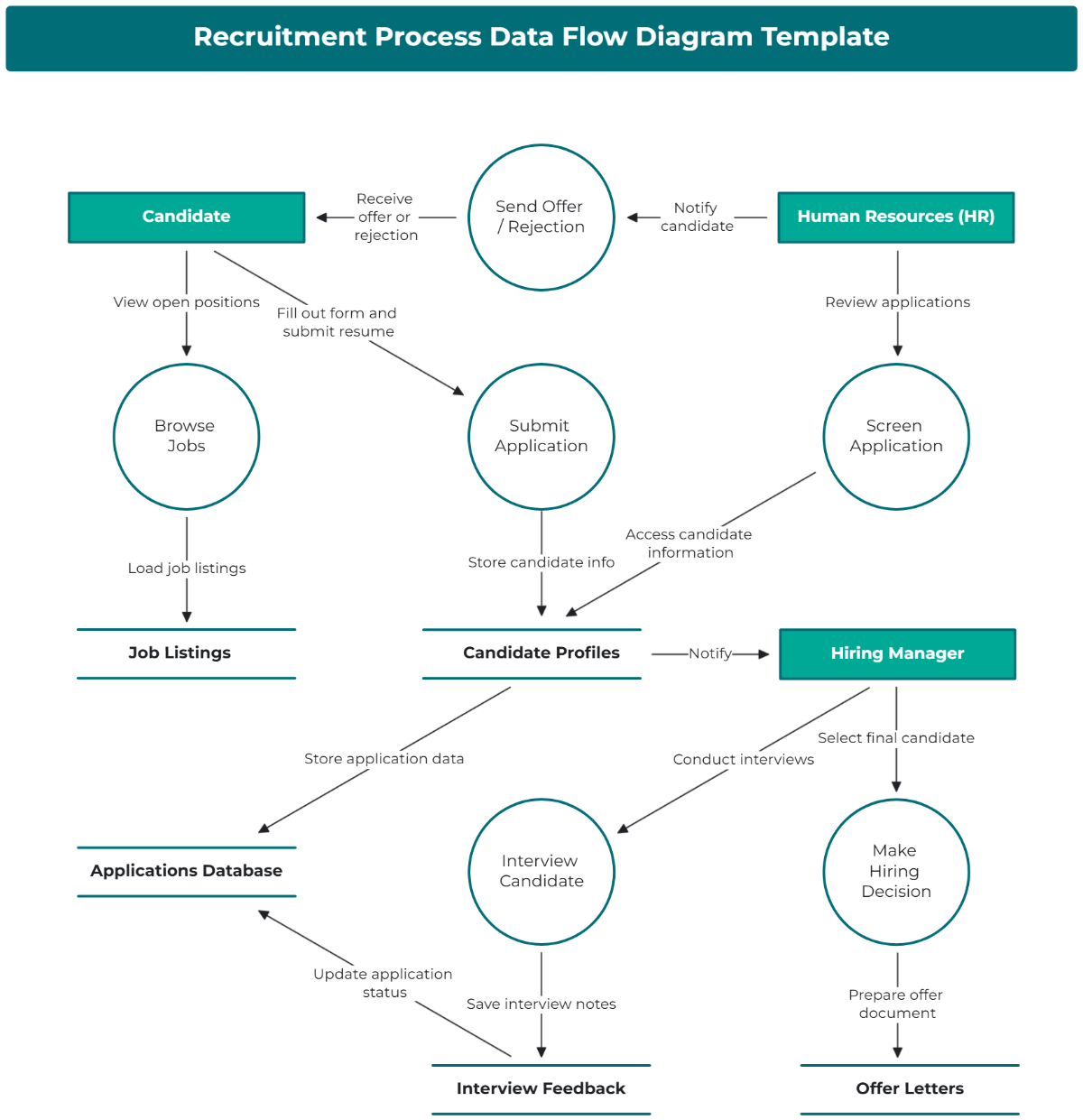
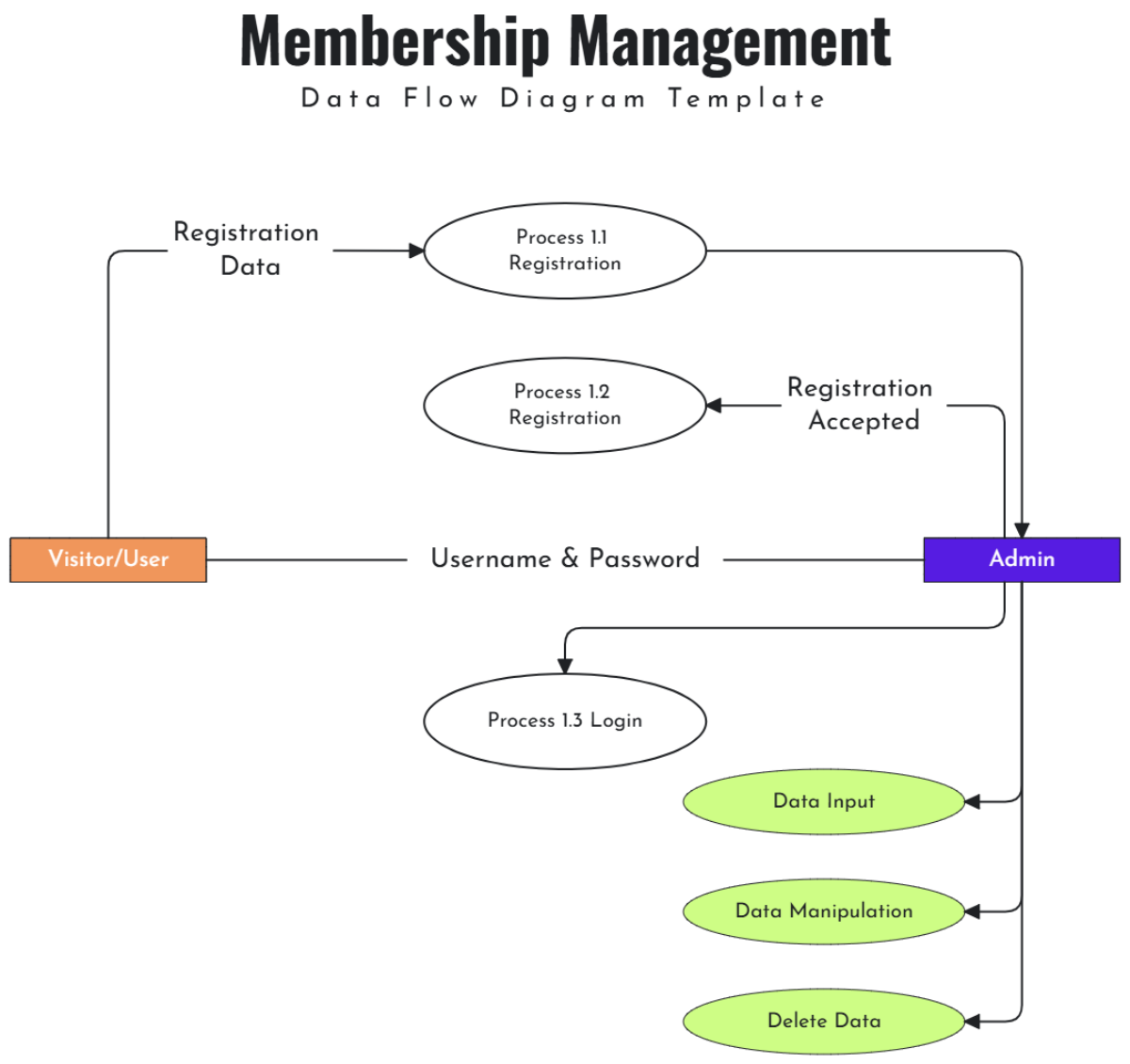
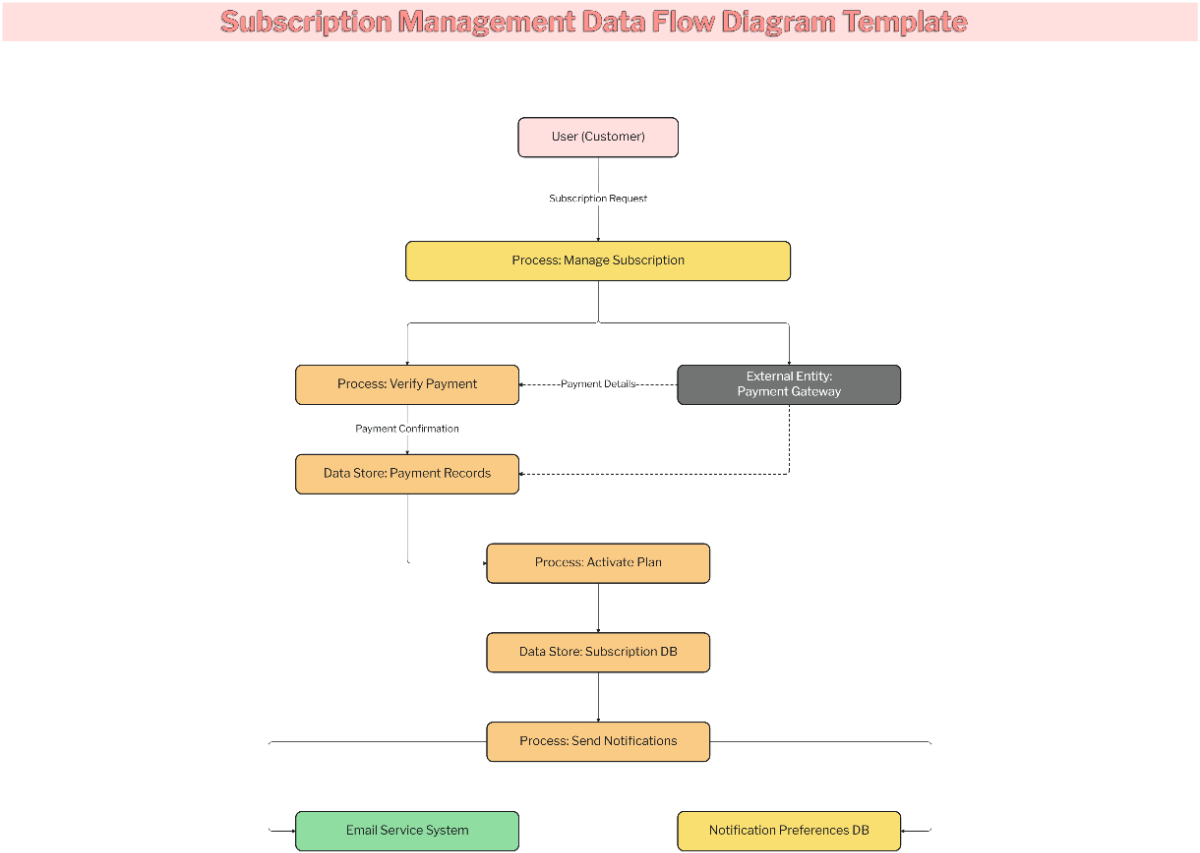
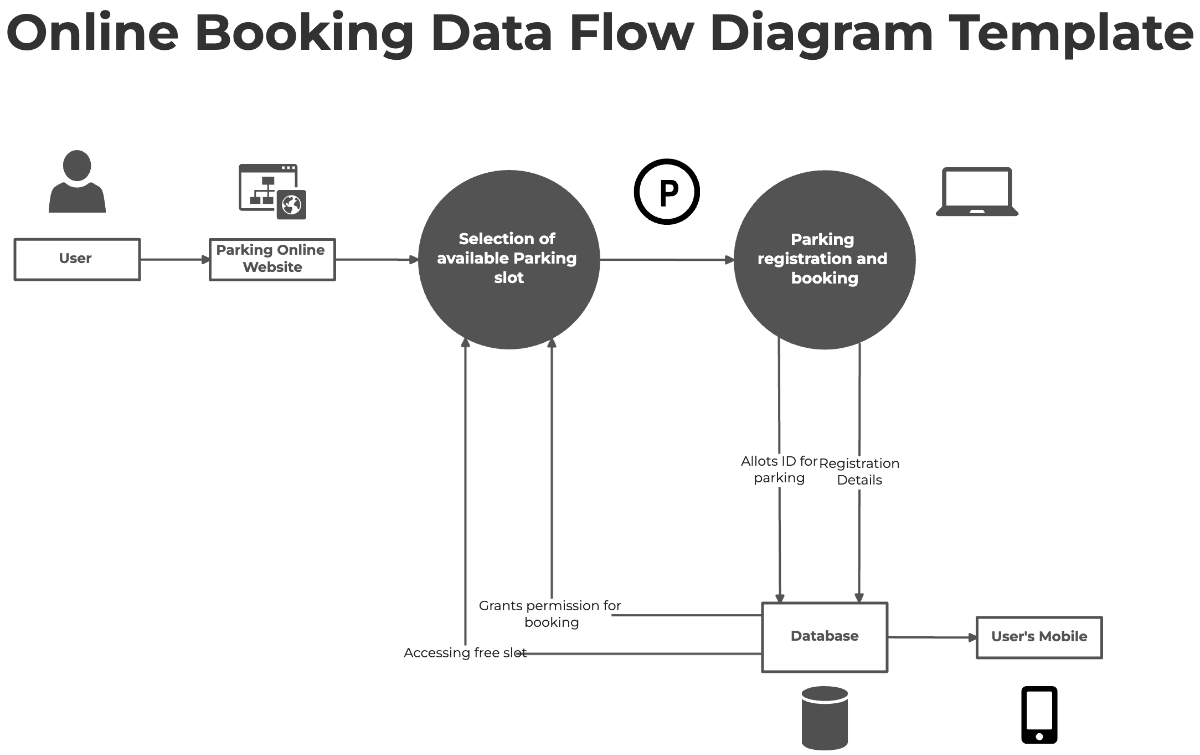
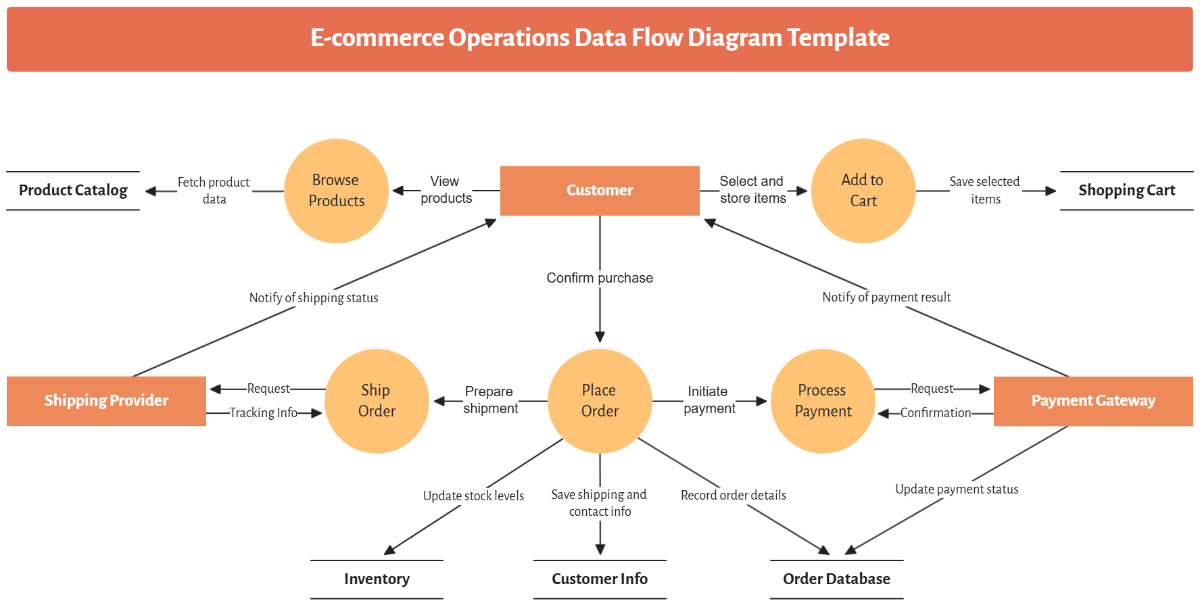
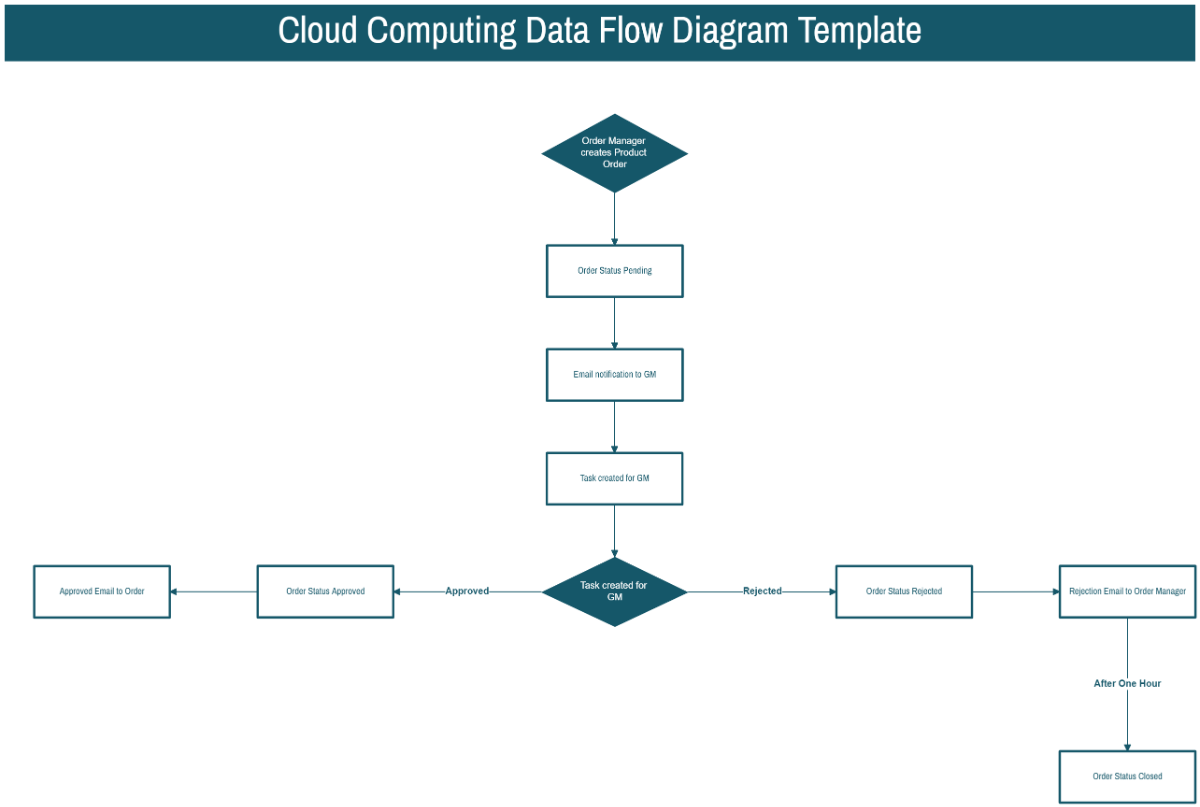
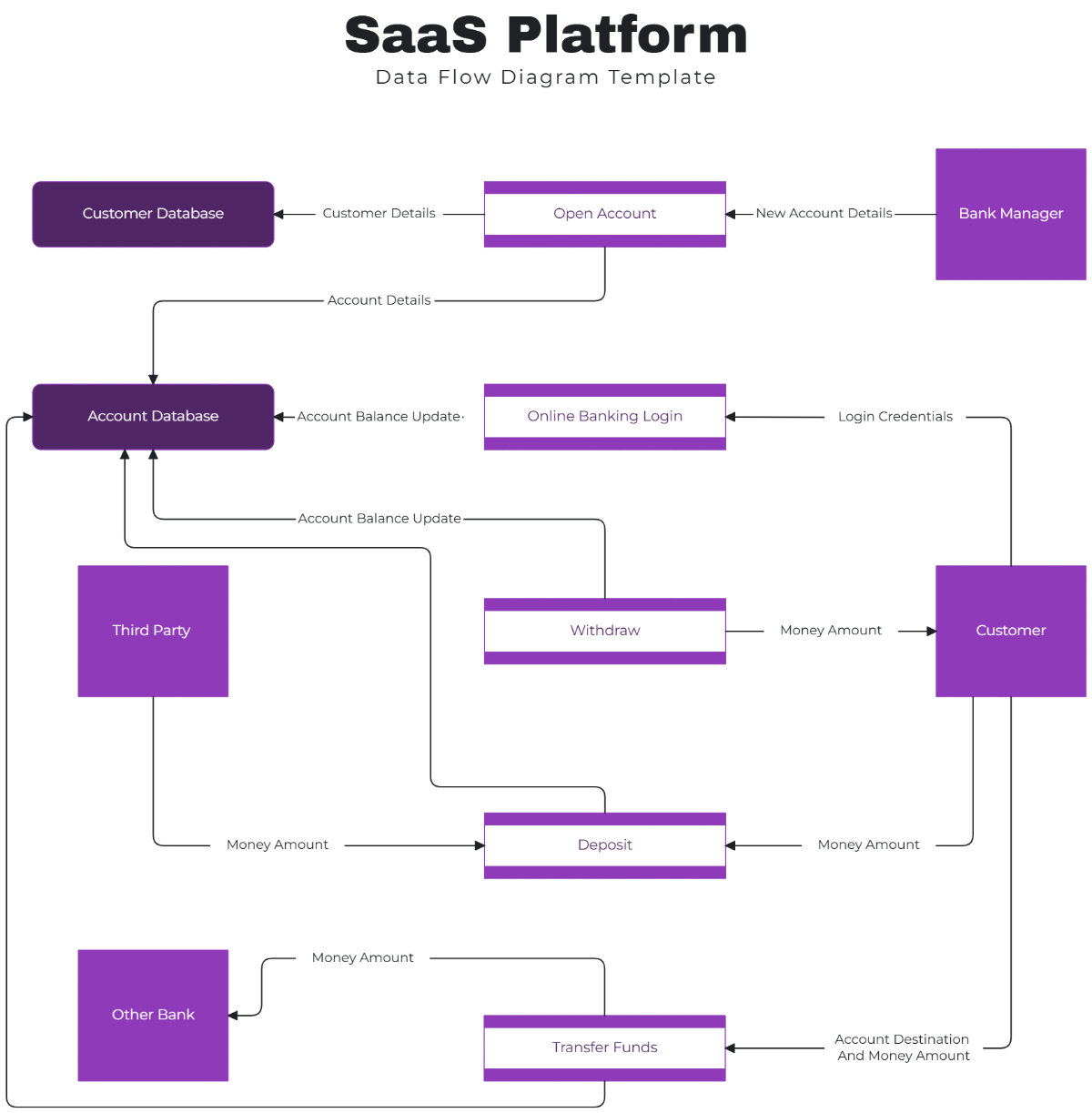
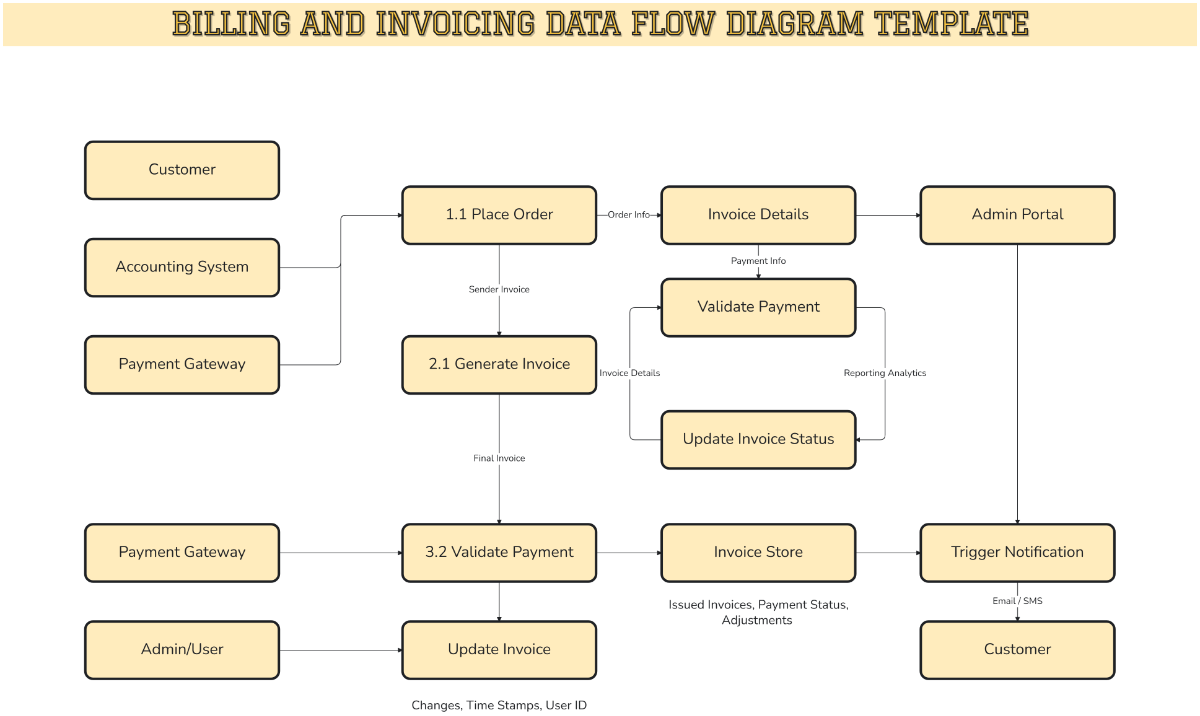
Create Intelligent System Process Maps with Design Editor
Template.net’s AI Data Flow Diagram Generator transforms complex system descriptions into structured DFD visuals instantly. Automatically organize processes, data stores, external entities, and data movement so developers, analysts, IT teams, and stakeholders can understand system logic, improve architecture planning, and document workflows clearly.
![Free AI Data Flow Diagram Generator, AI DFD Maker Online [ No Signup ]](https://images.template.net/generator-images/0-ai-diagram-generator/0-ai-data-flow-diagram-generator-2.webp)
Create, Customize, and Present Data Flow Diagrams for Free
Everything you need to visualize system data movement in one powerful workspace.
AI Data Flow Diagram Builder
Generate complete DFD structures from a single prompt.
Automatic Process Identification
Detect core system processes and structure them logically.
Smart Data Input and Output Mapping
Automatically define incoming and outgoing data flows.
Data Store Recognition
Add and connect databases or storage components clearly.
External Entity Detection
Identify users, systems, or third party services interacting with your process.
Level 0, Level 1, and Level 2 Diagram Support
Create context diagrams and detailed decomposed flows.
Accurate Data Flow Connectors
Maintain directional logic between processes and entities.
Customizable DFD Symbols and Styles
Adjust shapes, labels, colors, and connectors.
v
Ensure balanced spacing for professional presentation.
Real Time Collaboration
Work together on system analysis and documentation.
Multilingual Support
Create data flow diagrams in 20+ languages including English, Spanish, French, German, Italian, Portuguese, Dutch, Russian, Chinese, Japanese, Korean, Arabic, Hindi, Bengali, Tamil, Telugu, Marathi, Gujarati, Turkish, Vietnamese, Thai and more.
Presentation Ready Architecture Layouts
Explain system logic clearly in technical meetings.
Duplicate and Compare System Models
Test multiple architectural approaches easily.
Cloud Based Diagram Workspace
Access and update system diagrams anytime.
Export and Share Instantly
Download data flow diagrams in PNG, JPG, PDF or share via WhatsApp, Instagram, Facebook, LinkedIn, X and more.
Voice to DFD Generation
Describe your system verbally to build faster.
Pre Designed DFD Templates
Start quickly with templates for ecommerce, banking, healthcare, education, and SaaS systems.
System Flow Clarity Insights
Identify redundant steps, missing flows, and optimization opportunities instantly.
![Free AI Data Flow Diagram Generator, AI DFD Maker Online [ No Signup ]](https://images.template.net/generator-images/5-ai-diagram-generator/5-ai-data-flow-diagram-generator-1.webp "Free AI Data Flow Diagram Generator, AI DFD Maker Online [ No Signup ]")
How to Make a Free AI Generated Data Flow Diagram
Create your system process visualization in seconds with a guided workflow.
Step 1: Enter Your Prompt
Open the AI Data Flow Diagram Generator and describe your system such as “Create a Level 1 data flow diagram for an online food delivery system with customer app, restaurant dashboard, payment gateway, order processing, and delivery tracking.” Click Generate to instantly receive a structured DFD layout.
Step 2: Review and Refine Your Diagram
Edit process names, adjust data flows, add new entities, and reorganize system components to match your architecture.
Step 3: Customize and Share Anywhere
Apply branding styles, adjust visual formatting, and export your data flow diagram in PNG, JPG, PDF. Share instantly on WhatsApp, Instagram, Facebook, LinkedIn, X (Twitter), Pinterest, Messenger.
Design Scalable System Architectures in One Structured Workspace
![Free AI Data Flow Diagram Generator, AI DFD Maker Online [ No Signup ]](https://images.template.net/generator-images/1-ai-diagram-generator/1-ai-data-flow-diagram-generator-1.webp "Free AI Data Flow Diagram Generator, AI DFD Maker Online [ No Signup ]")
Visualize Data Movement Clearly
Turn complex technical documentation into structured visual flows that show exactly how data travels across systems, processes, and storage layers.
![Free AI Data Flow Diagram Generator, AI DFD Maker Online [ No Signup ]](https://images.template.net/generator-images/2-ai-diagram-generator/2-ai-data-flow-diagram-generator-2.webp "Free AI Data Flow Diagram Generator, AI DFD Maker Online [ No Signup ]")
Model Multiple System Layers
Create context diagrams and break them into detailed sub processes to explain both high level and technical system views without confusion.
![Free AI Data Flow Diagram Generator, AI DFD Maker Online [ No Signup ]](https://images.template.net/generator-images/3-ai-diagram-generator/3-ai-data-flow-diagram-generator-2.webp "Free AI Data Flow Diagram Generator, AI DFD Maker Online [ No Signup ]")
Collaborate Across Technical Teams
Align developers, system architects, analysts, and project managers in one shared environment to validate system logic and refine architecture decisions efficiently.
![Free AI Data Flow Diagram Generator, AI DFD Maker Online [ No Signup ]](https://images.template.net/generator-images/4-ai-diagram-generator/4-ai-data-flow-diagram-generator-1.webp "Free AI Data Flow Diagram Generator, AI DFD Maker Online [ No Signup ]")
Keep Every System Diagram Organized in One Place
Store diagrams for multiple projects, applications, or system modules and update them as requirements evolve, maintaining a reliable reference for development and audits.
