



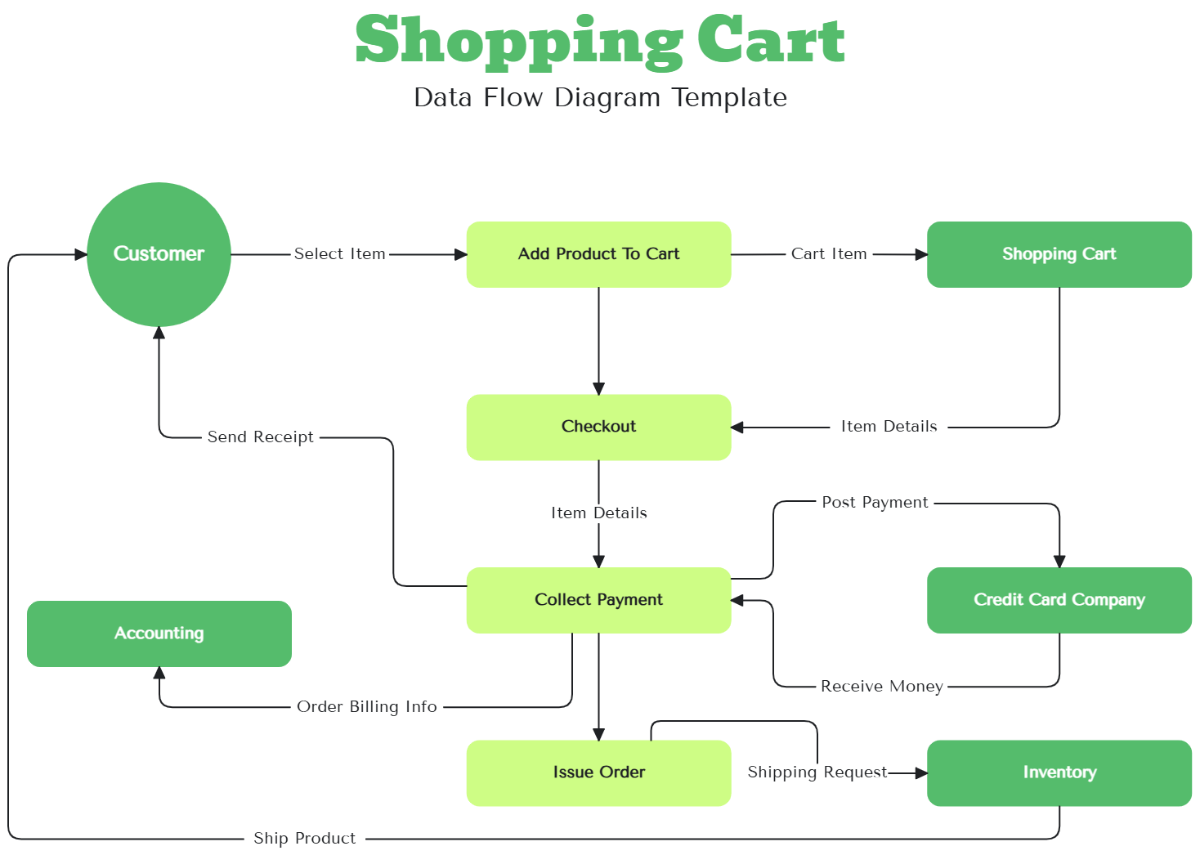


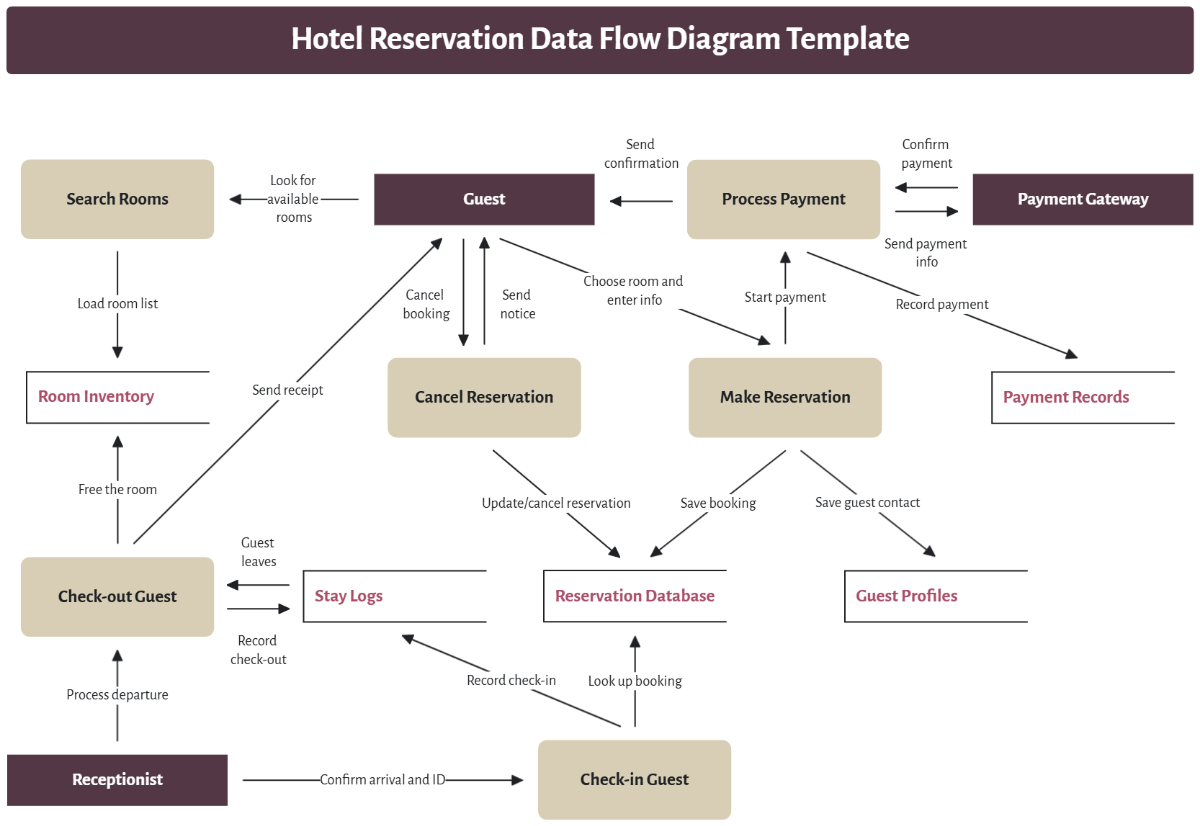
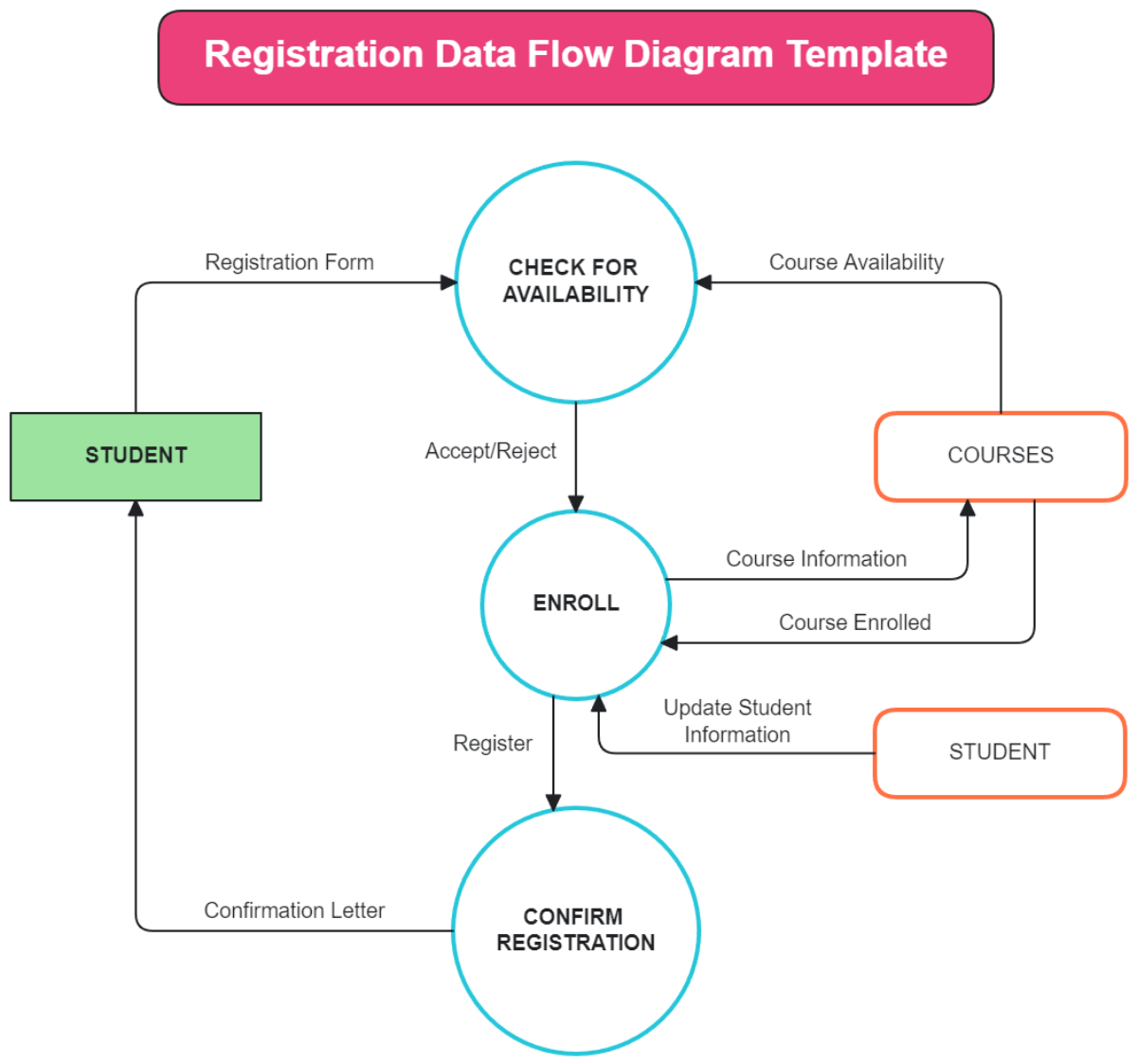
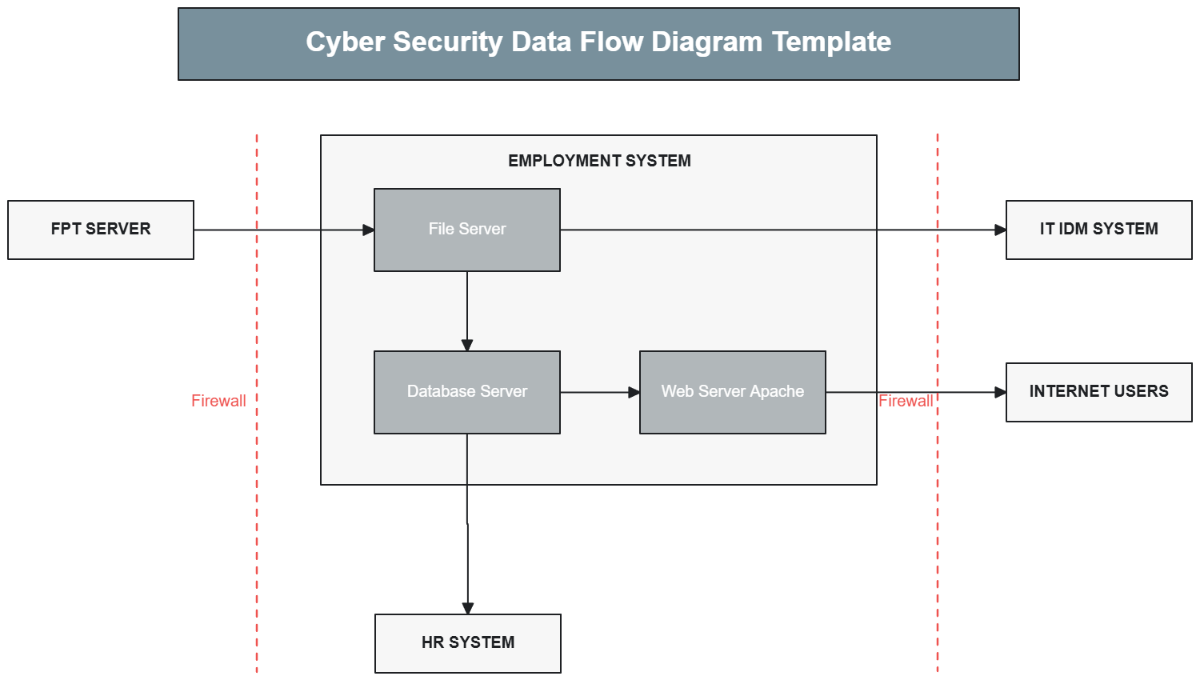




Data Flow Diagram Templates: Definition, Usage, and Best Practices
What is a Data Flow Diagram?
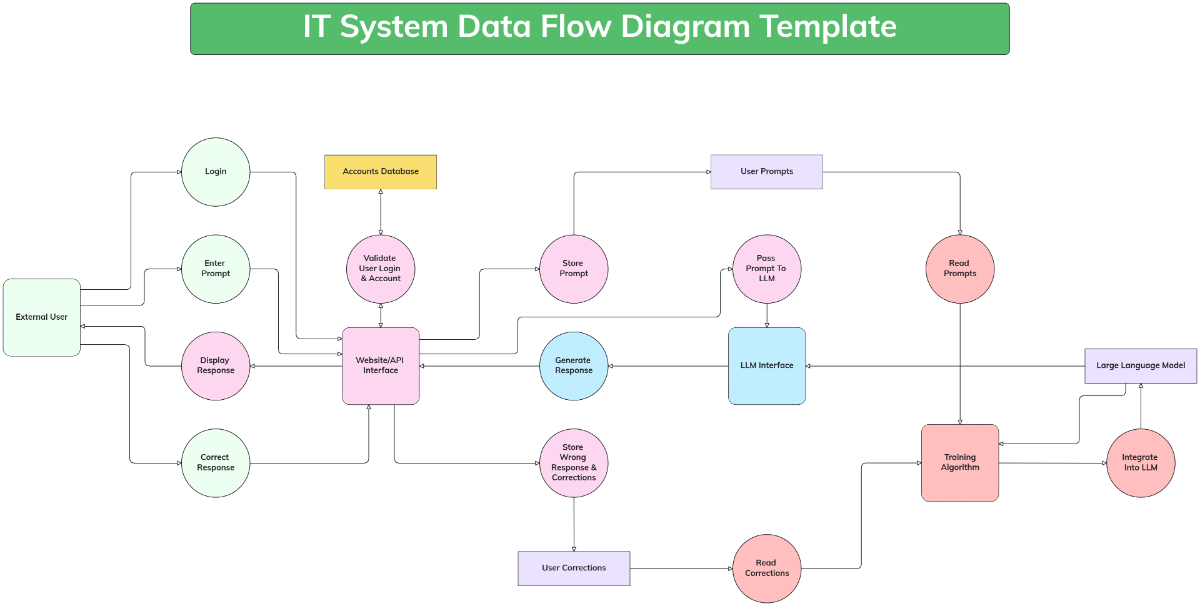
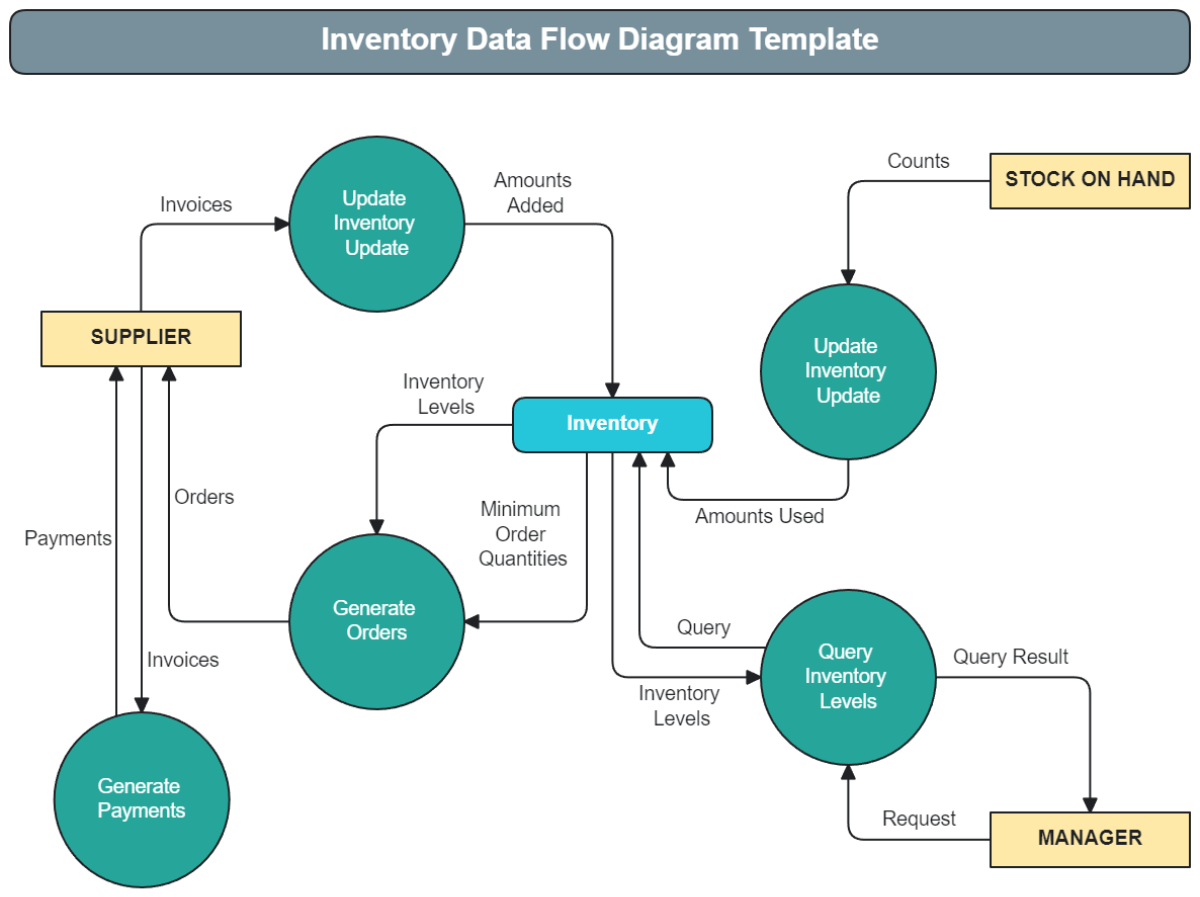
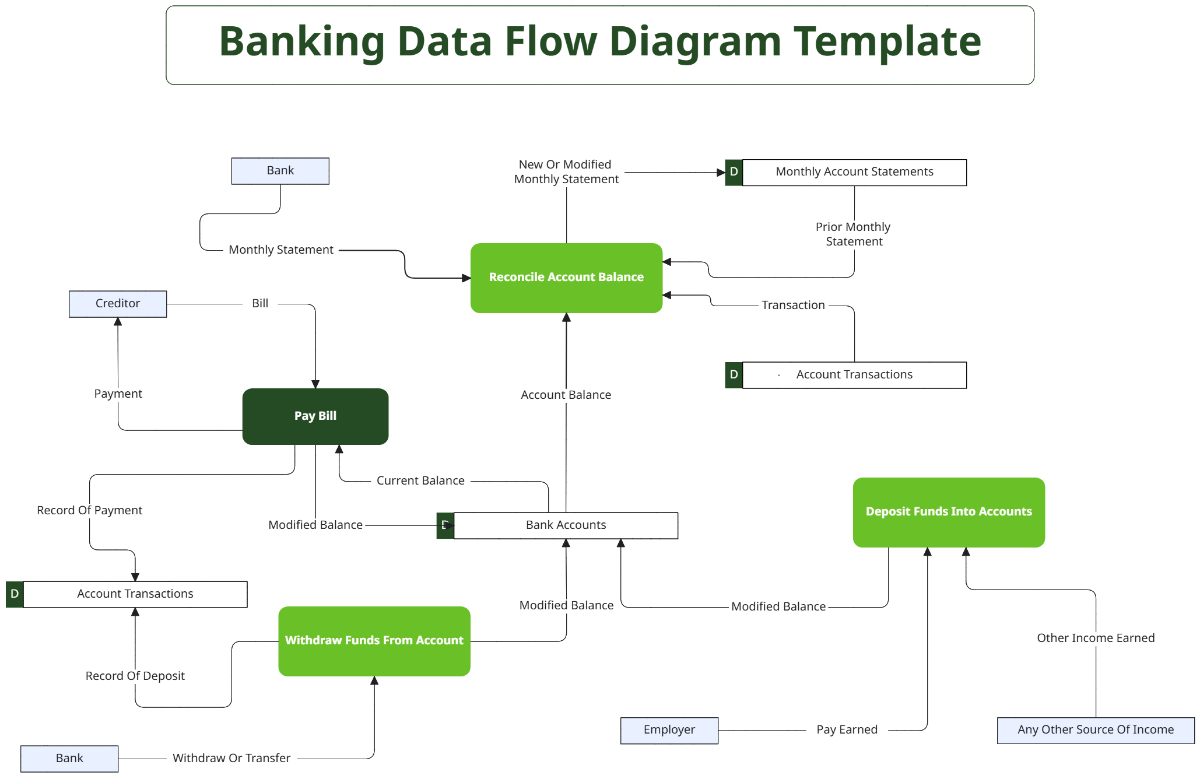
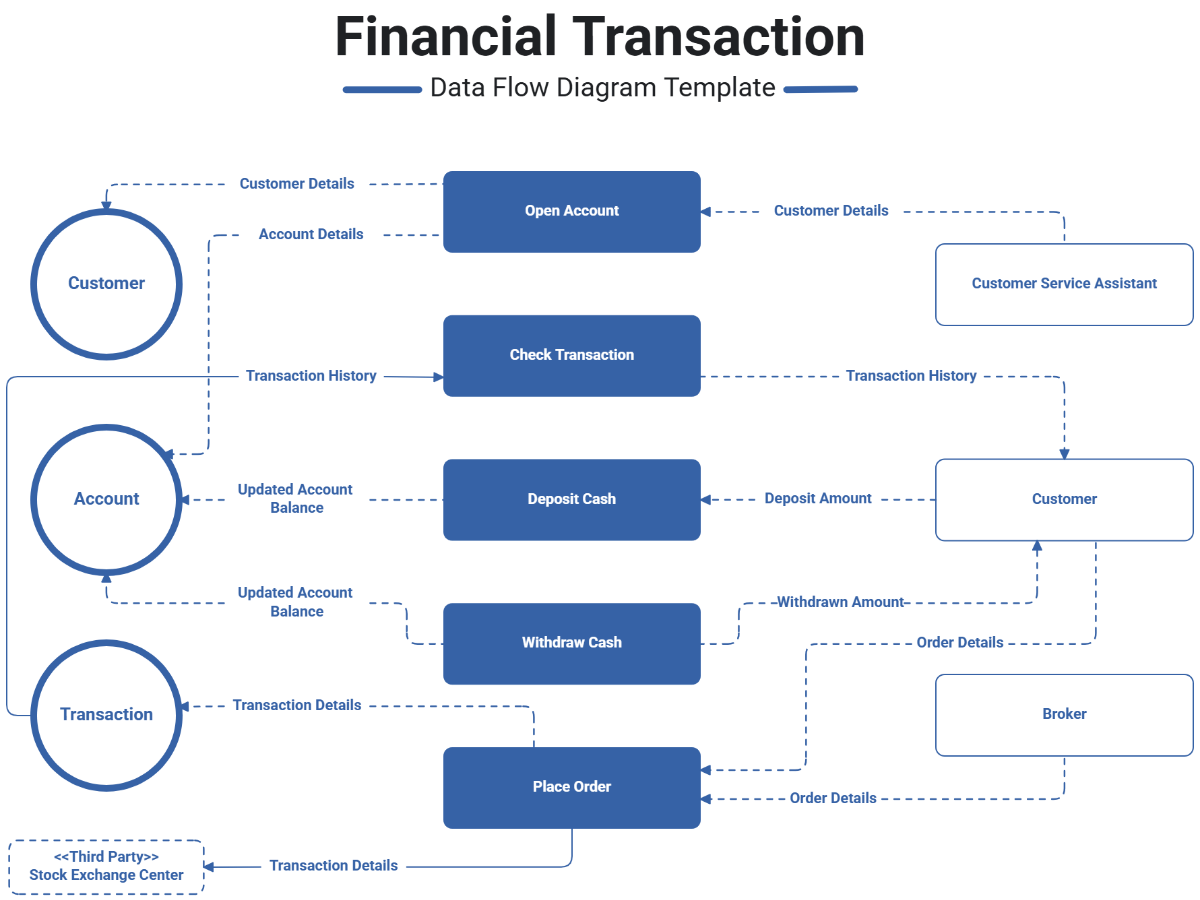
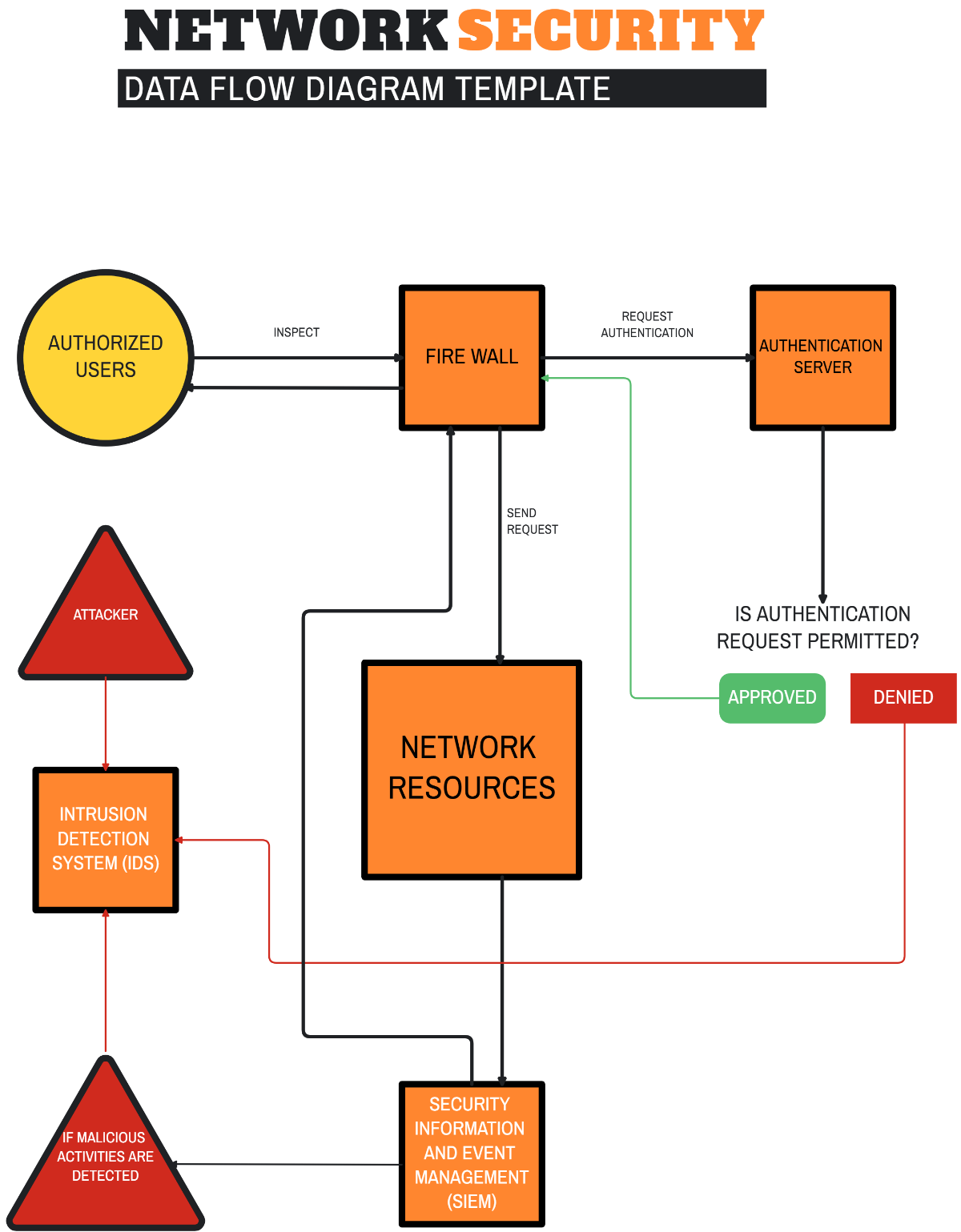
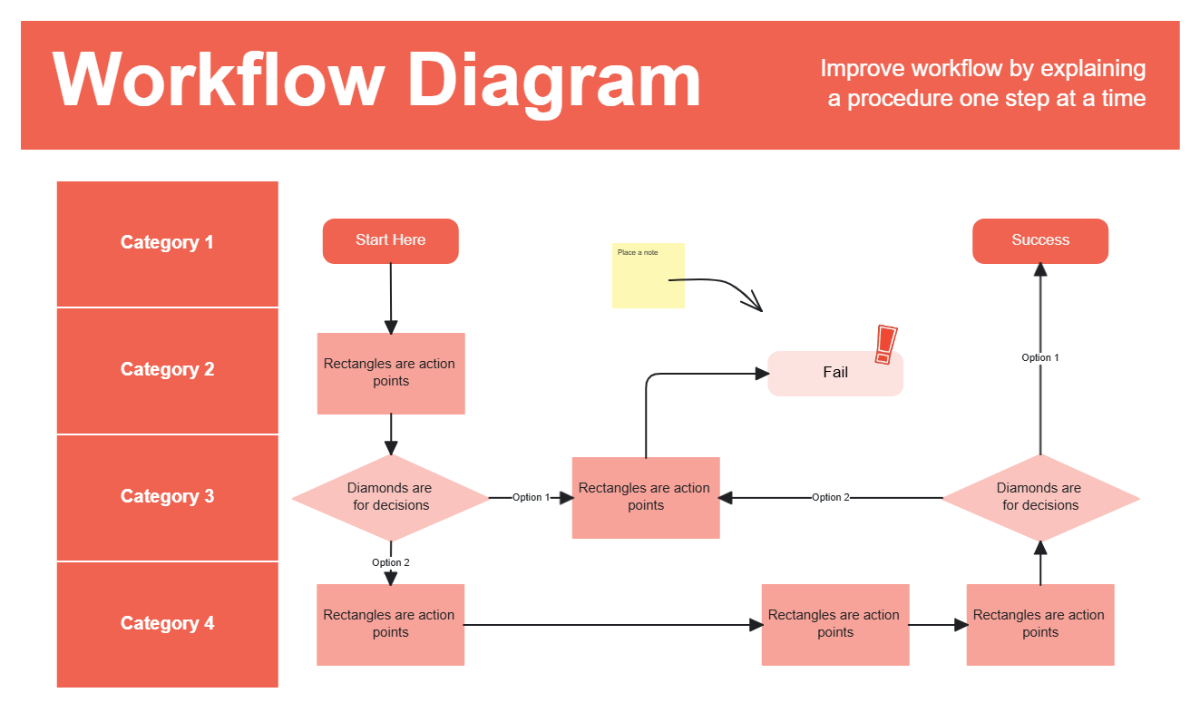
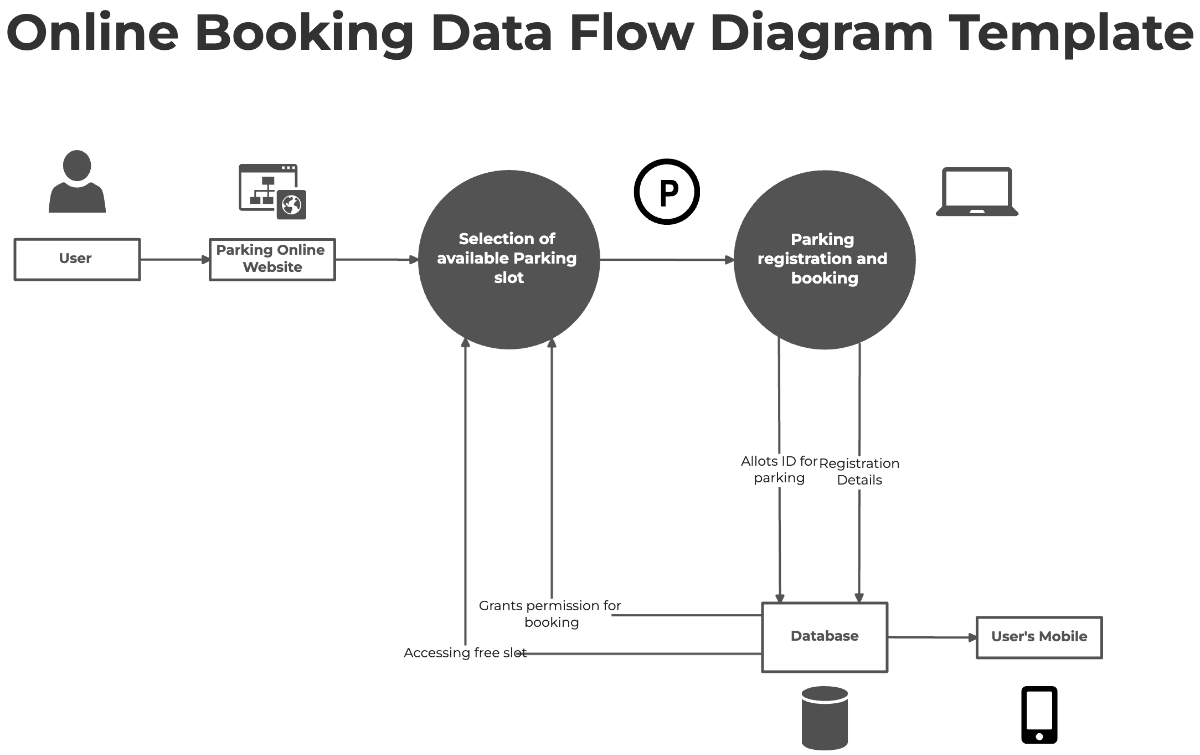
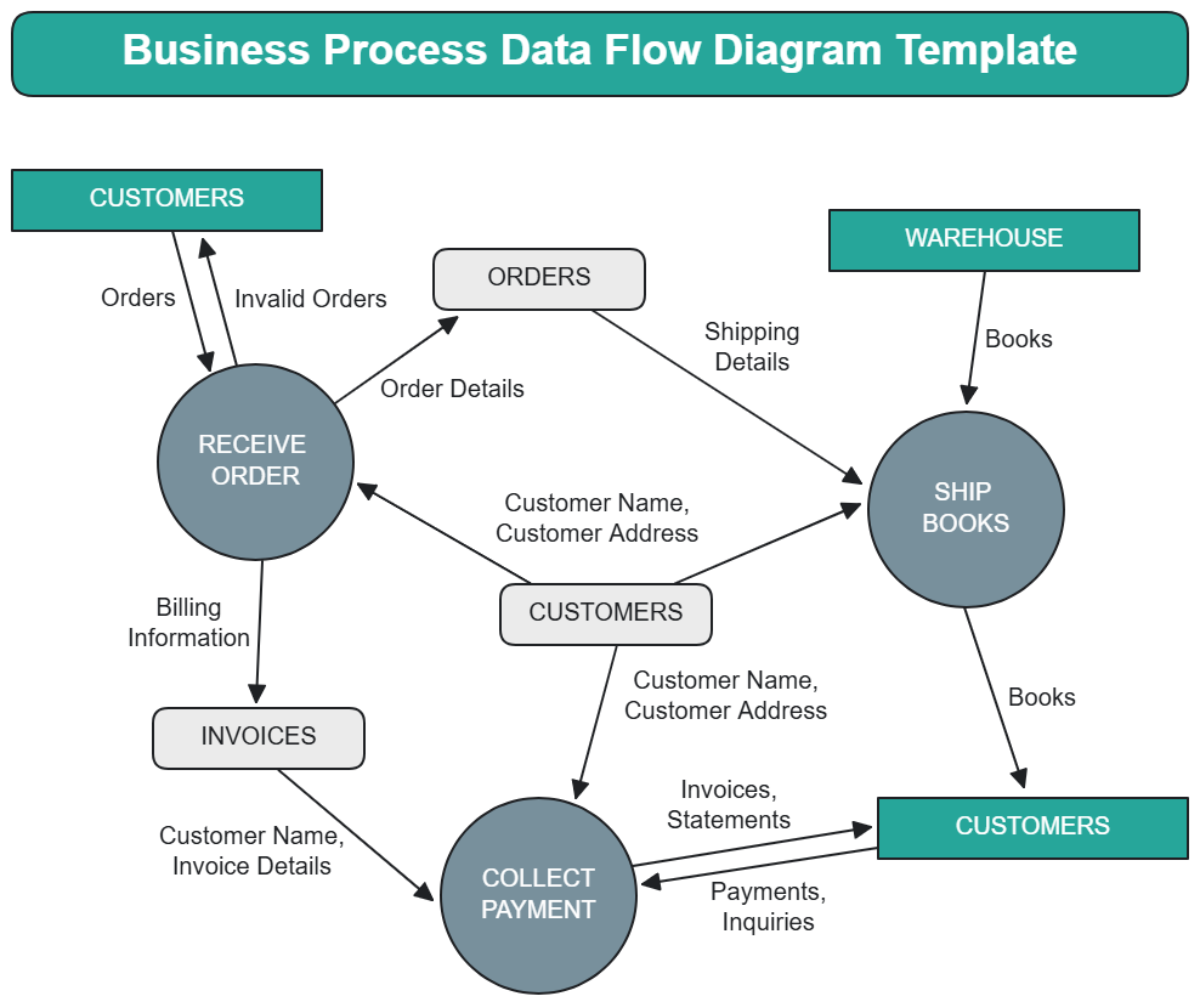
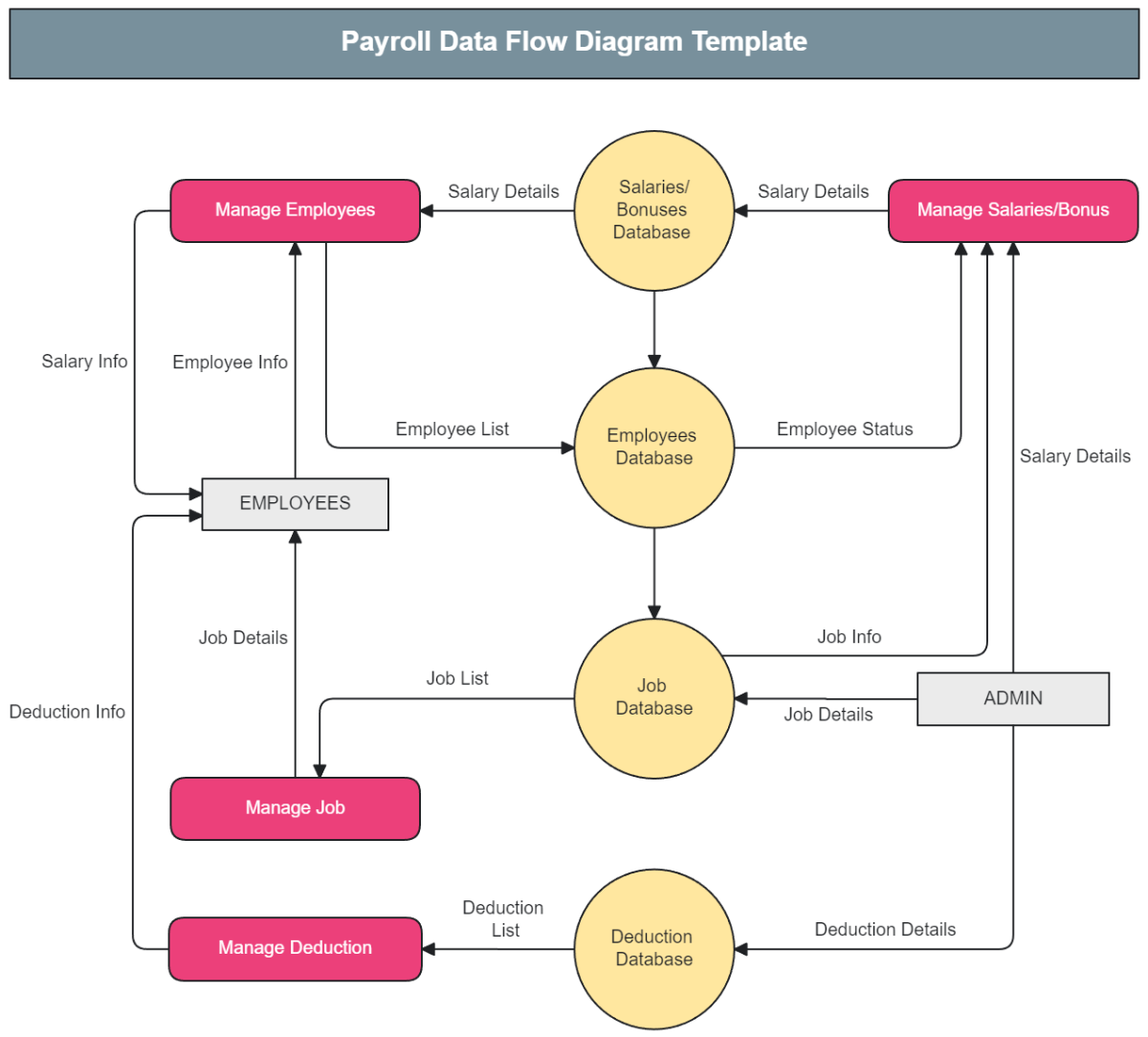
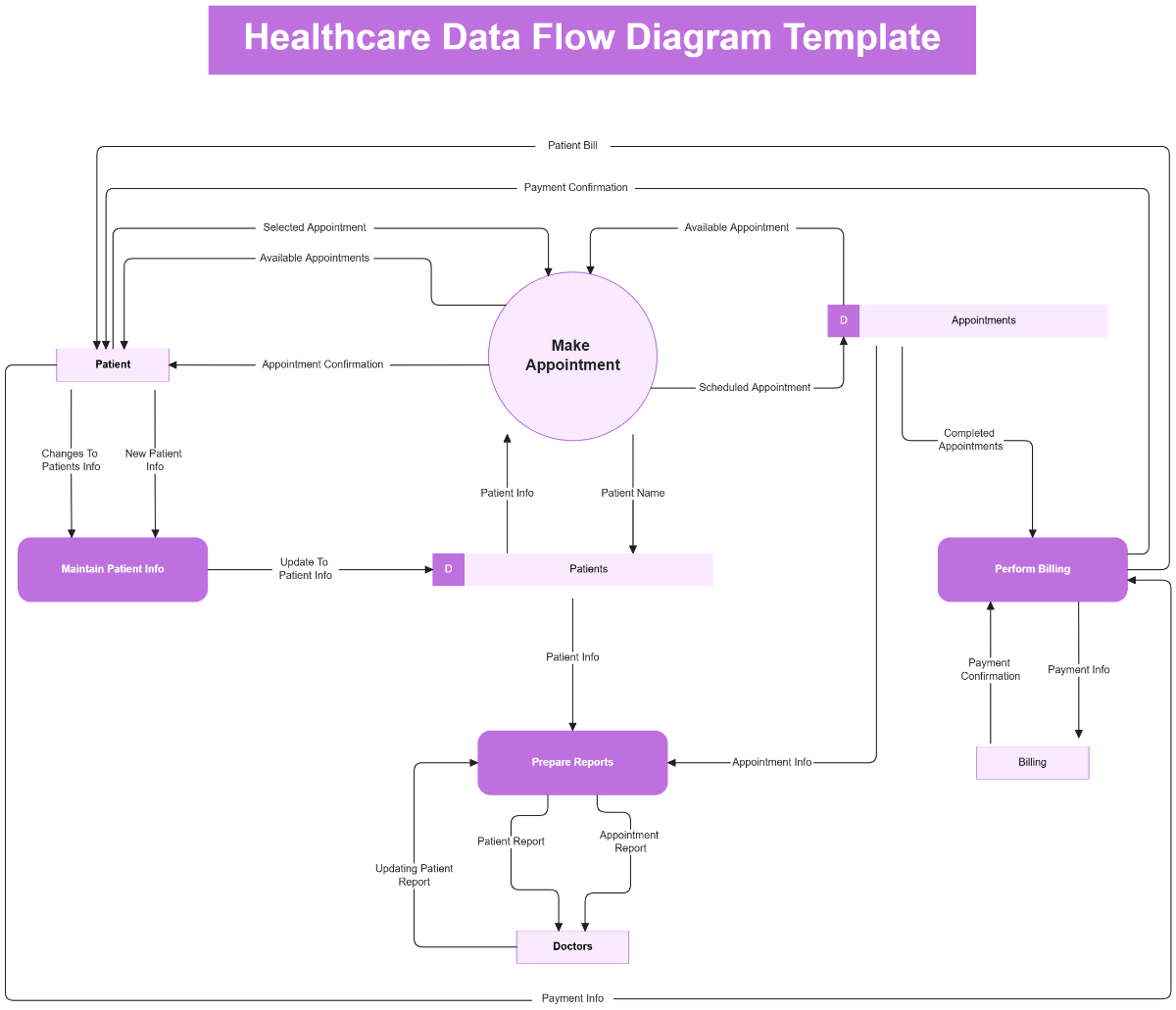
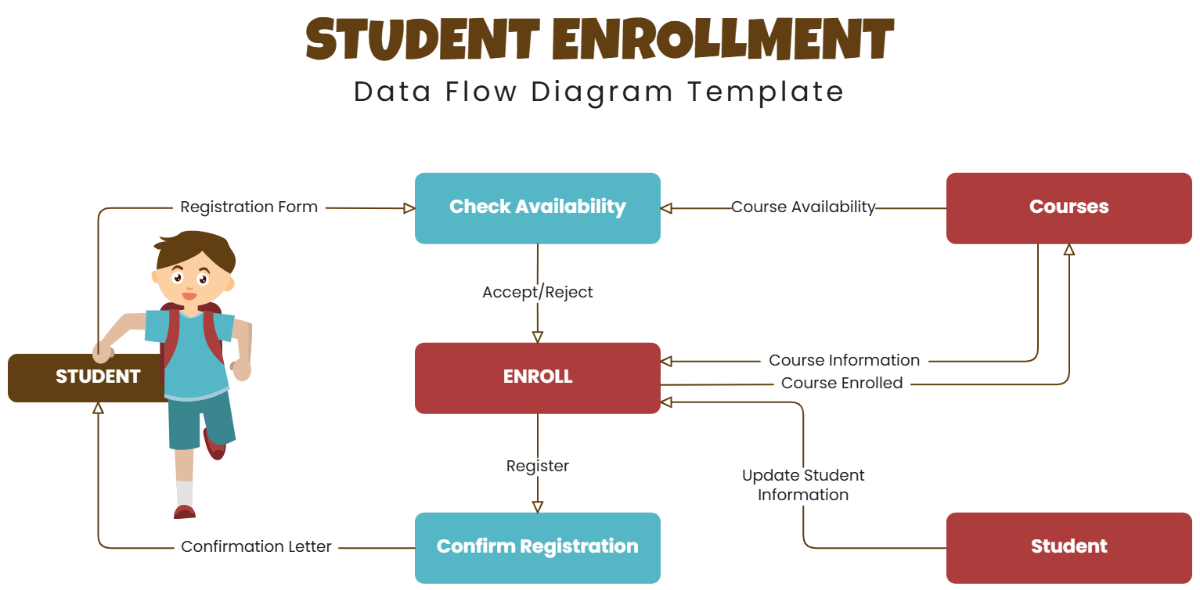
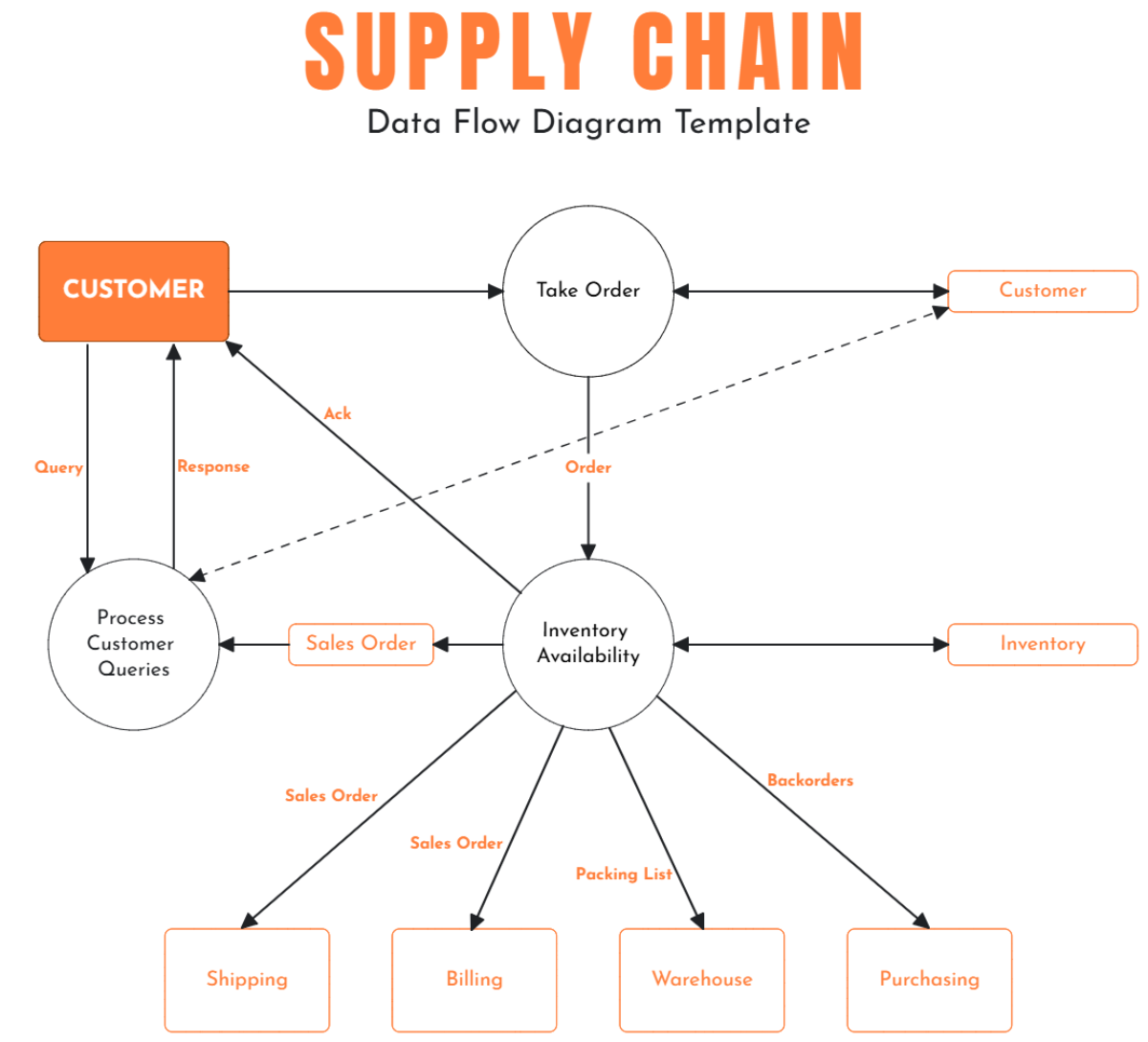
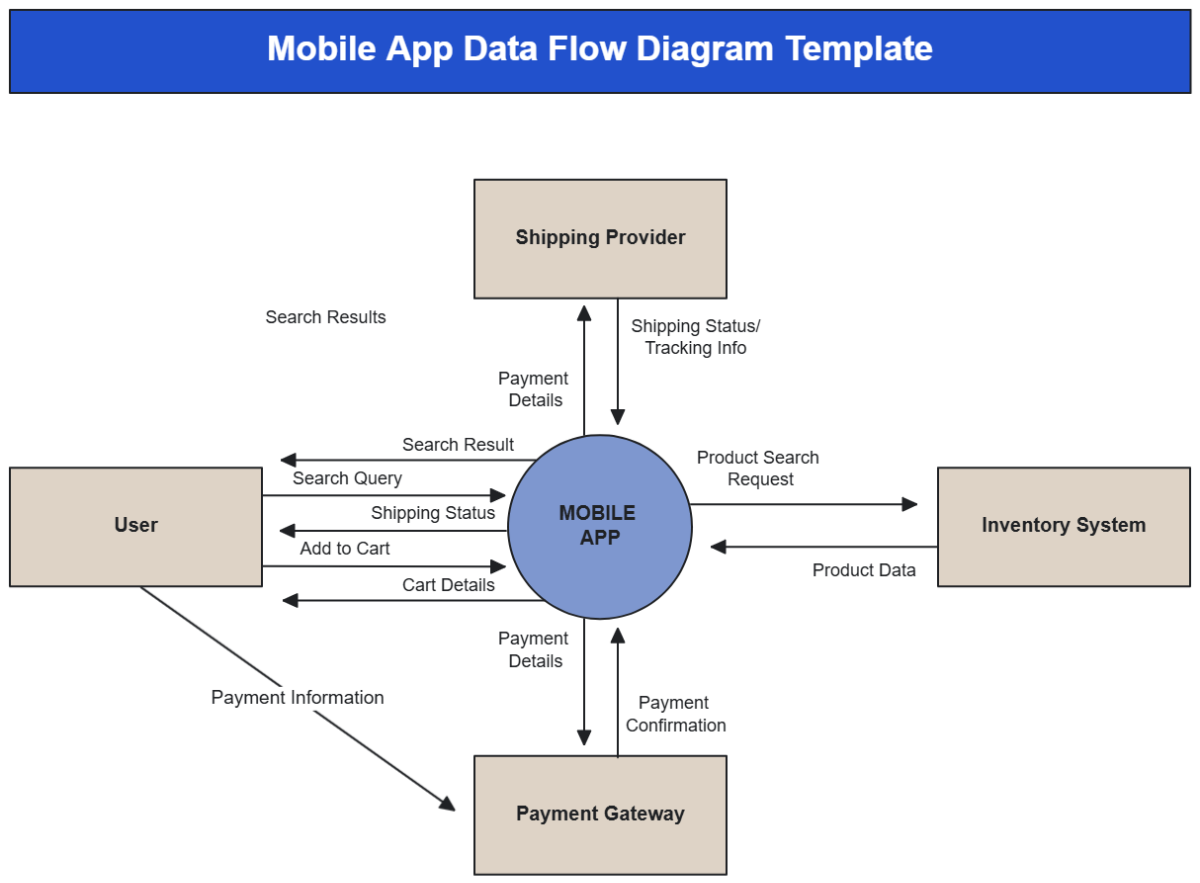
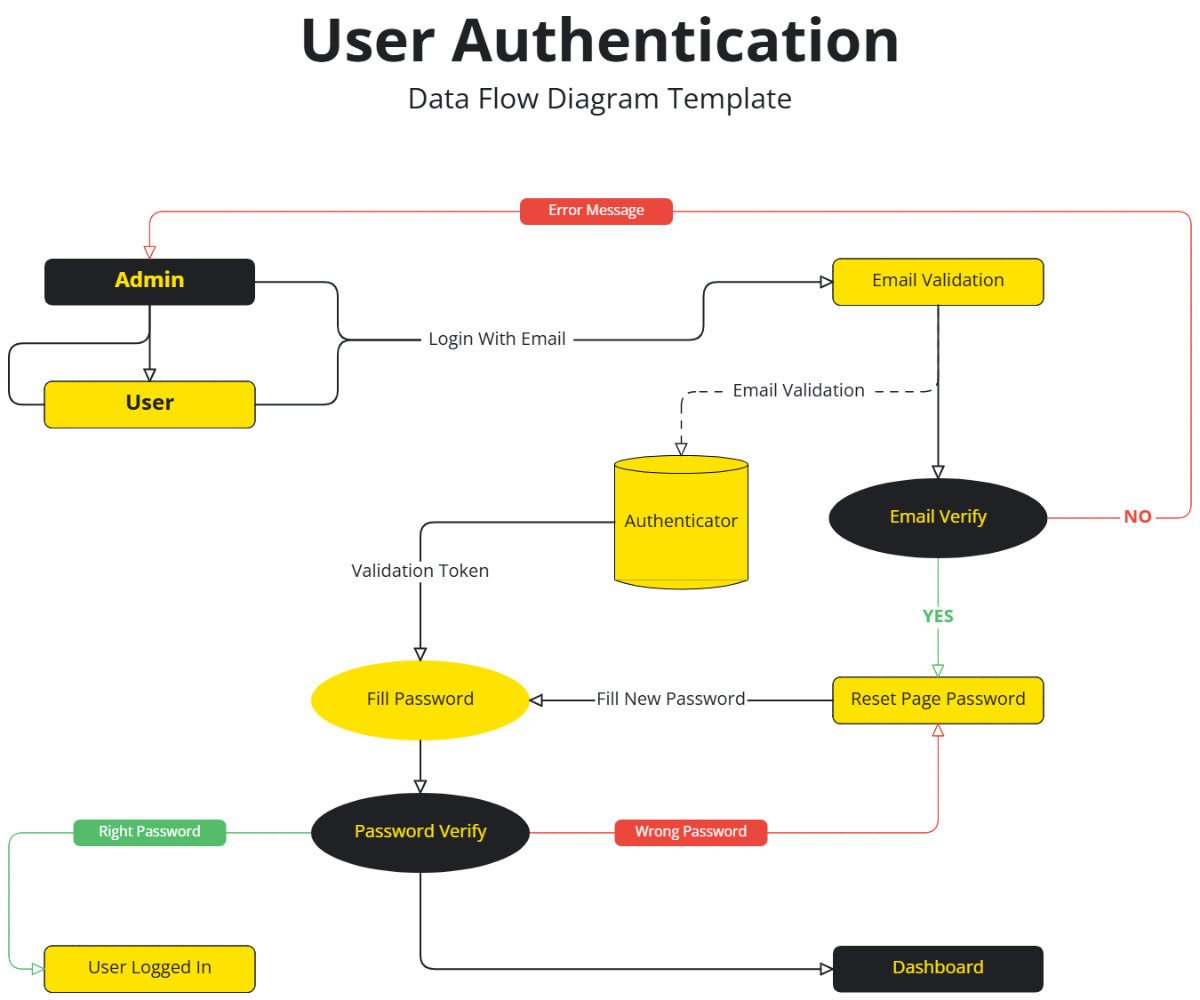
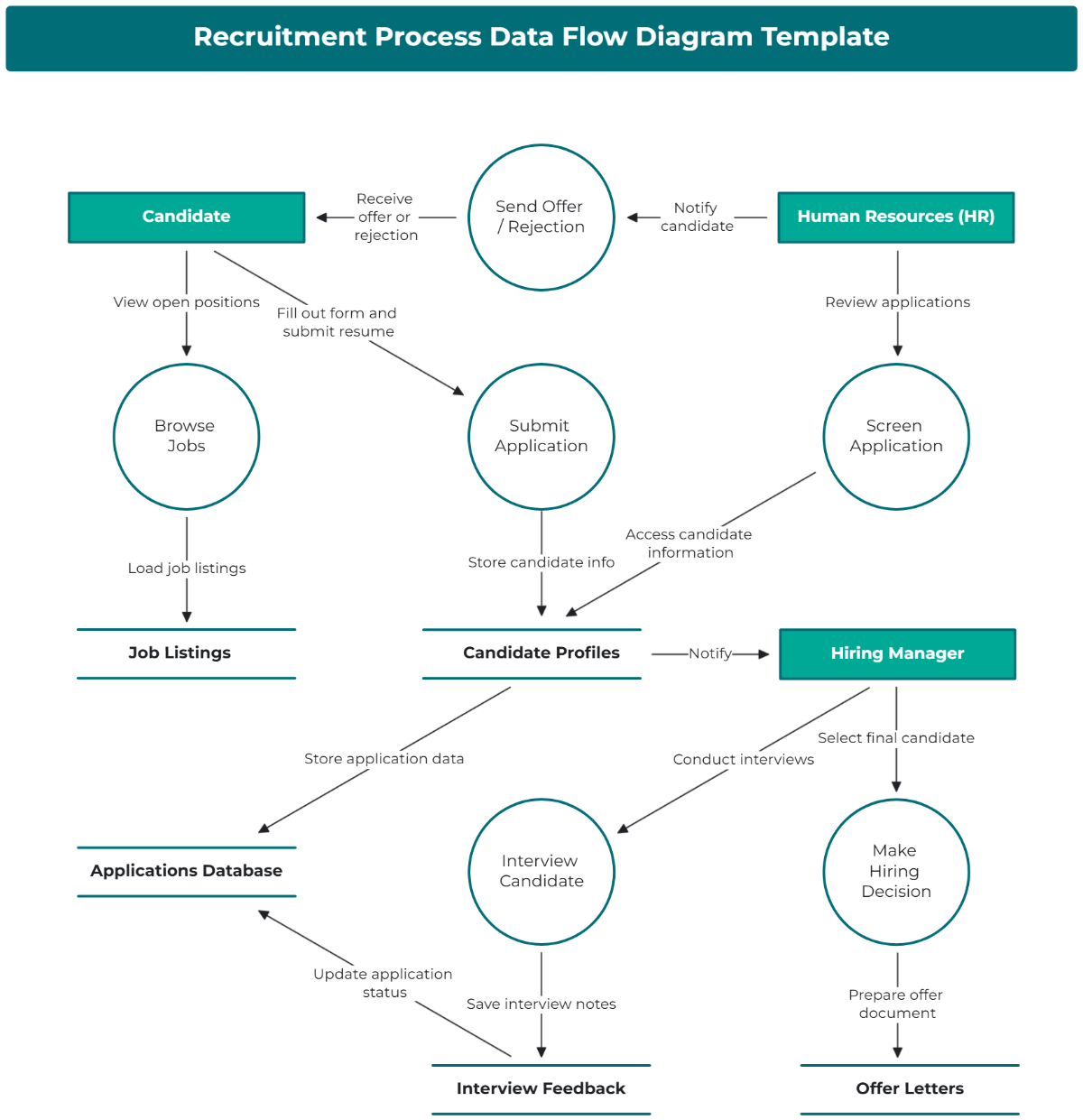
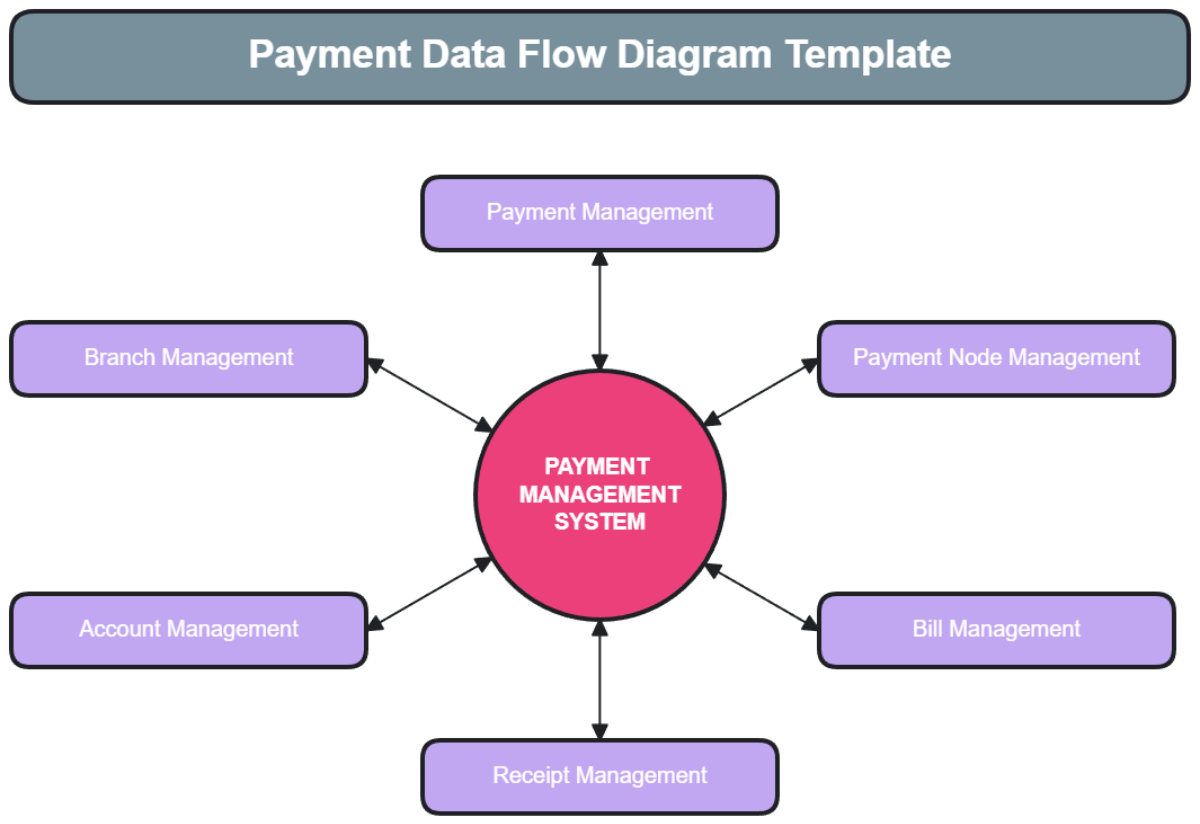
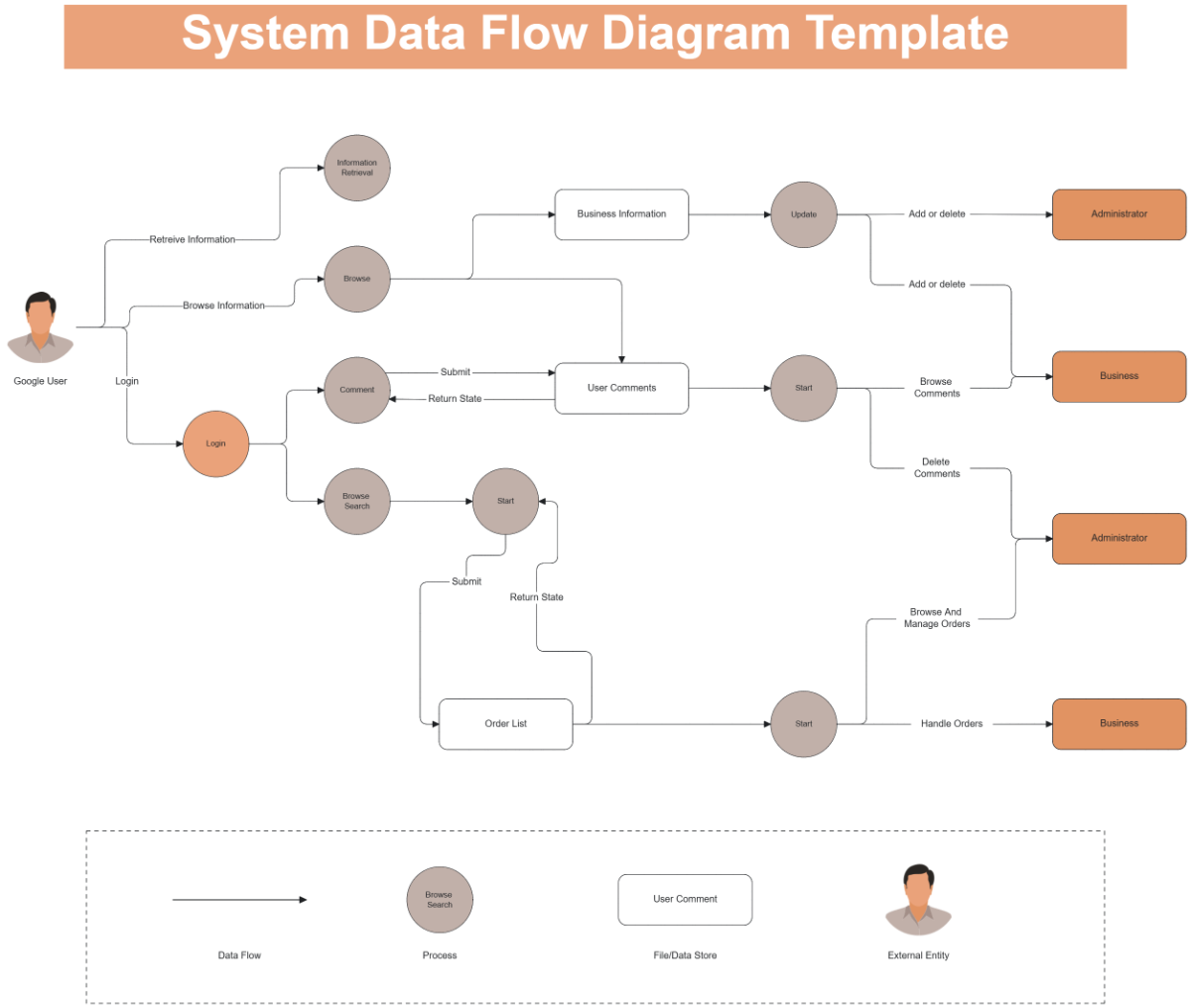
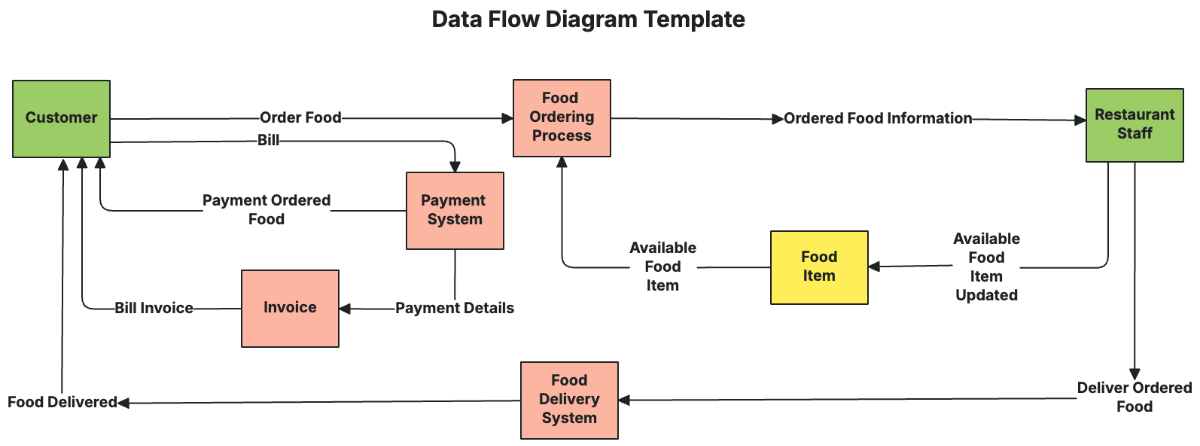
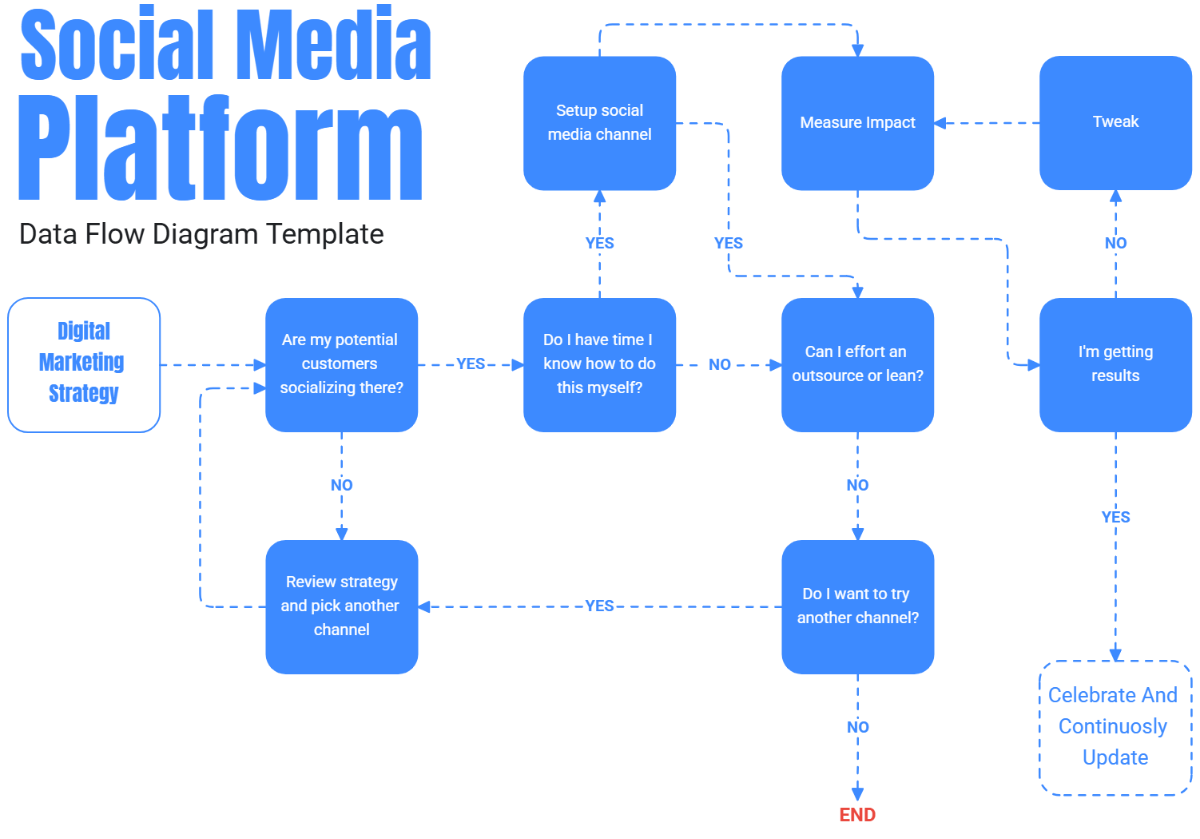
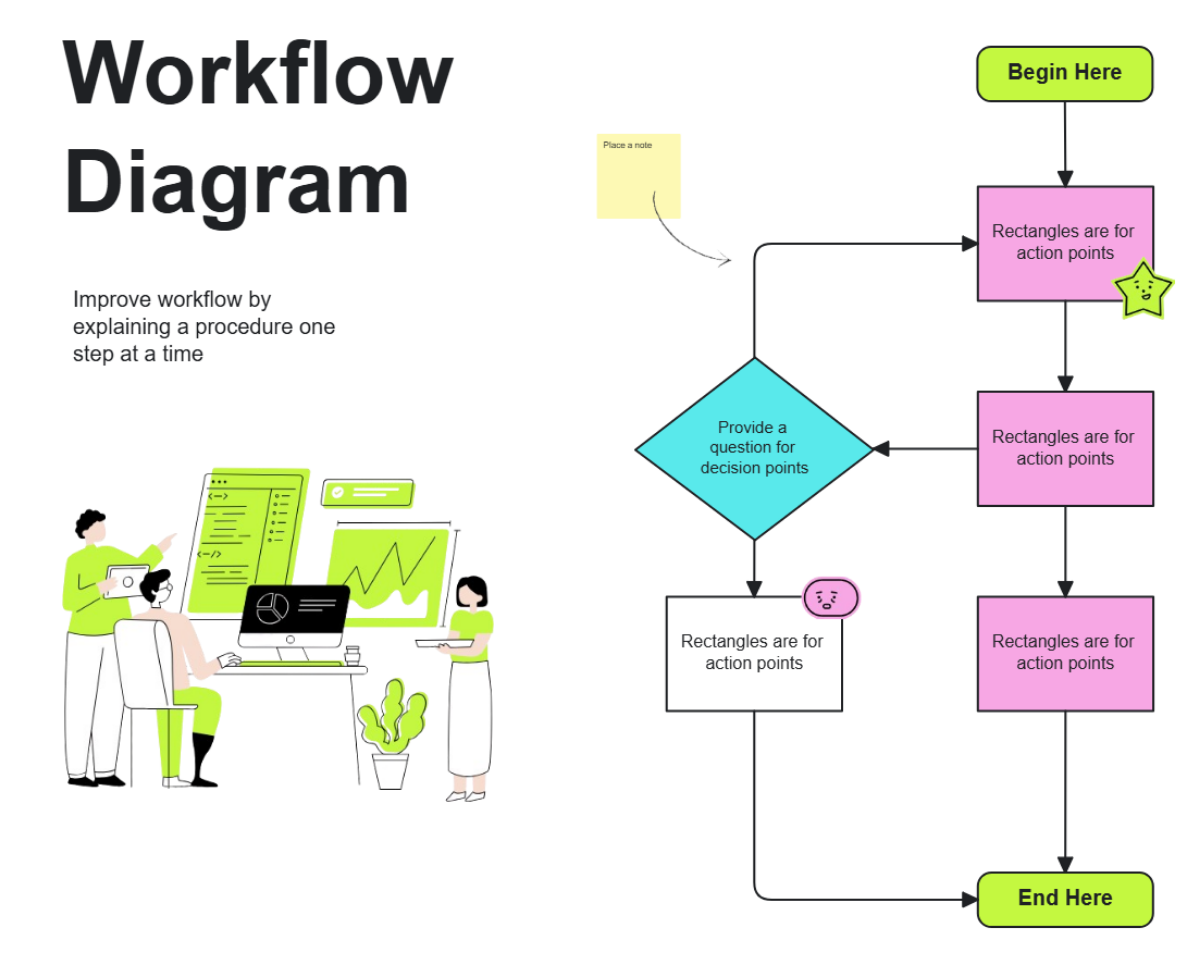
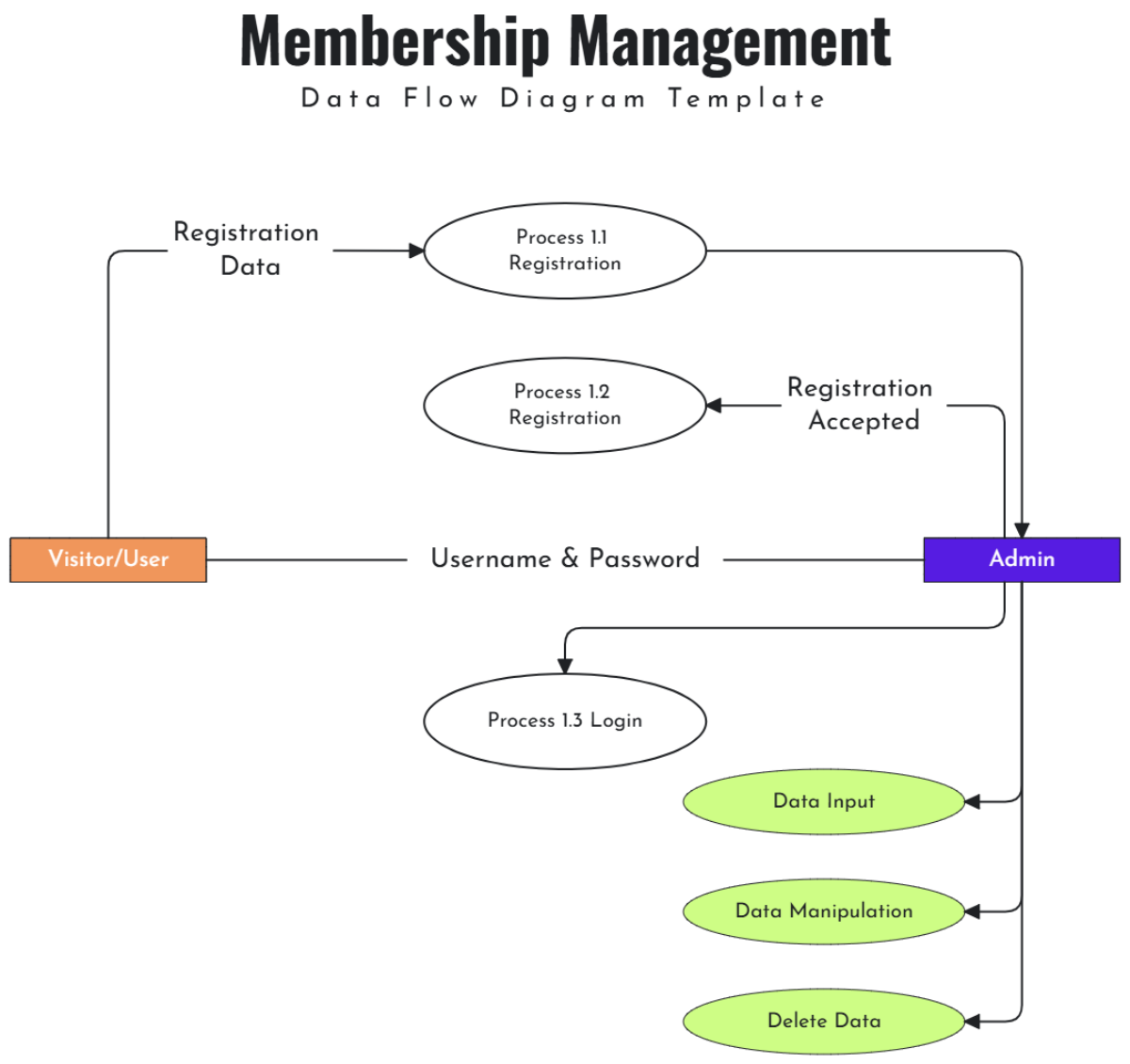
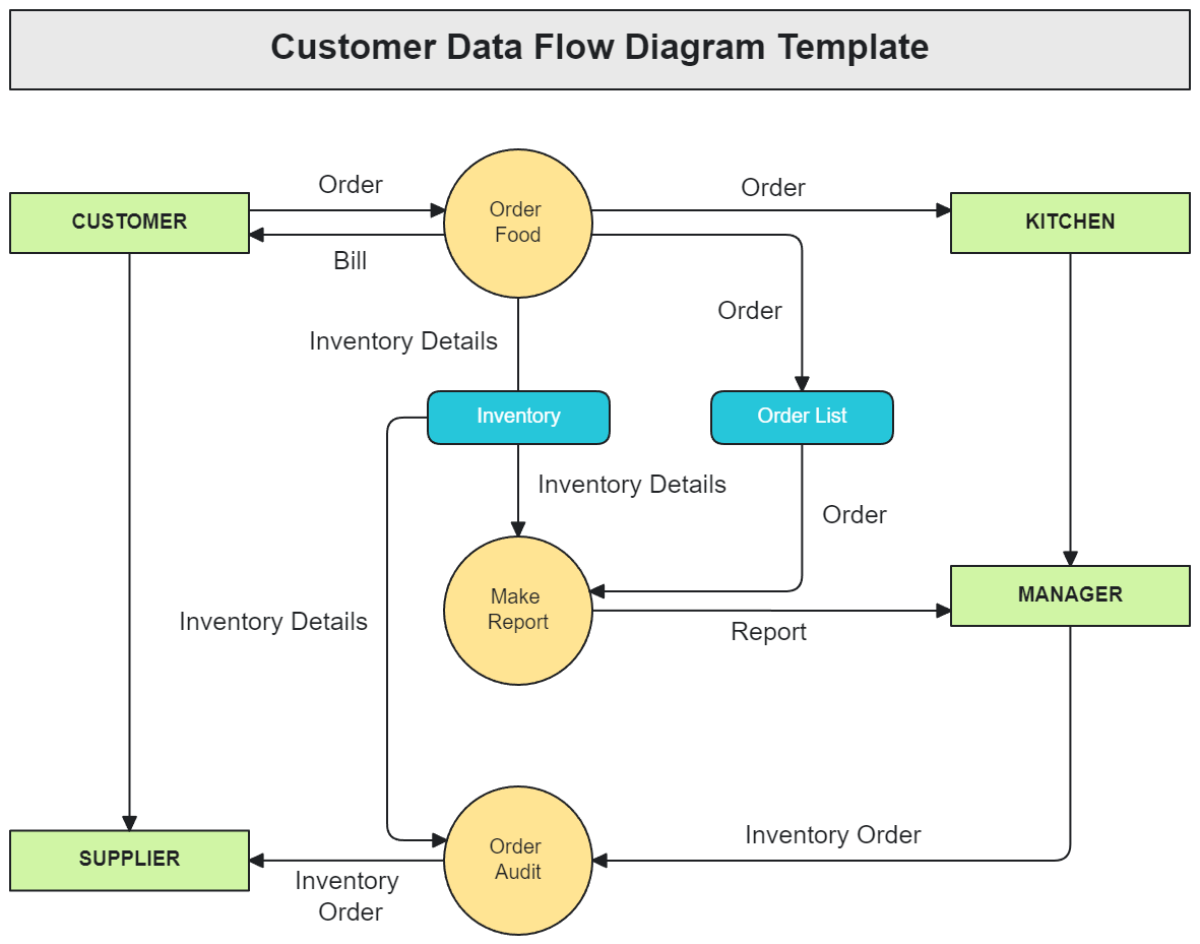
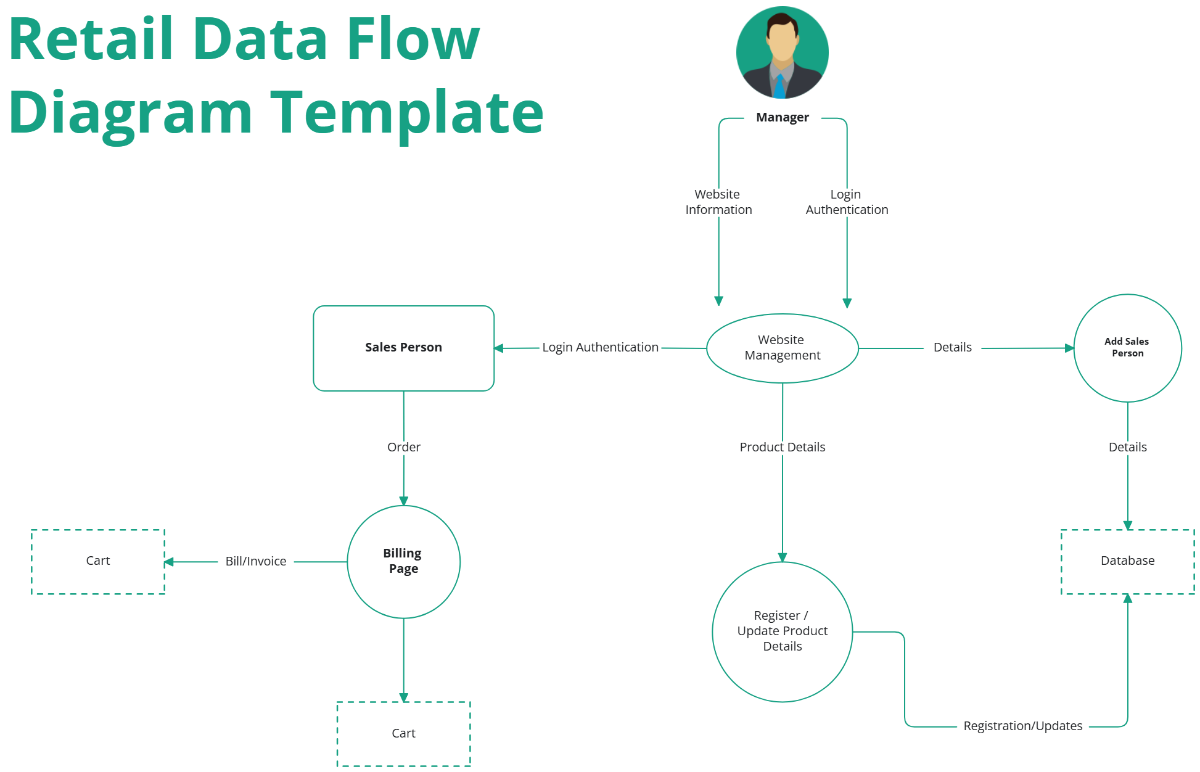
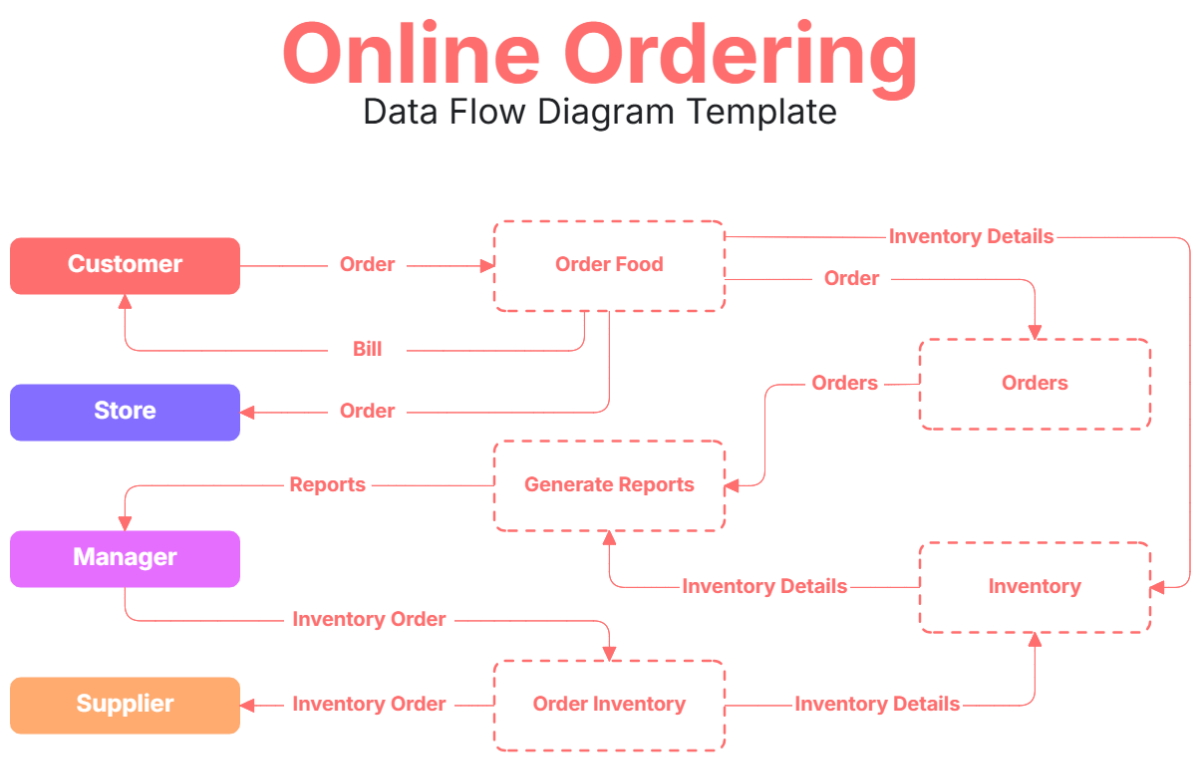
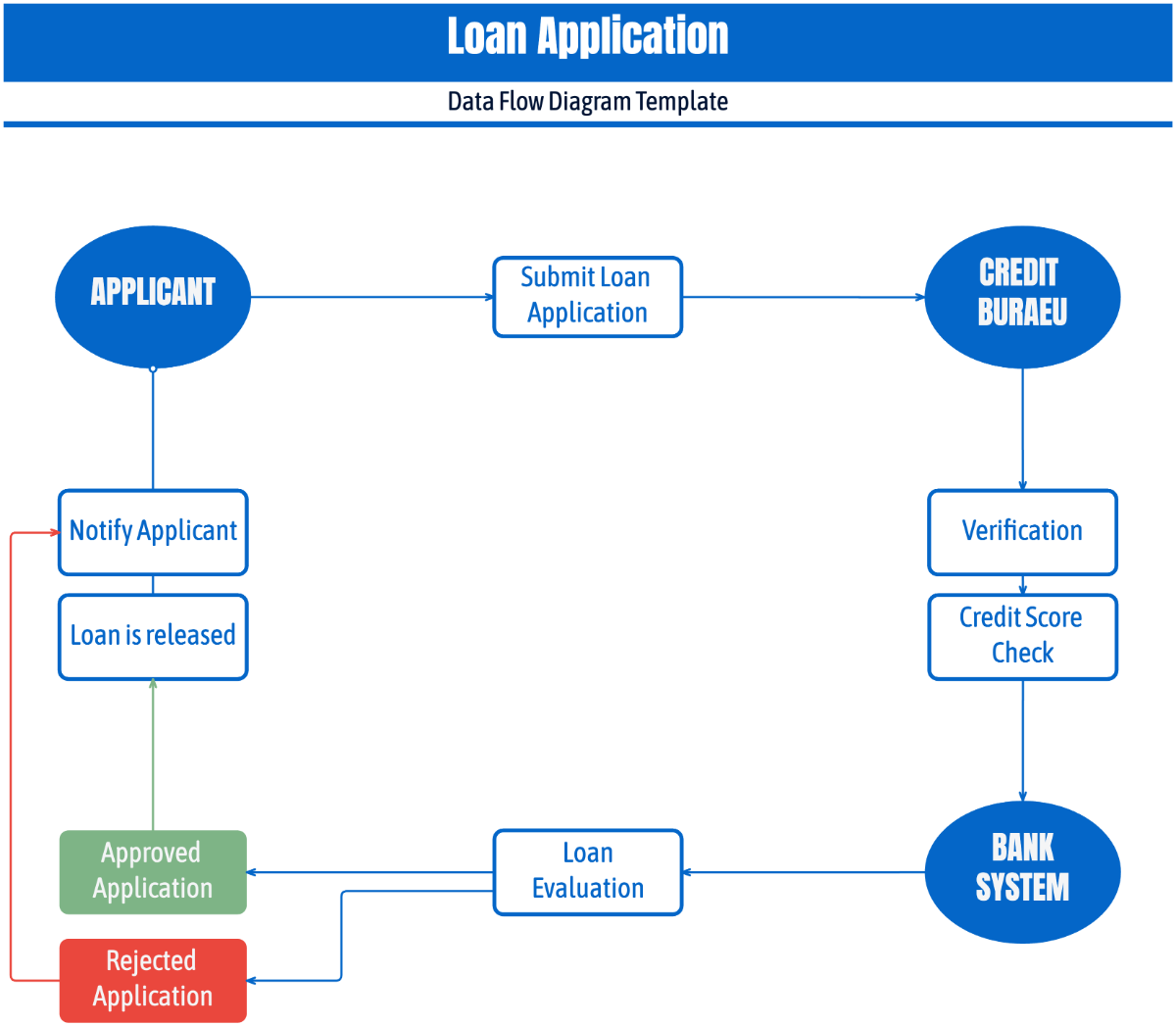
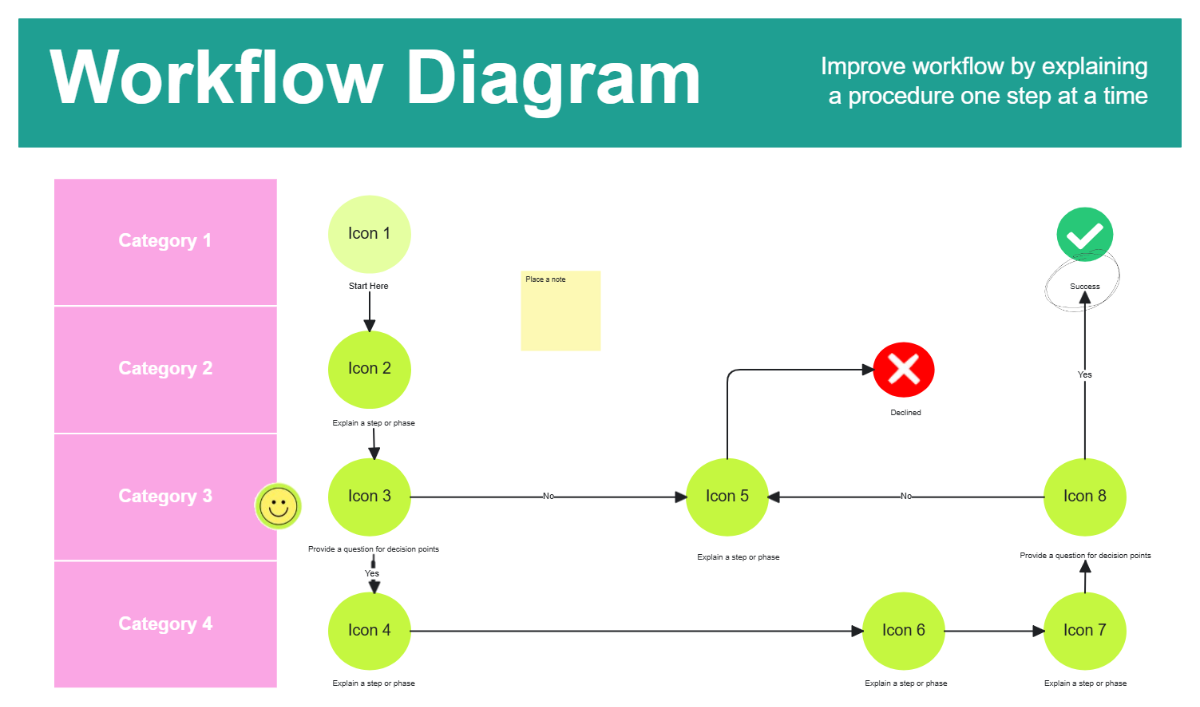
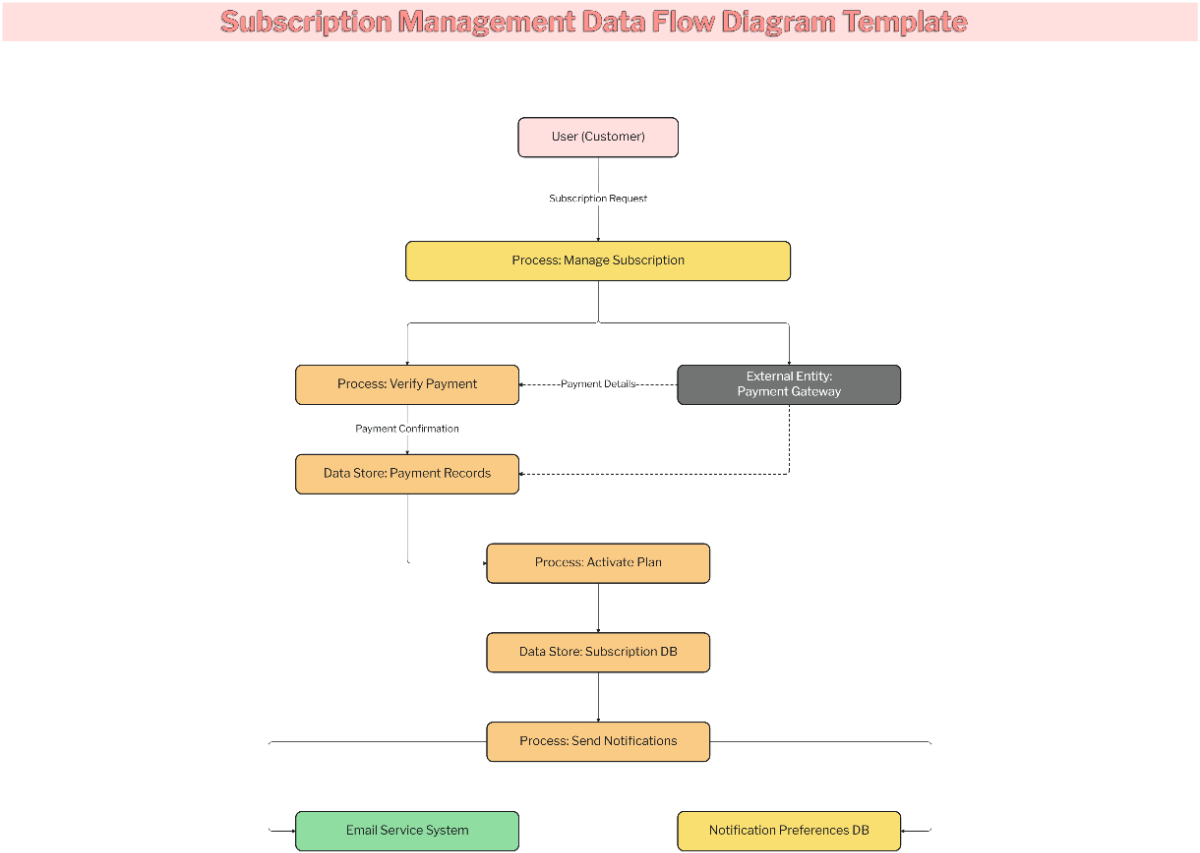
A Data Flow Diagram is a visual representation that maps the flow of data within a system, showing processes, data stores, external entities, and data flows. These diagrams help understand how information moves and transforms across components.
Why use a Data Flow Diagram?
Data Flow Diagram templates clarify system data movement, improving communication and identifying inefficiencies. Using these diagrams in planning and analysis speeds up understanding complex workflows and supports better decision-making in system design.
Who typically uses Data Flow Diagrams?
Data Flow Diagram templates are commonly used by system analysts, software engineers, project managers, and business stakeholders to visualize data processes, collaborate on design, and streamline communication across technical and non-technical teams.
What sections or blocks should a Data Flow Diagram include?
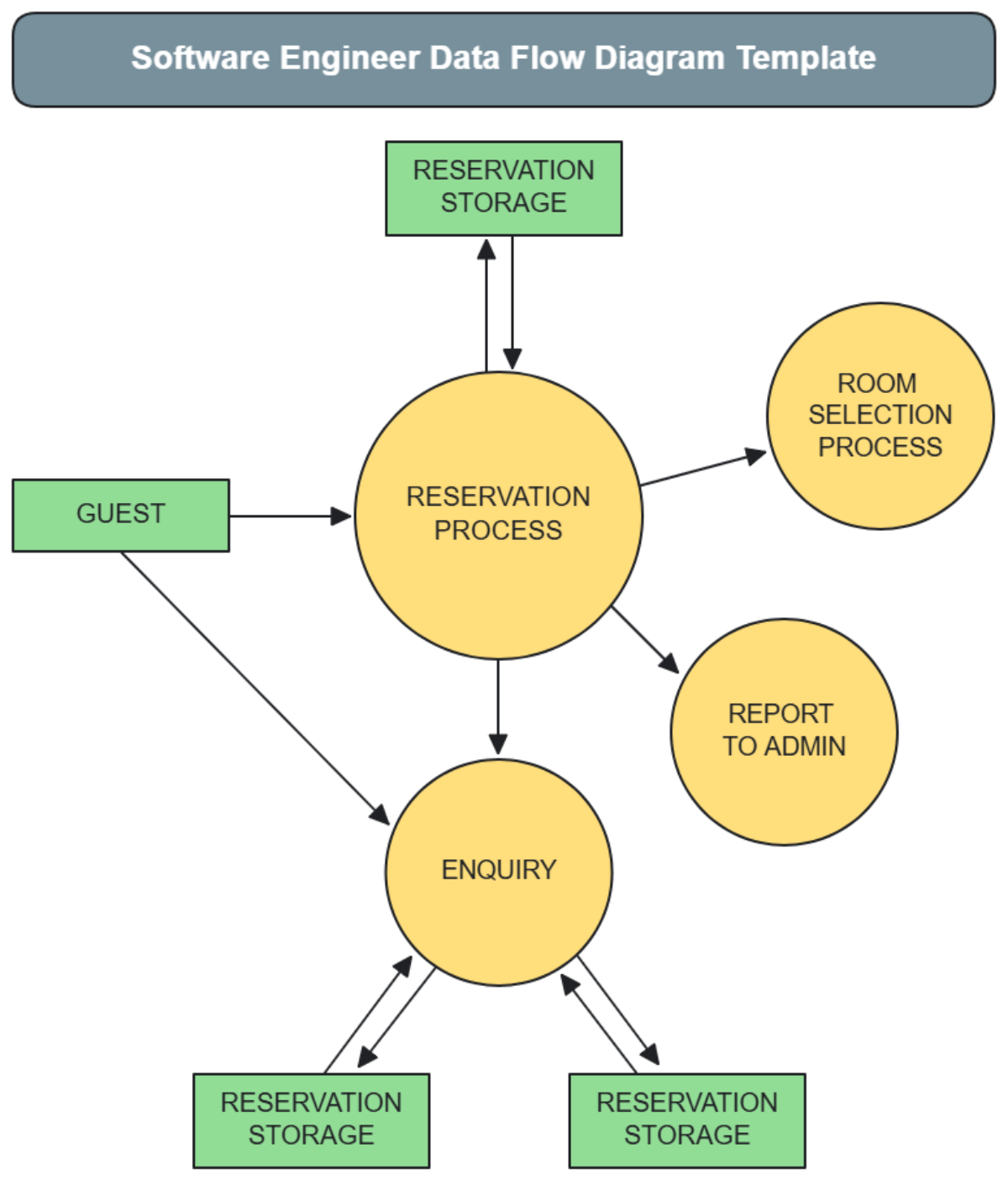
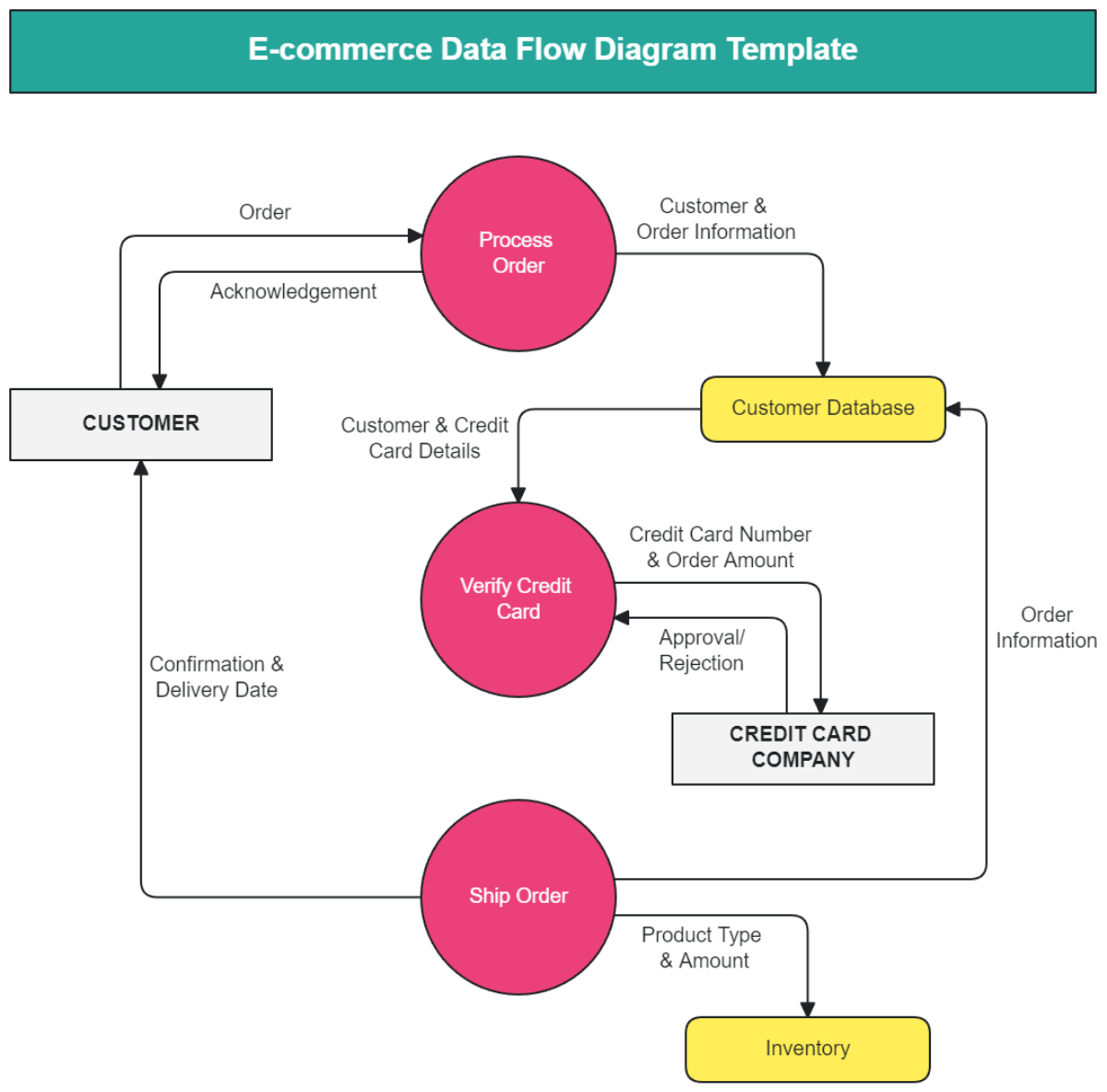
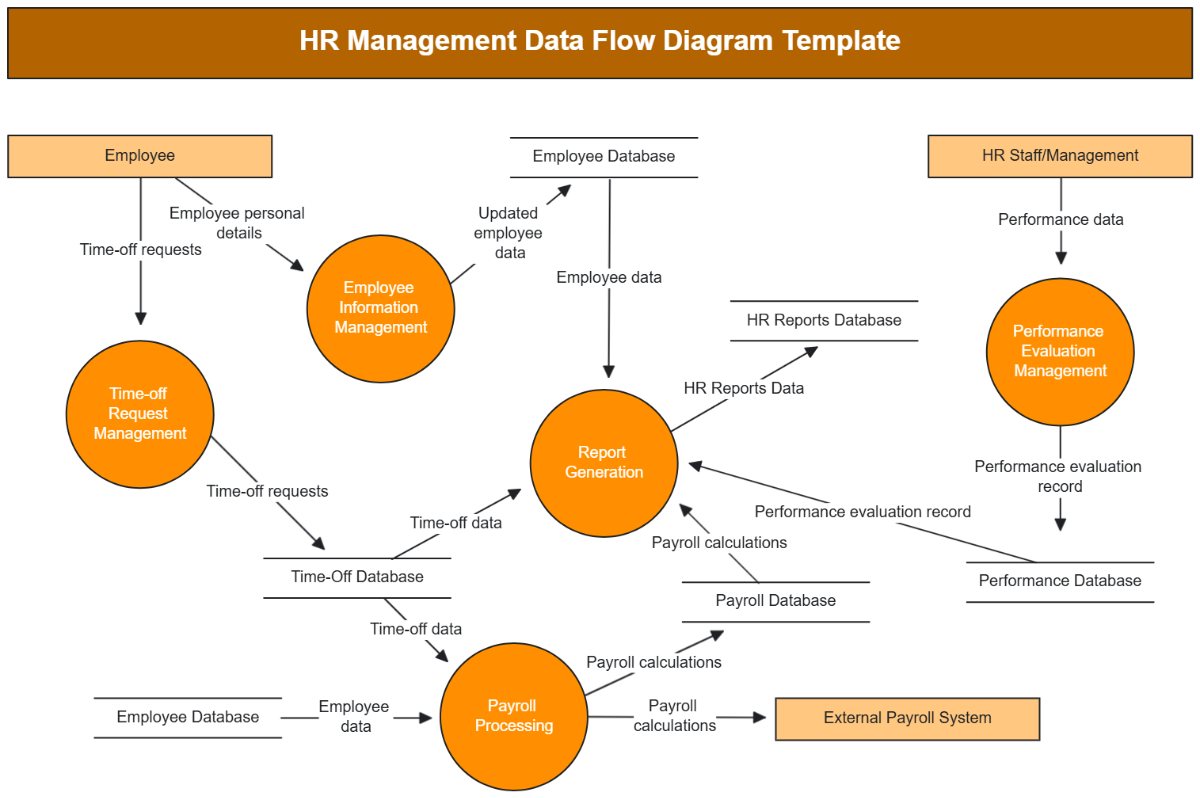
A comprehensive Data Flow Diagram includes process nodes, data stores, external entities, and data flow connectors. These elements are arranged to clearly show how data moves and transforms through the system.
What are the best tips for designing a Data Flow Diagram?
Effective Data Flow Diagram design involves using clear shapes for processes and data stores, consistent connectors for data flow, logical canvas layout, and color coding to differentiate components, ensuring readability and accuracy.
How do you share or present a Data Flow Diagram?
Data Flow Diagram templates on Template.net support sharing via direct online links, embedding in presentations, or exporting to multiple formats, enabling easy distribution and professional presentation across teams and stakeholders.
How do teams collaborate on a Data Flow Diagram?
Teams collaborate on Data Flow Diagram templates using Template.net’s online interactive canvas with real-time editing, collaboration cursors, and drag-and-drop features, allowing simultaneous input and visual brainstorming.
Can I create a new Data Flow Diagram using AI?
Template.net provides an AI-powered tool that generates new Data Flow Diagram layouts from prompts in seconds, ready for online refinement and multi-format export. Use the Data Flow Diagram Maker to start quickly.
