
Chat with Google Gemini 3.1 Pro
Work Smarter with the Latest Google Gemini 3.1 Pro
AI Google Gemini on Template.net gives you access to advanced Gemini AI models including Google Gemini 3.1 Pro, Gemini 3 Pro Image, Gemini Flash 3, Gemini Flash 2.5, Gemini 2.5 Flash Image, Gemini Veo 3.1, and Gemini Imagen 4 for conversations, content generation, coding, image creation, video generation, brainstorming, and research workflows. Switch between AI models anytime and continue conversations seamlessly across devices. From writing and visual generation to productivity and problem-solving, AI Google Gemini helps streamline creative and professional workflows with plans starting at just $12 monthly.
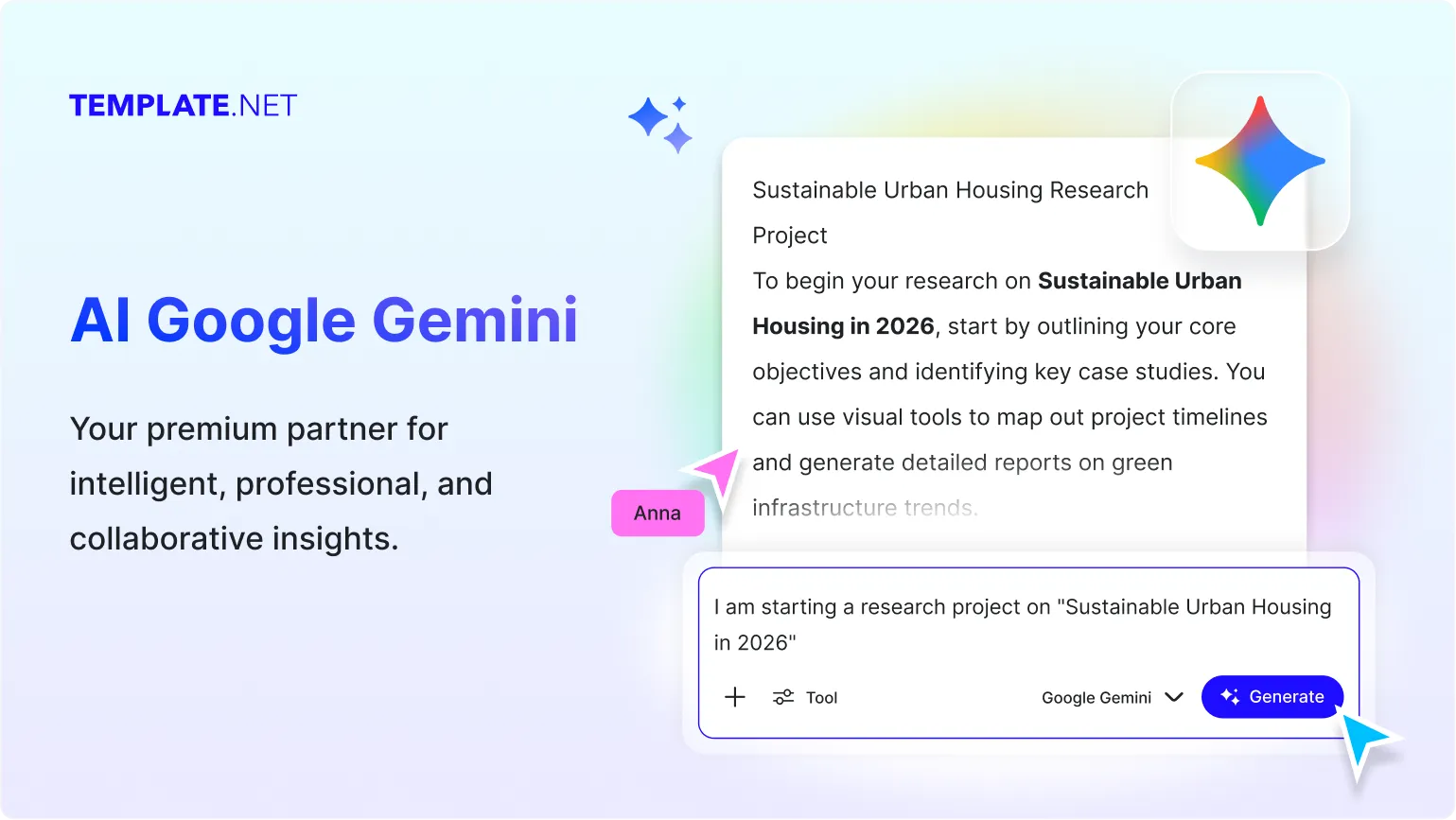
Advanced AI Workspace for Everyday Creativity and Productivity
Everything you need to generate content, create visuals, solve problems, research topics, and collaborate with advanced multimodal AI.
AI-Powered by Google Gemini 3.1 Pro
Experience advanced reasoning, multimodal understanding, and intelligent AI assistance powered by Google Gemini 3.1 Pro.
Natural Conversational Intelligence
Interact naturally with AI that understands context, follow-up questions, instructions, and conversation flow smoothly.
Instant AI Content Generation
Generate blogs, emails, reports, scripts, captions, summaries, business documents, and professional writing within seconds.
Fast AI Responses for Daily Workflows
Get intelligent answers instantly for productivity, education, business tasks, coding, research, and creative projects.
AI Image Creation with Gemini Models
Generate creative visuals, illustrations, concept art, marketing graphics, and AI-generated images directly from prompts.
AI Video Generation Support
Create short AI videos, animated scenes, storytelling visuals, and cinematic video concepts using Gemini Veo 3.1 capabilities.
Advanced Coding Assistance
Generate code, debug errors, explain programming concepts, and improve development workflows faster with AI assistance.
Smart Document Summarization
Convert lengthy articles, reports, PDFs, notes, and research into concise summaries and simplified explanations.
Research & Topic Exploration Tools
Research complex subjects, compare information, analyze trends, and explore topics with structured AI guidance.
Switch Between Gemini Models Anytime
Easily move between Gemini 3.1 Pro, Gemini Flash 3, Gemini Imagen 4, and other Gemini AI models seamlessly.
Context-Aware AI Assistance
AI remembers conversation flow and adapts responses intelligently for more accurate and connected interactions.
Text, Voice & Prompt Flexibility
Type or speak naturally to interact with AI across multiple workflows, devices, and productivity tasks.
Custom Writing Styles & Tones
Adjust outputs into professional, casual, persuasive, technical, academic, or creative writing styles instantly.
Structured Response Formatting
Receive outputs in paragraphs, outlines, tables, bullet points, summaries, checklists, and step-by-step formats.
Multilingual Support
Generate and translate content in 20+ multiple languages including English, Spanish, Hindi, Arabic, Chinese, Japanese, and more to reach global audiences.
Collaboration-Friendly AI Outputs
Create drafts, reports, ideas, presentations, and summaries ready for teams, classrooms, businesses, and client workflows.
Flexible Prompt Refinement
Rewrite, simplify, expand, regenerate, or improve AI-generated responses naturally without restarting conversations.
Access Across Desktop & Mobile Devices
Use AI Google Gemini directly from desktop, tablet, and mobile browsers whenever intelligent assistance is needed.
How to Use AI Google Gemini
Generate content, create visuals, research topics, and interact with AI in just a few simple steps.
Step 1: Enter Your Prompt or Upload Files
Open AI Google Gemini and type your question, task, or idea such as “Create a product launch strategy for a startup brand.” You can also upload documents, images, or reference files for analysis and AI assistance.
Step 2: Review & Refine AI Responses
Analyze AI-generated responses, ask follow-up questions, switch Gemini AI models, regenerate outputs, or adjust tone and formatting based on your workflow needs.
Step 3: Copy, Share, or Continue Working
Copy AI-generated text, visuals, summaries, and research outputs instantly for work, study, marketing, coding, and collaboration. Share via Email, LinkedIn, WhatsApp, X (Twitter), and Pinterest or continue conversations anytime.
Create, Research, and Collaborate Smarter with AI
Generate Intelligent Multimodal Outputs
AI Google Gemini combines text, image, video, and research capabilities to help users generate smarter responses, visuals, explanations, and creative workflows from one AI workspace.
Adapt AI Responses for Different Tasks
Rewrite, summarize, expand, personalize, or restructure AI-generated outputs instantly for business, education, marketing, coding, and creative projects.
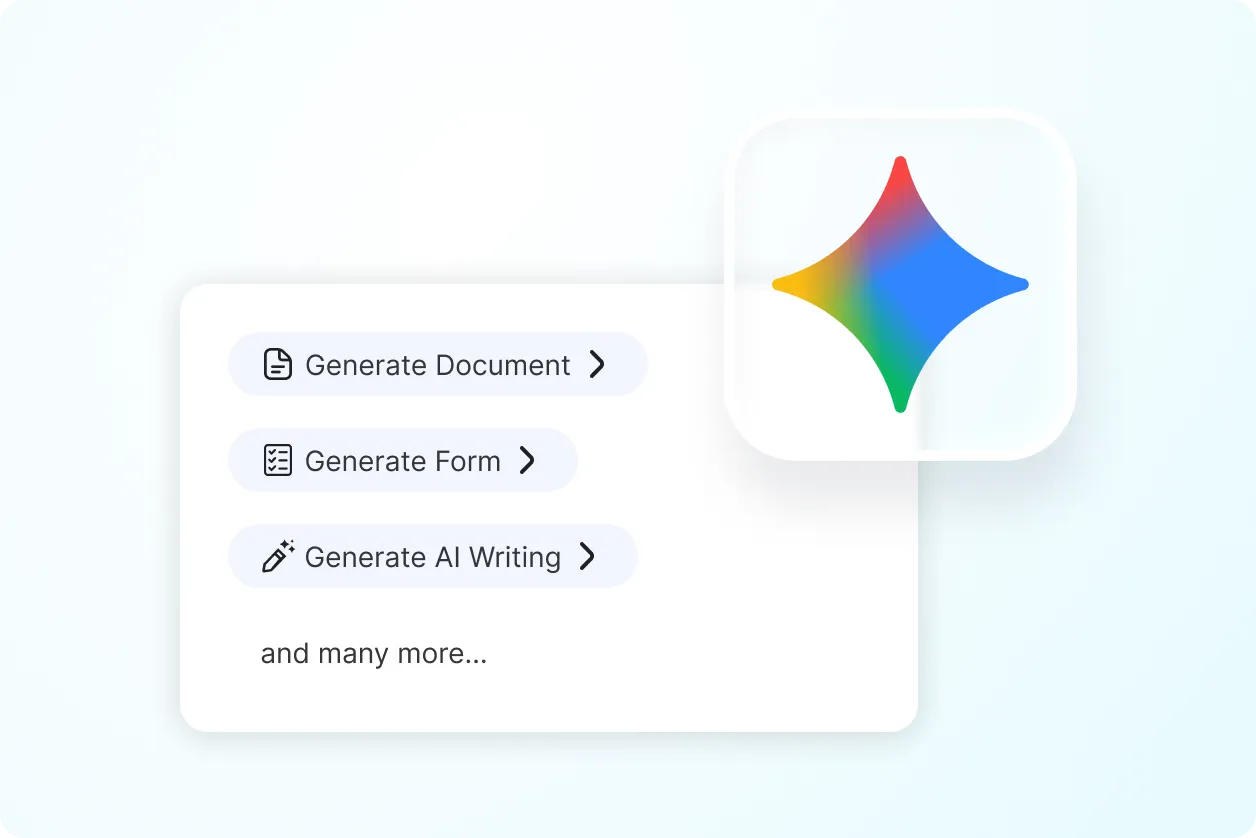
Improve Productivity Across Teams & Projects
Use AI Google Gemini for content generation, coding, research, visual creation, brainstorming, communication, planning, and everyday productivity workflows more efficiently.
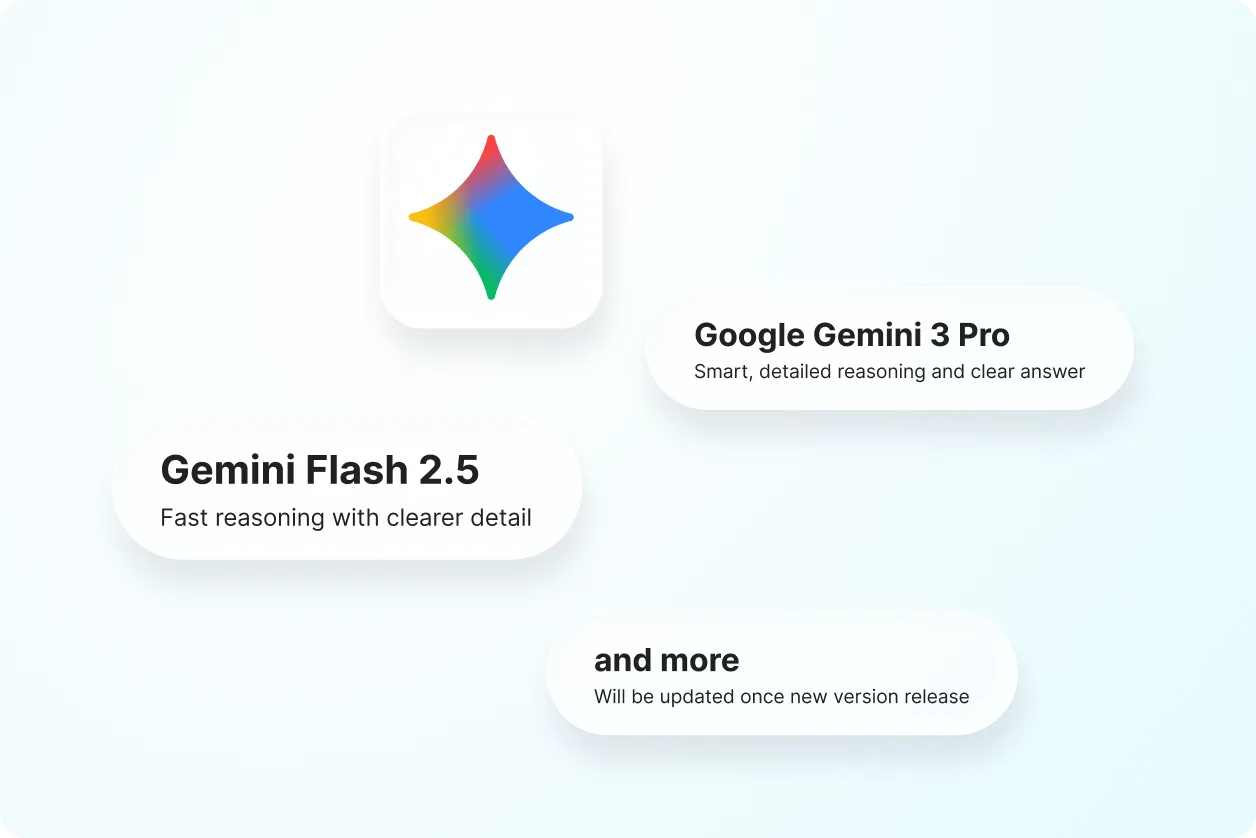
Share Ideas & Collaborate Faster
Generate AI-powered drafts, visuals, reports, summaries, and presentations ready for teamwork, client communication, educational projects, and creative collaboration.
