Generate with Grok AI Grok 4
more
 Grok 4
Choose a plan


Trusted by 800,000+ creators, marketers and businesses
Starter
For individuals exploring AI tools and Templates
$11.00/month, Billed annually
- ≈ 1 Million Templates
- ≈ 725 AI Templates
- ≈ 130 Nano Banana Pro Design & Images
- ~ 70 Visual Documents
- ~ 36 Fast Videos (1080)
- ~ Monthly Roll Over
Plus
Most PopularFor everyday AI creators and Marketers
$25.00/month, Billed annually
- ≈ 1 Million Templates
- ≈ 1650 AI Templates
- ≈ 366 Nano Banana Pro Design & Images
- ~ 150 Visual Documents
- ~ 82 Fast Videos (1080)
- ~ Monthly Roll Over
Max
For Professionals and Businesses
$66.00/month, Billed annually
- ≈ 1 Million Templates
- ≈ 4,125 AI Templates
- ≈ 750 Nano Banana Pro Design & Image
- ~ 390 Visual Documents
- ~ 206 Fast Videos (1080)
- ~ Monthly Roll Over
Related Models
 AI ChatChat free with GPT-6.1 Sol, Claude Opus 5.5, Gemini 4 Argon, Grok 4 and DeepSeek 4 Pro in one place. Write, research and create documents fast.
 AI ChatGPTUse ChatGPT free with GPT-6.1 Sol, GPT-6 Luna, GPT-6 Astra and GPT-5.5. Turn one prompt into an editable report, email or article, then brand and export it.
 AI Anthropic ClaudeUse Claude AI free with Claude Opus 5.5, Opus 4.7, Sonnet 4.6 and Haiku 4.5. Turn prompts and files into clear, editable documents you can brand and export.
 AI Google GeminiUse Google Gemini free with Gemini 4 Argon, Gemini 3.1 Pro and Gemini Flash 3. Turn prompts, images and files into editable documents you can brand and export.
 AI DeepSeekUse DeepSeek AI free with DeepSeek 4 Pro and DeepSeek 3.2. Turn prompts and files into logical, editable documents you can brand and export. Get started free.
 AI Alibaba QwenUse Qwen AI free with Alibaba Qwen 3. Write multilingual reports, emails and guides from prompts and files, then edit, brand and export them. Start for free.
Grok 4 for Research, Explanations and Writing
Grok AI on Template.net puts Grok 4 in your model picker for documents that need clear explanations, strong reasoning and a confident, conversational voice. Turn on the web search toggle when your topic is recent or fast moving, attach files or images for context, and press Generate. Grok 4 writes an editable document in a new workspace tab, ready to refine, brand and export to PDF, Word, PPT, PNG or HTML5.
Grok AI Features for Research and Writing
Everything you need to explore a topic and turn it into a finished document with Grok 4.

Powered by Grok 4
Grok 4 combines solid reasoning with a direct, lively writing style, which suits explainers, opinion pieces, research briefs and content that needs a bit of personality.

Web Search for Current Topics
Switch on the web search toggle to bring recent news, facts and sources into your document, so trend reports and topic briefs reflect what is happening now.

Clear Answers to Hard Questions
Ask Grok 4 to break down a technical, scientific or financial subject step by step, and get an organized explainer with definitions, examples and key takeaways.

Use Your Files as Context
Upload PDFs, notes or images so Grok 4 can analyze your own material, combine it with web results, and write a document grounded in both sources.

Prompts That Become Documents
Every Generate creates a structured, editable document in a new workspace tab, with sections and headings already in place and ready for your edits.

Brand, Export and Share
Apply your brand kit, then export the document as PDF, Word, PPT, PNG or HTML5, or share a link with your team or audience.
How to Use Grok AI on Template.net
Research a topic and publish a polished document in three steps.
- STEP 1
Enter Your Topic or Question
Describe what you want, such as a trend report, an explainer or a market overview, and upload any files or images Grok 4 should use as reference.
- STEP 2
Select Grok 4 and Generate
Choose Grok 4 in the model picker, switch on web search for recent information, and press Generate. Your document is written in a new workspace tab.
- STEP 3
Edit, Brand, and Export
Review and refine the content in the editor, apply your brand kit, and export as PDF, Word, PPT, PNG or HTML5, or share it right away.
Explore Topics and Write with Grok 4
Stay Updated with Current Discussions
Turn on web search and ask Grok 4 to cover a recent topic, and get a document that summarizes the latest developments, viewpoints and sources in one place.
Understand Complex Topics More Easily
Grok 4 explains difficult subjects in plain, engaging language, with examples and clear structure, so readers can follow along without a background in the field.
Generate Smarter Responses Faster
Go from a single question to a complete, well-reasoned document in moments, then refine the tone, length or focus in the editor instead of starting over.
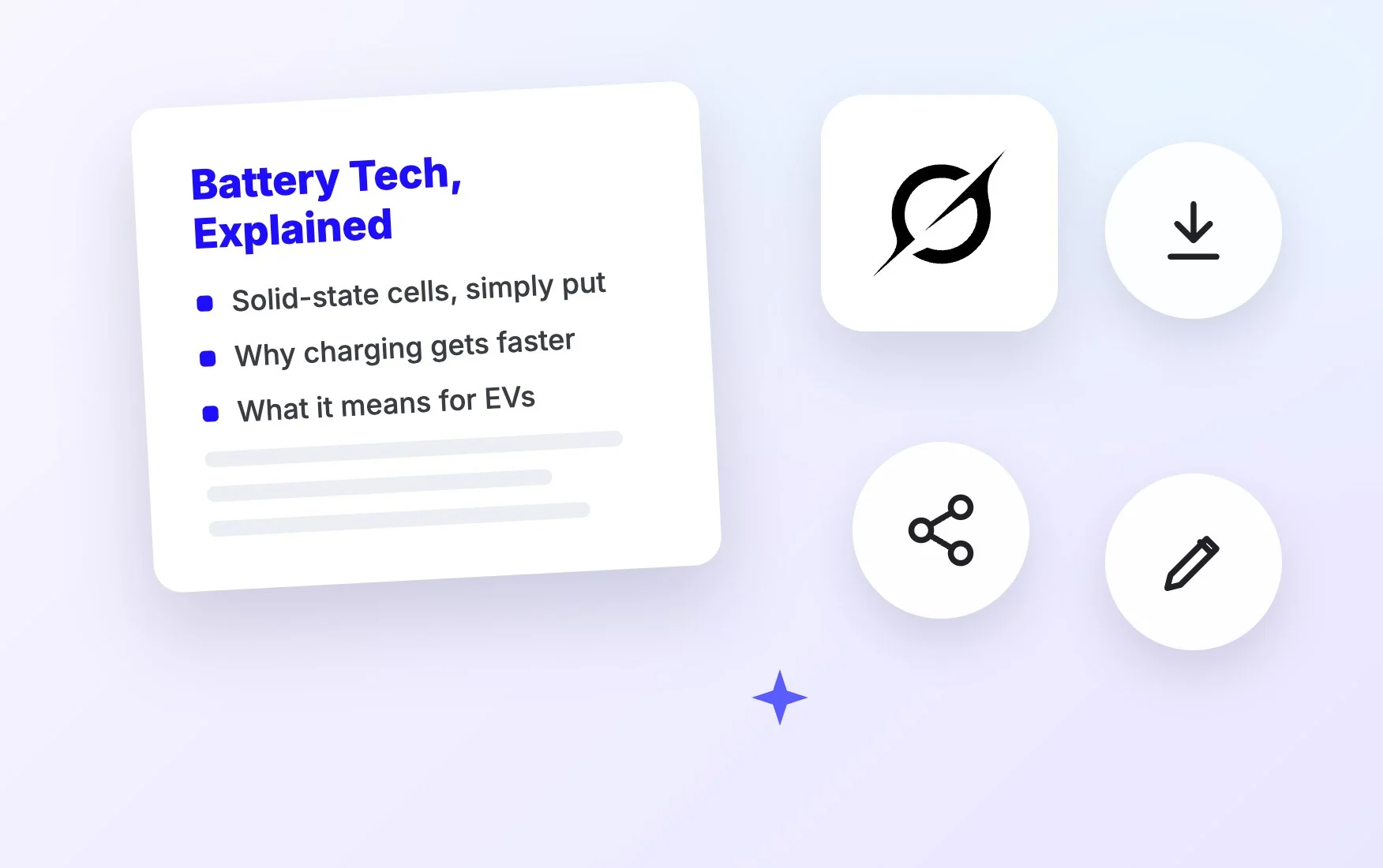
Improve Research and Topic Exploration
Combine your uploaded notes with web search to build research briefs, topic overviews and comparison documents that keep your findings organized in your workspace.
Grok AI FAQ
What is Grok AI?
Grok is an AI model family developed by xAI, and Grok 4 is the version available on Template.net. It is known for strong reasoning and a direct, engaging style, and here it writes complete, editable documents from your prompts.
Is Grok AI free to use on Template.net?
Yes. Guests can try a few free generations without downloading anything. After that, create a free account to keep going. Paid plans add more credits and access to the most advanced models in the picker.
How do I use Grok 4 to write a document?
Type your topic or question, attach any reference files, choose Grok 4 in the model picker and press Generate. Turn on web search for recent topics. The document opens in a new workspace tab for editing and export.
Which model should I choose, Grok 4 or another?
Grok 4 is a great fit for explainers, research briefs and content with a confident, conversational voice. For other styles, you can switch to GPT-5.5, Claude Opus 5.5 or Gemini 3.1 Pro in the same model picker.
Can Grok AI read my files and images?
Yes. Upload PDFs, documents or images as references, and Grok 4 can summarize them, answer questions about them, and combine them with web search results to write a new, editable document.
What can I create with Grok AI?
Trend reports, topic explainers, research briefs, market overviews, opinion articles, blog posts, newsletters, study guides and presentation outlines. Each one is an editable document you can export as PDF, Word, PPT, PNG or HTML5.
Does Grok AI support other languages?
Yes. Grok 4 can write in many languages, including English, Spanish, French, German, Portuguese, Italian and Japanese. Mention the language you want in your prompt, or upload a file and ask for a translated document.
Can Grok 4 use real-time information?
When you turn on the web search toggle, Grok 4 can pull in recent information and sources from the web before writing your document. With web search off, it relies on its built-in knowledge and the files you upload.
