Generate Videos with Pixverse V5

Create Professional AI Videos with PixVerse V5
AI PixVerse Video on Template.net gives you access to PixVerse V5 for fast AI video generation. Create cinematic scenes, animated sequences, marketing videos, product showcases, social media clips, educational visuals, and storytelling videos from text prompts and images. Generate videos across desktop, tablet, and mobile devices with plans starting at just $12 monthly.
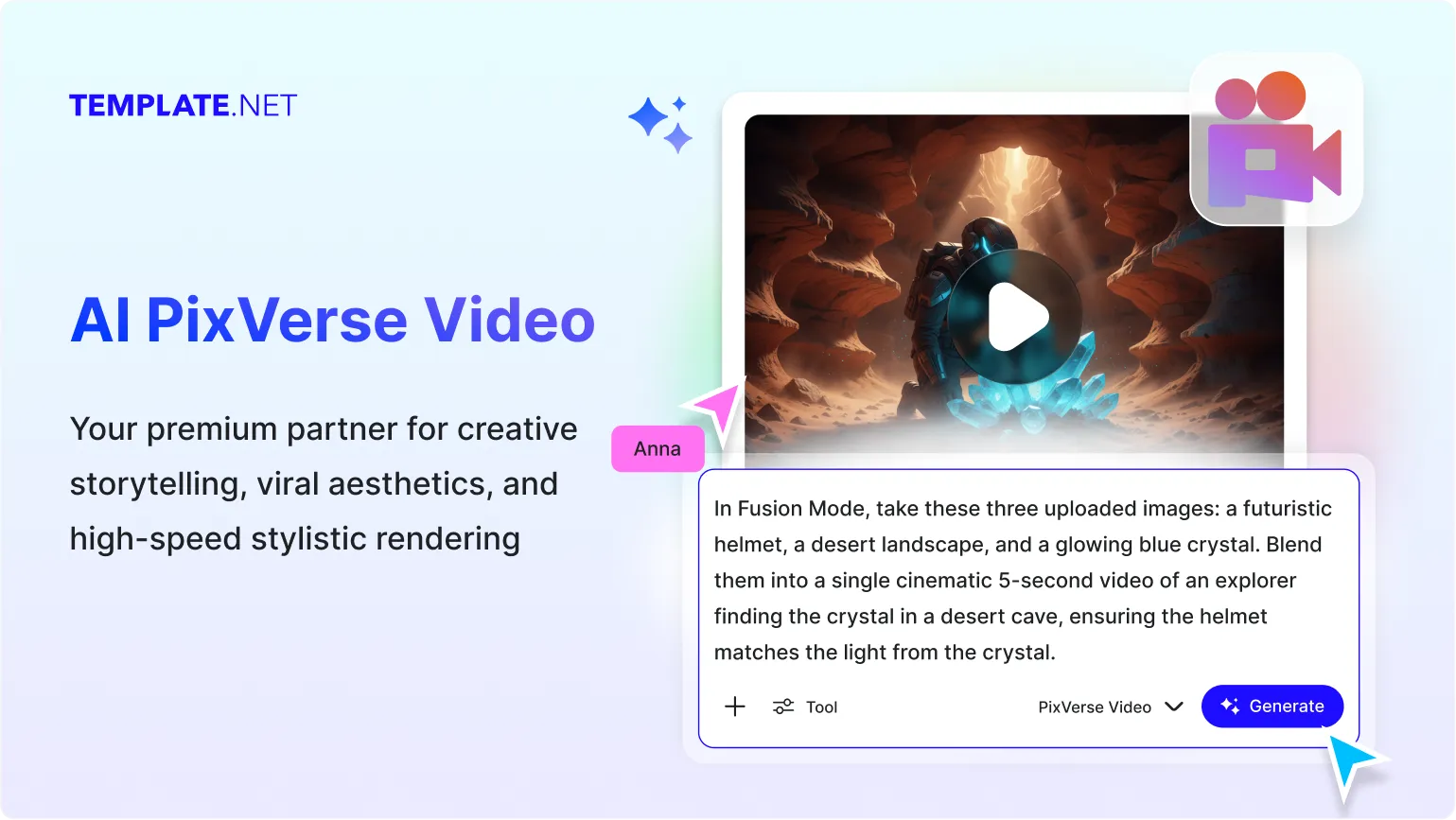
Advanced AI Video Creation Tools for Modern Visual Storytelling
Everything you need to generate, animate, enhance, and share professional AI videos.
AI-Powered by PixVerse V5
Generate videos using PixVerse V5 with advanced motion generation, creative scene building, and fast video rendering.
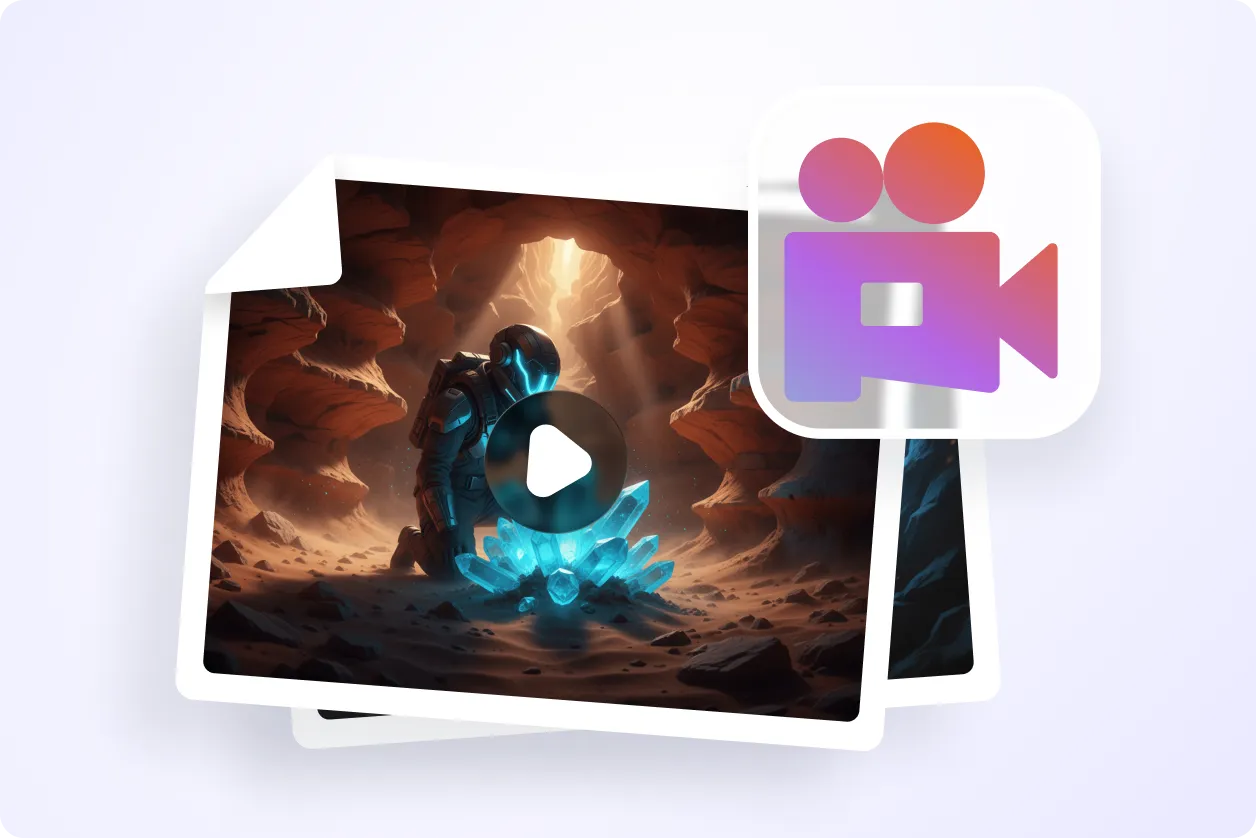
Cinematic Scene Generation
Create movie-style scenes with dynamic compositions, visual depth, and engaging storytelling elements.
Text-to-Video Creation
Transform written prompts into animated video sequences with AI-generated motion and visuals.
Image-to-Video Animation
Convert static images into moving scenes with natural animation and realistic visual transitions.
Fast AI Video Rendering
Generate videos quickly to support creative workflows, marketing projects, and rapid prototyping.
Smooth Motion Generation
Create fluid character movement, camera motion, object animation, and scene transitions.
Creative Visual Effects
Enhance videos with stylized effects, artistic visuals, and imaginative scene transformations.
Social Media Video Production
Generate short-form videos optimized for social platforms, promotions, and audience engagement.
Product Showcase Videos
Create product demonstrations and promotional videos that highlight features visually.
Educational Video Creation
Generate visual explanations, learning materials, tutorials, and educational presentations.
Character Animation Tools
Animate characters, avatars, and illustrated subjects with expressive movement and actions.
Marketing Video Generation
Produce advertising videos, campaign visuals, promotional scenes, and branded storytelling.
Creative Style Transformations
Apply unique visual styles and artistic looks to videos for different creative purposes.
Prompt Refinement Support
Adjust prompts, regenerate scenes, and refine video outputs without starting from scratch.
Multiple Input Workflows
Generate videos from text or voice prompts, uploaded images, creative concepts, and visual references.
Multilingual Support
Create videos using 20+ multiple languages including English, Spanish, Hindi, Arabic, Chinese, Japanese, and more to reach global audiences.
Cross-Device Accessibility
Generate and manage AI videos seamlessly across desktop, tablet, and mobile devices.
Download, Save & Share Instantly
Save generated videos and share them through Email, LinkedIn, WhatsApp, X (Twitter), Pinterest, and other platforms.
How to Use AI PixVerse Video
Generate professional AI videos in three simple steps.
Step 1: Enter a Prompt or Upload an Image
Describe the video you want to create or upload an image to generate animated video scenes.
Step 2: Generate and Refine Your Video
Choose your preferred visual style, review the generated video, and refine prompts to improve results.
Step 3: Download, Share, or Create More Videos
Save your AI-generated video, share it across platforms, or continue creating new video variations.
Create Better Videos Faster with AI
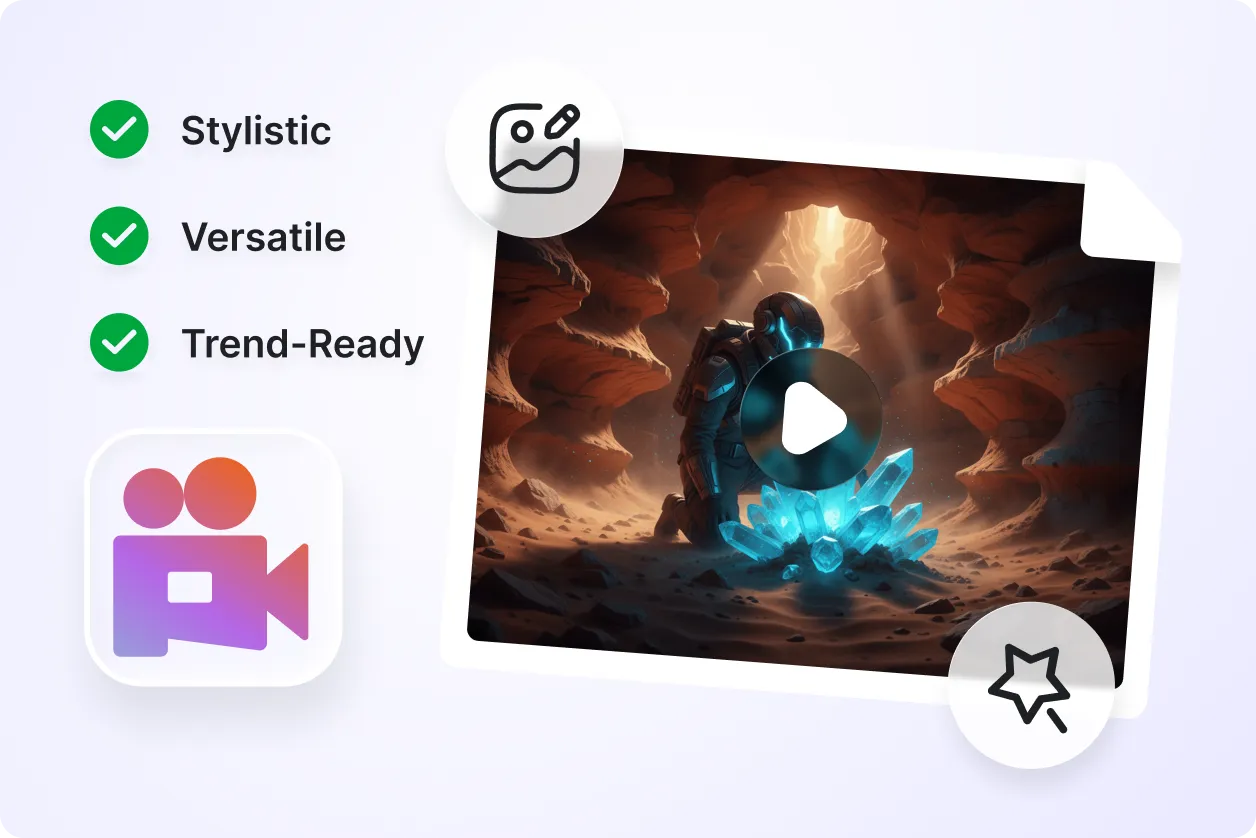
Generate Engaging Visual Stories
Turn ideas into cinematic videos with animated scenes, realistic motion, and creative storytelling.
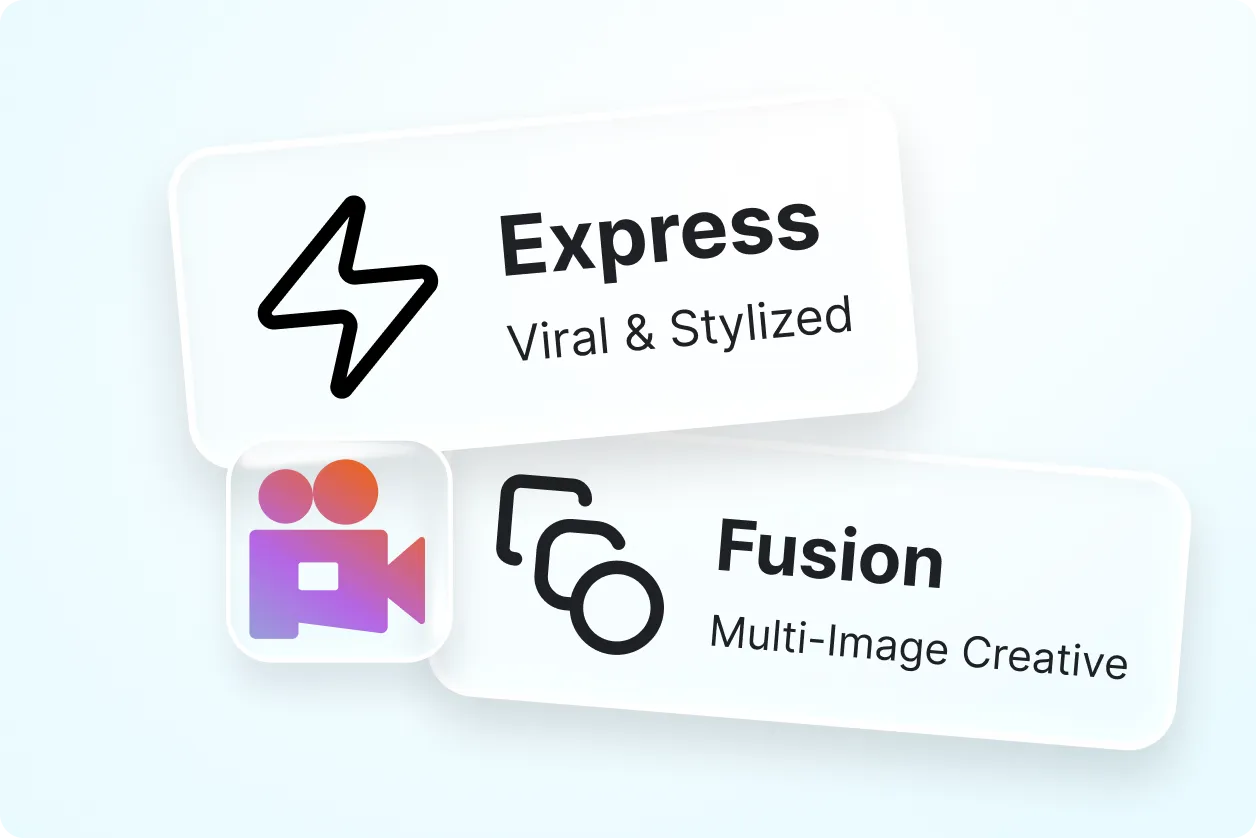
Simplify Video Production
Reduce manual editing work by generating videos directly from prompts and images in minutes.
Improve Marketing and Communication
Create promotional videos, advertisements, educational visuals, and social media clips more efficiently.
Produce Videos for Multiple Industries
Generate videos for business, education, ecommerce, entertainment, training, marketing, and creative projects.
