Free AI Disaster Recovery Plan Generator

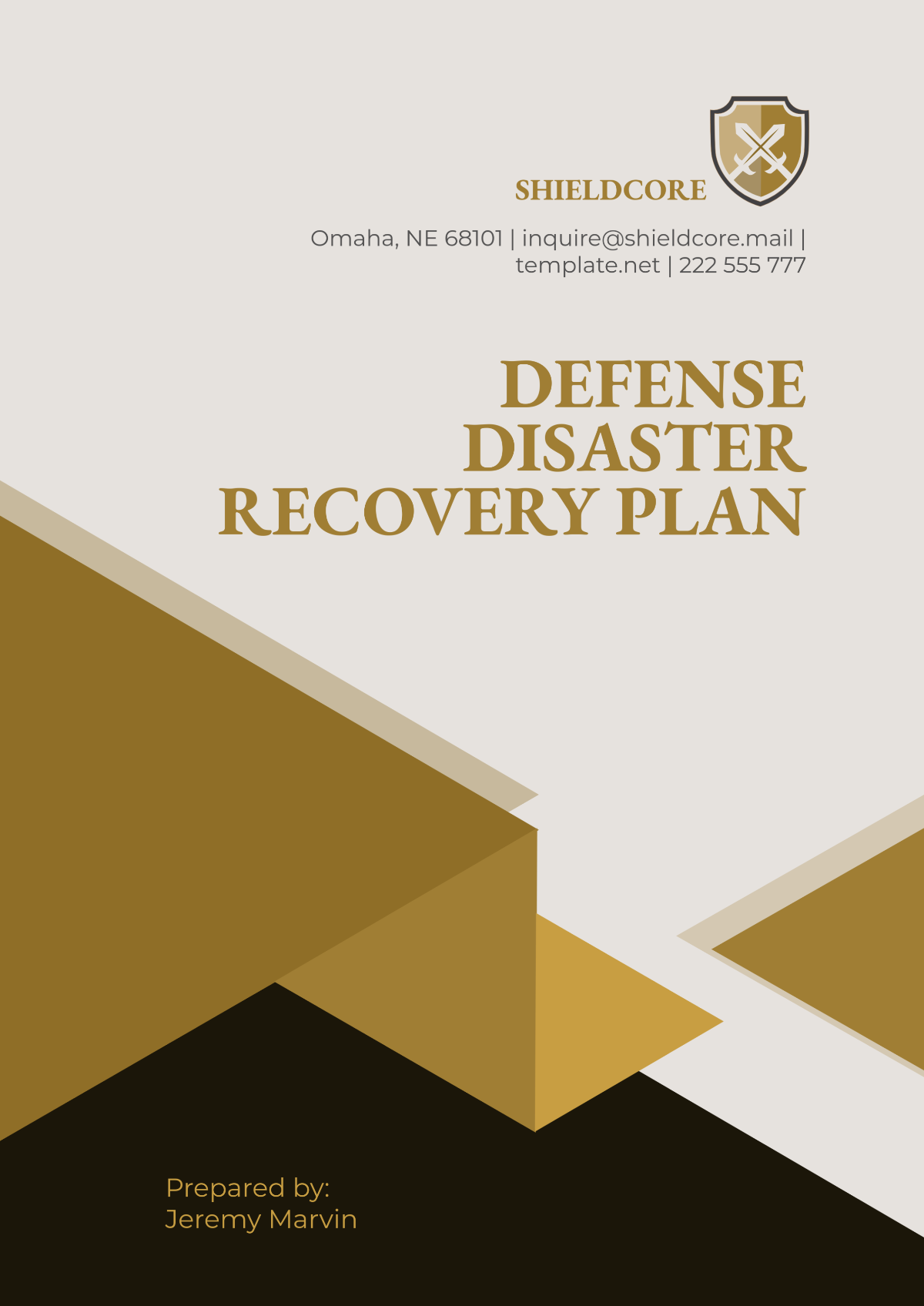
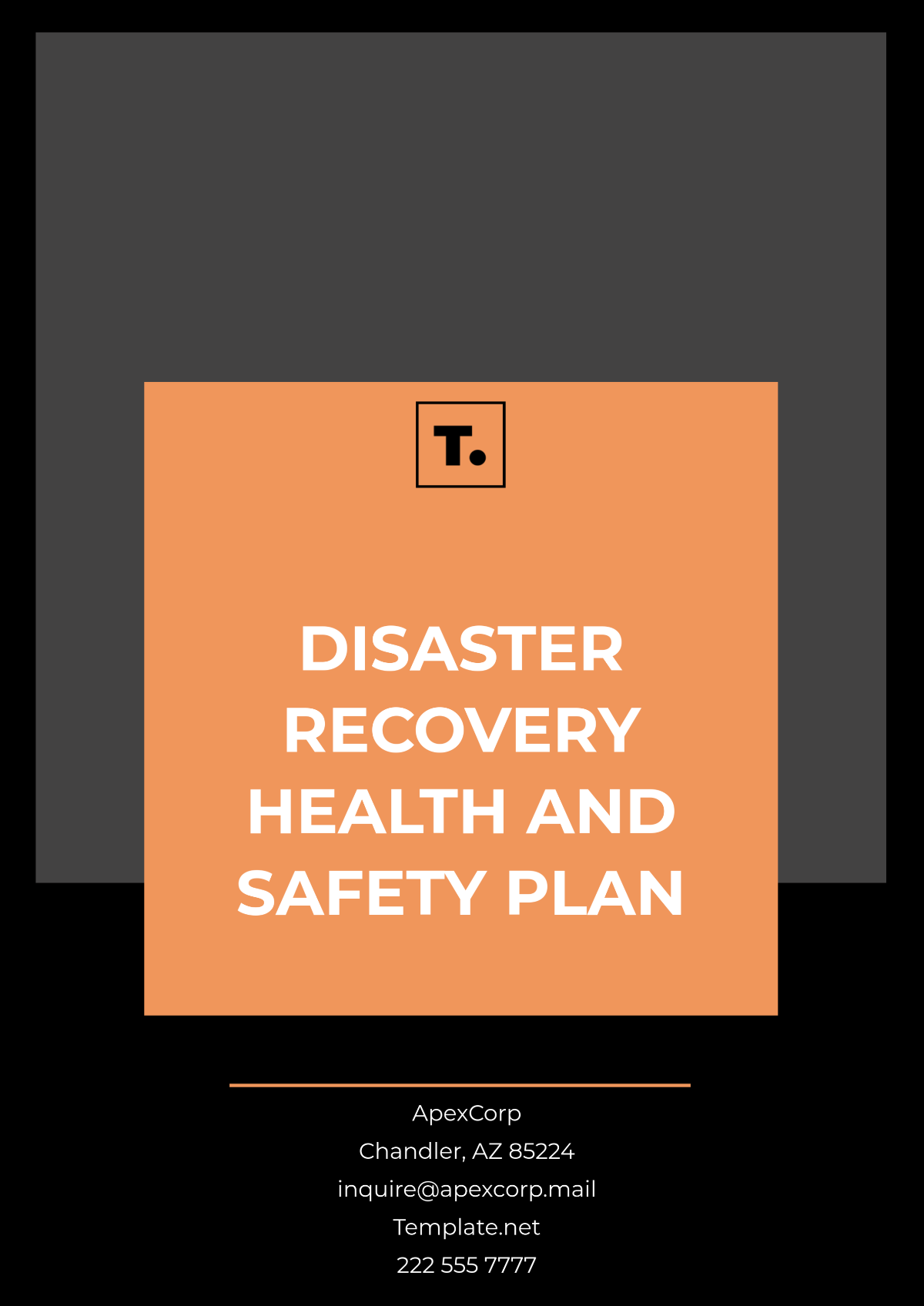
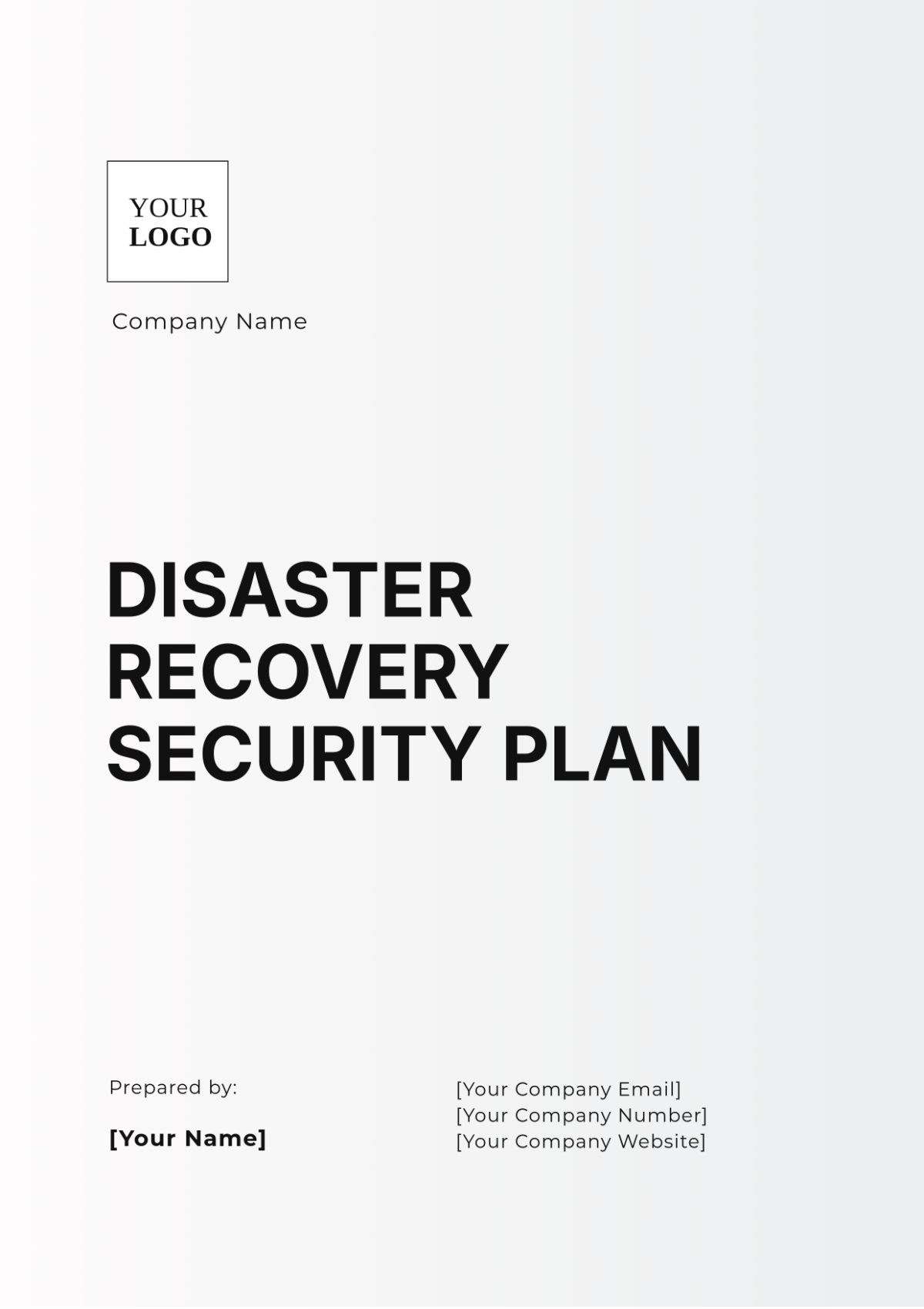

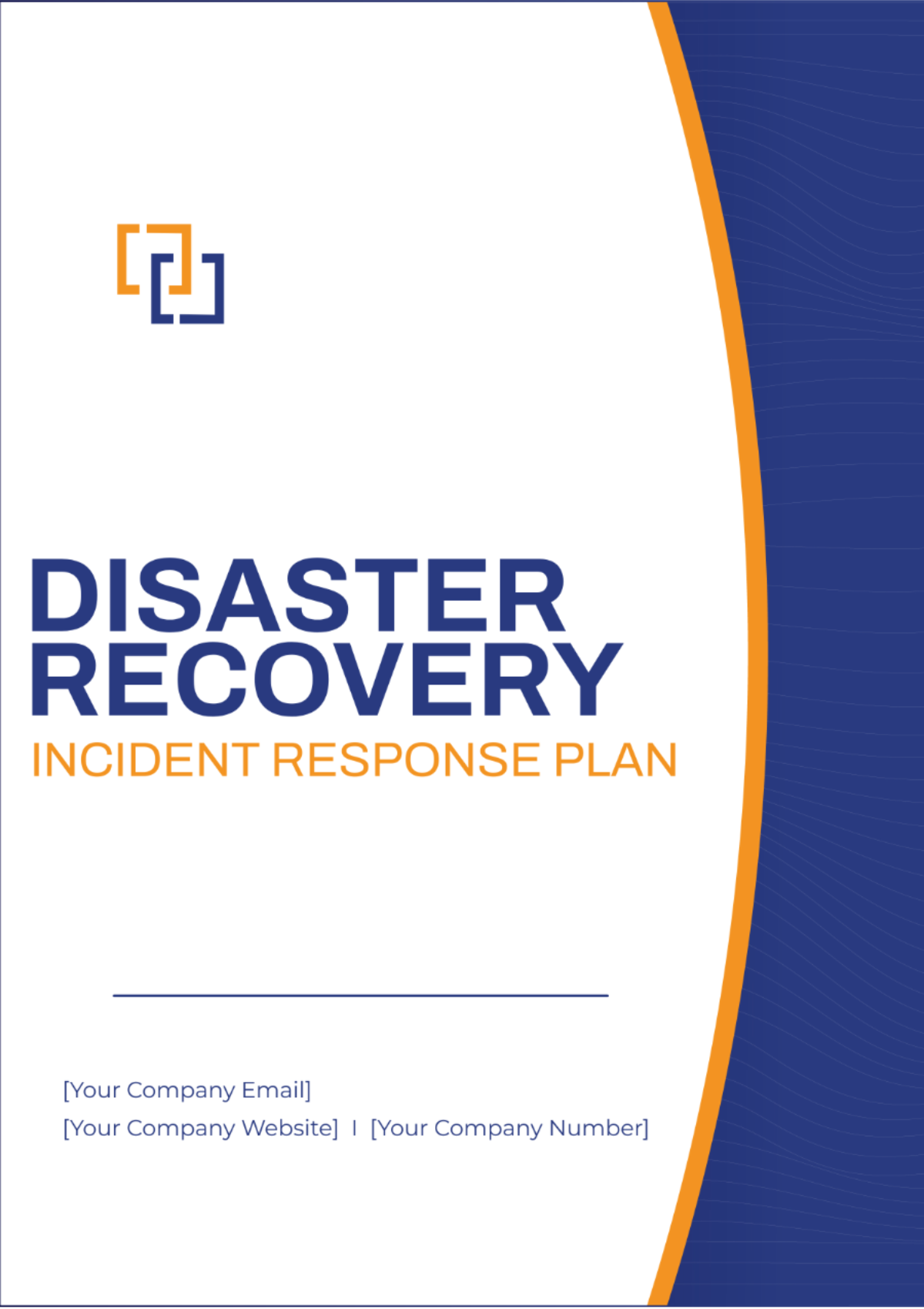


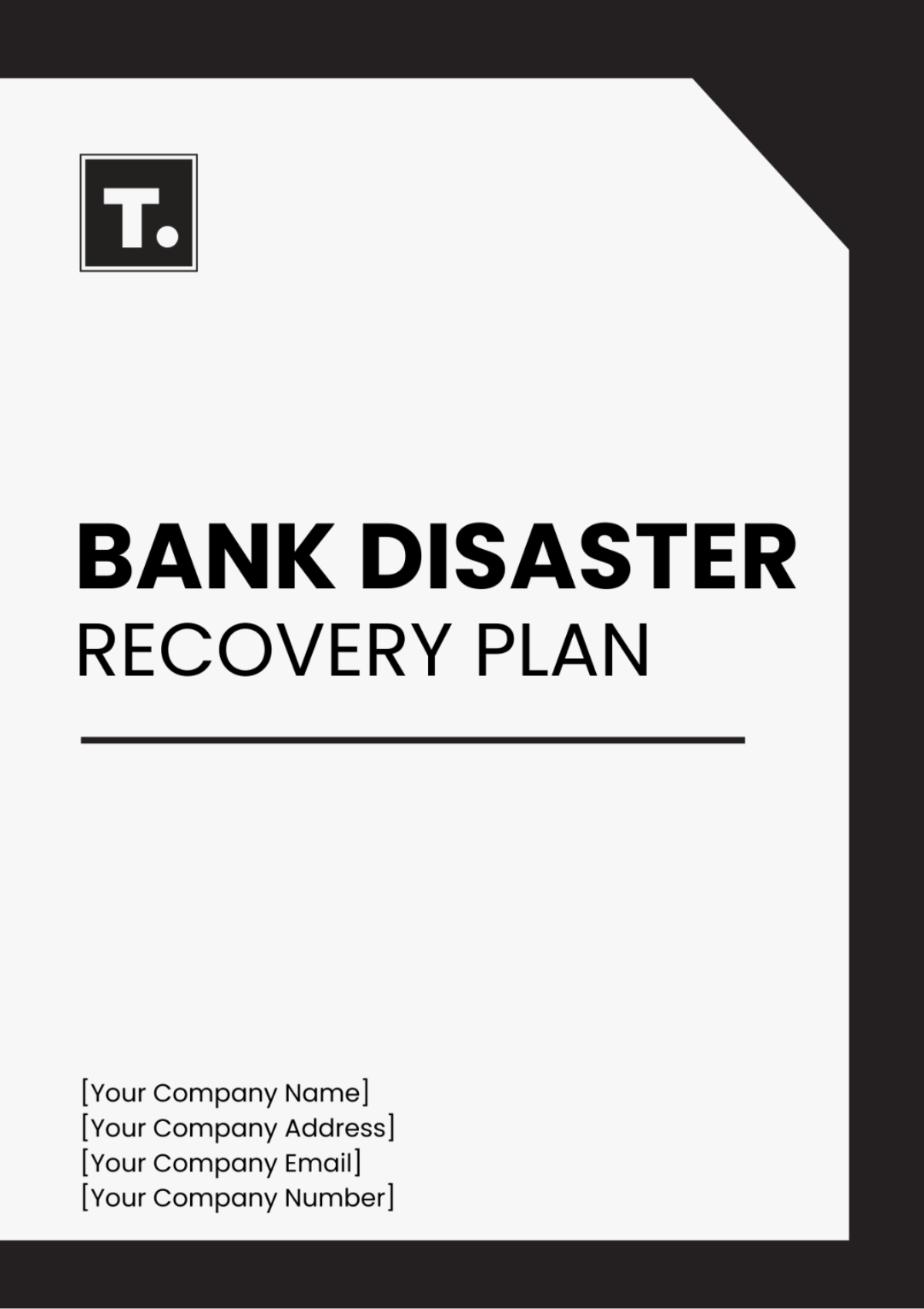
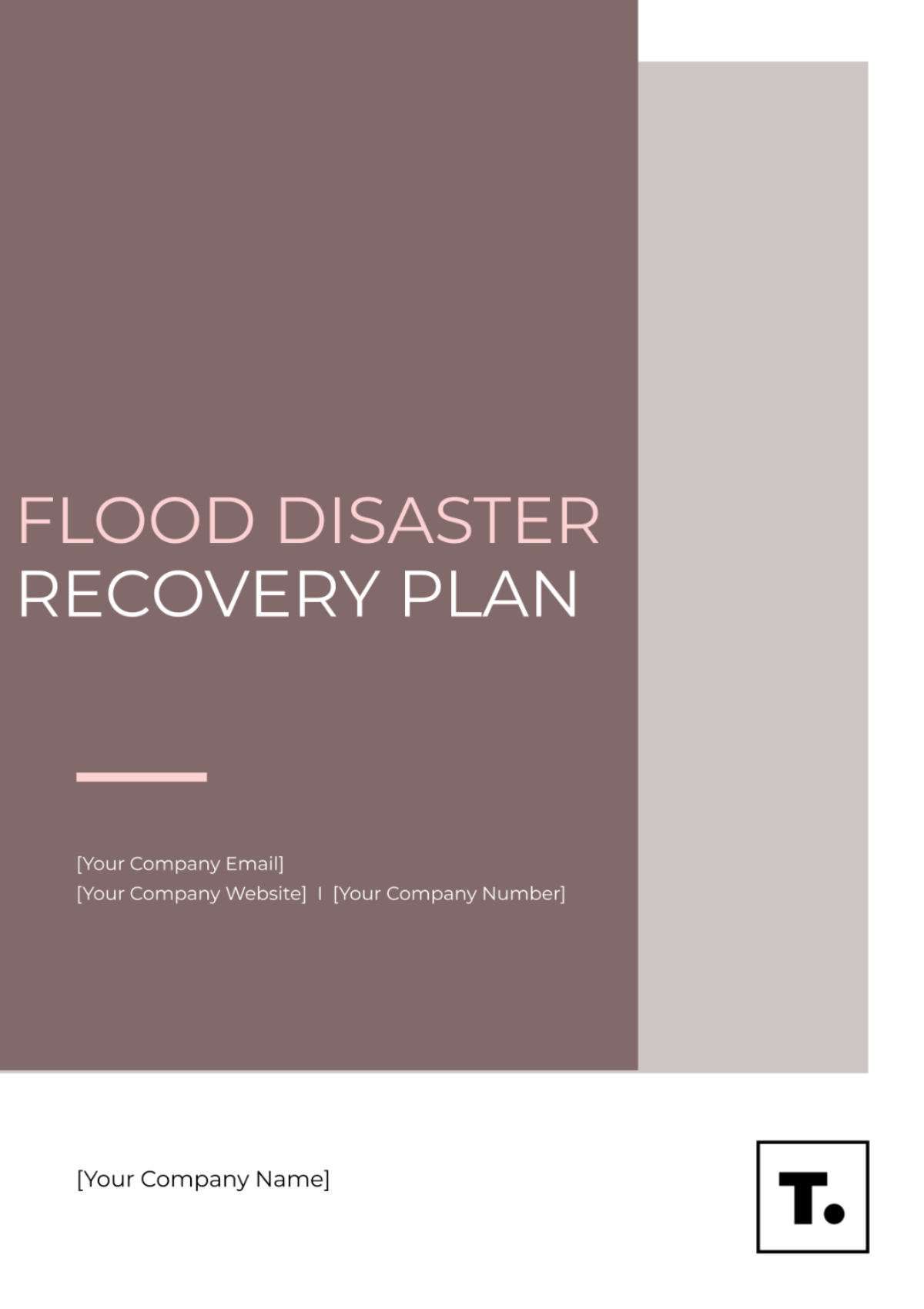
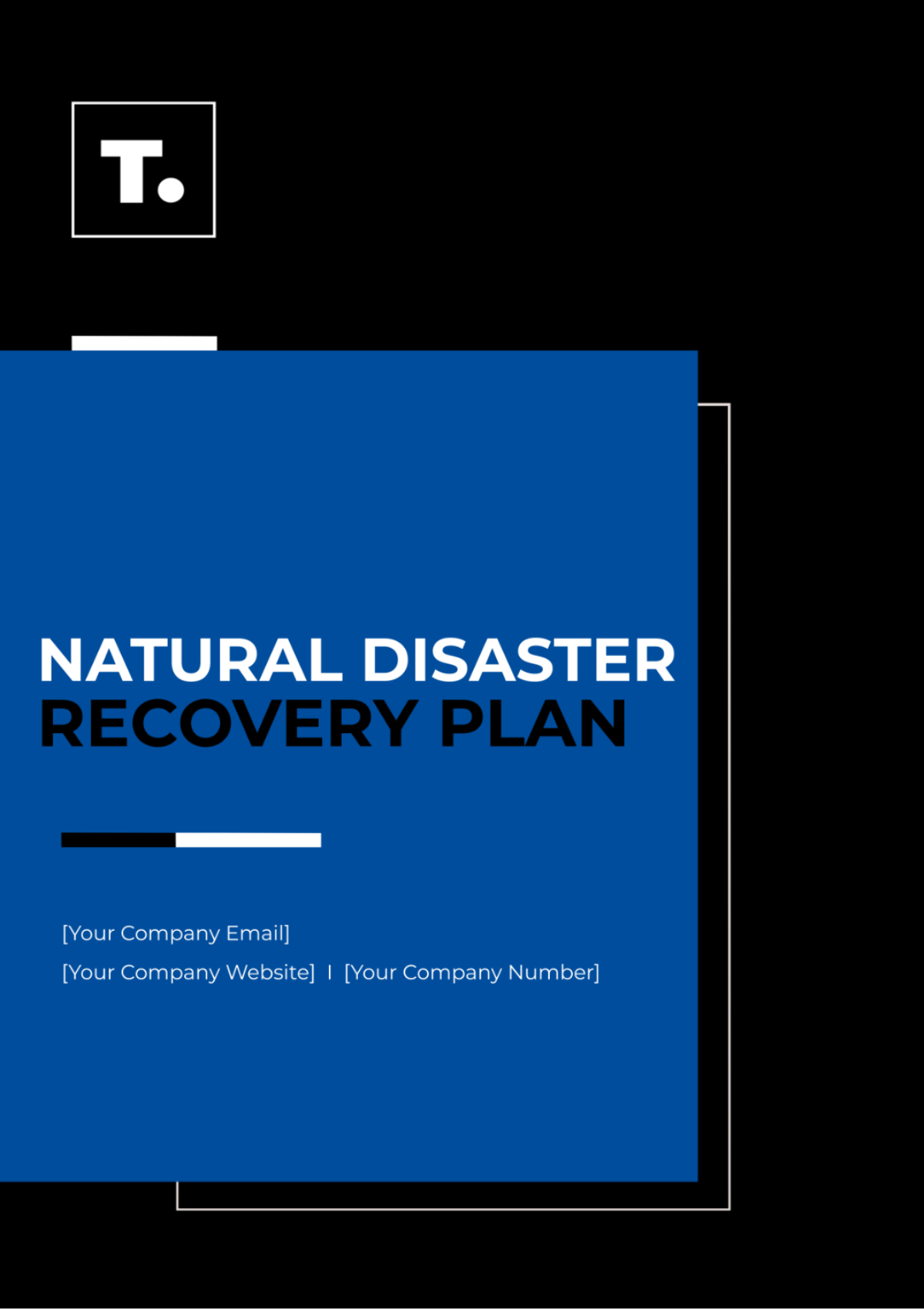

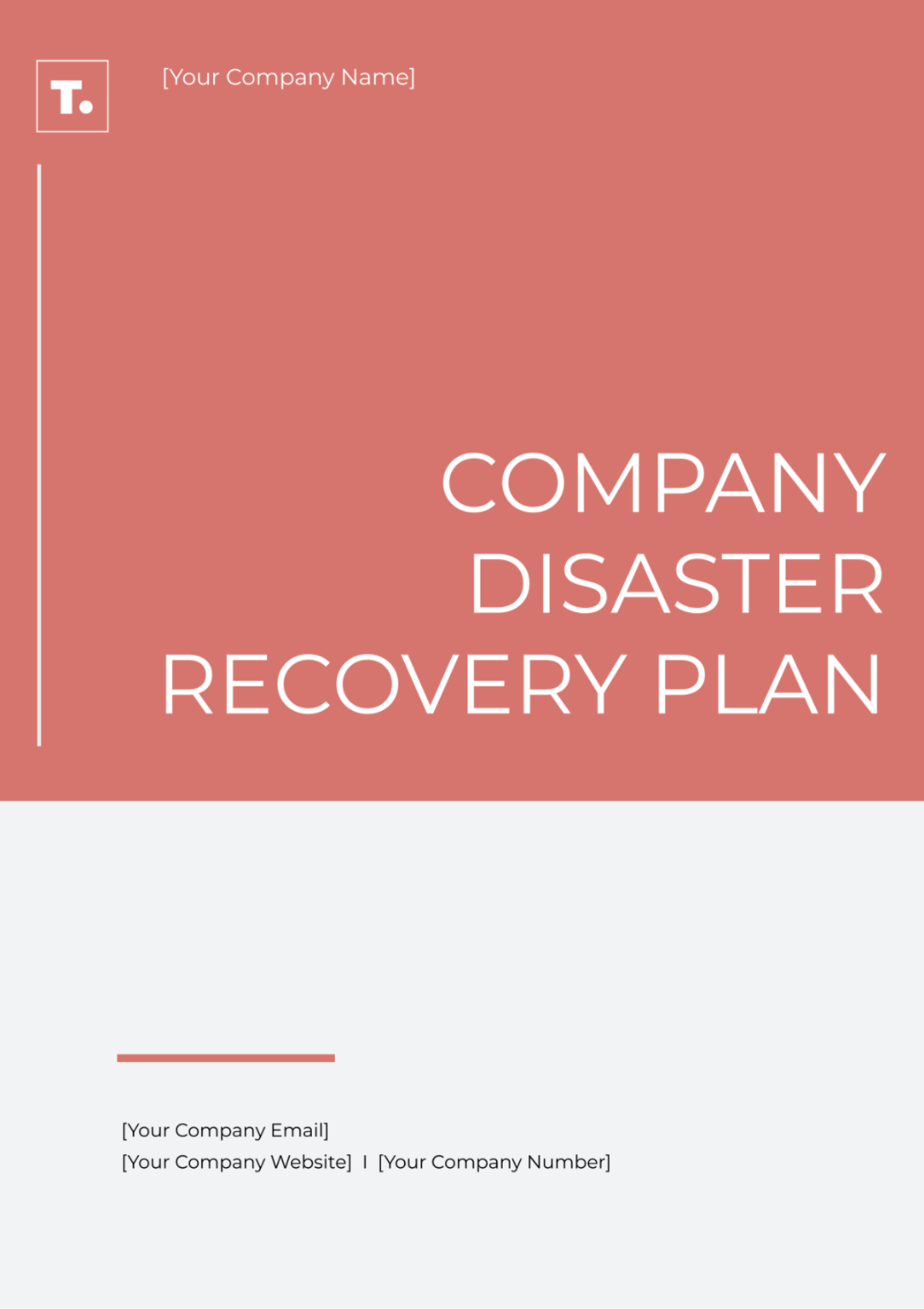
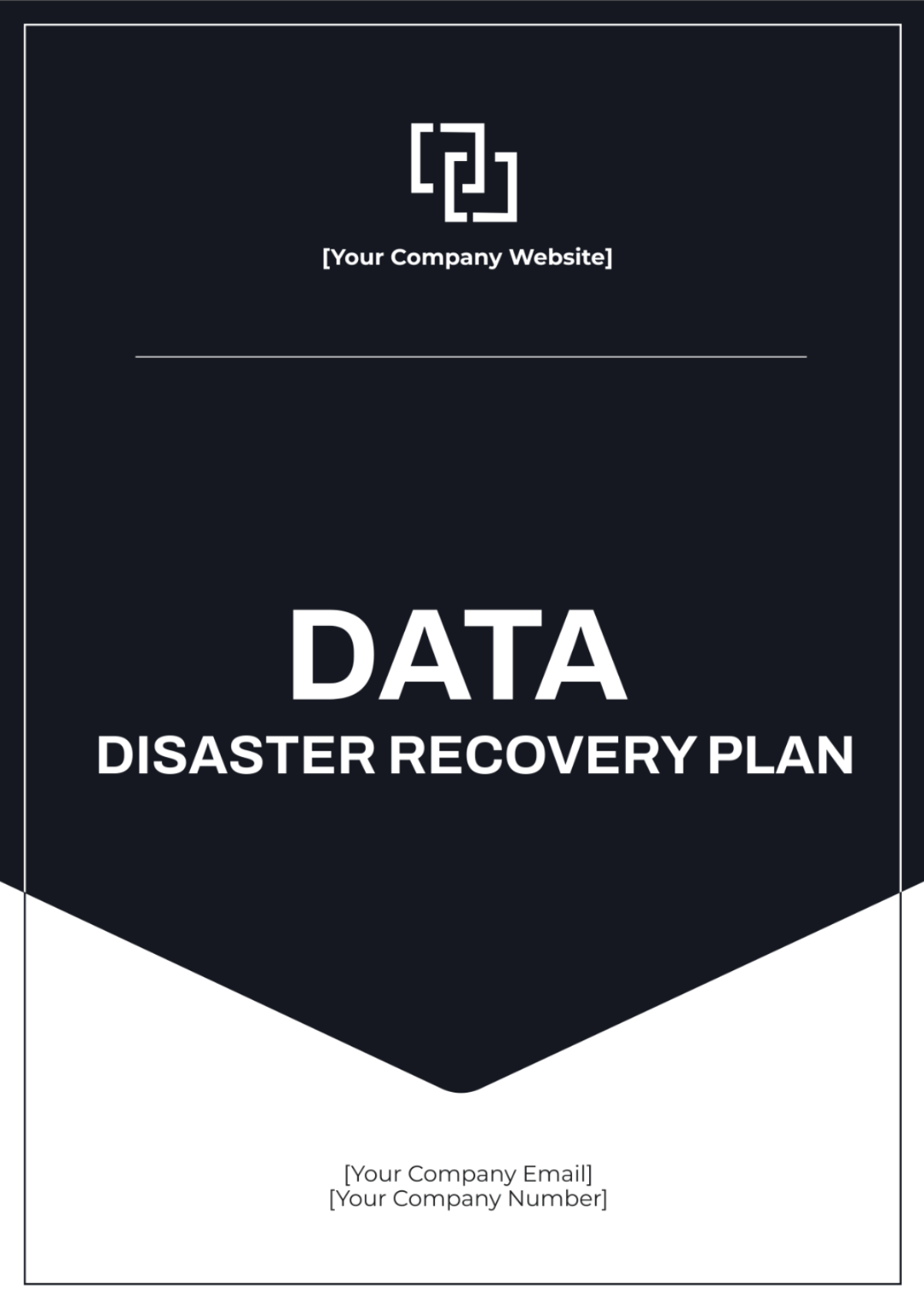
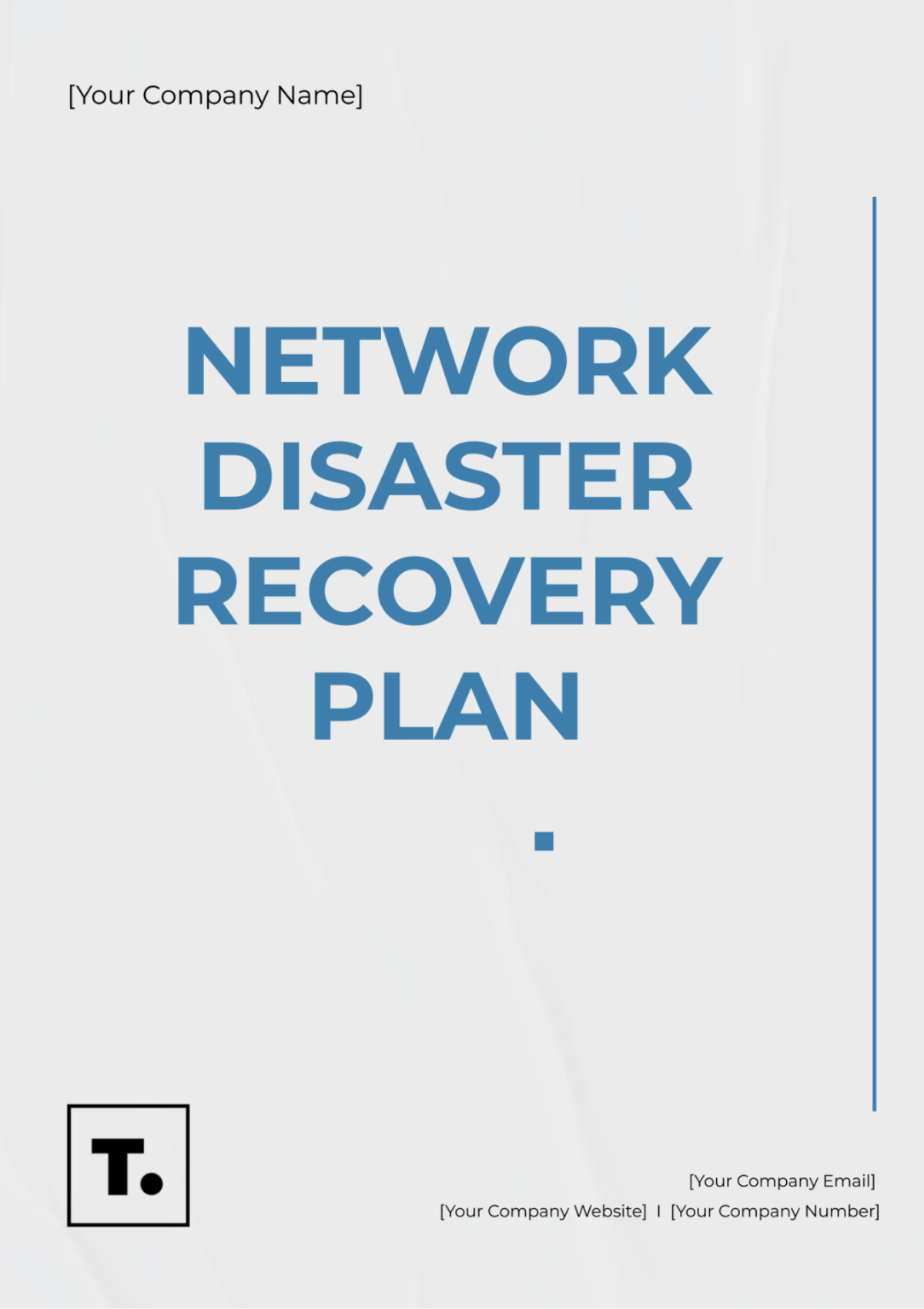
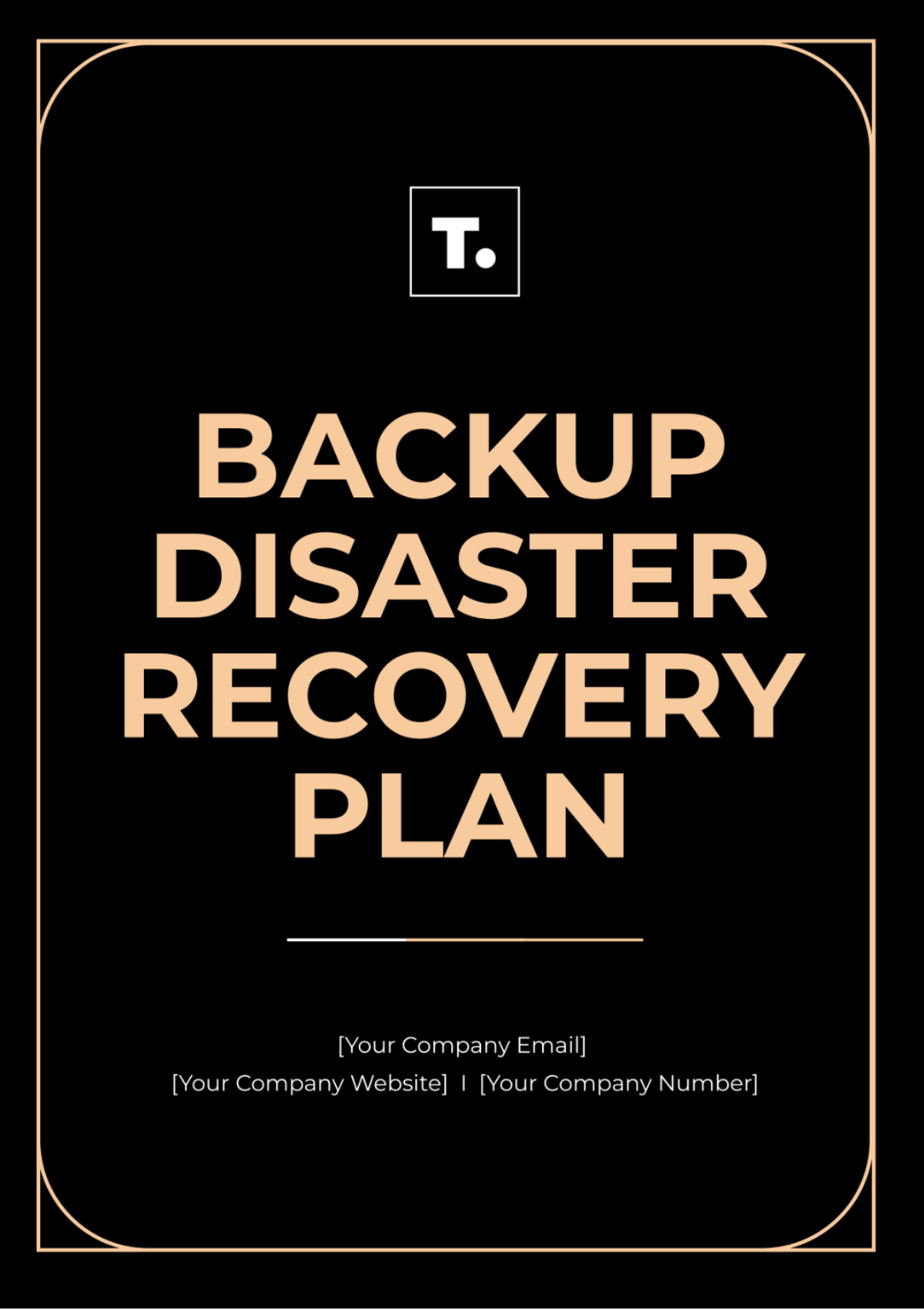
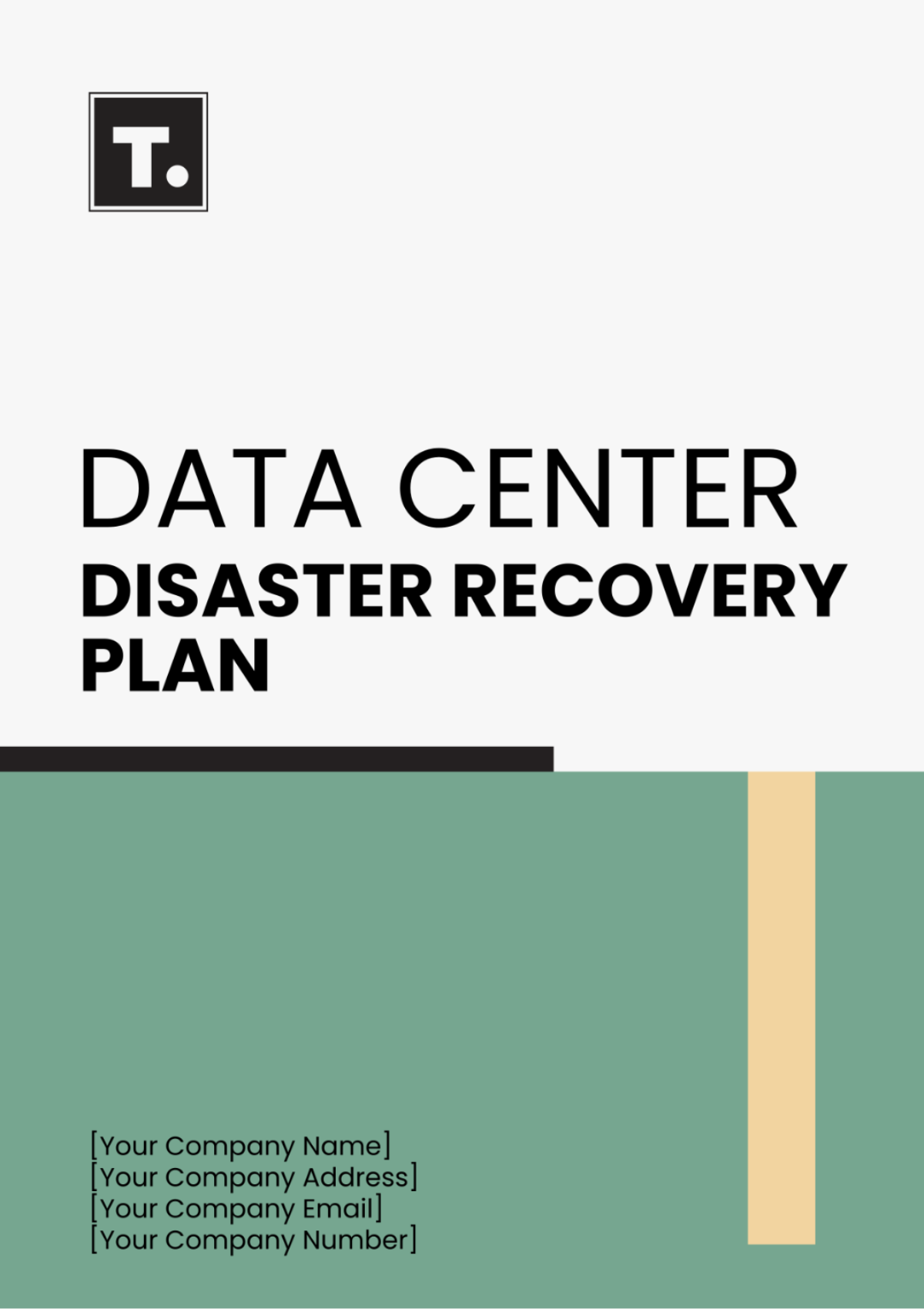
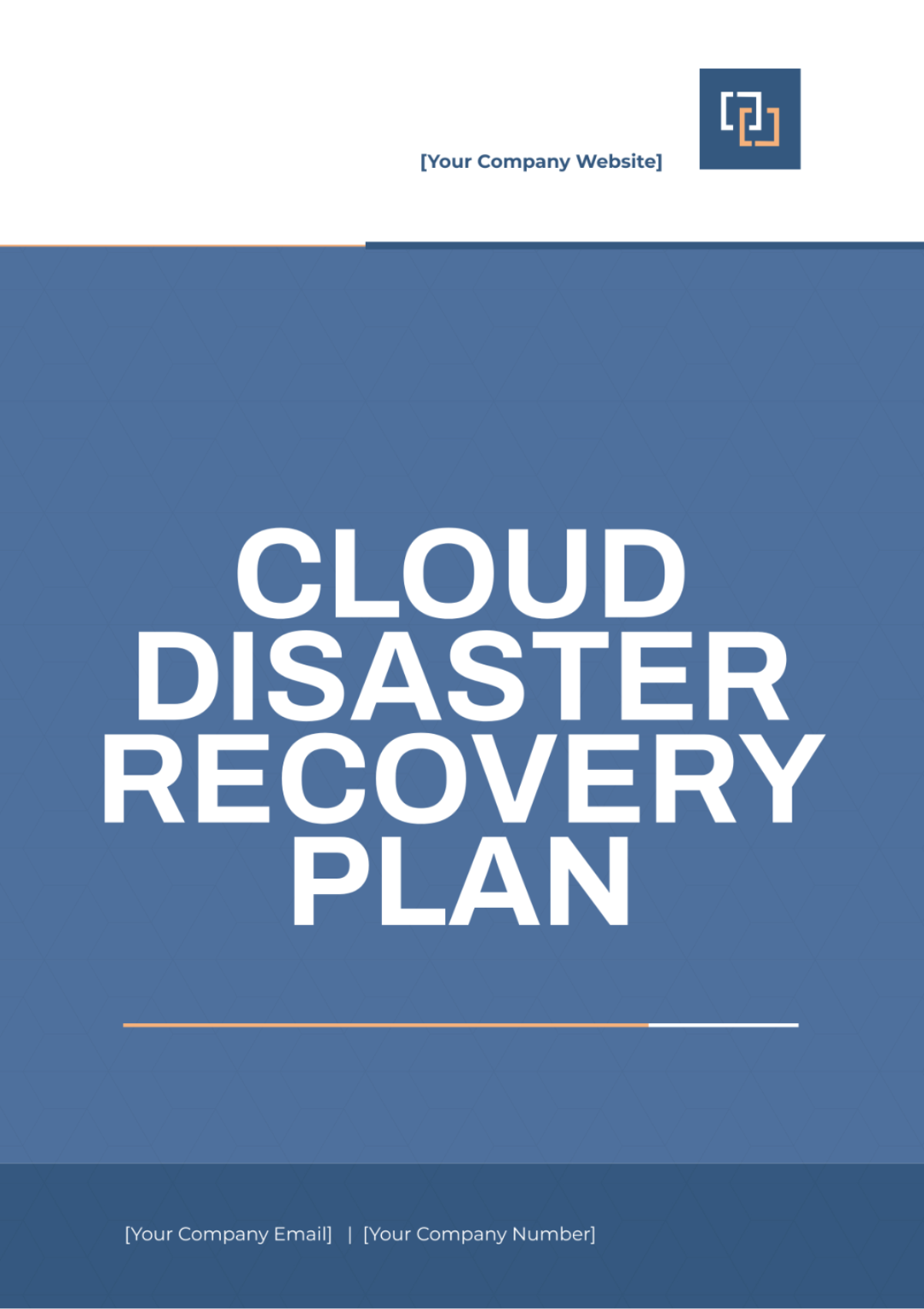


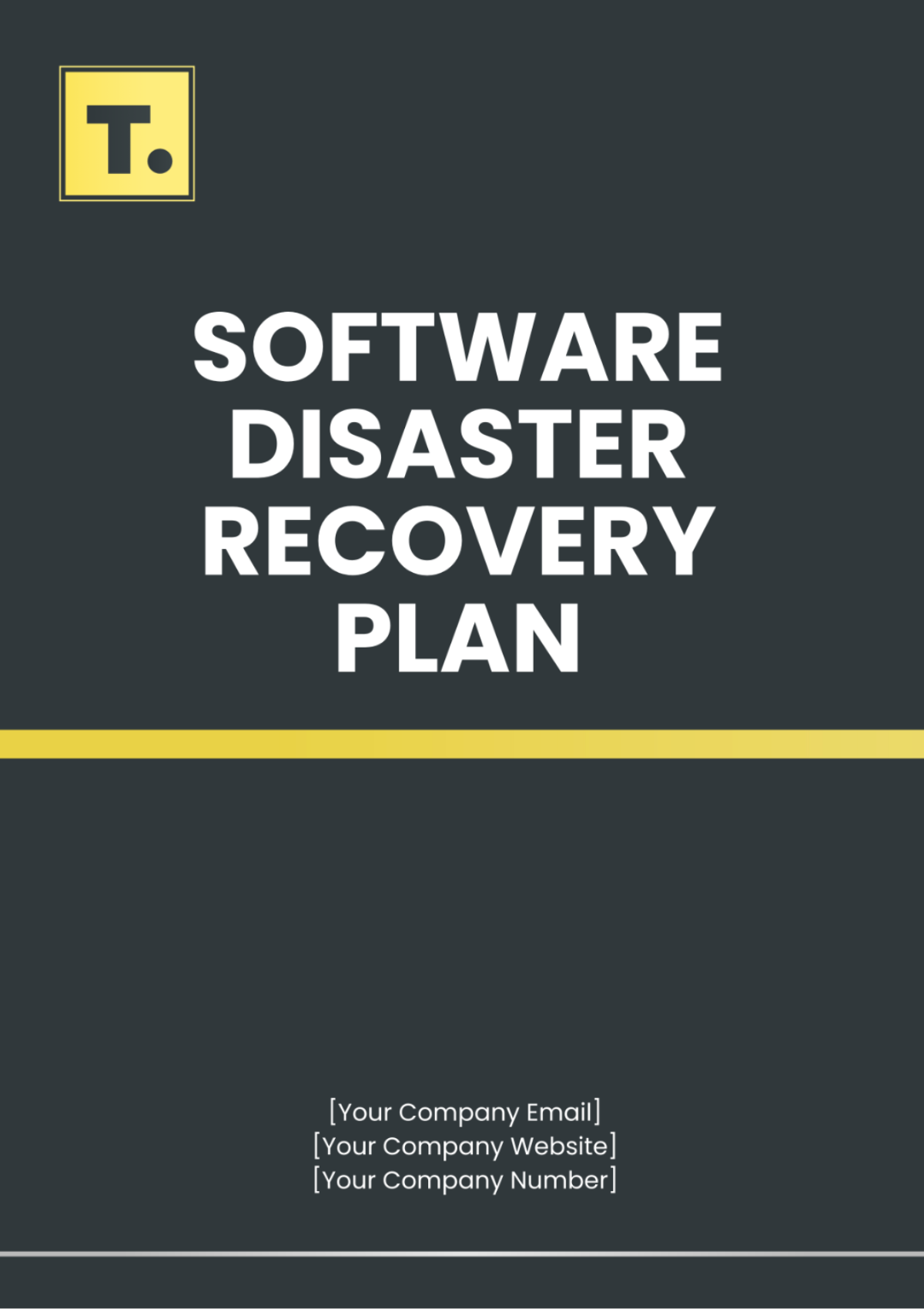
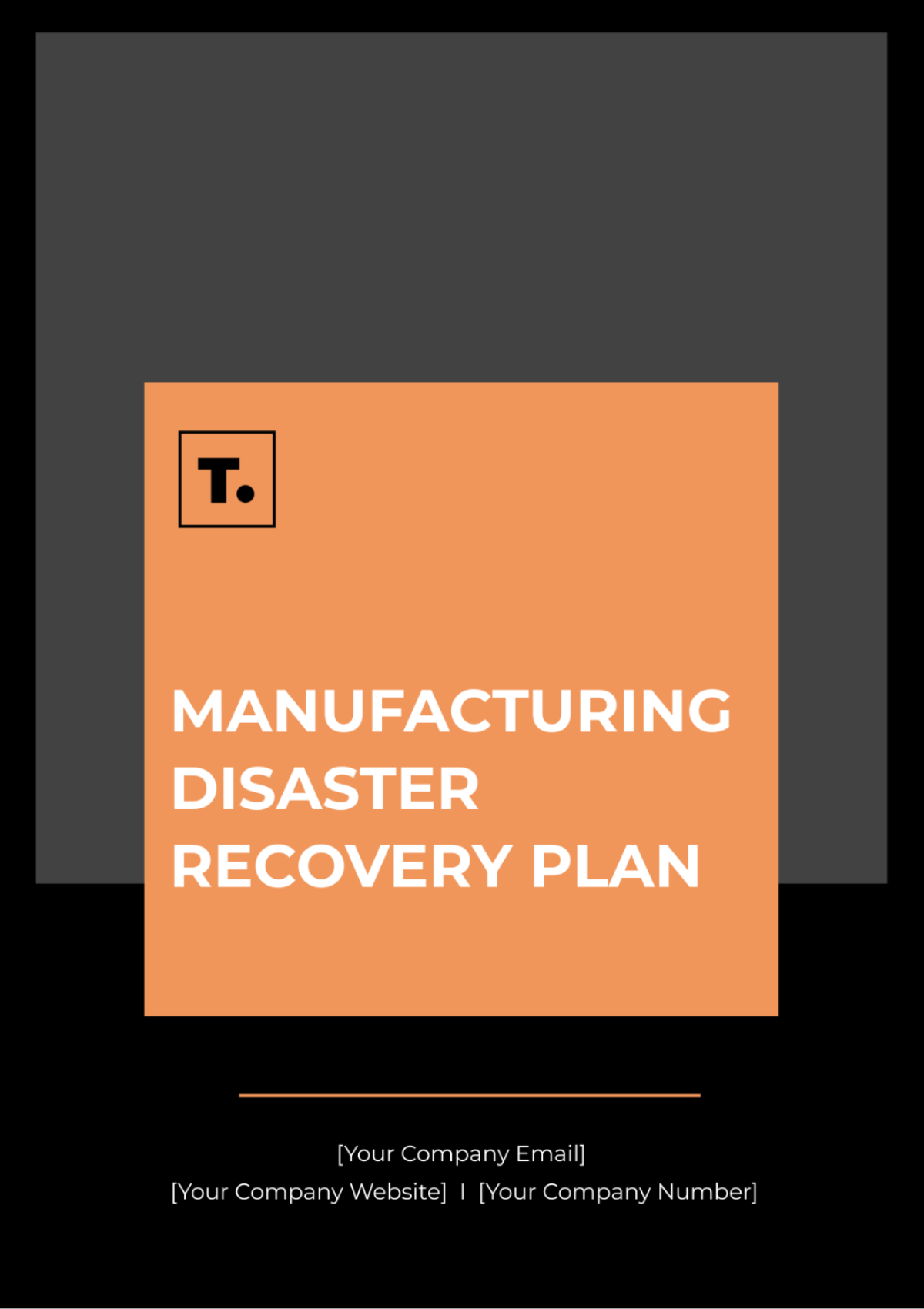
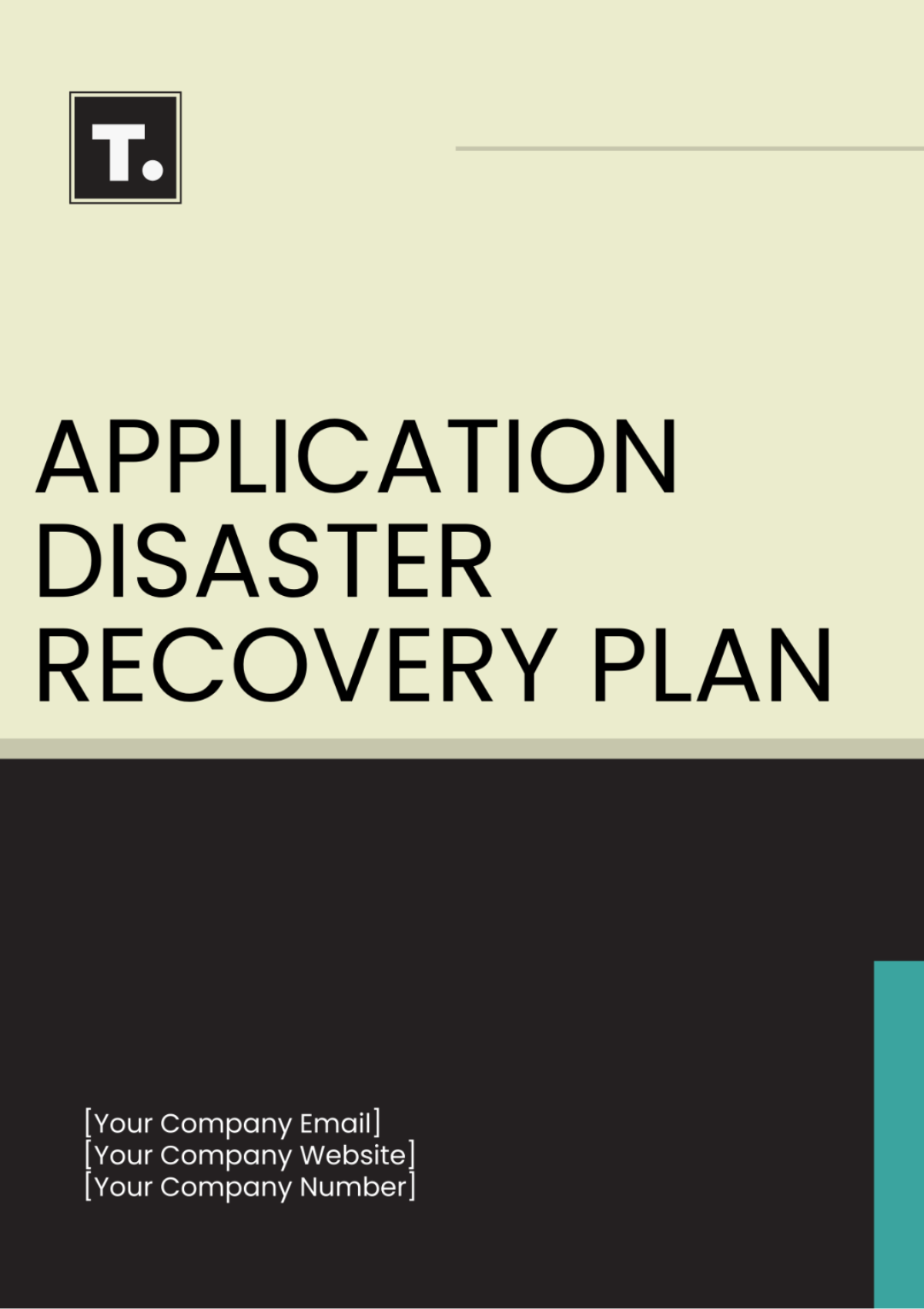


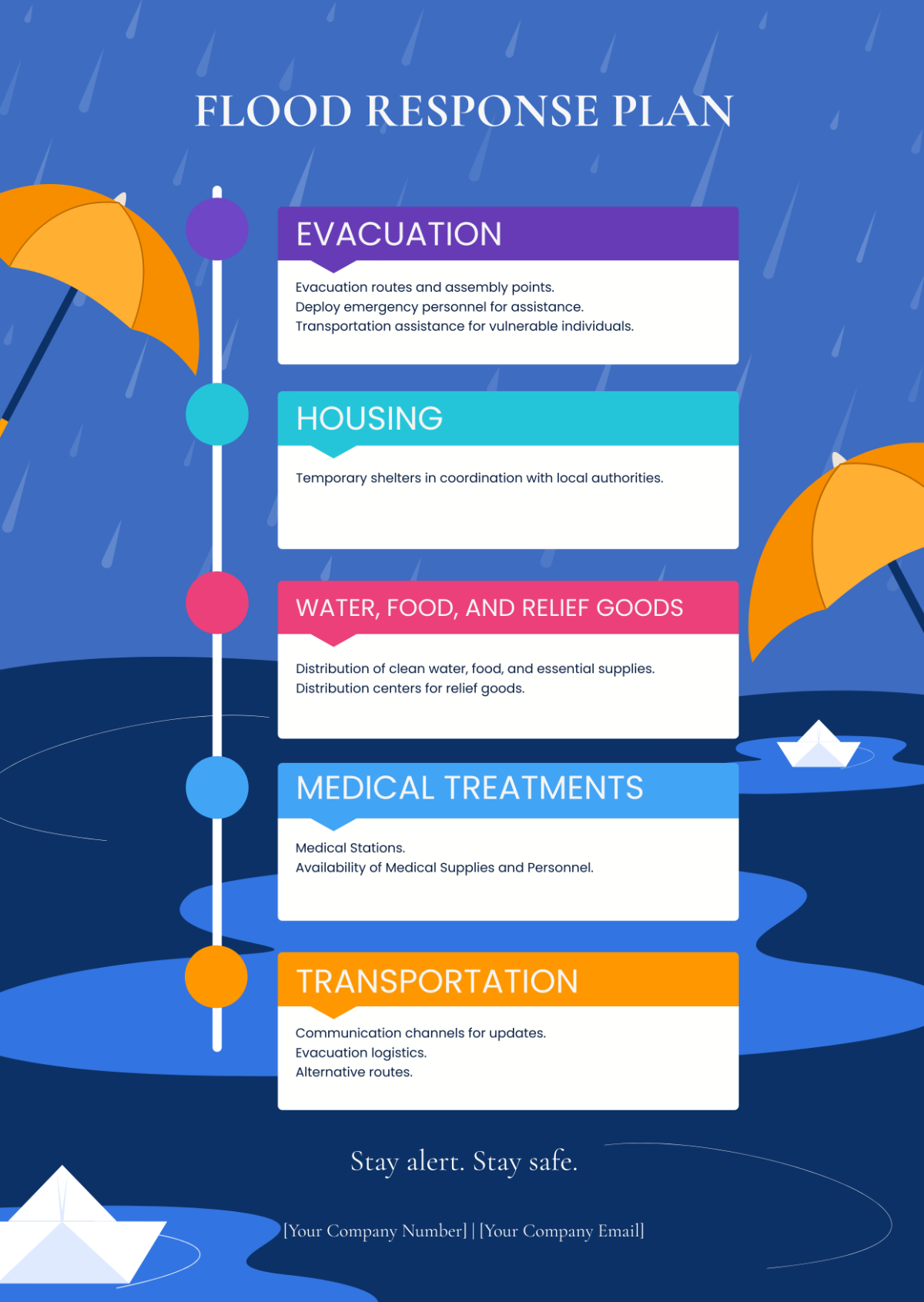
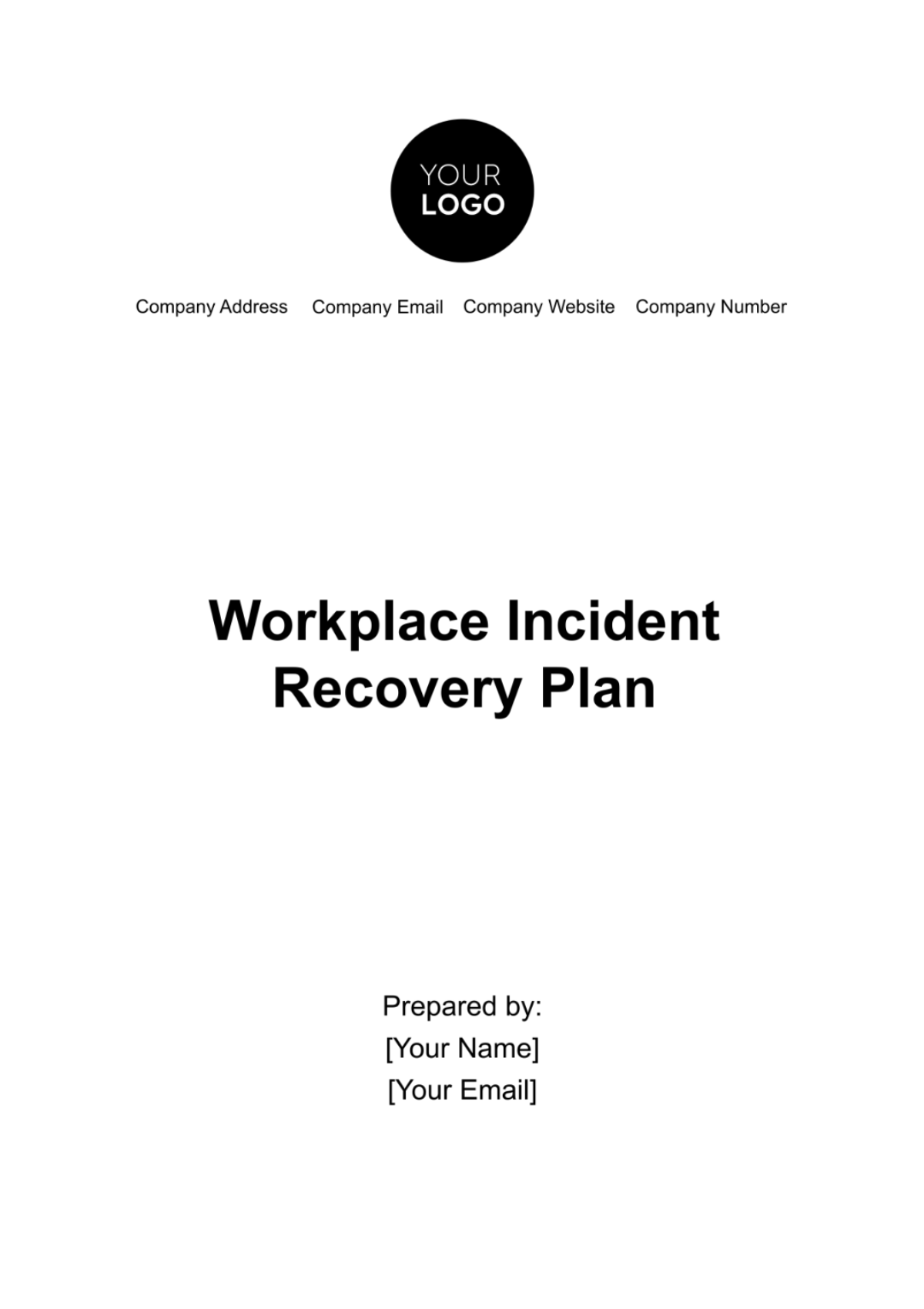
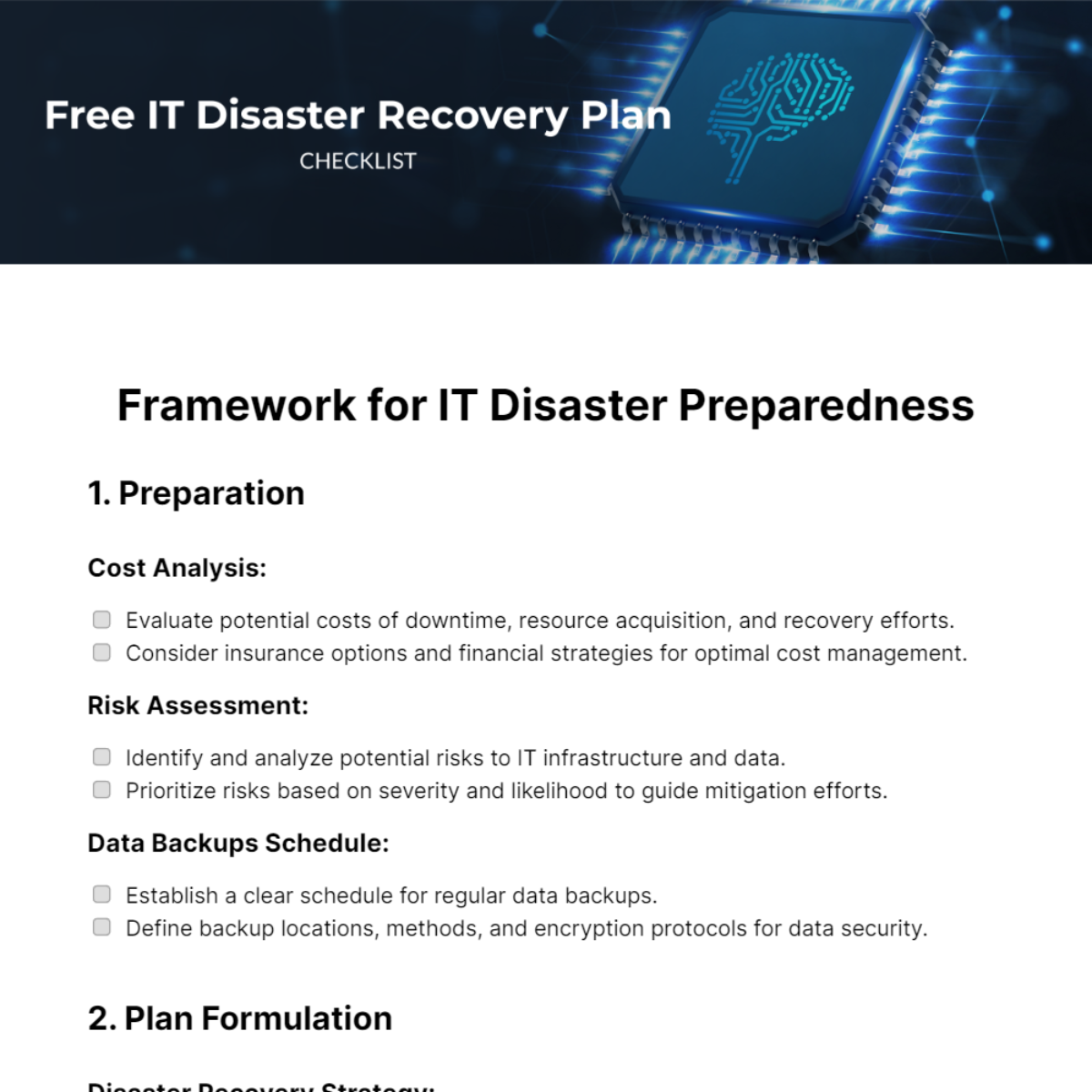
Create Reliable Disaster Recovery Plans & Cutomize Online with AI Powered Document Generator
Template.net's Free AI Disaster Recovery Plan Generator helps you transform recovery objectives, emergency response requirements, business continuity strategies, and operational recovery needs into professional disaster recovery plans within seconds. Simply enter a prompt describing system failures, infrastructure recovery, business continuity requirements, emergency response procedures, or operational resilience goals, and AI generates structured disaster recovery documents. Customize recovery strategies, response workflows, communication procedures, recovery timelines, responsibilities, and continuity planning while refining, managing, and reusing documents across business continuity, IT operations, compliance, and organizational recovery workflows.
![Free AI Disaster Recovery Plan Generator, AI Disaster Recovery Plan Maker Online [ No Signup ]](https://images.template.net/generator-images/0-ai-plan-generator/Disaster Recovery Plan-0.webp)
Create Professional Disaster Recovery Plan Documents Faster with AI
Everything you need to generate organized, business-ready, and professionally structured disaster recovery plans with intelligent automation and flexible document management.
AI-Powered Disaster Recovery Plan Generation
Generate complete disaster recovery plans with organized recovery procedures, response strategies, timelines, responsibilities, and business continuity documentation.
Describe Recovery Requirements and Generate
Enter recovery objectives, operational risks, critical systems, incident details, or business continuity requirements to instantly generate structured disaster recovery documents.
Voice-Based Disaster Recovery Plan Creation
Speak your recovery planning requirements and generate professional disaster recovery plans without manual typing.
Smart Recovery Workflow Organization
Automatically organize recovery phases, response actions, restoration priorities, communication workflows, critical assets, and operational responsibilities into logical document sections.
Professional Business Continuity Documentation
Generate disaster recovery plans suitable for businesses, IT teams, compliance departments, project managers, operational leaders, consultants, and organizational recovery planning.
Generate Multiple Disaster Recovery Plan Versions
Create different disaster recovery plan variations from a single prompt for IT recovery, cyber incidents, natural disasters, infrastructure failures, operational disruptions, and business continuity planning.
Customize Recovery Planning Structure
Modify recovery procedures, response priorities, document sections, communication workflows, continuity strategies, and formatting to fit organizational requirements.
Structured Recovery Documentation
Create organized disaster recovery plans with clearly defined objectives, recovery timelines, critical systems, response procedures, risk mitigation, and restoration strategies.
Refine Recovery Content with AI Suggestions
Improve recovery procedures, incident response workflows, business continuity strategies, communication plans, and document clarity with AI-powered recommendations.
Edit Disaster Recovery Plans Easily
Update recovery steps, restoration priorities, critical resources, communication processes, timelines, and operational procedures without recreating the document.
Multilingual Support
Generate disaster recovery plans in 20+ multiple languages including English, Spanish, French, German, Italian, Hindi, Chinese, Japanese, Russian, Turkish, Vietnamese, Thai, Malay, Polish, Swedish, and more for global business continuity and recovery operations.
Adapt Disaster Recovery Plans for Different Recovery Scenarios
Customize disaster recovery plans for cyber incidents, natural disasters, IT failures, infrastructure outages, operational disruptions, cloud recovery, compliance requirements, and enterprise continuity planning.
Save and Reuse
Store disaster recovery plans and reuse them for future business continuity initiatives, emergency preparedness, compliance audits, and operational recovery projects.
Organize Multiple Recovery Drafts
Manage different recovery strategies, compare disaster recovery documents, and refine response planning within one workspace.
Collaborate on Disaster Recovery Documents
Share disaster recovery plans with IT teams, business leaders, compliance officers, stakeholders, consultants, and operational managers for review and approval.
Download or Share Disaster Recovery Plans Instantly
Download disaster recovery plans in PDF, DOCX, Google Docs, and more. Share instantly via Email, LinkedIn, X (Twitter), Pinterest, WhatsApp, and Messenger for business continuity, compliance, and collaboration workflows.
Secure Disaster Recovery Workspace
Keep disaster recovery plans protected with secure storage, controlled document access, and reliable information management.
Fast Disaster Recovery Plan Generation Engine
Generate professional disaster recovery plans in seconds with AI-powered document creation, structured recovery planning, and organized business continuity documentation.
![Free AI Disaster Recovery Plan Generator, AI Disaster Recovery Plan Maker Online [ No Signup ]](https://images.template.net/generator-images/5-ai-plan-generator/Disaster Recovery Plan-5.webp "Free AI Disaster Recovery Plan Generator, AI Disaster Recovery Plan Maker Online [ No Signup ]")
How to Create Disaster Recovery Plans Using AI
Generate, customize, and use professional disaster recovery documents with a simple workflow.
Step 1: Enter Prompt and Generate Disaster Recovery Plan
Describe your recovery requirements such as "Create a disaster recovery plan for a healthcare organization" or "Generate a cloud infrastructure disaster recovery plan" and instantly create a structured disaster recovery document with recovery objectives, response procedures, system priorities, and continuity strategies.
Step 2: Customize and Refine Recovery Content
Edit recovery procedures, emergency contacts, recovery timelines, backup strategies, critical systems, responsibilities, and documentation to match your organization's disaster recovery requirements.
Step 3: Download and Share Disaster Recovery Plans
Preview your disaster recovery document, then save, download, or share it instantly via Email, LinkedIn, X (Twitter), Pinterest, WhatsApp, and Messenger for business continuity planning and team collaboration.
Build Reliable Disaster Recovery Plans Faster with AI
![Free AI Disaster Recovery Plan Generator, AI Disaster Recovery Plan Maker Online [ No Signup ]](https://images.template.net/generator-images/1-ai-plan-generator/Disaster Recovery Plan-1.webp "Free AI Disaster Recovery Plan Generator, AI Disaster Recovery Plan Maker Online [ No Signup ]")
Develop Business Continuity Strategies with Confidence
Convert simple prompts into comprehensive Disaster Recovery Plan documents that organize recovery objectives, business continuity strategies, backup procedures, system restoration steps, and incident response actions into a clear, structured format.
![Free AI Disaster Recovery Plan Generator, AI Disaster Recovery Plan Maker Online [ No Signup ]](https://images.template.net/generator-images/2-ai-plan-generator/Disaster Recovery Plan-2.webp "Free AI Disaster Recovery Plan Generator, AI Disaster Recovery Plan Maker Online [ No Signup ]")
Create Disaster Recovery Plans for Every Business Environment
Generate Disaster Recovery Plan documents for IT infrastructure, cloud environments, healthcare organizations, financial institutions, educational organizations, manufacturing facilities, government agencies, small businesses, and enterprise operations.
![Free AI Disaster Recovery Plan Generator, AI Disaster Recovery Plan Maker Online [ No Signup ]](https://images.template.net/generator-images/3-ai-plan-generator/Disaster Recovery Plan-3.webp "Free AI Disaster Recovery Plan Generator, AI Disaster Recovery Plan Maker Online [ No Signup ]")
Customize Recovery Plans for Different Disaster Scenarios
Produce tailored Disaster Recovery Plan documents for cyberattacks, ransomware incidents, data loss, hardware failures, power outages, natural disasters, network disruptions, and operational emergencies with flexible recovery workflows.
![Free AI Disaster Recovery Plan Generator, AI Disaster Recovery Plan Maker Online [ No Signup ]](https://images.template.net/generator-images/4-ai-plan-generator/Disaster Recovery Plan-4.webp "Free AI Disaster Recovery Plan Generator, AI Disaster Recovery Plan Maker Online [ No Signup ]")
Strengthen Organizational Preparedness with Structured Documentation
Create well-organized Disaster Recovery Plan documents that improve recovery readiness, standardize response procedures, reduce downtime, support compliance requirements, and help teams respond efficiently during critical events.
