
Free AI Listing Presentation Generator
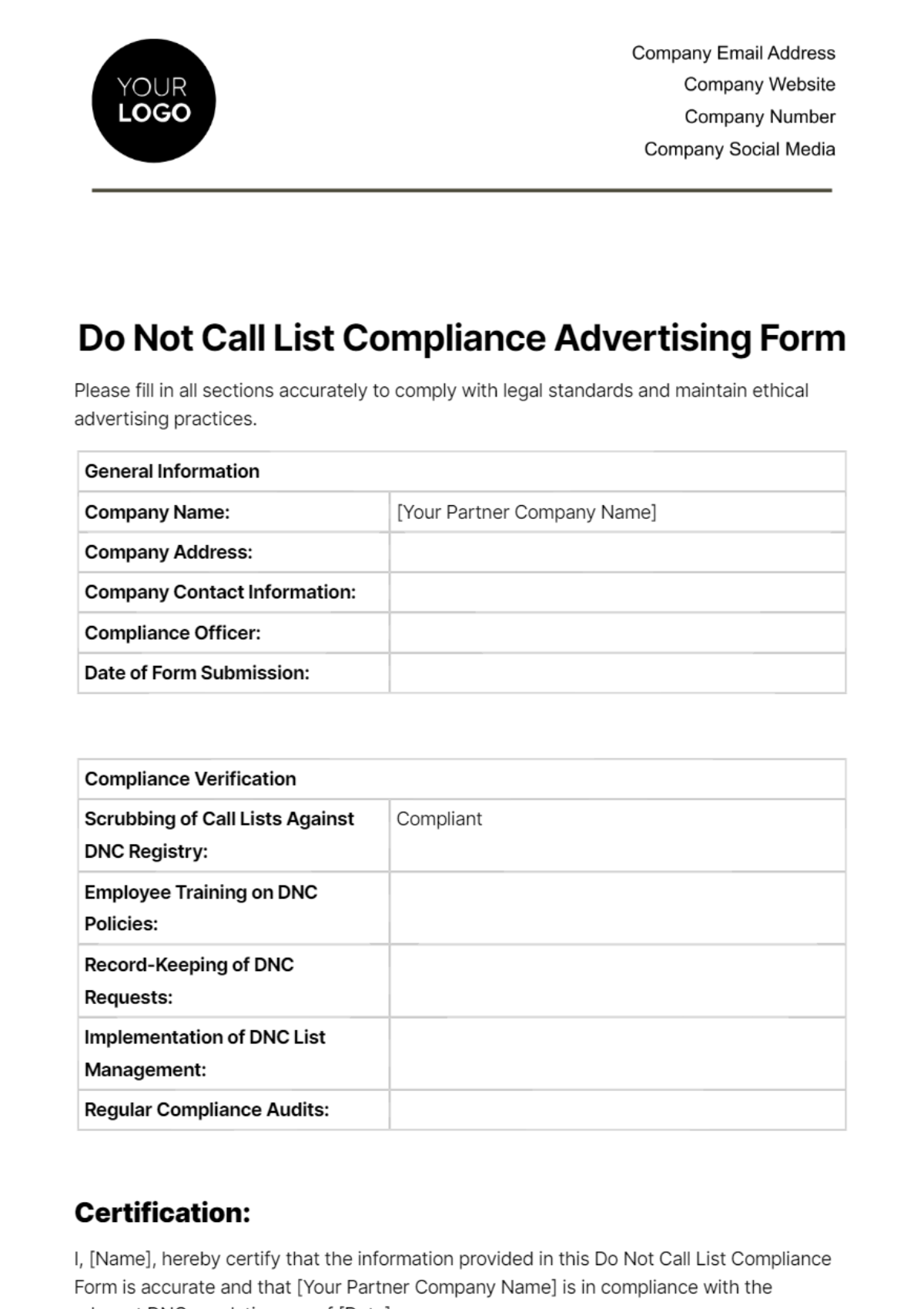
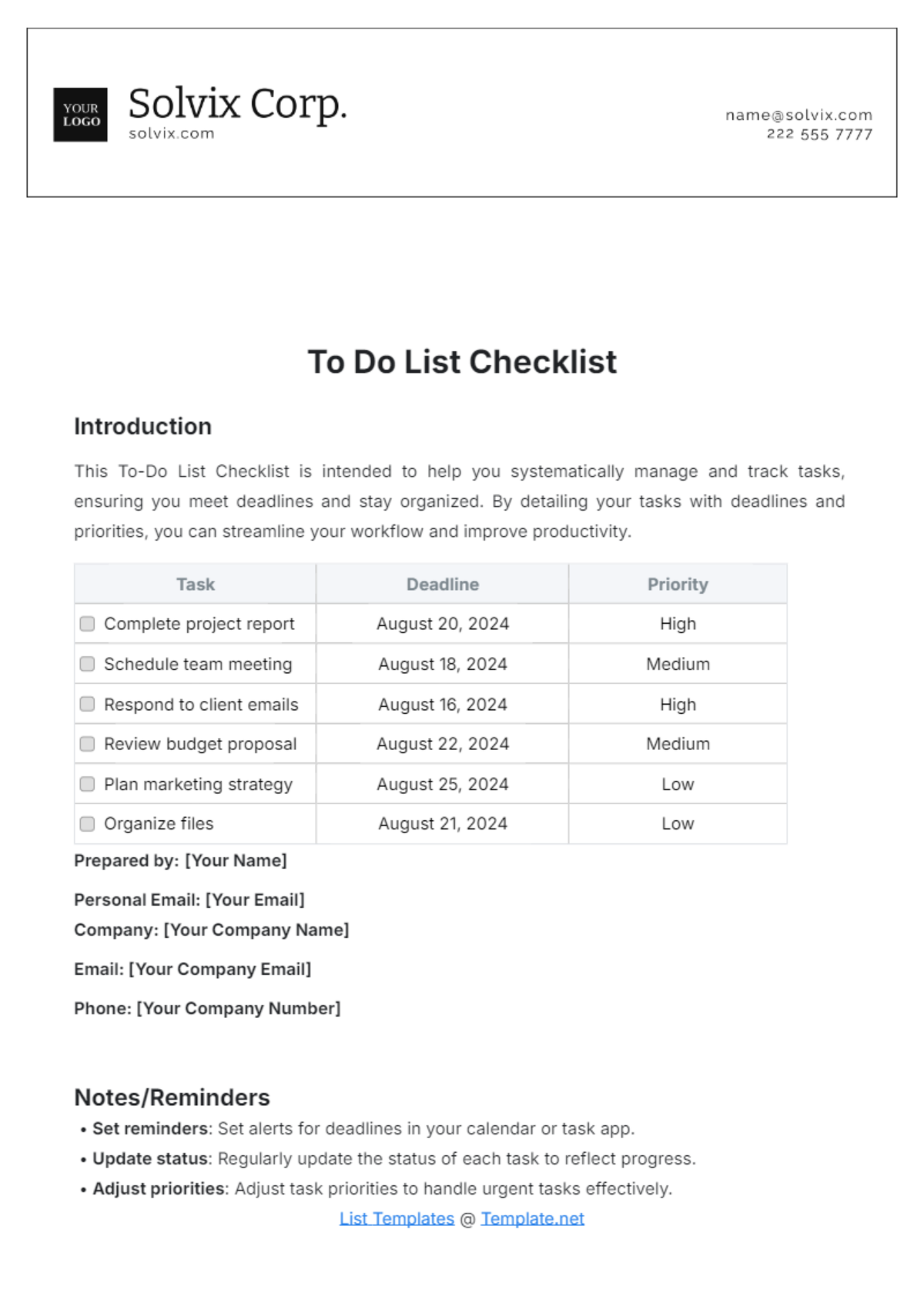
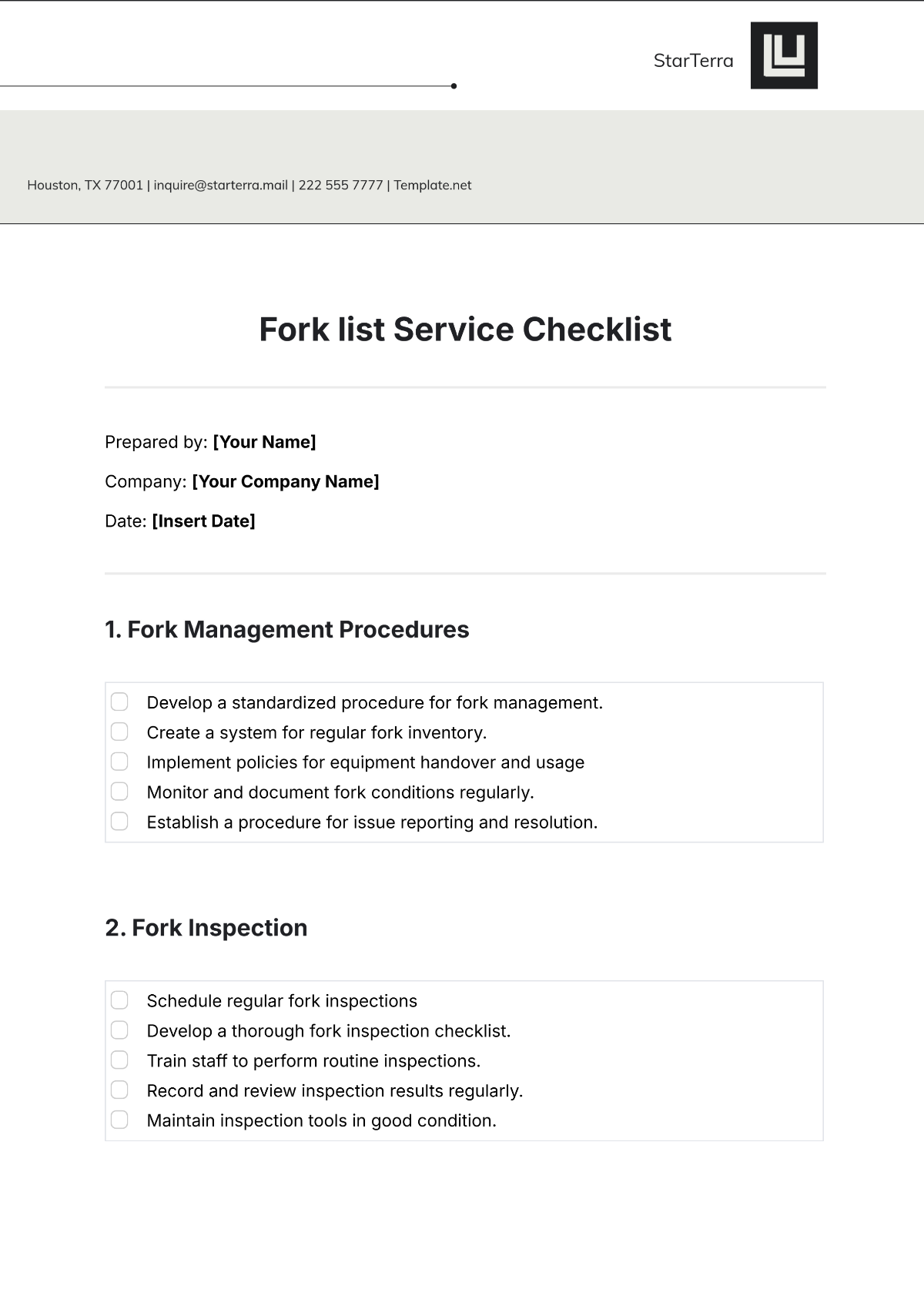
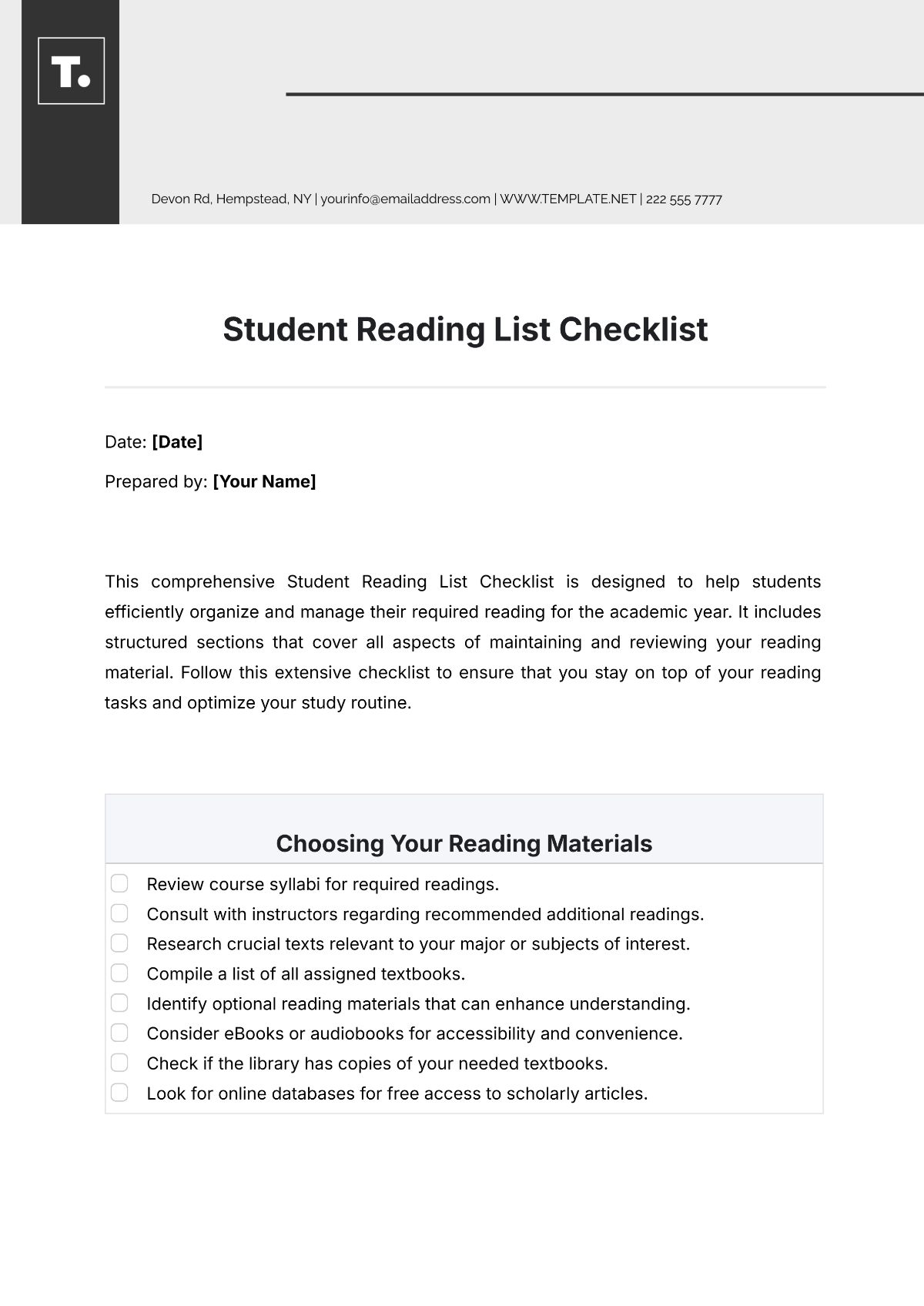
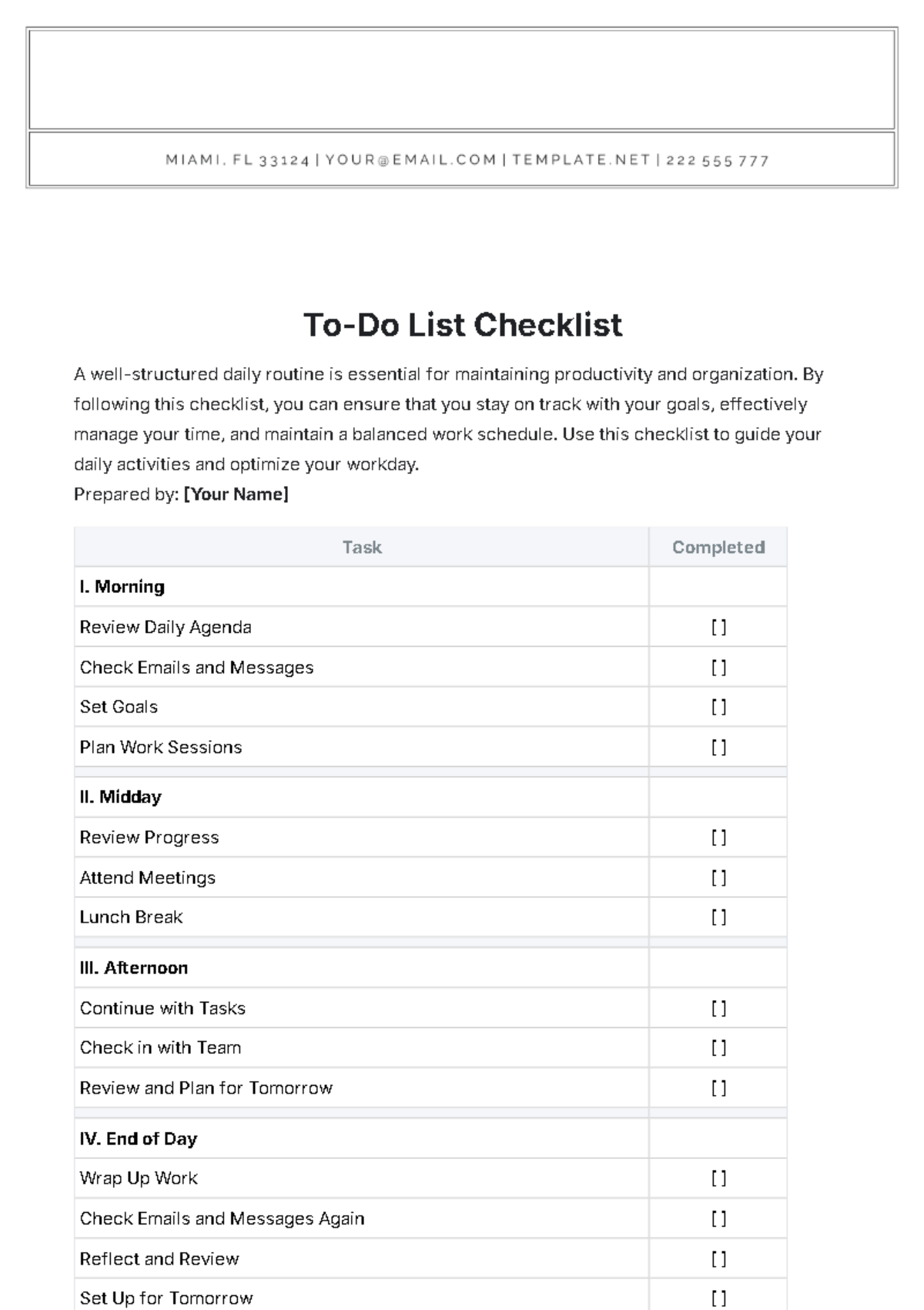
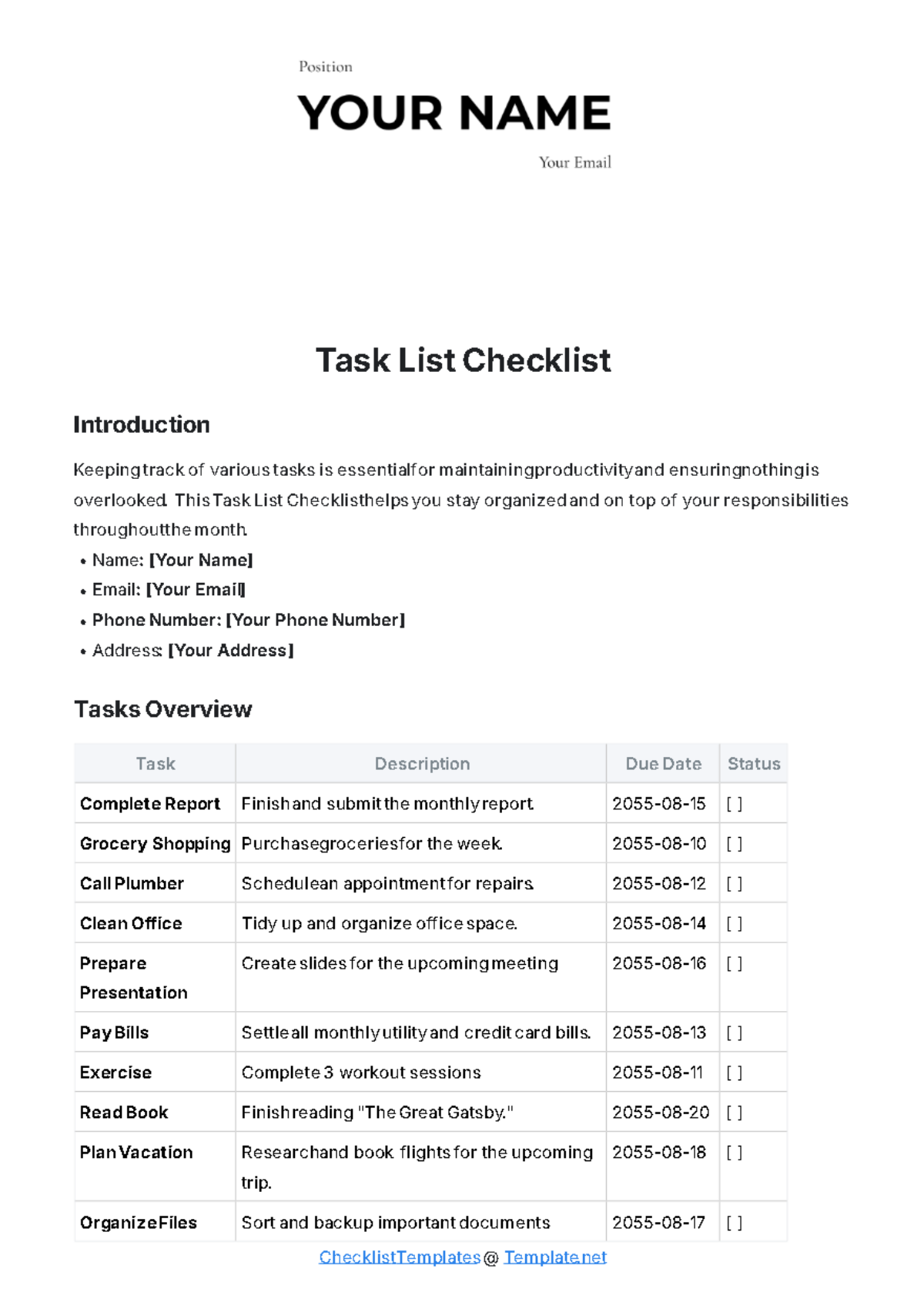

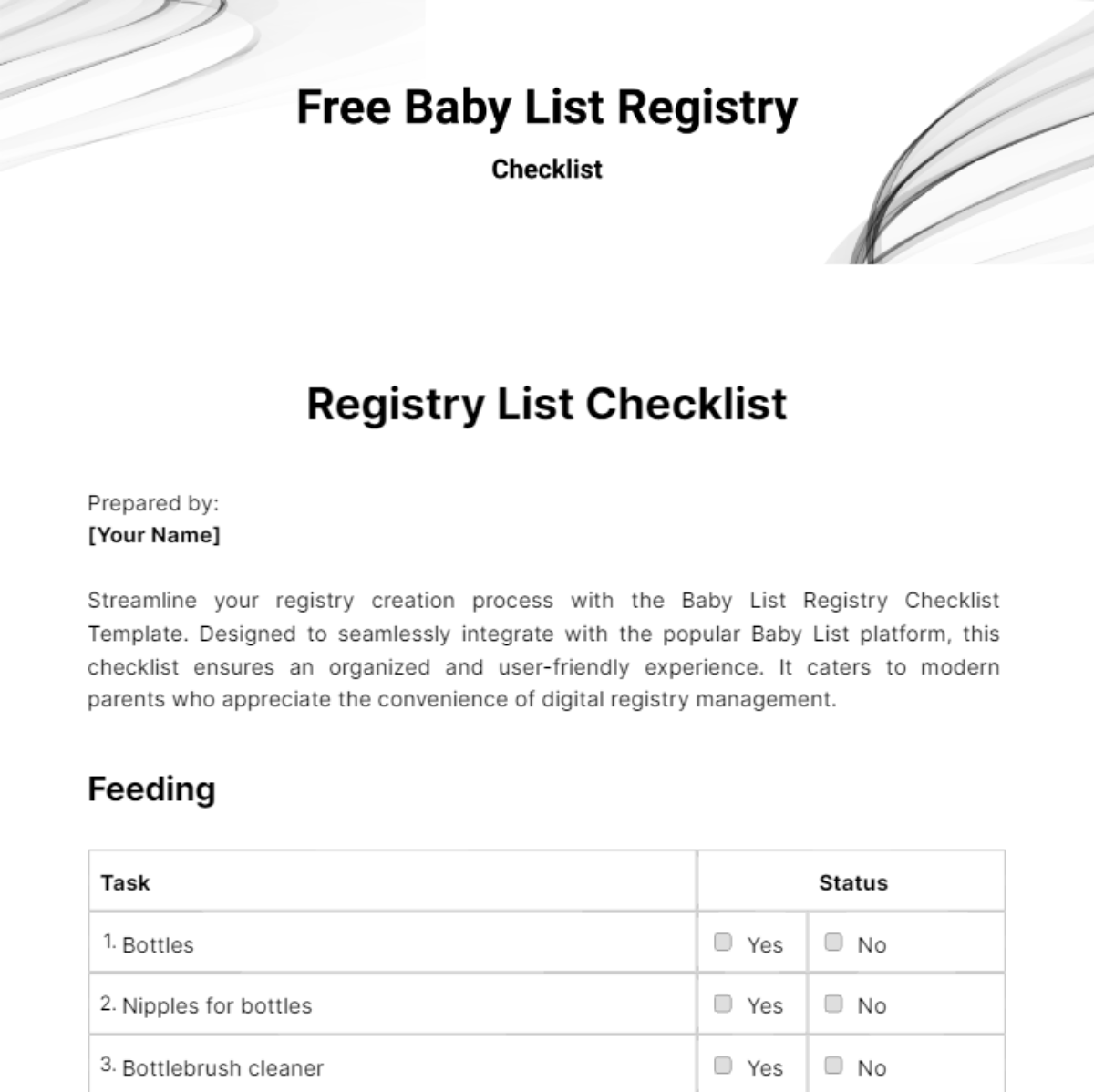
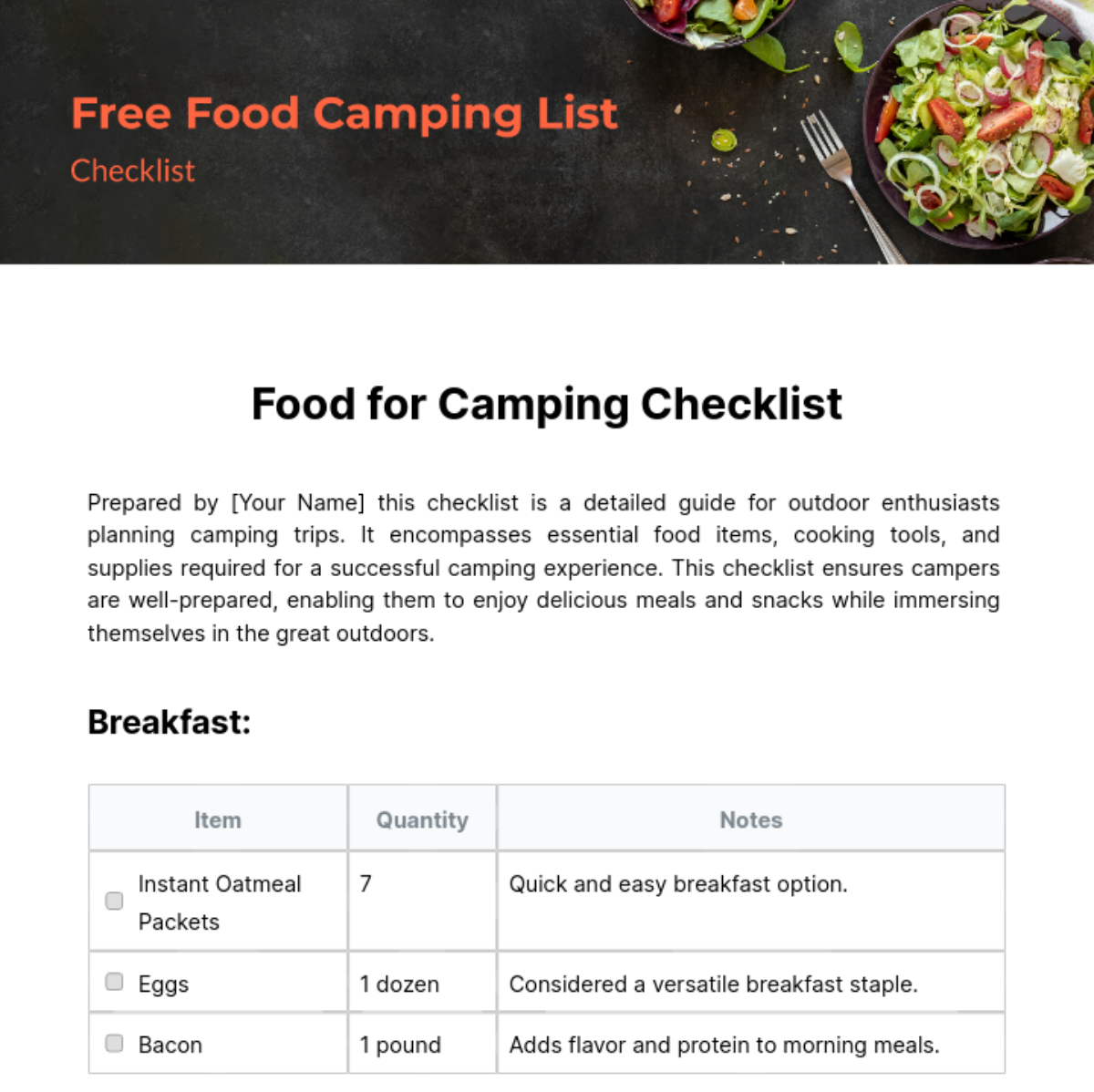
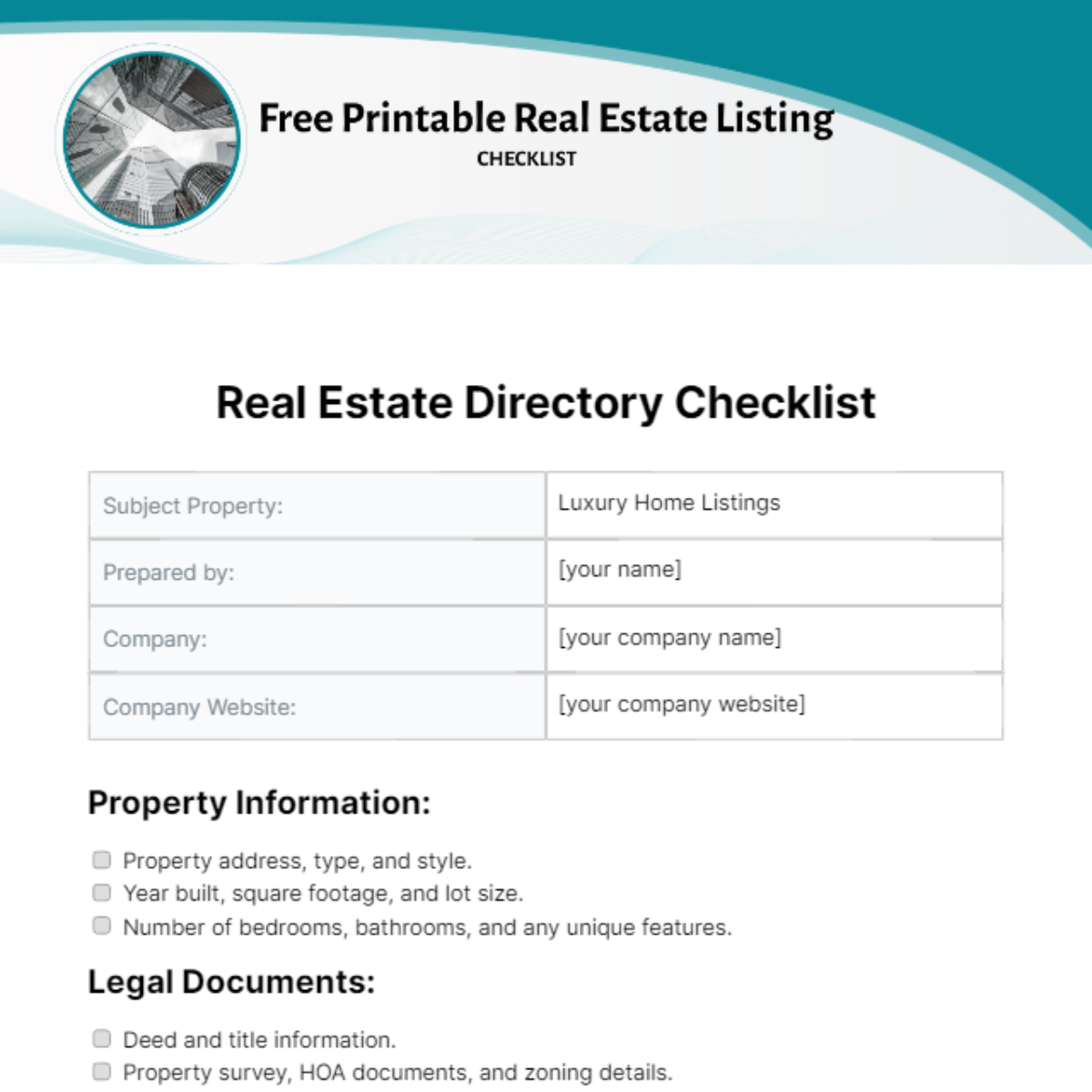



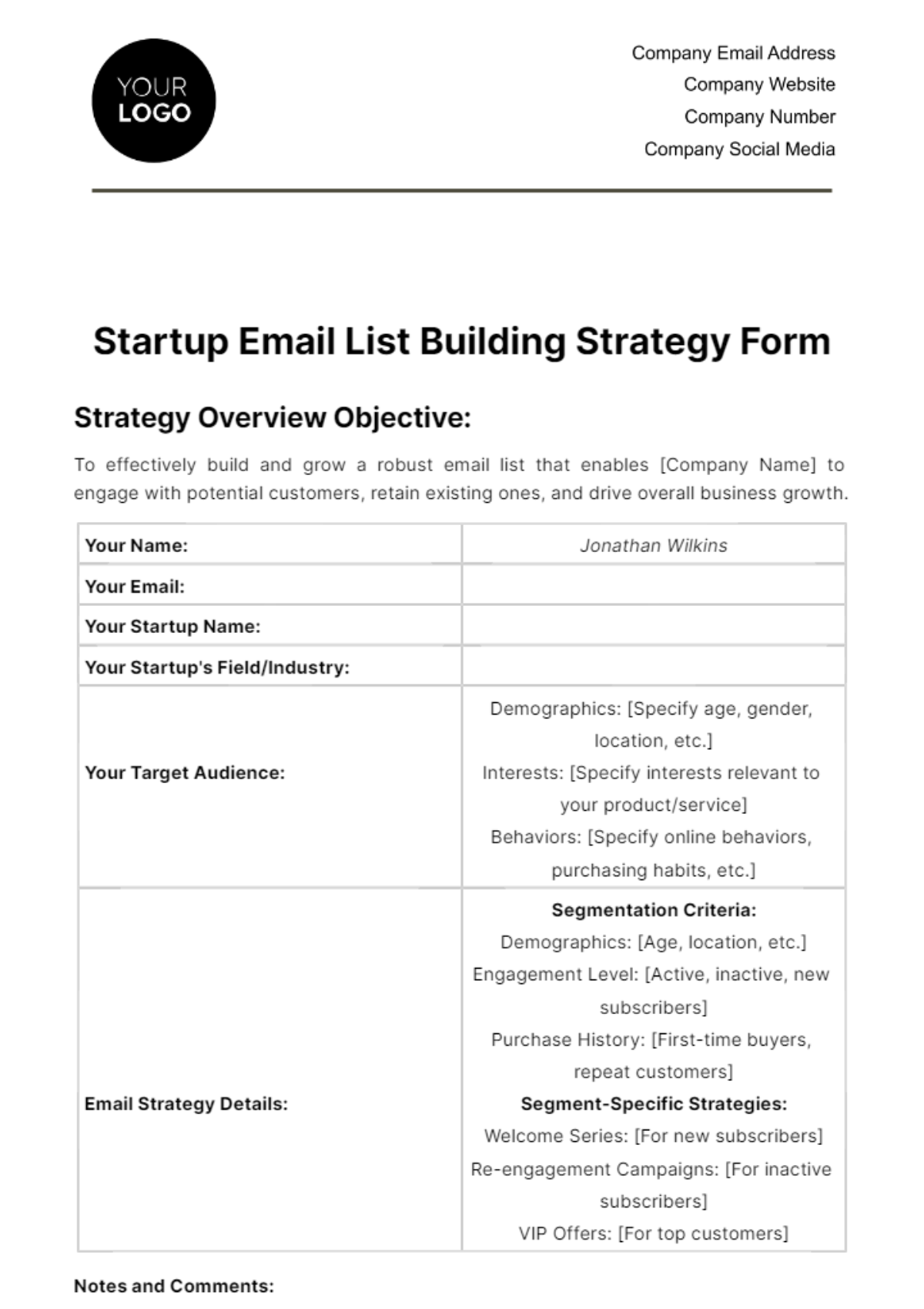
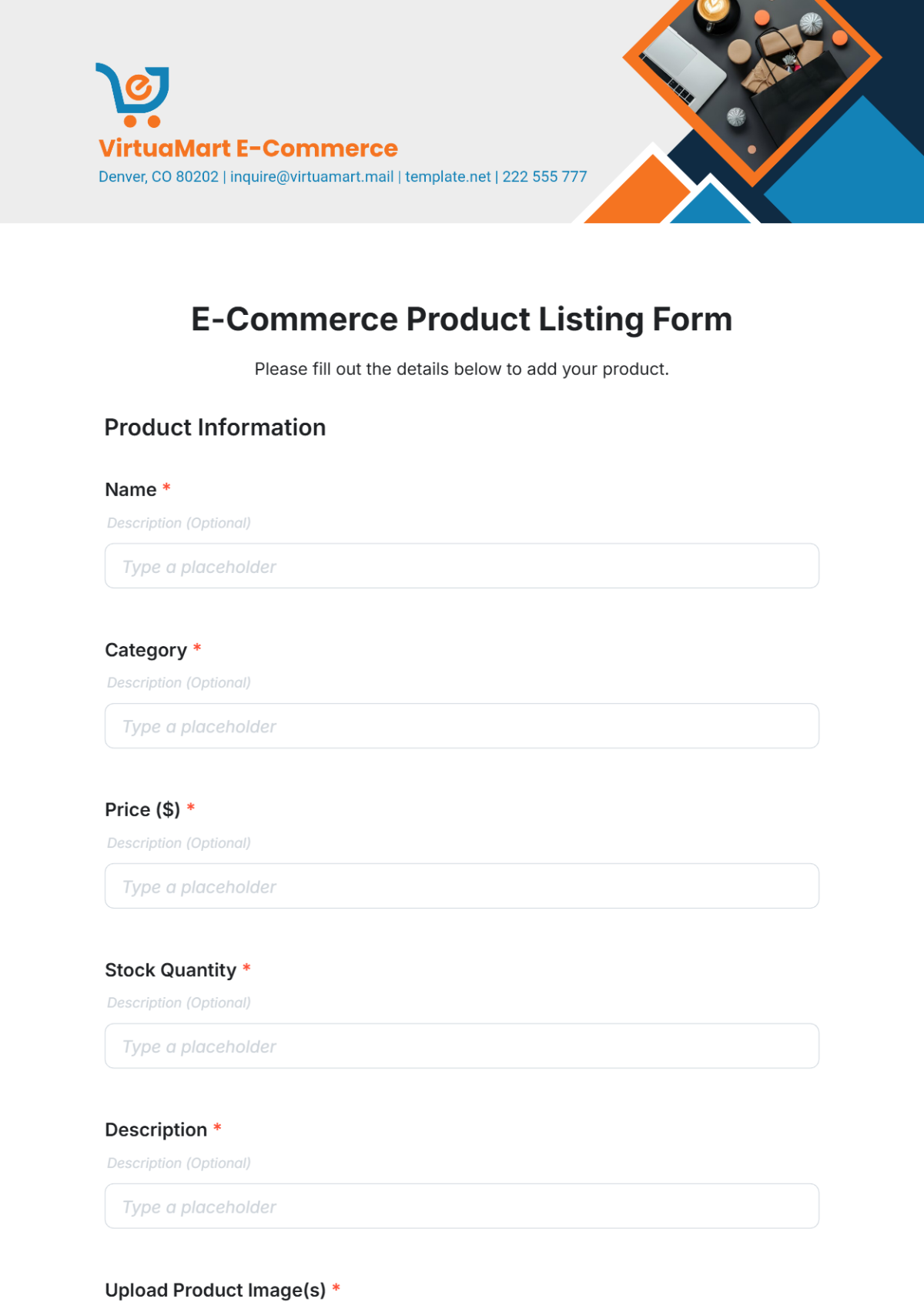

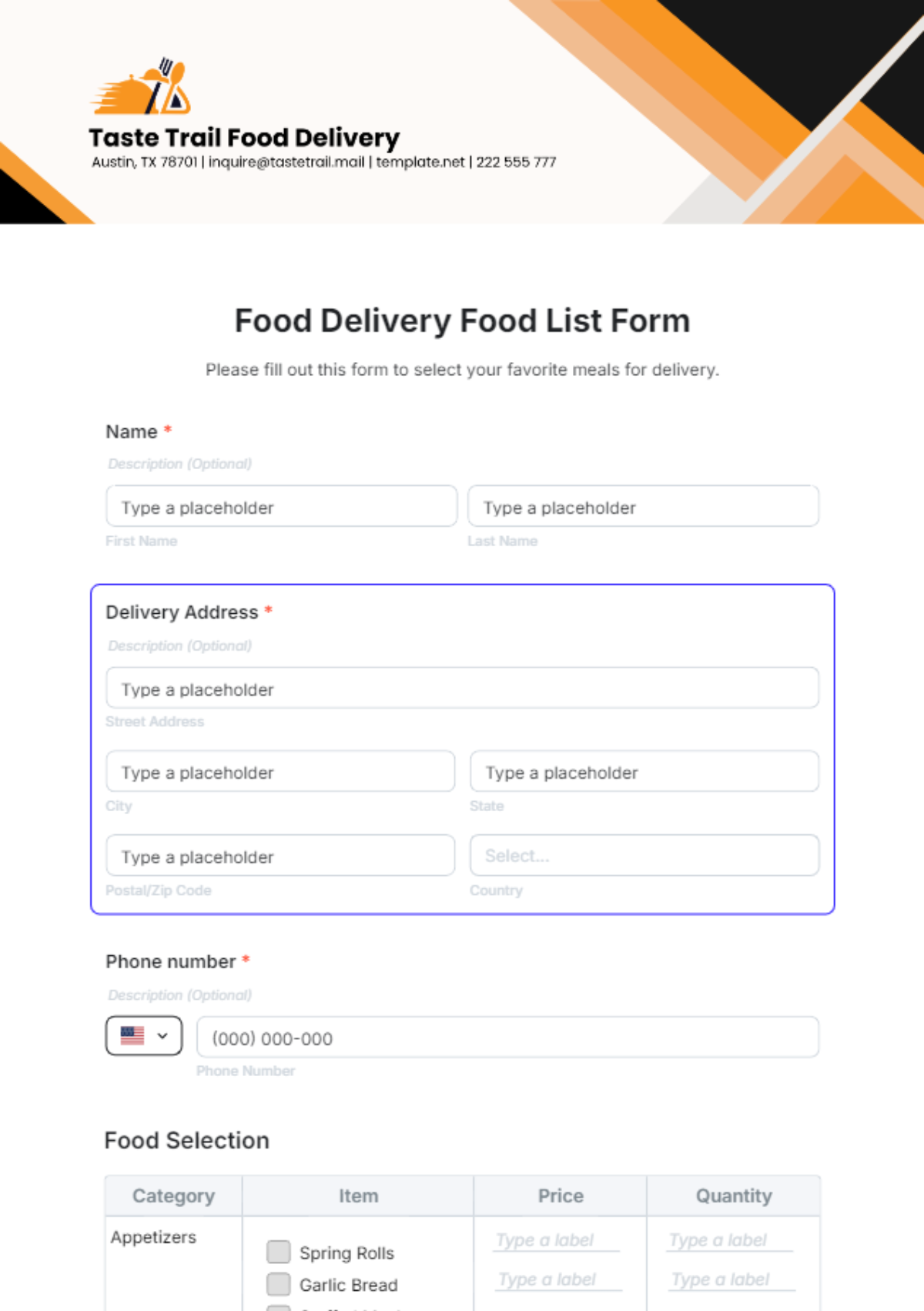
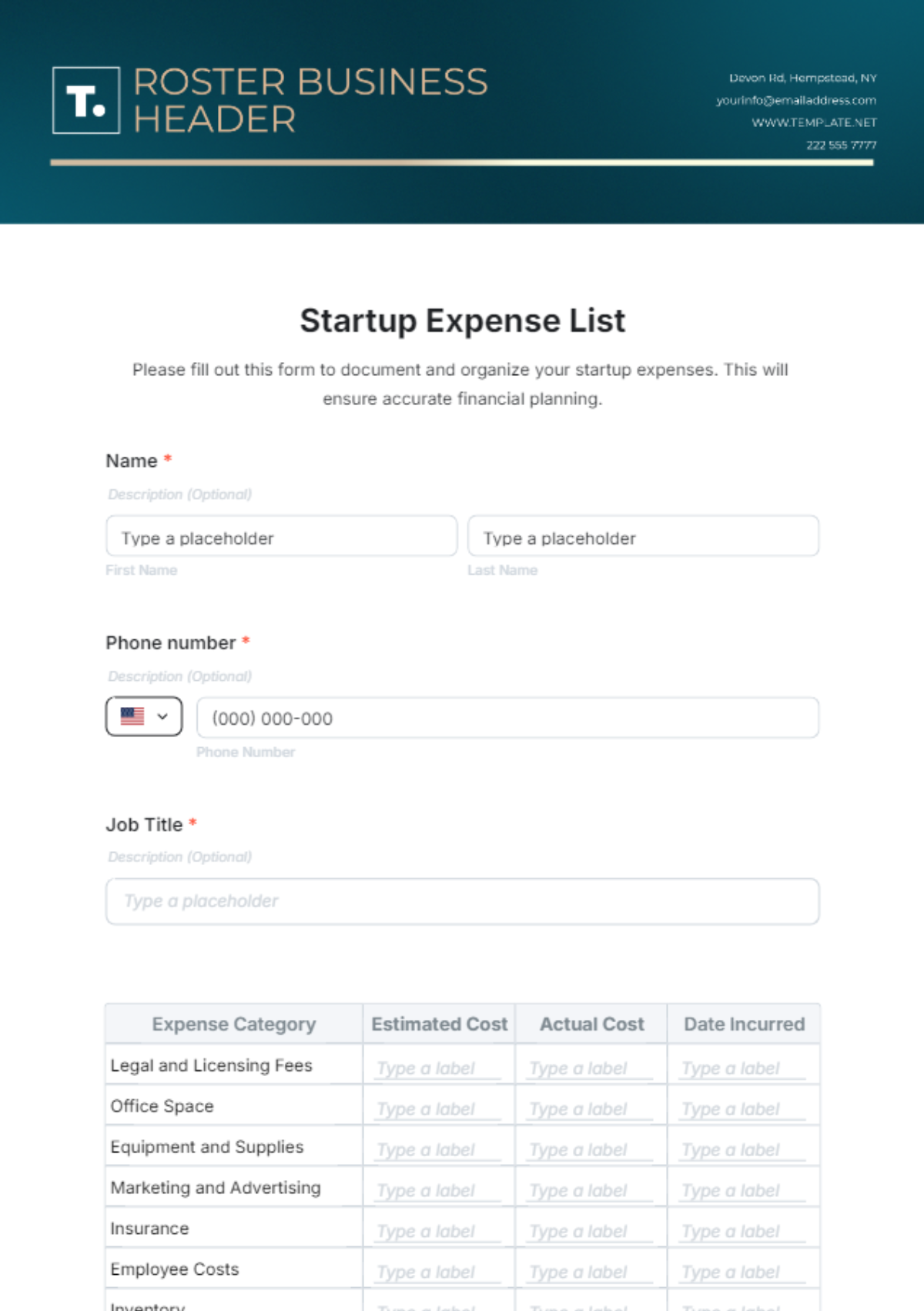
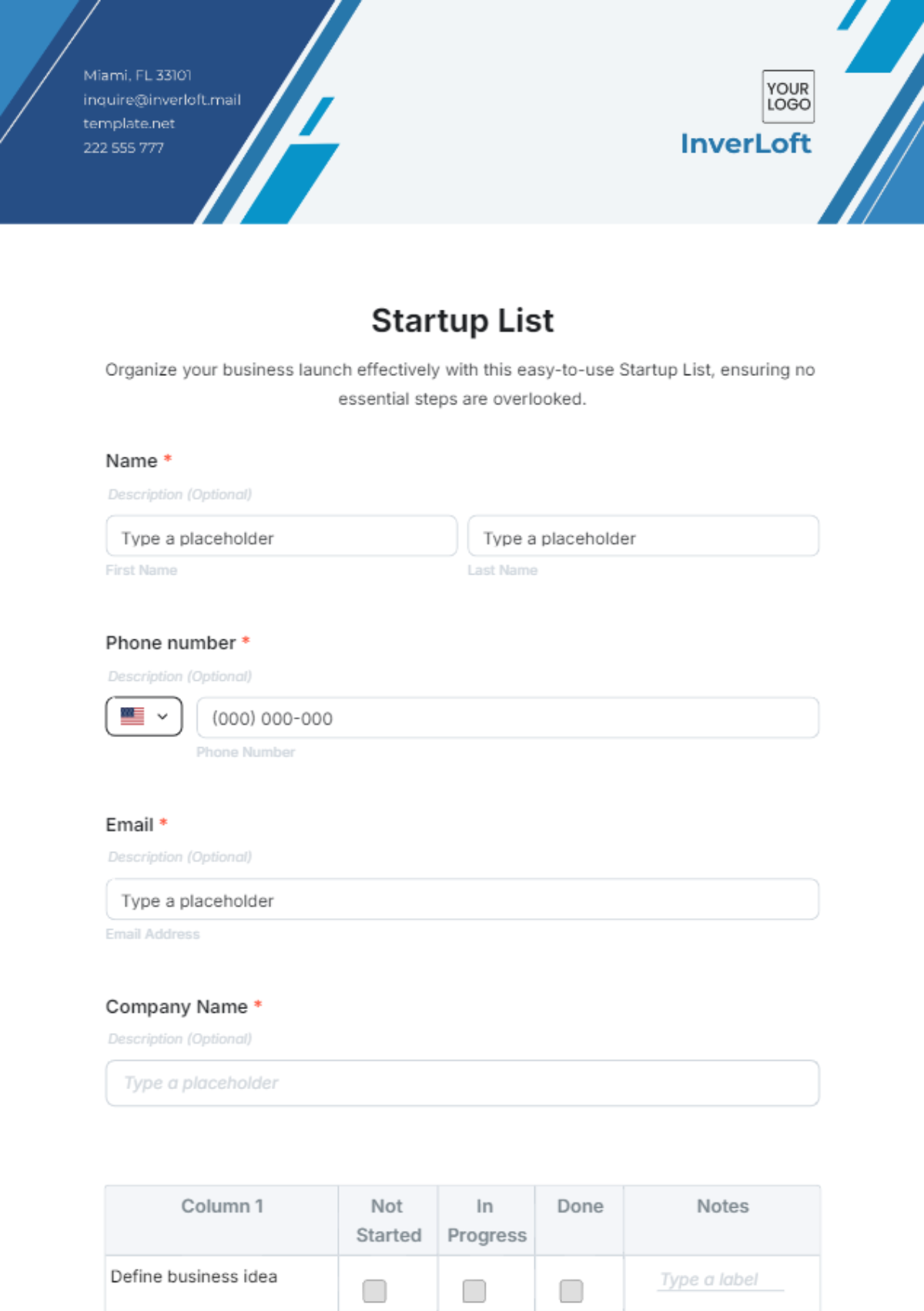
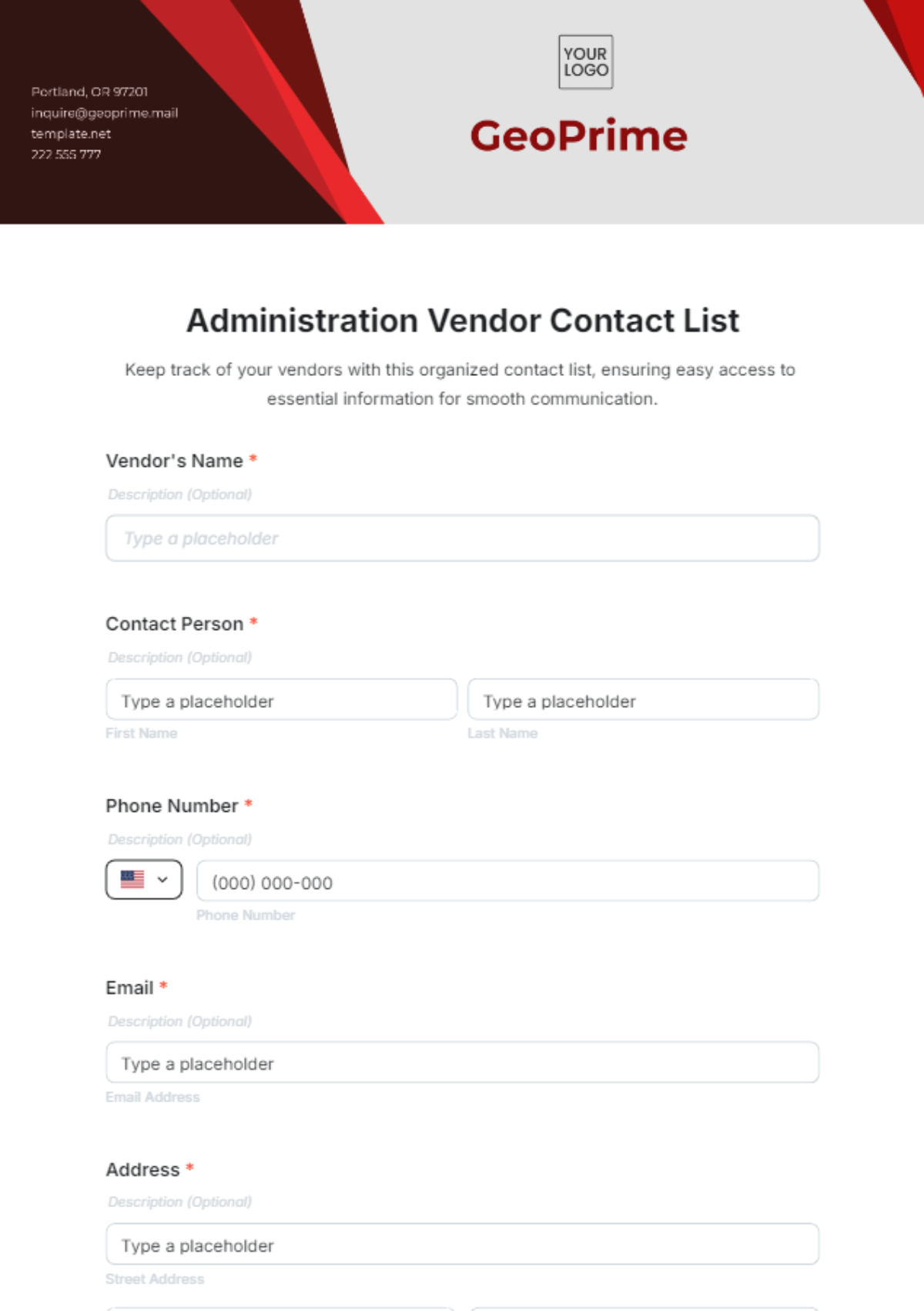
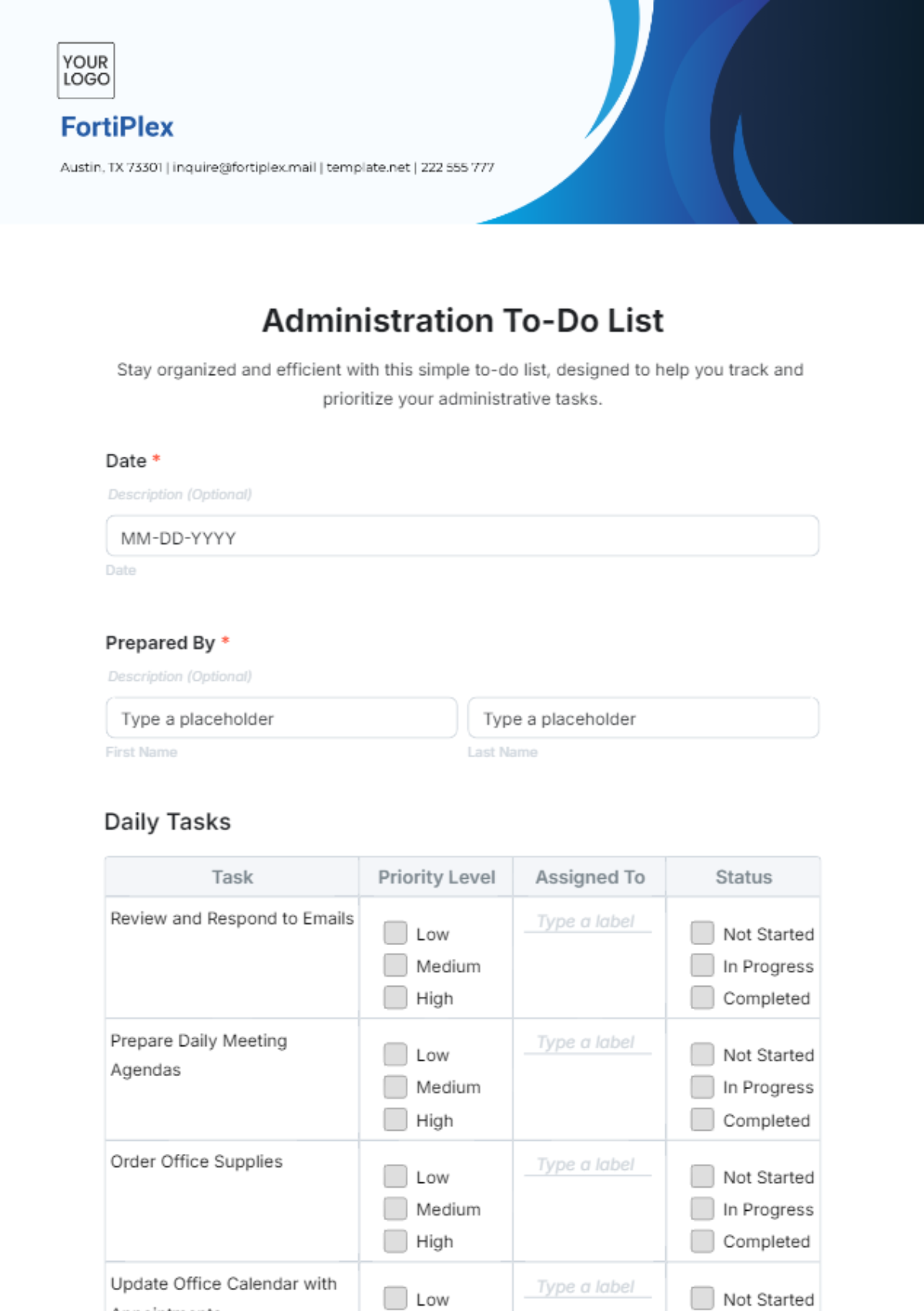
























Create Listing Presentations, Customize Online with Design Editor
Template.net’s Free AI Listing Presentation Generator helps you create structured and visually engaging listing presentations instantly. Generate organized slides for product listings, service showcases, project outlines, reports, workflows, and business presentations, then customize, collaborate, present, and export using an easy online design editor.
![Free AI Listing Presentation Generator, AI Listing Presentation Maker Online [ No Signup ]](https://images.template.net/generator-images/0-ai-presentation-generator/Listing Presentation.webp)
Design Professional Listing Presentations for Free
Everything you need to create visually organized and professionally structured listing presentations without complicated presentation software.
AI-Powered Listing Presentation Creation
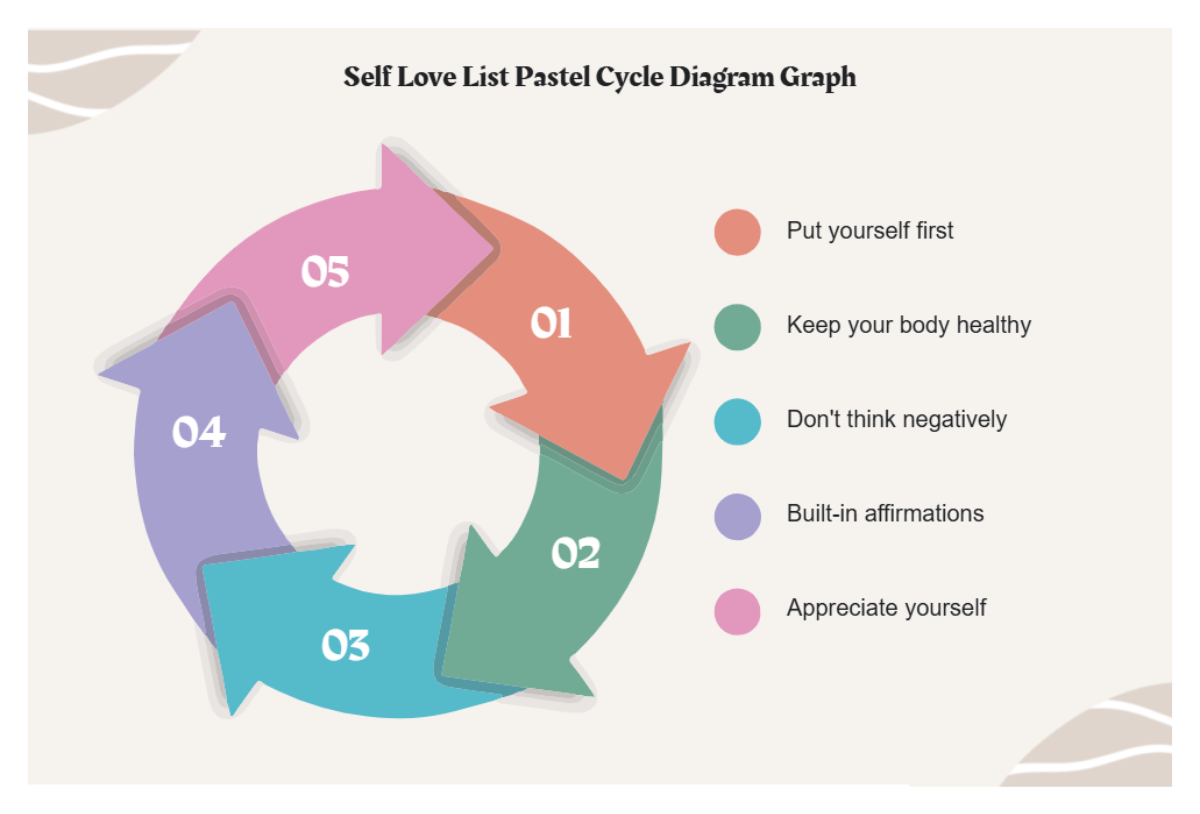
Enter a prompt describing your products, services, project details, workflow, or presentation topic and the AI instantly generates a professionally structured listing presentation with organized slides, categories, visuals, charts, list sections, and summary layouts.
Smart Listing Presentation Layouts
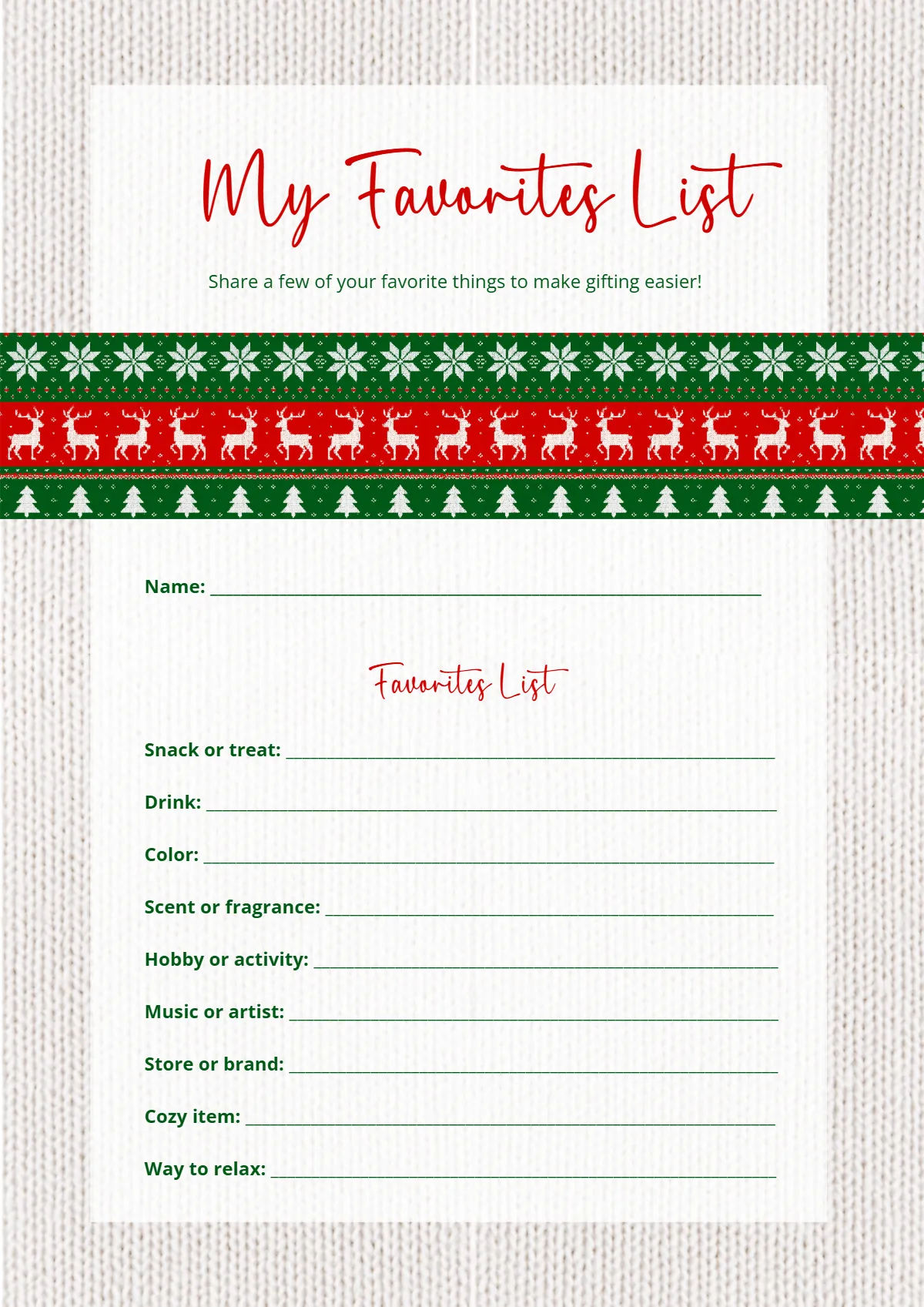
Start quickly with professionally designed listing presentation templates inspired by structured workflows, organized information systems, business reports, catalogs, and visual presentation formats.
Drag-and-Drop Presentation Editor
Move text blocks, charts, icons, images, tables, lists, and visual elements easily using an intuitive drag and drop editing workspace designed for smooth presentation customization.
Organized Visual Listing Slide Structure
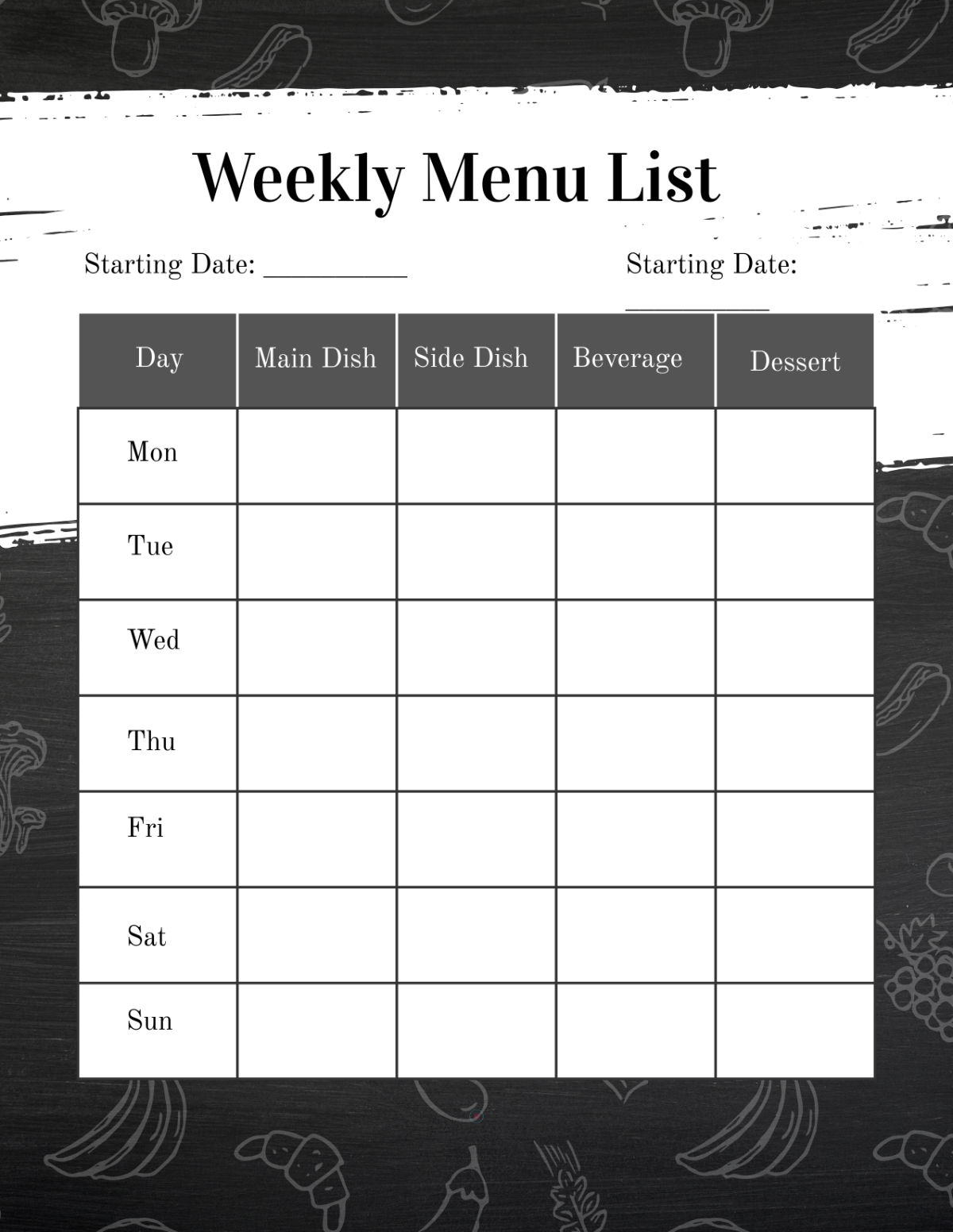
Customize every slide with editable layouts, intelligent content organization, visual hierarchy tools, and flexible presentation sections that help display listing information clearly and professionally.
Interactive Presentation Flow and Motion Effects
Improve audience engagement using smooth slide transitions, animated presentation elements, visual storytelling effects, and modern AI inspired presentation experiences.
Advanced Listing Presentation Tools
Enhance presentations using built in tools including Design Library, Text Tools, Elements, Media Library, Backgrounds, Uploads, Tables, Charts, and smart listing presentation styling features.
Charts and Structured Data Visualization
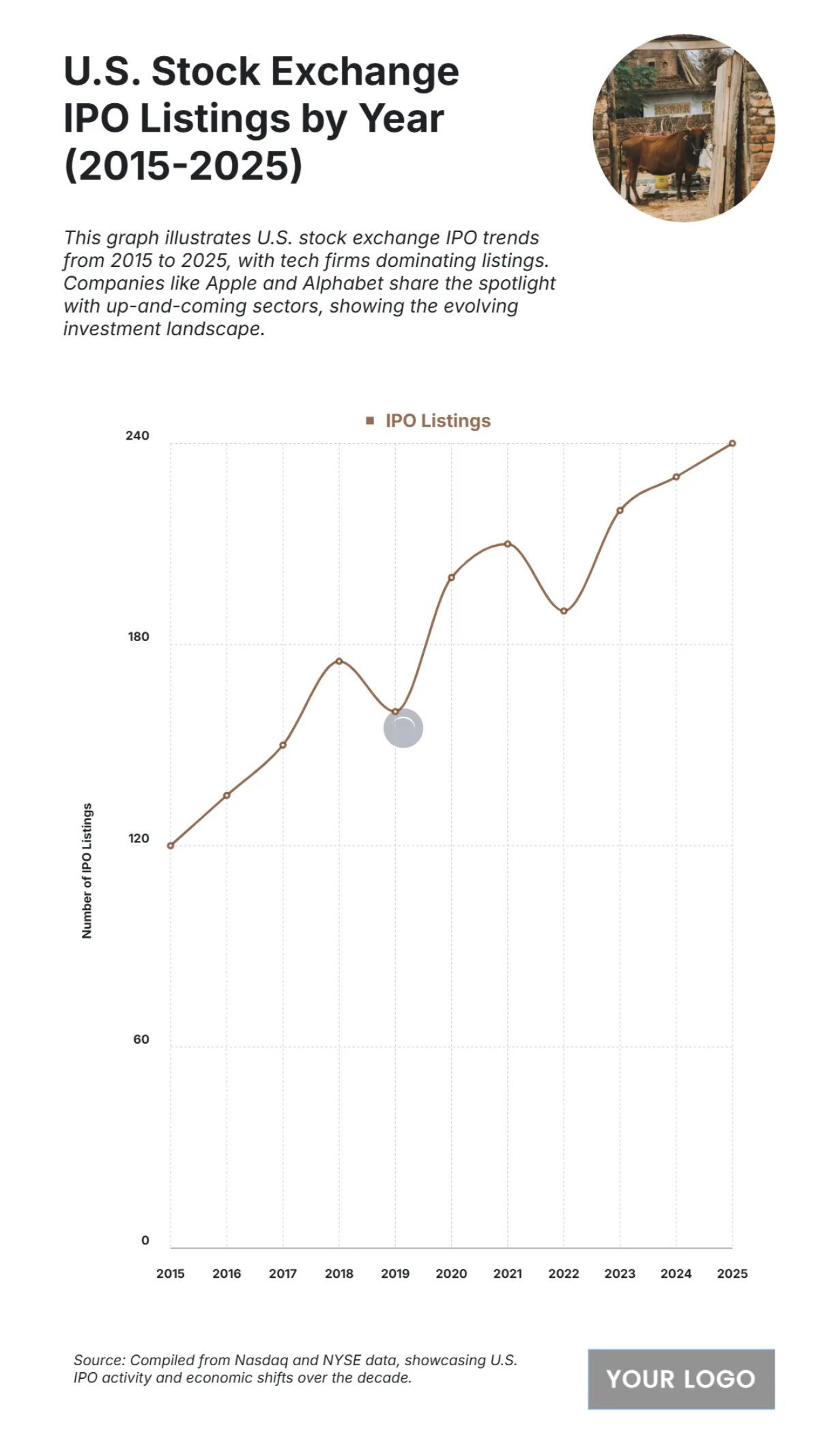
Present statistics, workflows, reports, inventories, timelines, and categorized information clearly using charts, graphs, tables, infographics, and visual data elements.
Consistent Presentation Design System
Apply logos, typography styles, layouts, color themes, and visual presentation elements across all slides to maintain a polished and consistent listing presentation experience.
Multilingual Support
Generate listing presentations in 20+ languages including English, Spanish, French, German, Italian, Portuguese, Dutch, Hindi, Arabic, Chinese, Japanese, Korean, Russian, Turkish, Vietnamese, Thai, Indonesian, Malay, Polish, Swedish, and more for multilingual communication and global collaboration.
Collaborate in Real Time
Invite colleagues, teams, managers, clients, or collaborators to edit presentations together, provide feedback, and collaborate on listing presentation projects simultaneously.
Layer Management and Commenting
Organize presentation elements with advanced layer controls and simplify feedback collection using comments, revision tracking, and collaborative review tools.
Launch Presentation Mode Instantly
Present listing slides directly from the editor during business meetings, project reviews, sales discussions, webinars, conferences, or training sessions.
Create and Manage Shared Listing Workspaces
Organize listing presentation projects in collaborative workspaces where teams can manage files, streamline workflows, maintain resources, and keep presentations structured across departments and projects.
Add Designs to Favorites
Bookmark frequently used listing slide layouts, tables, visual elements, and templates for quick access and faster workflow management.
Copy Slides and Listing Elements
Reuse presentation sections, categorized lists, charts, tables, and slide layouts instantly across multiple projects and business presentations.
Generate QR Codes for Mobile Access
Generate QR codes that allow listing presentations to be viewed, edited, or shared easily across smartphones and tablets.
Embed Listing Presentations Anywhere
Embed presentations on websites, landing pages, blogs, learning platforms, online catalogs, or business portals for smooth viewing and sharing.
Download, Share, and Save Anywhere
Download listing presentations in JPG, PNG, PDF, SVG, WEBP, BMP, TIFF and more, save directly to Google Drive, share to Facebook, LinkedIn, X (Twitter), and Pinterest, or send presentations instantly through WhatsApp and Messenger.
![Free AI Listing Presentation Generator, AI Listing Presentation Maker Online [ No Signup ]](https://images.template.net/generator-images/5-ai-presentation-generator/Listing Presentation-5.webp "Free AI Listing Presentation Generator, AI Listing Presentation Maker Online [ No Signup ]")
How to Make a Free AI Generated Listing Presentation
Describe your listing topic, generate structured presentation slides with AI, customize the layout and content, and present or export your listing presentation within minutes.
Step 1: Enter Your Prompt and Generate Listing Slides
Open the AI Listing Presentation Generator and describe your products, services, workflow, report, or project details using a prompt such as:“ Listing presentation for a real estate property showcase.” Click Generate to instantly create a professionally structured listing presentation.
Step 2: Customize Your Listing Presentation
Edit slide titles, organize categories, insert charts, add visuals, customize layouts, apply animations, update tables, and refine presentation flow using the presentation editor.
Step 3: Present, Share, or Download Anywhere
Launch presentation mode for meetings or reviews, download presentations in multiple formats, save to Google Drive, share to Facebook, LinkedIn, X (Twitter), and Pinterest, or send presentations instantly through WhatsApp and Messenger.
Create Listing Presentations That Organize Information Clearly
![Free AI Listing Presentation Generator, AI Listing Presentation Maker Online [ No Signup ]](https://images.template.net/generator-images/1-ai-presentation-generator/Listing Presentation-4.webp "Free AI Listing Presentation Generator, AI Listing Presentation Maker Online [ No Signup ]")
Generate Professional Listing Slides Instantly
Transform your products, services, workflows, reports, inventories, or project details into structured presentation slides within seconds using AI powered listing presentation generation.
![Free AI Listing Presentation Generator, AI Listing Presentation Maker Online [ No Signup ]](https://images.template.net/generator-images/2-ai-presentation-generator/Listing Presentation-2.webp "Free AI Listing Presentation Generator, AI Listing Presentation Maker Online [ No Signup ]")
Customize Listing Presentations for Any Industry
Adapt presentation slides for real estate listings, business reports, ecommerce catalogs, project planning, workflow presentations, product showcases, or marketing presentations.
![Free AI Listing Presentation Generator, AI Listing Presentation Maker Online [ No Signup ]](https://images.template.net/generator-images/3-ai-presentation-generator/Listing Presentation-3.webp "Free AI Listing Presentation Generator, AI Listing Presentation Maker Online [ No Signup ]")
Share Anywhere and Collaborate Seamlessly
Download presentations, embed them on websites, share across social platforms, send through messaging apps, or collaborate live with teams and stakeholders from anywhere.
![Free AI Listing Presentation Generator, AI Listing Presentation Maker Online [ No Signup ]](https://images.template.net/generator-images/4-ai-presentation-generator/Listing Presentation-1.webp "Free AI Listing Presentation Generator, AI Listing Presentation Maker Online [ No Signup ]")
Smart Workspaces for Listing Presentation Teams
Manage listing presentation projects in collaborative workspaces with organized assets, role permissions, version tracking, commenting systems, and centralized presentation management tools.
