Written by: [Your Name]
1. Headline Section
Position: Prominently at the top of the page.
Design: Large, bold font, typically in all caps or a distinctive typeface to ensure immediate reader attention.
Purpose: Captures the essence of the article with a compelling title, setting the tone for the content.
2. Sub headline Area
Position: Directly beneath the main headline.
Design: Slightly smaller font than the headline, often italicized or in a contrasting style.
Purpose: Offers a brief summary or key details, providing readers with context and enticing them to read further.
3. Byline and Date
Position: Aligned with the left column, near the top.
Design: Subtle font, often italicized or in a smaller size than the body text.
Purpose: Credits the author and marks the publication date, adding authenticity and a timestamp to the article.
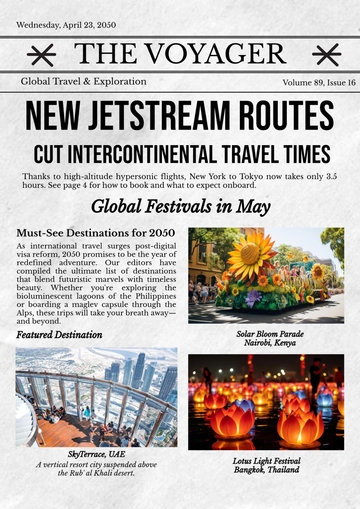
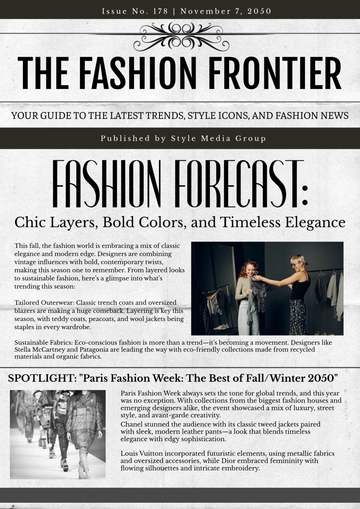
4. Article Body
Layout: Dual-column format for balanced and structured readability.
Left Column: Contains the main portion of the article text, starting immediately after the byline.
Right Column: Continues the narrative, allowing space for embedded images, infographics, or pull quotes.
Text Design: Clear, legible serif or sans-serif font, optimized for print readability. Consistent font size throughout, with occasional use of bold or italicized text for emphasis.
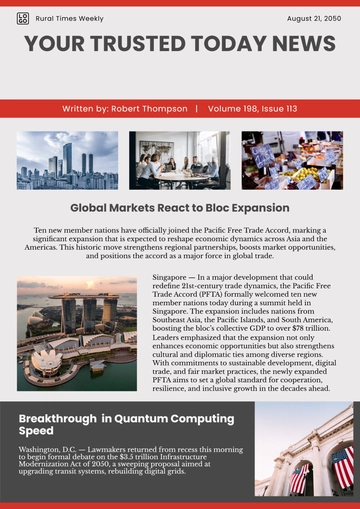
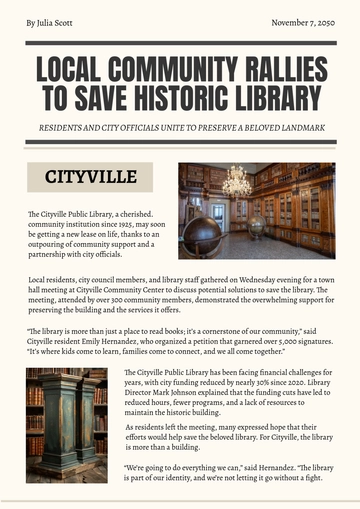
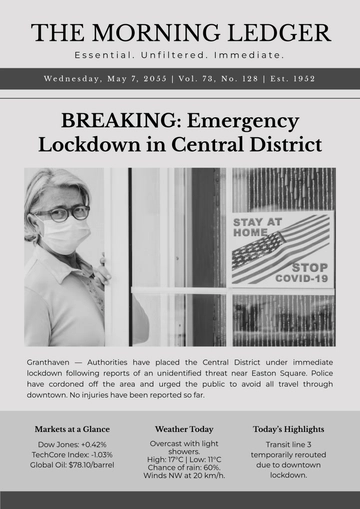
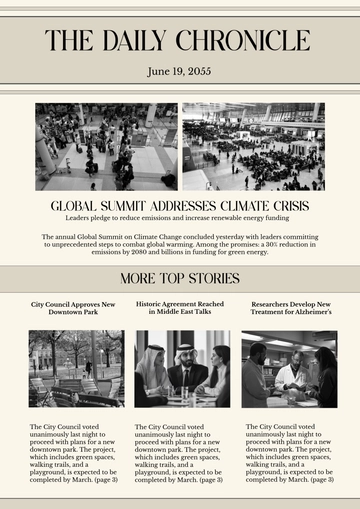
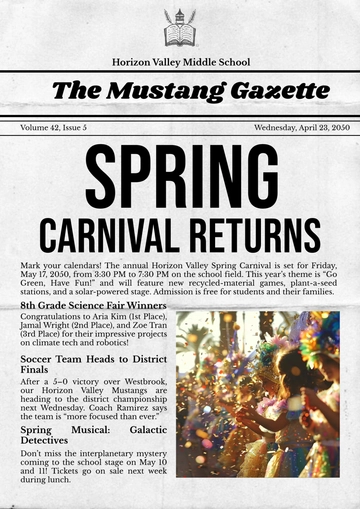
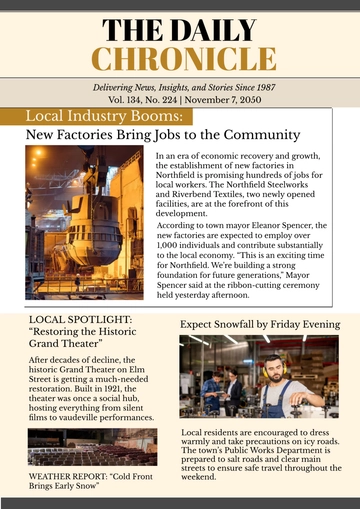
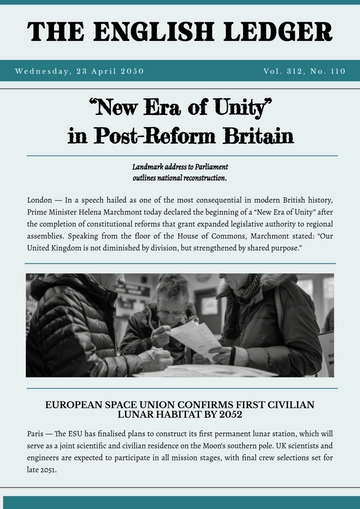
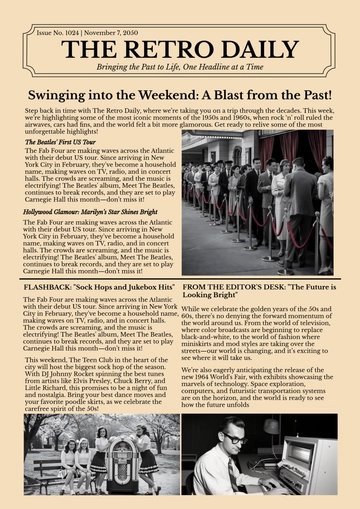
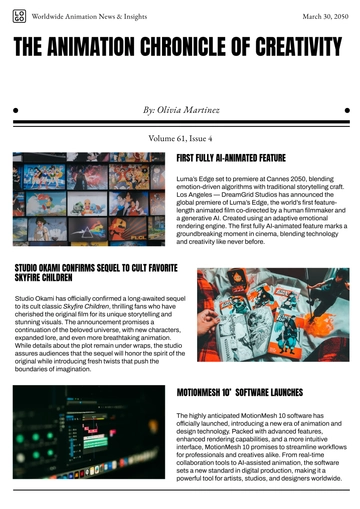
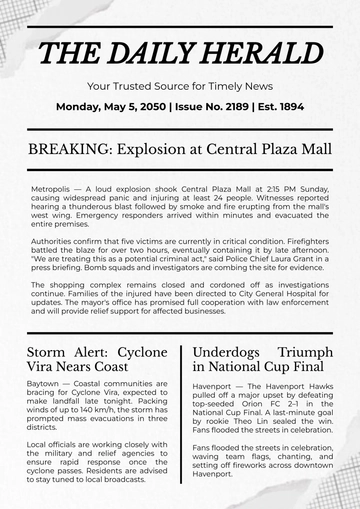
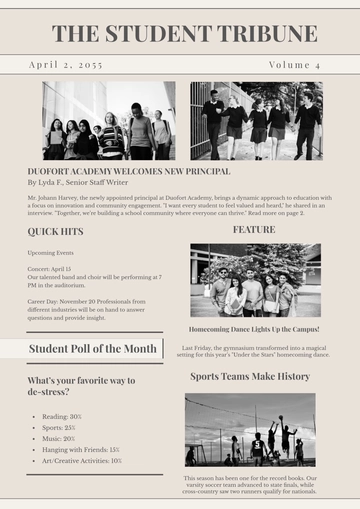
5. Image Placement
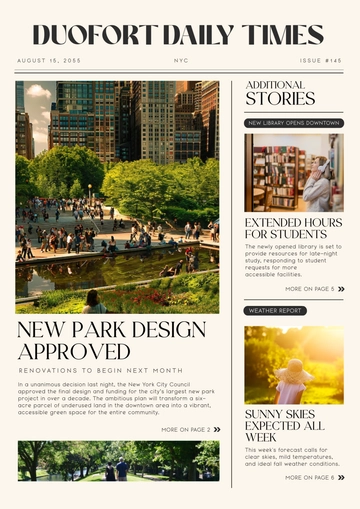
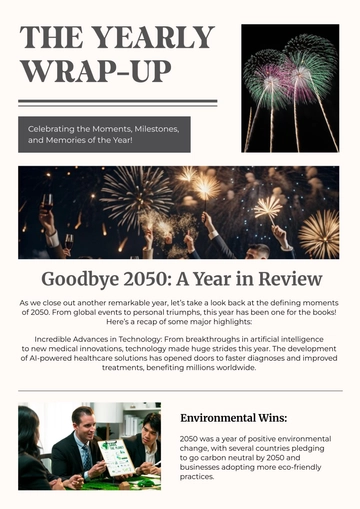
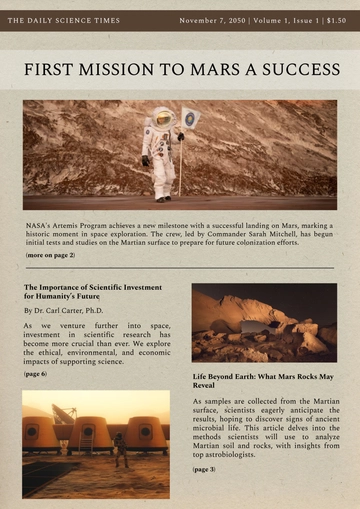
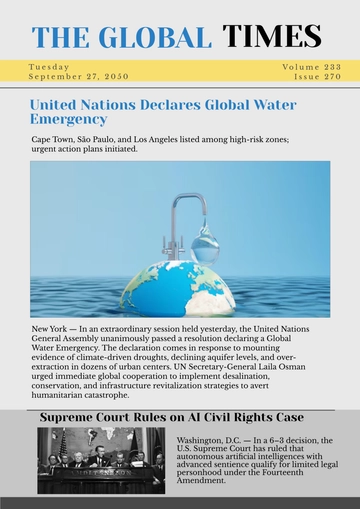
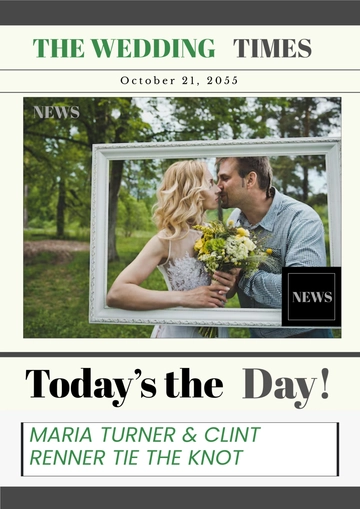
Position: Within the right column, usually placed strategically to break up text or illustrate key points.
Design: Image size is proportionate to the column width, ensuring it complements rather than overwhelms the text.
Caption: Directly beneath the image, in a smaller font, offering a brief description or credit.
6. Pull Quotes
Position: Interspersed within the article or placed at the bottom for emphasis.
Design: Enlarged, stylized text in a different font or color, often placed within a border or highlighted background.
Purpose: Highlights significant quotes from the article, drawing attention to key messages or themes.
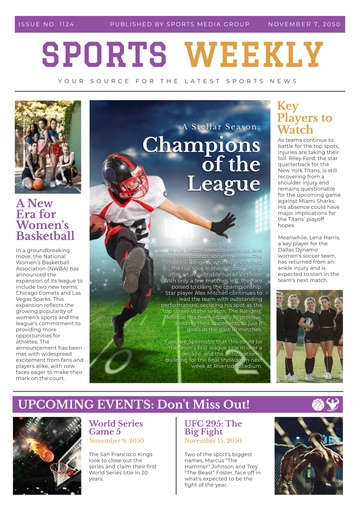
7. Additional Images or Graphics
Position: Typically at the bottom of the page or within the columns, depending on the layout.
Design: Well-integrated, ensuring visual balance with the text. May include charts, infographics, or additional photos that support the article’s content.
Purpose: Provides visual interest and reinforces the article's message.
Free Newspaper Article Design
Describe to generate with AI in seconds
Edit & Download in pdf, Word, Google Docs, Zoho writer, Notion, Wordpress
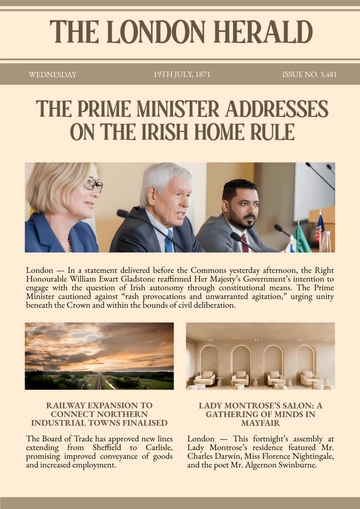
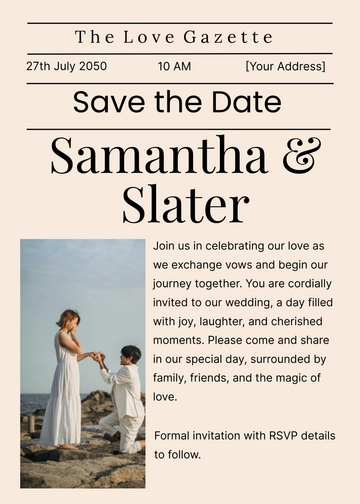
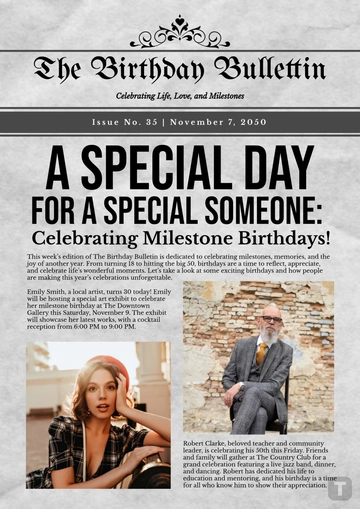
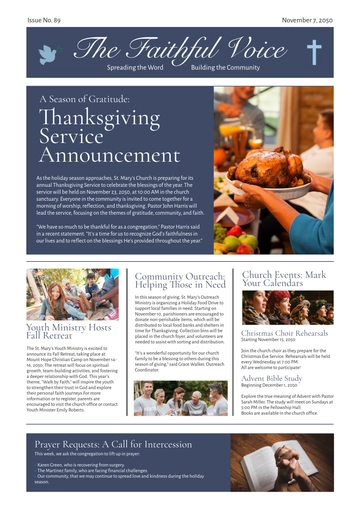
Create visually appealing articles with our Newspaper Article Design Template from Template.net. This fully customizable and editable template is perfect for any publication, offering a professional design that can be easily edited in our Ai Editor Tool to suit your needs.