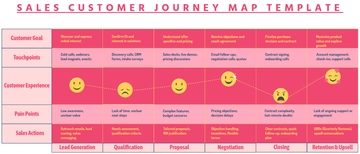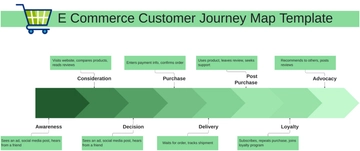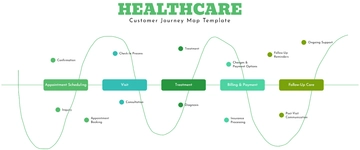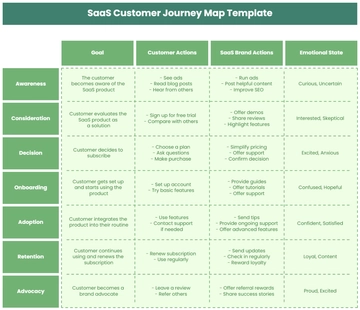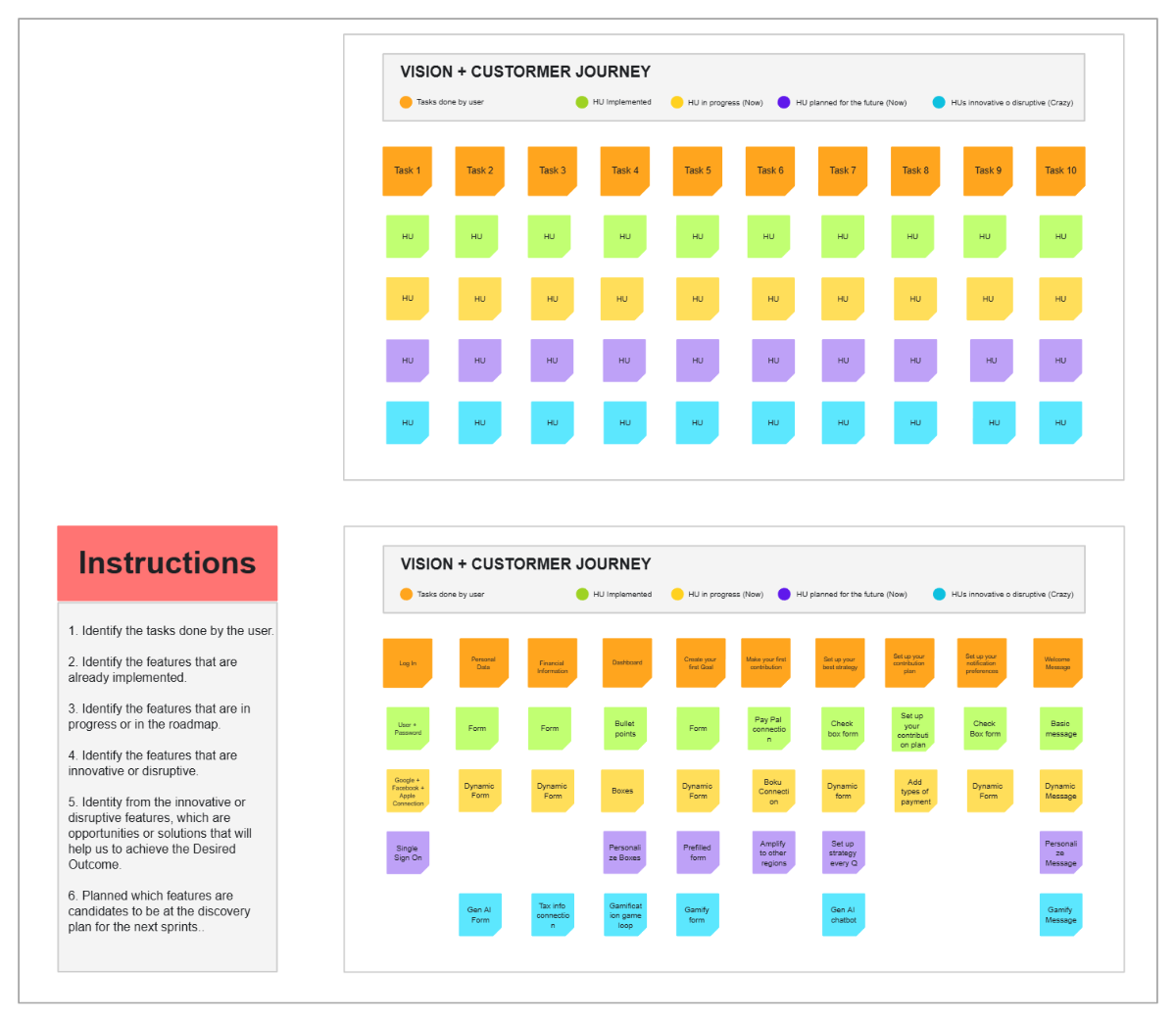
This template, titled "VISION + CUSTOMER JOURNEY", is designed to map tasks and their implementation status within a customer journey framework. At the top, a legend uses color-coded circles to define different states: "Tasks done by user" (yellow), "HU Implemented" (green), "HU in progress (Now)" (red), "HU planned for the future (Now)" (light purple), and "HU's innovative or disruptive (Crazy)" (light blue). "HU" likely stands for "Human User" or a similar operational unit.
The main body of the template features a horizontal sequence of ten "TASK" columns (TASK 1 through TASK 10), each represented by an orange rectangle. Below each task, there are five horizontal rows of smaller, color-coded squares, each labeled "HU." These squares correspond to the legend, indicating the status or type of each "HU" related to that specific task. For example, a green "HU" square under "TASK 1" would mean it's "Implemented," while a red one signifies "in progress."
"TASK 7" is highlighted with a blue border, suggesting it is currently the focus or a point of interest. This template provides a highly visual and organized system for tracking the progress and nature of user-centric tasks across multiple stages of a customer journey, facilitating clear communication and strategic planning.