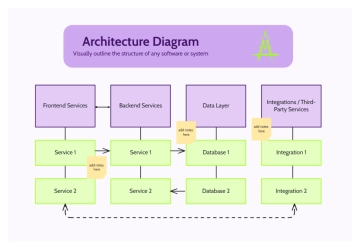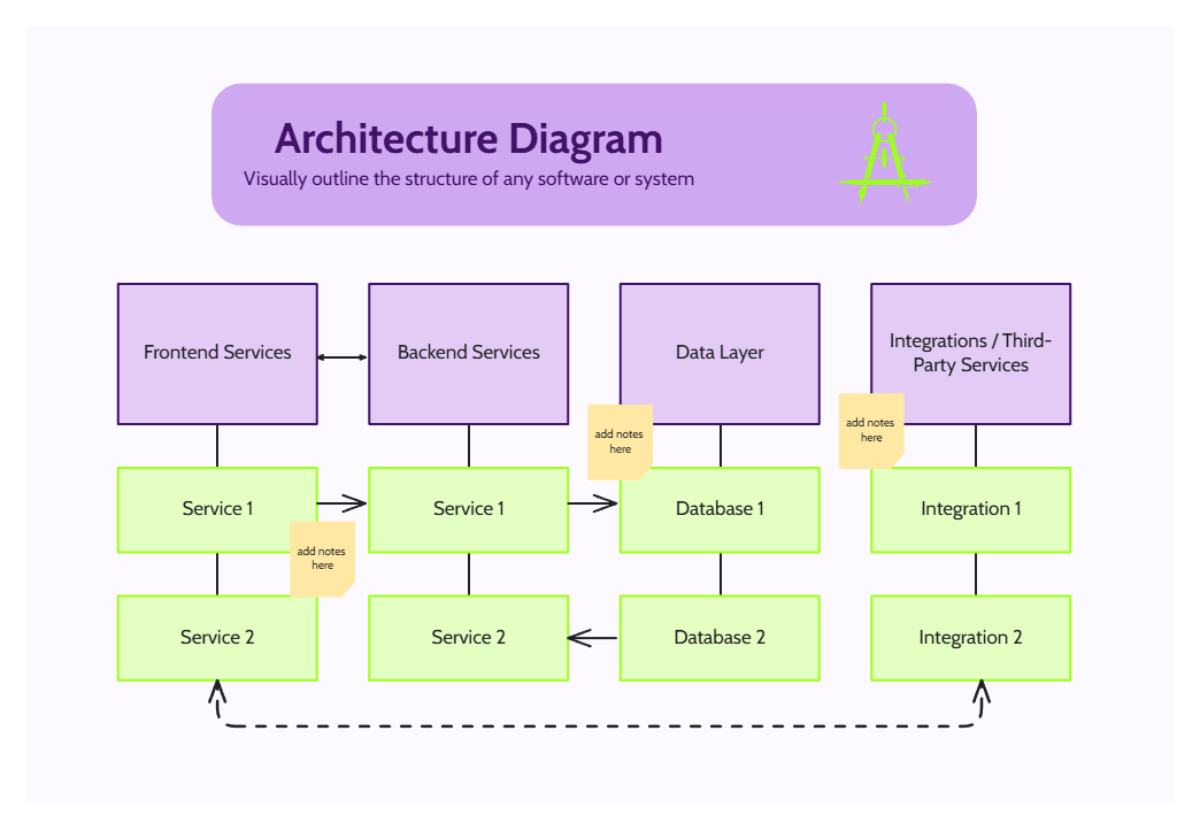
This professional architecture diagram template features a clean, organized layout designed to visually outline the complex structure of software or systems. The design is anchored by a vibrant lavender header that clearly states its purpose, complemented by a minimalist three-layered icon in the upper right corner. The main body of the diagram is organized into four primary vertical columns: Frontend Services, Backend Services, Data Layer, and Integrations or Third-Party Services. Each high-level category is represented by a lavender box, with specific sub-components like individual services, databases, and integrations displayed in light green boxes below. Strategic arrows indicate the flow of data and interaction between these components, such as the bi-directional communication between frontend and backend. Additionally, small yellow sticky-note icons are placed throughout the diagram to provide designated spaces for adding clarifying notes. This template is an excellent tool for developers and system architects to document technical environments.