Free Weekly Sprint Planning

Name: | [YOUR NAME] |
Email: | [YOUR COMPANY EMAIL] |
Company: | [YOUR COMPANY NAME] |
Company Address: | [YOUR COMPANY ADDRESS] |
Phone: | [YOUR COMPANY NUMBER] |
Website: | [YOUR COMPANY WEBSITE] |
I. Attendees
Scrum Master: [Your Name]
Development Team Members: [List of Team Members]
Product Owner: [Product Owner's Name]
Stakeholders: [List of Stakeholders]
II. Agenda
Agenda Item | Time Allocation |
|---|---|
Opening | 5 minutes |
Review of Previous Sprint | 10 minutes |
Product Backlog Review | 15 minutes |
Goal Setting and Prioritization | 30 minutes |
Task Assignment and Commitment | 15 minutes |
Closing and Next Steps | 5 minutes |
III. Opening
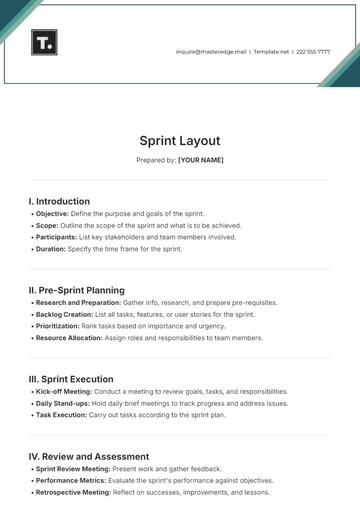
Welcome and introduction to the meeting.
Brief overview of the purpose of the sprint planning.
IV. Review of Previous Sprint
Review the outcomes of the previous sprint.
Discuss any incomplete tasks or carryovers.
Identify any lessons learned or improvements for the upcoming sprint.
V. Product Backlog Review
Review the items in the product backlog.
Discuss any new user stories or tasks added since the last sprint.
Clarify any uncertainties or questions regarding the backlog items.
VI. Goal Setting and Prioritization
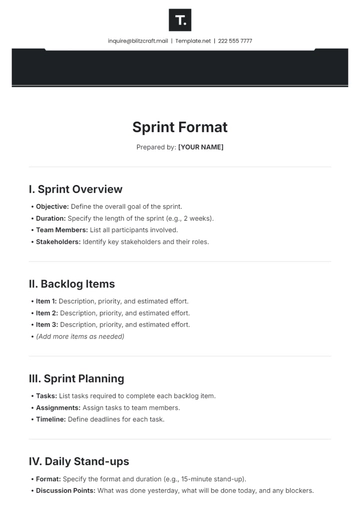
Discuss and define the overarching goal for the upcoming sprint.
Prioritize the backlog items based on their importance and alignment with the sprint goal.
Break down the selected items into smaller tasks or user stories, if necessary.
Estimate the effort required for each task using story points or other relevant metrics.
VII. Task Assignment and Commitment
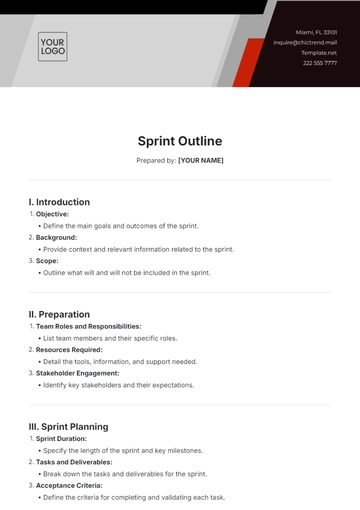
Assign tasks to individual team members based on their expertise and capacity.
Ensure that each team member understands their responsibilities and commitments for the sprint.
Confirm the team's collective commitment to achieving the sprint goal.
VIII. Closing and Next Steps
Summarize the key decisions and action points from the meeting.
Confirm the date and time for the next sprint review and retrospective meetings.
Encourage team members to reach out if they have any questions or need clarification on their tasks
- 100% Customizable, free editor
- Access 1 Million+ Templates, photo’s & graphics
- Download or share as a template
- Click and replace photos, graphics, text, backgrounds
- Resize, crop, AI write & more
- Access advanced editor
Elevate your team's productivity with Template.net's Weekly Sprint Planning Template. Effortlessly plan and organize your weekly sprints with this fully editable and customizable tool. Seamlessly adjust tasks, deadlines, and priorities to meet your project goals. Harness the power of AI with our innovative AI Editable Tool for a smarter, more efficient planning experience. Boost your team's efficiency today!