1. Header Information
Store Name: (Your Company Name)
Date: (Month Day, Year)
Store Address: (Your Company Address)
Store Manager: (Your Name)
2. Sales Summary
Total Sales for the Day: (Total Sales Amount)
Number of Transactions: (Total Number of Transactions)
Average Sale per Transaction: (Average Sale Amount)
3. Sales by Category
A. Produce
Sales Amount: (Produce Sales Amount)
Number of Transactions: (Number of Produce Transactions)
B. Dairy
Sales Amount: (Dairy Sales Amount)
Number of Transactions: (Number of Dairy Transactions)
C. Bakery
Sales Amount: (Bakery Sales Amount)
Number of Transactions: (Number of Bakery Transactions)
D. Meat and Seafood
Sales Amount: (Meat and Seafood Sales Amount)
Number of Transactions: (Number of Meat and Seafood Transactions)
E. Frozen Foods
Sales Amount: (Frozen Foods Sales Amount)
Number of Transactions: (Number of Frozen Foods Transactions)
F. Non-Perishables
Sales Amount: (Non-Perishables Sales Amount)
Number of Transactions: (Number of Non-Perishables Transactions)
G. Beverages
Sales Amount: (Beverages Sales Amount)
Number of Transactions: (Number of Beverages Transactions)
H. Other
Sales Amount: (Other Sales Amount)
Number of Transactions: (Number of Other Transactions)
4. Payment Methods
Cash: (Cash Sales Amount)
Credit/Debit Cards: (Credit/Debit Card Sales Amount)
Gift Cards: (Gift Card Sales Amount)
Mobile Payments: (Mobile Payment Sales Amount)
Other: (Other Payment Methods Sales Amount)
5. Discounts and Promotions
Total Discounts Given: (Total Discounts Amount)
Number of Discounted Transactions: (Number of Discounted Transactions)
Promotion Codes Used: (Promotion Codes and Their Usage]
6. Returns and Refunds
Total Returns Amount: (Total Returns Amount)
Number of Returned Transactions: (Number of Returned Transactions)
Reason for Returns: (Reasons for Returns)
7. Inventory Updates
A. Restocked Items
Item Name: (Restocked Item Name)
Quantity: (Restocked Quantity)
B. Out-of-Stock Items
Item Name: (Out-of-Stock Item Name)
Expected Restock Date: (Expected Restock Date)
8. Notes and Observations
Employee Performance: (Comments on Employee Performance)
Customer Feedback: (Customer Feedback and Comments)
Operational Issues: (Any Operational Issues or Incidents)
Other Observations: (Additional Observations)
9. Sign-Off
Prepared By: (Employee Name)
Signature: (Employee Signature)
Date: (Month, Day, Year)
Instructions for Use
Fill Out the Header Information: (Complete the store name, date, address, and store manager details.)
Record Sales Summary: (Enter the total sales amount, number of transactions, and average sale per transaction.)
Categorize Sales: (Break down the sales amounts and transaction numbers by category.)
Detail Payment Methods: (Specify the sales amounts for each payment method used.)
Log Discounts and Promotions: (Record the total discounts given, the number of discounted transactions, and any promotion codes used.)
Track Returns and Refunds: (Note the total returns amount, number of returns, and reasons for returns.)
Update Inventory: (List restocked and out-of-stock items with relevant details.)
Add Notes and Observations: (Include comments on employee performance, customer feedback, operational issues, and other observations.)
Sign Off: (Have the employee preparing the log sign and date the document.)
Free Grocery Store Daily Sales Log Outline
Describe to generate with AI in seconds
Edit & Download in pdf, Word, Google Docs, Zoho writer, Notion, Wordpress
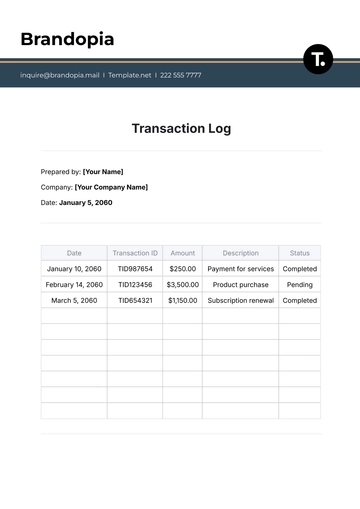
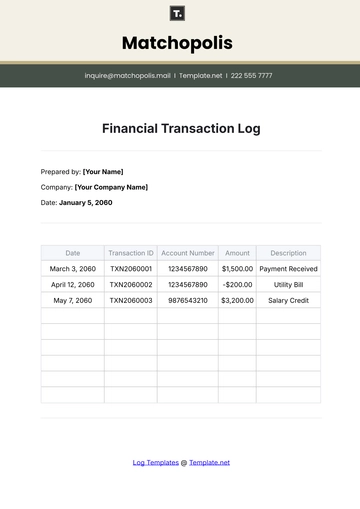
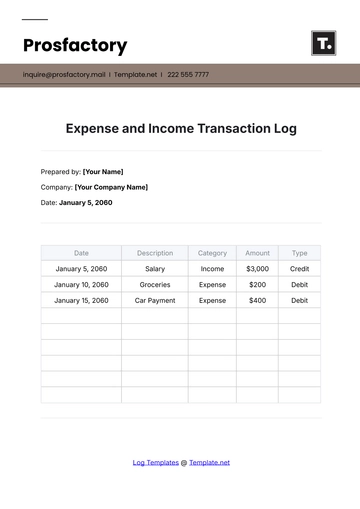
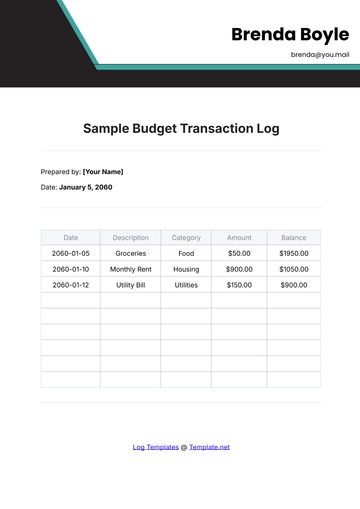
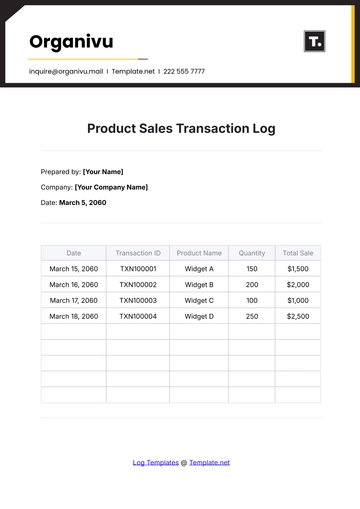
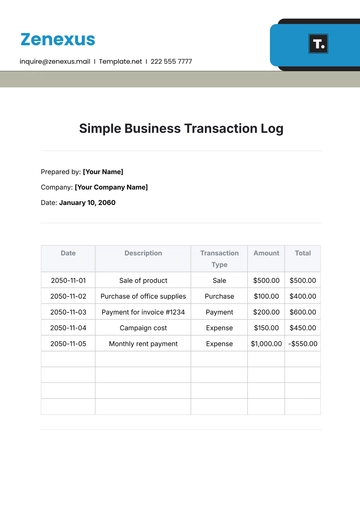
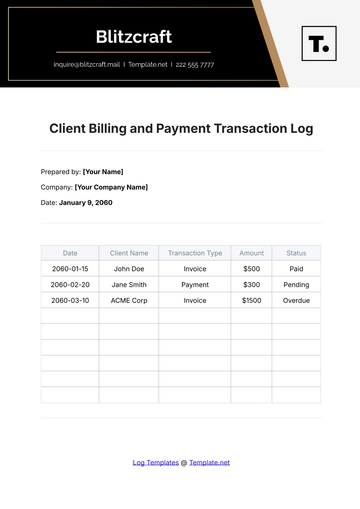
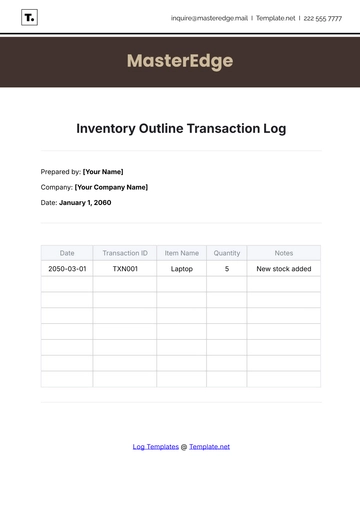
Track daily sales efficiently with the Grocery Store Daily Sales Log Outline Template from Template.net. This fully editable and customizable template provides a structured format for recording and monitoring daily sales transactions. Easily personalize it using our Ai Editor Tool to create a professional sales log that helps maintain accurate sales records and optimize financial management in your grocery store.