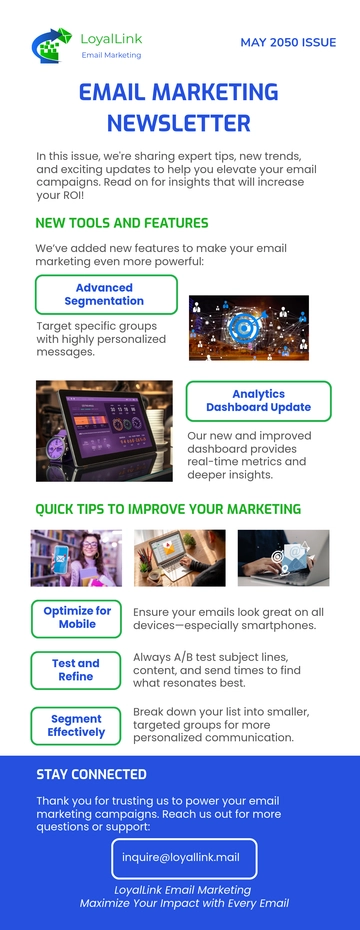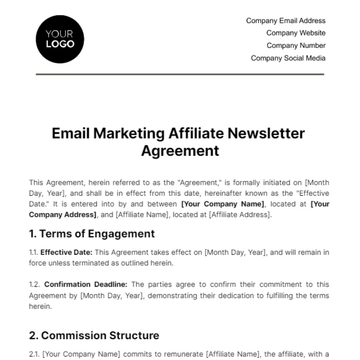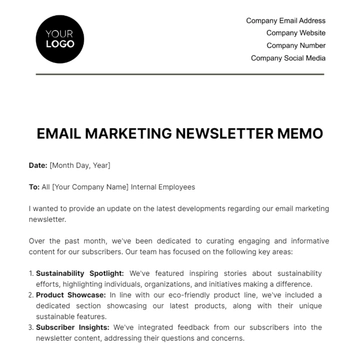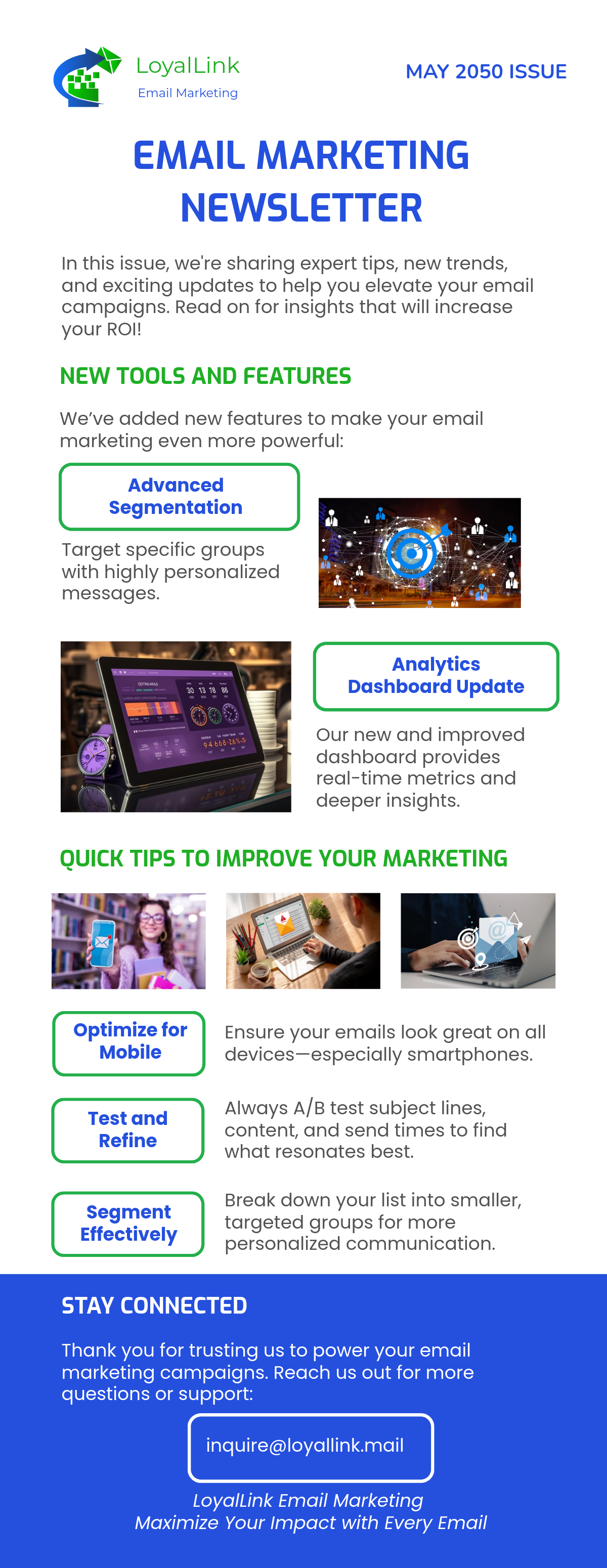
An Email Marketing Newsletter built with Template.net's AI-powered newsletter builder is an email document arranged in stacked content blocks such as a logo header, software tools feature grid, main content blocks with images and buttons, and a footer with contact and unsubscribe links, exported as an HTML5 file with inline styles and table-based rows to ensure consistent display across email clients. It’s ideal for digital marketing agencies, consultants, and small businesses sharing holiday sales strategies and conversion tools.
An Email Marketing Newsletter built with Template.net's AI-powered newsletter builder is an email document arranged in stacked content blocks such as a logo header, software tools feature grid, main content blocks with images and buttons, and a footer with contact and unsubscribe links, exported as an HTML5 file with inline styles and table-based rows to ensure consistent display across email clients. It’s ideal for digital marketing agencies, consultants, and small businesses sharing holiday sales strategies and conversion tools.
How to Create an Email Marketing Newsletter for Free?
- Customize a Free TemplateStart with this free editable and email-ready Email Marketing Newsletter template and personalize it for holiday sales updates, software tool highlights, or email automation strategy briefs. (or )
- Generate an On-Brand Email Marketing Newsletter with AIDescribe your holiday marketing stories, software features, and dates or upload your existing newsletter, and AI will build the issue with a main content block carrying headlines and images plus a software tool pricing grid—all in table-based rows with inline styles ready to open in inboxes.
- Edit in the HTML5 EditorModify every part including the logo header and navigation menu, subject and preheader line, three-image feature row, email strategies intro and call to action, software tools grid with descriptions and pricing, and footer with contact details and social media icons plus unsubscribe and privacy policy links.
- Download an HTML5 FileDownload the completed newsletter as an HTML5 file with inline styles and absolute image URLs, ready to paste into a Gmail compose window or hand off for mailing.