Generate with Qwen Image 3.0 Turbo
more
 Qwen Image 3.0 Turbo
Choose a plan


Trusted by 800,000+ creators, marketers and businesses
Starter
For individuals exploring AI tools and Templates
$11.00/month, Billed annually
- ≈ 1 Million Templates
- ≈ 725 AI Templates
- ≈ 130 Nano Banana Pro Design & Images
- ~ 70 Visual Documents
- ~ 36 Fast Videos (1080)
- ~ Monthly Roll Over
Plus
Most PopularFor everyday AI creators and Marketers
$25.00/month, Billed annually
- ≈ 1 Million Templates
- ≈ 1650 AI Templates
- ≈ 366 Nano Banana Pro Design & Images
- ~ 150 Visual Documents
- ~ 82 Fast Videos (1080)
- ~ Monthly Roll Over
Max
For Professionals and Businesses
$66.00/month, Billed annually
- ≈ 1 Million Templates
- ≈ 4,125 AI Templates
- ≈ 750 Nano Banana Pro Design & Image
- ~ 390 Visual Documents
- ~ 206 Fast Videos (1080)
- ~ Monthly Roll Over
Related Models
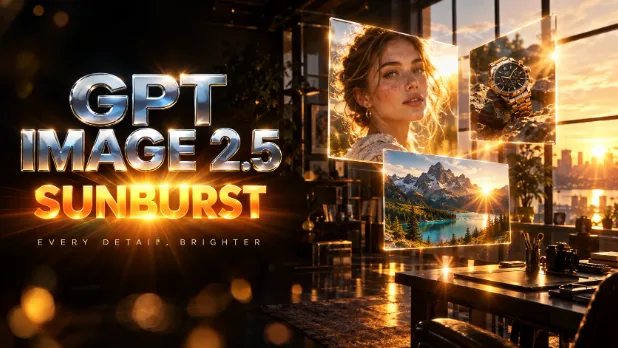 AI GPT ImageUse the GPT Image generator with GPT Image 2.5 Sunburst, High, Medium and Low to turn prompts into detailed images with clear text. Try free generations today.
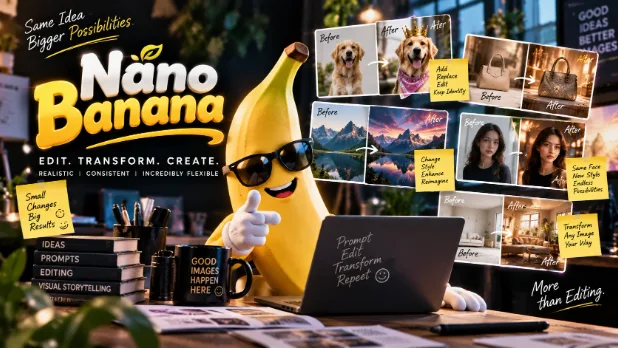 AI Nano BananaCreate and edit images with Google Nano Banana 2.1, Nano Banana 2 and Nano Banana Pro. Keep subjects consistent, blend reference photos and go up to 4K.
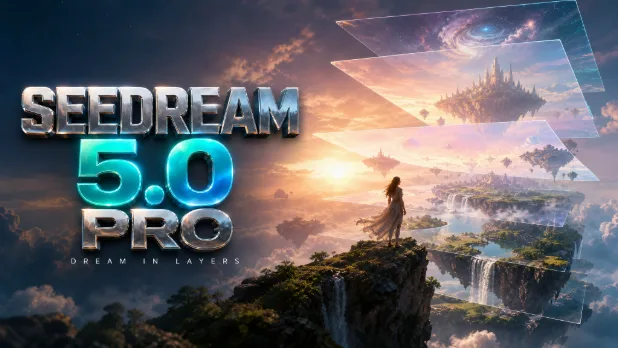 AI ByteDance SeedreamCreate AI images with ByteDance Seedream and split any uploaded image into editable layers with Seedream 5.0 Pro. Generate, edit and download. Try it free.
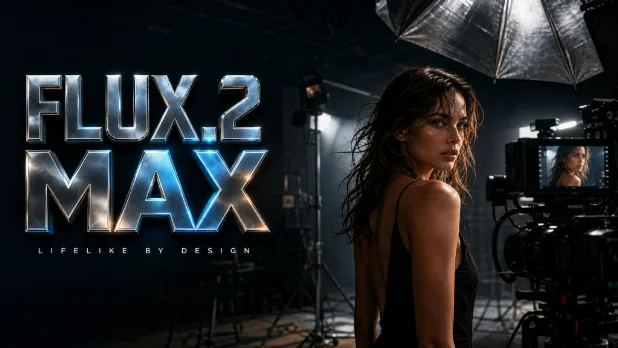 AI FluxUse the Flux AI image generator with FLUX.2 max and FLUX.2 klein 4B to create photorealistic, professional images. Start free in seconds.
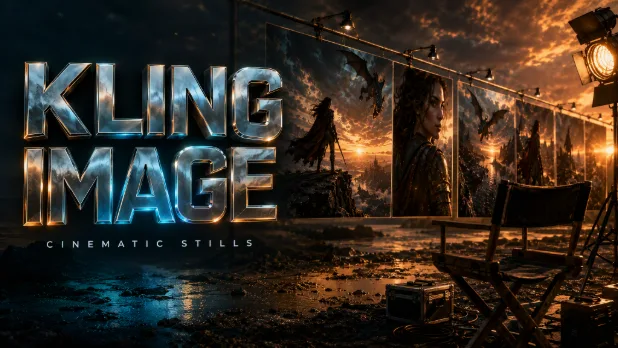 AI KlingUse the Kling AI image generator with Kling 3.0 Image to create cinematic, high-quality pictures from a prompt in 1K or 2K. Try free generations now.
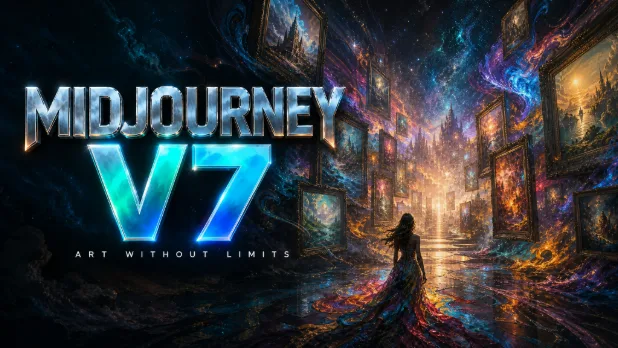 AI MidjourneyUse Midjourney AI with Midjourney v7 right in your browser, no Discord needed. Create artistic, stylized images and concept art, then edit them. Try it free.
Alibaba Qwen Image for Text-Rich Visuals and Photo Edits
Qwen Image on Template.net lets you create images with Alibaba Qwen Image, powered by Qwen Image 3.0 Turbo. It is especially strong at rendering text inside images, so headlines, labels and signs come out readable, and at editing images you upload with simple instructions. Write a prompt, add reference images, choose an aspect ratio and press Generate. Your image opens in a new workspace tab, ready to edit, brand and download.
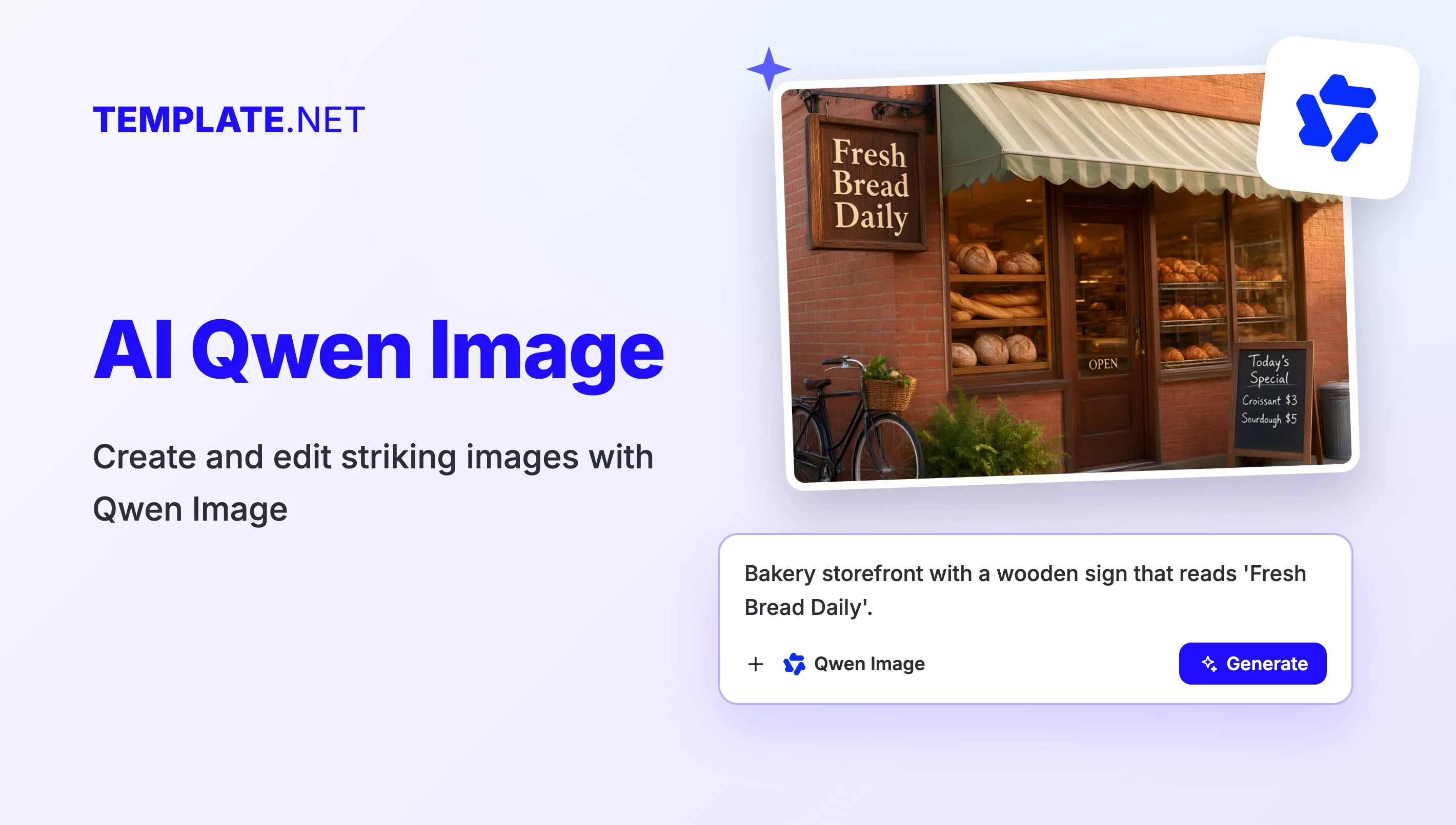
Advanced Qwen Image Features for Clear Visuals
Everything you need to generate, edit and use text-rich AI images in one place.

Readable Text Inside Images
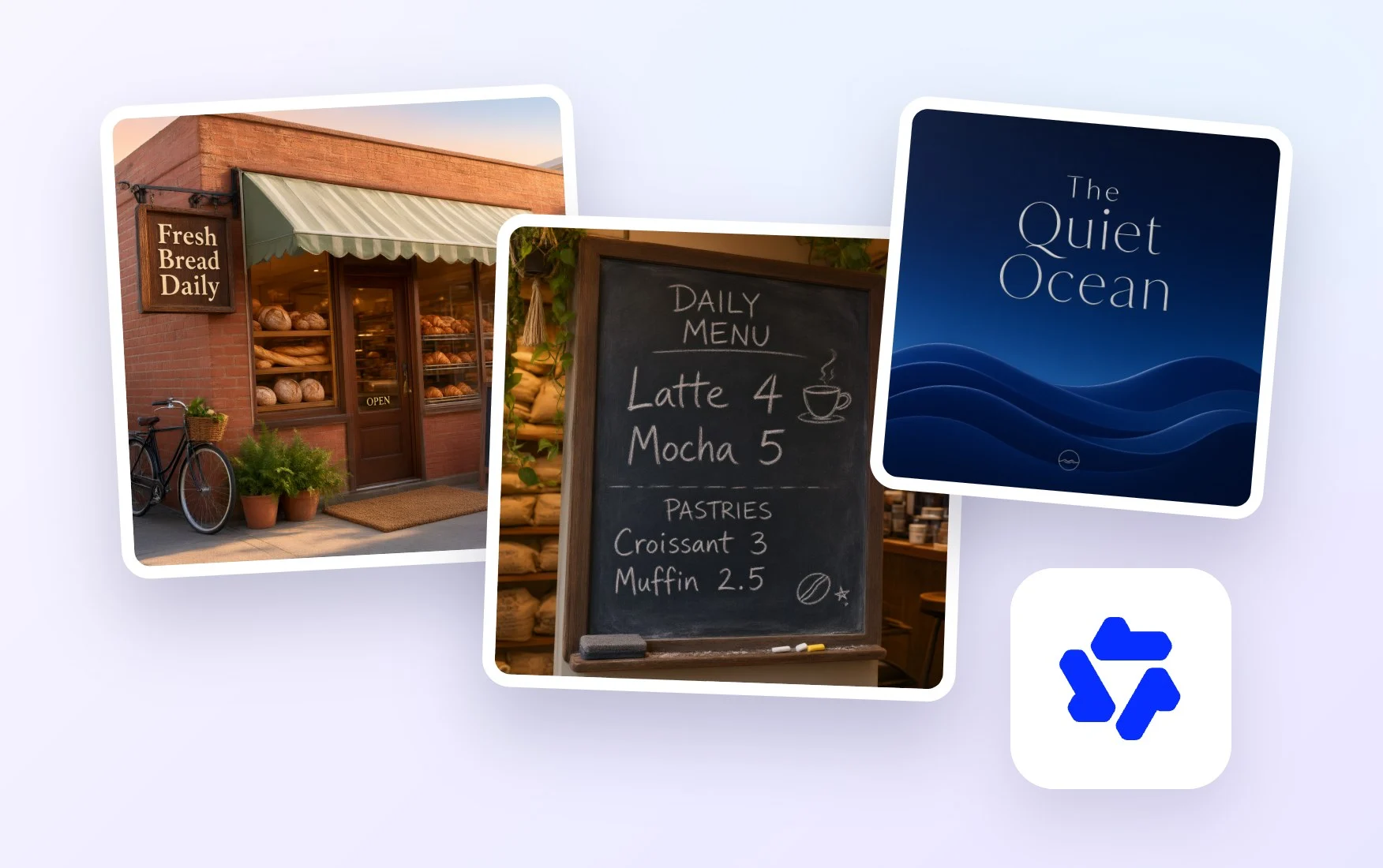
Put headlines, product names, prices or slogans directly in your prompt. Qwen Image renders text clearly within the scene, making it a strong fit for posters, banners and ads.

Edit Images with Instructions
Upload a photo and describe the change, such as replacing a sign, adding a caption or changing the background. Qwen Image updates the picture while keeping its overall look.

Fast Results with Qwen Image 3.0 Turbo
Alibaba Qwen Image runs on Qwen Image 3.0 Turbo, so you can try different layouts, wording and styles quickly before settling on the version you like best.

Guide Results with Reference Images
Use the Upload Images card to add a product shot, a logo sample or a style reference, so your generated image keeps the subject and look you have in mind.

Any Aspect Ratio You Need
Choose square, portrait or landscape before you generate, so your graphic fits a social post, a story, a website header or a printed flyer right away.

Edit, Brand and Download
Open your image in the design editor to add text, remove the background, upscale or resize, apply your brand kit, then download it as PNG or PDF or share it.
How to Use Qwen Image AI
Creating an image with Alibaba Qwen Image takes just three steps.
- STEP 1
Write Your Prompt
Describe the image you want and put any text it should display in quotes. To edit a photo or guide the style, add images with the Upload Images card.
- STEP 2
Pick a Model and Generate
Alibaba Qwen Image is preselected in the model picker. Set the aspect ratio, press Generate, and your image is created in a new workspace tab within moments.
- STEP 3
Edit, Brand, and Download
Open the image in the design editor to add more text, remove the background, upscale or resize, and apply your brand kit, then download it as PNG or PDF or share it.
Design Smarter with Alibaba Qwen Image
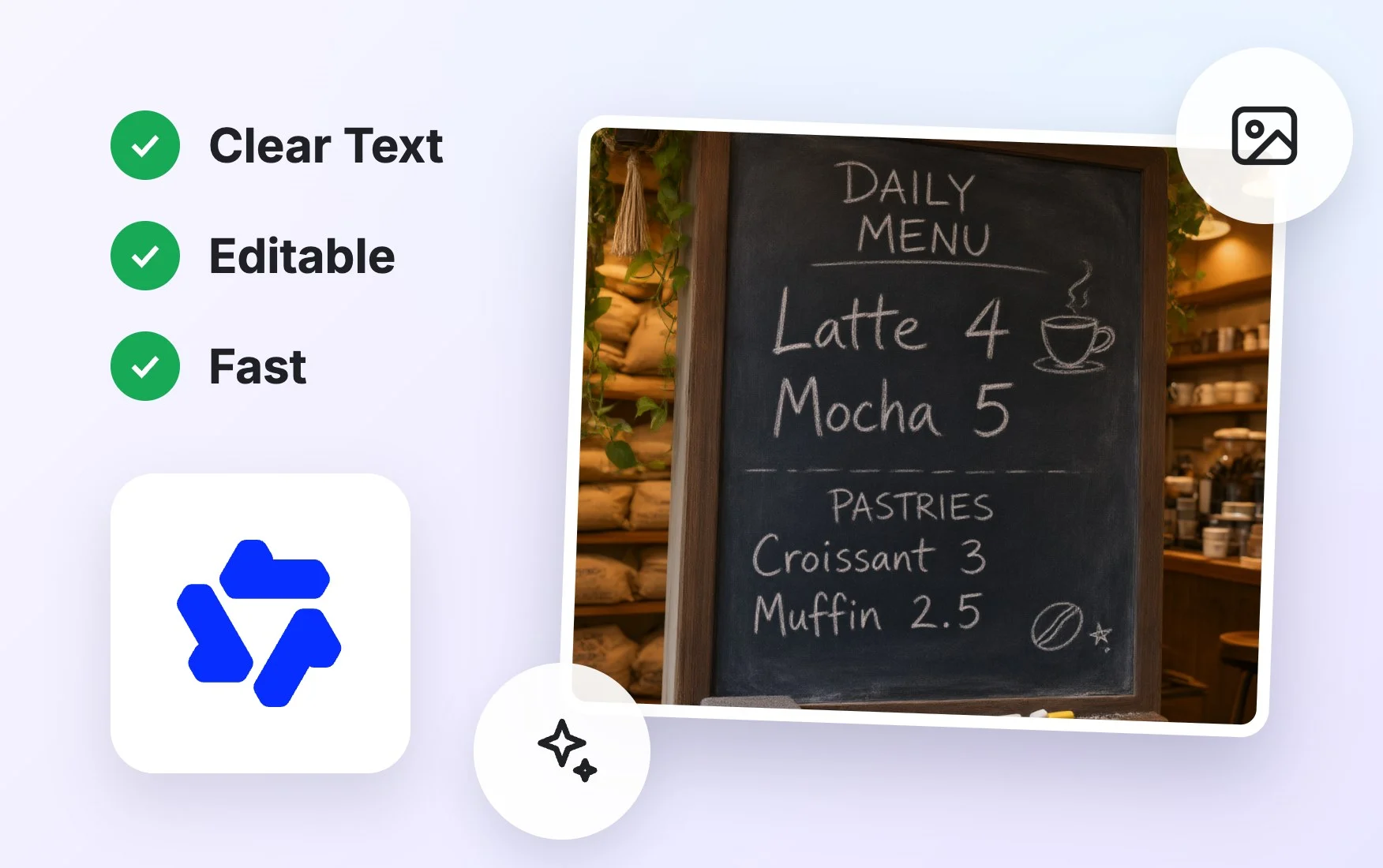
Transform Ideas into Visuals
Turn a rough concept, a headline or a product idea into a finished image with the words already in place, ready for your next post, flyer or presentation.
Customize Images for Any Creative Need
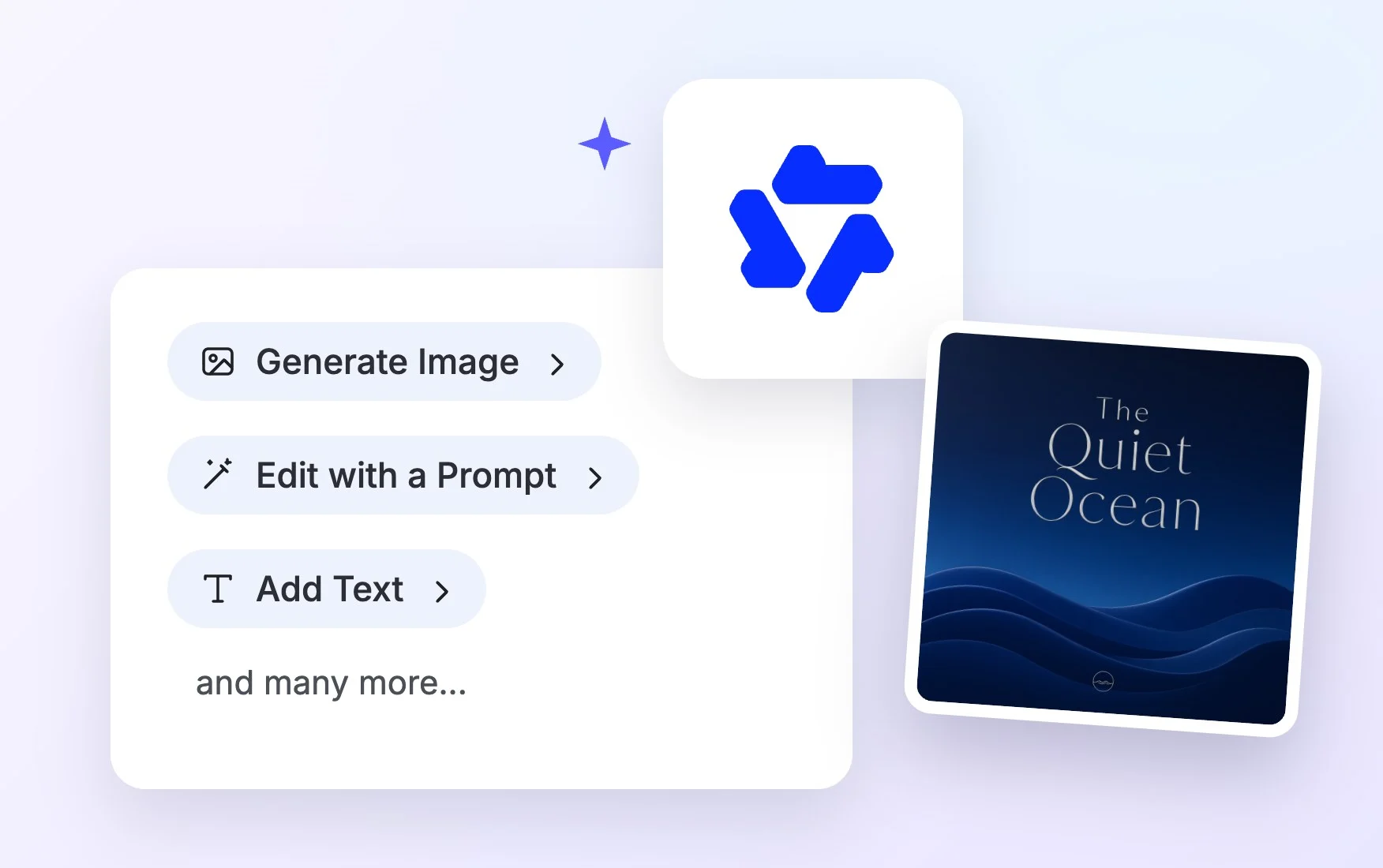
Change wording, swap backgrounds, update colors or restyle a photo by describing what you want, then create variations for different audiences and channels.
Accelerate Creative Workflows
Generate text-ready graphics without placing every word by hand. Qwen Image handles layout and lettering so your team can move from idea to draft much faster.
Create and Share with Confidence
Every image is saved in your workspace, where you can polish it in the editor, apply your brand kit and share it with your team or download it as PNG or PDF.
Qwen Image AI FAQ
What is Qwen Image?
Qwen Image is an image generation and editing model from Alibaba. On Template.net, Alibaba Qwen Image runs on Qwen Image 3.0 Turbo and is known for rendering readable text inside images and for editing photos from simple instructions.
Is Qwen Image free to use?
You can try it free. Guests get a few free generations without signing up, and a free account lets you keep going. Paid plans add more credits and access to the premium models in the image model picker.
How do I use Alibaba Qwen Image?
Type a prompt describing your image and any text it should show, optionally upload reference images, keep Alibaba Qwen Image selected, set the aspect ratio and press Generate. The image opens in a new workspace tab, ready to edit.
Can I use Qwen Image images commercially?
You can use images you generate in your own projects, such as posters, social graphics and presentations. For commercial use, check the terms of your plan so you know exactly what is covered for your business.
Can I upload my own images?
Yes. Upload photos or graphics with the Upload Images card. Qwen Image can edit them from your instructions, such as changing text or a background, or use them as references for the subject and style.
What image sizes and aspect ratios can I create?
Choose a square, portrait or landscape aspect ratio before you generate. The design editor then lets you upscale or resize your image for social media, websites, print materials and presentations.
Which model should I choose?
Choose Qwen Image 3.0 Turbo when your image needs clear text, like posters, labels or ads. For other styles, the picker also offers GPT Image 2.5 Sunburst, Google Nano Banana 2.1, FLUX.2 max and Seedream 5.0 Pro.
How do I get clean text in Qwen Image results?
Put the exact words in quotes, keep them short, and say where they should appear, such as a headline at the top or a label on a bottle. If a word needs fixing, edit it in the design editor afterward.
