Generate with GPT Image 2.5 Sunburst, High, Medium, Low
more
 GPT Image 2.5 Low
- GPT Image 2.5 Medium
- GPT Image 2.5 High
- GPT Image 2.5 Sunburst
Choose a plan


Trusted by 800,000+ creators, marketers and businesses
Starter
For individuals exploring AI tools and Templates
$11.00/month, Billed annually
- ≈ 1 Million Templates
- ≈ 725 AI Templates
- ≈ 130 Nano Banana Pro Design & Images
- ~ 70 Visual Documents
- ~ 36 Fast Videos (1080)
- ~ Monthly Roll Over
Plus
Most PopularFor everyday AI creators and Marketers
$25.00/month, Billed annually
- ≈ 1 Million Templates
- ≈ 1650 AI Templates
- ≈ 366 Nano Banana Pro Design & Images
- ~ 150 Visual Documents
- ~ 82 Fast Videos (1080)
- ~ Monthly Roll Over
Max
For Professionals and Businesses
$66.00/month, Billed annually
- ≈ 1 Million Templates
- ≈ 4,125 AI Templates
- ≈ 750 Nano Banana Pro Design & Image
- ~ 390 Visual Documents
- ~ 206 Fast Videos (1080)
- ~ Monthly Roll Over
Related Models
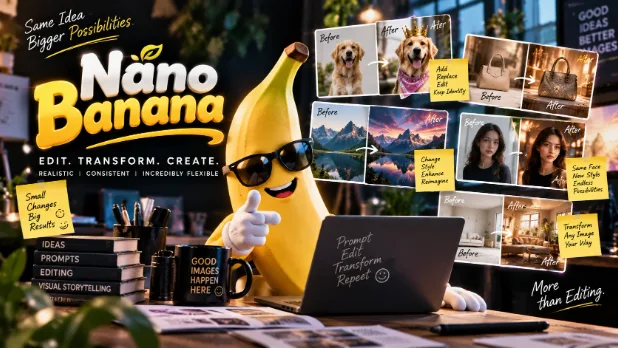 AI Nano BananaCreate and edit images with Google Nano Banana 2.1, Nano Banana 2 and Nano Banana Pro. Keep subjects consistent, blend reference photos and go up to 4K.
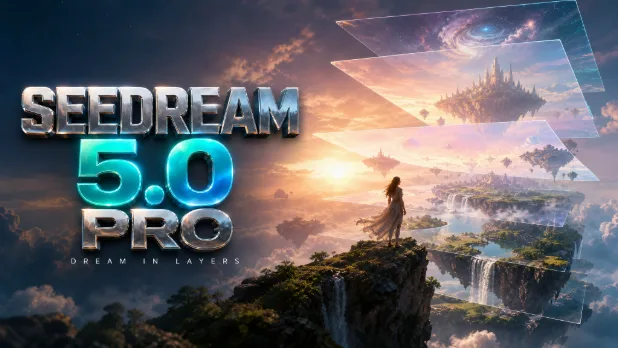 AI ByteDance SeedreamCreate AI images with ByteDance Seedream and split any uploaded image into editable layers with Seedream 5.0 Pro. Generate, edit and download. Try it free.
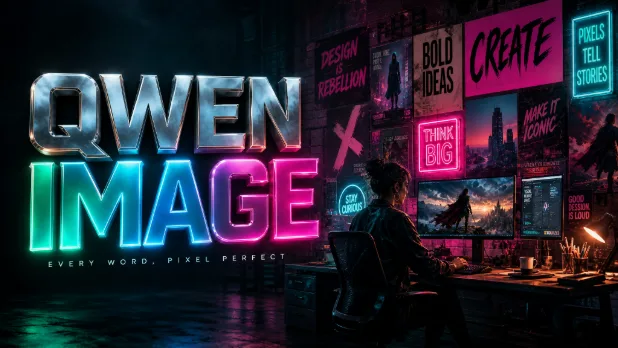 AI Alibaba Qwen ImageUse Alibaba Qwen Image to create AI images with clear, readable text and edit photos with a prompt. Design posters, ads and social graphics. Try it free now.
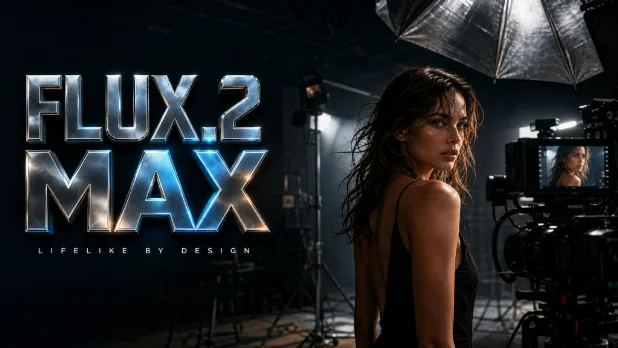 AI FluxUse the Flux AI image generator with FLUX.2 max and FLUX.2 klein 4B to create photorealistic, professional images. Start free in seconds.
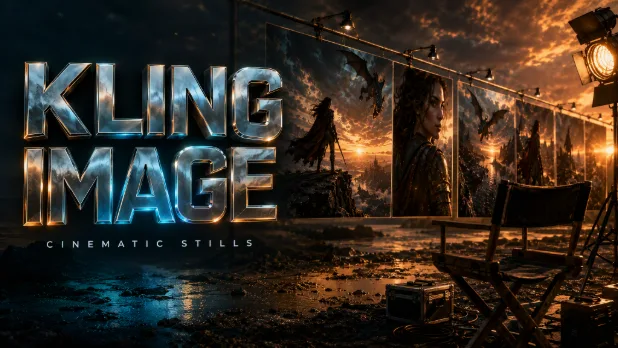 AI KlingUse the Kling AI image generator with Kling 3.0 Image to create cinematic, high-quality pictures from a prompt in 1K or 2K. Try free generations now.
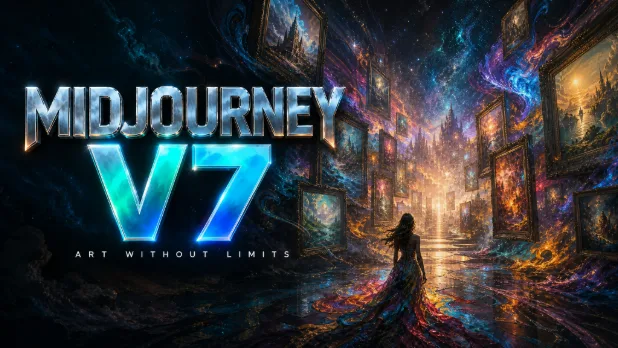 AI MidjourneyUse Midjourney AI with Midjourney v7 right in your browser, no Discord needed. Create artistic, stylized images and concept art, then edit them. Try it free.
The ChatGPT Image Generator Inside Your Design Workspace
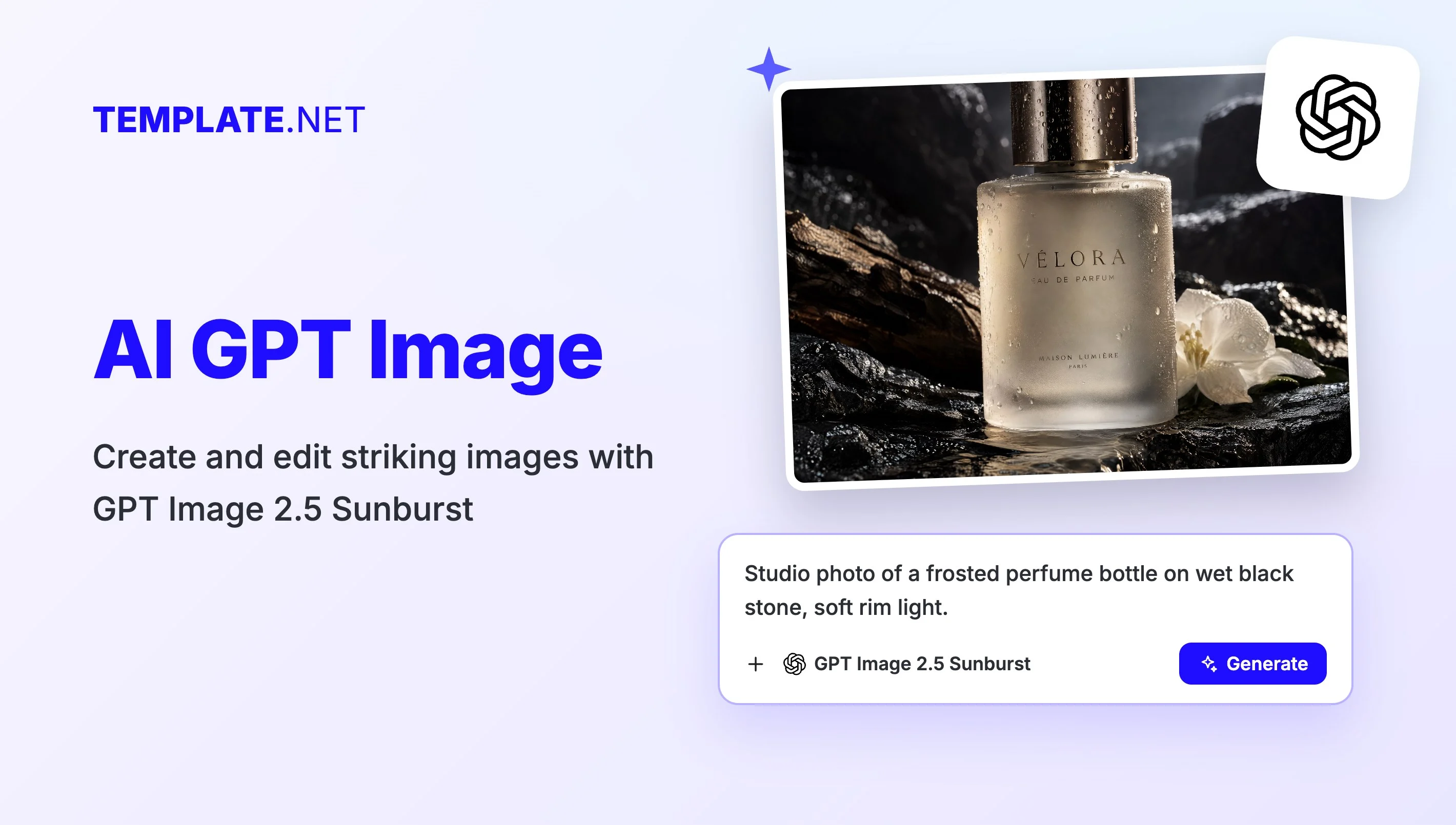
The GPT Image generator on Template.net gives you OpenAI GPT Image 2.5 in one picker: GPT Image 2.5 Sunburst for premium, detail-rich results, and GPT Image 2.5 High, Medium and Low to trade detail for speed, from 4K down to quick 1K drafts. Write a prompt, upload reference images to guide the subject or style, choose an aspect ratio and press Generate. Your image opens in a new workspace tab, ready to edit, resize, brand and download.
Advanced GPT Image Features for Better Visuals
Everything you need to generate, refine and use AI images in one place.

Choose Sunburst, High, Medium or Low
Pick GPT Image 2.5 Sunburst when every detail matters, GPT Image 2.5 High for sharp 4K results, or GPT Image 2.5 Medium and Low when you want good images quickly.

Prompts in Plain Language
Describe the subject, setting, lighting and mood the way you would brief a designer. GPT Image follows long, specific instructions and turns them into a finished visual.

Guide Results with Reference Images
Use the Upload Images card to add a product shot, a sketch or a style sample, so the generated image keeps the subject, colors or look you have in mind.

Readable Text in Images
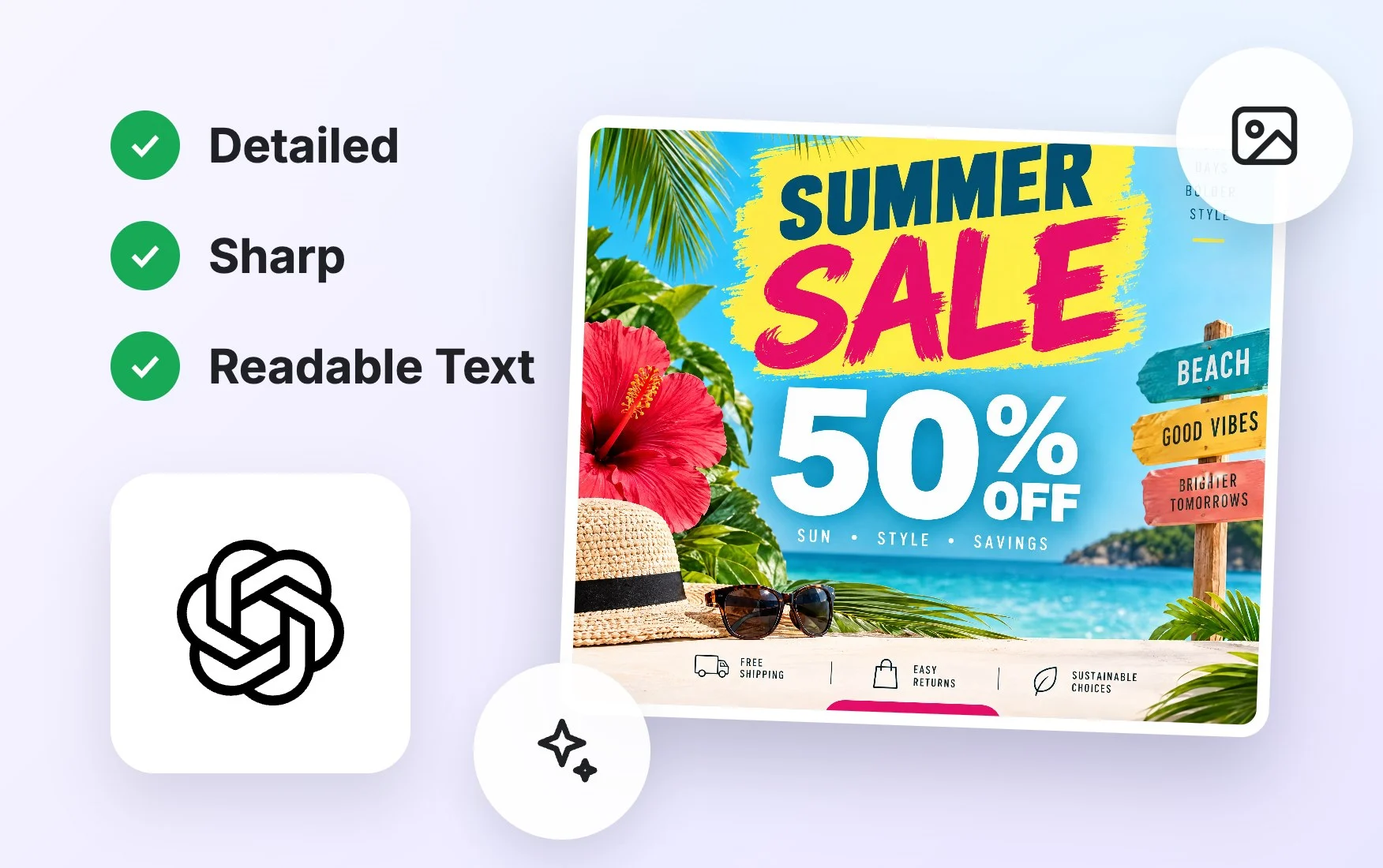
Ask for headlines, labels, menu items or signs inside the image. GPT Image models are known for placing short text cleanly, which helps with posters, flyers and social graphics.

Any Aspect Ratio You Need
Set a square, portrait or landscape aspect ratio before you generate, so your image fits an Instagram post, a story, a banner or a presentation slide from the start.

Edit, Brand and Download
Open your image in the design editor to add text, remove the background, upscale or resize, apply your brand kit, then download it as PNG or PDF or share it.
How to Use the GPT Image Generator
Creating an image with GPT Image takes a prompt, a click and a few seconds of waiting.
- STEP 1
Describe Your Image
Type a prompt describing the image you want, including subject, style, colors and any text. Add reference images with the Upload Images card to guide the subject, product or style.
- STEP 2
Pick a Model and Generate
GPT Image 2.5 Sunburst is preselected, or switch to GPT Image 2.5 High, Medium or Low in the picker. Set the aspect ratio, press Generate, and your image opens in a new workspace tab.
- STEP 3
Edit, Brand, and Download
Open the image in the design editor to add text, remove the background, upscale or resize, and apply your brand kit, then download it as PNG or PDF or share it.
Create Better Images with GPT Image 2.5
Premium Detail with Sunburst
GPT Image 2.5 Sunburst is built for images where quality comes first: rich textures, careful lighting and fine detail for hero images, product visuals and campaign artwork.
Fast, Sharp Images with Medium and Low
GPT Image 2.5 Medium and Low deliver crisp, clean images quickly, so you can test several ideas for social posts, blog headers and everyday graphics without slowing down your work.
Edit Photos with a Prompt
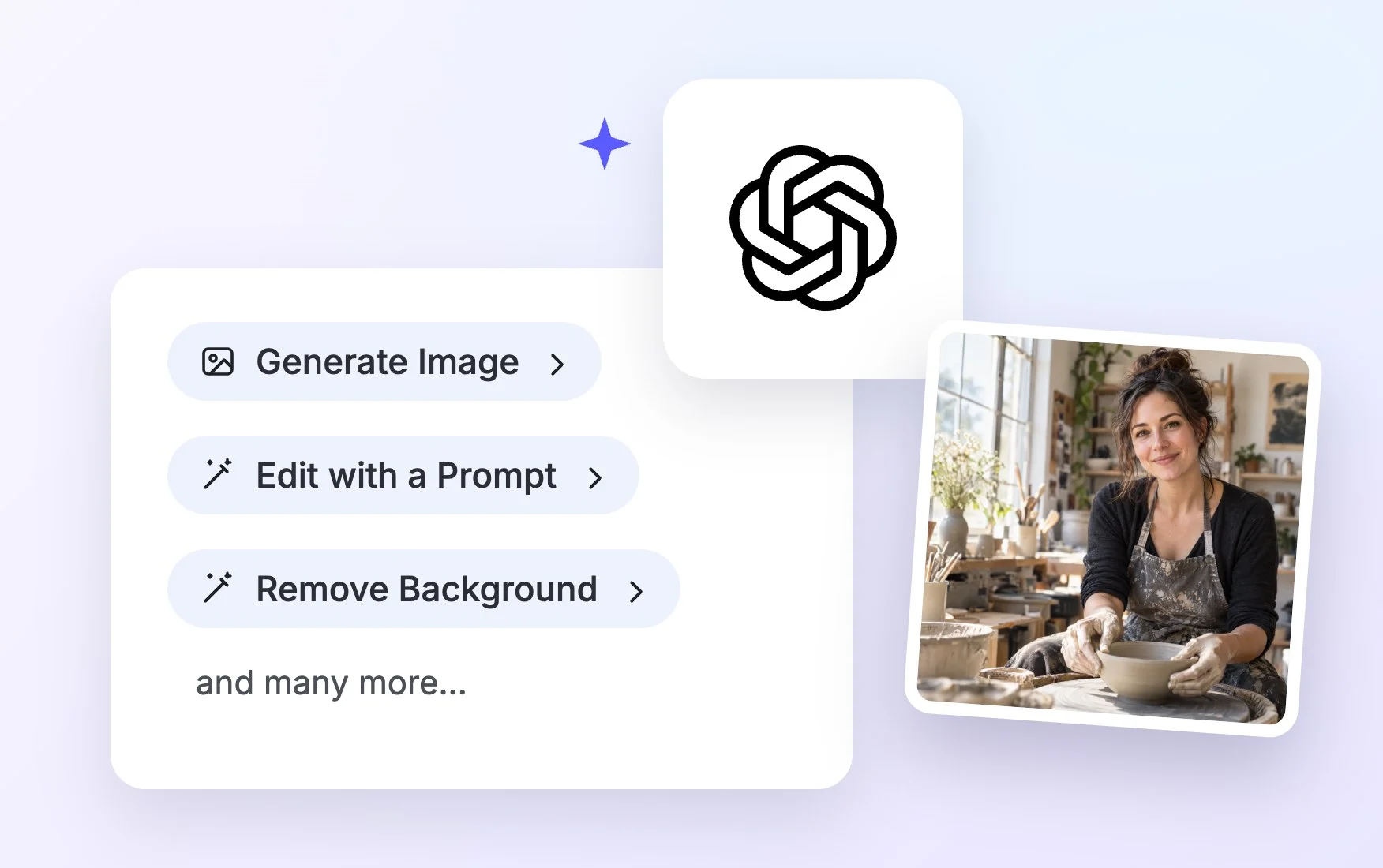
Upload a photo and describe the change: a new background, different lighting, another season or an added object. GPT Image uses your image as the starting point for a fresh version.
Text That Reads Clearly
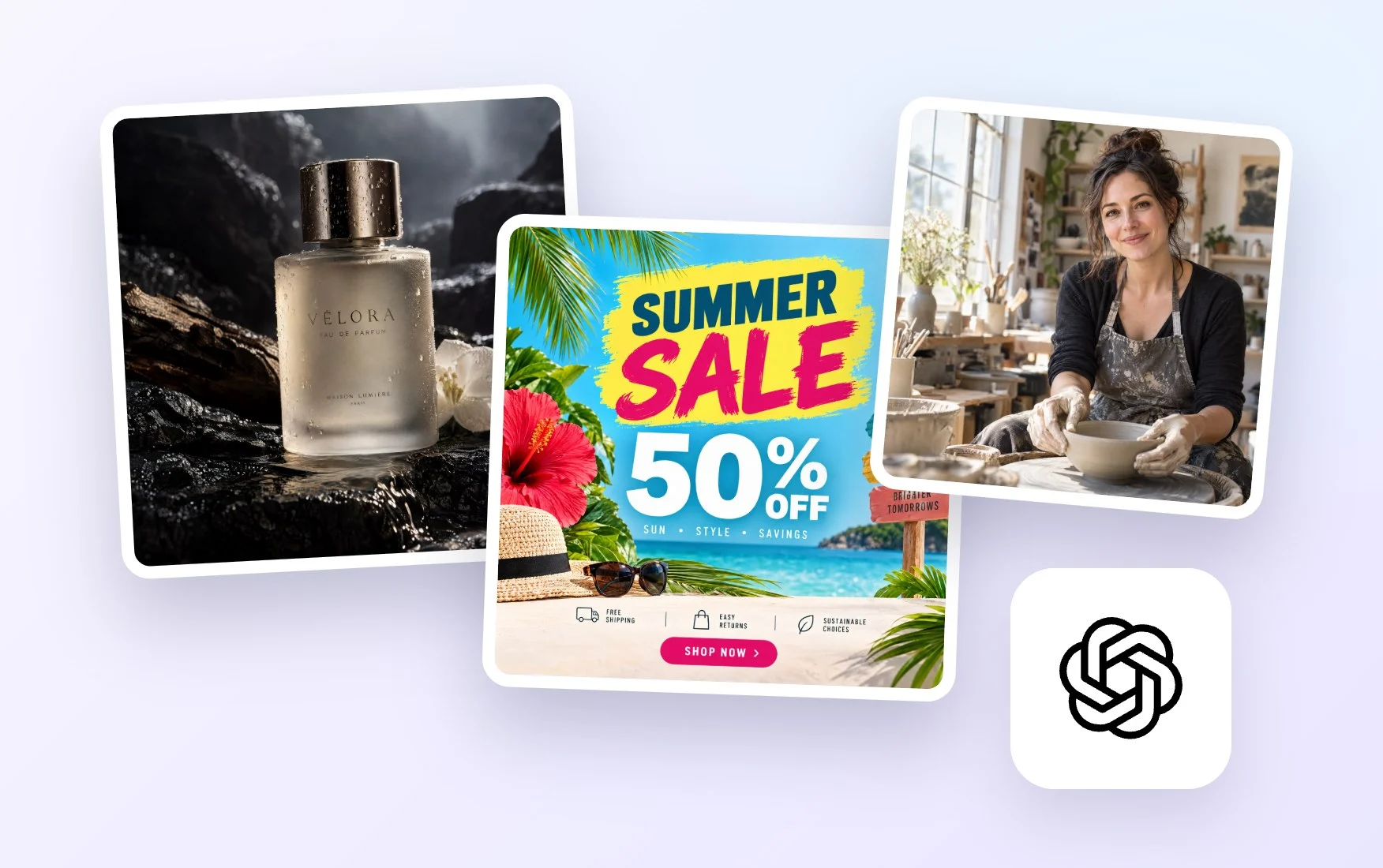
Generate posters, labels, invitations and ads with the words written right into the image. Keep the text short and in quotes in your prompt for the cleanest results.
GPT Image Generator FAQ
What is GPT Image?
GPT Image is OpenAI's family of image generation models. On Template.net you can use GPT Image 2.5 Sunburst and GPT Image 2.5 High, Medium and Low to create images from text prompts and reference photos, then edit them in the design editor.
Is the GPT Image generator free?
You can try it free. Guests get a few free generations without signing up, and creating a free account lets you keep going. Paid plans add more credits and access to premium models such as GPT Image 2.5 Sunburst.
How do I use GPT Image to make a picture?
Type a prompt describing your image, optionally upload reference images, keep GPT Image 2.5 Sunburst selected or choose another model, set the aspect ratio and press Generate. The image opens in a new workspace tab where you can edit and download it.
Can I use GPT Image images commercially?
You can use images you generate in your own projects, such as social posts, presentations, flyers and marketing materials. For commercial use, check the terms of your plan so you know exactly what is covered for your business.
Can I upload my own images?
Yes. Use the Upload Images card to add photos, product shots, sketches or style samples. GPT Image uses them as references to guide the subject, product or style, or as the starting point for a prompt-based edit.
What image sizes and aspect ratios can I create?
You can choose an aspect ratio such as square, portrait or landscape before you generate. After that, the design editor lets you upscale or resize the image for social media, print, websites or presentations.
Which GPT Image 2.5 should I choose?
Choose GPT Image 2.5 Sunburst for premium, detail-rich images such as hero visuals and product shots, and GPT Image 2.5 High when you need 4K. Choose Medium or Low for fast everyday images. You can also compare results with Google Nano Banana 2.1, FLUX.2 max or Seedream 5.0 Pro.
Is this the same as the ChatGPT image generator?
It uses OpenAI GPT Image models, the image technology many people know from ChatGPT, but inside a design workspace. Instead of a chat thread, your image opens ready to edit, add text, apply your brand kit and download.
