Generate with MAGI-2 AI Video
more
Choose a plan


Trusted by 800,000+ creators, marketers and businesses
Starter
For individuals exploring AI tools and Templates
$11.00/month, Billed annually
- ≈ 1 Million Templates
- ≈ 725 AI Templates
- ≈ 130 Nano Banana Pro Design & Images
- ~ 70 Visual Documents
- ~ 36 Fast Videos (1080)
- ~ Credits Roll Over (365 days)
Plus
Most PopularFor everyday AI creators and Marketers
$25.00/month, Billed annually
- ≈ 1 Million Templates
- ≈ 1650 AI Templates
- ≈ 366 Nano Banana Pro Design & Images
- ~ 150 Visual Documents
- ~ 82 Fast Videos (1080)
- ~ Credits Roll Over (365 days)
Max
For Professionals and Businesses
$66.00/month, Billed annually
- ≈ 1 Million Templates
- ≈ 4,125 AI Templates
- ≈ 750 Nano Banana Pro Design & Image
- ~ 390 Visual Documents
- ~ 206 Fast Videos (1080)
- ~ Credits Roll Over (365 days)
Related Models
 AI Kling VideoUse the Kling AI video generator to turn prompts and photos into cinematic clips with Kling 4.0, up to 30 seconds long, plus Kling 3.0 in 4K. Start creating.
 AI ByteDance SeedanceCreate cinematic clips with Seedance, the ByteDance AI video model. Use Seedance 2.5 for videos with sound up to 30 seconds long. Choose a plan to start.
 AI Hailou Minimax VideoTry Hailuo AI, the MiniMax video generator, on Template.net. Turn prompts and photos into lively clips with sound using MiniMax H3 Max and H3. Start now.
 AI Wan VideoUse the Wan AI video generator to create clips from 2 to 30 seconds with Wan 3.0, in 720p or 1080p with sound. Turn prompts and photos into video. Start now.
 AI PixVerse VideoUse the PixVerse AI video generator to create 5 or 8 second clips with PixVerse V5. Turn prompts and photos into eye catching social videos. Start creating.
MAGI-2 AI Video Generation with Native Sound
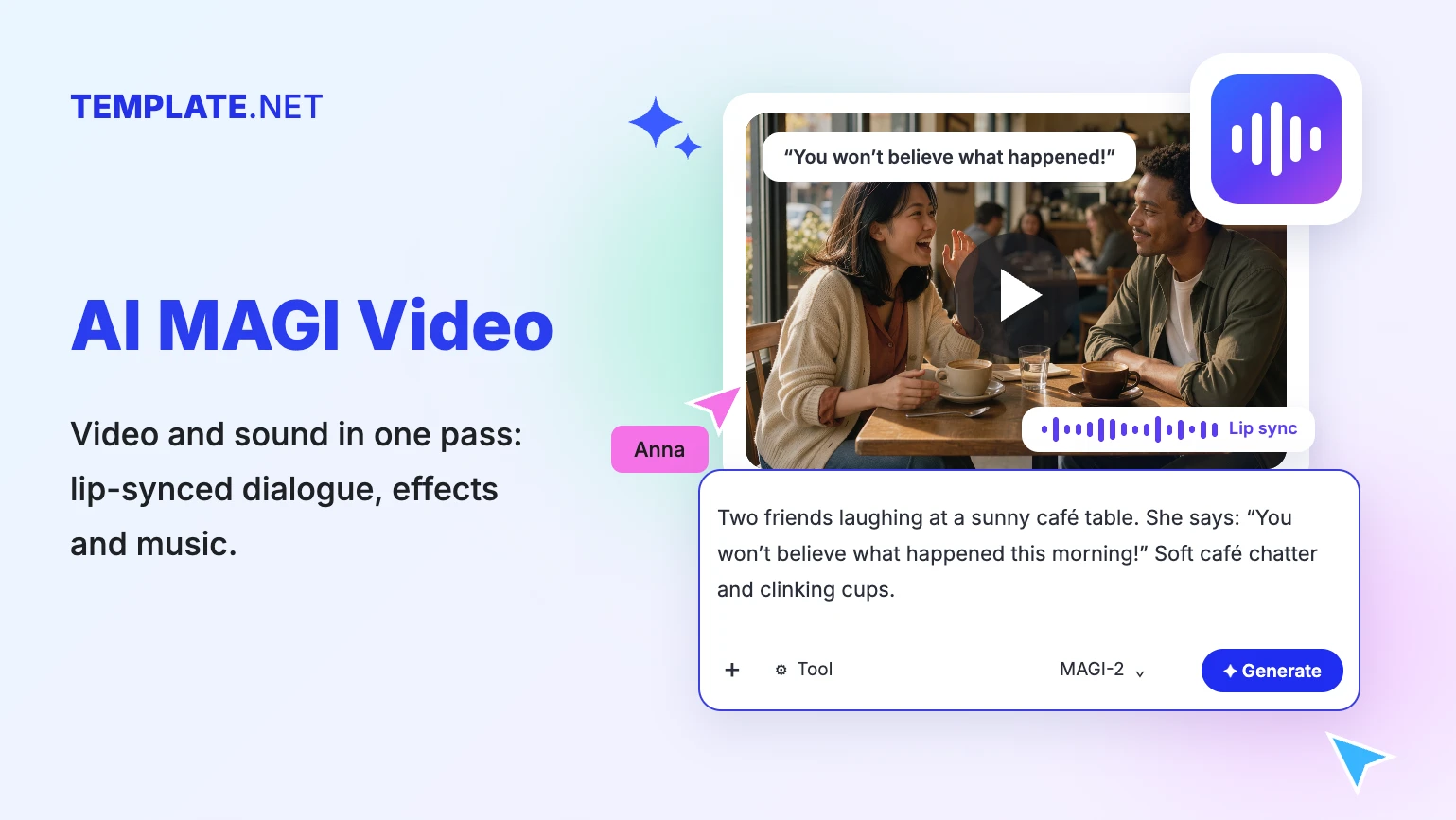
The MAGI-2 AI video generator on Template.net uses MAGI-2 from Sand AI to make 1080p clips from 4 to 30 seconds long, with the sound made in the same pass: dialogue with lip sync, sound effects, ambience and music. Describe the scene, the action, the camera and what is said, add reference images or a first frame to keep a character or product consistent, then set duration and aspect ratio. Your clip renders in its own workspace tab, ready to preview, download as an MP4 or share.
MAGI-2 Video Features Built for Real Projects
Everything you need to turn prompts, photos and clips into finished MAGI-2 videos.

Video and Sound in One Generation
MAGI-2 creates the picture and the audio together, so speech matches the lips and footsteps, doors, rain or music land on the right frame, with no separate voiceover or sound pass.

Clips from 4 to 30 Seconds
Pick any length from 4 to 30 seconds in the video settings, with room for a full product reveal, a short dialogue scene or a complete social story.

Start and End on Your Own Frames
Upload a picture as the first frame, the last frame or both, and MAGI-2 animates the shot between them, which keeps openings and endings exactly on brand.

Keep Characters and Products Consistent
Add up to 10 reference images of a person, product, logo or style, and MAGI-2 keeps their look the same through every shot of the clip.

Guide It with Reference Clips
Add a short reference video next to your prompt and pictures. MAGI-2 reads your images and clips together as references, so the result stays closer to what you show it, not only to what you write.

Six Aspect Ratios in 1080p
Choose widescreen 16:9 or cinematic 21:9 for YouTube and websites, vertical 9:16 for Reels and TikTok, or 1:1, 4:3 and 3:4 for social feeds, all in 1080p.
How to Use the MAGI-2 AI Video Generator
Creating a MAGI-2 video takes three simple steps, from prompt to finished MP4.
- STEP 1
Describe Your Scene and Sound
Type a prompt that covers the subject, action, setting and camera, plus any lines of dialogue, sound effects or music. Add reference images or a first frame to keep a character or product consistent.
- STEP 2
Set Duration and Aspect Ratio
MAGI-2 is preselected in the model picker. Choose a length from 4 to 30 seconds and an aspect ratio in the video settings, then press Generate.
- STEP 3
Preview, Download, and Share
Your clip renders with its sound in a new workspace tab. Preview it, download it as an MP4, or share it with your team or clients for quick feedback.
Create MAGI-2 Videos for Every Goal
Make Talking and Story Videos
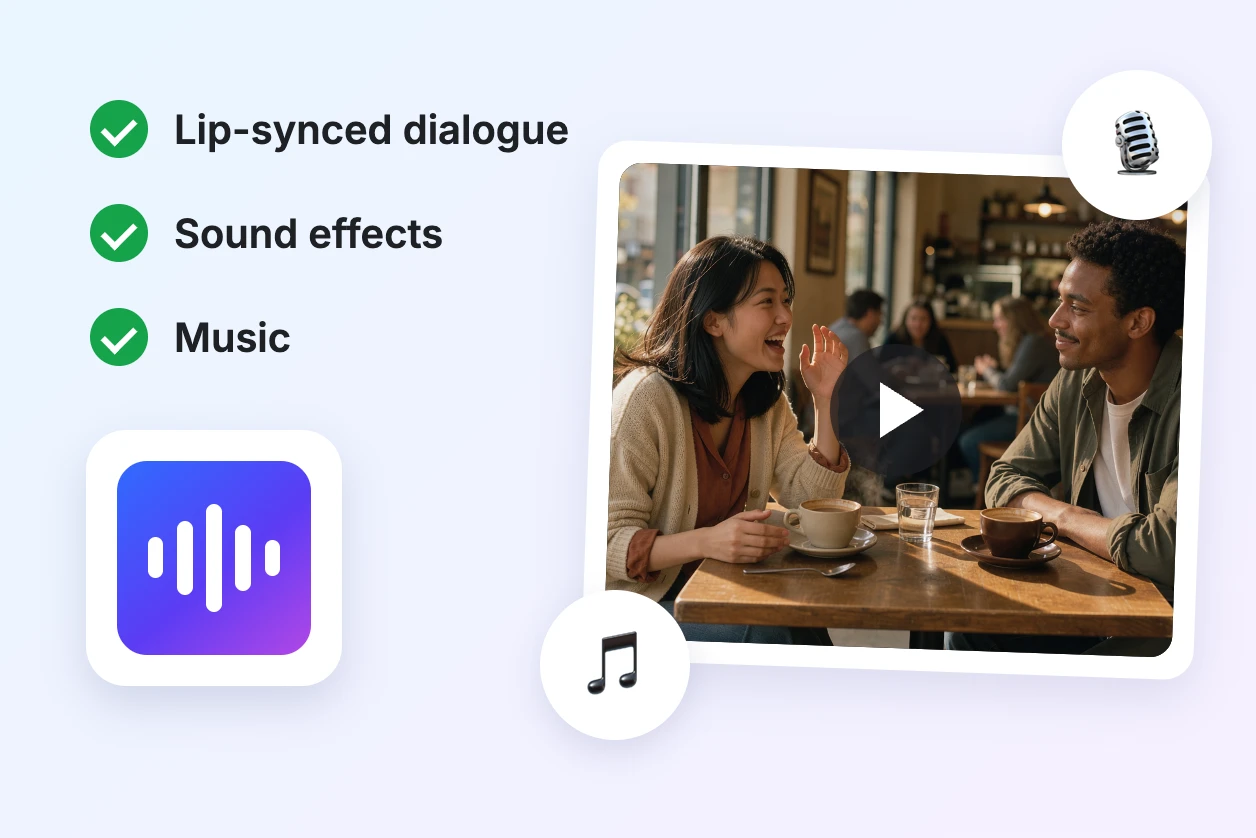
Write the dialogue into your prompt and MAGI-2 voices it with matching lip sync, ideal for explainers, short dramas, character skits and spokesperson clips.
Produce Product and Brand Videos
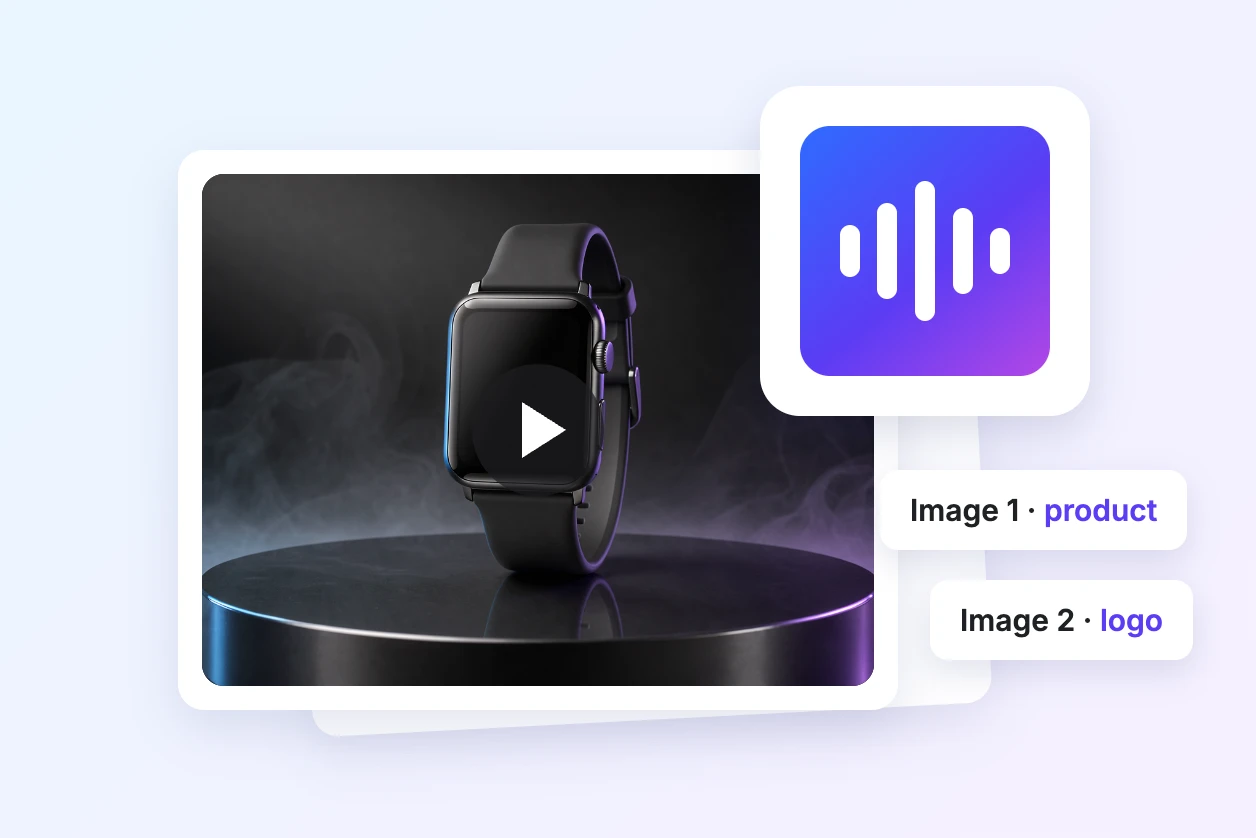
Use product photos and your logo as references to create launches, teasers and ads with sound, where the product looks the same from the first frame to the last.
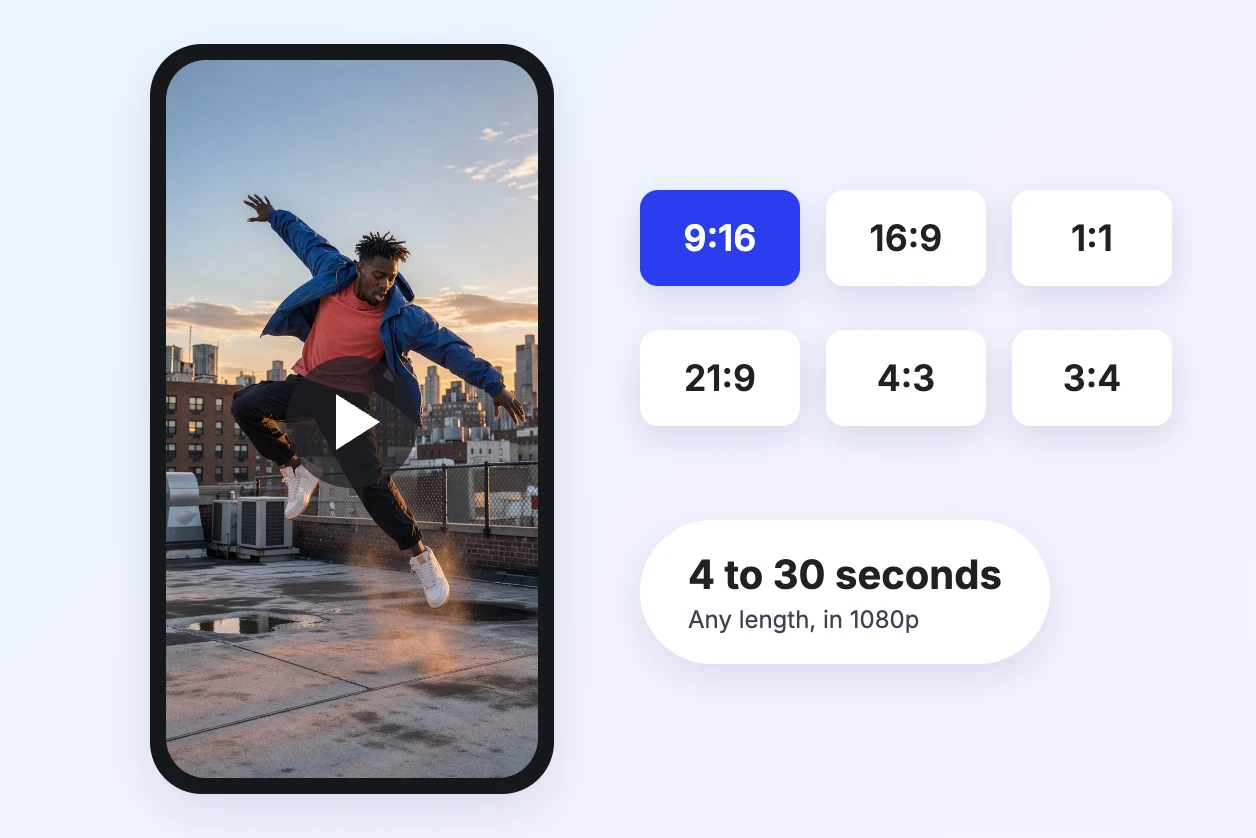
Accelerate Social Video Production
Skip the shoot and the sound edit for Reels, TikToks and Shorts. Test several prompts and lengths quickly and keep the version that performs best.
Collaborate & Share with Ease
Every clip lives in its own workspace tab, so you can download the MP4 or share it with teammates and clients for fast, focused feedback.
MAGI-2 AI Video Generator FAQ
What is MAGI-2?
MAGI-2 is the flagship video generation model from Sand AI, released in November 2026. It creates 1080p video at 25 frames per second together with its sound in one pass, including dialogue with lip sync, sound effects, ambience and music, from a prompt, a first or last frame, and reference images and clips.
Is the MAGI-2 video generator free?
No. Video generation requires a paid plan, so guests and free accounts are asked to upgrade before creating a clip. Start with a plan that includes video credits, and each MAGI-2 clip you generate uses credits from your plan.
How do I use MAGI-2 on Template.net?
Write a prompt describing the scene, motion, camera and sound, optionally add reference images, a first frame or a reference clip, set duration and aspect ratio, and press Generate. Your clip opens in a new workspace tab.
How long can MAGI-2 videos be?
Each MAGI-2 clip can be anywhere from 4 to 30 seconds long. Pick the length in the video settings before you generate, and create several clips if you need a longer sequence.
Does MAGI-2 create sound and dialogue?
Yes. MAGI-2 generates audio with the video, so you can write lines of dialogue, sound effects, ambience or music into your prompt and hear them in the finished clip, with speech synced to the lips.
Can I turn an image into a video with MAGI-2?
Yes. Upload a photo as the first frame and describe how it should move, or add it as a reference image to keep a product, character or brand look consistent through the clip.
What aspect ratios can I use?
MAGI-2 supports six aspect ratios in 1080p: widescreen 16:9, cinematic 21:9, vertical 9:16, square 1:1, and 4:3 or 3:4 for feeds and presentations.
How is MAGI-2 different from Kling or Seedance?
All three make clips up to 30 seconds. MAGI-2 is built around sound made in the same generation as the picture, with lip-synced dialogue, effects and music, which suits talking scenes and story clips. Try the same prompt on each model to see which look fits your project.
