Free User Action Log

Prepared by: [Your Name]
Date: [DATE]
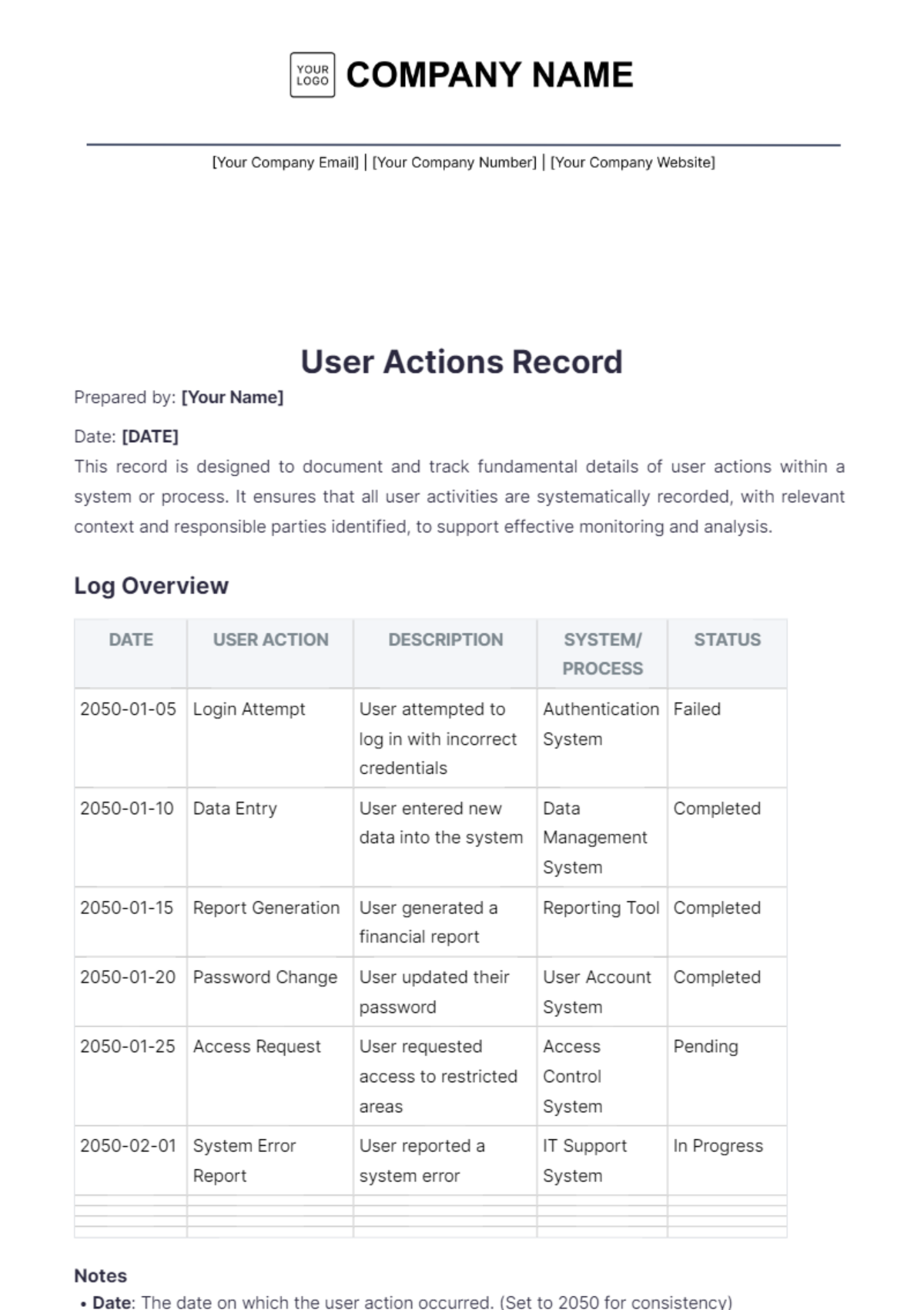
This record is designed to document and track fundamental details of user actions within a system or process. It ensures that all user activities are systematically recorded, with relevant context and responsible parties identified, to support effective monitoring and analysis.
Log Overview
DATE | USER ACTION | DESCRIPTION | SYSTEM/ PROCESS | STATUS |
|---|---|---|---|---|
2050-01-05 | Login Attempt | User attempted to log in with incorrect credentials | Authentication System | Failed |
2050-01-10 | Data Entry | User entered new data into the system | Data Management System | Completed |
2050-01-15 | Report Generation | User generated a financial report | Reporting Tool | Completed |
2050-01-20 | Password Change | User updated their password | User Account System | Completed |
2050-01-25 | Access Request | User requested access to restricted areas | Access Control System | Pending |
2050-02-01 | System Error Report | User reported a system error | IT Support System | In Progress |
Notes
Date: The date on which the user action occurred. (Set to 2050 for consistency)
User Action: A brief description of the action taken by the user.
Description: Detailed information about the user action, including any relevant context or details.
System/Process: The system or process where the action took place.
Status: The current status of the action (e.g., Completed, In Progress, Pending).
- 100% Customizable, free editor
- Access 1 Million+ Templates, photo’s & graphics
- Download or share as a template
- Click and replace photos, graphics, text, backgrounds
- Resize, crop, AI write & more
- Access advanced editor
Keep track of user activities with the User Action Log Template from Template.net. Customizable and editable in our AI Editor Tool, this template helps you document user actions, interactions, and updates systematically. Maintain clear and organized records for effective monitoring and management with this practical and user-friendly log.