
Free Time Log Templates
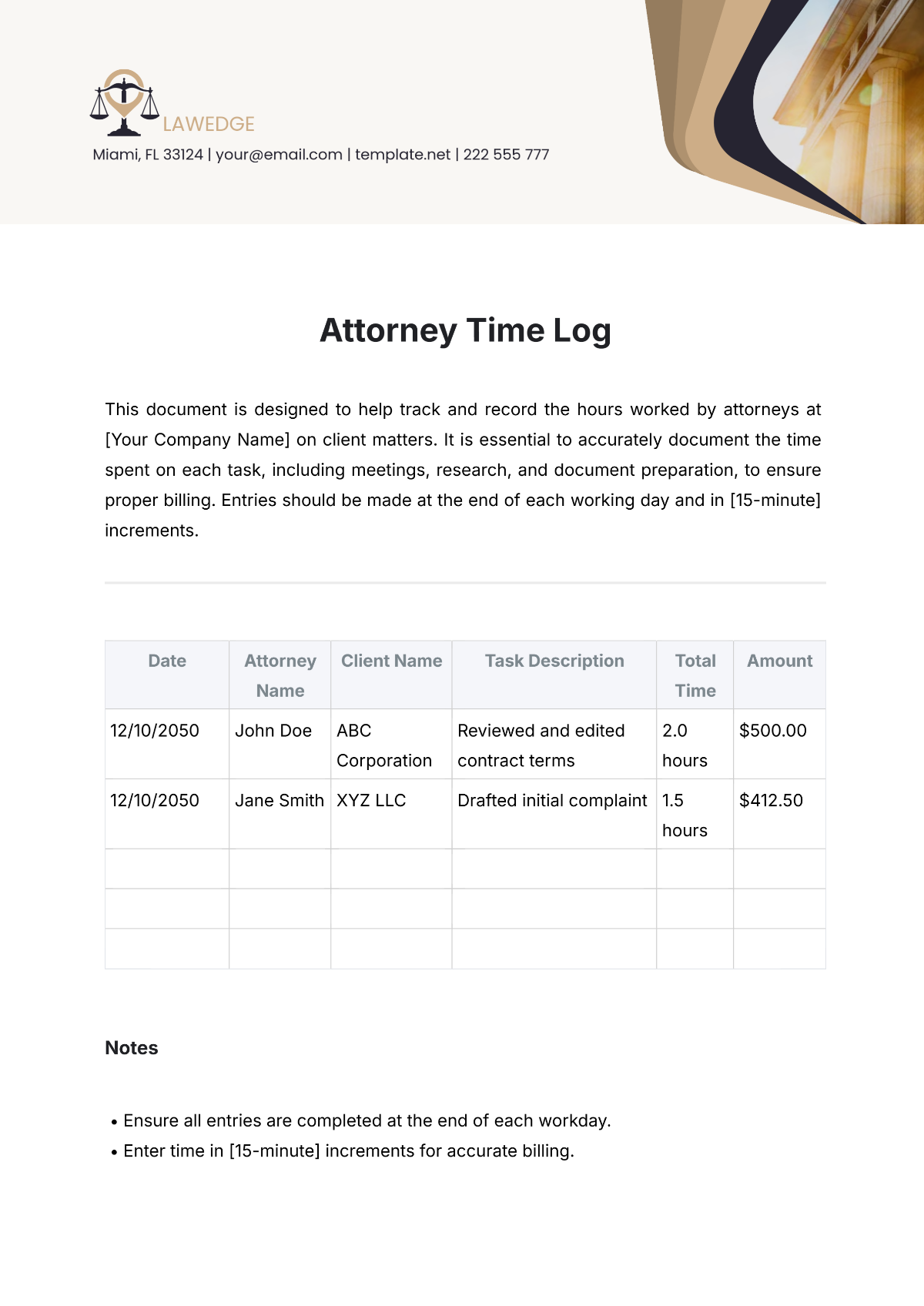
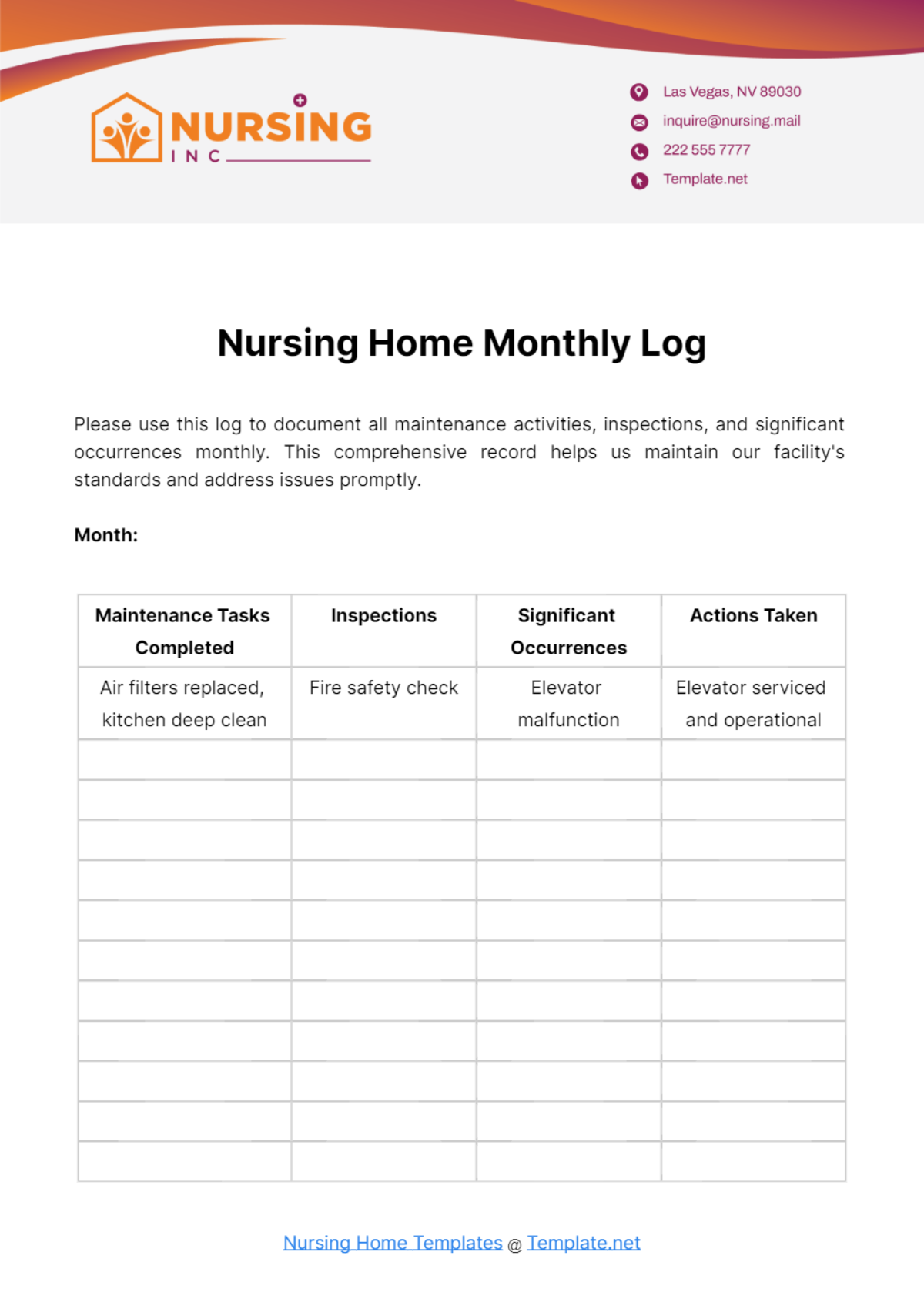
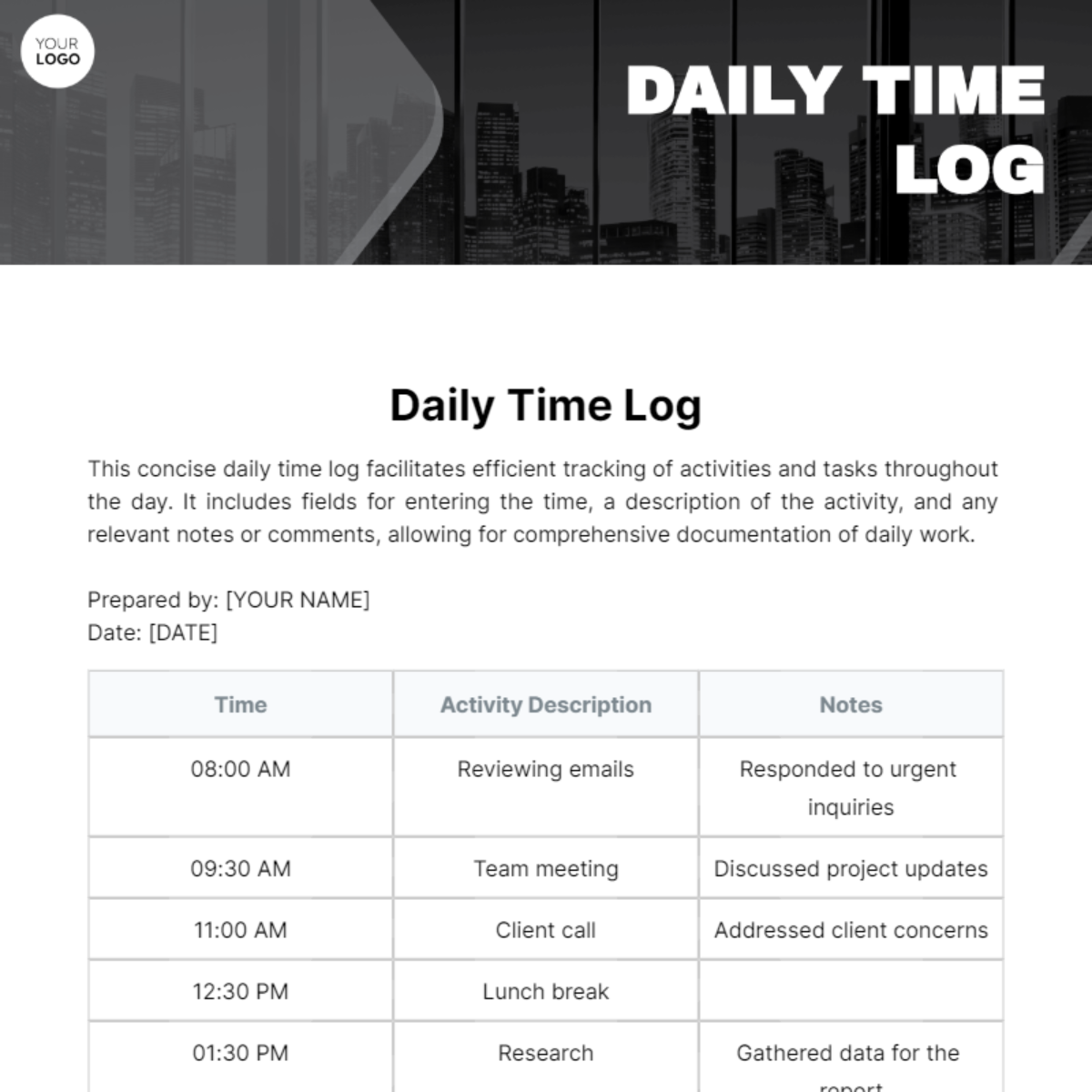
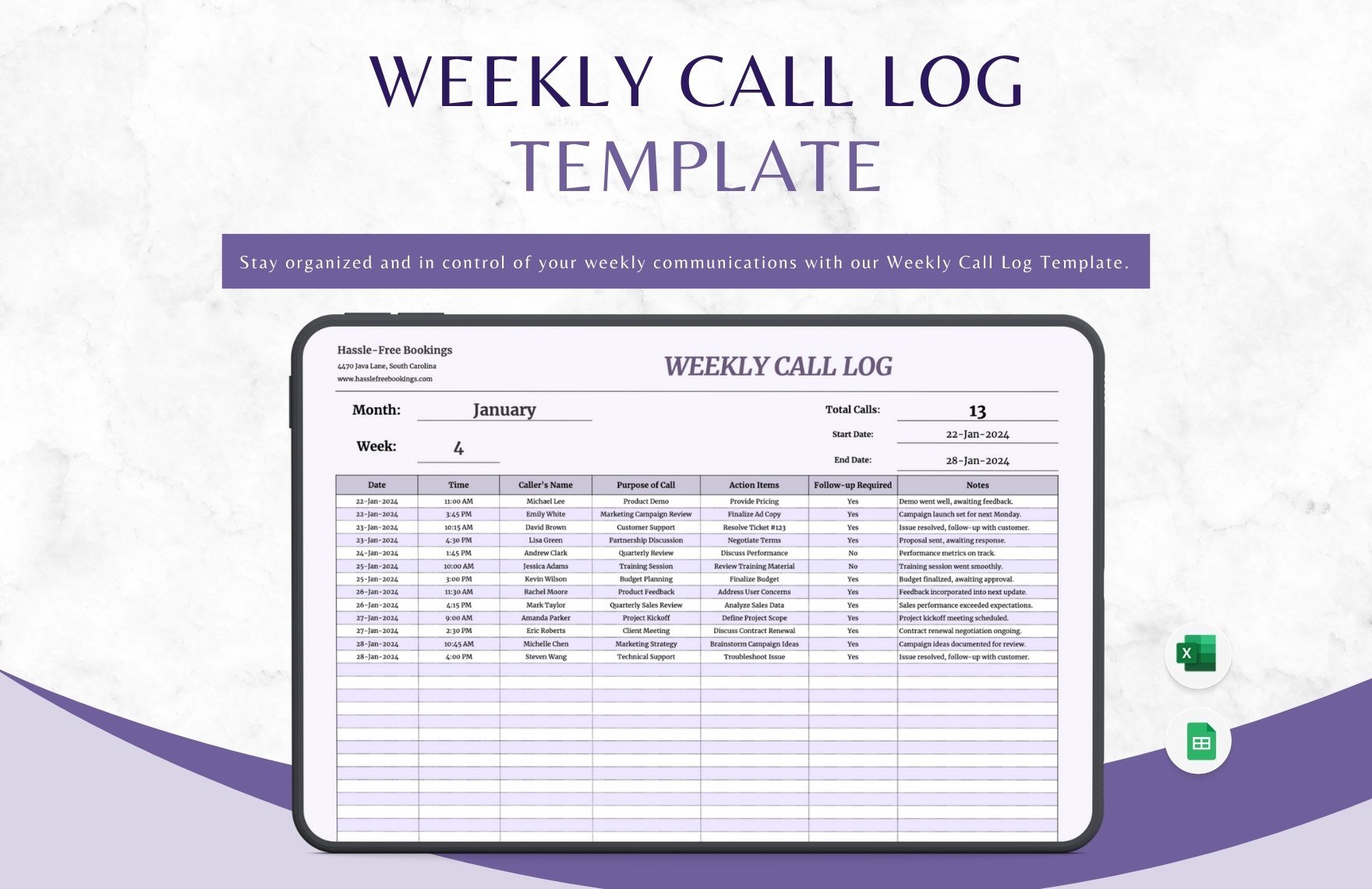
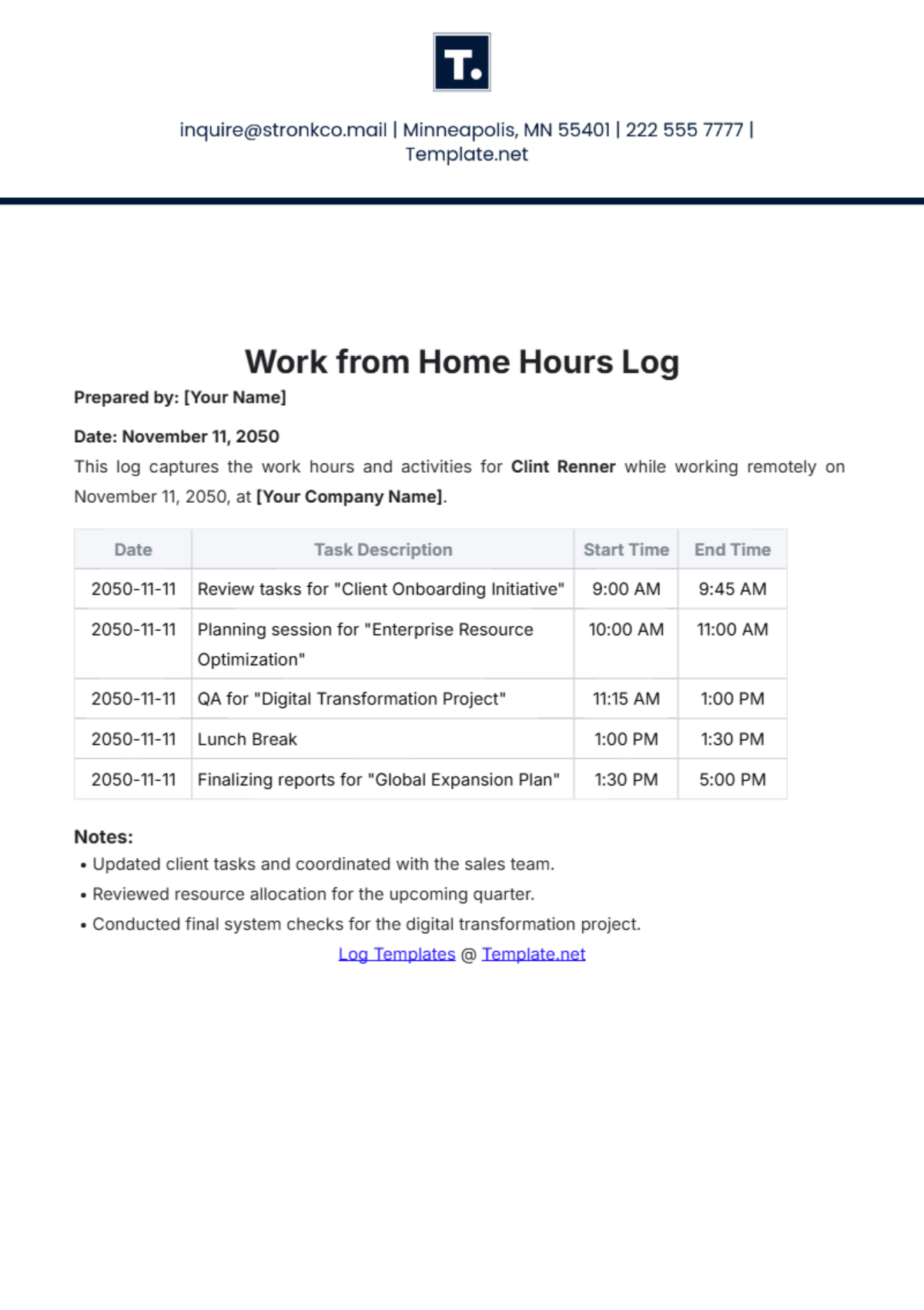
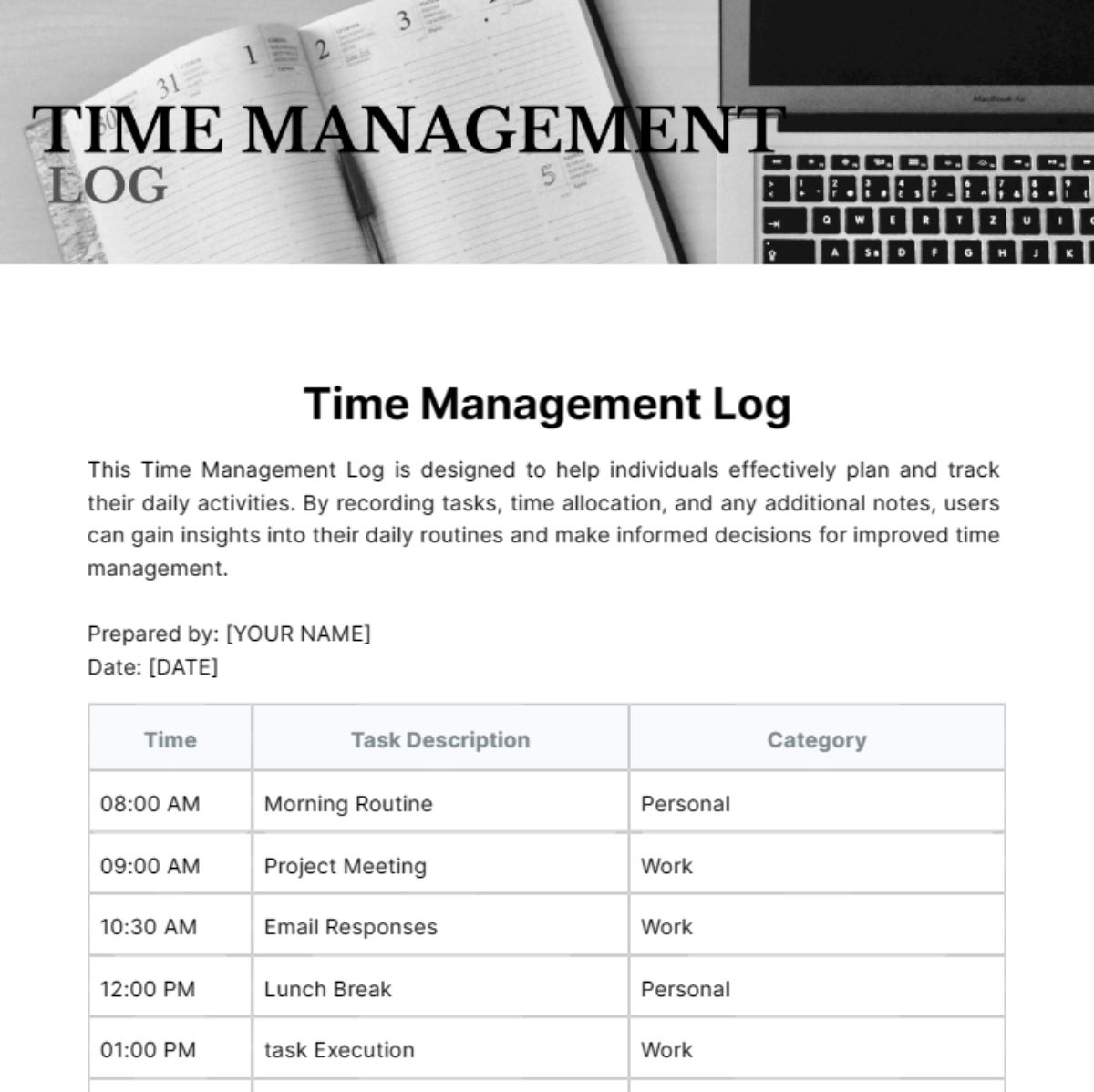
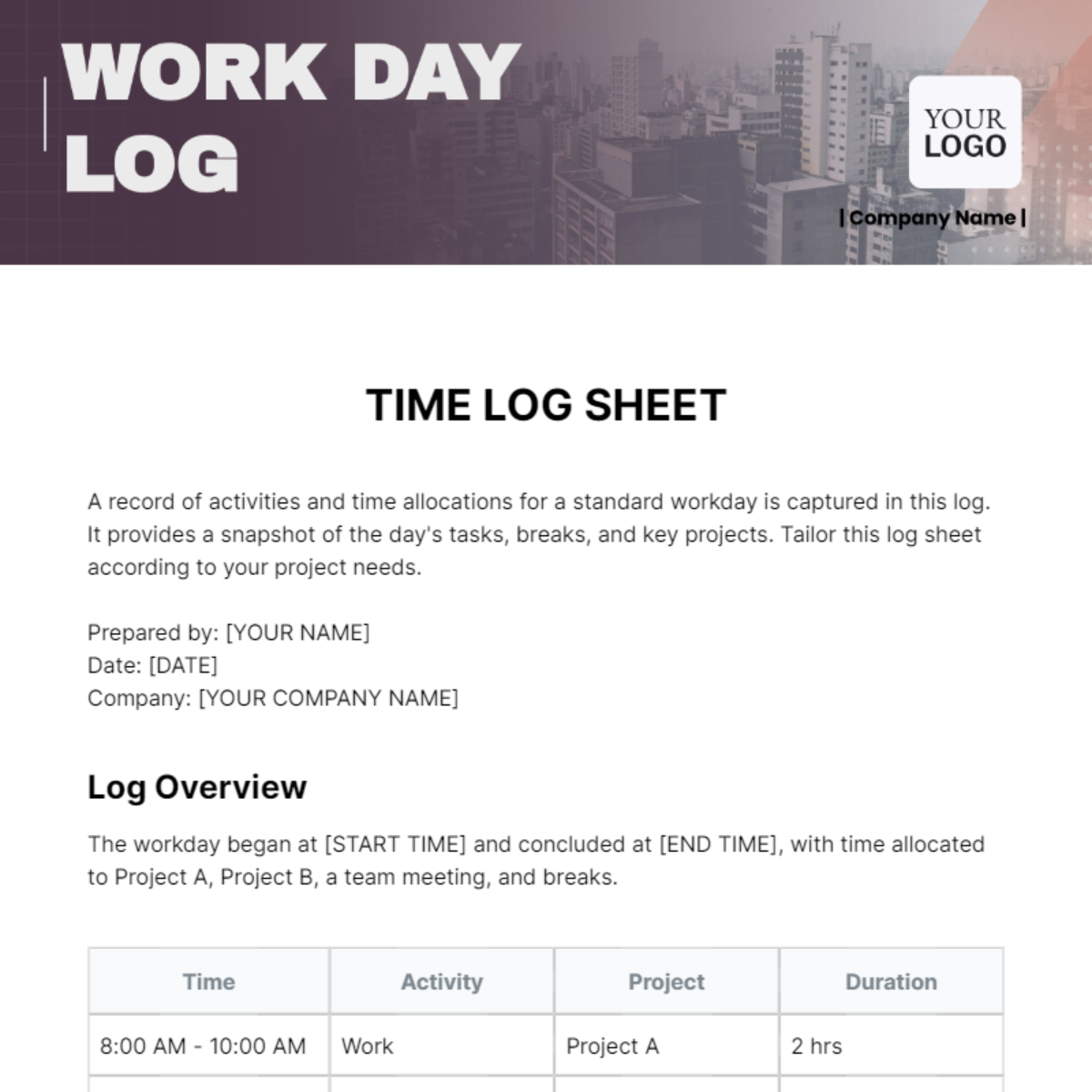
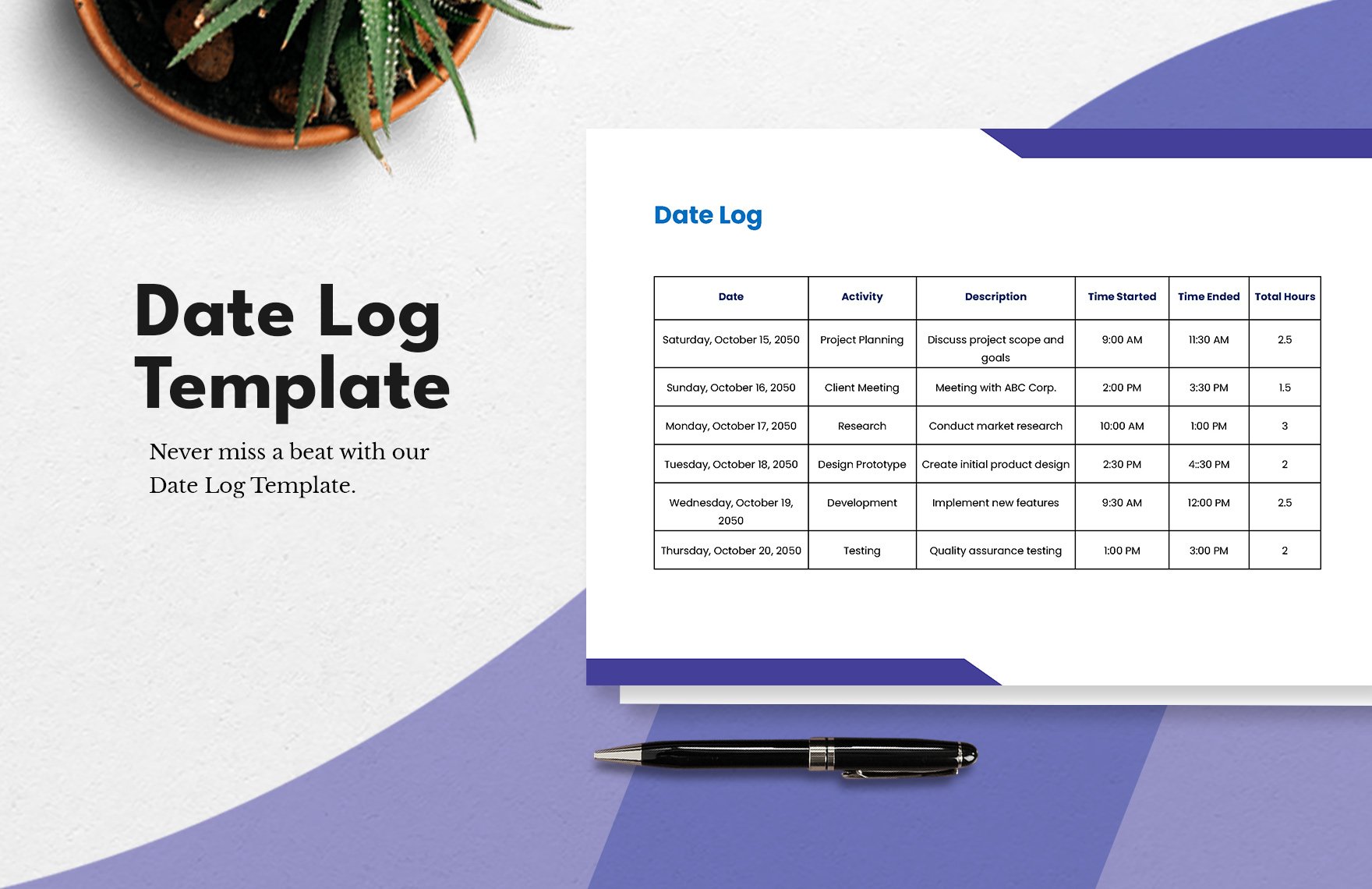
Time Log Templates: Definition, Usage, and Formats
What is a Time Log?
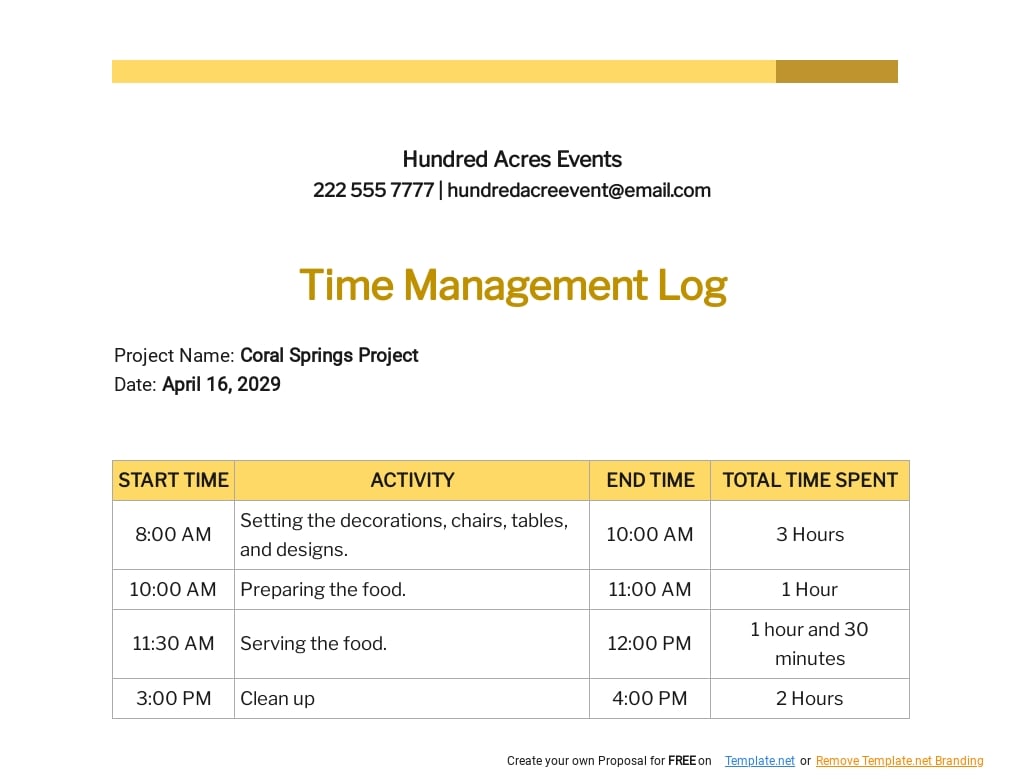
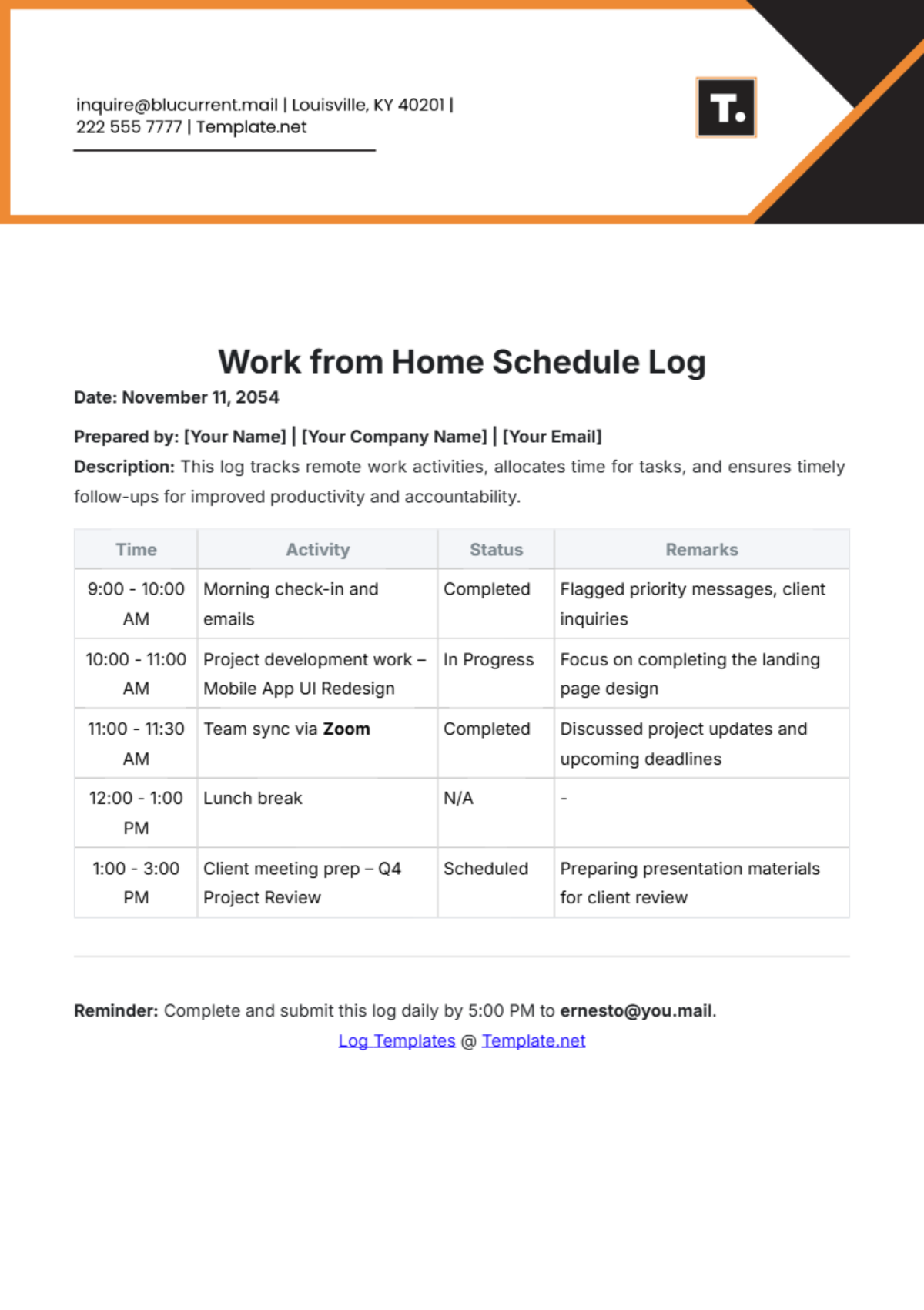
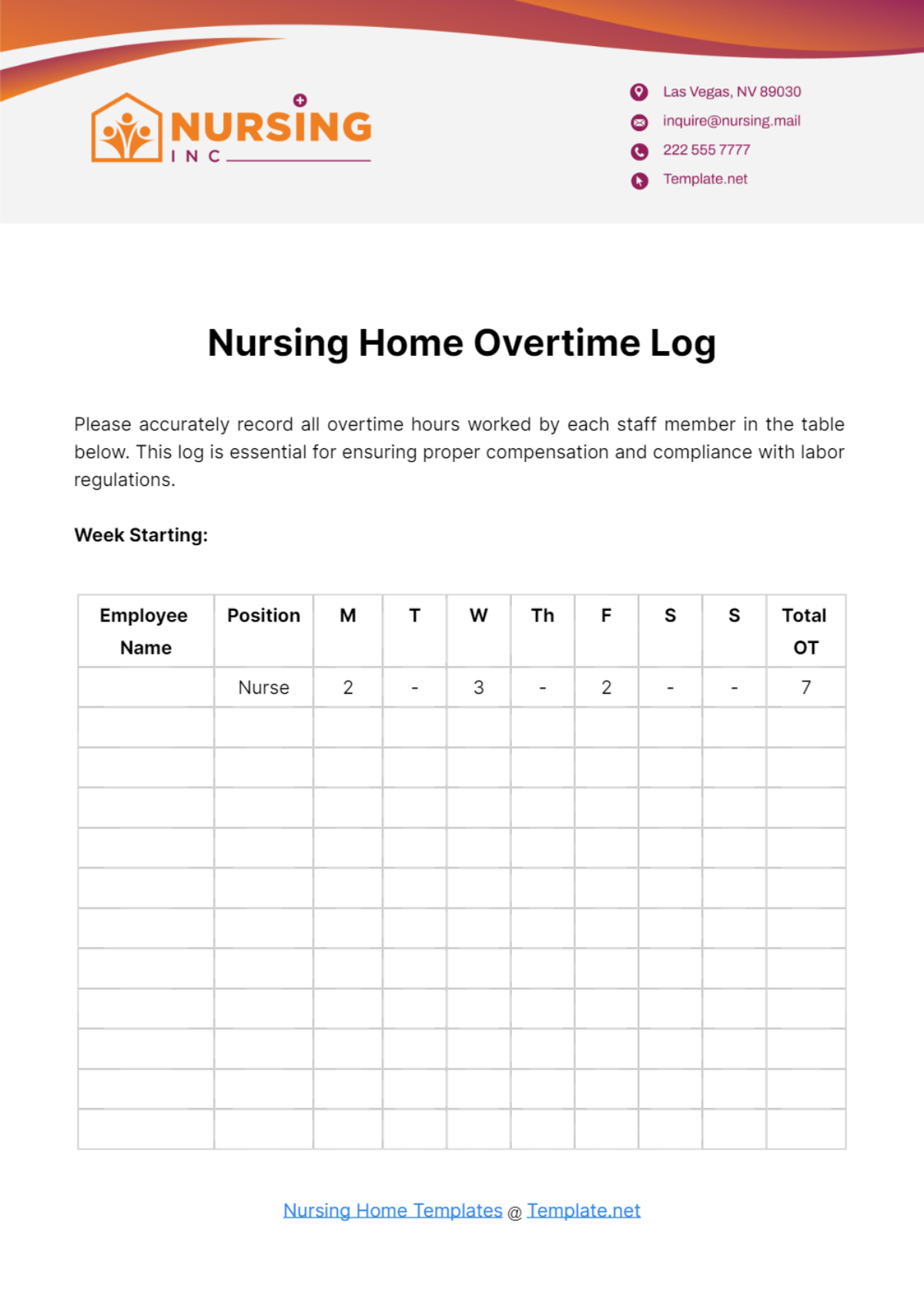
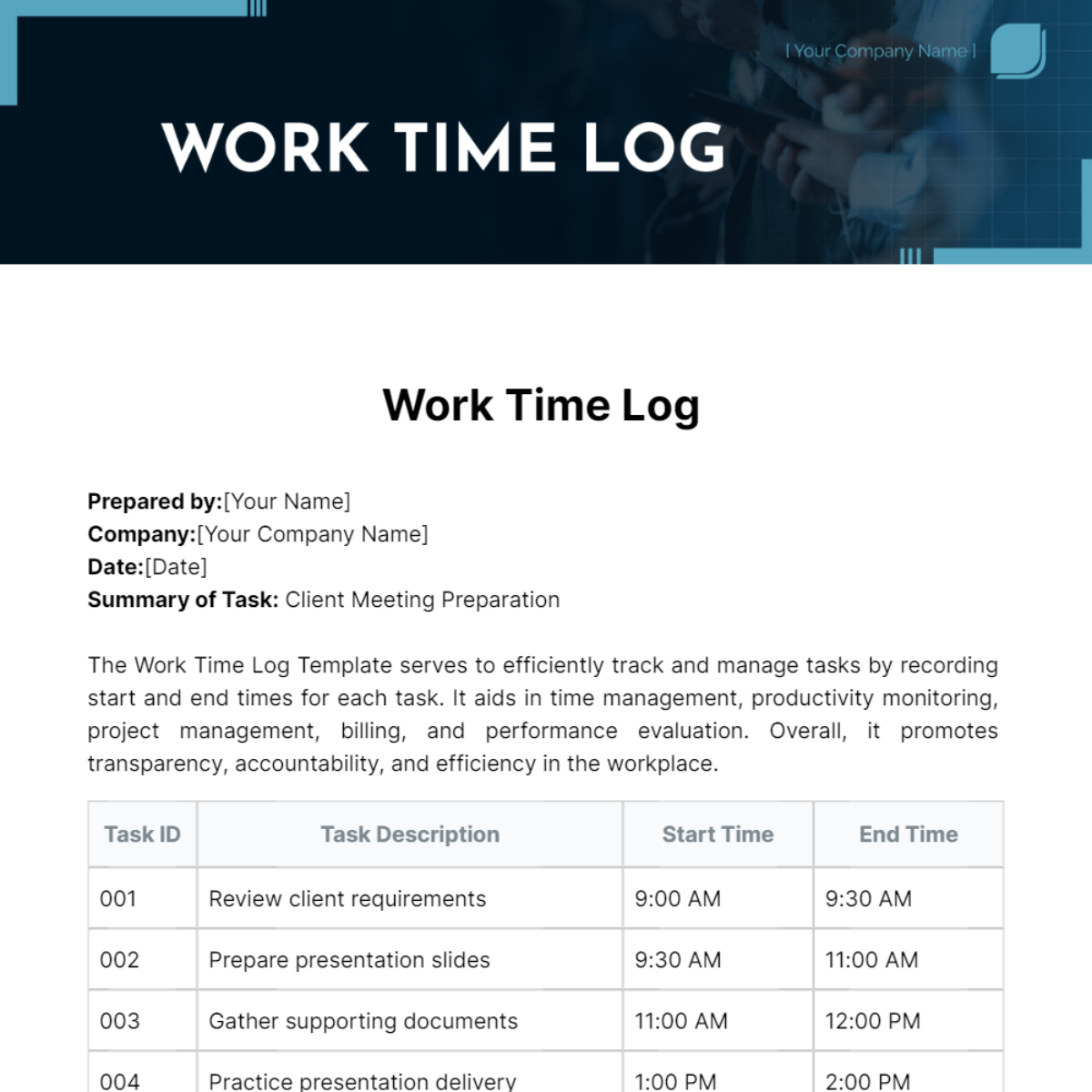
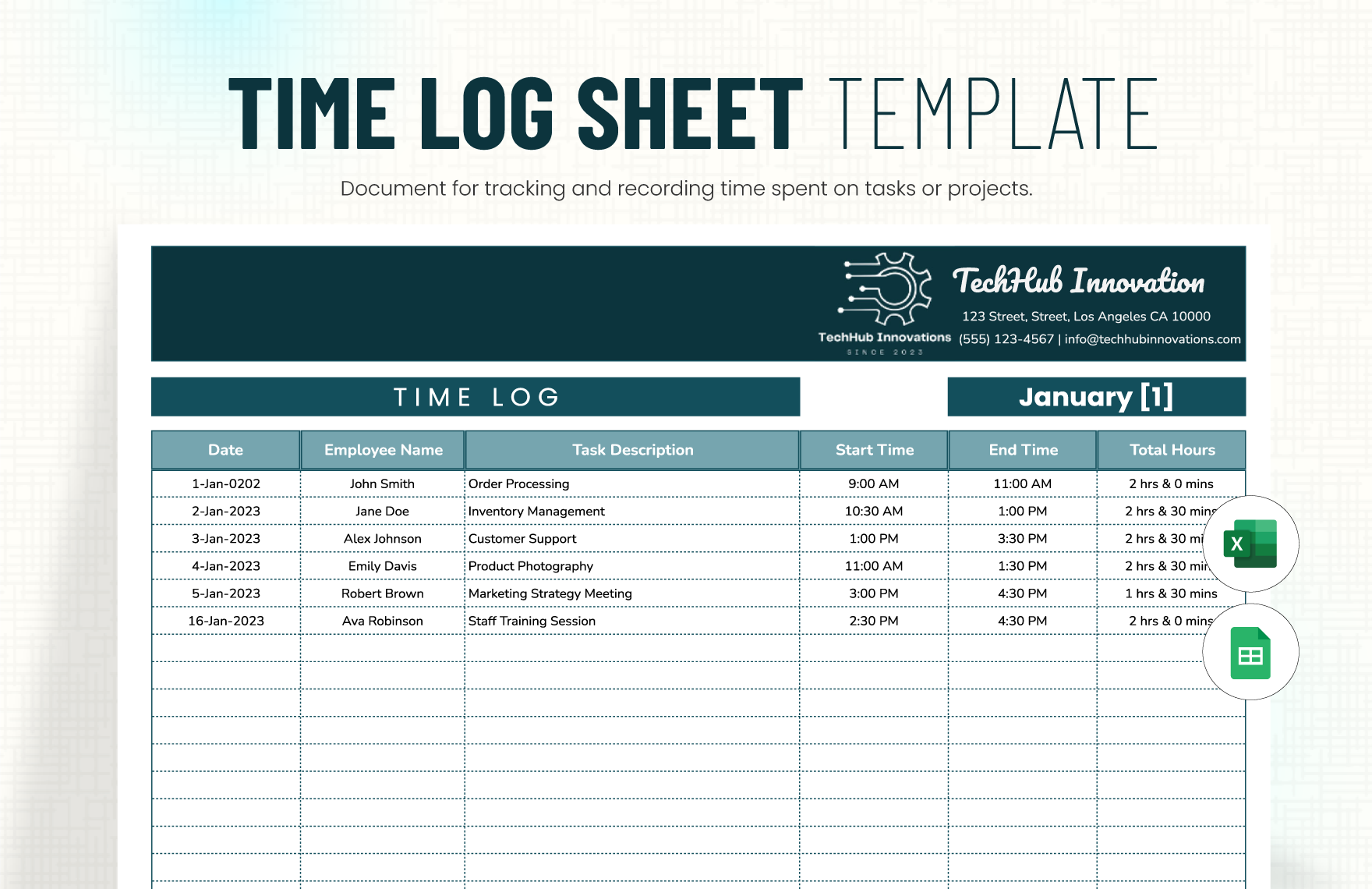
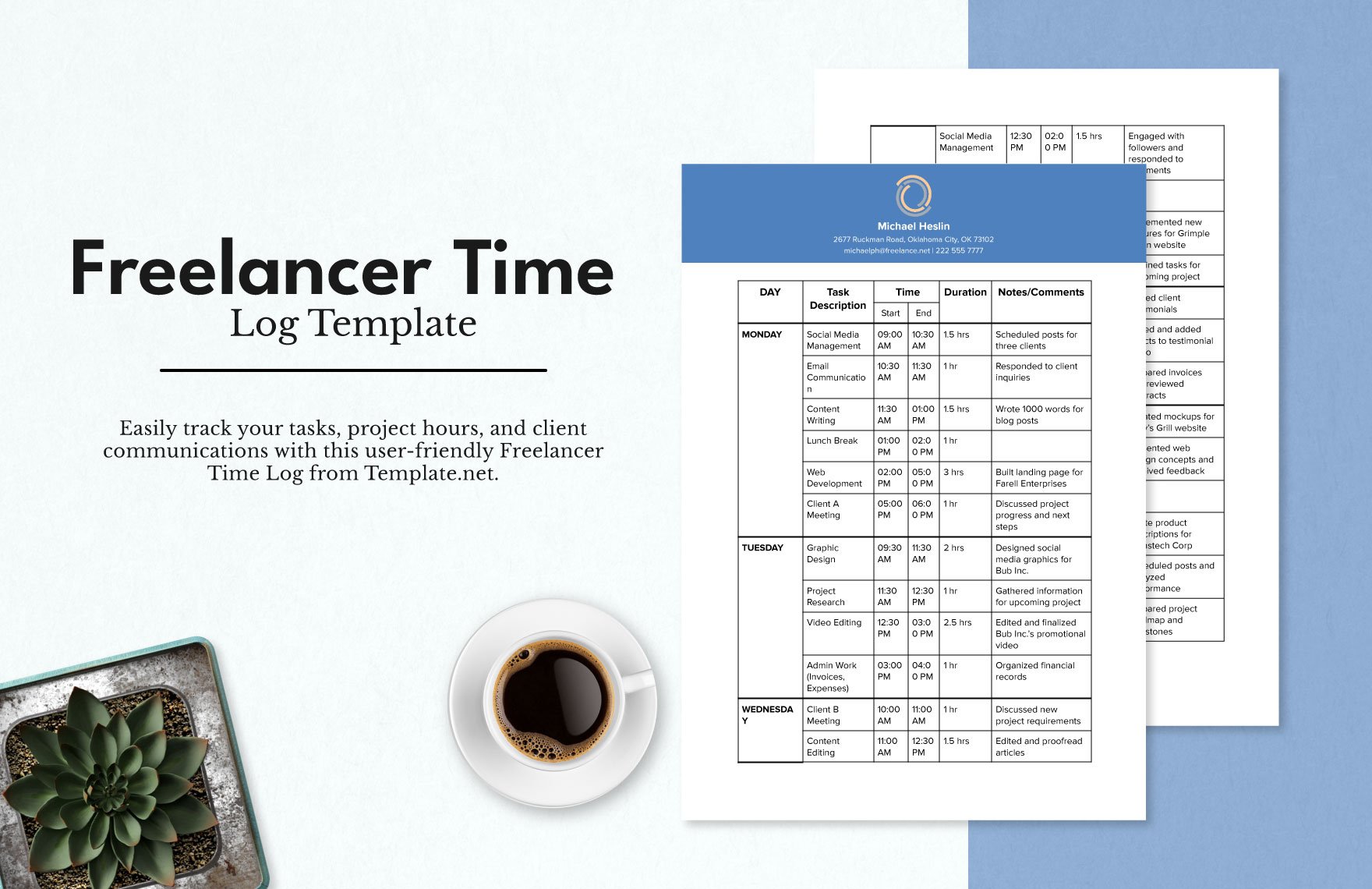
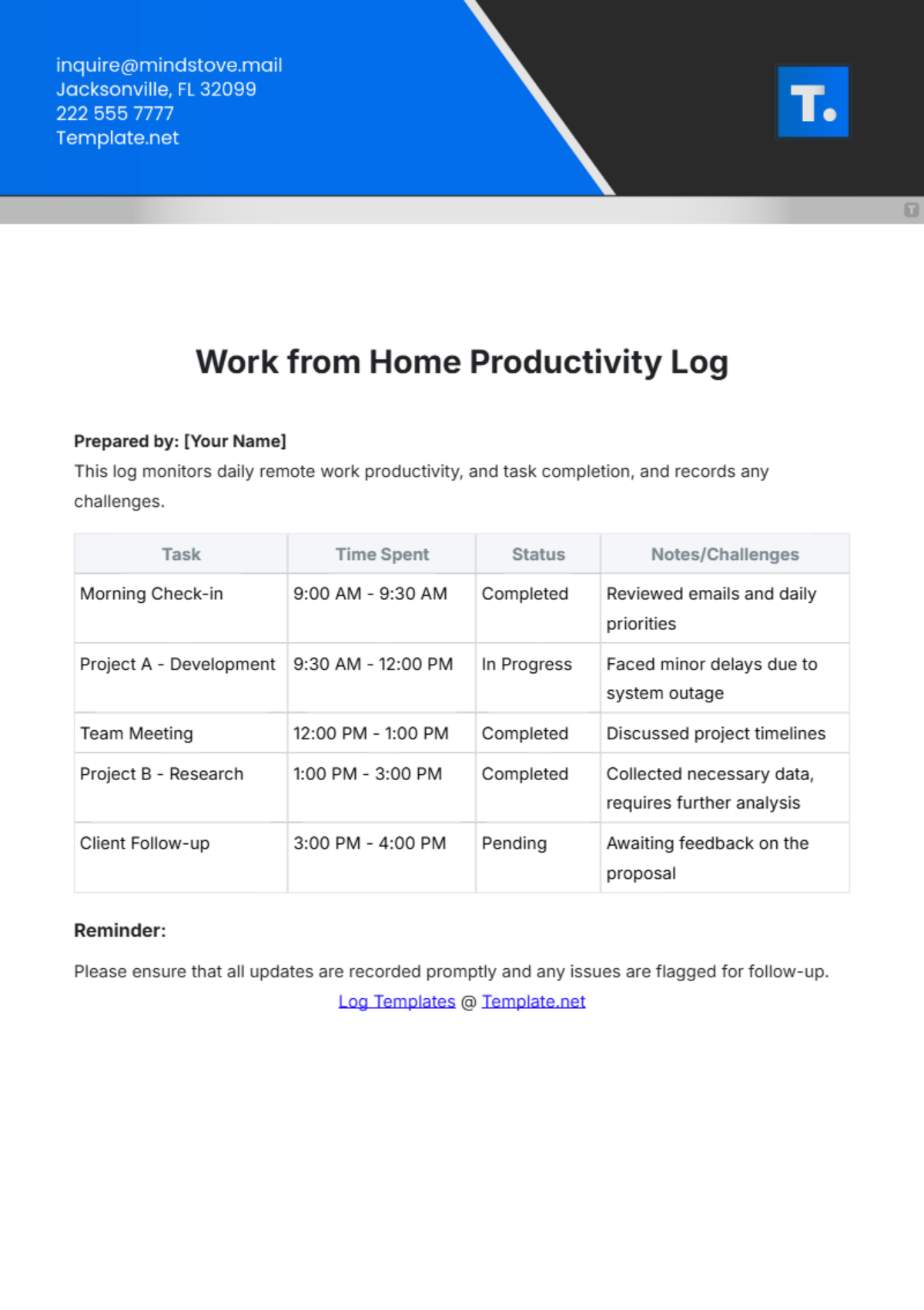
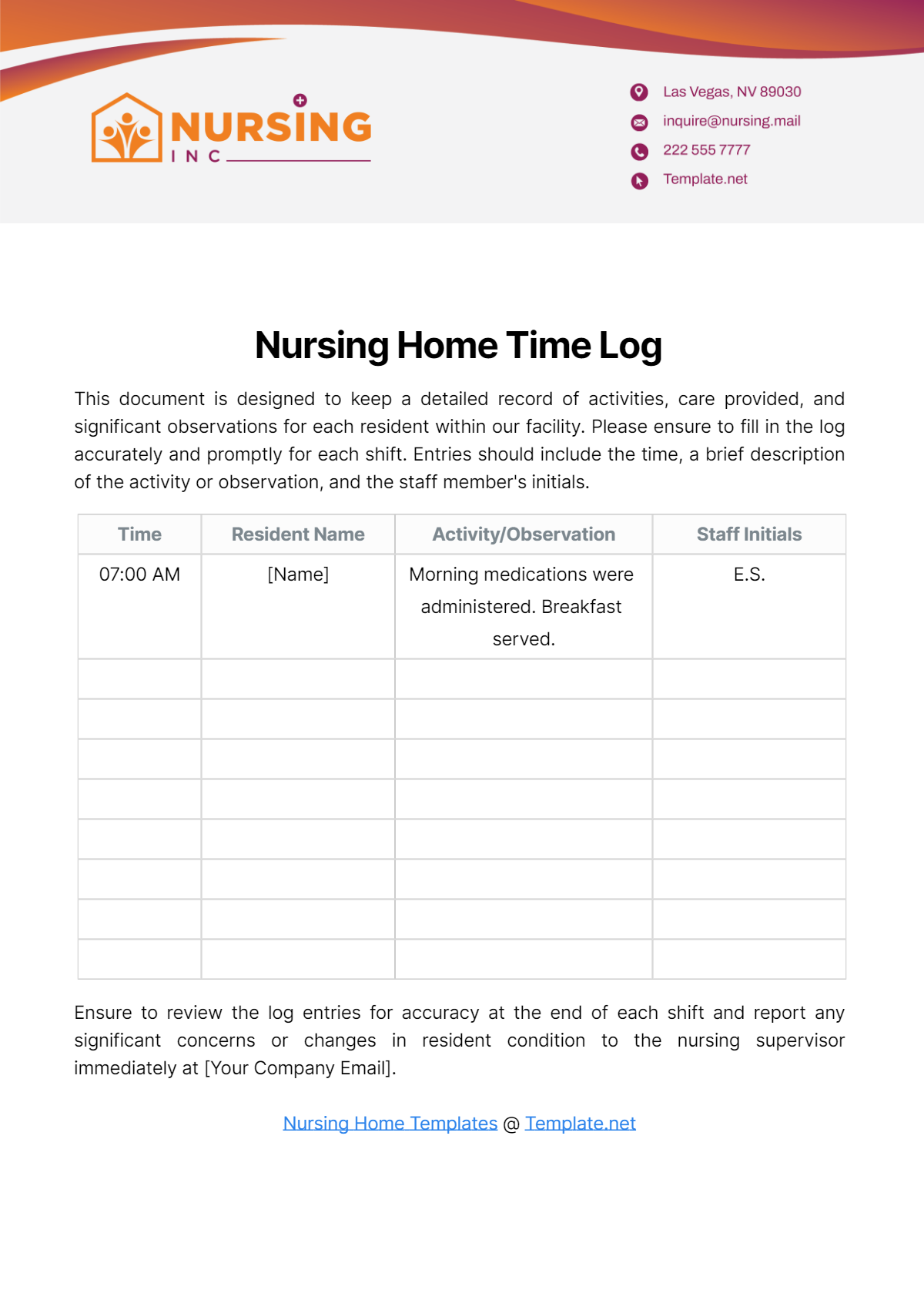
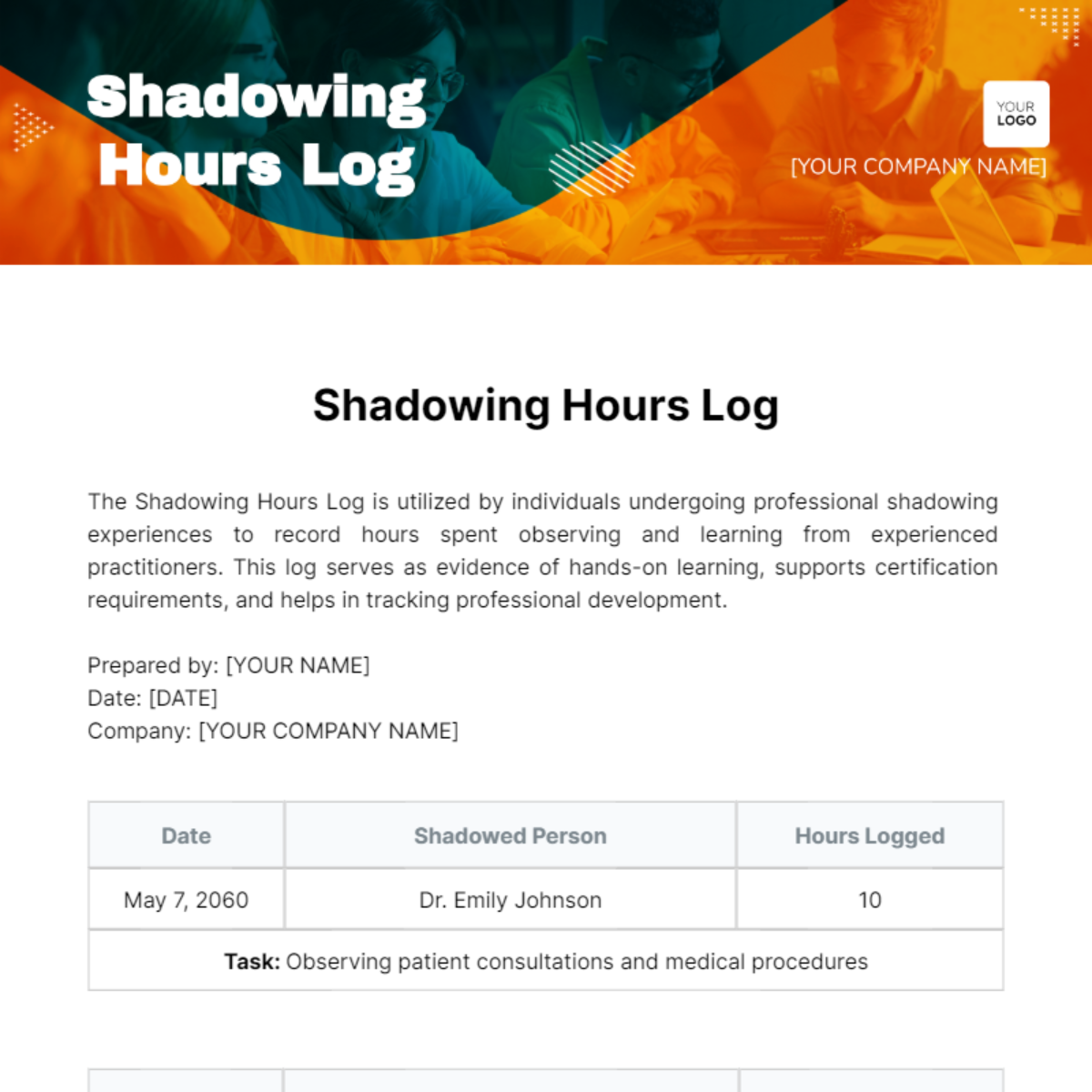
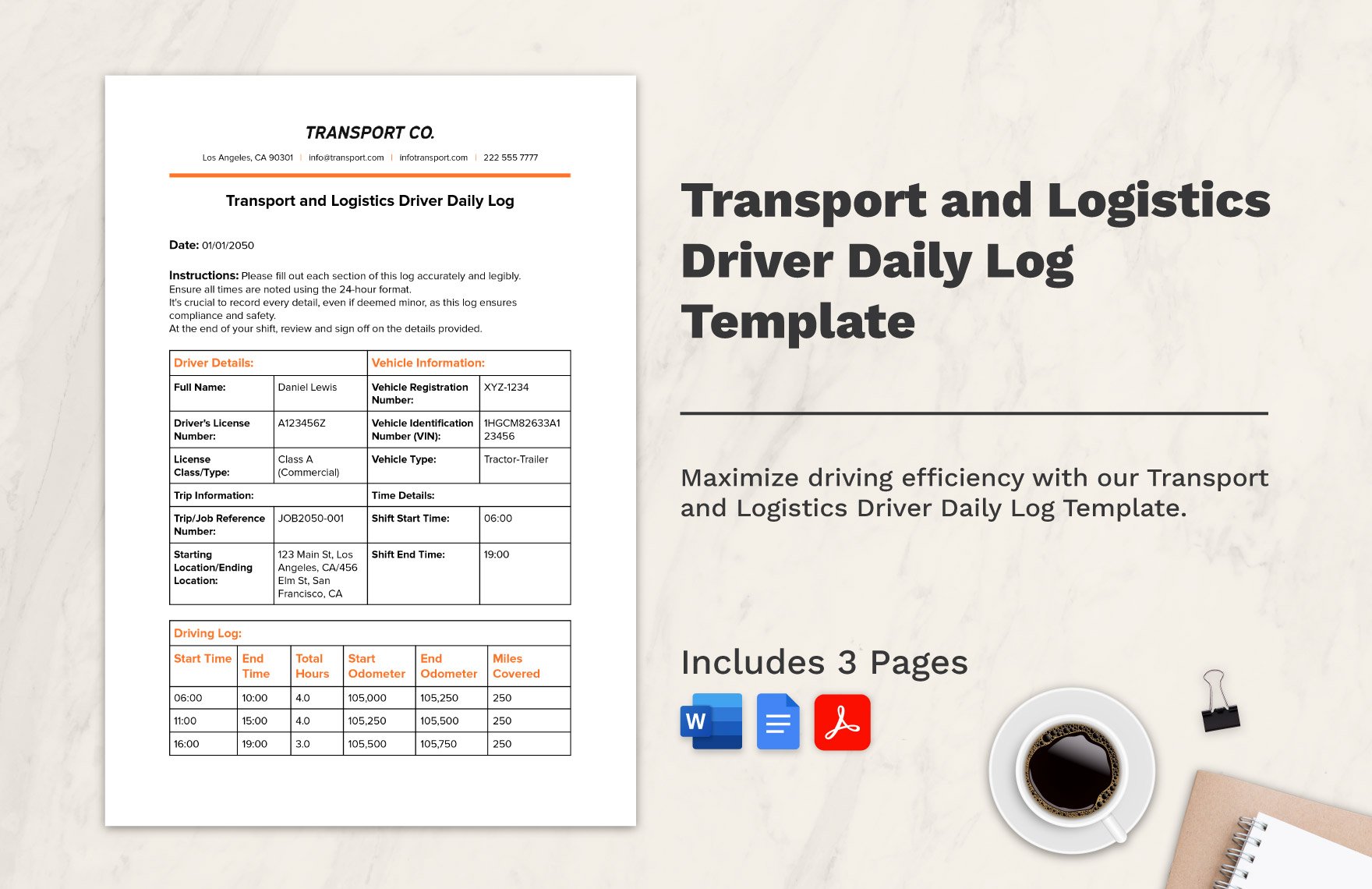
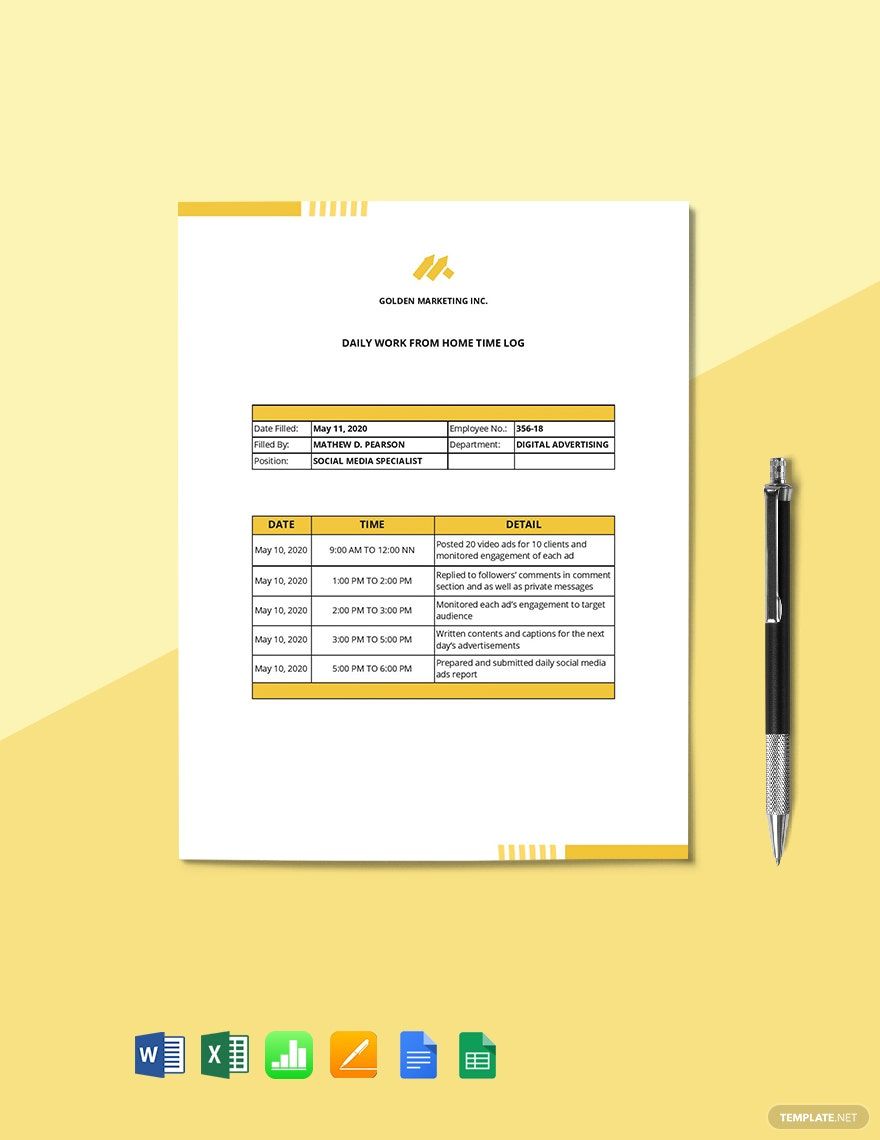
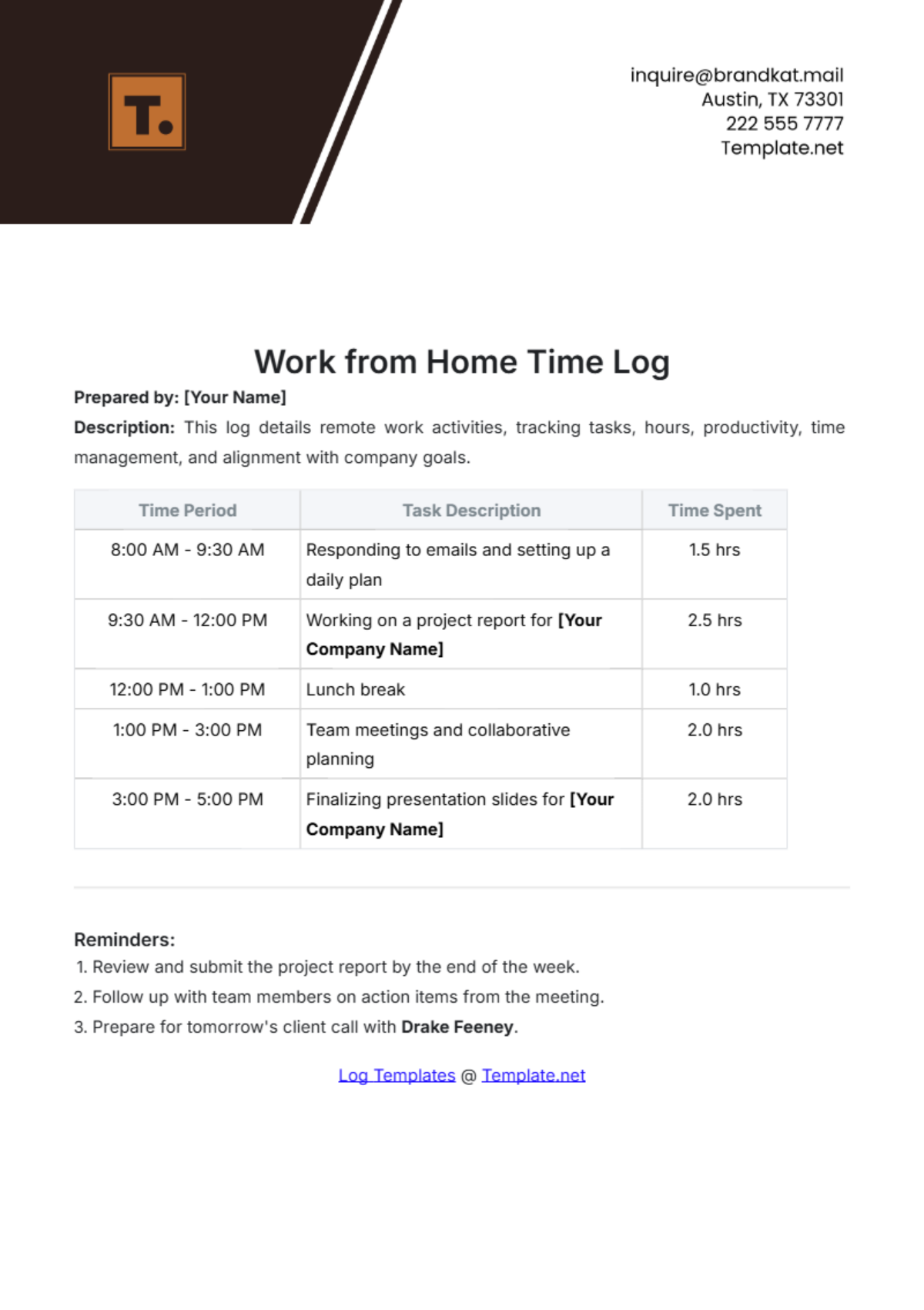
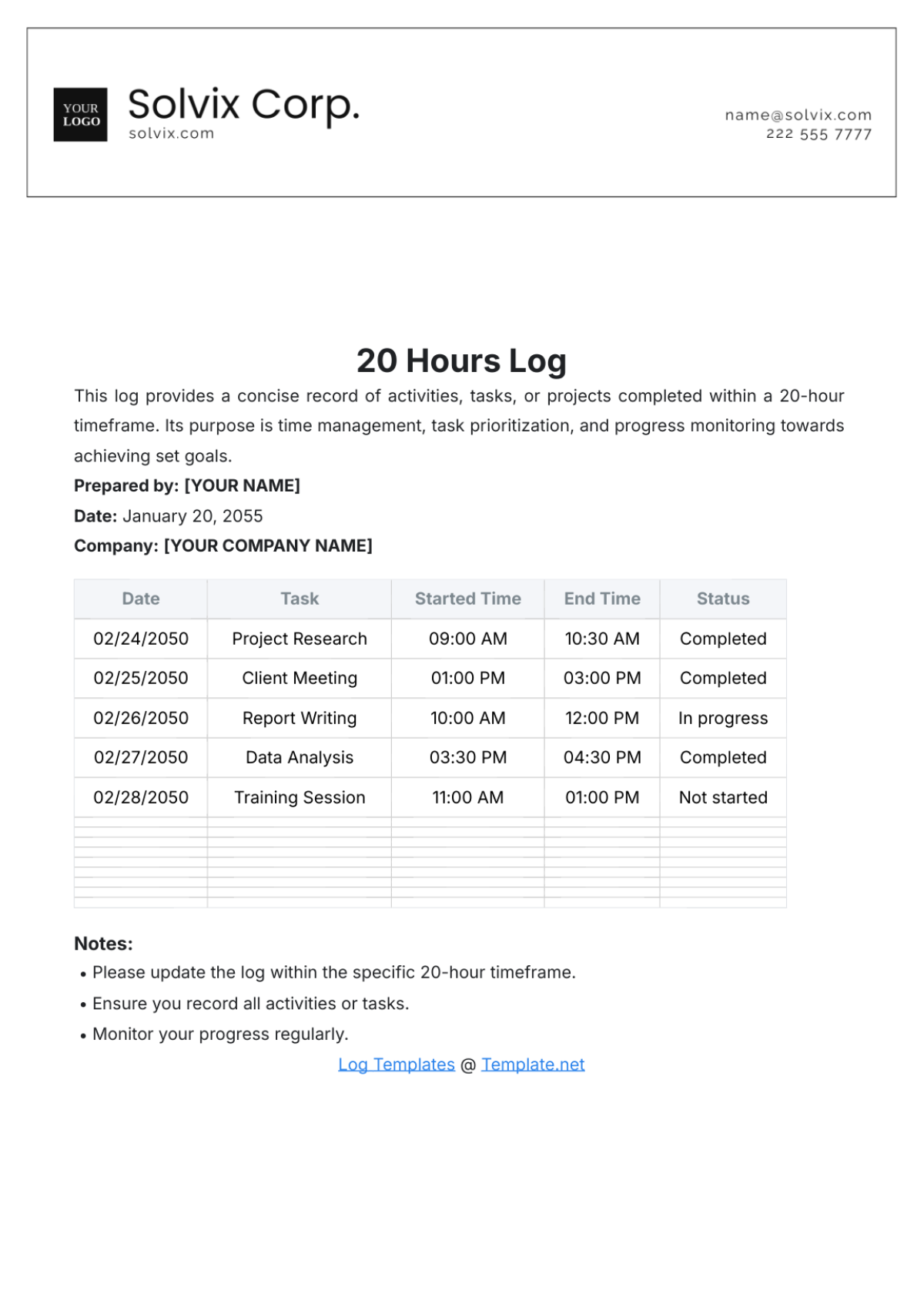
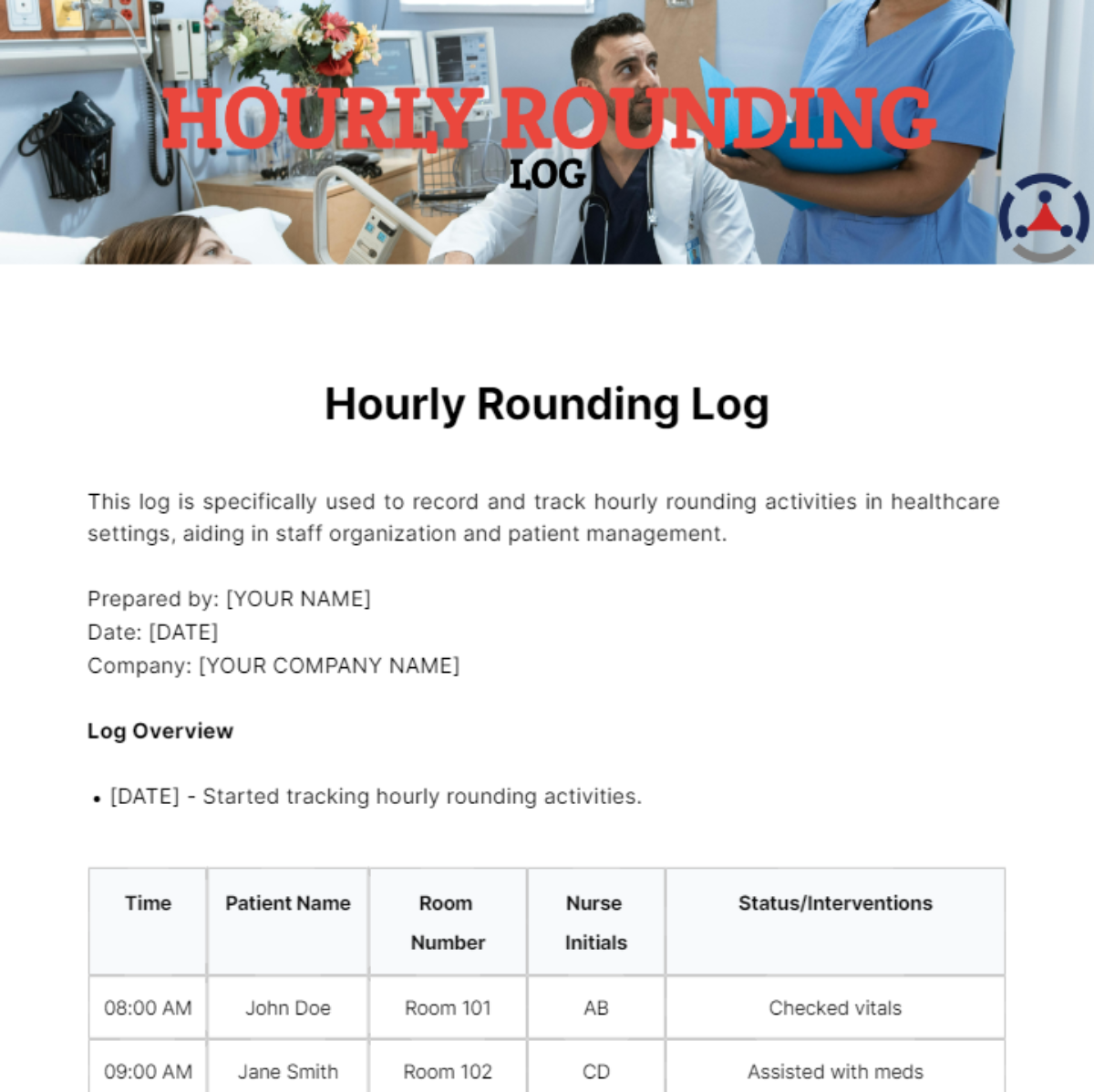
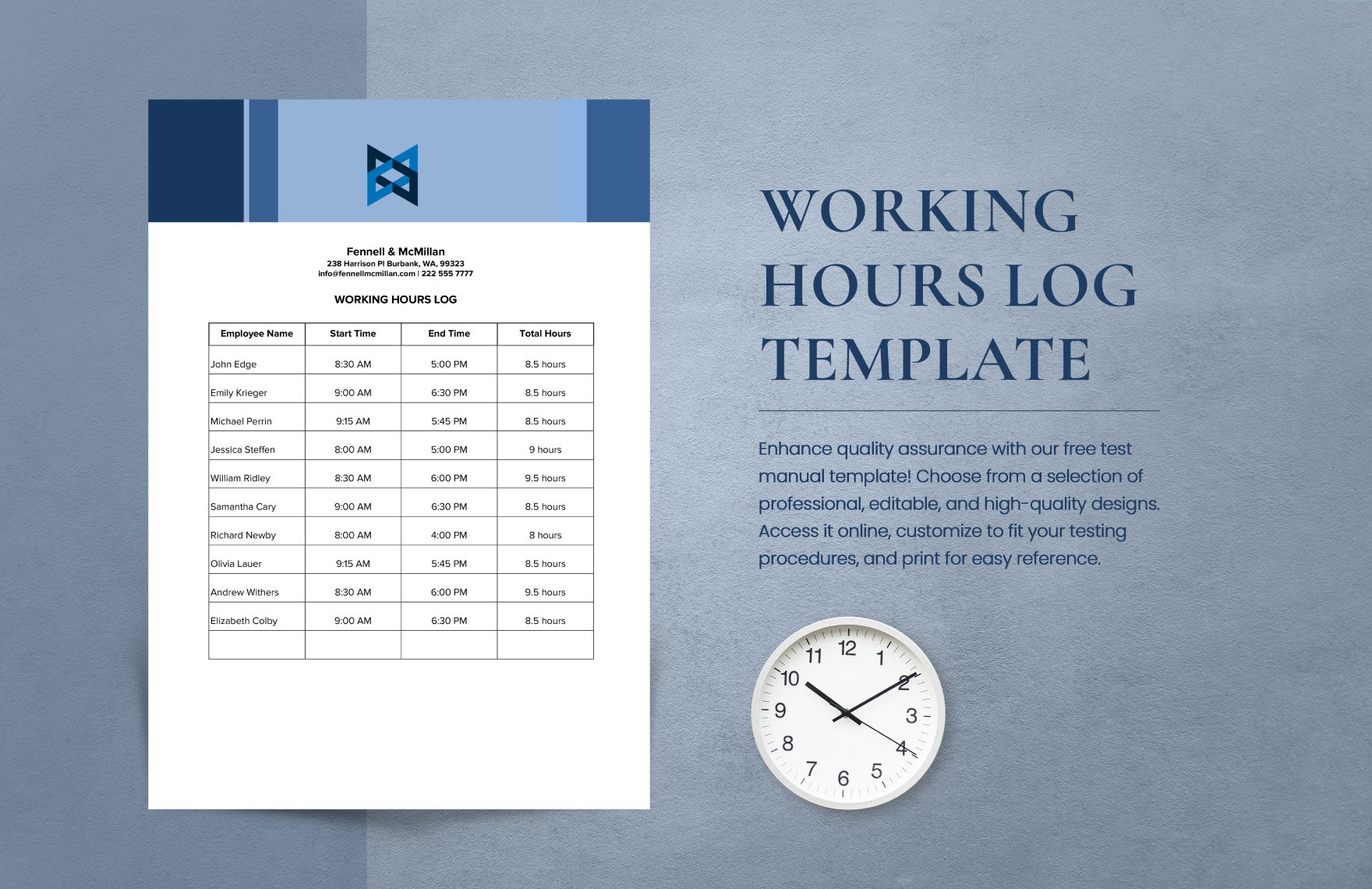
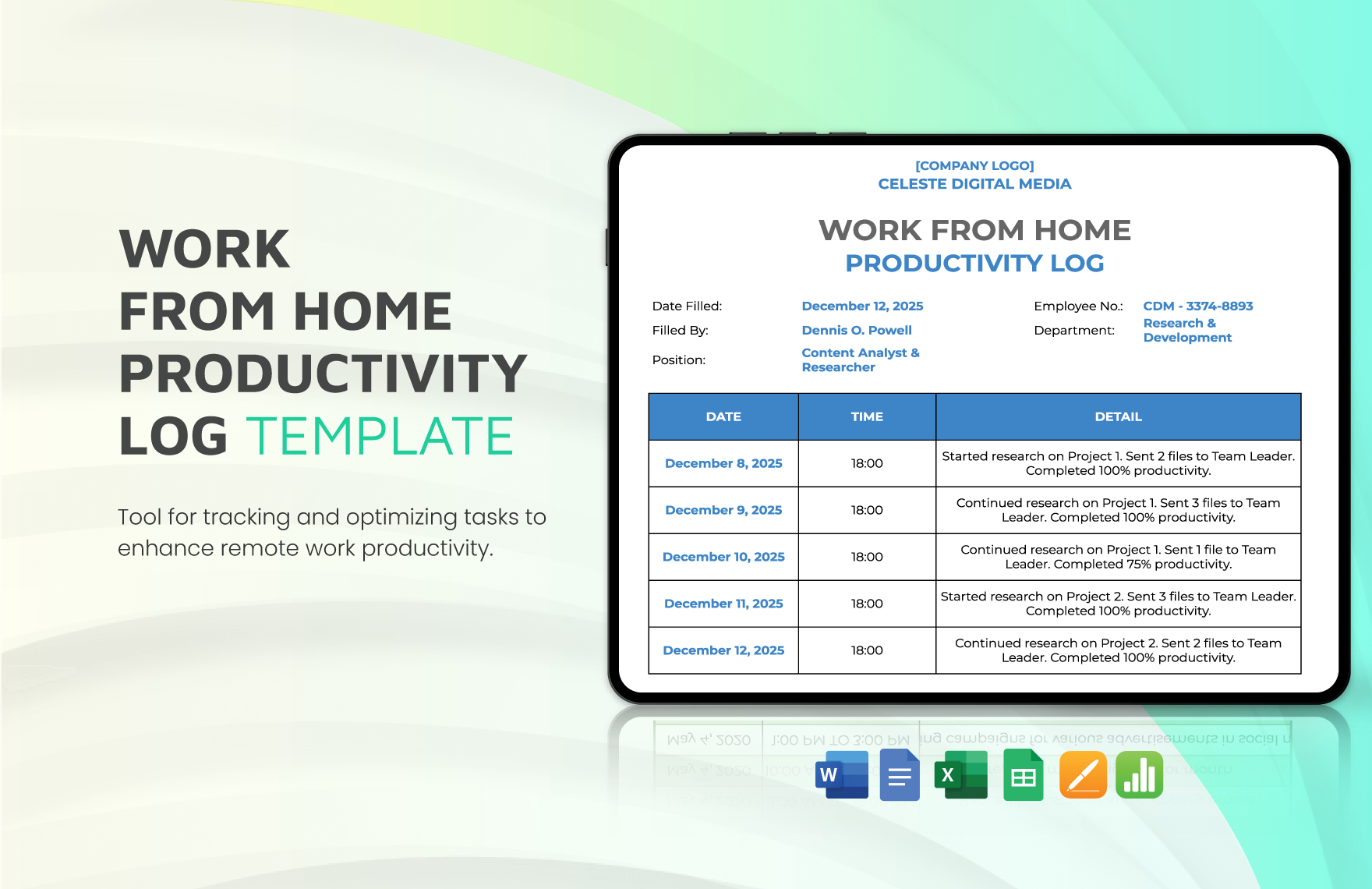
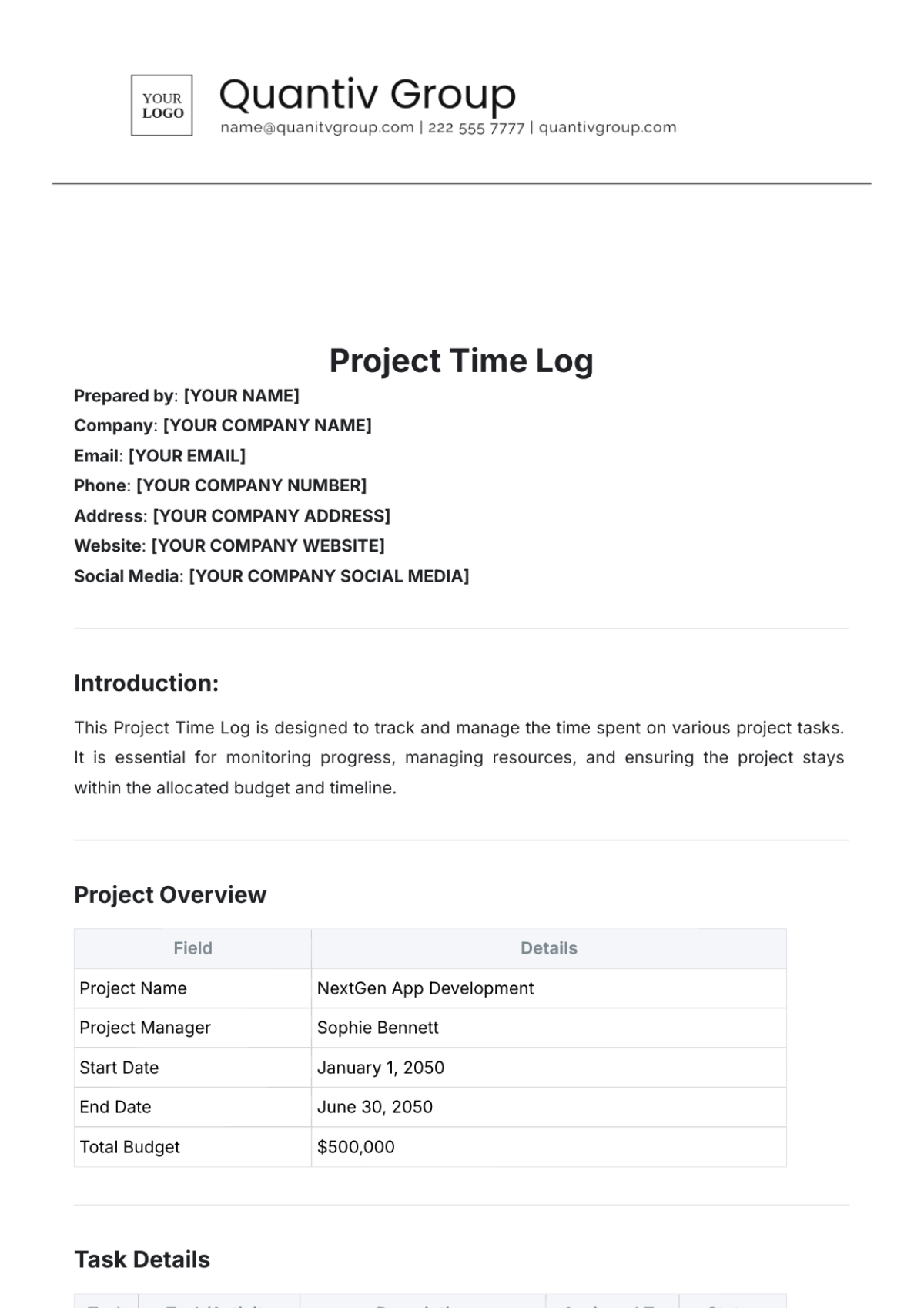
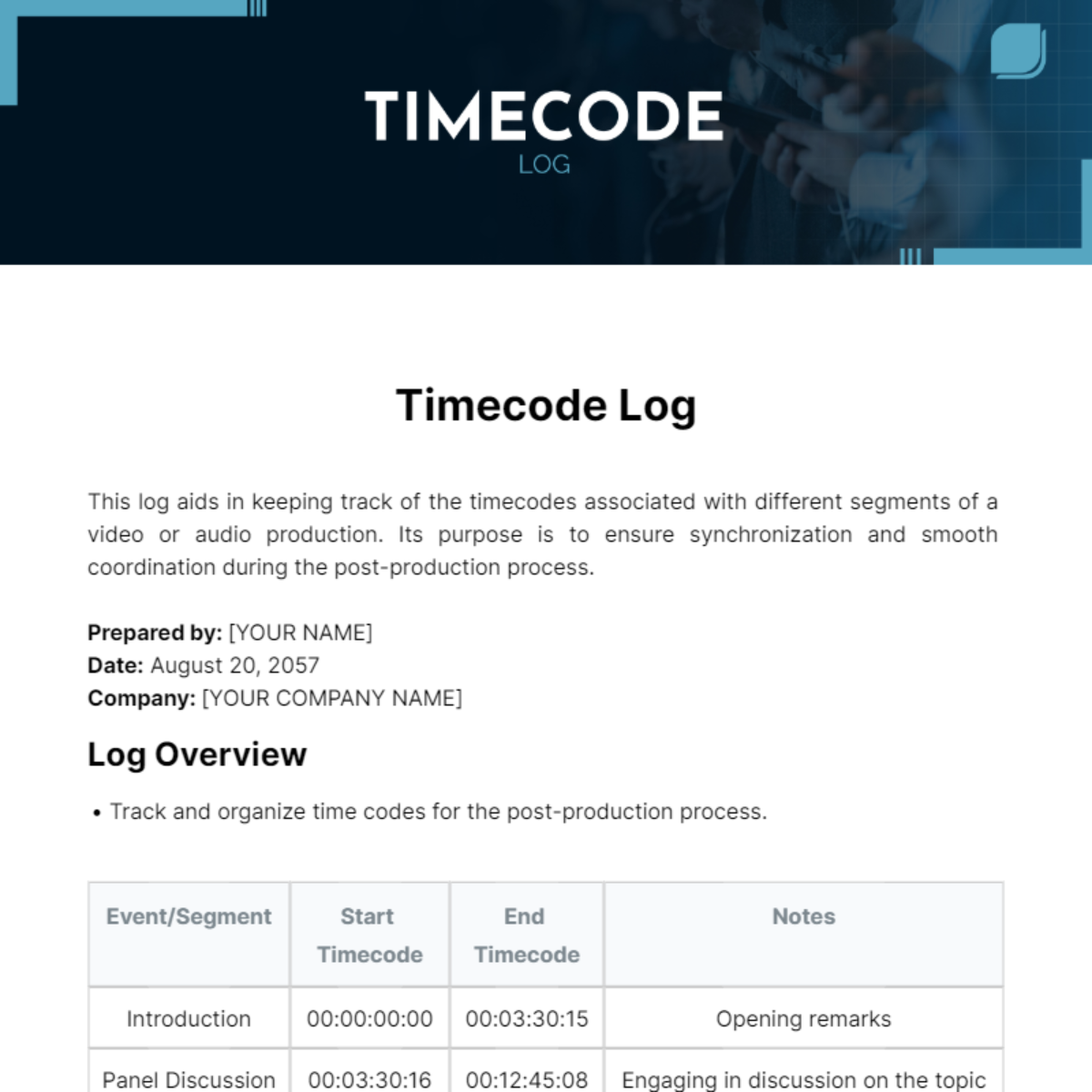
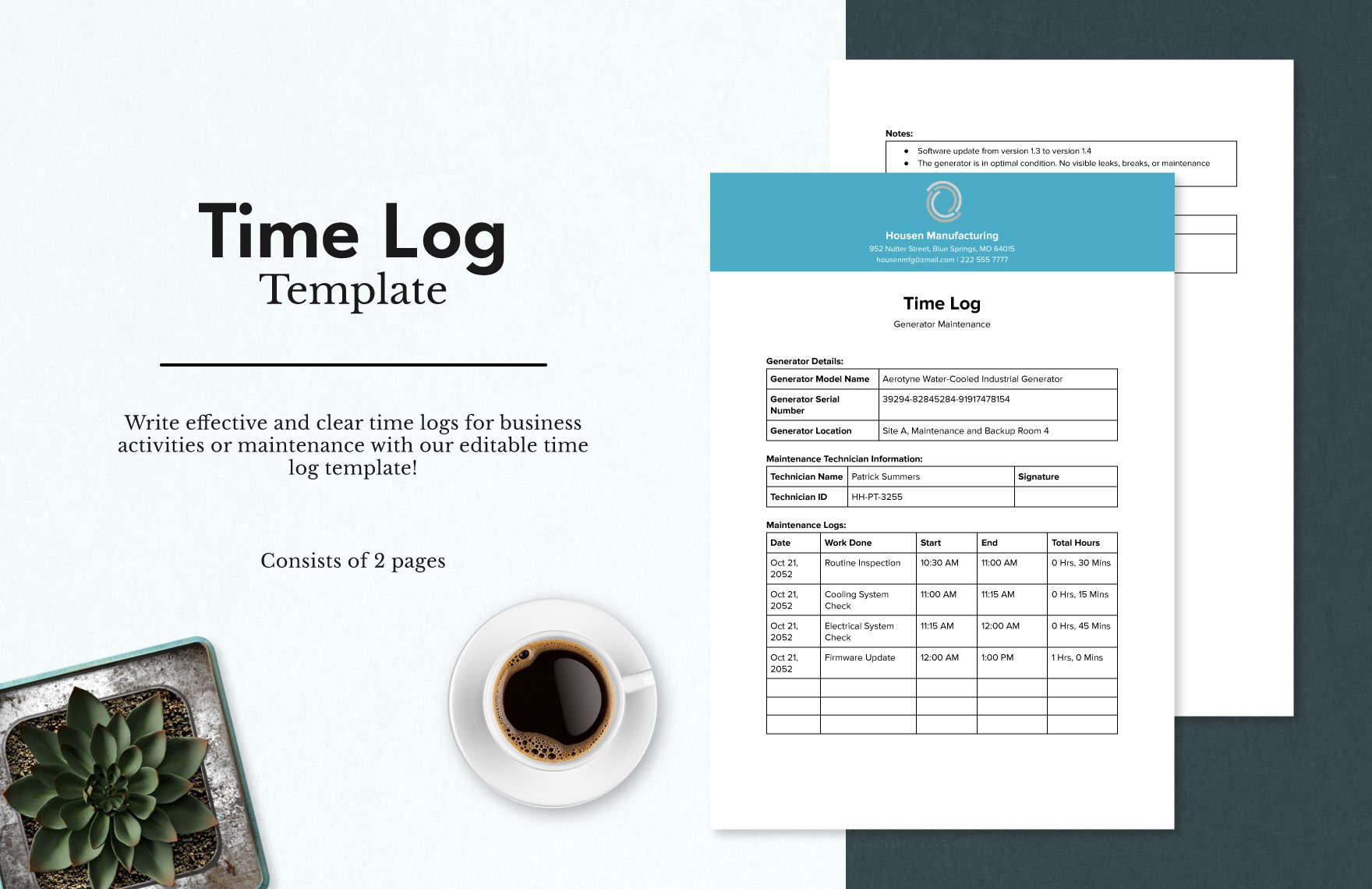
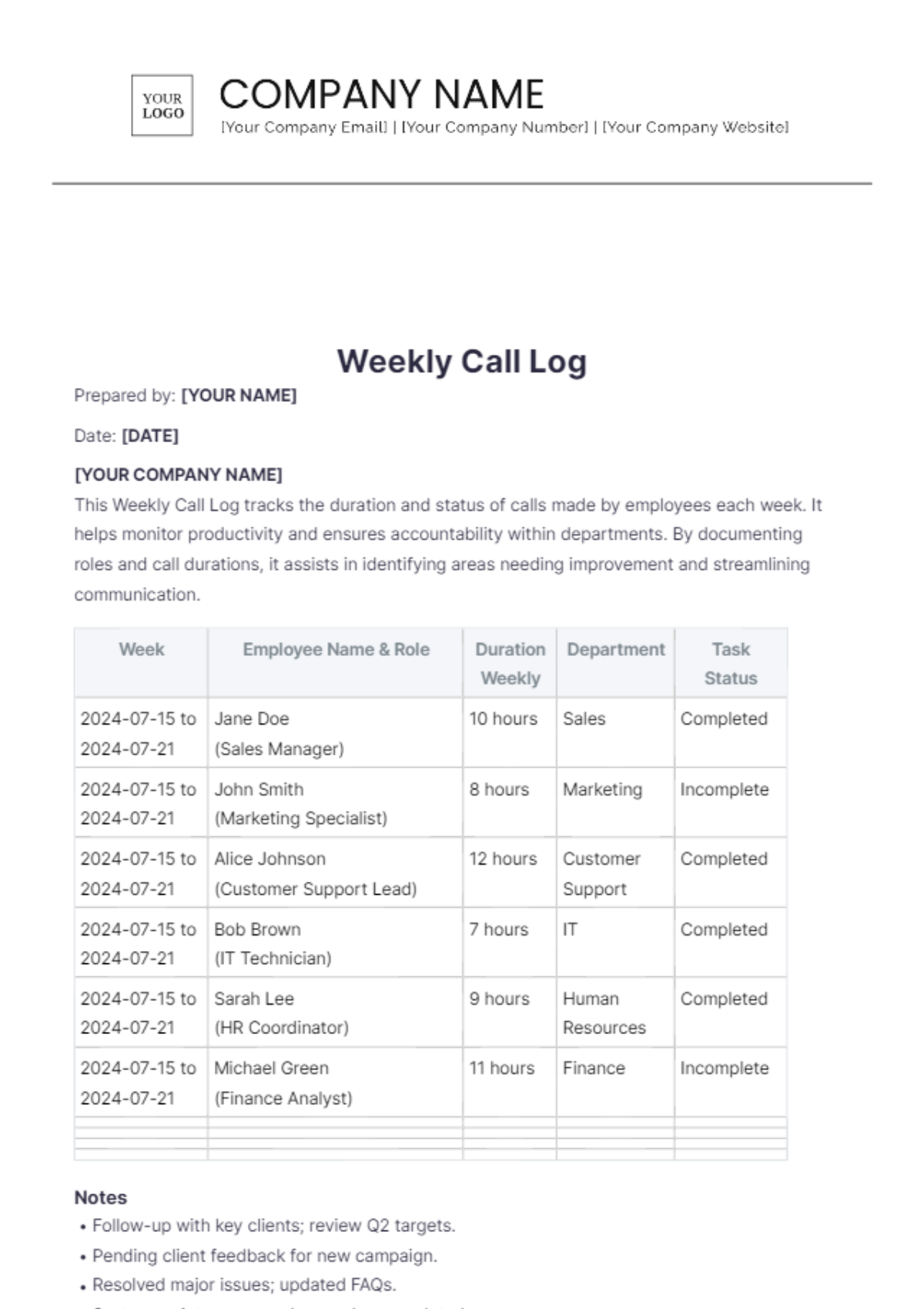
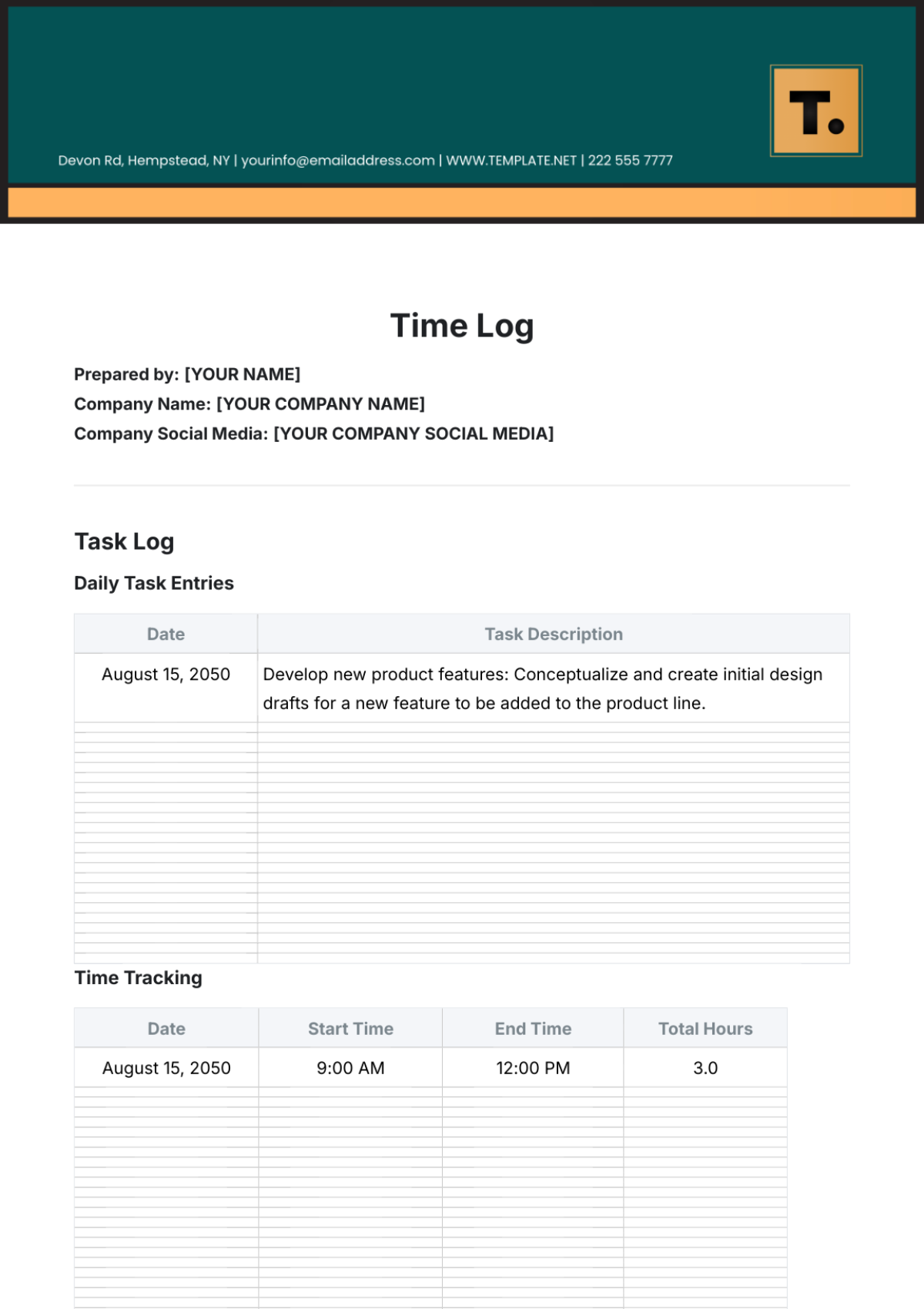
A time log is a structured document used to record and track the duration of tasks or activities over a period. Time log templates provide a clear, section-based layout for entries such as dates, start and end times, and descriptions. These templates help maintain professional formatting and easy online editing.
Why use a Time Log?
Using time logs helps improve task management by providing accurate records of time spent on activities. Time log templates promote structured formatting for better accountability and productivity. Template.net’s editable online templates enable fast customization and professional, print-ready output.
Who typically uses Time Logs?
Time logs are commonly used by freelancers, project managers, employees, and businesses to track working hours and project progress. These users benefit from structured, professional layouts in time log templates that support easy online editing and clear reporting for compliance and billing.
What sections should a Time Log include?
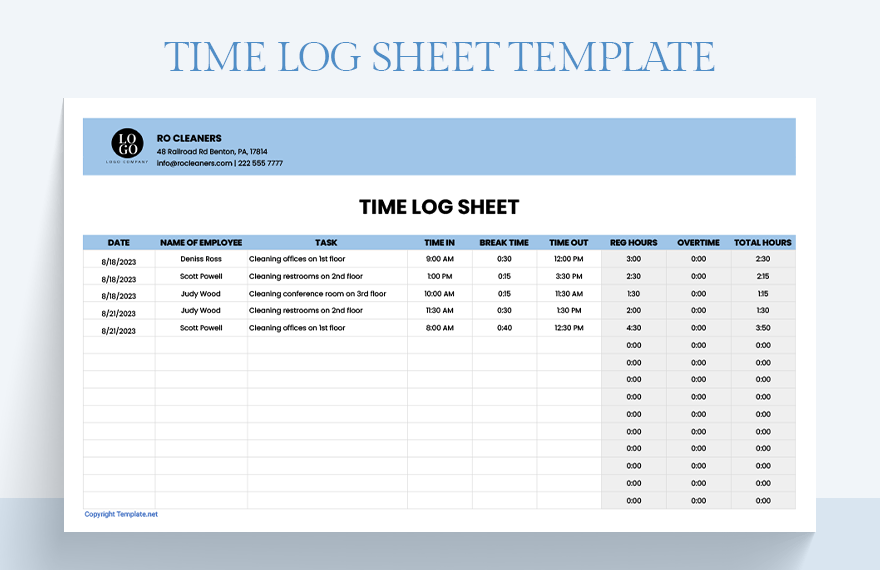
A comprehensive time log should include sections such as date, task description, start time, end time, and total hours. Time log templates from Template.net feature these essential sections with structured formatting for clarity and professional presentation.
What are the best tips for formatting a Time Log?
Effective time log formatting includes using clear headers, consistent time formats, and sectioned layouts that separate dates, tasks, and hours. Template.net’s time log templates ensure business-ready designs optimized for online editing and easy printing.
How do you print a Time Log?
To print a time log, use Template.net’s online editor to customize the document, then export it as a print-ready PDF. This ensures the document retains its professional layout and structured formatting, suitable for physical distribution or record keeping.
Is a Time Log legally and professionally acceptable?
Time logs created using Template.net templates comply with professional standards and, when accurately maintained, meet legal and business requirements for time tracking. The templates offer a compliance-friendly presentation with clear, structured sections for reliable record keeping.
What file formats can I download for a Time Log?
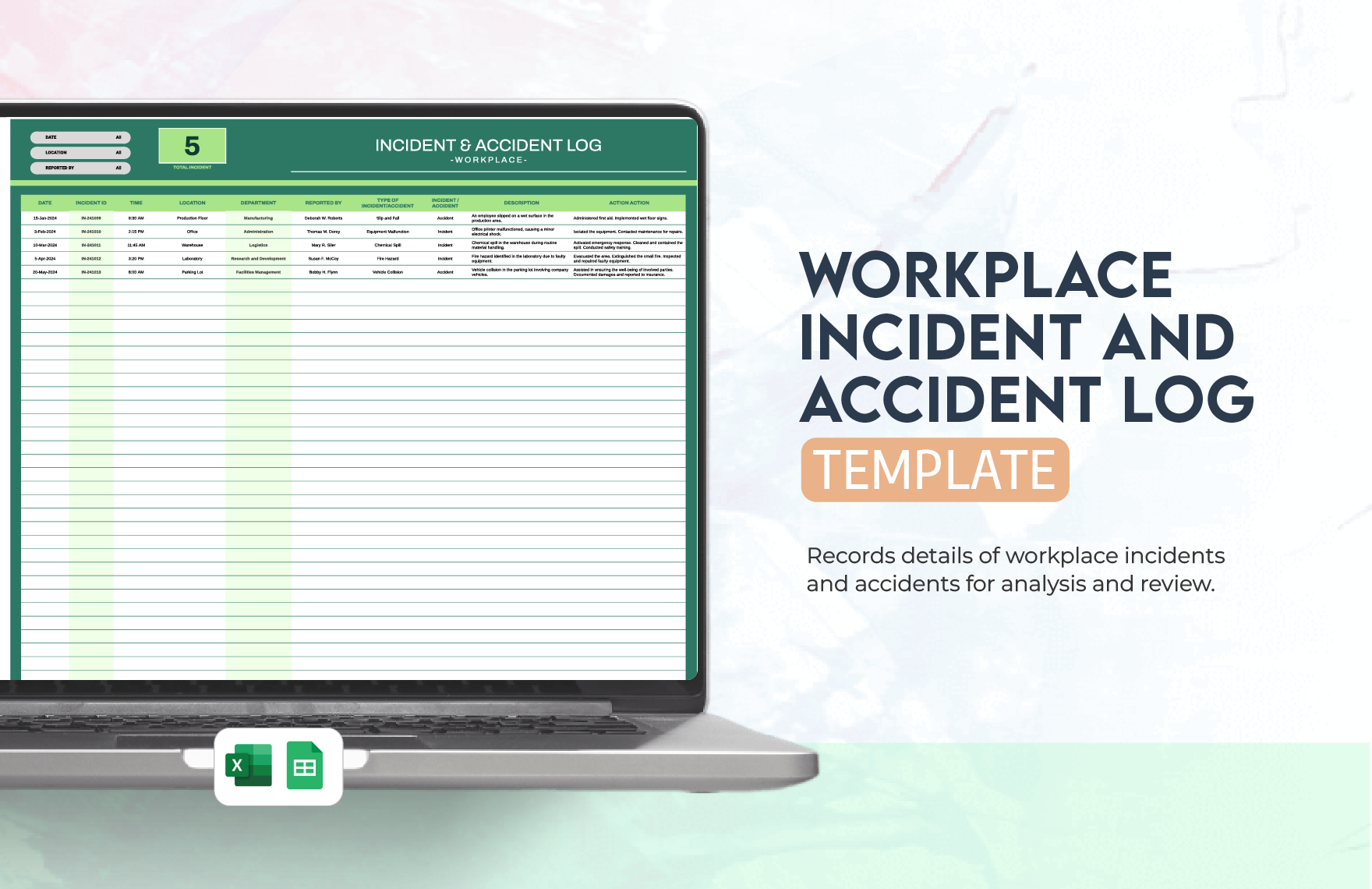
Template.net time log templates support multiple export formats for editing and printing, including Google Sheets. These formats ensure flexible use across platforms with preserved structured formatting and print-ready layouts.
Can I create a new Time Log using AI?
Template.net provides an AI-powered tool that generates structured time log documents from prompts in 3–10 seconds. These AI-generated logs are ready for online refinement and multi-format export for fast, professional results. Try the Log Generator.
