
Free Change Log Templates

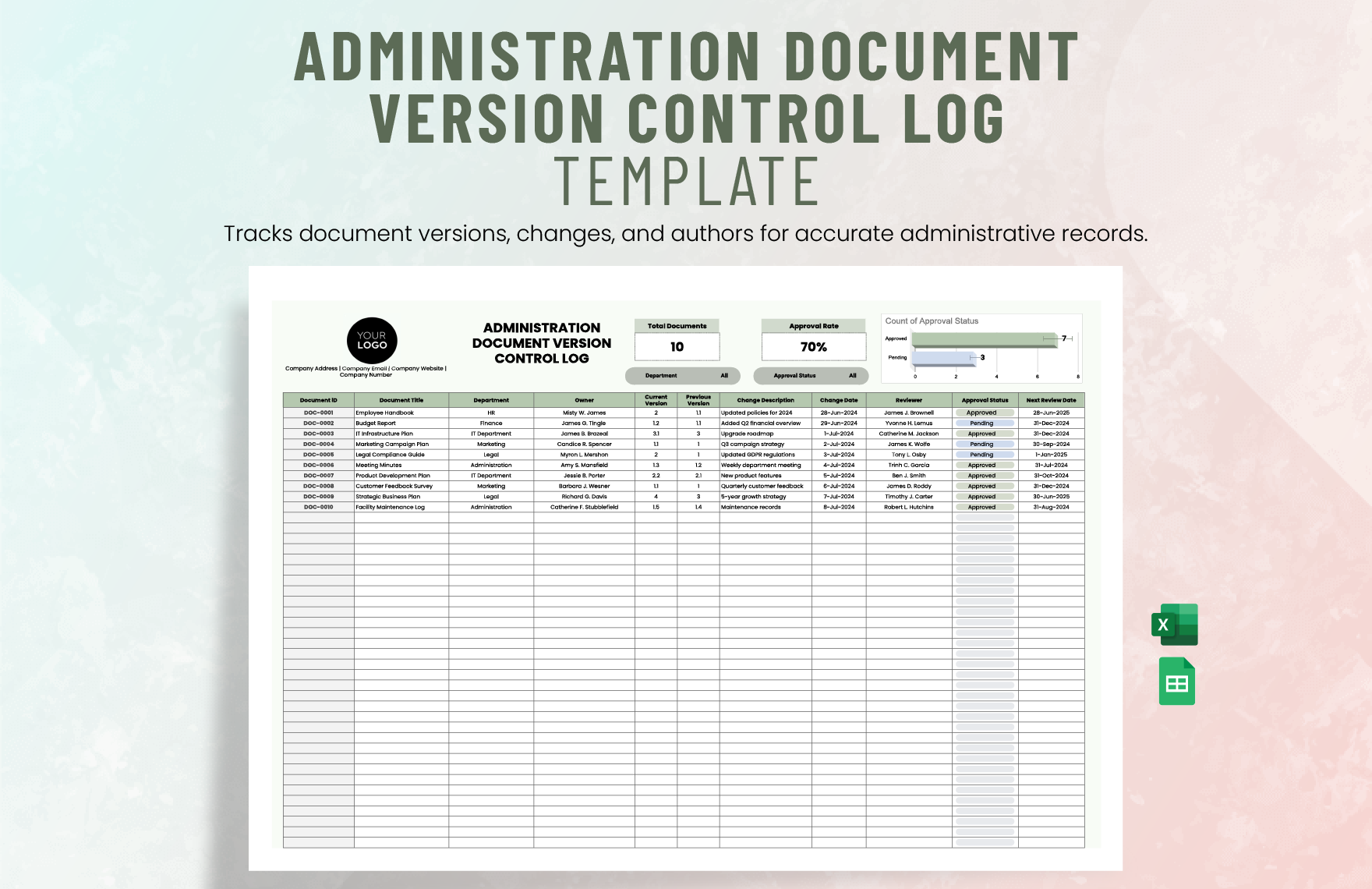
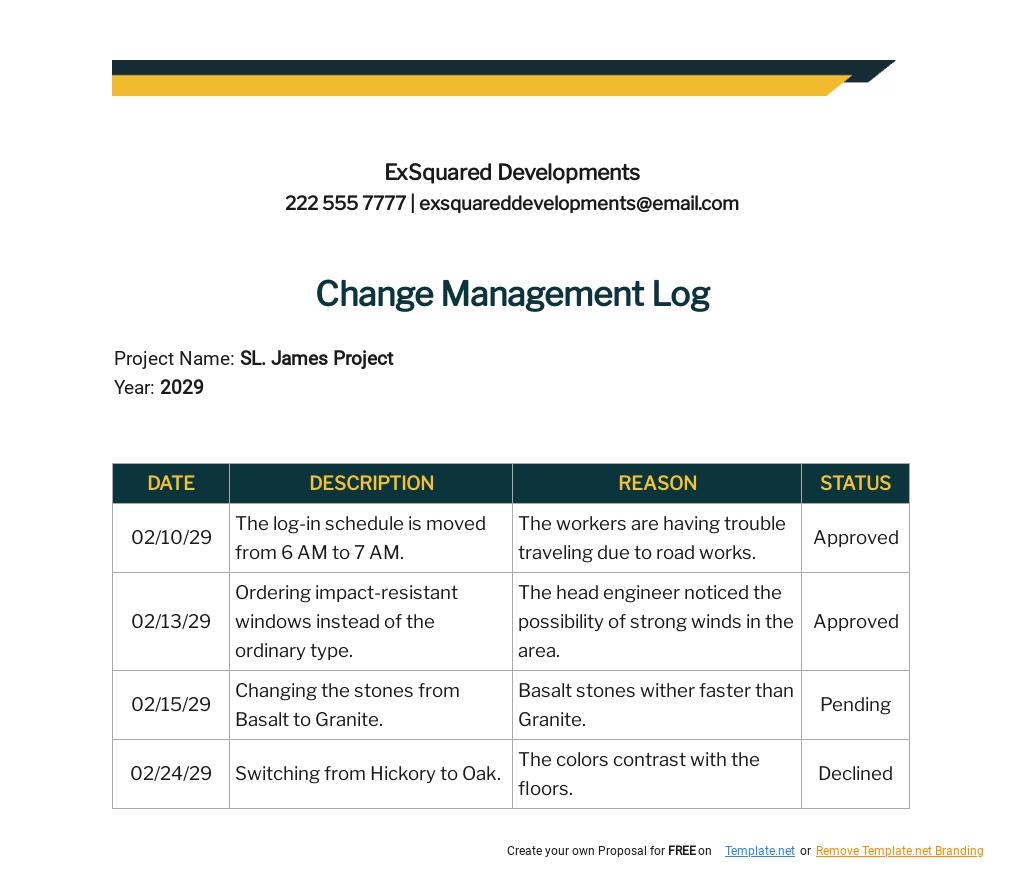

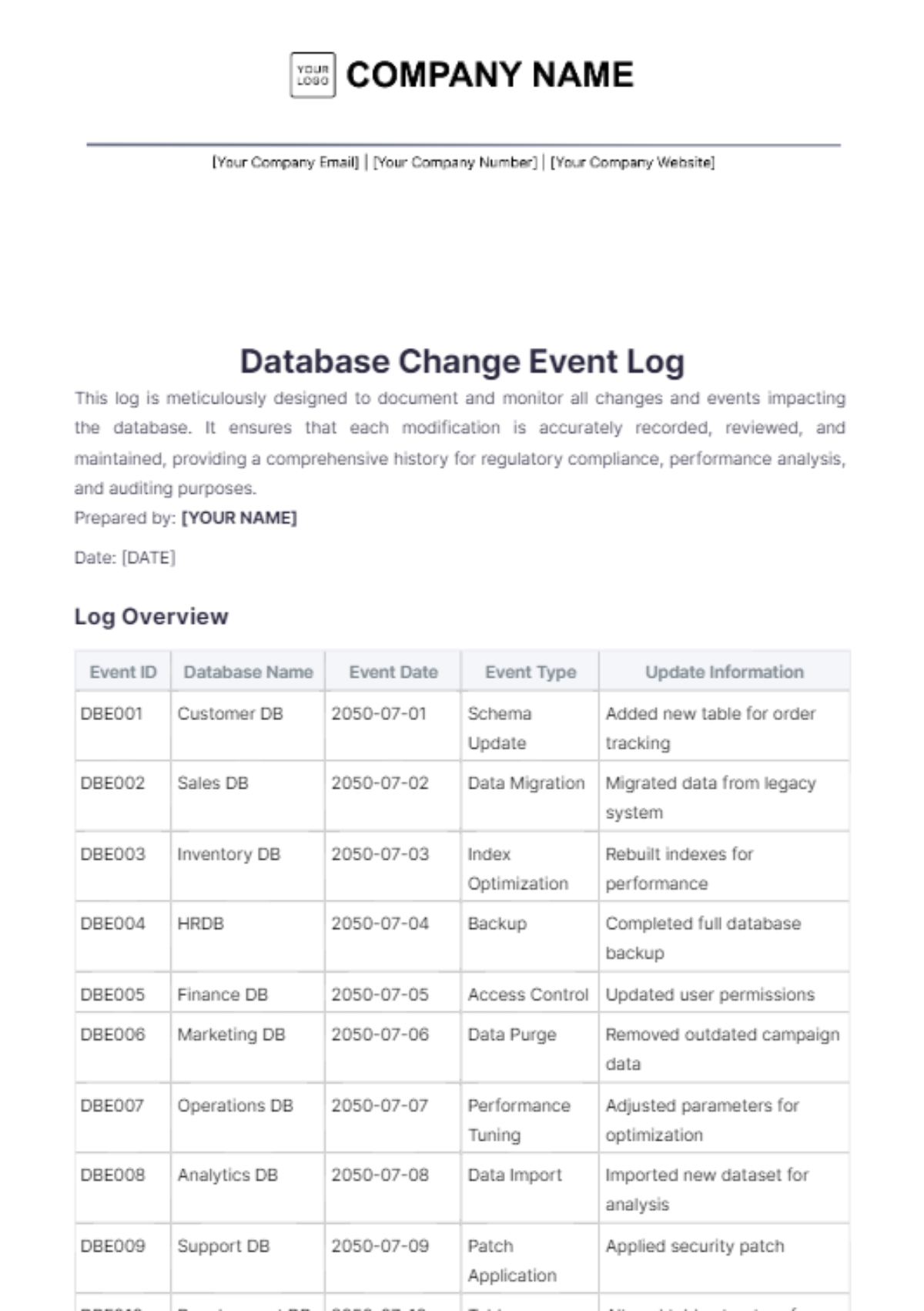
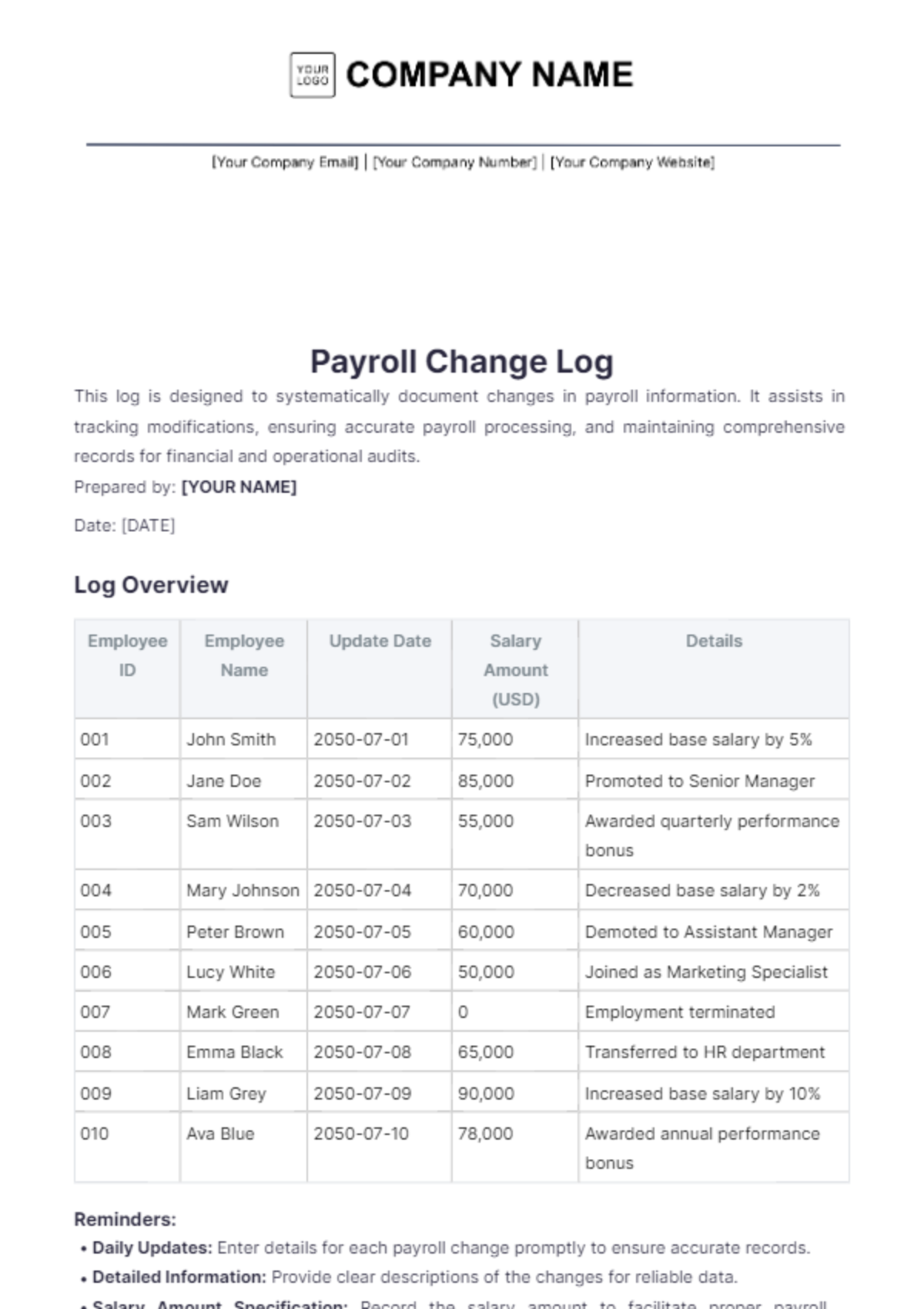
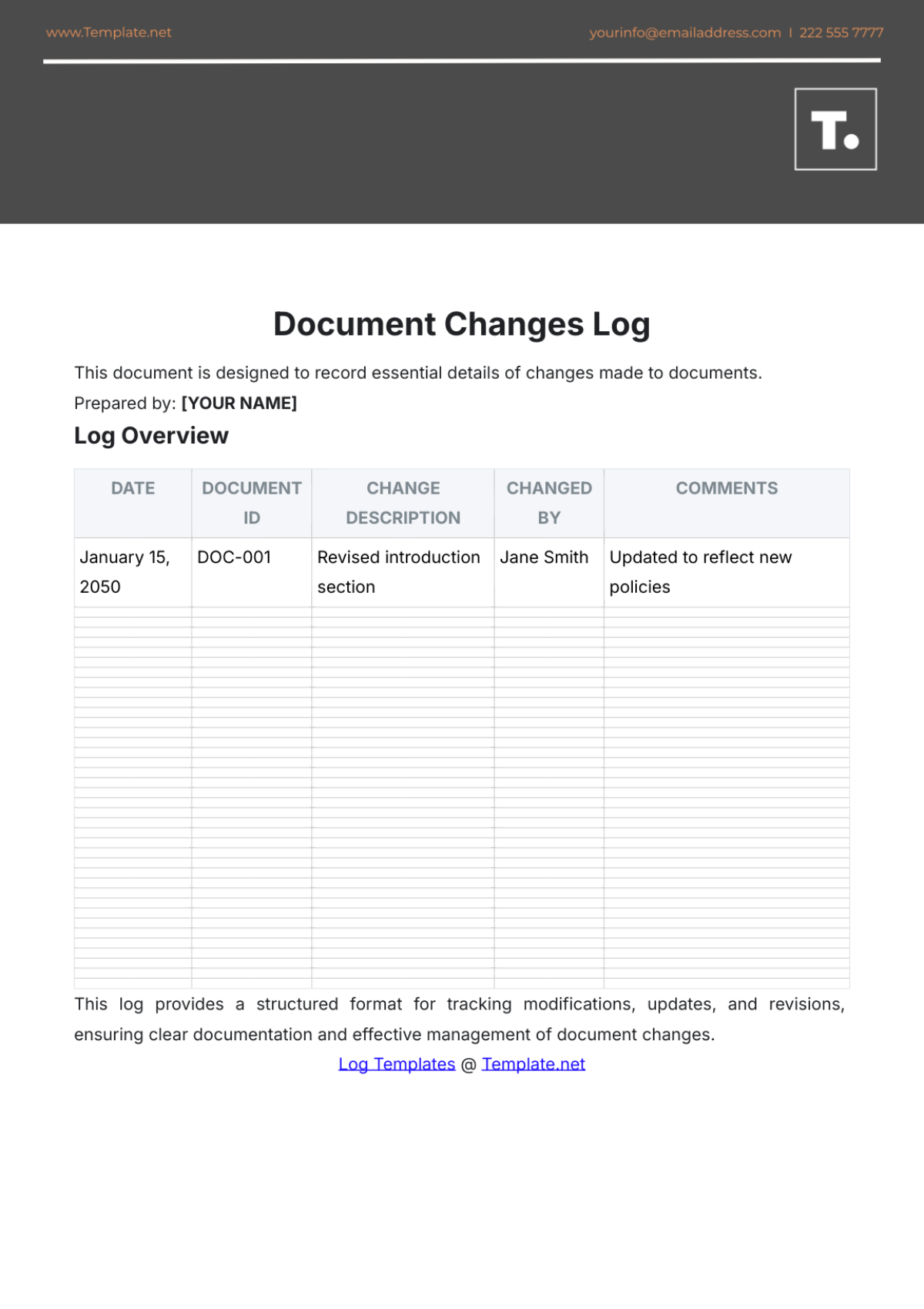
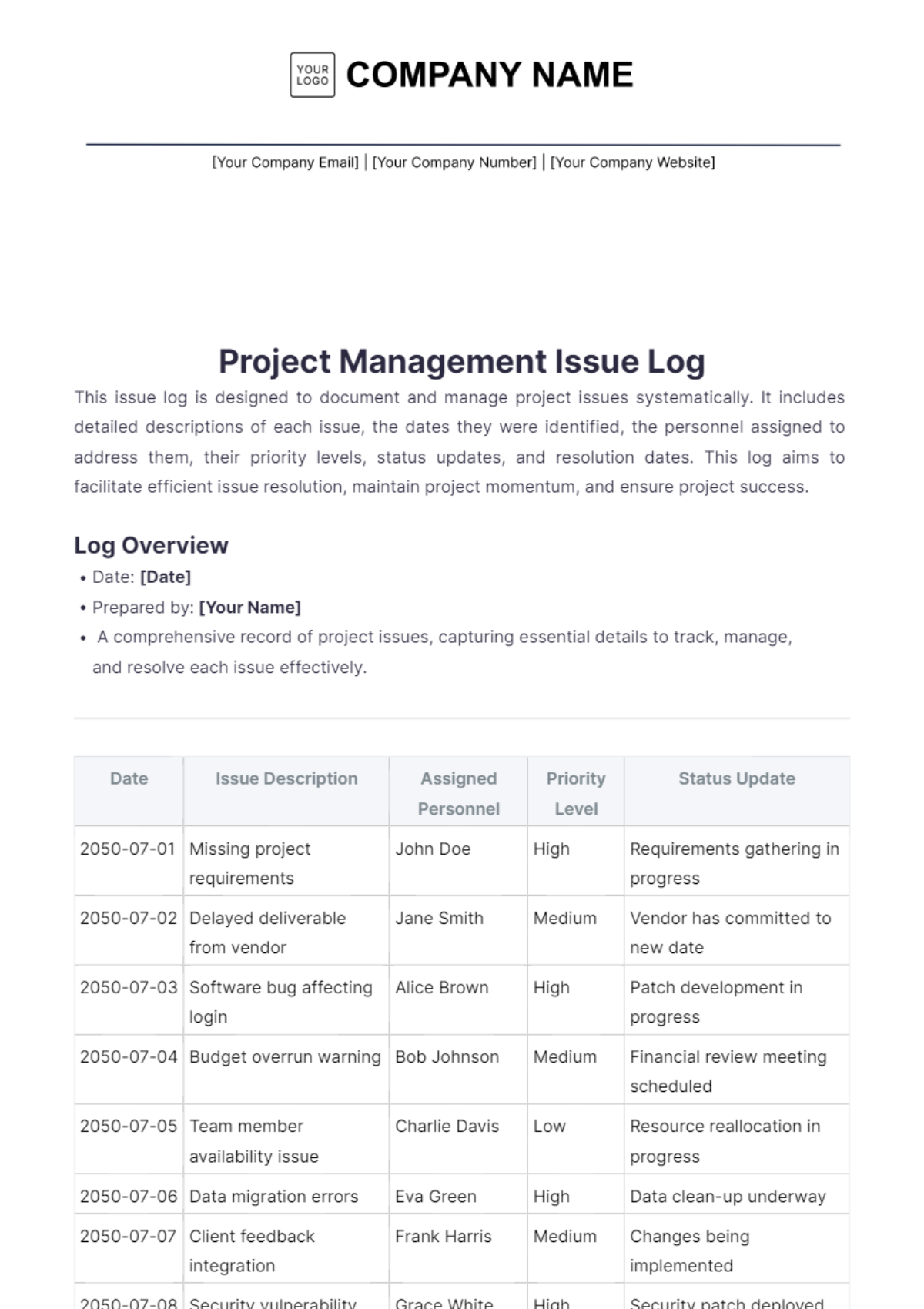
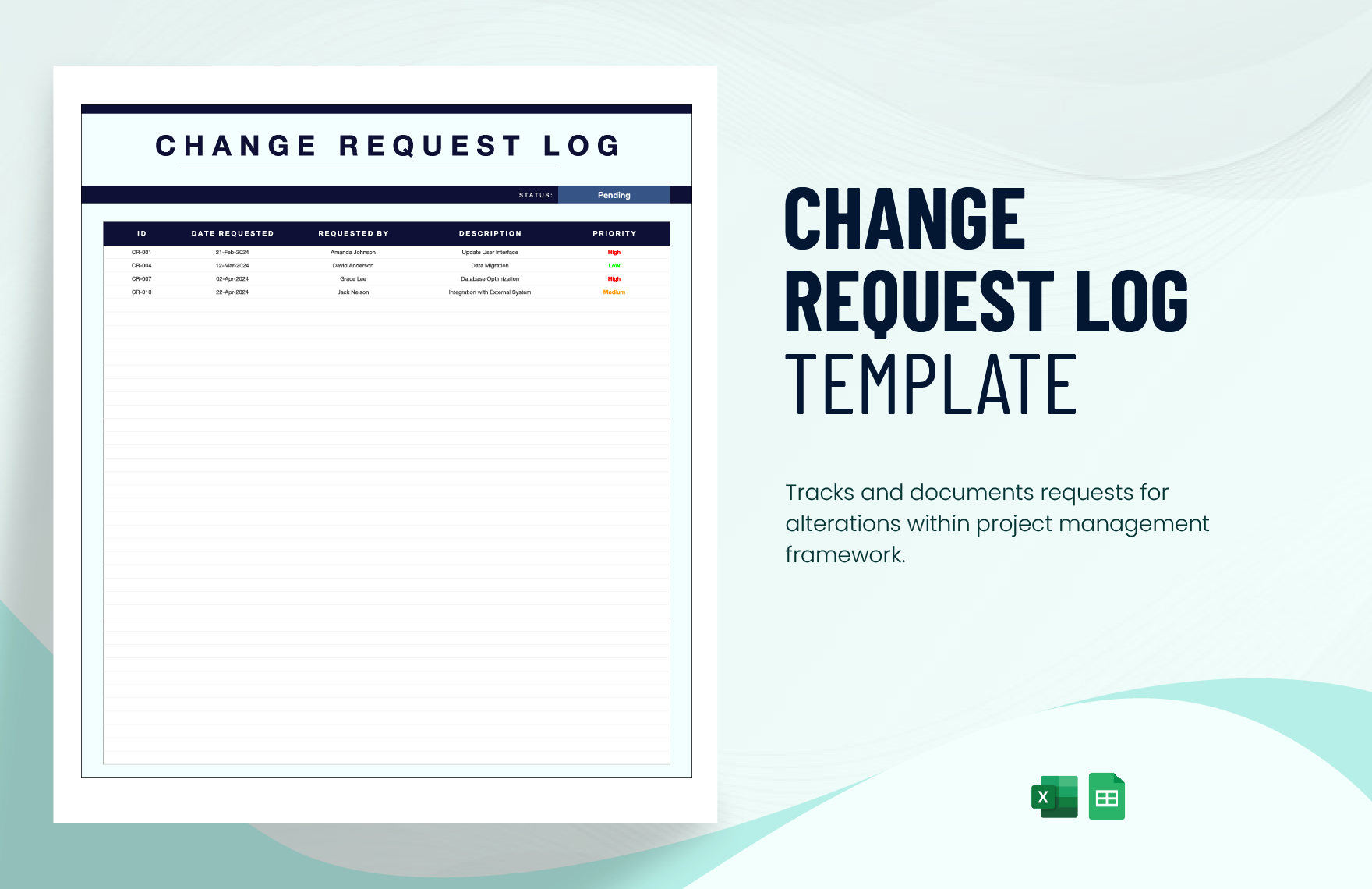
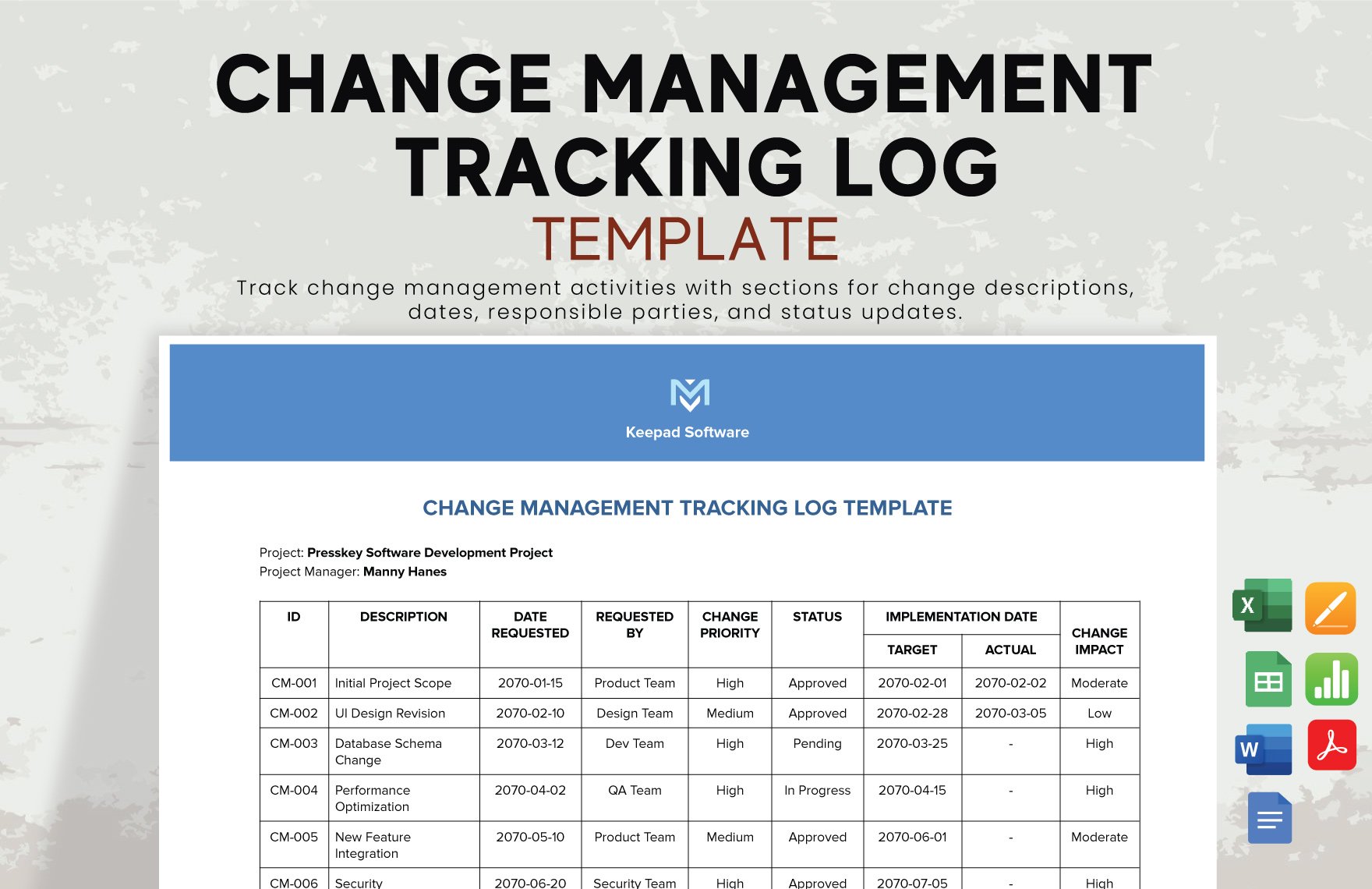
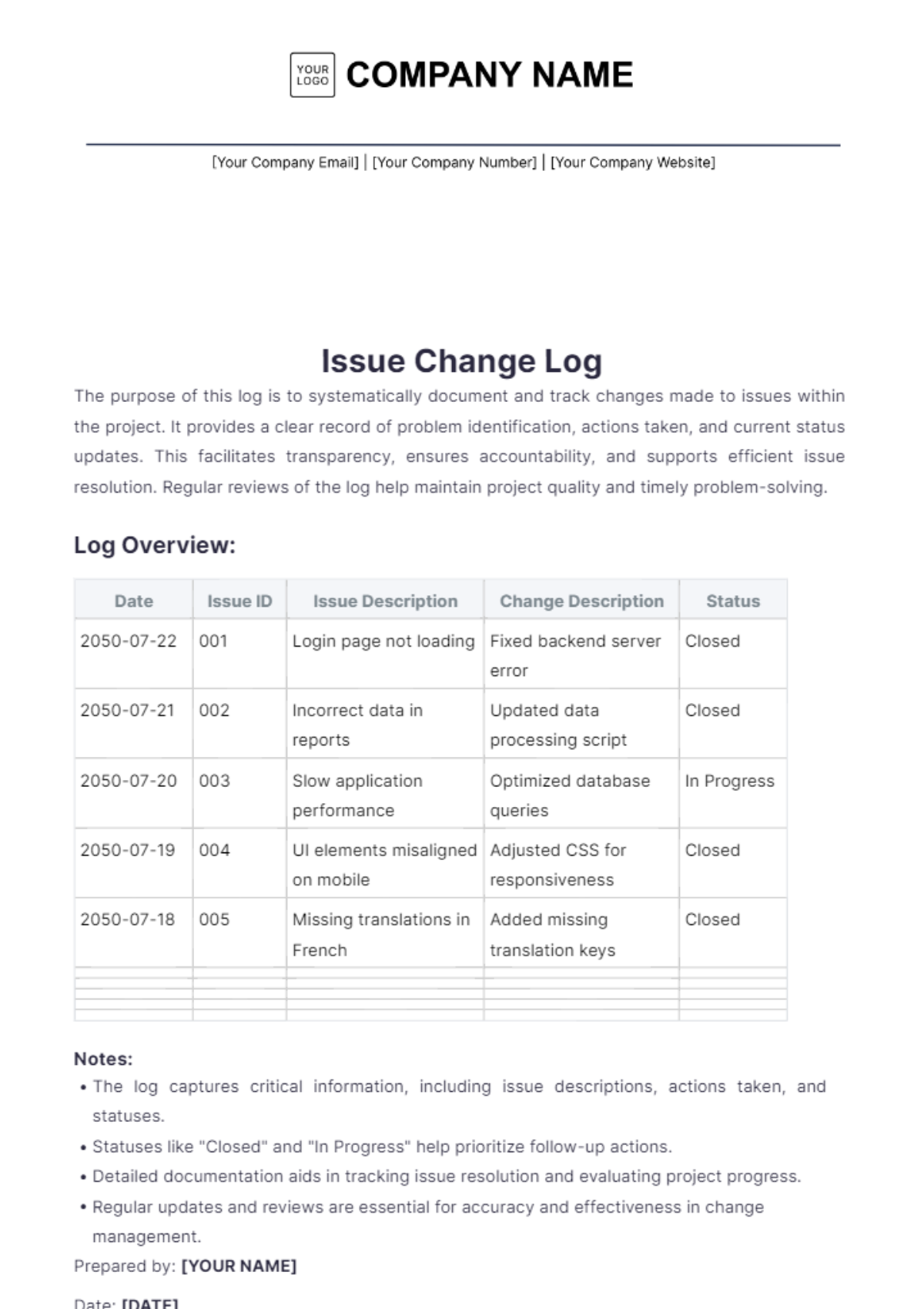
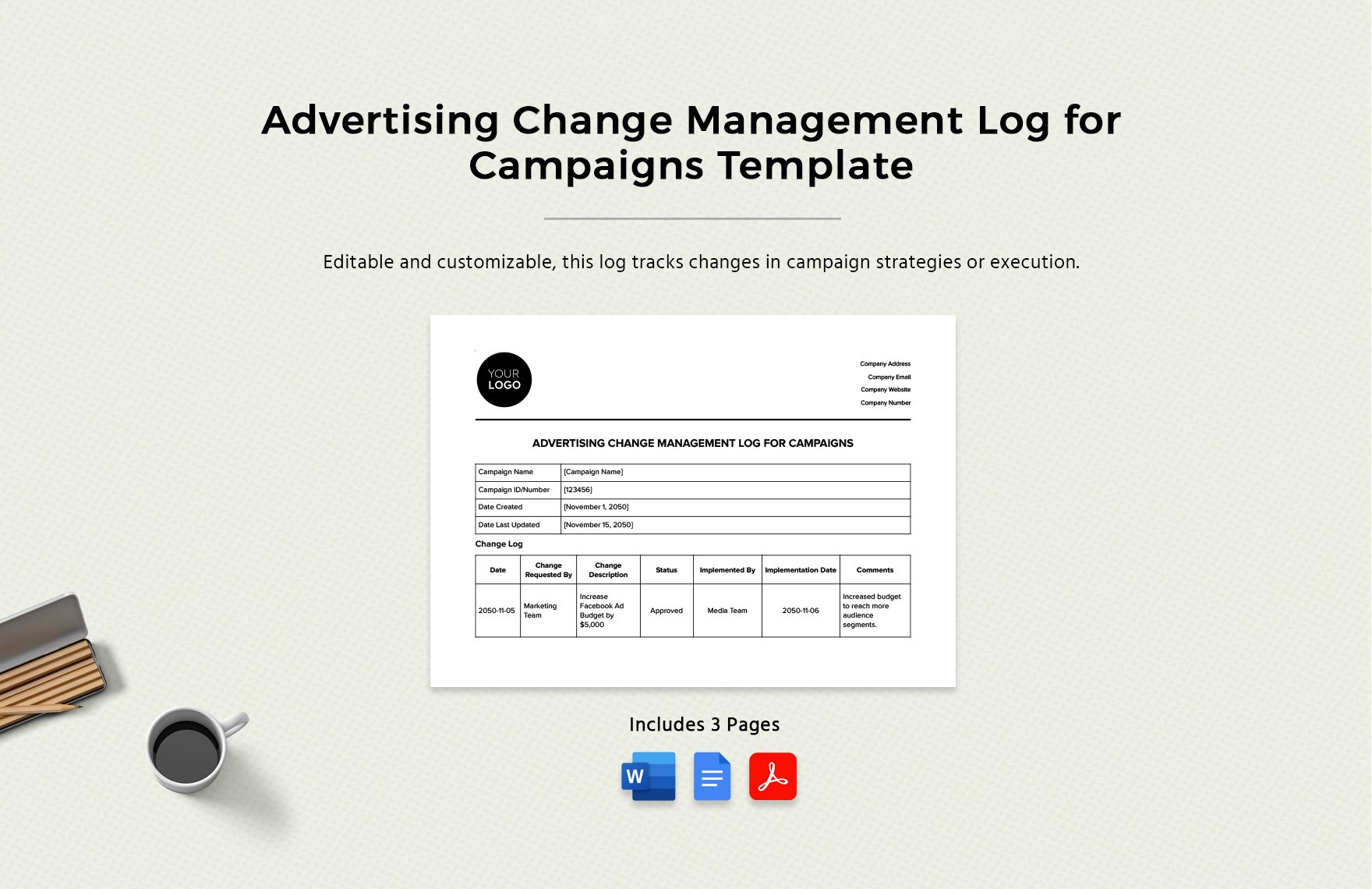
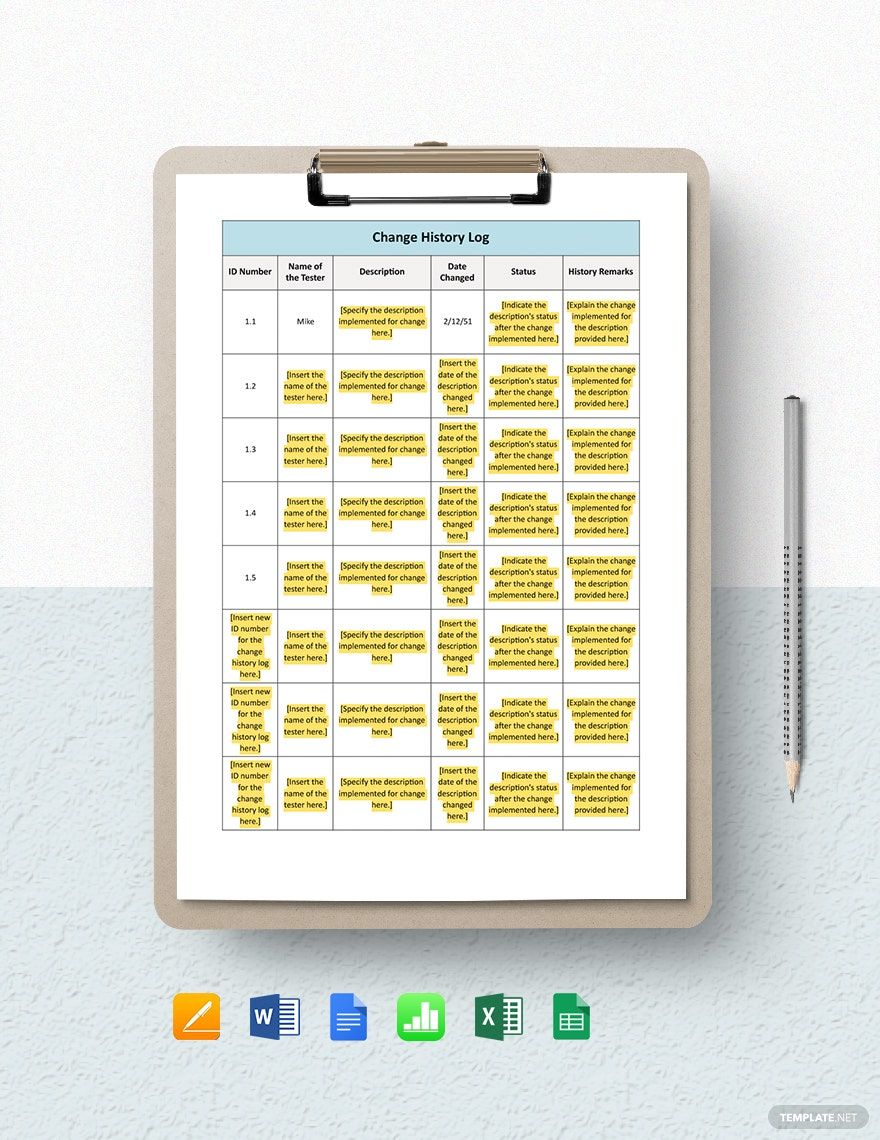
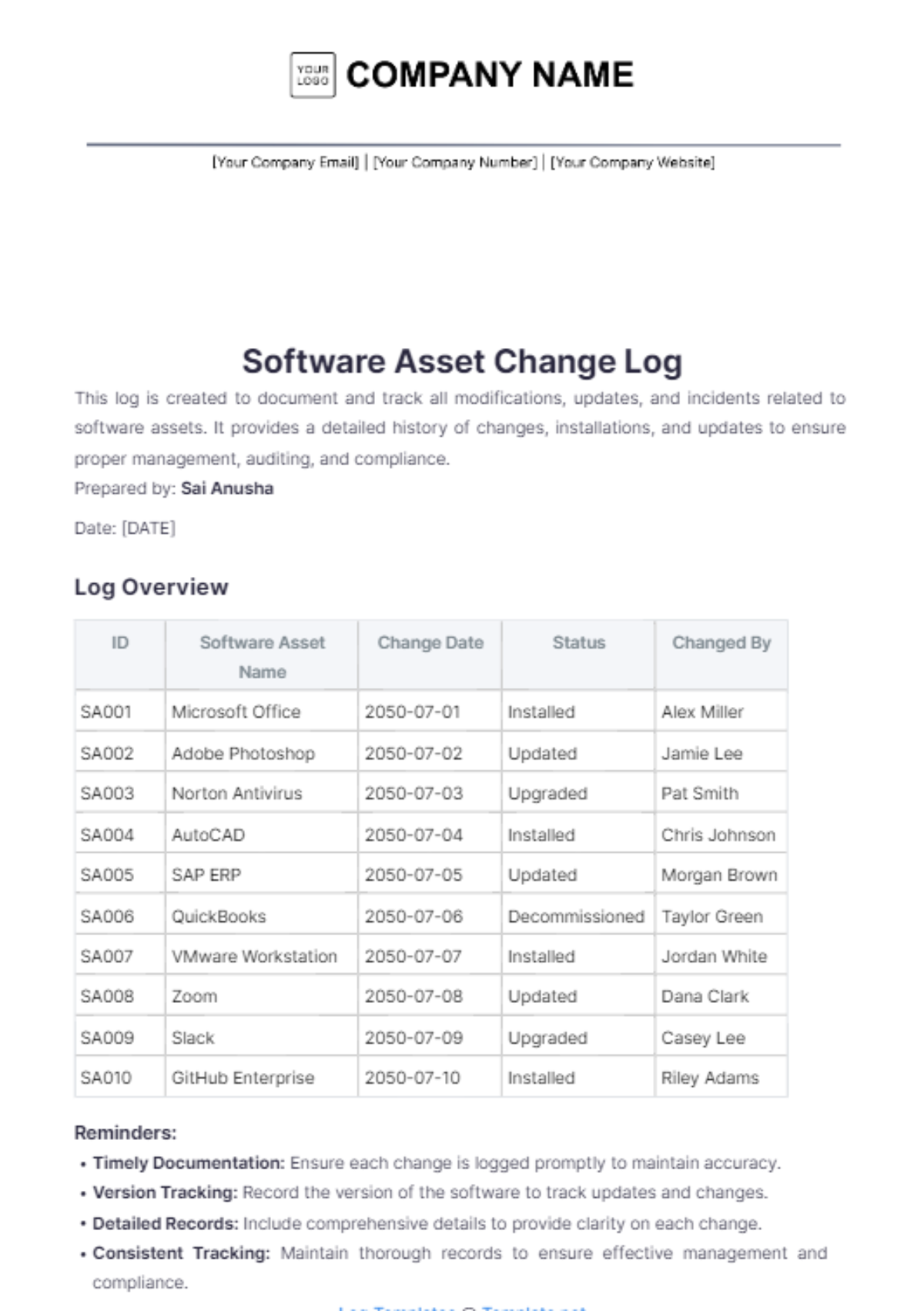
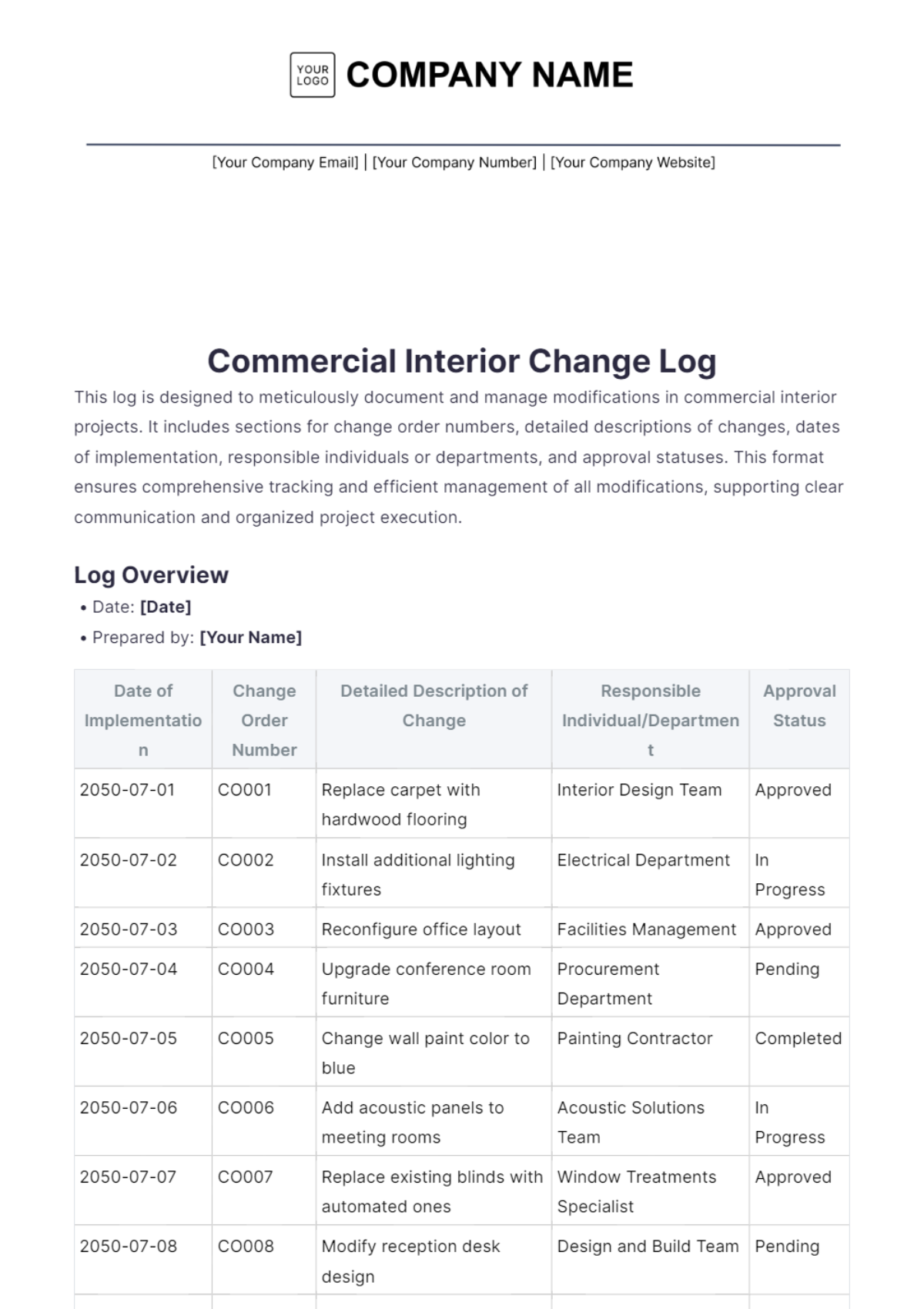
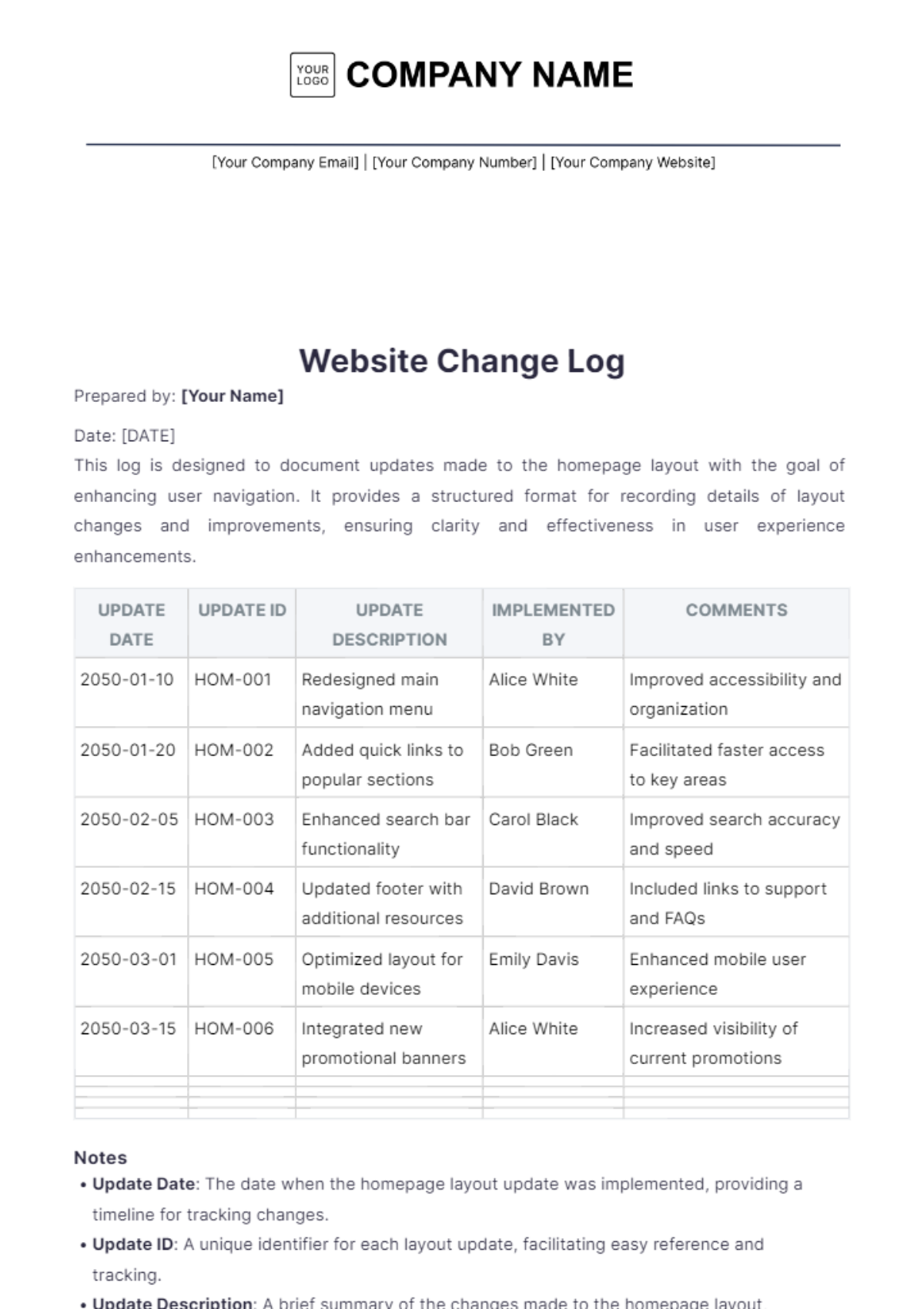
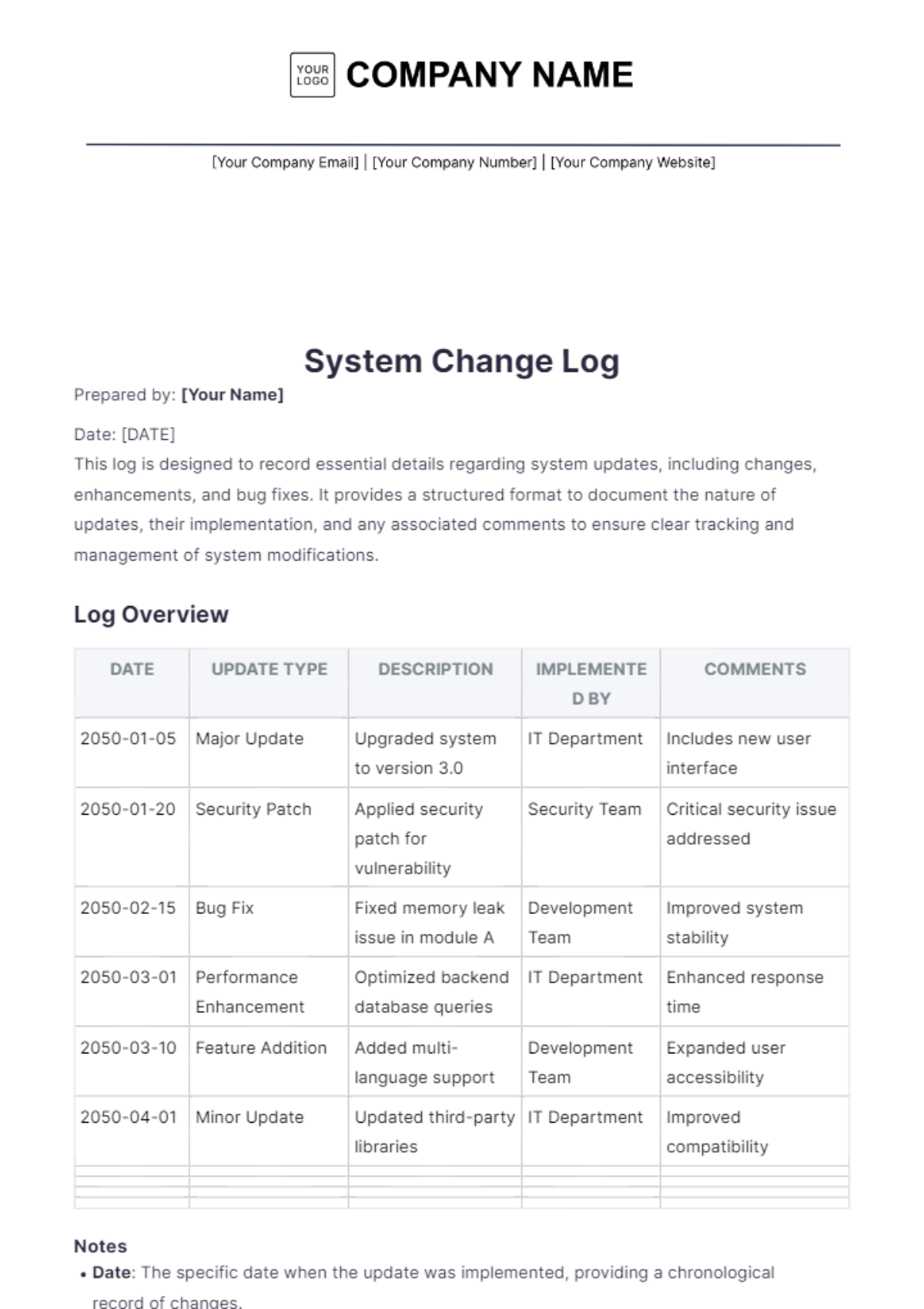
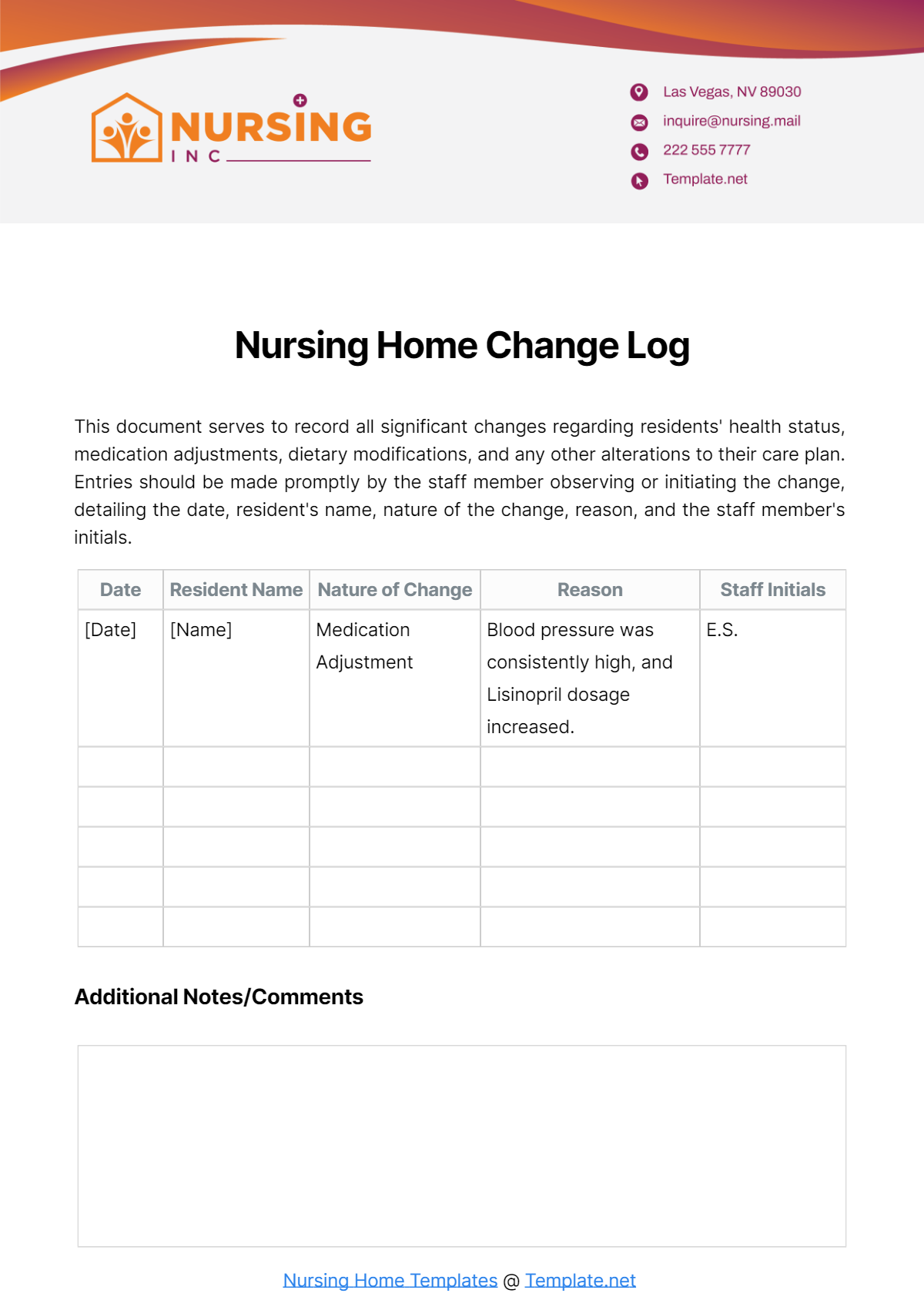
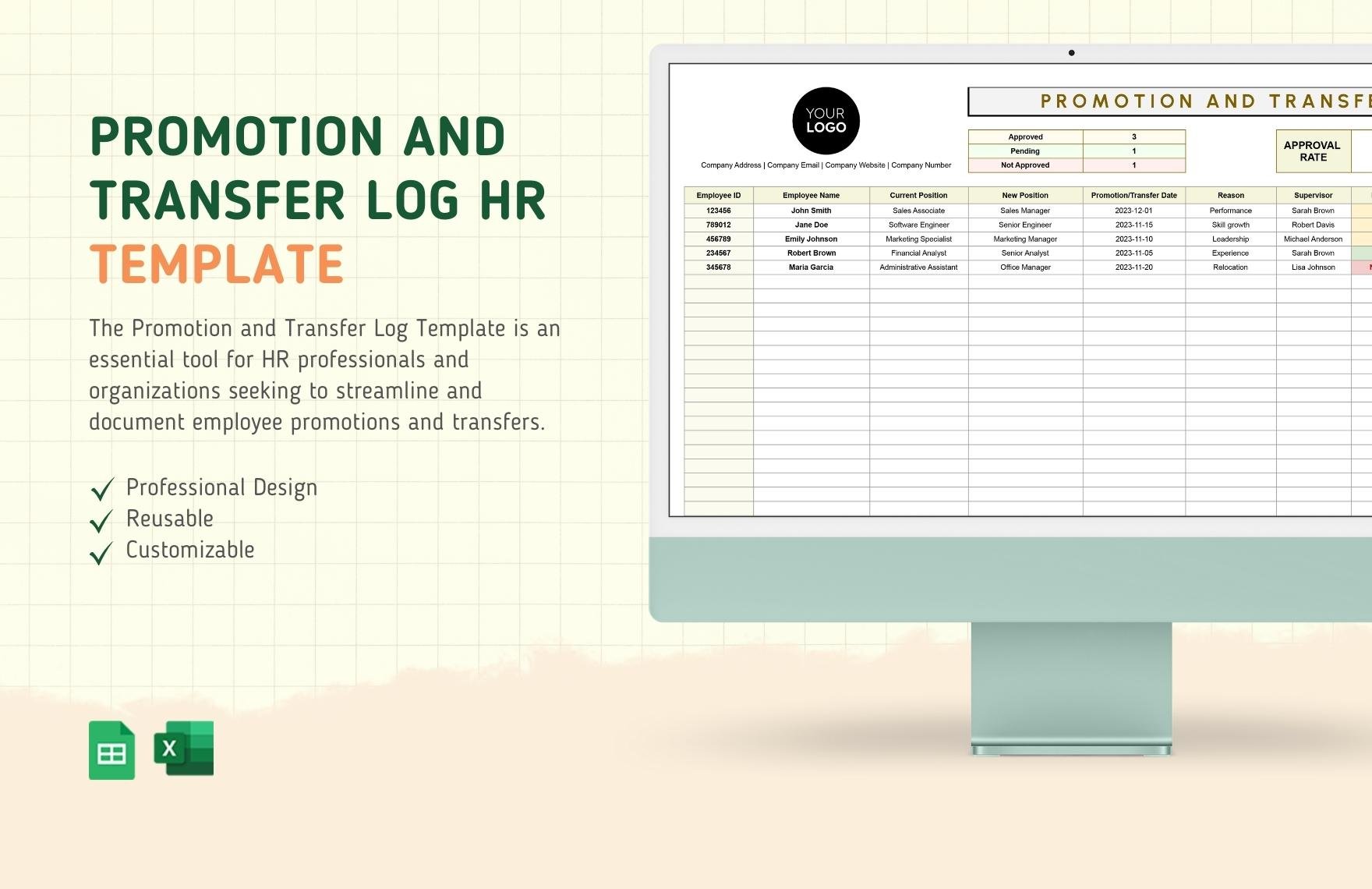
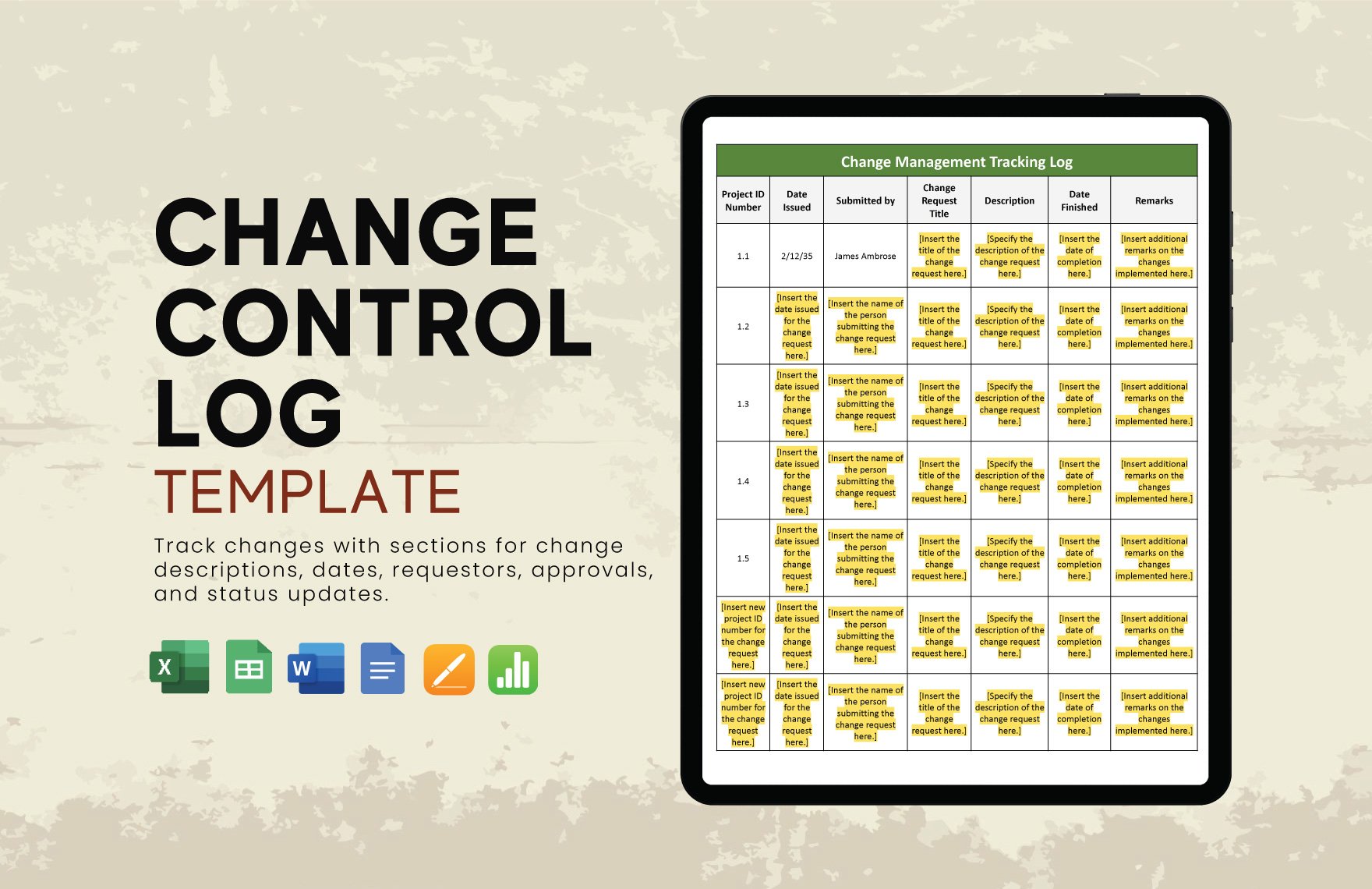
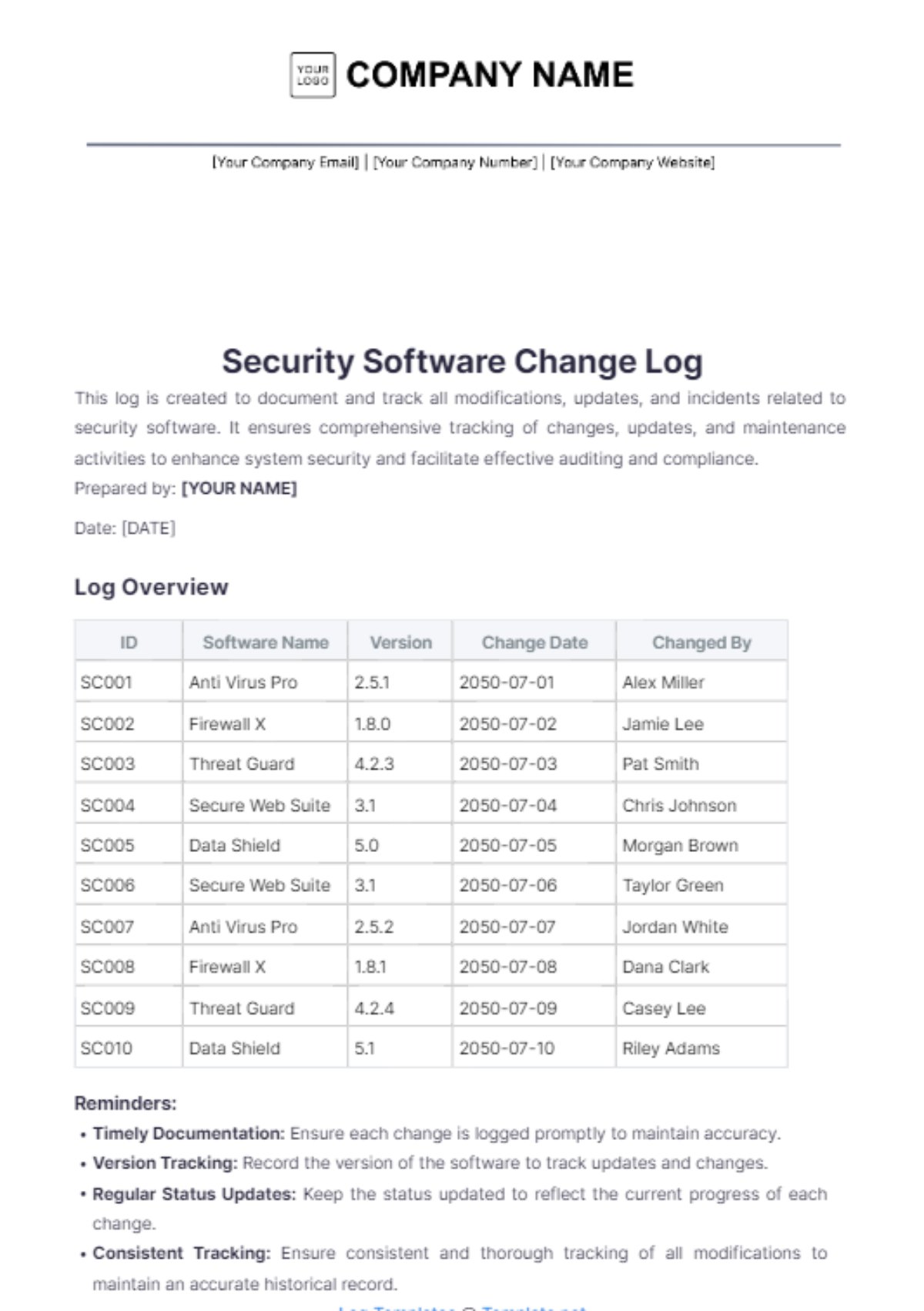
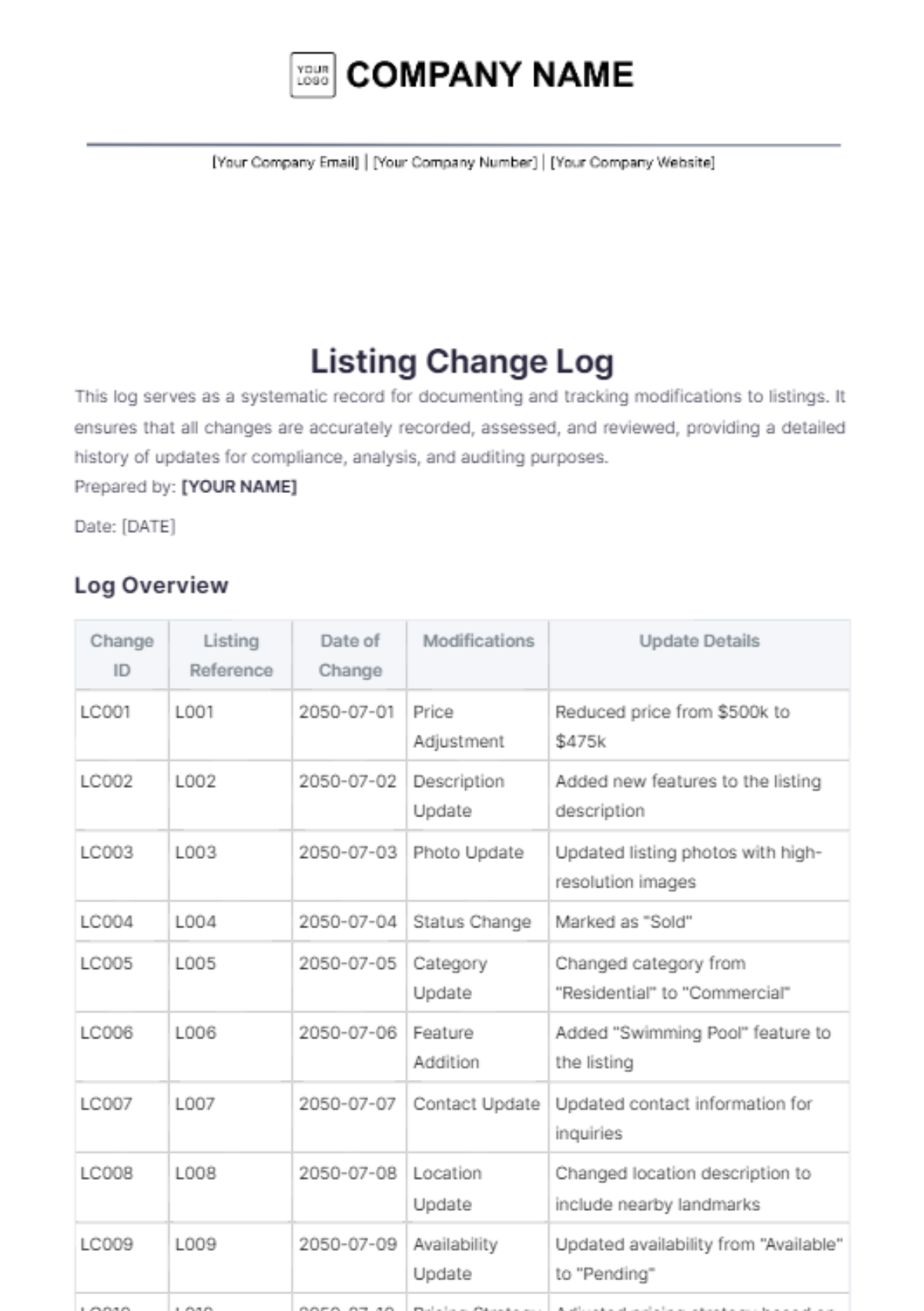
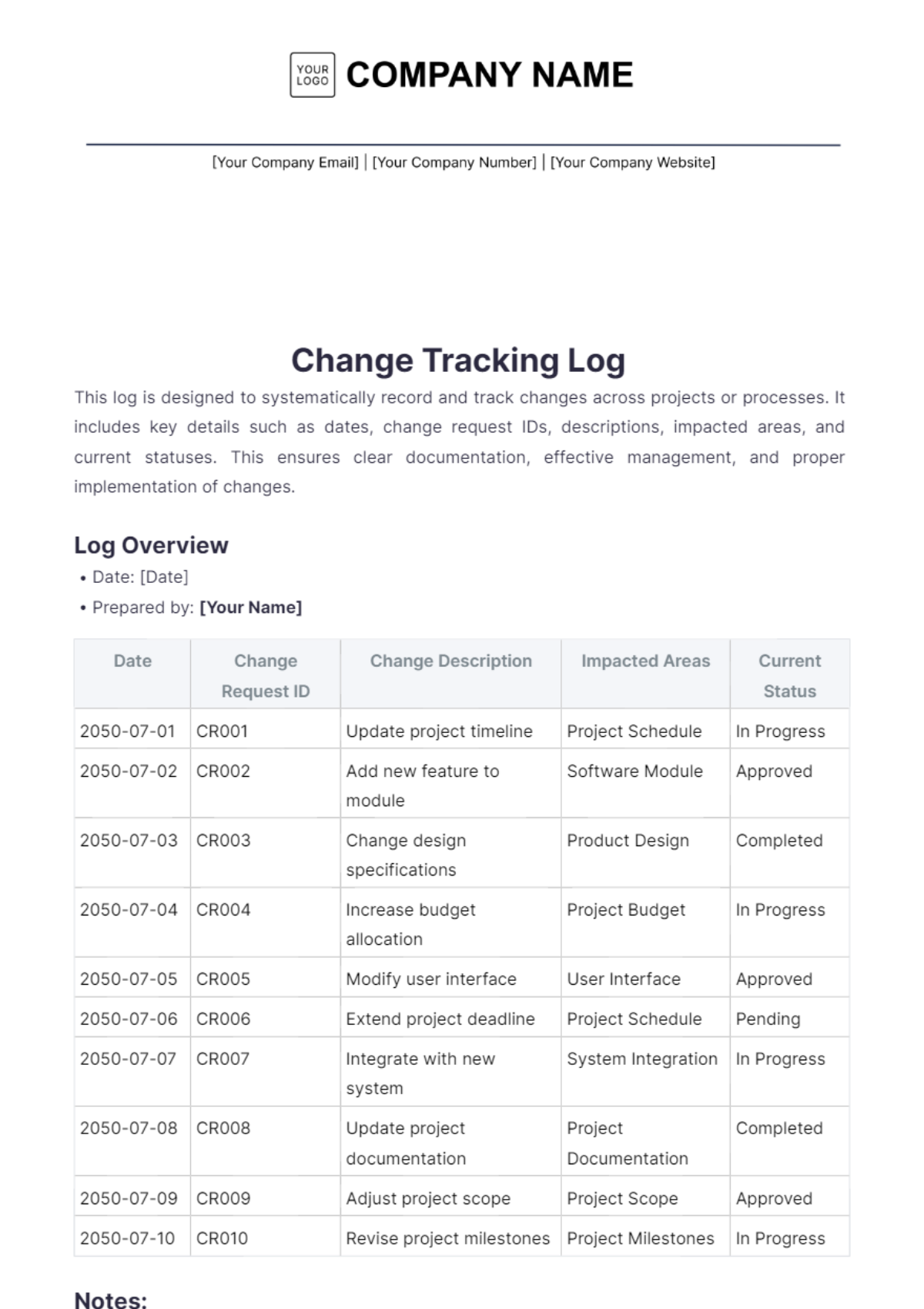
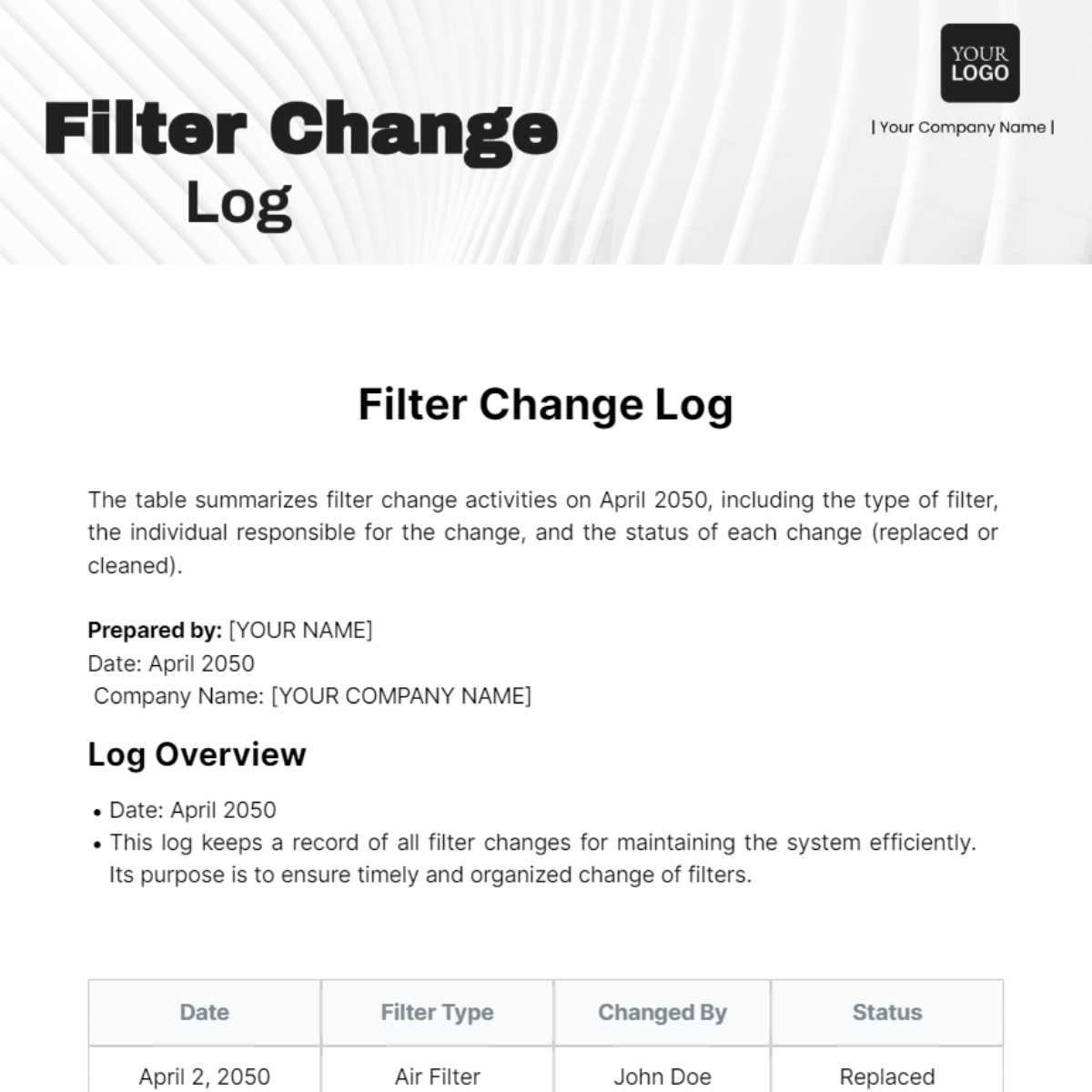
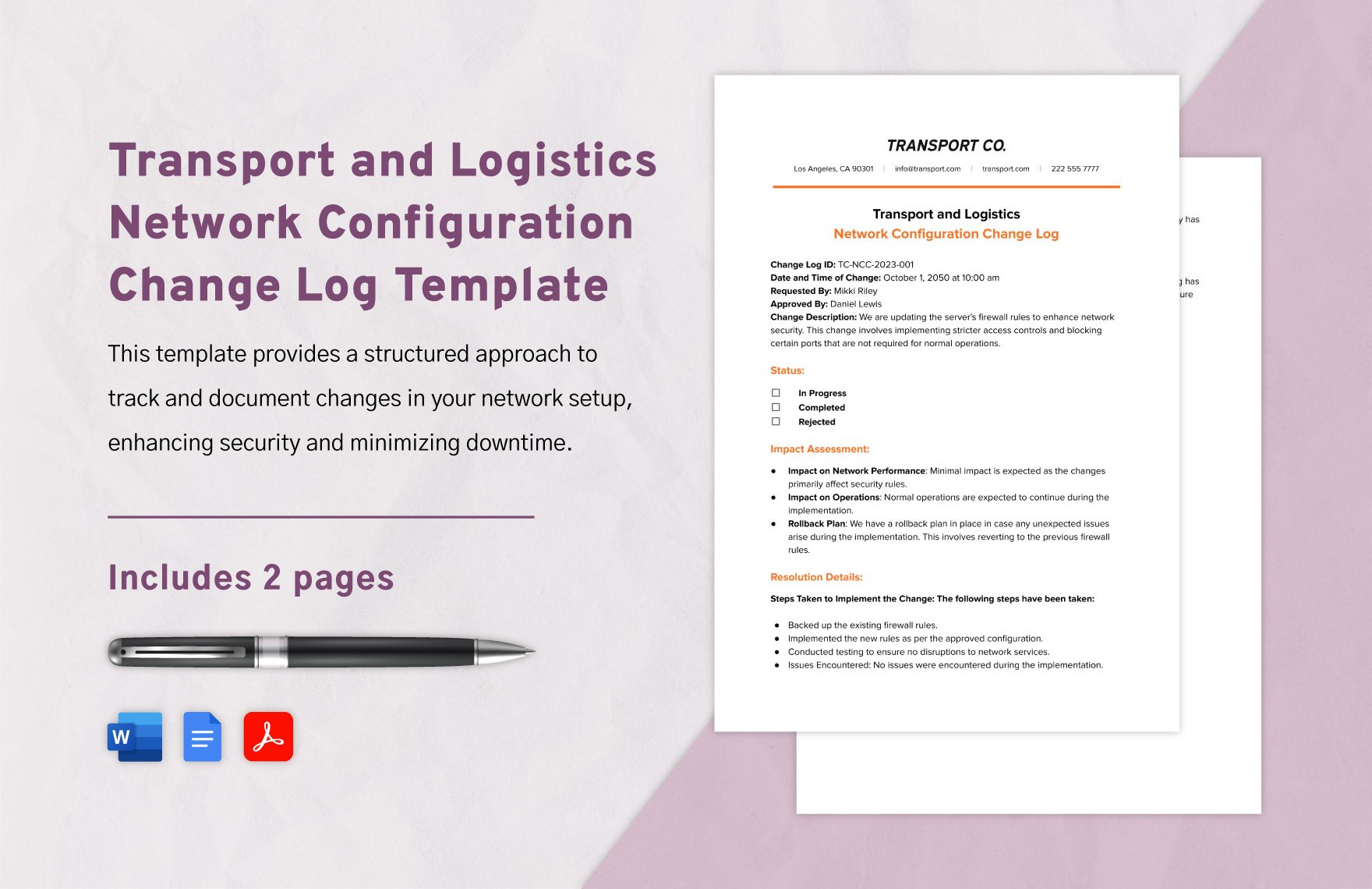
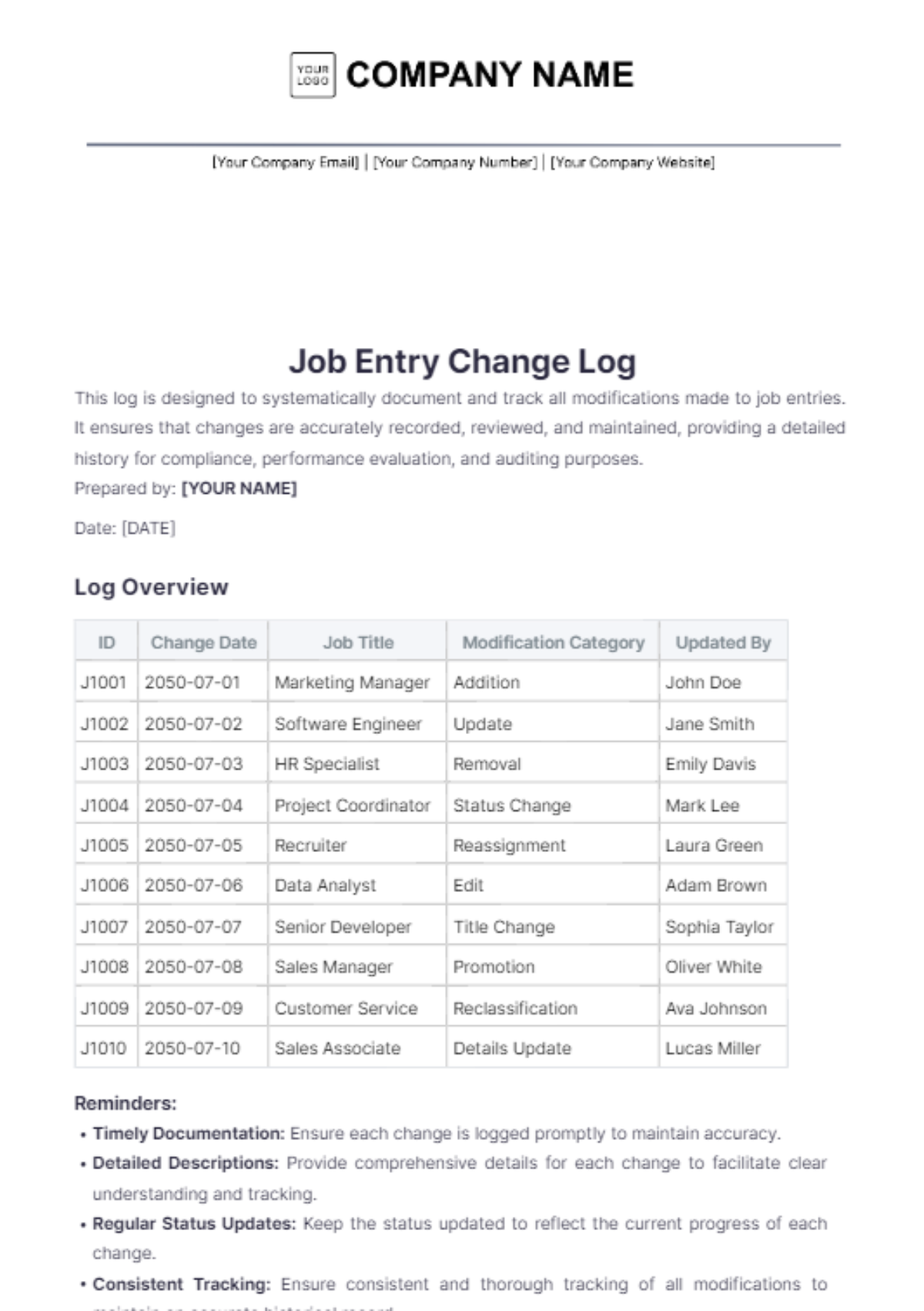
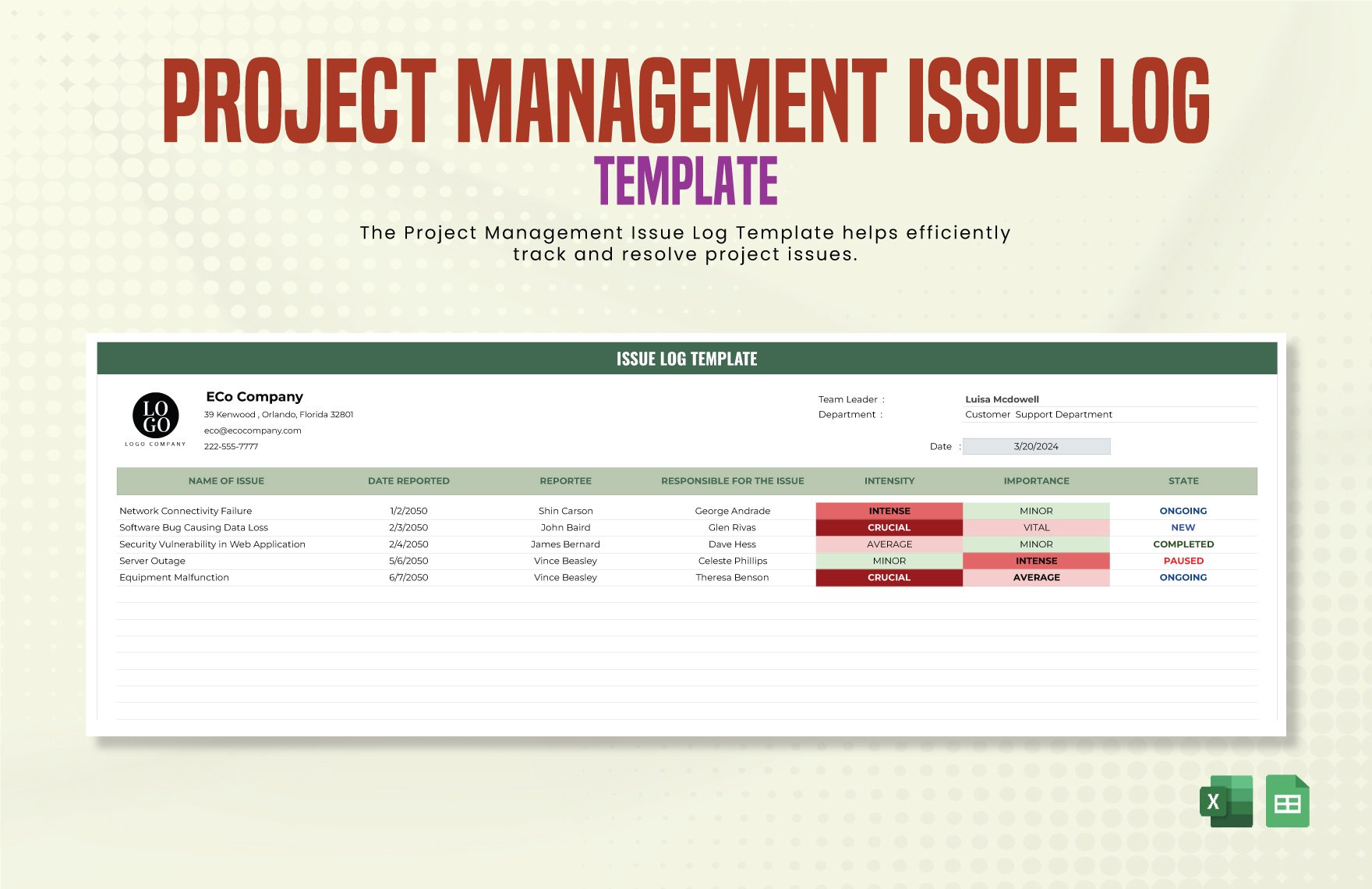
Change Log Templates: Definition, Usage, and Formats
What is a Change Log?
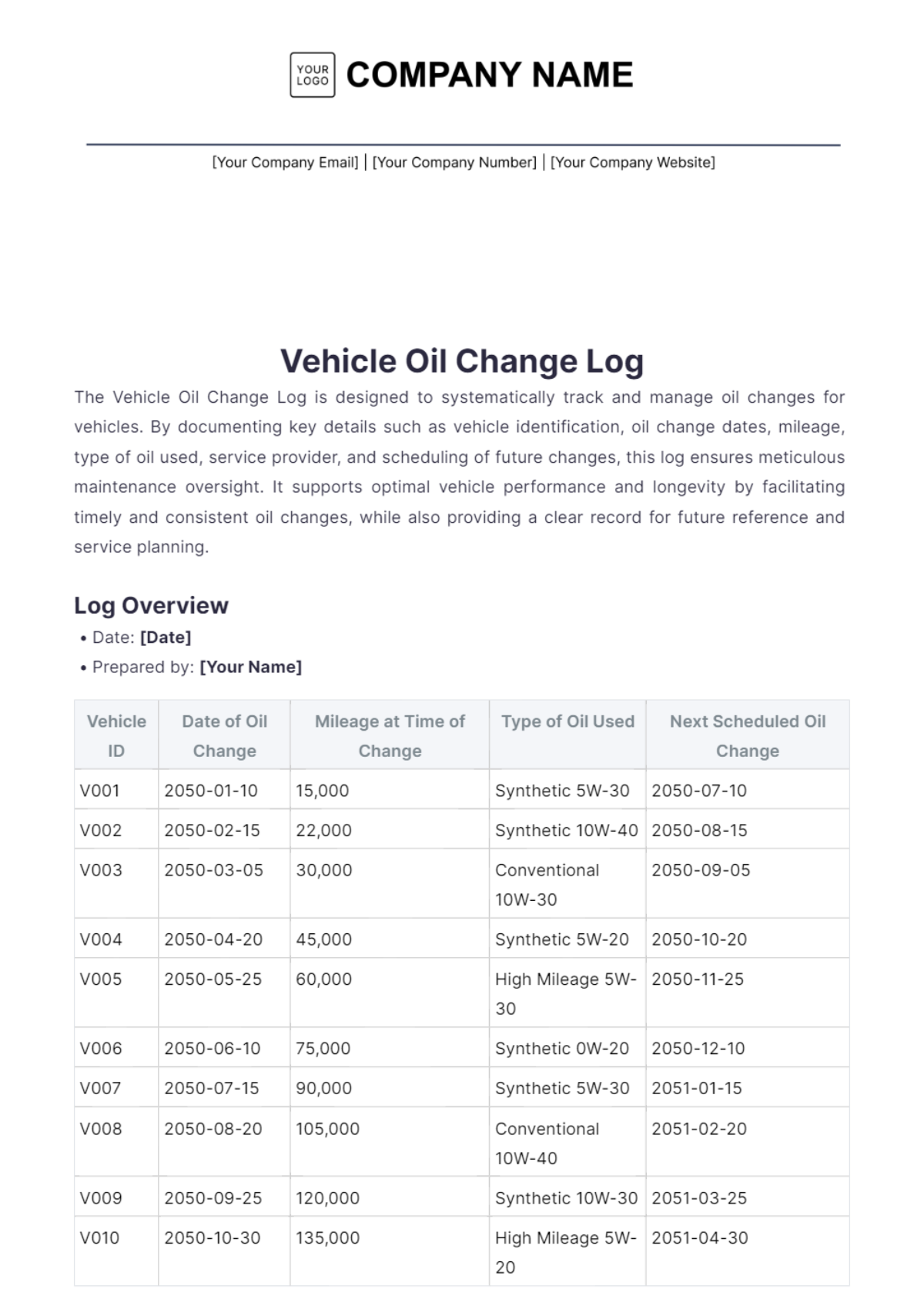
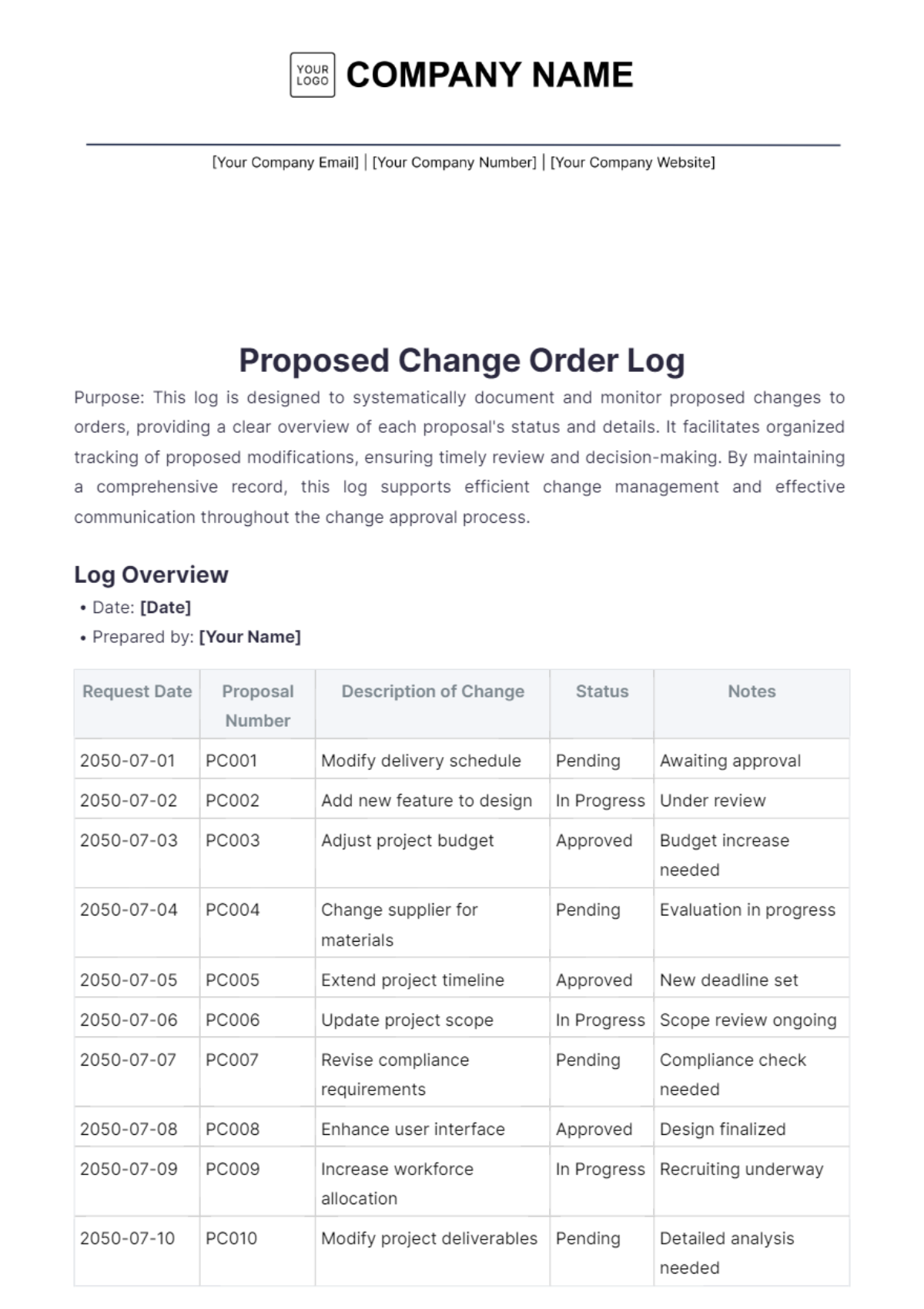
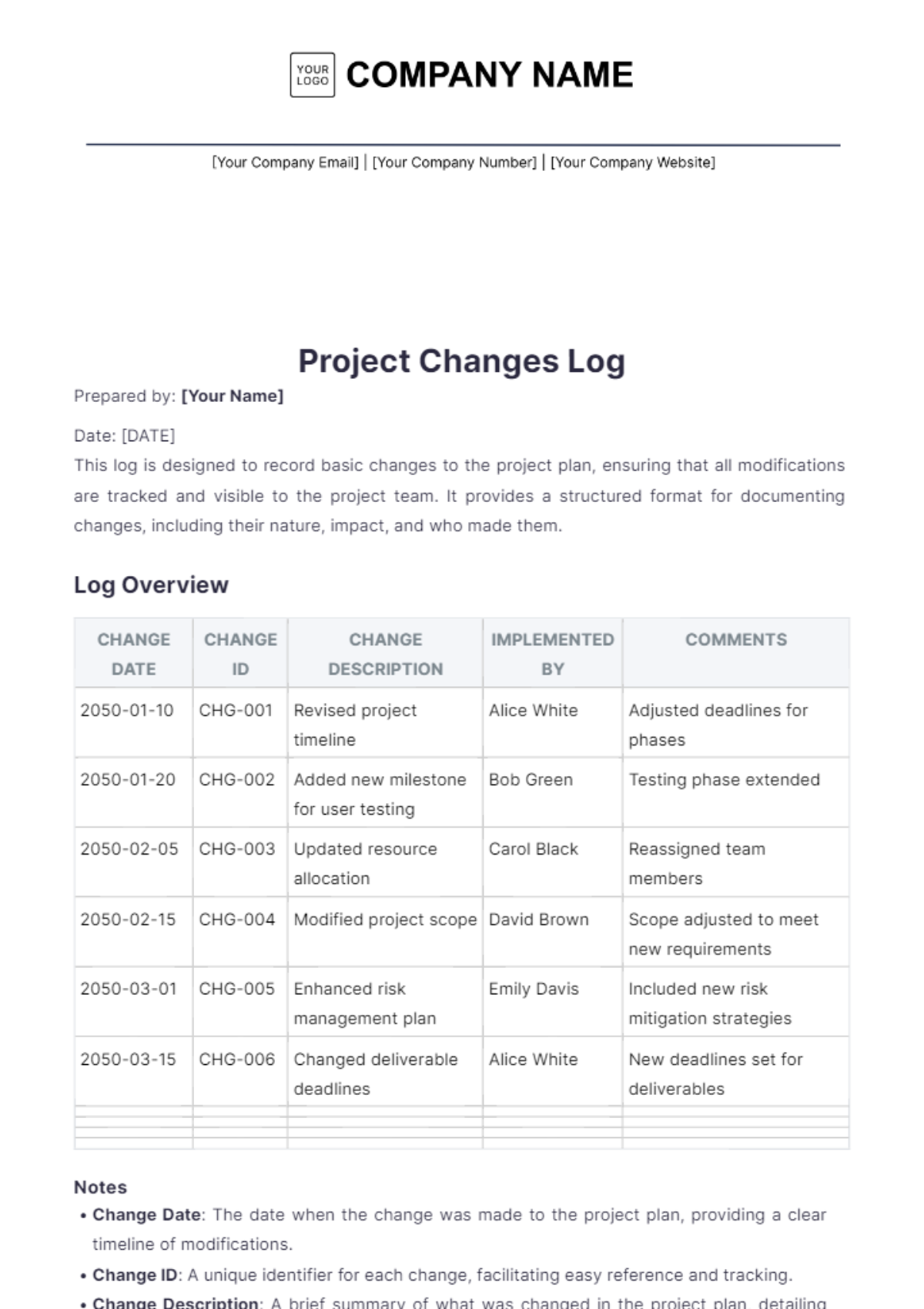
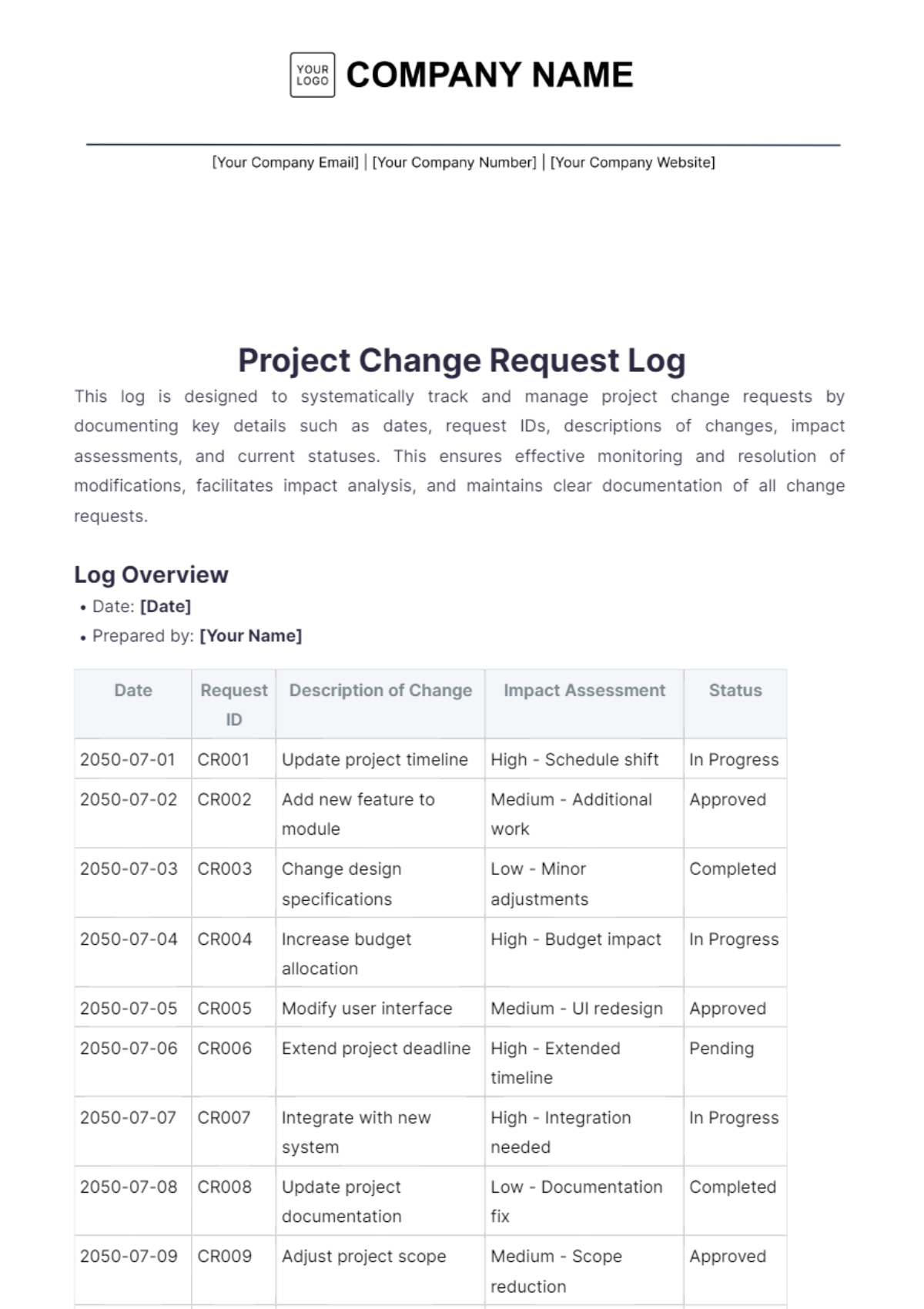
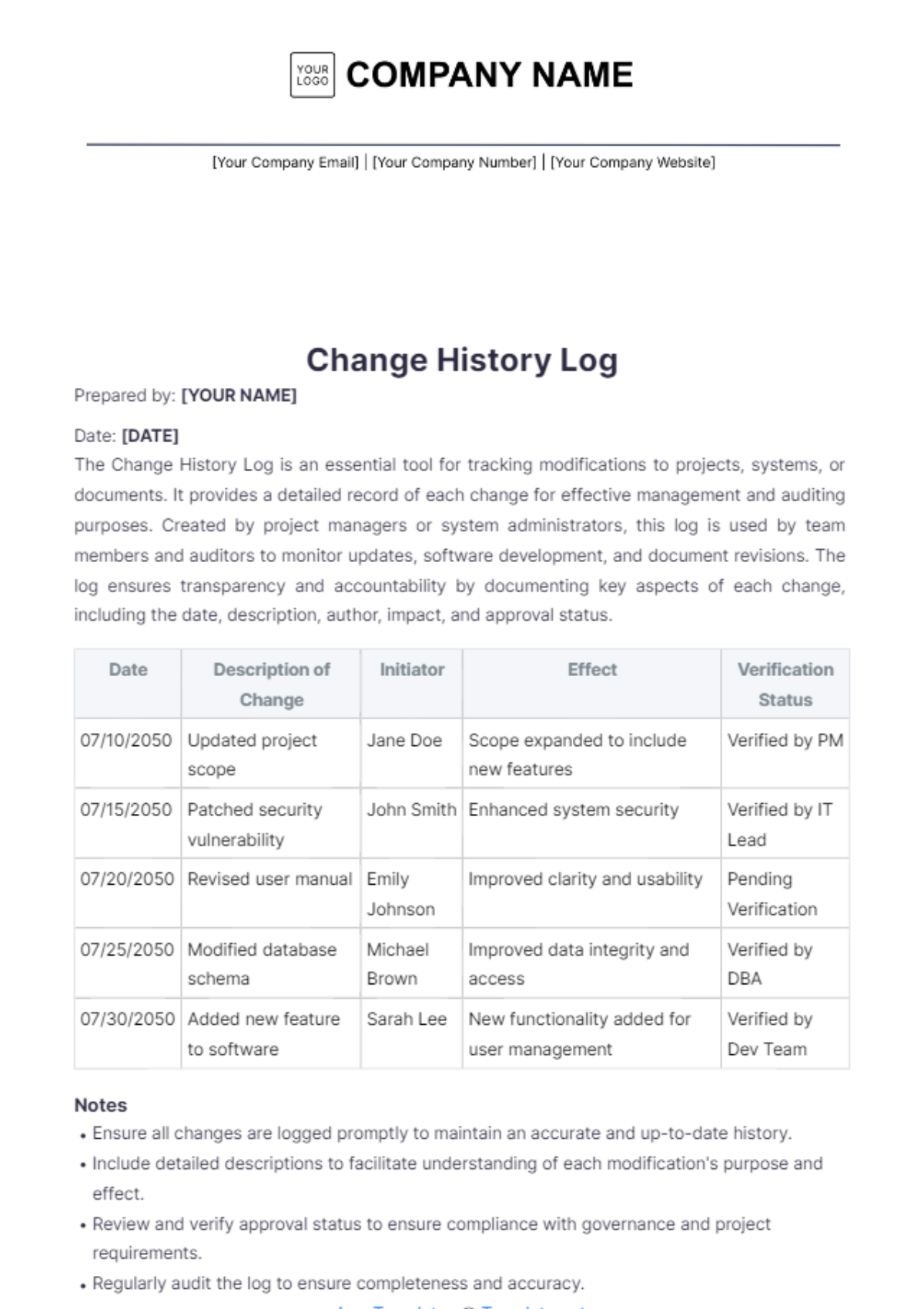
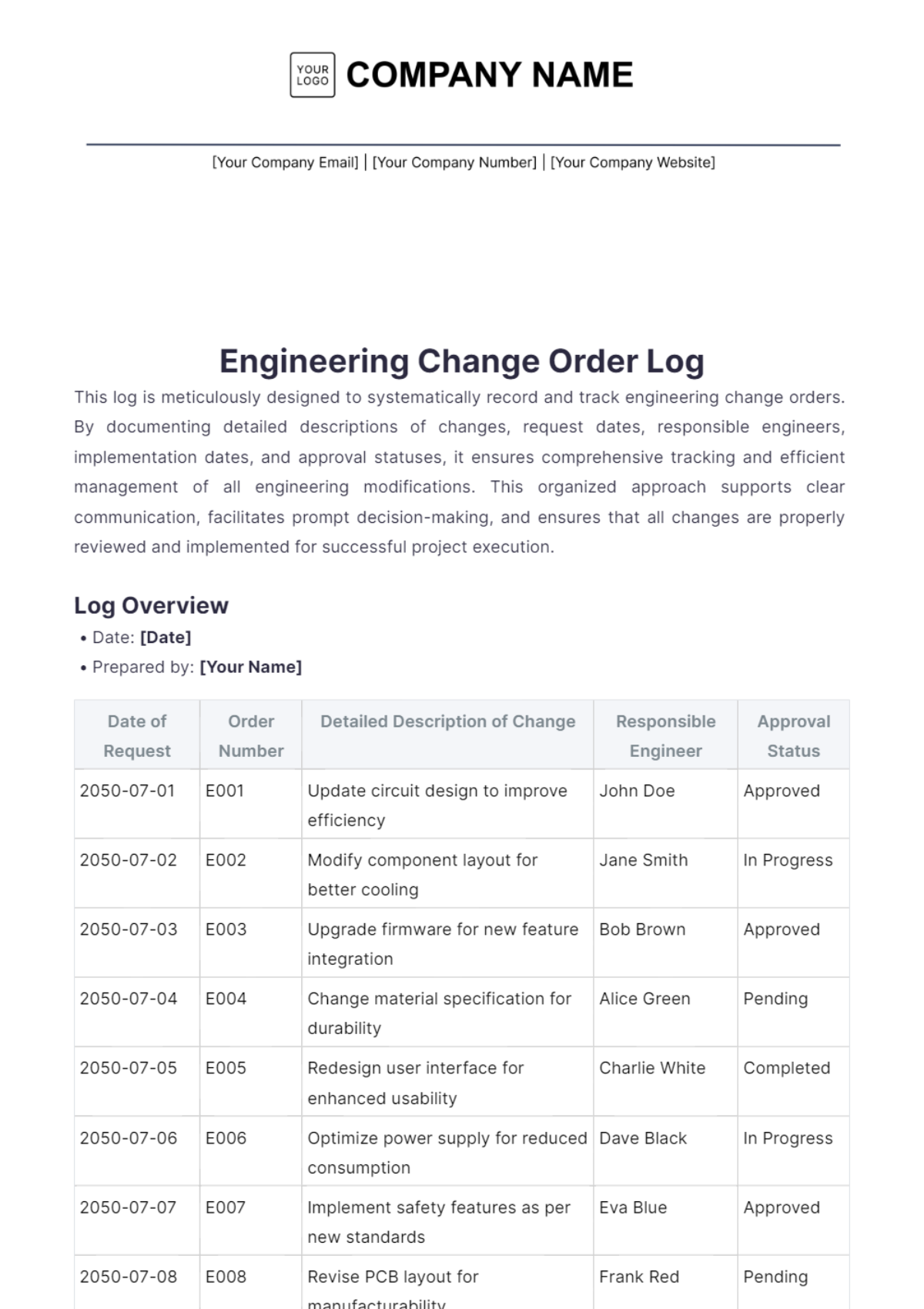
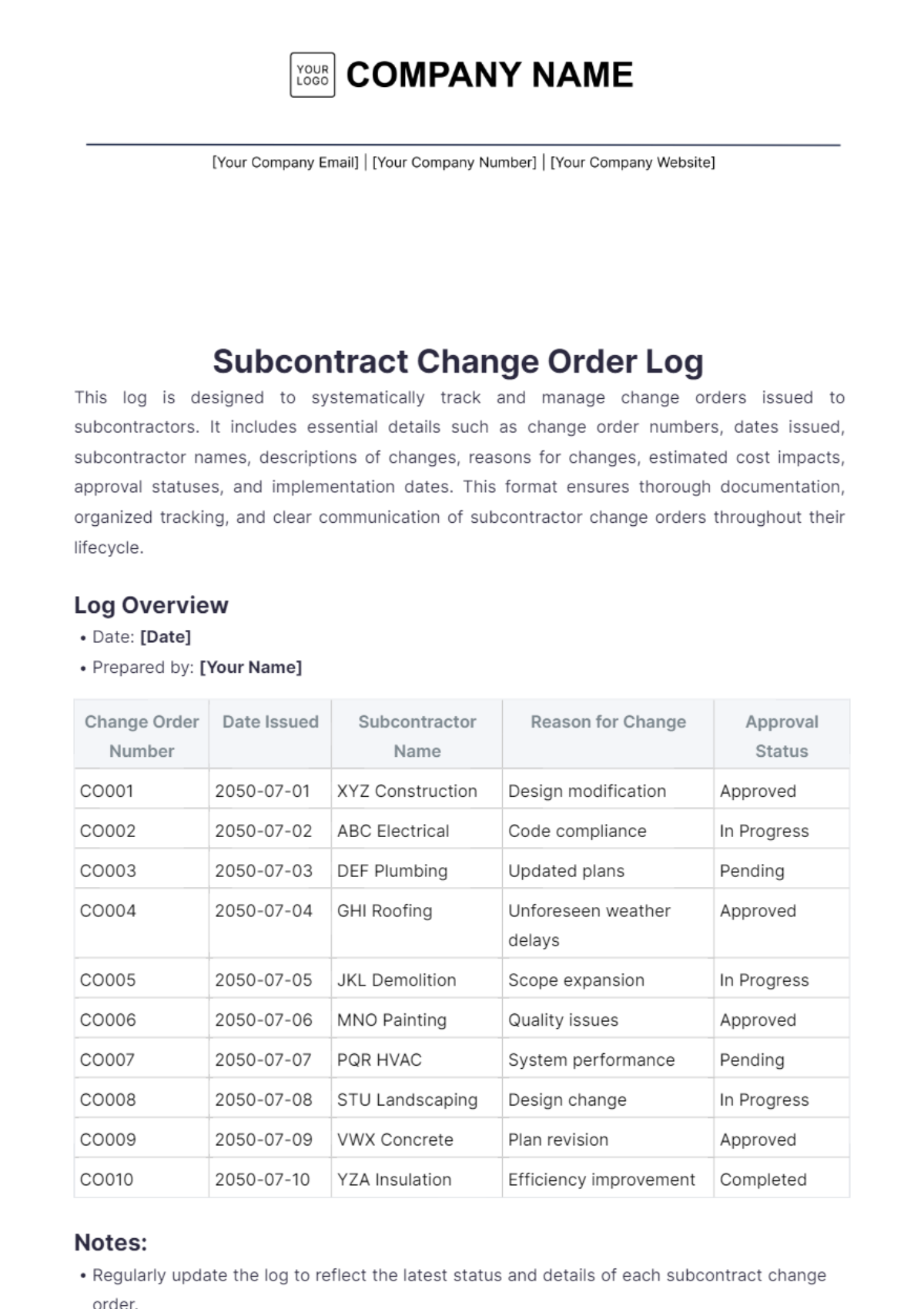
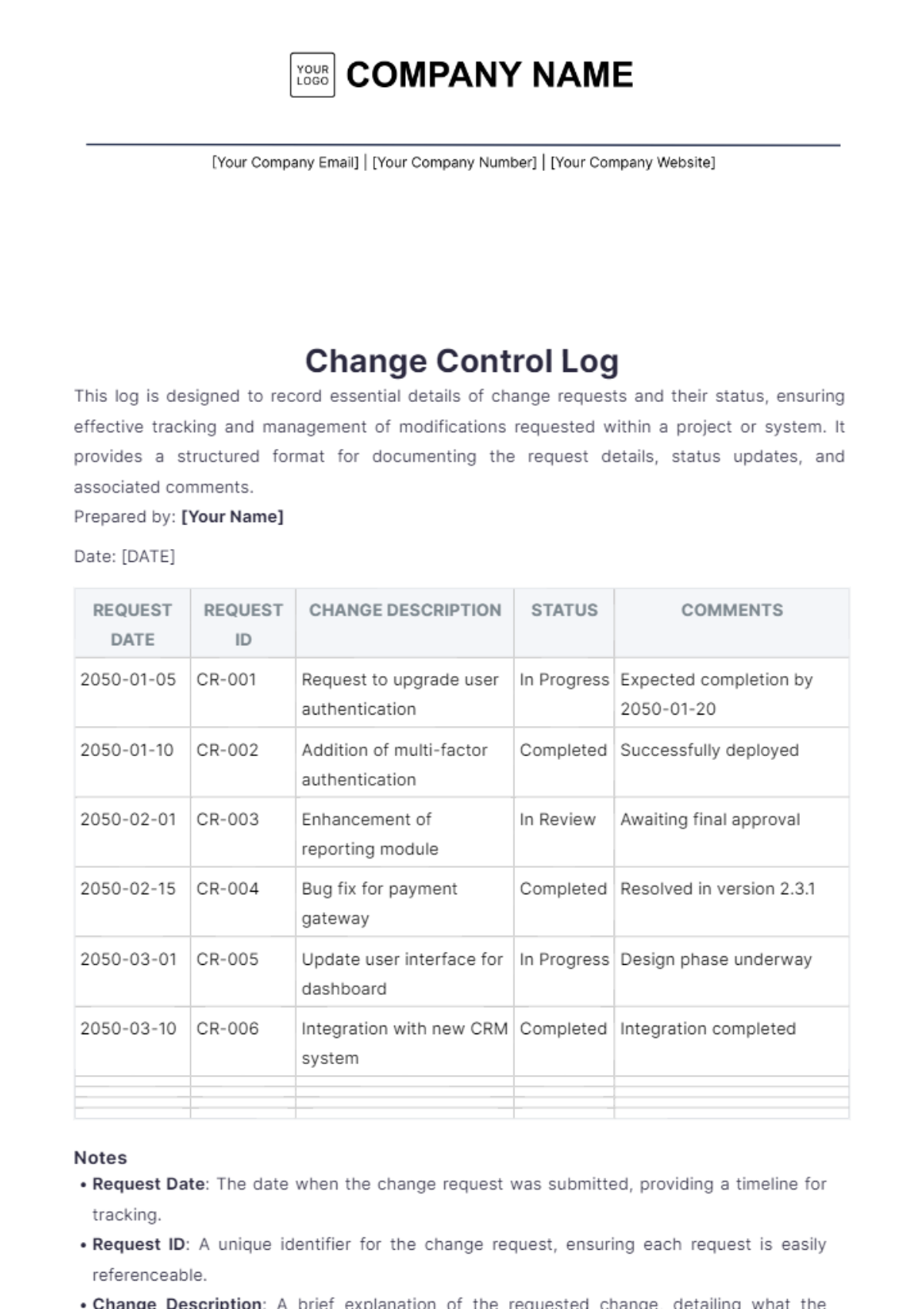
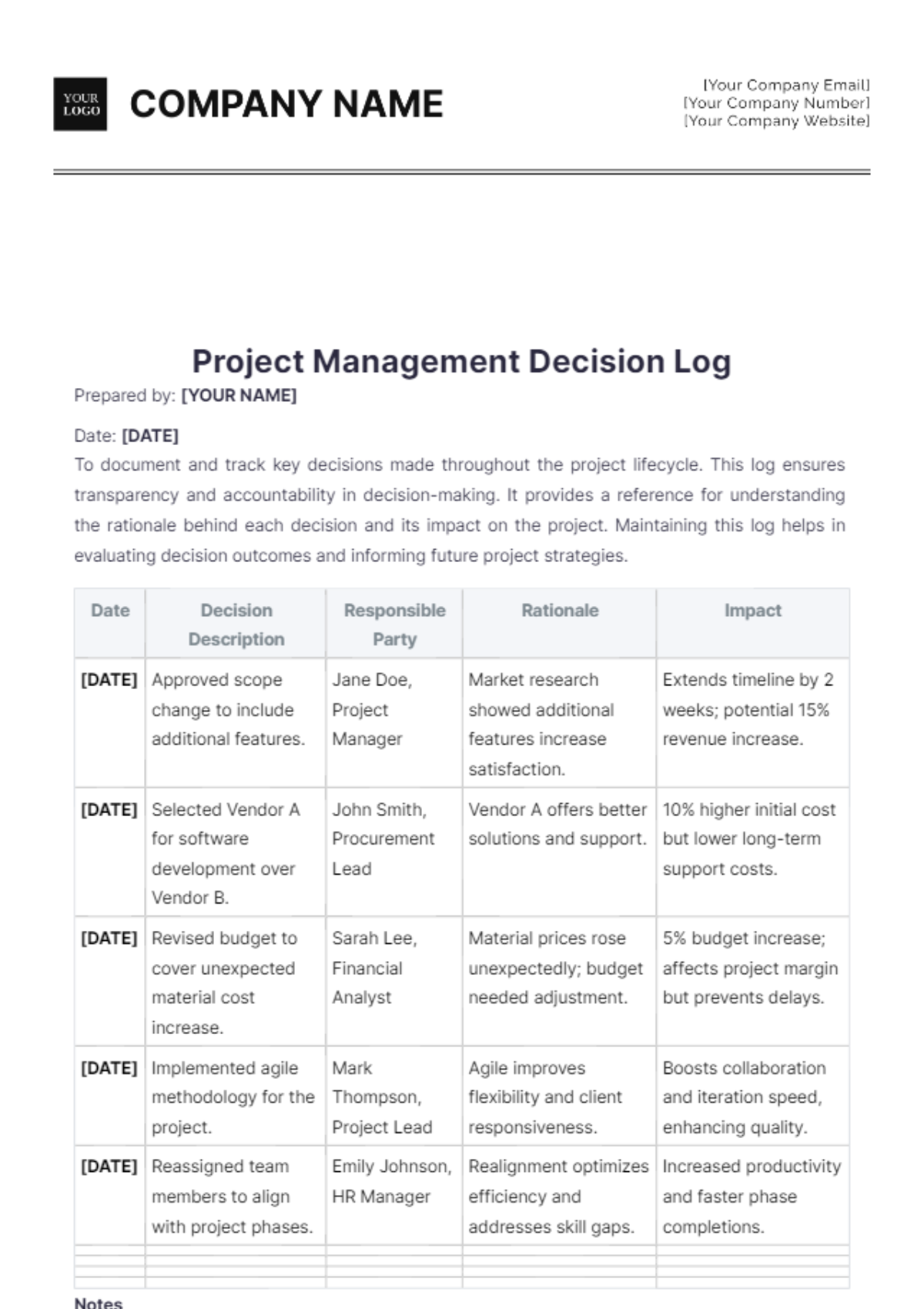
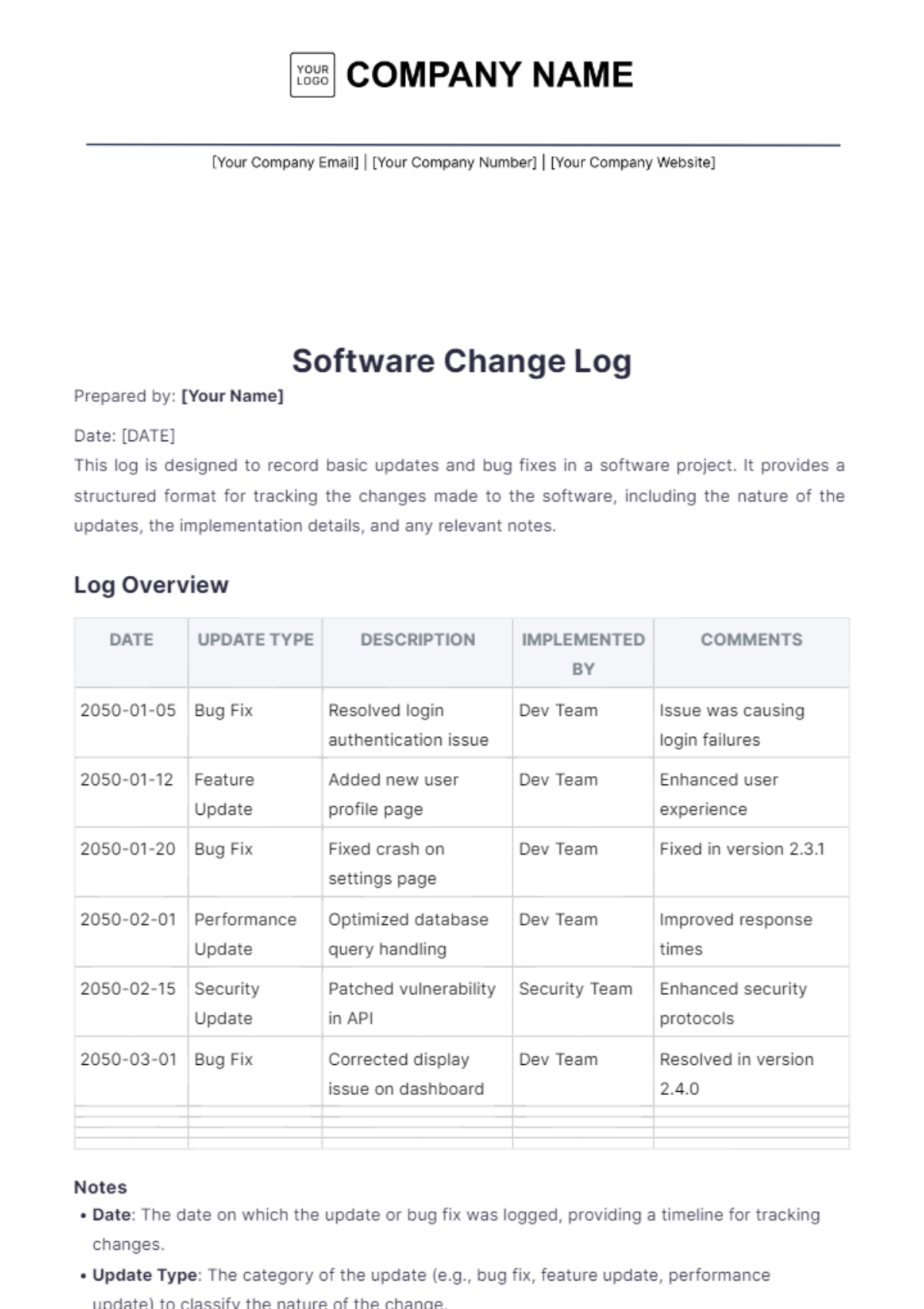
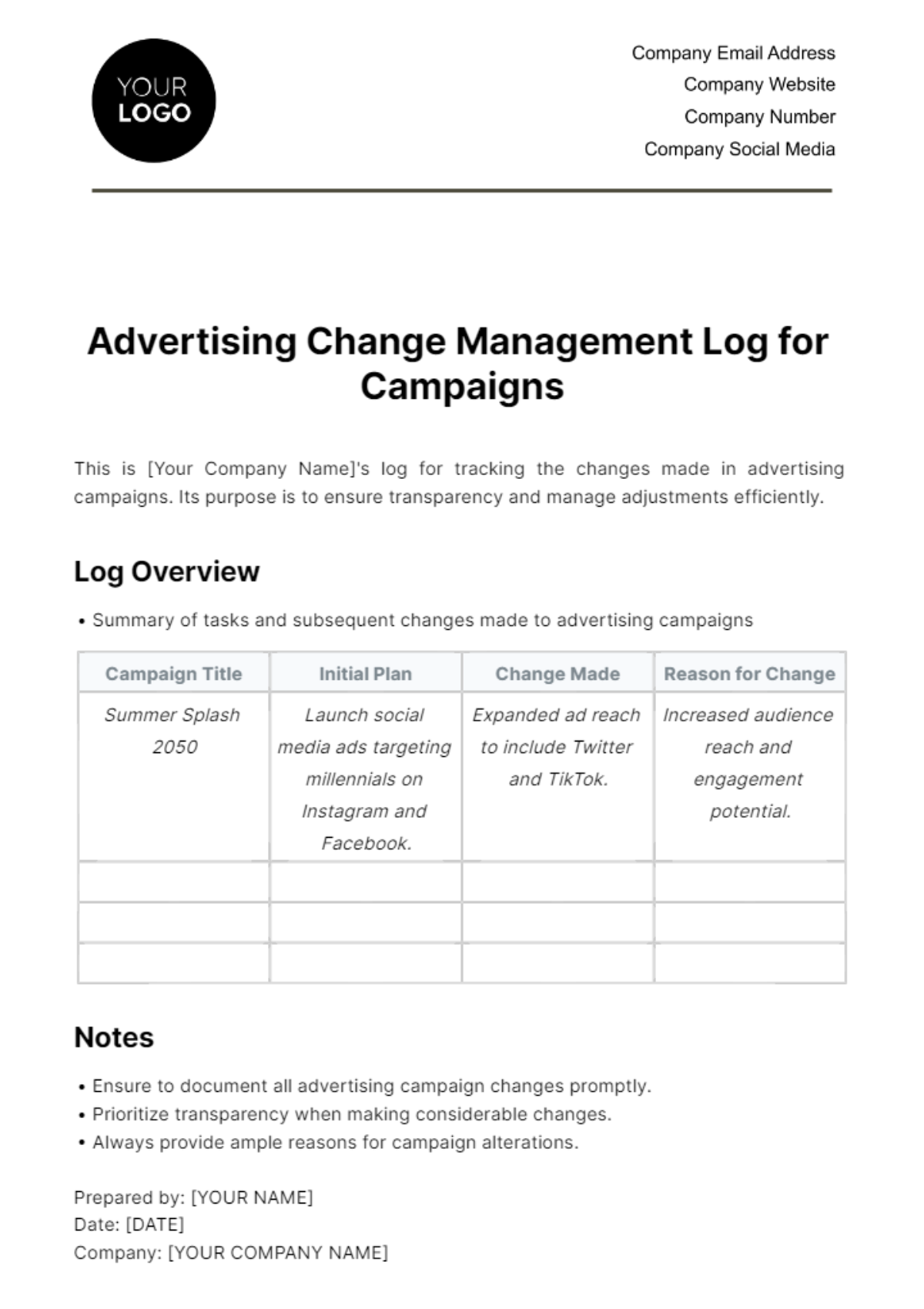
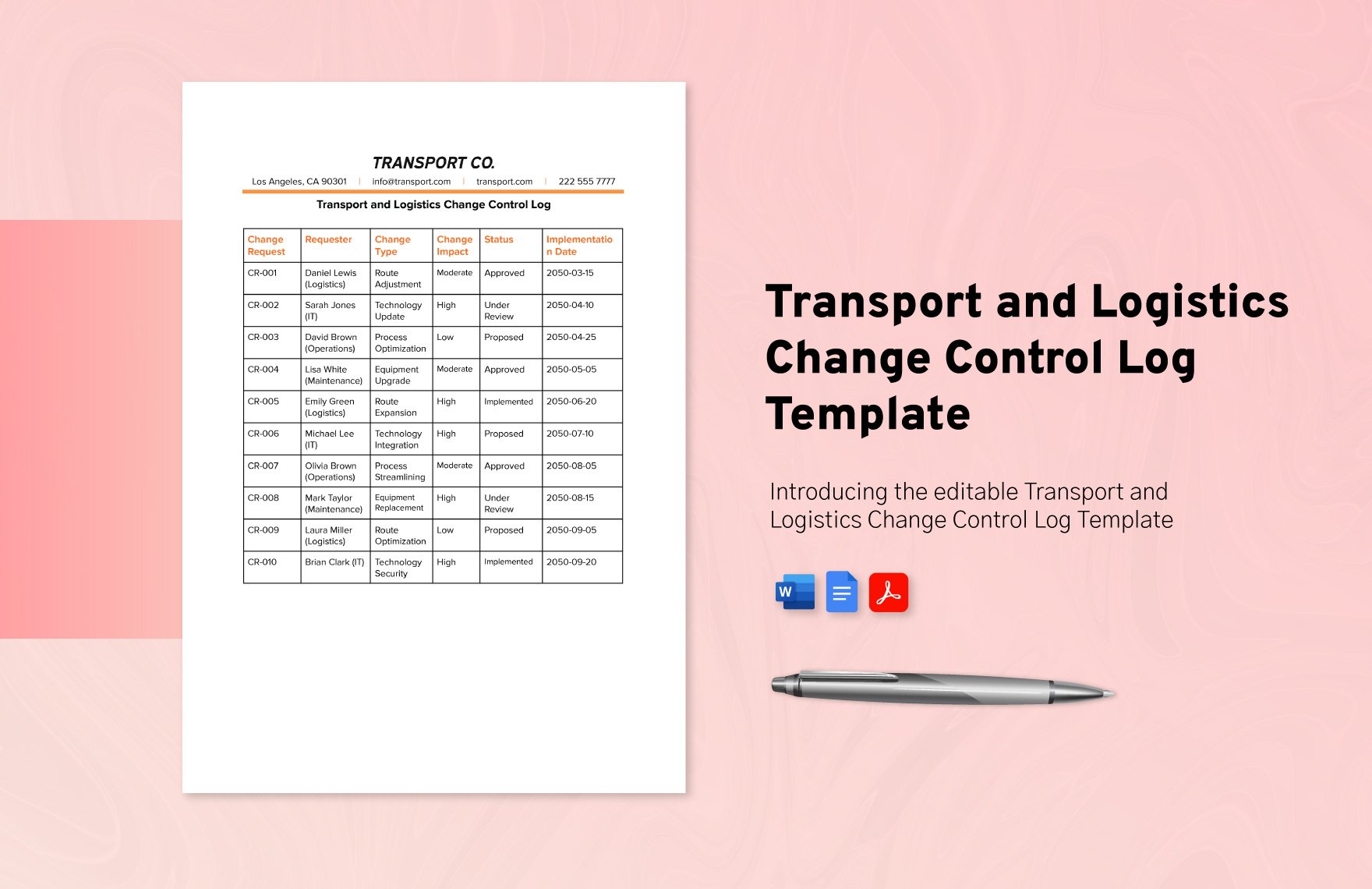
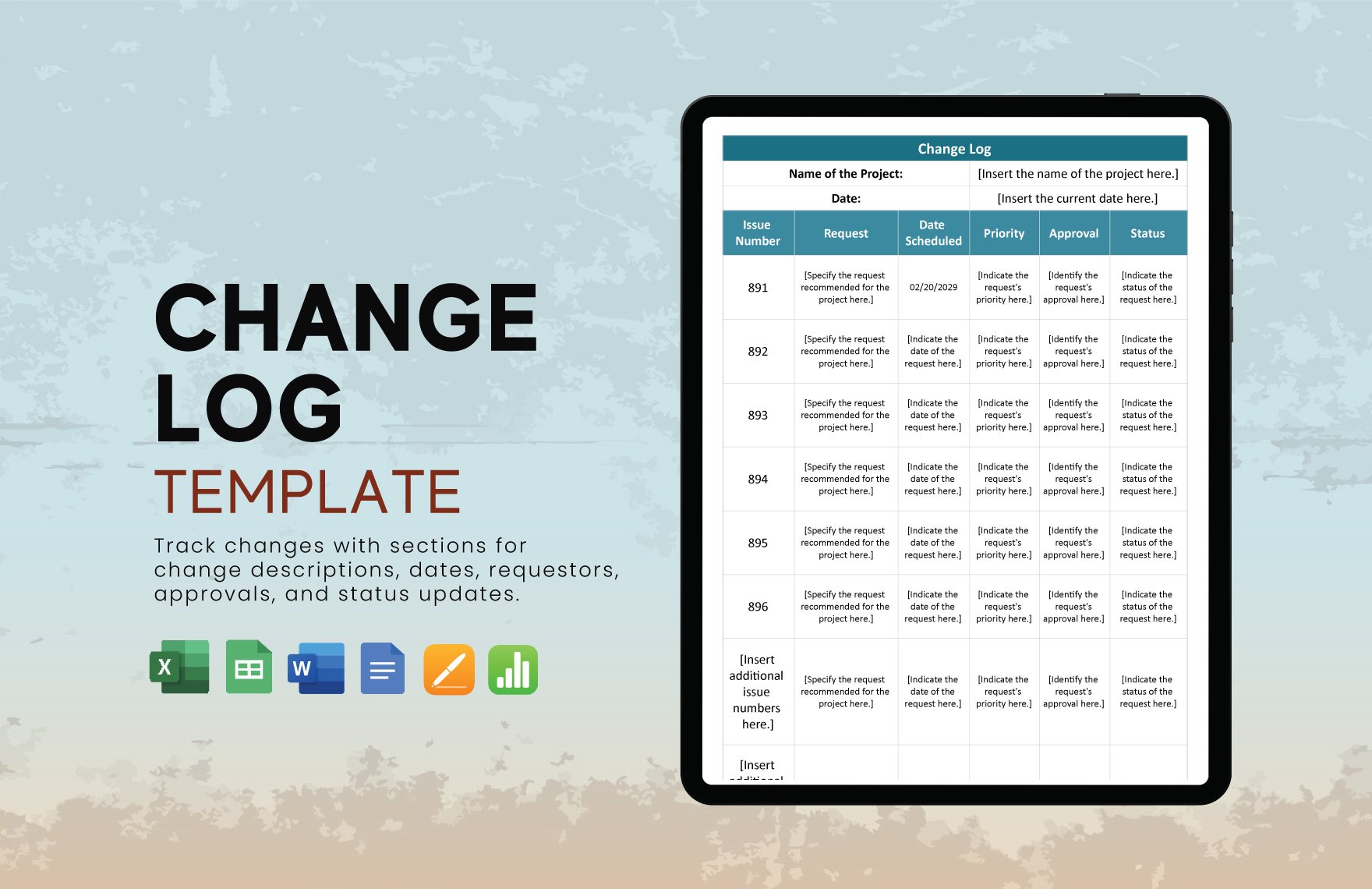
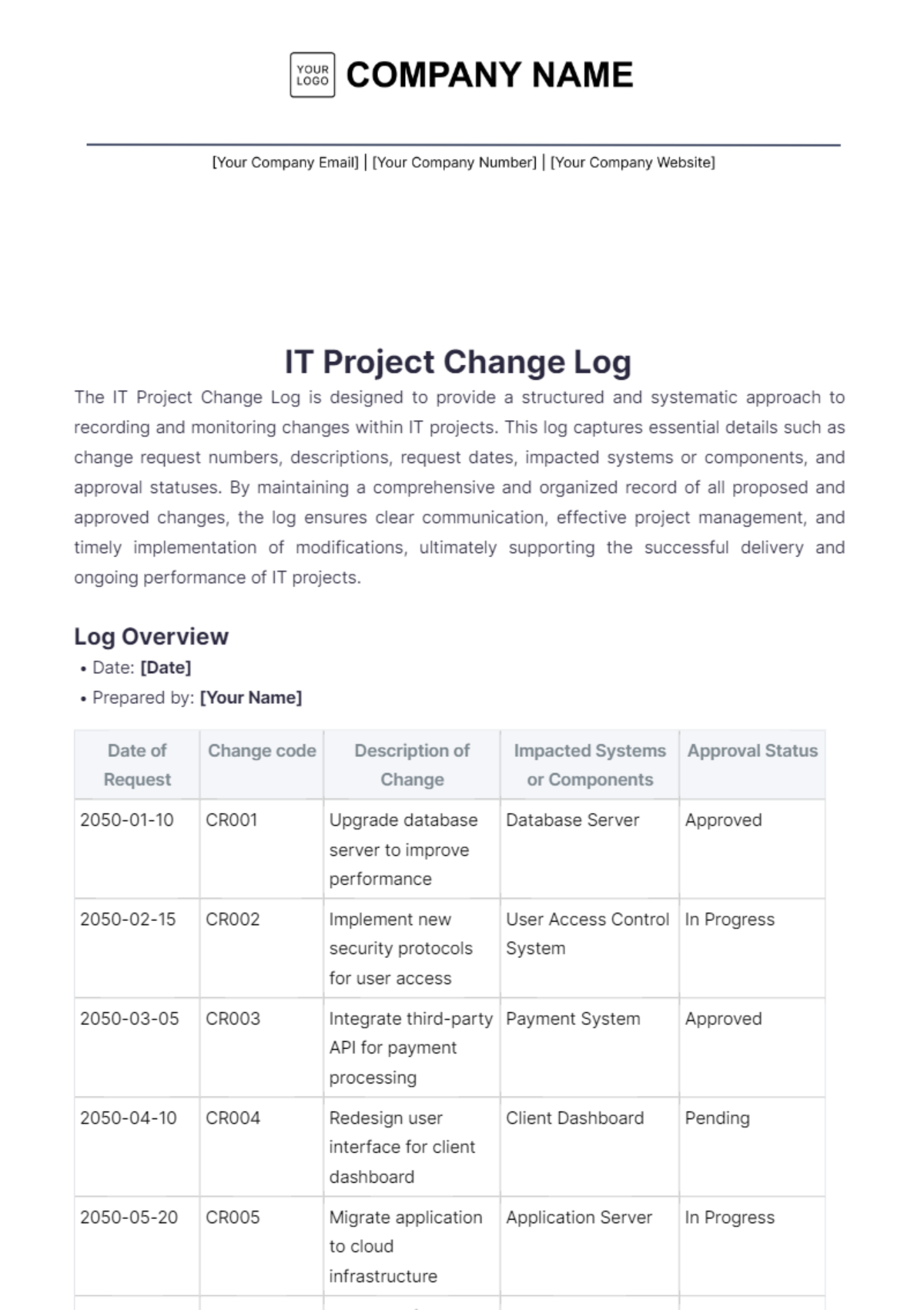
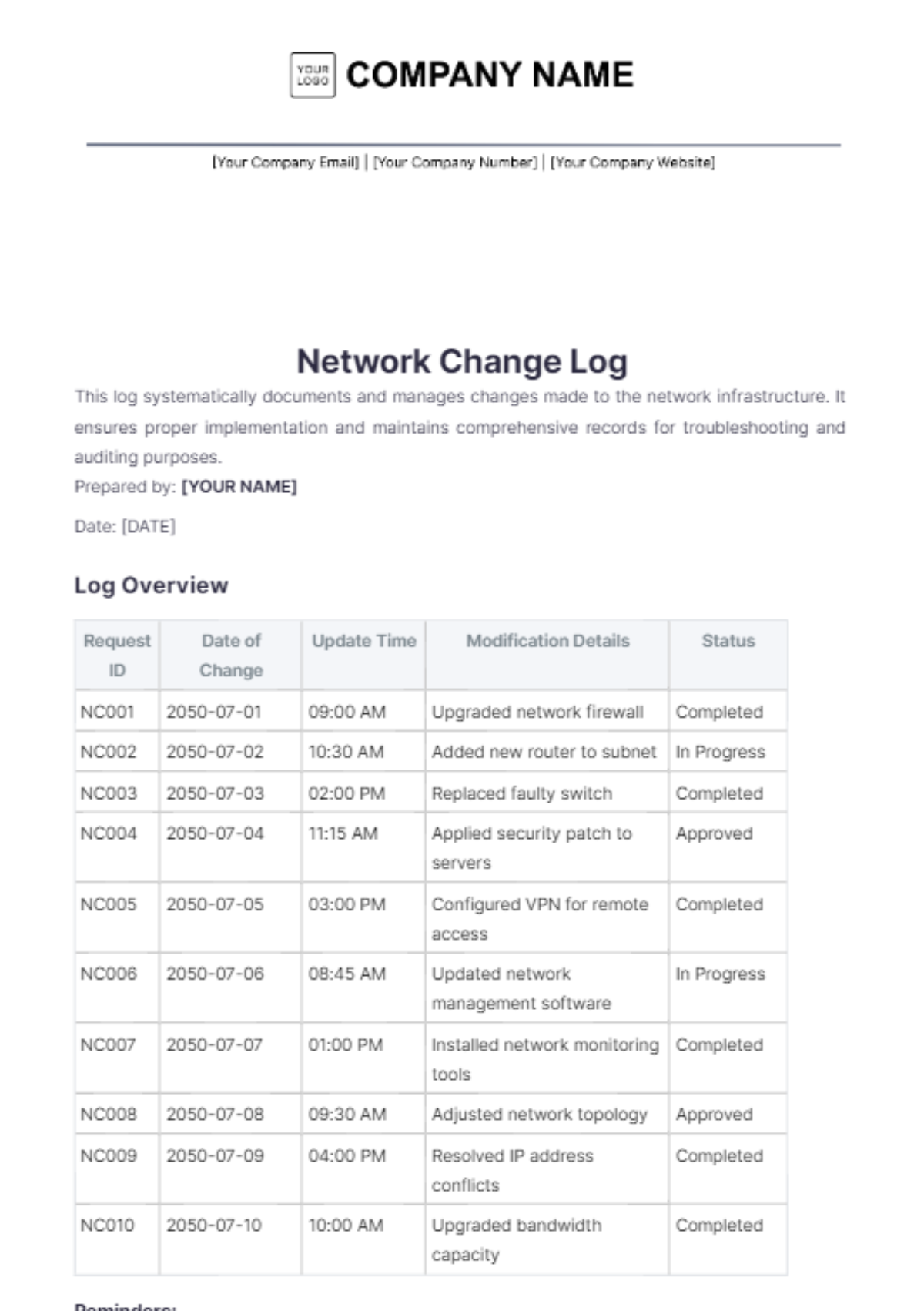
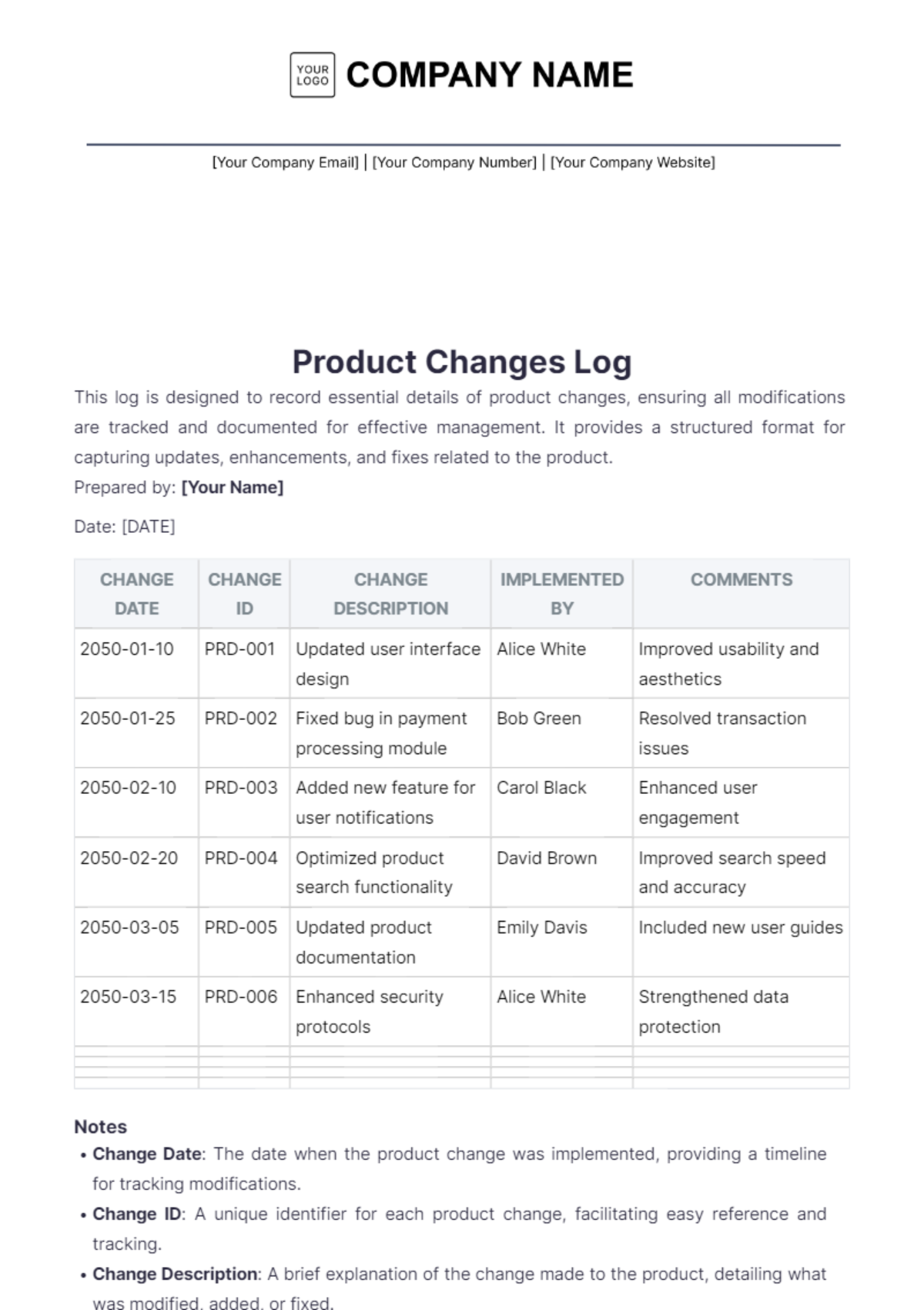
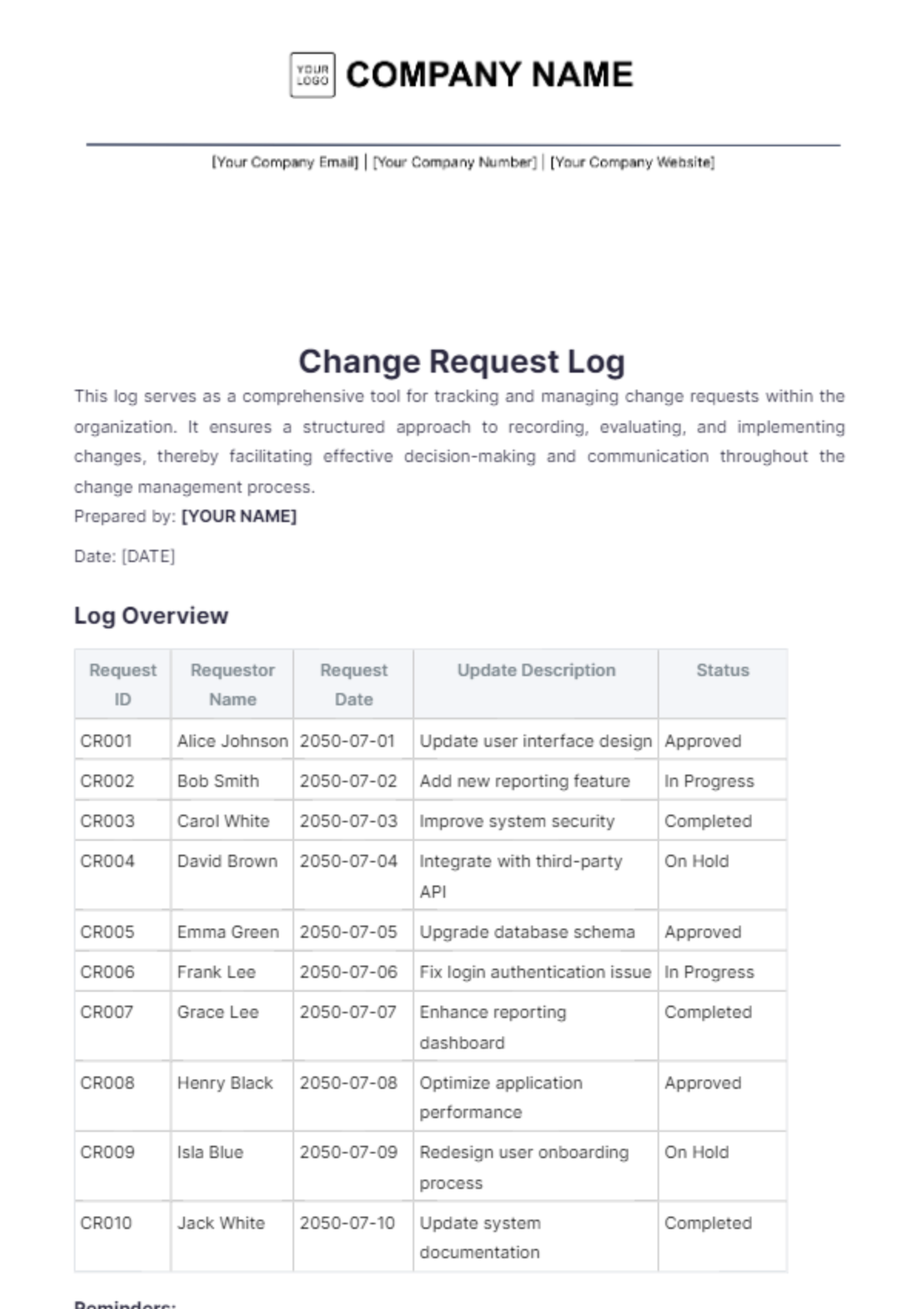
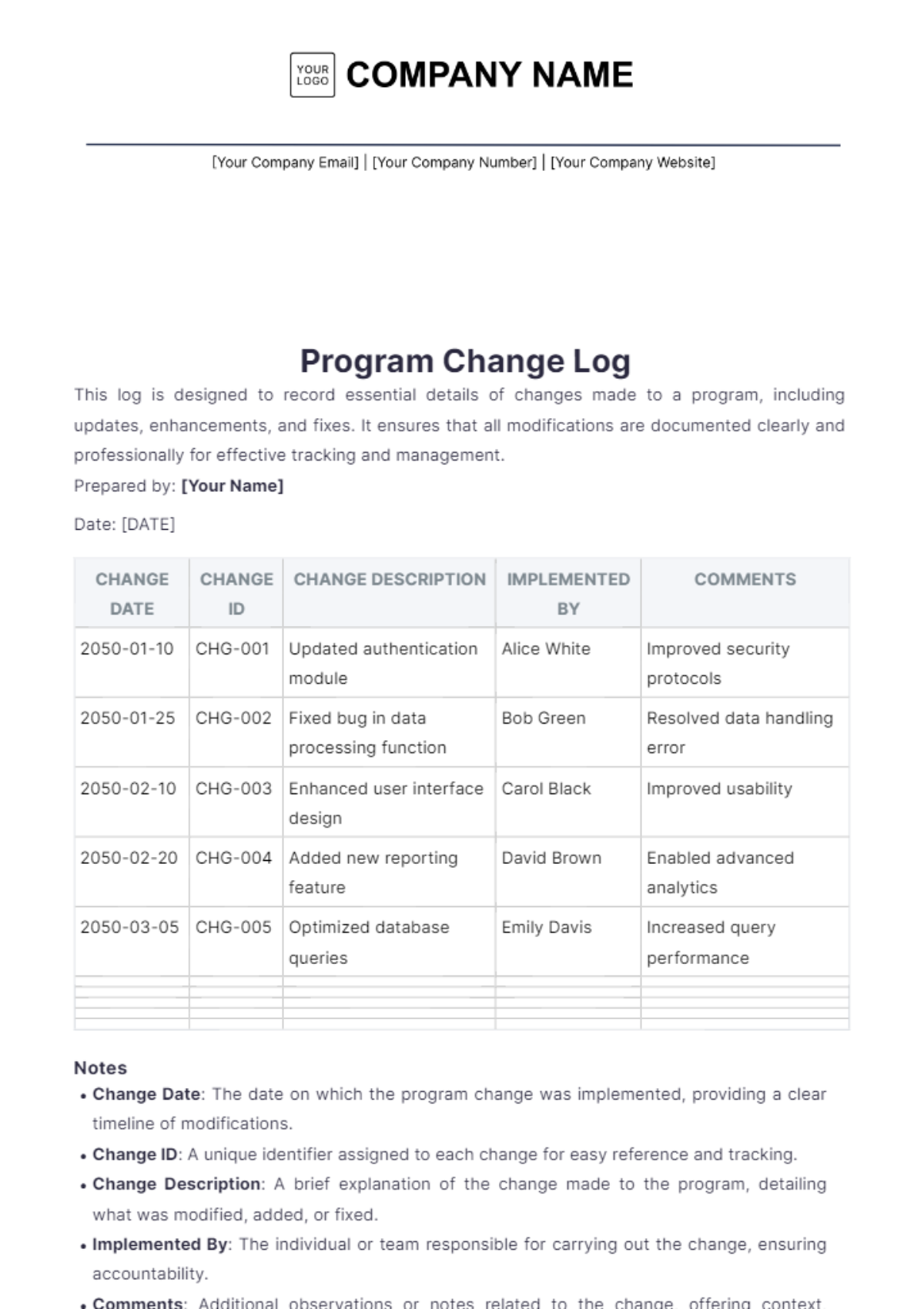
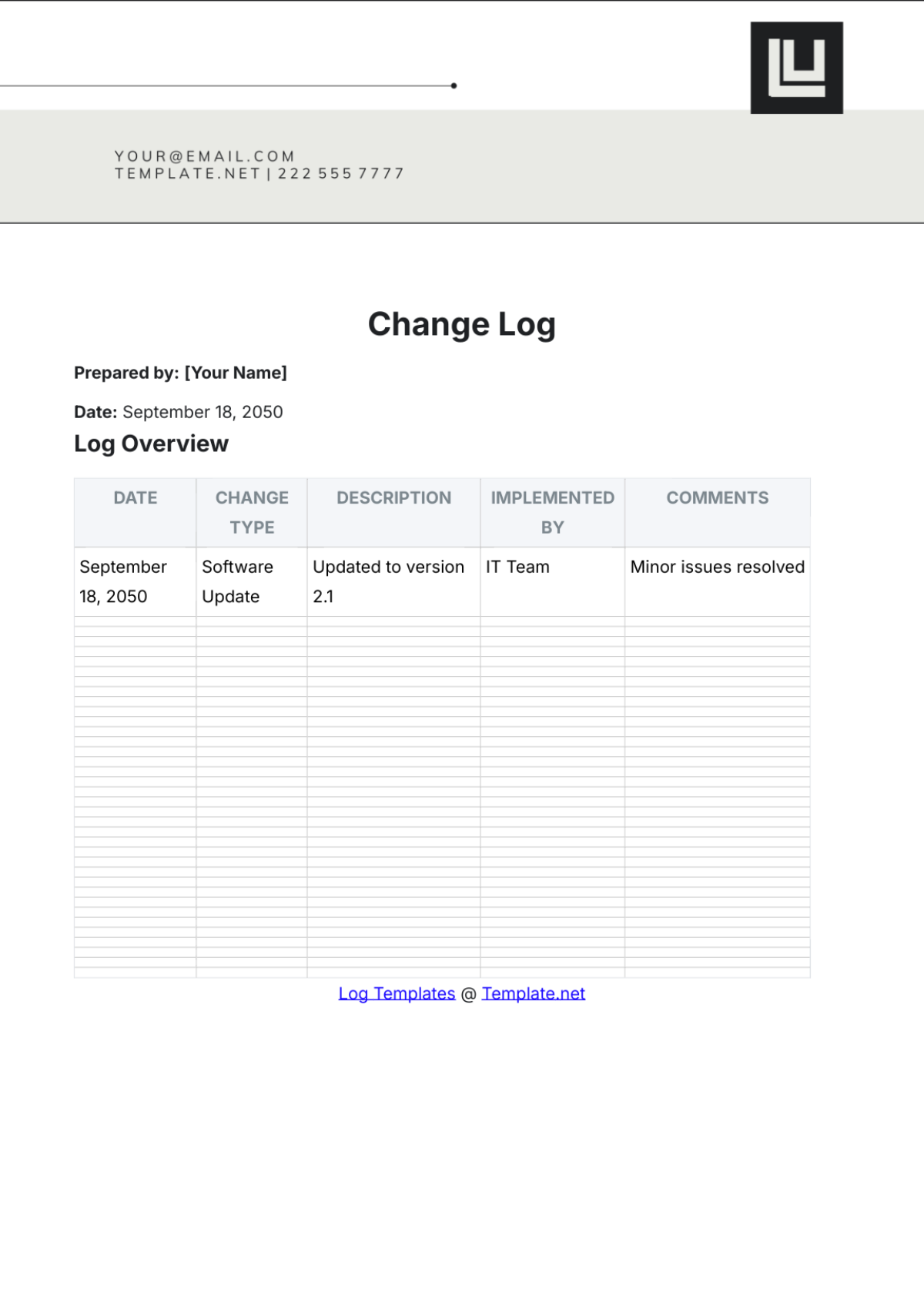
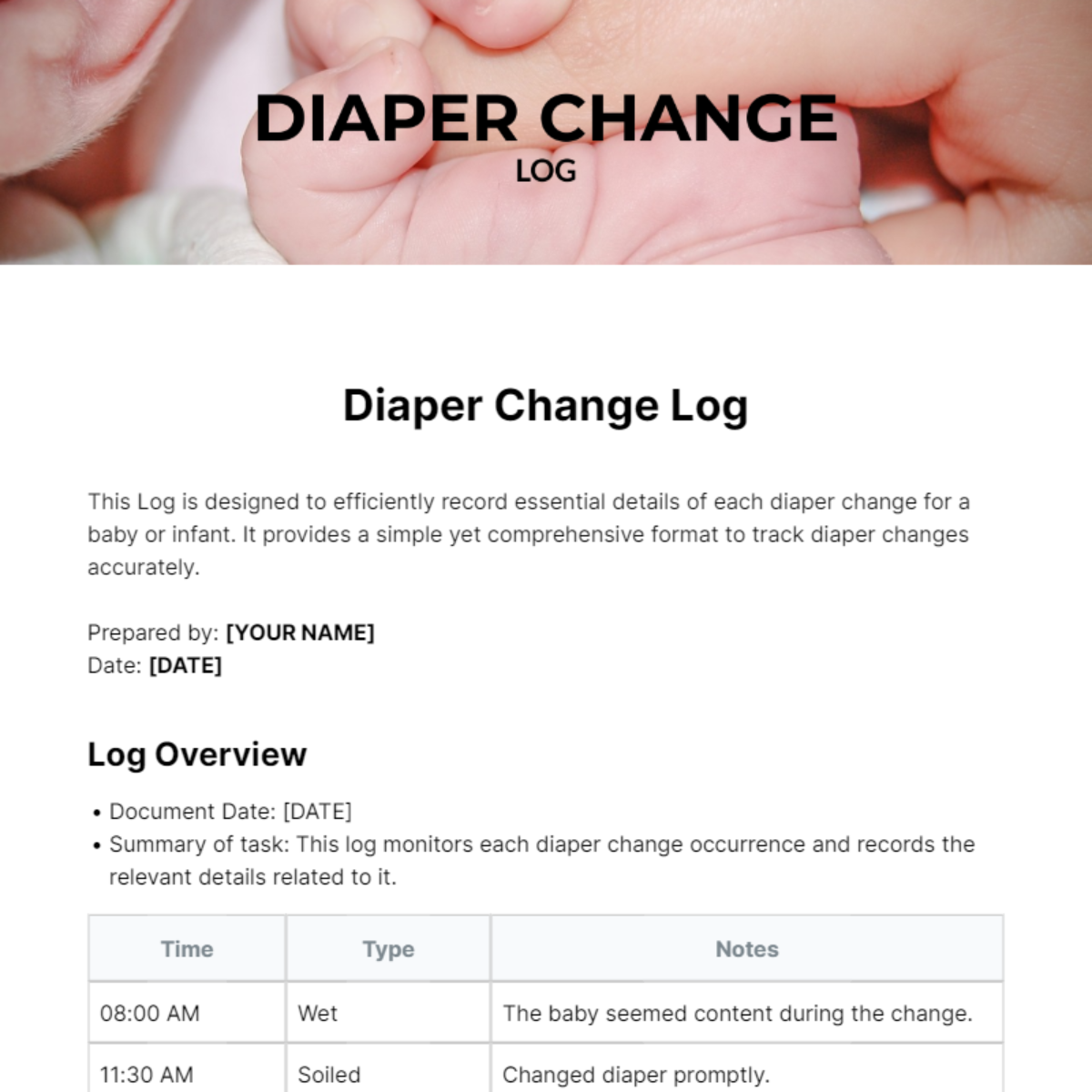
A change log is a structured document that lists all updates, fixes, and modifications made to a project or software over time. Change log templates provide a professional layout to document version history clearly and maintain business-ready records for tracking progress and communication.
Why use a Change Log?
Using change log templates ensures transparent communication of all project or software updates, helping teams track modifications efficiently. These templates provide a structured format that supports print-ready and compliance-friendly documentation for stakeholders and audits.
Who typically uses Change Logs?
Change logs are typically used by software developers, project managers, quality assurance teams, and business analysts to document updates. These users benefit from ready-made templates that offer structured formatting for clear version tracking and professional presentation.
What sections should a Change Log include?
A change log should include sections such as version number, date of change, description of updates, and author or responsible party. These structured sections ensure clarity and completeness in documenting all modifications.
What are the best tips for formatting a Change Log?
For a professional change log, use a clear header, organize entries by version and date, and maintain consistent structured formatting. Utilize bullet points or tables for readability, and ensure the document is print-ready for business use.
How do you print a Change Log?
Change logs created with templates on Template.net are designed to be print-ready, supporting export to PDF and other formats. Printing involves exporting the document with business-ready layout and structured sections intact for professional hard copies.
Is a Change Log legally and professionally acceptable?
Change logs prepared with structured templates meet professional and legal standards by providing clear, timestamped records of modifications. These documents support compliance-friendly presentation and help organizations maintain accurate audit trails.
What file formats can I download for a Change Log?
Template.net supports multiple export formats for change log templates, including Word and Google Docs. These formats allow editing online and print-ready output.
Can I create a new Change Log using AI?
Template.net provides an AI-powered tool that generates structured change log documents from prompts in three to ten seconds, ready for online refinement and multi-format export. Use the Log Generator to create new documents efficiently.
